
22 Best Email Marketing Software & Tools in 2026 (Tested & Compared)

Short answer: Choose Sequenzy for SaaS lifecycle and billing emails, MailerLite for a small business getting started, Kit for a creator newsletter, and Klaviyo or Omnisend for ecommerce. ActiveCampaign suits complex automation, while HubSpot connects email with your CRM. The best email marketing platform depends on your workflow, contact count, and sending budget. Use the quick picks and free plan comparison below to narrow your shortlist.
Choosing the best email marketing software for your business is one of the most important decisions you'll make. The wrong choice means wasted money, poor deliverability, and hours lost to a clunky interface. The right choice means higher open rates, better conversions, and a marketing channel that actually works.
I've spent months testing and comparing 22 email marketing platforms across every category that matters - pricing, ease of use, automation, deliverability, integrations, and support. This isn't a sponsored list where whoever pays the most gets the top spot. It's an honest breakdown of what each tool does well and where it falls short.
Whether you're a solo founder sending your first newsletter, an e-commerce brand running complex automations, or a SaaS company managing lifecycle emails - there's a tool on this list that fits.
This is the broad platform comparison. If automation depth is the deciding factor, the companion guide to the best email automation software ranks the same market on workflow builders and trigger types.
Quick Picks: Email Marketing Platforms by Use Case
- Sequenzy - Best suited to SaaS teams that combine email marketing and transactional email with Stripe billing triggers.
- Omnisend - Email and SMS marketing for online stores.
- Brevo - An all-in-one email marketing service for senders that like to get value for money.
- MailerLite - A user-friendly email marketing tool for beginners and small lists.
- Kit - A generous free plan for creators building an email newsletter.
- Sender - Affordable email and SMS marketing for small businesses and ecommerce.
- Klaviyo - Ecommerce email marketing with detailed customer segmentation.
- ActiveCampaign - Advanced email automation for branching customer journeys.
- Customer.io - Behavioral email campaigns for product teams.
- Resend - An email service for developers building API-driven sending.
- HubSpot - Marketing and CRM for teams connecting campaigns to sales.
- Constant Contact - An email marketing solution for local businesses and events.
- Beehiiv - Newsletter software for publishers building a media business.
Best email marketing software for automation and form-fill emails
If a form submission needs to start an email sequence, three tools cover almost every case. ActiveCampaign wins when the follow-up branches on many conditions. Sequenzy wins when the trigger is a product event, an API call, or a Stripe billing change rather than a marketing form, and it can also fire from a hosted form or popup. MailerLite wins on price when the form is a simple newsletter or lead-magnet signup and you want it free.
Email marketing software in 2026: quick comparison
| Tool | Best For | Starting Price | Free Plan | Standout Feature |
|---|---|---|---|---|
| Sequenzy | SaaS & startups | $19/mo | Yes (2.5k emails/mo) | Native Stripe + AI sequences |
| Omnisend | E-commerce multi-channel | $16/mo | Yes (250 subs) | Email + SMS + push combo |
| Brevo | Budget-friendly + All-in-One | $9/mo | Yes (300/day) | Volume-based pricing |
| MailerLite | Simplicity + value | $12/mo | Yes (250 subs) | Landing pages at low cost |
| Beehiiv | Newsletter businesses | $49/mo | Yes (2.5k subs) | Paid subscriptions + ad network |
| Sender | Small businesses & ecommerce | $7/mo | Yes (2.5k subs, 15k emails/mo) | Affordable email + SMS combo |
| Klaviyo | E-commerce | $20/mo | Yes (250 subs) | Deep Shopify integration |
| ActiveCampaign | Advanced automation | $29/mo | No | Visual automation builder |
| Customer.io | Product companies | $100/mo | No | Advanced behavioral workflows |
| Loops | Modern SaaS | $49/mo | Yes (1k contacts) | Clean SaaS-focused UI |
| Resend | Developers | $20/mo | Yes (3k/mo) | Best-in-class developer API |
| Postmark | Transactional email | $15/mo | No | Industry-leading deliverability |
| Drip | E-commerce automation | $39/mo | No | E-commerce workflow depth |
| AWeber | Small businesses | $15/mo | Yes (500 subs) | 600+ templates, ease of use |
| GetResponse | Marketing suites | $19/mo | Yes (500 subs) | Webinars + funnels built in |
| HubSpot | Enterprise CRM + email | $20/mo | Yes (2k emails/mo) | Full CRM suite |
| Constant Contact | Local businesses | $12/mo | No | Event marketing tools |
| SendGrid | High-volume senders | $15/mo | Yes (100/day) | API + deliverability at scale |
| Moosend | Affordability | $9/mo | No | Budget automation |
| Campaign Monitor | Agencies | $12/mo | No | Multi-brand management |
| Kit | Creators & bloggers | $39/mo | Yes (10k subs) | Digital product commerce |
| Mailchimp | General marketing | $13/mo | Yes (500 subs) | Largest integration ecosystem |
Prices verified September 2026 against each vendor's public pricing page. MailerLite's free plan changed on 16 June 2026, so older roundups still quote superseded limits.
How We Evaluated This Email Marketing Software
Before jumping into the reviews, here's what we looked at for each platform:
- Pricing transparency - Is the pricing straightforward? Are there hidden fees for features you'll actually need?
- Email builder - How easy is it to create professional-looking emails without coding?
- Automation - Can you set up triggered sequences, or is it just basic newsletters?
- Deliverability - Do emails actually reach the inbox? We checked authentication support (SPF, DKIM, DMARC) and sender reputation management. Learn more in our email deliverability guide.
- Integrations - Does it connect with your existing tools?
- Analytics - Can you see what's working and what isn't? Some platforms push you to a third-party dashboard for anything beyond opens and clicks, so we noted which ones report natively in our roundup of email platforms with built-in analytics.
- Support - When something breaks, can you get help?
- Scalability - Will this tool grow with you?
If you're new to email marketing, our guide on how to start email marketing covers the fundamentals before you pick a tool.
1. Sequenzy - Best for SaaS Companies & Startups
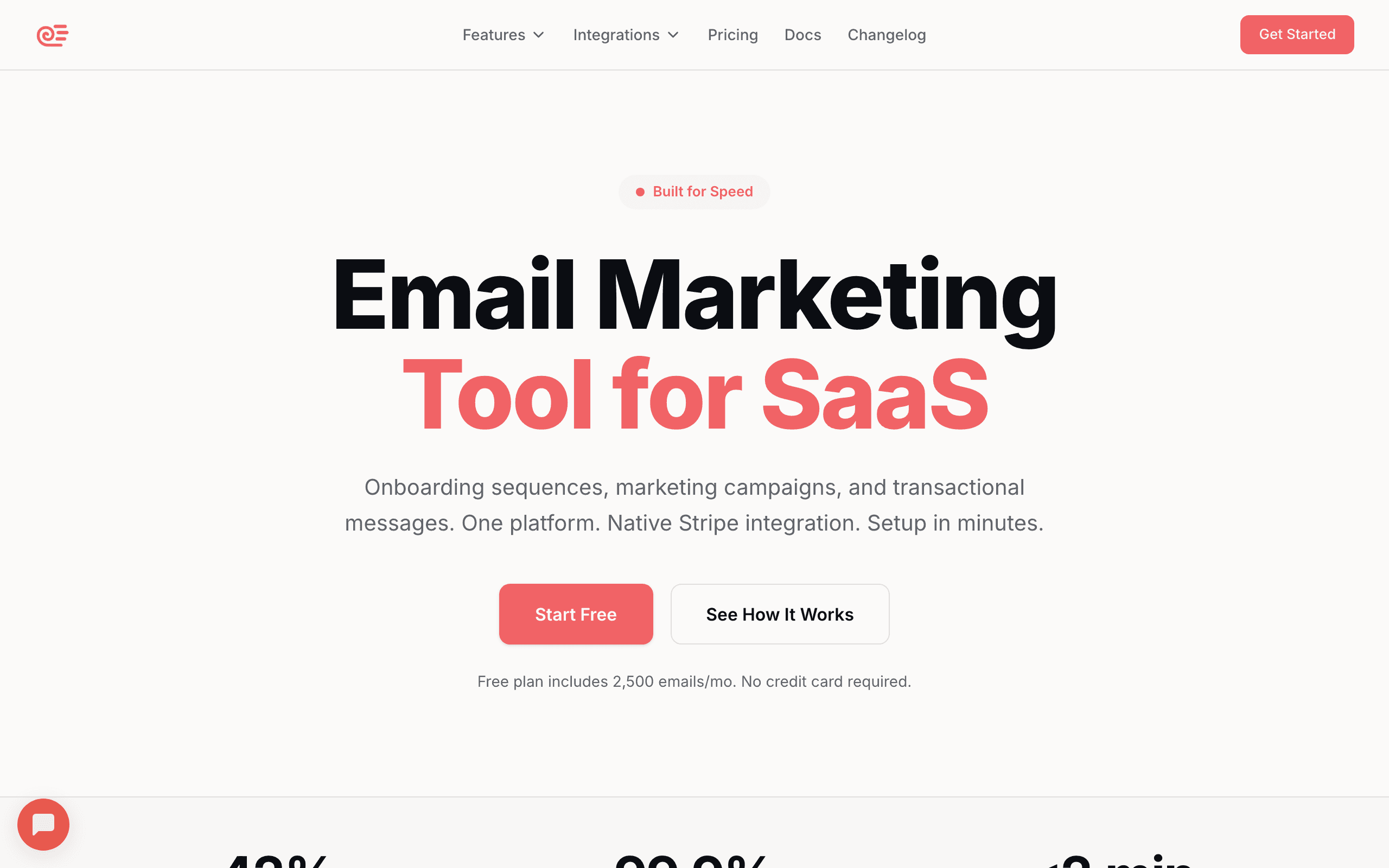 Price: Free for up to 2,500 emails/month with unlimited contacts, then from $19/month for 15,000 emails/month
Sequenzy was built from the ground up for SaaS companies and startups. While most email tools started as newsletter platforms and bolted on automation later, Sequenzy started with the assumption that your email marketing should be deeply connected to your product.
What Sequenzy Does Well
Native Stripe Integration: This is the standout feature. Sequenzy connects directly to your Stripe account and automatically syncs customer data - MRR, plan changes, payment failures, cancellations. You can segment users by revenue, trigger dunning email sequences when payments fail, and send targeted campaigns based on subscription status. No other email tool handles Stripe this natively. Read our deep dive on Stripe email automation.
Unified Transactional + Marketing: Password resets, receipt emails, onboarding sequences, and marketing campaigns all come from one platform. This keeps your sender reputation consistent and gives you a single view of every email your customer receives. If this matters to you, check our comparison of the best platforms with combined transactional and marketing.
Event-Based Automation: Fire events from your app using a clean REST API, then use those events to trigger email sequences. When a user completes onboarding, hits a usage milestone, or goes inactive - Sequenzy responds automatically. Learn more about event-based email automation.
Developer-First API: The API is well-documented and genuinely enjoyable to work with. TypeScript SDK, webhook support, and MCP integration for AI-powered workflows. See our guide on the best developer-friendly email tools.
Send Time Optimization: AI-powered delivery timing that learns when each subscriber is most likely to engage. Read more about send time optimization.
Where Sequenzy Falls Short
- SMS is an add-on, not an omnichannel platform - SMS and MMS are available as a paid add-on with a managed toll-free number, separate consent, and quiet hours, but there's no two-way SMS inbox. SMS-first tools like Klaviyo, Attentive, or Postscript still go deeper.
- No website builder or CMS - You get hosted landing pages with custom domains, but not a full site builder like MailerLite or GetResponse.
- Newer platform - Doesn't have 20 years of templates and third-party integrations like Mailchimp.
- No predictive AI for e-commerce - Catalog-driven product blocks, browse-abandonment and price-drop triggers, and Shopify browse tracking are all there, but there's no machine-learning model predicting lifetime value or churn the way Klaviyo does. WooCommerce support is also still in beta.
Best For
SaaS companies, startups, and developer-led teams that want modern infrastructure with native payment integration. Especially good for product-led growth companies, bootstrapped startups, and teams that need transactional and marketing in one place.
Verdict: If you're building a SaaS product, Sequenzy should be your first choice. The Stripe integration alone saves hours of manual work.
2. Omnisend - Best for E-commerce Multi-Channel
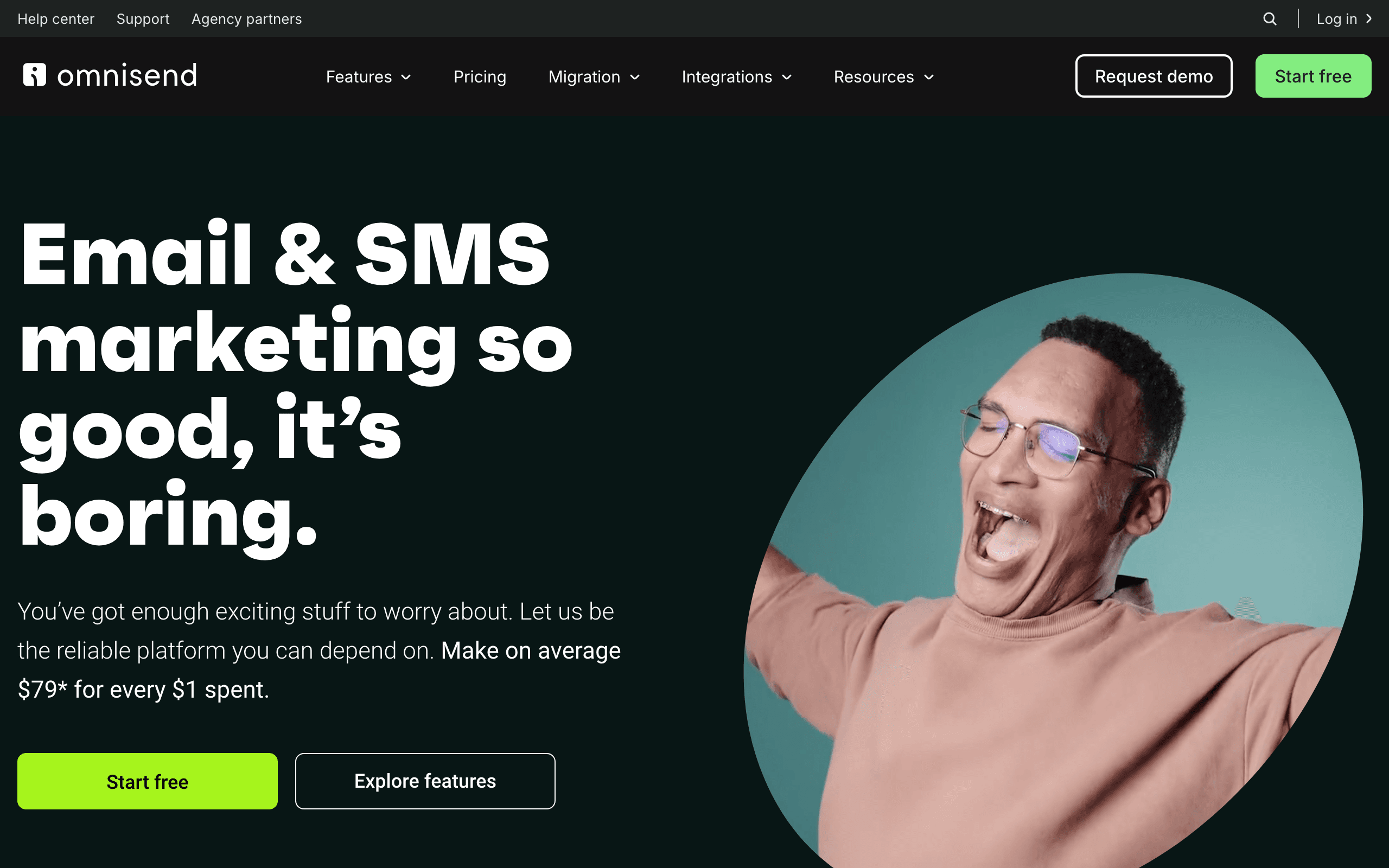 Price: Free for up to 250 contacts, paid plans from $16/month
Omnisend combines email, SMS, and push notifications built specifically for e-commerce brands. It's positioned as the practical alternative to Klaviyo - comparable feature depth at up to 35% lower cost, with a free 5-day migration to get you moved over without the busywork.
What Omnisend Does Well
Multi-Channel Automation: Combine email, SMS, and push notifications in a single workflow. Send an email, then automatically follow up with SMS to non-openers - all from one automation builder.
Native Ecommerce Integrations: Deep, purpose-built integrations with Shopify, WooCommerce, BigCommerce, and Magento. Product syncing, order tracking, and revenue attribution work out of the box, no middleware required.
Pre-Built Workflows: A large library of ready-made automations for welcome series, cart recovery, browse abandonment, and order follow-up - so stores can launch proven flows on day one instead of building from scratch.
Free Migration: Switching from another platform (including Klaviyo) comes with a free 5-day migration, removing the usual friction and downtime of moving your lists, templates, and automations.
Where Omnisend Falls Short
- Limited outside e-commerce - Not designed for non-e-commerce use cases.
- SMS costs add up - SMS credits are separate from email pricing and can get expensive at volume.
- Automation depth - Strong, but doesn't match Klaviyo's sophistication for the most advanced e-commerce use cases.
- Analytics - Revenue attribution is solid, but overall reporting depth trails category leaders like Klaviyo.
Best For
Small to mid-size e-commerce businesses that want Klaviyo-level features - multi-channel marketing across email, SMS, and push - at up to 35% lower cost. Especially good for Shopify and WooCommerce stores ready to add SMS without the Klaviyo price tag, and free migration makes switching low-risk.
3. Brevo - Best budget-friendly All-in-One Platform
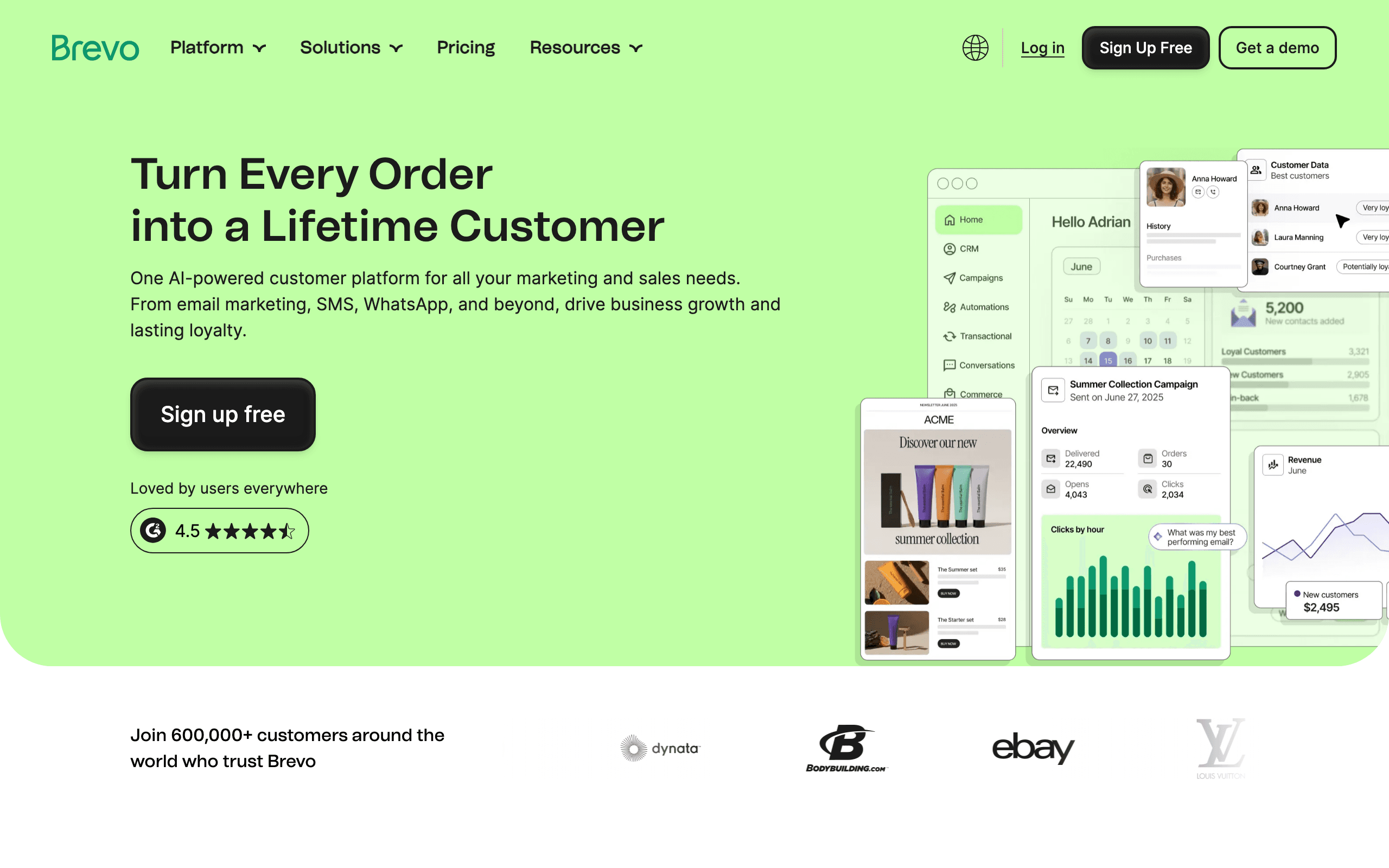 Price: Free plan with 300 emails/day, paid plans from $9/month
EVS score: 85
Brevo is the best value in email marketing. For teams that need professional email marketing with a low entry price. Email, SMS, WhatsApp, live chat, a CRM and transactional email live in one account.
Brevo offers a surprisingly complete feature set at prices that beat most competitors. From a solo founder's first newsletter to an enterprise running multiple brands. Brevo is the platform you pick once and keep.
What Brevo Does Well
- Every channel: Email, SMS, WhatsApp, and live chat from one platform. The cross-channel automation is solid. Live chat and a universal inbox sit in the same account, so a customer's history follows them from channel to channel.
- Marketing and transactional email: Transactional email (API and SMTP) comes with every plan, Free included. Newsletters and order confirmations share one platform, one set of reports and one login.
- Sales CRM: Sales Essentials is available from the Starter plan, and Sales Advanced comes with Professional and Enterprise. Your pipeline grows from the same contact base as your campaigns.
- Aura AI: Brevo's AI assistant. Helpful for campaigns and more.
- Room to scale up: The Enterprise plan adds sub-account management for multiple brands, SSO and SAML, a dedicated IP, a 99.9% uptime SLA and a Customer Success Manager. So you can scale while keeping the platform and the data.
- Deliverability: Brevo publishes a 99% email delivery rate, and 600,000+ customers already send with it.
Brevo cons:
- Automation limited on lower plans - The free and Starter plans have restricted automation features.
- Reporting could be deeper - Analytics are functional but not to the depth of Klaviyo or ActiveCampaign.
- Branding on free plan - Free plan emails include Brevo branding.
Best For
Anyone who wants one platform instead of several. Solo founders and small businesses get a free start and low entry prices. Mid-market teams get automation, reporting and phone support. Enterprises get governance and security controls plus dedicated support. If you're paying for a separate tool per channel, Brevo is worth a look.
Verdict: If you need email, SMS, chat and a CRM in one account, Brevo is a strong first choice. The same account carries over to Enterprise if your needs grow.
4. MailerLite - Free Email Marketing Software for Beginners
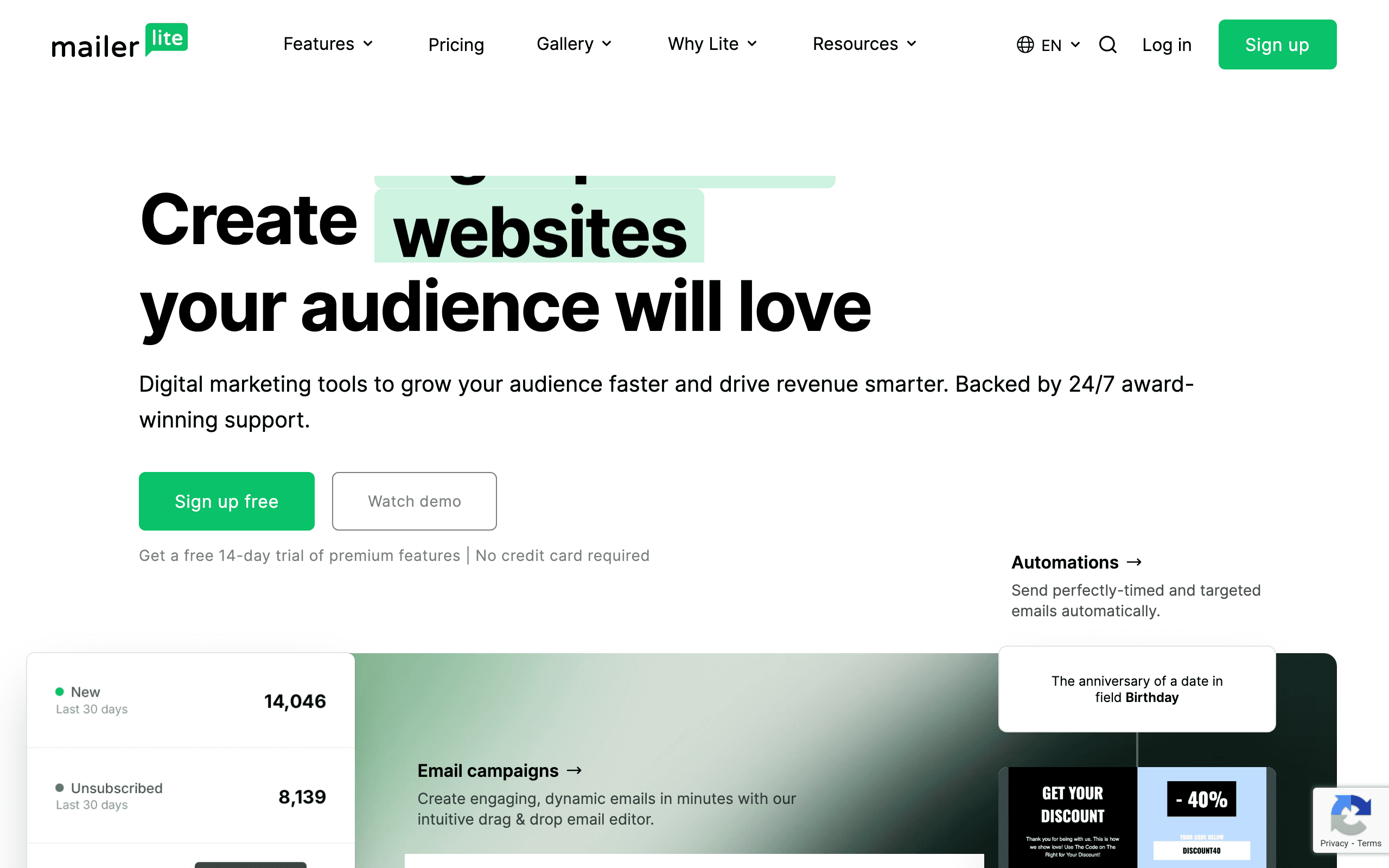 Price: Free for up to 250 subscribers and 2,500 emails/month, paid plans from $12/month
MailerLite offers arguably the best balance of features and simplicity in email marketing. Its free plan suits a small email list, while paid plans expand your sending and automation limits.
What MailerLite Does Well
Free Plan: 250 subscribers and 2,500 emails/month, plus automation, landing pages, and pop-up forms. MailerLite cut this from 1,000 subscribers and 12,000 emails on 16 June 2026, and added feature caps (3 automations, 3 forms, 1 landing page) on 13 August 2026, so older comparisons quote limits that no longer apply.
Email Builder: Clean, modern drag-and-drop editor that produces professional emails quickly. The template library is well-designed and regularly updated.
Website Builder: Build a simple website or blog directly in MailerLite. Great for getting started if you don't have a website yet.
Paid Newsletters: Accept paid subscriptions from your audience. Built-in Stripe integration for recurring payments.
Where MailerLite Falls Short
- Limited automation - The automation builder covers the basics but can't match ActiveCampaign's depth.
- No CRM - No built-in contact management beyond basic subscriber fields.
- Approval process - New accounts go through a manual approval process that can take a day or two.
- Support on free plan - The free plan comes with community support. Email support and live chat depend on your paid plan.
Best For
Beginners, bloggers, and small businesses looking for the most value. If you're starting from zero and want a tool that's simple, affordable, and capable, MailerLite is hard to beat. Also see our list of free email marketing tools for startups.
5. Kit - Best for Content Creators
 Price: Free for up to 10,000 subscribers, paid plans from $39/month
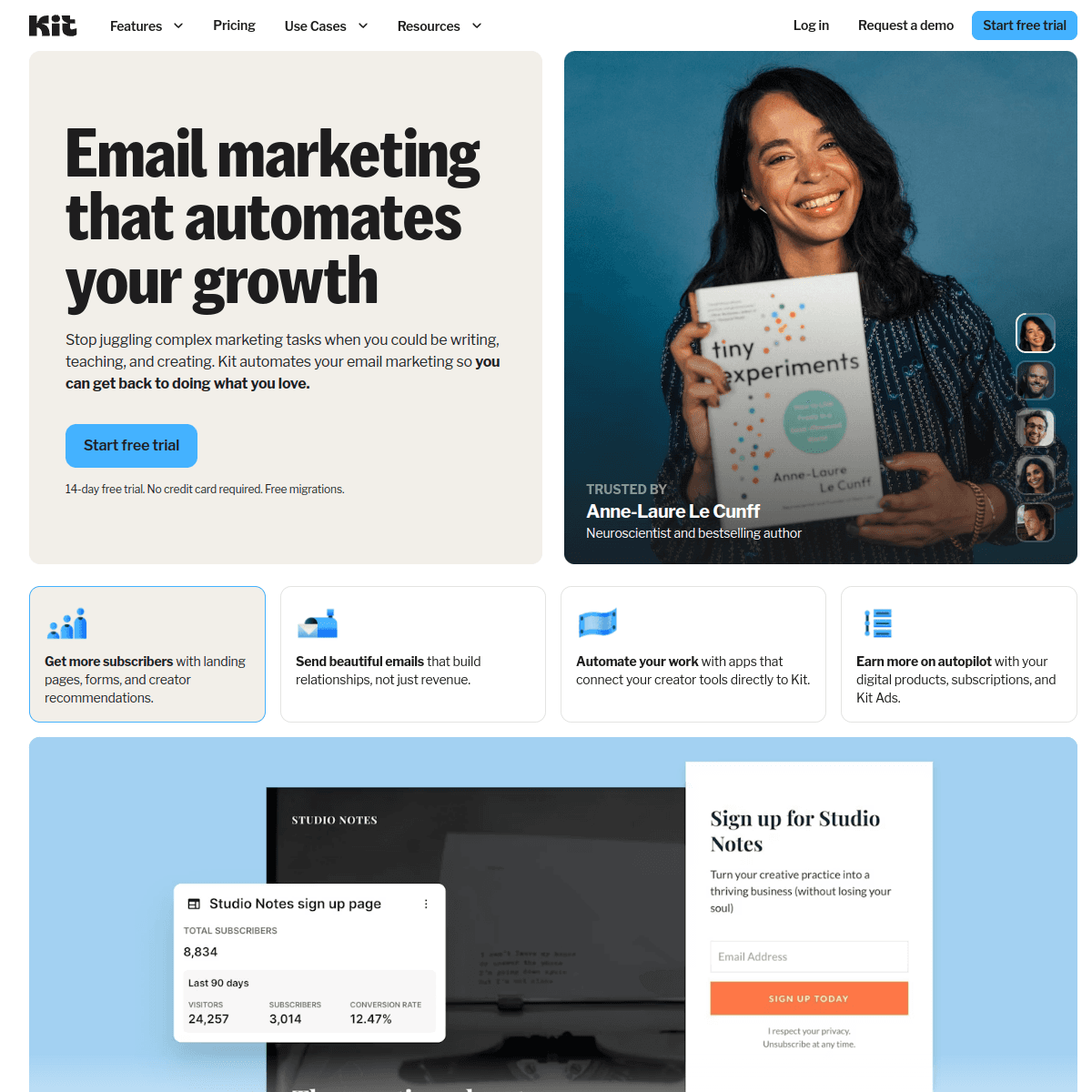
Kit, formerly ConvertKit, was purpose-built for bloggers, YouTubers, podcasters, and online course creators. If you make a living from content, Kit understands your workflow better than any other tool on this list.
What Kit Does Well
Creator Commerce: Sell digital products, paid newsletters, and subscriptions directly through Kit. No need for a separate storefront.
Landing Pages & Forms: Beautiful, conversion-focused opt-in forms and landing pages. They're designed specifically for growing an audience, not generic business pages.
Tagging System: Kit's tag-based subscriber management is flexible and powerful. Instead of rigid lists, you tag subscribers based on interests, purchases, and behavior.
Plain-Text Focus: Kit encourages simple, text-based emails that feel personal. This approach often outperforms heavily designed emails for creators. Check our guide on newsletter writing for tips on making this work.
Where Kit Falls Short
- Limited design options - If you want visually rich emails with lots of images and layouts, Kit isn't ideal.
- No multi-user collaboration - The team features are basic compared to platforms like HubSpot or Campaign Monitor.
- Expensive for the feature set - At $39/month for 1,000 subscribers (about $119/month at 10,000), you're paying a premium for the creator-specific features.
- Analytics are basic - No advanced reporting, heat maps, or detailed click tracking.
Best For
Content creators, bloggers, newsletter writers, podcasters, and online course sellers. If your primary goal is growing and monetizing an audience through content, Kit is built for you. Explore ConvertKit alternatives if you want to compare options.
6. Sender - Best for Budget-Conscious Small Businesses & Ecommerce
Price: Free for up to 2,500 subscribers and 15,000 emails/month, then from $7/month
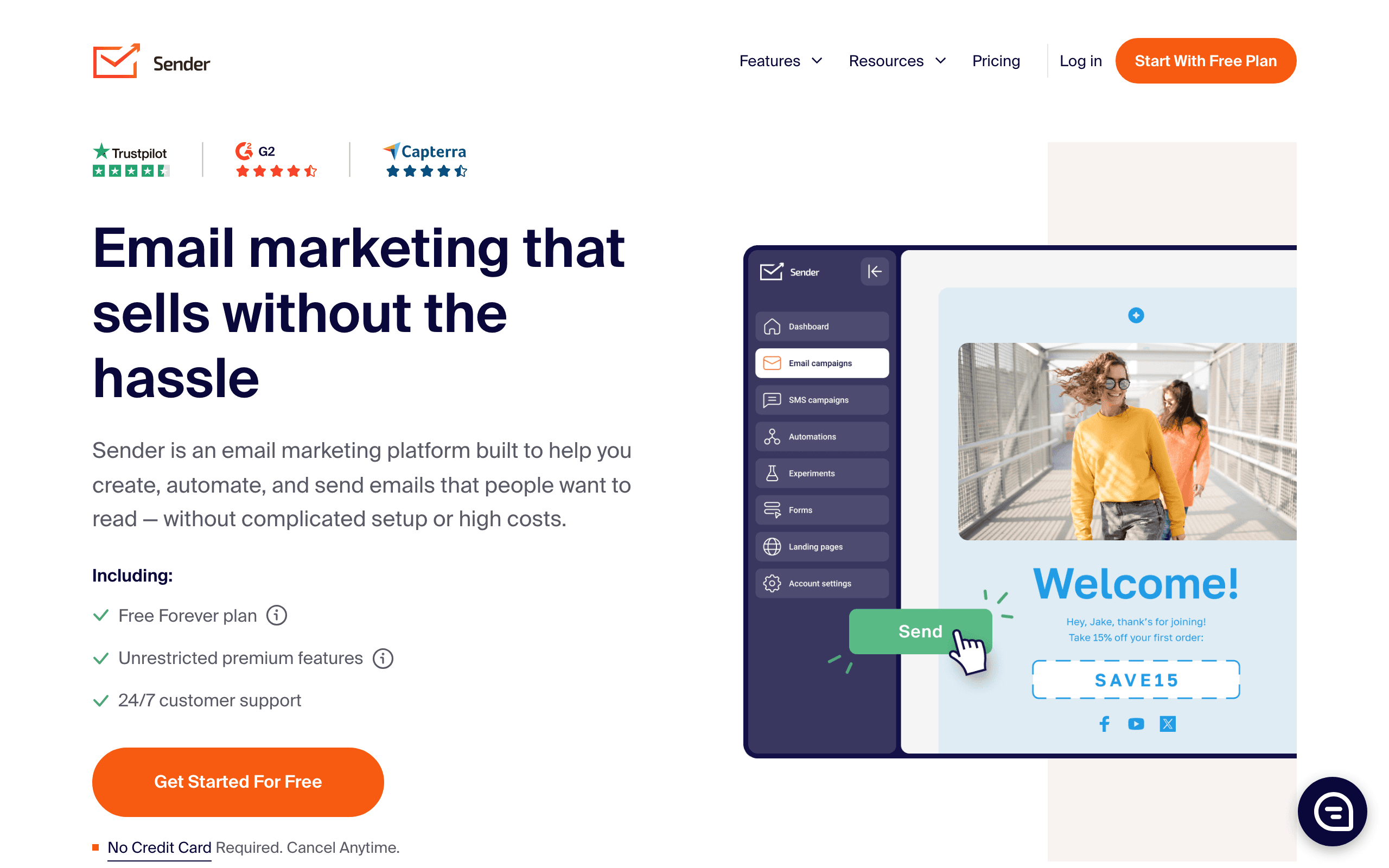
Sender takes a straightforward approach to email marketing: newsletters, automation, and SMS in one platform, priced well below most competitors on this list. It skips the complexity of enterprise-grade suites and focuses on giving small teams the core tools they need to run email and SMS campaigns without a steep learning curve.
What Sender Does Well
Generous Free Plan: 2,500 subscribers and 15,000 emails a month at no cost, with automation, segmentation, and signup forms included rather than locked behind a paywall.
Drag-and-Drop Builder: A straightforward editor with premade, mobile-responsive templates, so campaigns can be built without touching code.
Email + SMS in One Workflow: Automation sequences (welcome series, abandoned cart, re-engagement) can combine email and SMS steps, useful for stores that want a second channel without adding a separate tool.
Transactional Emails: Order confirmations, password resets, and receipts can be sent from the same platform as marketing campaigns, keeping sender reputation and reporting in one place.
Where Sender Falls Short
- Free plan branding - Sender branding appears on emails sent from the free plan.
- No built-in CRM - Deeper contact and deal management still requires a separate tool.
- Smaller integration library - Fewer third-party connections than established players like Mailchimp or Brevo.
- Dedicated IP on Professional only - Dedicated IP addresses require the Professional plan, so free and Standard users share IP pools.
Best For
Small businesses, ecommerce stores, and content creators who want an affordable, easy-to-use platform that handles both email and SMS without paying enterprise pricing.
7. Klaviyo - Best for E-commerce
 Price: Free for up to 250 contacts, paid plans from $20/month
Klaviyo is the dominant email marketing platform for e-commerce businesses, and its deep integration with Shopify is the primary reason. If you sell physical products online, Klaviyo's data-driven approach to email marketing is hard to beat.
What Klaviyo Does Well
Shopify Integration: Klaviyo syncs your entire Shopify catalog, customer purchase history, browsing behavior, and more. This enables powerful segmentation like "customers who bought Product A but not Product B in the last 30 days."
Predictive Analytics: Machine learning models predict customer lifetime value, churn risk, and optimal send times. These predictions feed directly into your segmentation and automation.
Pre-Built Flows: Abandoned cart, browse abandonment, post-purchase, win-back - Klaviyo includes pre-built automation flows for every major e-commerce scenario. Check our guide on e-commerce cart abandonment strategies.
SMS + Email: Manage both channels from one platform with unified customer profiles.
Where Klaviyo Falls Short
- Expensive at scale - Pricing jumps significantly as your contact list grows. At 10,000 contacts, expect $150+/month.
- Complex for beginners - The power comes with a learning curve. Small shops might find it overwhelming.
- E-commerce focused - If you're not running an online store, most of Klaviyo's best features won't apply to you.
- Template builder could be better - The email editor is functional but not as polished as competitors like Flodesk.
Best For
E-commerce businesses, especially those on Shopify. If you're running a DTC brand, Klaviyo's data capabilities and pre-built flows will generate measurable revenue. Read our DTC brand email playbook for strategies. Also explore our best email marketing platforms for e-commerce guide.
8. ActiveCampaign - Best for Advanced Email Automation
 Price: Plans from $29/month (no free plan)
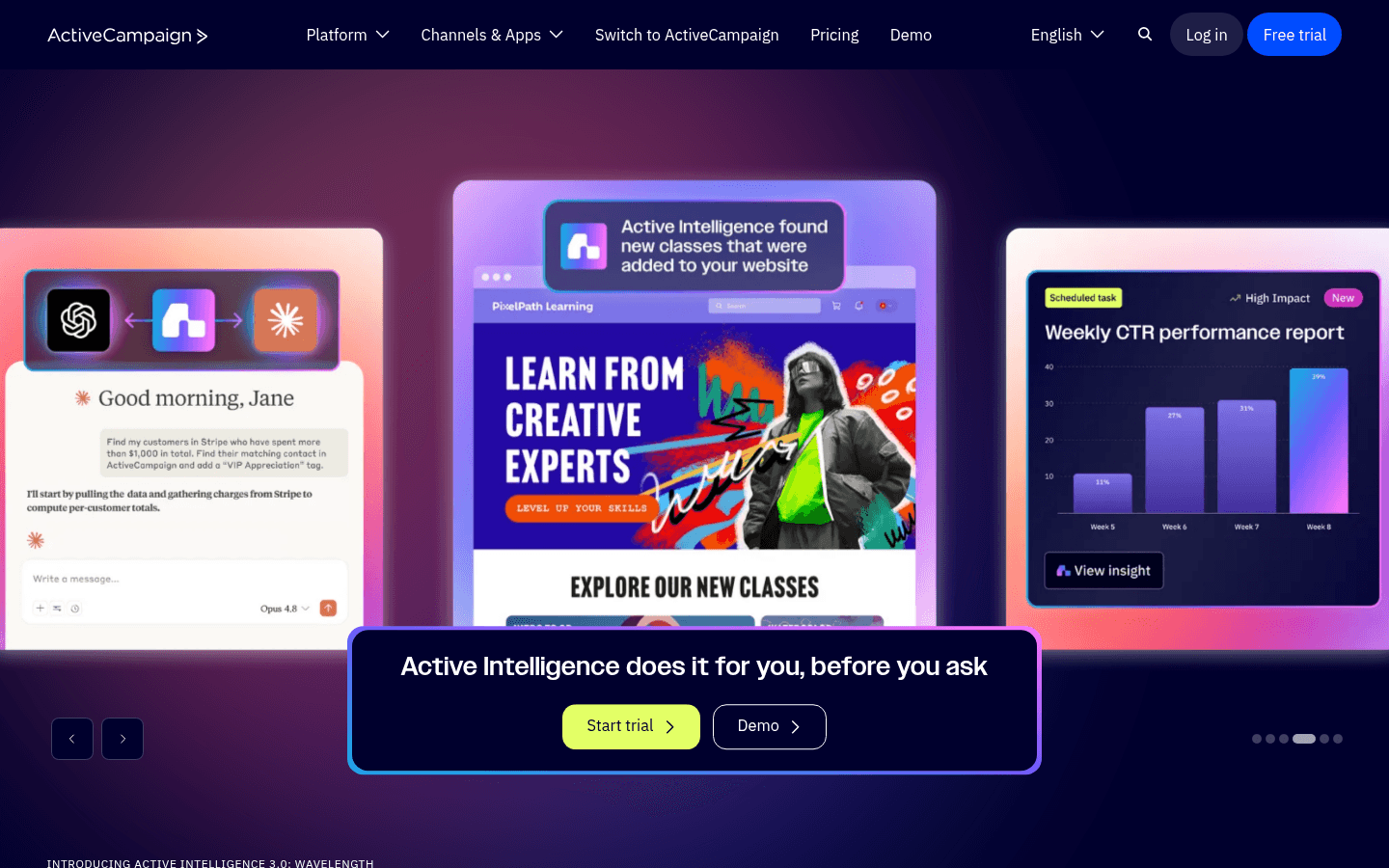
ActiveCampaign has the most powerful automation builder of any email marketing tool on this list. If you need complex, multi-step workflows with conditional logic, scoring, and CRM integration, ActiveCampaign delivers.
What ActiveCampaign Does Well
Automation Builder: The visual automation builder lets you create workflows with branching logic, wait conditions, if/else paths, split testing, and goals. It's genuinely the best automation engine in the email marketing category.
CRM Integration: Built-in CRM with deal pipelines, lead scoring, and sales automation. Email marketing and sales work from the same platform.
Conditional Content: Show different content blocks to different segments within the same email. Personalization beyond just Hi {first_name}.
Deliverability: ActiveCampaign consistently ranks among the highest for email deliverability across independent tests. Learn about email deliverability best practices.
Where ActiveCampaign Falls Short
- No free plan - The cheapest option is $29/month, which is steep for beginners.
- Steep learning curve - The power of the automation builder means it takes time to learn.
- Email builder is dated - The template editor feels older compared to newer tools like Flodesk or MailerLite.
- Pricing tiers lock features - Many useful features require the Plus ($49/mo) or Professional ($149/mo) plans.
Best For
Mid-market businesses with complex customer journeys that need sophisticated automation. Ideal for B2B companies, agencies, and teams with dedicated marketing staff who can fully leverage the platform. Check our guide on visual workflow builders.
9. Customer.io - Best for Product-Led Companies
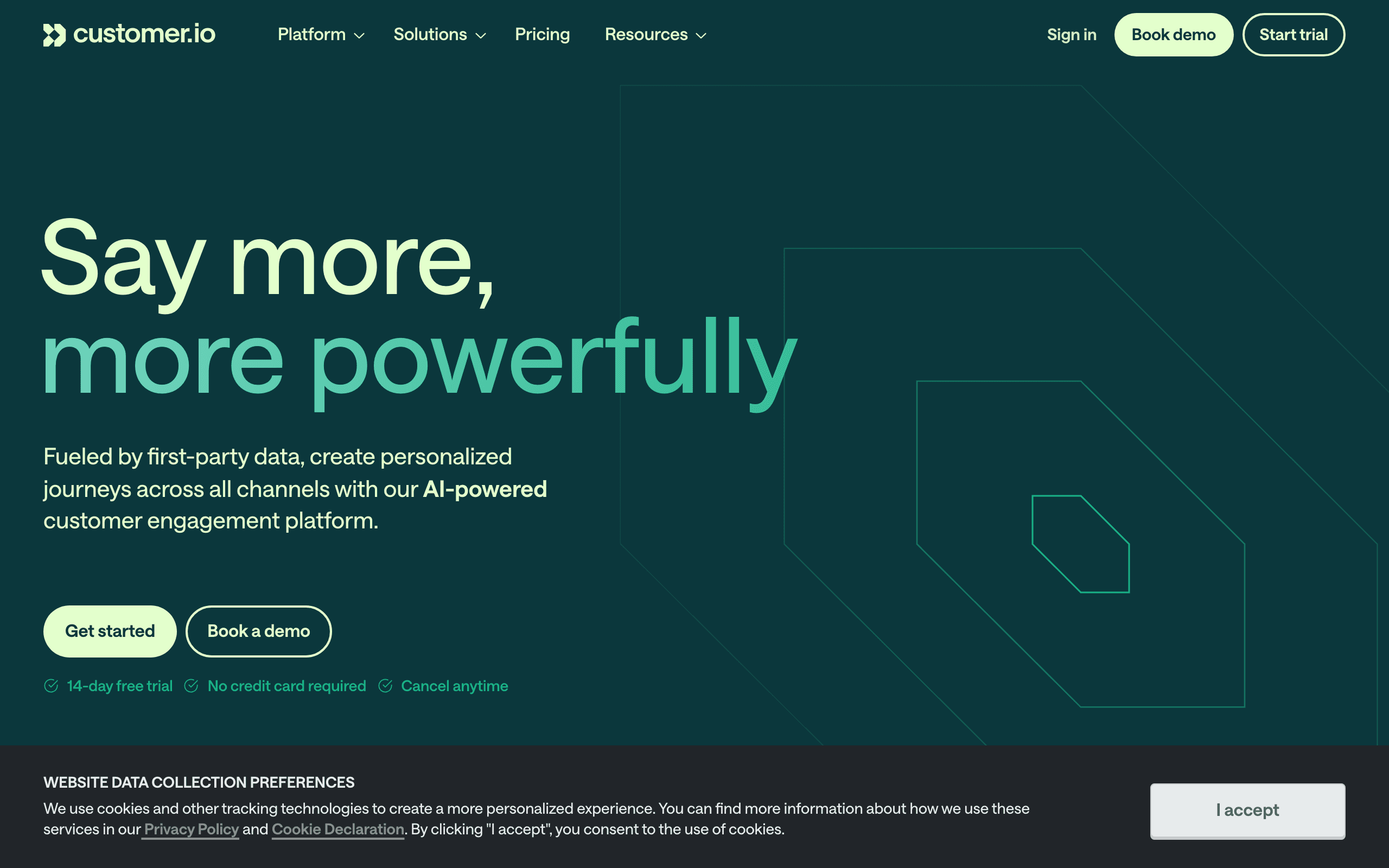 Price: From $100/month (no free plan)
Customer.io is built for product companies that need to send messages based on what users do inside their app. It's not a newsletter tool - it's a behavioral messaging platform that happens to send excellent emails.
What Customer.io Does Well
Behavioral Triggers: Track any event from your product and use it as a trigger for messaging. Page views, feature usage, subscription changes - anything you can track, Customer.io can trigger on.
Multi-Channel Workflows: Email, push notifications, SMS, in-app messages, and webhooks all work from the same workflow builder. Create truly cross-channel experiences.
Data Pipeline: Customer.io can ingest data from Segment, mParticle, RudderStack, and other CDPs. If you're already tracking product events, the integration is straightforward.
Visual Workflow Builder: The campaign builder is powerful and intuitive, with branching logic, A/B testing, and time-based conditions.
Where Customer.io Falls Short
- Expensive - Starting at $100/month makes it inaccessible for early-stage companies.
- Not for simple newsletters - If you just want to send a monthly update, Customer.io is overkill.
- Requires technical setup - You need to implement event tracking in your product. This isn't plug-and-play.
- Limited template library - Fewer pre-built templates compared to consumer-focused tools.
Best For
Product-led SaaS companies with engineering resources to implement event tracking. Ideal for companies that need sophisticated behavioral messaging across multiple channels. Read our guide on behavioral trigger tools. If Customer.io's price is too high, consider Sequenzy as a more affordable alternative with similar SaaS-focused capabilities.
10. Loops - Best for Modern SaaS Teams
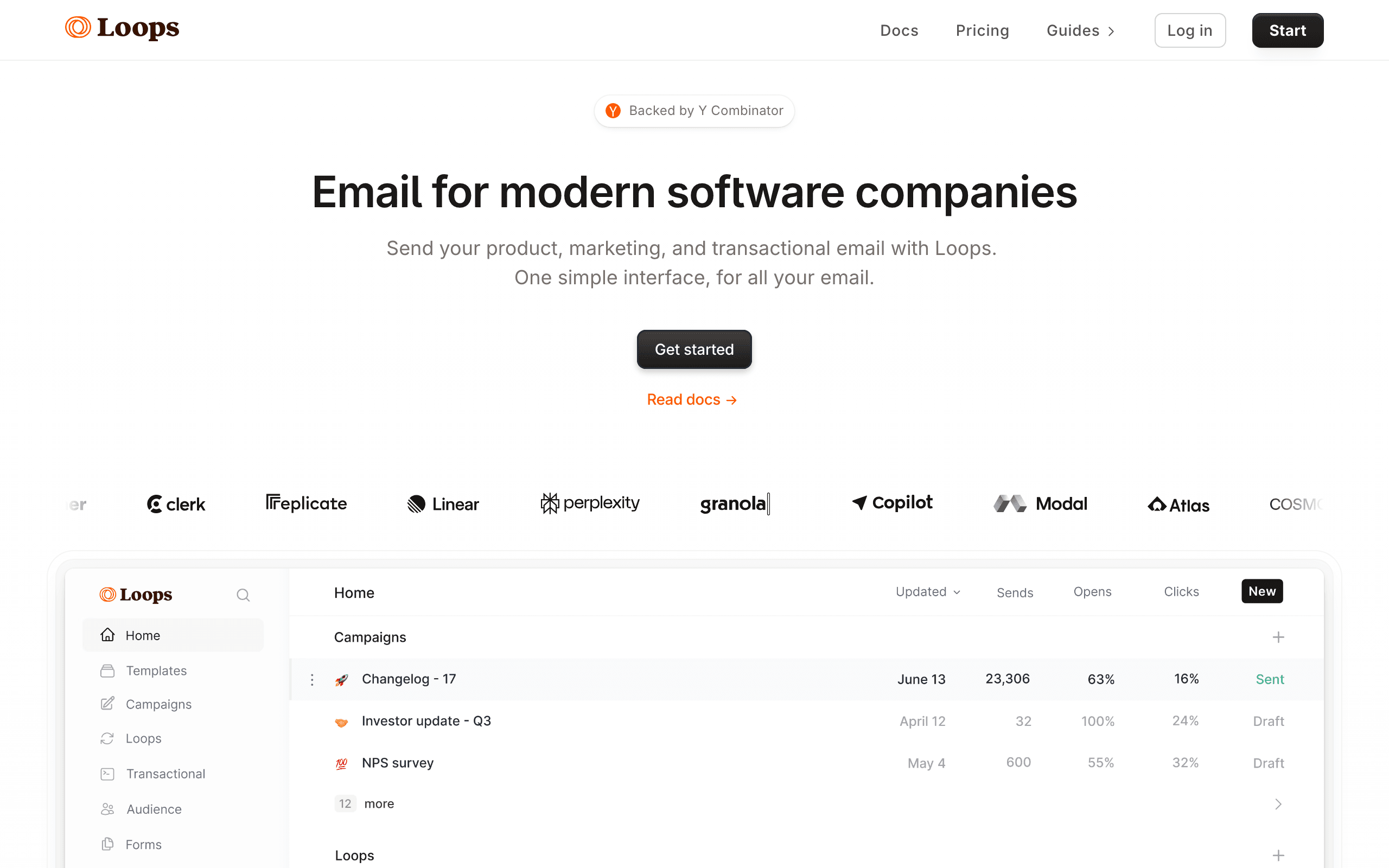 Price: Free for up to 1,000 contacts, paid plans from $49/month
Loops is the email tool for teams that appreciate good design. It strips away complexity and focuses on doing a few things exceptionally well. If you've ever been frustrated by the bloat of legacy email tools, Loops is a breath of fresh air.
What Loops Does Well
Beautiful UI: The interface is clean, fast, and modern. Everything from writing emails to managing subscribers feels polished.
Event-Based Messaging: Track events from your product and use them to trigger automated loops (their term for sequences). Simple to set up, easy to understand.
API-First: Well-designed API with clear documentation. Developer teams can integrate quickly.
Fast Setup: You can go from signup to sending your first automated email in under 30 minutes. No bloated onboarding process.
Where Loops Falls Short
- Limited feature set - Intentionally simple, but that means fewer automation capabilities than Customer.io or ActiveCampaign.
- No SMS or multi-channel - Email only.
- Young platform - Fewer integrations, smaller community, less battle-tested at scale.
- Segmentation is basic - Can't match the depth of Klaviyo or ActiveCampaign's segmentation.
Best For
Early to mid-stage SaaS companies that value simplicity and design. Teams that want something modern without the complexity of enterprise tools. Compare with Sequenzy vs Loops for a detailed breakdown. Also check our best email tools for startup founders.
11. Resend - Best for Developer Experience
 Price: Free for up to 3,000 emails/month, paid plans from $20/month
Resend isn't a traditional email marketing platform - it's an email API built by developers, for developers. If you want to send beautiful transactional emails using React components, Resend is the tool that makes it possible.
What Resend Does Well
React Email: Resend's companion library lets you build email templates using React components and TypeScript. Finally, emails with the same developer experience as building a web app.
API Design: The API is clean, well-documented, and supports multiple SDKs (Node.js, Python, Ruby, Go, and more).
Deliverability Focus: Custom domains, dedicated IPs, and proper authentication setup are first-class features.
Webhook Support: Detailed webhook events for delivery, bounces, opens, and clicks. Build custom analytics on top of real-time events.
Where Resend Falls Short
- No marketing automation - Resend is a sending API, not a marketing platform. No sequences, no audience management, no drag-and-drop builder.
- Requires coding - You need to write code to use Resend. There's no visual interface for creating emails.
- No subscriber management - You need your own database for contacts. Resend just sends.
- Limited analytics - Basic sending stats, but nothing like the marketing analytics of Mailchimp or Klaviyo.
Best For
Development teams that need a reliable email sending API with excellent developer experience. Often used alongside a marketing tool - Resend for transactional, another tool for marketing. Read our guide on React Email support. If you need both transactional and marketing in one tool, consider Sequenzy instead.
12. Postmark - Best for Transactional Email Deliverability
 Price: From $15/month for 10,000 emails
Postmark does one thing and does it better than anyone: deliver transactional emails to the inbox. If your business depends on password resets, order confirmations, and system notifications arriving instantly, Postmark is the gold standard.
What Postmark Does Well
Deliverability: Postmark maintains separate infrastructure for transactional and marketing email, ensuring your critical transactional emails are never affected by marketing reputation issues. They publish their delivery stats publicly - typically 99%+ inbox placement.
Speed: Average delivery time is under 10 seconds. For time-sensitive emails like two-factor authentication codes, this matters.
Message Streams: Separate your transactional and broadcast emails with dedicated streams, each with its own deliverability tracking.
Templates: A solid template system with handlebar syntax and pre-built templates for common transactional emails.
Where Postmark Falls Short
- Not a marketing tool - Limited automation, no audience segmentation, no campaign management.
- No free plan - You pay from day one.
- Broadcast features are basic - They added newsletter/broadcast support, but it's minimal compared to dedicated marketing tools.
- Pricing per email - Can get expensive at high volumes compared to Amazon SES.
Best For
Companies that need rock-solid transactional email delivery and are willing to use a separate tool for marketing. Often paired with a marketing platform. See our guide on best transactional email services.
13. Drip - Best for E-commerce Automation
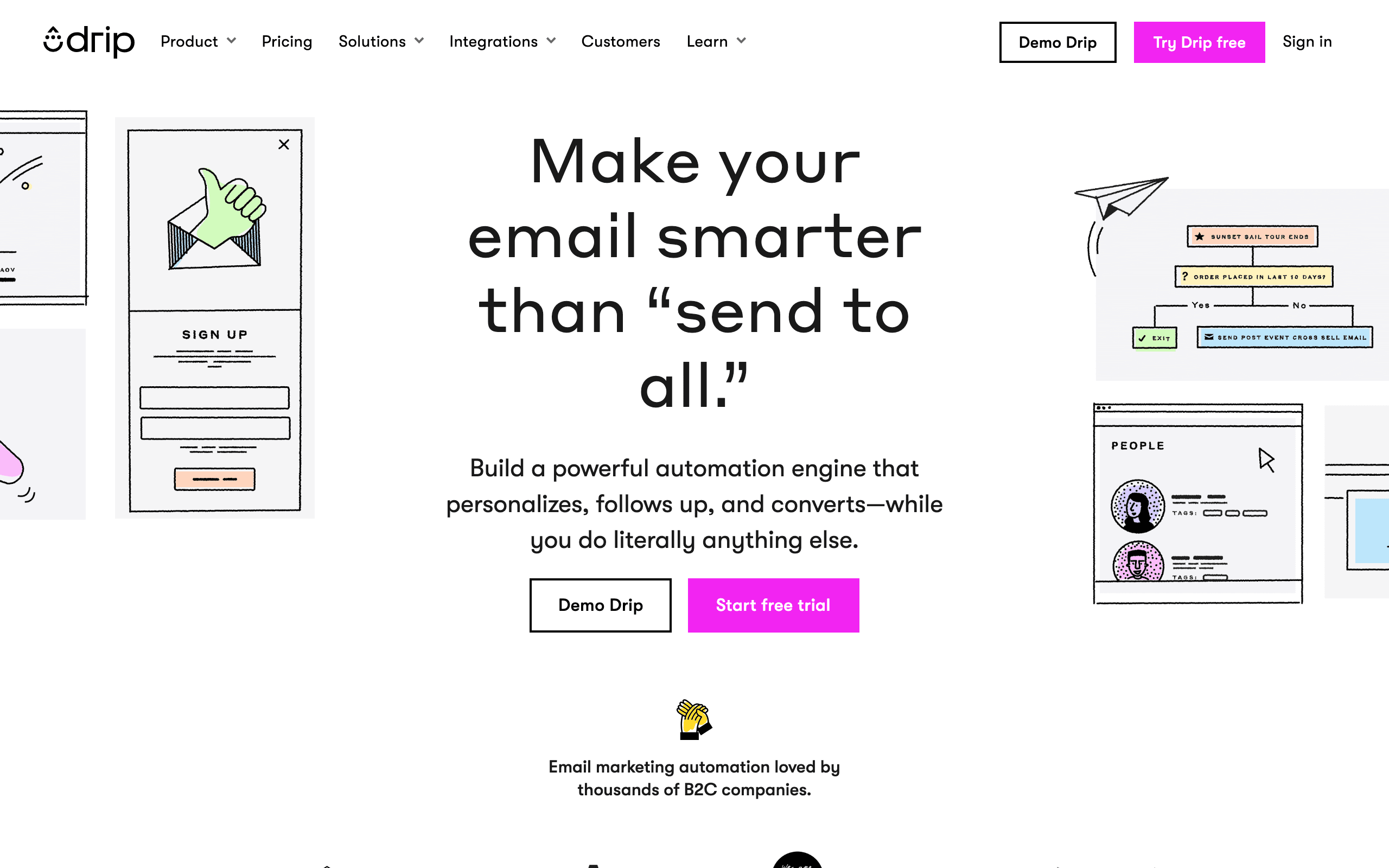 Price: From $39/month for up to 2,500 contacts
Drip sits between Mailchimp's simplicity and Klaviyo's complexity for e-commerce email marketing. It offers strong automation capabilities specifically designed for online stores without the enterprise-level complexity.
What Drip Does Well
E-commerce Playbooks: Pre-built automation workflows for abandoned carts, post-purchase sequences, win-back campaigns, and customer loyalty programs. Get running quickly with proven patterns.
Visual Workflow Builder: The automation builder is intuitive and powerful, with easy branching logic and conditional content.
Revenue Attribution: See exactly how much revenue each email and automation generates. Clear ROI reporting for every campaign.
Shopify & WooCommerce Integration: Deep integration with major e-commerce platforms, syncing product data, purchase history, and browsing behavior.
Where Drip Falls Short
- E-commerce only - If you're not running an online store, most features won't apply.
- Pricing has increased - Drip used to be more affordable. The current pricing puts it in mid-market territory.
- Limited multi-channel - Primarily email, with basic SMS and no push notifications.
- Smaller template library - Fewer pre-designed templates than Mailchimp or Klaviyo.
Best For
Small to mid-size e-commerce businesses that need strong automation without Klaviyo's complexity or price tag. Great for Shopify stores and WooCommerce shops that are outgrowing basic email tools. Read our e-commerce email segmentation guide.
14. AWeber - Best for Small Business Simplicity
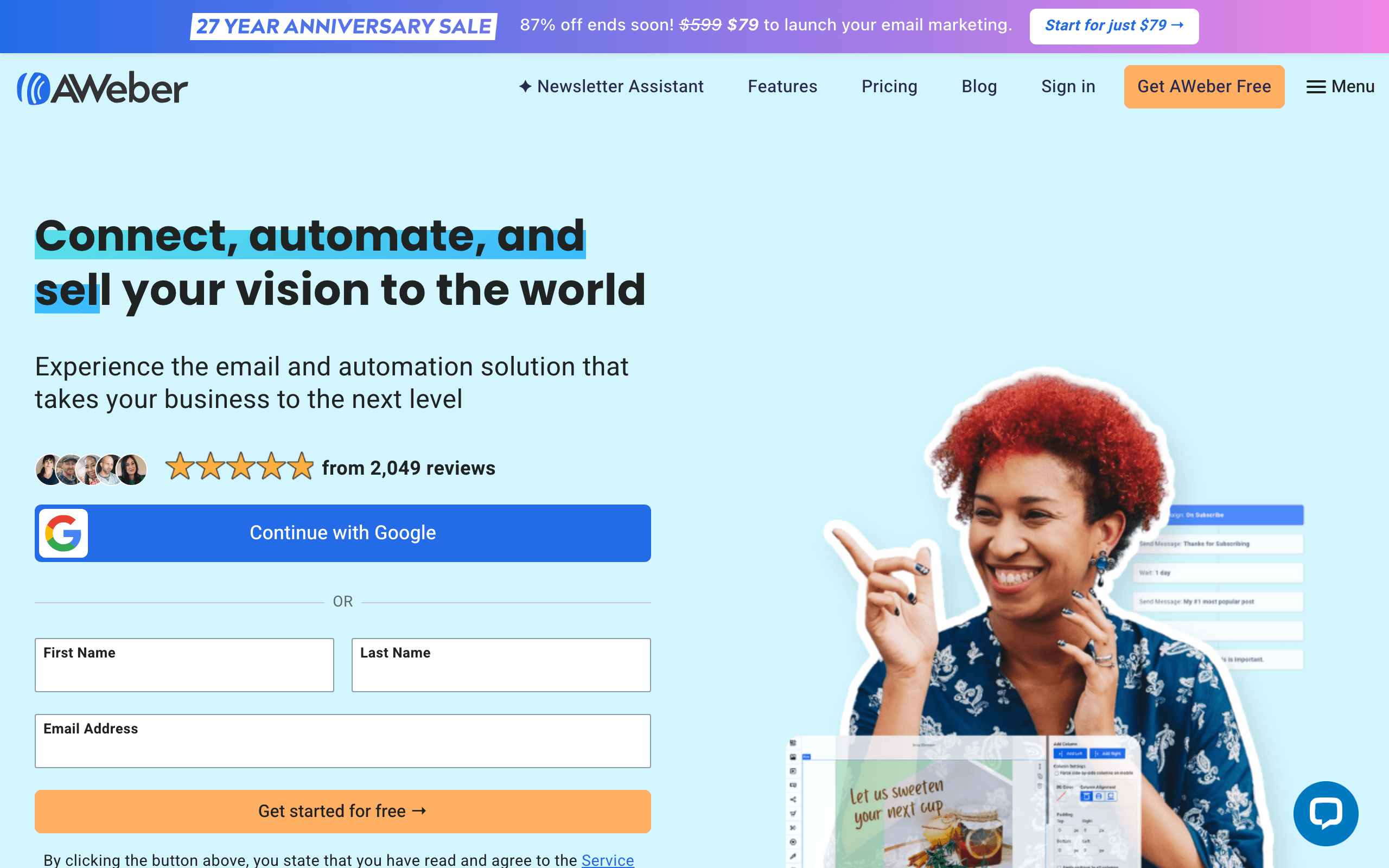 Price: Free for up to 500 subscribers, paid plans from $15/month
AWeber has been around since 1998, making it one of the oldest email marketing platforms. While it's not the flashiest tool, its simplicity, reliability, and excellent customer support make it a solid choice for small businesses that just want email marketing to work.
What AWeber Does Well
Ease of Use: Everything is straightforward. Creating an email, building a form, setting up an autoresponder - AWeber keeps it simple without sacrificing functionality.
Customer Support: Phone, email, and chat support available on all plans, including free. AWeber's support team is genuinely helpful and responsive.
Template Library: Over 600 professionally designed email templates. More than most competitors at this price point.
Landing Pages: Build landing pages for lead generation without needing a separate tool. Included in all plans.
Where AWeber Falls Short
- Automation is limited - The automation builder can handle basic sequences but falls behind ActiveCampaign or Customer.io for complex workflows.
- Design feels dated - The interface and templates look like they're from a previous generation of web design.
- No advanced segmentation - Basic list segmentation, but nothing like the behavioral segmentation of Klaviyo or Customer.io.
- Charges for unsubscribed contacts - Unlike some competitors, AWeber counts unsubscribed contacts toward your plan limit.
Best For
Small businesses, solopreneurs, and local businesses that want reliable email marketing with excellent support. Ideal for teams without dedicated marketing staff who need something that just works. See our guide on best email marketing platforms for small business.
15. GetResponse - Best for Marketing Suites
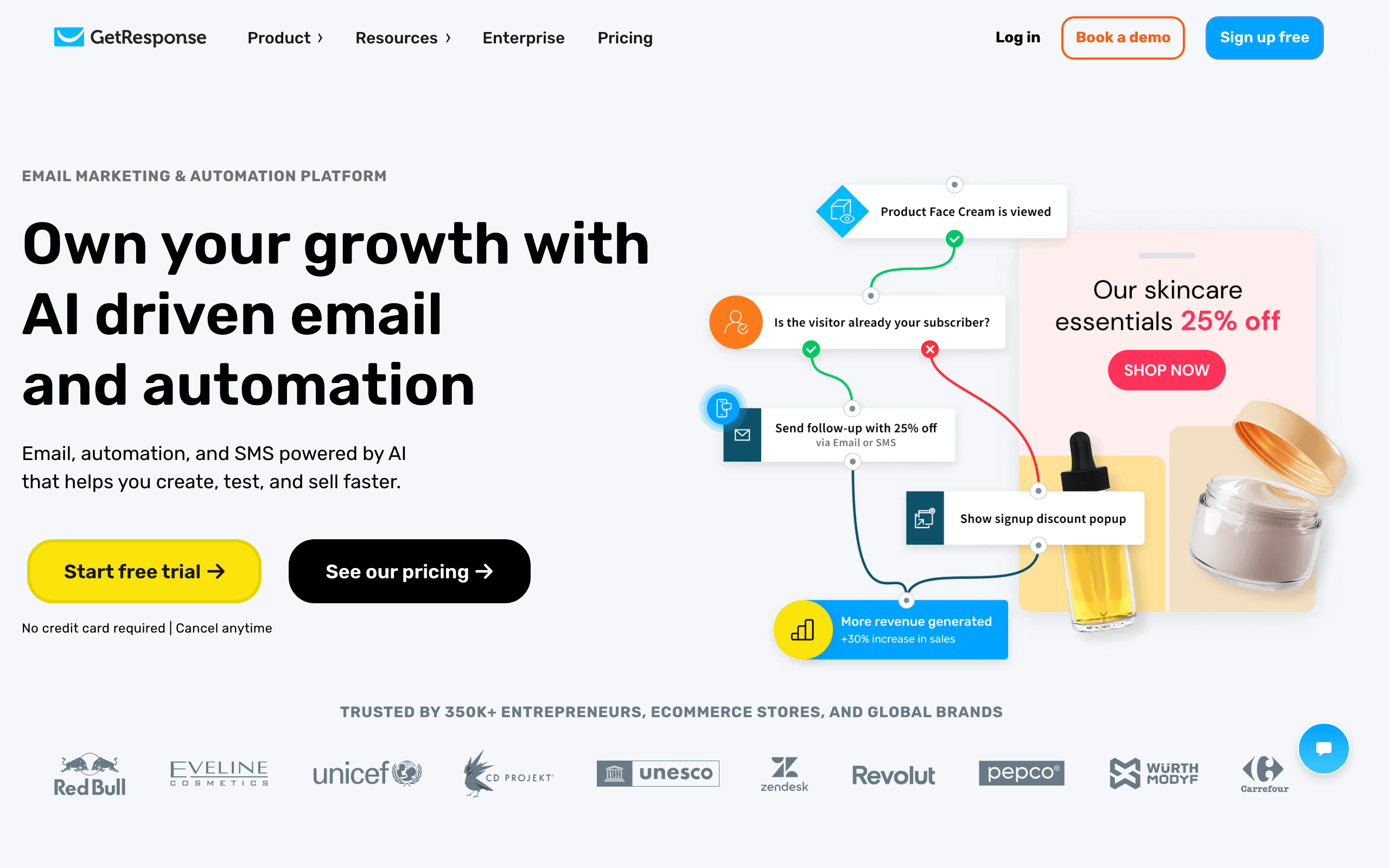 Price: Free for up to 500 contacts, paid plans from $19/month
GetResponse has evolved from a simple email tool into a comprehensive marketing suite that includes webinars, landing pages, funnels, and even website building. If you want maximum functionality from a single platform, GetResponse packs it in.
What GetResponse Does Well
Webinar Integration: The only major email marketing tool with built-in webinar hosting. Run webinars and automatically follow up with attendees via email.
Conversion Funnels: Pre-built sales funnel templates that include landing pages, email sequences, and payment processing. Go from concept to selling in hours.
Autofunnel: Automated marketing funnels that combine pages, emails, and payment into one workflow. Great for selling digital products or courses.
Landing Pages: A solid landing page builder with A/B testing included in all paid plans.
Where GetResponse Falls Short
- Jack of all trades - It tries to do everything, which means nothing is best-in-class. The webinar tool is decent but not Zoom-quality. The website builder works but isn't WordPress-quality.
- Interface complexity - With so many features, the interface can feel overwhelming for new users.
- Deliverability concerns - Some independent tests show GetResponse's deliverability trailing behind focused tools like Postmark or Sequenzy.
- Limited e-commerce features - Despite having online store features, it can't match Klaviyo's e-commerce capabilities.
Best For
Small to medium businesses that want to consolidate their marketing stack into one platform. Especially good for course creators and coaches who need webinars + email in one tool.
16. Mailchimp - Best All-in-One Marketing Platform
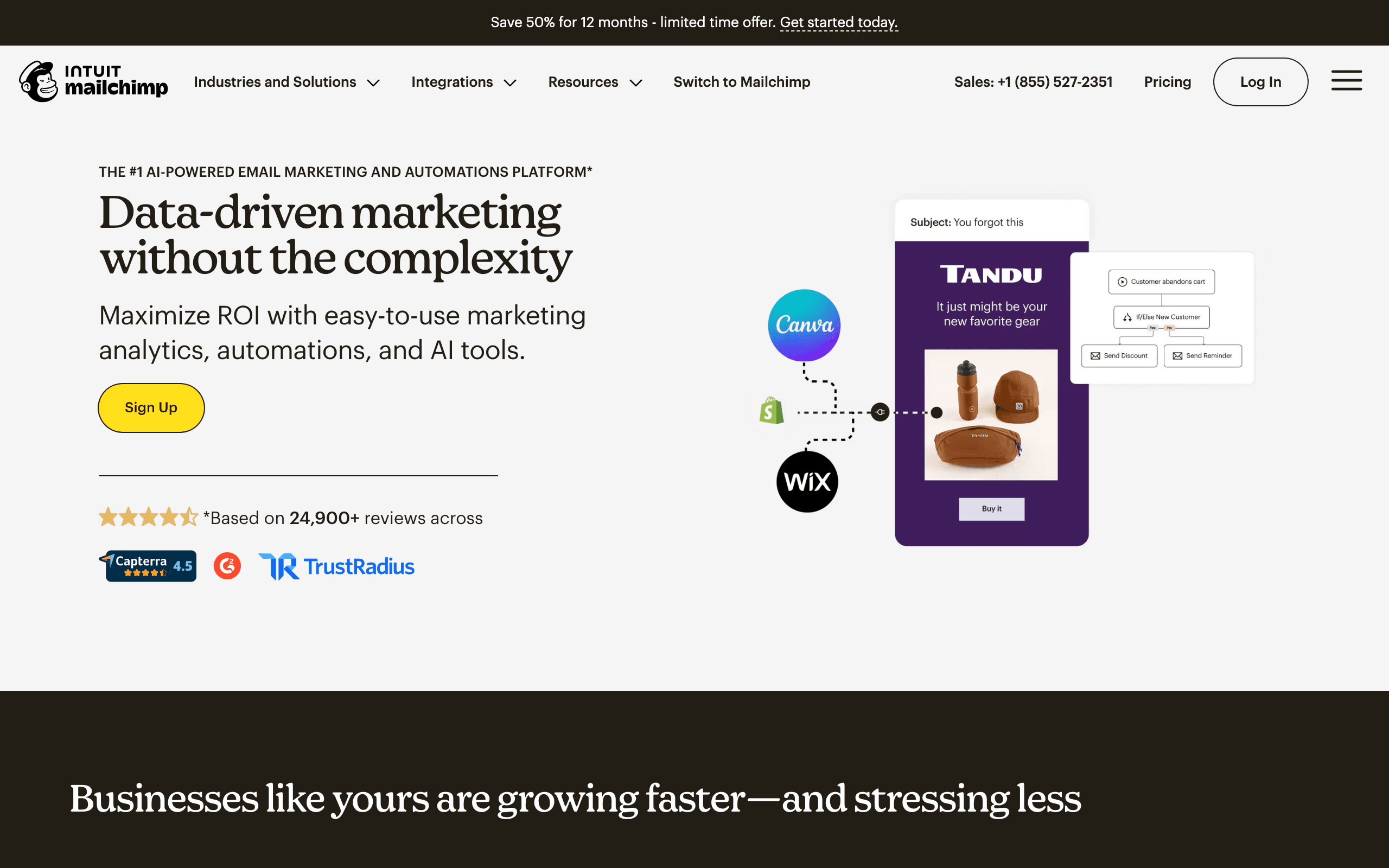 Price: Free plan for up to 500 contacts, paid plans from $13/month
Mailchimp is the most well-known email marketing tool in the world, and for good reason. It's evolved from a simple email tool into a full marketing platform with websites, social media management, and CRM features. For businesses that want everything in one place, Mailchimp delivers.
What Mailchimp Does Well
Ecosystem: Mailchimp has integrations with practically everything - over 300 apps and services. Whatever tools you're using, Mailchimp probably connects to them.
Email Builder: The drag-and-drop builder is intuitive and produces professional results. The template library is massive, and the Creative Assistant can generate on-brand designs automatically.
Analytics: Comprehensive reporting including open rates, click maps, revenue attribution, and audience insights. The benchmarking feature lets you compare your performance against industry averages.
Brand Recognition: Your team probably already knows how to use Mailchimp. Less training time, faster adoption.
Where Mailchimp Falls Short
- Pricing gets expensive fast - The free plan is limited (500 contacts), and paid plans escalate quickly as your list grows. At 10,000 subscribers, you're paying $100+/month.
- Automation is basic - Compared to ActiveCampaign or Customer.io, the automation builder feels limited.
- Support quality has declined - Free plan users get no support. Paid plans get email only. Chat support starts at the Standard plan ($20/mo).
- Feature bloat - Mailchimp tries to do everything (websites, social, CRM) and doesn't do any of them exceptionally well.
If you're considering Mailchimp, you should also explore Mailchimp alternatives to see what else is available.
Best For
Small to medium businesses that want a recognizable brand with a wide integration ecosystem. Good for teams that need basic email marketing without complex automation requirements. Check our detailed Sequenzy vs Mailchimp comparison for a head-to-head breakdown.
17. HubSpot - Marketing Hub for Marketing and Sales
 Price: Free plan with 2,000 emails/month, paid from $20/month (Marketing Hub Starter)
HubSpot is the 800-pound gorilla of marketing automation. Its email marketing tool is just one piece of a massive platform that includes CRM, sales, service, and content management. For enterprise teams that want everything under one roof, HubSpot is the industry standard.
What HubSpot Does Well
CRM Integration: The deepest CRM + email integration available. Every email interaction is logged in the contact record, and you can segment based on any CRM property - deal stage, lifecycle stage, lead score, and more.
Marketing Automation: Sophisticated workflows that span email, ads, social media, and internal notifications. The visual workflow builder is powerful and intuitive.
Reporting: Comprehensive analytics with attribution reporting, revenue tracking, and custom dashboards. You can tie email campaigns directly to closed deals.
Ecosystem: Over 1,000 integrations in the HubSpot marketplace. Plus a massive community, academy, and partner network.
Where HubSpot Falls Short
- Expensive at scale - The free plan is limited, and the full Marketing Hub Professional is $890/month. It's an enterprise-grade price tag.
- Complexity - HubSpot does everything, which means it takes months to fully learn and configure.
- Contact-based pricing - You pay for every contact in your database, whether you email them or not.
- Overkill for email only - If you just need email marketing, paying for the full HubSpot platform is wasteful.
Best For
Enterprise and mid-market B2B companies with sales teams that need CRM + marketing alignment. Not recommended for small businesses or teams that only need email marketing. Check out our HubSpot integration guide for using HubSpot alongside other tools.
18. Constant Contact - Best for Local Businesses & Events
 Price: Plans from $12/month (no free plan)
Constant Contact has been serving small and local businesses for over 25 years. While it's not the most innovative tool, its reliability, ease of use, and event marketing features make it a solid choice for brick-and-mortar businesses.
What Constant Contact Does Well
Event Marketing: Built-in event management with registration, ticketing, and automated follow-up emails. No other major email tool includes this natively.
Social Media Integration: Manage social media posts and ads alongside your email campaigns. Schedule content, track engagement, and promote emails across social channels.
Template Library: Hundreds of templates organized by industry and occasion. Great for seasonal campaigns and holiday promotions.
Ease of Use: The interface is simple and approachable. Non-technical users can create professional campaigns quickly.
Where Constant Contact Falls Short
- No free plan - While competitors offer generous free tiers, Constant Contact requires payment from day one.
- Automation is basic - Limited to simple drip sequences. No conditional logic or complex workflows.
- Pricing has increased - What used to be a budget-friendly option has become more expensive over the years.
- Analytics are limited - Basic open/click reporting, but lacking in advanced analytics and attribution.
Best For
Local businesses, event venues, restaurants, and nonprofits that need simple email marketing with event management. If you run in-person events, the built-in event features save you from needing a separate tool.
19. SendGrid (Twilio) - Best for High-Volume API Sending
 Price: Free for up to 100 emails/day, paid plans from $15/month
SendGrid is the workhorse of email infrastructure. Now owned by Twilio, it handles both transactional and marketing email at massive scale. If you send millions of emails monthly, SendGrid's infrastructure can handle it.
What SendGrid Does Well
Scalability: SendGrid delivers over 100 billion emails per month across its customer base. The infrastructure is battle-tested at scale.
API & SMTP: Flexible integration options - REST API, SMTP relay, or client libraries for every major language. See our comparison of API-first email platforms.
Email Validation: Built-in email address validation to keep your lists clean and reduce bounces. Read our guide on cleaning your email list.
Deliverability Expertise: Dedicated IP addresses, authentication management, and ISP relationship management included in higher-tier plans.
Where SendGrid Falls Short
- Marketing features are mediocre - The marketing campaign builder exists but is far behind Mailchimp or ActiveCampaign.
- Support is inconsistent - Free and lower-tier plan support is limited. Enterprise plans get dedicated support, but it's expensive.
- Interface is confusing - The dashboard tries to serve both developers and marketers, resulting in a UI that satisfies neither.
- Pricing can surprise you - Overage charges can add up quickly if you exceed your plan limits.
Best For
Development teams that need reliable email infrastructure at scale. Best used as a sending engine with a separate marketing tool on top, or for teams that build their own email marketing interfaces. Compare with Resend vs SendGrid.
20. Moosend - Best for Budget Automation
 Price: Plans from $9/month for up to 500 subscribers
Moosend is a hidden gem in the email marketing space. It offers automation capabilities that rival tools twice its price, making it an excellent choice for budget-conscious teams that don't want to sacrifice functionality.
What Moosend Does Well
Affordable Automation: Full automation builder with triggers, conditions, and actions at the $9/month price point. Most competitors lock automation behind higher tiers.
E-commerce Integration: Product recommendation engine, cart abandonment emails, and purchase tracking without the Klaviyo price tag.
Template Editor: Modern drag-and-drop editor with a decent template library and the ability to import custom HTML.
Reporting: Solid analytics including heat maps, geolocation tracking, and device reporting.
Where Moosend Falls Short
- Smaller ecosystem - Fewer integrations than established competitors.
- Brand awareness - Lesser-known platform means fewer community resources, tutorials, and third-party guides.
- Limited multi-channel - Email only, no SMS or push notification support.
- Customer support hours - Support can be slower during off-peak hours.
Best For
Budget-conscious businesses that need real automation capabilities without enterprise pricing. Great for small e-commerce stores and startups that want to automate without overspending. Check our comparison of tools with transparent pricing.
21. Campaign Monitor - Best for Agencies
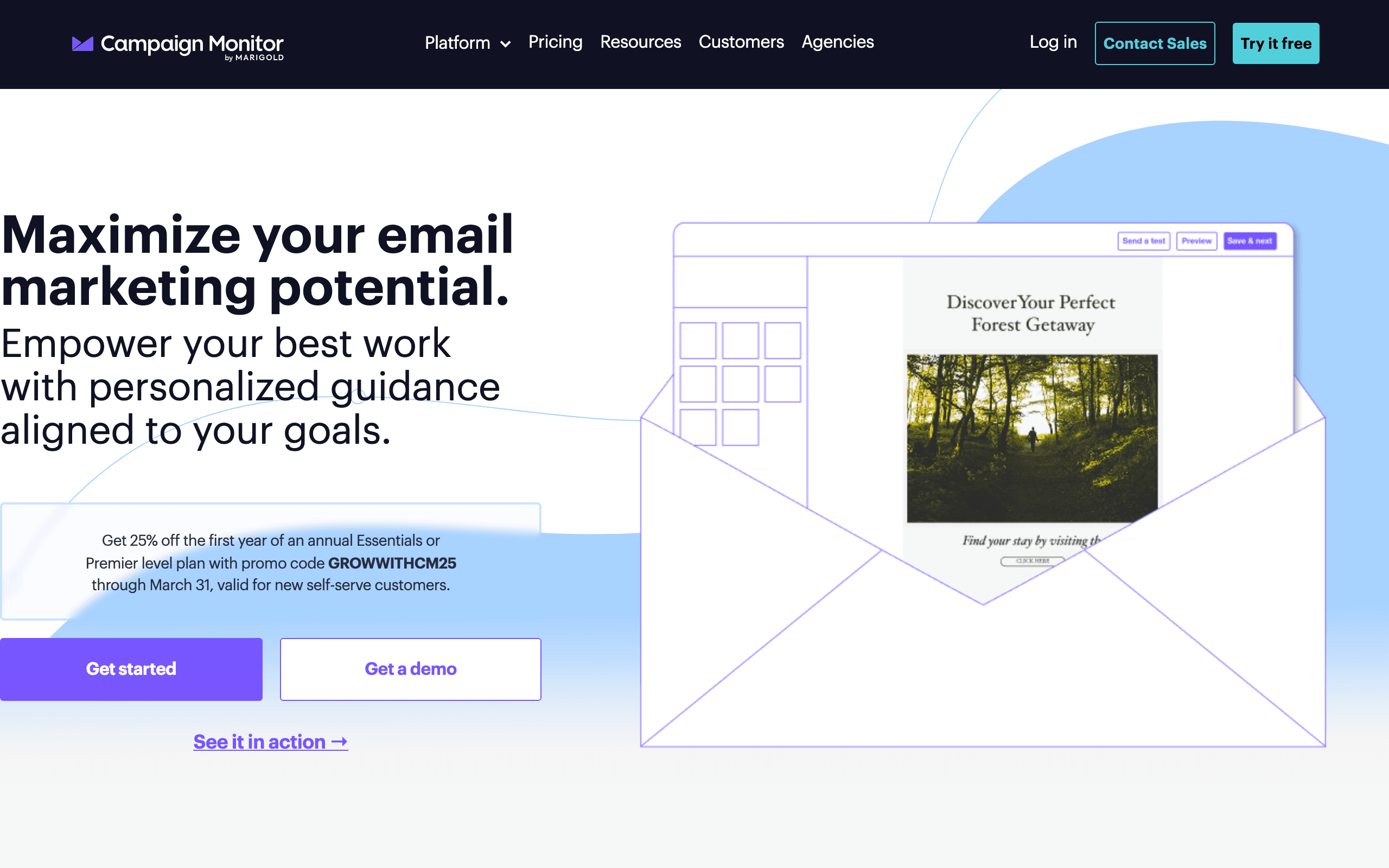 Price: Plans from $12/month
Campaign Monitor is designed for teams that manage email marketing for multiple brands or clients. Its brand management, template locking, and white-labeling features make it the go-to choice for marketing agencies.
What Campaign Monitor Does Well
Brand Management: Lock templates so clients can edit content but not break the design. Maintain brand consistency across teams and clients.
Template Quality: Some of the best-designed email templates in the industry. Premium look and feel out of the box.
Link Review: Automatically checks all links in your email before sending to prevent broken links going live.
Analytics Dashboards: Client-facing reports that are clean and presentable without customization.
Where Campaign Monitor Falls Short
- Pricing - More expensive than competitors with similar features. Our Campaign Monitor pricing breakdown walks through the Lite send cap and where the Essentials upgrade becomes unavoidable.
- Limited automation - The automation builder covers basics but lacks the depth of ActiveCampaign or Customer.io.
- No free plan - No way to try the full platform without paying.
- Feature stagnation - The platform hasn't evolved as quickly as newer competitors.
Best For
Marketing agencies managing multiple client accounts, and brands that need strict template control. If brand consistency across teams is a priority, Campaign Monitor's locking features are valuable.
22. Beehiiv - Best for Newsletter Businesses
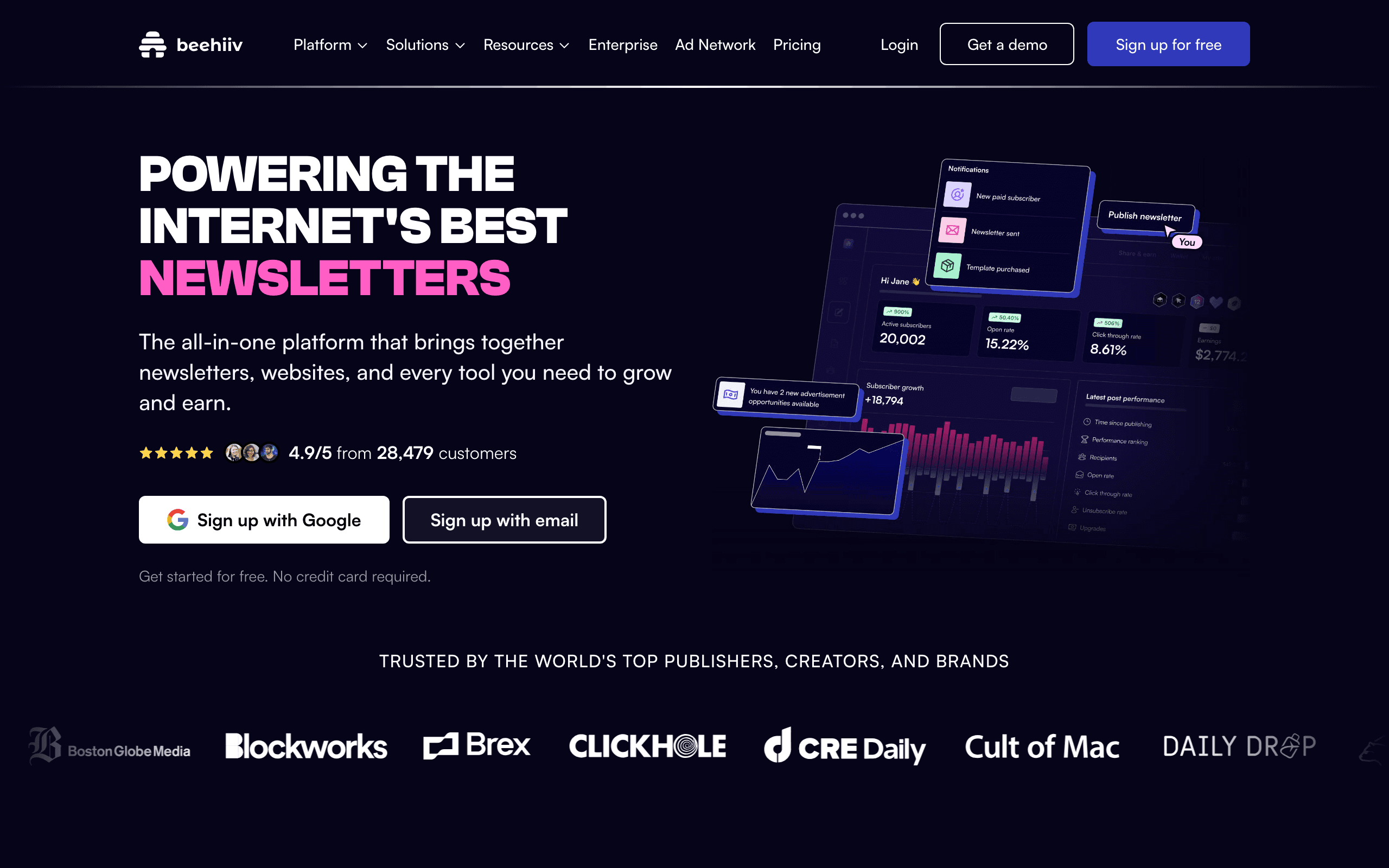 Price: Free for up to 2,500 subscribers, paid plans from $49/month
Beehiiv is purpose-built for people who want to build a business around their newsletter. If your newsletter IS the product - not just a marketing channel - Beehiiv gives you the tools to grow, monetize, and manage it.
What Beehiiv Does Well
Newsletter Monetization: Built-in ad network, paid subscriptions, and referral programs. Turn your newsletter into a revenue stream without third-party tools.
Growth Tools: Referral programs, recommendation networks, and embeddable subscribe forms designed to grow your audience.
Analytics: Subscriber growth metrics, engagement tracking, and revenue reporting - all focused on newsletter-as-a-business metrics.
Custom Website: Your newsletter gets a dedicated website with archives, about pages, and custom domains. Looks professional out of the box.
Where Beehiiv Falls Short
- Not for traditional marketing - If you need to send product updates or e-commerce emails, Beehiiv isn't the right tool.
- Limited automation - Basic welcome sequences but nothing approaching Customer.io or ActiveCampaign.
- Paid plan required for monetization - The ad network and paid subscriptions are only available on paid plans.
- Design constraints - The email editor is more restrictive than traditional email marketing tools.
Best For
Independent newsletter writers and media companies that want to build a business around their content. If you're treating your newsletter as a product, not just a marketing channel, Beehiiv is built for you.
Best free email marketing software: choose by limits, not just list size
The best free email marketing service for you depends on what you send and how often. A generous free plan can still be a poor fit if it limits the automation or email volume your workflow needs. Compare free email marketing services using subscriber capacity, daily and monthly email send limits, branding, and access to support.
Free plan options for newsletters and small businesses
For a small business starting a free newsletter, MailerLite's free plan includes 250 subscribers and 2,500 emails per month, with three automations and three signup forms. Its free plan includes one website and one landing page. It is a practical starting point for a welcome email sequence, but check those limits before building several lead magnets.
Brevo's free plan has 300 daily emails with up to 9000 emails/mo. In general paid plans pricing is very good value for money, starting at $9 a month for 5K emails. The free plan is worth comparing when your email list is large but you send infrequently. And so calculate whether you can deliver an entire email campaign on the day it matters.
Kit's free plan supports up to 10,000 subscribers, making it one of the best free email marketing options for creators who prioritize audience size. Compare the free plan's automation and recommendation requirements with your email marketing strategy before moving an established list. A larger contact allowance does not mean every paid feature is included.
Free email marketing for SaaS and transactional email
Sequenzy's free plan includes 2,500 emails per month with unlimited contacts. You can combine email automation with product events and billing data, and use the same platform for marketing and transactional messages. Budget for password resets and receipts as well as marketing campaigns: both consume your sending allowance.
A developer-focused transactional email service can also offer a free plan, but an API allowance alone does not provide the email builder, subscriber management, or visual workflows you need to run campaigns. Choose an email provider around the work your team can maintain.
When to move from a free plan to a paid email marketing platform
Upgrade when a free plan blocks a necessary workflow, your email sends approach the cap, or you need branding removal and dependable email support. Before paying, build a real campaign in the email editor, test the signup form, and check the automation with a test contact.
A free trial is different from a permanent free plan. Whether a vendor offers a short trial or a 30-day free trial, check what happens to your email and automation when it expires. Confirm whether you must add a card, whether billing starts automatically, and which features remain on the free plan.
How to compare email marketing features before you buy
Email templates and the drag-and-drop email builder
Create email campaigns using your own content during evaluation. Try an email template on mobile, inspect its links, and check whether the free templates remain available after the free trial. A drag-and-drop email builder should make your usual email newsletter easy to produce without repeated HTML fixes. The number of email templates to choose from matters less than whether you can reuse one that fits your brand.
Email automation, integrations, and reporting
Map one customer journey before choosing an email marketing tool. Can you automate email after a signup, stop it after a purchase, and segment by email engagement? Advanced email marketing needs reliable triggers and exit conditions, not just scheduled email blasts. For ecommerce platforms like Shopify, test order syncing and cart recovery with your ecommerce platform. For marketing teams using a CRM, check how marketing and sales share contact updates.
Email volume and affordable email marketing
Estimate sends as contacts multiplied by campaign frequency, then add automated messages. An email list of 10,000 contacts receiving four campaigns needs at least 40,000 sends before onboarding or receipts. Compare quotes at that same volume to find affordable email marketing, rather than relying on starting prices for much smaller lists.
Check what “unlimited email” actually covers. Unlimited email sending may still have fair-use rules, account reviews, or separate transactional limits. An all-in-one email marketing platform is useful only if its included features replace tools you would otherwise pay for.
How to Choose the Best Email Marketing Software for You
With 22 options to consider, there's a lot to compare. Here is a framework for narrowing down your choice.
The value of email marketing software is in how well it fits with what you're actually going to do. So not the number of features, not a dream "ideal" scenario, not an all-you-can-eat feature checklist. You want to be prepared for growth, but looking further than 18 months - the chance for hopeful thinking increases immensely. Don't buy an oversized jacket and mistake complexity for sophistication that will never be used.
~ Jordie van Rijn Martech expert and founder of Email vendor selection.
The best email marketing software for a Shopify store looks nothing like the best pick for a two-person SaaS, so start with your business type rather than a generic ranking:
By Business Type
- SaaS/Software: Sequenzy, Customer.io, or Loops. Read our detailed guide on best email marketing tools for SaaS.
- Early-stage startup: Sequenzy, Loops, or MailerLite. Stage matters more than category here, so compare email marketing tools for startups by free tier, contact pricing, and how fast you outgrow it.
- B2B/sales-led: ActiveCampaign, Customer.io, or HubSpot. Our comparison of B2B email marketing tools weighs CRM sync, reply routing, and lifecycle triggers rather than list size alone.
- E-commerce: Klaviyo, Omnisend, or Drip. See our e-commerce email strategies.
- Creator/Newsletter: Kit, Beehiiv, or Buttondown.
- Local Business: Constant Contact, AWeber, or MailerLite. Browse our local business guide.
- Agency: Campaign Monitor, HubSpot, or ActiveCampaign.
- Enterprise: Braze, HubSpot, or ActiveCampaign.
Free plan or cheap email marketing: compare your budget
- Free: MailerLite, Sender, or Brevo. See all free email marketing tools.
- Under $20/month: Sequenzy ($19), MailerLite ($12), or Moosend. Read our under $50 guide.
- $20-100/month: ActiveCampaign, Klaviyo, or Loops.
- $100+/month: Customer.io, HubSpot, or Keap.
By Technical Skill
- Non-technical: MailerLite, Flodesk, or Mailchimp.
- Some technical: Sequenzy, ActiveCampaign, or Kit.
- Developer team: Resend, Amazon SES, or Plunk.
Find the best email marketing tool for your workflow
- Best automation: ActiveCampaign or Customer.io. Learn more in our email automation software comparison.
- Best deliverability: Postmark or Sequenzy. Check our deliverability guide.
- Best design: Flodesk or MailerLite.
- Best value: Brevo, Sender, or EmailOctopus.
- Best for newsletters: Beehiiv, Kit, or Buttondown. Read our newsletter platform guide.
Frequently Asked Questions
What is the best email marketing software overall?
There's no single "best" tool - it depends on your business type, budget, and needs. For SaaS companies, Sequenzy offers the best value with native Stripe integration. For e-commerce, Klaviyo leads with Shopify integration. For beginners on a budget, MailerLite's free plan is hard to beat. Read our email marketing strategy guide to figure out what you actually need before choosing a tool.
What is the best free email marketing service?
Choose MailerLite for a small business starting with newsletters and simple signup automations, Brevo for value for money and omnichannel options like SMS and Whatsapp, Sequenzy for a SaaS product that needs marketing and transactional email with billing triggers. The best free email marketing service is the one whose contact allowance, email send limits, and automation features fit your workflow. Compare those limits before importing your list, and check which features require a paid upgrade.
What is the best email marketing software for small businesses?
For most small businesses, MailerLite, AWeber, or Constant Contact hit the right balance of price, support, and simplicity. MailerLite wins on value (free up to 250 subscribers and 2,500 emails/month since June 2026), AWeber wins on support (phone and chat on every plan), and Constant Contact wins if you run in-person events. See our full guide to the best email marketing platforms for small business.
How much does email marketing software cost?
Prices range from free to thousands per month. Most small businesses pay between $10-50/month. Costs typically scale with your subscriber count. Free plans are available from MailerLite (250 subs, 2,500 emails/mo), Sender (2,500 subs), Brevo (unlimited contacts, 300 emails/day), and Sequenzy (2,500 emails/mo). See our detailed email marketing cost breakdown.
Can I switch email marketing tools later?
Yes, but it involves some work. You'll need to export/import your subscriber list, recreate your email templates and automations, and update your DNS records. Most tools make importing easy, but recreating automations is manual. Start with a tool that fits your current needs and plan to migrate when you've genuinely outgrown it.
Do I need a separate tool for transactional email?
Not necessarily. Platforms like Sequenzy, Brevo, and Postmark handle both transactional and marketing email. However, some teams prefer using a dedicated transactional service (like Postmark) alongside a marketing tool for maximum deliverability. Read our guide on best platforms with transactional and marketing.
What's the difference between email marketing tools and email API services?
Email marketing tools (Mailchimp, ActiveCampaign) provide visual editors, automation builders, and audience management - designed for marketers. Email API services (Resend, SendGrid, Amazon SES) provide sending infrastructure - designed for developers to build on. Some tools (Sequenzy, Brevo) offer both. Learn more in our build vs buy guide.
How important is email deliverability?
Critical. An email that doesn't reach the inbox has zero value. Deliverability depends on your sender reputation, authentication setup (SPF, DKIM, DMARC), list hygiene, and the infrastructure your tool provides. Tools like Postmark and Sequenzy prioritize deliverability. Read our comprehensive email deliverability guide.
Should I choose a tool based on price or features?
Start with features you actually need, then compare pricing. A cheap tool that doesn't support your use case will cost you more in lost conversions and time spent working around limitations. That said, don't overpay for features you'll never use. Match the tool to your current stage, not where you hope to be in three years.
Choosing the right email marketing platform
The email marketing software you choose matters, but not as much as what you do with it. A well-crafted email sequence on a basic tool will outperform a mediocre campaign on the most expensive platform.
Here's my honest recommendation:
- Just starting out? Go with MailerLite (free, simple, capable) or Sequenzy (if you're building a SaaS).
- Running e-commerce? Klaviyo is the standard for a reason.
- Need advanced automation? ActiveCampaign has the best workflow builder.
- Building a newsletter business? Beehiiv or Kit.
- Developer team? Sequenzy or Resend.
Whatever you choose, the best email marketing software is the one you'll actually use consistently. Start simple, learn what works for your audience, and upgrade when you genuinely need more.
If you're new to email marketing, start with our guide on what is email marketing and how to start email marketing.
For more specific comparisons, check our comparison pages where we do deep dives on individual tools, or explore alternatives to any tool you're currently using.
Try Sequenzy free
Sequenzy's free plan sends 2,500 emails a month with unlimited contacts, full automation, transactional email, and the Stripe integration. No credit card required. Start free or see the full pricing breakdown.