
How to Choose the Right Email Tool for Your Dental Practice
The best email marketing tool for your practice depends on a few key factors:
| Dental email benchmark | Healthy target | What it means |
|---|---|---|
| Appointment reminder open rate | 45-60% | Patients expect operational reminders and should engage strongly. |
| Recall sequence open rate | 28-38% | Preventive-care reminders should outperform generic newsletters. |
| Recall booking rate | 25-40% | A good sequence can reduce staff phone follow-up. |
| Newsletter click rate | 2-5% | Booking, review, or education links should be clear and singular. |
| Unsubscribe rate | Under 0.5% | Higher rates mean emails feel too promotional or irrelevant. |
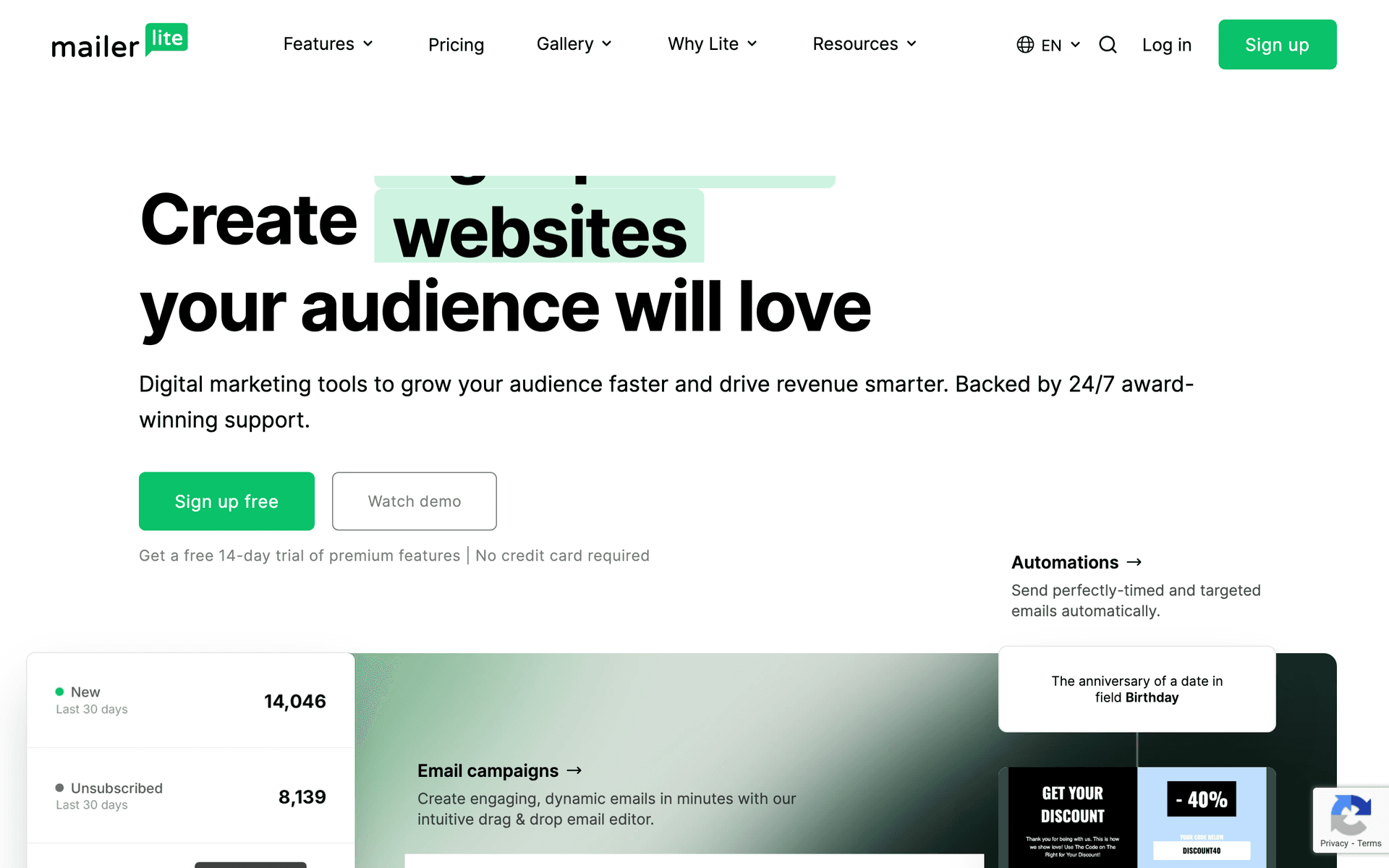
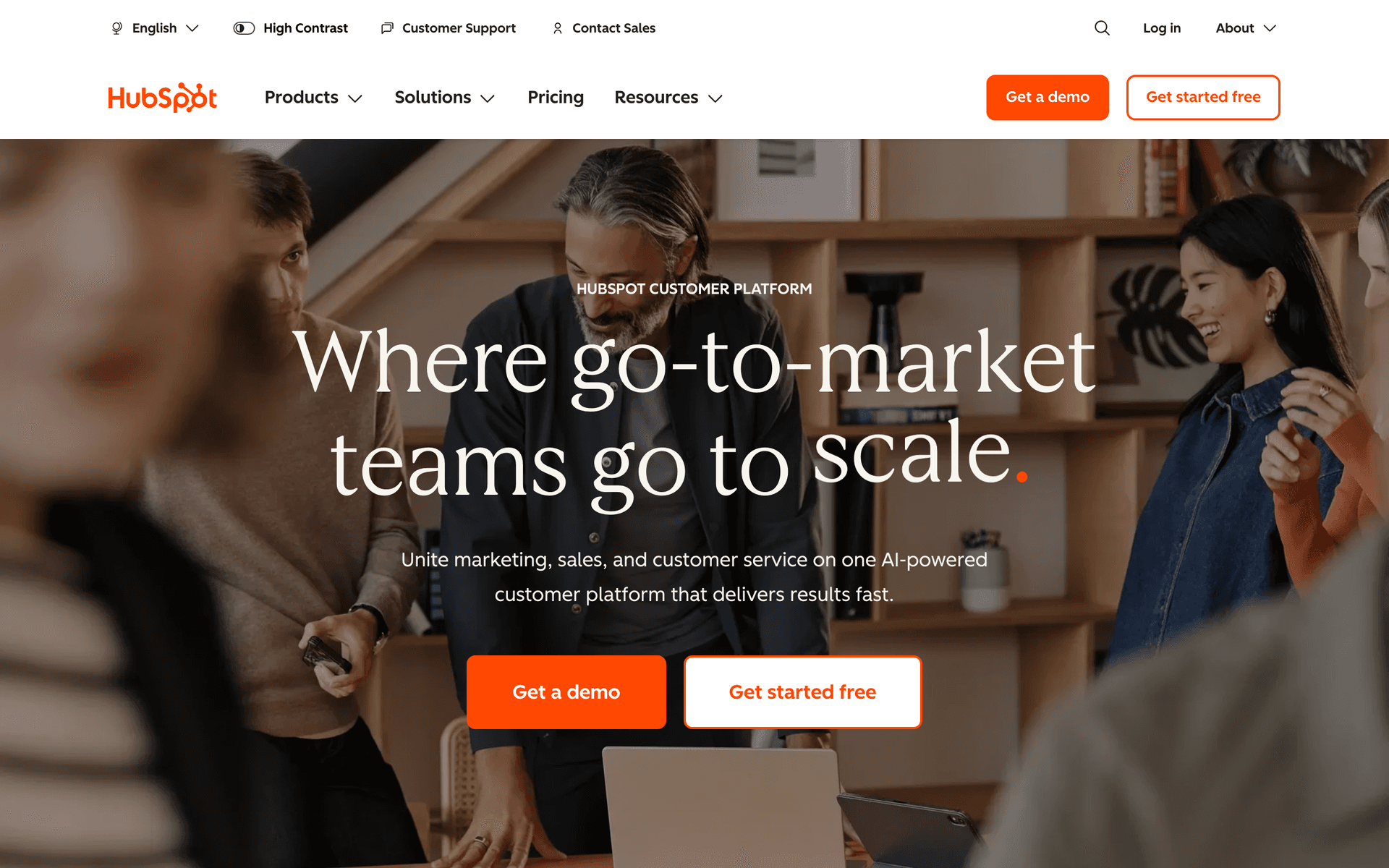
Practice size matters. Solo practitioners can get by with simpler tools like MailerLite or Sequenzy. Multi-location groups need platforms like ActiveCampaign or HubSpot that handle complexity well.
Technical comfort varies. If you or your staff are not technical, prioritize ease of use over features. A tool you actually use beats a powerful one gathering dust.
Budget is real. Dental practices have tight margins. Calculate the cost at your expected list size, not the starting price. A tool that costs $10/month for 500 contacts might cost $200/month once you have 5,000 patients in your database.
The Database Size Problem
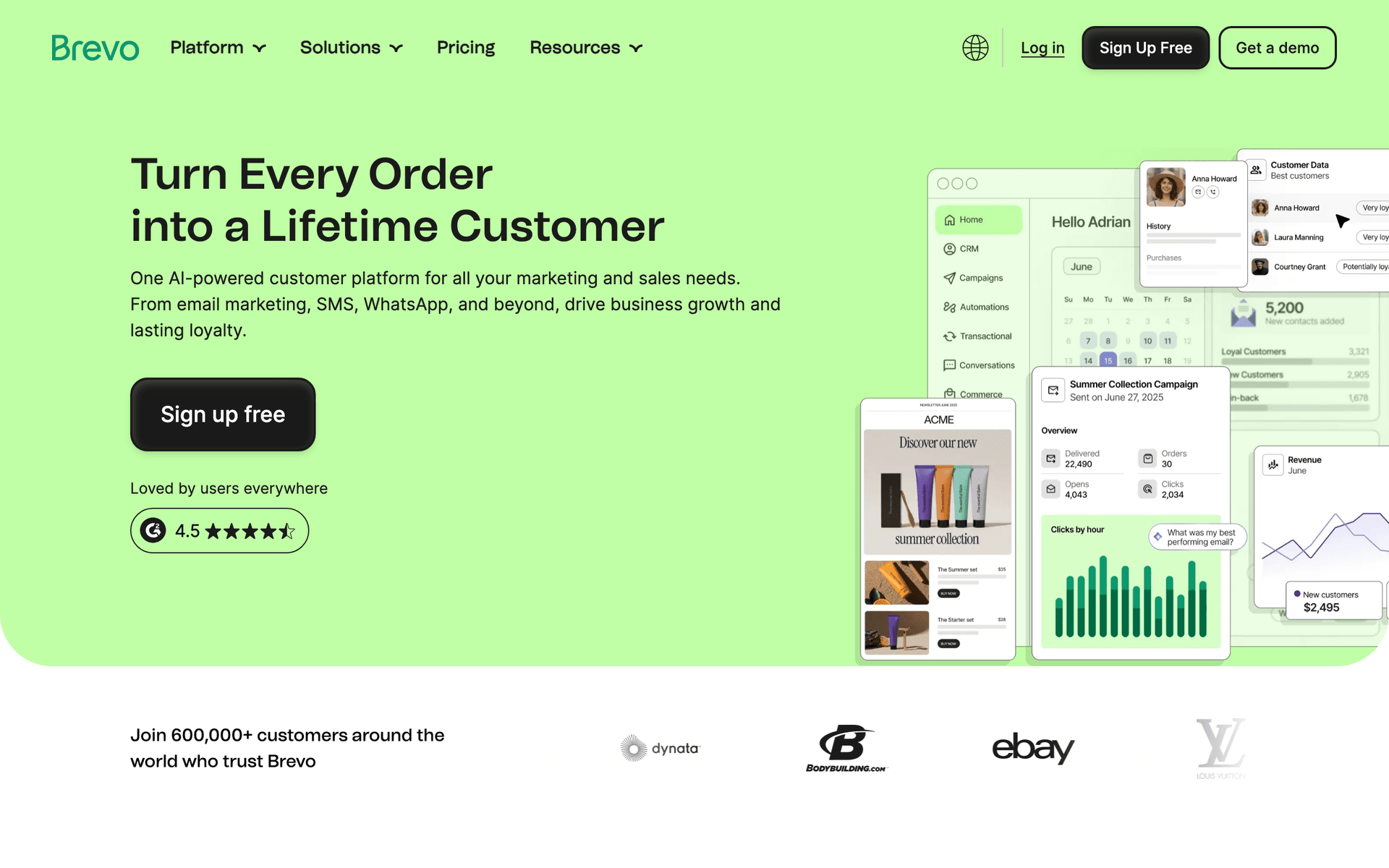
Dental practices face a unique pricing challenge. Over years of operation, you accumulate thousands of patient records. Many of these patients are active, but some have not visited in years. Per-contact pricing platforms charge you for every record, regardless of activity. Pay-per-email platforms like Sequenzy and Brevo only charge when you actually send, which often makes more financial sense for practices with large historical databases.
Integration Considerations
If you use practice management software, check whether your email platform integrates with it. Direct integration eliminates manual data entry and keeps patient information synchronized. Mailchimp, ActiveCampaign, and HubSpot have the widest integration libraries, while newer platforms like Sequenzy integrate via API.
| Tool | Best dental-practice fit | Staff learning curve | Pricing concern |
|---|---|---|---|
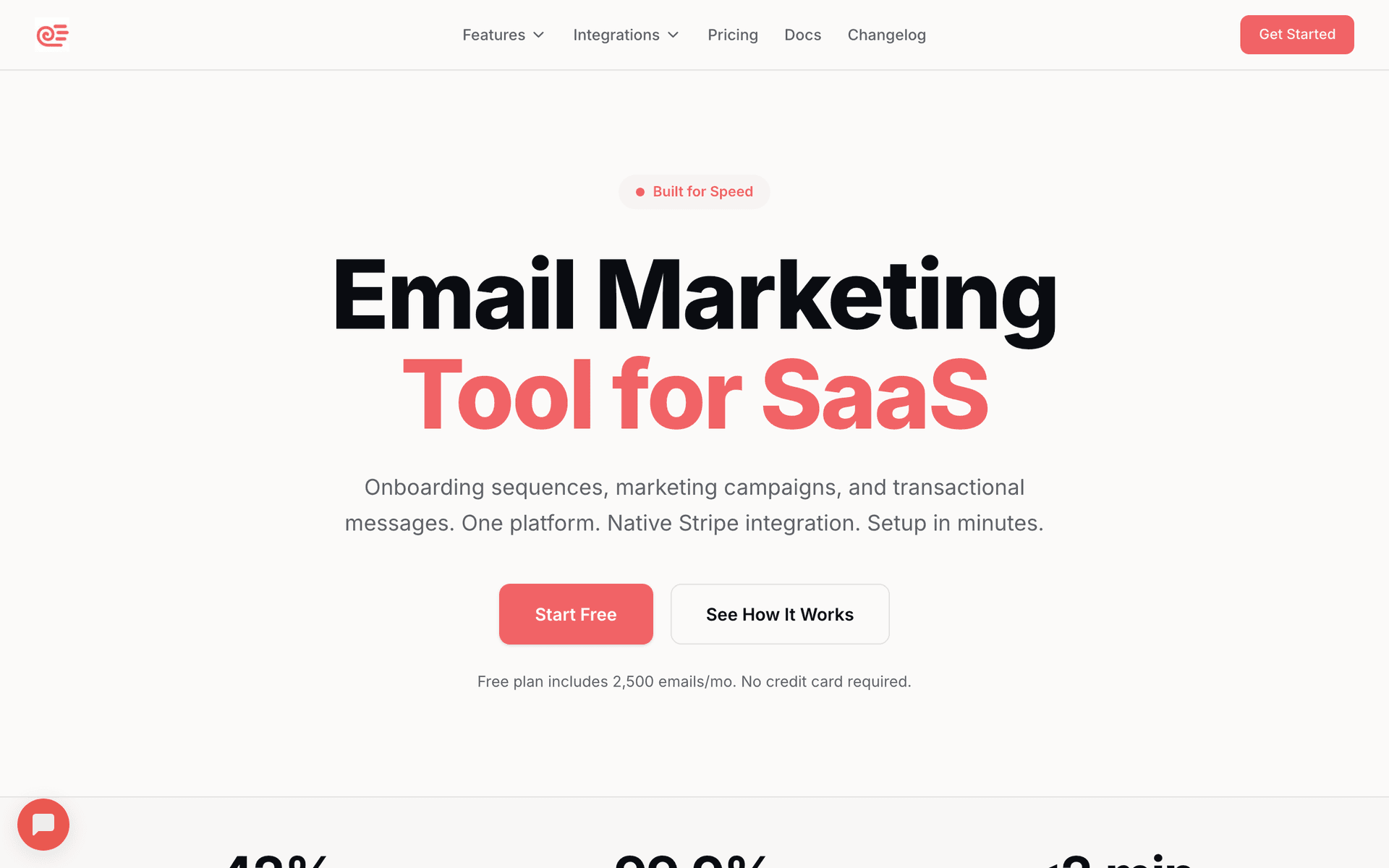
| Sequenzy | AI-written recall, reminder, and follow-up sequences. | Low | Newer platform, fewer healthcare-specific templates. |
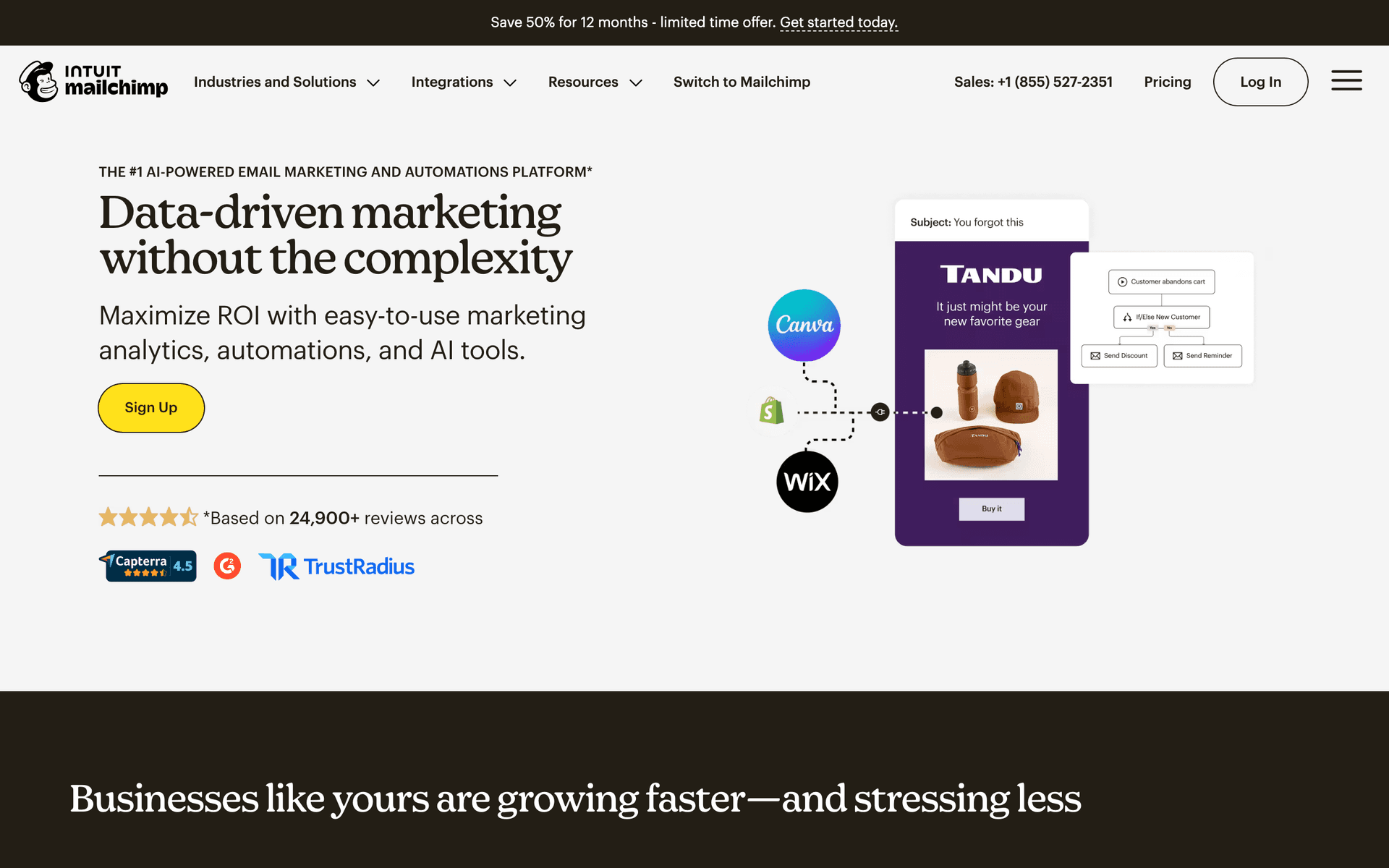
| Mailchimp | Familiar templates and broad integrations. | Medium | Per-contact pricing rises with historical patient database. |
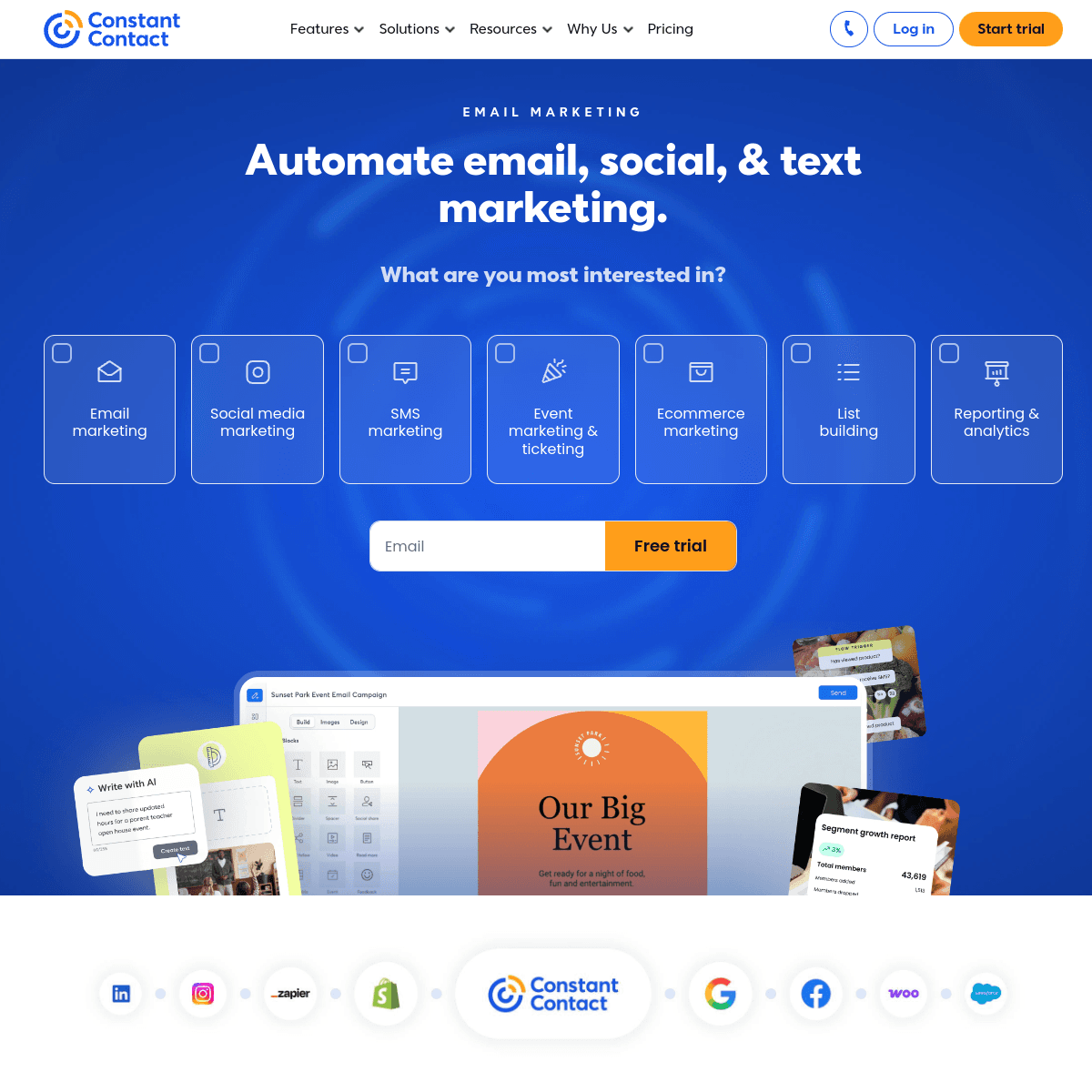
| Constant Contact | Simple newsletters and phone support. | Low | Automation depth is limited. |
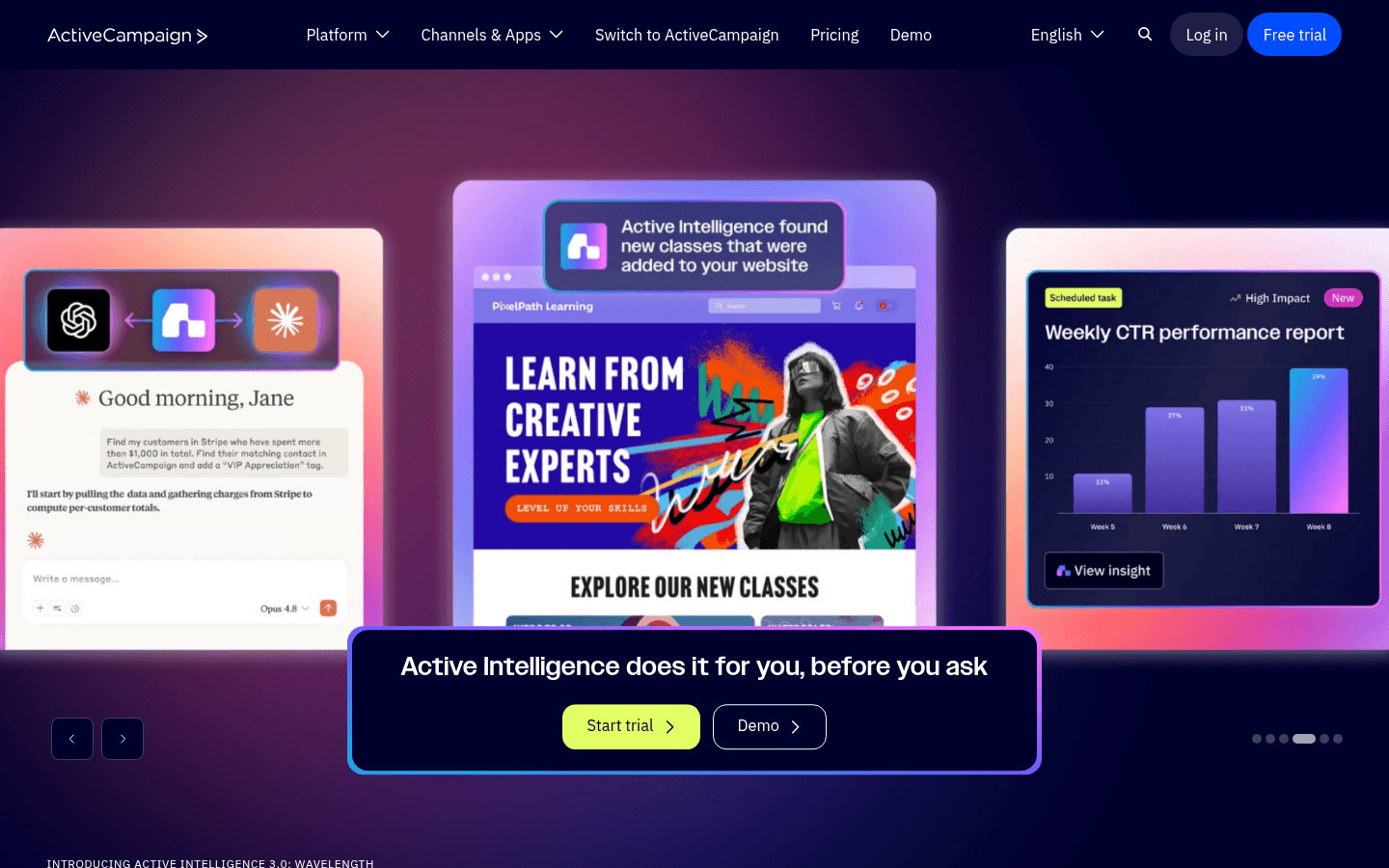
| ActiveCampaign | Complex journeys and multi-location segmentation. | High | Overkill for many practices. |
| Brevo | Budget email plus SMS. | Medium | Interface and support are less polished. |
Best Fit by Dental Practice Workflow
Best email marketing tool for dental recall reminders
Sequenzy is the better fit when the practice wants a simple 6-month recall sequence, appointment reminders, new patient welcome emails, and post-visit follow-up without asking front desk staff to build complex automations from scratch.
Best email marketing tool for dental appointment SMS reminders
Brevo is the better fit when email should sit beside SMS for appointment confirmations, last-minute openings, and reminders. For practices with recurring no-show problems, the SMS layer may matter more than advanced newsletter design.
Best email marketing tool for multi-location dental groups
ActiveCampaign or HubSpot is the better fit when the group needs location-specific segments, centralized reporting, staff access, CRM-style records, and more advanced patient journeys than a single practice usually needs.
What Actually Works for Dental Practices
After talking to dozens of dental practices about their email marketing, here is what separates the practices that see real results:
They automate the basics. Every practice should have automated appointment reminders and recall sequences running. This is not optional anymore. Practices that automate these basics see 20-30% fewer no-shows and significantly higher recall booking rates.
They keep it simple. The practices sending 10-email welcome sequences rarely finish setting them up. Start with 3 sequences: appointment reminders, 6-month recall, and new patient welcome. Add more later when those are working well.
They actually look at the data. Open rates, click rates, bookings from email. The practices that check these monthly and adjust their approach always outperform those who set it and forget it entirely.
| Dental sequence | Trigger | Timing | Goal | Example subject |
|---|---|---|---|---|
| Appointment reminder | Upcoming appointment | 7 days, 2 days, morning of | Reduce no-shows. | "Your appointment is coming up" |
| 6-month recall | Last cleaning date | Month 6, week 1, week 3 | Book preventive visits. | "Time for your checkup, {{first_name}}" |
| New patient welcome | First visit completed | Same day, day 3, day 7 | Improve trust and reviews. | "Thanks for choosing us" |
| Treatment follow-up | Major procedure | Day 1, day 7 | Show care and catch issues early. | "How are you feeling after yesterday?" |
| Cosmetic education | Interest or service launch | 2-4 email mini-series | Drive elective consultations. | "Is Invisalign right for adults?" |
The Revenue Impact of Email
A dental practice with 2,000 active patients that runs a proper email program typically sees measurable results within 90 days. Recall sequences alone can generate 50-100 additional appointments per quarter that would otherwise require staff phone calls or be lost entirely. At average appointment values, that is significant revenue for a modest monthly email platform cost.
Patient Education Drives Cosmetic Revenue
Practices that send educational content about cosmetic treatments - whitening, veneers, Invisalign - see higher uptake of these services. Patients who understand a treatment through email education book consultations at higher rates than those who only learn about services during office visits. Education removes the anxiety barrier that prevents many patients from asking about elective treatments.
Getting Started
Pick a tool from this list. Any of them will work better than not doing email marketing at all. Then:
- Import your patient list
- Set up appointment reminder emails
- Create a 6-month recall sequence
- Send a monthly newsletter
That is it. You can get fancy later. The important thing is to start. A simple email program running consistently outperforms a complex one that never gets launched.