
21 Best Event-Based Email Automation Tools (2026)

Most email automation is time-based. "Send email 3 days after signup." "Wait 7 days, then send follow-up." This works for simple sequences, but it ignores what the user is actually doing. A user who completes onboarding in 2 hours doesn't need the same emails as a user who hasn't logged in for a week.
Event-based email automation triggers on user actions, not arbitrary timers. When a user completes a step, triggers an event. When they hit a milestone, triggers a different event. When they stop doing something (inactivity), that's an event too. Your email tool listens for these events and responds accordingly.
This is how the best SaaS companies do email. It's the foundation of product-led growth email and the key to effective SaaS behavioral email marketing. Here's which tools handle event-based automation best.
This guide is part of our best email automation software comparison.
What Event-Based Email Automation Looks Like
Instead of:
- Day 0: Welcome email
- Day 3: Feature introduction
- Day 7: Upgrade prompt
You get:
- Event "signup.completed": Welcome email
- Event "first_project.created": Feature deep-dive email
- No event for 3 days: Re-engagement email
- Event "trial.ending" (from Stripe): Conversion email
The emails adapt to user behavior rather than following a fixed schedule. Users who move fast get relevant content faster. Users who are stuck get help when they need it. For a deeper look at building these sequences, check our guide on how to send emails based on product events.
Why Event-Based Matters More Than Ever
The shift to event-based email isn't just about personalization. It's about relevance and timing.
Relevance: A time-based email that says "Have you tried our reporting feature?" is irrelevant if the user already uses it daily. An event-based email that says "Great, you've created 10 reports! Here's how to schedule them automatically" is relevant because it's triggered by what the user actually did.
Timing: The best moment to send an email about a feature is right after the user shows interest in that feature's domain, not 7 days after signup when you've scheduled it. Event-based timing ensures emails arrive when they're most useful.
Efficiency: Event-based automation means you write fewer emails that serve more users. Instead of writing 20 time-based emails hoping to cover every scenario, you write 10 event-based emails that fire at exactly the right moment for each user.
Quick Comparison
| Tool | Best For | Starting Price | Free Tier | Event Depth |
|---|---|---|---|---|
| Sequenzy | SaaS event-driven lifecycle without complexity | $19/mo | Yes | Custom events + Stripe automatic + inactivity |
| Customer.io | Most powerful event automation engine | $100/mo | No | Events, frequency, recency, absence, nested logic |
| Loops | Simple event-to-email for startups | $49/mo | Yes | Custom events, simple triggers |
| Iterable | Cross-channel event automation | Custom | No | Events, hold-until, cross-channel |
| Braze | Enterprise real-time event processing | Custom | No | Events, frequency, recency, absence, real-time |
| Vero | Balanced event automation for mid-market | $54/mo | No | Custom events, behavioral triggers, SQL segments |
| ActiveCampaign | Event automation with CRM context | $29/mo | No | API events, CRM-enriched, Zapier events |
| Drip | E-commerce event-based CRM | $39/mo | No | Purchase events, behavioral, on-site |
| Klaviyo | E-commerce metrics-based automation | $20/mo | Yes | Shopify metrics, predictive events |
| Ortto | CDP-event automation | $599/mo | No | CDP activity events, CRM events |
| Encharge | SaaS event flows for non-technical teams | $79/mo | No | Stripe events, HubSpot events, custom API events |
| Intercom | In-app messaging + event automation | $74/mo | No | Product events, engagement events, user data |
| Bento | Indie SaaS event automation | $30/mo | No | Custom events, behavioral, segments |
| MoEngage | Mobile + email event automation | Custom | No | App events, cross-channel, AI prediction |
| Leanplum | Mobile-first event automation | Custom | No | App events, A/B testing, real-time |
| Insider | AI event-based personalization | Custom | No | Behavioral prediction, cross-channel events |
| HubSpot | CRM event + marketing automation | $20/mo | Yes | Form events, lifecycle events, CRM triggers |
| Omnisend | E-commerce event automation | $16/mo | Yes | Purchase events, cart events, lifecycle |
| Mailchimp | Basic event automation | $13/mo | Yes | Tag events, purchase events, limited custom |
| Userlist | B2B SaaS account + user events | $149/mo | No | User events, company events, account-level |
| Brevo | Affordable event-triggered automation | $9/mo | Yes | Contact events, transactional triggers, basic custom |
Best Event-Based Email Automation Tool by Use Case
Best event-based email automation tool for SaaS founders
Sequenzy is the best fit when you want product events, billing events, and lifecycle sequences in one simpler system. Start with how to send emails based on product events, then map those events to automated onboarding and activation rate improvement.
Best event-based email automation tool for technical growth teams
Customer.io is the best option when event properties, nested conditions, and workflow goals are central to the system. Use the Customer.io comparison if the decision is whether that flexibility is worth the implementation work.
Best event-based email automation tool for simple startup workflows
Loops is the right fit when your events are straightforward and your team values setup speed over deep branching. Compare it directly in the Loops comparison before moving to heavier automation tools.
Best event-based email automation tool for enterprise cross-channel teams
Iterable and Braze make more sense when one event should coordinate email, SMS, push, and in-app messages at scale. For SaaS teams that only need email plus billing events, that enterprise layer is usually more than necessary.
The 21 Best Options
1. Sequenzy
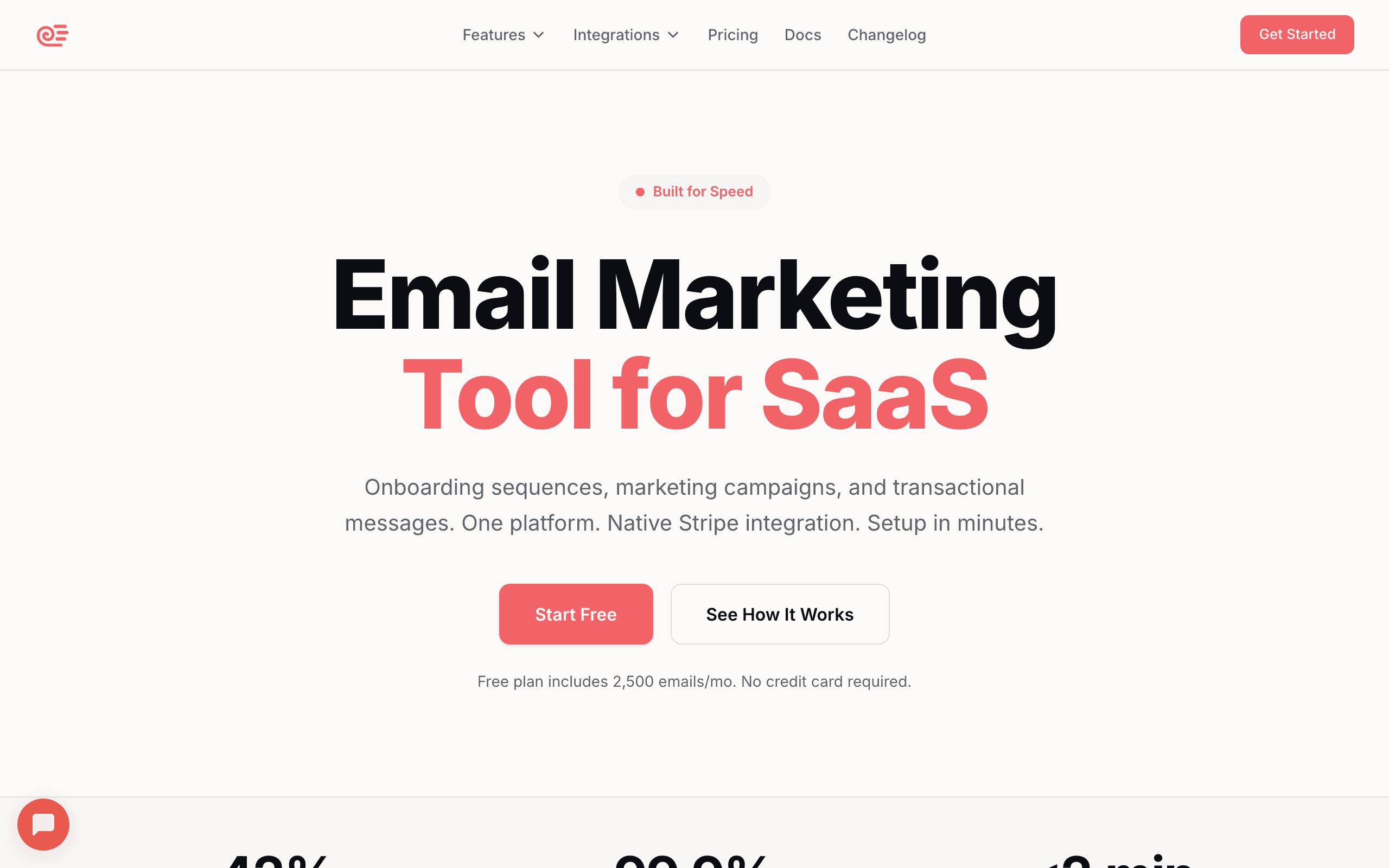
Best for: SaaS founders wanting event-driven lifecycle email without complexity
Sequenzy's automation model is event-driven by design. Send an event to Sequenzy's API when a user takes an action, and Sequenzy triggers the appropriate sequence. Events like "signup.completed," "trial.ending," or custom product events start automated email sequences.
The key difference from Customer.io is simplicity. Sequenzy gives you event-triggered sequences with built-in SaaS workflows (onboarding, dunning, churn prevention) rather than a blank-canvas workflow builder. You get the event-based approach without building complex branching logic. The Stripe integration automatically generates payment events, so you only need to manually track product usage events.
The event API is straightforward: one HTTP call with an event name, subscriber identifier, and optional properties. No SDK installation, no event schema definition, no data mapping. Send an event, and it's immediately available as a sequence trigger. For a startup that wants event-based email working this week, this simplicity matters.
Sequenzy also supports "inactivity events," which trigger when a user hasn't performed a specific action within a time window. "No login for 7 days" or "no project created in 14 days" can start re-engagement sequences. This addresses the common gap in event-based systems: responding not just to what users do, but to what they don't do.
The Stripe integration deserves emphasis. Payment events (trial started, payment succeeded, payment failed, subscription upgraded, subscription cancelled) flow in automatically without any code. Combined with your custom product events, this gives you a complete behavioral picture, both what users do in your product and what happens with their billing.
Event handling: Custom events via API, automatic Stripe events, inactivity triggers, tag-based triggers Pricing: Free for 2,500 emails/month with unlimited contacts, then from $19/month Pros: Event-driven by design, SaaS-specific workflows, Stripe automation, simple setup, inactivity triggers Cons: Less flexible than Customer.io for complex branching, newer platform
2. Customer.io
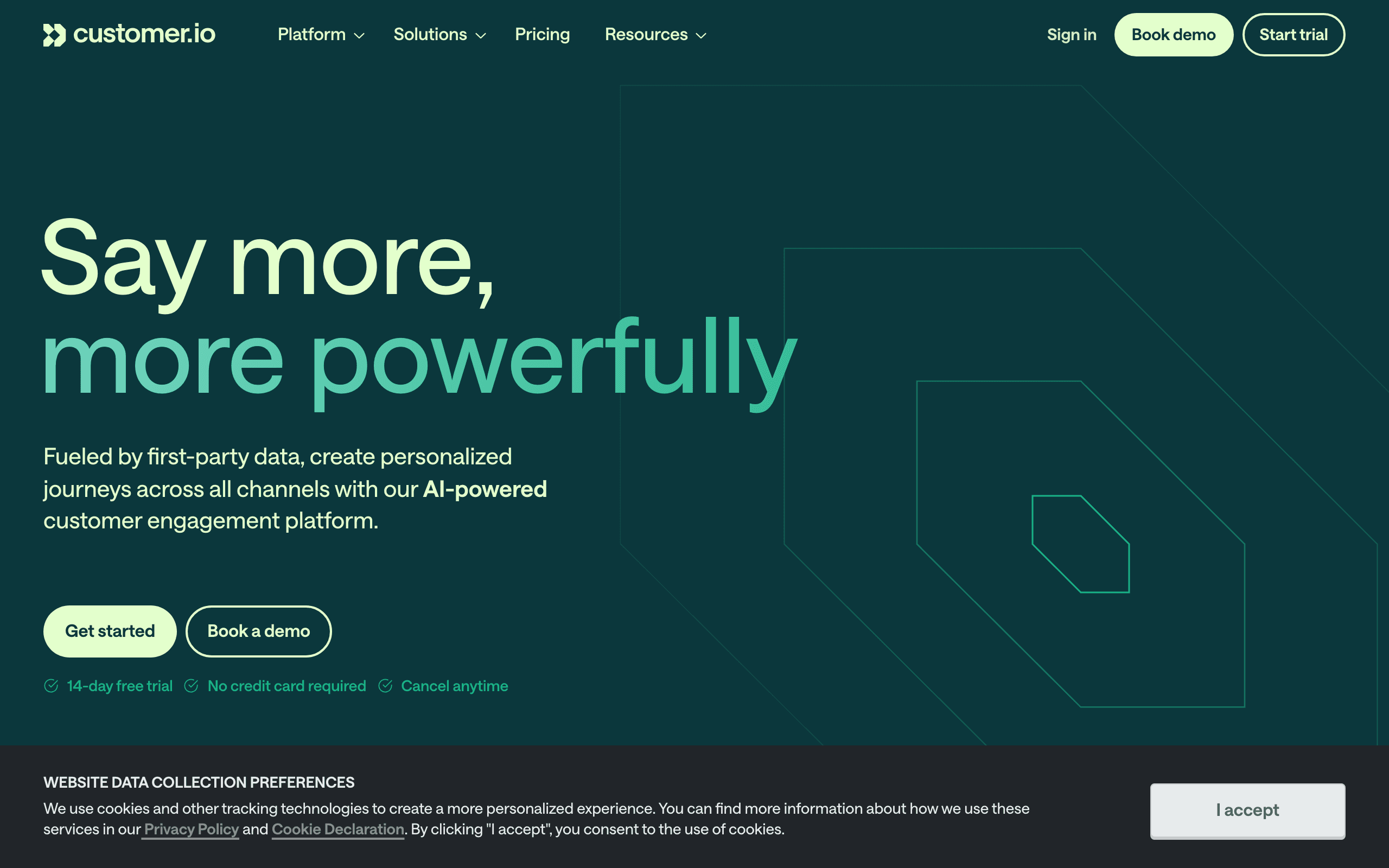
Best for: The most powerful event-based automation engine
Customer.io was built around events. Every automation starts with an event trigger: a custom event from your application, a page view, a segment membership change, or an attribute update. The automation builder lets you branch on event properties, wait for specific events, and combine multiple event conditions.
You can build automations like "when user triggers 'project.created' AND has attribute 'plan' = 'trial' AND has NOT triggered 'invite.sent' within 7 days, send team collaboration email." This level of event-based logic is unmatched.
The event data model in Customer.io is the most sophisticated in the email tool space. Events carry properties (key-value pairs), and you can use those properties in branching conditions, email personalization, and segment definitions. An event like "order.placed" with properties like "amount: 99, productName: Dashboard, planType: annual" gives you everything you need for targeted follow-up emails.
Customer.io also supports "event frequency" conditions: "user who triggered 'feature.used' more than 10 times in the last 30 days." This is crucial for identifying power users, detecting engagement trends, and building sophisticated subscriber segmentation based on usage intensity rather than just occurrence.
The "wait for event" step in workflows is uniquely powerful. The workflow pauses until a specific event occurs, then continues. This enables patterns like: "send onboarding email 1, wait for 'setup.completed', then send onboarding email 2." If the user completes setup in 1 hour, they get email 2 in 1 hour. If it takes 3 days, they get it in 3 days. The workflow adapts to the user's pace automatically.
Event handling: Custom events with properties, event combinations, event absence (inactivity), attribute-based triggers Pricing: From $100/month Pros: Most powerful event-based automation, flexible branching, event combinations, mature, frequency conditions Cons: Expensive, steep learning curve, can be overengineered
3. Loops
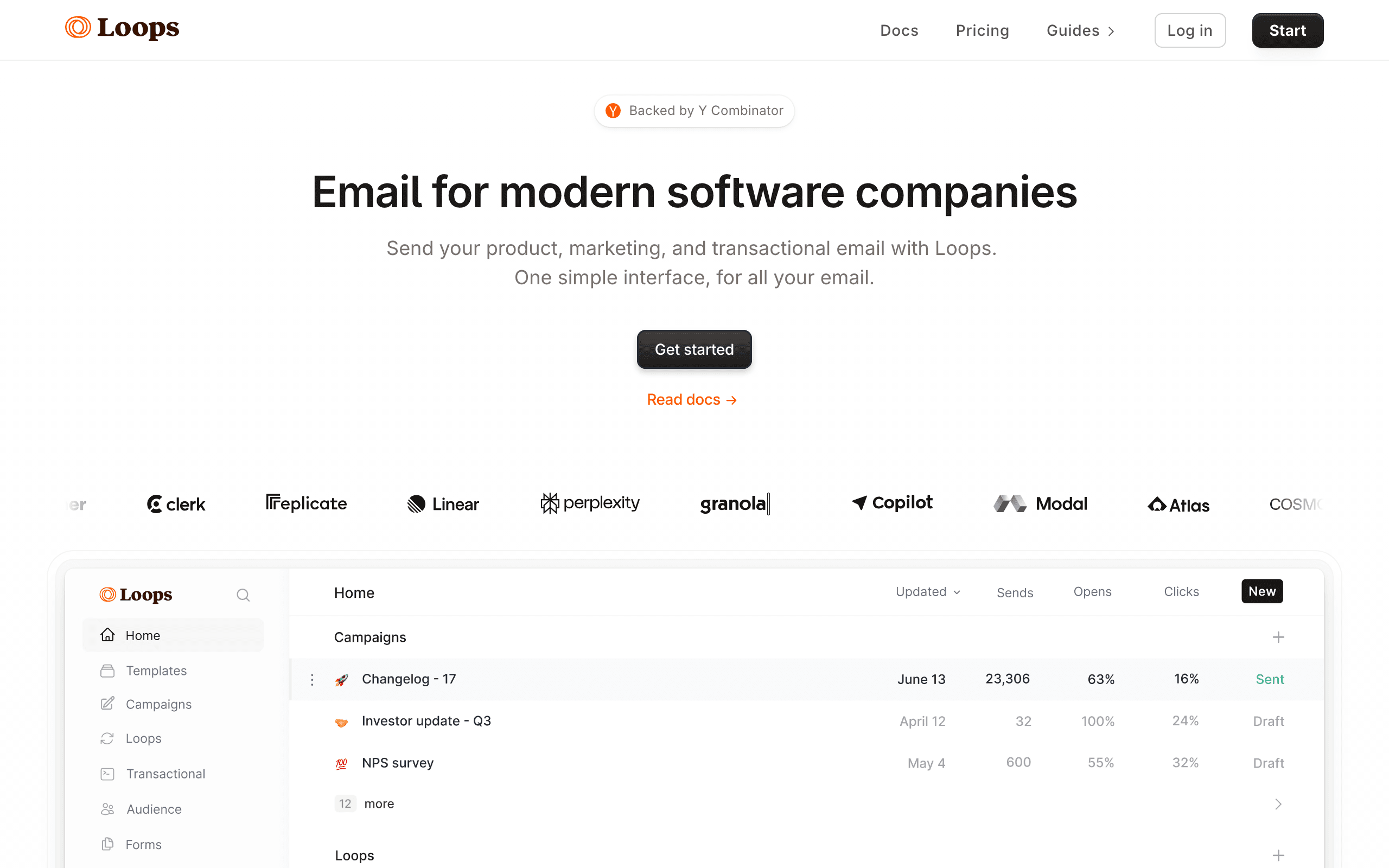
Best for: Startups wanting simple event-to-email automation
Loops is built around events. You send events via API, and those events trigger email sequences. The model is deliberately simple: event fires, sequence starts. There's no complex branching or multi-condition triggers. For early-stage SaaS, this simplicity is the point.
Loops handles the basics well: user signed up (send welcome), user created project (send tips), user hasn't logged in (send re-engagement). If your automation needs fit "when X happens, send Y," Loops delivers without the overhead of a full automation builder.
The developer experience is the standout. The API documentation is clear, the SDKs are well-maintained, and you can go from reading the docs to sending your first event-triggered email in under an hour. For developer-focused teams (common in the PLG space), this matters more than having 50 workflow features you won't use.
The limitation is clear: no branching. You can't build "if user did X, send email A; otherwise, send email B." Each event triggers a specific sequence, period. For more nuanced automation, you'd need to handle the logic in your application code (sending different events based on conditions) rather than in the email tool. This works fine at small scale but becomes unwieldy as your automation needs grow.
Event handling: Custom events via API, basic event triggers, simple sequences Pricing: Free for 1,000 contacts, from $49/month Pros: Simple event model, developer-friendly, good free tier, fast setup, excellent docs Cons: No complex branching, basic event logic, limited to simple sequences
4. Iterable
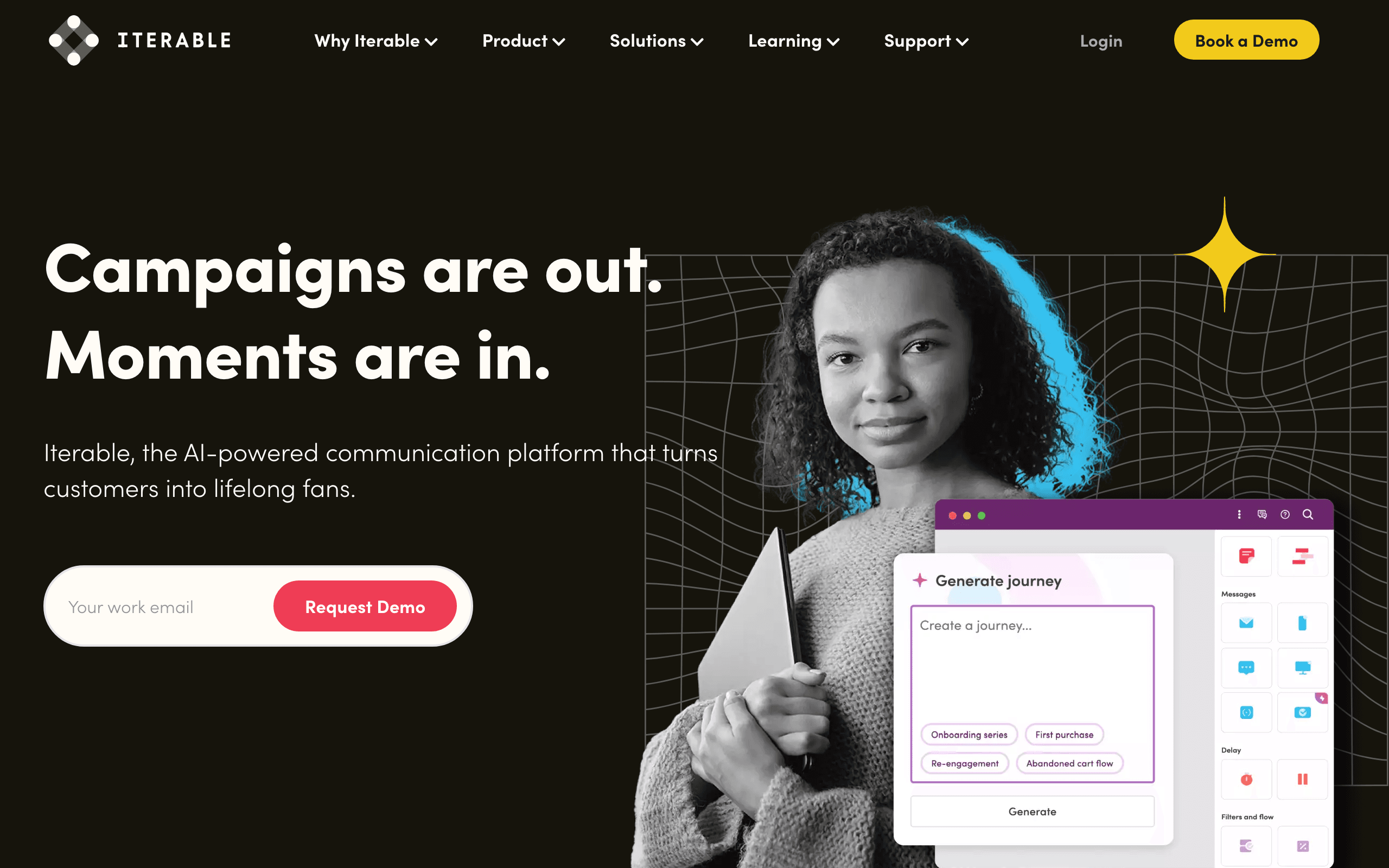
Best for: Growth teams wanting event-based automation across channels
Iterable's Studio (their workflow builder) triggers on custom events and supports complex event-based logic across email, push, SMS, and in-app messaging. Events from your application trigger workflows that can branch based on event properties, user attributes, and channel engagement.
For growth teams that need event-based automation beyond just email, Iterable handles the cross-channel piece. An event can trigger an email, and if the user doesn't engage, follow up with a push notification or in-app message. The event model supports properties, making it easy to personalize messages based on what happened.
The "hold until" feature is Iterable's event-based standout. A workflow step can hold a user until a specific event occurs or a condition is met. "Hold until user opens the email" followed by a branch based on what they clicked gives you sophisticated event-response patterns across channels. Combined with the cross-channel capability, this enables sequences like: "send email, hold until opened or 24 hours pass, if not opened send push, hold until clicked or 12 hours pass, if not clicked send SMS."
Event handling: Custom events with properties, cross-channel triggers, workflow branching, event-based exits Pricing: Custom (typically $500+/month) Pros: Cross-channel, visual workflow builder, event properties, growth-focused, hold-until Cons: Custom pricing, mid-market complexity, learning curve
5. Braze
Best for: Enterprise teams with complex event-based orchestration
Braze's Canvas (workflow builder) handles event-based automation at enterprise scale. Custom events trigger campaigns, canvases can branch on event properties, and the platform supports real-time event processing across millions of users.
The event model is sophisticated: trigger on event occurrence, event frequency (user did X more than 3 times), event recency (user did X within last 24 hours), and event absence (user has not done X in 7 days). For enterprise teams with complex event-based needs, Braze has the depth.
Braze's "action-based delivery" is real-time event triggering at scale. When an event fires, the associated campaign or canvas step executes within seconds, even when processing millions of events per day. This real-time responsiveness is essential for time-sensitive triggers like abandoned cart recovery, feature-gate responses, and in-the-moment upgrade prompts.
The event analysis tools are also enterprise-grade. You can see event volume trends, correlations between events and conversions, and the impact of event-triggered messages on downstream metrics. This analytical layer helps you understand not just what events are happening, but which event-triggered emails are actually driving results.
Event handling: Custom events, event frequency, event recency, event absence, real-time at scale Pricing: Custom (typically $50K+/year) Pros: Enterprise-scale event processing, sophisticated triggers, multi-channel, real-time, event analytics Cons: Enterprise pricing, complex, requires dedicated team
6. Vero
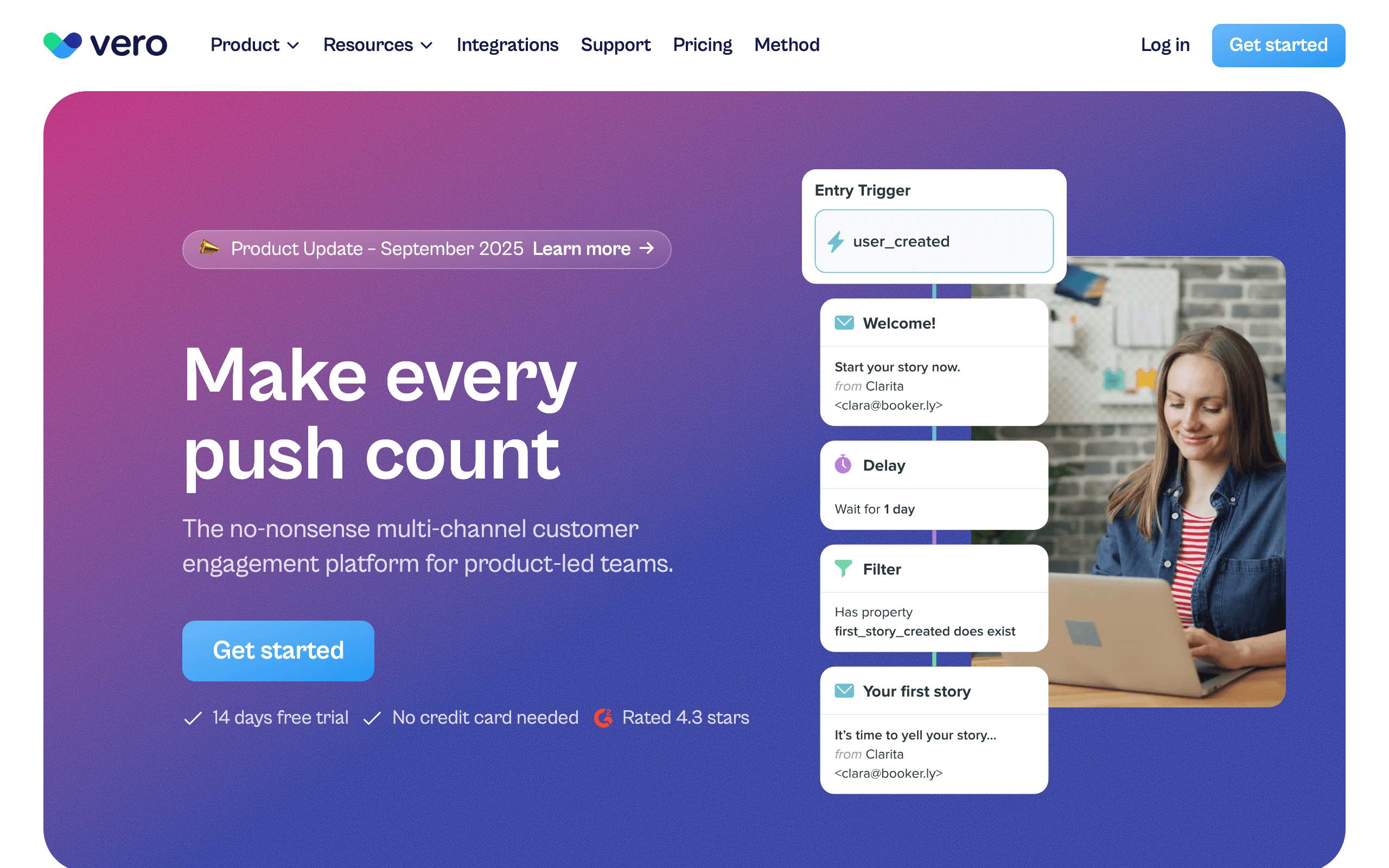
Best for: Event-based email for mid-market product teams
Vero is built around behavioral triggers. Events from your application drive automated email campaigns. The platform tracks user behavior and lets you build automations based on event occurrence, event properties, and user attributes.
Vero sits between the simplicity of Loops and the complexity of Customer.io. You get event-based triggers with reasonable branching and segmentation, without needing to build enterprise-grade workflows. For mid-market product teams, it's a solid middle ground.
Vero's approach to event data is clean. Events are first-class objects in the platform, not an afterthought bolted onto a list-based email tool. The event history for each user is visible and searchable, making it easy to understand a user's journey and debug automation logic. When you're troubleshooting why a specific user didn't receive an expected email, being able to see their complete event timeline is invaluable.
The SQL-based segmentation (mentioned in our PLG email tools guide) extends to event-based targeting. Data teams can write SQL queries against event data to define targeting conditions that would be impossible to express in a visual segment builder.
Event handling: Custom events via API, behavioral triggers, event properties, user attributes Pricing: From $54/month Pros: Event-focused design, good balance of power and simplicity, behavioral targeting, event timeline Cons: Smaller ecosystem, less well-known, mid-market positioning
7. ActiveCampaign
Best for: Teams wanting event-based automation with CRM integration
ActiveCampaign's automation builder supports event-based triggers through its API and native integrations. Custom events (sent via API or Zapier) can start automations, and the builder supports branching based on contact data, event properties, and engagement history.
The CRM integration adds context to event-based automations. When a product event fires, the automation can also check CRM data (deal stage, lead score) before deciding which email to send. For teams that combine product analytics with sales data, this cross-referencing is valuable.
The event + CRM combination enables sophisticated patterns for sales-assisted PLG. When a product event indicates a user is a PQL (e.g., "team.invited" with property "teamSize: 10+"), the automation can check the CRM for existing deal data, and then either trigger an automated upgrade sequence or create a task for the sales team, based on the deal context. This bridges the gap between product-led and sales-assisted growth motions.
ActiveCampaign's Zapier integration also means you can pipe events from tools that don't have direct integrations. If your analytics tool (Mixpanel, Amplitude) detects a behavioral pattern, Zapier can send that as an event to ActiveCampaign. This extends the event-based model to data sources beyond your own product.
Event handling: Custom events via API/Zapier, CRM-enriched triggers, automation builder Pricing: Free for 2,500 emails/month with unlimited contacts, then from $19/month Pros: CRM + event automation, powerful builder, broad integration ecosystem, Zapier events Cons: Event tracking requires API or Zapier, can feel complex, some features on higher tiers
8. Drip
Best for: E-commerce event-based automation with purchase triggers
Drip's event-based automation is centered on the e-commerce customer journey. Shopify and WooCommerce integrations push purchase events (placed order, fulfilled order, refunded order, abandoned cart) into Drip automatically. JavaScript on-site event tracking captures product views and category browsing. Together these create a rich behavioral event stream.
Workflow triggers in Drip can combine multiple event conditions: "user who viewed product X three times but has never purchased AND is tagged as 'email engaged' in the last 30 days." The multi-condition trigger filtering produces narrowly targeted automations that feel personally relevant to each customer.
Custom events via API extend the e-commerce model for SaaS-e-commerce hybrids. If your product has both a subscription element and a marketplace, Drip can receive custom events from your SaaS layer alongside the e-commerce events, combining both behavioral streams in one automation engine.
Event handling: Purchase events, on-site events, custom API events, tag-based triggers Pricing: From $39/month for 2,500 contacts Pros: E-commerce-native events, on-site tracking, multi-condition triggers, clean workflow builder Cons: E-commerce mental model, SaaS use requires translation, pricing scales with contacts
9. Klaviyo
Best for: E-commerce behavioral email with predictive event modeling
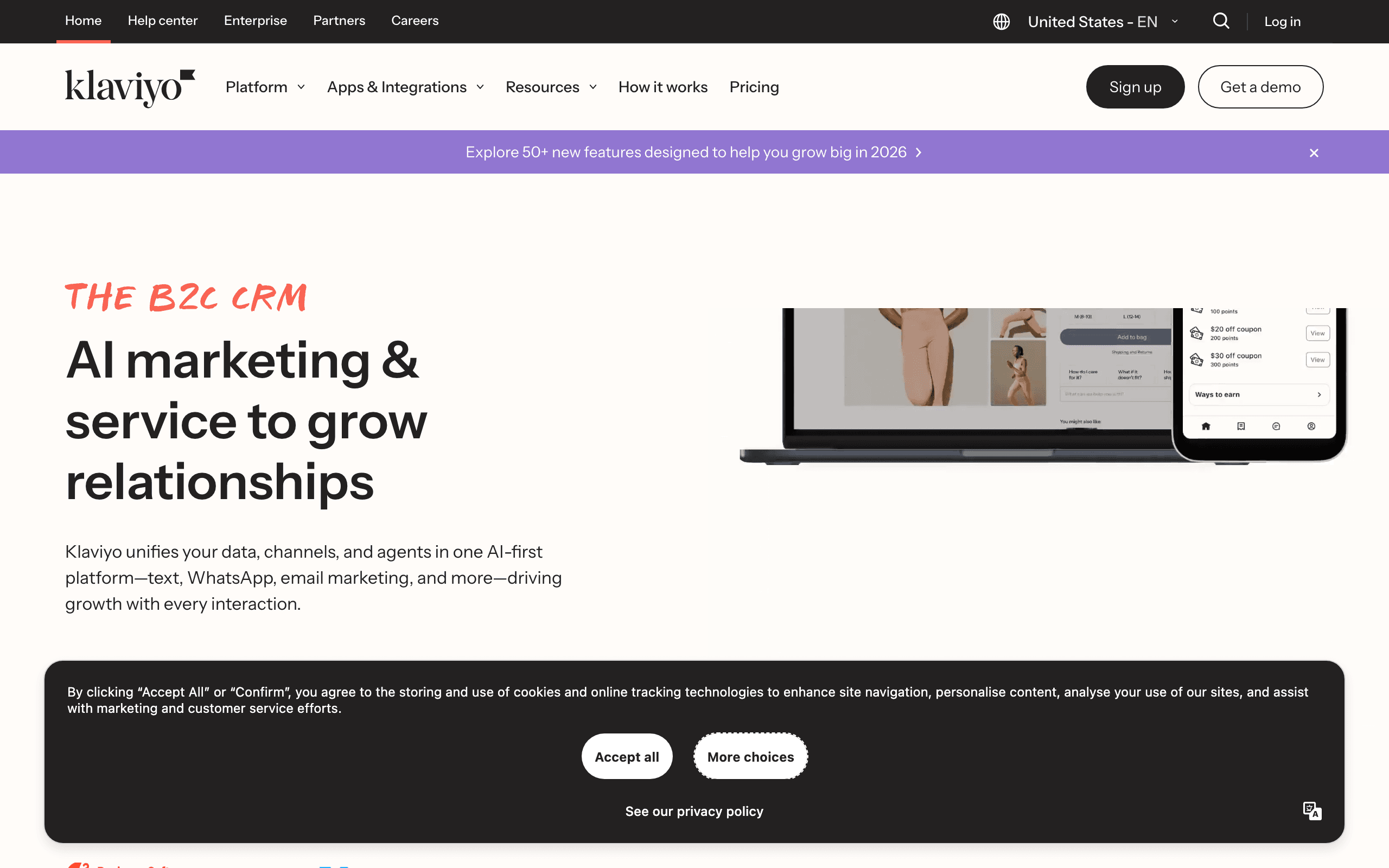
Klaviyo's event-based automation runs on "metrics" - the platform's term for tracked behavioral events. Shopify metrics (placed order, viewed product, started checkout, cancelled order) are ingested automatically. Custom metrics can be pushed via API for app-specific behaviors.
Predictive analytics add a unique dimension to Klaviyo's event model. The platform predicts when a customer is likely to place their next order and what their expected lifetime value is. These predictions become "events" you can use as automation triggers: "predicted next order date is within 7 days" can start a promotional sequence before the customer even searches for what to buy.
The metric event conditions in Klaviyo's Flow builder support frequency and recency filters. "Customers who placed 3+ orders in the last 90 days but have NOT started a checkout in the last 14 days" combines event occurrence, frequency, and absence in one condition. For e-commerce teams, this specificity drives retention campaigns that wouldn't be possible with simpler event models.
Event handling: Shopify metrics auto-imported, custom metrics via API, predictive events, frequency/recency conditions Pricing: Free up to 250 contacts, from $20/month Pros: Predictive events, e-commerce metrics auto-imported, frequency/recency filtering, CLV predictions Cons: E-commerce-focused, SaaS mental model requires translation, pricing scales with contacts
10. Ortto
Best for: CDP-driven event automation with journey builder integration
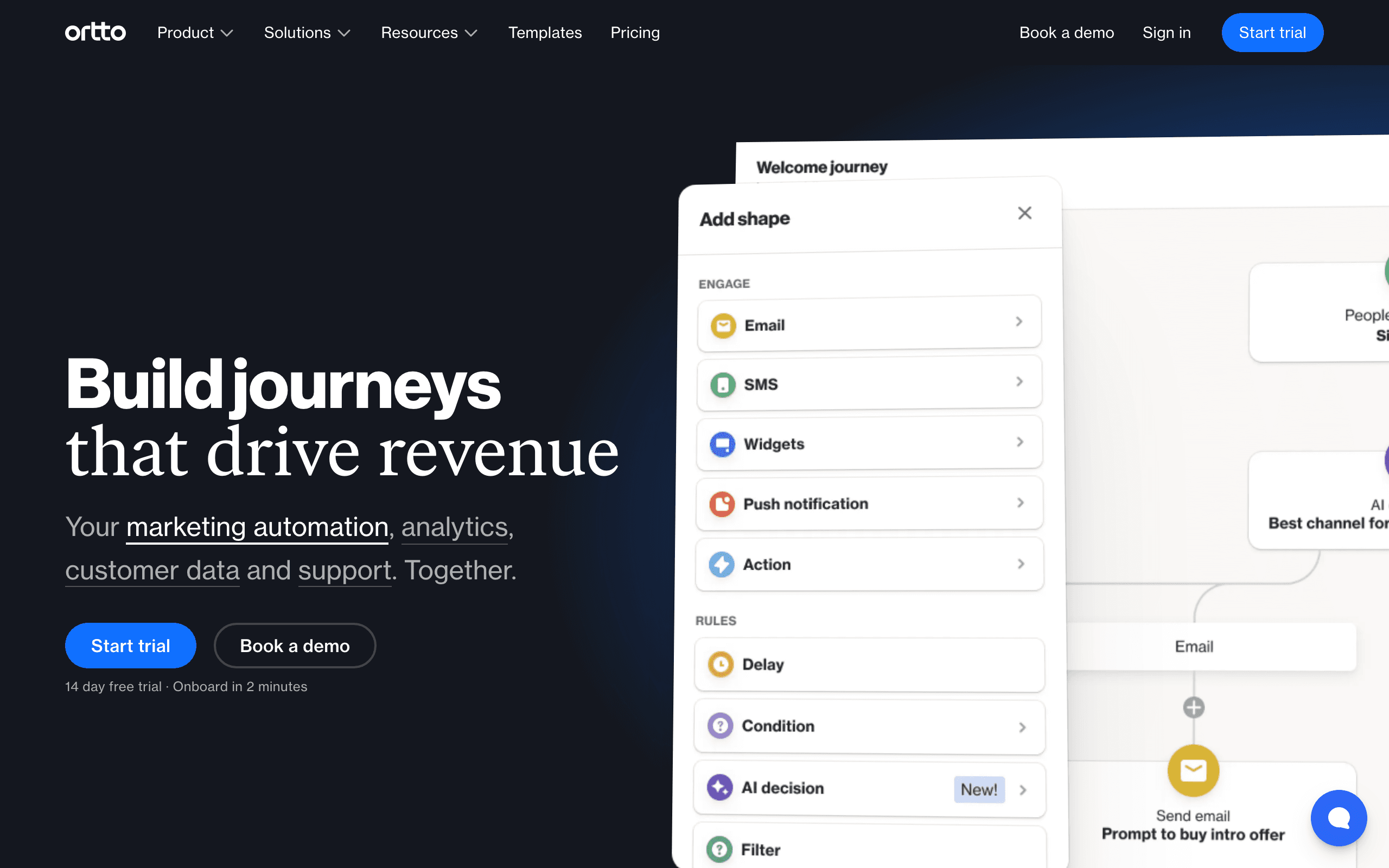
Ortto's event automation combines a customer data platform with a visual journey builder. Events arrive from CRM integrations (Salesforce, HubSpot), website tracking, form submissions, and API calls. The journey builder triggers on any of these event sources, creating automations that respond to the full customer activity surface.
The journey analytics show event correlation alongside email performance. "Users who triggered event X and received email Y converted at 23% vs. 8% for those who didn't receive Y." This event-to-outcome attribution helps identify which events are the best triggers for high-converting email sequences.
Score-based events add a predictive layer. Ortto's scoring system accumulates points based on behavioral events. When a score crosses a threshold, it functions as an event trigger. "User has accumulated enough engagement points to qualify as hot lead" fires an automation without requiring a discrete product event.
Event handling: CDP activity events, CRM events, scoring events, API events Pricing: From $599/month for the tiers where event automation is fully useful Pros: CDP integration, event correlation analytics, scoring as event trigger, polished UI Cons: Expensive, complex onboarding, overkill for small teams
11. Encharge
Best for: Non-technical SaaS teams wanting event-driven flows
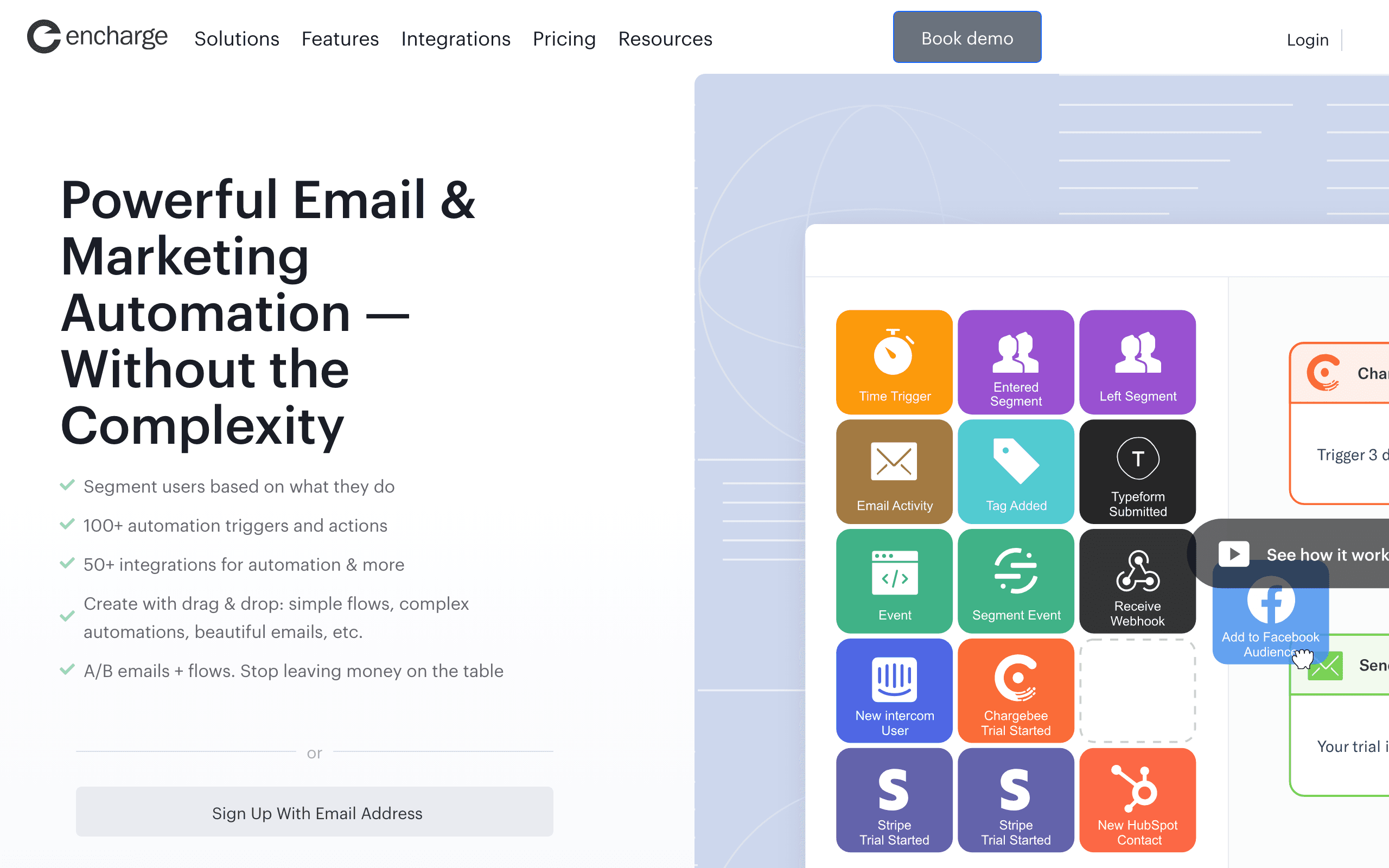
Encharge's event model is designed to be approachable for non-technical SaaS founders. Stripe events flow in automatically: "trial started," "payment failed," "subscription upgraded." HubSpot CRM events synchronize contact stage changes. Custom product events arrive via API or Segment.
The visual flow builder uses these events as triggers for email sequences that non-technical founders can understand and maintain. Instead of writing code or queries, you drag an event node onto the canvas and connect it to email steps. The flow diagram makes the "when X happens, send Y" logic explicit and auditable.
Behavior scoring within Encharge accumulates event scores and triggers automations at thresholds. When a user's engagement score indicates they're ready to upgrade (based on feature use events), an upgrade sequence fires automatically. For SaaS teams that want to replicate what large companies do with lead scoring, this accessible scoring system is valuable.
Event handling: Stripe events (automatic), HubSpot events, Segment events, custom API events Pricing: From $79/month Pros: Stripe-native events, visual flow for non-technical users, behavior scoring, HubSpot integration Cons: Mid-range pricing, smaller community, basic email editor
12. Intercom
Best for: In-app messaging + event-triggered email combined
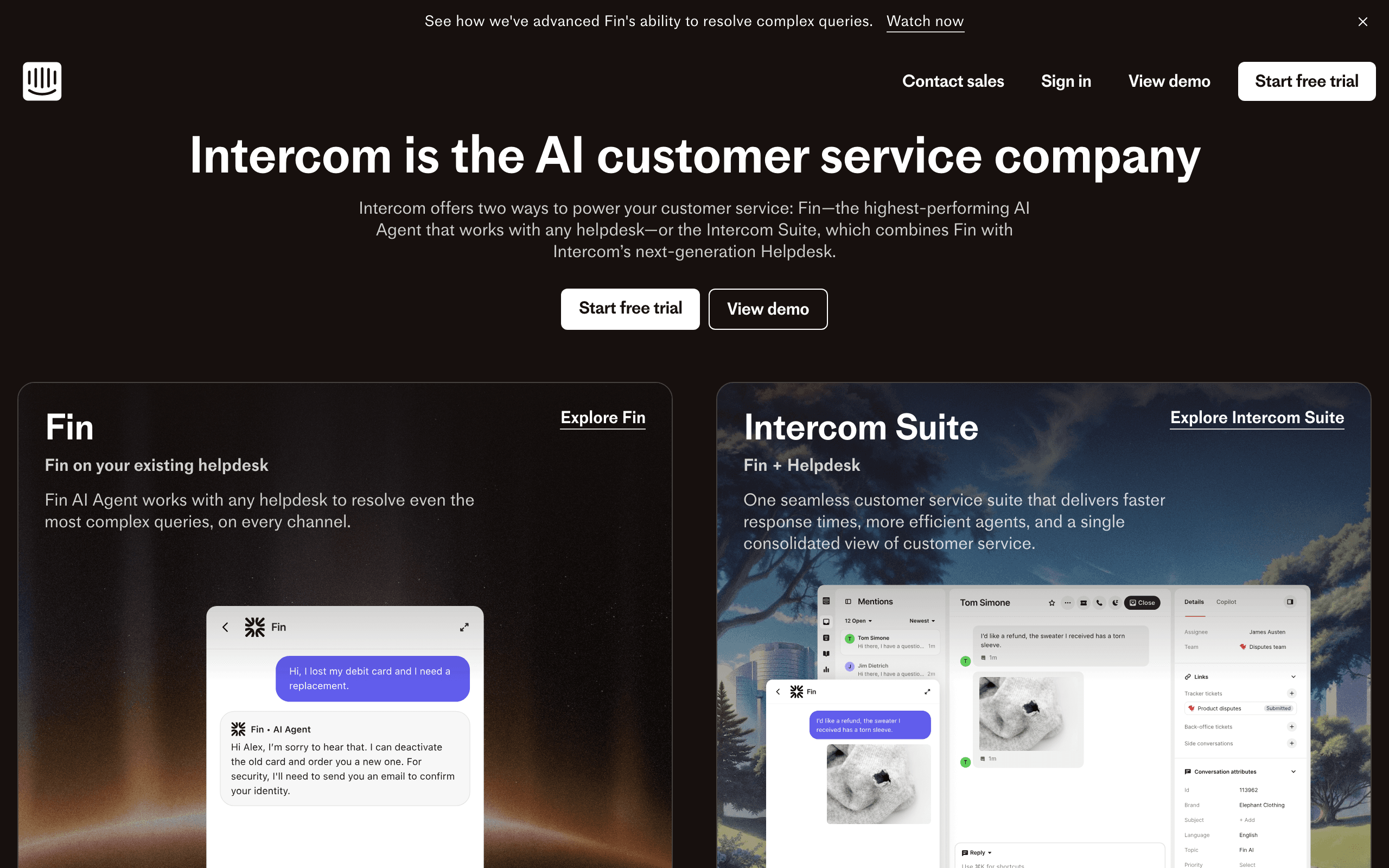
Intercom's event-based automation covers both in-app messaging and email in a single platform. Custom events from your product (sent via API or JavaScript SDK) trigger automated messages that appear either as in-app notifications or emails based on user context. If the user is active in the app, send in-app. If they're offline, send email.
The channel selection based on context is what makes Intercom unique in this list. Most email tools only trigger emails. Intercom decides which channel delivers the best experience based on when and where the user is. For SaaS teams that want behavioral automation without deciding upfront between in-app and email channels, this adaptive approach is efficient.
Event attributes enable deep personalization. An event like "feature.first_used" with a "featureName" attribute can drive an email that names the specific feature the user just discovered. The personalization is automatic when event attributes are included in the event payload.
Event handling: Custom events via API/JavaScript SDK, in-app and email channel selection, event attributes for personalization Pricing: From $74/month Pros: In-app + email in one platform, context-aware channel selection, event attribute personalization, clean SDK Cons: More expensive than email-only tools, in-app adds complexity, pricing scales with usage
13. Bento
Best for: Indie SaaS wanting event automation at startup pricing
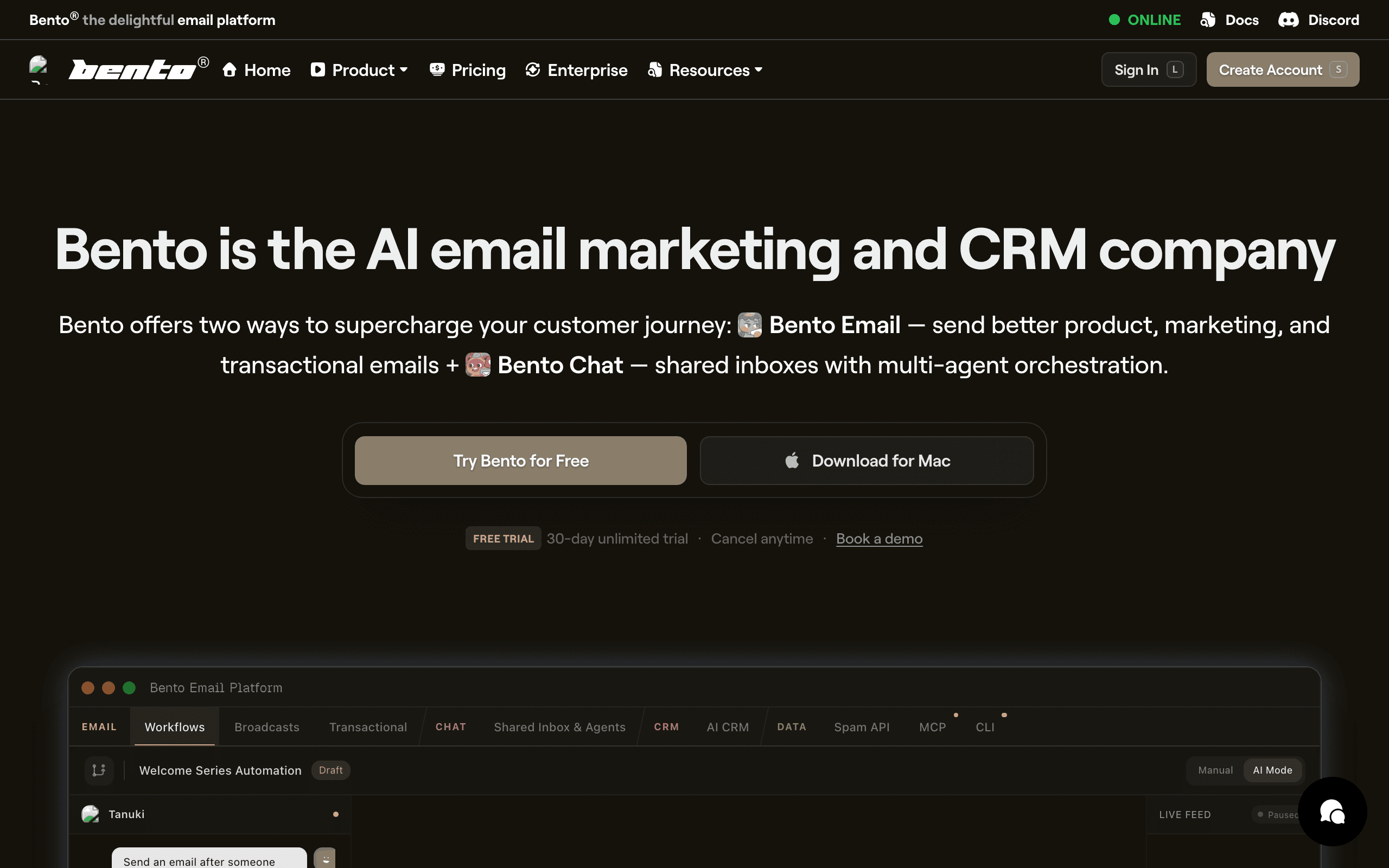
Bento is built around behavioral events at indie hacker pricing. The event API accepts custom events with attributes, and Bento's automation engine decides what to do with them: trigger sequences, update segments, modify subscriber attributes, or start flows. The model is explicitly event-first.
Broadcast and automation emails in Bento can both be triggered by events. An event can start a sequence (time-delayed multi-email) or immediately send a single email. This flexibility means you handle both "start the 5-email onboarding journey" and "immediately send the single 'your account is locked' notification" with the same event-driven model.
Deliverability tooling is bundled into Bento's platform, which is unusual at this price point. Email warming, bounce handling, and spam monitoring are included alongside the event automation engine. For indie teams that don't have dedicated deliverability resources, having this included is practical.
Event handling: Custom events with attributes, sequence triggers, immediate sends, segment updates Pricing: From $30/month Pros: Event-first design, indie pricing, deliverability included, flexible event response types Cons: UI feels cluttered, documentation gaps, smaller community
14. MoEngage
Best for: Mobile-first event automation across app and email
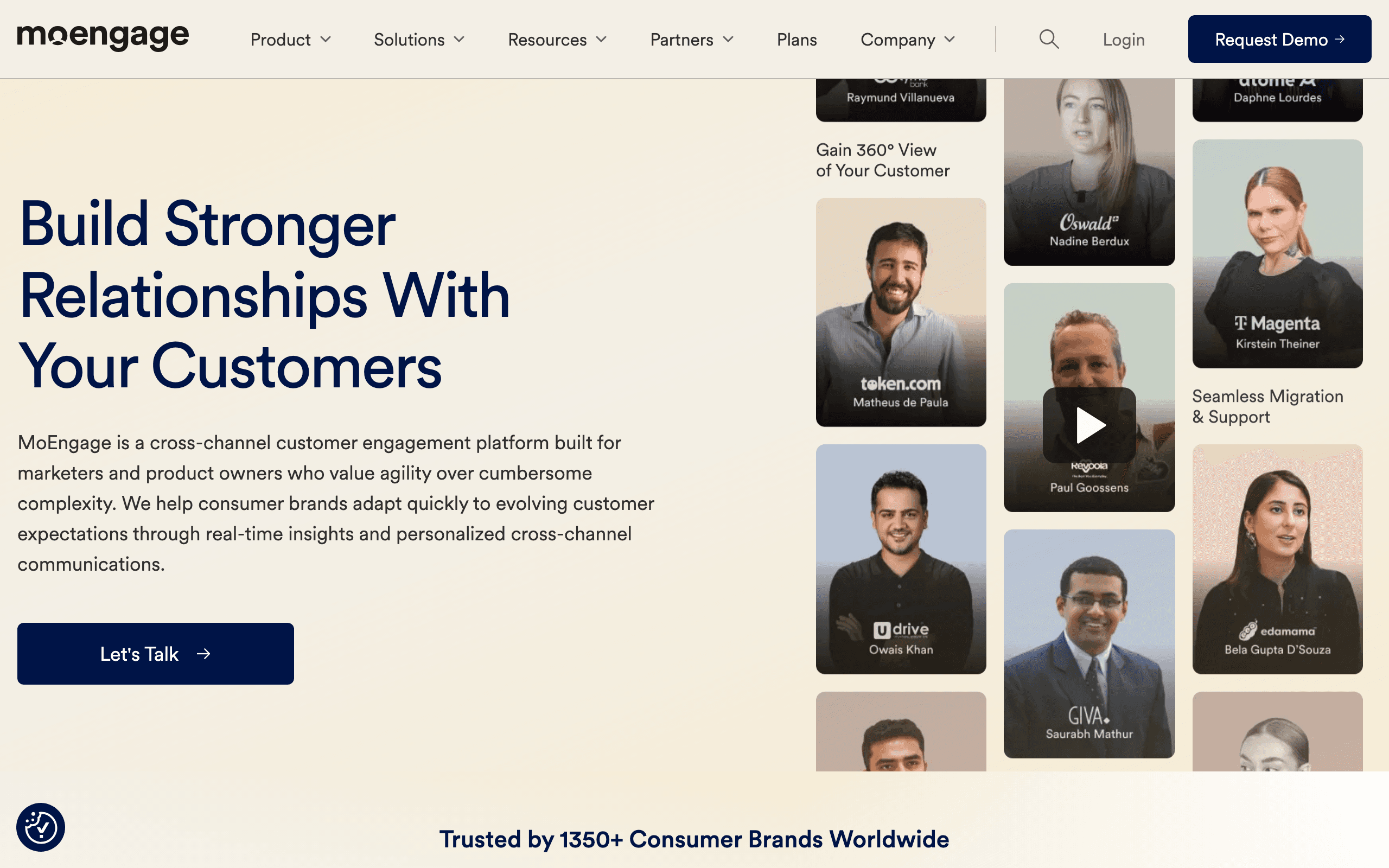
MoEngage is a customer engagement platform focused on mobile app event data. Events from iOS, Android, and web apps drive cross-channel automations that include email, push, in-app, SMS, and web push. The event model is rich: track any user action in your app and use it as an automation trigger.
AI predictions add a layer of automation sophistication. MoEngage's "Sherpa AI" predicts user behavior (churn risk, likelihood to purchase, engagement probability) based on event patterns. These predictions become automation triggers: "users whose churn probability increased by 20% this week" starts a retention sequence before they actively disengage.
The segment builder uses event frequency, recency, and combination conditions to define precise audience slices. Combined with AI predictions and cross-channel delivery, MoEngage is particularly effective for mobile apps with large user bases where manual segmentation becomes impractical.
Event handling: App events (iOS/Android/web), AI predictions as triggers, cross-channel, frequency/recency conditions Pricing: Custom (typically $500+/month) Pros: Mobile-native events, AI behavioral predictions, cross-channel, frequency/recency filtering Cons: Mobile-focused, complex for web-only SaaS, custom pricing, implementation overhead
15. Leanplum
Best for: Mobile app A/B testing with event-based email automation
Leanplum (now part of CleverTap) is a mobile marketing platform where A/B testing and event-based messaging are deeply integrated. Test different automation triggers ("does sending email on day 1 or day 3 after 'feature.used' drive more conversions?") and personalized content variants in production with real users.
The event model covers app lifecycle events, custom product events, and engagement patterns. A/B tests can vary the trigger condition, the email content, or both, making it possible to systematically optimize event-based automation rather than just deploying it.
Push notification events feed back into the email automation engine. When a user ignores a push notification about a feature, an email follow-up can trigger automatically. This cross-channel event model - where non-engagement in one channel becomes an event in another - is unique to mobile-first platforms.
Event handling: App events, push engagement events, A/B test variants, cross-channel fallback events Pricing: Custom Pros: Integrated A/B testing for events, mobile event depth, cross-channel fallback, optimization-focused Cons: Mobile-first, complex for web-only products, custom pricing, CleverTap acquisition adds uncertainty
16. Insider
Best for: AI-powered event prediction and cross-channel personalization
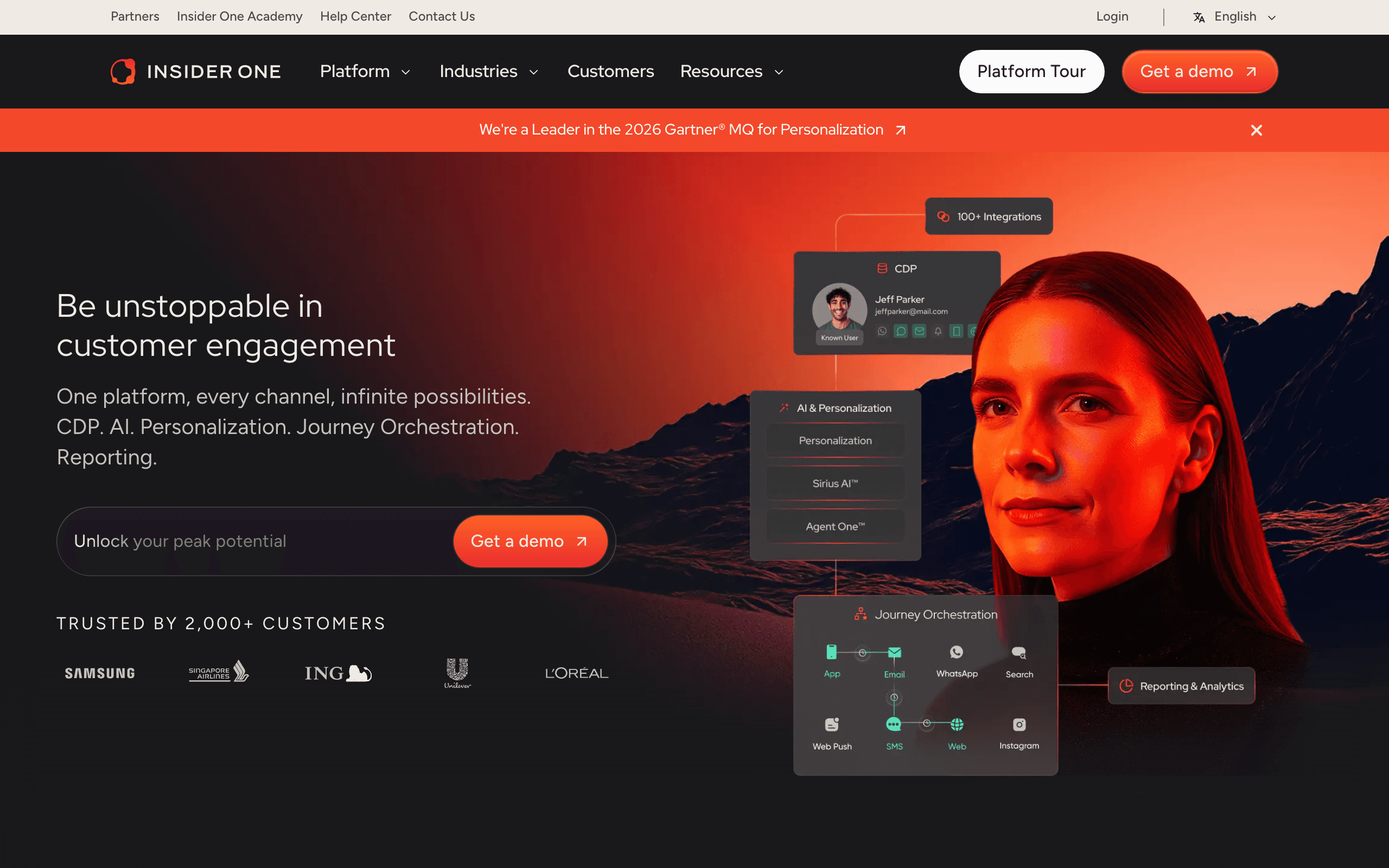
Insider's event model combines traditional behavioral tracking with AI-generated prediction events. Standard events (product viewed, purchase made, form submitted) combine with AI predictions (purchase probability, churn risk, next best action) to create an expanded event landscape where predicted behaviors trigger proactive communications.
Cross-channel orchestration ensures that event-triggered messages reach users on the most effective channel at the right time. An event can trigger an email, then if not opened, trigger a web push, then an SMS - all orchestrated by the AI based on each user's historical channel engagement patterns.
Web and mobile SDK integrations capture a dense event stream from the full user journey. Combined with offline data imports and CRM sync, Insider builds complete profiles that make event-based triggers more accurate than single-channel event tracking alone.
Event handling: Behavioral events, AI prediction events, cross-channel fallback, historical pattern matching Pricing: Custom (enterprise, typically $1,000+/month) Pros: AI prediction events, cross-channel orchestration, rich profile building, personalization engine Cons: Enterprise pricing, long implementation, overkill for small to mid-sized teams
17. HubSpot
Best for: CRM lifecycle events driving marketing automation
HubSpot's marketing automation triggers on contact and CRM lifecycle events. Form submissions, lifecycle stage changes, deal stage updates, and contact property changes all function as event triggers. Custom behavioral events (via the Custom Events API on Marketing Hub Enterprise) extend this to product-specific actions.
The workflow enrollment criteria define precisely which event instance starts the workflow. "Contact submits form X AND is currently in lifecycle stage 'Subscriber'" ensures the right sequence starts for the right context. Multiple enrollment conditions can be combined, effectively building event + attribute filters similar to Customer.io's model.
For sales-led SaaS where HubSpot is the CRM of record, lifecycle event automation keeps marketing and sales messaging coordinated. When a deal moves to "Proposal Sent" in the CRM, a sequence of supporting emails can start automatically, aligned with the sales team's timing.
Event handling: Form events, lifecycle stage events, deal stage events, custom behavioral events (Enterprise) Pricing: Free CRM, Marketing Hub from $20/month, custom events on Enterprise tier Pros: CRM lifecycle events, sales coordination, broad event types, no-code builder Cons: Custom behavioral events require Enterprise tier, pricing escalates fast
18. Omnisend
Best for: E-commerce event automation across email, SMS, and push
Omnisend's event-based automation covers the full e-commerce behavioral funnel. Pre-built triggers handle: cart abandonment (triggered when cart is created but order not placed within X hours), browse abandonment (triggered when product is viewed but not purchased), post-purchase (triggered immediately after order completion), and win-back (triggered when no purchase in N days).
Each trigger is a configurable event: you set the timing, conditions, and channel sequence for each. Cart abandonment can send email at 1 hour, SMS at 3 hours, and push at 24 hours - all from a single trigger configuration.
Custom event tracking via the Omnisend API extends the built-in e-commerce triggers to product-specific behaviors. For SaaS-e-commerce hybrids or D2C brands with app-based features, custom events bring non-commerce behaviors into the same automation engine as purchase events.
Event handling: E-commerce triggers (cart, browse, order), custom API events, multichannel delivery Pricing: From $16/month Pros: Pre-built e-commerce triggers, multichannel from one trigger, custom events via API, affordable Cons: E-commerce-focused, limited for pure SaaS, SMS costs extra
19. Mailchimp
Best for: Basic event automation for small businesses
Mailchimp's event-based automation is limited compared to purpose-built tools, but it covers the basics accessible to non-technical users. Tag-based triggers (when a tag is added or removed), API-triggered automations (via Mailchimp's API), and e-commerce events (with Shopify/WooCommerce integration) are the primary event sources.
The API automation trigger allows developers to start automations programmatically: send the event via Mailchimp's API, and the configured sequence starts. For small teams that want event-based email without a complex setup, this covers "user signed up on platform, trigger welcome sequence" without additional middleware.
Limitations are significant compared to event-first tools. No event properties in branching conditions, no frequency or recency filters, no "wait for event" steps. For businesses where simple event-triggered sequences are sufficient, Mailchimp works. For anything more sophisticated, the event model shows its age.
Event handling: Tag events, API automation triggers, basic e-commerce events Pricing: Free up to 500 contacts, from $13/month Pros: Accessible for non-technical users, tag events are intuitive, API trigger for developers Cons: Limited event properties, no frequency/recency, basic branching, growing SaaS needs will outgrow it
20. Userlist
Best for: B2B SaaS account + user event automation
Userlist handles events at both the user level and the company level, which is unusual and valuable for B2B SaaS. When an event fires, it can be attributed to an individual user, a company, or both. Automations can target the appropriate contact at the account based on the event source.
Account-level events enable powerful B2B patterns. When a company entity crosses a usage threshold (e.g., "team of 5 users all became active in the same week"), an account-level event fires. The automation can then email the account admin, not just the individual user who triggered the last event. This account-aware event model is something most email tools can't do cleanly.
The event history interface shows both user-level and company-level event timelines side by side. For customer success teams debugging why an account is churning, having both event perspectives in one view is genuinely helpful.
Event handling: User events, company events, account-level aggregate events Pricing: From $149/month Pros: Account-level events, B2B-native model, dual user/company event history, clean API Cons: Higher starting price, smaller community, fewer resources
21. Brevo
Best for: Affordable event-triggered automation with transactional integration
Brevo (formerly Sendinblue) supports event-triggered automation through contact events, transactional email triggers, and basic behavioral conditions. When a contact is added via API (with specific attributes), when a transactional email is sent or opened, or when contact data changes, automations can fire.
The transactional email integration is the unique angle. When a receipt email is opened, Brevo can trigger a follow-up marketing sequence. When a password reset email bounces, Brevo can trigger an account review notification. This ability to create automation logic around transactional email events blurs the line between transactional and marketing email beneficially.
For budget-conscious teams that need basic event automation without a high price tag, Brevo covers "add subscriber with attribute X, trigger sequence Y" cleanly. The free tier includes automation access, which is rare.
Event handling: Contact events, transactional email events, basic custom attributes as triggers Pricing: Free tier, from $9/month Pros: Affordable, transactional + marketing events combined, automation on free tier, unlimited contacts Cons: Limited event depth compared to purpose-built tools, basic branching, not event-first design
Event Tracking Best Practices
Name Events Consistently
Use a consistent naming convention:
object.actionformat:project.created,user.upgraded,payment.failed- Past tense for completed actions:
onboarding.completednotonboarding.complete - Lowercase with dots:
feature.first_usednotFeatureFirstUsed
A consistent naming convention pays dividends as your event count grows. When you have 30 events, being able to predict the name ("it's probably report.created") saves time and prevents the confusion of similar-but-different event names.
Include Relevant Properties
Events should carry the data your email tool needs for personalization:
project.createdshould include{ projectName: "My App", projectType: "web" }payment.failedshould include{ amount: 49, currency: "USD", retryDate: "2026-02-20" }feature.usedshould include{ featureName: "Reports", usageCount: 5 }
Properties enable dynamic email content. "You created {{projectName}}" is more personal than "You created a project." Properties also enable branching: route users to different emails based on the plan type, feature name, or amount in the event properties.
Don't Over-Track
Send only events that trigger emails or update subscriber profiles. Your email tool doesn't need every button click or page view. Focus on:
- Account lifecycle events (signup, upgrade, cancel, churn)
- Product milestone events (first project, first invite, first export)
- Engagement threshold events (power user, inactive for 7 days)
- Payment events (trial started, payment succeeded, payment failed)
A good rule of thumb: if an event doesn't trigger an email, update a subscriber attribute, or contribute to a segment filter, don't send it to your email tool. You can always add events later, but removing noisy events is harder.
Test Event Flows
Before launching automations, test the full flow:
- Trigger the event from your test environment
- Verify the event arrives at your email tool
- Confirm the automation triggers correctly
- Check the email renders with the right personalization data
- Verify the email delivers to the inbox
For critical events like payment failures or trial expirations, test both the happy path and edge cases. What happens if the event fires twice? What if the subscriber doesn't exist yet? What if the event properties are missing?
Monitor Event Volume
Track your event volume over time. Sudden spikes might indicate a bug (an event firing in a loop). Sudden drops might indicate a broken integration. Most email tools show event volume in their dashboards, but setting up alerts for unusual patterns is worth the effort for production systems.
How to Choose
You need the most powerful event automation: Customer.io. Unmatched flexibility for complex event-based workflows.
You're SaaS and want event-driven lifecycle email: Sequenzy. Purpose-built for SaaS with automatic Stripe events. Pairs well with a complete lifecycle strategy.
You want simple event-to-email: Loops. Clean, developer-friendly, no complexity overhead.
You need cross-channel event automation: Iterable. Events driving email, push, SMS, and in-app.
You're enterprise scale: Braze. Sophisticated event processing for millions of users.
You want balanced event automation: Vero. Good middle ground between simple and complex.
You need event automation + CRM: ActiveCampaign. Events enriched with CRM context.
FAQ
What's the difference between event-based and trigger-based automation? They're essentially the same thing. "Event-based" usually implies custom events from your application (user actions). "Trigger-based" is broader and includes any automation start condition (time-based, segment-based, event-based). All event-based automations are trigger-based, but not all triggers are events.
How do I handle events that happen multiple times? Most event-based tools let you configure whether a user can re-enter an automation. For events like "project.created" (which can happen many times), you might want to trigger the automation only on the first occurrence. For events like "payment.failed," you want to trigger every time. Check your tool's re-entry settings to make sure this is configured correctly.
Can I combine events with time-based delays? Yes. Most event-based tools support hybrid workflows: trigger on an event, wait 24 hours, check if another event occurred, then branch. This gives you the responsiveness of events with the pacing of time-based sequences. The best tools (Customer.io, Braze) support "wait for event" steps that pause the workflow until a specific event occurs, with a timeout fallback.
What happens if my app sends an event and the email tool is down? Good email tools queue events and process them when back online. For critical events, implement retry logic in your application. Most platforms have 99.9%+ uptime, so this is rarely an issue in practice. For mission-critical events (payment failures, security alerts), consider a message queue (like Redis or RabbitMQ) between your application and the email tool as a buffer.
How do I debug event-based automations? Start with the event timeline for a specific user. Most tools show which events a user has triggered, when they triggered them, and which automations those events activated. If an expected email wasn't sent, trace the chain: was the event received? Did it match the trigger condition? Was the user already in the automation? Did they meet the branch conditions? Systematic debugging through the chain usually identifies the issue quickly.
Should I send events from the client side or server side? Server side, always, for email automation events. Client-side events (from JavaScript in the browser) are unreliable due to ad blockers, browser extensions, and network issues. Server-side events are reliable and secure. Send events from your backend when database state changes (user created, project saved, payment processed) rather than from the frontend when UI actions occur.
How do I handle events for users who aren't yet subscribers? Most event-based tools support "identifying" a user before they become a subscriber. When an anonymous user triggers an event, it's stored and associated with their profile once they identify (usually at signup). This means pre-signup events can influence post-signup automations. For example, if a user visits the pricing page 3 times before signing up, that context can shape the onboarding sequence they receive.
What's the latency for event-based email triggering? Most tools process events and trigger emails within seconds to minutes. Customer.io and Braze process events in near real-time (seconds). Sequenzy and Loops typically process within minutes. For most SaaS use cases, minutes-level latency is fine. For time-critical triggers (like abandoned cart or real-time security alerts), confirm your tool's processing time meets your requirements.