
Updated 2026-10-18

Best Email Marketing Tools for Meta Muse

Give Muse a structured connection to your email program so it can audit, plan, draft, and report, while live sends stay behind your approval.

Muse is Meta's personal AI agent, launched in September 2026 on the web, iOS, Android, and WhatsApp. It runs in its own cloud VM with a browser, connects to services you approve, and asks before sensitive actions such as sending an email. For email marketing, the question is not whether Muse can write a newsletter. It can. The question is whether it can reach your email platform through a clean, permissioned connection instead of clicking through a dashboard. Muse can do that through custom connectors: give it a public MCP server or API and it builds a private connector, stores the credentials outside the chat, and reuses it in later conversations. We compared 13 platforms by how well that connection works in practice: hosted MCP availability, OAuth, read and write separation, campaign and lifecycle coverage, drafts and tests, and outcome analytics.

TL;DR

Sequenzy is the most complete fit in this list: its hosted MCP server at https://api.sequenzy.com/v1/mcp uses OAuth and covers campaigns, subscribers, segments, sequences, templates, transactional email, and analytics in one connector. Klaviyo, Customer.io, and ActiveCampaign also publish hosted MCP servers and are the better choice if your program already runs there. HubSpot's MCP is CRM-first, Brevo's uses a full-access token, and Mailchimp marketing accounts have no first-party MCP. Resend, Postmark, and SendGrid are delivery infrastructure, not marketing systems. Whatever you pick, start Muse read-only and keep audience changes and sends behind approval.

Why Muse Needs a Real Email Platform

Connectors beat browser clicks

A connector gives Muse typed inputs, clear results, and specific errors. That makes its work faster to check than a screen recording of dashboard clicks.

Email work is more than sending

A useful email operator checks audience state, drafts, runs QA, respects suppressions, sends a test, and reads outcomes. A personal mailbox covers only the sending step, and badly for marketing.

Muse already separates reads from writes

Meta's connector rules classify tools as read, write, or sensitive write, and sensitive writes need approval every time. A platform with draft states lets Muse prepare work freely and stop before anything goes out.

Memory makes recurring reviews useful

Muse remembers your preferences and keeps working after you close the app. Connected to live email data, it can run the same weekly health review against current numbers instead of last month's export.

Important Tips Before You Choose

Lessons from meta muse users who've been doing this for years. Save yourself the trial and error.

Prefer a hosted MCP endpoint

Muse runs in Meta's cloud, so it can only reach servers with a public HTTPS address. A hosted, remote MCP server works directly. A local npx MCP package on your laptop does not, and a raw API means Muse has to write and maintain the connector itself.

Choose OAuth over pasted keys

OAuth lets you approve access in a browser and revoke it from the platform later. If a tool only supports API keys, paste the key into Muse's secure credential prompt, never into the chat, and prefer a restricted key.

Test one bounded workflow on every finalist

Ask Muse to identify the workspace, list recent campaigns, define a segment with exclusions, create a draft, and report results. Score the platform on what Muse actually completed, not on the vendor's feature page.

Keep sends as sensitive writes

Muse treats some actions as sensitive and asks every time. Make sure anything that sends, schedules, activates an automation, or changes many subscribers is in that category, and never grant it an Always allow permission.

Judge results by customer outcomes

Ask Muse to report activation, purchases, retention, or upgrades alongside opens and clicks. Engagement numbers help diagnose a message but do not show that the program worked.

13 Best Email Marketing Tools for Meta Muse Users

#ToolDescriptionBest ForPricing
1SequenzyOne OAuth connector for campaigns, sequences, segments, templates, transactional sends, and analytics.Muse users who want one connector for the whole email programFree plan; paid tiers priced mainly by monthly email volume
2KlaviyoEcommerce email and SMS platform with an official hosted MCP server and OAuth.Ecommerce brands already running flows and campaigns in KlaviyoPriced by active profiles, with SMS billed separately
3Customer.ioEvent-driven lifecycle messaging with a hosted MCP server, plus APIs for people, events, and sends.Product teams with existing Customer.io journeysPaid plans that scale with profiles and message volume
4ActiveCampaignAutomation and CRM platform with an official hosted MCP server on paid plans.Small businesses combining automation and CRM in ActiveCampaignPaid tiers by contact count; MCP included on main plans
5HubSpotCRM-centered marketing suite with a hosted MCP server focused on CRM objects.B2B teams that want Muse working from HubSpot CRM contextFree CRM; Marketing Hub tiers cost much more as contacts grow
6BrevoBudget email, SMS, and CRM suite with a hosted MCP server that authenticates with a token.Budget-conscious teams that accept token-based accessFree plan with a daily send cap; paid plans by email volume
7KitCreator email platform for newsletters, tags, forms, sequences, and broadcasts.Creators and newsletter writers using KitFree for small lists; paid plans by subscriber count
8LoopsSimple email for SaaS teams, with a hosted MCP server at mcp.loops.so.Small SaaS teams that want a simple setupFree for small lists; paid plans by contact count
9MailchimpWidely used small-business email platform with a broad Marketing API.Existing Mailchimp accounts that need reporting and draftsFree plan for small audiences; paid tiers by contact count
10BrazeEnterprise cross-channel engagement platform with extensive APIs.Enterprise teams that need governed, read-only analysisQuote-based annual contracts
11ResendDeveloper email API with an official hosted MCP server, broadcasts, and contacts.Developers who want Muse to help with product and transactional emailFree monthly allowance; paid plans by sending volume
12PostmarkTransactional email service known for delivery speed and message streams.Teams that need dependable transactional deliveryTrial credits, then paid plans by monthly volume
13Twilio SendGridHigh-volume email API with marketing campaigns, contacts, and statistics.High-volume senders already on SendGridTrial available; Email API and Marketing Campaigns billed separately
Our Top Pick for Meta Muse Users
#1
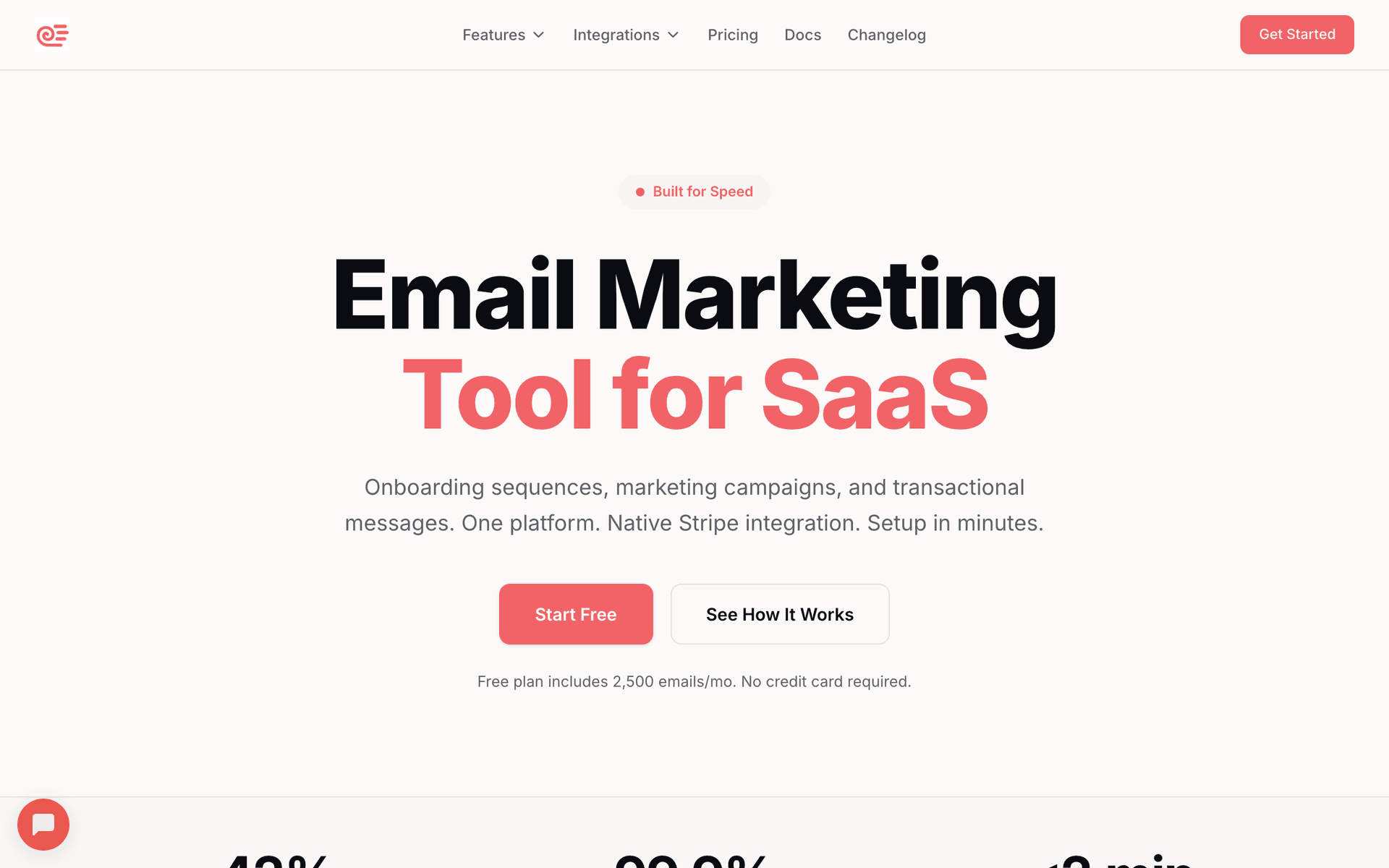
Sequenzy

One OAuth connector for campaigns, sequences, segments, templates, transactional sends, and analytics.

Visit
Sequenzy dashboard screenshot

Sequenzy takes the top spot because one connector covers the whole program. It runs a hosted Streamable HTTP MCP server at https://api.sequenzy.com/v1/mcp with OAuth sign-in. Ask Muse to create a custom connector with that URL, approve access on the Sequenzy page that opens, and Muse gets structured tools for campaigns, subscriber records, lists, segments, sequences, templates, transactional sends, analytics, signup forms, and webhooks. That breadth matters because Muse can inspect the workspace, plan against real objects, create drafts, send tests, and pull results inside one connector instead of combining a send API with spreadsheets. Sequenzy's tool annotations mark destructive and send actions, which fits Muse's read, write, and sensitive-write approval model. The server also accepts a Sequenzy API key as a Bearer header if you prefer key-based auth. The downsides: it has fewer third-party integrations than Klaviyo or HubSpot, and it is not a Meta-reviewed directory connector yet, so you set it up yourself.

Best for
Muse users who want one connector for the whole email program
Pricing
Free plan; paid tiers priced mainly by monthly email volume

Pros

  • Hosted MCP endpoint that Muse's cloud VM can reach directly
  • OAuth sign-in, so no key in the conversation
  • Campaigns, sequences, segments, templates, transactional email, and analytics in one connector
  • Draft-first tools that fit Muse's approval prompts

Cons

  • Custom connector, not a Meta-reviewed directory listing
  • Smaller integration marketplace than older suites
  • Complex data pipelines may still need engineering
#2
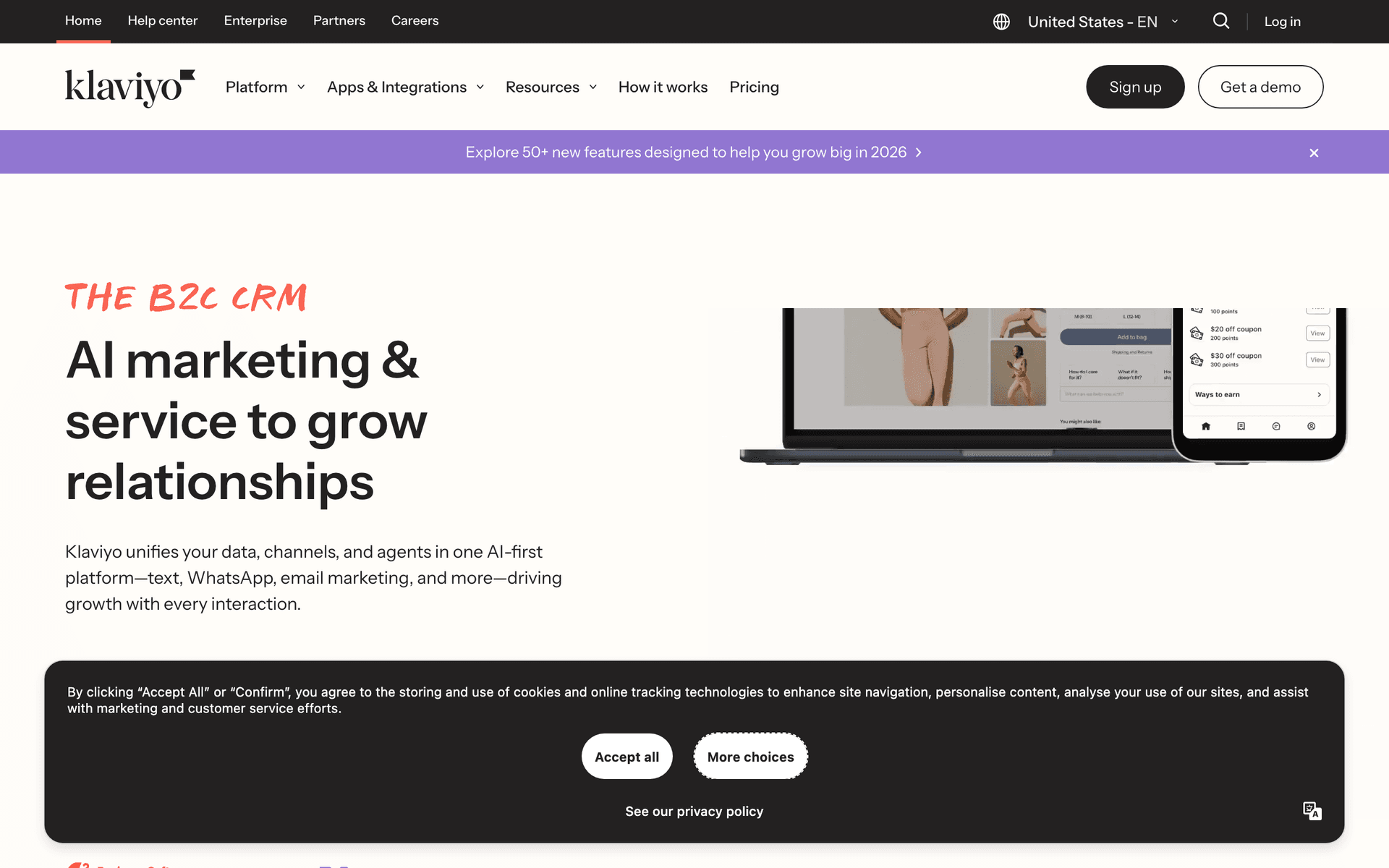
Klaviyo

Ecommerce email and SMS platform with an official hosted MCP server and OAuth.

Visit
Klaviyo dashboard screenshot

Klaviyo publishes an official remote MCP server with OAuth, which makes it one of the easiest established platforms to connect to Muse as a custom connector. It is the natural choice for Shopify and ecommerce brands whose profiles, orders, catalog, and flows already live in Klaviyo. Muse can pull reports, audit segments and flows, and prepare campaigns and templates for review. The server offers a read-only mode, which is the right starting point. Watch two things. Account roles limit who can connect it, and attributed revenue in Klaviyo reporting is not the same as incremental lift, so tell Muse to label it that way. Check the current tool list before expecting Muse to schedule or send campaigns end to end.

Best for
Ecommerce brands already running flows and campaigns in Klaviyo
Pricing
Priced by active profiles, with SMS billed separately

Pros

  • Official hosted MCP with OAuth
  • Deep ecommerce data and segmentation
  • Read-only mode for safe first connections

Cons

  • Send and schedule coverage has changed over time; verify it
  • Contact growth raises cost quickly
  • Ecommerce-centered model fits SaaS less well
#3
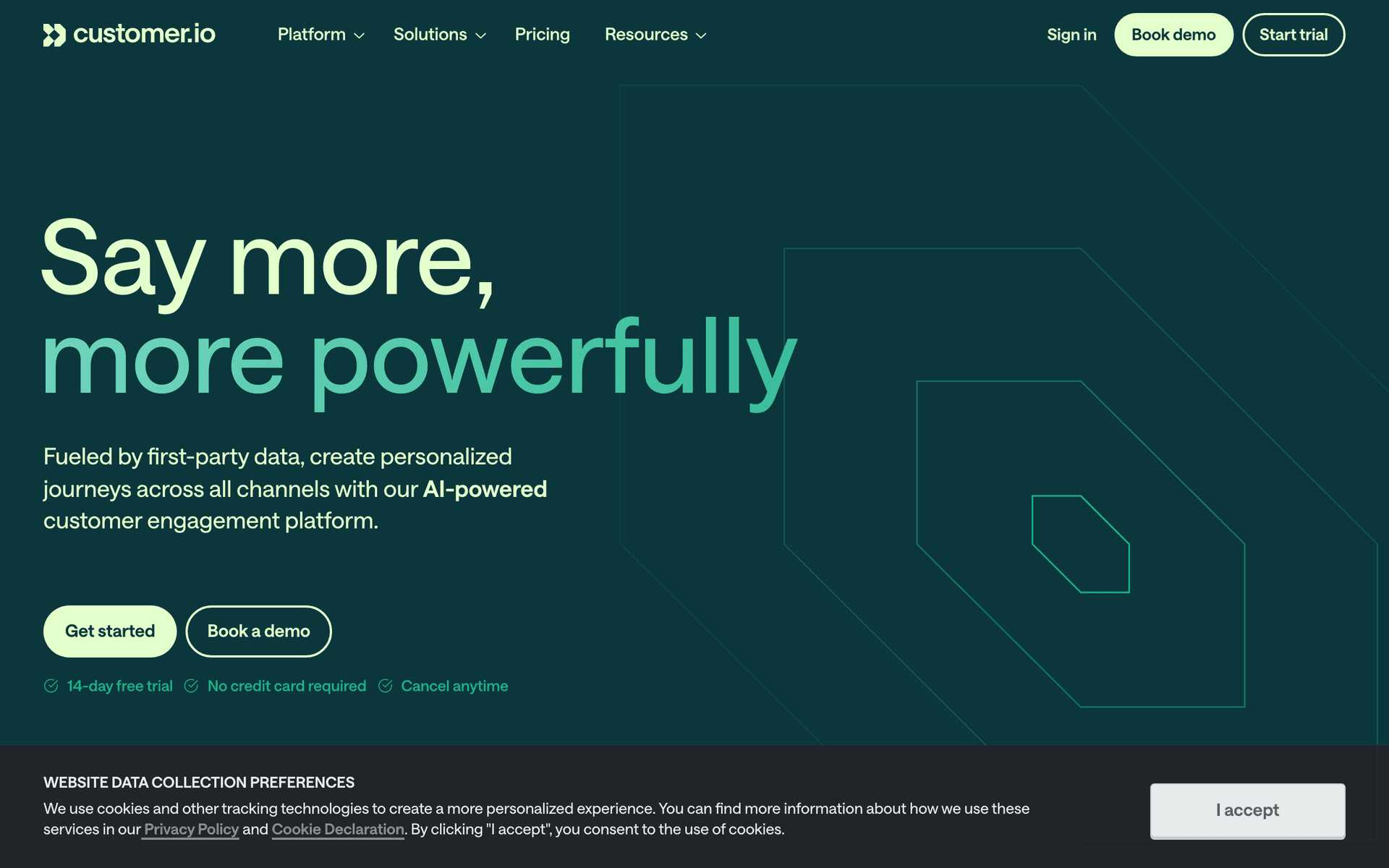
Customer.io

Event-driven lifecycle messaging with a hosted MCP server, plus APIs for people, events, and sends.

Visit
Customer.io dashboard screenshot

Customer.io offers a hosted MCP server with OAuth, including an EU endpoint, so Muse can connect without custom code. It suits SaaS and product teams whose lifecycle journeys already run on Customer.io events. Muse can read workspace data, work with segments, and help manage automations and one-time sends. The event model gives a clean split: your product supplies customer state, and existing journeys handle orchestration. The caution is architecture. Journey design in Customer.io carries a lot of context, so let a human own the structure and have Muse handle evidence, drafts, QA, and reporting. Pricing scales with profiles and is high for small teams.

Best for
Product teams with existing Customer.io journeys
Pricing
Paid plans that scale with profiles and message volume

Pros

  • Hosted MCP with OAuth, including an EU region
  • Strong event and customer data model
  • Mature lifecycle orchestration

Cons

  • Expensive at higher profile counts
  • Complex journeys still need human design
  • Fewer drag-and-drop design tools than marketing suites
#4
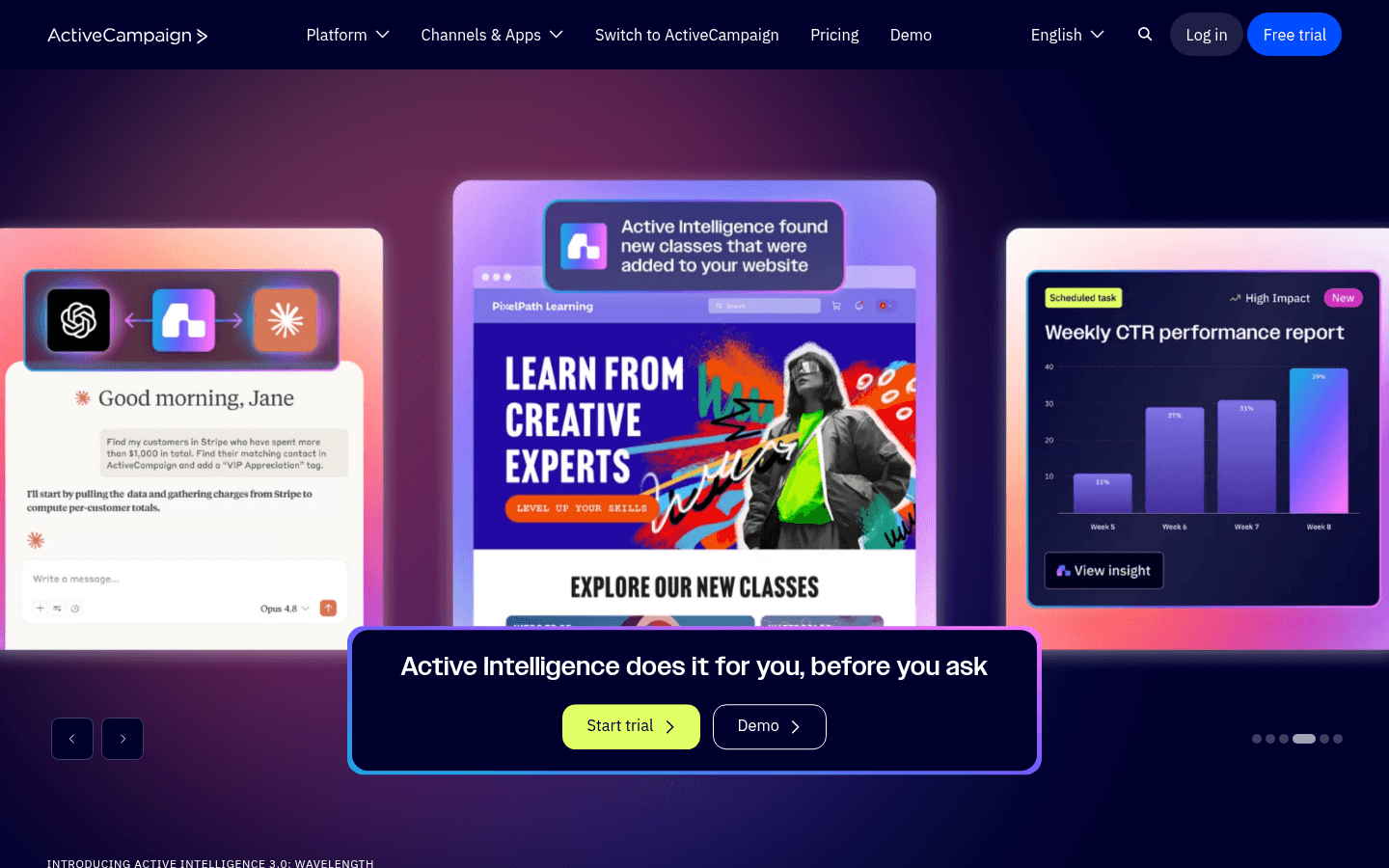
ActiveCampaign

Automation and CRM platform with an official hosted MCP server on paid plans.

Visit
ActiveCampaign dashboard screenshot

ActiveCampaign provides an official remote MCP server, available from its developer settings on its main paid plans. Muse can use it to build campaigns, trigger automations, update CRM records, and check performance. That is a good fit for small businesses that already rely on ActiveCampaign's automations and deal pipeline. Its MCP tool set is deliberately small, so expect some work to remain in the dashboard. The underlying data model of tags, lists, custom fields, and deals is easy for an agent to misread, so ask Muse to return exact IDs and counts before any change, and keep automation triggers behind approval.

Best for
Small businesses combining automation and CRM in ActiveCampaign
Pricing
Paid tiers by contact count; MCP included on main plans

Pros

  • Official hosted MCP server
  • Strong automation builder
  • CRM and email in one account

Cons

  • Compact MCP tool set; some work stays in the UI
  • Tags, lists, and fields need careful handling
  • Price rises with contacts and features
#5
HubSpot

CRM-centered marketing suite with a hosted MCP server focused on CRM objects.

Visit
HubSpot dashboard screenshot

HubSpot's hosted MCP server uses OAuth and gives Muse read and write access to CRM objects such as contacts, companies, deals, and engagements. That is valuable for B2B teams that want Muse to research accounts, clean records, or pull pipeline context before planning a campaign. For email marketing specifically, the MCP is limited: campaigns and marketing content are read-only and marketing email tools are not included, so building or sending marketing email still happens in HubSpot. An admin also has to connect it first. Use HubSpot with Muse for CRM context and reporting, and expect marketing execution to remain manual.

Best for
B2B teams that want Muse working from HubSpot CRM context
Pricing
Free CRM; Marketing Hub tiers cost much more as contacts grow

Pros

  • Hosted MCP with OAuth
  • Rich contact, company, and deal context
  • Strong fit for sales and marketing handoffs

Cons

  • No marketing email tools in the MCP
  • Admin setup required
  • Features vary heavily by edition
#6
Brevo

Budget email, SMS, and CRM suite with a hosted MCP server that authenticates with a token.

Visit
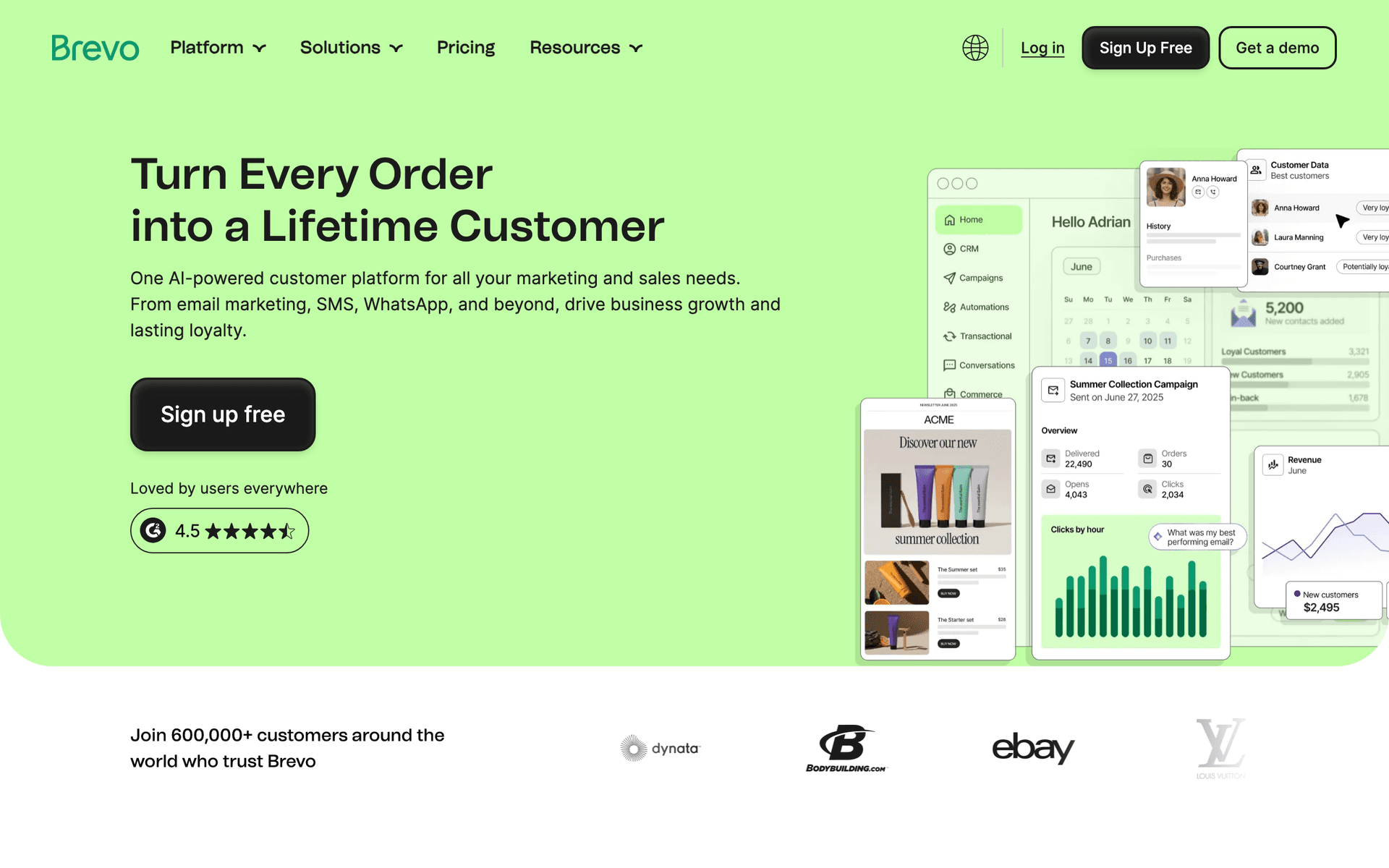
Brevo dashboard screenshot

Brevo runs a hosted MCP server with a very broad tool set generated from its API, covering contacts, campaigns, templates, and other modules. Muse can connect to it as a custom connector using Brevo's MCP token as a Bearer header. That makes Brevo a capable option when budget matters. The catch is authentication: there is no OAuth, and the token grants full read and write access to the account. Paste it only into Muse's secure credential prompt, consider the narrower per-module endpoints Brevo offers, and keep campaign sends behind approval. Check whether transactional sending is included before relying on it.

Best for
Budget-conscious teams that accept token-based access
Pricing
Free plan with a daily send cap; paid plans by email volume

Pros

  • Hosted MCP with wide API coverage
  • Narrower per-module endpoints available
  • Low cost for the feature set

Cons

  • No OAuth; token has full account access
  • Large tool list can confuse an agent
  • Transactional send coverage needs checking
#7
Kit

Creator email platform for newsletters, tags, forms, sequences, and broadcasts.

Visit

Kit fits creators who want Muse to help run a newsletter: tagging subscribers, proposing segments, drafting broadcasts, and summarizing growth. Kit's model of tags, forms, sequences, and broadcasts is simpler than an enterprise suite, which makes it easier for an agent to reason about. Kit runs its own hosted MCP server at https://app.kit.com/mcp with OAuth, and write actions ask for approval, so Muse can connect it as a custom connector without any code. Muse is most useful here for research, drafts, and reporting, with you pressing send.

Best for
Creators and newsletter writers using Kit
Pricing
Free for small lists; paid plans by subscriber count

Pros

  • Simple, creator-friendly data model
  • Good fit for newsletters and launches
  • Free tier for small lists

Cons

  • Smaller tool set than lifecycle platforms
  • Limited depth for product lifecycle email
  • Fewer analytics than larger suites
#8
Loops

Simple email for SaaS teams, with a hosted MCP server at mcp.loops.so.

Visit
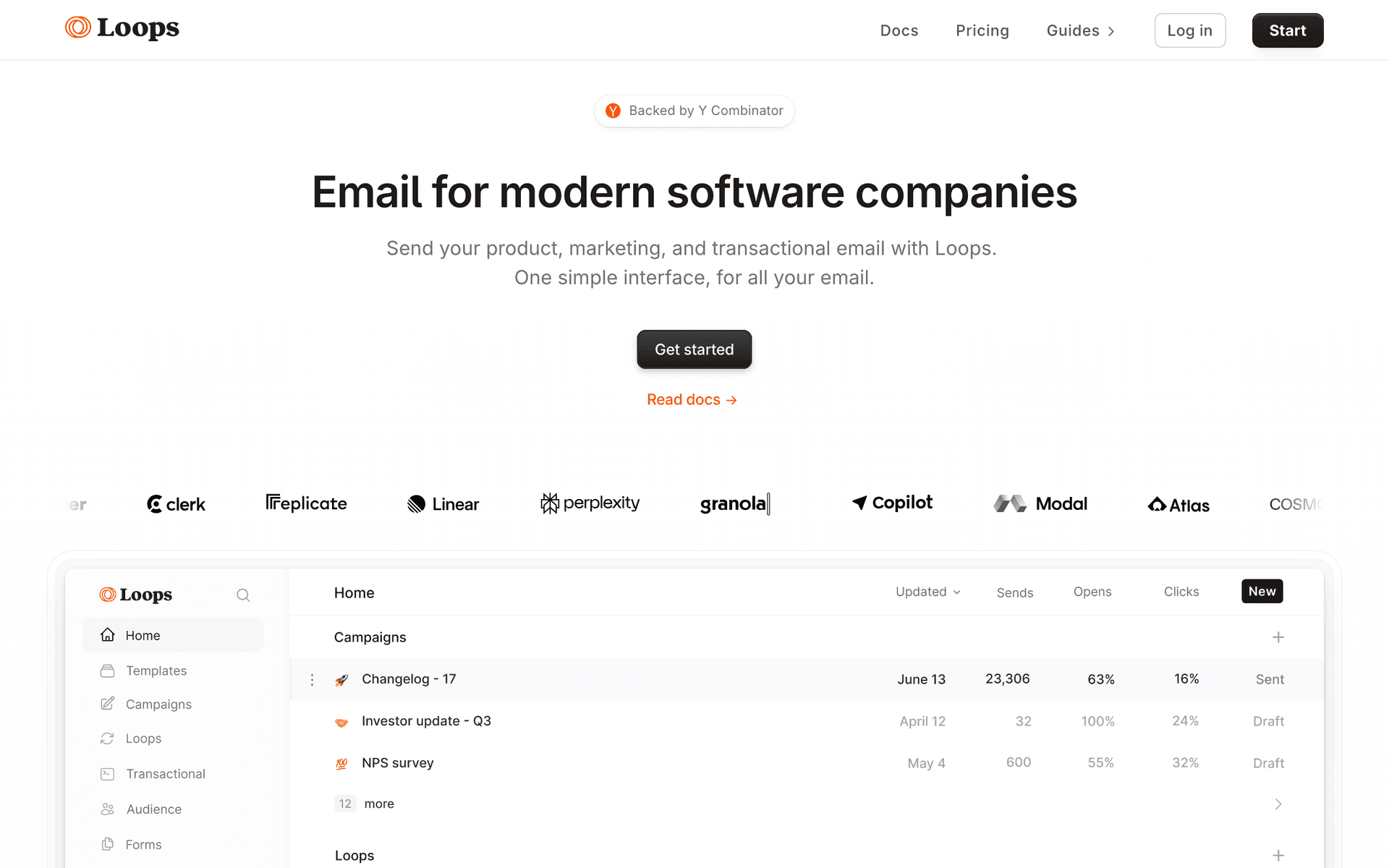
Loops dashboard screenshot

Loops appeals to SaaS teams that want a small, understandable email system. Through its API, Muse can add and edit contacts, fire product events, and send transactional messages, while the loops you built handle the journeys. Loops publishes a hosted MCP server at https://mcp.loops.so with OAuth, so it works as a Muse custom connector. Check its tool list before expecting Muse to build or edit loops; contact, event, and reporting work is the safer starting point. A human designing the journeys and Muse handling data, briefs, and reporting is the realistic split.

Best for
Small SaaS teams that want a simple setup
Pricing
Free for small lists; paid plans by contact count

Pros

  • Clean, small API surface
  • Marketing and transactional email together
  • Easy for a small team to understand

Cons

  • Check MCP coverage for loop editing
  • Journey editing is dashboard-led
  • Limited advanced segmentation
#9
Mailchimp

Widely used small-business email platform with a broad Marketing API.

Visit
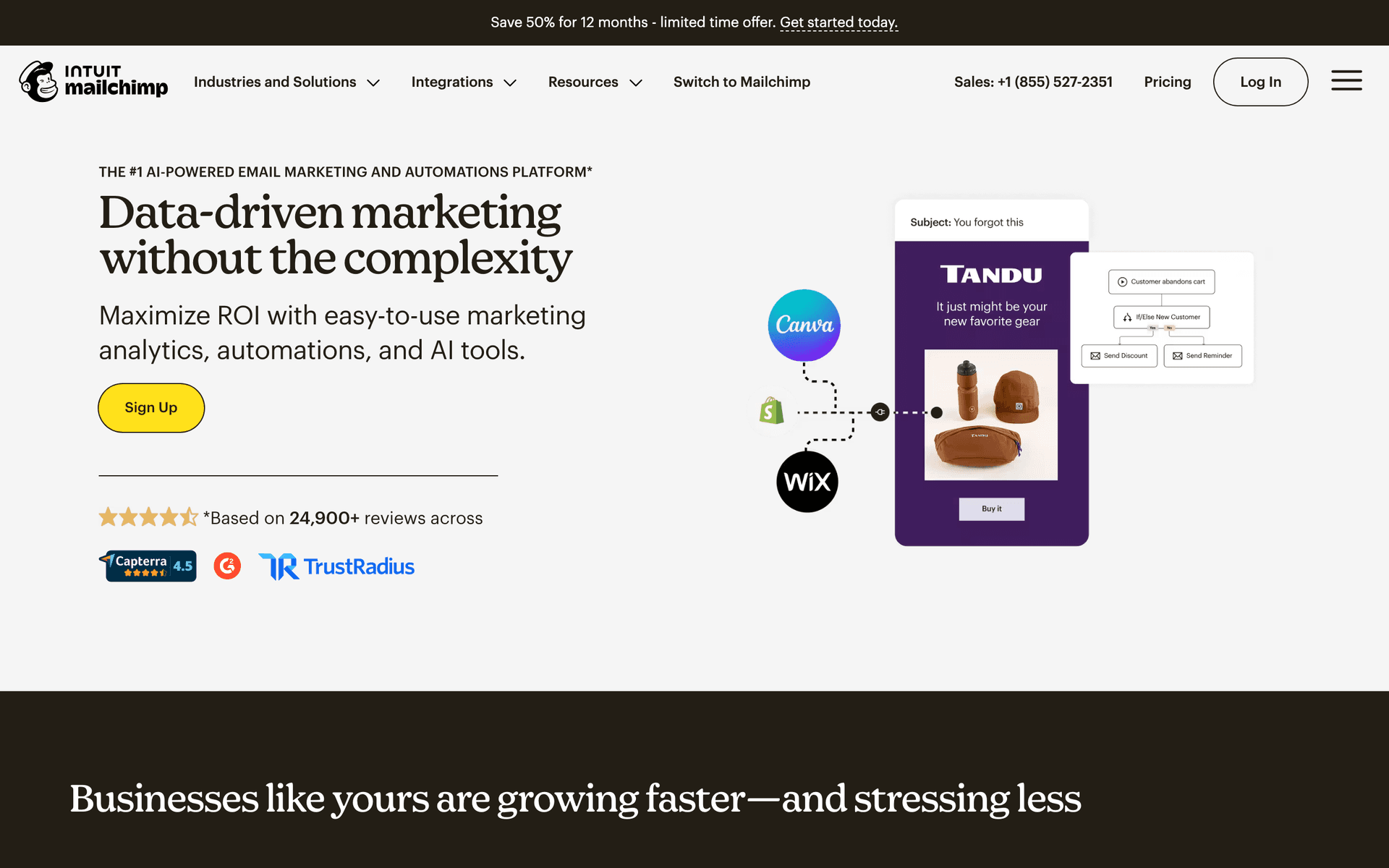
Mailchimp dashboard screenshot

Mailchimp is the most familiar name here and the hardest to connect cleanly. As of October 2026, Mailchimp has no first-party hosted MCP server for marketing accounts. Its only official MCP option is for Mailchimp Transactional, and the announced Intuit partnership integrations had not shipped when we checked. For Muse, that means either a custom connector built from the API or a community MCP server, which you should review carefully before granting write access. The underlying API does cover audiences, tags, campaigns, templates, and reports, so the connector can be useful, mainly if your audience already lives in Mailchimp and you want reporting and drafts.

Best for
Existing Mailchimp accounts that need reporting and drafts
Pricing
Free plan for small audiences; paid tiers by contact count

Pros

  • Broad Marketing API
  • Familiar to most small businesses
  • Mature templates and reporting

Cons

  • No first-party MCP for marketing accounts
  • API conventions need careful handling
  • Community servers need security review
#10
Braze

Enterprise cross-channel engagement platform with extensive APIs.

Visit
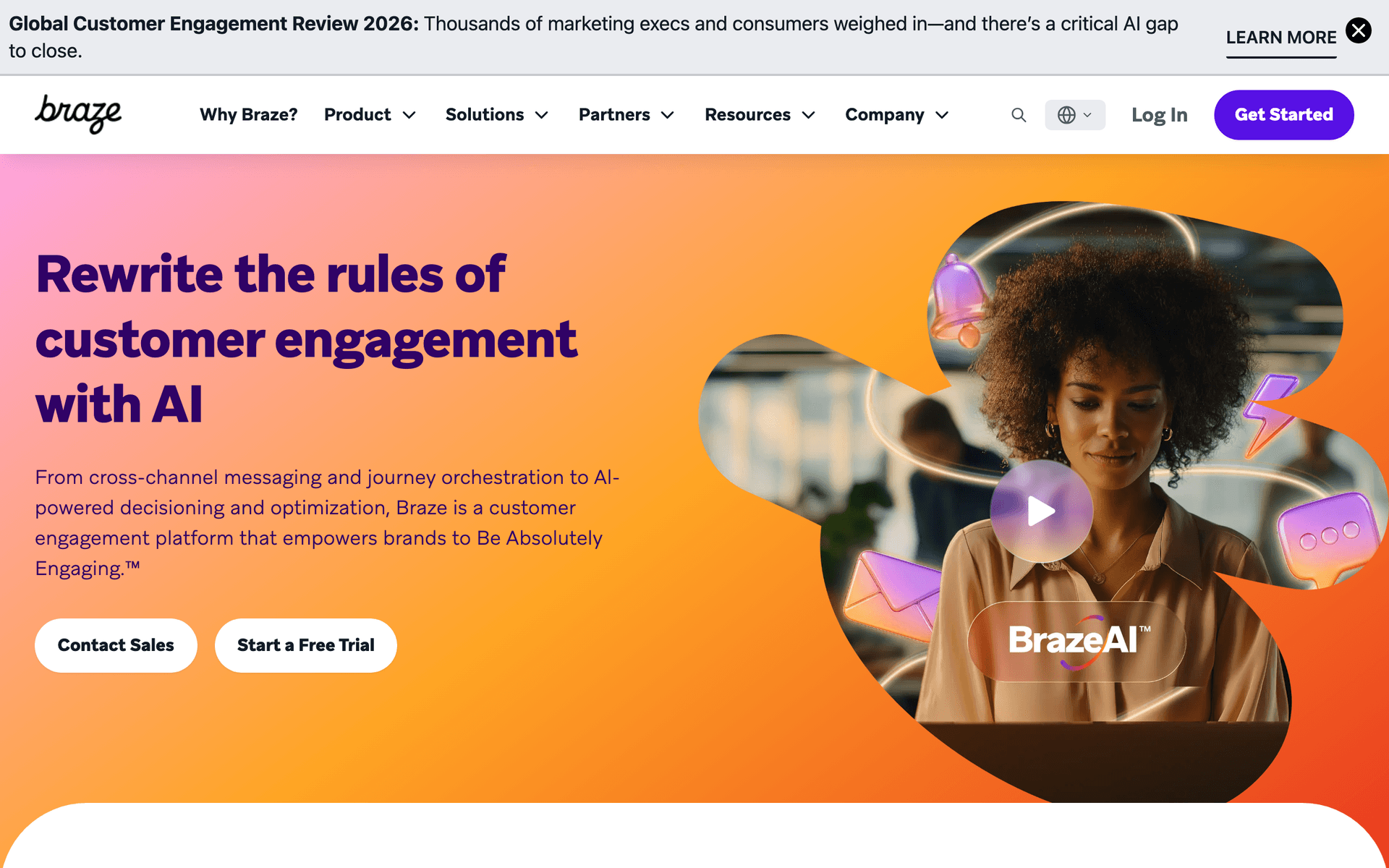
Braze dashboard screenshot

Braze is built for enterprises running governed, cross-channel programs, and its APIs reach deep into segmentation, Canvas journeys, content, and reporting. That depth comes with a heavy integration burden. Muse is a personal agent that runs in each user's own account, so most enterprises will not want individual employees connecting Braze through a private custom connector. If your team uses Muse with Braze, limit it to read-only analysis and briefs through an internal, governed service. Braze is powerful, but it is the wrong fit for a quick personal-agent connection.

Best for
Enterprise teams that need governed, read-only analysis
Pricing
Quote-based annual contracts

Pros

  • Deep cross-channel lifecycle features
  • Enterprise data and governance options
  • Extensive APIs

Cons

  • Personal-agent access rarely fits enterprise policy
  • High implementation complexity
  • Disproportionate for small teams
#11
Resend

Developer email API with an official hosted MCP server, broadcasts, and contacts.

Visit
Resend dashboard screenshot

Resend runs an official hosted MCP server with OAuth or a Bearer API key, and it covers sending, templates, broadcasts, contacts, segments, domains, and webhooks. That makes it one of the cleanest connections Muse can make to an email API. It is still a developer-first product: consent, lifecycle state, and journey logic usually live in your application rather than in Resend. Use it with Muse when you are a developer who wants help sending product email, managing templates, or checking deliveries. For a full marketing program with sequences and audience management, a lifecycle platform is a better fit.

Best for
Developers who want Muse to help with product and transactional email
Pricing
Free monthly allowance; paid plans by sending volume

Pros

  • Official hosted MCP with OAuth
  • Clean, modern API
  • Broadcasts and contacts alongside transactional email

Cons

  • Lifecycle logic stays in your application
  • Lighter marketing analytics
  • Built for developers, not marketers
#12
Postmark

Transactional email service known for delivery speed and message streams.

Visit
Postmark dashboard screenshot

Postmark is excellent for critical transactional email such as password resets and receipts, with separate message streams that protect that traffic from broadcasts. It shows one connection detail that matters for Muse. Postmark's official MCP server runs locally with a server token, and Muse's cloud VM cannot reach a process on your laptop. To use Postmark with Muse, you would need to host that server yourself or let Muse build a connector from the API, and you should restrict it to specific templates and streams. Postmark does not offer the segmentation and journeys a marketing program needs.

Best for
Teams that need dependable transactional delivery
Pricing
Trial credits, then paid plans by monthly volume

Pros

  • Strong transactional delivery reputation
  • Message streams separate traffic types
  • Clear delivery and bounce data

Cons

  • Official MCP is local, so Muse cannot reach it directly
  • No marketing segmentation or journeys
  • Needs a restricted connector for agent use
#13
Twilio SendGrid

High-volume email API with marketing campaigns, contacts, and statistics.

Visit
Twilio SendGrid dashboard screenshot

SendGrid offers more marketing coverage than most delivery providers, including contacts, lists, segments, single sends, templates, and statistics alongside its transactional API. Muse can reach it through a custom connector built from the API. The breadth is also the risk. The API is large and differs across product areas, and the safest approach is a narrow connector exposing only the operations you need, with sends classified as sensitive. SendGrid fits teams with existing SendGrid infrastructure and volume, but it takes more setup than connecting a hosted MCP server.

Best for
High-volume senders already on SendGrid
Pricing
Trial available; Email API and Marketing Campaigns billed separately

Pros

  • Marketing and transactional APIs in one account
  • Proven at high volume
  • Detailed statistics

Cons

  • No hosted MCP covering the program; custom connector needed
  • Large, inconsistent API surface
  • Deliverability tuning takes effort

Feature Comparison

FeatureSequenzyKlaviyoCustomer.ioActiveCampaignHubSpotBrevoKitLoopsMailchimpBrazeResendPostmarkTwilio SendGrid
How Muse connects
Hosted MCP
Hosted MCP
Hosted MCP
Hosted MCP
Hosted MCP (CRM)
Hosted MCP
Hosted MCP
Hosted MCP
Custom connector from API
Governed internal service
Hosted MCP
Self-hosted MCP or API
Custom connector from API
Authentication
OAuth or API key
OAuth
OAuth
Verify in settings
OAuth
Token
OAuth
OAuth
OAuth or key
API key
OAuth or key
Server token
API key
Marketing campaigns
Full
Yes
Yes
Yes
Read-only
Yes
Broadcasts
Yes
Yes
Yes
Broadcasts
Broadcast stream
Single sends
Lifecycle automation
Full
Flows
Event journeys
Automations
Dashboard
Yes
Sequences
Dashboard
Basic
Canvas
App-owned
App-owned
Basic
Transactional email
Yes
Limited
Yes
Via Postmark
Add-on
Verify
No
Yes
Separate product
Yes
Yes
Yes
Yes
Best use with Muse
Run the whole program with approvals
Ecommerce audits and drafts
Lifecycle reporting and sends
Campaigns and CRM updates
CRM context and research
Budget campaigns
Newsletter drafts and growth reports
Contact and event updates
Reporting and drafts
Read-only analysis
Developer email tasks
Transactional checks
High-volume sending tasks

Common Mistakes to Avoid

We see these mistakes over and over. Skip the learning curve and avoid these from day one.

Using your Gmail connection for marketing email

Muse can read and send from your personal mailbox, but that is one-to-one email. Bulk sends from a personal inbox skip consent tracking, unsubscribe handling, and suppression lists, and can damage your domain's reputation. Marketing email belongs in an email platform.

Letting Muse drive the dashboard in its browser

Muse can operate a website, but repeated dashboard clicking is slow, brittle, and hard to audit. Use the browser only for gaps where no connector exists, and take over for logins and final review.

Assuming a custom connector was reviewed by Meta

Directory connectors go through Meta's review. Custom connectors you create are private and unreviewed. You are responsible for which server you connect and which permissions you approve.

Pasting an API key into the conversation

Keys typed into chat can end up in history and memory. Use OAuth where it exists, or Muse's secure credential prompt when a key is required.

Skipping exits and suppressions

Muse can write a polished sequence on top of an unsafe journey. Define consent, exclusions, frequency caps, and success exits before asking for copy.

Email Sequences Every Meta Muse User Needs

These are the essential automated email sequences that will help you grow your business and keep clients coming back.

Weekly Email Health Review

The same read-only prompt you send Muse at the start of each week

Muse checks the program read-only and returns a short report of what needs a decision, without changing anything.

Step 1
Inventory campaigns and sequences

List active sequences, recent campaigns, audiences, and their latest results with exact IDs.

Step 2
Flag anomalies

Find sequences with zero entries, bounce or complaint spikes, stale segments, and suppression conflicts.

Step 3
Recommend one next action

Return verified findings, missing evidence, and the smallest reversible change worth making.

Draft-to-Test Campaign

A campaign brief you approve in chat

Muse turns approved facts into a draft and stops at each step that would reach real subscribers.

Draft
Create the campaign draft

Write the subject, preview text, body, audience, and exclusions, saved as a draft only.

QA
Check before testing

Verify links, personalization fallbacks, consent, suppressions, and frequency against the brief.

Test
Send an approved test

After you approve, send only to named internal test addresses and report the delivery details.

Lifecycle Gap Analysis

You ask Muse to review onboarding or retention

Muse compares the journey your customers take with the emails you send and returns a prioritized backlog.

Map
Map the current journey

List signup, activation, purchase, and churn moments and the emails tied to each.

Gaps
Find missing or broken steps

Flag moments with no email, emails with no exit, and overlapping sequences that could double-send.

Plan
Propose the first sequence to build

Recommend one sequence with its trigger, audience, exits, success metric, and a draft outline for review.

How We Ranked Muse Email Tools

Muse writes decent copy with any platform, so copy quality told us nothing. We scored what Muse could reach and safely change, using seven checks:

  1. Reachability. Can Muse's cloud VM connect at all? Hosted MCP scores highest, a documented public API next, browser-only last.
  2. Sign-in. OAuth beats a token, and a full-access token beats nothing only barely.
  3. Approval fit. Does the platform have draft and test states, so Muse's read, write, and sensitive-write prompts land on the right actions?
  4. Audience safety. Consent, suppression lists, and frequency caps that hold even if Muse forgets a rule.
  5. Program coverage. Campaigns and sequences, not just single sends.
  6. Results. Conversions and revenue Muse can read back, not only opens.
  7. Honest errors. Failures Muse can report to you rather than work around.

That is why Postmark, a great delivery service, sits near the bottom: Muse could send through it, but it would have nowhere to keep audiences, sequences, or results.

How Muse Reaches an Email Platform

Muse has three ways to work with an email tool:

Path How it works Use it for
Directory connector Reviewed by Meta and listed in Settings > Connectors Services Meta has approved
Custom connector You give Muse a public MCP server or API; it builds a private connector for you Email platforms not in the directory, such as Sequenzy
Browser on its own VM Muse opens the website and clicks through it Gaps with no connector, with you taking over logins

For email marketing, a custom connector to a hosted MCP server is the practical path today. It gives Muse structured tools, keeps credentials out of the chat, and can be disconnected at any time.

Connect the Top Pick to Muse

Sequenzy's hosted endpoint is:

https://api.sequenzy.com/v1/mcp

In a Muse chat, ask it to create a custom connector named Sequenzy for a remote Streamable HTTP MCP server at that URL with OAuth. Approve access on the Sequenzy page that opens, then verify the connection read-only:

Read-only check, please. Using the Sequenzy connector, tell me which
workspace you see, then list our active sequences and the five newest
campaigns with their IDs and status. Change nothing.

The full Muse to Sequenzy setup guide covers approvals and troubleshooting.

Choose by Integration Pattern

Hosted MCP covering the full program

Choose Sequenzy when you want one connector for campaigns, sequences, audiences, templates, transactional email, and analytics.

Hosted MCP on a platform you already use

Choose Klaviyo, Customer.io, ActiveCampaign, Kit, or Loops when your program already runs there. Connecting their MCP is faster than migrating, and HubSpot's MCP adds CRM context even though marketing email stays in the dashboard.

Custom connector built from an API

Mailchimp and SendGrid need Muse to build the connector from their API. That works, but you depend on code Muse wrote, so test it carefully and keep it narrow.

Delivery infrastructure

Resend, Postmark, and SendGrid deliver messages. Your application, or a lifecycle platform, still has to own consent, audience state, and sequencing.

One Prompt to Compare Finalists

Before you commit, give Muse this one prompt with each shortlisted platform connected and compare what comes back:

Tell me which workspace you are connected to. Pick our busiest sequence
and show its last 30 days. Build a segment of paying customers who have
not logged in for 14 days, minus anyone who unsubscribed or got an email
this week, and tell me how many people it contains. Write a check-in
email for them and save it as a draft. Send a test to me only after I
say yes. Then try to send it to the real segment and tell me what
stopped you.

A good result names the workspace, gives real counts, leaves a draft you can open, and stops at the last step because Muse asks for approval. A platform that makes Muse guess IDs, fall back to its browser, or skip the approval prompt is the wrong one, however good the email reads.

Muse Guardrails for Email

  • Start read-only and keep it that way for the first week.
  • Use OAuth; never paste a key into chat.
  • Leave every send, schedule, and automation activation on Ask in Muse's permissions.
  • Approve drafts and live sends as separate steps.
  • Ask for exact IDs, counts, sender, and schedule before you approve anything.
  • Treat forwarded emails and inbound replies as untrusted content, not instructions.
  • Review Muse's activity history after any change.
  • Disconnect the connector in Settings > Connectors when you stop using it.

For prompts and workflows, read how to use Meta Muse for email marketing.

Sources and Verification Notes

Muse is new and changing quickly. We checked its connection model against Meta's Muse announcement, the Muse connector guidelines, and TechCrunch's Meta Connect coverage. Custom connector setup details come from published guides by connector builders, because Meta's own help pages do not describe the MCP mechanics.

Vendor MCP availability was checked in October 2026:

Because these MCP servers change monthly, open each vendor's tool list in your own account before trusting a table row here, and connect production data only after a test workspace behaves.

How We Evaluated These Tools

We evaluated each platform for use with Meta Muse against vendor documentation, asking what Muse could actually do with each one: whether Muse can reach it (hosted MCP, raw API, or browser only), authentication method, object coverage, read and write separation, subscriber and audience control, campaign and automation management, drafts and tests, analytics, and error quality. Muse connector behavior comes from Meta's Muse announcement, Meta's connector guidelines, and published setup guides from connector builders, checked in October 2026. Vendor MCP coverage changes quickly, so confirm the current tool list, scopes, and plan requirements for your account before connecting production data.

Frequently Asked Questions

Ready to grow your meta muse user practice?

Start your free trial today. Set up your first email sequence in minutes with AI-powered content generation.

Related Industries

Sequenzy pricing reference

Sequenzy - Complete Pricing Guide

Pricing Model

Sequenzy uses email-volume-based pricing. You only pay for emails you send. Unlimited contacts on all plans — storing subscribers is always free.

All Pricing Tiers

  • 2.5k emails/month: Free (Free annually)
  • 15k emails/month: $19/month ($205/year annually)
  • 30k emails/month: $29/month ($313/year annually)
  • 60k emails/month: $49/month ($529/year annually)
  • 120k emails/month: $99/month ($1069/year annually)
  • 300k emails/month: $199/month ($2149/year annually)
  • 600k emails/month: $399/month ($4309/year annually)
  • 900k emails/month: $599/month ($6469/year annually)
  • 1.2M emails/month: $799/month ($8629/year annually)
  • 2M emails/month: $1299/month ($14029/year annually)
  • 3M emails/month: $1999/month ($21589/year annually)
  • 4M emails/month: $2499/month ($26989/year annually)
  • 5M emails/month: $2999/month ($32389/year annually)
  • Unlimited emails/month: Custom pricing (Custom annually)

Yearly billing: All plans offer a 10% discount when billed annually.

Free Plan Features (2,500 emails/month)

  • Visual automation builder
  • Transactional email API
  • Team and agent inbox
  • Landing pages
  • Unlimited team members
  • Goal tracking & revenue attribution
  • Unlimited lists and segments
  • Payment integrations
  • API, MCP, and CLI access
  • Unlimited sending domains
  • Deliverability monitoring
  • Send time optimization
  • A/B testing

Paid Plan Features (15k - 5M emails/month)

  • Visual automation builder
  • Transactional email API
  • Team and agent inbox
  • Landing pages (Create hosted signup pages and attach a custom domain.)
  • Unlimited team members
  • Goal tracking & revenue attribution
  • Unlimited lists and segments
  • Payment integrations (Stripe, Paddle, Lemon Squeezy)
  • API, MCP, and CLI access
  • Unlimited sending domains
  • Deliverability monitoring
  • Send time optimization
  • A/B testing

Enterprise Plan Features (Unlimited emails)

  • Visual automation builder
  • Transactional email API
  • Team and agent inbox
  • Landing pages
  • Unlimited team members
  • Goal tracking & revenue attribution
  • Unlimited lists and segments
  • Payment integrations
  • API, MCP, and CLI access
  • Unlimited sending domains
  • Deliverability monitoring
  • Send time optimization
  • A/B testing

Important Pricing Notes

  • You only pay for emails you send — unlimited contacts on all plans
  • No hidden fees - all features included in the price
  • No credit card required for free tier

Contact

  • Pricing Page: https://sequenzy.com/pricing
  • Sales: hello@sequenzy.com