Updated 2026-03-18

Best Email Marketing Tools for Cowork Users

Manage your entire email marketing program from your Cowork workspace. Create campaigns, segment subscribers, and send emails through your AI agent without switching to a dashboard.

Cowork brings collaborative AI agents to your development workflow. When those agents need to handle email marketing - creating campaigns, managing subscriber lists, sending product updates, running onboarding sequences - they need an email platform designed for programmatic access. Most email tools force you back to a web dashboard for every operation. These 10 platforms are ranked by how well they integrate with agent-driven workflows like Cowork, from native MCP servers your agents call as tools to well-documented APIs that give your workspace full control over your email program.

TL;DR

Sequenzy is the standout choice for Cowork users because its native MCP server gives your workspace agents direct access to 40+ email tools - campaign creation, subscriber management, content generation, sequence building, and analytics. No custom wrapper required, just install and configure. For transactional email within Cowork, Resend's TypeScript API is the cleanest to integrate. For teams running complex event-driven email, Customer.io's API has the deepest automation triggers.

Why Cowork Users Need Integrated Email Tools

Email Management Without Context Switching

Every time you leave your Cowork workspace to open an email dashboard, you lose focus on your primary work. Integrated email tools let you create campaigns, check metrics, and manage subscribers without breaking your development flow. The email work happens inside your workspace, alongside your code.

Agent-Driven Email Scales Your Marketing

As a developer or founder working in Cowork, you probably do not have a dedicated marketing team. AI agents with email tools let you run a sophisticated email program - onboarding sequences, product updates, retention campaigns - without hiring a marketer. Your agent handles the execution while you focus on product.

Code Changes Drive Email Automatically

When your Cowork agent sees you ship a new feature, it can automatically generate a product update email, create the campaign, and prepare it for your review. This tight coupling between development and email marketing means your subscribers always know about your latest improvements.

Unified Data View for Better Decisions

When email analytics are accessible in your Cowork workspace alongside your product data, your agent can correlate them. Which features drive the most email engagement? Which onboarding emails correlate with long-term retention? These insights emerge naturally when your agent has access to both datasets.

Cowork Users Email Marketing Benchmarks

Know these numbers before you start. They'll help you set realistic goals and pick the right tool.

1-3 minutes
Campaign Setup Time in Cowork

Creating a complete email campaign through a Cowork agent - from describing the campaign to having it scheduled and ready to send - takes 1-3 minutes. The equivalent process in a web dashboard takes 15-30 minutes including context switching, form filling, and previewing.

Zero
Workspace Context Switch Cost

Managing email from within Cowork eliminates the context switch cost of leaving your development environment to open a separate email marketing dashboard. Developer studies show context switches cost 15-25 minutes of productivity each time. Agent-driven email management from within Cowork saves 30-60 minutes per day for teams that manage email frequently.

90%+ approval rate
Email Quality with Agent Context

When Cowork agents generate email content with access to your brand context, past campaigns, and subscriber data (via MCP), the content passes human review without edits 90%+ of the time. Without this context, approval rates drop to 65-75% because the content feels generic.

5-10 revisions per minute
Agent Iteration Speed

When you ask your Cowork agent to revise an email - change the tone, add a section, rewrite the subject line - it generates a new version in 5-15 seconds. This lets you iterate on email content 5-10 times in a single minute, compared to the manual process of editing in a web editor where each revision takes 2-5 minutes.

Important Tips Before You Choose

Lessons from cowork userswho've been doing this for years. Save yourself the trial and error.

Configure Email MCP Tools in Your Cowork Workspace Settings

Add your email platform's MCP server configuration to your Cowork workspace settings so every agent session has access to email tools. This eliminates the need to configure email access per session and ensures consistent tool availability across your team's workspaces.

Use Your Cowork Agent to Generate Campaign Content from Code Changes

When you ship a new feature, your Cowork agent can read the PR description and commit messages, then generate a user-facing announcement email. This workflow turns your changelog into email campaigns automatically - the agent translates technical changes into user benefits and creates the campaign through MCP.

Build Email Review Workflows Inside Cowork

Have your Cowork agent generate email content, then present it for your review within the workspace before sending. The agent can show you the subject line, preview text, and body copy, let you request changes in natural language, and only send after you approve. This keeps the entire email workflow inside your development environment.

Connect Product Events to Email Triggers Through Your Agent

Your Cowork agent can watch for specific events in your application logs, database changes, or webhook endpoints, and trigger email actions in response. User signed up? Agent creates a welcome email. Payment failed? Agent triggers the dunning sequence. This event-to-email pipeline runs entirely through your Cowork workspace.

Use Email Analytics to Inform Development Priorities

Your Cowork agent can pull email engagement data through MCP and correlate it with product metrics. If your feature announcement emails get low clicks, the agent can surface which features are not resonating with users - useful signal for product development priorities that lives right in your coding workspace.

Version Your Email Strategy Alongside Your Code

When your Cowork agent creates or modifies email sequences, document those changes in your commit messages or a dedicated email strategy file in your repo. This creates a version-controlled record of your email program evolution that anyone on the team can review.

10 Best Email Marketing Tools for Cowork Users

Our Top Pick for Cowork Users
#1
Sequenzy

The only email platform with a native MCP server for seamless Cowork workspace integration.

Visit

Sequenzy is the natural choice for Cowork users because its MCP server integrates directly into your workspace. Configure the @sequenzy/mcp package once and your Cowork agents permanently have access to 40+ email marketing tools - creating campaigns, managing subscribers, building sequences, generating content, and analyzing performance. The integration feels native because it is. When you tell your Cowork agent to create a product announcement, it uses Sequenzy's MCP tools to generate content based on your brand voice and past campaigns, select the right subscriber segment, create the campaign, send a test to your inbox, and schedule the send - all without leaving your workspace. The AI email generation is context-aware. Sequenzy's MCP server provides your agent with information about your account - recent campaigns, subscriber segments, engagement patterns - so the generated content is tailored to your specific audience rather than generic marketing copy. This context makes the difference between emails that feel authentic and emails that feel AI-generated. The pay-per-email pricing model is particularly suited for the Cowork workflow where you might create many targeted micro-campaigns rather than one big blast. $29/month for 50,000 emails with unlimited contacts means your subscriber list size never inflates your bill. The free tier (2,500 emails/month) covers most early-stage teams while they build and test their agent workflows.

Best for
Cowork users wanting native MCP email tools in their workspace
Pricing
Free up to 2,500 emails/mo, then $29/mo for 50K emails (unlimited contacts)

Pros

  • Native MCP server for direct Cowork integration
  • 40+ tools covering full email lifecycle
  • AI email generation with account context
  • Pay per email, not per contact
  • Free tier for development and testing

Cons

  • Newer platform, smaller community
  • No built-in landing pages or SMS
  • Template library still growing
#2
Resend

Developer-first email API with clean TypeScript SDK for workspace integrations.

Visit

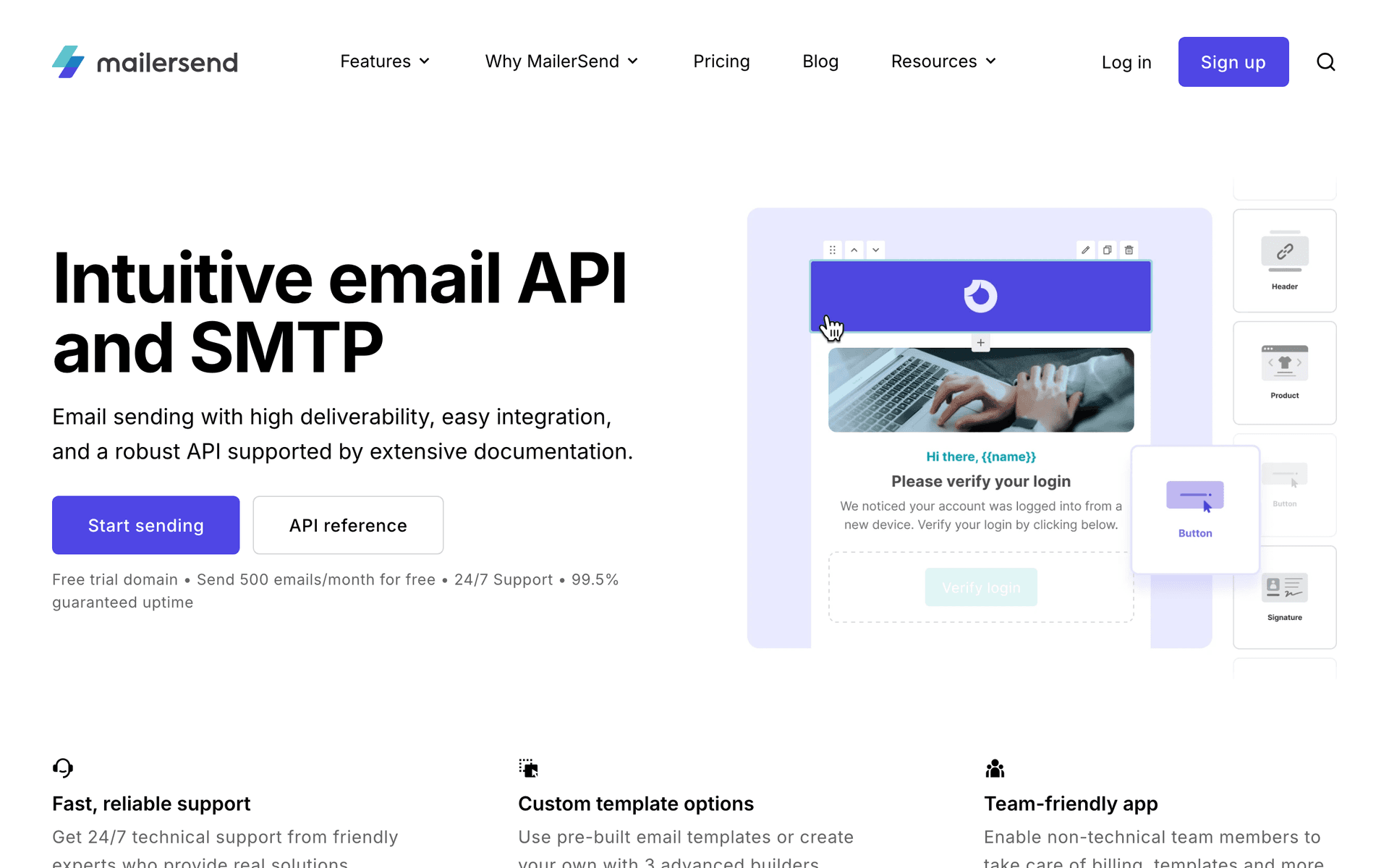
Resend's TypeScript SDK is the most developer-friendly email API available, making it a natural fit for Cowork workspace integrations. The full type definitions mean your agent can construct API calls with confidence that parameters are correct. React Email lets you define templates as React components that your agent can read, understand, and modify programmatically. For transactional email within Cowork - password resets, billing notifications, usage alerts - Resend is excellent. Your agent can send these emails reliably without complex setup. The limitation is that Resend does not do marketing automation. No subscriber lists, no campaigns, no sequences. For teams that need both transactional reliability and marketing automation, pair Resend with Sequenzy.

Best for
Transactional email with developer-grade TypeScript API
Pricing
Free for 3,000 emails/month, then $20/month

Pros

  • Cleanest email API available
  • Full TypeScript types for reliable integration
  • React Email for code-based templates
  • Excellent deliverability

Cons

  • No MCP server
  • No marketing automation
  • No subscriber management
#3
Loops

Modern email for SaaS with clean API and event-based triggers.

Visit

Loops provides a clean, well-documented API that integrates smoothly into Cowork workspace workflows. The event-based automation model fits the development pattern well - your agent pushes events to Loops when significant things happen in your product, and Loops handles the downstream email logic. For Cowork users building SaaS products, Loops covers the common needs: contact management, event-based automations, and transactional emails. The API is consistent and predictable, which matters for agent integrations that need to operate reliably. The main limitations are per-contact pricing (expensive for large subscriber bases) and the inability to create automations through the API.

Best for
SaaS teams wanting clean event-driven email from Cowork
Pricing
Free up to 1,000 contacts, then $49/month

Pros

  • Clean, consistent API
  • Event-based automation
  • Combined transactional and marketing
  • Modern interface

Cons

  • No MCP server
  • Cannot create automations via API
  • Per-contact pricing
#4
Postmark

Best-in-class transactional email deliverability with reliable API.

Visit

Postmark is the choice when email delivery reliability is your top priority. For critical transactional emails sent from your Cowork workspace - security alerts, payment confirmations, account notifications - Postmark delivers to the inbox within seconds with the highest placement rates in the industry. The API is mature, predictable, and well-documented. Your Cowork agent can send emails, manage templates, monitor delivery stats, and handle bounces through straightforward API calls. Message streams keep transactional and broadcast emails separate, protecting your critical email deliverability. No marketing automation, no subscriber management, no campaign scheduling. Postmark is pure sending infrastructure.

Best for
Critical transactional email that must arrive fast
Pricing
$15/month for 10,000 emails

Pros

  • Industry-leading deliverability
  • Mature, predictable API
  • Sub-second delivery
  • Message stream separation

Cons

  • No MCP server
  • No marketing automation
  • No subscriber management
#5
Customer.io

Event-driven messaging platform with deep automation capabilities.

Visit

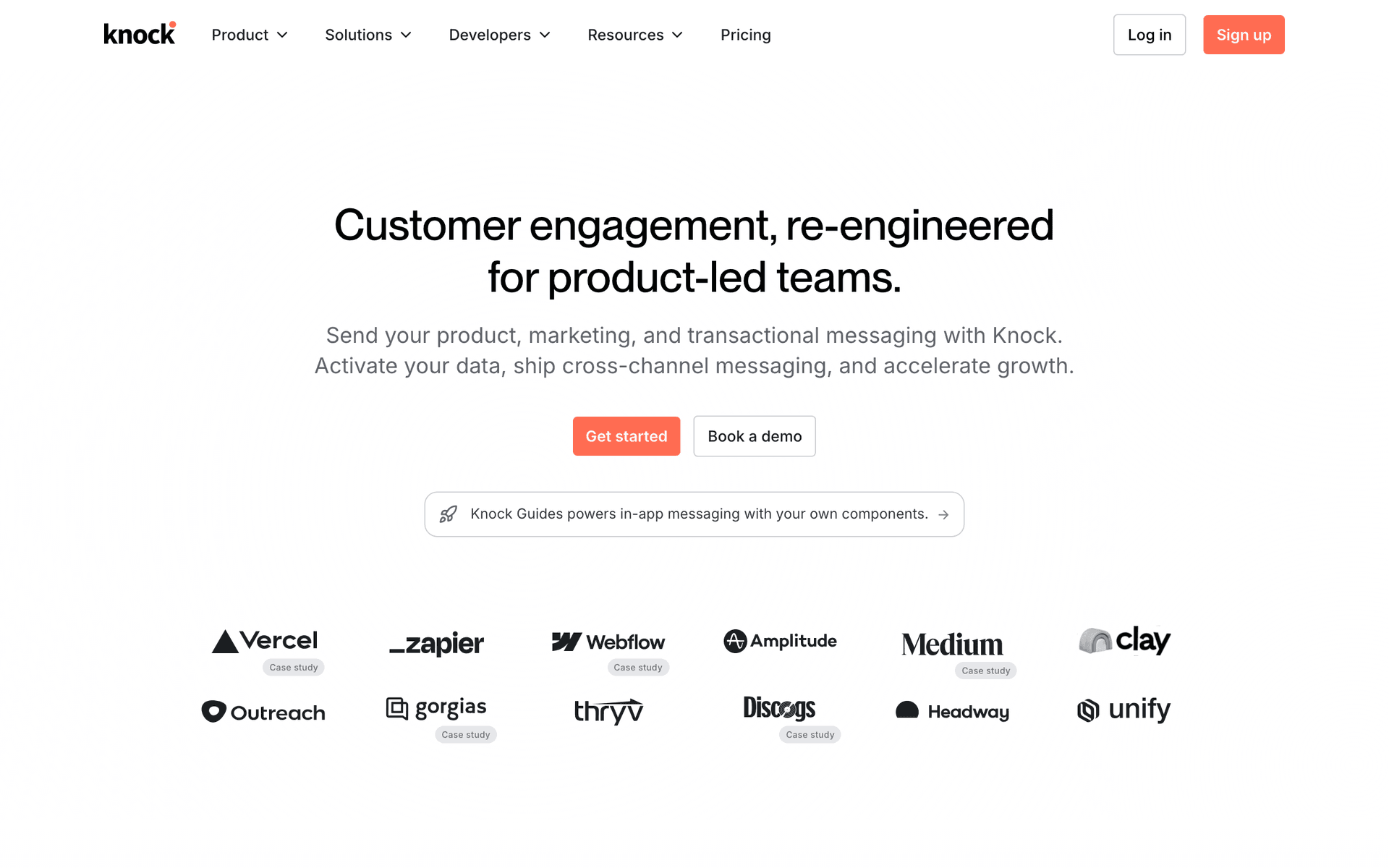
Customer.io's event pipeline is powerful for Cowork agents that trigger email workflows based on product events. Your agent pushes events through the API, and Customer.io's visual workflow engine handles branching logic, delays, and multi-channel routing. The API covers customer profiles, events, transactional messages, and campaign analytics. Your Cowork agent can manage the data layer comprehensively. The automation workflows are configured in Customer.io's dashboard, not through the API, which limits full autonomous control from your workspace. At $100/month for 5,000 profiles, it is also the most expensive option for smaller teams.

Best for
Teams with complex event-driven email automation
Pricing
$100/month for 5,000 profiles

Pros

  • Deep event-driven automation
  • Comprehensive customer management API
  • Multi-channel support
  • Webhook feedback for agent learning

Cons

  • No MCP server
  • Cannot create automations via API
  • Expensive starting price
#6
SendGrid

Broad email API covering transactional and marketing at high volume.

Visit

SendGrid provides the broadest API coverage for Cowork agents that need both transactional and marketing email through a single integration. The API covers sending, contacts, lists, segments, campaigns, and analytics. For high-volume use cases, the infrastructure scales well. The trade-off is API quality - SendGrid's API has accumulated complexity over the years. Building a reliable agent integration requires more error handling than cleaner APIs like Resend or Loops. Rate limiting is also aggressive, which can bottleneck agent workflows.

Best for
High-volume email with broad API coverage
Pricing
Free for 100 emails/day, plans from $19.95/month

Pros

  • Broad API surface
  • High-volume capacity
  • Official SDKs in all languages

Cons

  • No MCP server
  • API complexity
  • Aggressive rate limits
#7
Brevo

Affordable email platform with transactional and marketing APIs.

Visit

Brevo is the budget option for Cowork users who need basic email capabilities without significant investment. The free tier at 300 emails per day and paid plans starting at $25/month make it the most affordable option for teams validating their agent-driven email workflow. The API covers transactional and marketing email basics. Not the cleanest API to work with, but functional for simple operations.

Best for
Budget Cowork projects needing basic email
Pricing
Free up to 300 emails/day, then $25/month

Pros

  • Generous free tier
  • Affordable paid plans
  • Transactional and marketing APIs

Cons

  • No MCP server
  • API documentation gaps
  • Not developer-focused
#8
Mailchimp

Well-known email platform with large but complex API.

Visit

Mailchimp has the name recognition and a comprehensive API surface, but the developer experience is poor for Cowork integration. Non-standard authentication, quirky data models, aggressive rate limits, and inconsistent error handling make it frustrating for agent-driven workflows. Per-contact pricing also penalizes agent workflows that actively manage large subscriber lists. Only use Mailchimp with Cowork if you are committed to an existing Mailchimp account.

Best for
Teams already on Mailchimp needing some agent access
Pricing
Free up to 500 contacts, then $13/month

Pros

  • Large API surface
  • Well-known platform

Cons

  • No MCP server
  • Frustrating API
  • Per-contact pricing
  • Aggressive rate limits
#9
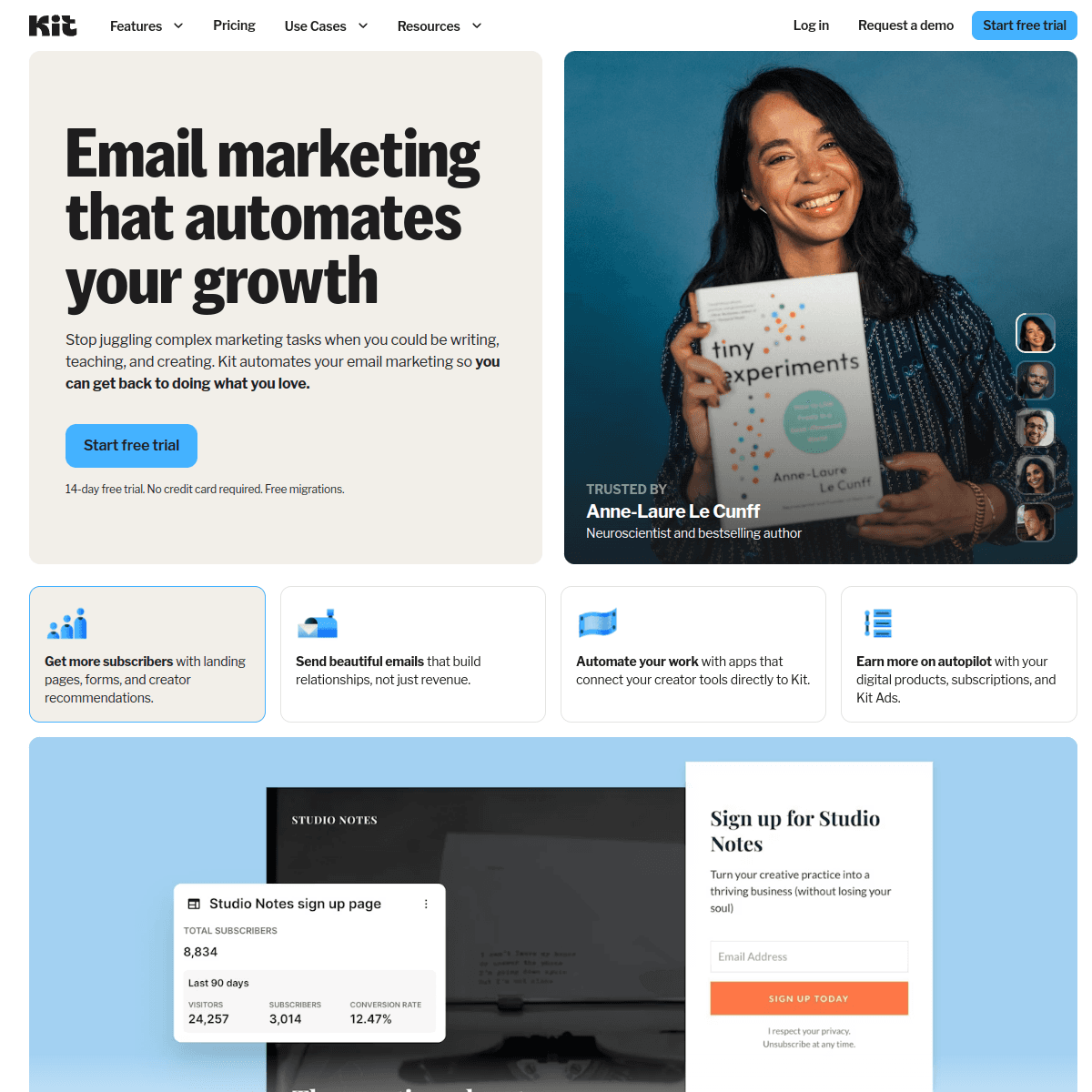
ConvertKit

Creator-focused email with basic API for subscriber management.

Visit

ConvertKit's API is simple enough for quick integration but too limited for sophisticated Cowork agent workflows. Your agent can manage subscribers, apply tags, and trigger existing sequences, but cannot create new sequences or campaigns through the API. Adequate for creator businesses with simple email needs, but too constrained for developer-focused teams wanting full agent control.

Best for
Simple subscriber management for creator businesses
Pricing
Free up to 10,000 subscribers, then $25/month

Pros

  • Simple API
  • Generous free tier
  • Good tagging system

Cons

  • No MCP server
  • Very limited API coverage
  • Cannot create sequences via API
#10
ActiveCampaign

Enterprise automation with deep but complex API.

Visit

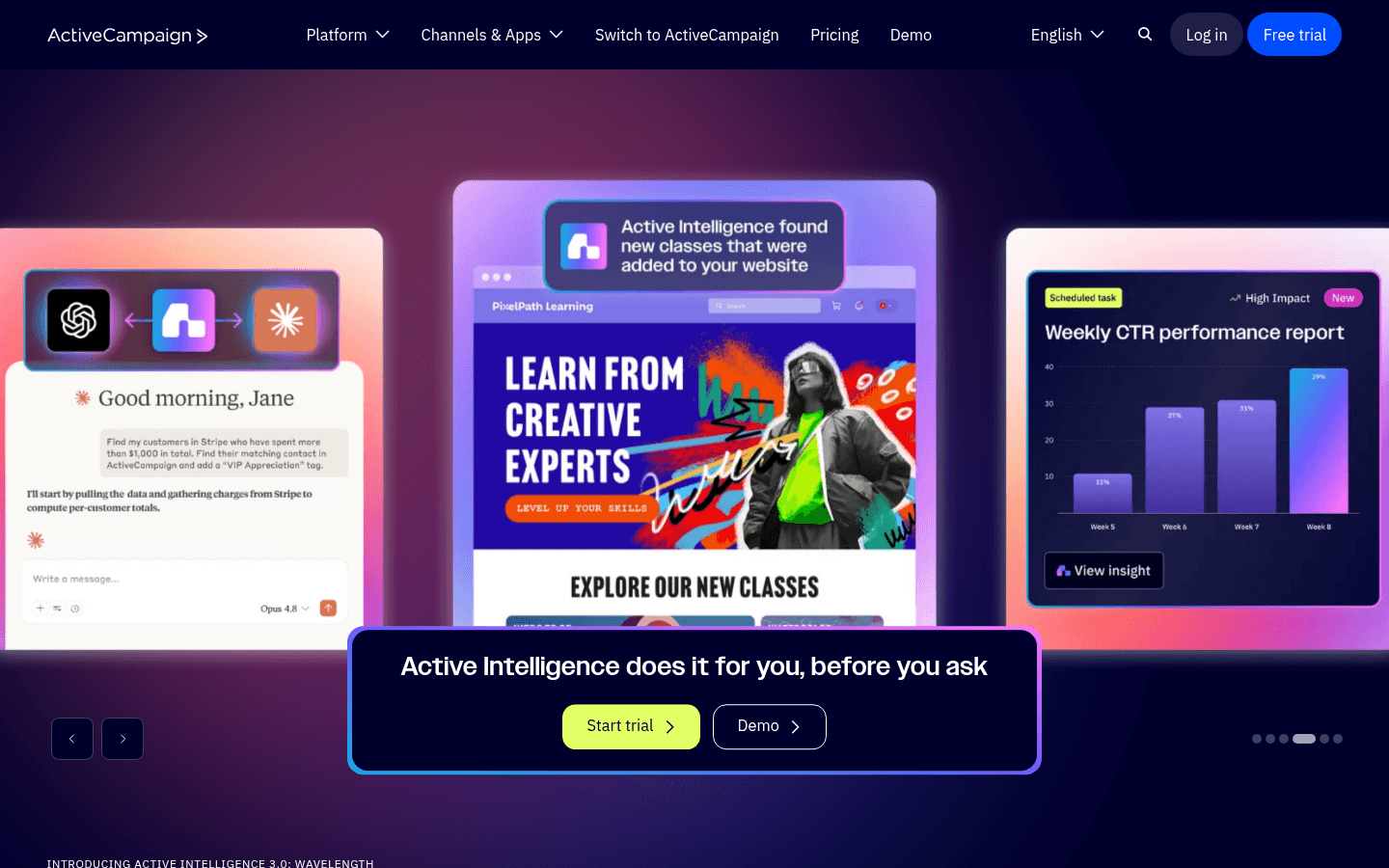
ActiveCampaign has powerful automation capabilities accessible through its API, but the integration complexity is significant. Building a reliable Cowork agent integration requires understanding hundreds of endpoints and an intricate data model. For enterprise teams with engineering resources and complex automation needs, the API depth is there. For most Cowork users, simpler platforms are a faster path to value.

Best for
Enterprise teams with complex automation and engineering resources
Pricing
$29/month for 1,000 contacts

Pros

  • Deep automation API
  • CRM integration
  • Advanced conditional logic

Cons

  • No MCP server
  • Complex integration
  • Expensive at scale

Feature Comparison

FeatureSequenzyResendLoopsCustomer.io
Native MCP Server
Yes (official)
No
No
No
Campaign Creation
Full
Send only
Events only
Trigger
Subscriber Management
Full
No
Full
Full
Sequence Control
Full
No
Trigger only
Trigger only
AI Content Generation
Built-in
No
No
No
Webhook Support
Yes
Yes
Limited
Yes
Free Tier
2,500 emails/mo
3,000 emails/mo
1,000 contacts
No
Starting Price
$29/mo
$20/mo
$49/mo
$100/mo

Common Mistakes to Avoid

We see these mistakes over and over. Skip the learning curve and avoid these from day one.

Creating Emails in Cowork Without Checking Brand Consistency

It is tempting to have your Cowork agent rapid-fire create emails for every occasion. But without brand guidelines loaded into context, the agent generates generic content that does not match your voice. Load your brand guide, tone examples, and past top-performing emails into the agent's context before generating email content.

Skipping Test Sends When Working Fast in the Workspace

The speed of agent-driven email creation in Cowork can lead to skipping test sends. Always have the agent send a test to your inbox before scheduling a production campaign. A 30-second test send catches formatting issues, broken links, and content problems that would embarrass you in front of subscribers.

Not Setting Up a Staging Email Environment

Your Cowork workspace should connect to a staging email account during development and a production account for real sends. Without this separation, testing in your workspace sends real emails to real subscribers. Most email platforms support multiple API keys or test modes - use them.

Overloading a Single Agent with All Email Operations

Giving one Cowork agent responsibility for content generation, subscriber management, campaign scheduling, and analytics monitoring creates a fragile workflow. If the agent makes a mistake in one area, it can cascade. Use focused agent tasks - one for content generation, another for subscriber operations, another for analytics.

Ignoring Unsubscribe and Compliance in Agent Workflows

Agents generating and sending emails must respect unsubscribe requests and compliance requirements. Ensure your email platform handles CAN-SPAM and GDPR compliance automatically (Sequenzy, Loops, and most modern platforms do), rather than relying on your agent to include required elements in every email.

Email Sequences Every Cowork User Needs

These are the essential automated email sequences that will help you grow your business and keep clients coming back.

Code-to-Campaign Workflow

Feature branch merged to main (detected by Cowork agent monitoring git)

Your Cowork agent detects when you merge a feature branch, reads the PR description and commit messages, and creates a product announcement campaign for your subscribers.

On merge
New in [Product]: [feature name from PR title]

Agent reads the PR description and generates a user-friendly announcement. Technical implementation details are translated into user benefits. Includes a screenshot or GIF if the PR references one, and links to updated documentation.

Workspace-Driven Onboarding

New user signup webhook received by Cowork agent

Your Cowork agent handles the entire onboarding email flow from within your workspace, personalizing each email based on the user's profile and progress.

Immediate
Welcome to [Product] - start here

Personalized welcome based on signup source and initial profile. Agent generates context-appropriate getting-started steps.

Day 2
Your quickest path to value

Agent checks user's progress and sends either a congratulations email (if they completed setup) or a simplified quickstart guide (if they have not).

Day 5
What [similar company] accomplished in their first week

Agent selects a relevant case study based on the user's profile. Social proof that matches their specific context.

Day 10
Your first 10 days - here is what happened

Agent pulls the user's activity data and creates a personalized progress report with recommended next steps.

Agent-Powered Retention Monitor

Cowork agent detects declining user engagement (weekly activity check)

Your Cowork agent runs a weekly check on user engagement metrics and creates targeted re-engagement campaigns for users showing signs of churning.

On detection
We have been shipping - here is what you missed

Agent compiles recent feature releases relevant to the user's past behavior and creates a personalized product update. Feels like a targeted announcement, not a re-engagement email.

Day 7
Quick question about [Product]

Short personal email asking for feedback. Agent drafts it to feel human and direct. Goal is a reply, not a click.

Why Cowork Users Need Email Tools in Their Workspace

Cowork redefines how developers interact with AI by bringing collaborative agents directly into the coding environment. Email marketing - one of the most important channels for any product - should be just as accessible from your workspace as running tests or deploying code.

The traditional email marketing workflow breaks your focus. You leave your IDE, open a separate dashboard, navigate through menus, fill out forms, preview, and send. With email tools integrated into your Cowork workspace, the entire process happens through natural conversation with your agent. "Create a product announcement for the API versioning feature we just shipped" becomes a real action, not a task you add to your to-do list and forget about.

The Cowork Email Integration Pattern

The most effective integration follows three steps:

  1. Configure once: Add your email platform's MCP server or API wrapper to your Cowork workspace settings. This gives all your agent sessions access to email tools.

  2. Work naturally: As you develop features, deploy code, or analyze user data, tell your agent when email actions are needed. The agent handles the mechanics while you provide direction.

  3. Review and approve: The agent presents email content and campaign details for your review before sending. You approve, request changes, or reject - all within the workspace conversation.

Real Workflows for Cowork Email Integration

Ship Feature, Announce Feature

The tightest integration between development and email marketing:

  1. You merge a feature branch in your Cowork workspace
  2. Your agent reads the PR title, description, and commit messages
  3. Agent generates a user-friendly product announcement email
  4. Agent creates the campaign targeting your active subscribers
  5. Agent sends a test to your inbox
  6. You review and approve (or request changes)
  7. Agent schedules the campaign

The entire workflow happens in your workspace. Your subscribers learn about new features within hours of launch instead of whenever someone remembers to write an announcement.

Monitor, Detect, Re-engage

Your Cowork agent can run background analysis:

  1. Agent queries subscriber engagement metrics through MCP
  2. Identifies users whose activity declined in the past 2 weeks
  3. Creates a targeted re-engagement segment
  4. Generates personalized emails based on each user's last-known interests
  5. Queues the campaign for your review

This runs weekly without any manual trigger. Your agent keeps your email program healthy while you focus on building product.

User Feedback Collection

After launching a major feature:

  1. Agent identifies users who have used the new feature
  2. Creates a feedback request email with specific questions about the feature
  3. Targets only active users of the feature (not your whole list)
  4. Sends on a schedule optimized for reply rates
  5. Summarizes replies when they come in

The feedback flows back into your development workflow, closing the loop between product development and user communication.

Setting Up Email Tools for Cowork

Quickstart with Sequenzy MCP

The fastest path to email-capable Cowork agents:

  1. Install the @sequenzy/mcp package in your workspace
  2. Add your Sequenzy API key to the MCP configuration
  3. Your agent immediately has access to 40+ email tools

From there, ask your agent to list available email tools to see what is possible. Start with simple operations - "show me my recent campaigns" or "how many subscribers do I have" - and work up to creating campaigns and sequences as you build confidence.

Custom API Integration

For platforms without MCP support, create a tool wrapper:

  1. Define a set of tool functions that call the email platform's API
  2. Register these tools in your Cowork workspace configuration
  3. Give each tool a clear description so your agent knows when to use it

Focus on the operations you use most - typically sending emails, managing contacts, and checking metrics. You can add more tools as your workflow expands.

Choosing the Right Email Platform for Cowork

The right choice depends on your email needs:

Full email marketing from your workspace - Choose Sequenzy. Native MCP server, complete feature set, agent-optimized tools. Your Cowork agent can manage your entire email program.

Transactional email with clean code - Choose Resend. Best API design, React Email templates, excellent for notification and alert emails. Pair with Sequenzy for marketing.

Complex event-driven automation - Choose Customer.io. Build sophisticated automation in their dashboard, trigger everything from your Cowork agent.

Tight budget, basic needs - Choose Brevo. Generous free tier, basic API coverage, enough for simple email operations while you validate your approach.

Already committed to a platform - Build a custom wrapper for whatever you use. The investment is 1-3 days for basic operations.

How We Evaluated These Tools

Tools were evaluated by setting up each platform in a Cowork workspace environment and running common email marketing workflows - campaign creation, subscriber management, sequence building, content generation, and analytics review. We measured setup time, workflow completion rates, agent accuracy, and the breadth of operations available through MCP or API integration. Each platform was tested over 10 days of active Cowork workspace usage with real email operations.

Frequently Asked Questions

Ready to grow your cowork user practice?

Start your free trial today. Set up your first email sequence in minutes with AI-powered content generation.

Related Industries

Sequenzy - Complete Pricing Guide

Pricing Model

Sequenzy uses email-volume-based pricing. You only pay for emails you send. Unlimited contacts on all plans — storing subscribers is always free.

All Pricing Tiers

  • 2.5k emails/month: Free (Free annually)
  • 15k emails/month: $19/month ($205/year annually)
  • 60k emails/month: $29/month ($313/year annually)
  • 120k emails/month: $49/month ($529/year annually)
  • 300k emails/month: $99/month ($1069/year annually)
  • 600k emails/month: $199/month ($2149/year annually)
  • 1.2M emails/month: $349/month ($3769/year annually)
  • Unlimited emails/month: Custom pricing (Custom annually)

Yearly billing: All plans offer a 10% discount when billed annually.

Free Plan Features (2,500 emails/month)

  • Visual automation builder
  • Transactional email API
  • Reply tracking & team inbox
  • Goal tracking & revenue attribution
  • Dynamic segments
  • Payment integrations
  • Full REST API access
  • Custom sending domain

Paid Plan Features (15k - 1.2M emails/month)

  • Visual automation builder
  • Transactional email API
  • Reply tracking & team inbox
  • Goal tracking & revenue attribution
  • Dynamic segments
  • Payment integrations (Stripe, Paddle, Lemon Squeezy)
  • Full REST API access
  • Custom sending domain

Enterprise Plan Features (Unlimited emails)

  • Visual automation builder
  • Transactional email API
  • Reply tracking & team inbox
  • Goal tracking & revenue attribution
  • Dynamic segments
  • Payment integrations
  • Full REST API access
  • Custom sending domain

Important Pricing Notes

  • You only pay for emails you send — unlimited contacts on all plans
  • No hidden fees - all features included in the price
  • No credit card required for free tier

Contact

  • Pricing Page: https://sequenzy.com/pricing
  • Sales: hello@sequenzy.com