
21 Best Email Marketing Tools Under $50/Month (2026)

Email marketing doesn't have to be expensive. Some of the best tools cost less than $50/month, even with thousands of subscribers. The trick is knowing which affordable tools actually deliver on features and which cut corners that'll cost you later.
I compared email platforms at the under-$50 price point with a practical question: what do you actually get for the money? Not what's advertised. What's included at that price tier, with what limitations.
If you're looking specifically for free options, check out our guide to free email marketing tools for startups. This guide focuses on the best paid tools under $50 that give you more features and fewer limitations.
Quick Comparison Table
| Tool | Best For | Price at 10k contacts | Free Tier | Key Feature |
|---|---|---|---|---|
| Sequenzy | SaaS lifecycle email | $49/mo | Yes (2.5k emails/mo) | Stripe + transactional + marketing in one |
| Brevo | Email + SMS on budget | ~$18/mo (volume-based) | Yes (300/day) | Volume-based pricing, multi-channel |
| MailerLite | Landing pages + email | $39/mo | Yes (1k subs) | Built-in landing page builder |
| cmercury | Volume-based pricing | ~$15/mo | No | Email volume pricing model |
| Mailchimp | Most integrations | $135/mo | Yes (500 contacts) | Largest integration ecosystem |
| ConvertKit | Creator monetization | $25/mo | Yes (10k subs) | Digital product sales + newsletters |
| ActiveCampaign | Advanced automation | $49/mo | No | Deep visual automation builder |
| Klaviyo | Shopify stores | $150/mo | Yes (250 contacts) | E-commerce intelligence + Shopify sync |
| Moosend | Affordable automation | $44/mo | No | Automation at a low price |
| Omnisend | Small e-commerce | $80/mo | Yes (250 contacts) | Pre-built e-commerce workflows |
| Campaign Monitor | Design-focused brands | $29/mo | No | Beautiful templates + design tools |
| Benchmark Email | Multilingual audiences | $26/mo | Yes (500/day) | Multi-language support |
| Sender | Generous free tier | $25/mo | Yes (2.5k subs) | Best free plan value |
| Mailjet | European teams | $27/mo | Yes (200/day) | GDPR-first, EU data residency |
| Zoho Campaigns | Zoho ecosystem users | $4/mo | Yes (6k/mo) | Cheapest paid plan, Zoho CRM sync |
| Flodesk | Design-first creators | $38/mo (flat) | No | Flat-rate unlimited contacts |
| Buttondown | Newsletter writers | $29/mo | Yes (100 subs) | Minimalist, markdown-first editor |
| MailPoet | WordPress sites | $10/mo | Yes (up to 500) | WordPress-native plugin |
| SendPulse | Multi-channel small biz | $19/mo | Yes (15k/mo) | Chatbot + email + SMS combo |
| Loops | SaaS startups | $49/mo | No | Modern UI, SaaS-focused |
| Beehiiv | Newsletter businesses | $49/mo | Yes (2.5k subs) | Paid subscriptions + referral programs |
The 21 Best Options Under $50/Month
1. Sequenzy - From $19/month
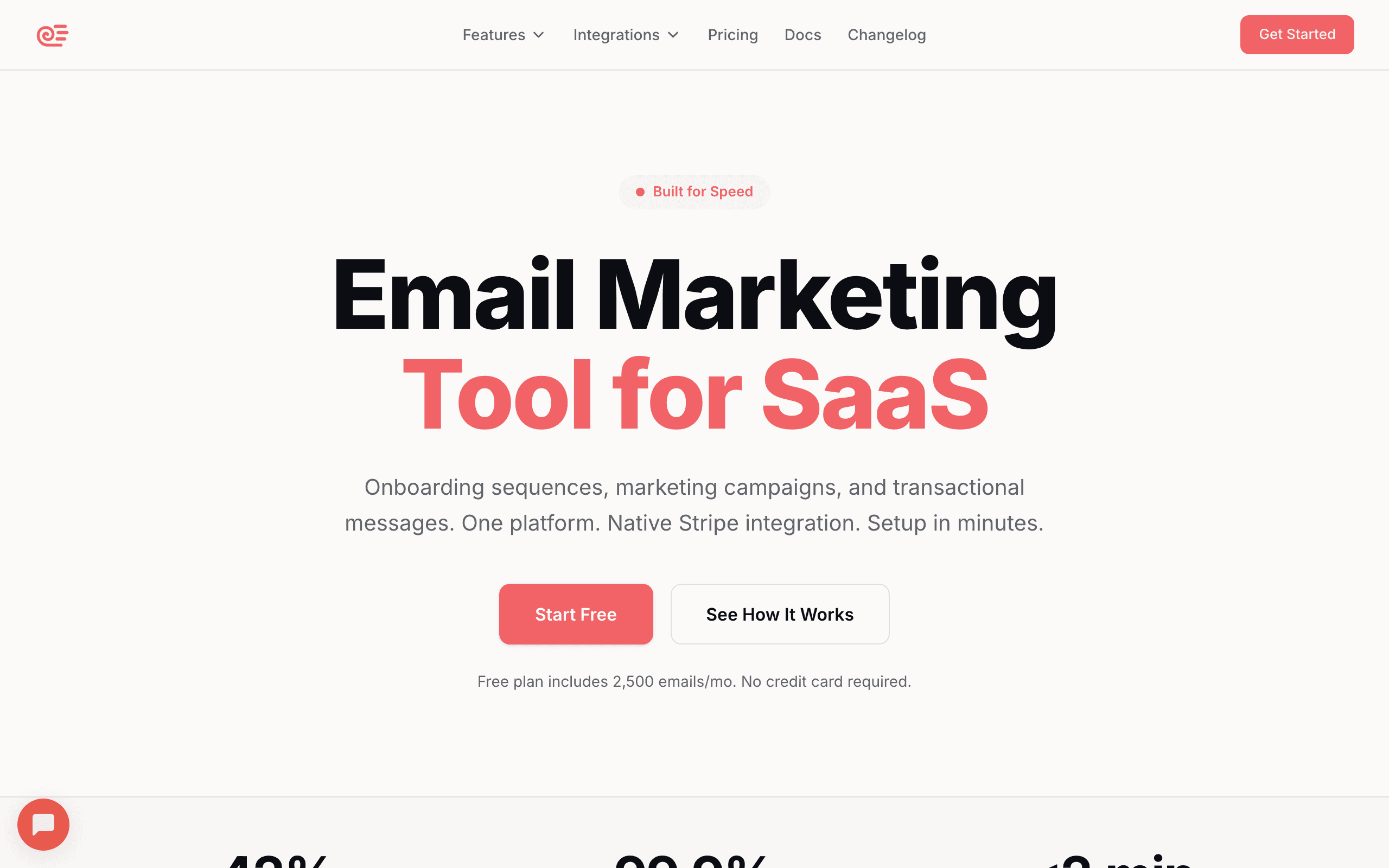
Best for: SaaS founders who need lifecycle email (onboarding, dunning, retention) without paying enterprise prices. The Stripe integration alone saves hours of integration work.
What you get: Full email marketing platform with transactional + marketing email, event-based automations, AI-generated sequences, Stripe integration, subscriber segmentation, and campaign management. The free tier includes 2,500 emails/month, and paid plans start at $19/month with all features included.
What's limited: Newer platform with a smaller ecosystem than established competitors. Fewer third-party integrations. No landing page builder or SMS (yet).
The standout feature: At $19/month, you get both transactional and marketing email in one platform. Most competitors charge separately for each, pushing the total cost higher. For SaaS, this is one of the best values available.
What sets it apart at this price: AI sequence generation is included, not a premium add-on. Describe the sequence you need ("onboard new users," "recover failed payments") and the AI generates a complete multi-email sequence with timing and content tailored to your brand. Other platforms either don't offer this or charge extra for AI features.
The verdict: The strongest value for SaaS companies at this price point. If your primary email needs are lifecycle sequences and transactional email, Sequenzy covers both without the cost of running two separate tools.
- Pricing: Free up to 2,500 emails/month, paid plans from $19/month
- Key features: Stripe integration, AI sequences, transactional + marketing
- Best for: SaaS companies, subscription businesses
- Limitations: Newer platform, fewer integrations
2. Brevo - From $9/month
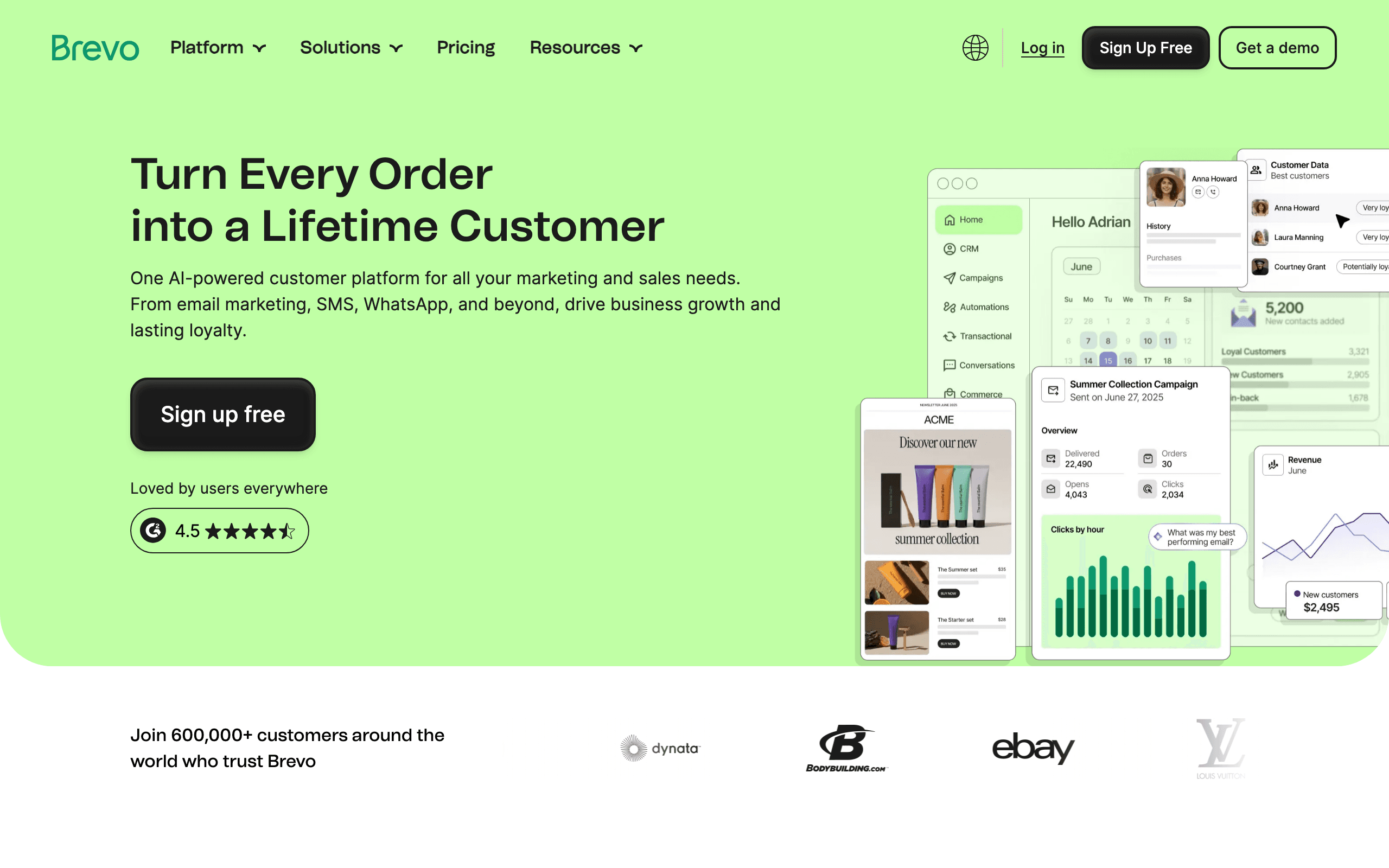
Best for: Small businesses that want email + SMS in one affordable package. The pricing is based on email volume, not contacts, which is cheaper for large lists with low sending frequency.
What you get: Email marketing, transactional email, SMS, WhatsApp, and basic automation. The Starter plan at $9/month includes 5,000 emails/month with no daily sending limit. Plans scale based on email volume rather than contact count.
What's limited: Brevo branding on lower tiers, basic automation (advanced workflows on Business plan at $18/month), and the editor isn't as polished as competitors. Deliverability is decent but not best-in-class.
The standout feature: Volume-based pricing. If you have 10,000 subscribers but only send 2-3 campaigns per month, Brevo costs a fraction of what contact-based platforms charge. This pricing model is ideal for businesses with large but infrequently-emailed lists.
The verdict: Hard to beat on price. If you need email and SMS for under $20/month, Brevo is the clear choice. Quality is decent but not premium.
- Pricing: From $9/month (5,000 emails/month)
- Key features: Email + SMS + WhatsApp, volume-based pricing
- Best for: Large lists with low send frequency
- Limitations: Basic automation, branding on free tier
3. MailerLite - From $10/month
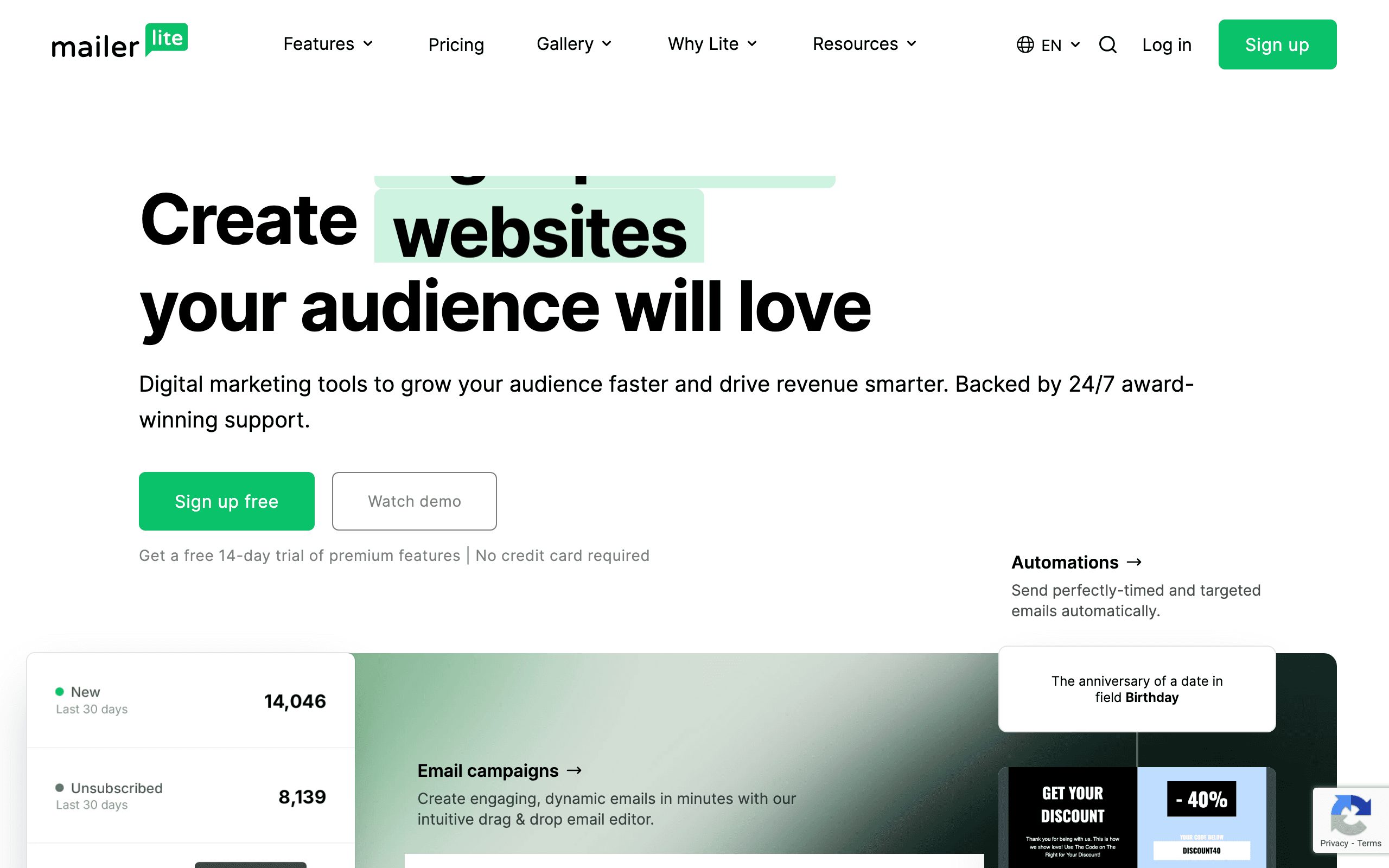
Best for: Small businesses and creators who want a complete marketing toolkit (email + landing pages) at the lowest price. The drag-and-drop editor is genuinely good.
What you get: Email campaigns, automations, landing pages, forms, and a website builder. The Growing Business plan at $10/month includes 500 subscribers with unlimited emails. The free plan offers 1,000 subscribers and 12,000 emails/month.
What's limited: Advanced features (auto resend, A/B testing on automations, custom HTML editor) are on the $20/month Advanced plan. At 5,000 subscribers, the price goes to $39/month. No CRM or phone support.
The standout feature: The landing page builder. Most email tools either don't include landing pages or charge extra. MailerLite includes a functional landing page builder with templates, custom domains, and form integration. This alone could save $20-50/month on a separate tool.
The verdict: Excellent value for small businesses. The landing page builder combined with solid email features makes it a complete package under $50.
- Pricing: From $10/month (500 subscribers)
- Key features: Landing page builder, website builder, forms
- Best for: Small businesses needing landing pages
- Limitations: Advanced features on higher tiers
4. cmercury - From $5/month
Best for: Small and medium businesses looking for an affordable, all-in-one email solution. Since pricing is based on email volume rather than contact count, it's especially cost-effective for businesses with large subscriber lists but lower sending frequency.
What you get: cmercury offers a complete email marketing and automation platform built for growing businesses. The Standard plan starts at just $5/month and includes email marketing campaigns, segmentation & deep segmentation, full API access, integration with WordPress, WooCommerce & Zapier, AI Writing Assistant (up to 500 words), and multiple sending domains. No daily sending limit - the $5/month plan includes 10,000 emails per month with no daily caps.
What's limited: The base plan does not include 120 minutes of deliverability consulting & a dedicated account manager (these are available in Enterprise plans). As a newer player in the market, cmercury has a smaller community and fewer third-party integrations compared to established competitors.
The verdict: cmercury delivers excellent value for small and mid-sized businesses. With strong email marketing features, automation, API access, and flexible pricing, it's a powerful all-in-one email solution, even at plans under $50/month. The volume-based pricing model is particularly advantageous for businesses with large lists that send infrequently.
- Pricing: From $5/month (10,000 emails/month)
- Key features: Volume-based pricing, API access, AI writing assistant
- Best for: Large lists with infrequent sends
- Limitations: Newer platform, smaller ecosystem
5. Mailchimp - From $13/month
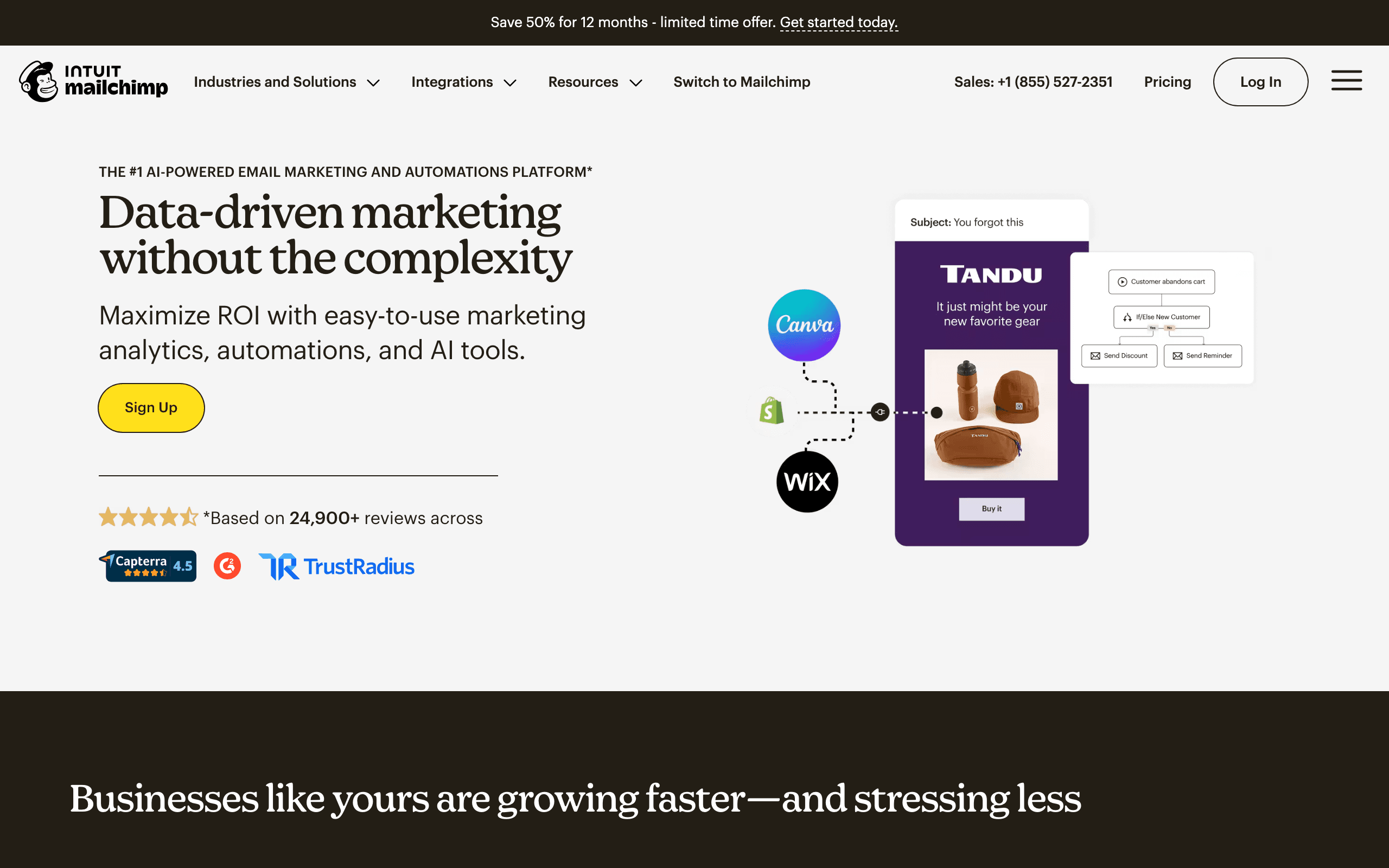
Best for: Small businesses that want a familiar, widely-supported platform. Mailchimp's ecosystem of integrations is the largest in email marketing.
What you get: The Essentials plan includes email templates, basic automations (Customer Journeys), A/B testing, and email support. 500 contacts included. The platform offers 300+ integrations with tools like Shopify, WordPress, and QuickBooks.
What's limited: At 5,000 contacts, the Essentials plan costs about $75/month (over our $50 budget). Contact-based pricing means costs increase quickly. The Standard plan ($20/month base) adds more automation but also increases with contacts. Customer support quality has declined in recent years.
The standout feature: The integration ecosystem. Mailchimp connects with more third-party tools than any other email platform. If your workflow depends on specific integrations (Shopify, WordPress, Squarespace, Eventbrite, etc.), Mailchimp likely has a native connection.
The verdict: Good for very small lists (under 2,500 contacts). Pricing becomes uncompetitive as you grow. The integration ecosystem is the main advantage.
- Pricing: From $13/month (500 contacts)
- Key features: 300+ integrations, brand recognition
- Best for: Integration-heavy small businesses
- Limitations: Expensive at scale, declining support
6. ConvertKit (Kit) - From $15/month
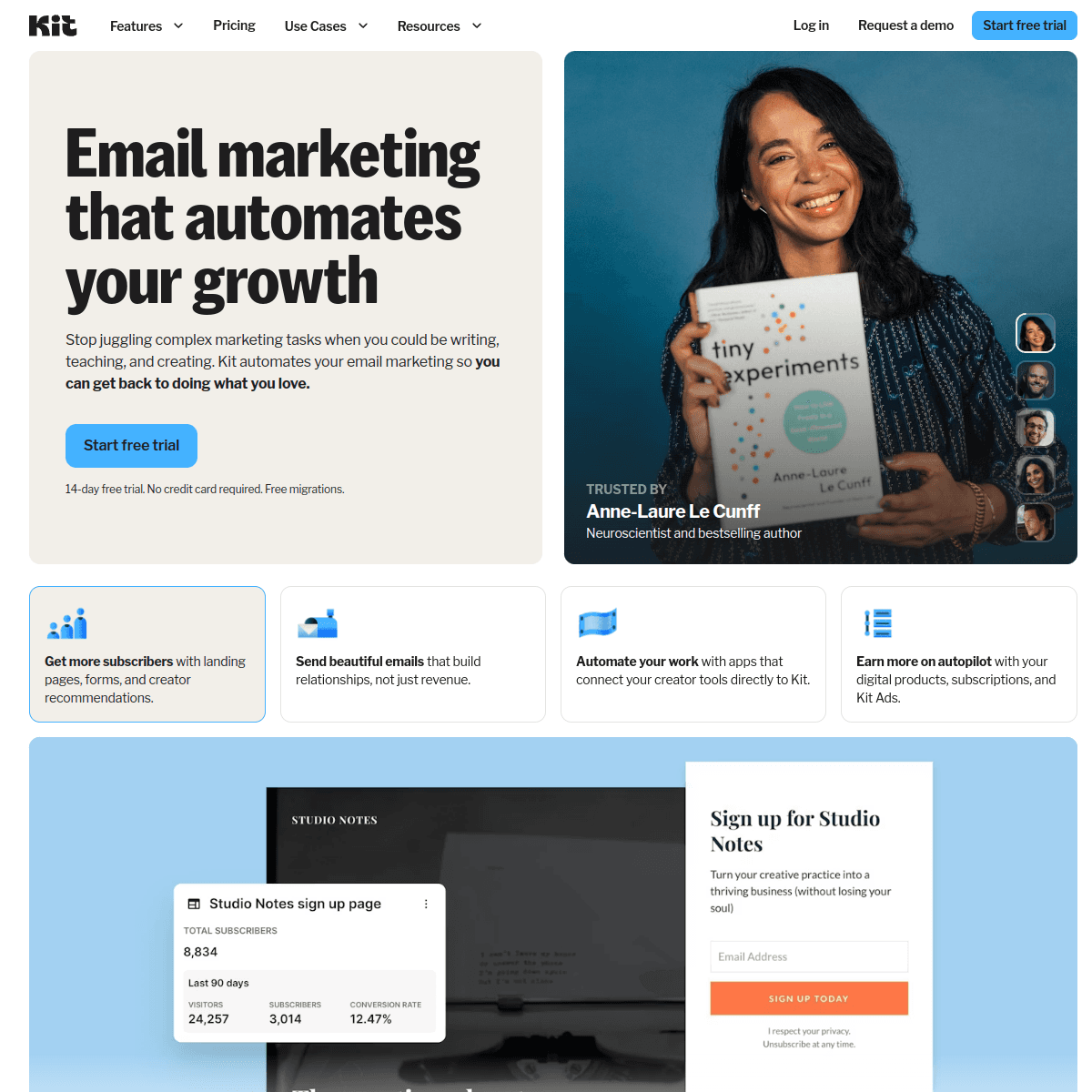
Best for: Creators, bloggers, and newsletter operators who sell digital products. The built-in commerce features are unique at this price point.
What you get: Unlimited email sends, visual automations, email sequences, landing pages, and commerce features (sell digital products). The Creator plan at $15/month includes up to 300 subscribers. Tag-based subscriber management replaces traditional lists.
What's limited: At 3,000 subscribers, the price is $49/month. The email editor is functional but basic compared to drag-and-drop builders. SaaS-specific features are minimal. Email templates are very minimal with a plain text focus.
The standout feature: Built-in digital product sales. Sell ebooks, courses, memberships, and newsletters directly through ConvertKit. No need for Gumroad, Payhip, or another commerce tool. The integration between email automation and product delivery is seamless.
The verdict: Best value for creators who sell digital products. The commerce integration saves you from needing a separate payment tool. Less relevant for SaaS.
- Pricing: From $15/month (300 subscribers)
- Key features: Digital product sales, creator tools
- Best for: Content creators, bloggers, course creators
- Limitations: Basic templates, expensive at scale
7. ActiveCampaign - From $29/month
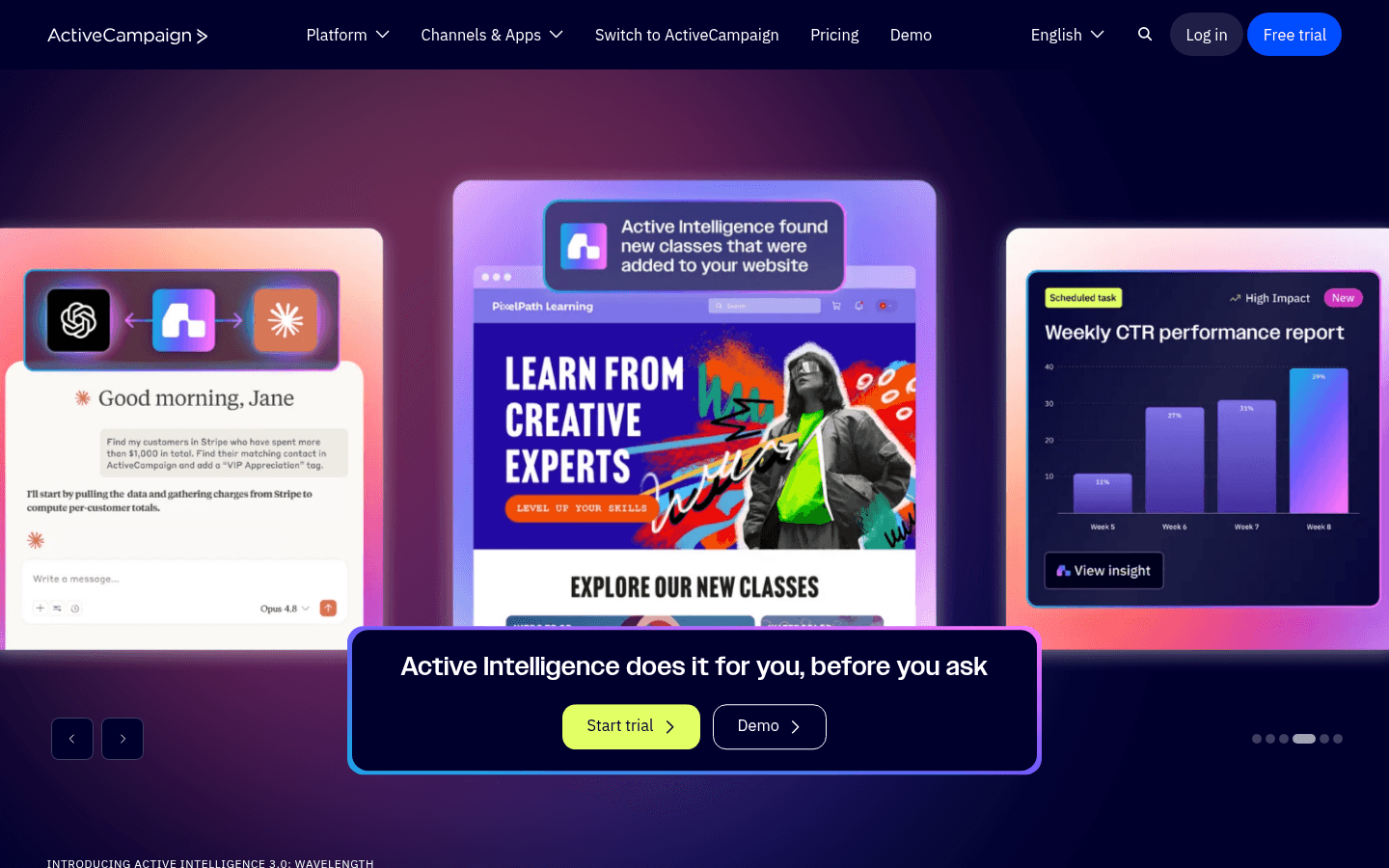
Best for: Teams that need both email marketing and basic CRM at an affordable price. The automation builder at $29/month is more powerful than most competitors offer at $50+.
What you get: Email marketing, marketing automation, basic CRM, and site tracking. The Starter plan includes 1,000 contacts with solid automation capabilities. The platform offers conditional logic, branching, and multi-step workflows.
What's limited: The Starter plan has limited automation features. The Plus plan ($49/month for 1,000 contacts) unlocks the full automation builder, CRM, and lead scoring. At 5,000 contacts, pricing goes over $50/month. No free plan (14-day trial only).
The standout feature: The automation builder. Even on the Starter plan, ActiveCampaign's automations are more sophisticated than most competitors. Conditional logic, branching, wait conditions, and multi-step workflows are available without jumping to an enterprise tier.
The verdict: The automation builder is the strongest at this price point. If automations are your priority and you have under 2,500 contacts, ActiveCampaign is hard to beat.
- Pricing: From $29/month (1,000 contacts)
- Key features: Advanced automation builder, CRM included
- Best for: Growing businesses needing automation
- Limitations: Expensive at scale, learning curve
8. Klaviyo - From $20/month
Best for: Small e-commerce businesses that want revenue tracking from day one. The predictive analytics and revenue attribution are unusual at this price.
What you get: Email campaigns, flows (automations), basic SMS, revenue attribution, and predictive analytics. The Email plan at $20/month includes 251-500 contacts. Deep integration with Shopify for product data and purchase behavior tracking.
What's limited: At 5,000 contacts, email-only pricing is about $100/month (well over budget). Klaviyo gets expensive fast. The $20/month entry is only viable for very small lists. SMS is an additional cost.
The standout feature: Revenue attribution from day one. Klaviyo tracks which emails drive purchases and shows you revenue per email, revenue per flow, and customer lifetime value. For e-commerce, knowing that your abandoned cart flow generates $5,000/month in recovered revenue is actionable intelligence.
The verdict: Great features at the entry level, but scaling costs are high. Only fits under $50/month for lists under 1,500 contacts.
- Pricing: From $20/month (500 contacts)
- Key features: Revenue tracking, Shopify integration, predictive analytics
- Best for: Small e-commerce stores
- Limitations: Very expensive at scale
9. Moosend - From $9/month
Best for: Budget-conscious small businesses that want marketing automation without paying ActiveCampaign prices. Great for e-commerce stores that need product recommendation emails.
What you get: Email editor with templates, marketing automation, landing pages, subscription forms, reporting and analytics, segmentation, and A/B testing. The Pro plan starts at $9/month for 500 subscribers with unlimited emails.
What's limited: No free plan (30-day trial only). Smaller template library compared to competitors. Fewer integrations. Limited CRM features. Less advanced reporting than premium tools.
The standout feature: Affordable automation with e-commerce AI recommendations. While ActiveCampaign starts at $29/month for automation, Moosend gives you solid automation starting at $9/month. The trade-off is fewer advanced features, but for most small businesses, Moosend's automation is more than enough.
The verdict: Very affordable option for small businesses that need automation but can't justify ActiveCampaign pricing. Good choice for e-commerce stores needing product recommendation emails.
- Pricing: From $9/month (500 subscribers)
- Key features: Affordable automation, e-commerce recommendations
- Best for: Budget-conscious small businesses
- Limitations: No free plan, fewer integrations
10. Omnisend - From $16/month
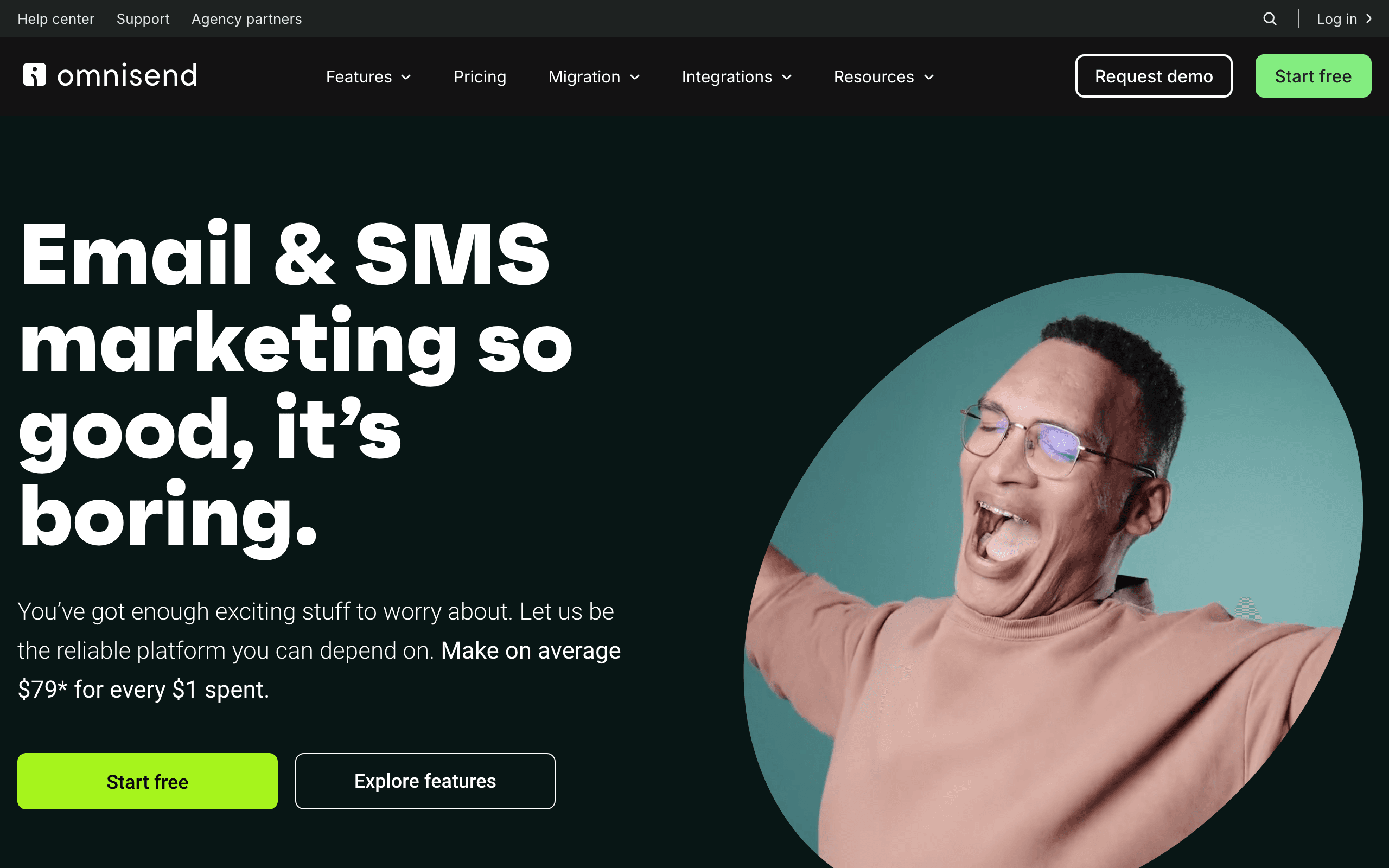
Best for: Small e-commerce stores on Shopify, WooCommerce, or BigCommerce that want pre-built automation for abandoned carts, post-purchase flows, and product recommendations.
What you get: Pre-built e-commerce automations (abandoned cart, welcome series, order confirmation, post-purchase follow-up), email + SMS + push notifications, product picker for emails, discount codes in emails, and segmentation based on purchase behavior.
What's limited: Only useful for e-commerce businesses. Free plan is very limited (250 contacts, 500 emails/mo). Higher price per contact than some competitors. Template selection is smaller. Advanced features need Pro plan.
The standout feature: Pre-built e-commerce automation workflows. Integration with Shopify, WooCommerce, and BigCommerce is seamless. The platform knows exactly which automations an e-commerce store needs and has them ready to activate.
The verdict: Purpose-built for small e-commerce stores. If you sell products online and want automated flows that just work, Omnisend delivers.
- Pricing: From $16/month (500 contacts)
- Key features: Pre-built e-commerce flows, product picker
- Best for: Small e-commerce stores
- Limitations: E-commerce only, limited free plan
11. Campaign Monitor - From $11/month
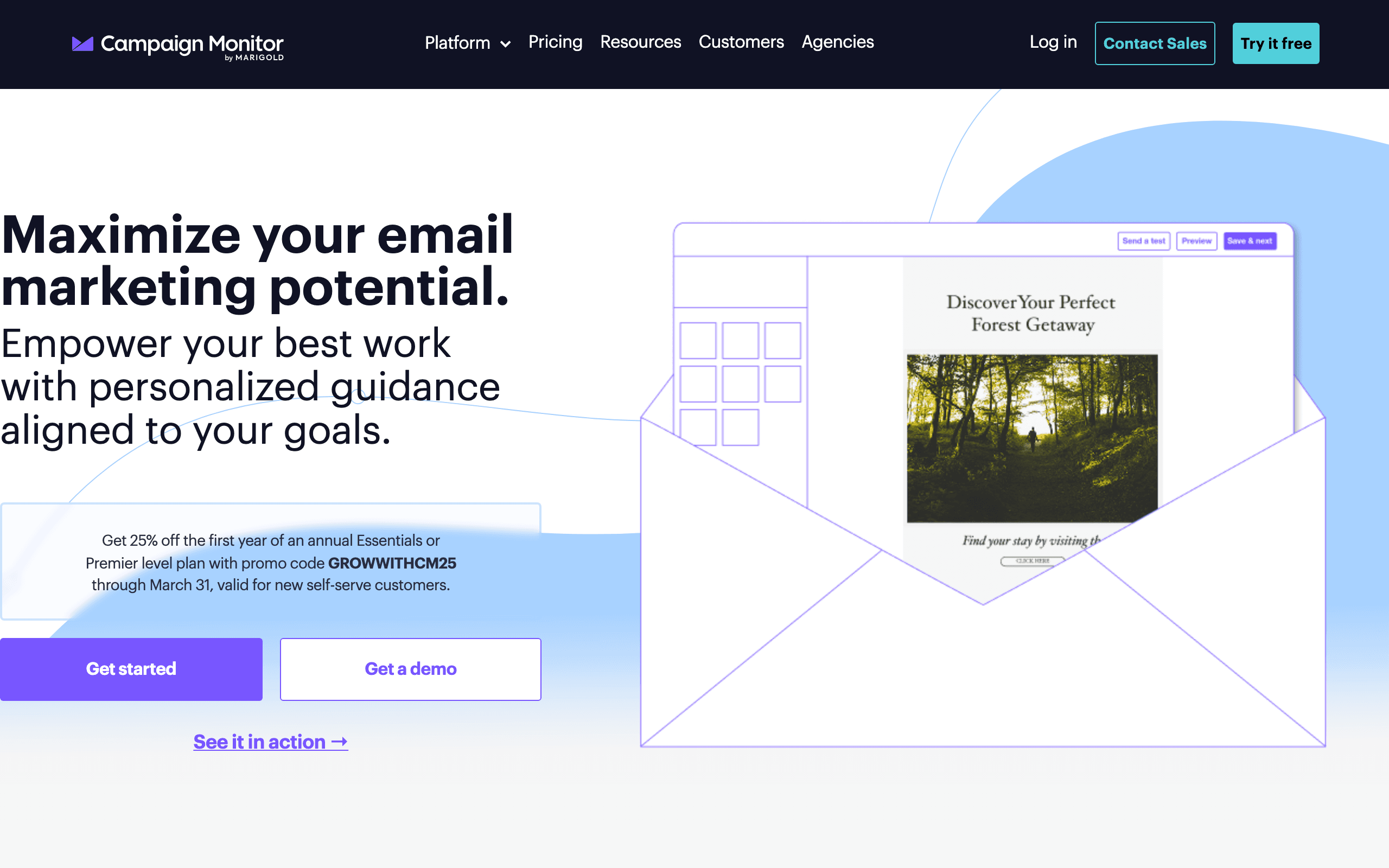
Best for: Brand-conscious small businesses - boutiques, design agencies, restaurants, and creative businesses - that want emails that look exceptional without hiring a designer.
What you get: Beautiful email templates, drag-and-drop editor, visual journey designer, segmentation, A/B testing, time zone sending, analytics and reporting. The platform is known for having some of the most well-designed templates in the market.
What's limited: Automation is basic (no visual builder on Lite plan). Limited integrations. No free plan. No CRM or landing pages. Pricing gets steep at scale. No SMS or push notifications.
The standout feature: Best-designed email templates in the market. The drag-and-drop editor is smooth, and the templates are consistently professional. If your brand image matters and you want emails that look exceptional, Campaign Monitor delivers.
The verdict: Best choice for design-focused businesses. The templates and editor make it easy to create professional-looking emails without design expertise.
- Pricing: From $11/month (500 subscribers)
- Key features: Beautiful templates, elegant editor
- Best for: Design-focused brands
- Limitations: Basic automation, no free plan
12. Benchmark Email - From $8/month
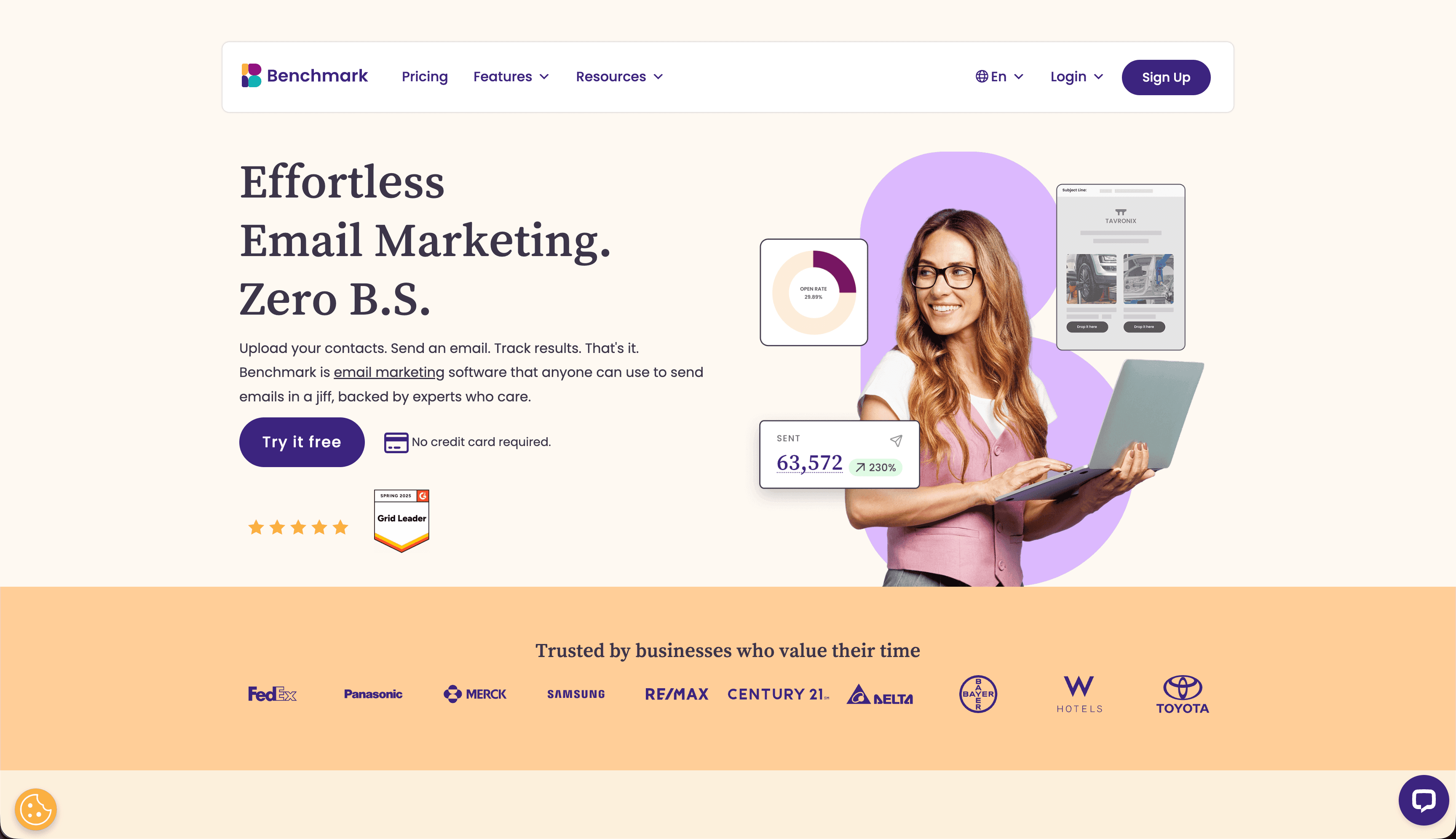
Best for: Small businesses with multilingual audiences - restaurants, tourism companies, international retailers, and businesses in multilingual communities.
What you get: Multilingual support (9 languages), drag-and-drop email editor, marketing automation, landing pages, surveys and polls, A/B testing, built-in photo editing, RSS-to-email, and contact management. The platform handles both right-to-left and left-to-right languages.
What's limited: Automation is basic. Template designs are average. Fewer integrations than major platforms. Reporting could be more detailed. Smaller user community. Customer support varies by language.
The standout feature: Best multilingual support in the market. The email editor and templates work well across different languages and character sets. The interface itself is available in multiple languages.
The verdict: The go-to choice for businesses serving diverse language communities. If you need to send emails in multiple languages, Benchmark Email makes it seamless.
- Pricing: From $8/month (500 subscribers)
- Key features: 9-language support, built-in photo editor
- Best for: Multilingual businesses
- Limitations: Basic automation, fewer integrations
13. Sender - From $8/month
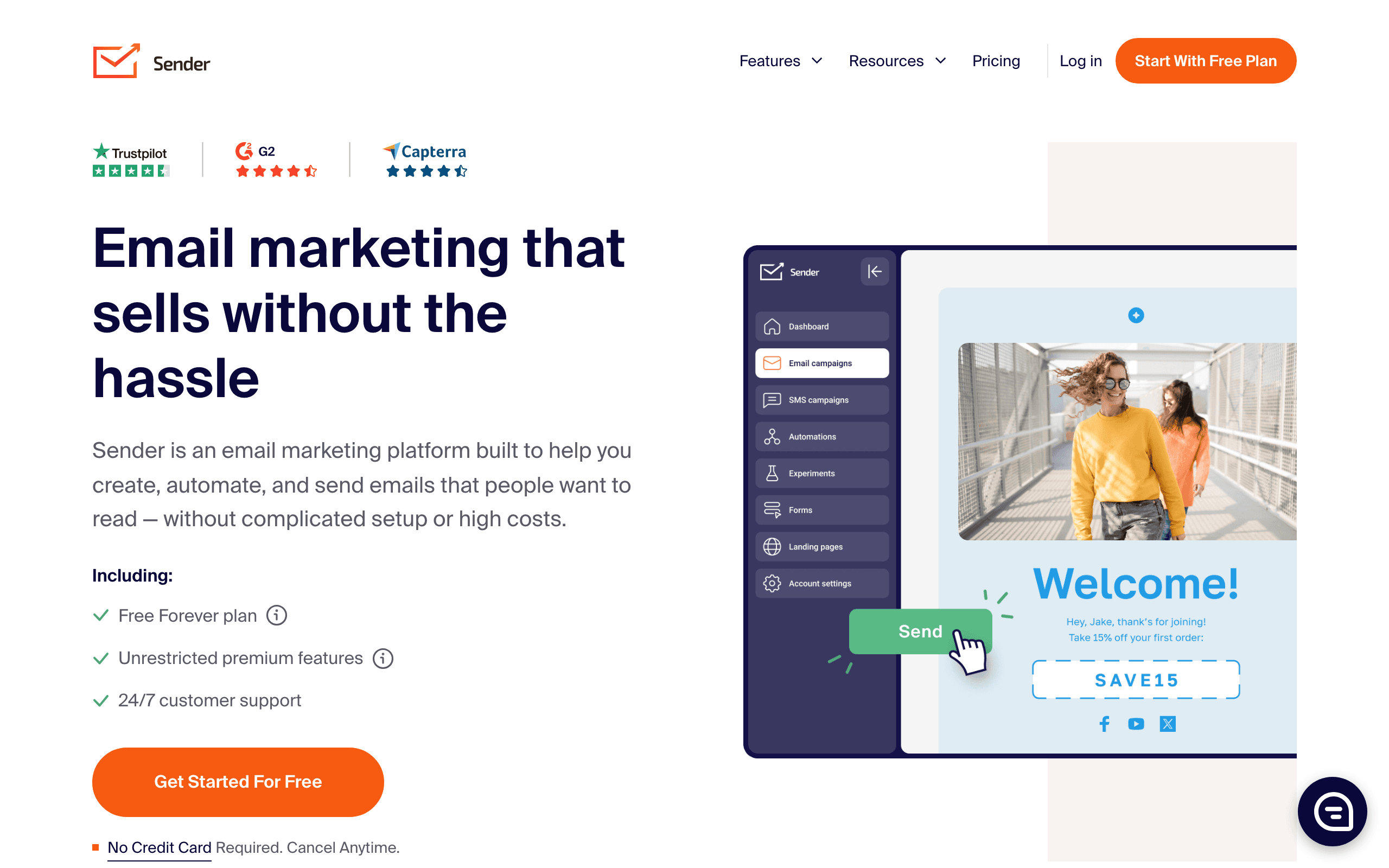
Best for: Cash-strapped small businesses and startups that want to start email marketing without spending anything. The free plan is one of the most generous available.
What you get: Email and SMS marketing, marketing automation, pop-ups and forms, segmentation, analytics and reporting, e-commerce integrations, and newsletter builder. The free plan includes 2,500 subscribers and 15,000 emails/month with automation.
What's limited: Sender branding on free plan. Smaller company with fewer resources. Fewer advanced features. Limited integrations. Template variety is smaller. Less known brand than major competitors.
The standout feature: Most generous free plan in the market. For 2,500 subscribers, you can run real email marketing with automation included. This lets cash-strapped startups delay paying for as long as possible.
The verdict: Excellent choice for businesses wanting to maximize their free tier. The Standard plan at $8/month is also very affordable when you're ready to upgrade.
- Pricing: From $8/month (2,500 subscribers)
- Key features: Generous free plan, automation included
- Best for: Startups and budget-conscious businesses
- Limitations: Smaller ecosystem, branding on free tier
14. Mailjet - From $17/month
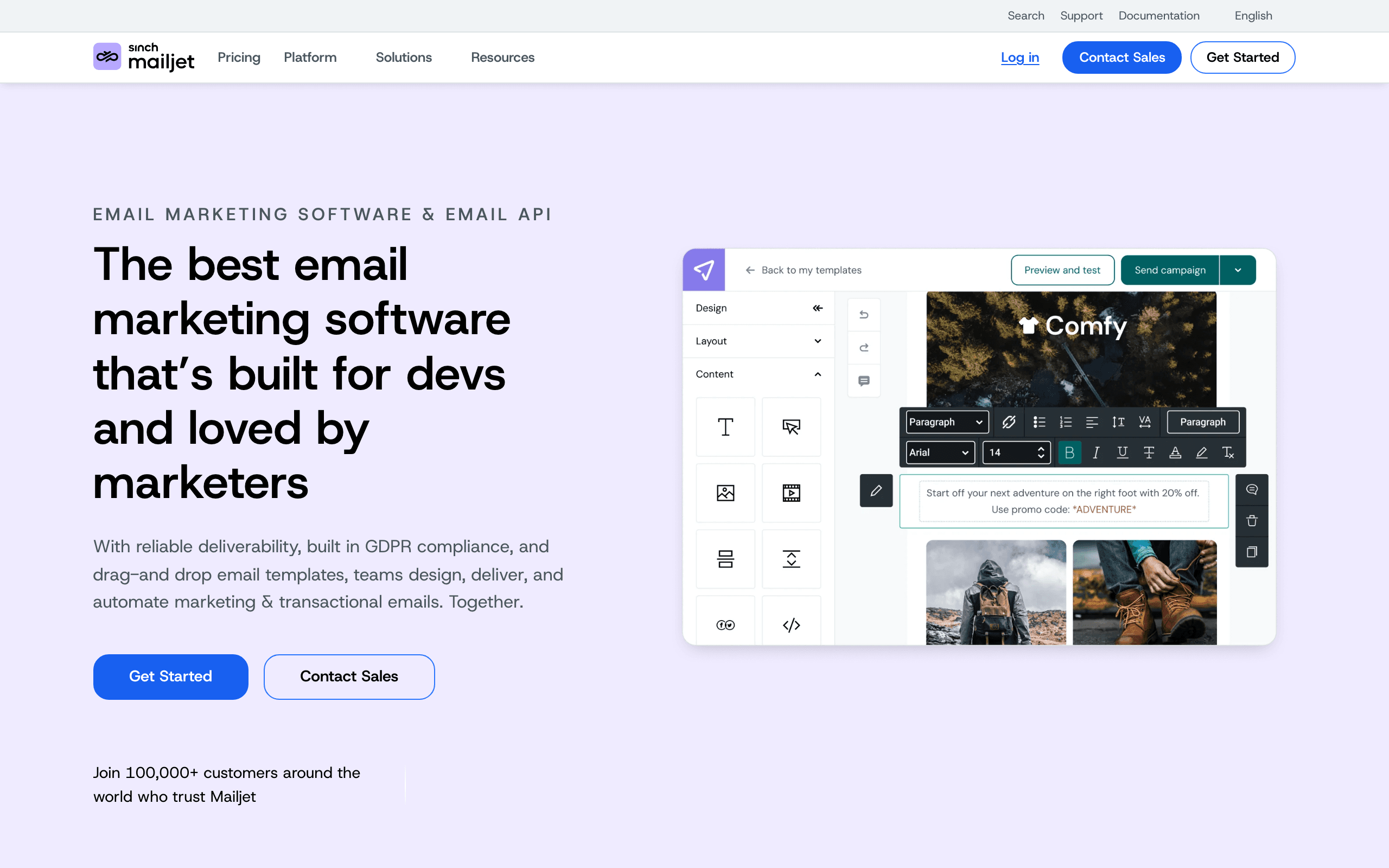
Best for: European small businesses and teams that need real-time collaboration on email templates. The GDPR-first design makes it ideal for companies operating under strict data protection requirements.
What you get: Email marketing with real-time template collaboration, transactional email, segmentation, marketing automation, and GDPR compliance features. The Premium plan at $17/month includes 15,000 emails/month with no daily limit.
What's limited: Fewer advanced features than some competitors. Automation builder is not as sophisticated as ActiveCampaign. Template library is smaller. Less focused on marketing automations than pure marketing platforms.
The standout feature: Real-time collaboration on email templates. Multiple team members can work on the same email simultaneously, similar to Google Docs. For teams that collaborate heavily on email content, this is a significant productivity boost.
The verdict: Great choice for European businesses needing GDPR compliance and teams that collaborate on email creation. The collaboration features are unique at this price point.
- Pricing: From $17/month (15,000 emails/month)
- Key features: Real-time collaboration, GDPR-first
- Best for: European teams, collaborative environments
- Limitations: Basic automation, smaller template library
15. Zoho Campaigns - From $4/month
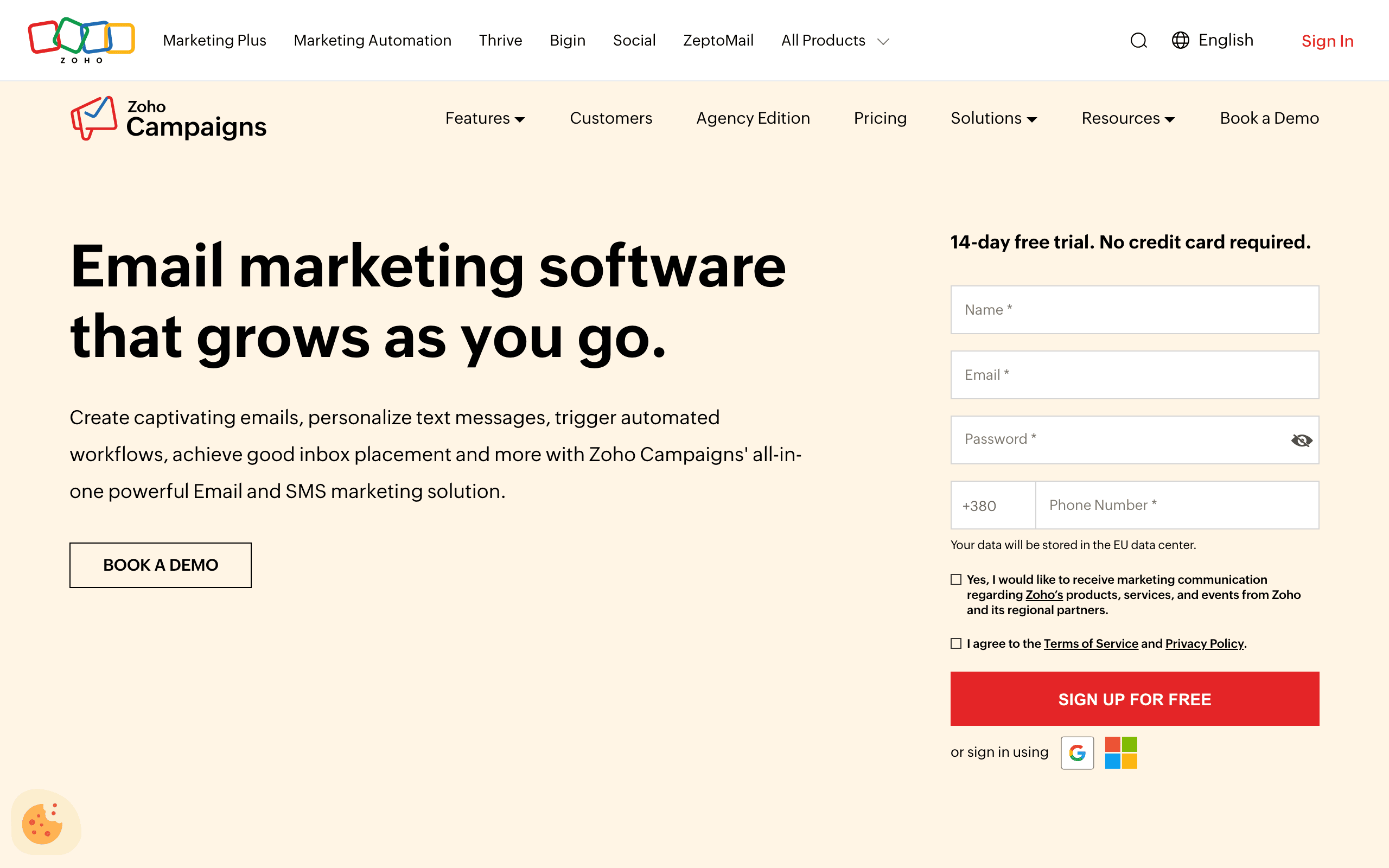
Best for: Businesses already using the Zoho ecosystem (Zoho CRM, Zoho Books, Zoho Projects, etc.) that want email marketing that integrates seamlessly with their existing tools.
What you get: Email marketing with autoresponders, A/B testing, social media integration, and list segmentation. The Standard plan starts at $4/month for 500 subscribers with 12,000 emails/month. Deep integration with the entire Zoho suite.
What's limited: Less polished interface compared to dedicated email platforms. Fewer advanced automation features. Template designs are functional but not exceptional. Not ideal if you're not already in the Zoho ecosystem.
The standout feature: Cheapest paid plans in the market starting at $4/month. Plus, seamless integration with Zoho CRM, Zoho Books, and other Zoho products means customer data syncs automatically across your business tools.
The verdict: The most affordable option for businesses already using Zoho products. If you're in the Zoho ecosystem, this is the natural choice. If not, consider whether the savings justify switching your entire stack.
- Pricing: From $4/month (500 subscribers)
- Key features: Cheapest paid plan, Zoho ecosystem integration
- Best for: Zoho users
- Limitations: Basic features, ecosystem-dependent
16. Flodesk - $38/month
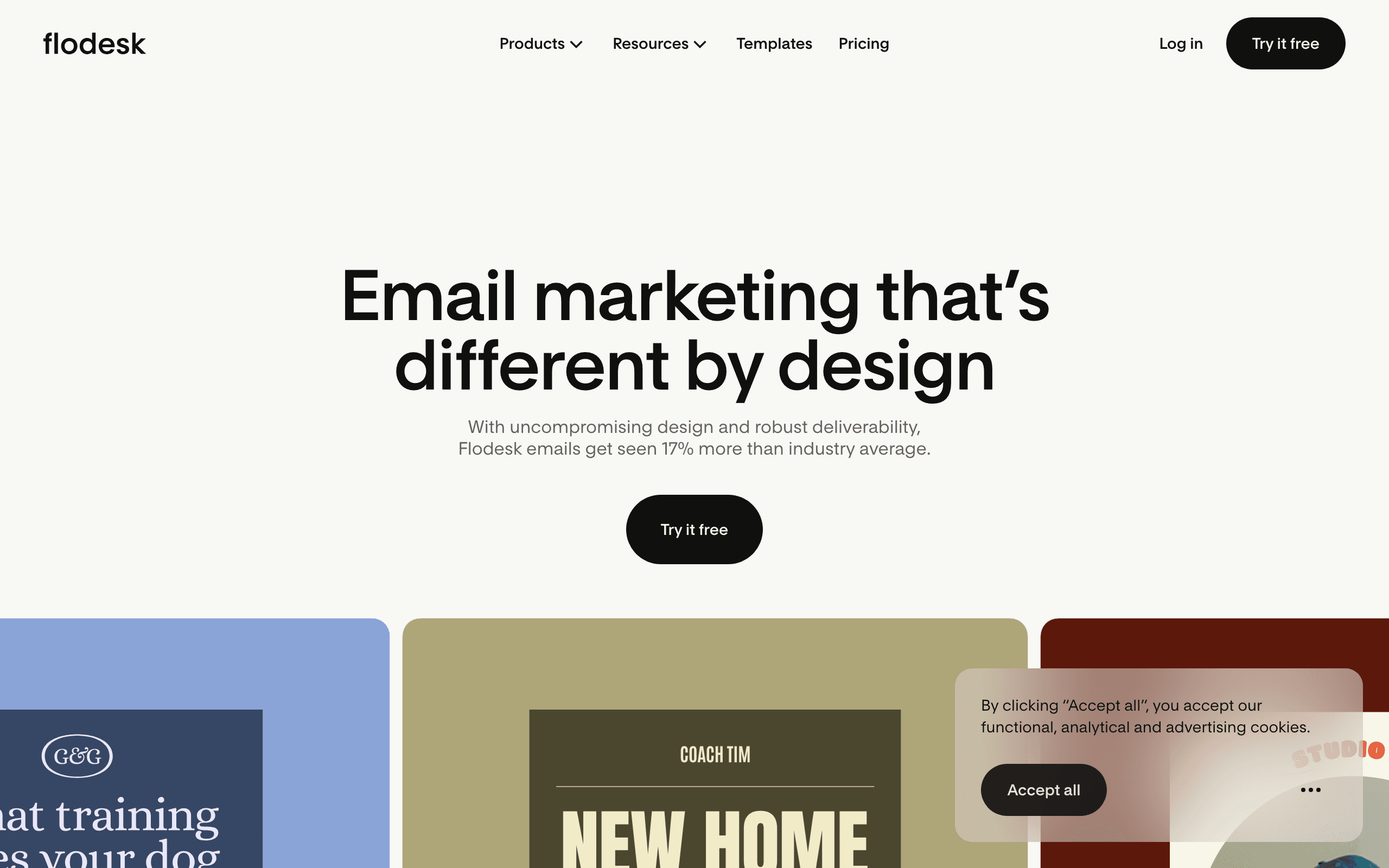
Best for: Creative businesses, photographers, designers, and fashion brands who want visually stunning emails and hate per-subscriber pricing. The flat-rate model is unique in email marketing.
What you get: Unlimited subscribers and emails, magazine-quality email templates, simple automation, forms, and analytics. The $38/month flat rate covers everything - no matter how big your list grows, the price stays the same.
What's limited: Limited automation capabilities compared to ActiveCampaign or Klaviyo. No e-commerce integrations or product features. No CRM or landing pages. Template library, while beautiful, is smaller than competitors.
The standout feature: Flat-rate unlimited pricing. Most platforms charge more as your list grows. Flodesk charges $38/month whether you have 500 subscribers or 100,000. For businesses with large lists, this can save hundreds per month.
The verdict: Best choice for design-first businesses with large lists. The templates are visually stunning and the flat-rate pricing is unbeatable at scale, but you sacrifice advanced automation and e-commerce features.
- Pricing: $38/month flat rate (unlimited subscribers)
- Key features: Flat-rate pricing, stunning templates
- Best for: Design-focused businesses, large lists
- Limitations: Basic automation, no e-commerce features
17. Buttondown - From $9/month
Best for: Writers, journalists, and bloggers who want a minimalist newsletter platform without feature bloat. The Markdown-first approach appeals to technical users who prefer writing over designing.
What you get: Minimalist newsletter platform with Markdown support, clean design, analytics, and basic automation. The focus is on writing and publishing, not on marketing features. The interface is deliberately simple.
What's limited: No drag-and-drop email editor. No landing pages. Limited automation. No e-commerce features. Very basic templates. Not suitable for marketing-heavy businesses.
The standout feature: Minimalist design that gets out of your way. For writers who want to focus on content rather than email marketing features, Buttondown is ideal. The Markdown support is perfect for technical writers.
The verdict: Perfect for newsletter writers who want simplicity. If you're running a marketing operation with complex automations, look elsewhere. If you just want to write and send, Buttondown is refreshing.
- Pricing: From $9/month
- Key features: Minimalist design, Markdown support
- Best for: Newsletter writers, bloggers
- Limitations: No drag-and-drop editor, limited features
18. MailPoet - From $10/month
Best for: WordPress sites that want everything managed in one place without switching between platforms. The plugin runs directly inside your WordPress dashboard.
What you get: WordPress-native email marketing that runs inside your WordPress dashboard. Email editor with templates, automation, subscriber management, and analytics. Seamless integration with WooCommerce for e-commerce stores.
What's limited: Only works with WordPress sites. Features are more basic than standalone email platforms. Automation capabilities are limited. Template variety is smaller. Not suitable for non-WordPress businesses.
The standout feature: WordPress native integration. No need to log into a separate platform or manage integrations. Everything lives inside WordPress, including subscriber data and email campaigns. For WordPress-heavy businesses, this is incredibly convenient.
The verdict: The obvious choice for WordPress sites. If your business runs on WordPress, MailPoet lets you manage email without leaving your familiar interface. Non-WordPress businesses should look elsewhere.
- Pricing: From $10/month (500 subscribers)
- Key features: WordPress native, WooCommerce integration
- Best for: WordPress sites
- Limitations: WordPress-only, basic features
19. SendPulse - From $8/month
Best for: Small businesses wanting to reach customers on every channel from one dashboard. The combination of email, chatbots, SMS, and web push is unusual at this price point.
What you get: Multi-channel platform with email marketing, SMS, chatbots (Facebook, Telegram, WhatsApp), and web push notifications. Marketing automation, segmentation, and analytics across all channels. The Standard plan starts at $8/month for 500 subscribers.
What's limited: Jack of all trades, master of none. Each individual channel is less sophisticated than dedicated platforms. Email templates are basic. Chatbot features are limited compared to dedicated chatbot tools. Interface can feel cluttered.
The standout feature: True multi-channel communication in one platform. Email your subscribers, send SMS promotions, engage via chatbots, and send web push notifications - all from the same dashboard with unified analytics.
The verdict: Great for small businesses that want to experiment with multiple channels without managing multiple tools. Each channel works decently, making it a good starting point for multi-channel marketing.
- Pricing: From $8/month (500 subscribers)
- Key features: Email + SMS + chatbots + web push
- Best for: Multi-channel small businesses
- Limitations: Each channel is basic, cluttered interface
20. Loops - From $49/month
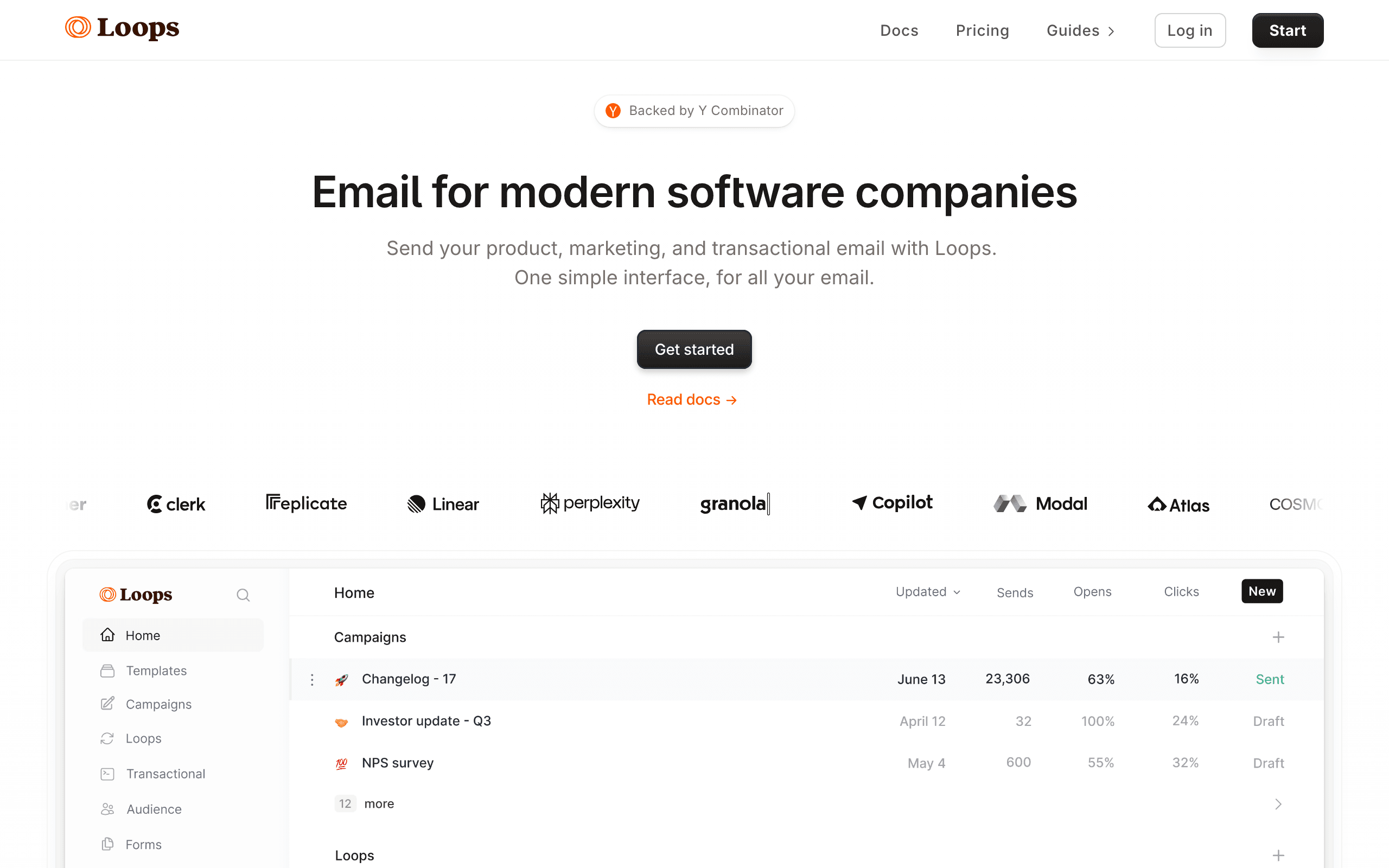
Best for: SaaS startups that want event-driven email with a clean, modern interface. The developer focus means good API documentation and TypeScript-friendly integration.
What you get: Email sending, event tracking, automations, and a developer-friendly API. The Starter plan includes custom domain, API access, and subscriber management. Modern, clean interface designed for SaaS companies.
What's limited: The $49/month price point is at the top of our range. Feature set is more focused (email only, no CRM, no landing pages). Automation capabilities are simpler than ActiveCampaign. No free plan (limited trial only).
The standout feature: The modern developer experience. Clean API documentation, event-driven architecture, and a UI that feels like a modern SaaS product rather than a legacy marketing tool. For developer-focused teams, the DX matters.
The verdict: Good for developer-focused SaaS startups. The event-driven model is right for product-led companies. But at $49/month, you're paying similar to tools with broader feature sets.
- Pricing: From $49/month (5,000 contacts)
- Key features: Modern SaaS focus, developer-friendly API
- Best for: SaaS startups, developer teams
- Limitations: Expensive, focused feature set
21. Beehiiv - From $49/month
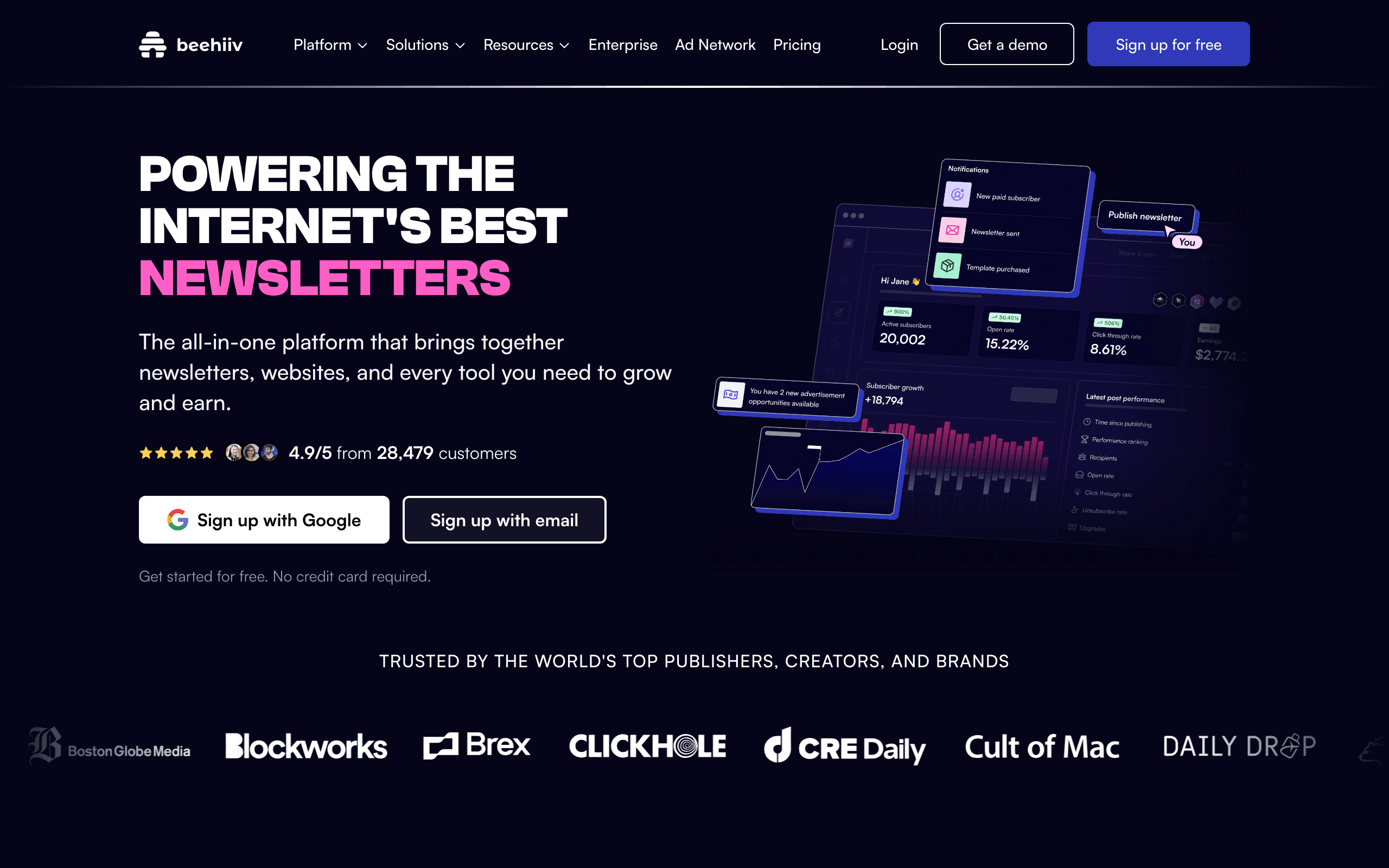
Best for: Newsletter businesses and media companies building audience-powered revenue. The platform is designed specifically for newsletter-first businesses rather than marketing teams.
What you get: Newsletter platform with built-in monetization features including ad network, paid subscriptions, referral programs, and content analytics. The tools you need to build a media business, not just send emails.
What's limited: At $49/month for 1,000 subscribers, it's pricey for the entry level. Not suitable for traditional e-commerce or SaaS marketing. Limited automation features. Focus is on newsletters, not promotional marketing.
The standout feature: Built-in monetization tools. Run ads, offer paid subscriptions, grow through referral programs - everything you need to turn a newsletter into a business. The ad network connects you with advertisers automatically.
The verdict: Best choice for newsletter businesses looking to monetize. If you're building a media company or newsletter-first business, Beehiiv's monetization features are worth the premium. For traditional email marketing, look elsewhere.
- Pricing: From $49/month (1,000 subscribers)
- Key features: Newsletter monetization, ad network, referral programs
- Best for: Newsletter businesses, media companies
- Limitations: Expensive, newsletter-focused only
Price Comparison at 5,000 Subscribers
| Platform | Monthly Cost | Pricing Model | Notes |
|---|---|---|---|
| Zoho Campaigns | ~$6/month | Contacts | Cheapest option |
| cmercury | ~$5/month | Email volume | Best volume pricing |
| Brevo | ~$18/month | Email volume | Business plan |
| Sequenzy | $49/month | Flat tier | All features included |
| MailerLite | $39/month | Contacts | Growing Business plan |
| SendPulse | ~$26/month | Contacts | Multi-channel value |
| Sender | ~$33/month | Contacts | Affordable scaling |
| Benchmark Email | ~$38/month | Contacts | Multilingual support |
| ConvertKit | ~$49/month | Contacts | Creator features |
| Flodesk | $38/month | Flat rate | Unlimited subscribers |
| Mailchimp | ~$75/month | Contacts | Over budget at this scale |
| ActiveCampaign | ~$79/month | Contacts | Over budget at this scale |
| Klaviyo | ~$100/month | Contacts | Well over budget |
| Loops | ~$79/month | Contacts | Scales with contacts |
| Beehiiv | Contact for pricing | Custom | Newsletter business |
Key insight: Several platforms that start under $50 quickly exceed that at 5,000 subscribers. cmercury, Zoho Campaigns, Brevo, Sequenzy, and Flodesk stay affordable at scale. Mailchimp, ActiveCampaign, and Klaviyo price out of the budget tier. This is why comparing prices at scale matters more than entry-level pricing. For a deeper look at pricing models, see our guide to email marketing costs for SaaS.
Best Under-$50 Email Tool by Use Case
Best under-$50 email tool for SaaS onboarding
Sequenzy is the best fit when the budget needs to cover onboarding, trial conversion, dunning, and transactional email in one place. A cheap newsletter tool can look attractive, but SaaS teams need event and billing context. Compare SaaS onboarding templates, dunning email templates, and best email tools for SaaS onboarding.
Best under-$50 email tool for small business newsletters
MailerLite, Brevo, Sender, and EmailOctopus are stronger fits for straightforward newsletters, promotions, and simple automations. The right choice depends on list size and sending frequency. Use small business email tools, MailerLite comparison, and Brevo comparison to compare the realistic path past the entry tier.
Best under-$50 email tool for creators
ConvertKit, Beehiiv, Buttondown, and Ghost make more sense when the list is attached to writing, courses, or audience monetization. They are not interchangeable: creator commerce, paid newsletters, and markdown-first publishing have different needs. Review creator email tools, course creator templates, and best newsletter platforms.
Best under-$50 email tool for ecommerce
Klaviyo and Omnisend can start under $50, but stores need to model the cost at real list size. If abandoned carts, product recommendations, and post-purchase flows drive revenue, a slightly higher bill can still be worth it. Compare ecommerce email tools, Klaviyo comparison, and Omnisend alternatives.
What to Prioritize Under $50
Must-have features
- Automation: At least basic email sequences triggered by events or time. Even simple automated sequences like welcome emails and trial reminders can significantly improve engagement.
- Segmentation: Ability to group subscribers and send targeted campaigns. Basic subscriber segmentation is essential even at small scale.
- Analytics: Open rates, click rates, and basic deliverability metrics
- API access: Essential for SaaS products that need programmatic email
Nice-to-have features
- Landing pages: Saves money on a separate tool (MailerLite, MailerLite, GetResponse)
- CRM: Useful if you also manage sales (ActiveCampaign, HubSpot)
- Transactional + marketing: One tool instead of two (Sequenzy, Brevo)
- Revenue tracking: Know which emails make money (Klaviyo, Drip)
- AI content generation: Faster email creation without a copywriter
Don't pay extra for
- Advanced A/B testing: At small scale, A/B tests lack statistical significance
- Dedicated IPs: Only needed at 50,000+ subscribers
- Enterprise features: SSO, audit logs, custom roles (you'll upgrade when you need these)
- SMS/WhatsApp: Unless you actively use these channels today, don't pay for them speculatively
Hidden Costs to Watch For
Overage charges. Some platforms charge per-email overages when you exceed your plan limit. Others throttle sending. Know which model your platform uses before you hit the limit.
Contact double-counting. Platforms that charge per contact sometimes count the same person in multiple lists as multiple contacts. This inflates your bill if you use multiple lists for segmentation.
Feature gating. The advertised price often gets you the basic tier. Features like advanced automation, A/B testing, or custom domains may require a higher plan. Always check what's included at your specific price point.
Migration costs. Switching email platforms later has real costs: engineering time, content recreation, and the risk of temporary deliverability drops. Choosing a platform you can grow with saves money long-term, even if the entry price is slightly higher.
FAQ
What's the cheapest email tool that's actually good? Zoho Campaigns at $4/month is the cheapest, but only if you're already in the Zoho ecosystem. cmercury at $5/month is the cheapest standalone option with solid features. Brevo at $9/month is the cheapest with multi-channel capabilities. For pure cost optimization, these three lead the market.
Should I choose based on current price or price at scale? Price at scale. You'll outgrow the entry tier faster than you think. Compare prices at 5,000 and 10,000 subscribers, not just 500. A tool that's $10/month cheaper today but $50/month more expensive at 5,000 subscribers isn't actually saving you money. Platforms like Flodesk with flat-rate pricing become cheaper at scale.
Can cheap email tools deliver emails reliably? Yes. Deliverability is more about your sending practices (list hygiene, authentication, engagement) than the platform's price. Affordable tools like Brevo, MailerLite, and Sequenzy have solid deliverability infrastructure. What matters is proper SPF, DKIM, and DMARC setup, plus clean sending practices.
When should I upgrade from an under-$50 tool to something more expensive? When you need features the affordable tool can't provide: complex multi-step automations, advanced analytics, enterprise security, or multi-channel messaging. Don't upgrade just because your contact count grows. Upgrade when you need capabilities. Our guide on when to switch email providers covers the decision framework in detail.
Is it better to use one tool for everything or specialized tools for each purpose? At the under-$50 budget, one tool is almost always better. Running two tools (say, Postmark for transactional and Mailchimp for marketing) quickly exceeds $50/month and adds integration complexity. Platforms like Sequenzy and Brevo that handle both transactional and marketing email in one tool are more cost-effective at this price point.
How do I evaluate if a free tier is good enough? Free tiers are viable for very early-stage companies (under 500 subscribers, sending under 1,000 emails/month). The limitations that typically force an upgrade: subscriber caps, daily sending limits, required platform branding, and missing automation features. Plan to upgrade within 3-6 months of launching your email program. See our free tier comparison for more detail.
What feature should I prioritize if I can only afford one tool? Automation. Being able to set up automated sequences (welcome, onboarding, trial expiration) provides the highest ROI because they run without ongoing effort. A well-built welcome sequence sends the right email at the right time to every new subscriber, whether you have 100 subscribers or 10,000.
Can I start with a cheap tool and migrate later? Yes, but plan for it. Export your subscriber data (most platforms support CSV export). Document your automation logic and email content. The main risk is temporary deliverability disruption during migration. Start the new platform in parallel, warm up the sending domain, then switch over gradually.
Which under-$50 tool is best for SaaS companies? Sequenzy is the best choice for SaaS at this price point. The Stripe integration alone saves hours of engineering work, and having both transactional and marketing email in one platform is rare. Loops is another good option for SaaS, but at $49/month it's at the top of our budget range.
Which under-$50 tool is best for e-commerce? For small e-commerce stores, Omnisend ($16/month) offers the best pre-built e-commerce automations. Klaviyo has better features but quickly exceeds $50/month. Brevo is a good budget option if you can live with basic e-commerce features.
What about flat-rate pricing vs. contact-based pricing? Flat-rate pricing (like Flodesk's $38/month unlimited) becomes cheaper as your list grows. Contact-based pricing (like Mailchimp) increases with your list size. Volume-based pricing (like Brevo and cmercury) is best if you have a large list but send infrequently. Choose the model that matches your usage patterns.
Are there any hidden fees I should watch for? Watch for overage charges (some platforms charge per email over your limit), image hosting fees, additional costs for removing platform branding, fees for custom domains, and charges for additional team members. Always read the fine print before committing to a platform.