Updated 2026-03-18

Best Email Marketing Tools for OpenClaw Users

Connect your OpenClaw agents to a real email marketing platform. Create campaigns, manage subscribers, and send emails from your agent workflows without touching a dashboard.

OpenClaw gives you the framework for building powerful AI agents. But those agents need tools to interact with the real world, and email is one of the most important. Whether your OpenClaw agent handles customer onboarding, sends product updates, manages a newsletter, or runs drip campaigns, it needs an email platform that works programmatically. Most email marketing tools were built for humans clicking through web interfaces. These 10 platforms are ranked by how well they integrate with agent workflows like OpenClaw - from native MCP servers your agent can call as tools, to REST APIs that give your agent full programmatic control over the email lifecycle.

TL;DR

For OpenClaw users, Sequenzy is the best choice because its MCP server plugs directly into your agent's tool ecosystem. Your OpenClaw agent gets 40+ email tools it can call natively - creating campaigns, managing subscribers, generating email content, and analyzing performance. No custom API wrapper needed. For transactional-only email, Resend's TypeScript SDK integrates cleanly into OpenClaw's code execution. For teams already using Customer.io, its event-driven API maps well to agent event patterns.

Why OpenClaw Users Need Email-Capable Agents

Agents That Can Communicate Are More Useful

An agent that can only process data but cannot reach out to users is limited. Email gives your OpenClaw agent a direct communication channel to your subscribers, customers, or users. When your agent detects that a user needs help, it can send a helpful email. When it identifies an upsell opportunity, it can create and send a targeted campaign.

Email Is the Highest-ROI Marketing Channel for Automation

Email marketing returns $36-42 for every dollar spent, and the ROI improves further when automated by agents because agent labor costs are a fraction of human marketer costs. Your OpenClaw agent can run sophisticated email programs - onboarding sequences, conversion campaigns, retention flows - at a fraction of the cost of hiring a dedicated email marketer.

Agent-Managed Email Scales Without Headcount

A human email marketer handles 3-5 campaigns per week. An OpenClaw agent handles hundreds. As your subscriber base grows, the agent scales with it - creating more personalized segments, generating more targeted content, and managing more sequences without any additional headcount or increased workload.

Real-Time Response to User Behavior

Traditional email marketing runs on schedules and batch processing. An agent-driven email program responds to user behavior in real time. User signs up? Welcome email in seconds. User hits a milestone? Congratulation email immediately. Usage drops? Re-engagement within hours, not days. This responsiveness dramatically improves engagement.

OpenClaw Users Email Marketing Benchmarks

Know these numbers before you start. They'll help you set realistic goals and pick the right tool.

200-800ms per operation
Agent-to-Email-Platform Latency

A single MCP tool call or API request to an email platform takes 200-800ms including network latency. Native MCP servers tend toward the faster end because they batch related operations. Custom API wrappers with multiple sequential calls trend slower. Budget 1-3 seconds for complex operations like creating a campaign with a segment.

Human parity at 85-90%
Email Content Generation Quality

In blind comparison tests, agent-generated email content is rated as equal or better than human-written content 85-90% of the time when the agent has access to brand context, past campaigns, and subscriber data. Without context, quality drops to 60-70% because the agent defaults to generic marketing language.

99.5%+
Subscriber Management Accuracy

Agents handling subscriber operations (add, tag, segment, remove) achieve 99.5%+ accuracy when the email platform API returns clear success/failure responses. Errors typically come from data format issues (invalid email formats, missing required fields) rather than agent logic errors.

99.2-99.8%
Agent Uptime for Email Operations

OpenClaw agents managing email operations achieve 99.2-99.8% uptime when properly configured with retry logic, graceful degradation, and health monitoring. The remaining downtime is typically caused by email platform API outages rather than agent failures.

Important Tips Before You Choose

Lessons from openclaw userswho've been doing this for years. Save yourself the trial and error.

Register Email Tools in Your OpenClaw Agent's Toolkit

When building an OpenClaw agent that manages email, register the email platform's MCP tools or API wrapper as tools in your agent's toolkit definition. Give each tool a clear description of when to use it so the agent selects the right tool for each email operation. Separate send tools from management tools so the agent reasons about them independently.

Use Environment Variables for Email API Credentials

Never hardcode email API keys in your OpenClaw agent's configuration. Use environment variables that your deployment system manages. This keeps credentials out of your codebase and lets you use different API keys for staging and production environments without changing your agent code.

Implement Retry Logic for Email API Calls

Email platform APIs occasionally return transient errors (rate limits, timeouts, server issues). Build retry logic with exponential backoff into your OpenClaw agent's email tool wrappers. Three retries with 1-second, 4-second, and 16-second delays handle most transient failures without overwhelming the API.

Create a Test Mode for Your Email Agent

Before your OpenClaw agent sends real emails, build a test mode that logs every email operation without actually executing it. This lets you review what the agent would do before enabling live sends. Toggle between test and production mode with an environment variable.

Separate Email Content Generation from Email Sending

Design your OpenClaw agent with separate tools for generating email content and for sending it. The generation tool creates the subject line, body, and preview text. A separate review step (human or automated) validates the content. Then the send tool dispatches the approved content. This separation prevents the agent from generating and sending in a single uninterruptible step.

Cache Subscriber Data to Reduce API Calls

If your OpenClaw agent frequently looks up subscriber attributes for personalization, cache subscriber data locally with a reasonable TTL (5-15 minutes). This reduces API calls to your email platform and speeds up your agent's decision loop. Invalidate the cache when you know data has changed (after an update operation).

19 Best Email Marketing Tools for OpenClaw Users

#ToolDescriptionBest ForPricing
1SequenzyThe only email platform with a native MCP server that OpenClaw agents can use as a tool without custom wrappers.OpenClaw agents needing native MCP tool integration for emailFree up to 2,500 emails/mo, then $19/mo (unlimited contacts)
2ResendDeveloper-first email API with excellent TypeScript SDK for agent integrations.OpenClaw agents sending transactional emails with type-safe APIFree for 3,000 emails/month, then $20/month
3Customer.ioEvent-driven messaging platform with deep API for agent-triggered workflows.OpenClaw agents triggering established automation workflows$100/month for 5,000 profiles
4LoopsModern email for SaaS with a clean API for agent-driven contact and event management.OpenClaw agents needing clean API for SaaS email operationsFree up to 1,000 contacts, then $49/month
5PostmarkIndustry-leading transactional email deliverability with a reliable API.OpenClaw agents sending critical transactional emails$15/month for 10,000 emails
6SendGridComprehensive email API covering transactional and marketing with high-volume capacity.High-volume OpenClaw agent workflows needing broad API coverageFree for 100 emails/day, plans from $19.95/month
7BrevoBudget-friendly email platform with transactional and marketing APIs.Budget OpenClaw projects needing basic email capabilitiesFree up to 300 emails/day, then $25/month
8MailchimpWell-known email platform with comprehensive but frustrating API.OpenClaw agents needing to work with existing Mailchimp accountsFree up to 500 contacts, then $13/month
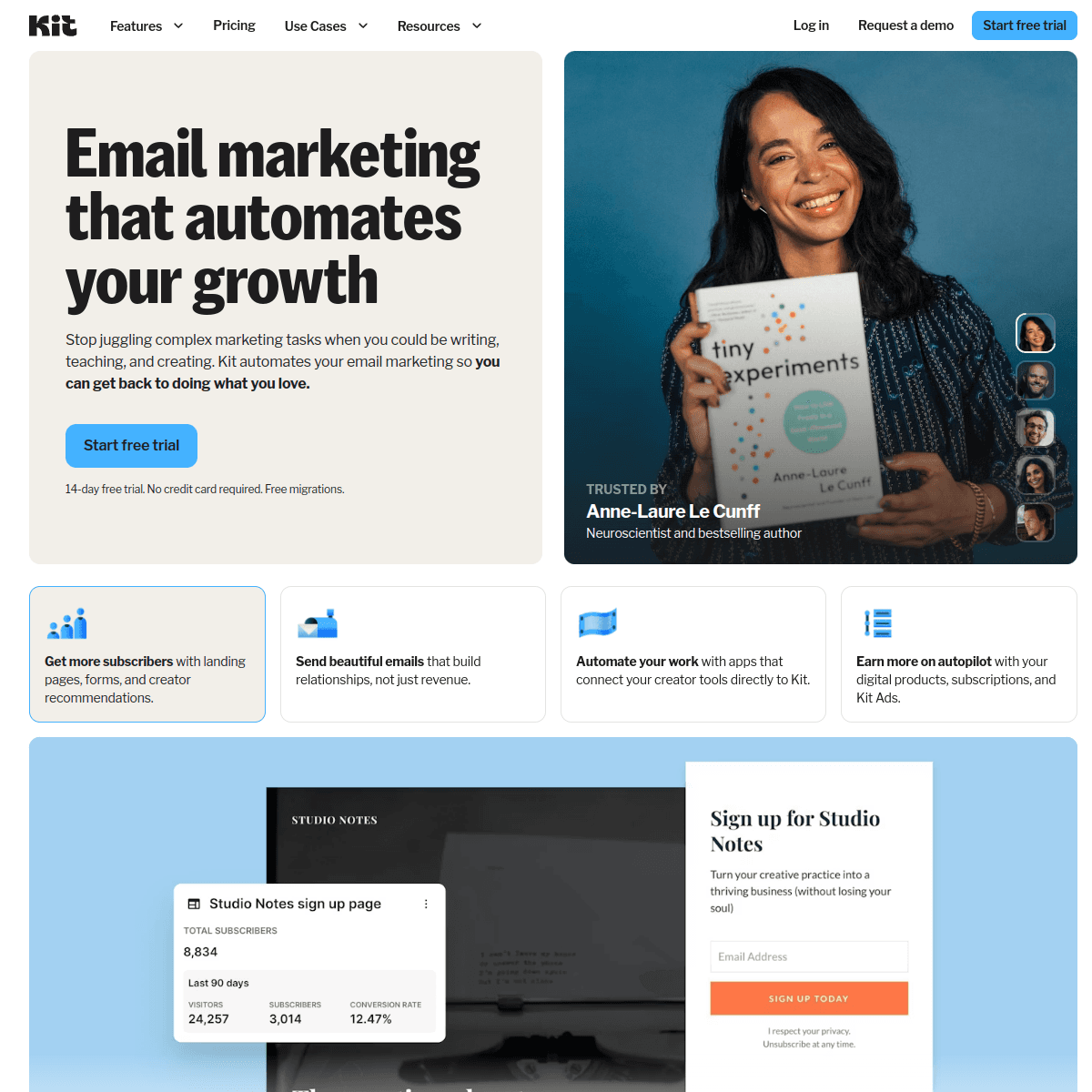
9ConvertKitCreator-focused email platform with a basic API for subscriber management.Simple OpenClaw agent subscriber management for creator businessesFree up to 10,000 subscribers, then $25/month
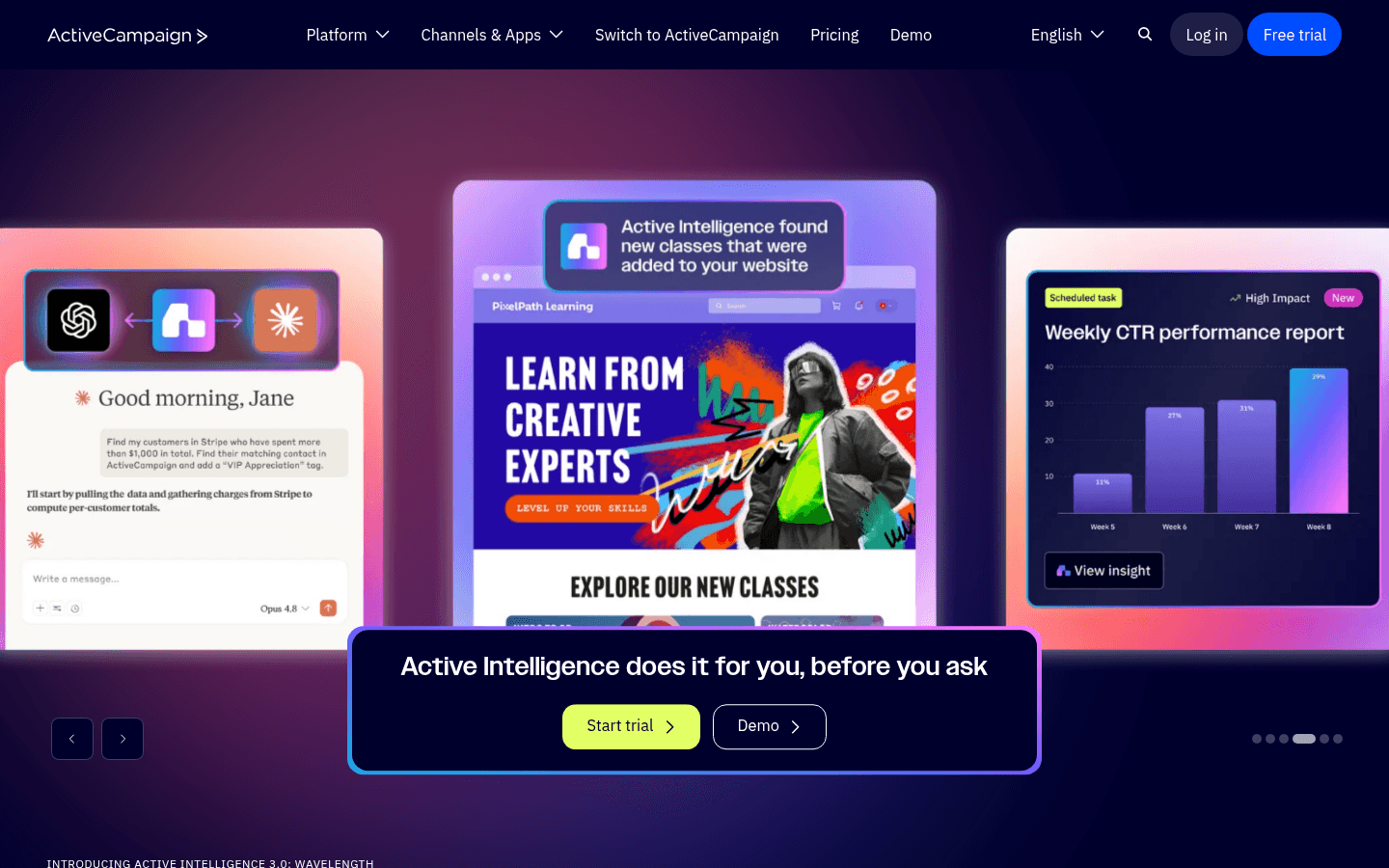
10ActiveCampaignEnterprise automation platform with deep but complex API.Enterprise OpenClaw agents managing complex automation$29/month for 1,000 contacts
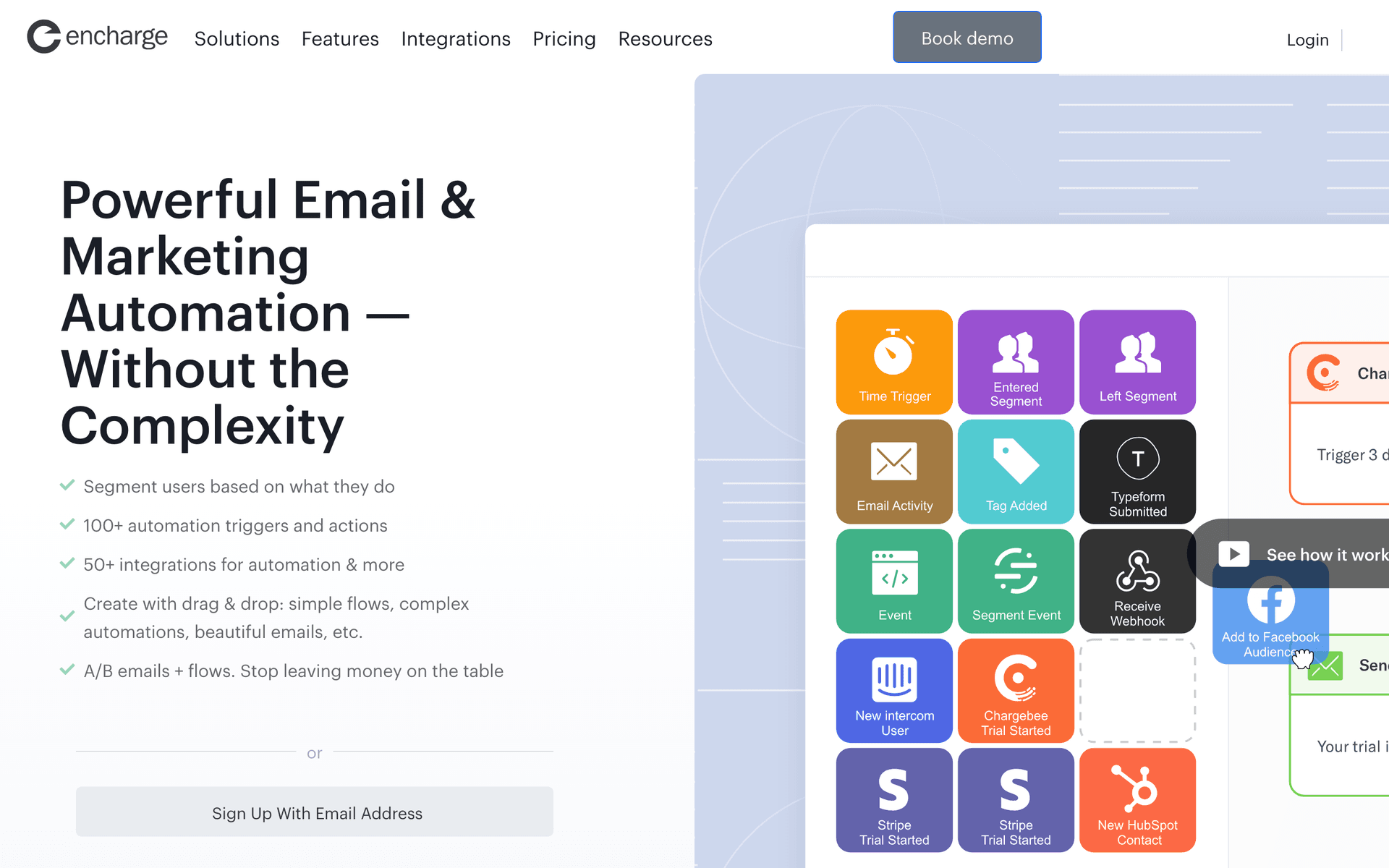
11EnchargeSaaS lifecycle email platform with event API suited for OpenClaw agent triggers.OpenClaw agents handling SaaS lifecycle email trigger workflows$49/month for up to 2,000 subscribers
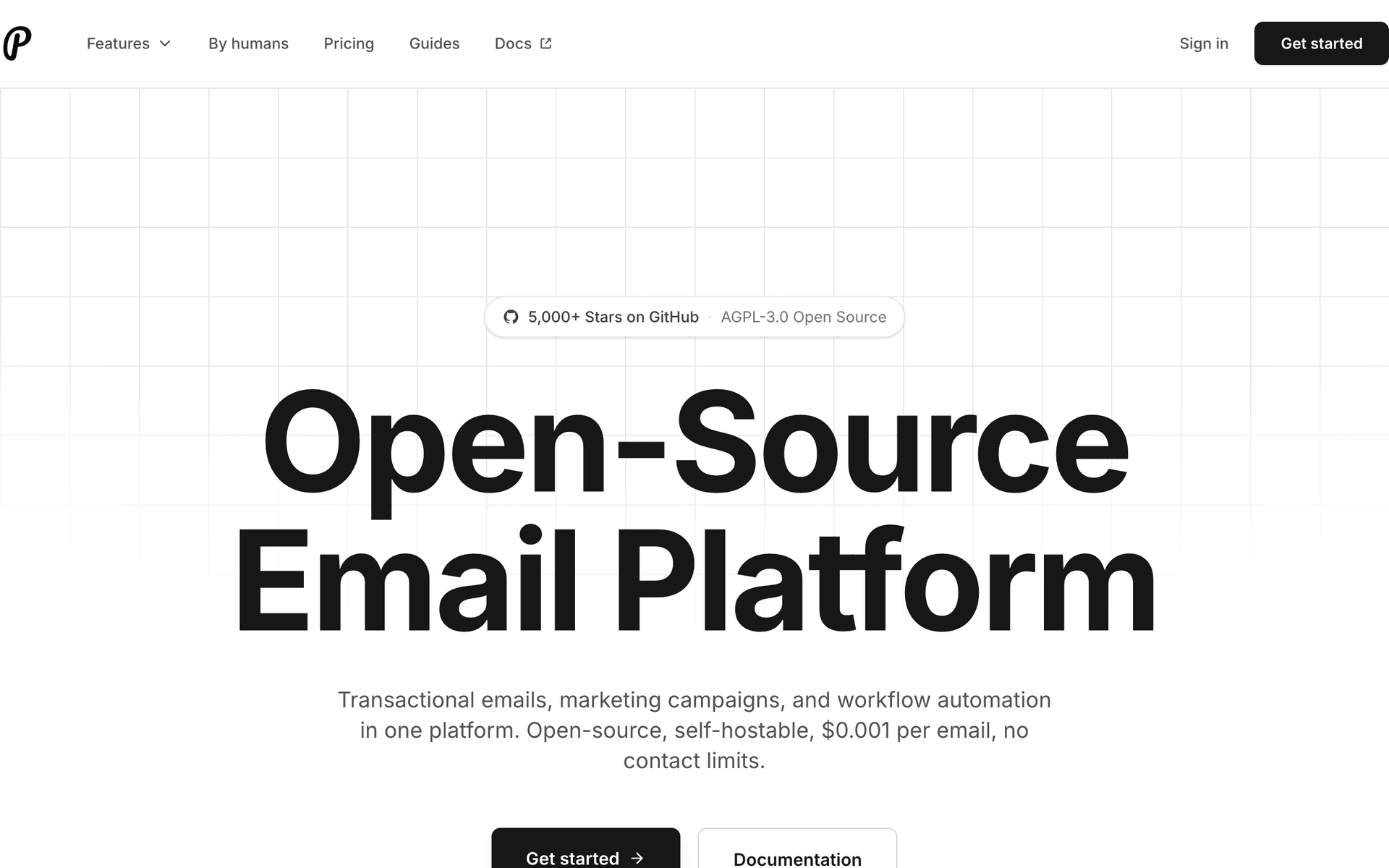
12PlunkOpen-source email platform for OpenClaw agents requiring self-hosted email infrastructure.OpenClaw agents needing self-hosted or auditable email infrastructureFree (open-source) or cloud plans
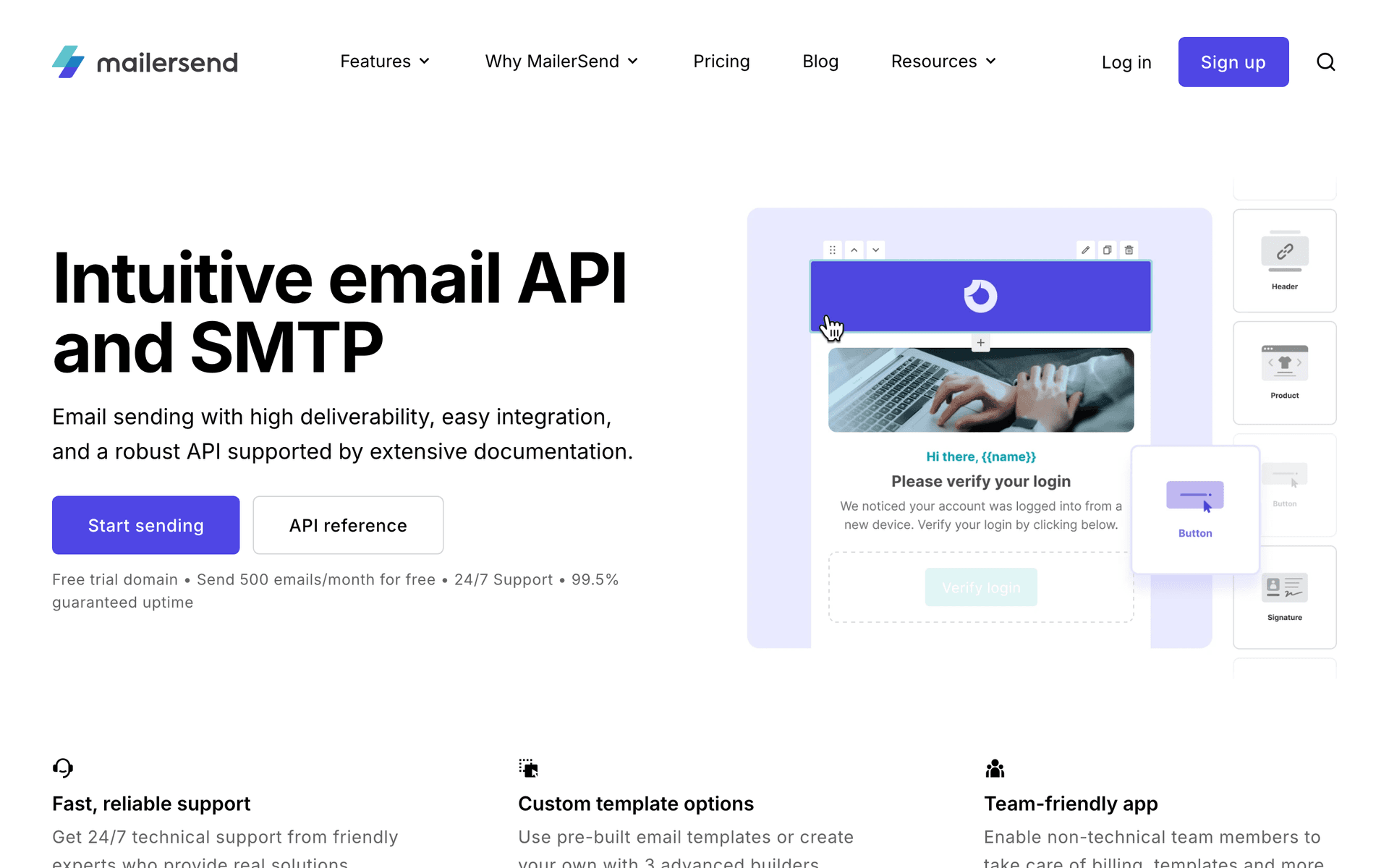
13MailerSendUnified transactional and marketing email API for OpenClaw agent workflows.OpenClaw agents combining transactional and marketing email in unified workflowsFree for 3,000 emails/month, then $30/month
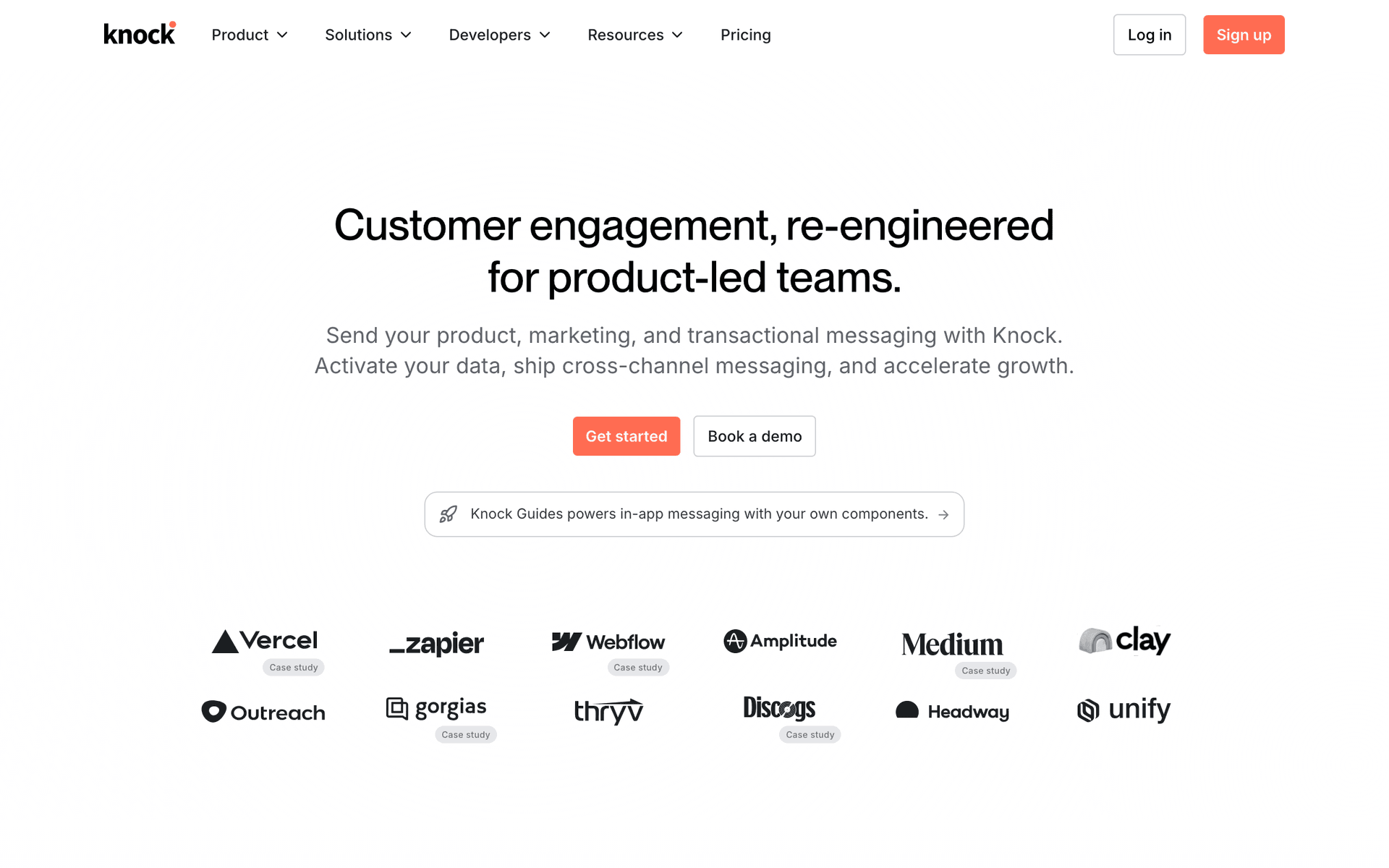
14KnockAPI-first notification infrastructure with TypeScript SDK for OpenClaw agent integration.OpenClaw agents in TypeScript products needing reliable notification deliveryFree to start, then usage-based
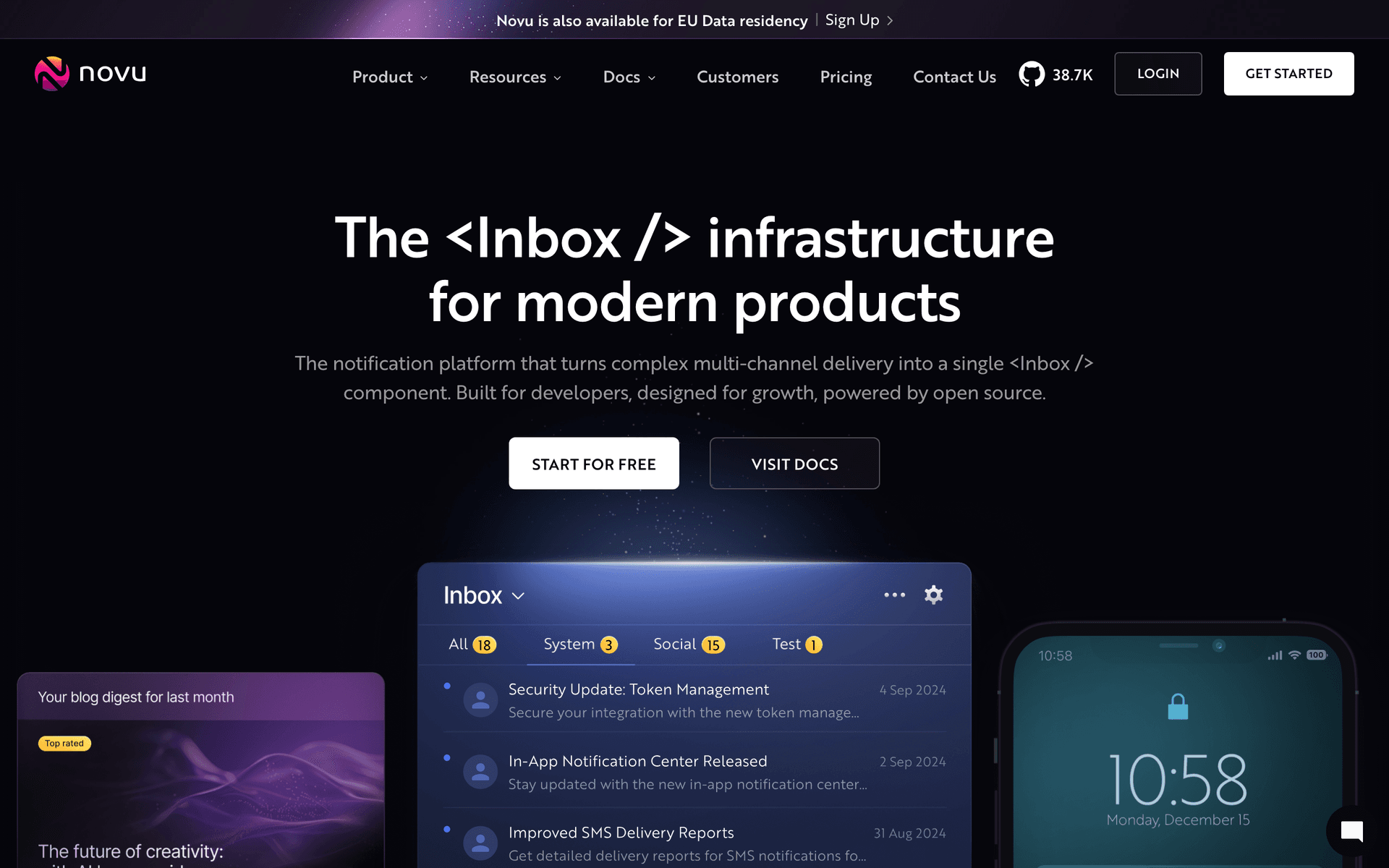
15NovuOpen-source notification platform for OpenClaw agents requiring customizable infrastructure.OpenClaw agents in security-sensitive or data-sovereign environmentsFree (self-hosted) or cloud plans
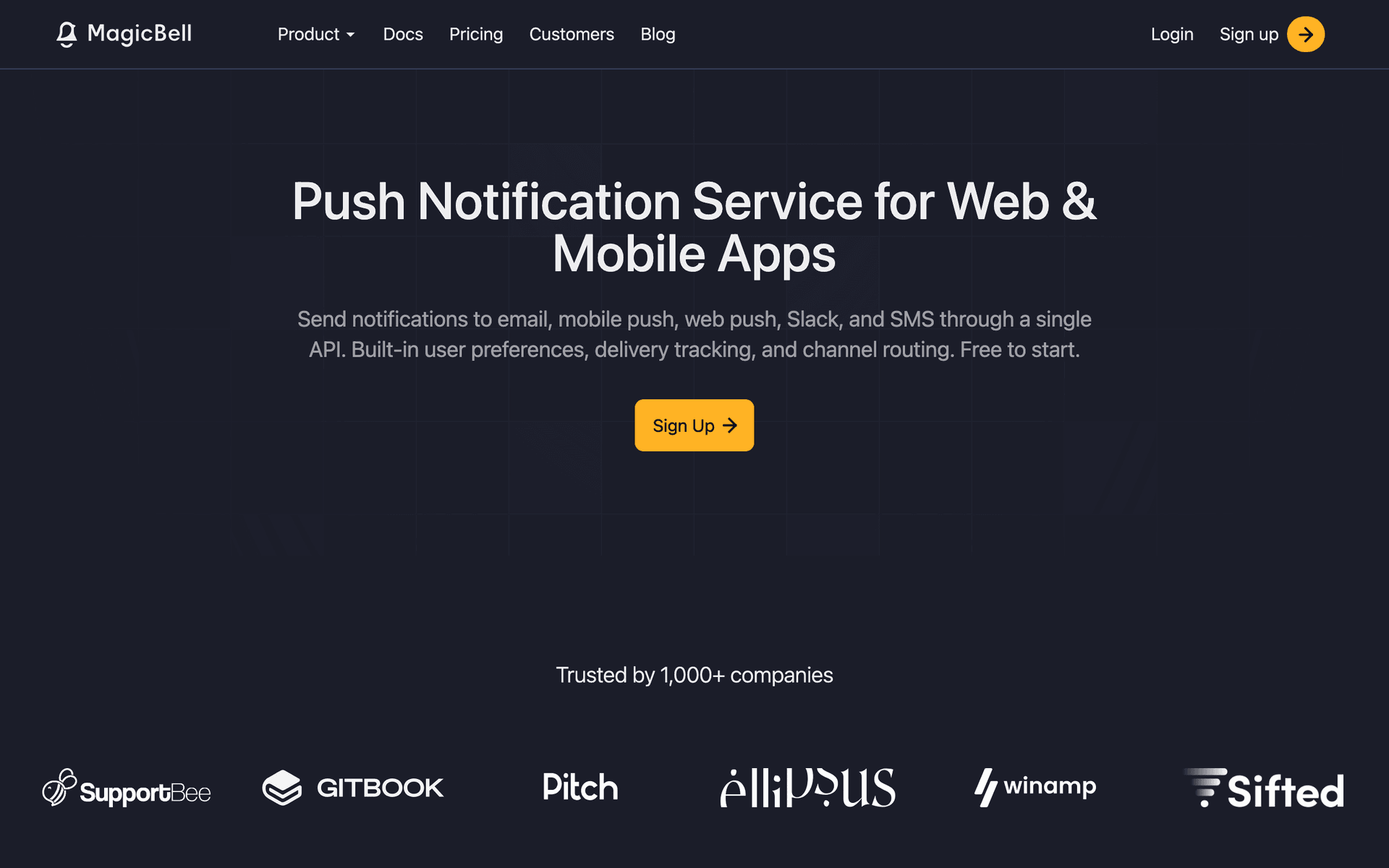
16MagicBellNotification center API with engagement tracking for OpenClaw agent communication loops.OpenClaw agents building products with engagement-driven notification logicFree tier, paid plans from $100/month
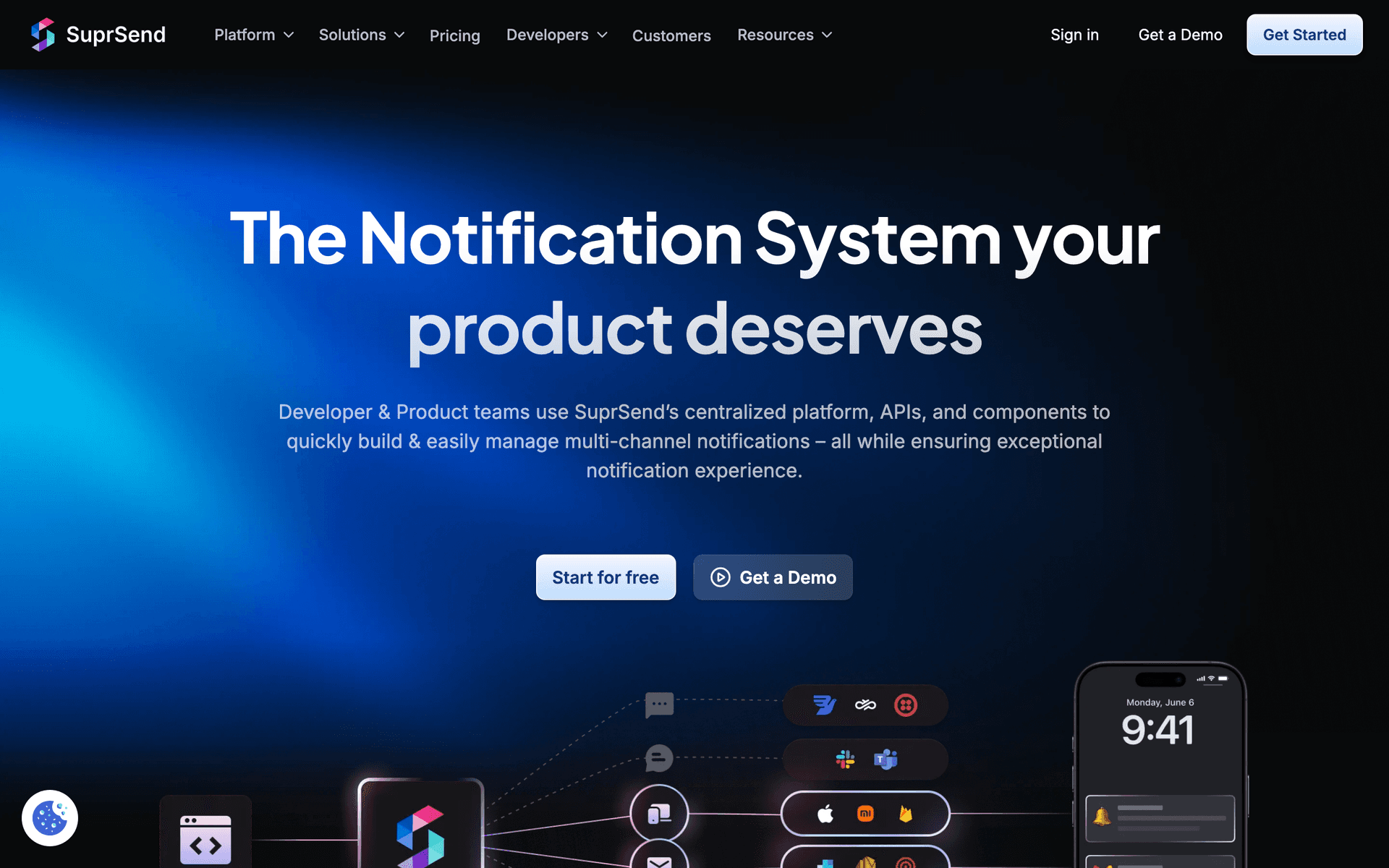
17SuprSendMulti-channel notification API with batch sends for OpenClaw agent group workflows.OpenClaw agents sending multi-channel notifications to user cohortsFree tier, then usage-based
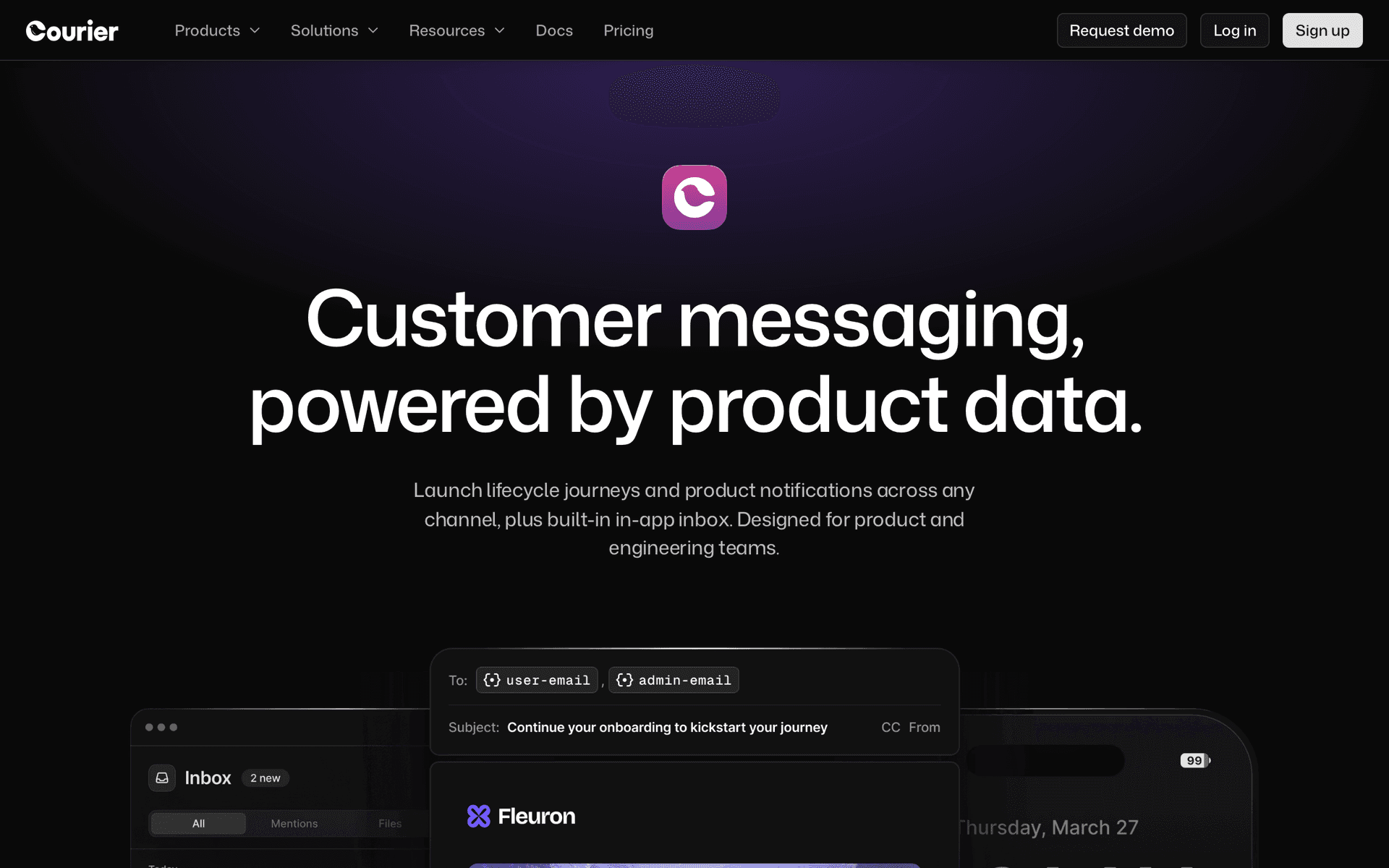
18CourierNotification orchestration for OpenClaw agents routing across email providers.OpenClaw agents needing provider-agnostic notification deliveryFree up to 10,000 notifications/month, then usage-based
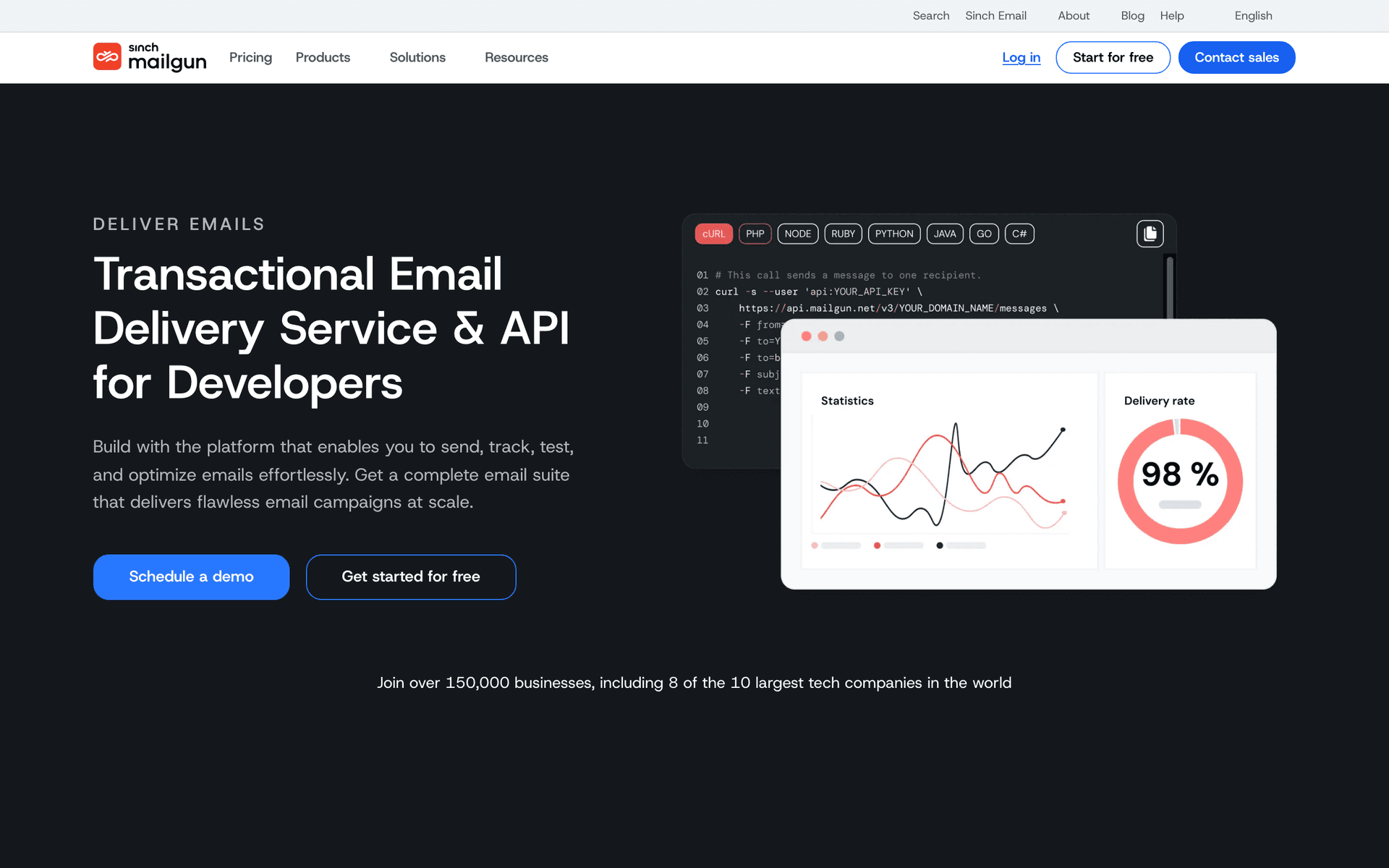
19MailgunDeveloper email API enabling OpenClaw agents to handle inbound email replies.OpenClaw agents implementing conversational email workflows with reply handlingFree for 100 emails/day, then $35/month for 50,000 emails
Our Top Pick for OpenClaw Users
#1
Sequenzy

The only email platform with a native MCP server that OpenClaw agents can use as a tool without custom wrappers.

Visit
Sequenzy dashboard screenshot

Sequenzy is the most natural fit for OpenClaw agents because its MCP server integrates directly as a tool in your agent's toolkit. No custom API wrapper needed - install the @sequenzy/mcp package, configure the API key, and your OpenClaw agent has access to 40+ email tools covering campaigns, subscribers, sequences, templates, analytics, and AI-powered email generation. The integration pattern is clean. Your OpenClaw agent declares Sequenzy's MCP tools in its toolkit, and the agent runtime handles the MCP protocol communication automatically. When your agent decides it needs to create a campaign, it calls the appropriate MCP tool with natural language parameters and gets structured results back. The AI email generation tools are particularly valuable in an OpenClaw context because they leverage your Sequenzy account's data - past campaigns, subscriber segments, engagement patterns - to generate contextually relevant content. Your OpenClaw agent does not need to maintain its own memory of your email history; the MCP server provides that context. Pay-per-email pricing at $29/month for 50,000 emails works well for agent workflows, which tend to create many small, targeted campaigns rather than one big blast. The free tier (2,500 emails/month) is enough to develop and test your entire agent workflow before deploying to production.

Best for
OpenClaw agents needing native MCP tool integration for email
Pricing
Free up to 2,500 emails/mo, then $19/mo (unlimited contacts)

Pros

  • Native MCP server integrates directly into OpenClaw agent toolkit
  • 40+ tools covering full email lifecycle
  • AI email generation with account context
  • Pay per email, not per contact
  • Free tier for development and testing

Cons

  • Newer platform, smaller community
  • No built-in landing pages or SMS
  • Template library still growing
#2
Resend

Developer-first email API with excellent TypeScript SDK for agent integrations.

Visit
Resend dashboard screenshot

Resend's TypeScript SDK is exceptionally well-typed, which makes it reliable for OpenClaw agent integrations. When your agent constructs an API call, the type system catches parameter errors before they reach the API. This predictability is valuable for autonomous agents that need to operate without human error correction. The API is focused on transactional email - sending individual emails, managing domains, checking delivery status. For OpenClaw agents that handle notifications, alerts, onboarding emails, and other one-to-one transactional sends, Resend is excellent. React Email lets you define templates as code that your agent can understand and manipulate. The limitation is scope. Resend does not do marketing automation, subscriber lists, campaigns, or sequences. Your OpenClaw agent can send emails through Resend but cannot manage an email marketing program. For transactional email needs within a broader agent workflow, Resend is a strong component. For full email marketing control, pair it with Sequenzy.

Best for
OpenClaw agents sending transactional emails with type-safe API
Pricing
Free for 3,000 emails/month, then $20/month

Pros

  • Excellent TypeScript SDK with full types
  • Predictable API behavior for autonomous agents
  • React Email for code-based templates
  • Great deliverability

Cons

  • No MCP server
  • No marketing automation or campaigns
  • No subscriber management
#3
Customer.io

Event-driven messaging platform with deep API for agent-triggered workflows.

Visit
Customer.io dashboard screenshot

Customer.io's event-driven model maps well to OpenClaw agent patterns. Your agent detects events in your system, pushes them to Customer.io through the API, and Customer.io routes them through pre-configured automation workflows. This separation of concerns is elegant - your agent handles event detection and customer data management, while Customer.io handles the email logic. The API is comprehensive for customer management and event tracking. Your OpenClaw agent can create and update customer profiles, push behavioral events, trigger transactional messages, and pull campaign analytics. The webhook system also works in reverse - Customer.io can notify your agent when email events happen (opens, clicks, bounces), creating a feedback loop. The gap is workflow creation. Your agent cannot build or modify automation workflows through the API. A human needs to set those up in the dashboard. For teams with established email automation that agents should trigger and monitor, Customer.io works well. For fully autonomous email program creation, the API limitations are a blocker.

Best for
OpenClaw agents triggering established automation workflows
Pricing
$100/month for 5,000 profiles

Pros

  • Event-driven architecture fits agent patterns
  • Deep customer management API
  • Webhook feedback loop for agent learning
  • Multi-channel support

Cons

  • No MCP server
  • Cannot create automations via API
  • Expensive starting price
  • Workflow setup requires dashboard
#4
Loops

Modern email for SaaS with a clean API for agent-driven contact and event management.

Visit
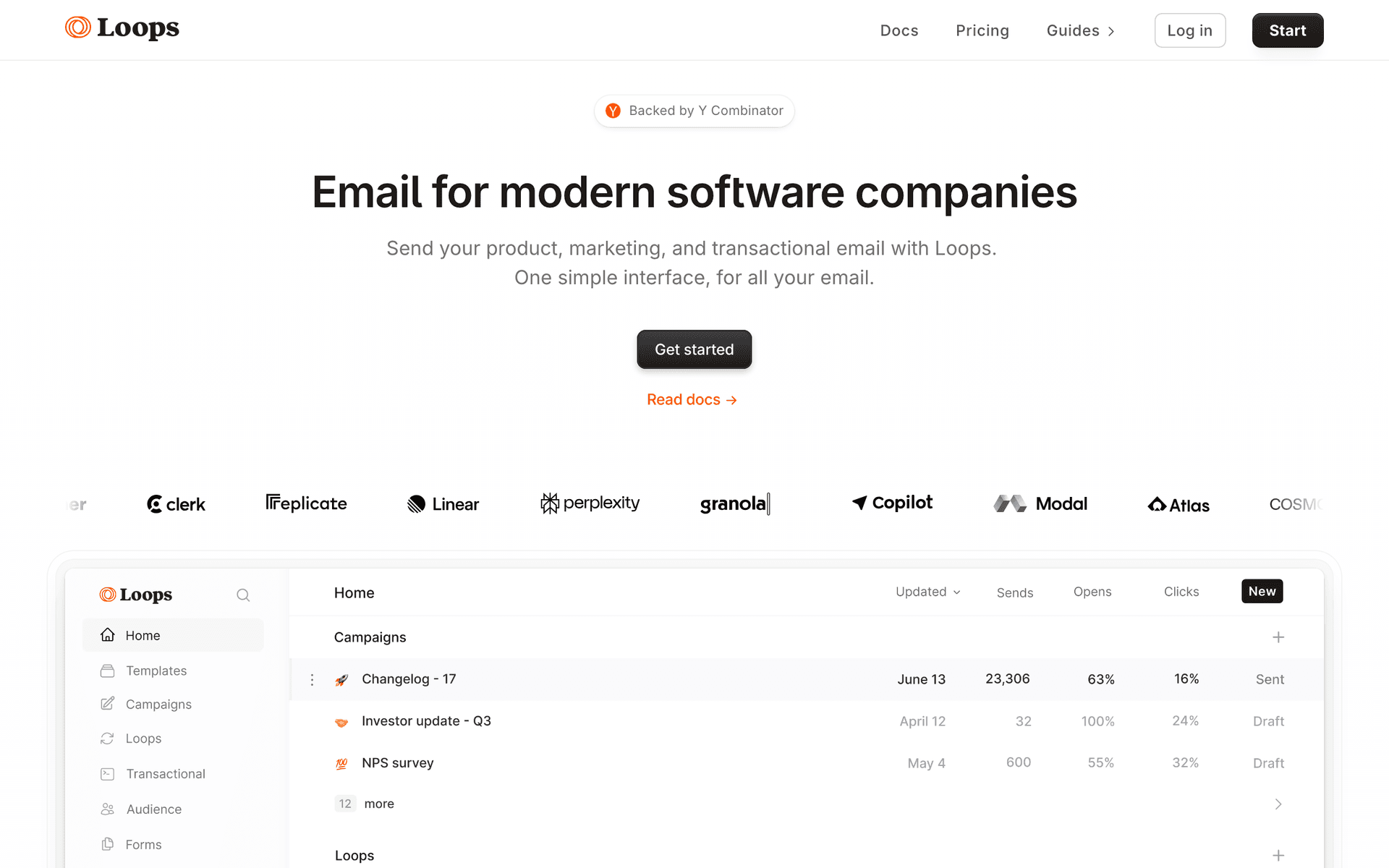
Loops dashboard screenshot

Loops provides a clean, predictable API that OpenClaw agents can integrate with minimal friction. The endpoint design is consistent, error responses are clear, and the documentation covers the common agent integration patterns. For managing contacts, pushing events, and sending transactional emails, Loops is reliable. The event-based automation system means your OpenClaw agent can push events and let Loops handle the downstream email logic. This is a practical pattern for teams that want human-designed automations triggered by agent-detected events. The per-contact pricing can get expensive for agents managing large subscriber bases, and the inability to create or modify automations through the API limits full autonomous control. But for clean, predictable email operations within your agent workflow, Loops delivers.

Best for
OpenClaw agents needing clean API for SaaS email operations
Pricing
Free up to 1,000 contacts, then $49/month

Pros

  • Clean, consistent API design
  • Event-based automation triggers
  • Good transactional email support
  • Modern developer experience

Cons

  • No MCP server
  • Cannot create automations via API
  • Per-contact pricing
#5
Postmark

Industry-leading transactional email deliverability with a reliable API.

Visit
Postmark dashboard screenshot

When your OpenClaw agent sends critical emails - password resets, billing alerts, security notifications, account confirmations - delivery speed and reliability matter more than features. Postmark excels here with sub-second delivery times and the highest inbox placement rates in the industry. The API is mature and predictable, which autonomous agents need. Postmark returns clear success/failure responses, handles rate limiting transparently, and provides detailed delivery data through the API. Your agent always knows whether an email was delivered, bounced, or is still in transit. The message streams feature lets your agent separate transactional and broadcast emails automatically, protecting your critical transactional deliverability from marketing campaigns. Use Postmark for the emails that absolutely must arrive and pair it with a marketing platform for campaigns.

Best for
OpenClaw agents sending critical transactional emails
Pricing
$15/month for 10,000 emails

Pros

  • Industry-leading deliverability
  • Predictable API for autonomous agents
  • Sub-second delivery for critical emails
  • Message streams protect transactional reputation

Cons

  • No MCP server
  • No marketing automation
  • No subscriber management
#6
SendGrid

Comprehensive email API covering transactional and marketing with high-volume capacity.

Visit
SendGrid dashboard screenshot

SendGrid covers the broadest range of email operations through its API - transactional sending, marketing campaigns, contacts, lists, segments, and analytics. For OpenClaw agents that need a single API for both transactional and marketing email, SendGrid provides the coverage. The volume capacity is also relevant for agent workflows that send at scale. The challenge is API quality. Building a reliable OpenClaw agent integration on SendGrid requires handling inconsistencies in error responses, managing API version differences, and working around aggressive rate limits. Agents that operate at machine speed will hit rate limits faster than human-paced API usage. The investment is worth it for high-volume use cases where you need the sending infrastructure. For most OpenClaw agent workflows, cleaner APIs from Sequenzy or Resend are faster to integrate and more reliable to operate.

Best for
High-volume OpenClaw agent workflows needing broad API coverage
Pricing
Free for 100 emails/day, plans from $19.95/month

Pros

  • Broad API surface
  • High-volume sending capacity
  • Official SDKs in all major languages
  • Combined transactional and marketing

Cons

  • No MCP server
  • API inconsistencies
  • Aggressive rate limits
  • Complex pricing
#7
Brevo

Budget-friendly email platform with transactional and marketing APIs.

Visit
Brevo dashboard screenshot

Brevo offers the most affordable path to agent-driven email for OpenClaw users. The free tier at 300 emails per day gives you enough room to develop and test your agent integration without cost. The API covers contacts, lists, campaigns, transactional email, and SMS, providing reasonable breadth for a budget platform. For OpenClaw agent workflows in early development or for side projects where email is not the primary function, Brevo's pricing makes experimentation low-risk. The API quality is adequate but not exceptional - expect some documentation gaps and inconsistencies that require extra handling in your agent code.

Best for
Budget OpenClaw projects needing basic email capabilities
Pricing
Free up to 300 emails/day, then $25/month

Pros

  • Generous free tier
  • Transactional and marketing APIs
  • Affordable paid plans
  • SMS support

Cons

  • No MCP server
  • API documentation gaps
  • Not designed for agent workflows
#8
Mailchimp

Well-known email platform with comprehensive but frustrating API.

Visit
Mailchimp dashboard screenshot

Mailchimp has a large API surface that technically covers most email marketing operations. For OpenClaw agents, the challenge is reliability. The API has quirks accumulated over years - non-standard authentication, inconsistent error formats, aggressive rate limiting, and data model oddities that trip up autonomous agents. Building a robust Mailchimp integration for an OpenClaw agent requires significant error handling code. Per-contact pricing also creates cost pressure for agents that actively manage subscribers - every contact your agent adds or manages increases your bill, even if they never receive an email. Only choose Mailchimp if you have an existing Mailchimp account that you cannot migrate away from. For new agent-driven email programs, start with a platform designed for programmatic access.

Best for
OpenClaw agents needing to work with existing Mailchimp accounts
Pricing
Free up to 500 contacts, then $13/month

Pros

  • Large API surface
  • Well-known platform
  • Template management via API

Cons

  • No MCP server
  • API quirks frustrate autonomous agents
  • Per-contact pricing
  • Aggressive rate limits
#9
ConvertKit

Creator-focused email platform with a basic API for subscriber management.

Visit
ConvertKit dashboard screenshot

ConvertKit's API covers subscribers, tags, sequences, and broadcasts at a basic level. For OpenClaw agents that need simple subscriber management - adding contacts, applying tags, triggering existing sequences - the API is functional and quick to integrate. The simplicity means less error handling code in your agent. The severe limitation is that your agent cannot create sequences, design emails, or manage automations through the API. It can only trigger what a human has already built. For creator-type businesses with simple email needs and an OpenClaw agent that handles subscriber management, Kit works. For any workflow requiring full agent control, it is too limited.

Best for
Simple OpenClaw agent subscriber management for creator businesses
Pricing
Free up to 10,000 subscribers, then $25/month

Pros

  • Simple API, quick to integrate
  • Generous free tier
  • Subscriber tagging

Cons

  • No MCP server
  • Cannot create sequences via API
  • Extremely limited API coverage
#10
ActiveCampaign

Enterprise automation platform with deep but complex API.

Visit
ActiveCampaign dashboard screenshot

ActiveCampaign has the deepest email automation capabilities, and the API exposes much of that power. For OpenClaw agents managing complex email programs with branching logic, CRM integration, and multi-step automations, the API provides the endpoints. The automation management API lets your agent add contacts to automations, monitor automation progress, and check performance. The cost is integration complexity. ActiveCampaign's API has hundreds of endpoints with an intricate data model. Building a reliable OpenClaw agent integration is a multi-week project requiring deep understanding of the platform's concepts. The per-contact pricing also gets expensive as your agent manages more subscribers. Choose ActiveCampaign only if you need its enterprise-grade automation capabilities and have the engineering time to invest in a thorough integration.

Best for
Enterprise OpenClaw agents managing complex automation
Pricing
$29/month for 1,000 contacts

Pros

  • Deepest automation API
  • CRM integration
  • Advanced conditional logic

Cons

  • No MCP server
  • Multi-week integration effort
  • Expensive at scale
  • Steep learning curve
#11
Encharge

SaaS lifecycle email platform with event API suited for OpenClaw agent triggers.

Visit
Encharge dashboard screenshot

Encharge's event-driven API aligns with how OpenClaw agents typically operate. Your OpenClaw agent monitors product state and fires behavioral events to the Encharge API when significant things happen - user activated, feature used, trial ending. Encharge's automation engine routes those events through pre-configured email flows. For OpenClaw agents managing SaaS lifecycle email, the integration covers the trigger and subscriber management layers reliably. Registering Encharge as a tool in your OpenClaw agent's toolkit is straightforward given the standard REST API - write tool descriptions for the events, contacts, and broadcasts endpoints, and the agent can manage lifecycle email without additional configuration. The limitation for OpenClaw autonomous agents is that flow creation requires the dashboard, so your agent triggers into human-built workflows rather than constructing new ones programmatically.

Best for
OpenClaw agents handling SaaS lifecycle email trigger workflows
Pricing
$49/month for up to 2,000 subscribers

Pros

  • Event API fits OpenClaw trigger patterns
  • Standard REST for straightforward toolkit registration
  • Good SaaS lifecycle email coverage

Cons

  • No MCP server
  • Cannot create automation flows autonomously
  • Per-subscriber pricing
#12
Plunk

Open-source email platform for OpenClaw agents requiring self-hosted email infrastructure.

Visit
Plunk dashboard screenshot

Plunk is an open-source email platform that OpenClaw agents can integrate through a minimal REST API. For teams building OpenClaw agents in environments that require data residency or complete infrastructure control, Plunk's self-hosted deployment ensures email operations stay within your infrastructure boundary. The minimal API surface makes toolkit registration clean - fewer endpoints means simpler tool definitions and clearer agent decision-making. Your OpenClaw agent registers send, contact, and event tools, and can perform transactional email operations and basic contact management without external dependencies. The open-source codebase lets your team audit every operation the agent triggers - useful for compliance documentation and security reviews. The trade-off is that Plunk's automation scope is limited compared to dedicated marketing platforms, so complex email program logic must live in the agent.

Best for
OpenClaw agents needing self-hosted or auditable email infrastructure
Pricing
Free (open-source) or cloud plans

Pros

  • Self-hostable for OpenClaw agent data residency
  • Open-source for audit and compliance
  • Simple API for clean toolkit design

Cons

  • No MCP server
  • Limited automation scope
  • Infrastructure management required
#13
MailerSend

Unified transactional and marketing email API for OpenClaw agent workflows.

Visit
MailerSend dashboard screenshot

MailerSend's single API for transactional and bulk email simplifies OpenClaw agent toolkit design. Your agent registers one set of email tools that handles individual transactional sends, bulk campaigns, template management, and delivery tracking. The dynamic template system lets your OpenClaw agent personalize emails with per-recipient variables at send time, enabling agent-driven personalization without pre-building unique templates for every segment. The activity API exposes delivery events and engagement data that your OpenClaw agent can query to close the feedback loop - the agent learns which emails delivered, who opened them, and can adjust future sends based on that data. For OpenClaw agents that manage both product emails (receipts, alerts, notifications) and marketing sends (newsletters, announcements) within the same workflow, MailerSend reduces integration complexity by handling both through one API.

Best for
OpenClaw agents combining transactional and marketing email in unified workflows
Pricing
Free for 3,000 emails/month, then $30/month

Pros

  • Single API covers all OpenClaw agent email needs
  • Dynamic templates for agent-driven personalization
  • Activity API for agent feedback and monitoring

Cons

  • No MCP server
  • No automation engine for conditional sequences
  • Agent implements send sequencing itself
#14
Knock

API-first notification infrastructure with TypeScript SDK for OpenClaw agent integration.

Visit
Knock dashboard screenshot

Knock's API-first design and TypeScript SDK make it a reliable addition to an OpenClaw agent's email toolkit. For OpenClaw agents embedded in products where user notifications are a core feature, Knock handles the delivery complexity that agents would otherwise need to implement: multi-channel routing, user preference management, delivery retries, and engagement tracking. Your OpenClaw agent registers Knock's trigger API as a tool - when the agent decides a user needs a notification, it calls the trigger with recipient and content data, and Knock handles the rest. The TypeScript types validate API calls at build time, reducing runtime errors during agent execution without human oversight. For teams building OpenClaw agents in TypeScript environments, Knock integrates naturally into the existing type system. The notification-only scope means Knock supplements a marketing email integration rather than replacing it.

Best for
OpenClaw agents in TypeScript products needing reliable notification delivery
Pricing
Free to start, then usage-based

Pros

  • TypeScript SDK for build-time API validation
  • Handles multi-channel complexity for OpenClaw agent
  • Developer-first design fits OpenClaw philosophy

Cons

  • No MCP server
  • Not a marketing email platform
  • Notification scope limits marketing use cases
#15
Novu

Open-source notification platform for OpenClaw agents requiring customizable infrastructure.

Visit
Novu dashboard screenshot

Novu provides OpenClaw agents with a notification infrastructure layer they can own and customize. The open-source codebase is auditable by your security team - every API endpoint the agent calls can be traced to the source implementation. For OpenClaw agents deployed in organizations with third-party service restrictions or data sovereignty requirements, Novu self-hosted satisfies those constraints while providing the same notification capabilities as cloud platforms. The API covers trigger, subscriber, and delivery tracking - the operations your OpenClaw agent needs to send and monitor notifications. The community-maintained email provider integrations mean your self-hosted Novu instance benefits from open-source maintenance rather than requiring you to build all provider integrations from scratch. Marketing email capabilities are outside Novu's scope.

Best for
OpenClaw agents in security-sensitive or data-sovereign environments
Pricing
Free (self-hosted) or cloud plans

Pros

  • Auditable open-source for security reviews
  • Self-hosted satisfies data sovereignty requirements
  • Community integrations for provider support

Cons

  • No MCP server
  • Not a marketing email platform
  • Self-hosting adds operational overhead
#16
MagicBell

Notification center API with engagement tracking for OpenClaw agent communication loops.

Visit
MagicBell dashboard screenshot

MagicBell provides a notification center that OpenClaw agents use to send notifications and receive engagement feedback. The real-time read receipt API enables engagement-driven agent logic - your OpenClaw agent can query whether a user has read a notification and use that data to determine the next workflow step. For OpenClaw agents managing user workflows in products with an in-app notification feed, MagicBell provides the backend API the agent calls and the frontend component users interact with. The simple API surface makes toolkit registration quick: send, status, and preferences tools cover the core operations. For OpenClaw agents that need to implement follow-up logic based on notification engagement (resend if unread, escalate if critical notification ignored), MagicBell's read receipt data enables that logic without requiring the agent to implement its own engagement tracking.

Best for
OpenClaw agents building products with engagement-driven notification logic
Pricing
Free tier, paid plans from $100/month

Pros

  • Engagement data enables read-receipt-based agent logic
  • In-app notification center as product component
  • Simple toolkit registration for OpenClaw agents

Cons

  • No MCP server
  • No marketing email capabilities
  • Higher price for comparable sending volume
#17
SuprSend

Multi-channel notification API with batch sends for OpenClaw agent group workflows.

Visit
SuprSend dashboard screenshot

SuprSend reduces the routing complexity OpenClaw agents need to implement for multi-channel notifications. When your OpenClaw agent determines that a user needs to be notified, it calls SuprSend's API with the notification type and recipient - SuprSend determines the optimal channel (email, push, SMS, WhatsApp) based on user preferences and delivery history. This offloads channel selection logic from the agent, which keeps agent code simpler and reduces edge cases. The batch notification API is efficient for OpenClaw agents that identify groups of users needing the same notification - one batch call instead of looping through individual sends. Webhook delivery callbacks give your OpenClaw agent confirmation that notifications were delivered without requiring the agent to poll status endpoints repeatedly. The marketing email use case is outside SuprSend's scope.

Best for
OpenClaw agents sending multi-channel notifications to user cohorts
Pricing
Free tier, then usage-based

Pros

  • Channel routing offloads logic from OpenClaw agent
  • Batch API for cohort notification efficiency
  • Webhook callbacks for agent delivery confirmation

Cons

  • No MCP server
  • Not a marketing email platform
  • Workflow configuration requires dashboard
#18
Courier

Notification orchestration for OpenClaw agents routing across email providers.

Visit
Courier dashboard screenshot

Courier provides OpenClaw agents with a provider-agnostic notification layer that routes sends to the optimal email or messaging provider. For OpenClaw agent deployments where the underlying email provider may change over time, Courier's abstraction means toolkit tool definitions remain stable - the agent calls Courier, Courier routes to the configured provider. The Notifications API handles individual and batch sends, the Audiences API supports recipient group management, and the Data Logs API gives your OpenClaw agent delivery history for performance monitoring. For teams that value infrastructure flexibility and want to avoid per-provider toolkit integrations, Courier reduces the surface area the OpenClaw agent needs to maintain. The free tier at 10,000 notifications supports development and early production scale. Marketing campaigns and subscriber sequences are outside Courier's scope.

Best for
OpenClaw agents needing provider-agnostic notification delivery
Pricing
Free up to 10,000 notifications/month, then usage-based

Pros

  • Provider-agnostic for OpenClaw agent resilience
  • Audiences API for recipient group management
  • Generous free tier for development and testing

Cons

  • No MCP server
  • Not a marketing email platform
  • Adds orchestration overhead vs. direct provider calls
#19
Mailgun

Developer email API enabling OpenClaw agents to handle inbound email replies.

Visit
Mailgun dashboard screenshot

Mailgun is built for developers, and the API design shows it - clean REST endpoints, clear documentation, reliable SDKs in major languages. For OpenClaw agents built by developers who want email infrastructure that matches their development philosophy, Mailgun is a natural fit. The inbound email routing feature is the standout capability for OpenClaw agents: when users reply to emails the agent sends, Mailgun parses those replies and delivers them to your agent's webhook. This enables OpenClaw agents to manage conversational email workflows - send a question, process the user's reply, determine the next action - without users needing to interact through a product UI. For agents that gather approvals, feedback, or survey responses through email, this bidirectional capability is essential. The email validation API helps agents maintain list quality autonomously. The absent marketing automation layer means agents manage sequence logic themselves.

Best for
OpenClaw agents implementing conversational email workflows with reply handling
Pricing
Free for 100 emails/day, then $35/month for 50,000 emails

Pros

  • Inbound routing enables OpenClaw agent reply handling
  • Developer-oriented API fits OpenClaw philosophy
  • Email validation for autonomous list maintenance

Cons

  • No MCP server
  • No marketing automation
  • Agent implements all sequencing and routing

Feature Comparison

FeatureSequenzyResendCustomer.ioLoops
Native MCP Server
Yes (official)
No
No
No
Campaign Management
Full
Send only
Trigger only
Events only
Subscriber Management
Full
No
Full
Full
Sequence Control
Full
No
Trigger only
Trigger only
AI Content Generation
Built-in
No
No
No
Webhook Feedback
Yes
Yes
Yes
Limited
Free Tier
2,500 emails/mo
3,000 emails/mo
No
1,000 contacts
Starting Price
$29/mo
$20/mo
$100/mo
$49/mo

Common Mistakes to Avoid

We see these mistakes over and over. Skip the learning curve and avoid these from day one.

Running Email Operations in the Agent's Main Loop

Email API calls are slow compared to local computation. If your OpenClaw agent processes email operations synchronously in its main reasoning loop, it wastes context window and compute time waiting for API responses. Use async patterns or background task queues for email operations that do not need immediate results.

Not Handling Email Platform Downtime Gracefully

Every email platform has occasional downtime. If your OpenClaw agent crashes or hangs when the email API is unavailable, your entire agent workflow stops. Build graceful degradation - queue email operations locally when the API is down and process them when it recovers.

Sending Duplicate Emails on Agent Restarts

If your OpenClaw agent restarts mid-workflow, it might re-process events and send duplicate emails. Implement idempotency keys for send operations - include a unique identifier with each send request so the email platform rejects duplicates. Most platforms support this through custom message IDs or headers.

Using the Agent's Full Context Window for Email Content

AI agents tend to generate verbose content when given the opportunity. Set explicit length constraints for email content - 50-80 words for subject lines, 150-300 words for email bodies, 20-40 words for preview text. Short emails consistently outperform long ones, and your agent will generate appropriately concise content when given clear constraints.

Not Testing Email Rendering Across Clients

Your OpenClaw agent generates email HTML that might render perfectly in Gmail but break in Outlook or Apple Mail. Use your email platform's rendering preview tools (or services like Litmus) to test agent-generated emails across major clients before enabling automated sends.

Email Sequences Every OpenClaw User Needs

These are the essential automated email sequences that will help you grow your business and keep clients coming back.

OpenClaw Agent Onboarding Flow

New user detected by OpenClaw agent monitoring signup webhook

Your OpenClaw agent detects a new signup, enriches the user profile with available data, and creates a personalized onboarding sequence through MCP tools.

Immediate
Welcome to [Product] - your setup starts here

Agent generates a welcome email based on the user's signup source and initial profile data. Includes personalized getting-started steps that match the user's likely use case.

Day 1
Quick win: get [specific value] in 5 minutes

Agent checks if the user completed the primary activation action. Content branches based on their progress - congratulations if they have started, simplified quickstart if they have not.

Day 4
How teams like yours use [Product]

Agent selects a relevant customer story based on the user's industry, company size, or stated use case. Personalized social proof rather than generic case studies.

Day 7
Your first week: what you have accomplished

Agent pulls the user's activity data and generates a personalized progress summary. Recommends next steps based on what they have used and what they have not explored yet.

Agent-Monitored Engagement Recovery

OpenClaw agent detects 14-day activity decline for a subscriber

The agent monitors user activity patterns and identifies declining engagement before it becomes churn. It creates targeted re-engagement emails based on the specific user's behavior change.

On detection
We shipped something you might have missed

Agent identifies the most relevant recent feature or update for this specific user based on their historical usage patterns. Feels like a targeted product update, not a re-engagement email.

Day 5
Quick question about your [Product] experience

Short, direct email asking if something changed. Agent drafts it to sound like a personal note from the team, not an automated message. The goal is getting a reply.

Agent-Created Product Changelog

New deployment detected by OpenClaw agent monitoring CI/CD pipeline

Your OpenClaw agent monitors your deployment pipeline. When a new version ships, it reads the commit history, generates a user-friendly changelog, and sends it to the appropriate subscriber segment.

On deployment
What is new in [Product] v[X.Y.Z]

Agent reads recent commits and pull request descriptions, filters for user-facing changes, and generates a concise changelog email. Technical changes are translated into user benefits. Includes code examples for API changes.

Why OpenClaw Users Need Email-Capable Agents

OpenClaw provides the foundation for building sophisticated AI agents that can reason, plan, and execute multi-step tasks. Email marketing is one of the most impactful capabilities you can give these agents because email directly drives revenue, retention, and user engagement.

The traditional email marketing workflow - log into dashboard, create campaign, select segment, write content, schedule send, check results - is exactly the kind of repetitive, multi-step process that agents handle well. An OpenClaw agent with access to the right email tools can compress hours of manual work into minutes of autonomous execution.

The Agent-Email Integration Pattern

The most effective pattern for OpenClaw email agents follows three layers:

Detection Layer: Your agent monitors data sources (webhooks, databases, analytics) for events that should trigger email actions. User signed up, payment failed, usage milestone reached, trial expiring - these events flow to the agent.

Decision Layer: The agent evaluates the event against your email strategy. Should this trigger a welcome sequence? A dunning email? A congratulations message? The agent uses its understanding of your business context and email history to make the right call.

Execution Layer: The agent uses MCP tools or API wrappers to execute the email action - creating the campaign, generating content, selecting the segment, and scheduling the send. Results flow back to the agent for learning.

Setting Up Email Tools for Your OpenClaw Agent

Using Sequenzy's Native MCP Server

The fastest path to email-capable OpenClaw agents is Sequenzy's MCP server. The integration requires three steps:

  1. Install the @sequenzy/mcp package
  2. Configure the MCP server with your Sequenzy API key
  3. Register the MCP tools in your OpenClaw agent's toolkit

Once configured, your agent has immediate access to tools for creating campaigns, managing subscribers, generating email content, building sequences, and analyzing performance. The tool descriptions include enough context for the agent to use them correctly without additional training.

Building Custom API Wrappers

For platforms without MCP servers, build a tool wrapper that exposes the platform's API as discrete tools your agent can call. Each tool should:

  • Have a clear name and description (e.g., "create_campaign: Creates a new email campaign with the given subject, body, and target segment")
  • Accept structured parameters that the agent can populate from natural language
  • Return structured results that the agent can reason about
  • Handle authentication and rate limiting transparently

Keep each tool focused on a single operation. An agent reasons better about ten specific tools than one complex tool with many parameters.

Real-World OpenClaw Email Agent Workflows

Automated Customer Onboarding

Your OpenClaw agent monitors signup events and orchestrates the entire onboarding email flow:

  1. New user signs up - agent receives webhook
  2. Agent enriches user profile with available data (company, role, signup source)
  3. Agent creates a personalized welcome email through MCP/API
  4. Agent schedules follow-up emails based on the user's progress
  5. Agent monitors activation metrics and adjusts follow-up content
  6. Agent reports weekly onboarding performance to your team

This workflow runs autonomously 24/7. Every new user gets a personalized onboarding experience tailored to their context, and the agent improves its approach over time based on which emails drive the highest activation rates.

Intelligent Campaign Management

Your OpenClaw agent manages your ongoing email program:

  1. Agent analyzes subscriber engagement data weekly
  2. Identifies segments with declining engagement
  3. Creates targeted re-engagement campaigns for each segment
  4. Generates content based on what has performed well for similar segments
  5. Sends test emails for human spot-check
  6. Deploys campaigns with monitoring
  7. Adjusts future campaigns based on results

The agent handles the data analysis, content creation, and execution. You review weekly summaries and provide strategic direction.

Event-Driven Transactional Email

Your OpenClaw agent handles transactional email triggered by product events:

  1. Payment fails - agent sends dunning sequence with direct update link
  2. User hits free tier limit - agent sends usage notification with upgrade info
  3. Security event detected - agent sends immediate alert
  4. Subscription renewed - agent sends thank-you with usage recap

Each email is generated based on the specific context - the user's account details, usage history, and relationship with your product. No generic templates.

Measuring Your Email Agent's Performance

Track these metrics to ensure your OpenClaw agent is managing email effectively:

  • Delivery rate: Should stay above 98%. Drops indicate content or list quality issues.
  • Open rate vs. historical average: Agent campaigns should match or exceed your historical segment averages within 2 weeks.
  • Unsubscribe rate: Should stay below 0.3% per campaign. Higher rates mean the agent's content or targeting needs adjustment.
  • Human intervention rate: How often you need to override the agent. Should decrease over time as the agent learns.
  • Time from event to email: How quickly the agent reacts to triggers. Target under 5 minutes for non-urgent, under 30 seconds for critical.
  • Content approval rate: What percentage of agent-generated content passes human review without changes. Target 90%+ after the first month.
How We Evaluated These Tools

Tools were evaluated by building OpenClaw agent integrations for each platform. We tested: tool registration and configuration complexity, API reliability under agent-speed access patterns, error handling and recovery, content generation quality with platform context, subscriber management accuracy, and end-to-end workflow completion rates. Each integration was tested over 14 days of continuous agent operation managing a real test email program.

Frequently Asked Questions

Ready to grow your openclaw user practice?

Start your free trial today. Set up your first email sequence in minutes with AI-powered content generation.

Related Industries

Sequenzy - Complete Pricing Guide

Pricing Model

Sequenzy uses email-volume-based pricing. You only pay for emails you send. Unlimited contacts on all plans — storing subscribers is always free.

All Pricing Tiers

  • 2.5k emails/month: Free (Free annually)
  • 15k emails/month: $19/month ($205/year annually)
  • 60k emails/month: $29/month ($313/year annually)
  • 120k emails/month: $49/month ($529/year annually)
  • 300k emails/month: $99/month ($1069/year annually)
  • 600k emails/month: $199/month ($2149/year annually)
  • 1.2M emails/month: $349/month ($3769/year annually)
  • Unlimited emails/month: Custom pricing (Custom annually)

Yearly billing: All plans offer a 10% discount when billed annually.

Free Plan Features (2,500 emails/month)

  • Visual automation builder
  • Transactional email API
  • Reply tracking & team inbox
  • Goal tracking & revenue attribution
  • Dynamic segments
  • Payment integrations
  • Full REST API access
  • Custom sending domain

Paid Plan Features (15k - 1.2M emails/month)

  • Visual automation builder
  • Transactional email API
  • Reply tracking & team inbox
  • Goal tracking & revenue attribution
  • Dynamic segments
  • Payment integrations (Stripe, Paddle, Lemon Squeezy)
  • Full REST API access
  • Custom sending domain

Enterprise Plan Features (Unlimited emails)

  • Visual automation builder
  • Transactional email API
  • Reply tracking & team inbox
  • Goal tracking & revenue attribution
  • Dynamic segments
  • Payment integrations
  • Full REST API access
  • Custom sending domain

Important Pricing Notes

  • You only pay for emails you send — unlimited contacts on all plans
  • No hidden fees - all features included in the price
  • No credit card required for free tier

Contact

  • Pricing Page: https://sequenzy.com/pricing
  • Sales: hello@sequenzy.com