
21 Best Email Tools for Startup Founders (2026)

As a startup founder, you need email to work but you don't have time to become an email marketing expert. You need to send welcome emails, run a basic onboarding sequence, notify users about product updates, and maybe run a dunning sequence for failed payments. And you need to set it up in an afternoon, not a quarter.
The email tools that work for founders are different from the ones that work for marketing teams. You need: fast setup (hours not weeks), reasonable pricing (not enterprise budgets), developer-friendly integration (you're probably the developer), and enough automation to handle the basics without building complex workflows.
Here's what works.
What Startup Founders Actually Need
Week 1: Welcome email + basic transactional emails (password reset, email verification) Month 1: Onboarding sequence (3-5 emails guiding new users) Month 3: Trial conversion sequence, basic dunning for failed payments Month 6: Product update newsletter, re-engagement for inactive users Year 1: Full lifecycle email (churn prevention, upsell, referral)
Most email tools are designed for the Year 1 use case. Founders need tools that handle Week 1 well and grow into Year 1 without needing to migrate.
If you're not sure where to start, our guide on minimum viable email marketing for SaaS walks through exactly what to set up first and what can wait.
Quick Comparison
| Tool | Best For | Starting Price | Free Tier | Startup Features |
|---|---|---|---|---|
| Sequenzy | SaaS founders wanting lifecycle email fast | $19/mo | Yes | AI integration |
| Resend | Technical founders wanting cleanest DX | Free, $20/mo+ | Yes | React Email native |
| Loops | Modern, simple SaaS email automation | Free to 1k, $49/mo+ | Yes | Event-driven |
| ConvertKit (Kit) | Founder-creators building audiences | Free to 10k, $29/mo+ | Yes | Creator features |
| Brevo | Budget-conscious founders needing everything | Free to 300/day, $9/mo+ | Yes | Cheapest bundle |
| Postmark | Transactional email reliability | $15/mo+ | No | Deliverability |
| Mailchimp | Non-technical founders wanting familiar | Free to 500, $13/mo+ | Yes | Ecosystem |
| Customer.io | Complex behavior-driven flows | $100/mo+ | No | Flexible workflows |
| MailerSend | Transactional with good templates | Free to 3k, $28/mo+ | Yes | Template editor |
| Amazon SES | AWS-native, lowest cost | $0.10 per 1k emails | No | Cheapest at scale |
| Mailgun | High-volume sending | $35/mo+ | No | Inbound routing |
| SendGrid | Mature API at scale | Free to 100/day, $19.95/mo+ | Yes | Battle-tested |
| Userlist | B2B SaaS account-level data | $49/mo+ | No | Company model |
| Bento | Liquid + JS in emails | $25/mo+ | No | In-email scripting |
| Mailtrap | Email testing + sending | Free, $10/mo+ | Yes | Sandbox testing |
| Knock | Multi-channel notifications | Free to 1k, $250/mo+ | Yes | Notifications service |
| Courier | Multi-channel routing | Free to 10k, $100/mo+ | Yes | Provider abstraction |
| Plunk | Open-source self-hosted | Free | Yes (free tier) | OSS + simple API |
| Listmonk | Self-hosted Go binary | Free | Yes (free tier) | Single binary |
| Buttondown | API-friendly newsletters | Free, $9/mo+ | Yes | Markdown native |
| MailPace | Privacy-focused transactional | $10/mo+ | No | EU hosting |
| Ahasend | Cheap transactional API | Free to 1k/day, $9/mo+ | Yes | Low-cost API |
Best Startup Email Tool by Founder Stage
Best for technical founders shipping their first product: Resend
If email is mostly password resets, invite links, receipts, and product notifications, start with Resend and keep the sending logic in code. It is the cleanest first choice for React and TypeScript teams, especially if you are already comparing Resend alternatives or want a deeper Resend comparison.
Best for SaaS founders with trials or subscriptions: Sequenzy
When the product has trials, Stripe billing, failed payments, and onboarding milestones, Sequenzy is the more complete startup choice because those flows should not live in scattered webhook code. Pair it with the SaaS onboarding templates, the trial conversion playbook, and the Stripe integration.
Best for founders who want simple SaaS automations: Loops
Loops fits the founder who wants clean product emails without a heavy enterprise journey builder. It is strongest for welcome emails, product updates, and simple event-triggered sequences; compare it against Sequenzy in the Loops comparison if you expect to need billing-aware lifecycle email soon.
Best for founder-creators building an audience first: ConvertKit
If your startup grows through newsletters, courses, or founder-led content, ConvertKit is often a better match than a pure SaaS lifecycle tool. Use it for audience growth and launches, then revisit SaaS-specific flows when onboarding, activation, and payment recovery become the bottleneck.
Best for budget-conscious non-technical founders: Brevo
Brevo is practical when price matters more than SaaS-specific automation. It gives you basic campaigns, transactional email, and SMS at a low starting cost, but it will not replace a focused trial conversion or failed payment recovery system once revenue emails matter.
The 21 Best Options
1. Sequenzy
Best for: SaaS founders who want lifecycle email set up fast
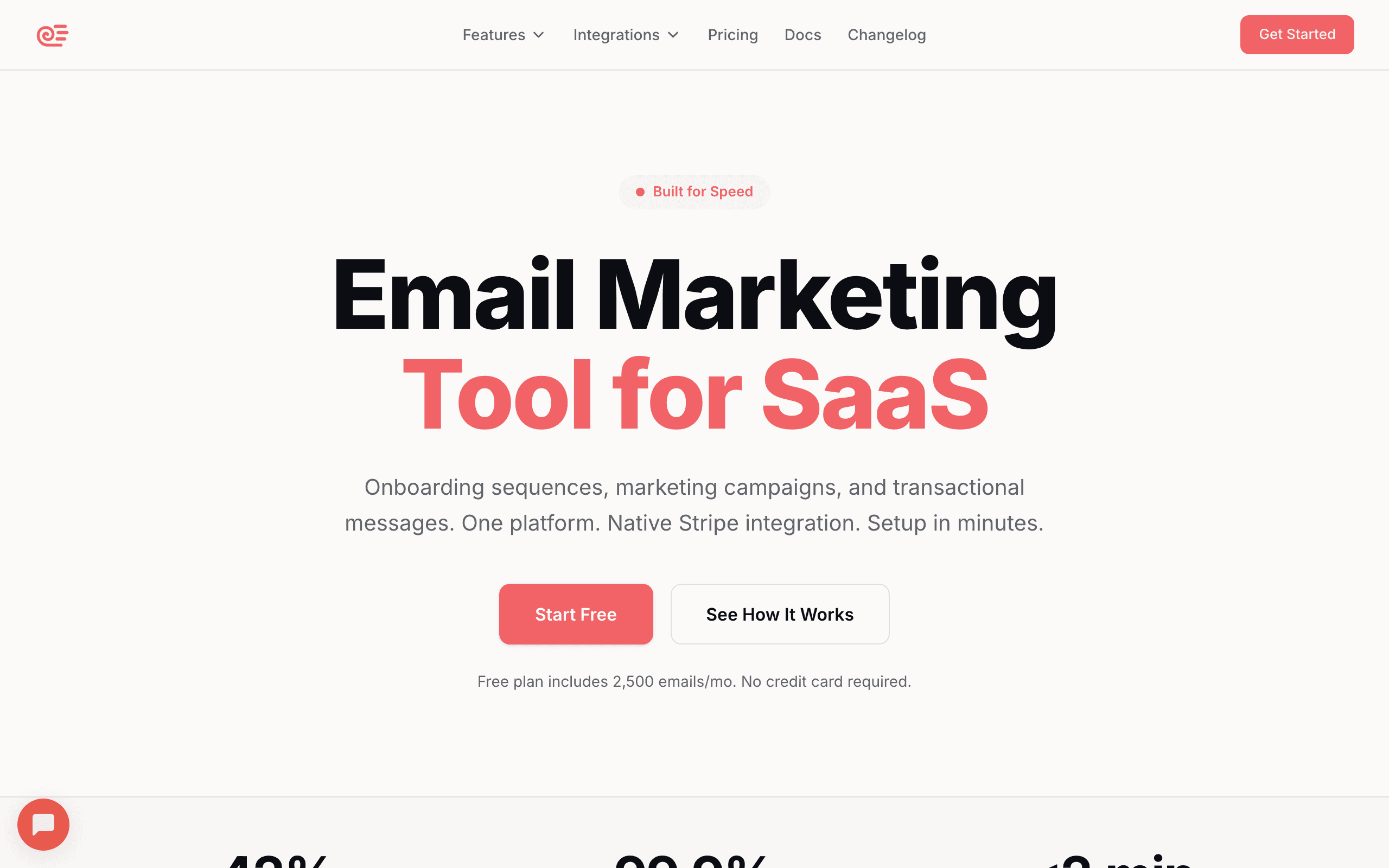
Sequenzy is built for exactly this use case: a SaaS founder who needs email marketing working quickly. The AI generates complete email sequences (onboarding, trial conversion, dunning) based on your product. Stripe integration automatically handles payment-related emails. You can have a functional email program in an afternoon.
The all-in-one approach means you don't need separate tools for transactional and marketing email. Welcome emails, onboarding sequences, dunning emails, and product updates all run from one platform. For a founder who's also the developer, marketer, and support person, fewer tools means less complexity.
The AI-generated sequences deserve special mention. Instead of staring at a blank email editor wondering what to write for your onboarding sequence, Sequenzy generates a complete sequence based on your product description and goals. The copy isn't perfect out of the box, but it's a solid starting point that saves hours of writing from scratch. You edit and refine rather than create from nothing.
Stripe integration is the other standout feature for SaaS founders. Connect your Stripe account and Sequenzy automatically sets up dunning sequences for failed payments, trial expiration reminders, and subscription lifecycle emails. These are the emails with the highest revenue impact, and they work without any manual setup.
- Setup time: Hours (AI generates initial sequences)
- Pricing: Free up to 2,500 emails/month, paid plans from $19/month
- Best for: SaaS founders wanting lifecycle email without the complexity
- Pros: AI-generated sequences, Stripe integration, transactional + marketing, fast setup, unified platform
- Cons: Newer platform, smaller ecosystem, less flexible for complex custom workflows
2. Resend
Best for: Technical founders who want the cleanest developer experience
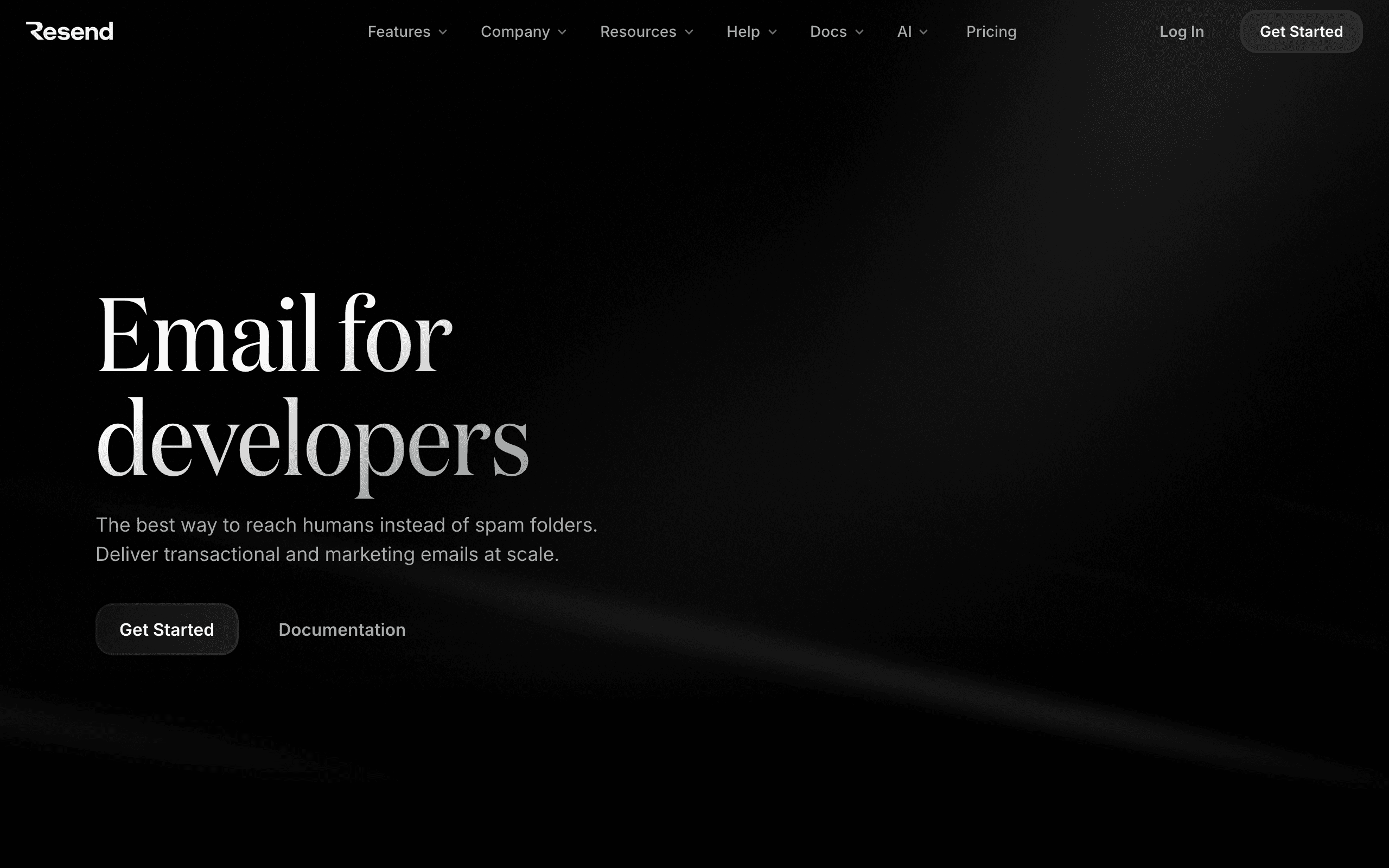
Resend is the email sending tool that developers love. TypeScript SDK, React Email templates, clean API, and excellent documentation. If you're a technical founder building with Next.js or React, Resend integrates into your stack naturally.
The developer experience is genuinely best-in-class. The SDK feels like it was designed by someone who actually builds products, not someone who builds email tools. Error handling is clear, the API is intuitive, and React Email lets you build email templates with the same components and tools you use for your product.
The trade-off: Resend is primarily for transactional email. You get sending APIs and basic audience management, but not marketing automation or campaign tools. For founders who just need reliable email delivery (welcome emails, notifications, password resets), Resend is the fastest path. You'll need a separate tool for marketing campaigns as you grow.
This is important to understand before committing. Resend will handle your Day 1 needs perfectly. But when you need an onboarding sequence, a trial conversion campaign, or a newsletter, you'll be adding a second tool. That's fine if you know it's coming. It's frustrating if you expected Resend to grow with you.
- Setup time: Minutes for sending, hours with React Email templates
- Pricing: Free for 100 emails/day, paid from $20/month
- Best for: Technical founders wanting transactional email with the best DX
- Pros: Best developer experience, React Email, fast setup, TypeScript-first, clean API
- Cons: No marketing automation, no campaigns, need second tool for lifecycle email
3. Loops
Best for: Startup founders wanting modern, simple email automation
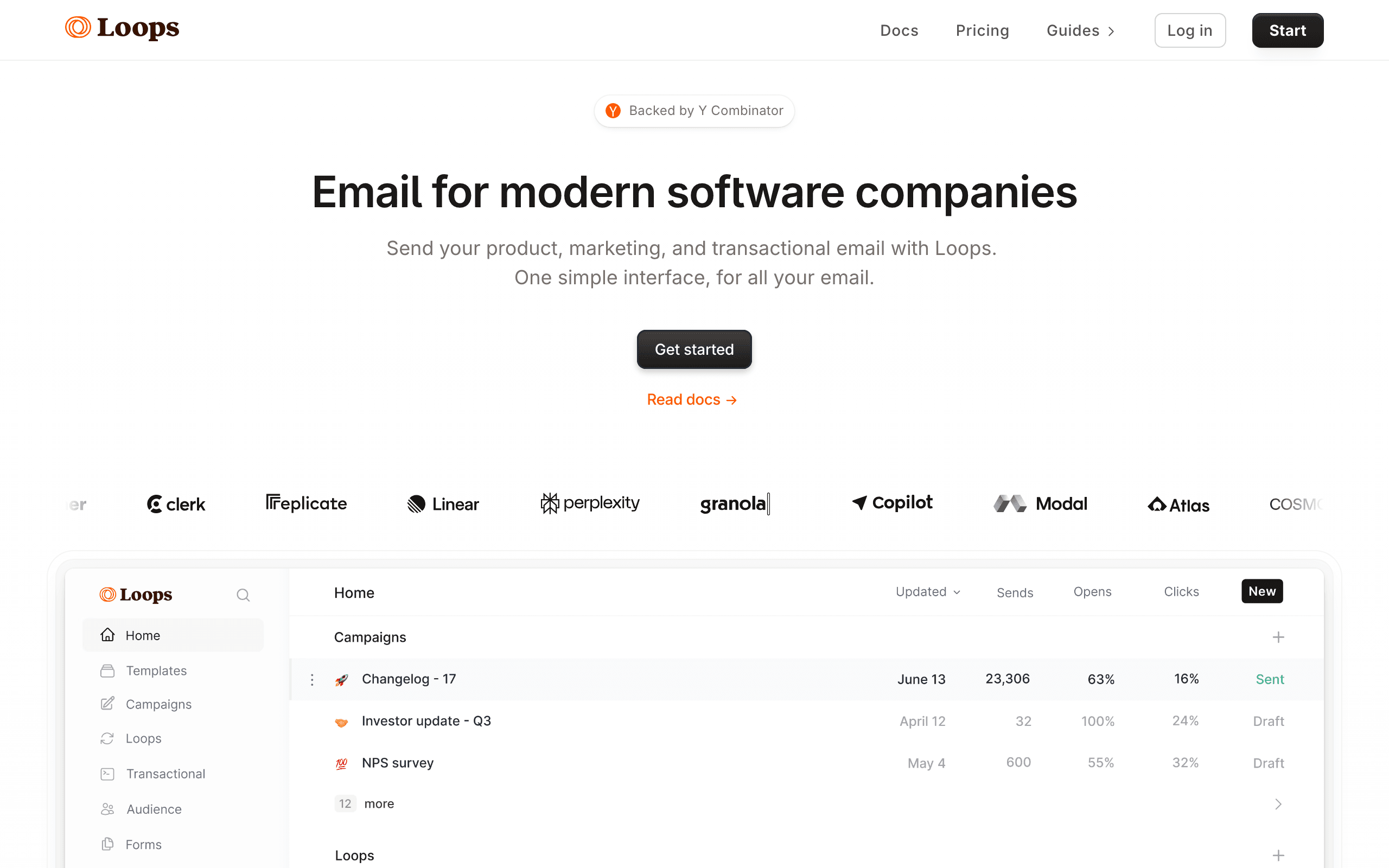
Loops targets the same audience as Sequenzy: SaaS startups. The interface is modern and clean. Event-driven automations work well for basic lifecycle email. The developer-friendly API makes integration straightforward.
The free tier (1,000 contacts) gives you room to set up and test before paying. For pre-launch or very early-stage startups, this means you can build your email infrastructure before you have revenue.
Loops' simplicity is both its strength and its limitation. Setting up a basic onboarding sequence takes minutes. The event-driven model (send event from your app, Loops triggers a sequence) is intuitive for developers. But when you need conditional logic, branching, or multi-step workflows with decision points, Loops starts to feel limiting.
The pricing jump from free to $49/month is steep. There's no intermediate plan. You go from free (1,000 contacts) to $49/month, which can feel like a lot when you're at 1,200 contacts and just getting started.
- Setup time: Hours
- Pricing: Free for 1,000 contacts, paid from $49/month
- Best for: Early-stage founders wanting simple, modern email automation
- Pros: Modern interface, good free tier, event-driven, developer-friendly
- Cons: Basic automation features, limited segmentation, steep jump from free to paid, limited conditional logic
4. ConvertKit (Kit)
Best for: Founder-creators who build an audience alongside their product
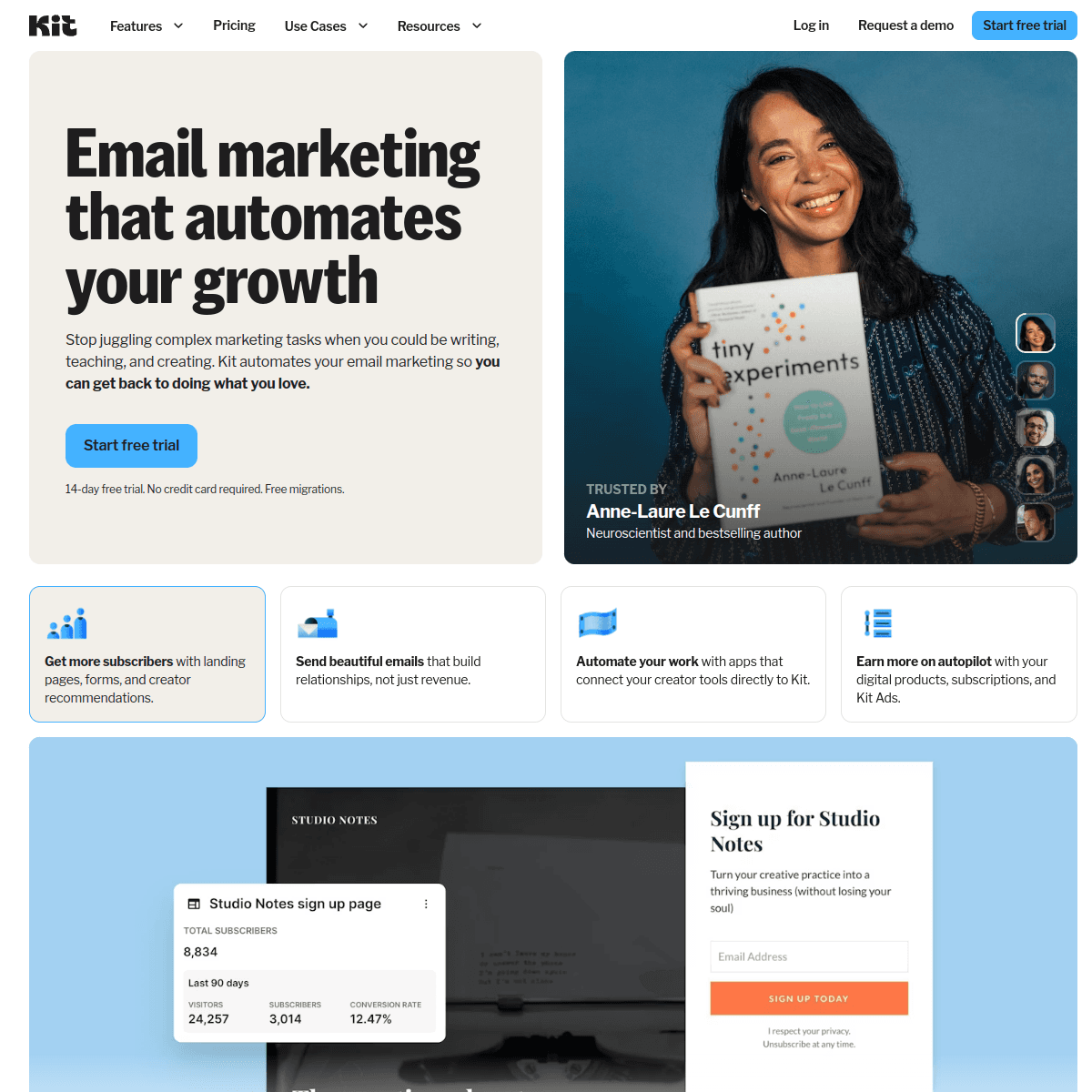
ConvertKit works for founders who use content marketing (blog posts, newsletters, tutorials) to grow their product. The generous free tier (10,000 subscribers), landing page builder, and commerce features (sell digital products) make it a complete growth toolkit.
Many solo founders use ConvertKit to build an audience before or alongside their product. The newsletter and email sequence features handle the content side, while the commerce integration handles sales. If your growth strategy is "build audience, then build product," ConvertKit supports that path.
The free tier is remarkably generous at 10,000 subscribers. But there's a significant catch: the free plan doesn't include automated sequences or visual automations. You can send broadcasts (one-off emails) but not drip sequences. For founders who need onboarding automation, this means paying from day one regardless of subscriber count.
ConvertKit is not SaaS-specific. It doesn't have event tracking, behavioral triggers, or product usage integration. If your email strategy is content-driven (newsletters, educational sequences, launch announcements), ConvertKit is excellent. If it's product-driven (onboarding based on user actions, trial conversion based on usage), you'll find it limiting.
- Setup time: Hours
- Pricing: Free up to 10,000 subscribers, paid from $29/month
- Best for: Founder-creators using content to grow
- Pros: Generous free tier, landing pages, commerce, creator-focused, newsletter-native
- Cons: Not SaaS-specific, no automations on free plan, limited event tracking, not product-usage-driven
5. Brevo (formerly Sendinblue)
Best for: Budget-conscious founders who need everything in one tool
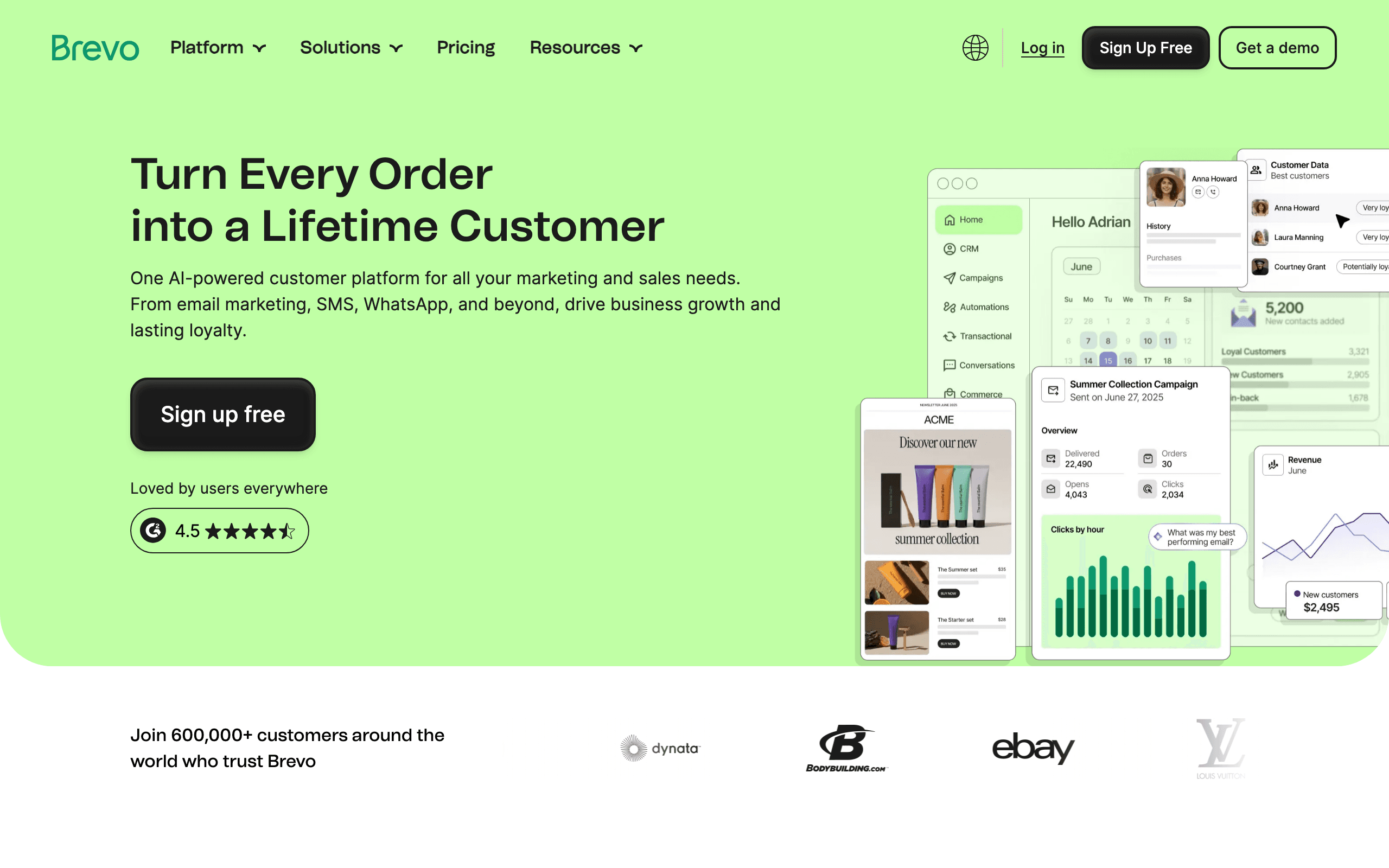
Brevo gives you email marketing, transactional email, SMS, and basic automation for less than most competitors charge for email alone. The free tier (300 emails/day, unlimited contacts) is generous enough for early-stage use.
For founders watching every dollar, Brevo's pricing is hard to beat. The $9/month Starter plan covers most needs. The platform isn't as polished as Sequenzy or as developer-friendly as Resend, but it works and it's cheap.
Brevo's strength for bootstrapped startups is the breadth of features at a low price point. You get transactional email, marketing campaigns, basic automation, landing pages, and even SMS in one platform for under $10/month. No other platform offers this feature set at this price.
The trade-off is polish and user experience. The email editor feels dated compared to newer tools. The automation builder works but isn't intuitive. Documentation is adequate but not developer-friendly. You'll spend more time figuring things out, but you'll spend less money.
- Setup time: Hours
- Pricing: Free for 300 emails/day, paid from $9/month
- Best for: Budget-conscious founders wanting affordable, complete email
- Pros: Cheapest option, transactional + marketing, SMS included, generous free tier, unlimited contacts on free
- Cons: Less polished, basic automation, editor isn't great, less developer-friendly
6. Postmark
Best for: Founders who prioritize transactional email reliability
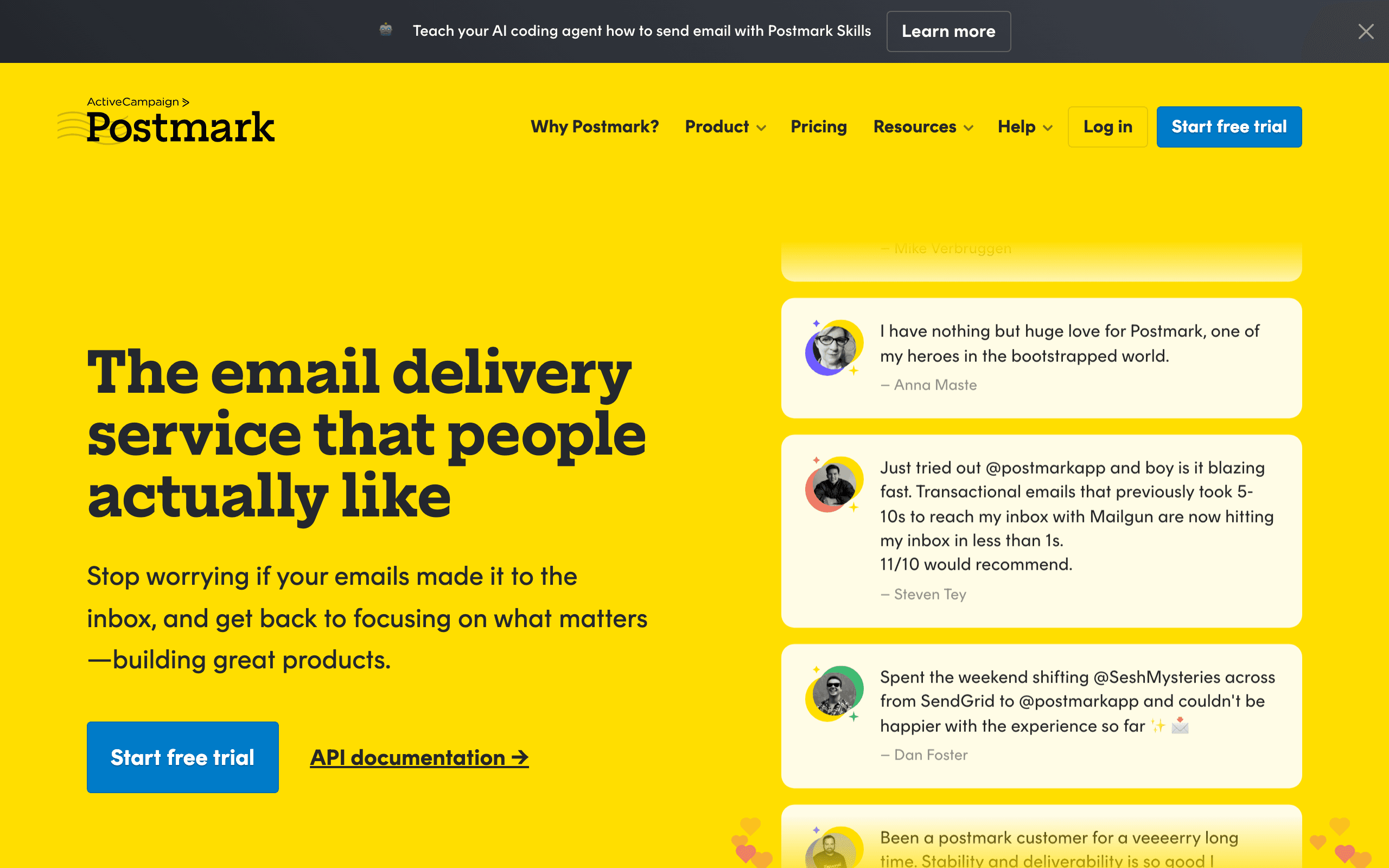
Postmark is the transactional email service that "just works." Password resets arrive in seconds. Receipts land in the inbox. Notification emails deliver reliably. For founders building products where transactional email reliability is critical (fintech, healthcare, SaaS with team features), Postmark provides peace of mind.
Postmark's deliverability is consistently among the best in the industry. They publish their delivery metrics publicly, maintain strict sending policies, and keep their IP pools clean. When your users say "I didn't get the verification email," the problem is almost never Postmark.
Like Resend, Postmark focuses on transactional email. Marketing campaigns are available as a secondary feature (called "Message Streams"), but it's not Postmark's strength. For founders who want the most reliable transactional delivery and will add marketing separately later, Postmark is the safe bet.
The pricing model is straightforward: you pay per email sent. No subscriber-based pricing, no tier complexity. At $15/month for 10,000 emails, it's reasonable for most startups. And you know exactly what you'll pay at every volume level.
- Setup time: Hours
- Pricing: From $15/month for 10,000 emails
- Best for: Founders prioritizing transactional email reliability
- Pros: Best transactional deliverability, fast delivery, reliable, clean API, transparent pricing
- Cons: Marketing features are secondary, no advanced automation, need a second tool for lifecycle email
7. Mailchimp
Best for: Non-technical founders who want the most familiar tool
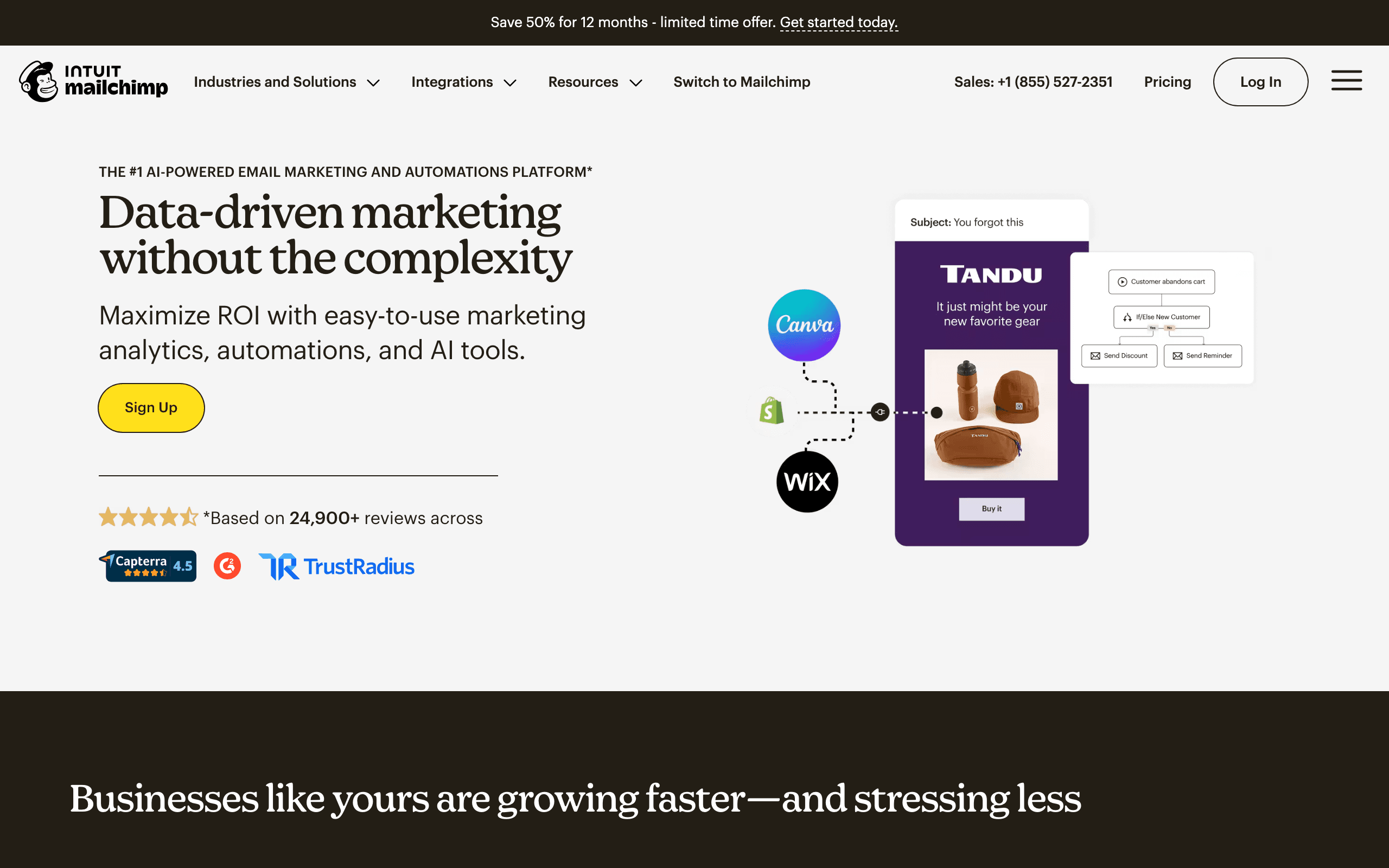
Mailchimp is the email tool everyone knows. If you've ever signed up for a newsletter, you've probably used Mailchimp on the receiving end. The familiarity means less learning curve. The template library means you can send decent-looking emails without design skills. The integration ecosystem means it connects to basically everything.
For non-technical founders who want to send campaigns without writing code, Mailchimp's drag-and-drop editor and template system provide the lowest barrier to entry. The free tier (500 contacts) gets you started.
Mailchimp's integration ecosystem is its hidden superpower for founders. It connects to virtually every tool you might use: Stripe, Shopify, Typeform, Calendly, Zapier, and hundreds more. This means you can build basic automations without writing code by connecting tools through Mailchimp's integration marketplace.
The downsides are real though. Pricing increases aggressively as you grow. The automation builder on lower tiers is limited. And for SaaS-specific use cases (event-driven sequences, behavioral triggers, product usage tracking), Mailchimp falls short. It's a great starting point for non-technical founders but often becomes the tool you migrate away from as you grow.
- Setup time: Minutes to hours
- Pricing: Free up to 500 contacts, paid from $13/month
- Best for: Non-technical founders wanting a familiar, easy-to-use tool
- Pros: Most familiar, huge template library, massive integration ecosystem, low learning curve
- Cons: Pricing increases fast, limited for SaaS, automation is basic on lower tiers, often a tool you outgrow
8. Customer.io
Best for: Technical founders building complex event-driven systems
Customer.io is the most powerful event-driven email platform. You send events from your app via API, and build complex workflows that act on those events. For technical founders who want full control over email logic without building it themselves, Customer.io provides the flexibility to implement virtually any automation scenario.
The event model is the key strength. You can track any user action (signed up, upgraded, used feature X, abandoned cart) and trigger emails based on combinations of events, time delays, and conditions. The workflow builder supports branching, logic gates, and multi-step sequences that go far beyond what simpler tools offer.
The trade-off is complexity and cost. Customer.io has a steeper learning curve than Loops or Sequenzy. The $100/month starting price is steep for early-stage startups. But if your email strategy depends on sophisticated behavioral triggers and you have technical chops to leverage the event model, Customer.io is the most flexible option.
- Setup time: Days (complexity requires planning)
- Pricing: Starts at $100/month
- Best for: Technical teams building complex behavioral email
- Pros: Most flexible event-driven system, powerful workflow logic, multi-channel, strong segmentation
- Cons: Expensive, complex setup, steep learning curve, overkill for simple needs
9. MailerSend
Best for: Founders wanting transactional API with a usable template editor
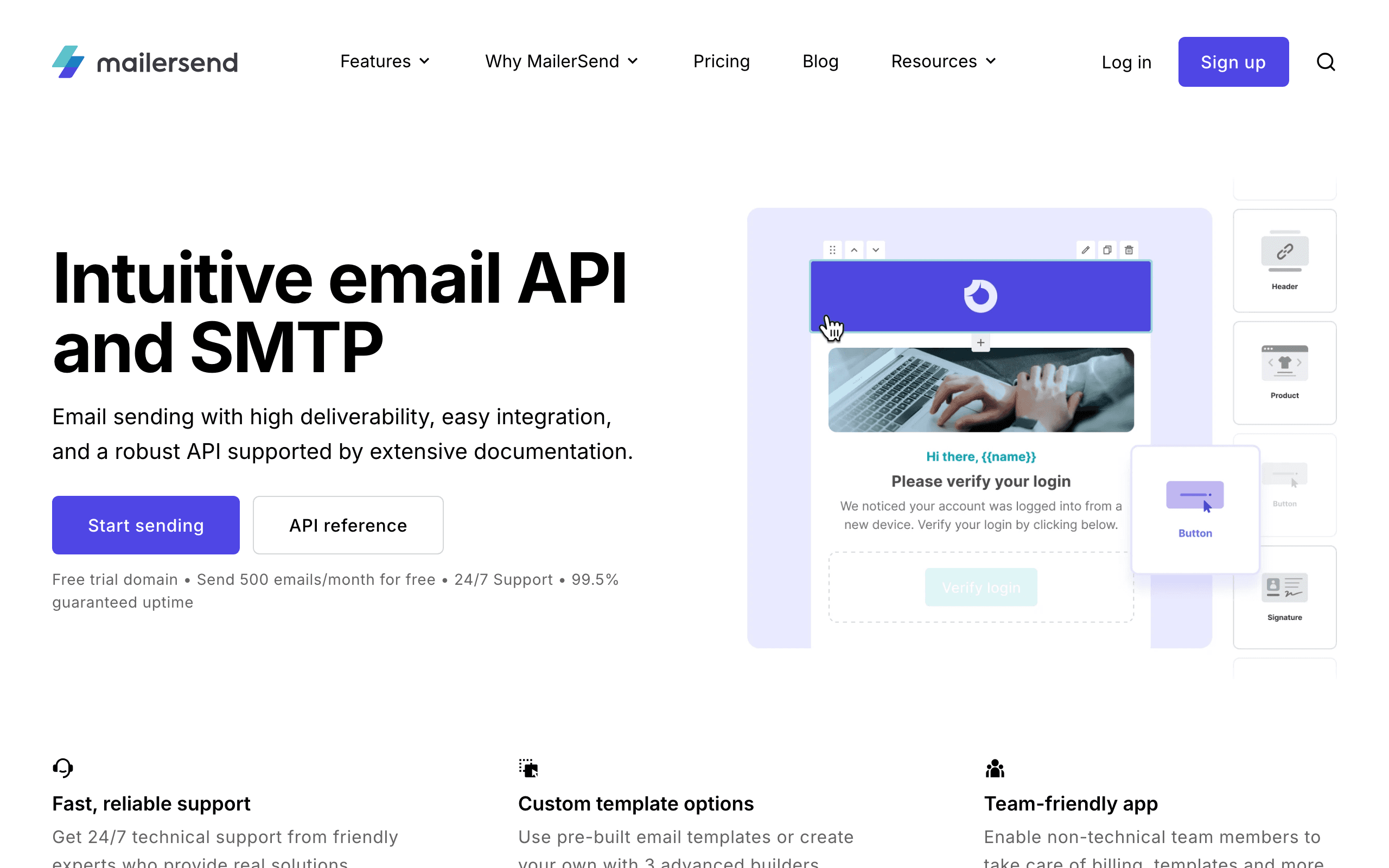
MailerSend is the developer-focused product from the MailerLite team. It's a transactional-first API with a drag-and-drop template editor alongside, so non-developers can edit copy without touching code. For founder-led teams where the founder handles marketing but also writes code, this hybrid approach is useful.
The pricing scales by emails sent, which is fairer than per-contact billing for transactional use cases. The API is clean with SDKs for Node, PHP, Python, Ruby, Go, and Java. Templates can be parameterized with variables and rendered server-side, similar to Postmark's approach.
For founders who need reliable transactional email but also want marketing teammates to edit templates without deploying, MailerSend hits a middle ground between pure API tools (Resend, Postmark) and full marketing platforms.
- Setup time: Hours
- Pricing: Free up to 3,000 emails/month, paid from $28/month
- Best for: Teams wanting transactional API with editable templates
- Pros: Drag-and-drop editor with API access, fair email-based pricing, broad SDK support, generous free tier
- Cons: Smaller community than SendGrid/Mailgun, marketing automation is limited, deliverability good but not Postmark-tier
10. Amazon SES
Best for: AWS-native founders wanting maximum control and lowest cost
Amazon SES is pure infrastructure. It's an email sending API with nothing on top. No templates, no automation, no subscriber management. You get an SMTP endpoint and an API, and you build everything else yourself.
For founders already in the AWS ecosystem, SES integrates naturally with Lambda, SNS, S3, and other services. You can build sophisticated email systems, but you're building from scratch. If you're considering this route, our guide on building vs buying email infrastructure helps you calculate the true cost of the DIY approach.
The cost is unbeatable: $0.10 per 1,000 emails. At scale, nothing comes close. The trade-off is that "scale" usually means hiring an engineer to manage IP reputation, bounce processing, and feedback loops. For most founders, SES is a false economy - your time is worth more than the savings.
- Setup time: Weeks (building infrastructure)
- Pricing: $0.10 per 1,000 emails
- Best for: AWS-native teams wanting maximum control
- Pros: Cheapest email sending at any scale, full control, AWS ecosystem integration, no contact-based pricing
- Cons: Zero marketing features, significant development work required, IP reputation management is on you
11. Mailgun
Best for: High-volume founders needing infrastructure with some convenience
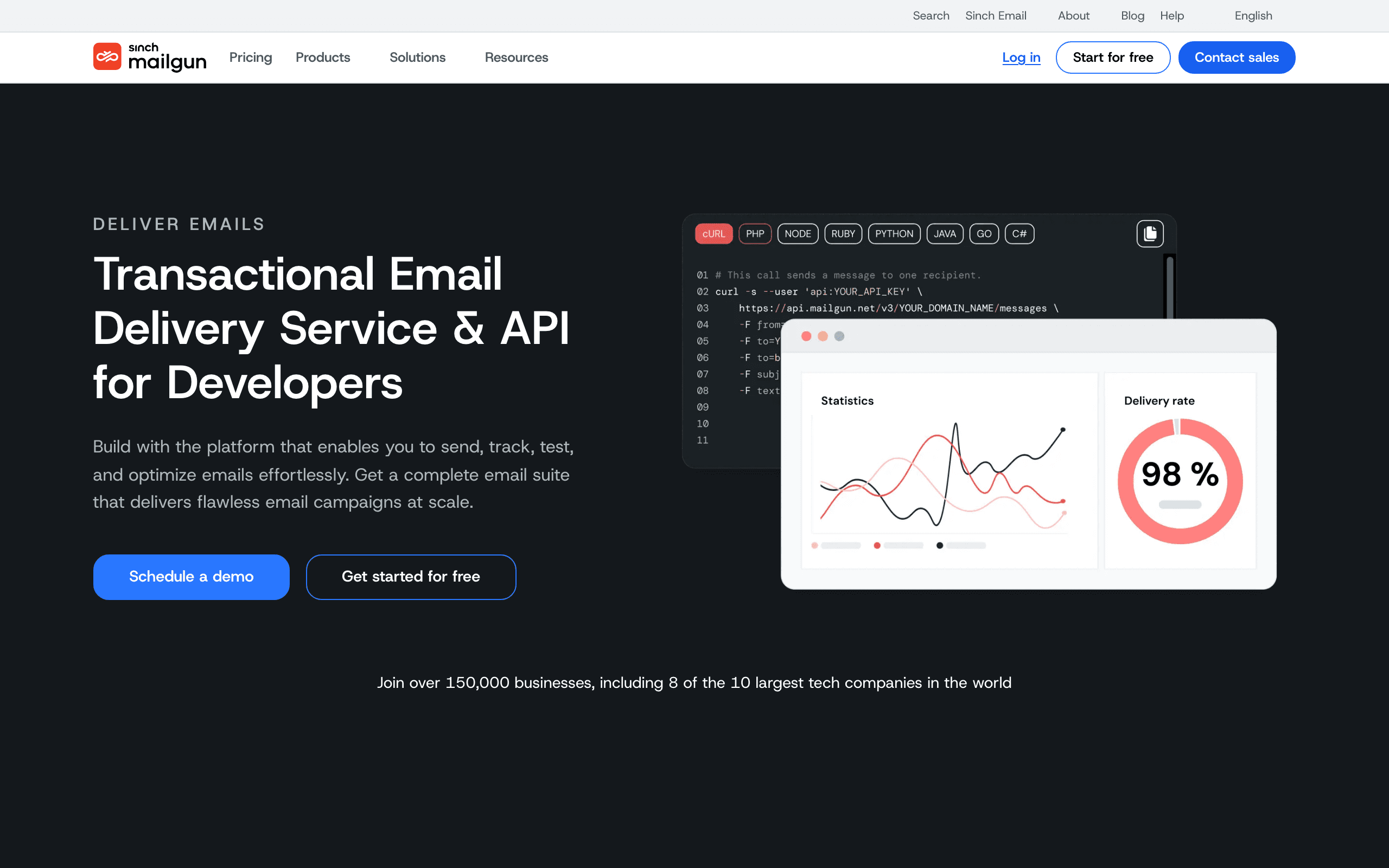
Mailgun sits between SES (pure infrastructure) and full marketing platforms. You get a sending API, some template management, basic analytics, and validation tools. More than SES, less than a full marketing tool.
The API is RESTful and well-documented. The email validation API (checking if addresses are deliverable before sending) is useful for list hygiene. The logs and analytics give you visibility into what's happening with your sends. Inbound email routing is genuinely best-in-class if you need to receive and parse replies programmatically.
For most founders, Mailgun is more infrastructure than you need. It makes sense when you're sending at high volume (millions of emails per month) and have dedicated engineering resources to manage deliverability. For early-stage startups, simpler tools are faster to set up and easier to maintain.
- Setup time: Days
- Pricing: Free trial, paid from $35/month
- Best for: High-volume senders needing infrastructure
- Pros: Good balance of infrastructure and convenience, email validation API, detailed logs, reliable at high volume
- Cons: No marketing automation, template management is basic, gets expensive at scale compared to SES
12. SendGrid (Twilio)
Best for: Founders wanting a mature API with optional marketing features
SendGrid has been around long enough that most developers have used it. The API is mature and comprehensive, supporting everything from single sends to mass campaigns. The marketing side (Marketing Campaigns) adds automation on top.
The developer documentation is extensive, and SDKs exist for every major language. The webhook system is reliable. The downside: the platform has gotten more complex over the years (especially after the Twilio acquisition), and the pricing can be confusing with multiple tiers and add-ons.
For founders who want a safe, established choice with a large community and plenty of resources, SendGrid is a reasonable pick. But newer tools like Resend and Sequenzy offer better developer experiences for modern stacks.
- Setup time: Hours
- Pricing: Free for 100 emails/day, paid from $19.95/month
- Best for: Teams wanting a mature, battle-tested API
- Pros: Mature API, comprehensive SDKs, both transactional and marketing, large community
- Cons: Can be confusing (Twilio integration complexity), pricing gets complicated, interface feels dated
13. Userlist
Best for: B2B SaaS founders where account-level targeting matters
Userlist is built around B2B SaaS data shapes: companies, users within companies, plans, MRR, role. For B2B SaaS founders where emails go to teams (not individual users), this account-level model is more natural than the contact-centric model in most email tools.
You can send a campaign to "all admins on the Pro plan whose company has at least 5 active users this month," which is the kind of segmentation that requires a lot of glue code in most other platforms. For B2B SaaS where purchasing decisions are made at the account level, this matters.
The API is clean and the team is responsive. Userlist is more expensive than some alternatives, but for B2B SaaS where the account-based data model saves engineering time, it can be worth it.
- Setup time: Days
- Pricing: From $49/month, scales with users
- Best for: B2B SaaS where account-level data matters
- Pros: B2B-shaped data model, clean API, account-level segmentation, responsive team
- Cons: Overkill for B2C, smaller ecosystem, B2C use cases feel awkward
14. Bento
Best for: Technical founders wanting Liquid and JavaScript inside emails
Bento is a smaller player aimed at developer-friendly SaaS marketing. The differentiator is that you can run Liquid templating and even JavaScript snippets inside emails to compute personalized content at send time. For SaaS lifecycle email that needs per-user data baked in (latest invoice, current usage, recommended next action), this is unusually powerful.
The UI is fine but unpolished. Documentation is improving but still has gaps. The audience is small enough that you'll know the founders by name in their Slack community. For technical teams that want serious in-email personalization without writing a custom rendering pipeline, Bento punches above its weight.
Bento is newer and less proven than Sequenzy or Loops. But for technical founders who want to script email content with JavaScript and access the full event data model, it's one of the few options.
- Setup time: Days
- Pricing: From $25/month, scales with subscribers
- Best for: Developer marketers wanting powerful in-email scripting
- Pros: Powerful Liquid + JS templating, developer-oriented, reasonable pricing, visitor tracking
- Cons: Smaller player, UI rough in spots, smaller integration ecosystem
15. Mailtrap
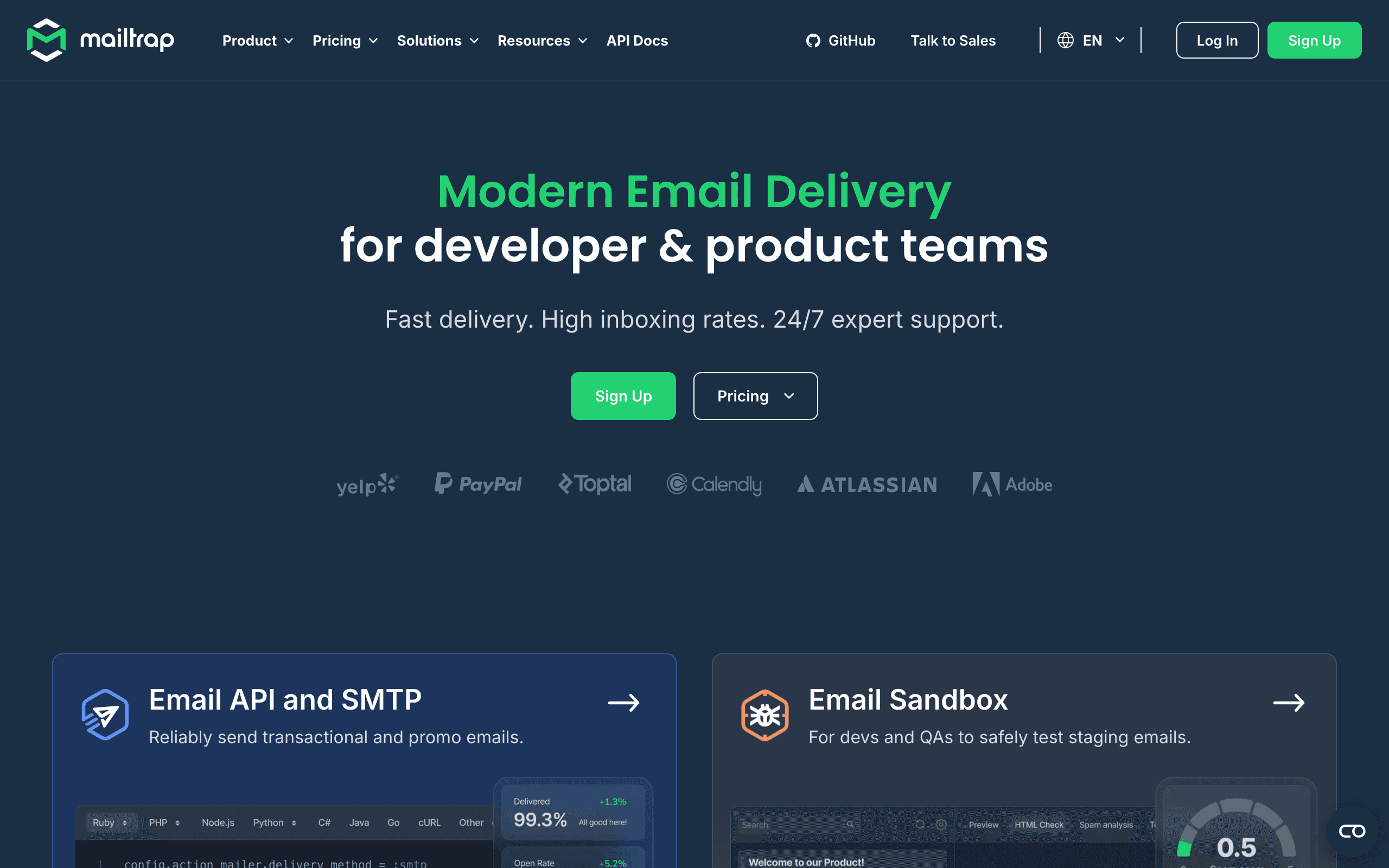
Best for: Founders who want safe email testing alongside production sending
Mailtrap started as the canonical email testing sandbox: route your dev/staging emails to Mailtrap and inspect them in a fake inbox without anything reaching real users. It now also offers production sending via API, with the same dashboard for test and live email.
For founder-led teams, the appeal is using one tool across environments. Test in the sandbox, ship to production sending, inspect both with the same interfaces. The HTML rendering preview across major email clients is unusually good, which catches a lot of layout bugs before they hit real inboxes.
Mailtrap's production sending is newer than its testing heritage. Deliverability is good but not Postmark-tier. For founders who prioritize safe testing workflows and reasonable production sending, Mailtrap is a solid all-in-one choice.
- Setup time: Hours
- Pricing: Free testing tier, sending from $10/month
- Best for: Teams wanting email testing + sending in one place
- Pros: Best-in-class email testing sandbox, production sending alongside, cross-client HTML preview
- Cons: Production sending volume tiers are tight, marketing features are minimal
16. Knock
Best for: Founders building product notifications across multiple channels
Knock is "notifications-as-a-service" rather than a pure email tool. You define notification workflows once (with conditions, batching, throttling), and Knock fans them out across email, push, SMS, in-app feeds, Slack, and other channels. Email is just one of the destinations.
For founders building products with heavy notification features (mentions, comments, state changes, alerts), Knock removes the work of building per-channel preference management, batching logic, and channel routing. The downside is that pure email use cases are an awkward fit. You're paying for cross-channel orchestration whether you use it or not.
Knock is expensive for early-stage startups. But if your product's value proposition includes notifications across channels, the time saved building notification infrastructure can justify the cost.
- Setup time: Days
- Pricing: Free for 1,000 subscribers, from $250/month
- Best for: Teams building multi-channel product notifications
- Pros: True multi-channel orchestration, preference center built in, batching and throttling primitives
- Cons: Pricing jumps quickly, awkward fit if you only need email, learning curve for the workflow model
17. Courier
Best for: Technical founders wanting provider abstraction for notifications
Courier overlaps with Knock conceptually: it's a notification routing layer that sits in front of your email, push, SMS, and chat providers. The angle is provider abstraction. Send a notification to Courier, and it routes to whichever email/SMS/chat provider you have configured, with automatic fallback if one fails.
For technical founders who want to avoid lock-in to any single email provider, Courier provides a neutral API layer. You can swap SendGrid for Postmark without touching your application code, just by changing the Courier integration. The trade-off is an additional vendor in your notification stack.
Courier is more affordable than Knock but still represents significant overhead for early-stage startups. It makes sense when you've outgrown simple email sending and need sophisticated multi-channel routing with failover.
- Setup time: Days
- Pricing: Free up to 10,000 notifications/month, from $100/month
- Best for: Multi-channel notification routing with provider abstraction
- Pros: Provider-agnostic notification routing, automatic failover, preference management
- Cons: Adds a layer of indirection, costs add up alongside underlying providers, debugging routing is complex
18. Plunk
Best for: Self-hosting founders wanting modern open-source email
Plunk is an open-source email marketing platform you can self-host. It includes a transactional API, contact management, basic automations, and a clean modern dashboard. The codebase is TypeScript, the deployment model is Docker, and the cloud option exists if you don't want to operate it yourself.
For technical founders who treat self-hosting as a feature rather than a chore, Plunk hits a niche of "open source but with a real UI and a real API." It's younger than alternatives like Listmonk, so the ecosystem is smaller, but the codebase is approachable if you want to extend it.
Self-hosting email means you own deliverability, IP warmup, bounce processing, and compliance. For most founders, this is more operational burden than it's worth. But if data sovereignty or avoiding vendor lock-in is a core requirement, Plunk is a viable option.
- Setup time: Days (self-hosted deployment)
- Pricing: Free (self-hosted), or hosted cloud from $19/month
- Best for: Self-hosters wanting modern open-source email platform
- Pros: Open source, modern TypeScript codebase, Docker-friendly, both self-hosted and hosted options
- Cons: Younger than Listmonk, smaller community, you operate the server (self-hosted)
19. Listmonk
Best for: Self-hosting founders wanting a fast, single-binary solution
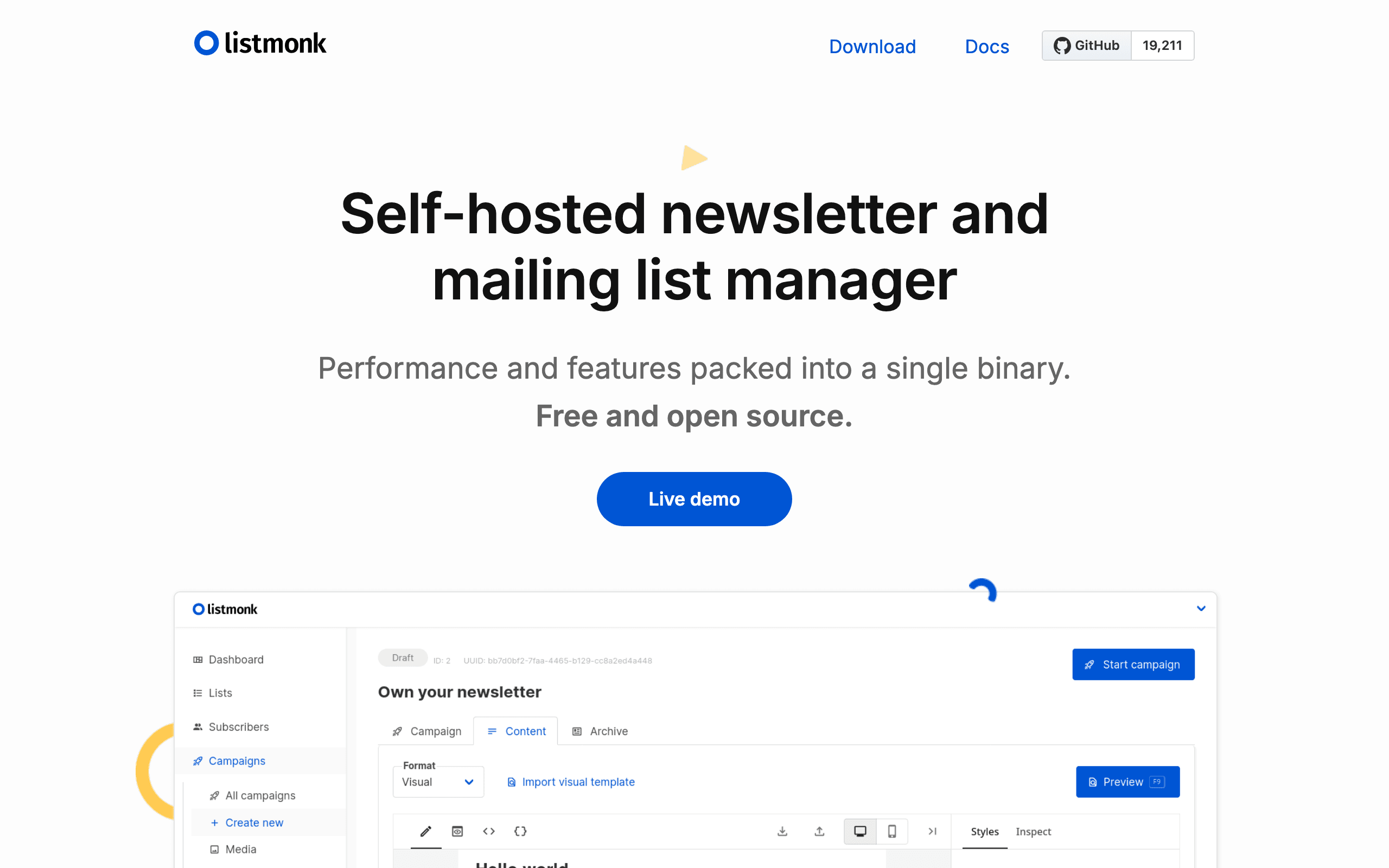
Listmonk is a self-hosted, open-source newsletter and mailing list manager written in Go. It's a single binary plus a PostgreSQL database. Boot it on a small VPS, point it at any SMTP provider (SES, Postmark, your own), and you have a complete platform with web UI, segmentation, templating, analytics, and an API.
For technical founders who want full data ownership and are comfortable running infrastructure, Listmonk is excellent. It's fast, the UI is clean, and the data is yours. The trade-off is operational: you own upgrades, backups, deliverability tuning, bounce processing, and DNS.
Listmonk has been around longer than Plunk and has a more mature community. For founders who are serious about self-hosting and want a battle-tested solution, Listmonk is the go-to choice in the open-source email space.
- Setup time: Days (infrastructure setup)
- Pricing: Free (self-hosted, plus your VPS + SMTP costs)
- Best for: Self-hosters wanting fast, single-binary newsletter platform
- Pros: Self-hosted, fast Go binary, full data ownership, no vendor lock-in, BYO sending infrastructure
- Cons: You run the server, deliverability is your problem, no built-in payments, smaller ecosystem
20. Buttondown
Best for: Founders wanting API-friendly newsletters with markdown
Buttondown is a newsletter tool with one of the cleaner developer APIs in the newsletter category. You can subscribe users, send drafts, manage tags, and handle webhooks programmatically. Markdown is the native authoring format, which fits technical founders who already work in markdown for everything else.
For founders who want a hosted newsletter tool that they can integrate into their stack (auto-subscribing GitHub stargazers, triggering issues from CI, syncing to Notion), Buttondown's API is good enough to be a real building block. It's not a marketing automation platform, and it doesn't pretend to be.
Buttondown is ideal for founder-creators who want a simple newsletter with programmatic control. It's not for SaaS lifecycle email or behavioral automations. But for product update newsletters, launch announcements, and content-driven communication, it's refreshingly simple.
- Setup time: Hours
- Pricing: Free for 100 subscribers, paid from $9/month
- Best for: API-friendly newsletters with markdown-native authoring
- Pros: Markdown native, clean API, webhooks, RSS import, Stripe for paid newsletters
- Cons: Newsletter-only (no transactional or automation), smaller scale, no SDK
21. MailPace
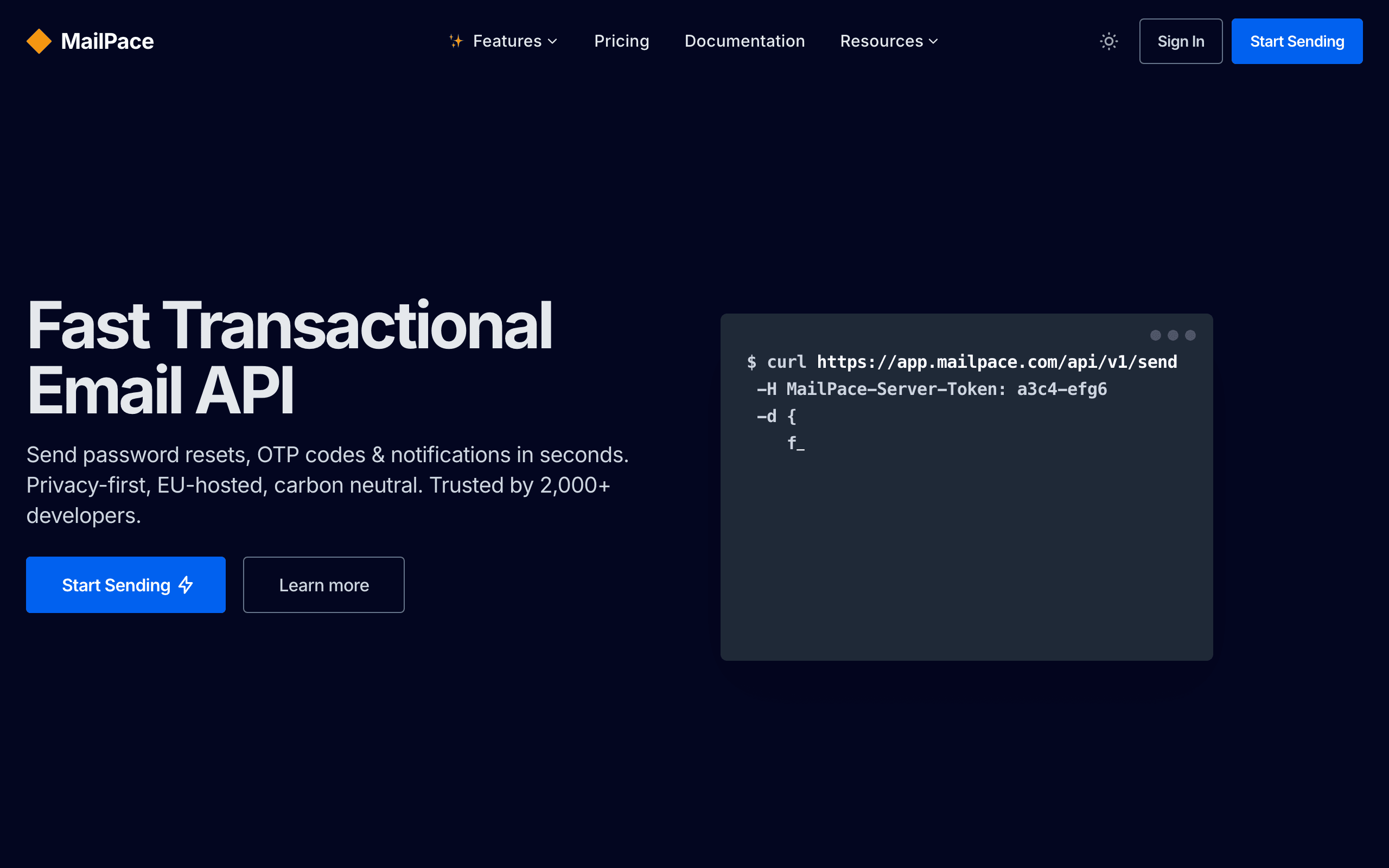
Best for: Privacy-conscious founders wanting fast, EU-hosted transactional email
MailPace (previously OhMySMTP) is a transactional API focused on speed, privacy, and EU hosting. The API is straightforward, the dashboards are clean, and the company is upfront about not tracking opens or clicks by default (you opt in if you want that data).
For technical founders subject to strict privacy or data-residency requirements (EU customers, GDPR-sensitive industries), MailPace is one of the few transactional providers that handles this seriously rather than as a checkbox. Performance is competitive with Postmark, with sub-second median delivery.
MailPace is a newer player in the transactional space, so the track record is shorter than Postmark or SendGrid. But for founders who need EU hosting, privacy-first defaults, and fast delivery without paying enterprise prices, MailPace is worth considering.
- Setup time: Hours
- Pricing: From $10/month for 5,000 emails
- Best for: Privacy-conscious teams wanting fast, EU-hosted transactional email
- Pros: EU hosting, privacy-first defaults, fast delivery, transparent pricing
- Cons: Smaller scale than Postmark, fewer SDKs, limited marketing/automation features
The Founder's Email Stack Decision
Option A: One Tool Does Everything
Use a platform like Sequenzy or Brevo that handles both transactional and marketing email. Simpler stack, one bill, one integration.
Pros: Simpler, cheaper, faster to set up, one dashboard for everything Cons: May not be best-in-class at any one thing
Best for: Solo founders and small teams who value simplicity over optimization.
Option B: Specialized Tools
Use Resend or Postmark for transactional email plus ConvertKit or Loops for marketing. Each tool does its job well.
Pros: Best performance for each use case, more flexibility Cons: Two integrations, two bills, data syncing needed, more complexity
Best for: Technical founders comfortable managing multiple tools, or teams where transactional reliability is critical.
Option C: Start Simple, Add Later
Start with one tool for transactional email (Resend, Postmark). Add marketing automation (Sequenzy, Loops) when you have enough users to justify it. Don't pay for features you won't use for 6 months.
Pros: Lowest initial cost and complexity, focused on what matters now Cons: Migration cost later, delayed marketing email
Best for: Pre-revenue startups and founders who want to defer decisions until they have more data.
My recommendation for most SaaS founders: Option A or C. Either start with a unified platform (Sequenzy, Brevo) or start with transactional only (Resend) and add marketing when you need it. Don't over-engineer your email stack before product-market fit. For more detail on this decision, see our guide on choosing an email platform for SaaS.
Email Priorities by Stage
Pre-launch (0 users)
- Set up transactional email infrastructure (email verification, password reset)
- Create a landing page with email capture
- Send a simple welcome email to early subscribers
- Don't spend more than a day on email at this stage
Launch to 100 users
- Welcome email sequence (3 emails)
- Basic onboarding guidance
- Product update emails (manual, as needed)
- Manually reply to users who reply to your emails (this is your most valuable feedback channel)
100 to 1,000 users
- Full onboarding sequence (5-7 emails). See our guide on creating a SaaS onboarding email sequence for a detailed walkthrough.
- Trial conversion sequence
- Dunning emails for failed payments
- Monthly product update newsletter
- Start tracking which emails drive product engagement
1,000+ users
- Lifecycle segmentation (trial, active, at-risk, churned)
- Re-engagement campaigns
- Upsell/upgrade sequences
- Churn prevention automations
- Referral campaigns
- Behavioral triggers based on product usage
- Start measuring email's impact on revenue retention
Common Founder Mistakes With Email
Mistake 1: Over-Engineering Too Early
You don't need a 15-email onboarding sequence when you have 50 users. Start with 3 emails: welcome, quick start guide, and "how can I help?" Add more emails as you learn what users need. Complexity should follow data, not assumptions.
Mistake 2: Choosing Based on Features You Don't Need Yet
Don't pick a tool because it has AI-powered send time optimization when you haven't written your first email sequence. Choose based on what you need in the next 3 months, not what you might need in 18 months. You can always migrate later, and the cost of migrating is lower than the cost of using a complex tool when you need a simple one.
Mistake 3: Ignoring Transactional Email
Founders often focus on marketing email (newsletters, campaigns) and neglect transactional email (verification, receipts, notifications). Your transactional emails reach 100% of users and set expectations for your product. A slow or unreliable password reset email damages trust more than a missing newsletter.
Mistake 4: Not Measuring Anything
At minimum, track: email delivery rate (are emails reaching inboxes?), onboarding sequence completion (do users finish the sequence?), and unsubscribe rate (are you annoying people?). You don't need a sophisticated analytics setup. You need basic visibility into whether email is working.
Mistake 5: Treating Email as Set-and-Forget
Your first email sequences will be mediocre. That's fine. What matters is iteration. Read replies. Check open rates. Talk to users about which emails were helpful. Update your sequences quarterly based on what you learn.
FAQ
Should I set up email before launching my product? Yes, but only transactional basics. Email verification, password reset, and a welcome email. Don't spend a week on email automation when you don't have users yet. Set up the minimum, launch, and iterate.
How much should a startup spend on email tools? $0-50/month for the first year. Free tiers exist for a reason. Don't pay for 50,000-contact plans when you have 200 users. Scale spending with your subscriber count. The money you save on email tools is better spent on product development or acquisition.
Should I use the same tool for transactional and marketing email? If possible, yes. One tool is simpler to manage, and platforms like Sequenzy and Brevo handle both. The exception is if you need best-in-class transactional delivery (use Postmark) alongside marketing automation (use a separate tool).
When should I start sending marketing emails? When you have something worth saying and someone to say it to. A welcome sequence should exist from day one. A newsletter can wait until you have 100+ subscribers and a regular cadence of product updates or content to share.
What's the biggest email mistake founders make? Waiting too long to set up onboarding emails. Every user who signs up without receiving an onboarding sequence is a missed opportunity. Even a simple 3-email sequence dramatically improves activation rates. Set it up before your first 100 users, not after your first 1,000.
Should I write emails myself or use AI? Both. Use AI to generate first drafts and then edit them to match your voice. The emails that perform best are personal, specific to your product, and sound like they come from a real person. AI gets you 70% of the way there. Your editing gets the final 30%.
When should I consider switching email tools? When your current tool is actively holding you back. Signs include: you can't set up an automation you need, your delivery rates are declining, pricing has become unreasonable for your volume, or you're spending more time fighting the tool than using it. See our guide on when to switch email providers for a detailed framework.
How do I handle email for a product-led growth model? PLG email relies heavily on behavioral triggers: emails sent based on what users do in your product. Choose a tool that supports event-driven automation (Sequenzy, Customer.io, Loops) rather than one built for broadcast campaigns (Mailchimp, ConvertKit). The emails should respond to user actions, not your marketing calendar.
Which tool is best for pre-revenue startups? Start with free tiers. Loops (1,000 contacts free), ConvertKit (10,000 subscribers free but no automations), or Resend (100 emails/day free) all let you set up infrastructure without paying. Don't commit to a paid plan until you have users and enough data to know what you actually need.
Should I worry about deliverability as an early-stage startup? Yes, but don't obsess. Use reputable providers (Postmark, Resend, Mailgun) and you'll be fine. The basics: authenticate your domain (SPF, DKIM, DMARC), don't buy lists, only email people who opted in, and make unsubscribing easy. If you're doing those things, deliverability won't be your bottleneck - product-market fit will.
Can I migrate from one tool to another later? Yes. Migration is a hassle but not a blocker. Export your subscribers, re-import to the new tool, rebuild your automations, and you're done. The cost is a few days of work. This is why it's fine to start with a simpler tool and migrate to a more powerful one later. Don't over-optimize for hypothetical future needs.