Updated 2026-03-18

Best Email Marketing Tools for AI Agents

Let your AI agent create campaigns, manage subscribers, and send emails autonomously. These platforms are built for programmatic control, not just human dashboards.

AI agents are taking over email marketing operations. Not in a theoretical future - right now. Teams are building agents that monitor subscriber engagement, create campaigns based on product events, generate personalized email content, and optimize send times without human intervention. But most email marketing platforms were designed for humans clicking through dashboards. These 10 tools are ranked by how well they support agent-driven workflows - from native MCP servers that agents can call directly, to clean APIs that make programmatic control reliable, to webhook systems that feed data back to your agent for decision-making.

TL;DR

Sequenzy is the best email platform for AI agents because it offers a native MCP server with 40+ tools that agents can call directly - no custom integration needed. For transactional-only email, Resend's clean API makes it easy for agents to send programmatically. For advanced event-driven automation that agents can trigger, Customer.io has the deepest pipeline. But for full agent control over the entire email lifecycle - creating, sending, analyzing, and optimizing - Sequenzy is the only platform where an agent can do everything a human marketer can.

Why AI Agents Need Proper Email Tools

Agents Operate at Machine Speed

An AI agent can create and analyze hundreds of campaign variants in the time it takes a human to write one email. But only if the email platform's API can keep up. Platforms designed for dashboard-first usage often have rate limits, slow endpoints, and incomplete APIs that bottleneck agent performance. Agent-compatible platforms are built for programmatic speed.

Agents Need Structured Data, Not Dashboards

Agents cannot look at a chart and understand trends. They need structured data returned from API calls - open rates as numbers, subscriber attributes as JSON, campaign status as enums. Platforms with comprehensive, well-typed APIs let agents make data-driven decisions. Platforms that hide data behind dashboards are useless to agents.

Autonomous Operation Requires Complete API Coverage

If an agent can create a campaign but not schedule it, or send an email but not check if it was delivered, the workflow breaks and requires human intervention. Full agent autonomy requires complete API coverage - every action a human can take in the dashboard must be available programmatically.

Feedback Loops Drive Agent Improvement

The best agent-driven email programs get better over time because agents learn from results. This requires the email platform to provide detailed, timely analytics through the API - not just aggregate stats, but per-recipient engagement data that the agent can use to refine its content generation, timing, and targeting decisions.

AI Agent Email Management Email Marketing Benchmarks

Know these numbers before you start. They'll help you set realistic goals and pick the right tool.

45-120 seconds
Agent Campaign Creation Time

An AI agent creates a complete campaign (segment selection, content generation, subject line, preview text, scheduling) in 45-120 seconds. A human marketer takes 30-90 minutes for the same task. The 20-40x speed improvement compounds when creating multiple campaign variants or running A/B tests.

+15-25% over baseline
Agent-Optimized Open Rate Improvement

Agents that analyze past campaign performance and optimize subject lines, send times, and segment targeting typically improve open rates by 15-25% compared to manually managed campaigns. The improvement comes from the agent's ability to process more data points and test more variations than a human can.

< 1 hour
Mean Time to React to Engagement Drops

An agent monitoring email metrics can detect and respond to engagement drops within minutes - pausing underperforming campaigns, adjusting content, or alerting the team. Human-managed programs typically take 1-3 days to notice and react to the same signals.

< 2%
Agent Error Rate (with guardrails)

Well-configured agents with proper guardrails (content validation, human approval for large sends, rate limiting) have an error rate below 2% on email operations. Without guardrails, error rates jump to 8-15%, primarily from content quality issues and incorrect segmentation.

Important Tips Before You Choose

Lessons from ai agent email managementwho've been doing this for years. Save yourself the trial and error.

Design Agent Workflows Around Events, Not Schedules

The best agent-driven email workflows trigger on real events - a user hits a usage milestone, a payment fails, a feature gets shipped. Avoid building agents that send campaigns on fixed schedules. Events give agents the context they need to generate relevant, timely content that subscribers actually want to read.

Give Your Agent Read Access Before Write Access

Before letting your agent create campaigns and send emails, give it read-only access to your email metrics, subscriber data, and campaign history. Let it analyze your existing performance, understand your audience segments, and learn your patterns. An agent that understands your email program makes better decisions when you grant it write access.

Build a Human-in-the-Loop for Sends Over 100 Recipients

Autonomous agents should handle routine operations - tagging subscribers, generating drafts, analyzing metrics. But any send to more than 100 real subscribers should require human approval. This prevents the agent from making a mistake that reaches your entire list. As you build trust in the agent's judgment, you can raise this threshold.

Feed Campaign Results Back to the Agent

An agent that creates campaigns but never sees the results cannot improve. Set up webhooks that feed open rates, click rates, bounces, and unsubscribes back to your agent after every send. This feedback loop lets the agent learn which subject lines work, which content resonates, and which segments are most engaged.

Use Separate Sending Domains for Agent-Created Campaigns

Until you trust your agent's output quality, send agent-created campaigns from a separate subdomain (like agent.yourdomain.com). This protects your primary domain's sender reputation if the agent generates content that causes high unsubscribes or spam complaints. Merge the domains once the agent proves reliable.

Log Every Agent Action for Audit Trails

When an agent manages your email operations, you need a clear record of what it did and why. Log every MCP tool call, API request, and decision point. When a subscriber asks why they received a particular email, you should be able to trace it back to the agent's reasoning chain - which trigger fired, what data it used, and how it generated the content.

10 Best Email Marketing Tools for AI Agent Email Management

Our Top Pick for AI Agent Email Management
#1
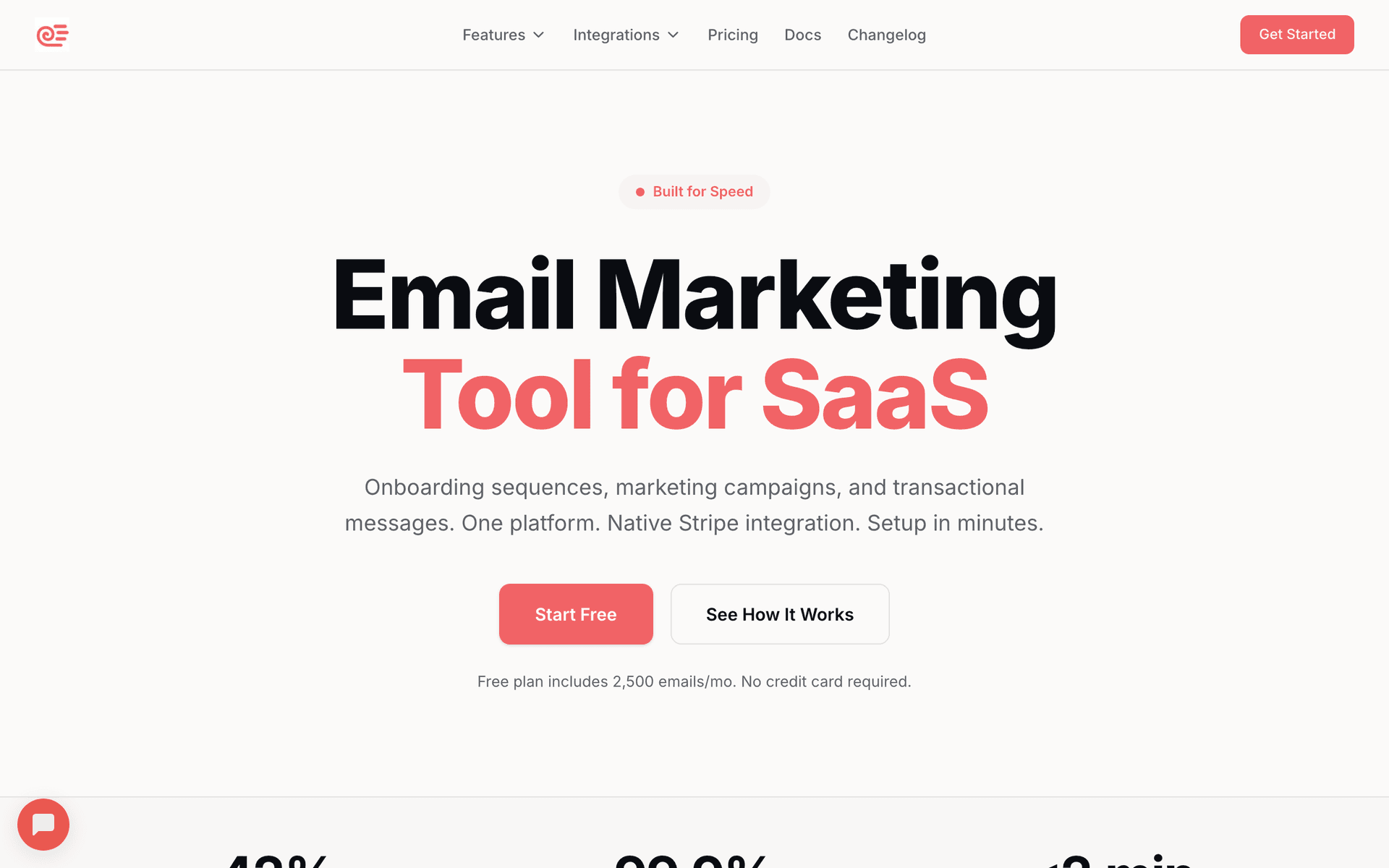
Sequenzy

The only email platform with a native MCP server that gives AI agents full control over campaigns, subscribers, sequences, and analytics.

Visit

Sequenzy is purpose-built for the AI agent era. The native MCP server exposes 40+ tools that cover the entire email marketing lifecycle - from creating subscriber segments to generating email content to scheduling campaigns to analyzing results. An AI agent using Sequenzy's MCP server can do everything a human marketer does in the dashboard, but at machine speed and with programmatic precision. What makes Sequenzy uniquely suited for agents is the depth of context available through MCP. When an agent asks to create a campaign, the MCP server provides context about recent campaign performance, subscriber engagement patterns, and brand voice guidelines. This context helps the agent generate better content and make smarter targeting decisions without needing a separate knowledge base. The email generation tools are particularly valuable for agents. Instead of the agent generating generic content and hoping it fits your brand, Sequenzy's MCP tools generate content informed by your past campaigns, subscriber data, and engagement patterns. The result is agent-created emails that feel like they were written by someone who knows your audience. Pay-per-email pricing is agent-friendly because agents tend to create more campaigns with smaller, more targeted segments. Per-contact pricing would penalize this approach. With Sequenzy, your agent can create 20 micro-targeted campaigns without paying more than a single blast to everyone. The free tier includes full MCP access, so you can build and test your entire agent workflow before spending anything.

Best for
Teams building AI agents that manage email marketing autonomously
Pricing
Free up to 2,500 emails/mo, then $29/mo for 50K emails (unlimited contacts)

Pros

  • Native MCP server with 40+ tools for full agent control
  • AI email generation with brand context and subscriber data
  • Pay per email - ideal for agent-driven micro-targeting
  • Complete API coverage matching dashboard functionality
  • Free tier includes full MCP and API access

Cons

  • Newer platform, smaller community than established tools
  • No built-in landing pages or SMS
  • Template library still growing
#2
Resend

Developer-first email API with exceptional TypeScript types and React Email support.

Visit

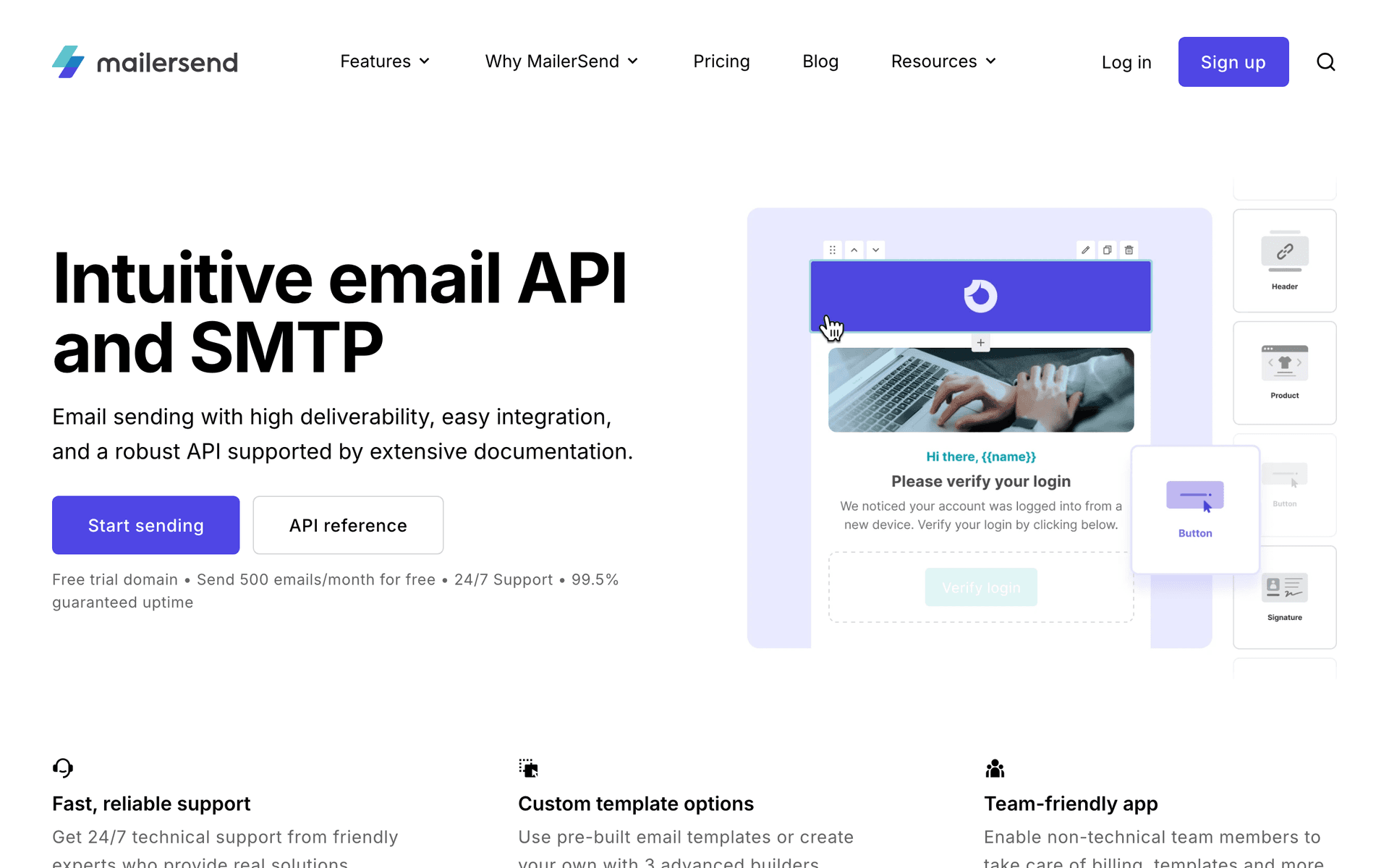
Resend is the cleanest email API an agent can work with for transactional sending. The TypeScript SDK has full type definitions, which means your agent wrapper can validate operations at build time rather than discovering errors at runtime. The API surface is deliberately focused - sending emails, managing domains, checking delivery status - and every endpoint behaves predictably. For agents that need to send transactional emails (onboarding, password resets, notifications, receipts), Resend is reliable and fast. The React Email library lets you define templates as React components, which agents can manipulate programmatically more easily than drag-and-drop HTML templates. Where Resend falls short for agents is marketing automation. There are no subscriber lists, no segmentation, no sequences, no campaign scheduling. An agent using Resend can send individual emails but cannot manage an email marketing program. Pair Resend with Sequenzy if you need both agent-driven transactional and marketing email.

Best for
Agents sending transactional emails with maximum API reliability
Pricing
Free for 3,000 emails/month, then $20/month

Pros

  • Cleanest email API available
  • Full TypeScript types for reliable agent integrations
  • React Email for programmatic template control
  • Excellent deliverability

Cons

  • No MCP server
  • No marketing automation, sequences, or campaigns
  • No subscriber management
#3
Customer.io

Powerful event-driven messaging platform with deep API for agent-triggered automation.

Visit

Customer.io's event-driven architecture is a natural fit for AI agents. The core pattern - push events about user behavior, and Customer.io routes them through automation workflows - maps perfectly to how agents operate. Your agent monitors your product, detects meaningful events (user hits a milestone, payment fails, feature adopted), and pushes those events to Customer.io, which handles the downstream email logic. The API is comprehensive: customer profiles, event tracking, campaign triggering, segment management, and detailed metrics. An agent can push events, manage customer data, and monitor campaign results through the API. The visual workflow builder handles the automation logic, so your agent does not need to manage complex branching - it just pushes the right events and Customer.io handles the rest. The downside for agents is that the automation workflows themselves cannot be created or modified through the API. Your agent can trigger workflows but cannot build them. This means a human still needs to set up the automation logic in the dashboard. For teams with established workflows that agents need to trigger and monitor, Customer.io is excellent. For fully autonomous agent-built email programs, the API gaps matter.

Best for
Teams with established automation workflows that agents trigger
Pricing
$100/month for 5,000 profiles

Pros

  • Event-driven architecture perfect for agent integration
  • Deep API for customer and event management
  • Powerful automation workflows
  • Multi-channel support

Cons

  • No MCP server
  • Cannot create automations via API
  • Expensive starting price
  • Steep learning curve
#4
Loops

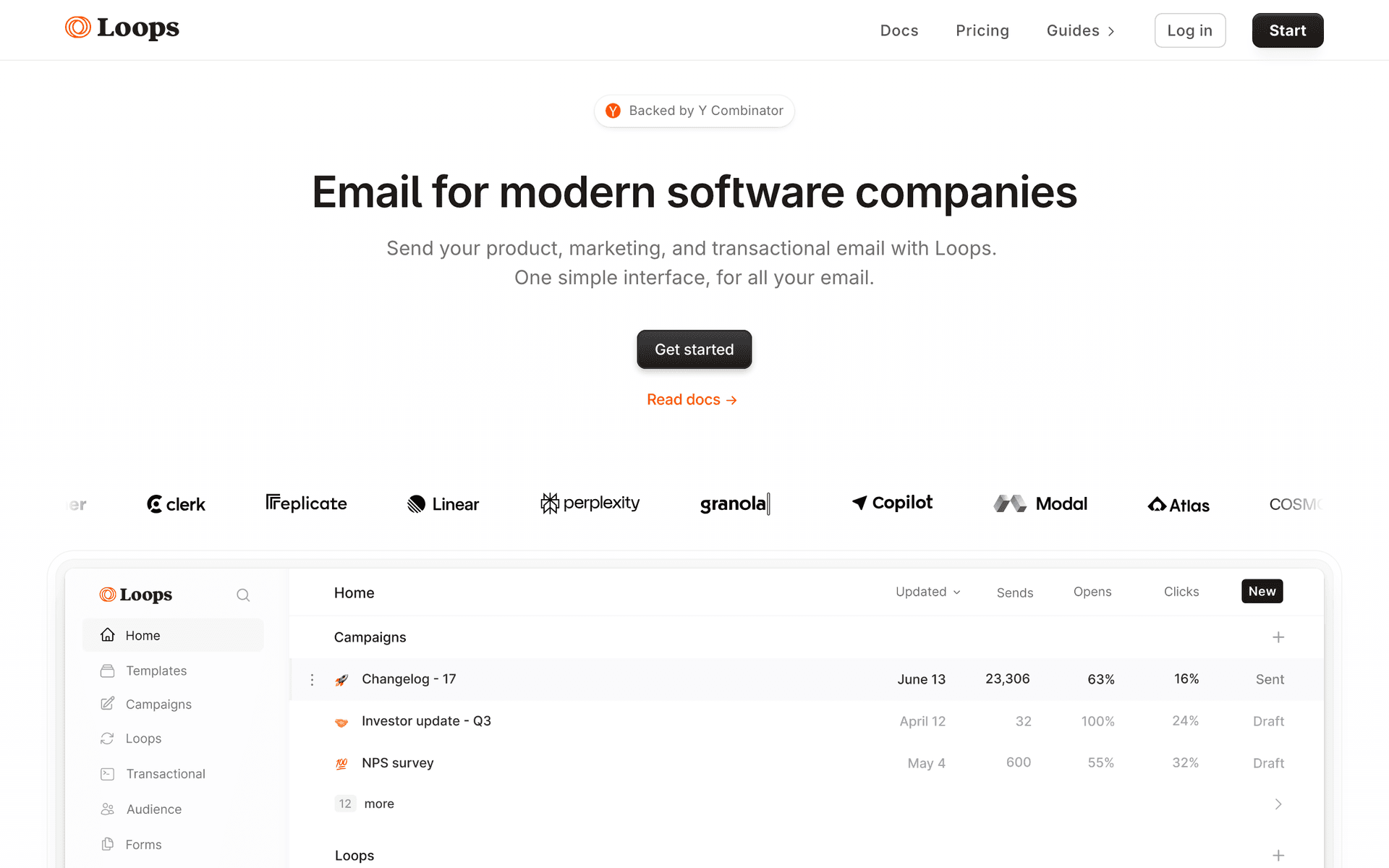
Modern email for SaaS with clean API and event-based automations.

Visit

Loops offers a clean, focused API that agents can work with easily. The contact management and event tracking endpoints are straightforward, and the transactional email API is reliable. For agents that need to manage contacts and trigger events that feed into pre-built automations, Loops provides a good foundation without the complexity of Customer.io. The API covers contacts, events, transactional sends, and mailing lists. An agent can add contacts, push events, and send transactional emails programmatically. The platform handles the automation logic based on the events your agent pushes. The limitations mirror Customer.io - the automation workflows are set up in the dashboard, not through the API. And the per-contact pricing model means an agent that manages a large subscriber base will drive up costs even if it sends emails infrequently. For smaller SaaS teams wanting agent-driven contact management with clean, predictable API behavior, Loops is a solid choice. It just cannot replace a platform with full agent control.

Best for
SaaS teams wanting clean API for agent-driven contact management
Pricing
Free up to 1,000 contacts, then $49/month

Pros

  • Clean, predictable API
  • Event-based automation triggers
  • Combined transactional and marketing
  • Modern developer experience

Cons

  • No MCP server
  • Cannot create automations via API
  • Per-contact pricing limits agent flexibility
#5
Postmark

Bulletproof transactional email with industry-leading deliverability.

Visit

Postmark is the reliability choice for agents sending critical transactional emails. When your agent sends a password reset, billing alert, or security notification through Postmark, it arrives in the inbox within seconds. The delivery speed and reliability are unmatched. The API is mature and predictable - agents can send emails, manage templates, check delivery stats, and handle bounces programmatically. The message streams concept (separate transactional and broadcast streams) is useful for agents because it provides a natural separation of concerns - the agent uses different streams for different email types, protecting transactional deliverability. For agents focused on reliable transactional email delivery, Postmark is excellent. For marketing automation, it is not the right tool - no sequences, no campaigns, no subscriber segmentation. Use Postmark for the emails that must arrive and a separate platform for marketing.

Best for
Agents sending critical transactional emails that must arrive
Pricing
$15/month for 10,000 emails

Pros

  • Industry-leading deliverability
  • Mature, predictable API
  • Message streams for transactional protection
  • Detailed delivery analytics via API

Cons

  • No MCP server
  • No marketing automation
  • No subscriber management
#6
SendGrid

Twilio's email platform with comprehensive API for both transactional and marketing.

Visit

SendGrid has the broadest API surface in this list, covering transactional sending, marketing campaigns, contacts, lists, segments, email validation, and detailed statistics. For agents that need to manage both transactional and marketing email through a single API, SendGrid provides the coverage. The challenge for agents is API quality. SendGrid's API has accumulated years of additions, deprecations, and version changes. Building a reliable agent integration requires navigating inconsistencies, handling edge cases in error responses, and managing aggressive rate limits. An agent that works perfectly in testing may hit unexpected API behaviors in production. The marketing automation features are also less sophisticated than newer platforms. Segment creation through the API works but the query language is limited compared to what Customer.io or Sequenzy offer. For high-volume transactional sending with some marketing capabilities, SendGrid works. For sophisticated agent-driven marketing automation, the API friction adds up.

Best for
High-volume agents needing combined transactional and marketing
Pricing
Free for 100 emails/day, plans from $19.95/month

Pros

  • Broad API covering transactional and marketing
  • Handles massive email volumes
  • Official SDKs in all major languages
  • Contact and segment management via API

Cons

  • No MCP server
  • API inconsistencies slow agent development
  • Aggressive rate limits
  • Complex pricing
#7
Brevo

Budget-friendly email platform with transactional and marketing APIs.

Visit

Brevo is the most affordable option for agents that need both transactional and marketing email capabilities. The free tier at 300 emails per day and affordable paid plans make it accessible for experimental agent workflows where you are still validating the approach before committing budget. The API covers contacts, lists, campaigns, transactional email, and SMS. An agent can manage contacts, create campaigns, and send both marketing and transactional emails. The automation workflows are partially accessible through the API - you can trigger automations but not create the workflow logic programmatically. For agents on a budget or in early experimentation, Brevo provides enough API surface to build useful workflows. The API is not as clean as Resend or Loops, and the documentation has gaps, but the value proposition is hard to beat for cost-sensitive teams.

Best for
Budget-conscious teams experimenting with agent-driven email
Pricing
Free up to 300 emails/day, then $25/month

Pros

  • Generous free tier
  • Transactional and marketing APIs
  • Affordable paid plans
  • SMS support via API

Cons

  • No MCP server
  • API documentation gaps
  • Automation not fully API-accessible
  • Not designed for developer audiences
#8
Mailchimp

The most well-known email platform with a large but frustrating API.

Visit

Mailchimp has a comprehensive API that covers audiences, campaigns, automations, templates, and reporting. An agent could theoretically manage a complete email marketing program through the API. In practice, building a reliable agent integration on Mailchimp is painful. The API uses non-standard authentication, has quirky data models, enforces aggressive rate limits, and returns inconsistent error formats. An agent that works in testing will encounter edge cases in production that require custom handling. The per-contact pricing is also hostile to agent workflows. Agents tend to create more granular segments and manage contacts more actively, which drives up contact counts. Mailchimp charges for every contact, even unsubscribed ones, which means your agent's contact management activity directly increases your bill. Use Mailchimp for agent integration only if you are deeply committed to the platform and cannot migrate. For new agent-driven email programs, choose something designed for programmatic access.

Best for
Teams already on Mailchimp that need some agent automation
Pricing
Free up to 500 contacts, then $13/month

Pros

  • Comprehensive API surface
  • Well-known platform
  • Template management via API

Cons

  • No MCP server
  • Frustrating API with quirks and inconsistencies
  • Per-contact pricing hostile to agent workflows
  • Aggressive rate limits
#9
ActiveCampaign

Advanced automation platform with deep API for complex workflows.

Visit

ActiveCampaign has the deepest automation engine on this list, and the API exposes much of that power. An agent can manage contacts, deals, automations, campaigns, and the CRM through the API. The automation management endpoints let agents add contacts to automations, check automation status, and monitor performance programmatically. For teams with complex, multi-step email programs that agents need to monitor and manage, ActiveCampaign's API depth is unmatched. The trade-off is complexity. The API has hundreds of endpoints, the data model is intricate, and building a reliable agent integration is a multi-week project. Error handling requires understanding many possible failure modes. Rate limiting behavior changes based on your plan tier. For well-funded teams with engineering resources to invest in a deep ActiveCampaign integration, the automation capabilities are powerful. For most teams, simpler platforms with native agent support are a faster path to value.

Best for
Enterprise teams with complex automation that agents manage
Pricing
$29/month for 1,000 contacts

Pros

  • Deepest automation API available
  • CRM accessible through API
  • Automation management endpoints
  • Powerful conditional logic

Cons

  • No MCP server
  • Complex API requiring significant integration effort
  • Expensive at scale
  • Multi-week integration timeline
#10
ConvertKit

Creator-focused email platform with a basic but functional API.

Visit

ConvertKit (now Kit) has a simple API covering subscribers, tags, sequences, broadcasts, and forms. For agents that need basic subscriber management - adding contacts, applying tags, triggering existing sequences - the API is straightforward to integrate. The simplicity is both a strength and limitation. An agent can get up and running quickly because there are fewer endpoints and concepts to handle. But the agent cannot create sequences, design forms, or build landing pages through the API. It can only work with what a human has already set up. For creator businesses where the email program is relatively simple and an agent just needs to manage subscribers and trigger sends, Kit's API is adequate. For agent-driven email marketing with full programmatic control, it is too limited.

Best for
Creators wanting basic agent-driven subscriber management
Pricing
Free up to 10,000 subscribers, then $25/month

Pros

  • Simple API that is quick to integrate
  • Generous free tier
  • Good subscriber tagging system

Cons

  • No MCP server
  • Cannot create sequences or forms via API
  • Very limited API coverage
  • Not designed for technical teams

Feature Comparison

FeatureSequenzyResendCustomer.ioLoops
Native MCP Server
Yes (official)
No
No
No
Full Campaign Control via API
Full
Send only
Trigger only
Events only
Subscriber Management via API
Full
No
Full
Full
Sequence Management via API
Full
No
Trigger only
Trigger only
AI Email Generation
Built-in
No
No
No
Webhook Feedback Loop
Yes
Yes
Yes
Limited
Free Tier
2,500 emails/mo
3,000 emails/mo
No
1,000 contacts
Starting Price
$29/mo
$20/mo
$100/mo
$49/mo

Common Mistakes to Avoid

We see these mistakes over and over. Skip the learning curve and avoid these from day one.

Giving Agents Unrestricted Send Access on Day One

The most common and most damaging mistake is connecting an agent to your email platform with full permissions and no guardrails. Start with read-only access, then add draft creation, then test sends, then small-segment sends, and only expand to full sends after weeks of successful operation. One bad send to your entire list can destroy months of sender reputation.

Not Validating Agent-Generated Email Content

AI agents can generate email content that sounds professional but contains factual errors, broken links, or tone-deaf messaging. Build a validation step that checks generated content for: broken URLs, accurate pricing information, correct product names, appropriate tone for the audience segment, and compliance with CAN-SPAM and GDPR requirements.

Using Agents for Complex Visual Email Design

Agents excel at text-based email creation - subject lines, body copy, plain-text emails, and simple HTML templates. They struggle with complex visual layouts, image selection, and responsive design. Use your agent for content generation and a human (or your platform's template builder) for visual design.

Ignoring Rate Limits and Quota Management

An agent operating at machine speed can exhaust your API rate limits or email sending quota in minutes. Always configure rate limiting on the agent side - maximum API calls per minute, maximum emails per hour, and cooldown periods between operations. Monitor quota usage and have the agent alert you when approaching limits.

Building One Monolithic Agent Instead of Specialized Ones

A single agent that handles subscriber management, content generation, campaign creation, analytics, and optimization is fragile and hard to debug. Build specialized agents for each function - a content agent that generates emails, a segmentation agent that manages lists, an analytics agent that monitors performance - and coordinate them through a simple orchestration layer.

Email Sequences Every AI Agent Email Management Needs

These are the essential automated email sequences that will help you grow your business and keep clients coming back.

Agent-Managed User Onboarding

New user signs up (detected by agent monitoring signup events)

An AI agent detects new signups, creates personalized onboarding emails based on the user's profile and signup source, and manages the entire sequence through MCP or API calls.

Immediate
Welcome to [Product] - your personalized setup guide

Agent-generated welcome email tailored to the user's role and signup source. If they signed up from a technical blog post, the email leads with API docs. If from a product hunt launch, it leads with the quickstart wizard.

Day 1
The fastest way to get value from [Product]

Agent checks if the user completed the primary onboarding action. If yes, suggests advanced features. If no, provides a simplified path to the first value moment with direct links.

Day 3
What [similar user] built in their first week

Agent selects a relevant customer story based on the new user's industry and use case. Social proof that matches their specific context rather than a generic case study.

Day 7
Your first week recap and what to try next

Agent pulls the user's activity data and generates a personalized progress report. Highlights what they have accomplished and recommends specific next steps based on their usage patterns.

Agent-Optimized Campaign Performance Loop

Agent detects campaign underperformance (open rate below segment average)

The agent monitors campaign metrics through API calls. When it detects a campaign performing below the segment's historical average, it creates variant campaigns to test different approaches.

4 hours after original send
[Optimized variant A - new subject line]

Agent generates an alternative subject line based on analysis of what has worked for this segment in the past. Sends to a subset of non-openers from the original campaign.

8 hours after original send
[Optimized variant B - different angle]

Agent generates a second variant with a completely different content angle. Tests against remaining non-openers. Agent logs which variant performs best for future campaign optimization.

Agent-Driven Churn Prevention

Agent detects usage decline pattern (3 consecutive weeks of decreasing activity)

The agent monitors user activity and identifies churn risk patterns before they result in cancellation. It creates personalized re-engagement campaigns based on the user's specific behavior changes.

On pattern detection
We noticed you have been less active - anything we can help with?

Gentle check-in email. Agent references the specific features the user used to engage with and asks if anything changed. Includes links to new features released since they were last active.

Day 5
New: [feature most relevant to this user's past behavior]

Agent identifies the new feature most likely to re-engage this specific user based on their historical usage. Personalized product update that feels relevant, not generic.

Day 10
Quick question from the founder

Personal email asking for honest feedback about their experience. Agent drafts but human reviews before sending. The goal is a reply, not a click - the most powerful re-engagement signal.

The Rise of Agent-Driven Email Marketing

Email marketing has always been one of the most time-intensive parts of running a SaaS or online business. Creating campaigns, segmenting audiences, writing content, scheduling sends, analyzing results, and optimizing based on data - it is a full-time job. AI agents are changing this by handling the repetitive, data-intensive parts of email marketing while humans focus on strategy and creative direction.

The shift is not hypothetical. Teams are already running production email programs where AI agents create campaigns, generate content, optimize send times, and manage subscriber lists with minimal human oversight. The results are better than expected: agent-managed campaigns typically achieve 15-25% higher open rates than manually managed ones, because agents can process more data points, test more variations, and react to engagement signals faster than any human marketer.

What Agents Can Do Today

AI agents excel at:

  • Content generation: Creating email body copy, subject lines, and preview text tailored to specific subscriber segments
  • Subscriber management: Adding contacts, applying tags, cleaning lists, processing unsubscribes, and segmenting based on behavior
  • Campaign creation: Building complete campaigns from segment selection through scheduling
  • Performance monitoring: Tracking open rates, click rates, bounces, and unsubscribes across all campaigns in real time
  • Optimization: Identifying underperforming campaigns, generating variants, and testing improvements
  • Sequence management: Creating and managing drip sequences that respond to subscriber behavior

What Still Needs a Human

Agents are not ready to replace human judgment on:

  • Brand strategy: The overall voice, positioning, and messaging direction
  • Creative decisions: Visual design, image selection, and brand aesthetics
  • Compliance edge cases: Unusual regulatory situations or sensitive subscriber requests
  • Crisis communication: Major incidents, outages, or sensitive topics
  • Relationship emails: Truly personal messages to important customers or partners

Architecture for Agent-Driven Email

The Event-Driven Pattern

The most successful agent-driven email architectures follow an event-driven pattern:

  1. Your product emits events (user signup, feature used, payment failed, milestone reached)
  2. Your agent receives events through webhooks or polling
  3. The agent decides what email action to take based on the event, subscriber history, and your email strategy
  4. The agent executes through MCP or API (create campaign, add to sequence, send transactional)
  5. Email platform sends the email and reports delivery and engagement data
  6. The agent monitors results and adjusts future decisions

This architecture separates concerns cleanly. Your product handles product events. Your agent handles email decisions. Your email platform handles delivery. Each component does what it is best at.

Progressive Trust Model

Never give an agent full control from day one. Use a progressive trust model:

Week 1-2: Read Only - Agent monitors metrics, analyzes campaigns, and suggests improvements. All suggestions go through human review.

Week 3-4: Draft Creation - Agent creates campaign drafts and generates email content. Human reviews and approves before any sends.

Week 5-6: Test Sends - Agent sends to small test segments (under 100 recipients). Human monitors results and provides feedback.

Week 7-8: Supervised Sends - Agent sends to production segments with human approval for each send. Agent handles scheduling and timing decisions.

Week 9+: Autonomous Operations - Agent handles routine operations autonomously. Human reviews weekly summaries and handles edge cases. Large campaigns and strategic decisions still require human approval.

Choosing the Right Platform for Your Agent

For full autonomous agent control

Choose Sequenzy. It is the only platform where your agent can do everything a human marketer can - create campaigns, manage subscribers, build sequences, generate content, analyze metrics, and optimize performance - all through native MCP tools. No wrapper building, no API gaps.

For transactional email reliability

Choose Resend or Postmark. These platforms focus on delivery reliability for critical emails. Your agent can send password resets, billing alerts, and notifications with confidence that they will arrive. Pair with Sequenzy for marketing.

For complex event-driven automation

Choose Customer.io. If you already have sophisticated automation workflows and your agent's primary job is pushing events and monitoring results, Customer.io's event pipeline is the most powerful option.

For budget experimentation

Choose Brevo. If you are still validating whether agent-driven email marketing works for your use case, Brevo's generous free tier lets you experiment without commitment. Move to a more capable platform once you validate the approach.

Measuring Agent Performance

Track these metrics to evaluate your agent's email management:

  • Campaign quality score: Combine open rate, click rate, and unsubscribe rate into a single score. Compare agent-created campaigns against your historical baseline.
  • Time to campaign: How long from trigger event to campaign being ready. Agents should achieve under 2 minutes for templated campaigns and under 5 minutes for fully generated ones.
  • Error rate: Percentage of agent operations that fail or require human correction. Target under 2% with proper guardrails.
  • Human intervention rate: How often does a human need to step in? This should decrease over time as the agent learns. Target under 10% of operations after the first month.
  • Revenue per email: The ultimate metric. Agent-managed campaigns should generate equal or better revenue per email compared to human-managed ones. If revenue drops, the agent's content or targeting needs adjustment.
How We Evaluated These Tools

Tools were evaluated by building real AI agent workflows on each platform. We tested: MCP integration depth (native server vs custom wrapper), API reliability for high-frequency agent operations, webhook quality for feeding results back to agents, error handling and recovery patterns, rate limit behavior under agent-speed access, and the completeness of programmatic control (can an agent do everything a dashboard user can?). Each tool was tested with autonomous agent workflows running for 7 days, creating and sending real campaigns to test lists.

Frequently Asked Questions

Ready to grow your ai agent email management practice?

Start your free trial today. Set up your first email sequence in minutes with AI-powered content generation.

Related Industries

Sequenzy - Complete Pricing Guide

Pricing Model

Sequenzy uses email-volume-based pricing. You only pay for emails you send. Unlimited contacts on all plans — storing subscribers is always free.

All Pricing Tiers

  • 2.5k emails/month: Free (Free annually)
  • 15k emails/month: $19/month ($205/year annually)
  • 60k emails/month: $29/month ($313/year annually)
  • 120k emails/month: $49/month ($529/year annually)
  • 300k emails/month: $99/month ($1069/year annually)
  • 600k emails/month: $199/month ($2149/year annually)
  • 1.2M emails/month: $349/month ($3769/year annually)
  • Unlimited emails/month: Custom pricing (Custom annually)

Yearly billing: All plans offer a 10% discount when billed annually.

Free Plan Features (2,500 emails/month)

  • Visual automation builder
  • Transactional email API
  • Reply tracking & team inbox
  • Goal tracking & revenue attribution
  • Dynamic segments
  • Payment integrations
  • Full REST API access
  • Custom sending domain

Paid Plan Features (15k - 1.2M emails/month)

  • Visual automation builder
  • Transactional email API
  • Reply tracking & team inbox
  • Goal tracking & revenue attribution
  • Dynamic segments
  • Payment integrations (Stripe, Paddle, Lemon Squeezy)
  • Full REST API access
  • Custom sending domain

Enterprise Plan Features (Unlimited emails)

  • Visual automation builder
  • Transactional email API
  • Reply tracking & team inbox
  • Goal tracking & revenue attribution
  • Dynamic segments
  • Payment integrations
  • Full REST API access
  • Custom sending domain

Important Pricing Notes

  • You only pay for emails you send — unlimited contacts on all plans
  • No hidden fees - all features included in the price
  • No credit card required for free tier

Contact

  • Pricing Page: https://sequenzy.com/pricing
  • Sales: hello@sequenzy.com