
How to Trigger Emails Based on User Behavior (+ 21 Tools Compared)

How to trigger emails based on user behavior
Send a named event from your app when the user does something, define a trigger that listens for that event (or for its absence), attach a sequence, set the timing window, and measure the outcome against a holdout. Five steps, and the vendor you pick only affects step 2. Here they are in order:
- Instrument the events. Pick 5-10 events that map to real product outcomes -
user.signed_up,project.created,feature.used,limit.reached,payment.failed. Send them server-side, not from the browser, so ad blockers cannot drop them. Include properties you will want to personalise on (plan,project_name,amount). - Define the trigger. Three kinds cover almost everything: action (event happened), inactivity (event has not happened in N days), and threshold (a cumulative attribute crossed a value). Inactivity is the one most tools do badly - check it before you buy.
- Attach the sequence and the exit condition. Every behavioural sequence needs an exit: if the user does the thing you were nudging them toward, stop emailing. Missing exit conditions is the single most common cause of "why did we email a customer who already upgraded".
- Set timing and suppression. Decide the delay (immediate for payment failures, 30-60 minutes for cart abandonment, 48 hours for onboarding stalls), apply quiet hours and a frequency cap, and set a priority order so a dunning email beats a feature tip.
- Measure against a holdout. Hold back 5-10% of eligible users and compare conversion. Open rate tells you nothing about whether the trigger was worth building.
// Step 1: fire the event from your backend
await fetch("https://api.sequenzy.com/api/v1/subscribers/events", {
  method: "POST",
  headers: {
    Authorization: `Bearer ${process.env.SEQUENZY_API_KEY}`,
    "Content-Type": "application/json",
  },
  body: JSON.stringify({
    email: user.email,
    event: "limit.reached",
    properties: { plan: user.plan, usagePercent: 92 },
  }),
});
Step 2 onwards happens in the platform: create a trigger on limit.reached, attach the upgrade sequence, exit on plan.upgraded.
This page covers the trigger mechanics and compares 21 platforms. If your question is about when a behaviour-driven email should land rather than whether it fires, read the best email automation tools for behavior-based scheduling instead - that page owns the scheduling decision, this one owns the trigger decision. Prices verified September 2026.
Behavioral triggers send emails based on what users do (or don't do) in your product. Not on a schedule. Not in a batch. When a specific behavior happens, the right email follows.
The user who signed up but never logged in again gets a different email than the one who's been active daily. The user who just hit their usage limit gets an upgrade prompt at exactly the right moment. The user who invited a teammate gets a collaboration tip while the context is fresh.
This sounds obvious, but most email tools are built around campaigns and lists, not behaviors. Here's which ones actually handle behavioral triggers well.
This guide is part of our best email automation software comparison.
This guide is about trigger mechanics: which behaviors a platform can detect and how reliably it fires on them. If you have already settled the mechanics and just want the buying decision on scheduling behavior into your sends, start with the best email automation tools for behavior-based scheduling. If the question is when a triggered email should land rather than whether it fires, see send time optimization and sending outside business hours.
Why Behavioral Triggers Matter for SaaS
Time-based email sequences treat all users the same. Everyone gets Email 1 on Day 1, Email 2 on Day 3, and so on. But users don't follow a uniform timeline. Some complete onboarding in 10 minutes. Others take a week. Some never start.
Behavioral triggers solve this by making email responsive to what users actually do. The user who completes onboarding in one session doesn't get a "finish your setup" reminder the next day. The user who hasn't started onboarding after 48 hours gets a helpful nudge. The email matches the user's reality rather than your assumptions.
For SaaS products specifically, behavioral triggers are the foundation of effective lifecycle email marketing. Every stage of the customer journey (trial, activation, conversion, retention, expansion) is defined by user actions, not calendar dates. An email tool that can't respond to those actions is sending the wrong emails to the wrong people at the wrong time.
Types of Behavioral Triggers
Action triggers: User does something. Sign up, create a project, invite a team member, make a purchase, use a feature for the first time. These are the most common triggers and the simplest to implement. Your app sends an event when the action occurs, and the email tool sends the corresponding email.
Inactivity triggers: User stops doing something. Hasn't logged in for 7 days, hasn't completed onboarding after 48 hours, hasn't used a feature in 2 weeks. Inactivity triggers are harder to implement because they require the email tool to detect the absence of an event, not its presence. Not all tools support this natively.
Threshold triggers: User reaches a milestone. 100th project created, 10,000 API calls made, approaching storage limit, trial 80% expired. Threshold triggers often require tracking cumulative values (not just individual events) and firing when a threshold is crossed. Some tools handle this through user attributes that update with each event.
Pattern triggers: User exhibits a behavioral pattern. Used the product 5 days in a row, opened 3 emails without clicking, visited the pricing page 3 times. Pattern triggers are the most sophisticated, requiring the tool to analyze sequences of events over time rather than responding to individual events. Few tools support these natively.
Behavioral Triggers by Type
Most email marketing automation tools behavioral triggers questions really come down to which specific trigger type you need, since platforms vary a lot by category. Here's how the most common trigger types work and which tools handle each well.
Form Fill
A form submission (lead magnet request, demo request, contact form) creates or tags a contact, and an automation watches for that tag to fire a follow-up. Sequenzy, ActiveCampaign, HubSpot, and Mailchimp all support this natively through their form builders; see automated emails after a form submission for a full setup walkthrough.
Email Click
Clicking a specific link segments a subscriber into an interest-based automation, often used to branch a nurture sequence based on which topic or product a subscriber engaged with. Customer.io, ActiveCampaign, and Sequenzy all support click-based branching inside their automation builders.
Chat Interaction
A conversation in a chat widget (asking about pricing, requesting a demo, expressing a specific concern) can trigger a follow-up email once the conversation ends or goes unanswered. This is native to Intercom, since chat is a first-class channel there; other platforms typically need a webhook or Zapier connection to a chat tool to pick up this signal.
Website Visit
Visiting a specific page (pricing, a feature page, a docs page) is one of the highest-intent signals a website can give, and it's a common trigger for sales-focused follow-up. ActiveCampaign's site tracking, Customer.io's page-view events, and HubSpot's page-view workflows all support this, typically via a tracking script.
Purchase Event
A completed purchase, upgrade, or renewal triggers order confirmation, post-purchase, and cross-sell sequences. Klaviyo, Drip, and Omnisend are built around this trigger type for ecommerce; Sequenzy handles it for both ecommerce (via Shopify, with a WooCommerce integration in beta) and SaaS (via Stripe subscription events) in one platform.
Location Change
A change in a subscriber's detected or declared location (new city, entering a delivery zone, crossing a timezone) is the least commonly supported trigger type in this list, mostly relevant to multi-region retail and mobile apps. Braze is the strongest fit here, given its native location-based behavioral triggers for consumer apps.
For best marketing automation tools email click chat interaction workflow needs specifically, ActiveCampaign and Customer.io combine both trigger types most natively, while Intercom is the strongest option when chat is the primary channel rather than a secondary signal.
Quick Comparison
| Tool | Best For | Pricing | Key Strength |
|---|---|---|---|
| Sequenzy | SaaS behavioral triggers | Free up to 2.5k emails/mo, from $19/mo | Stripe events + Shopify browse/price-drop triggers |
| Customer.io | Technical teams | From $100/month | Workflow flexibility |
| Braze | Enterprise scale | Custom (typically $50K+/year) | Real-time processing |
| Iterable | Growth teams | Custom (typically $500+/month) | Cross-channel triggers |
| ActiveCampaign | CRM + email | From $29/month | Behavioral scoring |
| Loops | Simple product events | Free to 1k, from $49/month | Developer-friendly |
| Klaviyo | Ecommerce behaviors | Free to 250, from $20/month | Predictive analytics |
| Userlist | B2B companies | From $149/month | Company-level tracking |
| Intercom | Multi-channel | From $39/seat/month | In-app triggers |
| HubSpot | All-in-one teams | Free CRM, from $20/month | Comprehensive data |
| Encharge | Visual builders | From $79/month | Visual workflows |
| Mailchimp | Basic needs | Free to 500, from $13/month | Accessibility |
| GetResponse | Marketing suite | Free, from $19/month | Cross-channel AI |
| Drip | Ecommerce automation | From $39/month | RFM modeling |
| Omnisend | Omnichannel ecommerce | Free, from $16/month | Channel coordination |
| Brevo | Budget multichannel | Free, from $9/month | SMS + email |
| ConvertKit | Creators | Free to 10k, from $39/month | Commerce integration |
| Vero | API-first teams | From $99/month | Infrastructure-as-code |
| Ortto | CDP + email | From $99/month | Data unification |
| Autopilot | Visual journeys | From $49/month | Journey mapping |
| Postscripty | SMS-first | From $50/month | SMS lifecycle |
Best Behavioral Trigger Email Tool by Use Case
Best behavioral trigger email tool for SaaS lifecycle automation
Sequenzy is the best fit when the key behaviors are trial started, setup completed, feature used, payment failed, subscription changed, or user went inactive. Use it with the re-engage inactive users guide, re-engagement templates, and behavioral email strategy.
Best behavioral trigger email tool for advanced product-event logic
Customer.io is strongest when your trigger logic needs event frequency, absence, combinations, and custom attributes. The Customer.io comparison is the right next read if you need maximum flexibility.
Best behavioral trigger email tool for enterprise mobile and cross-channel products
Braze is the enterprise choice when behavioral triggers need to coordinate email, push, in-app, SMS, and real-time segmentation across a large user base. It is usually too heavy for founder-led SaaS teams.
Best behavioral trigger email tool for CRM-enriched small teams
ActiveCampaign is useful when the behavior is partly product activity and partly sales/CRM activity. If your trigger should depend on deal stage, lead score, or sales follow-up status, start with the ActiveCampaign comparison.
The 21 Best Options
1. Sequenzy
Best for: SaaS behavioral triggers that work out of the box
Sequenzy supports behavioral triggers through its event system. Send events when users take actions in your product, and Sequenzy triggers the right sequences. The platform includes inactivity triggers (user hasn't performed event X in Y days), which are critical for re-engagement.
What makes Sequenzy practical for SaaS is that the most important behavioral triggers are built in. Stripe integration automatically handles payment behaviors (subscription started, payment failed, plan changed). You only need to manually implement product usage triggers. This means less instrumentation work for the most impactful email automations.
For ecommerce the browse signals come without instrumentation. The Shopify browse pixel feeds browse-abandonment triggers (viewed a product, did not add to cart) and price-drop triggers (a product on someone's viewed list drops in price), plus cart and checkout recovery and shipment-tracking events (shipped, out for delivery, delivered). Those are four behavioural triggers most SaaS-first tools make you build yourself.
The event system is straightforward. Send an event with a name and optional properties from your app's backend, and Sequenzy handles the rest. Events can trigger sequences, update subscriber attributes, and add/remove tags. The inactivity trigger is particularly valuable: "if user has not triggered event X in Y days, start this sequence." This covers the re-engagement and churn prevention use case without complex setup.
Sequenzy also handles both transactional and marketing email, which means your behavioral triggers can fire both types. A "payment failed" event triggers a dunning sequence (marketing) and a payment failure notification (transactional) from the same platform. No need to split your infrastructure for different email types.
- Pricing: Free up to 2,500 emails/month, paid plans from $19/month
- Behavioral triggers: Custom events, inactivity triggers, tag-based triggers, automatic Stripe payment behaviors, event properties for personalization
- Pros:
- SaaS behaviors built in via Stripe
- Inactivity triggers included
- Event-driven architecture
- Simple setup process
- Unified platform for transactional and marketing
- Browse-abandonment and price-drop triggers from the Shopify browse pixel, no custom instrumentation
- Triggered SMS steps inside the same sequence (paid add-on, $16/mo for 1,000 credits)
- Cons:
- Less flexible than Customer.io for complex patterns
- No pattern triggers over event sequences (e.g. "used the product 5 days running")
- Newer platform with evolving features
2. Customer.io
Best for: The most sophisticated behavioral trigger system
Customer.io tracks user behavior natively and offers the broadest trigger options. You can trigger automations on specific events, event combinations, attribute changes, segment entry/exit, page views, and inactivity patterns.
The behavioral trigger depth is unmatched. "User viewed pricing page 3 times in 7 days but has not upgraded" is a trigger you can build. "User used Feature A and Feature B but not Feature C" is another. The visual workflow builder lets you combine multiple behavioral conditions with AND/OR logic.
Customer.io supports "wait for event" conditions within workflows. After sending an onboarding email prompting the user to complete a step, the workflow waits for the completion event. If it arrives, the user moves to the next stage. If it doesn't arrive within a defined window, a follow-up fires. This makes sequences genuinely responsive rather than just triggered.
The data model is flexible. Events carry properties (what happened), users carry attributes (who they are), and both can be used in trigger conditions and email content. You can build triggers like: "User on the Pro plan who has triggered the 'export' event more than 10 times this month but has not triggered 'invite_teammate' event." This level of specificity is where Customer.io excels.
The cost is real: $100/month minimum, and the setup requires significant engineering investment to instrument all the behavioral data Customer.io needs. For teams with a dedicated growth engineer or marketing ops person, the investment pays off. For lean startups, it's often more than what's needed.
- Pricing: From $100/month
- Behavioral triggers: Events, event properties, event frequency, inactivity, page views, segment entry/exit, attribute changes, combinations, wait-for-event
- Pros:
- Most sophisticated triggers available
- Visual workflow builder
- Event combinations with logic
- Inactivity detection built in
- Wait-for-event functionality
- Cons:
- Expensive starting price
- Steep learning curve
- Requires careful setup
- Needs engineering investment
3. Braze
Best for: Enterprise behavioral triggers at scale
Braze processes behavioral data for millions of users in real-time. Trigger campaigns on specific actions, action frequency, action recency, inactivity, attribute changes, and location-based behaviors. The platform handles complex behavioral segments that update in real-time as users act.
Braze's strength is combining behavioral triggers with multi-channel delivery. A behavioral trigger can start a Canvas (workflow) that spans email, push, SMS, and in-app messages. The system adapts delivery channel based on where the user is most likely to engage.
The real-time segment engine is what sets Braze apart at enterprise scale. When a user takes an action, their segment membership updates instantly, and any campaigns targeting that segment adjust immediately. There's no batch processing delay. For products with millions of active users where behavioral data changes constantly, this real-time capability matters.
Braze also supports Intelligent Timing, which determines the optimal time to deliver each behavioral email based on the individual user's engagement patterns. A behavioral trigger might fire at 2 AM, but Braze holds the email until the user's optimal engagement window.
- Pricing: Custom (typically $50K+/year)
- Behavioral triggers: Events, frequency, recency, inactivity, attributes, location, real-time segments, intelligent timing
- Pros:
- Enterprise-scale processing
- Real-time behavioral data
- Multi-channel delivery
- Sophisticated triggers
- Intelligent delivery timing
- Cons:
- Enterprise pricing tiers
- Requires dedicated team
- Complex implementation
- Overkill for smaller companies
4. Iterable
Best for: Growth teams building behavioral trigger workflows
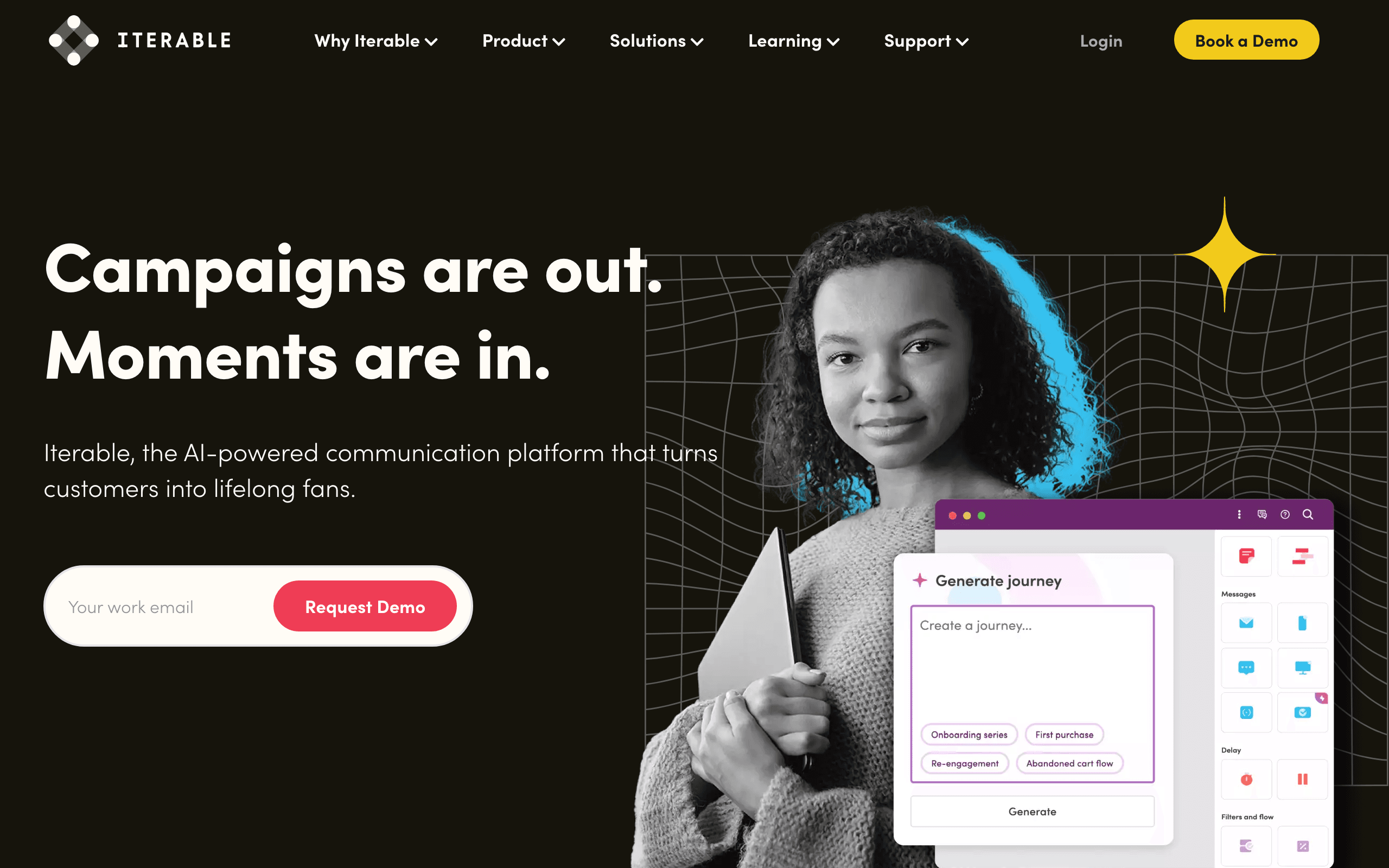
Iterable's Studio builder supports behavioral triggers across multiple channels. Custom events, user property changes, and segment membership changes all serve as workflow triggers. The builder supports wait conditions that pause until a specific behavior occurs.
The "wait for event" feature is particularly useful. After sending an onboarding email, wait for the user to complete the action. If they do, skip the follow-up. If they don't within 48 hours, send a reminder. This responsive behavior makes sequences feel personalized.
Iterable's experiment layer lets you A/B test behavioral triggers themselves, not just the email content. You can test whether triggering on Day 3 of inactivity works better than Day 5, or whether a push notification outperforms email for a specific behavior. This is valuable for growth teams optimizing their behavioral email program.
The platform supports cross-channel behavioral triggers, meaning a behavior in one channel can trigger a message in another. A user who clicks an email link but doesn't complete the action might receive a push notification the next day. This cross-channel coordination is something single-channel email tools can't do.
- Pricing: Custom (typically $500+/month)
- Behavioral triggers: Custom events, property changes, segment changes, wait-for-event, cross-channel, experiment variants
- Pros:
- Wait-for-event functionality
- Cross-channel trigger coordination
- Visual workflow builder
- Built-in experimentation
- Designed for growth teams
- Cons:
- Custom pricing model
- Learning curve required
- Mid-market to enterprise positioning
- Not for small teams
5. ActiveCampaign
Best for: Behavioral triggers combined with CRM and lead scoring
ActiveCampaign's automation builder supports behavioral triggers through site tracking, event tracking, and engagement monitoring. When users visit specific pages, click specific links, or trigger custom events, automations fire.
The CRM integration adds behavioral scoring. User behaviors accumulate into a lead score, and score thresholds can trigger automations. A user who's visited the pricing page, opened 5 emails, and used the product 10 times might cross a score threshold that triggers a personalized demo offer.
ActiveCampaign's site tracking is a behavior source that many email-only tools lack, though it is no longer rare: Sequenzy's Shopify browse pixel supplies the same class of signal for stores, powering browse-abandonment and price-drop triggers without custom instrumentation. By adding a tracking script to your site or app, ActiveCampaign monitors which pages users visit. You can trigger emails based on page visits: "user visited the pricing page but didn't visit the checkout page within 24 hours." This is useful for conversion-focused behavioral triggers.
The automation builder supports conditional splits based on behavioral data. Within a single workflow, different users take different paths based on their behaviors. A user who opened the previous email gets one follow-up; a user who didn't gets another. A user who visited the pricing page gets a sales-focused email; a user who visited the help docs gets a support-focused email.
- Pricing: From $29/month
- Behavioral triggers: Site tracking, custom events, email engagement, lead scoring thresholds, CRM activity, page visits, conditional branching
- Pros:
- CRM integrated with behavioral scoring
- Site tracking included
- Mature automation builder
- Broad trigger options
- Conditional branching logic
- Cons:
- Some triggers require higher tiers
- Site tracking requires setup
- Can feel complex for beginners
- General-purpose, not SaaS-specific
6. Loops
Best for: Simple behavioral triggers for early-stage products
Loops handles basic behavioral triggers through its event API. When users take actions (sign up, create something, use a feature), events trigger email sequences. The model is simple: event in, email out.
Loops doesn't support complex behavioral patterns (event combinations, frequency-based triggers, wait-for-event). But for early-stage products where the key behaviors are straightforward (signed up, completed onboarding, became paying customer), the simplicity is a feature. You can set up behavioral triggers in minutes, not days.
The developer experience is clean. Send an event via API with the user's email and event name, and Loops handles the rest. The documentation is clear, the SDKs are well-maintained, and the setup process is minimal. For startup founders who need basic behavioral email without a week of integration work, Loops gets the job done.
Where Loops falls short is in the lack of inactivity triggers. You can trigger emails when something happens, but not when something doesn't happen. To detect "user hasn't logged in for 7 days," you need to send that event from your own backend (a cron job that checks for inactive users and sends events to Loops). This is doable but adds engineering work that tools like Sequenzy and Customer.io handle natively.
- Pricing: Free for 1,000 contacts, from $49/month
- Behavioral triggers: Custom events, basic trigger-to-sequence
- Pros:
- Simple and straightforward
- Fast setup process
- Developer-friendly API
- Good free tier
- Clean documentation
- Cons:
- Basic triggers only
- No behavioral patterns
- Limited conditions
- No native inactivity detection
7. Klaviyo
Best for: E-commerce behavioral triggers (browse, cart, purchase)
Klaviyo excels at e-commerce behavioral triggers. Browse abandonment (user viewed a product but didn't buy), cart abandonment, post-purchase follow-up, replenishment reminders, and win-back campaigns based on purchase inactivity. These triggers are built into the platform.
For SaaS, Klaviyo's behavioral trigger capabilities are less relevant since they're optimized for shopping behaviors. But if you sell a product (not a subscription), Klaviyo's behavioral triggers around the purchase journey are excellent.
Klaviyo's predictive analytics add a sophisticated layer to behavioral triggers. The platform predicts next purchase date, expected order value, and churn risk based on historical behavioral patterns. These predictions can trigger proactive emails: "This customer usually orders every 30 days and hasn't ordered in 35 days." For subscription e-commerce and repeat-purchase businesses, these predictive triggers drive significant revenue.
The data integration depth is also worth noting. Klaviyo ingests data from Shopify, WooCommerce, and other e-commerce platforms natively, giving it behavioral context without manual event instrumentation. For e-commerce, this means behavioral triggers work out of the box. For SaaS, this integration advantage doesn't apply.
- Pricing: Free up to 250 contacts, from $20/month
- Behavioral triggers: Browse behavior, cart behavior, purchase patterns, product interactions, predictive analytics, platform integrations
- Pros:
- E-commerce behaviors built in
- Predictive trigger capabilities
- Revenue attribution tracking
- Deep platform integrations
- Cons:
- E-commerce-centric focus
- Poor fit for SaaS behaviors
- Pricing scales with contacts
- Limited for product usage triggers
8. Userlist
Best for: B2B SaaS with company-level behavioral tracking
Userlist understands B2B behavioral triggers at the company level. Individual user behaviors feed into company-level behavioral scores, which trigger coordinated email sequences across multiple people at the same account.
This company-centric approach is essential for B2B SaaS where buying decisions involve multiple stakeholders. The admin gets billing behavior triggers. Power users get feature adoption triggers. End users get engagement triggers - all coordinated based on the company's overall behavioral profile.
For B2B behavioral triggers specifically, Userlist's approach means you can build workflows like: "When a company shows declining usage across all users (at-risk behavior), send a check-in to the admin, a feature highlight to inactive users, and a usage report to the billing contact." This coordinated, role-aware approach is what B2B behavioral email should look like, and it's difficult to achieve with user-level tools.
The platform tracks product usage events, CRM activity, and engagement patterns to build comprehensive behavioral profiles. Both individual user behavior and aggregate company behavior can trigger automations, giving you flexibility in how you design your behavioral trigger logic.
- Pricing: From $149/month
- Behavioral triggers: User and company events, usage patterns, CRM activity, role-based triggers, company health scores
- Pros:
- User + company behavioral model
- B2B-native design
- Role-based email triggers
- SaaS-specific patterns
- Company-level health tracking
- Cons:
- Higher starting price
- Best for B2B only
- Smaller ecosystem
- Less flexible than Customer.io
9. Intercom
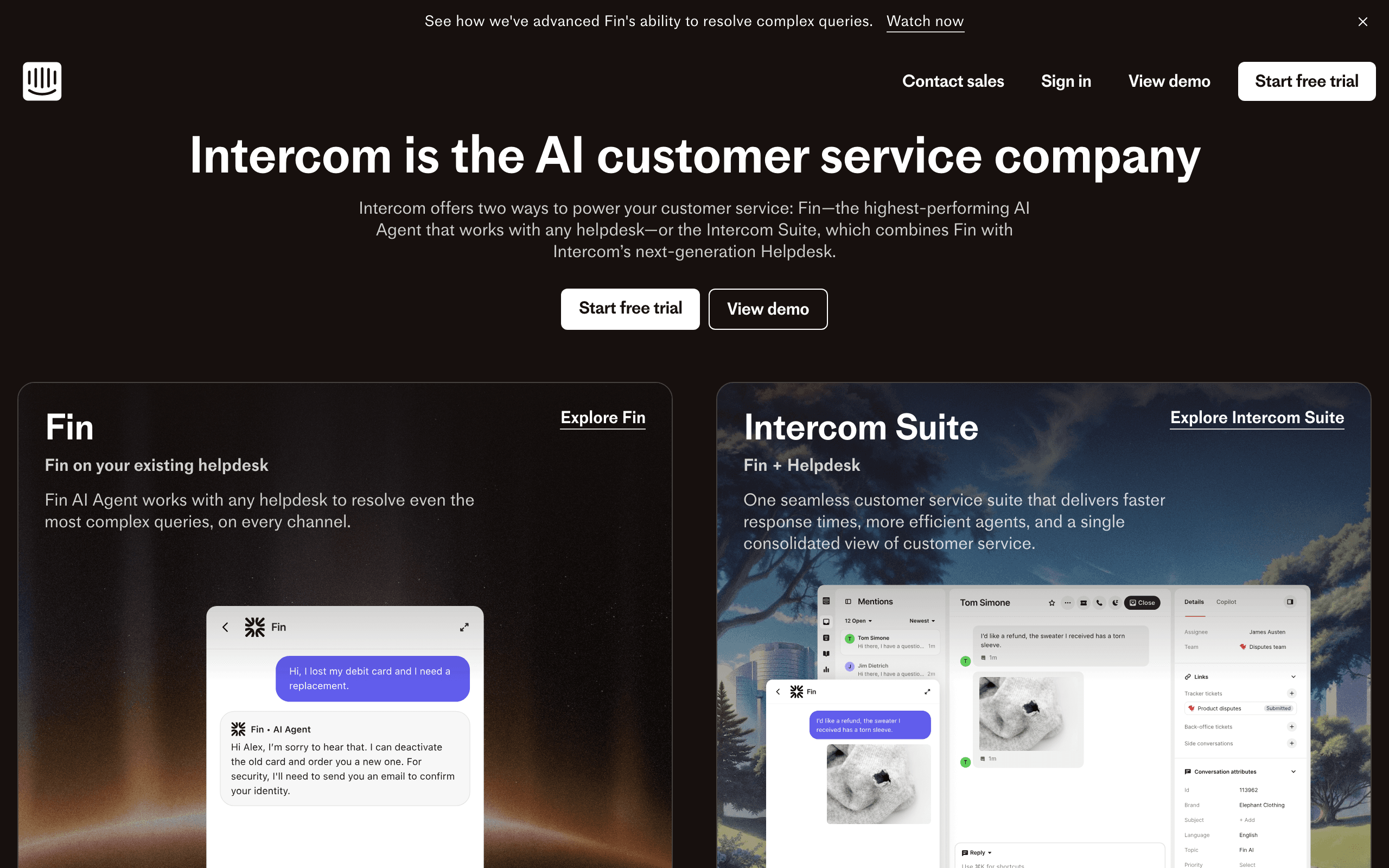
Best for: Multi-channel behavioral triggers
Intercom handles behavioral triggers across email, in-app messages, chat, and push notifications. When a user takes a specific action, Intercom can respond through whichever channel is most appropriate for the context.
The cross-channel behavioral approach is powerful. A user who hasn't logged in for 7 days might get an email re-engagement message. A user who's currently active but struggling with a feature gets an in-app nudge. A user who abandoned checkout gets both email and push reminders. The behavioral trigger determines the message, and the platform determines the channel.
Intercom's behavioral data comes from product usage (in-app events), email engagement, and conversation history. This rich behavioral context means triggers can be sophisticated: "User who used feature X but hasn't used feature Y within 7 days" or "User who viewed help docs on topic Z but hasn't opened the app in 3 days."
The limitation is that Intercom's behavioral trigger logic, while capable, is less sophisticated than dedicated behavioral email platforms. Complex event combinations, deep historical pattern analysis, and advanced wait conditions are more limited. For companies that want strong multi-channel behavioral messaging with good (not best-in-class) sophistication, Intercom strikes a balance.
- Pricing: From $39/seat/month
- Behavioral triggers: In-app events, email engagement, conversation behavior, page views, multi-channel responses
- Pros:
- Multi-channel behavioral triggers
- In-app + email + chat
- Real-time behavioral data
- Good targeting options
- Channel-aware delivery
- Cons:
- Expensive per-seat pricing
- Trigger logic less sophisticated
- Complex to configure fully
- Per-seat model scales poorly
10. HubSpot
Best for: All-in-one behavioral triggers with CRM context
HubSpot's behavioral trigger capabilities are built into its Marketing Hub automation platform. You can trigger workflows based on email engagement, page views, form submissions, list membership, CRM activity, and custom behaviors.
The CRM integration adds valuable behavioral context. When a contact's lifecycle stage changes (lead to MQL to SQL to customer), behavioral automations can trigger accordingly. When a deal progresses through stages, the associated contacts receive behaviorally-relevant emails. This CRM-awareness makes HubSpot's behavioral triggers particularly valuable for companies with sales-assisted journeys.
HubSpot also supports "smart content" that changes based on behavioral data. A behavioral email might show different content blocks depending on whether the recipient has visited certain pages, opened certain emails, or performed certain actions. This dynamic content extends the personalization beyond just triggering the email.
The limitation for SaaS is that HubSpot's behavioral triggers are marketing-centric rather than product-centric. Product usage events, API behavior, and subscription status changes require custom integration or manual setup. For SaaS companies with sales teams and marketing complexity, HubSpot is strong. For product-led SaaS with sophisticated usage-based triggers, specialist tools are better.
- Pricing: Free CRM, Marketing Hub from $20/month, Professional from $890/month
- Behavioral triggers: Email engagement, page views, form submissions, list changes, CRM activity, lifecycle stage changes
- Pros:
- Comprehensive behavioral tracking
- CRM + email automation
- Free CRM to start
- Massive integration ecosystem
- Smart content based on behavior
- Cons:
- Professional features are expensive
- Not SaaS-product-centric
- Can feel bloated for small teams
- Onboarding takes time
11. Encharge
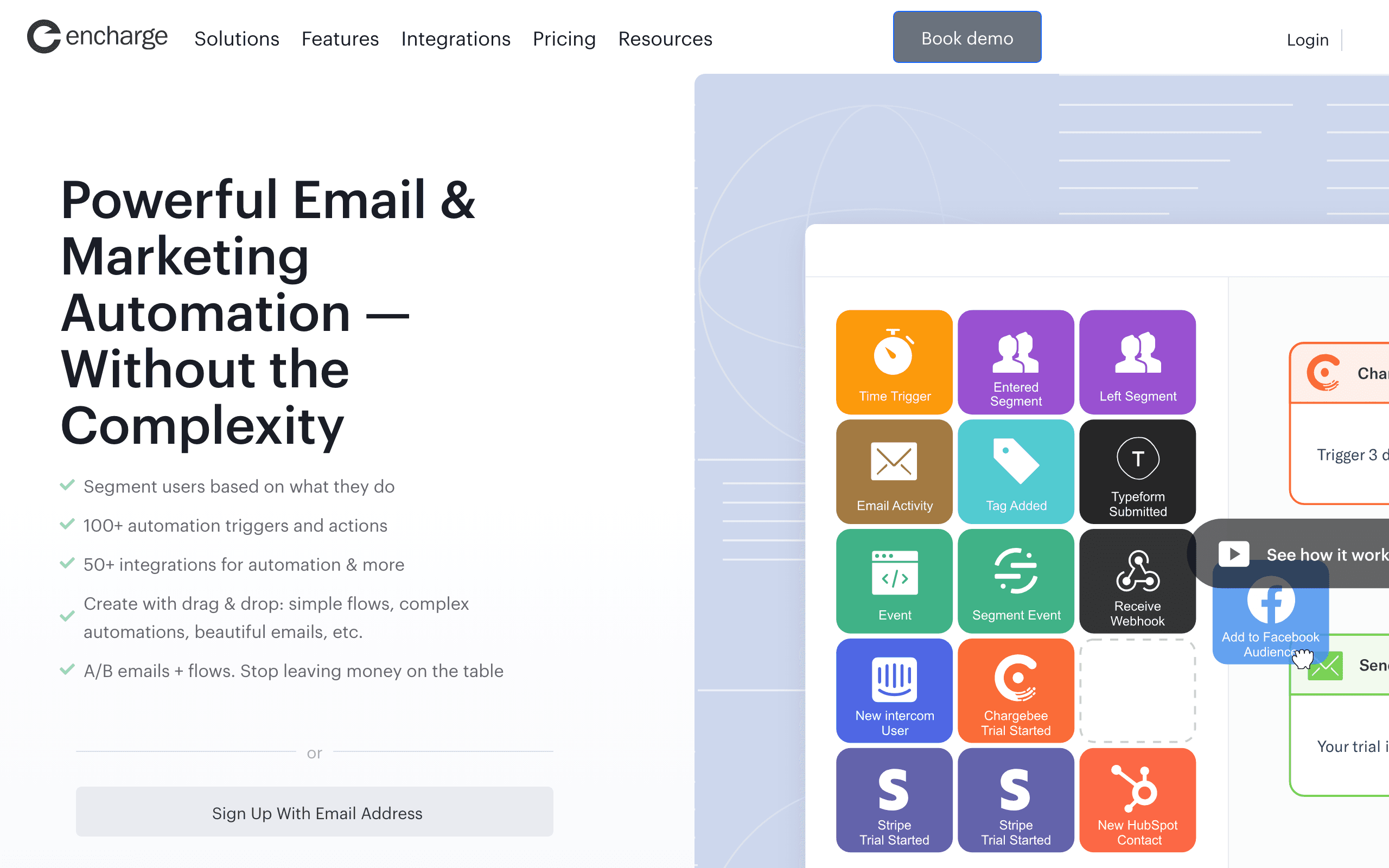
Best for: Visual behavioral workflow building
Encharge makes behavioral triggers visual with a flow-based builder. You can see exactly which behaviors trigger which automations, how branches work, and what conditions determine which path a user takes.
The user scoring feature is particularly valuable for behavioral triggers. Users accumulate points based on their behaviors (email opens, link clicks, website visits, product usage), and score thresholds trigger automations. A user who reaches 50 behavior points might get a sales outreach. A user whose score drops might get a re-engagement sequence. This behavioral scoring catches at-risk users earlier than explicit inactivity triggers.
Encharge also supports "if/then" branching based on behavioral conditions. Within a single workflow, different users take different paths based on their behavior. A user who clicked the last email gets one follow-up; a user who didn't gets another. A user who visited a specific page gets a targeted offer; a user who didn't gets a generic nurture message.
The visual approach makes sophisticated behavioral triggers accessible to non-technical teams. You don't need to write code or understand complex logic syntax - you just connect blocks with lines. For marketing teams without strong technical resources, Encharge's visual builder is a significant advantage.
- Pricing: From $79/month
- Behavioral triggers: Custom events, user behavior, score thresholds, page visits, email engagement, conditional branching
- Pros:
- Visual workflow builder
- User scoring for triggers
- Non-technical friendly
- Good integration options
- Early at-risk detection
- Cons:
- Visual builder has limits at scale
- Mid-range pricing
- Smaller user community
- Less powerful than code-based tools
12. Mailchimp
Best for: Basic behavioral triggers on a budget
Mailchimp added customer journey automation with behavioral triggers. You can build journeys that trigger on email engagement, store purchases (with integrations), website activity (with tracking), and contact tagging.
The strength is accessibility. Mailchimp is easy to set up, has good documentation, and a massive user community. If your behavioral trigger needs are straightforward - abandoned cart, welcome series based on signup, re-engagement based on inactivity - Mailchimp handles the basics without complexity.
Where Mailchimp falls short for sophisticated behavioral triggers is in event flexibility and cross-sequence coordination. Complex event combinations ("user did X but not Y within Z days"), deep product usage tracking, and behavioral sequences that coordinate across multiple lifecycle stages are limited. For early-stage SaaS with simple behavioral needs, Mailchimp is sufficient. For sophisticated behavioral programs, you'll outgrow it.
Mailchimp's behavioral triggers also require using their tracking scripts or integrations. Product usage events from your backend require custom setup via API or webhook integrations. For SaaS companies with heavy product usage triggers, this adds friction compared to tools with native event ingestion.
- Pricing: Free up to 500 contacts, from $13/month
- Behavioral triggers: Email engagement, website activity, purchase behavior, contact tagging, basic journey triggers
- Pros:
- Very accessible platform
- Low starting cost
- Good documentation
- Large integration ecosystem
- Easy to learn
- Cons:
- Limited trigger sophistication
- Weak cross-sequence coordination
- Product usage triggers limited
- Not designed for SaaS behaviors
13. GetResponse
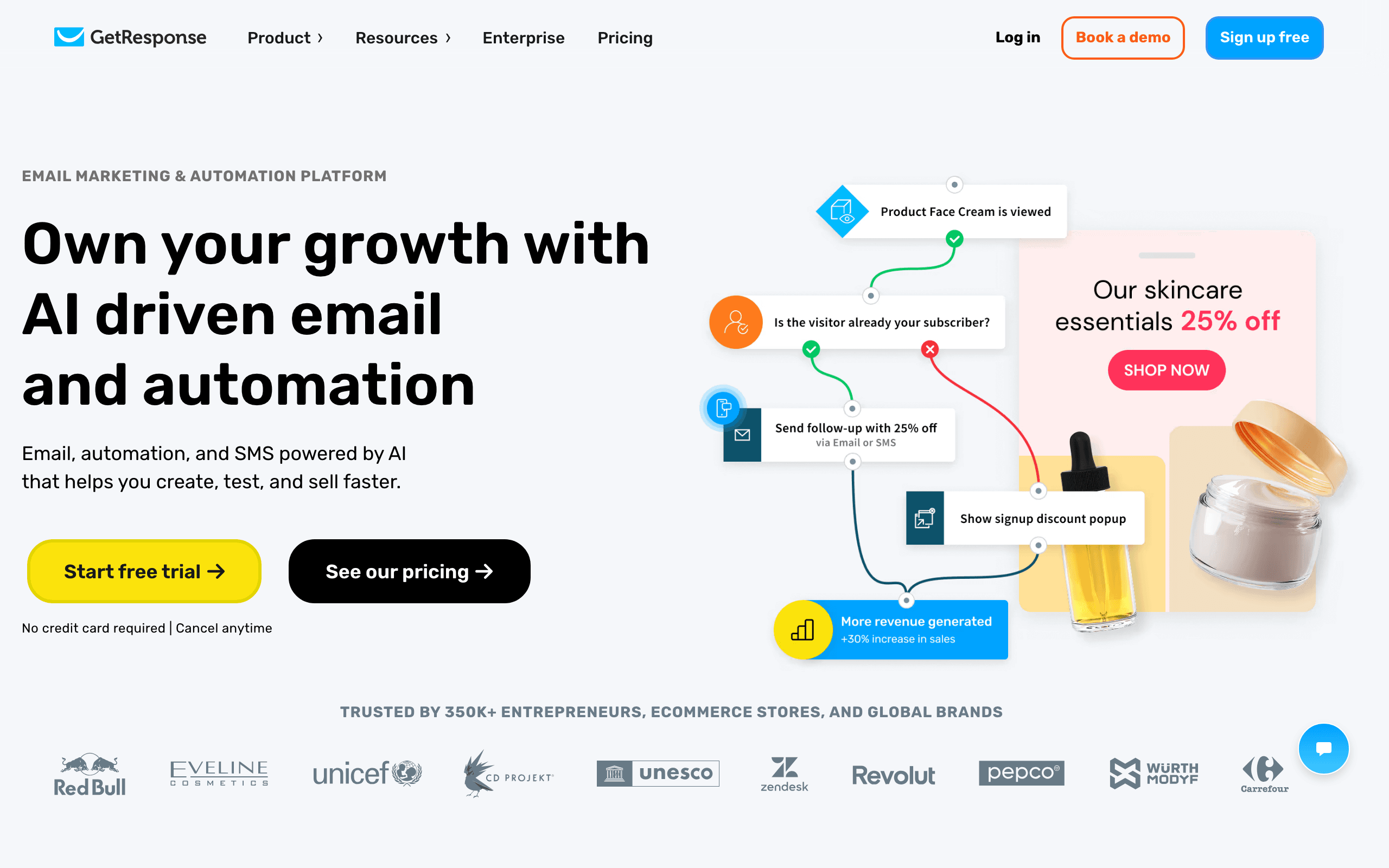
Best for: Behavioral triggers with all-in-one marketing tools
GetResponse's automation builder supports behavioral triggers based on email engagement, page visits, webinars, and e-commerce activity. The platform combines email automation with landing pages, webinars, and CRM functionality.
Where GetResponse stands out is behavioral triggers across multiple marketing channels. A user who attends a webinar can trigger a follow-up sequence. A user who visits a landing page but doesn't convert can trigger a retargeting email. A user who abandons a form can trigger a reminder. This cross-channel behavioral approach works for companies doing broad marketing beyond just email.
The automation builder is capable, though not as sophisticated as dedicated behavioral platforms. You can build conditional workflows, split branches based on behavior, and trigger based on engagement patterns. For SaaS companies that want behavioral triggers alongside webinar marketing, lead generation funnels, and landing page optimization, GetResponse's all-in-one approach is convenient.
The limitation is that GetResponse is a general-purpose marketing tool, not a behavioral trigger specialist. Complex event combinations, advanced inactivity detection, and deep product usage triggers require workarounds. For SaaS companies with broad marketing needs, GetResponse is solid. For pure behavioral sophistication, specialist tools win.
- Pricing: Free tier available, from $19/month
- Behavioral triggers: Email engagement, page visits, webinar activity, e-commerce behavior, form abandonment
- Pros:
- All-in-one marketing platform
- Landing pages + webinars included
- Capable automation builder
- Good feature breadth
- Affordable starting price
- Cons:
- General-purpose tool
- Behavioral features are basic
- Interface feels dated
- Less sophisticated than specialists
14. Drip
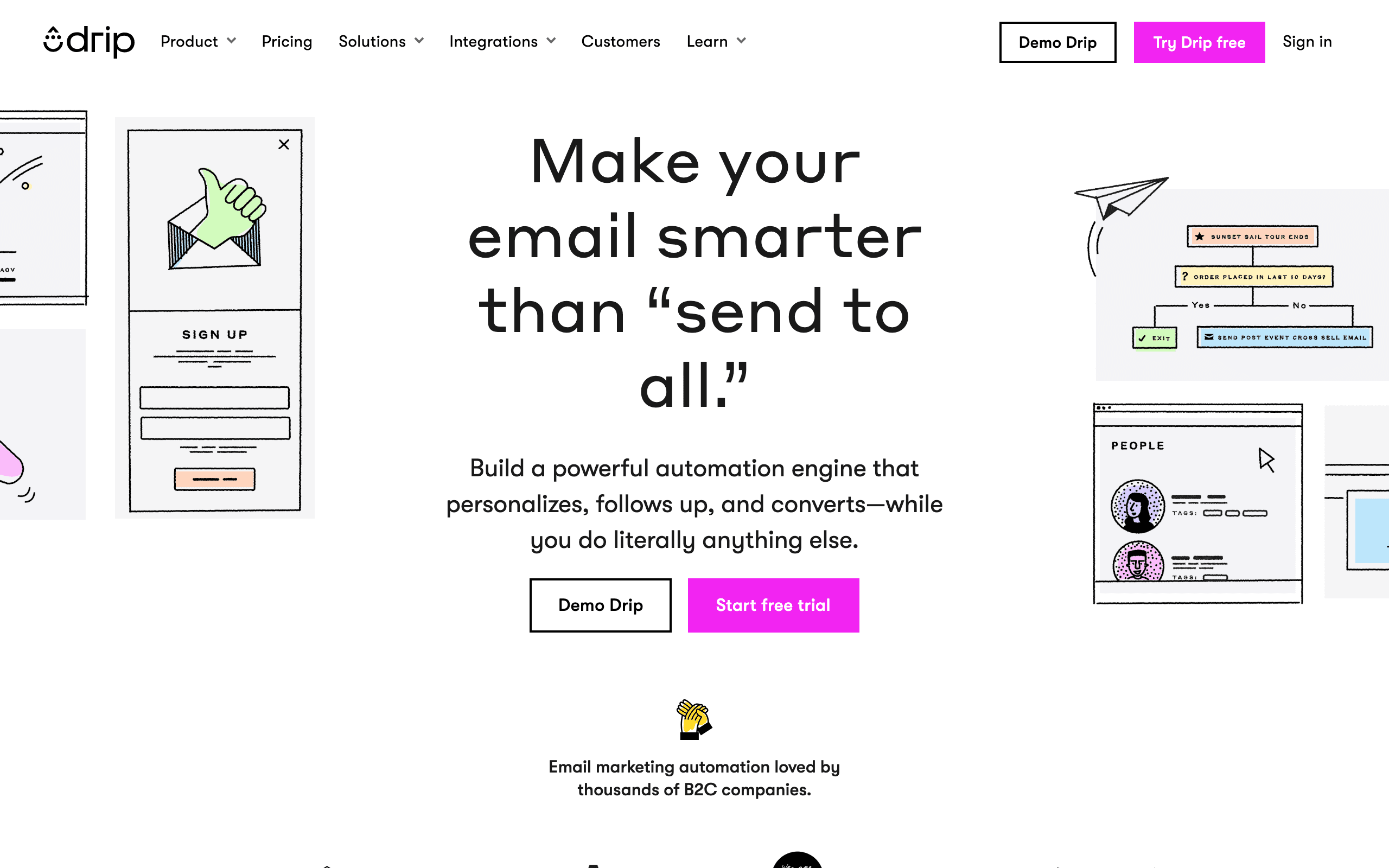
Best for: E-commerce-style behavioral automation
Drip focuses on behavioral email automation for e-commerce, but its event-driven approach works for SaaS companies with an e-commerce dimension. The platform triggers emails based on user actions: site visits, purchases, engagement, and inactivity.
For SaaS companies that sell physical goods, have an online store component, or use e-commerce-style checkout for subscriptions, Drip's behavioral automation is strong. You can build behavioral flows around first purchase, repeat purchase, lapsed customers, and high-value customer segments.
Drip's RFM modeling (recency, frequency, monetary) helps identify behavioral segments based on purchasing behavior. A customer who buys frequently and recently is "active." A customer who hasn't purchased in 90 days is "at-risk." These behavioral segments trigger different email flows.
The limitation for pure SaaS is that Drip's behavioral model is purchase-centric, not usage-centric. Product activation, feature adoption, team collaboration, and usage-based triggers aren't native concepts. For SaaS companies where purchasing behavior (not usage behavior) defines lifecycle stages, Drip is capable.
- Pricing: From $39/month
- Behavioral triggers: Site visits, purchase behavior, RFM segments, engagement patterns, inactivity
- Pros:
- Strong behavioral triggers
- RFM modeling for segments
- Good for e-commerce-style SaaS
- Revenue-focused segmentation
- Capable automation builder
- Cons:
- E-commerce-first mental model
- Less suitable for usage-based SaaS
- Higher starting price
- Steep learning curve
15. Omnisend
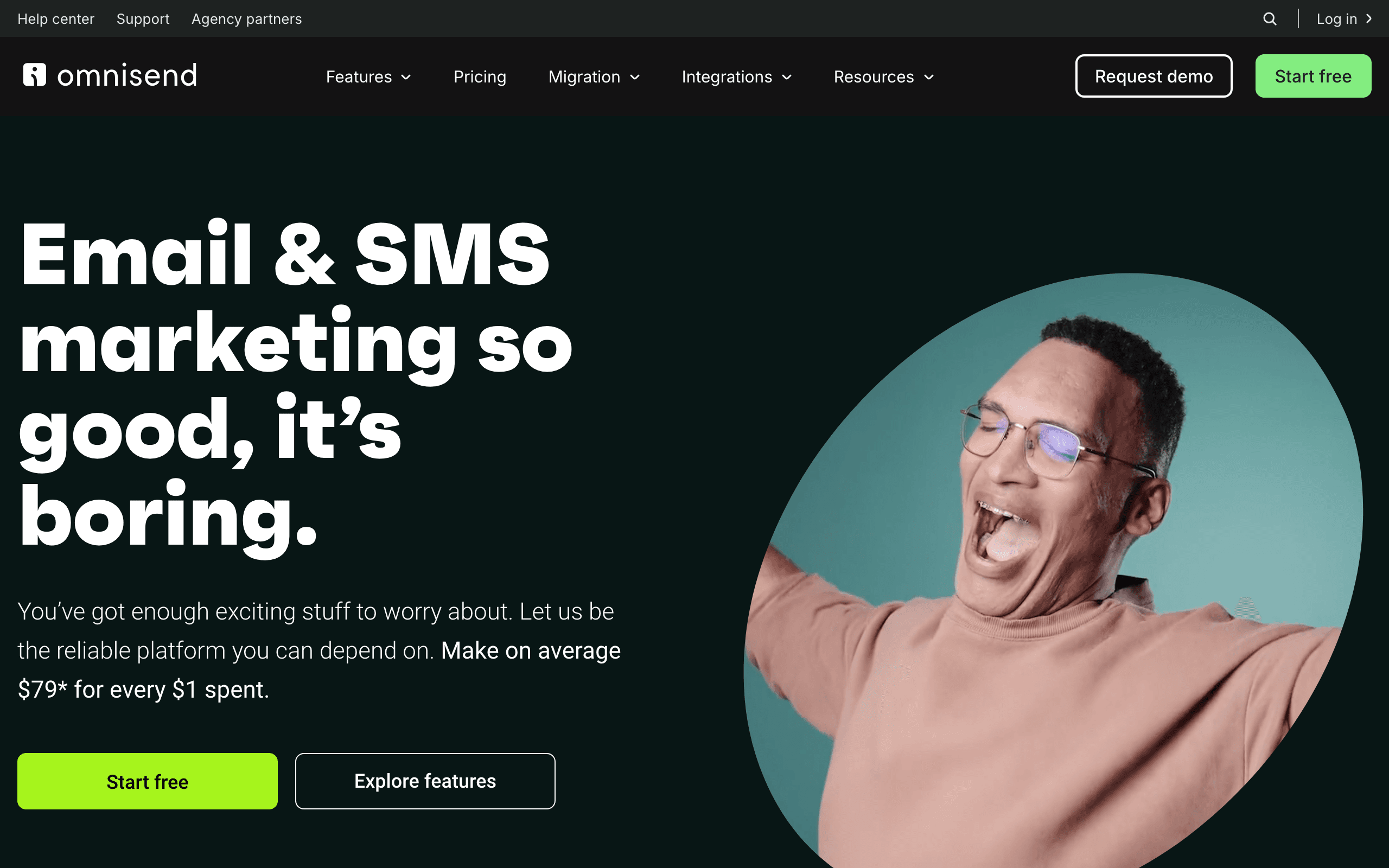
Best for: Omnichannel behavioral triggers
Omnisend specializes in omnichannel automation for e-commerce, but its cross-channel behavioral approach works for SaaS companies that communicate across email, SMS, and other channels.
For SaaS companies with e-commerce functionality or that use SMS for transactional and behavioral messaging, Omnisend's channel coordination is valuable. A user who abandons checkout gets an email followed by an SMS reminder. A lapsed customer gets an email win-back campaign and an SMS re-engagement push.
The platform integrates with e-commerce platforms, so product catalogs, purchase history, and customer data feed into behavioral segmentation. A customer who bought a specific product tier can enter an upsell behavioral flow. A trial user who purchased an add-on can get a cross-sell flow.
The limitation for pure SaaS is that Omnisend is optimized for e-commerce use cases. Product usage, feature adoption, team collaboration, and usage-based billing aren't first-class concepts. For SaaS companies with strong e-commerce or SMS needs, Omnisend's omnichannel behavioral capabilities are valuable.
- Pricing: Free tier available, from $16/month
- Behavioral triggers: Cross-channel behavior, purchase actions, browsing patterns, cart abandonment, engagement across channels
- Pros:
- Strong omnichannel coordination
- SMS + email in one platform
- E-commerce data integration
- Good for transactional behavioral flows
- Affordable starting price
- Cons:
- E-commerce-first focus
- Less natural for pure SaaS
- Usage-based features limited
- Complex to set up fully
16. Brevo (formerly Sendinblue)
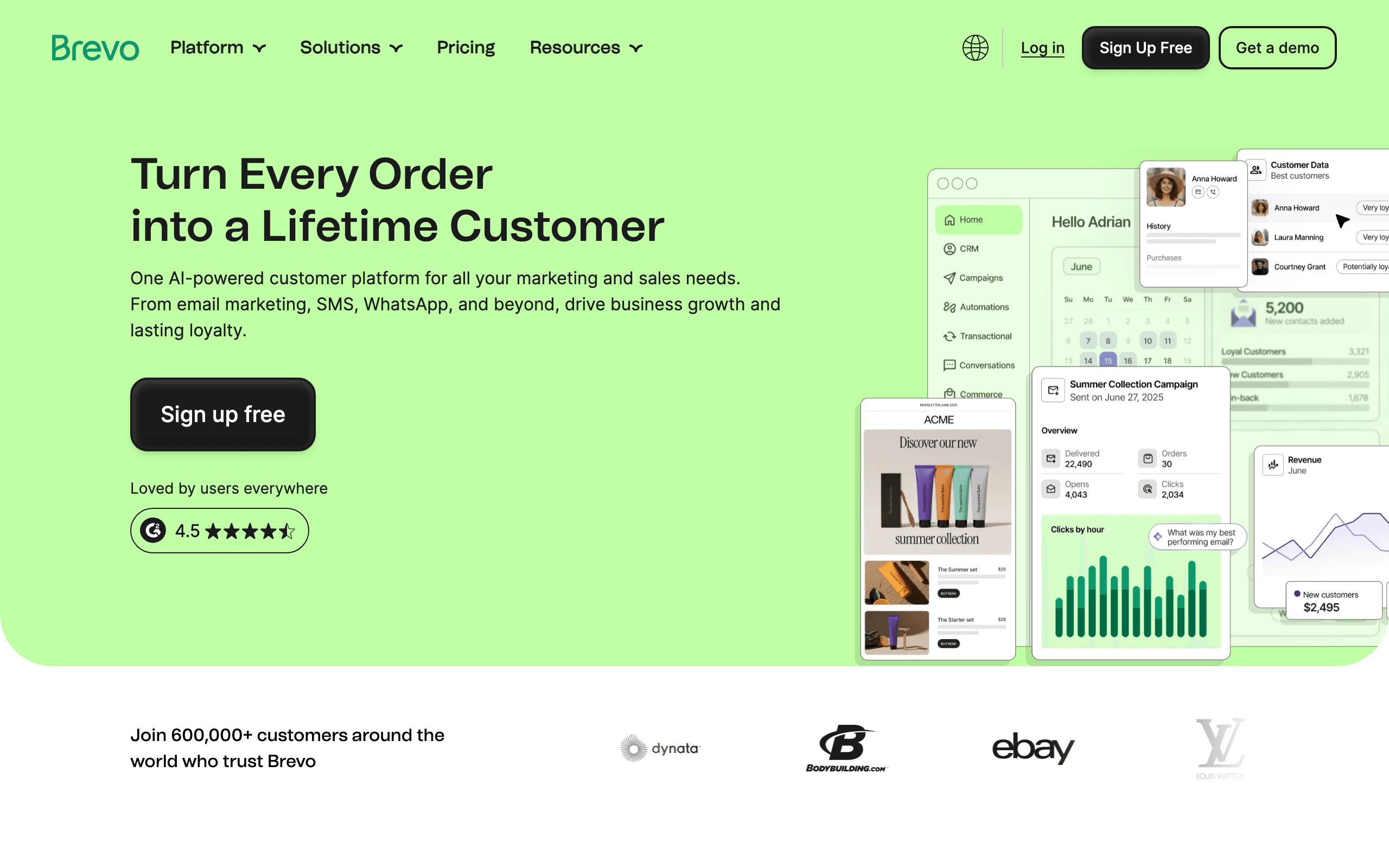
Best for: Budget-friendly multichannel behavioral triggers
Brevo offers email, SMS, and WhatsApp automation with behavioral triggers at an accessible price point. Workflows can trigger based on contact behavior, purchase activity, website visits, and engagement patterns.
The automation workflow builder supports multi-step behavioral sequences. You can build onboarding flows, trial conversion sequences, dunning management, and re-engagement campaigns. The platform includes basic CRM functionality for contact management and behavioral segmentation.
Where Brevo stands out is in the inclusion of SMS and WhatsApp messaging at the base price. Many behavioral platforms charge extra for multichannel or require expensive upgrades. Brevo includes SMS from the starting tier, making it accessible for SaaS companies on a budget who want behavioral triggers across channels.
The limitation is that Brevo's behavioral trigger features are basic compared to specialist tools. Cross-sequence coordination, revenue-aware segmentation, and sophisticated behavioral triggers are limited. For SaaS companies that need affordable multichannel behavioral triggers and can work within basic automation capabilities, Brevo is a solid value choice.
- Pricing: Free tier available, from $9/month
- Behavioral triggers: Email engagement, website activity, purchase behavior, SMS responses, WhatsApp interactions
- Pros:
- Very affordable pricing
- SMS + WhatsApp included
- Capable automation builder
- Good for budget-conscious teams
- Multichannel from base tier
- Cons:
- Basic behavioral features
- Less sophisticated than specialists
- Limited cross-sequence coordination
- Not SaaS-specific
17. ConvertKit (Kit)
Best for: Creator economy behavioral triggers
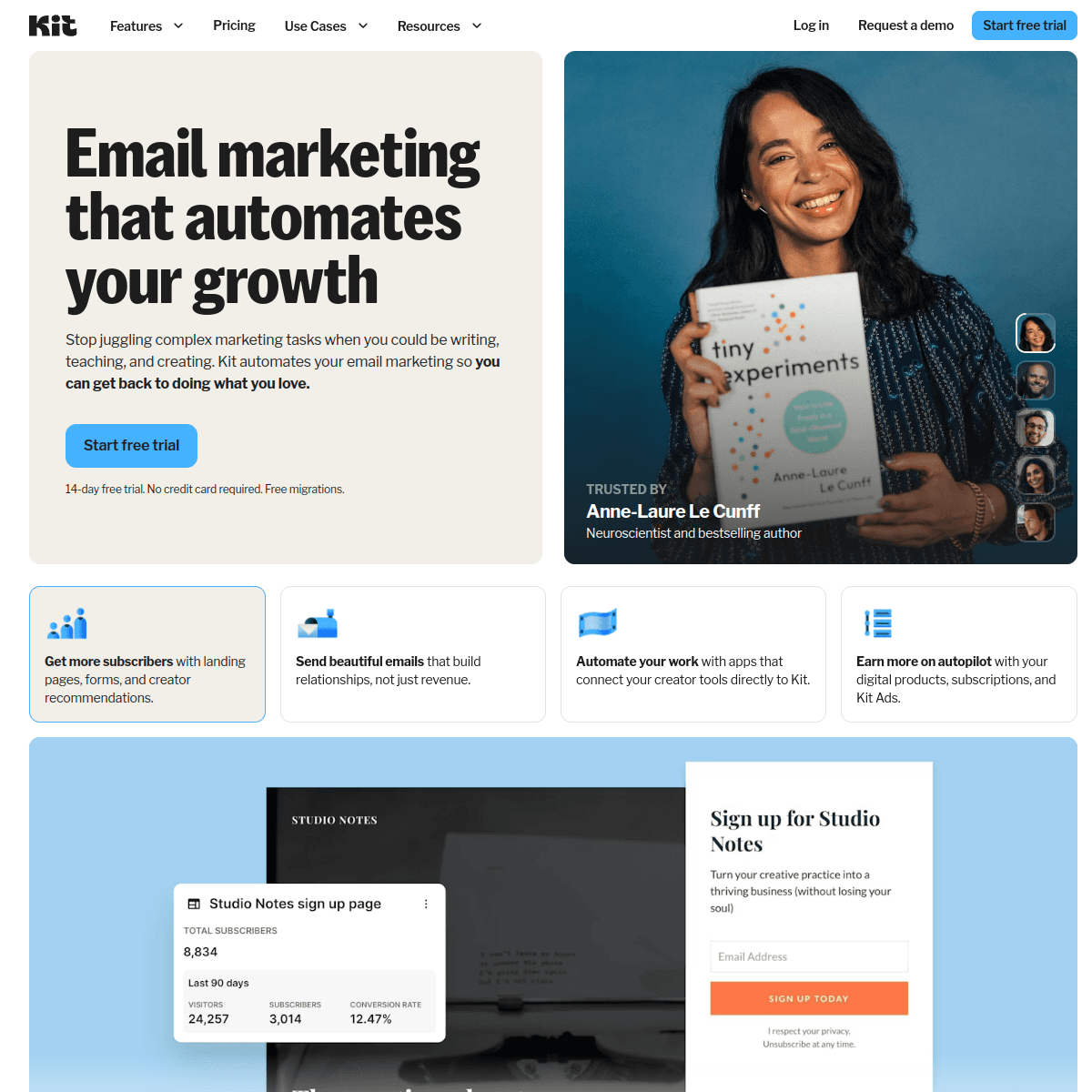
ConvertKit (recently rebranded as Kit) serves creators selling digital products, courses, and memberships. For SaaS companies in the creator economy or selling knowledge products, ConvertKit's behavioral triggers match the customer journey.
The platform understands creator lifecycle behaviors: subscriber, lead magnet download, free product user, paid customer, superfan. Automations handle the transitions between these stages, from lead magnet delivery to product launch sequences to membership renewal reminders.
ConvertKit's commerce integration means purchases, subscriptions, and product access connect directly to behavioral automations. When someone buys a course, they enter the onboarding sequence. When a membership renews, they get a confirmation email. When a payment fails, dunning emails trigger.
The limitation for broad SaaS is that ConvertKit is creator-optimized, not SaaS-optimized. Concepts like trial stages, usage-based triggers, team collaboration, and API-based event tracking aren't the focus. For creator-economy SaaS selling digital products, courses, or memberships, ConvertKit's behavioral model is a natural fit.
- Pricing: Free up to 10,000 subscribers, from $29/month
- Behavioral triggers: Purchase behavior, product access, subscription events, link clicks, form submissions, tag changes
- Pros:
- Built for creator behaviors
- Commerce integration included
- Generous free tier
- Simple to use
- Good for digital products
- Cons:
- Creator-focused, not general SaaS
- Limited for usage-based SaaS
- Less sophisticated automation
- Fewer advanced features
18. Vero
Best for: API-first behavioral trigger implementation
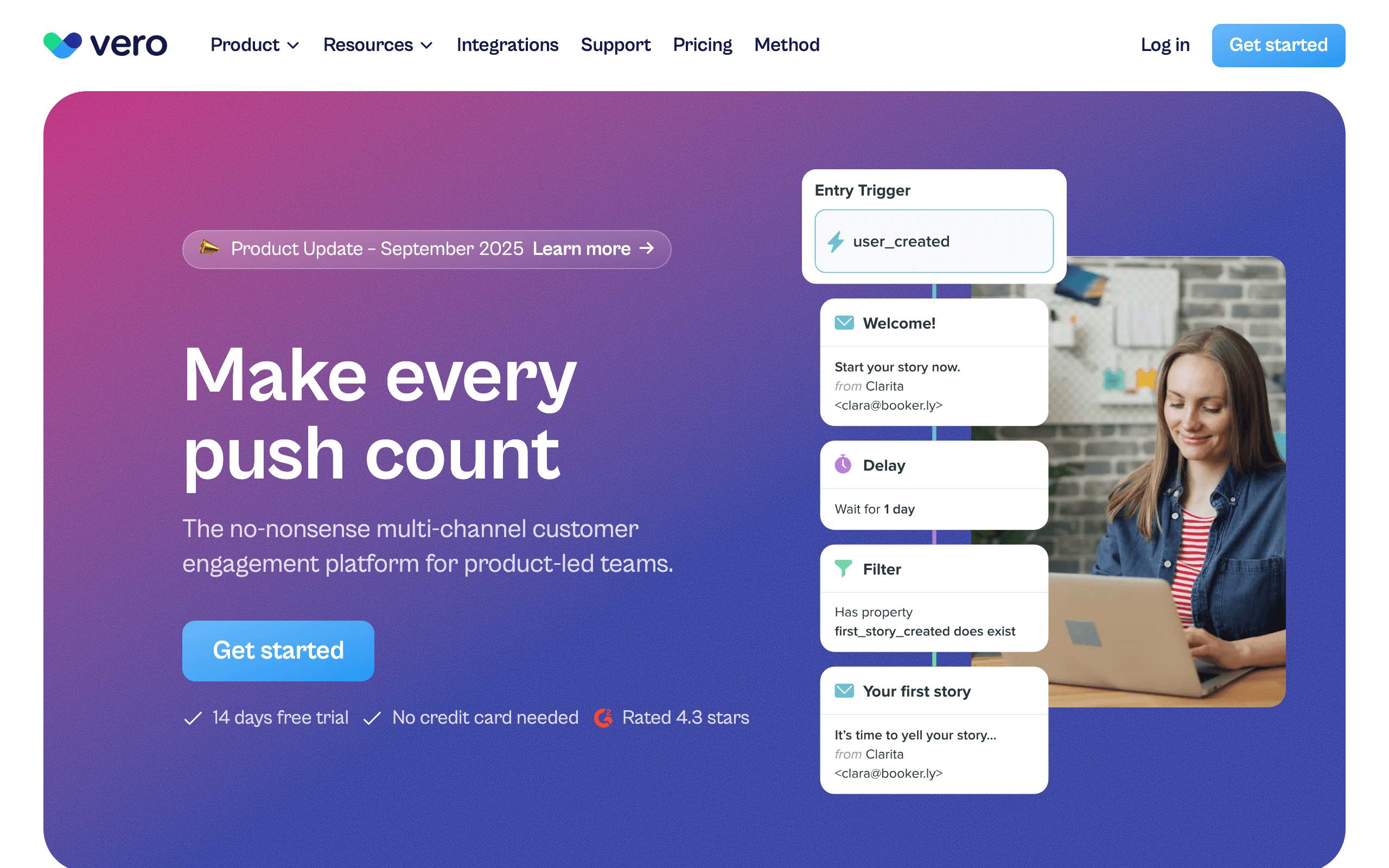
Vero is an API-first email platform built for engineering teams. For SaaS companies with strong engineering resources who want to implement behavioral triggers as code, Vero's API-driven approach gives full control.
The platform's strength is in event-driven behavioral automation based on product behavior. You send events from your backend (user signed up, user activated feature, subscription renewed), and Vero triggers the appropriate behavioral emails. The event-driven model maps cleanly to SaaS behavioral triggers.
Vero's API-first design means you can build, test, and deploy behavioral flows programmatically. Behavioral trigger configurations can live in version control alongside your codebase, reviewed and deployed through the same engineering process. For technical teams who prefer infrastructure-as-code, Vero fits the workflow.
The limitation is that Vero requires engineering investment. There's no visual builder, no drag-and-drop workflow designer - every behavioral flow is built through API calls or configuration. For non-technical teams, Vero is inaccessible. For technical teams who want full programmatic control over behavioral triggers, Vero's API-first approach is powerful.
- Pricing: From $99/month
- Behavioral triggers: Custom events, user properties, event properties, API-driven triggers, logical conditions
- Pros:
- Full API control
- Event-driven automation
- Infrastructure-as-code workflow
- Clean integration with SaaS backend
- Strong for technical teams
- Cons:
- Requires engineering resources
- No visual builder
- Steeper learning curve
- Less accessible to non-technical users
19. Ortto
Best for: CDP-backed behavioral triggers
Ortto combines customer data platform (CDP) capabilities with email automation. For SaaS companies that want unified customer data and behavioral triggers in one system, Ortto's data unification is valuable.
The platform's strength is in bringing together data from multiple sources - your product database, CRM, support tools, payment systems - and creating a unified customer profile. Behavioral automations trigger based on this comprehensive view, not just email engagement.
Ortto's "journey" builder creates multi-step behavioral flows. You can build onboarding journeys, trial conversion sequences, expansion campaigns, and win-back flows. Because the CDP layer unifies customer data, segmentation for these behavioral flows can include product usage, support history, payment status, and more.
The limitation is that Ortto is a broad platform doing many things. For SaaS companies that already have a CDP or don't need data unification, Ortto's behavioral trigger features are capable but not as specialized as dedicated tools. For SaaS companies wanting CDP and email in one platform with strong behavioral triggers, Ortto's unification is valuable.
- Pricing: From $99/month
- Behavioral triggers: Cross-source data triggers, product usage, CRM events, support interactions, payment behavior
- Pros:
- Unified customer data
- Multi-source data ingestion
- Capable journey builder
- Good for complex segmentation
- All-in-one data + messaging
- Cons:
- Expensive starting price
- Broad platform, less specialized
- Can feel complex to set up
- Overkill if you don't need CDP
20. Autopilot
Best for: Visual behavioral journey mapping
Autopilot focuses on visual journey mapping for customer behavioral automation. For SaaS companies that want to see and design behavioral triggers as a visual journey map, Autopilot's canvas-based approach is intuitive.
The platform's strength is in mapping complex customer behaviors as visual flows. You can create behavioral journeys that span multiple stages, with branches, conditions, and cross-channel messaging. The visual canvas helps teams understand the behavioral trigger system and identify gaps.
Autopilot includes pre-built journey templates for common SaaS scenarios: trial onboarding, new customer activation, re-engagement, and win-back. These templates provide a starting point that you can customize for your specific behavioral trigger needs.
The limitation is that Autopilot was acquired by Salesforce and has seen less innovation in recent years. For SaaS companies committed to the Salesforce ecosystem, Autopilot's integration is valuable. For SaaS companies not using Salesforce, more actively-maintained behavioral trigger tools may be better long-term choices.
- Pricing: From $49/month
- Behavioral triggers: Custom events, page visits, form submissions, CRM activity, engagement behavior
- Pros:
- Intuitive visual builder
- Good journey templates
- Salesforce integration
- Easy to understand behavioral flows
- Capable multi-stage journeys
- Cons:
- Less active development
- Salesforce-centric
- Limited innovation
- Unclear long-term roadmap
21. Postscripty
Best for: SMS-first behavioral triggers
Postscripty specializes in SMS marketing and automation. For SaaS companies where SMS is the primary behavioral trigger channel - due to customer preference, industry norms, or high email deliverability issues - Postscripty's SMS focus is valuable.
The platform handles SMS behavioral sequences: onboarding messages, trial conversion nudges, payment reminders, re-engagement campaigns, and win-back offers. SMS has higher open rates than email, and for certain SaaS segments (younger demographics, mobile-first users), SMS is the preferred channel for behavioral triggers.
Postscripty's automation features include MMS support, scheduled messages, and segmentation based on subscriber behavior. You can build SMS behavioral flows that trigger based on subscription events, engagement, or inactivity.
The limitation is that Postscripty is SMS-only. If your behavioral trigger strategy is primarily email-based, a dedicated email platform with SMS add-ons may be more appropriate. For SaaS companies where SMS is the core behavioral trigger channel, Postscripty's specialization is valuable.
- Pricing: From $50/month
- Behavioral triggers: SMS engagement, subscription events, purchase behavior, inactivity, MMS interactions
- Pros:
- SMS specialization
- High engagement rates
- MMS support
- Good SMS segmentation
- Strong for mobile-first users
- Cons:
- SMS-only, no email
- Higher cost per message
- Limited to SMS behavioral triggers
- Requires customer opt-in
Building Effective Behavioral Triggers
Start With High-Impact Behaviors
Focus on behaviors that indicate:
- Risk: User hasn't logged in for a week (churn risk)
- Opportunity: User visited pricing page (upgrade opportunity)
- Momentum: User completed onboarding quickly (engagement opportunity)
- Friction: User started a task but didn't finish (help needed)
Don't try to instrument every possible behavior at once. Start with 3-5 high-impact triggers and add more as you learn what works. The behaviors that matter most are the ones closest to revenue: trial conversion, payment recovery, and churn prevention.
Match Email Timing to Behavior Urgency
- Immediate: Password reset requested, payment failed (send within minutes)
- Same day: User completed onboarding, created first project (send within hours)
- Next day: User hasn't finished setup after 24 hours (give them time first)
- Weekly: User has been inactive for 7+ days (don't rush re-engagement)
The urgency of the email should match the urgency of the behavior. A payment failure needs immediate attention. An abandoned onboarding step can wait 24 hours. A feature discovery suggestion can wait a week. Sending everything immediately creates notification fatigue.
Avoid Trigger Fatigue
If a user takes 5 actions in one session, they shouldn't get 5 emails. Use:
- Frequency caps: Maximum one behavioral email per day per user
- Priority rules: More important triggers suppress less important ones
- Suppression windows: After sending one behavioral email, wait before sending another
- Channel coordination: If you sent an in-app message about the behavior, don't also send an email
Trigger fatigue is the fastest way to get unsubscribes from your most engaged users. The users who trigger the most behaviors are your best users. Drowning them in emails punishes engagement.
Measure Trigger Effectiveness
Track whether behavioral emails actually drive the intended behavior:
- Did the onboarding reminder lead to onboarding completion?
- Did the re-engagement email bring the user back?
- Did the upgrade prompt lead to a plan change?
If a behavioral trigger consistently fails to drive the intended outcome, the trigger timing, the email content, or both need adjusting. Track these metrics over time and iterate. A behavioral trigger that worked at 500 users might need adjustment at 5,000.
Personalize Based on Behavioral Context
The best behavioral emails reference the specific behavior that triggered them. Instead of "You haven't logged in recently," say "You haven't opened [Project Name] since last Tuesday." Instead of "Check out this feature," say "You've created 15 projects but haven't tried templates yet."
This requires passing event properties (not just event names) to your email tool. When sending a "project_created" event, include the project name, type, and count. When the behavioral email fires, it can reference these specifics. The personalization makes the email feel relevant rather than automated.
How to Choose
You need the most sophisticated behavioral triggers: Customer.io. Unmatched depth in behavioral conditions and combinations.
You're SaaS wanting behavioral lifecycle email: Sequenzy. Key SaaS behaviors automated via Stripe, simple event-based triggers for the rest.
You're enterprise scale: Braze. Real-time behavioral processing for millions of users.
You need cross-channel behavioral workflows: Iterable. Behaviors triggering email, push, SMS, and in-app.
You want behavioral triggers + CRM scoring: ActiveCampaign. Behaviors feeding into lead scores and CRM workflows.
You want simple behavioral email: Loops. Event-triggered sequences without complexity.
You're e-commerce: Klaviyo. Shopping behavior triggers built into the platform.
You're B2B SaaS: Userlist. Company-level behavioral tracking for coordinated account triggers.
You want multi-channel behavioral triggers: Intercom. In-app, email, chat, and push working together.
You want all-in-one with CRM: HubSpot. Behavioral triggers with full CRM context.
You're non-technical: Encharge or Autopilot. Visual builders make sophisticated triggers accessible.
You're budget-conscious: Brevo or Mailchimp. Basic behavioral triggers without enterprise pricing.
You're API-first: Vero. Infrastructure-as-code for engineering teams.
You want CDP + triggers: Ortto. Unified customer data powering behavioral automations.
You're SMS-first: Postscripty. SMS behavioral triggers for mobile-first SaaS.
For more on how behavioral triggers fit into a broader SaaS behavioral email marketing strategy, including which behaviors to track and how to structure your sequences, see our dedicated guide.
FAQ
How many behavioral triggers should I start with? Start with 3-5 high-impact triggers. Don't try to instrument every possible behavior at launch. Begin with: welcome (signup event), onboarding nudge (inactivity after signup), trial conversion (trial ending event), re-engagement (login inactivity), and one product-specific trigger. You can always add more triggers as you learn which behaviors matter most.
Can behavioral triggers replace time-based sequences? Partially. Some emails are naturally time-based (weekly digests, monthly reports). But most onboarding and lifecycle sequences work better as behavioral triggers. The best approach is a hybrid: behavioral triggers for core actions with time-based fallbacks for users who don't trigger events. For example, send a "complete your setup" email when the user logs in but doesn't finish onboarding. If they never log in, fall back to a time-based nudge after 48 hours.
What data do I need to implement behavioral triggers? At minimum: user identification (email), event tracking (event name + timestamp), and basic user properties (plan, signup date). More advanced triggers need event properties (what was the action's context), user attributes (plan, usage count), and engagement history. The more data you send, the more sophisticated your triggers can be, but start with the basics.
Do behavioral triggers work for B2B with long sales cycles? Yes, especially for product-led growth. B2B behavioral triggers might be: team admin invited first member, workspace hit usage limit, champion user visited pricing page multiple times. The behaviors are different from B2C but the trigger logic is the same. Behavioral triggers are particularly effective in B2B PLG because user actions signal buying intent more reliably than form fills or content downloads.
What's the difference between behavioral triggers and event-based automation? They're closely related. Event-based automation triggers workflows when specific events occur. Behavioral triggers are a broader concept that includes events, inactivity detection, patterns, and thresholds. All event-based automations are behavioral triggers, but not all behavioral triggers are simple event responses. Inactivity triggers (detecting the absence of events) and pattern triggers (detecting sequences of events) go beyond basic event-based automation. See our guide on event-based email automation tools for more detail.
How do I test behavioral triggers without spamming real users? Use a staging environment with test accounts. Most email tools support test modes or sandbox environments. Create test subscribers in your email tool, trigger events from your staging app, and verify the emails fire correctly. Also set up internal notifications so you see every behavioral email that fires during testing. Only connect your production event stream after testing in staging.
Should I trigger emails from the frontend or backend? Backend. Always send behavioral events from your server, not the browser. Frontend events can be blocked by ad blockers, lost due to network issues, or manipulated by users. Backend events are reliable and can include server-side data (subscription status, usage counts) that the frontend doesn't have. The only exception is page view tracking, which naturally lives in the frontend.
How do behavioral triggers interact with email frequency caps? Frequency caps should always take priority over triggers. If a user triggers three different behavioral events in one day, the frequency cap ensures they receive at most one email. The email tool should prioritize the highest-impact trigger (payment failed over feature suggestion) and queue or suppress the rest. Configure this in your email tool's settings or build it into your workflow logic.
Which tool is best for behavioral triggers on a budget? For SaaS on a budget, Sequenzy offers the best value with Stripe-based behavioral triggers and inactivity detection starting at $19/month. For basic behavioral needs, Brevo ($9/month) or Mailchimp ($13/month) can handle simple triggers. For more sophistication without enterprise pricing, Loops ($49/month) provides event-based triggers with a clean developer experience.
How do I prioritize between conflicting behavioral triggers? Establish a priority hierarchy. Payment behaviors (failed payment, dunning) always take top priority. Lifecycle transitions (trial conversion, upgrade, cancellation) take second priority. Engagement behaviors (feature usage, milestones) take third priority. Nurture behaviors (content consumption, browsing) take lowest priority. Configure your email tool to suppress lower-priority triggers when a higher-priority one fires.
Should behavioral triggers differ by customer plan tier? Yes. High-value customers (enterprise, annual plans) deserve different behavioral triggers than low-value customers (starter, monthly). An enterprise user approaching usage limits might trigger a personal outreach from customer success. A starter user hitting the same limit gets an automated upgrade prompt. Behavioral triggers should account for both the behavior itself and the customer's value to your business.
Build your first behavioral trigger
Sequenzy's free plan includes 2,500 emails a month with unlimited subscribers, so you can send a test event and watch a sequence fire in an afternoon.
- Start free, then POST your first event to the events API
- Connect Stripe or Shopify for payment and browse triggers with no instrumentation
- Compare plans on the pricing page
- Next: behavior-based scheduling for timing, and send time optimization for delivery windows