
12 Best Free Email Marketing Tools for Startups (2026): SaaS-Ready Free Tiers

Looking for the general list? This page is scoped to startups: free tiers judged on whether automation, product-event triggers, transactional email and API access are usable at $0. For the broad, 30-tool comparison of every free email plan (including newsletter-only and small-business tools), see the main guide: best free email marketing tools.
When you're building a startup, every dollar matters. Email marketing shouldn't cost you $100/month when you have 200 subscribers. The good news is that several email tools offer genuinely useful free tiers. Not 14-day trials disguised as "free." Actually free, with enough features to run real email campaigns.
I've checked every free tier on this list against the vendor's own pricing page. Here's what you actually get for zero dollars, and where each tool starts charging.
Best Free Email Marketing Tool by Startup Use Case
Best free email marketing tool for SaaS startups: Sequenzy
Sequenzy is the strongest free option when the startup is a SaaS company, not just a newsletter or local business. The useful free-tier advantage is automation tied to product and billing behavior: trial emails, onboarding, dunning, and lifecycle campaigns. Start with trial conversion, Stripe email automation, and the SaaS trial conversion templates.
Best free email marketing tool for beginner newsletters: Mailchimp or MailerLite
Mailchimp and MailerLite are better when the job is a simple newsletter, signup form, or early audience list. Mailchimp has the familiar brand and integration ecosystem; MailerLite is now the better paid option rather than the better free one, after its June 2026 free-plan cut. Compare them against Sequenzy in the Mailchimp comparison and MailerLite comparison.
Best free email marketing tool for developer API sending: Resend
Resend is the better free choice when the first email problem is product email from code: sign-in links, receipts, invites, or React Email templates. It is less of a marketing platform, but the developer experience is excellent. Use the Resend comparison and developer-friendly email tools guide if API sending matters more than campaign automation.
Best free email marketing tool for creator newsletters: Kit (formerly ConvertKit) or Buttondown
Kit and Buttondown fit startups where the founder's audience is the channel. Kit is stronger for creator funnels and paid products; Buttondown is better for markdown-first technical newsletters. The Kit comparison, Buttondown comparison, and newsletter email templates are the most relevant next pages for that path.
What "Free" Really Means
Before the list, some important context. There are three types of "free":
Genuinely free tier: You can use the tool indefinitely with real features. Limited by contacts, emails per month, or feature access, but usable for real work.
Free trial: Full features for 14-30 days, then you pay. Not really free.
Freemium bait: Technically free but so limited that you can't do anything useful without upgrading. Free in name only.
Every tool on this list has a genuinely free tier. I've noted the actual limits so you know what you're getting.
Quick Comparison
| Tool | Best For | Free Tier Limit | Paid From | Key Feature |
|---|---|---|---|---|
| Sequenzy | SaaS startups needing full automation | Unlimited contacts, 2,500 emails/mo | $19/mo | Stripe integration + full automation |
| Sender | Budget-conscious startups | 2,500 subs, 15,000 emails/mo | $7/mo | Automation + transactional email included free |
| Mailchimp | Absolute beginners | 500 contacts, 1,000 emails/mo | $13/mo | Most integrations |
| Venturz | All-in-one startup stack | 5,000 contacts, 1,000 outbound/mo | $29/mo | Email + CRM + website builder |
| MailerLite | Simple newsletters | 250 subs, 2,500 emails/mo | $12/mo | Automation + landing pages |
| Loops | Modern event-driven SaaS email | 1,000 contacts, 2,000 emails/mo | $49/mo | Event-driven model |
| Resend | Developer API sending | 100 emails/day (~3,000/mo) | $20/mo | React Email + clean DX |
| Brevo | Growing lists, low frequency | Unlimited contacts, 300 emails/day | $9/mo | Unlimited contacts + automation |
| Buttondown | Simple founder newsletters | 100 subscribers | $9/mo | Minimalist, markdown-based |
| EmailOctopus | Budget list building | 2,500 subs, 10,000 emails/mo | $8/mo | Most generous by subscriber count |
| Kit (formerly ConvertKit) | Newsletter creators | 10,000 subs, unlimited sends | $39/mo | Unlimited newsletter sends |
| Amazon SES | Technical teams, cost-sensitive | 62,000 emails/mo (on EC2) | $0.10/1k emails | Lowest cost at scale |
Free tiers verified September 2026 against each vendor's public pricing page. MailerLite cut its free plan on 16 June 2026 and added feature caps on 13 August 2026.
The 12 Best Free Email Marketing Tools
1. Sequenzy
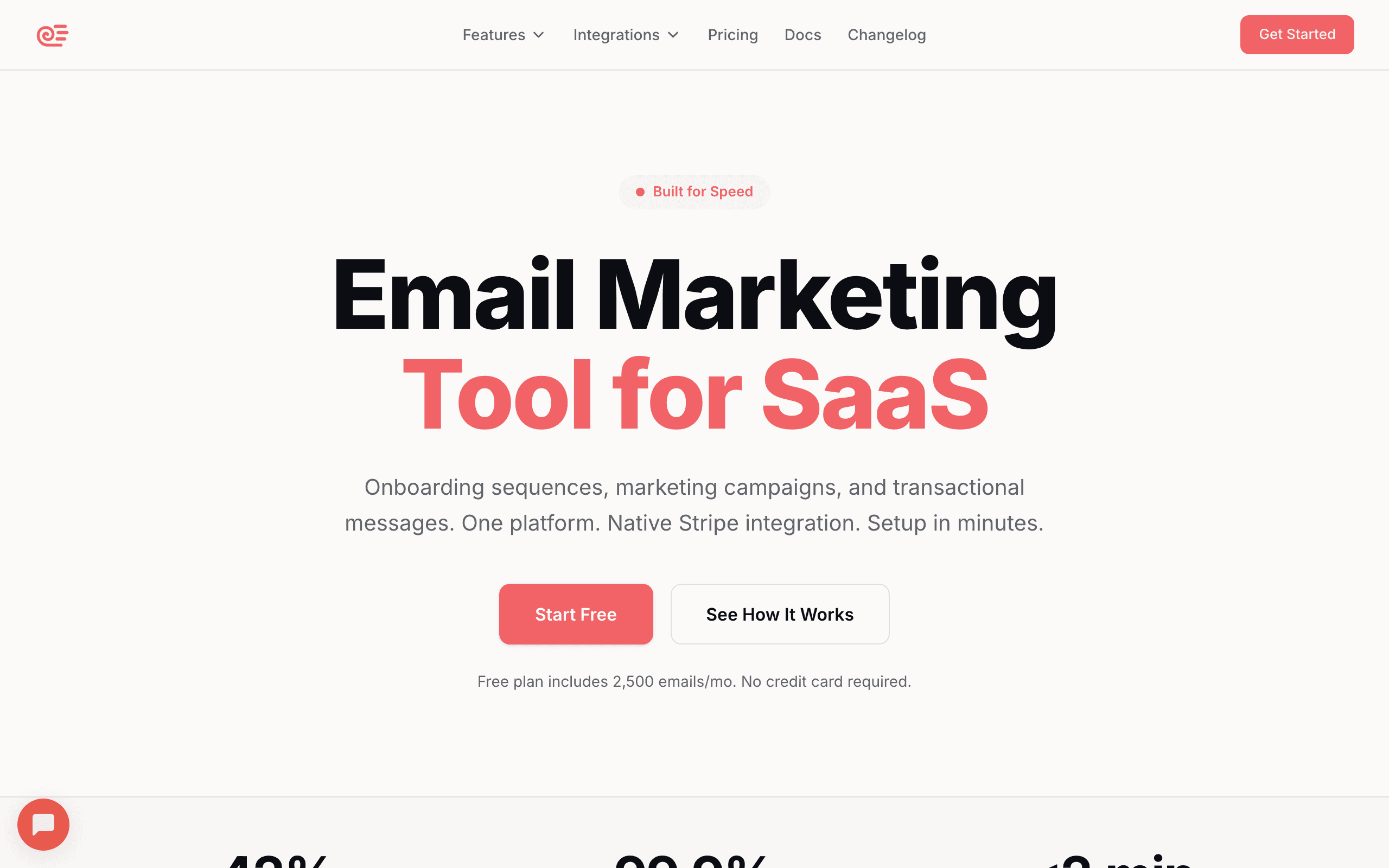
Free tier: Unlimited contacts, 2,500 emails/month, full automation, no credit card
Sequenzy's free tier is designed specifically for SaaS startups. Unlike other free tiers that gut their automation features, Sequenzy gives you the full platform: behavioral email sequences, event-driven automation, and native Stripe integration, all for free. Contacts are unlimited on every plan, including free; the free plan is capped on sends (2,500 emails a month), not on list size.
The Stripe integration on free is the killer feature. Connect Stripe and you immediately get automated dunning sequences for failed payments, trial conversion emails, and lifecycle automations based on subscription events. These are the highest-ROI emails a SaaS can send, and most tools charge $50-100/month before you can use them. For a deeper look at what this unlocks, check out our guide on Stripe email automation.
The free tier also includes the drag-and-drop email builder, AI-powered sequence generation, and both transactional and marketing email. For a SaaS startup pre-revenue or in early traction, this covers everything you need.
Good for: SaaS startups that want real automation from day one Outgrow it when: You pass 2,500 emails a month, or you need to remove the "Sent with Sequenzy" branding that free sends carry Paid plans from: $19/month (15,000 emails)
2. Sender
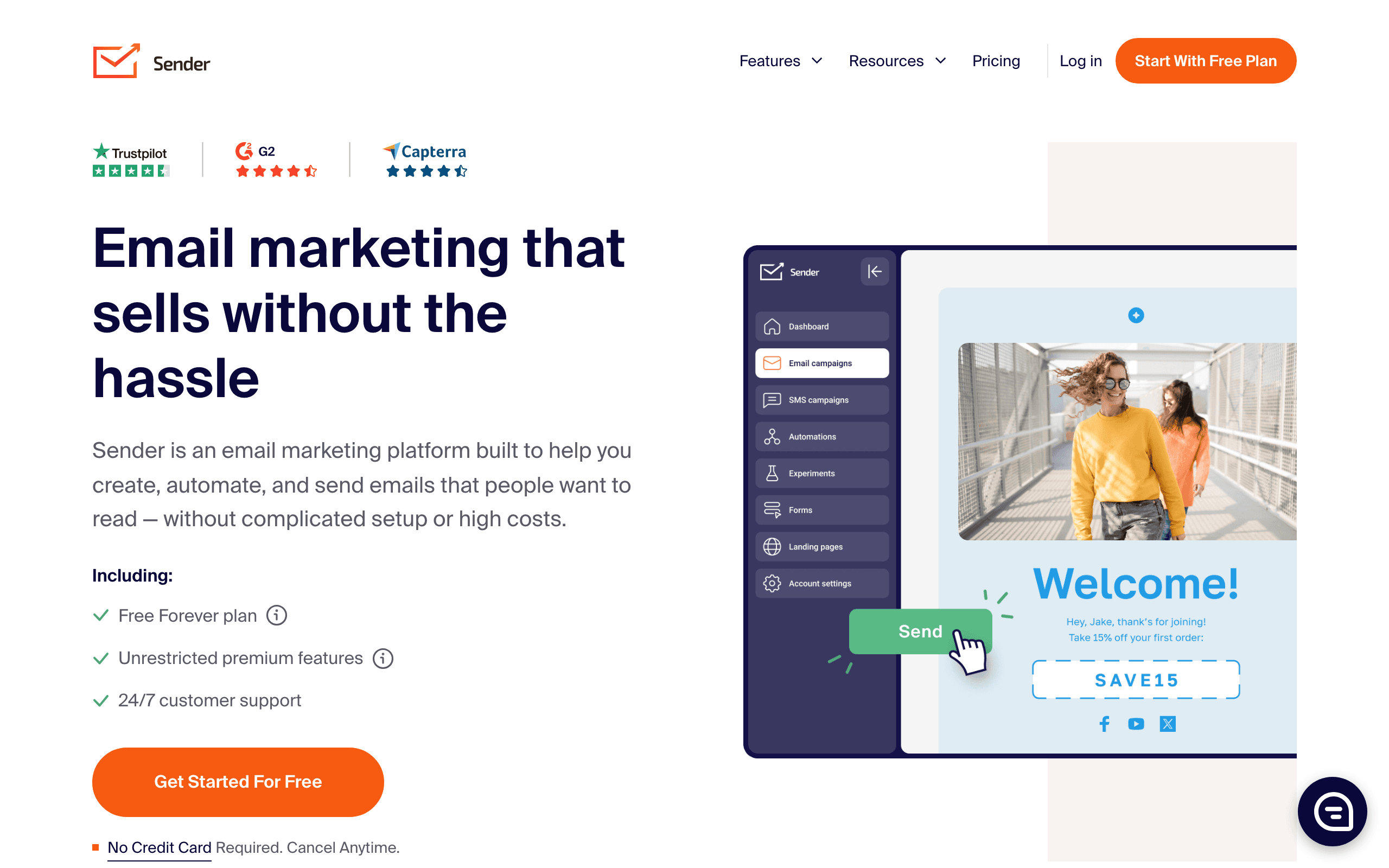
Free tier: 2,500 subscribers, 15,000 emails/month, automation included, no credit card required
Sender doesn't strip out automation on its free tier. You get the drag-and-drop builder, signup forms and popups, segmentation, and multi-step automation workflows (welcome series, abandoned cart, re-engagement) all on the $0 plan, with custom events available to trigger sequences based on subscriber behavior, plus transactional email for receipts and password resets.
The limitation is that free sends carry Sender branding, and dedicated IPs aren't available until the Professional plan. For a startup just getting email running - onboarding sequences, a launch list, basic lifecycle emails - the free tier covers the core workflow without forcing an upgrade for automation.
Good for: Startups that want real automation without paying from day one Outgrow it when: You pass 2,500 subscribers or 15,000 emails/month, or need to remove Sender branding Paid plans from: $7/month
3. Mailchimp
Free tier: 500 contacts, 1,000 emails/month, 1 audience
Mailchimp's free tier used to be much more generous (2,000 contacts). The current version is limited but still useful for very early-stage startups. You get the email builder, basic automation (single-step only on free), and basic analytics.
The biggest limitation on free: single-step automations only. You can set up a welcome email but not a multi-email sequence. For that, you need the Essentials plan ($13/month). If you're a SaaS company and find yourself bumping into these limits, it might be worth reading about why SaaS companies are leaving Mailchimp and what alternatives they're choosing.
Good for: Absolute beginners who want a familiar brand name Outgrow it when: You hit 500 contacts or need multi-step automations Paid plans from: $13/month
4. Venturz
Free tier: 5,000 contacts, 1,000 messages/posts, unlimited campaigns
Venturz gives startups more than just email marketing. On the free Seed plan, you get unlimited campaigns, unlimited segments, email templates, a drag and drop email builder, drip automation, scheduling, personalization, A/B testing, and engagement tracking. It works well for startups that want email marketing inside a broader platform that also includes CRM, website builder, live chat, analytics, and more.
The main thing to keep in mind is that the 1,000 quota is shared across outbound activity such as emails, posts, DMs, notifications, and automations, so active teams may outgrow the free plan faster than they expect. Paid plans start at $29/month and raise both usage limits and overall capacity.
Good for: Startups that want email marketing plus CRM and website tools in one place Outgrow it when: You need more than 1,000 outbound messages/posts per billing cycle Paid plans from: $29/month
5. MailerLite
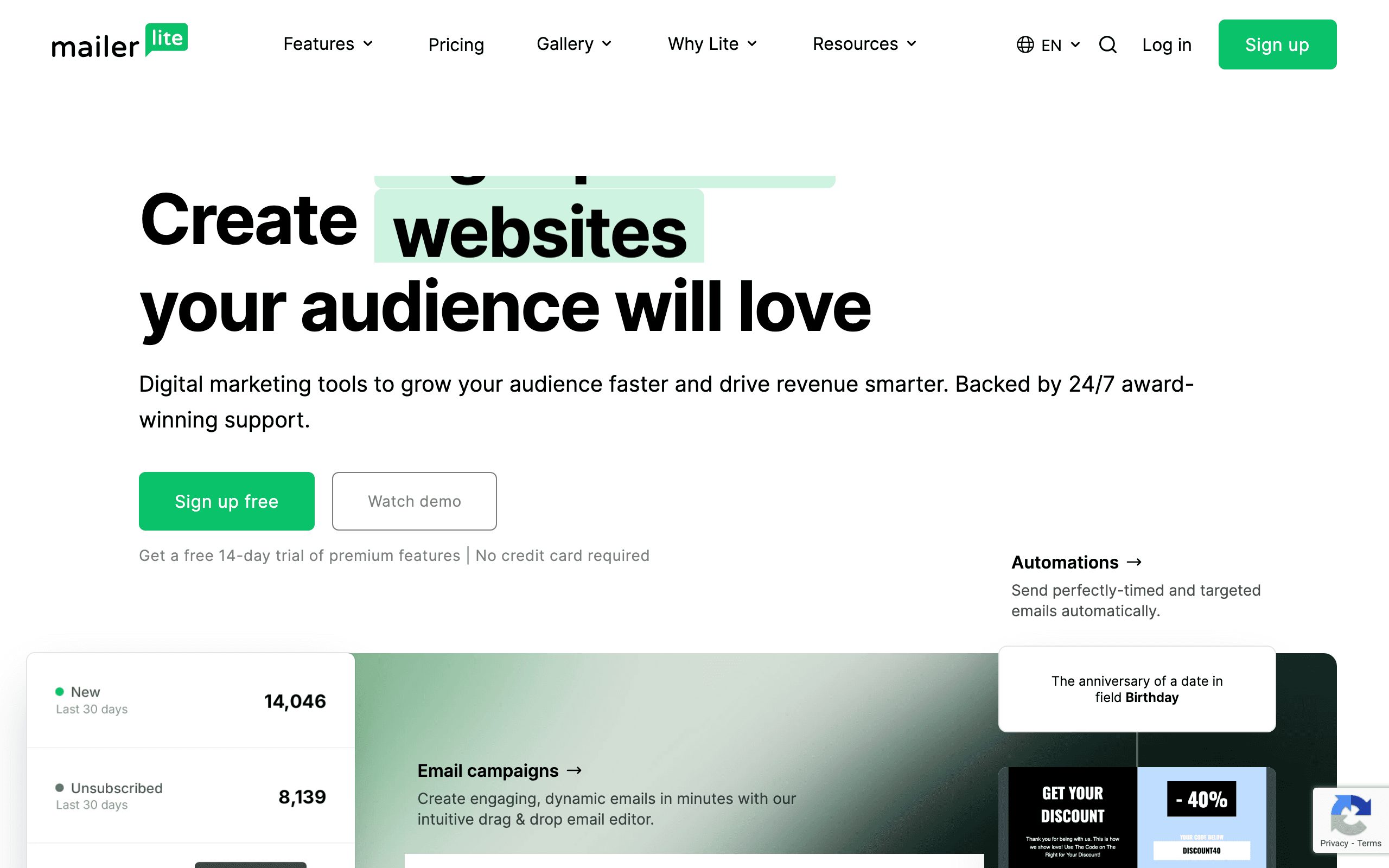
Free tier: 250 subscribers, 2,500 emails/month (cut from 1,000 subscribers and 12,000 emails on 16 June 2026)
MailerLite used to offer one of the most generous free tiers. Since 16 June 2026 the free plan is 250 subscribers and 2,500 monthly sends, and since 13 August 2026 it also caps free accounts at 3 automations, 3 forms, 1 landing page and 1 website. The paid Comfort plan from $12/month is now the reason to pick MailerLite, not the free tier.
The limitations: MailerLite branding on emails, no custom HTML editor, no auto-resend to non-openers, and limited templates. But for the core email marketing workflow, the free tier is solid.
Good for: Startups that want a full-featured tool without paying Outgrow it when: You pass 250 subscribers or 2,500 emails a month, which now happens quickly Paid plans from: $10/month
6. Loops
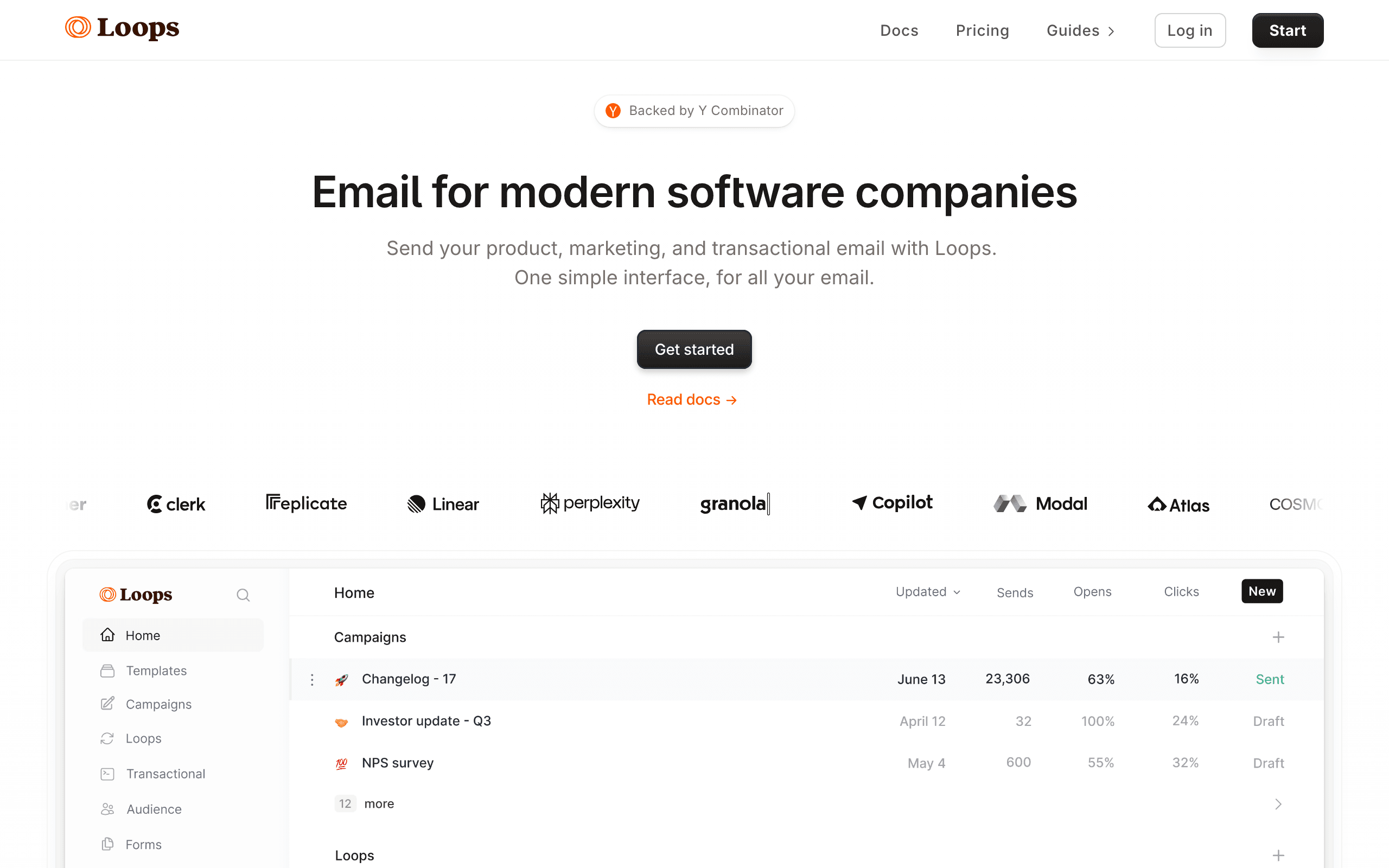
Free tier: 1,000 contacts, 2,000 emails/month
Loops is a newer platform popular with SaaS startups. The free tier gives you 1,000 contacts with event-driven automation. For SaaS specifically, the event-based model is more useful than the list-based approach of traditional tools.
The interface is clean and modern. You can set up event-driven sequences, send campaigns, and manage subscribers without feeling like you're using enterprise software. The limitation is the 2,000 email/month cap, which can be tight for active sequences.
Good for: SaaS startups wanting modern, event-driven email Outgrow it when: You hit 1,000 contacts or 2,000 emails/month Paid plans from: $49/month
7. Resend
Free tier: 100 emails/day (about 3,000/month), 1 custom domain
Resend is developer-focused, so the free tier is designed for developers building email into their products. You get 100 emails per day with API access, React Email support, and one custom sending domain.
It's primarily a sending API rather than a full marketing platform. If you're a developer who wants to send transactional and basic marketing emails through code, the free tier is functional. If you want a drag-and-drop editor and visual campaign builder, look elsewhere. For more developer-oriented options, see our roundup of the best developer-friendly email tools.
Good for: Developers who want API-first email sending Outgrow it when: You exceed 100 emails/day or need marketing features Paid plans from: $20/month
8. Brevo (formerly Sendinblue)
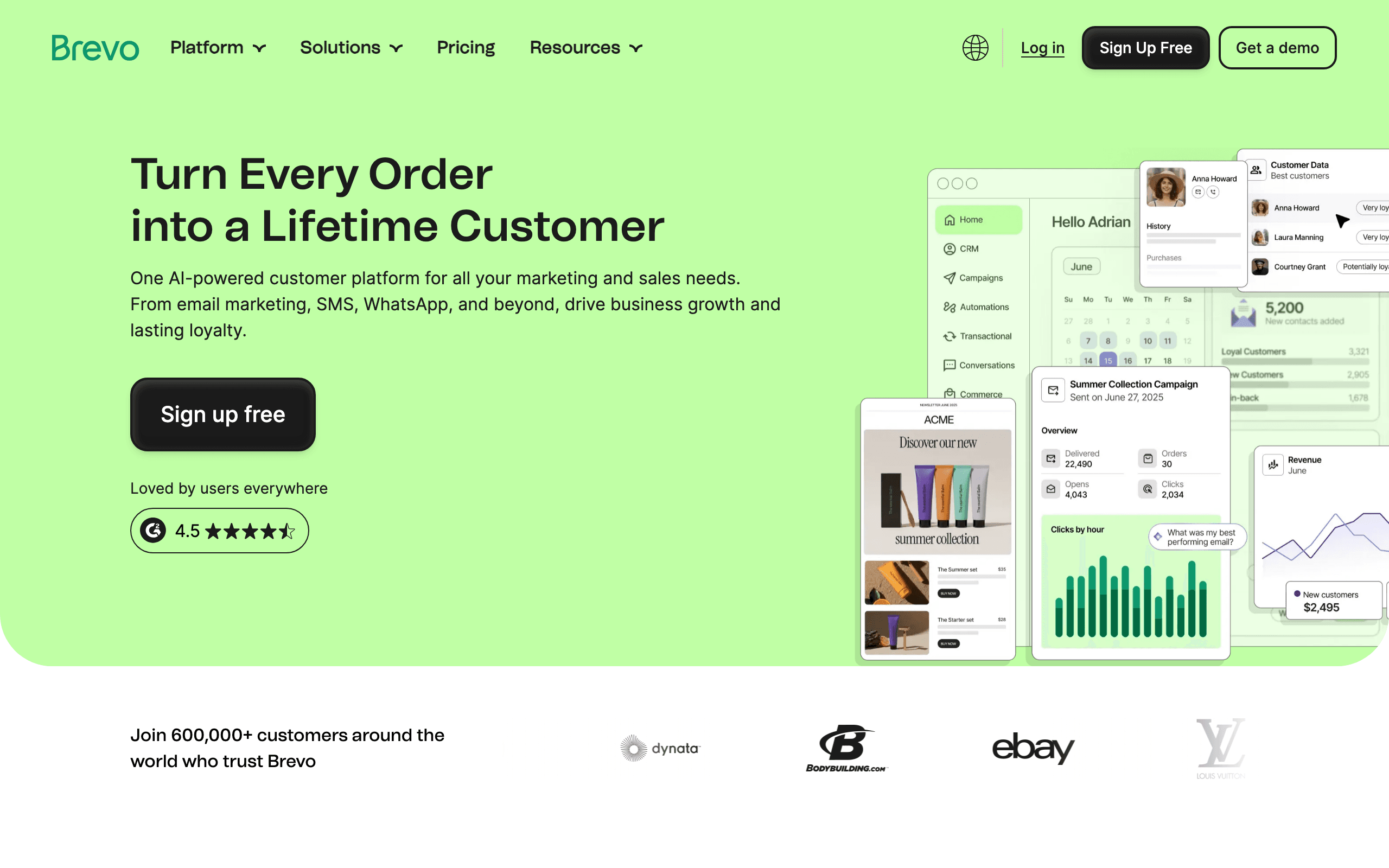
Free tier: Unlimited contacts, 300 emails/day (about 9,000/month)
Brevo's free tier is unique because it limits by daily sends rather than contacts. You can have 10,000 subscribers and still send for free, as long as you don't exceed 300 emails per day. For a startup with a growing list and low send frequency, this is generous.
The free tier includes automation, which is rare. You can build multi-step email sequences without paying. The catch: no A/B testing, no landing pages, and Brevo branding on your emails.
Good for: Startups with growing lists but low send volume Outgrow it when: You need to send more than 300 emails/day or want to remove branding Paid plans from: $25/month
9. Buttondown
Free tier: 100 subscribers
Buttondown is a minimalist newsletter platform. The free tier is small (100 subscribers) but the tool itself is excellent for simple, text-focused newsletters. No drag-and-drop builder, just markdown-based email that looks clean and professional.
It's perfect for a founder's personal newsletter or a simple product update email. Not for complex marketing automation or multi-step sequences.
Good for: Founders who want a simple, beautiful newsletter Outgrow it when: You pass 100 subscribers or need automation Paid plans from: $9/month
10. EmailOctopus
Free tier: 2,500 subscribers, 10,000 emails/month
EmailOctopus offers one of the most generous free tiers by subscriber count. 2,500 subscribers with 10,000 monthly sends covers most early-stage startups comfortably.
The feature set is more basic than MailerLite or Brevo, but it covers the essentials: campaign builder, automation, landing pages, and segments. The trade-off for the generous limits is a simpler feature set.
Good for: Startups prioritizing list size over advanced features Outgrow it when: You need sophisticated automation or segmentation Paid plans from: $8/month
11. Kit (formerly ConvertKit)
Free tier: 10,000 subscribers, unlimited emails (newsletter only)
Kit's free tier is deceptive. 10,000 subscribers sounds amazing, but the free plan only lets you send broadcasts (newsletters). No automation, no sequences, no behavioral triggers. You're essentially getting a newsletter tool, not an email marketing platform.
If all you need is a way to send a weekly newsletter to your list, the free tier is incredibly generous. If you need any form of automation, you're looking at $29/month.
Good for: Creators and founders who only need newsletters Outgrow it when: You need any automation at all Paid plans from: $29/month
12. Amazon SES
Free tier: 62,000 emails/month (if sending from EC2) or 200/day (sandbox mode)
Amazon SES is the cheapest email sending at scale, and if you're running on AWS, the free tier is substantial. But SES is infrastructure, not a marketing tool. No editor, no automation, no subscriber management. You build everything yourself or use a tool on top.
For technical founders who want maximum control and minimum cost, SES is the foundation. For everyone else, it's too much work.
Good for: Technical teams building custom email infrastructure Outgrow it when: You want any marketing features without building them Paid plans from: $0.10 per 1,000 emails (incredibly cheap)
Free Tier Comparison Table
| Tool | Free Subscribers | Free Emails/Month | Automation | Best For |
|---|---|---|---|---|
| Sequenzy | Unlimited | 2,500 | Yes (full) | SaaS startups |
| Sender | 2,500 | 15,000 | Yes (multi-step) | Budget-conscious startups |
| Mailchimp | 500 | 1,000 | Single-step only | Beginners |
| Brevo | Unlimited | ~9,000 (300/day) | Yes | Growing lists |
| Venturz | 5,000 contacts | 1,000 shared outbound | Yes (drip) | All-in-one startup stack |
| MailerLite | 250 | 2,500 | Yes (3 max) | Simple newsletters |
| Loops | 1,000 | 2,000 | Yes (event-driven) | SaaS startups |
| Resend | N/A | ~3,000 (100/day) | No | Developers |
| Buttondown | 100 | Unlimited | No | Simple newsletters |
| EmailOctopus | 2,500 | 10,000 | Yes | Large lists on budget |
| Kit | 10,000 | Unlimited | No (newsletters only) | Newsletter creators |
| Amazon SES | N/A | 62,000 (on EC2) | No | Technical teams |
What to Look for in a Free Tier
Not all free tiers are created equal. Here's how to evaluate whether a free plan will actually work for your startup.
Automation access
The single most important feature for SaaS startups. If the free tier restricts you to single-step automations or no automations at all, you're essentially getting a newsletter tool. For SaaS, you need at minimum:
- A welcome sequence (3-5 emails after signup)
- Basic onboarding emails triggered by user actions
- Trial expiration reminders
If the free tier doesn't support multi-step sequences, budget for upgrading within your first month.
Contact vs. email limits
Some tools limit contacts (subscribers), others limit emails sent. The distinction matters:
- Contact limits cap your list size regardless of how often you email. 500 contacts means 500 contacts, even if you only email once a month.
- Email limits cap how many messages you send. 9,000 emails/month with unlimited contacts means you could have 9,000 subscribers but only email them once per month.
For startups that plan to send multiple emails per subscriber per month (onboarding sequences, newsletters, product updates), email limits are more constraining than they appear.
Transactional email support
If you're building a SaaS product, you need transactional email (password resets, notifications, receipts) in addition to marketing email. Most free marketing tools don't handle transactional email at all. You'll need a separate service, which adds complexity.
Sequenzy and Resend both handle transactional email on their free tiers. If you're comparing options that handle both, our guide to the best platforms for transactional and marketing email covers the landscape.
Branding and restrictions
Many free tiers add the platform's branding to your emails. For a personal project, this is fine. For a business sending emails to paying customers, it looks unprofessional. Check whether the free tier forces branding and how much it costs to remove it.
Data portability
Before committing to a free tier, check whether you can export your subscriber data. Some tools make it easy (CSV export of all contacts with custom fields), others make it painful. You will eventually outgrow the free tier, and migration should be straightforward.
When to Start Paying
Free tiers are great for getting started, but there's a point where staying on free costs more than upgrading.
Time to upgrade when:
- You're spending hours working around free-tier limitations
- You need multi-step automation and your free tier doesn't support it
- Your list is growing and you keep hitting contact limits
- You need better deliverability (some free tiers share IPs with spammers)
- You want to remove platform branding from your emails
- You're manually doing things that automation would handle
- You need analytics beyond basic open and click rates
The false economy trap: Some founders stay on a limited free tier for too long, manually doing things that paid automation would handle. If you're spending 5 hours a month working around limitations, a $30/month tool that saves you that time is a bargain.
The first paid upgrade: what to prioritize
When you do upgrade, focus on these features first:
- Multi-step automation. This is the biggest unlock. Being able to build sequences that react to user behavior is worth every penny for a SaaS startup.
- Custom domain sending. Emails from
you@yourdomain.cominstead of the platform's domain. Better deliverability and brand consistency. - Segmentation. As your list grows past a few hundred, you need to segment by behavior, plan type, or engagement level.
- Analytics. Understanding which emails drive conversions, not just opens, becomes critical as you scale.
Choosing by Startup Type
Different types of startups have different email needs. Here's how to match your situation to the right free tool.
SaaS with a product (PLG or free trial)
You need event-driven automation, transactional email, and behavioral sequences. The free tier must support multi-step automations triggered by user actions.
Best free options: Sequenzy (full automation + transactional), Loops (event-driven model)
For a deeper exploration of email strategies specific to product-led growth, see our guide on email marketing for PLG SaaS.
Content or media startup
You're building an audience through content. Your primary need is a newsletter with good deliverability and a growing subscriber base.
Many startups also use services like design branded graphics, banners, promotional visuals, and social media assets that complement their email campaigns.
Best free options: Kit (10,000 subscribers for newsletters), Buttondown (beautiful minimalist newsletters)
B2B with a sales team
You need email that complements your sales process: lead nurturing, follow-up sequences, and CRM integration.
Best free options: Brevo (unlimited contacts, basic CRM), Venturz (email plus CRM and website tools), MailerLite (full automation on free)
Developer tool or API product
You're building for developers. Your emails should be code-driven, your templates version-controlled, and your integration API-first.
Best free options: Resend (best developer experience), Amazon SES (cheapest at scale, build everything yourself)
E-commerce or marketplace
You need product-focused emails: order confirmations, shipping updates, promotional campaigns.
Best free options: Mailchimp (e-commerce integrations), EmailOctopus (generous list size)
My Recommendation for Startups
If you're pre-launch or very early (< 250 subscribers): MailerLite or EmailOctopus. Since MailerLite's June 2026 cut, EmailOctopus (2,500 subscribers, 10,000 emails) is the more generous of the two.
If you're a SaaS founder who needs event-driven email: Sequenzy's free tier gets you started with full behavioral automation, Stripe integration, and transactional email, with unlimited contacts and 2,500 emails a month. When you need more volume, paid plans start at $19/month.
If you want email marketing plus CRM and website tools in one place: Venturz gives you 5,000 contacts, unlimited campaigns, automation, and startup growth tools on the free Seed plan, as long as you can stay under the shared outbound quota.
If you just need a newsletter: Kit's free tier at 10,000 subscribers is unbeatable for pure newsletter use. For tips on making the most of it, our guide on how to write an email newsletter covers the essentials.
If you're a developer who wants to build: Resend or Amazon SES for the infrastructure, then add marketing features as needed.
If budget is everything and you want maximum newsletter-style sending room: EmailOctopus at 2,500 free subscribers gives you more email volume before paying, while Venturz gives you more contacts if your outbound activity stays below its shared quota.
FAQ
Are free email tools really free?
Yes, the ones listed here have indefinite free tiers (not trials). The catch is limited features, contacts, or sending volume. But for early-stage startups, these limits are often sufficient.
Will free tools hurt my deliverability?
Possibly. Some free tiers use shared IP addresses, which means your deliverability is affected by other senders on the same IP. For critical email (password resets, payment receipts), consider a dedicated service even if your marketing is on a free tier.
Can I migrate from a free tool to a paid tool later?
Yes. All major email tools support importing contacts via CSV. You'll lose your automation setup, but contacts and lists transfer easily. Start cheap, migrate when you need to.
Is Sequenzy free?
Sequenzy's free plan includes unlimited contacts and 2,500 emails a month, with full automation, transactional email and the Stripe integration. Free sends carry a "Sent with Sequenzy" watermark. Paid plans start at $19/month for 15,000 emails.
Should I use a free tool for transactional email?
Be cautious. Transactional email (password resets, receipts) needs high deliverability. Free marketing tools may not prioritize transactional speed. Consider a dedicated transactional service like Resend's free tier or Amazon SES for system emails.
How do I know when I've outgrown my free tier?
Three signals: you're hitting contact or email limits regularly, you're spending significant time working around feature restrictions, or your emails are landing in spam because of shared IP reputation. Any of these means it's time to upgrade.
Can I use multiple free tools together?
You can, but it adds complexity. A common pattern is using one tool for transactional email (Resend) and another for marketing (MailerLite). This works but means managing two subscriber lists and two sets of analytics. A unified platform is simpler if one exists that meets both needs.
What's the most important metric to track on a free tier?
Deliverability rate. If your emails aren't reaching inboxes, nothing else matters. Monitor your open rates as a proxy. If open rates suddenly drop below 15%, your emails may be going to spam. Check your email marketing KPIs to make sure you're on track.
Free tiers that let a startup trigger email from product events
The startup-specific question is not "how many subscribers do I get for free" - it is "can I send an email when something happens in my product, without paying". Most free tiers say no.
- Sequenzy - yes. Events, tags, subscriber attributes and the Stripe integration all work on the free plan, through the REST API, the CLI, and the MCP server. Trial-ending, payment-failed and onboarding-milestone emails all work at $0.
- Loops - yes, for event-driven sends, capped at 1,000 contacts and 2,000 emails a month.
- Brevo - partly. Automations run on free, but product events have to arrive through the API and the 300/day cap applies.
- Resend and Amazon SES - transactional sending only. You get the send, not the sequence.
- Mailchimp, Kit, Buttondown, EmailOctopus - no meaningful product-event triggers on free. They are list tools.
If your first email needs to fire from a signup, a failed payment or a usage milestone rather than from a form, that list narrows to three.
Start free
Sequenzy's free plan is 2,500 emails a month with unlimited contacts, full automation, transactional email, the Stripe integration and the developer API. Free sends carry a "Sent with Sequenzy" watermark; paid plans from $19/month remove it. Start free or see the pricing tiers.