
21 Best Email Tools for Product-Led Growth in SaaS (2026)

Product-led growth changes how email works. In a sales-led company, email nurtures leads toward a demo. In a PLG company, email responds to what users are actually doing inside your product. Someone stalls during onboarding? Email nudges them forward. Someone uses a feature heavily? Email suggests the upgrade. Someone goes inactive? Email brings them back.
The problem is that most email tools were built for the sales-led world. They think in terms of lists, campaigns, and scheduled blasts. PLG email thinks in terms of events, behaviors, and real-time triggers. You need a tool that speaks the same language as your product. For a deeper dive into the strategy behind PLG email, our guide on email marketing for PLG SaaS covers the full framework.
Here's what actually works for PLG email in 2026.
What PLG Email Tools Need
A good PLG email tool must:
- Accept custom events from your product. User signed up, completed onboarding, created a project, hit a usage limit. Your email tool needs to receive these events via API. This is the core of event-based email automation.
- Trigger automations on events, not just time delays. "Send email when user completes step 2" is PLG email. "Send email on day 3" is traditional email.
- Segment by product behavior. Not just email engagement (opened, clicked) but product engagement (features used, frequency, actions taken). Good subscriber segmentation is essential for PLG.
- Support product-qualified lead (PQL) identification. The ability to tag users who show buying signals based on product usage and route them to sales or upgrade sequences.
- Handle both transactional and marketing email. PLG companies send a mix of product notifications (transactional) and growth messages (marketing). Using one platform for both reduces complexity.
Quick Comparison: Top PLG Email Tools
| Tool | Best For | Starting Price | Free Tier | PLG Features |
|---|---|---|---|---|
| Sequenzy | SaaS founders wanting event-driven PLG email | $19/mo | Yes | AI integration |
| Customer.io | Technical teams needing sophisticated workflows | From $100/mo | No | Event-driven automation |
| Loops | Early-stage PLG startups | $49/mo | Yes | Simple setup |
| Userlist | B2B SaaS with multi-user accounts | From $149/mo | No | Company-level tracking |
| Encharge | Non-technical teams wanting visual builder | From $79/mo | No | Visual automation |
| Intercom | In-app + email PLG messaging | From $39/seat/mo | No | Cross-channel |
| Vero | Data teams who love SQL | From $54/mo | No | SQL segmentation |
| Braze | Enterprise PLG at scale | Custom (typically $50K+/yr) | No | Sophisticated engine |
| Postmark | Transactional-first PLG companies | From $20/mo | No | Deliverability |
| Mailgun | Developer-centric transactional + marketing | From $35/mo | No | API flexibility |
| SendGrid | High-volume senders needing scalability | From $19/mo | No | Scale |
| ConvertKit | Creator-focused PLG products | From $29/mo | No | Creator features |
| MailerLite | Budget-conscious early-stage PLG | $15/mo | Yes | Affordability |
| Brevo (formerly Sendinblue) | Growing teams needing full lifecycle | $25/mo | Yes | Feature breadth |
| Klaviyo | E-commerce PLG | $20/mo | Yes | Revenue tracking |
| Iterable | Mobile-first PLG products | Custom pricing | No | Cross-channel orchestration |
| Airship | App-based PLG with push + email | Custom pricing | No | Mobile focus |
| Cordial | Data-driven personalization at scale | From $250/mo | No | Real-time data |
| Omnisend | E-commerce PLG with automation | $16/mo | Yes | E-commerce focus |
| Campaign Monitor | Design-focused PLG teams | From $12/mo | No | Email design |
| GetResponse | All-in-one PLG marketing | From $19/mo | No | Feature completeness |
Best PLG Email Tool by Growth Motion
Best for self-serve SaaS activation: Sequenzy
Sequenzy is the best fit when activation depends on a few product milestones, trial state, and payment behavior. Use it for onboarding, feature nudges, trial conversion, and re-engagement, then connect those flows to the activation improvement guide, time-to-value guide, and user activation templates.
Best for advanced behavioral branching: Customer.io
Customer.io is strongest when your PLG program has many event combinations: did this feature twice, did not invite a teammate, exceeded usage, then returned after seven days. It is slower to set up, but the Customer.io comparison is worth reading if your growth team already thinks in event logic.
Best for B2B account expansion: Userlist
For team-based PLG, account-level context matters more than individual clicks. Userlist is a better match when admins, billing contacts, and end users need different upgrade or adoption emails from the same company record.
Best for in-app plus email nudges: Intercom
Intercom makes sense when the best PLG prompt should happen inside the app first and email second. It is usually too expensive for email-only PLG, but valuable when tooltips, chat, and upgrade prompts are core to the motion.
Best for e-commerce-style PLG: Klaviyo
If the "product" is closer to a catalog, marketplace, or subscription commerce experience, Klaviyo's revenue and catalog triggers can matter more than SaaS event flexibility. This is the rare PLG case where an e-commerce-native tool can beat a SaaS-native tool.
The 21 Best PLG Email Tools
1. Sequenzy
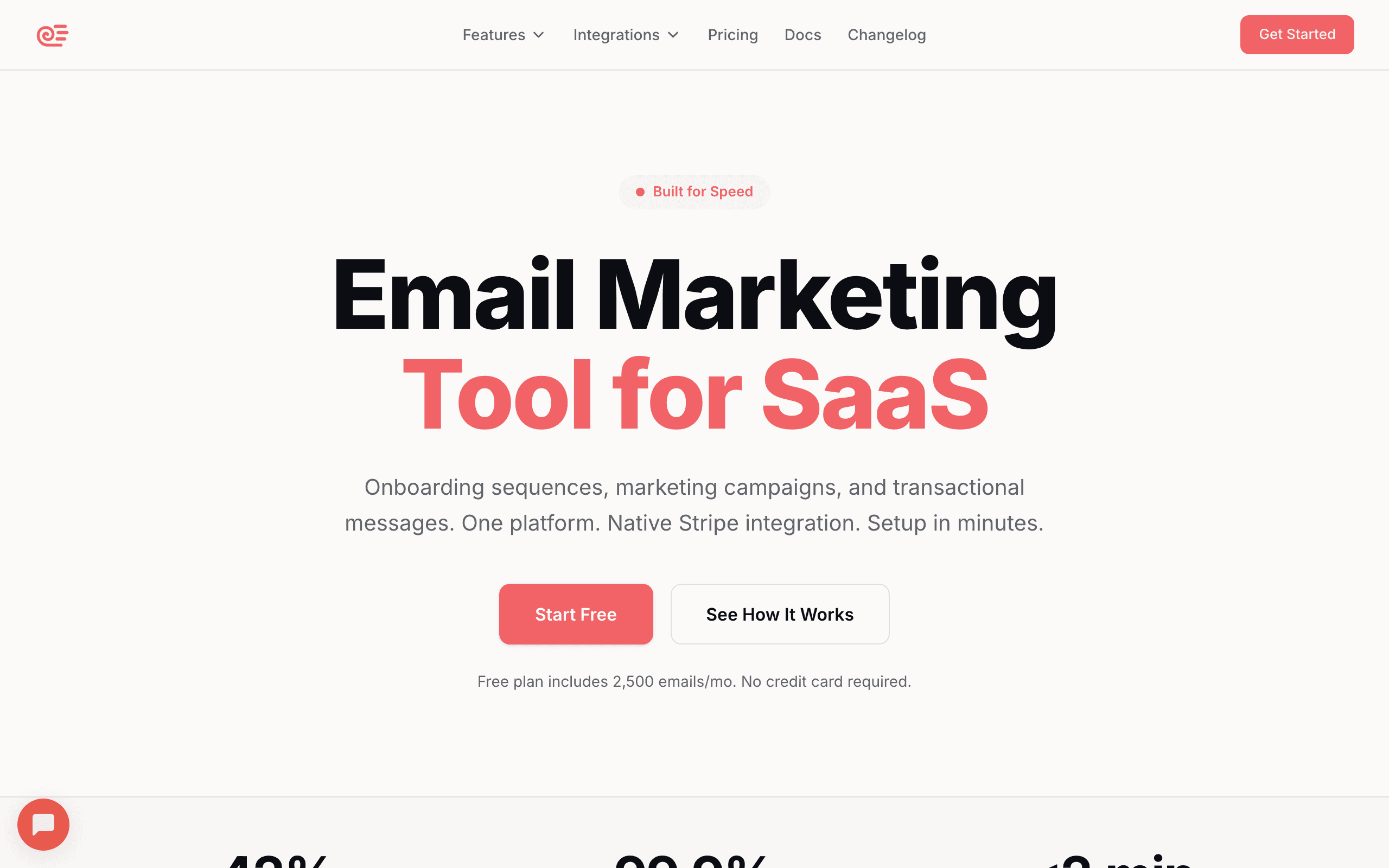
Best for: SaaS founders who want event-driven email without complex setup
Sequenzy handles PLG email well because it was built around events and behavioral triggers rather than list-based campaigns. You track events from your product (via API), and those events trigger email sequences automatically.
The event tracking is straightforward: send an event with a name and optional properties, and it's immediately available as a trigger. No event mapping, no data transformation, no waiting for syncs. Track "onboarding.completed" from your app, and you can trigger a sequence on that event within minutes.
The Stripe integration adds another dimension: payment events (subscription, cancellation, upgrade) are tracked automatically alongside your custom product events, giving you a complete behavioral picture. For PLG companies where the upgrade path is self-serve, having Stripe events and product events in the same system means you can build sequences that respond to the complete user journey. A user who just upgraded from free to paid gets different emails than a user who's been on the free plan for 60 days.
The AI sequence builder accelerates PLG-specific workflows. Describe your product's activation milestones, and it generates sequences for onboarding, trial conversion, feature adoption, and re-engagement. You can have a complete PLG email system deployed in an afternoon rather than spending weeks building it manually.
- Pricing: Free up to 2,500 emails/month, paid plans from $19/month
- Event handling: API-based, real-time, no mapping required
- PLG strength: Event triggers, behavioral sequences, auto-tagging
- Pros:
- Simple event tracking API
- Behavioral triggers work out of the box
- Combined transactional + marketing
- Native Stripe integration for payment events
- AI-generated PLG sequences
- Cons:
- Newer platform
- No in-app messaging
- Simpler segmentation than enterprise tools
2. Customer.io
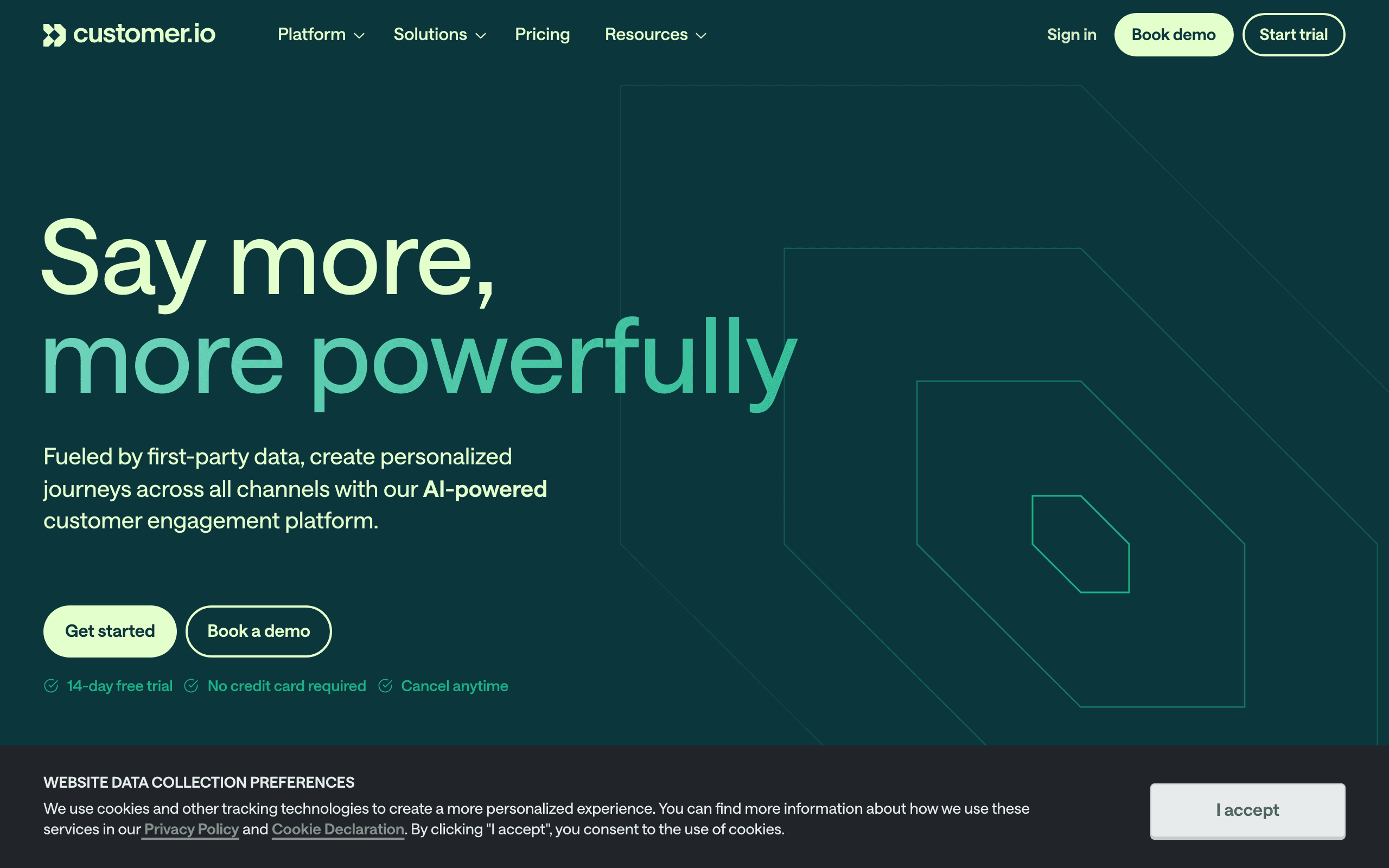
Best for: Technical teams needing sophisticated event-driven workflows
Customer.io is the most popular PLG email tool for a reason. Its event-driven data model was designed for exactly this use case. You send events and user attributes through their API, and those power complex multi-step workflows.
The workflow builder is powerful. You can branch on event data, create wait conditions based on user behavior, and build sophisticated multi-path automations. For technical teams who want maximum flexibility, Customer.io is the gold standard.
The trade-off is complexity. Setup takes longer, the learning curve is steeper, and the pricing reflects the enterprise positioning. But if your PLG motion is sophisticated and you have engineering resources, it's hard to beat.
Where Customer.io really excels for PLG is the depth of its event model. You can trigger workflows not just on "event happened" but on "event happened X times in Y days" or "event has NOT happened in Z days." This lets you build nuanced automations: "user created 5+ projects in the last 7 days but hasn't invited a team member" triggers a collaboration email. This level of event logic is genuinely unmatched in the email tool space.
The Liquid templating engine also adds PLG power. You can reference event properties directly in emails, so a "feature.used" event with property "featureName: Reports" automatically generates an email about the Reports feature, without creating separate emails for each feature.
- Pricing: Starts at $100/month
- Event handling: Flexible API, Segment integration, webhooks
- PLG strength: Best-in-class event-driven workflows
- Pros:
- Industry-leading event-driven automation
- Powerful workflow branching and logic
- Multi-channel (email, push, SMS, in-app)
- Flexible data model for complex user properties
- Event frequency and recency conditions
- Cons:
- Expensive starting price
- Steep learning curve
- Requires engineering resources for setup
- Complex for simple use cases
3. Loops
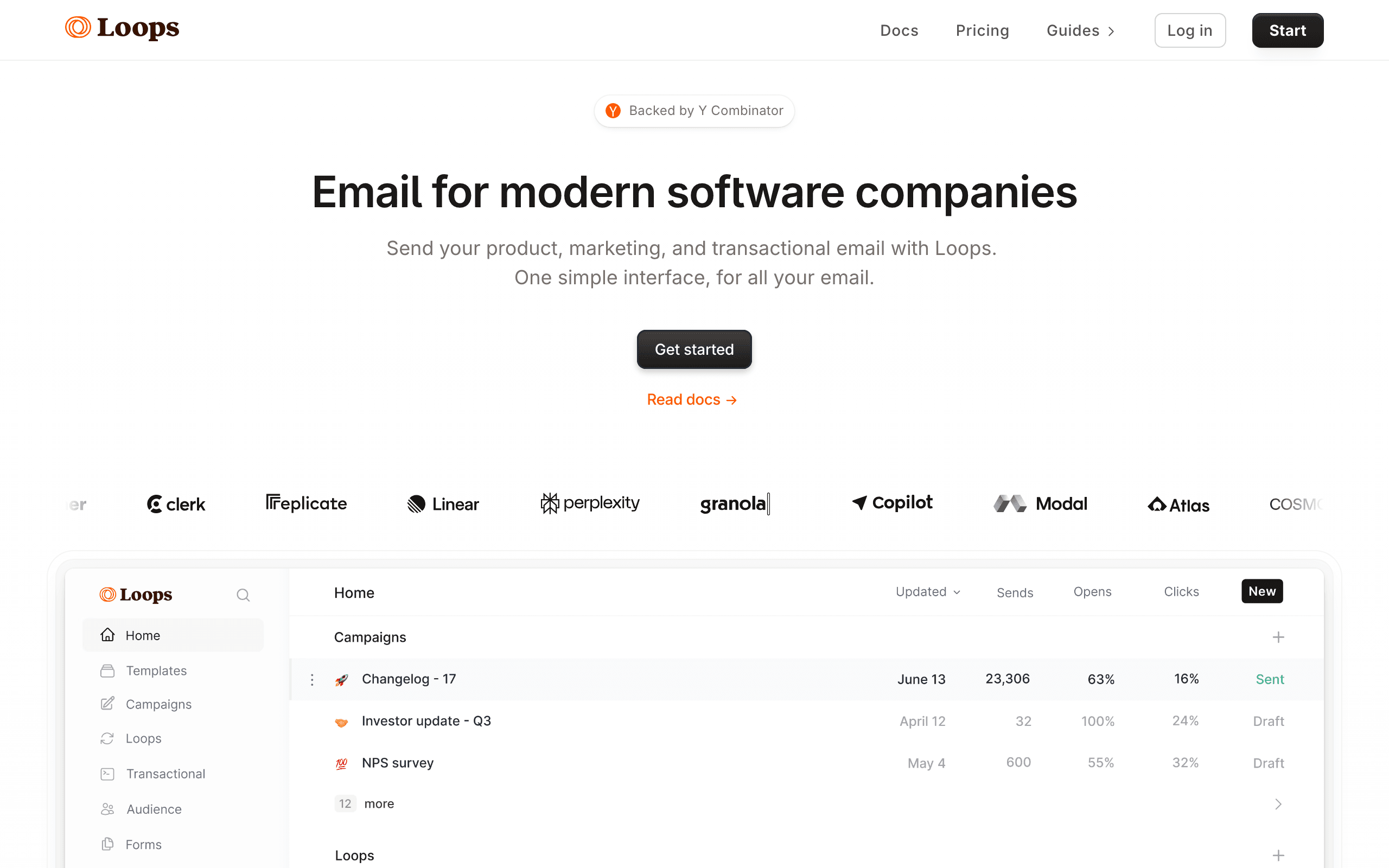
Best for: Early-stage PLG startups wanting simplicity
Loops is popular with indie hackers and early-stage PLG companies. The interface is clean and modern, and the event-driven model works well for basic PLG sequences.
You send events through their API, define triggers, and build sequences. It doesn't have the depth of Customer.io, but for teams that need onboarding sequences, trial conversion emails, and re-engagement campaigns, it covers the basics well.
The free tier (1,000 contacts) is generous enough to get started, and the pricing stays reasonable as you grow.
The developer experience is the standout feature. The API is clean, the docs are excellent, and the integration can be done in an afternoon. For a PLG startup where the founder or first engineer is setting up email, this matters. You're not spending a week configuring event schemas and mapping data. You're sending events and building sequences.
The limitation is depth. When you need branching logic ("if user activated, send path A; if not, send path B"), Loops gets constrained. For the first version of your PLG email system, this is usually fine. When you need more sophistication, you'll migrate to something more powerful.
- Pricing: Free for 1,000 contacts, paid from $49/month
- Event handling: API-based, straightforward
- PLG strength: Simple event triggers, clean UX
- Pros:
- Clean, modern interface
- Good free tier
- Simple event-driven automations
- Fast to set up
- Excellent developer experience
- Cons:
- Limited workflow complexity
- Basic segmentation
- Fewer integrations than mature tools
- Limited analytics
4. Userlist
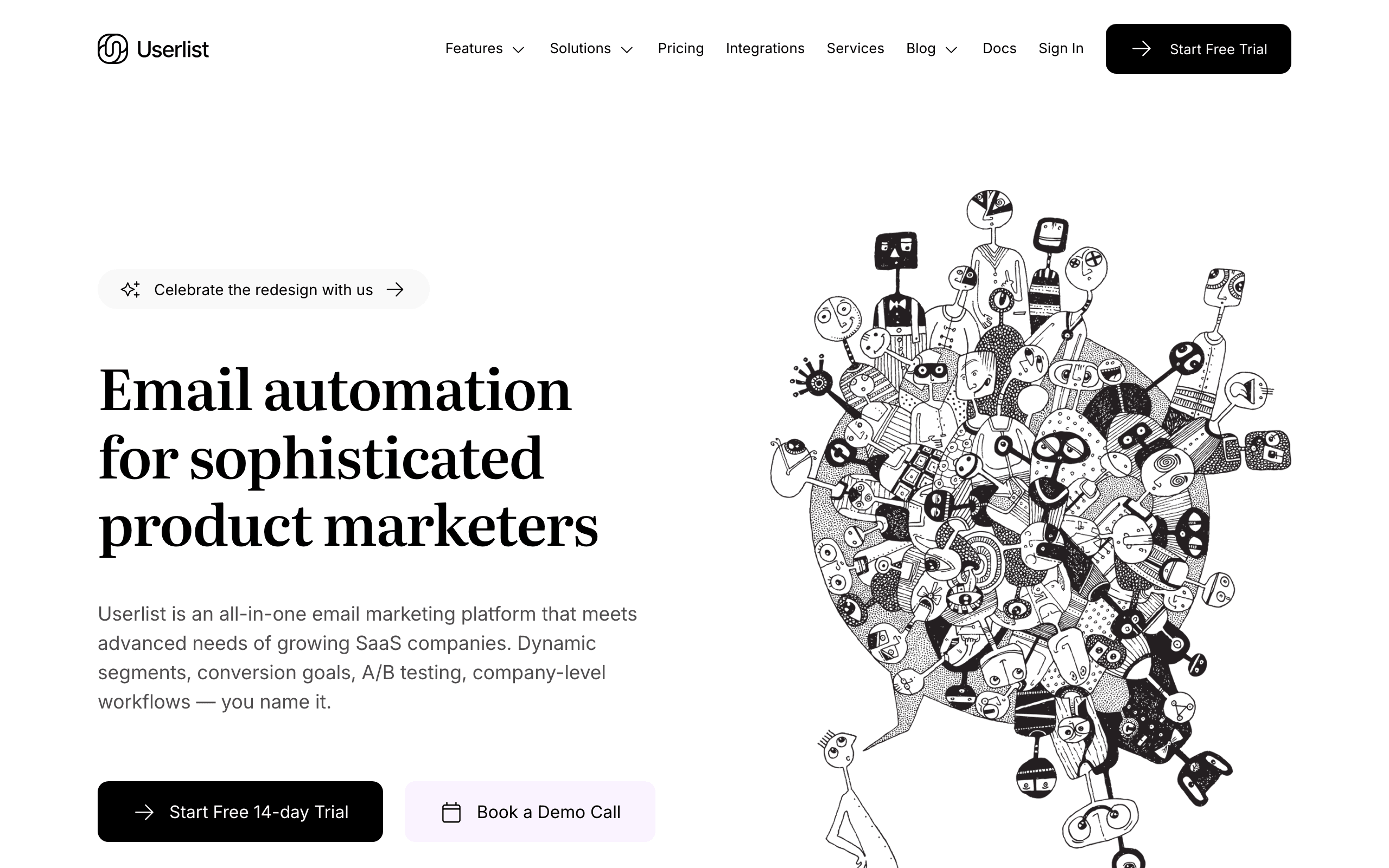
Best for: B2B SaaS with company-level PLG
Userlist differentiates by supporting both user-level and company-level data. This matters for B2B PLG where multiple users belong to the same account, and you want to trigger emails based on company-wide behavior (e.g., "when 3+ team members are active").
The event-based automation is solid, and the company-level segmentation is genuinely useful for PLG B2B. You can target "admin users at companies on a trial that have been active for 7+ days."
For B2B PLG specifically, the company model solves a real problem. In a typical B2B PLG scenario, one person signs up, invites their team, and the team's collective usage determines whether the company upgrades. User-level email tools can't model this well. You end up sending upgrade prompts to individual users who don't have purchasing authority. Userlist lets you send the upgrade prompt to the admin when the company-level activation threshold is met.
The combination of user events and company events also enables sophisticated PQL identification. A company where 5+ users are active, the admin has completed setup, and total usage exceeds a threshold can be automatically flagged as a PQL and routed to either an automated upgrade sequence or a sales team notification.
- Pricing: Starts at $149/month
- Event handling: API with user + company model
- PLG strength: Company-level behavioral tracking
- Pros:
- User + company data model
- Good for multi-user B2B PLG
- Event-driven automation
- Built specifically for SaaS
- Company-level PQL identification
- Cons:
- Higher starting price
- Smaller ecosystem
- Less flexible than Customer.io
- Limited marketing campaign features
5. Encharge
Best for: Non-technical teams wanting visual PLG automation
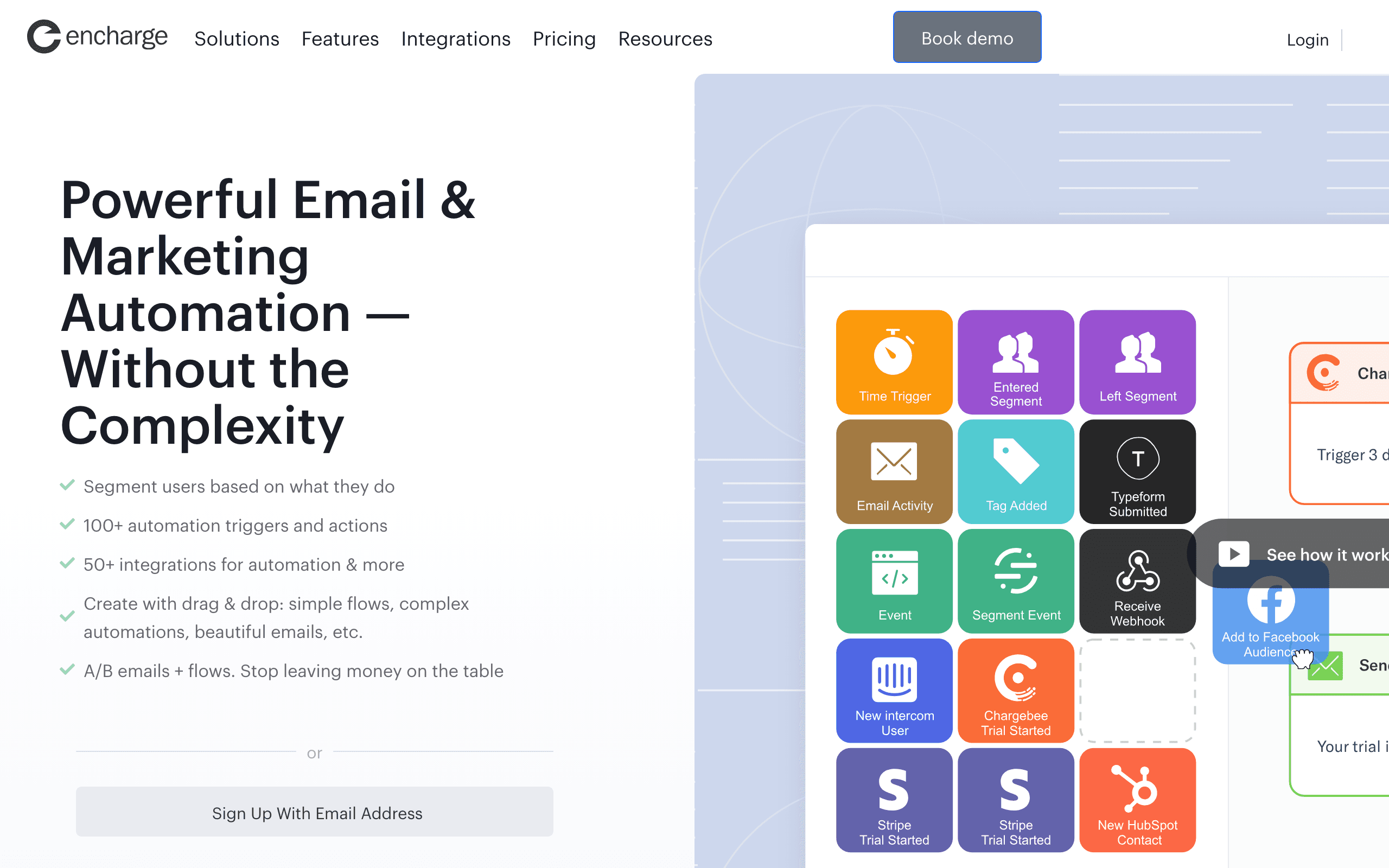
Encharge combines visual automation building with event-driven triggers. You can connect product events and build visual flows that respond to user behavior. The visual builder makes it easier to understand and modify automations compared to code-based tools.
The PLG features include user scoring, segment-based triggers, and integration with common PLG tools (Segment, HubSpot, Intercom). For teams without dedicated engineering resources, the visual approach reduces the barrier to building behavior-based automations.
The user scoring feature deserves special attention for PLG. You assign point values to different product actions: 10 points for creating a project, 5 points for inviting a team member, 20 points for using a premium feature. When a user's score crosses a threshold, they're automatically identified as a PQL. The visual flow can then route them to an upgrade sequence or notify sales. This scoring approach is more nuanced than simple "did they do X" triggers and better captures the complexity of PLG buying signals.
- Pricing: Starts at $79/month
- Event handling: API and integrations (Segment, webhooks)
- PLG strength: Visual automation with behavioral triggers
- Pros:
- Visual automation builder
- User scoring for PQL identification
- Good integration ecosystem
- Non-technical friendly
- Scoring-based PQL detection
- Cons:
- Less flexible than code-based tools
- Visual builder can get cluttered for complex flows
- Mid-range pricing
- Smaller user community
6. Intercom
Best for: Teams wanting in-app + email PLG messaging
Intercom isn't primarily an email tool, but it handles PLG communication across channels: in-app messages, email, push, and chat. If your PLG motion relies heavily on in-app guidance alongside email, Intercom unifies both.
The behavioral triggering works across channels. A user stalls during onboarding? Show an in-app tooltip AND send an email. A user hits a usage milestone? Celebrate in-app AND email a case study about the next step.
The downside is cost. Intercom is expensive, and the email features specifically are less sophisticated than dedicated email platforms. You're paying for the multi-channel integration.
For PLG companies where the product experience IS the growth engine, Intercom's in-app capabilities are genuinely valuable. The ability to show contextual upgrade prompts when a user hits a feature limit, display onboarding checklists inside the app, and trigger targeted tooltips based on behavior, these are PLG-specific features that email-only tools don't offer. The question is whether the cost justifies having in-app and email in one tool versus using separate best-of-breed tools for each.
- Pricing: Starts at $39/seat/month (gets expensive quickly)
- Event handling: API, built-in product events
- PLG strength: Cross-channel behavioral messaging
- Pros:
- In-app + email + chat in one
- Good behavioral targeting
- Product tours and tooltips
- Built-in chat for support
- In-app upgrade prompts
- Cons:
- Expensive, especially with multiple seats
- Email features are secondary to messaging
- Less sophisticated email automation than dedicated tools
- Per-seat pricing adds up fast
7. Vero
Best for: Data teams wanting SQL-based email automation
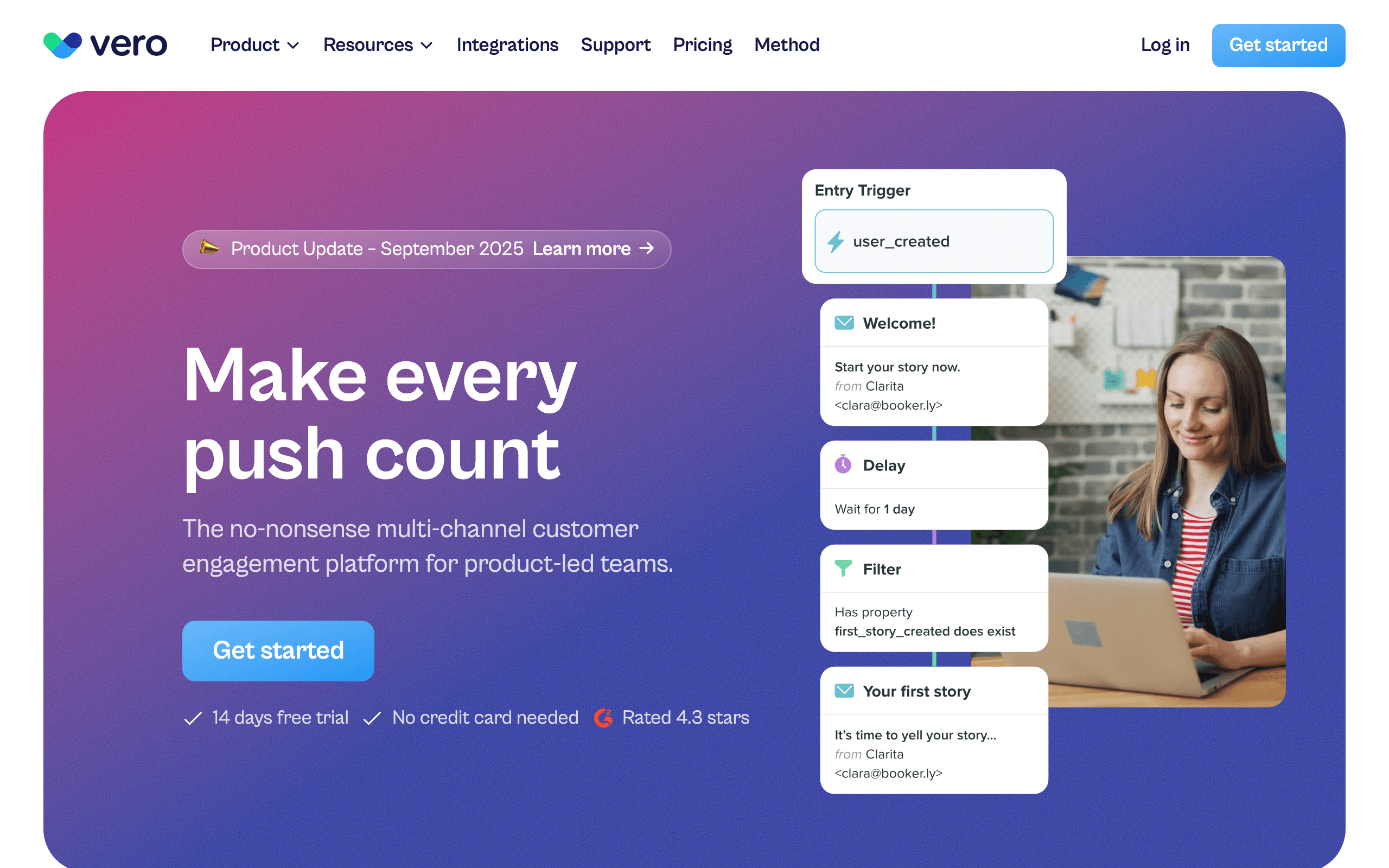
Vero takes a unique approach by letting you use SQL to define segments and trigger conditions. If your team thinks in SQL (many data-driven PLG companies do), this is incredibly powerful.
You can write queries like "users who created a project in the last 7 days but haven't invited a team member" and target them with specific emails. For companies with strong data teams, this is more flexible than any visual builder.
The SQL approach also means you can leverage your existing data warehouse. If your product analytics team already has a deep understanding of user behavior in their data warehouse, Vero lets them apply that same analytical lens to email targeting. Instead of recreating behavior logic in a separate tool, you use the same SQL your team already knows.
For PLG companies that are data-first (common in the developer tools space), this alignment between analytics and email targeting reduces the gap between identifying a user behavior pattern and acting on it with email. Your data team finds that "users who export 3+ reports in their first week convert at 2x the rate," and they can translate that directly into a targeting condition without waiting for a marketer to set it up in a visual builder.
- Pricing: Starts at $54/month
- Event handling: API-based with SQL querying
- PLG strength: SQL-based behavioral segmentation
- Pros:
- SQL-based segmentation is extremely flexible
- Great for data-driven teams
- Event-driven automations
- Clean interface
- Data warehouse integration
- Cons:
- Requires SQL knowledge
- Not for non-technical users
- Smaller user community
- Limited visual automation building
8. Braze
Best for: Enterprise PLG companies at scale
Braze is an enterprise customer engagement platform that handles PLG email as part of a broader multi-channel strategy. It's what you graduate to when you've outgrown everything else on this list.
The behavioral engine is incredibly sophisticated. Real-time event processing, complex multi-step journeys, AI-powered optimization, and deep analytics. It handles millions of events and thousands of segments without breaking a sweat.
The trade-off: it's expensive, complex, and requires dedicated resources to operate. Not for early or mid-stage startups.
Braze's AI-powered features are where it really earns the enterprise price tag. Send-time optimization, content variant testing, predictive churn scoring, and intelligent channel selection (automatically choosing email vs. push vs. in-app based on each user's engagement patterns) are all built in. For PLG companies at scale, where even small improvements in conversion rates translate to millions in revenue, these optimizations justify the cost.
- Pricing: Custom (typically $50K+/year)
- Event handling: Enterprise-grade real-time event processing
- PLG strength: Most sophisticated behavioral engine at scale
- Pros:
- Enterprise-grade event processing
- Extremely sophisticated automation
- Multi-channel (email, push, in-app, SMS, webhooks)
- AI-powered send time and content optimization
- Predictive analytics
- Cons:
- Enterprise pricing ($50K+/year)
- Complex implementation
- Requires dedicated team to operate
- Massive overkill for most SaaS companies
9. Postmark
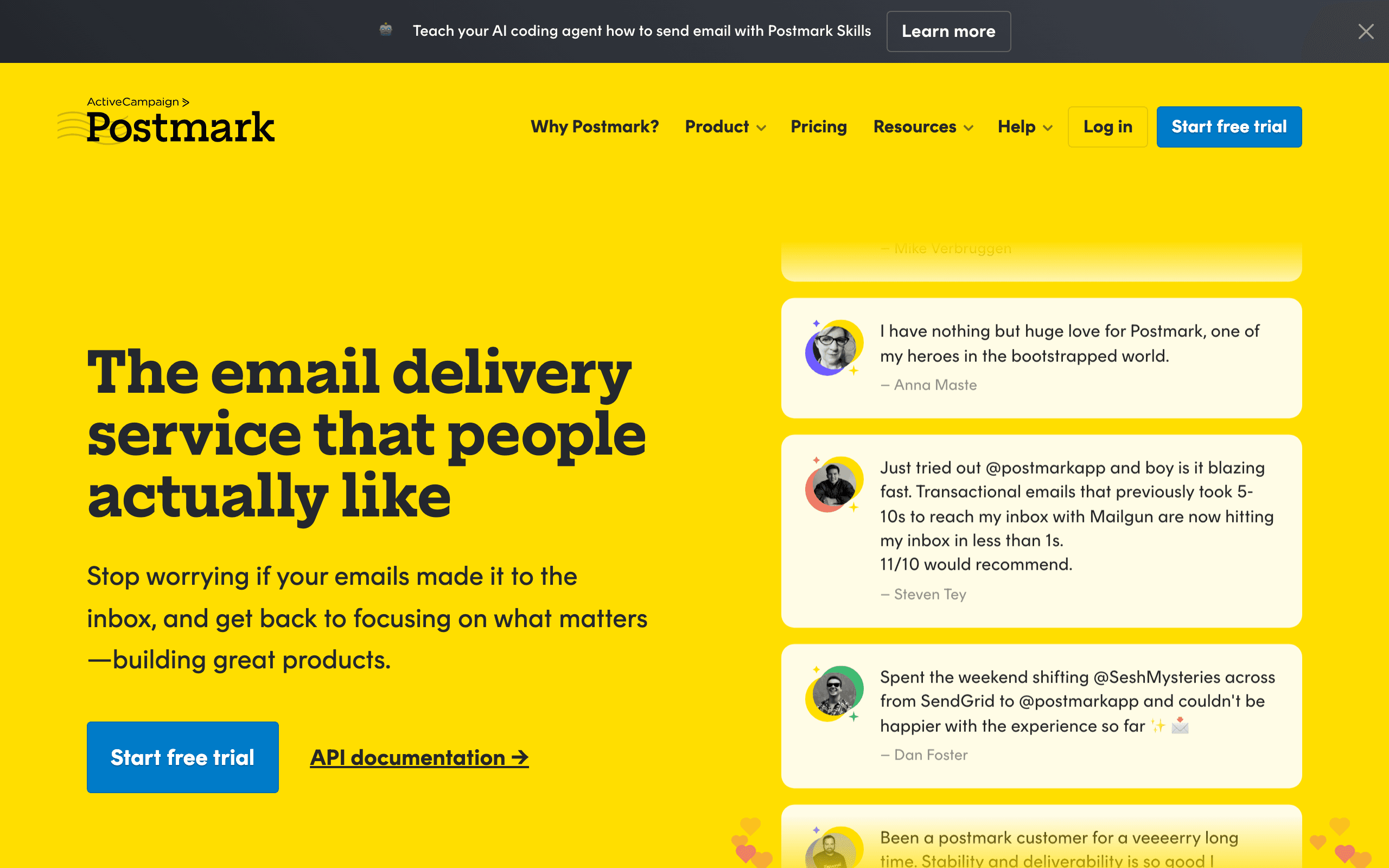
Best for: PLG companies that are transactional-first
Postmark is a transactional email specialist that some PLG companies use as their foundation. If your PLG motion relies heavily on product notifications (password resets, usage alerts, invitations) and you layer marketing on top, Postmark's exceptional deliverability makes it appealing.
The PLG angle is that transactional emails often have higher engagement than marketing emails. A "your team member invited you" email or a "you're approaching your limit" notification gets opened because it's directly related to product use. Postmark specializes in these high-engagement, time-sensitive messages.
Where Postmark falls short for full PLG is behavioral automation. You can send events via API and trigger transactional emails, but building multi-step PLG sequences (onboarding, trial conversion, re-engagement) isn't what it's designed for. Most PLG companies use Postmark for transactional and pair it with a separate marketing tool.
For PLG products where the product itself drives growth through invitations, collaboration features, and usage-based notifications, Postmark ensures those critical emails arrive reliably. The trade-off is managing two platforms for transactional vs. marketing, which adds operational overhead.
- Pricing: Starts at $20/month for 10,000 emails
- Event handling: API-based, transactional-focused
- PLG strength: Exceptional deliverability for product notifications
- Pros:
- Best-in-class deliverability
- Fast processing for real-time notifications
- Excellent API for transactional sending
- Detailed delivery logs
- Developer-friendly documentation
- Cons:
- No marketing automation features
- Limited behavioral triggers
- Requires separate tool for marketing sequences
- Per-email pricing at scale
10. Mailgun
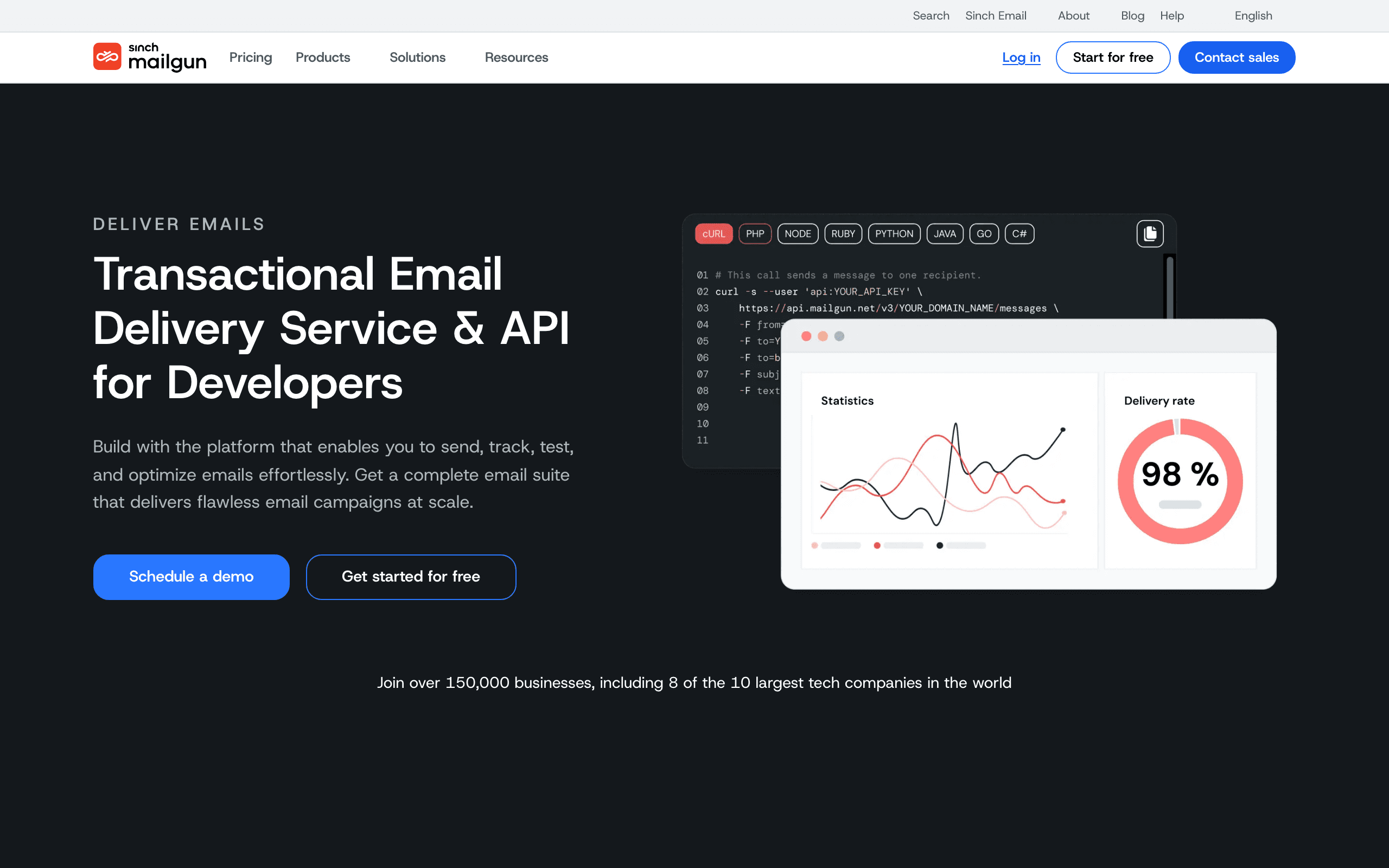
Best for: Developer-centric PLG teams wanting flexibility
Mailgun started as a developer tool for sending email and evolved into a full engagement platform. For PLG companies with strong engineering teams, the API-first approach and flexibility make it appealing.
You can send events via API, track email engagement, and build basic automation. The webhook system is powerful for real-time behavioral triggers: when a user clicks a specific link, you can immediately trigger product actions or additional emails via webhook handlers.
The strength for PLG is the programmatic control. You can build custom automation logic in your own codebase using Mailgun as the delivery engine. Want a sequence that branches based on whether the user has performed a specific product action? Write the logic yourself, call the Mailgun API when it's time to send. This appeals to PLG teams that want to own their automation logic rather than being constrained by a visual builder.
The limitation is that you're building infrastructure yourself. Mailgun provides the sending capability and webhook notifications, but you're responsible for the automation logic, state management, and sequence orchestration. For engineering-heavy PLG teams, this flexibility is a feature. For teams without engineering resources, it's a barrier.
- Pricing: Starts at $35/month for 50,000 emails
- Event handling: API-based, webhook-driven
- PLG strength: Programmatic control for custom automation
- Pros:
- API-first design
- Flexible webhook system for behavioral triggers
- Powerful validation and routing rules
- Good documentation for developers
- Reliable deliverability infrastructure
- Cons:
- Requires engineering for automation logic
- No visual builder for non-technical users
- Automation infrastructure is DIY
- Analytics less sophisticated than specialized tools
11. SendGrid
Best for: High-volume PLG senders
SendGrid (now Twilio SendGrid) is built for scale. If your PLG product has millions of users and you're sending behavioral emails at high volume, SendGrid's infrastructure handles it without breaking a sweat.
The automation features are sufficient for basic PLG sequences: single-send automations, triggered sends based on events, and simple drip campaigns. You can track product events via API and trigger emails when users hit milestones or show churn signals.
Where SendGrid shines is volume and deliverability at scale. For PLG companies that have grown beyond what smaller tools can handle, SendGrid provides the infrastructure to send millions of behavioral emails reliably. The IP warm-up process, dedicated IP options, and reputation management are all built out for large-scale senders.
The limitation is sophistication. SendGrid's automation is less advanced than tools like Customer.io or Braze. Complex branching logic, multi-step journeys with dynamic paths, and sophisticated behavioral segmentation are constrained. For PLG companies with straightforward email needs at massive scale, SendGrid works. For complex behavioral orchestration, you'll want something more specialized.
- Pricing: Starts at $19/month for basic plan
- Event handling: API-based, sufficient for basic triggers
- PLG strength: Infrastructure for high-volume behavioral email
- Pros:
- Handles massive sending volumes
- Strong deliverability infrastructure
- Basic automation for triggered emails
- Reliable and battle-tested
- Good analytics at scale
- Cons:
- Limited workflow complexity
- Basic behavioral segmentation
- Less sophisticated than specialized PLG tools
- Advanced features require higher tiers
12. ConvertKit
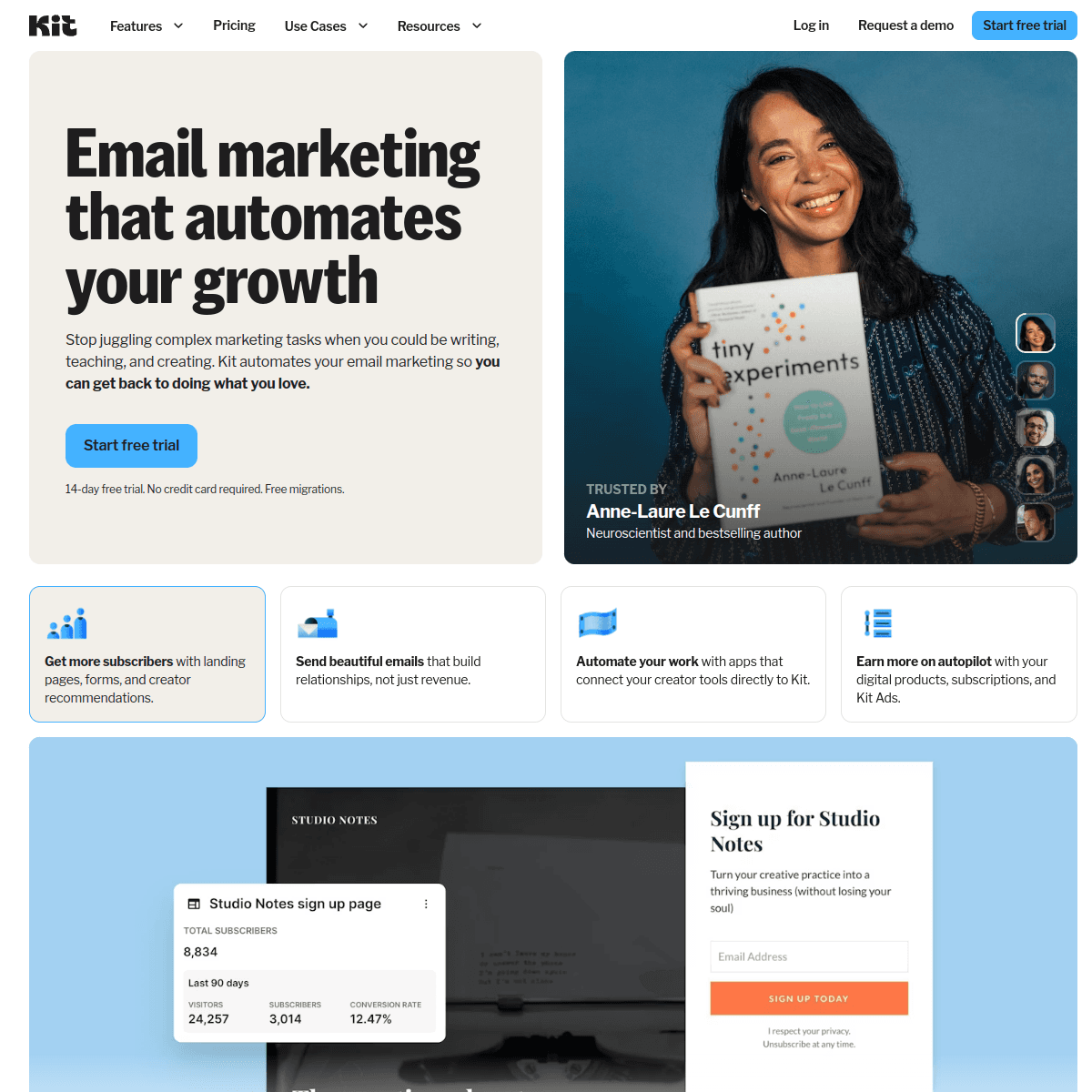
Best for: Creator-focused PLG products
ConvertKit is built for creators, but some PLG products in the creator economy (design tools, content platforms, creator SaaS) find it fits well. The tagging and segmentation system maps nicely to creator workflows, and the automation supports behavioral triggers.
The PLG angle is that creator tools often have clear behavioral signals: published a post, hit a view milestone, upgraded plan, invited team members. ConvertKit's tagging system lets you track these behaviors and trigger relevant automations.
Where ConvertKit excels for PLG is simplicity combined with sufficient power. You can build onboarding sequences for new creators, re-engagement for inactive ones, and upgrade prompts when they hit usage limits. The visual builder is accessible to non-technical founders, which matters for small creator-focused PLG teams.
The limitation is depth. ConvertKit wasn't built for sophisticated event-driven workflows. Complex branching logic, product-qualified lead scoring, and multi-variable behavioral segmentation are constrained. For creator PLG products with straightforward email needs, ConvertKit is a solid choice. For complex behavioral orchestration, you'll outgrow it.
- Pricing: Starts at $29/month for up to 1,000 subscribers
- Event handling: API-based, tagging-focused
- PLG strength: Simple behavioral automations for creator workflows
- Pros:
- Creator-focused feature set
- Simple tagging and segmentation
- Visual automation builder
- Good for basic PLG sequences
- Strong creator community
- Cons:
- Limited for complex PLG workflows
- Basic segmentation compared to PLG-specialized tools
- Less sophisticated event handling
- Built for creators, not general SaaS
13. MailerLite
Best for: Budget-conscious early-stage PLG startups
MailerLite offers a generous free tier and affordable paid plans, making it attractive for early-stage PLG companies that need basic behavioral email without enterprise pricing.
The automation features are sufficient for simple PLG sequences: trigger emails when users complete actions, send onboarding drips, and set up re-engagement campaigns. You can track basic events via API and use them to trigger automations.
For pre-PMF PLG companies, MailerLite's combination of price and capability is appealing. You can validate that behavioral email drives activation and retention without committing to expensive tools. If the PLG motion works and you scale up, you can migrate to a more sophisticated platform later.
The limitation is that you'll outgrow it. Advanced PLG features like complex event logic, product-qualified lead scoring, and sophisticated behavioral segmentation aren't available. But for validating PLG email on a budget, MailerLite gets you started.
- Pricing: Free tier available, paid plans from $15/month
- Event handling: Basic API triggers
- PLG strength: Affordable entry point for behavioral email
- Pros:
- Generous free tier
- Affordable paid plans
- Basic automation for simple PLG sequences
- Easy to use
- Good for validating PLG email cheaply
- Cons:
- Limited advanced features
- Basic segmentation
- Will outgrow as PLG motion scales
- Less sophisticated event handling
14. Brevo (formerly Sendinblue)
Best for: Growing PLG teams needing full lifecycle coverage
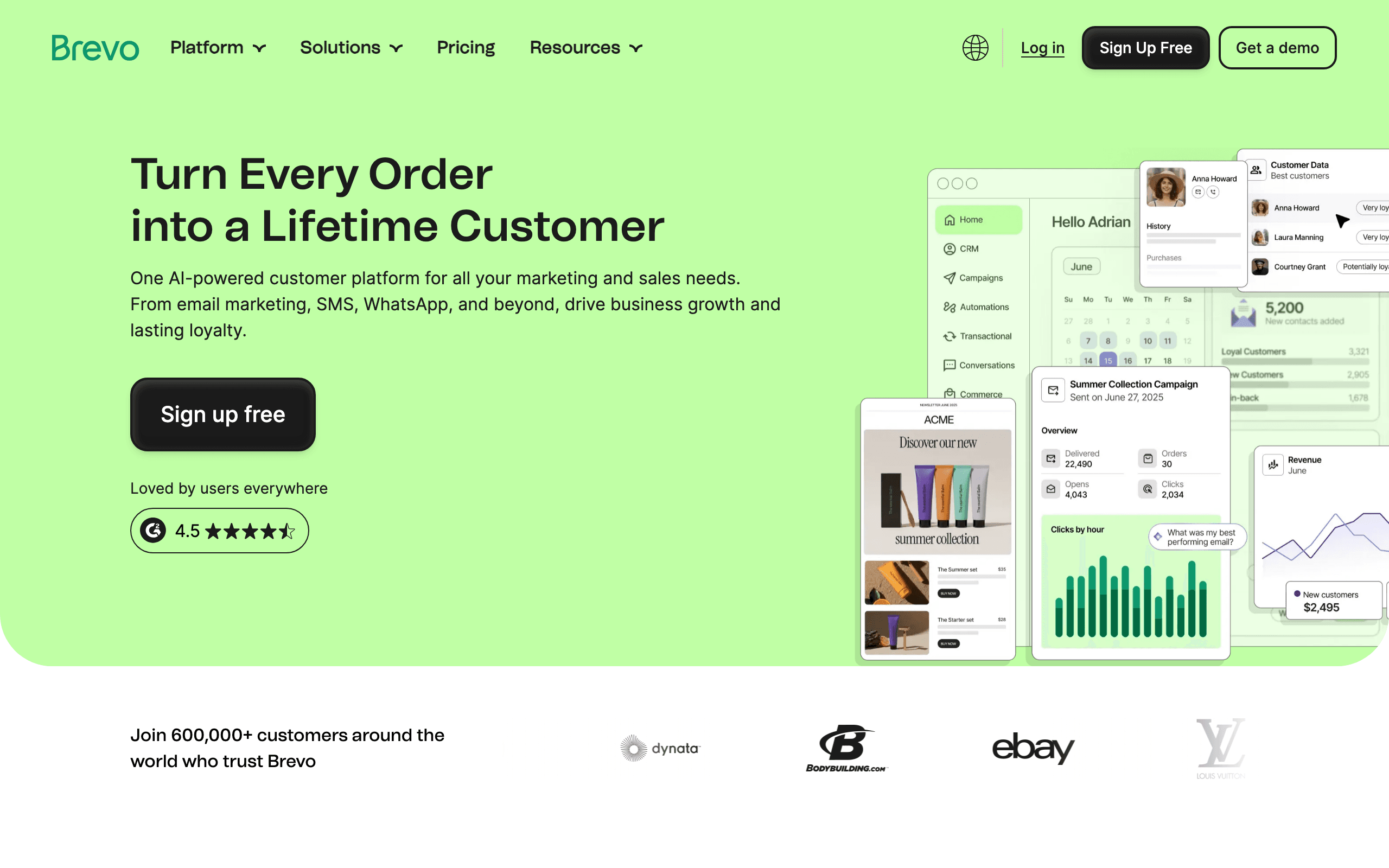
Brevo offers email, SMS, and chat in one platform with solid automation capabilities. For PLG companies that want multi-channel communication without the enterprise price tag of tools like Braze or Intercom, Brevo is a middle-ground option.
The workflow automation supports behavioral triggers via API, so you can send events from your product and trigger relevant emails. The segmentation is decent for mid-stage PLG: you can target users based on product events, engagement level, and lifecycle stage.
Where Brevo fits for PLG is as a stepping stone. It's more capable than basic tools like MailerLite but less expensive and complex than enterprise platforms. For PLG companies that have outgrown simple tools but aren't ready for Braze pricing, Brevo fills the gap.
The limitation is depth of behavioral features. Sophisticated event logic, complex branching workflows, and advanced PQL identification are constrained compared to PLG-specialized tools. But for many mid-stage PLG companies, Brevo's capability-to-price ratio is appealing.
- Pricing: Free tier available, paid from $25/month
- Event handling: API-based, sufficient for mid-stage PLG
- PLG strength: Feature breadth at mid-market pricing
- Pros:
- Multi-channel (email, SMS, chat)
- Solid automation capabilities
- Good feature set for the price
- Handles growth from small to mid-scale
- Reasonable pricing tiers
- Cons:
- Less sophisticated than PLG-specialized tools
- Workflow builder has limitations
- Advanced features require higher tiers
- Can get complex as workflows grow
15. Klaviyo
Best for: E-commerce PLG products
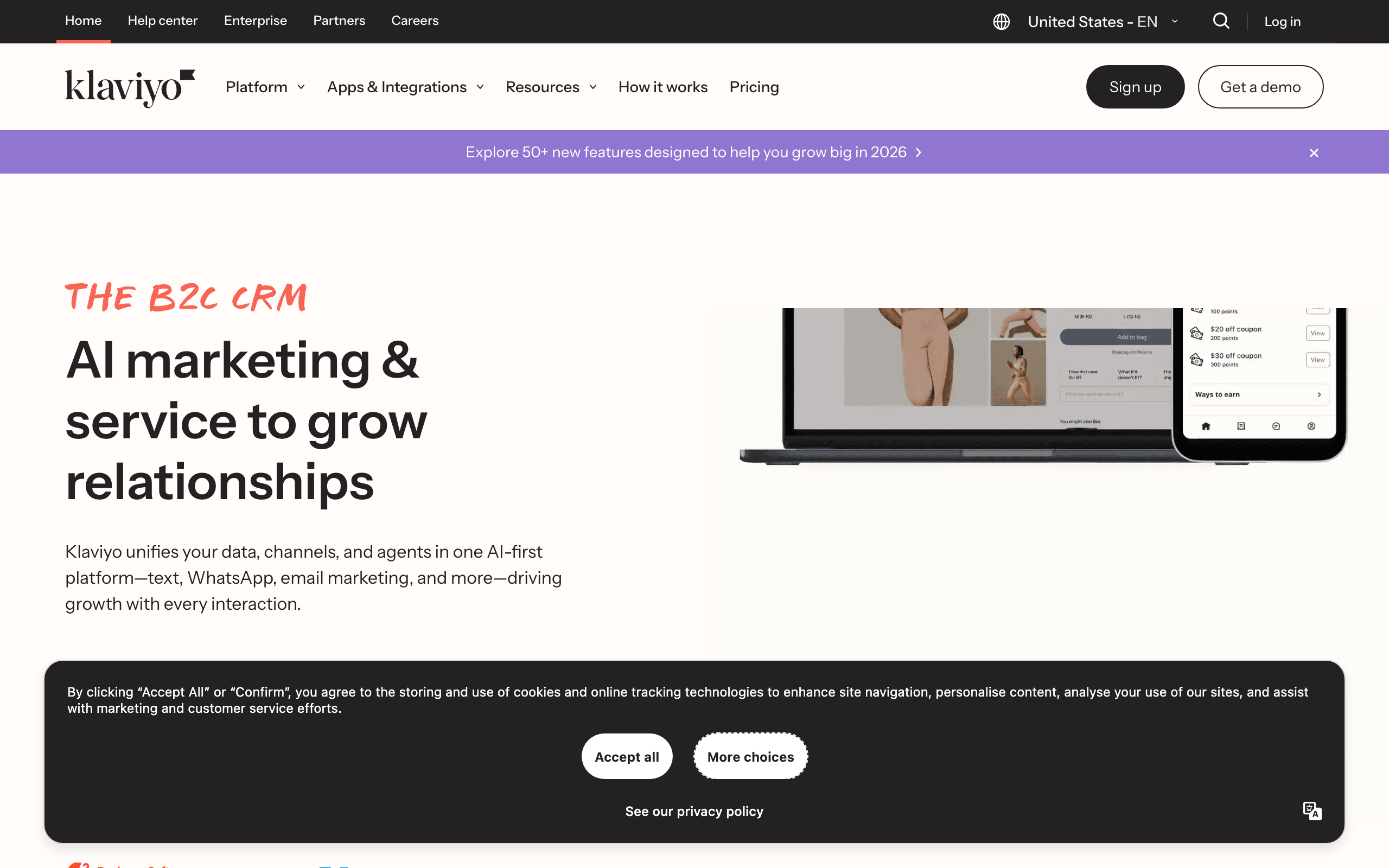
Klaviyo is built for e-commerce, but e-commerce PLG products (online stores, shopping cart tools, retail analytics) find it aligns well with their behavioral triggers: added to cart, viewed product, made purchase, abandoned checkout.
The revenue tracking is genuinely useful for PLG e-commerce. Klaviyo tracks lifetime value, purchase frequency, and average order value, and you can trigger emails based on these metrics. A high-value customer who hasn't purchased in 90 days gets a different re-engagement email than a first-time buyer.
For PLG products in the e-commerce ecosystem, Klaviyo's deep e-commerce integrations (Shopify, WooCommerce, Magento) mean product events flow in automatically. No custom API work to track "user purchased" or "user abandoned cart" - it's built in.
The limitation is that Klaviyo is e-commerce-specific. If your PLG product isn't in the e-commerce space, the e-commerce features won't be relevant, and you're paying for capabilities you don't use. For general SaaS PLG, tools like Customer.io or Sequenzy are better aligned.
- Pricing: Free tier available, paid from $20/month
- Event handling: E-commerce event integrations, API for custom events
- PLG strength: Revenue-based behavioral triggers for e-commerce
- Pros:
- Deep e-commerce revenue tracking
- Pre-built e-commerce event integrations
- Strong segmentation for purchase behavior
- Good for e-commerce PLG workflows
- Large e-commerce template library
- Cons:
- E-commerce-specific features
- Less relevant for general SaaS PLG
- Limited for non-commerce behavioral triggers
- Overkill if you're not in e-commerce
16. Iterable
Best for: Mobile-first PLG products
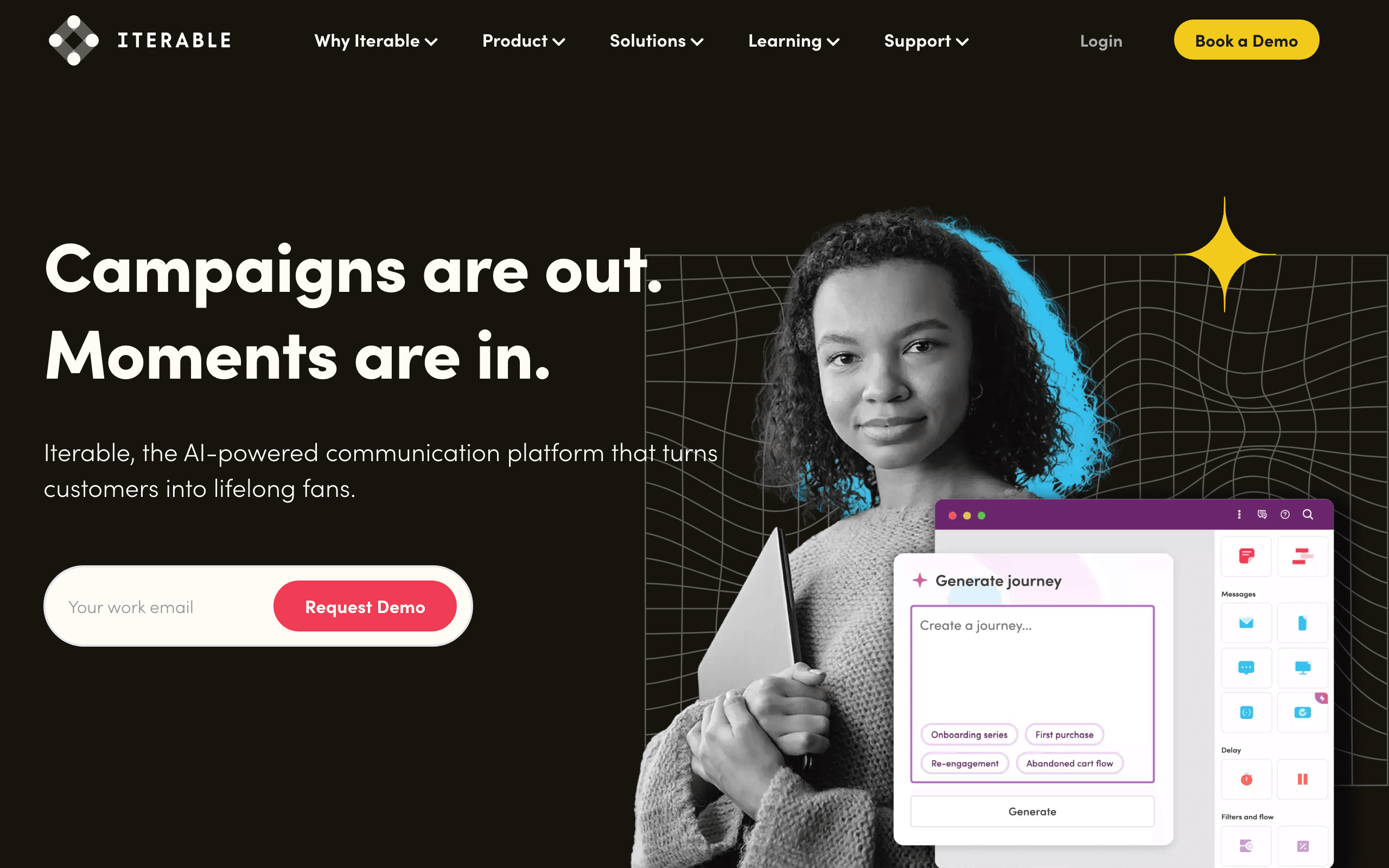
Iterable is a cross-channel engagement platform with strong mobile capabilities. For PLG products where mobile (push, in-app, SMS) is as important as email, Iterable orchestrates communication across all channels.
The behavioral engine supports complex event-driven workflows, and the cross-channel coordination is sophisticated. A user who engages with a push notification gets different follow-up than someone who ignores it. A user who opens email but doesn't click gets a different nudge than someone who doesn't open.
For PLG products with strong mobile presence, Iterable's strength is channel optimization. The platform can intelligently choose whether to reach a user via email, push, SMS, or in-app based on their historical engagement patterns. Someone who always opens push but never email? Send push. Someone who clicks emails but never opens the app? Send email.
The limitation is cost and complexity. Iterable is priced for mid-to-large companies, and the platform complexity reflects that. For early-stage PLG or simple desktop SaaS, Iterable is overkill. But for mobile-first PLG at scale, it's powerful.
- Pricing: Custom pricing (typically mid-to-high five figures annually)
- Event handling: Sophisticated cross-channel event processing
- PLG strength: Intelligent cross-channel orchestration for mobile PLG
- Pros:
- Strong cross-channel capabilities (email, push, SMS, in-app)
- Intelligent channel selection based on user behavior
- Sophisticated workflow automation
- Good for mobile-first PLG products
- Handles high message volumes
- Cons:
- Expensive for early-stage PLG
- Complex to implement and optimize
- Overkill for simple desktop SaaS
- Requires dedicated resources
17. Airship
Best for: App-based PLG with heavy push + email
Airship (formerly Urban Airship) started as a push notification platform and evolved into a full customer engagement platform. For PLG products that are mobile apps with email as a secondary channel, Airship's mobile-first orientation fits.
The behavioral triggering works across push, email, SMS, and in-app. For PLG mobile apps, this means you can reach users wherever they are with the right message. A user who hasn't opened the app in 7 days? Push notification. A user who uninstalled the app? Email. A user who's actively using it? In-app message.
Where Airship differentiates for PLG is its deep mobile capabilities. Push notification scheduling, geolocation triggers, app event tracking, and rich push notifications with images and actions are all built in. For PLG mobile apps where push drives more engagement than email, these capabilities matter.
The limitation is that Airship is mobile-specialized. If your PLG product is desktop SaaS where email is the primary channel, tools like Customer.io or Sequenzy are better aligned. Airship shines when mobile is first and email is supplementary.
- Pricing: Custom pricing
- Event handling: Mobile app event integrations, API
- PLG strength: Mobile-first behavioral messaging
- Pros:
- Excellent push notification capabilities
- Mobile app event tracking
- Cross-channel orchestration (mobile-first)
- Geolocation and app state triggers
- Strong mobile analytics
- Cons:
- Mobile-specialized (less relevant for desktop SaaS)
- Email features secondary to mobile
- Complex pricing
- Overkill if mobile isn't your primary channel
18. Cordial
Best for: Data-driven PLG teams needing real-time personalization
Cordial is a data-focused engagement platform that emphasizes real-time data synchronization and personalization. For PLG companies with strong data teams and complex data warehouses, Cordial's data-centric approach aligns well.
The platform connects to your data warehouse and syncs customer data in real-time. Product events, user attributes, and behavioral data flow continuously, so email triggers are always based on the latest user state. For PLG products where user behavior changes rapidly (fintech, real-time analytics, trading platforms), this real-time sync matters.
Cordial's personalization engine is sophisticated. You can dynamically generate email content based on user attributes, recent behavior, and predictive models. A PLG fintech app could send "you saved $X this month" emails where the amount is calculated from real-time transaction data.
The limitation is Cordial's positioning as an enterprise platform. The pricing reflects enterprise customers, and the complexity requires dedicated resources. For data-driven PLG companies at mid-to-large scale with strong data engineering, Cordial is powerful. For early-stage PLG, it's overkill.
- Pricing: Starts at $250/month (enterprise pricing goes higher)
- Event handling: Real-time data warehouse sync, API
- PLG strength: Real-time data-driven personalization
- Pros:
- Real-time data warehouse integration
- Sophisticated personalization engine
- Strong data team focus
- Dynamic content generation
- Good for complex data-driven PLG
- Cons:
- Enterprise pricing
- Requires strong data engineering
- Complex to implement
- Overkill for early-stage PLG
19. Omnisend
Best for: E-commerce PLG with automation needs
Omnisend, like Klaviyo, is focused on e-commerce but with stronger automation features for the price. For e-commerce PLG products that need behavioral automation without the enterprise price tag, Omnisend is a solid choice.
The automation workflow builder supports e-commerce behavioral triggers: abandoned cart, browse abandonment, purchased product, viewed category. You can build multi-step sequences that respond to these behaviors with relevant follow-up emails.
For PLG e-commerce tools (shopping cart apps, store builders, inventory management), Omnisend's e-commerce focus means the behavioral triggers you need are built in. No custom integration work to track "user abandoned cart" - it's available out of the box with Shopify, WooCommerce, and other e-commerce platforms.
The limitation is the same as Klaviyo: it's e-commerce-specific. If your PLG product isn't in the e-commerce space, the e-commerce features aren't relevant. For general SaaS PLG, look elsewhere. For e-commerce PLG specifically, Omnisend offers good automation at a reasonable price.
- Pricing: Free tier available, paid from $16/month
- Event handling: E-commerce platform integrations, API
- PLG strength: E-commerce behavioral automation at mid-market pricing
- Pros:
- Strong e-commerce automation
- Pre-built e-commerce workflows
- Good value for the price
- Solid integration ecosystem
- Easy for e-commerce teams to adopt
- Cons:
- E-commerce-specific
- Less relevant for general SaaS PLG
- Limited for non-commerce behaviors
- Features lag behind Klaviyo for advanced e-commerce
20. Campaign Monitor
Best for: Design-focused PLG teams
Campaign Monitor emphasizes beautiful email design and a polished editing experience. For PLG products where brand and design are core differentiators, Campaign Monitor's design-first approach appeals.
The automation features are sufficient for basic PLG sequences: trigger emails based on events, send drips, and set up re-engagement campaigns. Where Campaign Monitor stands out is the email editor - drag-and-drop, beautiful templates, and design tools that make it easy to create on-brand emails.
For design-forward PLG products (design tools, creative platforms, brand-focused apps), Campaign Monitor ensures that every behavioral email reinforces the brand aesthetic. The onboarding email, trial conversion email, and re-engagement email all look polished and on-brand.
The limitation is that sophistication in automation lags behind PLG-specialized tools. Complex event logic, advanced segmentation, and behavioral scoring aren't available. For PLG products where design matters more than complex behavioral orchestration, Campaign Monitor is a good fit.
- Pricing: Starts at $12/month for basic plan
- Event handling: Basic API triggers
- PLG strength: Beautiful, on-brand behavioral emails
- Pros:
- Excellent email design tools
- Beautiful template library
- Easy-to-use editor
- Good for design-focused PLG brands
- Solid basic automation
- Cons:
- Limited advanced automation features
- Basic behavioral segmentation
- Less sophisticated event handling
- Design focus means less depth in behavioral logic
21. GetResponse
Best for: PLG teams wanting all-in-one marketing
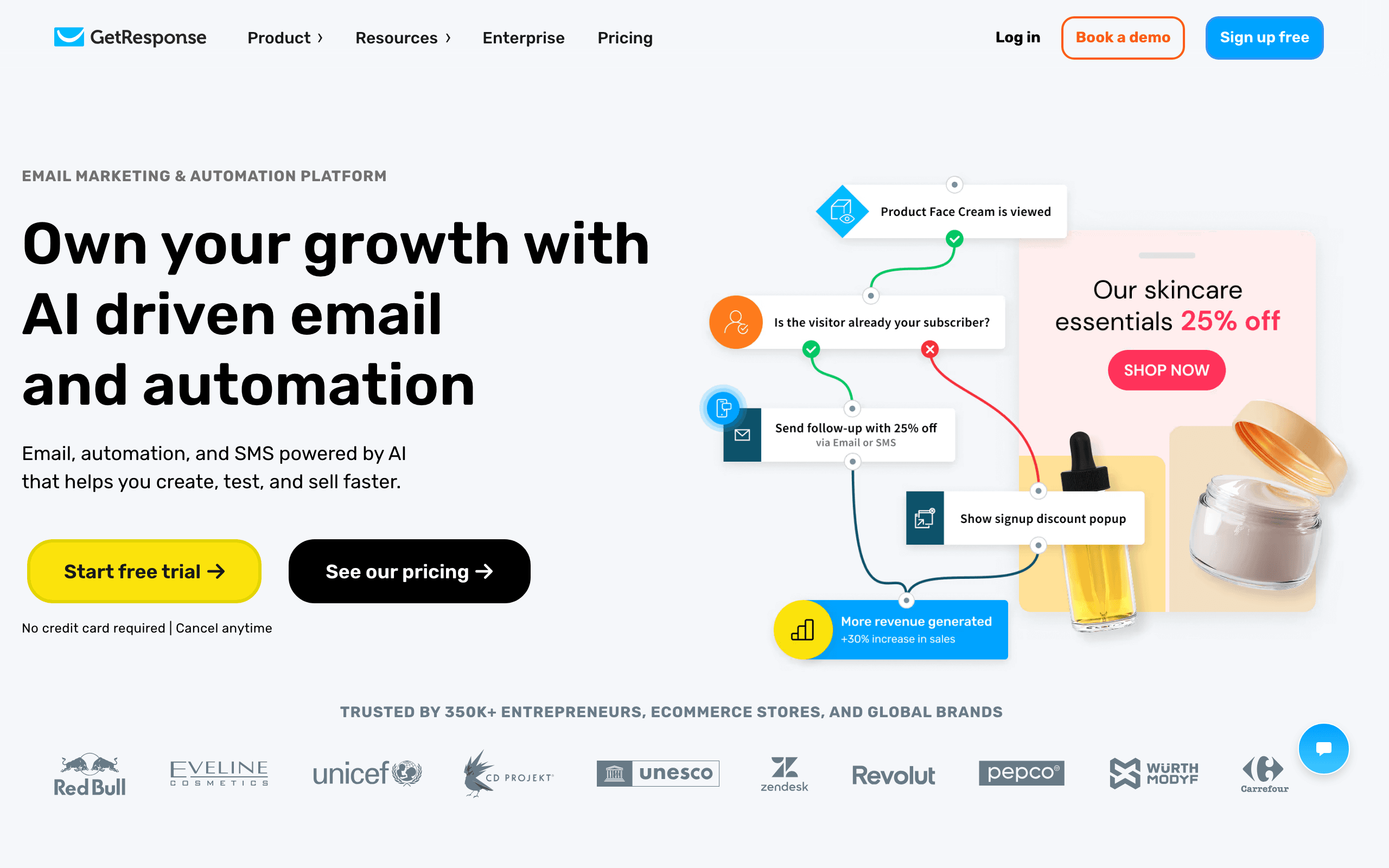
GetResponse combines email marketing, automation, landing pages, and webinars in one platform. For PLG products that use webinars for user education or landing pages for feature launches, the all-in-one approach reduces tool stack complexity.
The automation features are solid: event-driven triggers, behavioral segmentation, and multi-step sequences. You can track product events via API and trigger relevant automations for onboarding, trial conversion, and re-engagement.
Where GetResponse fits for PLG is as a comprehensive tool. If your PLG motion includes webinars (demo your product to educate users), landing pages (feature launch pages optimized for conversion), and email, having them all in one platform simplifies operations.
The limitation is that it's a general-purpose tool, not PLG-specialized. Sophisticated event logic, company-level tracking for B2B, and advanced PQL identification are less developed than in PLG-focused tools. For PLG products that want comprehensive marketing features without the cost of stitching together multiple tools, GetResponse is a reasonable middle ground.
- Pricing: Starts at $19/month for basic automation features
- Event handling: API-based, sufficient for basic PLG
- PLG strength: All-in-one marketing with behavioral automation
- Pros:
- Comprehensive feature set (email, automation, landing pages, webinars)
- Solid automation capabilities
- Good value for multiple features
- Reduces need for multiple tools
- Easy to get started
- Cons:
- General-purpose, not PLG-specialized
- Less sophisticated than dedicated PLG tools
- Advanced features require higher tiers
- Can feel overwhelming with so many features
Choosing the Right Tool for Your PLG Stage
Pre-product-market-fit (0-100 users): Don't over-invest in email tooling yet. A simple tool like Loops, MailerLite, or even manual emails work fine. Focus on the product.
Early growth (100-1,000 users): Set up basic event-driven sequences. Sequenzy, Loops, or MailerLite give you behavioral triggers without complex setup.
Growth stage (1,000-10,000 users): Invest in proper behavioral email. Customer.io, Sequenzy, Userlist, or Encharge can handle sophisticated PLG flows at this scale.
Scale (10,000+ users): Consider enterprise tools like Braze or Iterable if your needs justify the cost, or optimize your current tool with better segmentation and personalization.
E-commerce PLG: Klaviyo or Omnisend if you're in the e-commerce ecosystem. The e-commerce-specific features will save you integration work.
Mobile-first PLG: Airship or Iterable if mobile is your primary channel. Push and in-app capabilities are core to the PLG motion.
B2B with multi-user accounts: Userlist. The company-level data model is essential for B2B PLG where account health matters more than individual user behavior.
Budget-conscious early-stage: Loops or MailerLite. Get behavioral email working without committing to expensive tools. You can migrate when you outgrow them.
Key PLG Email Sequences Every Tool Should Support
Regardless of which tool you choose, make sure it can handle these core PLG sequences. For a detailed walkthrough of building these, see our PLG email sequence guide.
- Behavioral onboarding: Trigger emails based on which steps users have/haven't completed
- Activation nudges: Email users who stall at specific points in the user journey
- Feature discovery: Introduce features based on user behavior and readiness
- Trial conversion: Escalate messaging as trial expiration approaches, adjusted for engagement level
- Usage milestone celebrations: Acknowledge user achievements to reinforce engagement
- PQL identification: Flag and route product-qualified leads to upgrade sequences or sales
- Re-engagement: Automatically reach out when activity drops below a threshold
PLG Email Metrics That Matter
Standard email metrics (open rate, click rate) tell you about email performance. PLG email metrics should also track product outcomes:
- Activation rate by email variant: Which onboarding emails produce the highest activation rates?
- Feature adoption after email: Did the feature discovery email actually lead to feature usage?
- PQL-to-customer conversion: What percentage of email-identified PQLs convert?
- Re-engagement success rate: Do re-engagement emails actually bring users back to the product?
- Time-to-value: Does email reduce the time between signup and first value moment?
For a comprehensive view of which metrics to track, check our guide to SaaS email marketing KPIs.
FAQ
Do I need to send events from my product to use these tools? Yes. PLG email requires your product to communicate user behavior to your email tool. This typically means adding API calls in your codebase at key moments (signup, feature use, milestone reached). Most tools make this straightforward with SDKs or simple HTTP calls. If you want to understand the technical side, our guide on how to send emails based on product events covers the implementation.
What events should I track for PLG email? Start with: signup completed, onboarding step completed, key feature first use, subscription change, and login. Add more specific events as you identify which behaviors predict conversion and retention. Don't try to track everything on day one. Start with 5-10 essential events and expand over time.
Can I use a regular email tool for PLG? You can use Zapier or webhooks to connect product events to traditional email tools, but it's fragile and limited. Purpose-built PLG tools handle events natively and make behavioral automation much easier. The gap widens as your PLG motion becomes more sophisticated.
How many events is too many? Track events that drive decisions, not everything. 10-20 well-chosen events are more useful than 200 granular ones. You can always add more later. A good test: if an event doesn't trigger an email, update a subscriber attribute, or segment users, question whether you need it in your email tool.
What's the difference between PLG email and marketing automation? Traditional marketing automation is based on email behavior (opened, clicked, visited page). PLG email is based on product behavior (used feature, completed task, hit limit). The data source is different, and PLG email is more relevant because it's based on what users actually do, not just what they read.
How do I identify PQLs through email engagement? PQLs are identified through product behavior, not email behavior. But email can help surface PQLs. Track which product events users trigger, score them based on actions that correlate with conversion (using multiple features, inviting team members, using the product frequently), and automatically flag users above a threshold. The email tool then routes PQLs to upgrade sequences.
Should PLG email be sent from a person or the product? For onboarding and lifecycle emails, sending from a person (founder, success manager) works well. It invites replies and feels personal. For product notifications and usage alerts, sending from the product name is appropriate. For upgrade and conversion sequences, a person works better since it feels like a recommendation rather than an advertisement.
What's the biggest mistake PLG companies make with email? Treating email as an afterthought. Many PLG companies invest heavily in the product experience but neglect the email layer. The result is that users who aren't in the app (which is most of them, most of the time) get no guidance. Email is your primary touchpoint for the majority of your users' time. Invest in it accordingly.
Should I start with a cheap tool or invest in a PLG-specific platform from day one? Start cheap. Pre-PMF, you don't know which behaviors matter, so investing heavily in behavioral email is premature. Use a simple tool (Loops, MailerLite) to validate that email drives activation. Once you know which behaviors correlate with success, migrate to a PLG-specialized tool that supports those specific automations.
How do I migrate between PLG email tools? Plan the migration in phases: (1) Keep your existing tool running and set up the new tool in parallel, (2) Migrate your subscriber list and event tracking to the new tool, (3) Recreate your highest-impact sequences in the new tool, (4) Gradually shift traffic from old to new, (5) Sunset the old tool once everything is stable. Most PLG tools provide migration support, but expect 2-4 weeks of overlap to ensure nothing breaks.
When does it make sense to build custom email infrastructure instead of using a tool? Almost never. Unless you're at massive scale (millions of users, billions of emails) and have unique requirements that no tool can meet, building custom email infrastructure is a distraction. The deliverability challenges alone (IP reputation, spam filters, inbox placement) make it not worth it. Use a tool and focus engineering resources on your product.