
The 22 Best Email Marketing Platforms for Small Business in 2026

Finding the right email marketing platform as a small business owner is tough. You need something affordable, easy to use, and powerful enough to grow with you - but you don't have time to learn a complex enterprise tool or the budget to pay enterprise prices.
I've tested 22 email marketing platforms specifically through the lens of small business needs - ease of setup, pricing at small list sizes, automation for common workflows, template quality, and customer support. Here's what I found.
Quick Comparison Table
| Platform | Best For | Starting Price | Free Tier | Ease of Use |
|---|---|---|---|---|
| Sequenzy | SaaS & online businesses | $19/mo | Yes (2.5k emails/mo) | Moderate (developer-friendly) |
| Mailchimp | All-in-one marketing | $13/mo | Yes (500 contacts) | Easy |
| MailerLite | Simplicity + value | $10/mo | Yes (1k subs) | Very easy |
| Brevo | Budget-friendly multi-channel | $9/mo | Yes (300/day) | Easy |
| Mailercloud | Strong deliverability at a low price | $10/mo | Yes (1k contacts) | Easy |
| ConvertKit | Creators & solopreneurs | $15/mo | Yes (300 subs) | Easy |
| Constant Contact | Local businesses | $12/mo | No | Very easy |
| AWeber | Beginners | $15/mo | Yes (500 subs) | Very easy |
| GetResponse | Sales funnels | $19/mo | Yes (500 contacts) | Moderate |
| ActiveCampaign | Growing businesses | $29/mo | No | Moderate-complex |
| Moosend | Simple automation | $9/mo | No (30-day trial) | Easy |
| Omnisend | Small e-commerce | $16/mo | Yes (250 contacts) | Easy |
| Campaign Monitor | Design-focused | $11/mo | No | Easy |
| Drip | E-commerce stores | $39/mo | No | Moderate |
| Benchmark Email | Multilingual businesses | $8/mo | Yes (500 subs) | Easy |
| Sender | Budget email marketing | $8/mo | Yes (2.5k subs) | Very easy |
| Flodesk | Design-first creators | $38/mo flat | No (30-day trial) | Very easy |
| Klaviyo | Shopify stores | $20/mo | Yes (250 contacts) | Moderate |
| HubSpot | CRM-focused businesses | $20/mo | Yes (limited) | Moderate-complex |
| Loops | SaaS startups | $49/mo | Yes (limited) | Easy |
| Buttondown | Newsletter writers | $9/mo | Yes (100 subs) | Very easy |
| Beehiiv | Newsletter businesses | $49/mo | Yes (2.5k subs) | Easy |
Best Small Business Email Platform by Business Type
Best for local service businesses: Constant Contact
Constant Contact is strongest when the business runs events, appointments, classes, or in-person promotions. It is less flexible for product-triggered automations, but practical for local businesses that need templates, support, and event marketing in one place.
Best for creators and solopreneurs: ConvertKit
ConvertKit is the right small-business pick when the list is built around a person, newsletter, course, podcast, or digital product. It is stronger for audience monetization than for abandoned carts, product events, or subscription lifecycle email.
Best for small SaaS and online subscription businesses: Sequenzy
If the business sells software, memberships, or subscriptions online, Sequenzy is more relevant than a generic small-business newsletter tool. Connect it with the small business email marketing guide, Stripe integration, and customer onboarding templates.
Best for Shopify stores: Klaviyo or Omnisend
Klaviyo is better for high-revenue Shopify stores that need deep segmentation and revenue attribution. Omnisend is easier for stores that want email and SMS at a lower price. The e-commerce platform comparison gives more detail.
Best for very tight budgets: Brevo, MailerLite, or Mailercloud
Brevo is best when you have many contacts but send infrequently. MailerLite is best when you want a cleaner beginner experience with forms, landing pages, and simple automation. Mailercloud is best when you want low-cost deliverability visibility alongside your campaigns.
Detailed Reviews
1. Mailchimp
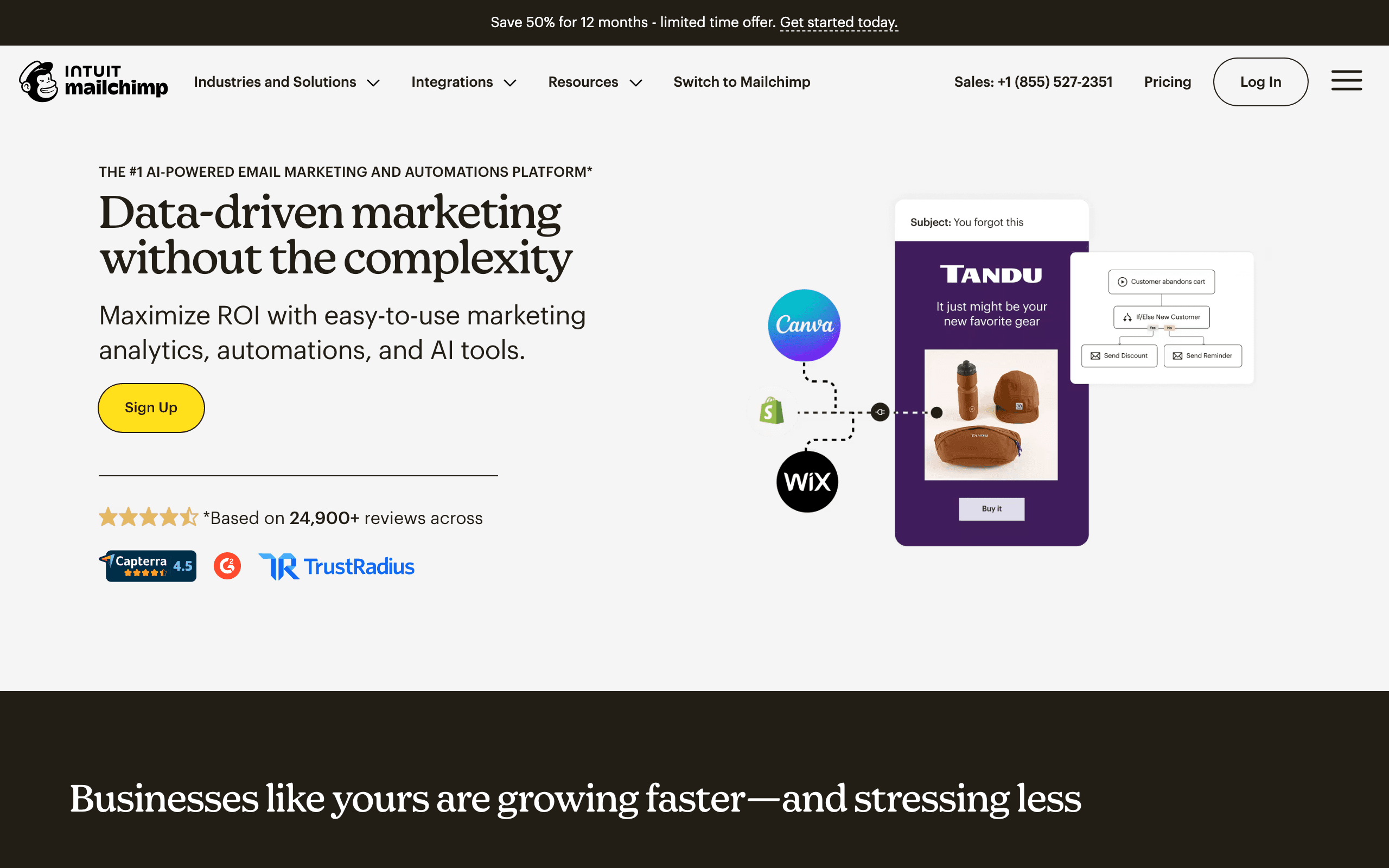
Best for: Small businesses wanting the most integrations and brand recognition
Mailchimp is the most recognized email marketing platform in the world. Nearly every business tool integrates with Mailchimp, from Shopify to QuickBooks to Canva. For small businesses that rely on third-party tools, Mailchimp's integration library is unmatched.
- Features: 300+ integrations, AI-powered content assistant, landing page builder, basic CRM, social media posting, customer journey builder, multivariate testing, predictive demographics
- Pricing: Free up to 500 contacts, Standard from $13/month (500 contacts)
- Pros: Largest integration ecosystem, well-known brand, good template library, content studio for assets, decent free plan
- Cons: Gets expensive fast, free plan has branding, automation limited on lower plans, customer support declined, charges for unsubscribed contacts
Best for: Small businesses that use many different tools and need an email platform that connects to everything. If you use Shopify, WordPress, QuickBooks, Canva, and a dozen other tools, Mailchimp's integration library is hard to beat.
2. Sequenzy
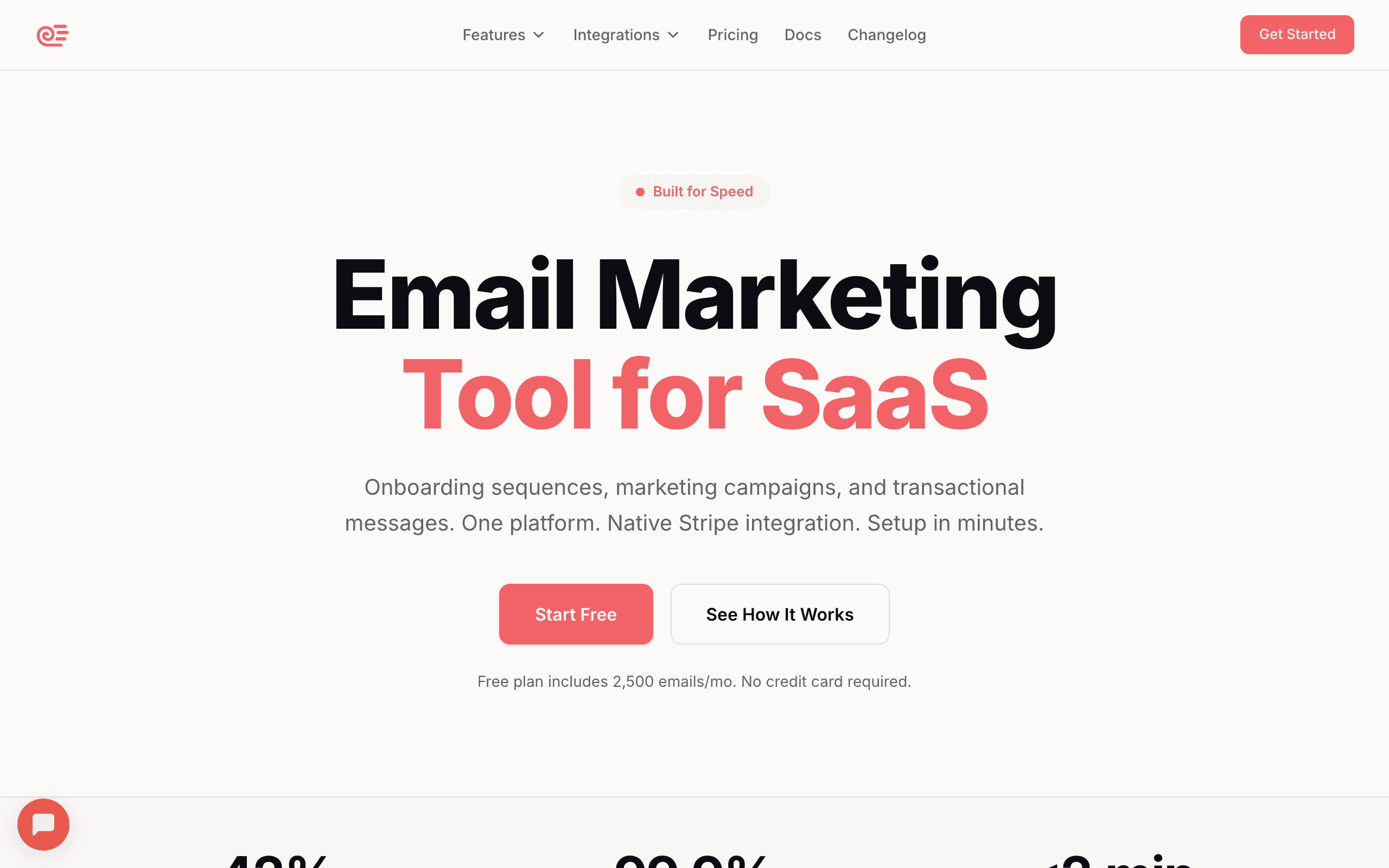
Best for: Online businesses and SaaS companies
Sequenzy is built for online businesses that want simple, transparent pricing and powerful automation without complexity. The Stripe integration automatically syncs your customer data - including plan type, MRR, and payment history - so you can send targeted emails based on revenue data.
- Features: Stripe integration, event-driven sequences, visual email editor, subscriber segmentation, analytics dashboard, transactional + marketing email in one, API and webhooks, send time optimization
- Pricing: Free up to 2,500 emails/month, paid plans from $19/month
- Pros: Simple transparent pricing, Stripe integration unique for SaaS, marketing + transactional in one, event-based automation, no per-feature upsells, direct founder support
- Cons: Newer platform with smaller community, fewer integrations than Mailchimp, no landing page builder, no SMS yet, better suited for online businesses
Best for: SaaS companies, online businesses, and creators who want email marketing with Stripe integration and don't need the complexity of enterprise tools. Especially powerful if your business model involves subscriptions, trials, or online payments.
3. MailerLite
Best for: Small businesses wanting the best free plan
MailerLite offers one of the most generous free plans in the market - 1,000 subscribers and 12,000 emails/mo, with automation included. For small businesses just starting with email marketing, MailerLite lets you do real marketing for free.
- Features: Drag-and-drop email editor, landing pages and signup forms, marketing automation, website builder, e-commerce integrations, A/B testing, surveys and quizzes, paid newsletter subscriptions
- Pricing: Free up to 1,000 subscribers (12,000 emails/mo), Growing Business from $10/month (500 subscribers)
- Pros: Best free plan for small businesses, very easy to use, includes landing pages and website builder, clean modern interface, affordable paid plans, good deliverability
- Cons: Advanced automation limited, reporting could be more detailed, no CRM features, template variety smaller, no phone support
Best for: Solo entrepreneurs and micro-businesses just starting with email marketing who want a platform that's free, easy, and includes more than just email (landing pages, website, forms).
4. Brevo (formerly Sendinblue)
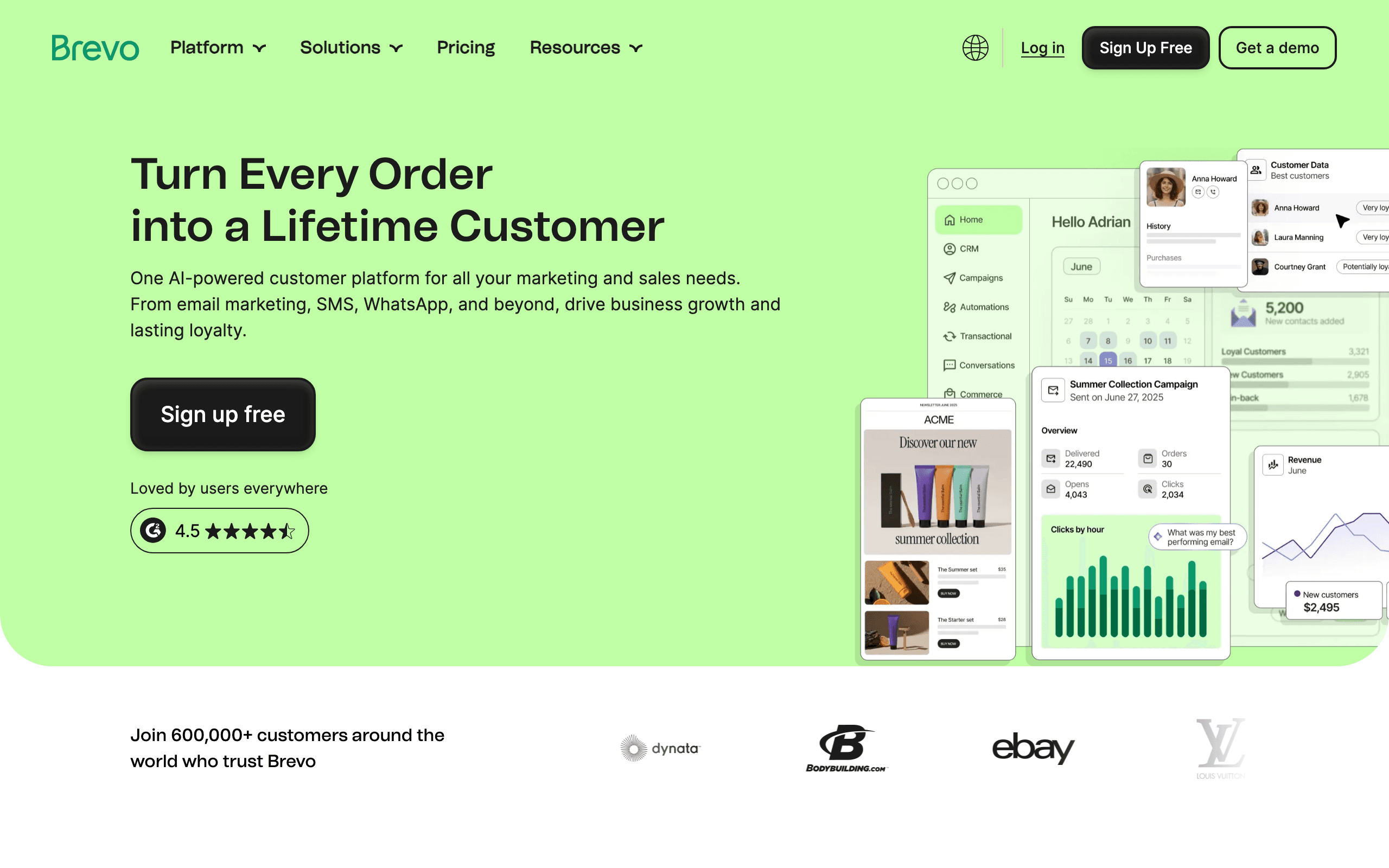
Best for: Budget-conscious small businesses that also need SMS
Brevo is the budget choice. Their pricing is based on emails sent (not contacts stored), which is a game-changer for small businesses with large but infrequently-emailed lists. You can have 100,000 contacts and only pay for the emails you actually send.
- Features: Email marketing + CRM, SMS and WhatsApp messaging, marketing automation, landing pages, chat widget, Facebook ads integration, transactional email, sales pipeline management
- Pricing: Free (unlimited contacts, 300 emails/day), Starter from $9/month (5,000 emails/mo)
- Pros: Pricing based on emails not contacts, very affordable, free plan has unlimited contacts, SMS and WhatsApp included, built-in CRM, transactional email included
- Cons: Brevo branding on free plan, email editor adequate not great, automation has learning curve, support response times vary, deliverability not best-in-class
Best for: Small businesses with large contact lists that don't email frequently. If you have 5,000 contacts but only send a monthly newsletter, Brevo's email-based pricing saves you money compared to contact-based platforms.
5. Mailercloud
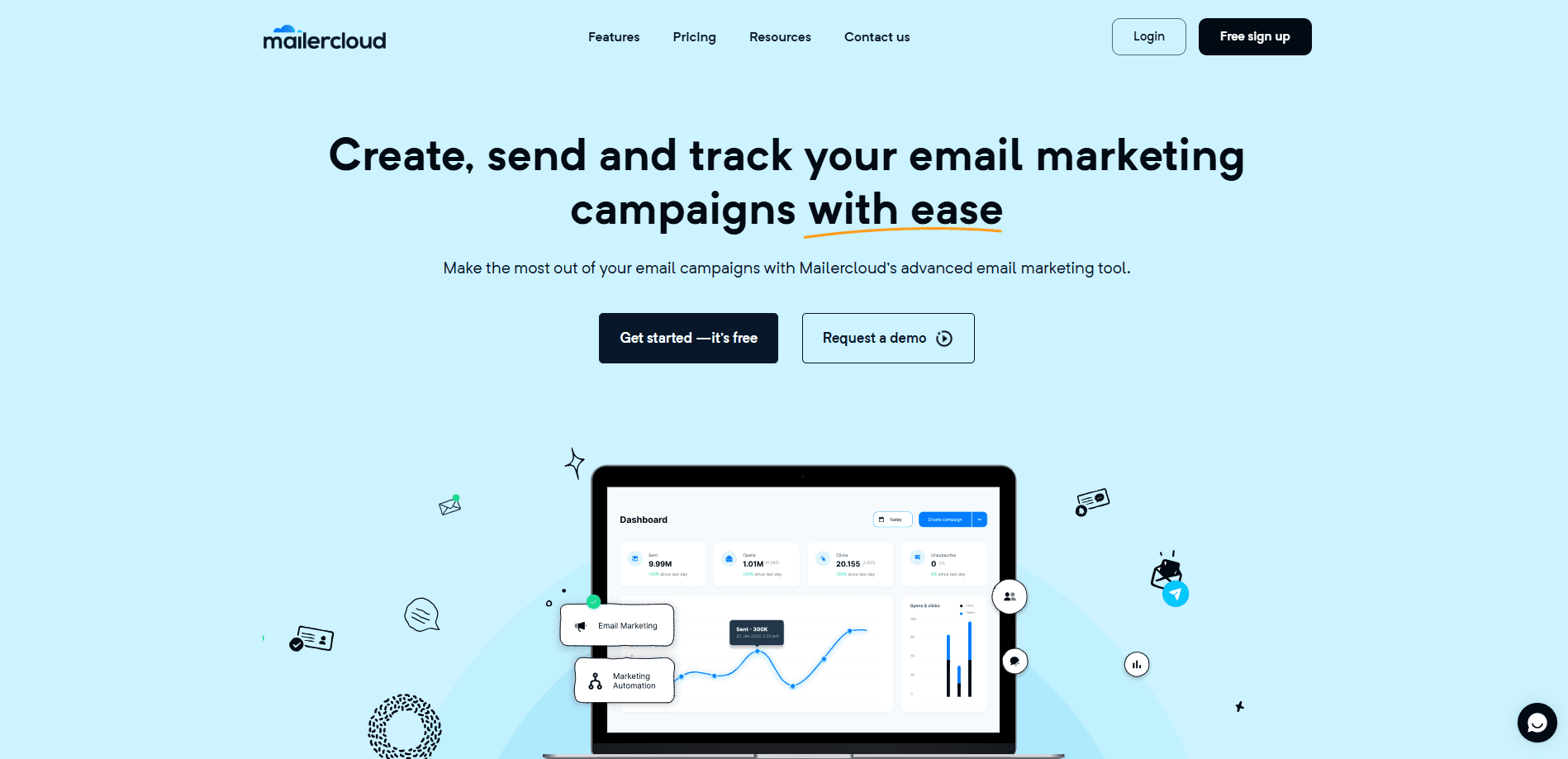
Best for: Small businesses wanting strong deliverability at a low price
Mailercloud is built for small businesses that want enterprise-grade deliverability tools without the enterprise price tag. Its real-time Inbox Tracker shows exactly where your emails land — inbox, spam, or promotions — across Gmail, Yahoo, and Outlook, a feature most budget platforms don't offer.
- Features: Drag-and-drop email editor, behavior-based automation, AMP & interactive emails, advanced segmentation, smart subject line suggestions, real-time inbox placement monitoring, A/B testing, transactional email support
- Pricing: Free up to 1,000 contacts (12,000 emails/mo), Starter from $10/month (unlimited emails)
- Pros: Genuinely usable free plan, real-time inbox placement monitoring built in, AMP emails for interactive in-inbox experiences, affordable paid plans, clean and easy-to-use interface
- Cons: Smaller integration library than Mailchimp, no built-in CRM, no landing page builder
Best for: Small businesses and solopreneurs who want visibility into deliverability alongside their campaigns, without paying extra for third-party inbox monitoring tools.
6. ConvertKit (now Kit)
Best for: Creators, bloggers, and solopreneurs
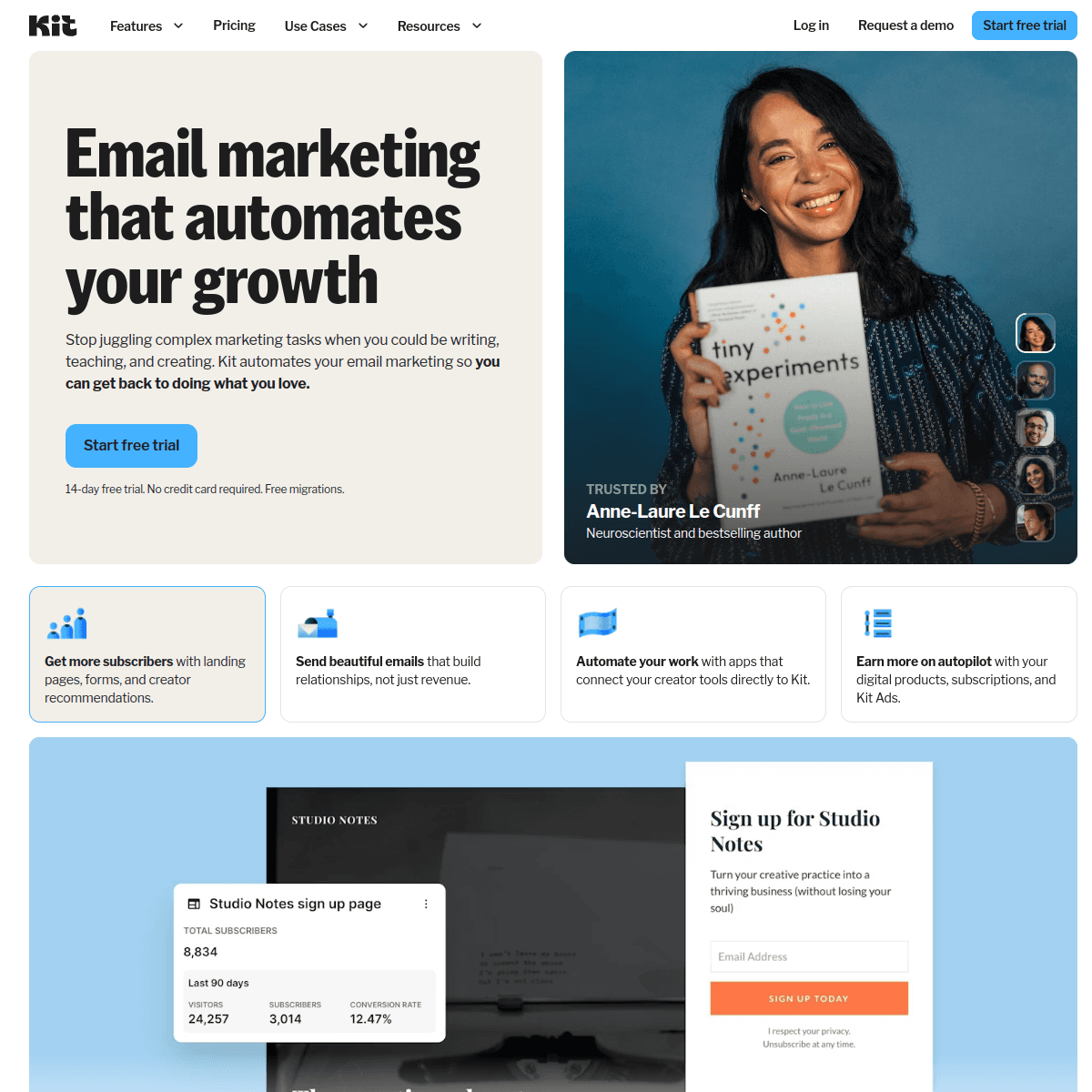
ConvertKit (recently rebranded to Kit) is the favorite of bloggers, podcasters, YouTubers, and online course creators. Their approach is creator-first - features like paid newsletters, tip jars, and digital product sales are built right in.
- Features: Visual automation builder, landing pages and signup forms, paid newsletters and subscriptions, digital product sales, tag-based subscriber management, creator network for cross-promotion, newsletter referral program, sponsor marketplace
- Pricing: Free up to 300 subscribers, Creator from $15/month (300 subscribers)
- Pros: Built specifically for creators, paid newsletter and digital product sales, tag-based system flexible, clean simple interface, creator network for growth, good landing page templates
- Cons: Email templates very minimal (plain text focus), limited e-commerce features, reporting basic, higher price for contact count, no built-in CRM, visual design options limited
Best for: Content creators - bloggers, YouTubers, podcasters, course creators - who want to monetize their audience through paid newsletters, digital products, and email-driven sales.
7. Constant Contact
Best for: Local businesses with events and physical presence
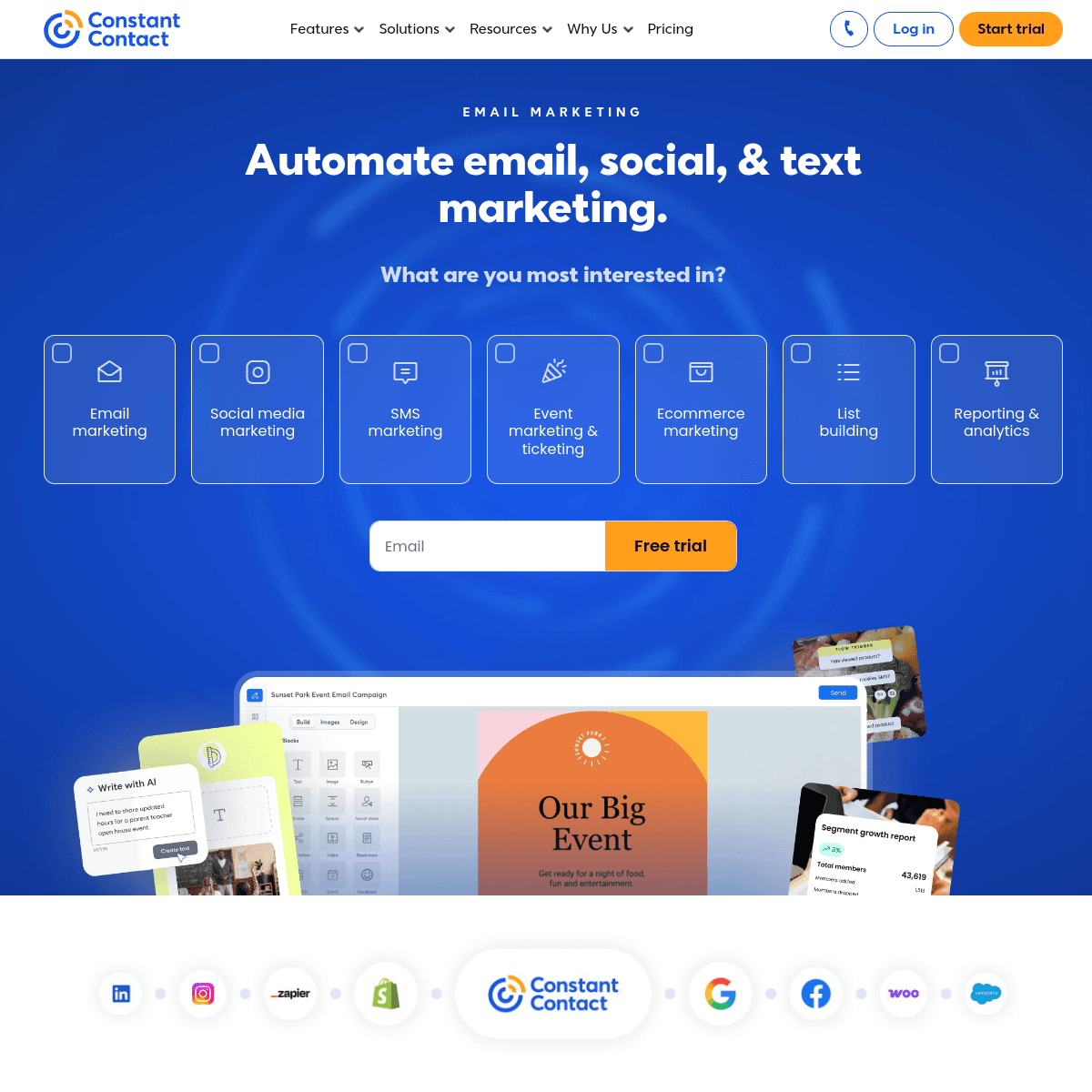
Constant Contact has been around since 1995 and has a strong foothold with local businesses. Their event management tools, social posting, and local business features make them a natural fit for restaurants, shops, gyms, and service businesses.
- Features: Email marketing with 200+ templates, event marketing and registration, social media posting and ads, SMS marketing, surveys and polls, coupon creation, contact list growth tools, marketing automation, e-commerce tools
- Pricing: Lite from $12/month (500 contacts), Standard from $35/month (500 contacts)
- Pros: Event marketing tools unique, great template library (200+), social media management included, good for local businesses, phone support available, high deliverability rates
- Cons: More expensive than competitors, automation basic compared to ActiveCampaign, interface feels dated, limited segmentation, no free plan (60-day trial), template editor can be rigid
Best for: Local businesses that run events (workshops, classes, meetups, fundraisers) and need email marketing, event registration, and social media posting in one tool.
8. AWeber
Best for: Email marketing beginners who need hand-holding
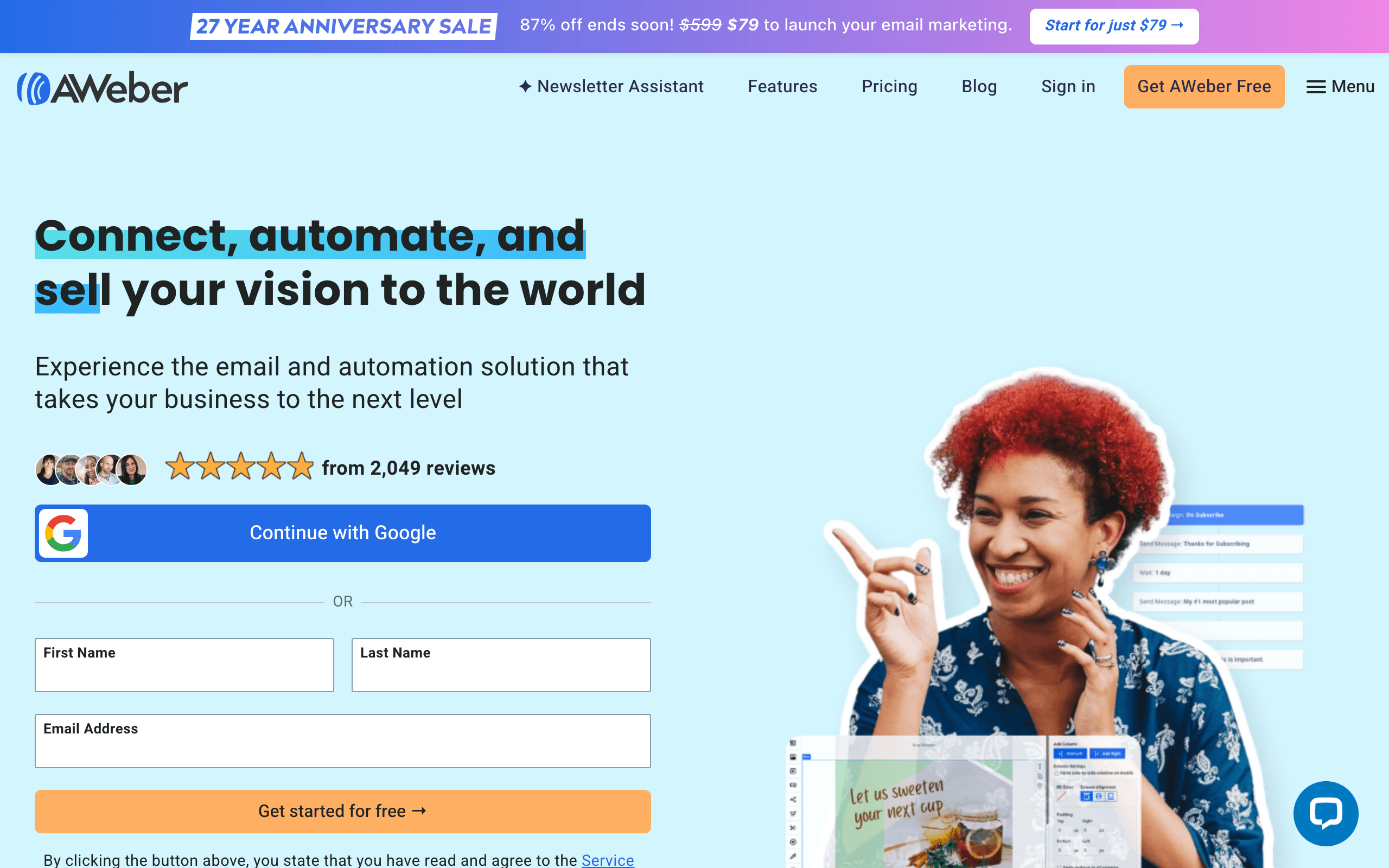
AWeber has been helping small businesses with email marketing since 1998. Their platform is designed for people who've never done email marketing before - every feature comes with tutorials, and their customer support is consistently rated highly.
- Features: Drag-and-drop email builder, 600+ email templates, landing pages, marketing automation, web push notifications, e-commerce tools, RSS-to-email, Canva integration for design
- Pricing: Free up to 500 subscribers, Pro from $15/month (500 subscribers)
- Pros: Easiest platform for beginners, excellent customer support, 600+ email templates, free plan available, good deliverability, stock photo library included
- Cons: Automation is basic, interface functional not modern, limited segmentation, reporting could be better, higher-tier features missing, less innovative than newer platforms
Best for: First-time email marketers who want a straightforward platform with lots of templates, tutorials, and responsive support to help them get started.
9. GetResponse
Best for: Small businesses that need sales funnels
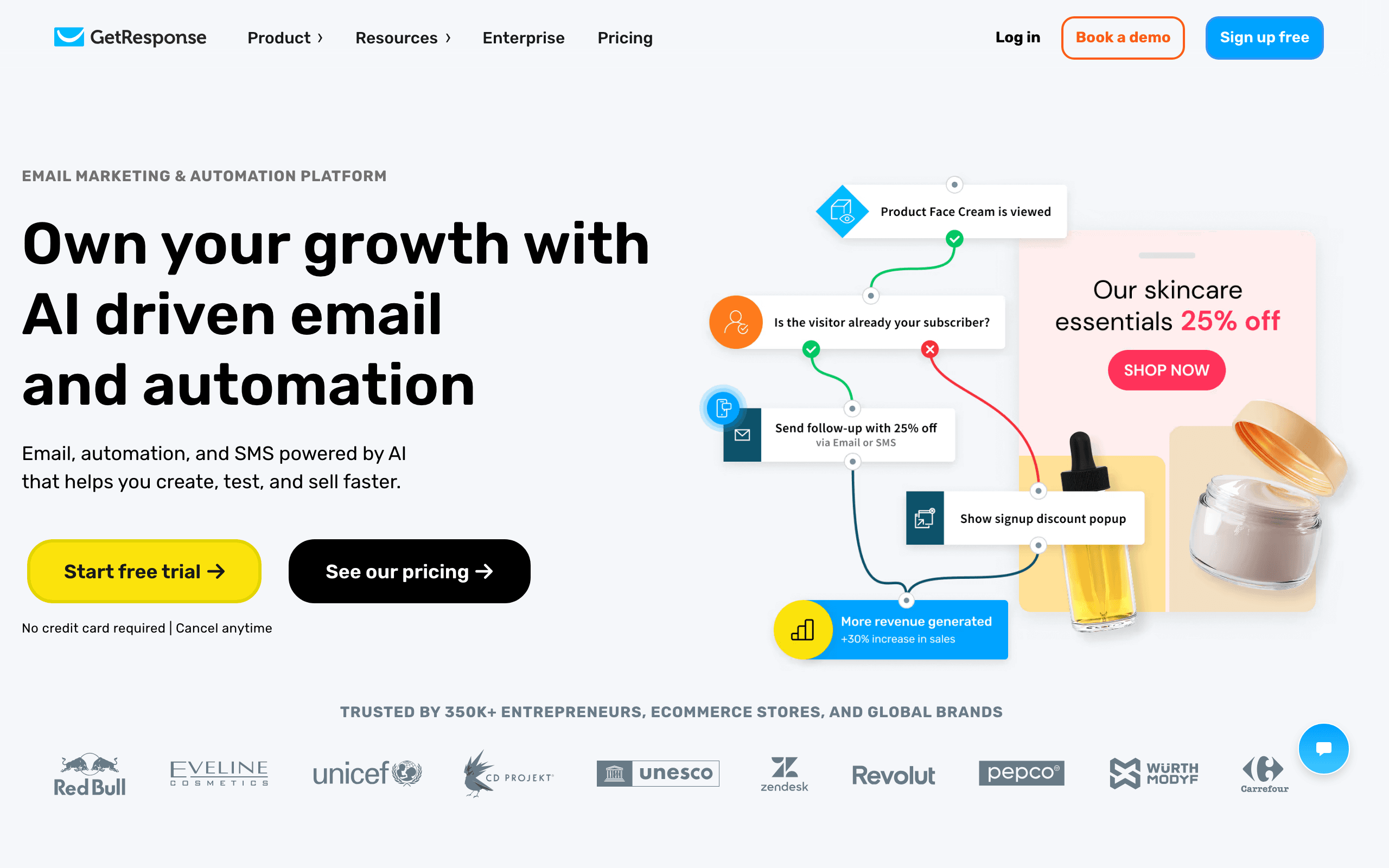
GetResponse goes beyond email marketing with built-in conversion funnels, webinars, and landing pages. If your small business sells products or services through multi-step funnels, GetResponse gives you the whole toolkit without needing separate funnel software.
- Features: Email marketing and automation, conversion funnel builder, webinar hosting, landing pages, e-commerce tools, SMS marketing, live chat, AI email generator, push notifications
- Pricing: Free up to 500 subscribers (newsletter only), Email Marketing from $19/month (1,000 subscribers)
- Pros: Built-in funnel builder, webinar hosting included, all-in-one marketing platform, good automation builder, AI content generation, competitive pricing for features included
- Cons: Can feel overwhelming, webinar quality good not great, some features feel bolted on, learning curve for funnels, template designs average, free plan very limited
Best for: Small businesses that sell products or courses through structured sales funnels and want webinar hosting, landing pages, and email automation in a single platform.
10. ActiveCampaign
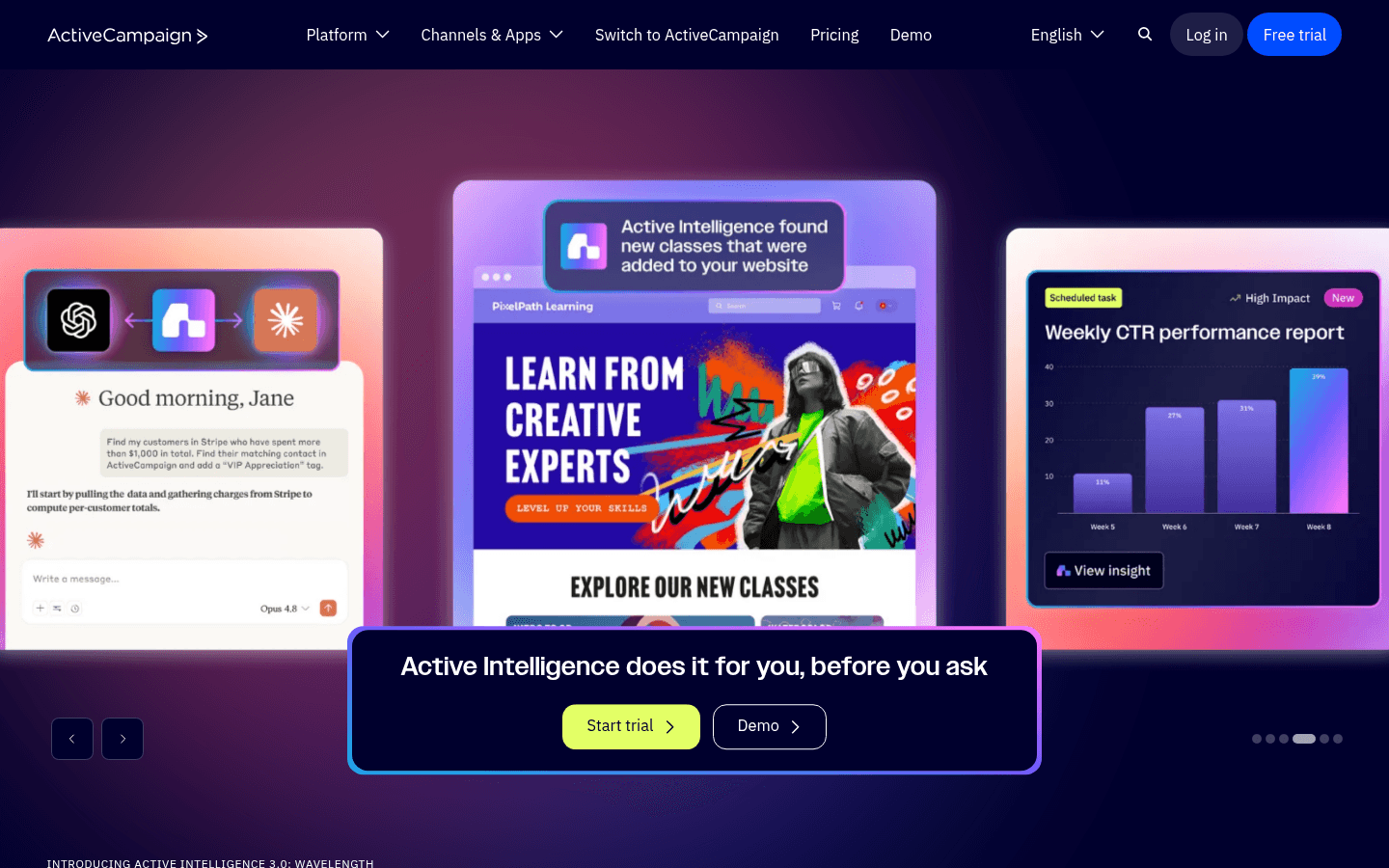
Best for: Growing small businesses that need serious automation
ActiveCampaign has the best automation builder for small businesses - period. Their visual workflow builder lets you create complex, conditional automations that would require enterprise tools elsewhere. If you've outgrown basic email marketing and need sophisticated triggers and actions, ActiveCampaign is the upgrade.
- Features: Visual automation builder (best in class), CRM with sales pipeline, contact scoring, conditional content, site and event tracking, split actions in automations, predictive sending, 900+ integrations, goal tracking, machine learning insights
- Pricing: Starter from $29/month (1,000 contacts), Professional from $149/month
- Pros: Best automation builder in market, built-in CRM, excellent segmentation and scoring, 900+ integrations, predictive sending, site tracking for behavioral triggers
- Cons: No free plan (14-day trial), higher starting price, can be complex for beginners, CRM good not great, email template editor average, reporting has learning curve
Best for: Small businesses that are growing and need to automate complex workflows - lead nurturing sequences, abandoned cart recovery, behavioral triggers, and multi-step customer journeys.
11. Moosend
Best for: Small businesses wanting affordable automation
Moosend offers marketing automation at a price point that makes it accessible for small businesses. While ActiveCampaign starts at $29/mo, Moosend gives you solid automation starting at $9/mo. The trade-off is fewer advanced features, but for most small businesses, Moosend's automation is more than enough.
- Features: Email editor with templates, marketing automation, landing pages, subscription forms, reporting and analytics, segmentation, A/B testing, e-commerce AI recommendations
- Pricing: No free plan (30-day trial), Pro from $9/month (500 subscribers)
- Pros: Very affordable, good automation for the price, clean easy-to-use interface, e-commerce product recommendations, unlimited emails on all plans, real-time analytics
- Cons: No free plan, smaller template library, fewer integrations, limited CRM features, smaller community, less advanced reporting
Best for: Budget-conscious small businesses that want marketing automation without paying ActiveCampaign prices. Great for e-commerce stores that need product recommendation emails.
12. Omnisend
Best for: Small e-commerce stores
Omnisend is built for e-commerce. Their pre-built automation workflows for abandoned cart, welcome series, order confirmation, and post-purchase follow-up get your store sending the right emails immediately. Integration with Shopify, WooCommerce, and BigCommerce is seamless.
- Features: Pre-built e-commerce automations, email + SMS + push notifications, product picker for emails, discount codes in emails, Shopify/WooCommerce/BigCommerce integration, segmentation based on purchase behavior, pop-ups and forms, campaign booster (auto-resend)
- Pricing: Free up to 250 contacts (500 emails/mo), Standard from $16/month (500 contacts)
- Pros: Purpose-built for e-commerce, pre-built automation workflows, SMS and push included, easy product insertion in emails, good Shopify integration, revenue attribution
- Cons: Only useful for e-commerce, free plan very limited, higher price per contact than some competitors, template selection smaller, advanced features need Pro plan
Best for: Small e-commerce stores on Shopify, WooCommerce, or BigCommerce that want pre-built automation for abandoned carts, post-purchase flows, and product recommendations.
13. Campaign Monitor
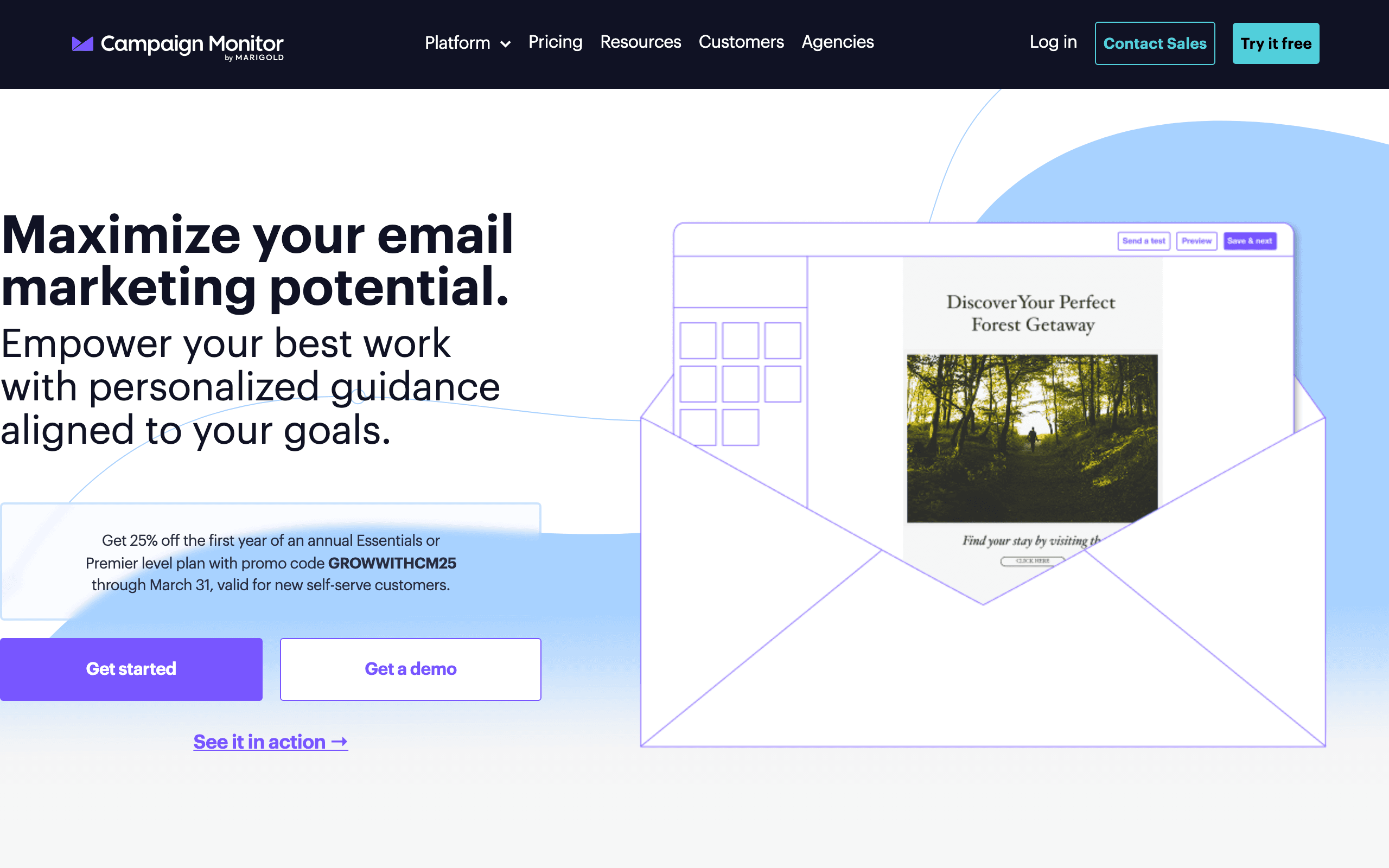
Best for: Small businesses that prioritize email design
Campaign Monitor is known for having some of the most beautifully designed email templates in the market. Their drag-and-drop editor is smooth, and the templates are consistently well-designed. If your brand image matters and you want emails that look professional, Campaign Monitor delivers.
- Features: Beautiful email templates, drag-and-drop editor, visual journey designer, segmentation, A/B testing, time zone sending, analytics and reporting, transactional email (separate product), template management
- Pricing: Lite from $11/month (500 subscribers), Essentials from $19/month
- Pros: Best-designed email templates, elegant easy-to-use editor, good deliverability, clean analytics, time zone sending, professional look and feel
- Cons: Automation is basic (no visual builder on Lite), limited integrations, no free plan, no CRM or landing pages, pricing gets steep at scale, no SMS or push notifications
Best for: Brand-conscious small businesses - boutiques, design agencies, restaurants, and creative businesses - that want emails that look exceptional without hiring a designer.
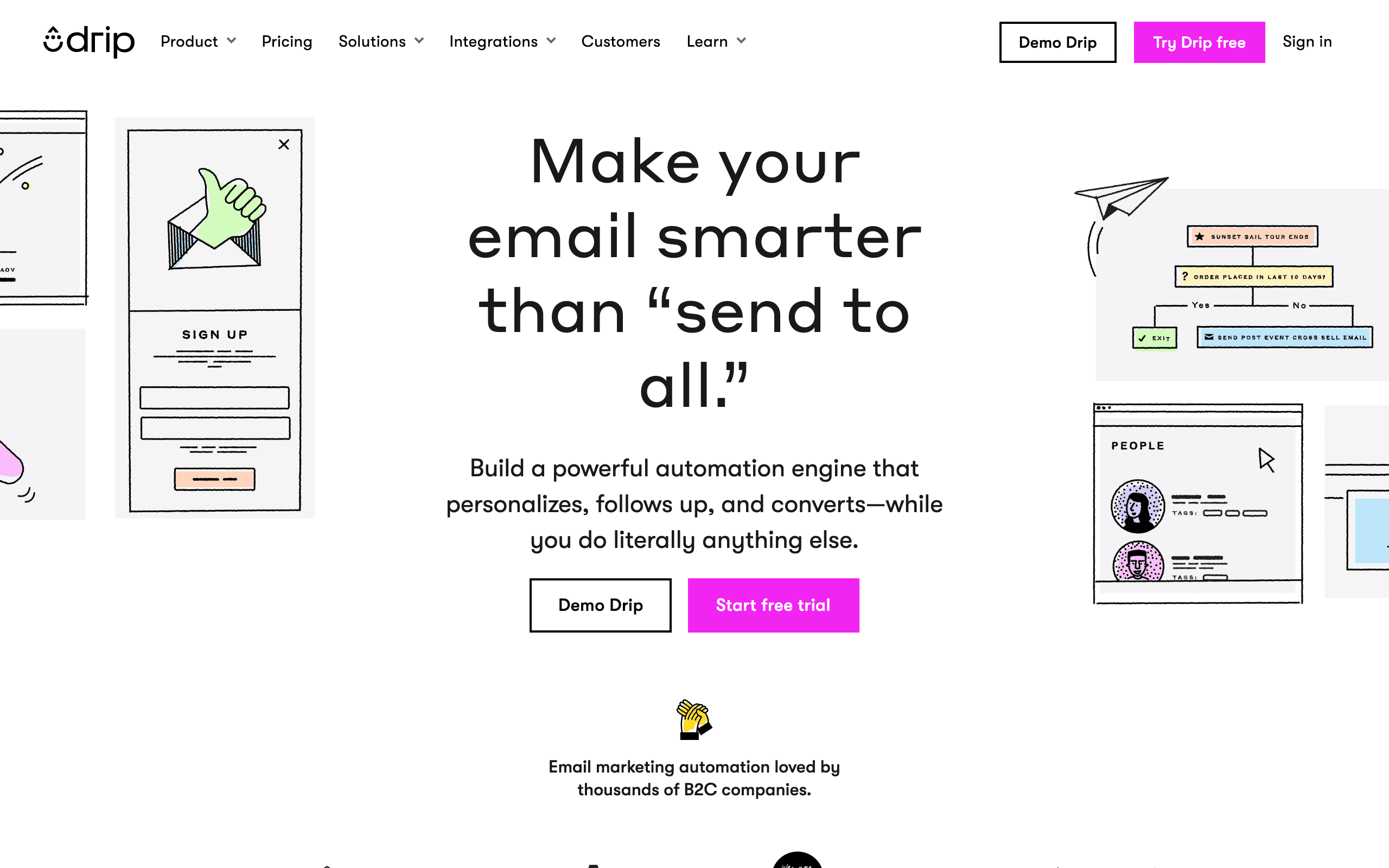
14. Drip
Best for: E-commerce stores that want deep customer intelligence
Drip tracks every interaction customers have with your store and uses that data to power smart automation. They go beyond basic email marketing into what they call "ECRM" - e-commerce customer relationship management. If you want to know exactly which products each customer browsed, added to cart, and purchased, Drip tracks it all.
- Features: E-commerce CRM, behavioral tracking, revenue attribution, visual workflow builder, dynamic content, Facebook custom audiences, on-site campaigns (pop-ups), product recommendations, integration with 100+ e-commerce tools
- Pricing: From $39/month (2,500 contacts), all features included
- Pros: Deep e-commerce intelligence, revenue attribution to specific emails, behavioral tracking across channels, visual workflow builder strong, dynamic product content, all features included at every tier
- Cons: More expensive than competitors, only useful for e-commerce, can be complex for beginners, smaller template library, no free plan (14-day trial), higher minimum subscriber count
Best for: E-commerce stores doing $10K+/mo in revenue that want deep customer intelligence to power personalized automation and maximize customer lifetime value.
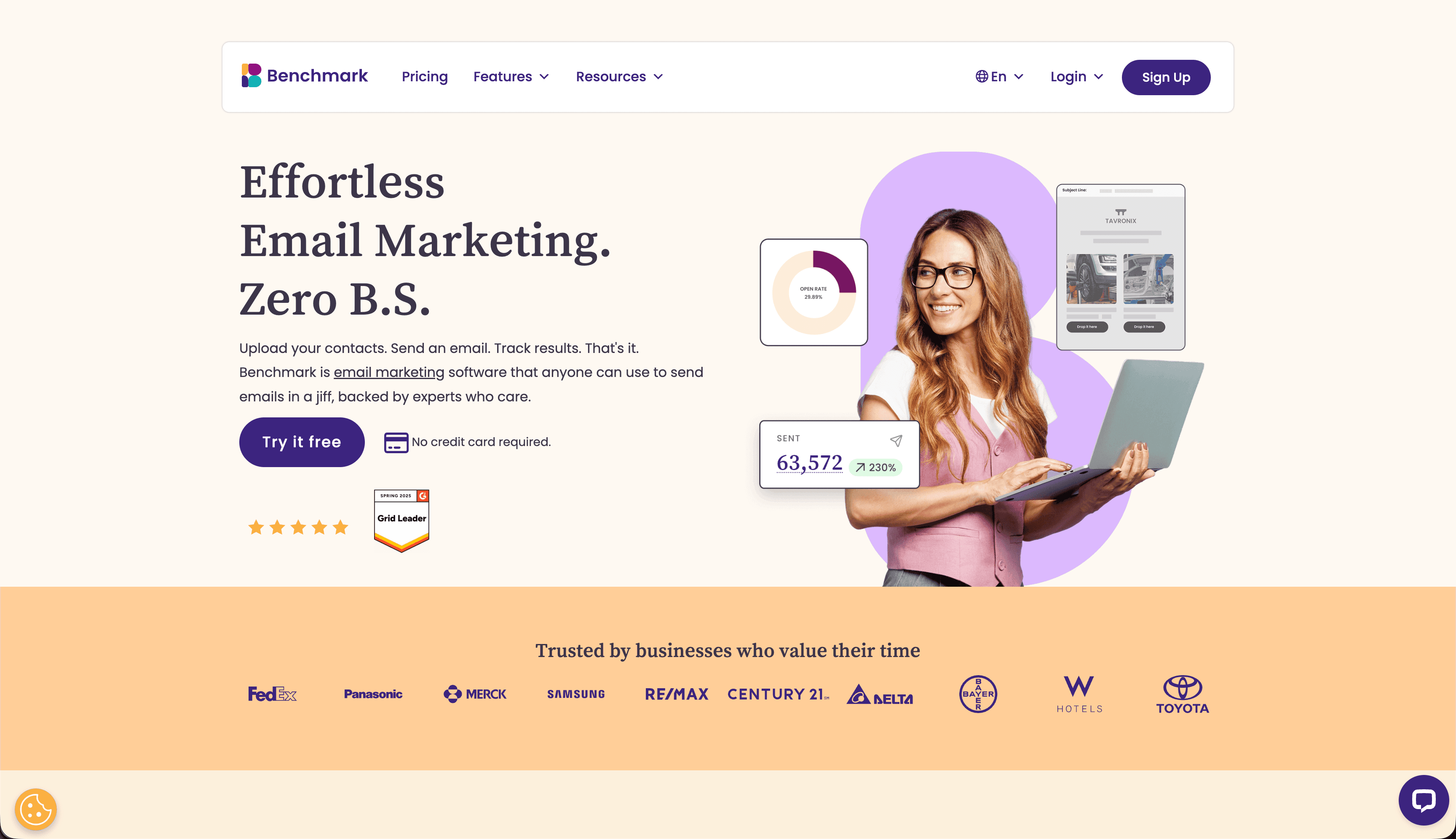
15. Benchmark Email
Best for: Small businesses serving multilingual audiences
Benchmark Email supports emails in 9 languages and has a multilingual interface, making it the go-to choice for small businesses that serve diverse language communities. Their email editor and templates work well across right-to-left and left-to-right languages.
- Features: Multilingual support (9 languages), drag-and-drop email editor, marketing automation, landing pages, surveys and polls, A/B testing, photo editing built in, RSS-to-email, contact management
- Pricing: Free up to 500 subscribers (3,500 emails/mo), Pro from $8/month (500 subscribers)
- Pros: Best multilingual support, affordable pricing, free plan available, built-in photo editor, easy-to-use interface, good for international businesses
- Cons: Automation is basic, template designs average, fewer integrations, reporting could be better, smaller user community, customer support varies by language
Best for: Small businesses with multilingual audiences - restaurants, tourism companies, international retailers, and businesses in multilingual communities.
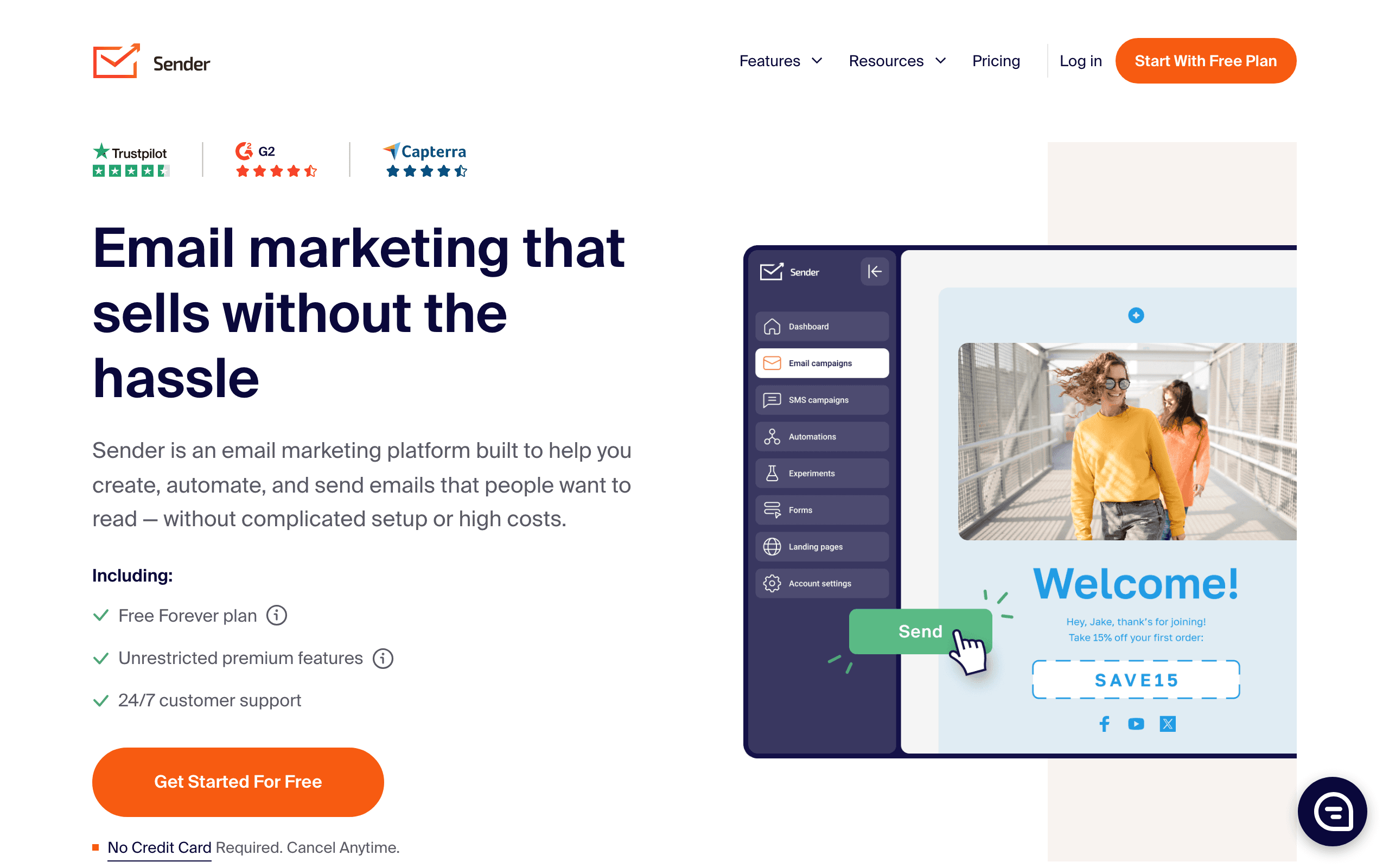
16. Sender
Best for: Getting the most features for free
Sender has arguably the most generous free plan in the market - 2,500 subscribers and 15,000 emails/mo, with automation included. For small businesses that want to delay paying for as long as possible, Sender lets you do real email marketing at no cost.
- Features: Email and SMS marketing, marketing automation, pop-ups and forms, segmentation, analytics and reporting, e-commerce integrations, newsletter builder, SMS campaigns
- Pricing: Free for 2,500 subscribers (15,000 emails/mo), Standard from $8/month (2,500 subscribers)
- Pros: Most generous free plan, includes automation on free plan, SMS marketing included, very affordable paid plans, easy to use, good for starting out
- Cons: Sender branding on free plan, smaller company, fewer advanced features, limited integrations, template variety smaller, less known brand
Best for: Cash-strapped small businesses and startups that want to start email marketing without spending anything. If you have under 2,500 subscribers, Sender's free plan includes everything you need.
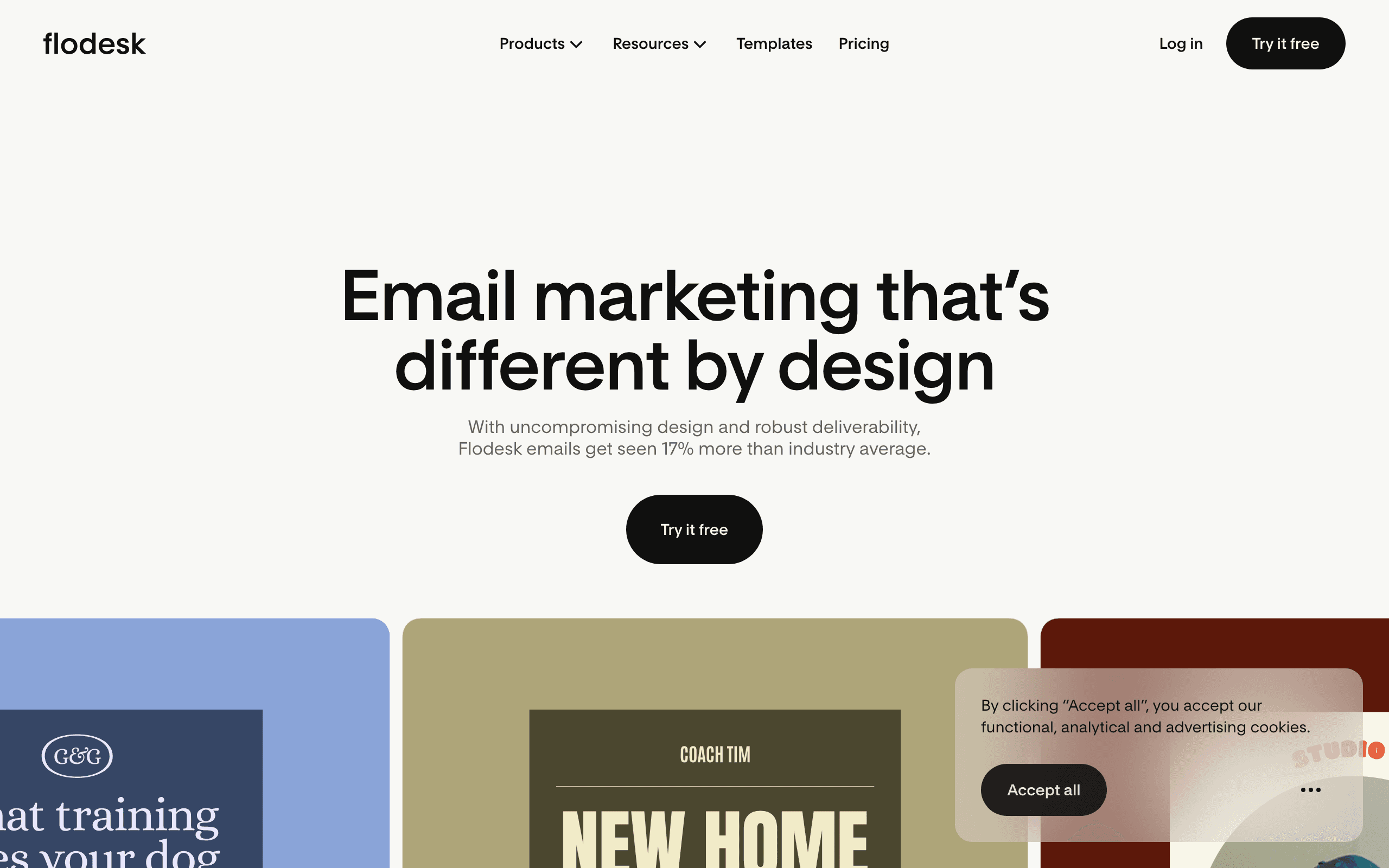
17. Flodesk
Best for: Design-first creators who want flat-rate pricing
Flodesk takes a different approach to pricing - $38/mo for unlimited subscribers and unlimited emails. For creators with large lists who are tired of per-contact pricing that punishes growth, Flodesk's flat-rate model is refreshing. The templates are visually stunning, designed with a magazine-like aesthetic that appeals to photographers, designers, and creative businesses.
- Features: Beautiful email templates, drag-and-drop editor, segmentation, workflows, analytics, opt-in forms, online checkout for selling products
- Pricing: $38/month for unlimited subscribers and emails (30-day trial)
- Pros: Flat-rate unlimited pricing, stunning templates, simple interface, good for creative businesses, no per-subscriber cost
- Cons: More expensive at small list sizes, limited automation, fewer integrations, no CRM features, no free plan, not suited for complex segmentation
Best for: Creative businesses, photographers, designers, and creators who prioritize visual design and have (or expect to have) large subscriber lists that would be expensive on per-contact pricing.
18. Klaviyo
Best for: Shopify stores that want deep e-commerce integration
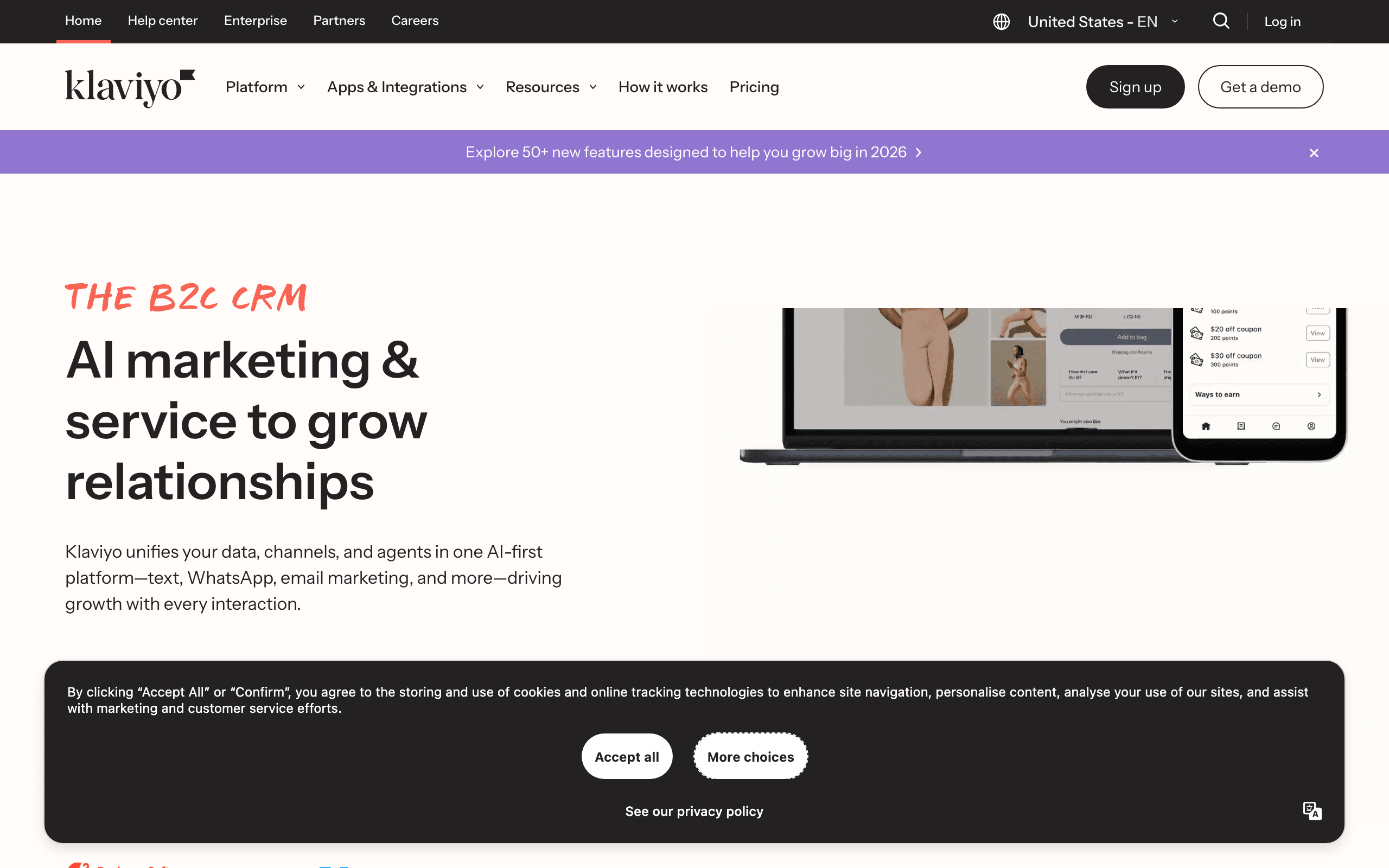
Klaviyo is the gold standard for Shopify email marketing. The integration is deep - product catalog, customer behavior, order history, and revenue data all sync automatically. Pre-built flows for abandoned cart, browse abandonment, welcome series, and post-purchase emails work out of the box. The predictive analytics (predicted lifetime value, churn risk, next order date) are genuinely useful for targeting.
- Features: Deep Shopify integration, product catalog sync, predictive analytics, pre-built e-commerce flows, dynamic product blocks, segmentation by purchase behavior, revenue tracking, SMS included
- Pricing: Free up to 250 contacts (500 sends), paid scales by list size (~$45/month at 5k contacts)
- Pros: Best Shopify integration, predictive AI genuinely useful, pre-built flows save time, ecommerce-specific blocks, strong segmentation, revenue attribution
- Cons: Expensive at scale, overkill outside ecommerce, steep learning curve, pricing confusing, can be complex for beginners
Best for: Shopify stores doing $5K+/mo in revenue that want sophisticated e-commerce email marketing with predictive analytics and deep Shopify data integration.
19. HubSpot
Best for: Small businesses wanting free CRM with email
HubSpot offers a free CRM that includes email marketing. The email tool itself is decent but not best-in-class. What makes HubSpot compelling is the integration between marketing emails, sales sequences, and CRM data. You can segment based on deal stage, send re-engagement emails based on support ticket history, and attribute revenue to specific campaigns.
- Features: Drag-and-drop email builder, smart content (different content for different segments), A/B testing, contact management, CRM integration, marketing automation, analytics and attribution
- Pricing: Free with HubSpot CRM, Marketing Hub Starter from $20/month, Professional from $890/month
- Pros: Best-in-class CRM integration, attribution tracking, smart content, free tier generous, all-in-one platform
- Cons: Expensive at higher tiers, heavyweight platform, hard to leave once embedded, email tool itself not exceptional, learning curve significant
Best for: Small businesses that want a free CRM and are willing to grow into HubSpot's paid marketing tools. If you're already using HubSpot CRM, the email tool is worth using. If not, the lock-in cost is real.
20. Loops
Best for: Modern SaaS startups that value design and simplicity
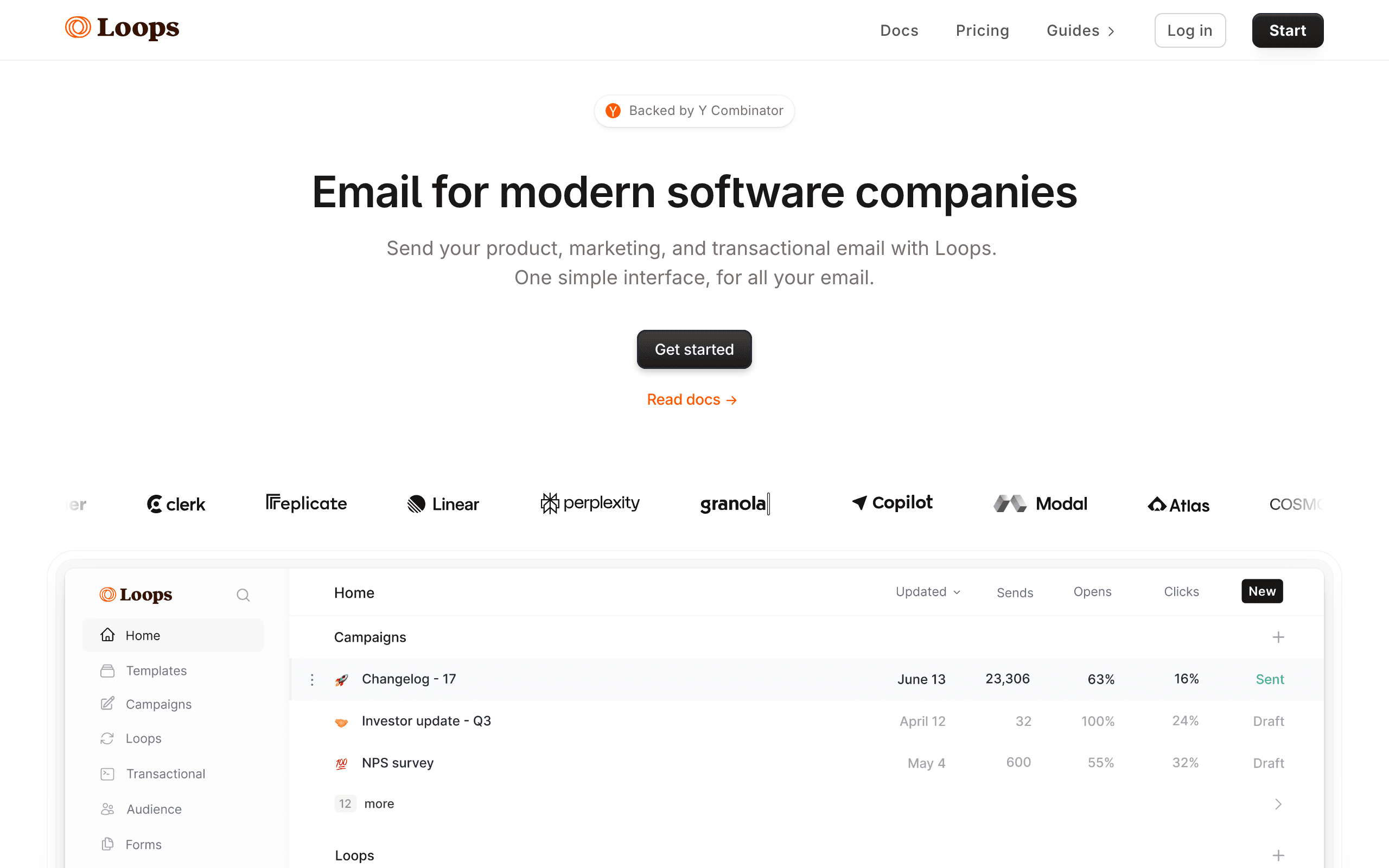
Loops is a SaaS-focused email platform with a clean, modern interface and simple event-based automation. The design quality is high - emails look modern and professional out of the box. The API is well-designed for developer teams, and the platform is built around SaaS use cases like trial activation, feature announcements, and user onboarding.
- Features: Event-based automation, modern email editor, API-first design, segmentation, analytics, transactional and marketing in one, clean templates
- Pricing: Free tier limited, from $49/month (5,000 contacts)
- Pros: Modern clean interface, SaaS-aware data model, good API, design quality high, simple event-based automation, transactional + marketing
- Cons: More expensive than alternatives, smaller feature set than ActiveCampaign, fewer templates, newer platform, less mature ecosystem
Best for: SaaS startups that value design quality and simplicity. If you're building a modern SaaS product and want email marketing that matches your aesthetic without enterprise complexity, Loops is a strong choice.
21. Buttondown
Best for: Writers and journalists who want minimalism
Buttondown is a minimalist newsletter platform for writers who care about words, not features. The interface is clean and fast. Markdown support makes writing quick. There are no landing page builders, no complex automation workflows, no CRM features - just good email delivery and a pleasant writing experience.
- Features: Markdown support, clean interface, archives, basic analytics, embeddable subscription forms, image hosting, basic automation
- Pricing: Free up to 100 subscribers, from $9/month
- Pros: Minimalist design, very easy to use, Markdown support, fast interface, affordable, no bloat or unnecessary features
- Cons: Very limited features, no landing pages, no advanced automation, template selection minimal, not suited for complex campaigns
Best for: Writers, journalists, and bloggers who want to focus on content rather than features. If your goal is to write and send a newsletter without wrestling with complex software, Buttondown delivers.
22. Beehiiv
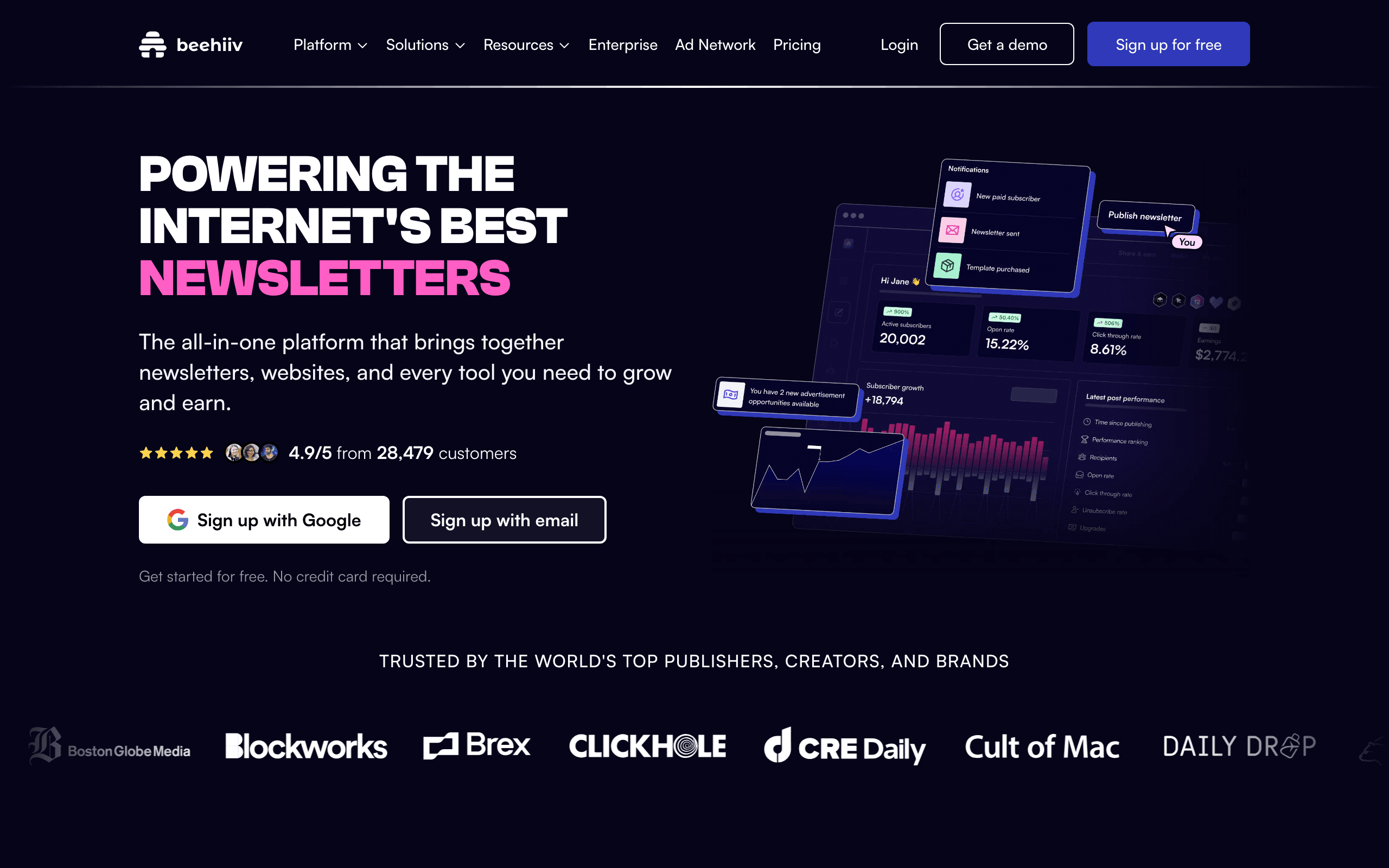
Best for: Newsletter businesses building audience-powered revenue
Beehiiv is a newsletter platform with built-in monetization tools. Ad network, paid subscriptions, referral programs, and tip jars all come native. For creators building a media business or newsletter-first company, Beehiiv provides everything needed to turn an audience into revenue without patching together multiple tools.
- Features: Newsletter writing and sending, ad network for monetization, paid subscriptions, referral programs, analytics and growth tools, recommendation network, polls and quizzes
- Pricing: Free up to 2,500 subscribers, Grow from $49/month (1,000 subscribers), Scale from $99/month
- Pros: Monetization built-in, ad network access, referral tools work well, good analytics, growing community, newsletter-first approach
- Cons: More expensive than alternatives, focused on newsletters not general email, limited for traditional marketing use cases, learning curve for monetization features
Best for: Newsletter businesses and media companies building audience-powered revenue. If your primary goal is to monetize a newsletter through ads, subscriptions, and referrals, Beehiiv is purpose-built for that.
Feature Comparison Tables
Core Email Features
| Platform | Drag-and-Drop Editor | Templates | A/B Testing | Dynamic Content | RSS-to-Email |
|---|---|---|---|---|---|
| Mailchimp | Yes | 100+ | Yes | Yes | Yes |
| Sequenzy | Yes | Yes | Yes | Yes | No |
| MailerLite | Yes | 70+ | Yes | No | Yes |
| Brevo | Yes | 40+ | Yes | Yes | Yes |
| ConvertKit | Yes | Minimal | Yes | No | Yes |
| Constant Contact | Yes | 200+ | Yes | No | No |
| AWeber | Yes | 600+ | Yes | No | Yes |
| GetResponse | Yes | 100+ | Yes | Yes | Yes |
| ActiveCampaign | Yes | 250+ | Yes | Yes | Yes |
| Moosend | Yes | 70+ | Yes | No | Yes |
Automation Capabilities
| Platform | Visual Builder | Conditional Logic | Lead Scoring | Behavioral Triggers | Pre-built Workflows |
|---|---|---|---|---|---|
| Mailchimp | Basic | Limited | No | Limited | Yes (5+) |
| Sequenzy | Yes | Yes | No | Yes | Yes (10+) |
| MailerLite | Yes | Basic | No | Limited | Yes (3+) |
| Brevo | Yes | Yes | Yes | Limited | Yes (5+) |
| ConvertKit | Yes | Yes | No | Limited | Yes (5+) |
| ActiveCampaign | Best | Advanced | Yes | Yes | Yes (250+) |
| GetResponse | Yes | Yes | Yes | Yes | Yes (40+) |
| Omnisend | Yes | Yes | No | Yes | Yes (25+) |
| Drip | Yes | Advanced | Yes | Yes | Yes (20+) |
| Moosend | Yes | Yes | No | Yes | Yes (10+) |
Pricing at 1,000 Subscribers
| Platform | Monthly Cost | Emails Included | Cost per 1,000 Emails |
|---|---|---|---|
| Benchmark Email | $13/mo | 15,000 | $0.87 |
| Brevo | $9/mo | 5,000 | $1.80 |
| MailerLite | $15/mo | Unlimited | - |
| Moosend | $16/mo | Unlimited | - |
| Mailchimp | $26.50/mo | 12,000 | $2.21 |
| Sequenzy | $19/mo | Unlimited | - |
| ConvertKit | $29/mo | Unlimited | - |
| ActiveCampaign | $29/mo | 10x contacts | $2.90 |
| GetResponse | $19/mo | Unlimited | - |
| Omnisend | $20/mo | 6,000 | $3.33 |
E-Commerce Features
| Platform | Shopify | WooCommerce | Product Recs | Abandoned Cart | Revenue Tracking |
|---|---|---|---|---|---|
| Klaviyo | Best | Good | Yes | Yes | Yes |
| Omnisend | Good | Good | Yes | Yes | Yes |
| Drip | Good | Good | Yes | Yes | Yes |
| Mailchimp | Good | Good | Basic | Yes | Yes |
| Sequenzy | Good | Beta | No | Yes | Yes (via Stripe) |
| ActiveCampaign | Good | Good | Yes | Yes | Yes |
| GetResponse | Basic | Basic | No | Yes | Basic |
| Brevo | Basic | Basic | No | Yes | Basic |
| MailerLite | Basic | Good | No | Yes | Basic |
| Moosend | Basic | Basic | Yes | Yes | Basic |
How to Choose the Right Platform for Your Small Business
Start with your business type
Online store (e-commerce): Klaviyo, Omnisend, or Drip. These platforms are built for e-commerce with product recommendations, abandoned cart recovery, and revenue tracking. Read our detailed e-commerce email marketing guide.
Local/service business: Constant Contact or Mailchimp. Event tools, local integrations, and broad template libraries work well for restaurants, gyms, and service providers.
SaaS or online business: Sequenzy, ActiveCampaign, or Loops. These platforms handle user behavior, subscription events, and product usage data.
Creator/blogger: ConvertKit or Beehiiv. Built for content creators with monetization tools, referral programs, and newsletter-first design.
Budget-first: Sender, Brevo, or Benchmark Email. The cheapest options that still provide solid email marketing capabilities.
Consider your growth trajectory
Pick a platform you can grow with. The cost of switching email platforms - migrating contacts, rebuilding automations, redesigning templates - is significant. Here's how our top picks scale:
| Platform | 500 Contacts | 5,000 Contacts | 25,000 Contacts | 100,000 Contacts |
|---|---|---|---|---|
| Mailchimp | $13/mo | $75/mo | $299/mo | $800/mo |
| Sequenzy | $19/mo | $49/mo | $149/mo | Contact us |
| MailerLite | $10/mo | $39/mo | $139/mo | $440/mo |
| Brevo | $9/mo | $18/mo | $35/mo | $65/mo |
| ActiveCampaign | $29/mo | $79/mo | $159/mo | $459/mo |
| ConvertKit | $15/mo | $79/mo | $199/mo | Custom |
| Sender | $8/mo | $33/mo | $73/mo | $227/mo |
Questions to ask before choosing
- Budget: What can you afford monthly, and how does pricing scale with your list growth?
- Ease of use: How technical is your team? Do you need hand-holding or just documentation?
- Features needed now: Email only? Email + SMS? Landing pages? CRM? Funnels?
- Features needed in 12 months: Will you need automation, segmentation, or CRM as you grow?
- Integrations: What tools do you already use that need to connect to your email platform?
- Business type: E-commerce, SaaS, local business, creator, or service business?
- Support: Do you need phone support, or is email/chat sufficient?
Frequently Asked Questions
What's the best free email marketing platform for small businesses?
For the most generous free plan, Sender offers 2,500 subscribers and 15,000 emails/mo. MailerLite offers 1,000 subscribers with automation included. Sequenzy offers 2,500 free emails/mo. Mailchimp offers 500 contacts. Each has different strengths - check our best free email marketing tools guide for a deeper comparison.
How much should a small business spend on email marketing?
Most small businesses spend $10-$50/mo on email marketing. Platforms like Brevo ($9/mo), MailerLite ($10/mo), and Sequenzy ($19/mo) offer full-featured plans at these price points. The key is choosing a platform whose pricing scales reasonably with your list growth.
When should I switch from a free plan to paid?
Switch when you hit free plan limits (subscriber cap or email limit), need features only available on paid plans (like advanced automation or removing branding), or when email marketing becomes a serious revenue driver for your business. Most businesses outgrow free plans around 500-1,000 subscribers.
Do I need email marketing automation?
If you have more than 100 subscribers, yes. Even basic automation - welcome emails, birthday emails, inactive subscriber re-engagement - increases revenue without additional time investment. Read our email marketing strategy guide for automation ideas.
What email marketing features do small businesses actually need?
At minimum: email editor, contact management, signup forms, basic analytics. As you grow: automation, segmentation, A/B testing, landing pages. Most small businesses don't need advanced features like predictive analytics, AI content generation, or multi-variate testing until they're well past the startup phase.
Should I use the same platform for email and CRM?
It depends. All-in-one platforms like HubSpot, ActiveCampaign, and Keap combine both, which is simpler but often means compromising on one or both. If your sales process is complex, a dedicated CRM + a dedicated email tool usually works better.
How do I choose between Mailchimp and its competitors?
Mailchimp's main advantages are brand recognition and integration ecosystem. Its main disadvantages are pricing (expensive at scale) and customer support. If integrations are your priority, stick with Mailchimp. If pricing, automation, or specific features matter more, explore alternatives. See our best email marketing tools comparison for a full breakdown.
Can I use email marketing for my brick-and-mortar store?
Absolutely. Email marketing has the highest ROI of any marketing channel ($36-$42 for every $1 spent). Constant Contact is built for local businesses, and platforms like Mailchimp integrate with point-of-sale systems. Collect emails at checkout, send weekly specials, and promote events.
What's the difference between email marketing and a newsletter?
A newsletter is a type of email marketing. Email marketing encompasses all email communication with subscribers - newsletters, promotional emails, automated sequences, transactional emails, and more. A newsletter is typically a regular (weekly/monthly) email with curated content. Learn more in our what is email marketing guide.
How fast can I see results from email marketing?
Welcome emails and abandoned cart emails typically show results immediately. Newsletter engagement builds over weeks. Automated sequences that nurture leads to purchase usually take 30-90 days to show meaningful revenue impact. Read our how to start email marketing guide for a realistic timeline.
Related Resources
- Best Email Marketing Tools - Complete 35-tool comparison
- Best Free Email Marketing Tools - Free plan comparison
- Best Email Marketing Platforms for E-commerce - E-commerce focused
- What Is Email Marketing? - Email marketing fundamentals
- How to Start Email Marketing - Beginner's guide
- Email Marketing Strategy Guide - Complete strategy playbook
- Best Email Automation Tools - Automation-focused comparison
- Best Newsletter Platforms - Newsletter-specific tools