
22 Best Email Tools With HubSpot Integration (2026)

Which email tools integrate with HubSpot?
ActiveCampaign, Klaviyo, Mailchimp and Brevo have native HubSpot apps with bidirectional contact sync. Customer.io and Sequenzy connect through the API, Zapier or middleware, which is more work but gives you real-time product-event triggers HubSpot's native apps do not expose. Choose native sync if HubSpot is your source of truth for marketing; choose API-first if your product events are.
Prices verified September 2026. Scope: this page ranks email tools by how they connect to HubSpot. For a platform-first ranking of email marketing suites that happen to offer HubSpot CRM sync, see best email marketing platforms with HubSpot CRM integration.
How do you connect HubSpot and Mailchimp?
Install the Mailchimp app from the HubSpot App Marketplace (or the HubSpot integration from inside Mailchimp - it is the same connector). It syncs HubSpot contacts into a Mailchimp audience and writes Mailchimp email engagement back onto the HubSpot contact timeline, so opens, clicks and bounces show up next to sales activity. Two limits worth knowing before you commit: custom-property mapping is shallow compared with ActiveCampaign's connector, and HubSpot deal stage changes cannot trigger a Mailchimp send - you need a Zapier or Operations Hub workflow in between. If deal-stage-triggered email is the requirement, ActiveCampaign's native sync or an API-first tool will be less painful.
HubSpot already has email built in. So why would you use a separate email tool? Because HubSpot's email capabilities are tied to its CRM pricing, and that pricing gets expensive fast. At 10,000 contacts, you're looking at hundreds of dollars per month just for the Marketing Hub. Many teams use HubSpot as their CRM and source of truth for contacts, but handle email marketing through a more affordable or specialized platform. For sales teams looking to identify and qualify prospects more efficiently, an AI sales prospecting agent can also help automate parts of the prospecting workflow.
If you're comparing the wider category first, Ecom Funding Guide's best email marketing software guide is a useful starting point before narrowing the list to HubSpot-compatible tools.
The integration question is: how well does your email tool sync with HubSpot? Contact data needs to flow both ways. Email engagement (opens, clicks) should update HubSpot contact records. And ideally, HubSpot deal stages or lifecycle changes should trigger emails.
How we evaluated these tools
Each tool was scored on the four things that determine whether a HubSpot connection actually holds up: contact sync direction (one-way or bidirectional, and how conflicts resolve), field depth (can you map custom properties, or only the standard set), trigger surface (can a HubSpot deal stage or lifecycle change start an email, and can email engagement write back to the contact timeline), and how the connection is built (native marketplace app, Zapier bridge, or your own API code, which determines who maintains it). Prices are the lowest published paid tier as of September 2026. Sequenzy is our own product and is listed with a non-native connection because that is what it is.
Quick Comparison Table
| Tool | Best For | Starting Price | Free Tier | Integration Depth |
|---|---|---|---|---|
| Sequenzy | SaaS teams using HubSpot for CRM and Sequenzy for lifecycle | From $19/mo | Yes, up to 2.5k emails/mo | API events via Zapier or app code |
| Latenode | Teams that need advanced automation, AI workflows, and cost-efficient scaling alongside HubSpot | From $5/mo | Yes | Webhooks, API, or middleware |
| ActiveCampaign | Sales-led teams wanting deep CRM + email coupling | From $15/mo | No | Native bidirectional sync |
| Mailchimp | Small teams wanting simple campaigns + HubSpot contacts | From $13/mo | Yes, 500 contacts | HubSpot Marketplace app |
| Klaviyo | E-commerce with HubSpot CRM | From $20/mo | Yes, 250 contacts | Native + Zapier |
| Brevo (Sendinblue) | Budget-conscious teams wanting affordable email | From $9/mo | Yes, 300 emails/day | HubSpot plugin |
| Resend | Developers needing transactional email | From $20/mo | Yes, 100 emails/day | Application-level (API) |
| Customer.io | Technical teams with complex automations | From $100/mo | No | Zapier or custom API |
| Loops | Indie SaaS founders wanting modern email | From $49/mo | Yes, 1k contacts | Zapier or custom events |
| Userlist | B2B SaaS with account-level data | From $149/mo | No | API + Zapier |
| Encharge | Non-technical teams wanting visual flows | From $79/mo | No | Native HubSpot integration |
| Postmark | Developers sending transactional from CRM events | From $15/mo | No | Zapier or app-level |
| SendGrid | High-volume transactional senders | From $20/mo | Yes, 100 emails/day | Native HubSpot integration |
| MailerLite | Solo operators wanting simple email + CRM sync | From $10/mo | Yes, 1k subscribers | Zapier integration |
| ConvertKit (Kit) | Creator-style businesses with HubSpot CRM | From $39/mo | Yes, 10k subscribers | Zapier / API |
| Beehiiv | Newsletter-led businesses also using HubSpot | From $39/mo | Yes, 2.5k subscribers | Zapier (no native) |
| Drip | E-commerce hybrids using HubSpot | From $39/mo | No | Zapier (no native) |
| Ortto (Autopilot) | Marketing teams wanting journey + HubSpot data | From $599/mo | No | Native HubSpot data source |
| Vero | Product teams wanting event-based messaging | From $99/mo | No | Via webhooks / Segment |
| Bento | Indie SaaS wanting events + HubSpot data | From $30/mo | No | Via API / Segment |
| HubSpot Marketing Hub | Teams that want everything in HubSpot | From $20/mo | Yes, free CRM | Native (it IS HubSpot) |
| Iterable | Enterprise SaaS with multi-channel programs | Custom (~$500+/mo) | No | Via Segment / data warehouse |
Why Use a Separate Email Tool With HubSpot?
Three common reasons:
- Cost: HubSpot Marketing Hub Professional starts at $800/month. A dedicated email tool might cost $29-100/month for the same contact count. If you're evaluating the right criteria for choosing an email platform, cost efficiency relative to features should be near the top of your list.
- Specialization: HubSpot email is good for basic campaigns but lacks advanced automation, event-driven triggers, or developer-friendly APIs that specialized tools offer. For SaaS companies that rely on behavioral triggers based on product usage, a purpose-built tool is far more capable.
- Use case mismatch: HubSpot is designed for inbound marketing and sales. If you're a SaaS company needing lifecycle email (onboarding, dunning, churn prevention), a SaaS-focused tool is a better fit.
When HubSpot's Built-In Email Is Enough
Before you add another tool to your stack, be honest about whether you actually need one. HubSpot's built-in email works fine if:
- You're already paying for Marketing Hub Professional or higher
- Your email needs are primarily newsletter-style campaigns and basic nurture sequences
- You don't need event-driven automations triggered by product usage
- Your team is small enough that one person manages both CRM and email
- You're sending fewer than 10,000 emails per month
If you check most of those boxes, save yourself the integration headache. HubSpot's email is capable. It's just not specialized.
When You Definitely Need a Separate Tool
On the other hand, these situations almost always call for a dedicated email platform:
- SaaS lifecycle email: Onboarding sequences, dunning, trial conversion, and churn prevention require event-driven automation that HubSpot doesn't handle well on its own.
- High-volume sending: If you're sending hundreds of thousands of emails monthly, HubSpot's sending limits and pricing become a bottleneck.
- Developer-driven workflows: If your engineering team needs to trigger emails from application code via API, HubSpot's API is functional but not designed for that pattern.
- Transactional email: Password resets, receipts, and system notifications need a dedicated transactional email service.
The 22 Best Options
1. Sequenzy
 Best for: SaaS teams using HubSpot for sales CRM but needing lifecycle email
If you're a SaaS company using HubSpot for sales pipeline management, Sequenzy handles the email side that HubSpot's basic marketing tools can't. Track product events to Sequenzy's API to trigger onboarding, conversion, and retention sequences while keeping HubSpot as your sales CRM.
The integration pattern works through your application: when deals close or contacts update in HubSpot, your app (or a Zapier workflow) sends the event to Sequenzy. Sequenzy handles the lifecycle email while HubSpot handles the sales process. The Stripe integration is a strong complement here: Sequenzy handles payment-triggered automations natively, so you only need the HubSpot connection for sales pipeline events.
Sequenzy also supports both transactional and marketing email from a single platform. That means you don't need to add yet another tool for receipts, password resets, or system notifications. Your sales team works in HubSpot, your product sends events to Sequenzy, and everything reaches the inbox reliably.
Practically, there are three ways to wire it up. Zapier is the fastest - a HubSpot trigger on one side, a Sequenzy action on the other, no code, a minute or two of latency. The developer API is the option for real-time product events, and the CLI (npm i -g @sequenzy/cli) makes bulk backfills scriptable. Webhooks close the loop in the other direction: inbound webhooks let a HubSpot workflow start a Sequenzy sequence, and outbound event webhooks push delivery and engagement data back into your own systems. There is no native HubSpot marketplace app today, and this page will say so until there is. Note that SMS is available as a paid add-on ($16/month for 1,000 credits), so a HubSpot-driven sequence can include a text step.
The AI integration is the differentiator here. Subject line generation, sequence drafting, and segment suggestions all use AI built into the platform, so a small SaaS team can produce campaign output that would normally take a marketer to write. For founders running both the product and the email program, that's the difference between shipping lifecycle email this quarter and shipping it next year.
- Key strength: AI integration
- Pricing: Free up to 2,500 emails/month, paid plans from $19/month
- HubSpot integration: API events via application code or Zapier
- Pros: SaaS lifecycle focus, event-driven automations, Stripe integration, affordable, transactional + marketing in one platform
- Cons: No native HubSpot integration, requires Zapier or custom code for sync
2. Latenode
Best for: Teams that need advanced automation, AI workflows, and cost-efficient scaling alongside HubSpot
Latenode is an AI-powered workflow automation platform that combines traditional iPaaS capabilities with built-in access to 1,200+ AI models and 5,500+ integrations. For teams using HubSpot as a CRM, Latenode acts as a flexible automation layer that connects data, triggers workflows, and executes complex processes without the typical cost overhead of per-action pricing.
The integration pattern is similar to other non-native tools: HubSpot events (contact updates, deal stage changes, lifecycle transitions) can trigger workflows in Latenode via webhooks or middleware. From there, Latenode can orchestrate multi-step automations across tools like Slack, Notion, Gmail, and internal systems.
Where Latenode stands out is in combining automation with AI execution. Instead of relying on external APIs and separate billing for AI tools, Latenode includes models like GPT, Claude, and others directly in the platform. This allows teams to build workflows that not only move data but also process, enrich, and generate content within the same system.
For example: – When a deal is marked “Closed Won” in HubSpot, Latenode can trigger an onboarding workflow, generate personalized emails using AI, update internal tools, and notify the team in Slack – When a new lead is created, it can enrich contact data, qualify it using AI, and route it to the appropriate pipeline
Another key advantage is pricing. Unlike platforms that charge per task or operation, Latenode charges based on execution time, which makes it significantly more cost-efficient at scale, especially for high-volume or complex workflows.
Pricing: Free plan available, paid plans from $5/month Integration: Webhooks, API, or middleware (no native HubSpot integration) Pros: – Built-in AI models (no separate API costs) – 5,500+ integrations – Full-code flexibility with JavaScript – No per-operation pricing (cost-efficient at scale) – Supports complex, multi-step workflows
Cons: – No native HubSpot integration – Requires initial setup via API/webhooks – More technical compared to plug-and-play tools
3. ActiveCampaign
 Best for: Teams wanting HubSpot CRM with powerful email automation
ActiveCampaign has one of the best HubSpot integrations in the email space. The native integration syncs contacts bidirectionally, maps custom fields, and can trigger ActiveCampaign automations based on HubSpot deal stage changes. HubSpot lifecycle stage updates can kick off email sequences in ActiveCampaign.
The combination gives you HubSpot for CRM and pipeline management plus ActiveCampaign for sophisticated email automation. Many teams find this cheaper and more capable than upgrading to HubSpot Marketing Hub Professional.
Where ActiveCampaign really shines is the automation builder. You can create workflows that react to HubSpot deal movements, contact property changes, and lifecycle stage transitions. For example, when a deal moves to "Closed Won" in HubSpot, ActiveCampaign can start a customer onboarding sequence. When a deal goes cold, it can trigger a re-engagement campaign.
The downside is complexity. ActiveCampaign's interface is dense, and with the HubSpot integration layered on top, there's a lot to configure. If you're a small team, the setup time might not be worth it compared to simpler options.
- Key strength: Deep bidirectional HubSpot sync
- Pricing: From $29/month
- HubSpot integration: Native bidirectional sync
- Pros: Deep HubSpot integration, powerful automations, CRM features, contact sync, deal stage triggers
- Cons: Can feel complex, UI is dense, some features locked to higher tiers, steep learning curve
4. Mailchimp
 Best for: Small teams wanting simple email marketing with HubSpot contact sync
Mailchimp's HubSpot integration (via the Mailchimp app in HubSpot Marketplace) syncs contacts between the two platforms. HubSpot contacts sync to Mailchimp audiences, and Mailchimp engagement data (opens, clicks) can flow back to HubSpot.
The integration is straightforward but not deep. You won't get real-time event triggers or complex workflow connections. It's best for teams that want HubSpot as the contact database and Mailchimp as a simple campaign sender.
Mailchimp works well when your email needs are limited to regular newsletters, product announcements, and basic drip campaigns. The template library is large, the editor is intuitive, and most marketers already know how to use it. But if you need automations that respond to user behavior in real time, Mailchimp will feel limited.
One thing to watch: Mailchimp's pricing increases sharply as your contact list grows. At 10,000 contacts, you're paying $100+/month. At 50,000 contacts, the cost rivals HubSpot's own email offering. Make sure to compare total cost of ownership, not just the starting price.
- Key strength: Familiar interface and large template library
- Pricing: Free up to 500 contacts, from $13/month
- HubSpot integration: HubSpot Marketplace app
- Pros: Simple setup, good free tier, widely used, basic contact sync, familiar interface
- Cons: Shallow integration, limited automation, pricing increases sharply at scale, no event-driven triggers
5. Klaviyo
 Best for: E-commerce teams using HubSpot CRM with email marketing
Klaviyo integrates with HubSpot through native and Zapier-based connections. Contact data syncs between platforms, and Klaviyo's e-commerce-focused automation engine handles email campaigns. For businesses selling products (not SaaS), the HubSpot CRM + Klaviyo email combination is powerful.
HubSpot manages the customer relationship, Klaviyo manages the email marketing with features like abandoned cart, product recommendations, and revenue attribution. The integration quality depends on your specific setup, but for e-commerce, the pairing works well.
Klaviyo's strength is its deep understanding of e-commerce data: purchase history, browsing behavior, predicted lifetime value. When combined with HubSpot's CRM data (deal stages, contact owners, sales notes), you get a comprehensive view of each customer across both sales and marketing touchpoints.
If you're a SaaS company, skip Klaviyo. Its entire template library, automation recipes, and segmentation logic are built around e-commerce workflows. Trying to adapt it for SaaS lifecycle email will be an uphill battle.
- Key strength: E-commerce data + segmentation
- Pricing: Free up to 250 contacts, from $45/month
- HubSpot integration: Native integration + Zapier
- Pros: E-commerce focus, revenue attribution, advanced segmentation, flow builder, purchase data integration
- Cons: E-commerce-centric (poor SaaS fit), pricing scales with contacts, overkill for simple newsletters
6. Brevo (formerly Sendinblue)
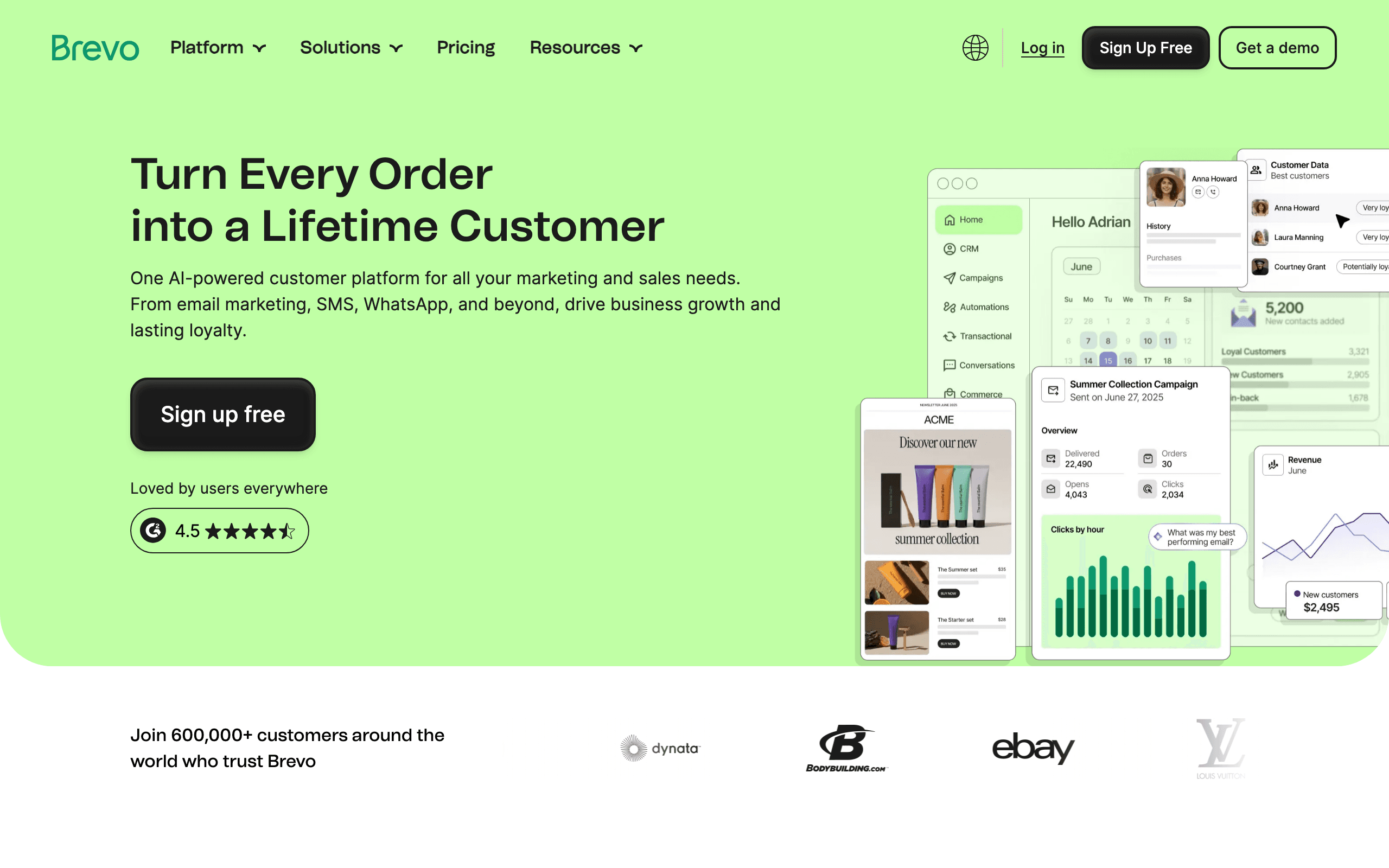 Best for: Budget-conscious teams wanting HubSpot CRM with affordable email
Brevo's HubSpot plugin syncs contacts and lets you manage email campaigns from a more affordable platform. At the same contact count where HubSpot Marketing Hub costs hundreds, Brevo costs a fraction. The integration covers contact sync, list management, and basic engagement tracking.
The trade-off is depth. Brevo's automations aren't as sophisticated as ActiveCampaign's, and the HubSpot integration doesn't support complex triggers. But for teams that just need to send campaigns to HubSpot contacts without paying HubSpot marketing prices, it works.
Brevo also includes SMS messaging and transactional email in its platform, which can reduce the number of tools you need overall. If your team sends order confirmations, shipping updates, and marketing newsletters, Brevo handles all three from one dashboard.
- Key strength: Multi-channel (email + SMS + transactional) at low cost
- Pricing: Free for 300 emails/day, from $9/month
- HubSpot integration: HubSpot plugin
- Pros: Very affordable, transactional + marketing, SMS included, generous free tier, multi-channel
- Cons: Basic HubSpot integration, less polished, limited automation depth, UI can feel dated
7. Resend
 Best for: Developers using HubSpot CRM who need reliable transactional email
Resend handles transactional email (password resets, receipts, notifications) with a developer-first approach. If you use HubSpot as your CRM but need a separate transactional email service, Resend provides clean APIs and React Email templates.
The integration is at the application level. Your app reads contact data from HubSpot and sends transactional emails via Resend. There's no native HubSpot integration, but for developers, the API-based approach is often preferred anyway. If you're looking for developer-friendly email tools, Resend is consistently at the top of the list.
Resend is purely transactional. It doesn't have campaign builders, automation workflows, or subscriber management. You'd pair it with HubSpot's built-in email (for marketing campaigns) or with another tool from this list. The three-tool setup sounds complex, but each tool does one thing well: HubSpot for CRM, Resend for transactional email, and a marketing tool for campaigns.
- Key strength: Developer experience and React Email
- Pricing: Free for 100 emails/day, from $20/month
- HubSpot integration: Application-level (API calls)
- Pros: Best developer experience, React Email, TypeScript-first, fast delivery, clean API design
- Cons: Transactional only, no marketing features, no native HubSpot integration
8. Customer.io
 Best for: Technical teams wanting HubSpot data driving complex email automations
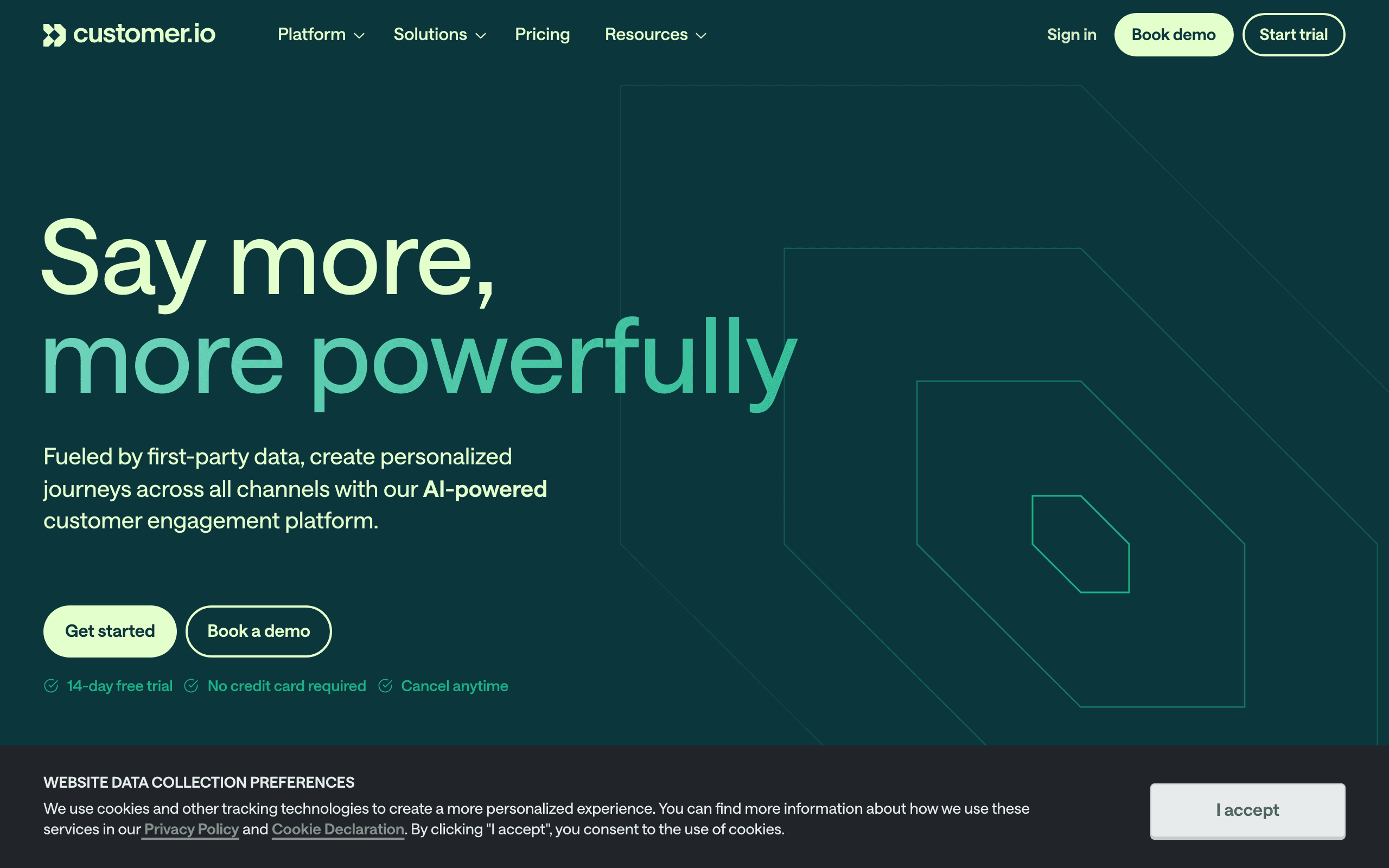
Customer.io can receive data from HubSpot via Zapier or custom integrations. When HubSpot deal stages change, lifecycle stages update, or contacts are created, those events can trigger Customer.io automations. The combination gives you HubSpot's sales CRM with Customer.io's event-driven automation engine.
This pairing is powerful but requires setup. You need to define what HubSpot changes should trigger which Customer.io workflows. For technical teams willing to invest in the configuration, it's one of the most flexible combinations available.
Customer.io excels at complex, multi-step workflows with branching logic. If a HubSpot deal closes, Customer.io can check the deal value, the customer's product usage, and their support history before deciding which onboarding sequence to start. This level of sophistication isn't available in simpler tools.
The downside is cost. Customer.io starts at $100/month, and when you add HubSpot CRM (free tier) plus Zapier (for the connection), you're looking at a meaningful monthly spend. Make sure the automation complexity justifies the investment.
- Key strength: Flexible event-driven automation
- Pricing: From $100/month
- HubSpot integration: Zapier or custom API integration
- Pros: Most flexible automations, event-driven, handles complex workflows, multi-channel capable
- Cons: Expensive, no native HubSpot integration, complex setup, requires technical resources
9. Loops
 Best for: Indie SaaS founders wanting modern, simple email with HubSpot context
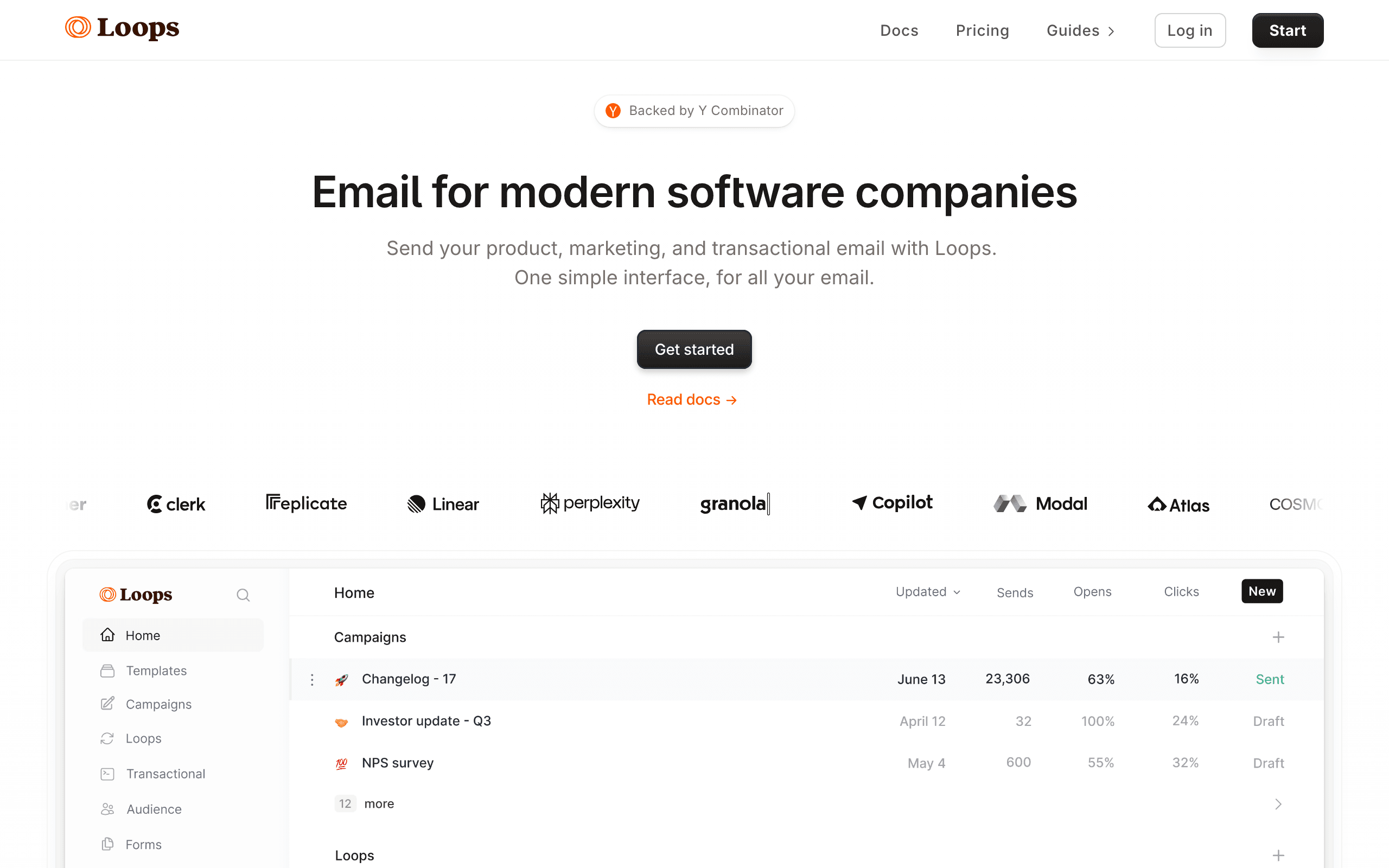
Loops is a newer email platform popular with indie hackers. There's no native HubSpot connector, but Loops' clean events API and Zapier app make wiring HubSpot lifecycle changes into Loops' email automations straightforward for engineering-comfortable teams.
The integration usually looks like this: a HubSpot workflow fires a webhook on contact lifecycle change, your app or Zapier translates it into a Loops event, and the corresponding Loops loop sends the right message. It's not zero-config, but the setup is small enough that a single founder can stand it up in an afternoon.
What you get in return is a calmer, more modern UI than the legacy email platforms, plus a free tier that gives you room to actually ship lifecycle email before you have a budget for it. For an early-stage SaaS that uses HubSpot as the CRM but doesn't want to pay for Marketing Hub, Loops is one of the lighter answers.
- Key strength: Modern UI and developer-friendly events API
- Pricing: Free for up to 1,000 contacts, from $49/month
- HubSpot integration: Zapier or custom events from your app
- Pros: Clean, modern interface, generous free tier, simple event model, fast setup
- Cons: No native HubSpot connector, basic segmentation, limited reporting, fewer templates than mature tools
10. Userlist
 Best for: B2B SaaS using HubSpot CRM and needing account-level email
Userlist is built around the idea that B2B SaaS has both users and companies, and your email program needs to know about both. The HubSpot integration is built via API and Zapier rather than as a one-click app, but once wired up, you can sync HubSpot company-level data (deals, account owners, plan details) alongside individual contacts.
For SaaS where multiple users belong to the same paying account, this distinction matters. Userlist can email "the admin of every company on the Pro plan" or "all power users at companies whose deal stage just changed to Closed Won," in a way most consumer-shaped email tools cannot.
The trade-off is price and polish. Starting at $149/month, Userlist is more expensive than alternatives, and the HubSpot setup requires more thought than a marketplace install. For B2B teams that fit its model, that's a fair price for the right shape.
- Key strength: Company + user dual-entity model
- Pricing: From $149/month
- HubSpot integration: API + Zapier (no one-click app)
- Pros: Built specifically for B2B SaaS, account-level segmentation, supports companies and users, clean automation builder
- Cons: Higher starting price, integration requires API work, smaller community, limited templates
11. Encharge
 Best for: Non-technical teams wanting visual HubSpot-driven flows
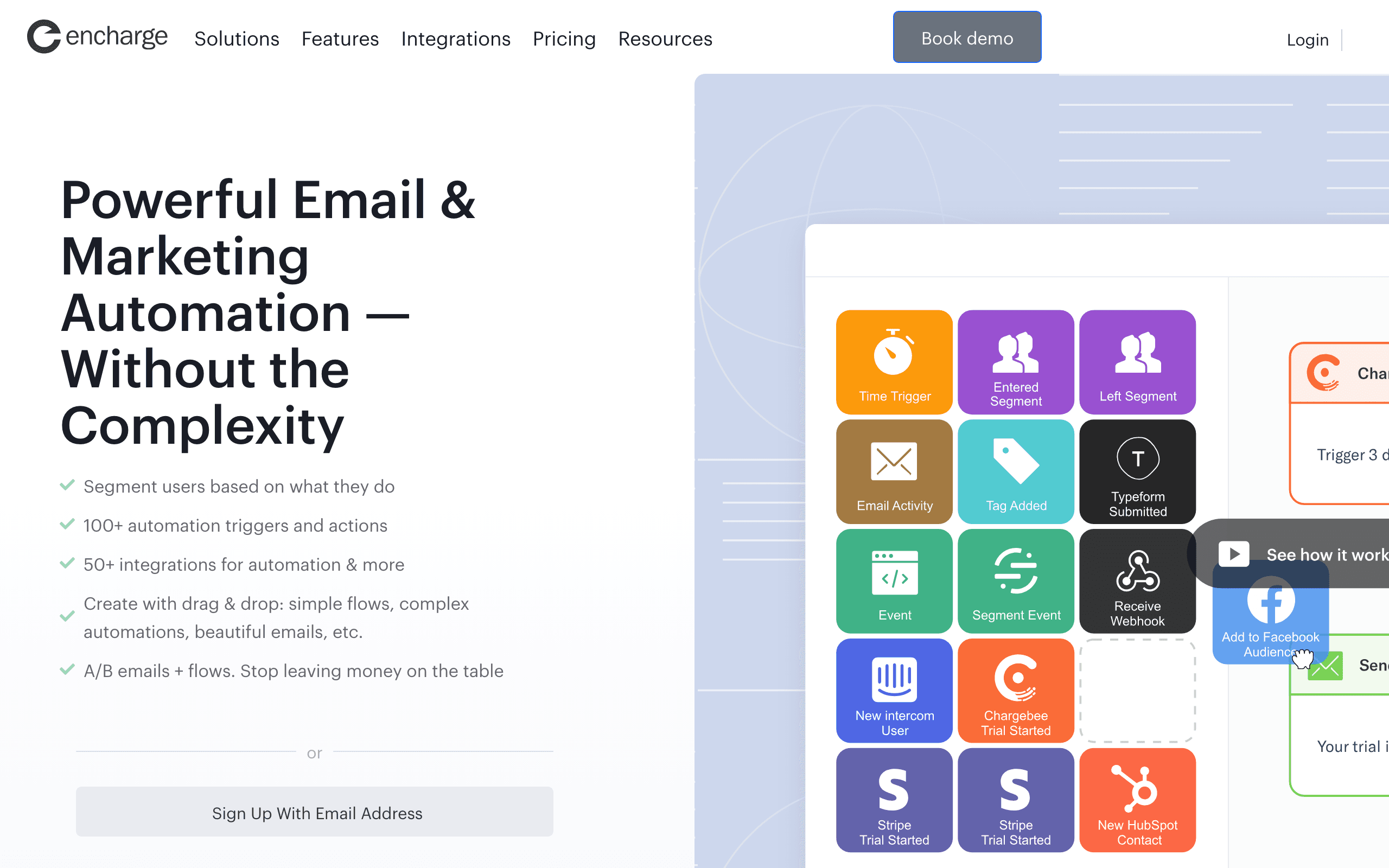
Encharge offers a native HubSpot integration with a visual flow builder. You can connect your HubSpot account, sync contacts and properties, and use HubSpot deal stage and lifecycle changes as triggers in visual automation flows. No code required.
The visual builder makes complex logic understandable. If you want "when a HubSpot deal moves to Negotiation, wait 3 days, check if there's been email engagement, branch to either a follow-up sequence or a hand-off-to-sales notification," you can see and edit the flow as a diagram instead of an obscure rules table. That clarity is genuinely useful for non-technical operators.
Encharge sits in a useful middle ground: more capable than Mailchimp, more affordable than ActiveCampaign, and easier to understand than Customer.io. The trade-off is a smaller community and ecosystem than the bigger names.
- Key strength: Visual flow builder with native HubSpot triggers
- Pricing: From $79/month
- HubSpot integration: Native HubSpot integration with deal stage and lifecycle triggers
- Pros: Visual flow builder, native HubSpot triggers, accessible to non-technical users, fair mid-market pricing
- Cons: Smaller user base than majors, email editor is basic, can get expensive at higher contact counts, fewer templates
12. Postmark
 Best for: Developers sending transactional email from HubSpot events
Postmark is a transactional email service known for inbox-grade deliverability. There's no native HubSpot integration in the marketplace sense; instead, you use HubSpot workflows to fire webhooks that hit your application, and your application calls Postmark's API to send the email.
For HubSpot-driven transactional use cases (a deal moves to closed-won and you want to send a contract email, or a contact requests a download and you need to deliver the file), Postmark is reliable and fast. The deliverability reputation is genuinely best-in-class for transactional traffic.
What you don't get is automation builders, sequences, or marketing campaigns. Postmark is purely a sending engine. Pair it with HubSpot's built-in email or one of the marketing tools above for the lifecycle and campaign side.
- Key strength: Transactional deliverability
- Pricing: From $15/month for 10,000 emails
- HubSpot integration: Zapier or app-level webhook handling
- Pros: Best-in-class transactional deliverability, fast delivery, clean API, excellent template system
- Cons: No marketing automation, no native HubSpot connector, requires development work, transactional-only
13. SendGrid
 Best for: High-volume transactional senders alongside HubSpot CRM
SendGrid (Twilio SendGrid) has a native HubSpot integration that primarily focuses on syncing transactional sending data and contact engagement back to HubSpot contacts. For teams already invested in SendGrid for transactional infrastructure, the integration keeps HubSpot's customer view honest about what emails are actually being sent.
SendGrid's Marketing Campaigns product also exists, but it's broadly considered the weak part of the platform. Most teams use SendGrid for transactional and pair it with another tool for marketing campaigns.
For high-volume transactional needs (millions of receipts and notifications per month), SendGrid scales further than Postmark or Resend, with a more enterprise-shaped feature set. The trade-off is a less polished developer experience than the newer transactional players.
- Key strength: High-volume transactional infrastructure
- Pricing: Free up to 100 emails/day, from $20/month
- HubSpot integration: Native HubSpot integration syncing engagement to contacts
- Pros: Mature transactional infrastructure, scales to high volume, native HubSpot sync for engagement, large ecosystem
- Cons: Marketing Campaigns is weak, support quality varies, requires engineering for advanced setups, less polished DX than newer alternatives
14. MailerLite
Best for: Solo operators wanting simple email and basic HubSpot sync
MailerLite is a clean, affordable email platform popular with solo operators and small teams. There's no native HubSpot integration, but Zapier connects the two for basic contact sync and triggered campaigns based on HubSpot events.
For straightforward use cases (sync new HubSpot contacts to a MailerLite list, send a welcome sequence when a contact's lifecycle changes to "Lead"), the Zapier setup works fine. For anything more complex, the lack of a native integration becomes limiting fast.
The strength of MailerLite is the editor and the price. The free tier is generous, the paid tiers are cheap relative to feature parity, and the editor is one of the more pleasant in the category. For a solo founder using HubSpot CRM and not yet ready for the cost of dedicated automation tools, it's a reasonable starting point.
- Key strength: Pleasant editor and generous free tier
- Pricing: Free up to 1,000 subscribers, from $10/month
- HubSpot integration: Zapier integration
- Pros: Pleasant editor, generous free tier, simple pricing, good deliverability
- Cons: No native HubSpot integration, basic segmentation, limited automation depth, fewer integrations
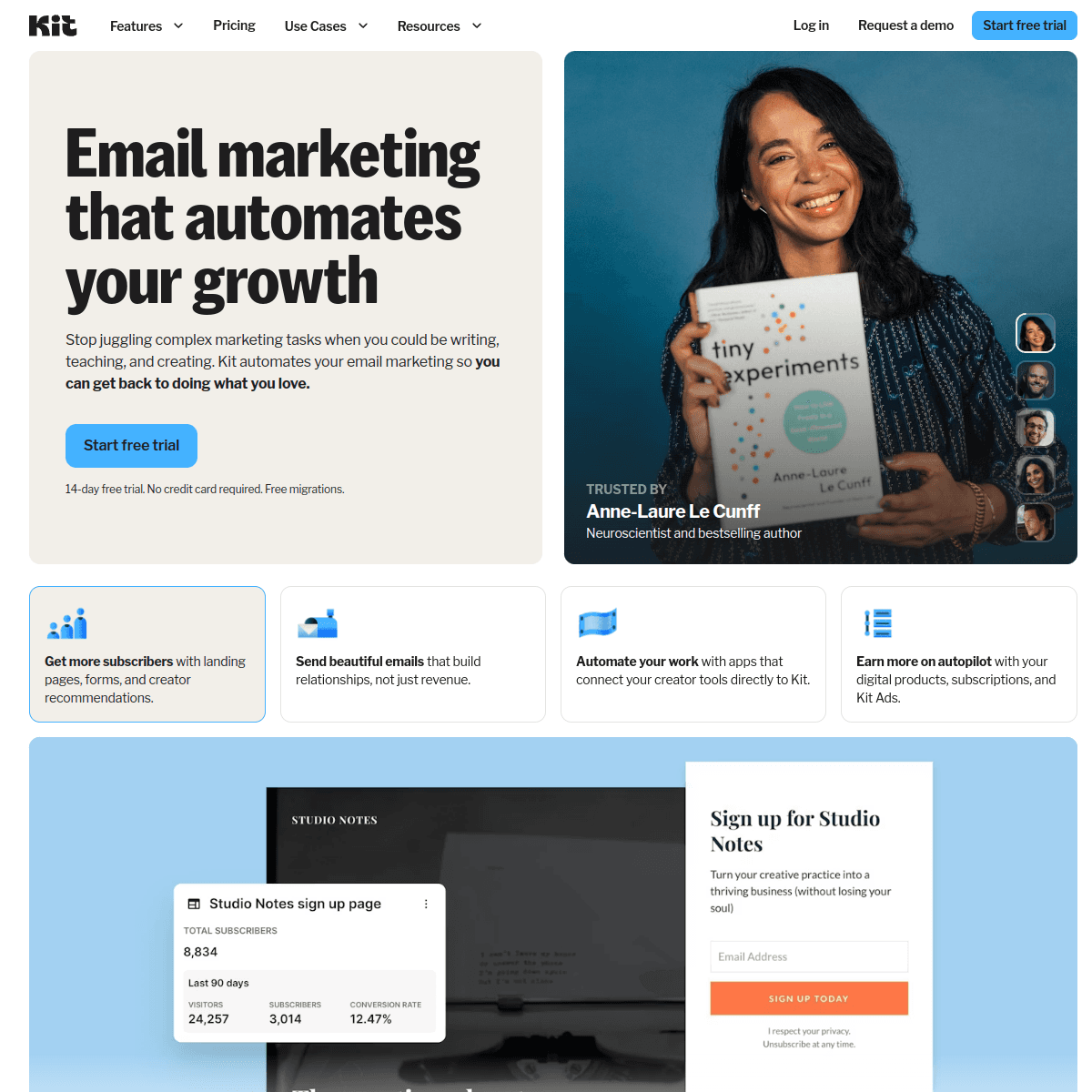
15. ConvertKit (Kit)
 Best for: Creator-style businesses using HubSpot for sales
ConvertKit (now branded "Kit") is built for creators (newsletter writers, course sellers, indie product makers). The HubSpot integration is via Zapier rather than native, and the use case is usually narrow: sync new HubSpot contacts into Kit, trigger Kit sequences when HubSpot deals close.
The platform's strength is its tagging and automation model, which is approachable for non-technical creators. The editor is solid, the free tier covers up to 10,000 subscribers, and the broadcast and sequence builders are polished.
For a creator running a hybrid business (newsletter, paid product, services with HubSpot tracking the sales pipeline), Kit + HubSpot via Zapier is a defensible setup. For pure SaaS lifecycle email driven by HubSpot data, it's underpowered compared to dedicated SaaS tools.
- Key strength: Creator-friendly tagging and broadcast
- Pricing: Free up to 10,000 subscribers, from $29/month
- HubSpot integration: Zapier or custom API
- Pros: Generous free tier, creator-friendly model, clean tagging, good editor
- Cons: No native HubSpot integration, creator-shaped not B2B-shaped, dunning is DIY, reporting is basic
16. Beehiiv
 Best for: Newsletter-led businesses also using HubSpot for sales
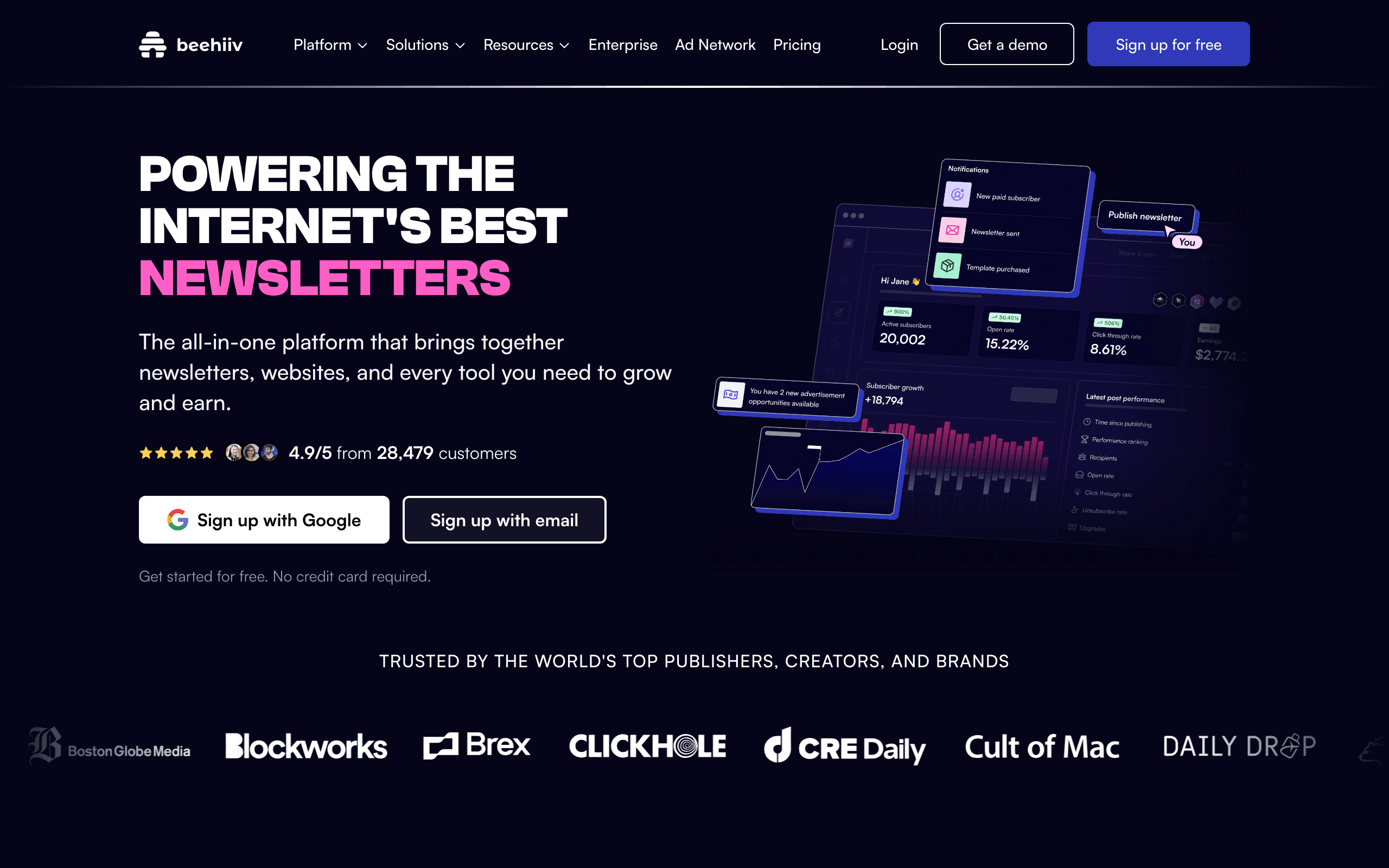
Beehiiv is a newsletter platform that has invested heavily in audience growth tools (referral programs, recommendation networks, ad networks). There's no native HubSpot integration; if you need one, it's Zapier or custom webhooks.
For a newsletter-led business that also runs HubSpot for sales tracking (sponsorship deals, paid tier upgrades, B2B partnerships), the Zapier bridge is usually enough. You sync new Beehiiv subscribers into HubSpot as contacts, and let HubSpot drive sales follow-up while Beehiiv handles the newsletter program.
For traditional SaaS lifecycle email driven by HubSpot data, Beehiiv is the wrong shape. There's no general-purpose HubSpot-event-to-automation pipeline like the dedicated SaaS tools provide.
- Key strength: Newsletter growth tools
- Pricing: Free up to 2,500 subscribers, from $39/month
- HubSpot integration: Zapier (no native)
- Pros: Strong audience growth features, polished editor, good analytics for newsletters, clean monetization
- Cons: Newsletter-shaped not SaaS-shaped, no native HubSpot connector, limited behavioral segmentation, weak transactional
17. Drip
 Best for: E-commerce hybrids using HubSpot for B2B side
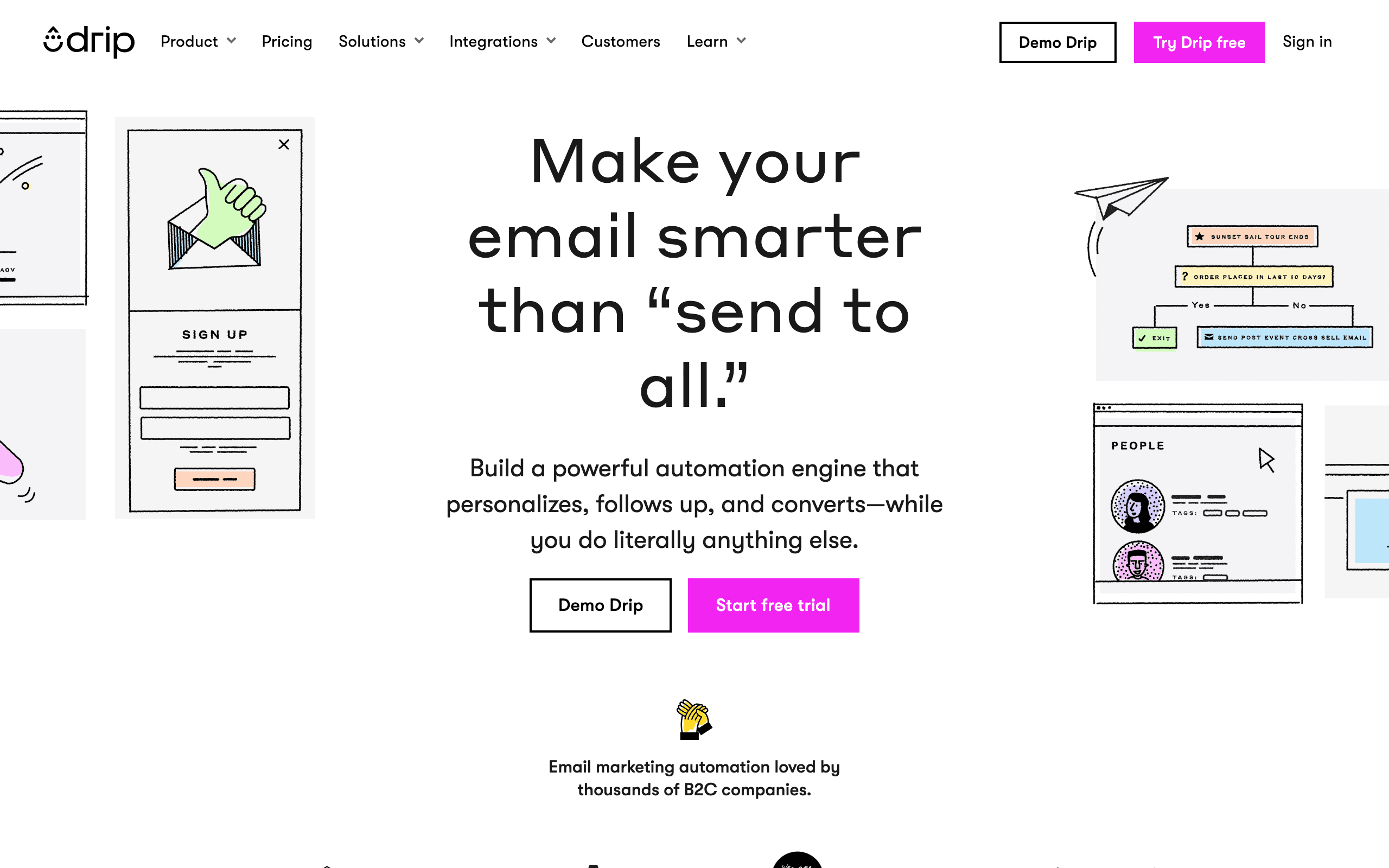
Drip positions itself as ECRM (e-commerce CRM) and competes most directly with Klaviyo. The HubSpot integration is via Zapier rather than a native connector, which feels behind where the category has moved.
For e-commerce businesses that also use HubSpot to track wholesale or B2B accounts, the Zapier bridge can work. Sync HubSpot contacts into Drip lists, trigger Drip workflows on HubSpot deal events. The Drip workflow builder is capable once data is flowing.
If your primary need is HubSpot-driven email for a B2B or SaaS business, this isn't the right tool. Drip's mental model is e-commerce throughout, and the HubSpot integration is an afterthought rather than a focus.
- Key strength: E-commerce workflow builder
- Pricing: From $39/month
- HubSpot integration: Zapier (no native)
- Pros: Strong workflow builder, e-commerce-aware segmentation, decent template editor
- Cons: No native HubSpot connector, e-commerce mindset, less B2B focus, Zapier latency
18. Ortto (formerly Autopilot)
 Best for: Marketing teams wanting HubSpot data inside a journey builder
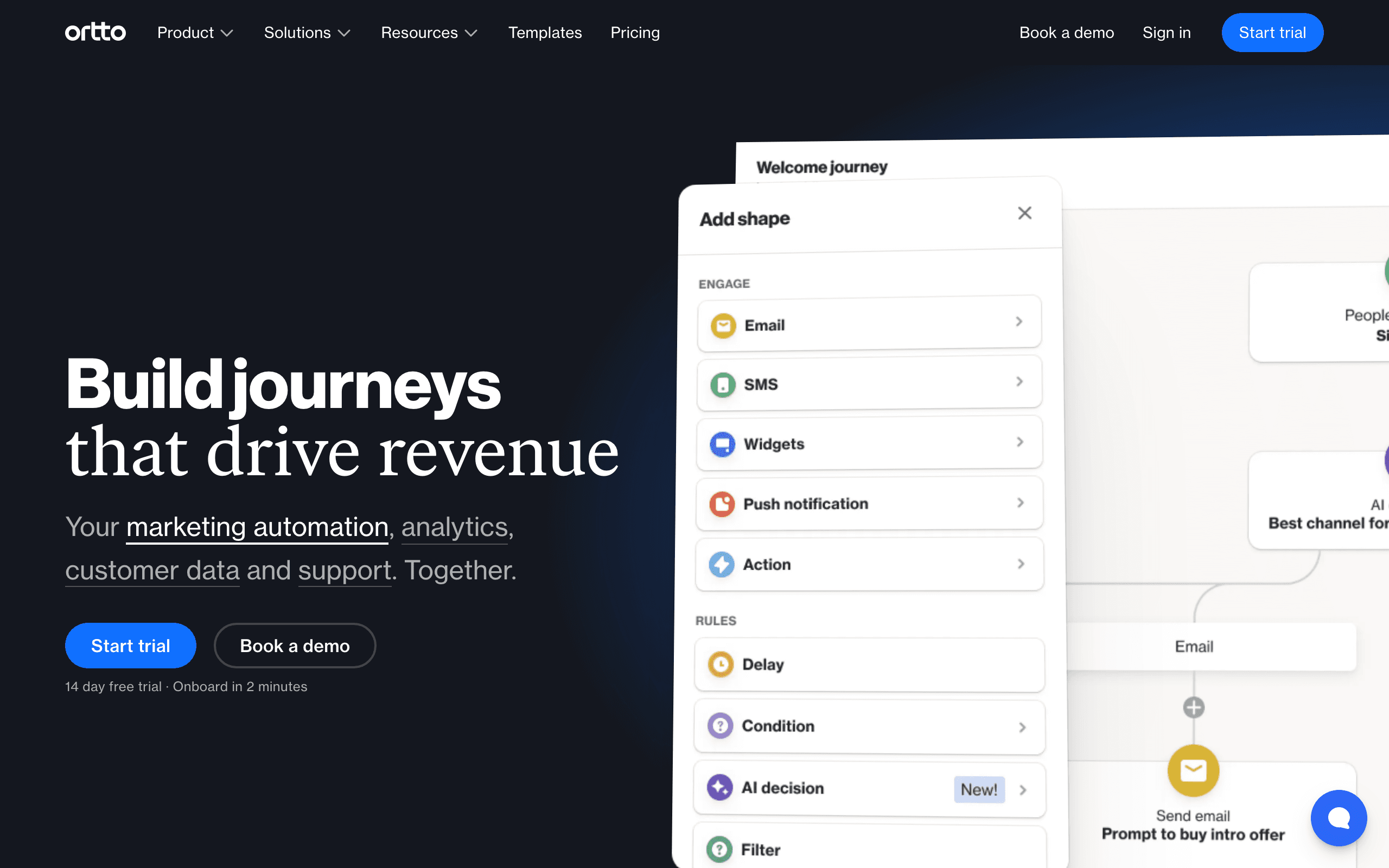
Ortto rebuilt and rebranded Autopilot into an analytics-heavy marketing automation platform. HubSpot is a native data source: connect your HubSpot account and Ortto pulls contacts, deals, and lifecycle data into its CDP-style activity feed.
That data then powers Ortto's journey builder and audience segmentation. You can build sophisticated lifecycle journeys (lead nurture, onboarding, win-back) using HubSpot deal stages and lifecycle changes as triggers. The dashboards are genuinely good for marketing teams that want to see funnel performance.
The catch is pricing. Ortto's lower tiers don't include the data sources you need for a real HubSpot setup, so realistically you're looking at the higher plans. For a small team, that's a hard sell.
- Key strength: Journey builder + native HubSpot data source
- Pricing: From $599/month (tier where HubSpot data is meaningfully usable)
- HubSpot integration: Native HubSpot data source
- Pros: Strong journey builder, native HubSpot integration, polished UI, multi-channel
- Cons: Expensive, complex to learn, overkill for small teams, contracts can be rigid
19. Vero
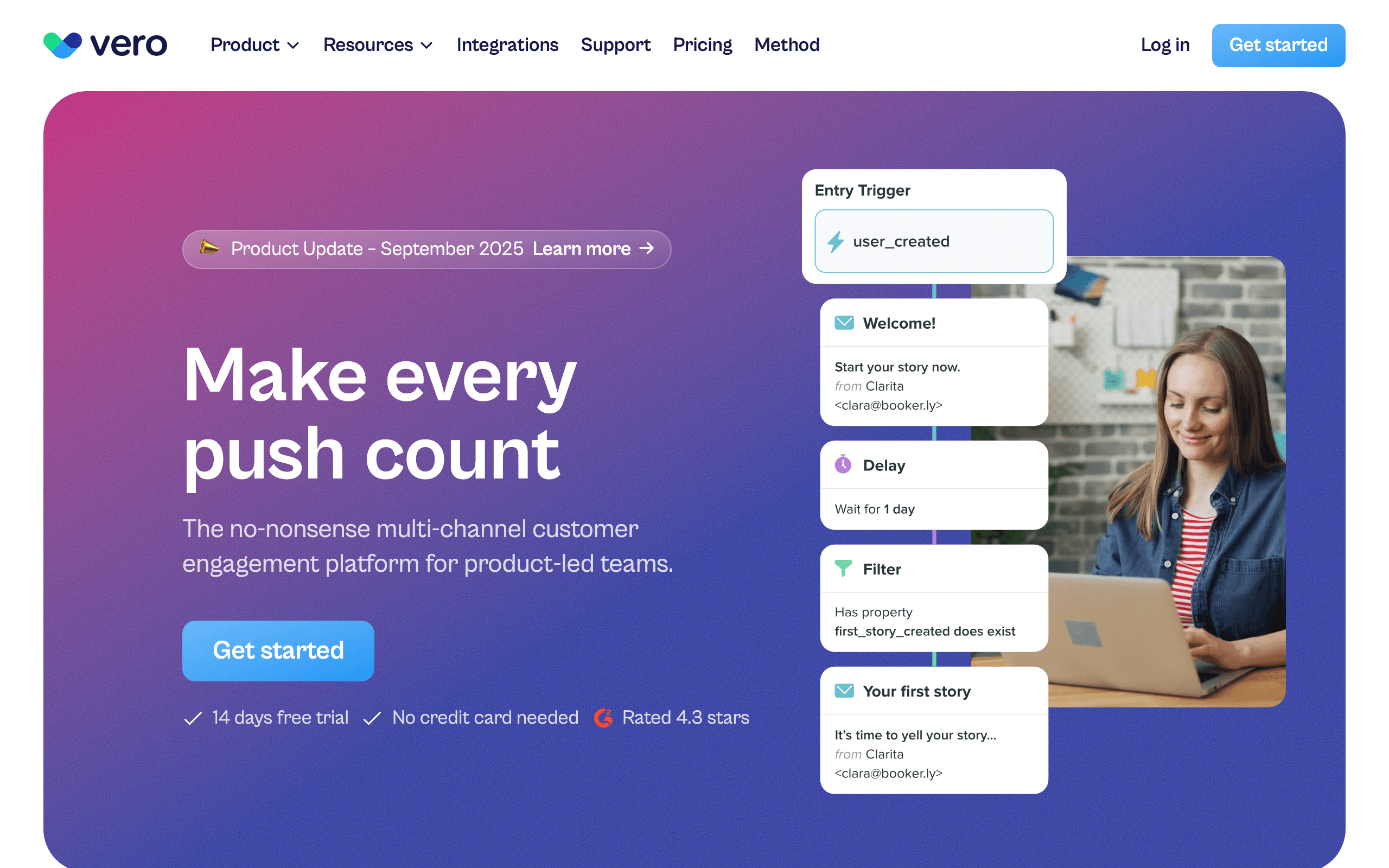 Best for: Product teams wanting event-based messaging with HubSpot context
Vero is an event-based messaging platform that's been around longer than most names on this list. There's no one-click HubSpot connector, but Vero's event API and Segment integration make HubSpot data straightforward to ingest. Forward HubSpot webhooks via your app or Segment, and every CRM change becomes a Vero event you can trigger workflows on.
The strength of Vero is its workflow engine. You can express "if deal stage changed to Negotiation, wait 24 hours, check engagement, send follow-up or notify rep" cleanly, and the same workflow can drive email and push notifications.
Vero is not the trendiest tool in the category, but for teams who want Customer.io-style flexibility at a slightly lower price point, it's worth a look.
- Key strength: Mature event-based workflow engine
- Pricing: From $99/month
- HubSpot integration: Webhooks or Segment
- Pros: Mature workflow engine, multi-channel (email + push), strong segmentation, predictable pricing
- Cons: No native one-click HubSpot app, smaller ecosystem than Customer.io, dated UI in places
20. Bento
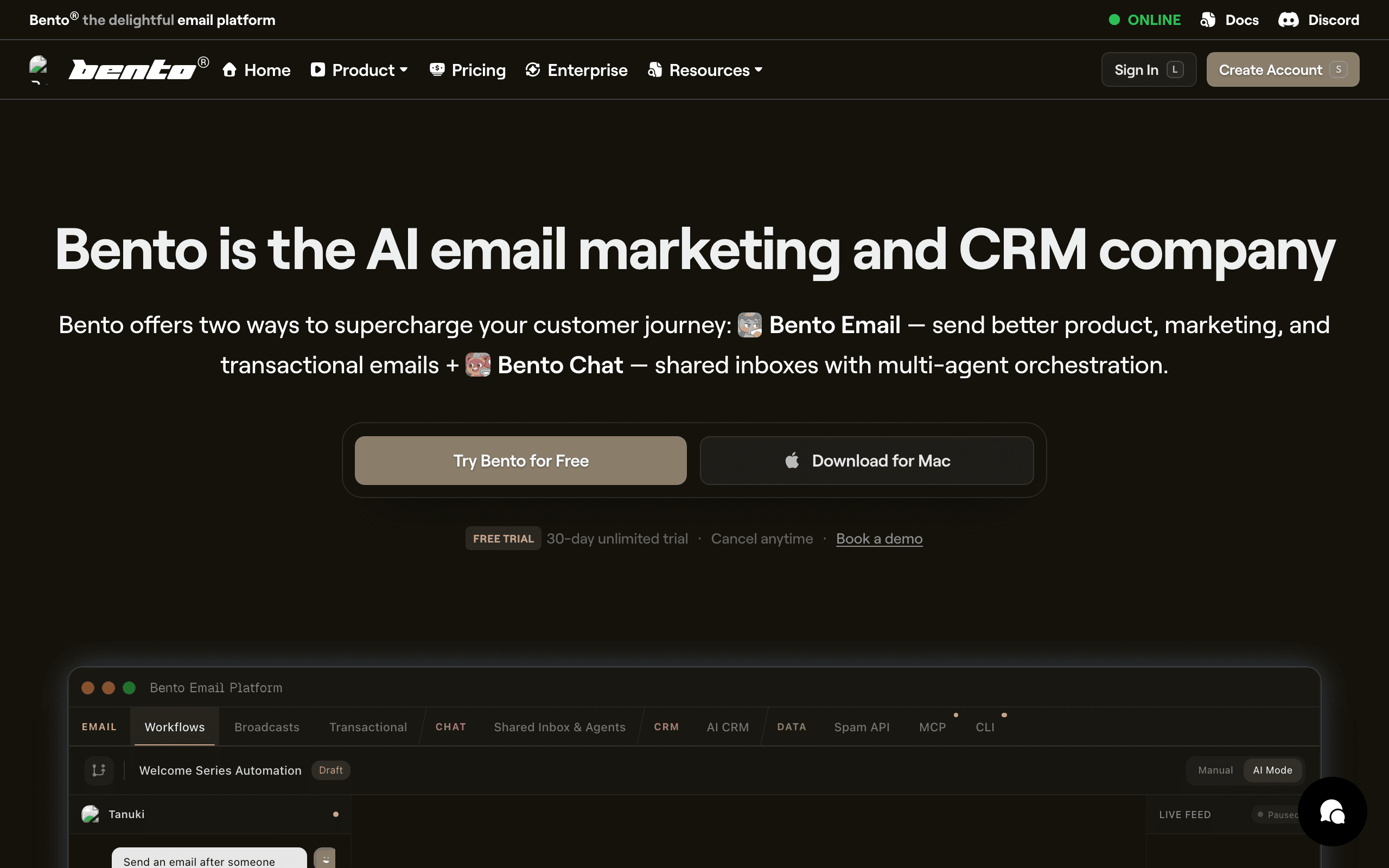 Best for: Indie SaaS wanting events + HubSpot data in one tool
Bento markets itself to indie hackers and small SaaS teams as a behavior-driven email platform. HubSpot integration is via API or Segment rather than a native marketplace app, but Bento's event model means HubSpot CRM events translate cleanly once you've wired the connection.
The platform leans heavily on events. Every HubSpot lifecycle change becomes an event you can use to trigger flows or build segments, and you can combine that with product events you send from your own app. That's closer to the Customer.io model than the Mailchimp model, but at indie pricing.
Where Bento falls short is polish. The UI is busy, documentation can be uneven, and some workflows take more clicks than they should. If you can look past that, the underlying capability is genuinely strong for the price.
- Key strength: Event-driven model at indie pricing
- Pricing: From $30/month
- HubSpot integration: Via API or Segment
- Pros: Real event-driven model, generous attribute sync, indie-friendly pricing, includes deliverability tooling
- Cons: UI feels cluttered, documentation gaps, smaller ecosystem, fewer pre-built templates
21. HubSpot Marketing Hub
 Best for: Teams that want everything in one platform
The honest counter-option: just use HubSpot's own Marketing Hub. The integration is, by definition, perfect, because it's the same product as your CRM. Contacts, deals, lifecycle stages, and email engagement all live in one place with no sync to maintain.
The trade-off is price and shape. Marketing Hub Professional is $800/month and Marketing Hub Enterprise is significantly more. The email features are capable for newsletters, lead nurture, and basic automation, but they're not class-leading for SaaS lifecycle, dunning, or developer-driven event email.
If you've already committed to HubSpot at the Marketing Hub Pro tier or higher, using the built-in email is the path of least resistance and you should default to it. If you're at the free CRM tier or Marketing Hub Starter, a dedicated email tool from this list will usually deliver more capability per dollar.
- Key strength: Native by definition (it IS HubSpot)
- Pricing: From $20/month (Marketing Hub Starter); Pro from $800/month
- HubSpot integration: Native (it IS HubSpot)
- Pros: Zero integration overhead, unified data model, strong reporting, mature CRM
- Cons: Pricing escalates very quickly, email is generic-shaped not specialized, no purpose-built dunning, automation gated by tier
22. Iterable
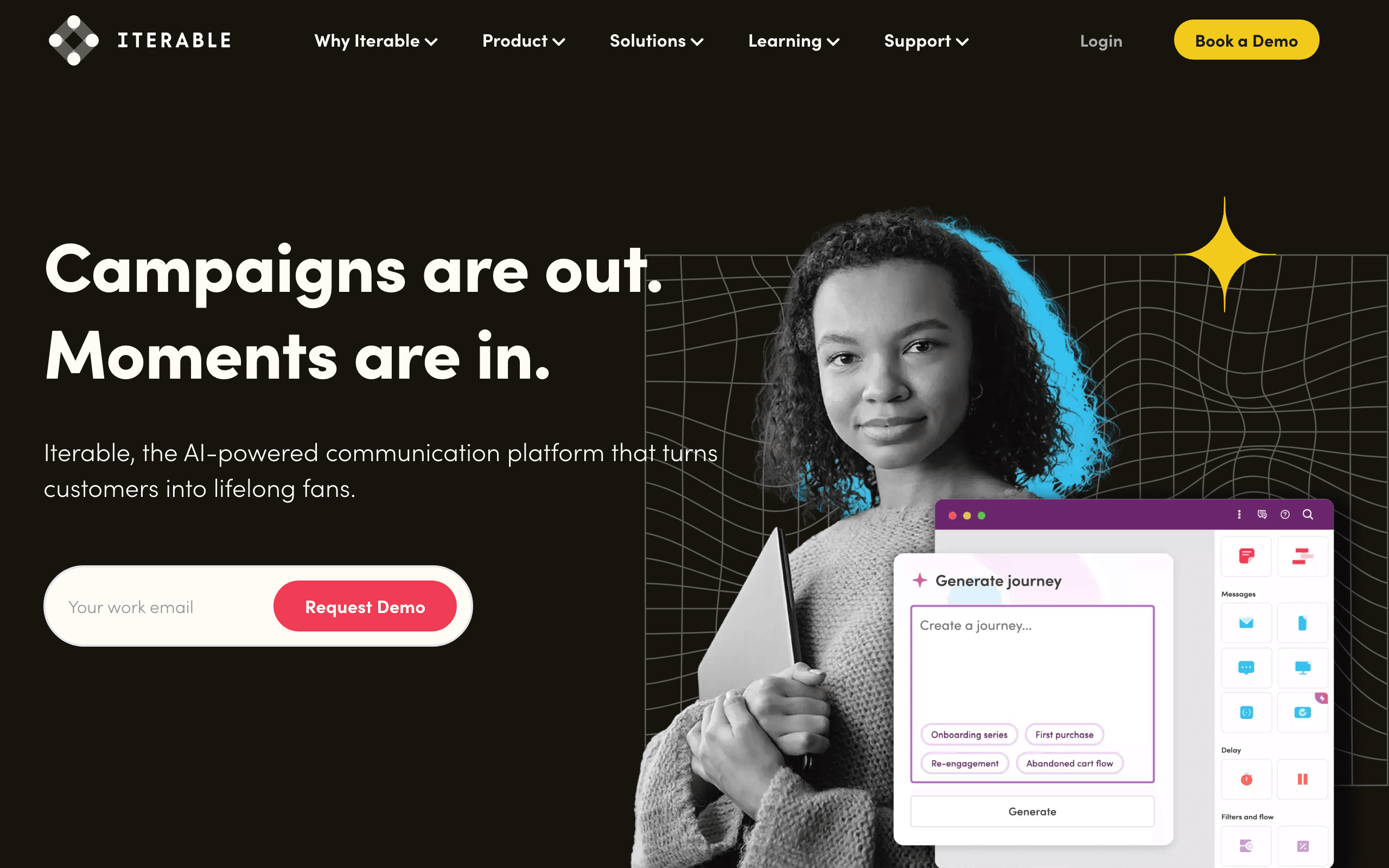 Best for: Enterprise SaaS with complex multi-channel programs
Iterable is an enterprise messaging platform used by larger SaaS businesses for cross-channel lifecycle programs (email, SMS, push, in-app). There's no point-and-click HubSpot connector; Iterable expects you to feed events from a CDP, data warehouse, or your own services. HubSpot data typically arrives via Segment, your warehouse, or your application's event pipeline.
Once data is flowing, Iterable's strengths are real: sophisticated journey orchestration, robust experimentation, and the ability to run truly cross-channel lifecycle programs at scale. If you're a Series B+ SaaS with a real growth team and HubSpot for sales, this is the tool that scales.
For early or mid-stage SaaS, Iterable is overkill. The licensing alone usually rules it out, and the time-to-value on a custom HubSpot integration is significant compared to plug-and-play options.
- Key strength: Enterprise multi-channel orchestration
- Pricing: Custom enterprise pricing, typically $500+/month
- HubSpot integration: Via Segment, data warehouse, or custom webhook ingestion
- Pros: Enterprise-grade orchestration, true cross-channel lifecycle, strong experimentation, scales to billions of messages
- Cons: Expensive, custom integration work required, overkill for small/mid SaaS, long implementation timelines
Integration Depth Comparison
| Feature | ActiveCampaign | Mailchimp | Sequenzy | Klaviyo | Brevo | Customer.io |
|---|---|---|---|---|---|---|
| Contact sync | Bidirectional | Bidirectional | One-way | Bidirectional | One-way | One-way |
| Custom fields | Yes | Limited | Via API | Yes | Limited | Via API |
| Deal stage triggers | Yes | No | Via Zapier | No | No | Via Zapier |
| Engagement sync to HubSpot | Yes | Yes | No | Yes | Limited | No |
| Native integration | Yes | Yes | No | Yes | Yes | No |
| Real-time event triggers | Yes | No | Yes (API) | Limited | No | Yes (API) |
| Multi-channel support | Email + SMS | Email only | Email + Push + SMS (paid add-on) | Email + SMS | Email + SMS | Email + Push + SMS |
| Landing pages | Yes | Yes | Yes | Yes | Yes | No |
| Campaign A/B testing | Yes | Paid tiers | Yes | Yes | Paid tiers | Yes |
How to Choose
You want the deepest HubSpot integration with email: ActiveCampaign. Native bidirectional sync with deal stage triggers and powerful automations. Best for teams that want tight coupling between CRM and email.
You want simple campaigns for HubSpot contacts: Mailchimp. Easy setup, familiar interface, basic sync. Best for small teams with straightforward newsletter needs.
You're SaaS and need lifecycle email: Sequenzy. Event-driven automation for onboarding, conversion, and retention while HubSpot handles sales. Best for SaaS lifecycle marketing alongside a CRM.
You're e-commerce with HubSpot CRM: Klaviyo. E-commerce email features with HubSpot contact management. Best for product-based businesses with purchase-driven workflows.
You need affordable email for HubSpot contacts: Brevo. The cheapest option with decent HubSpot integration. Best for budget-conscious teams that need multi-channel messaging.
You need transactional email: Resend or Postmark. Developer-friendly APIs for system emails. Best for engineering teams that want clean, fast transactional delivery.
You need complex automation flexibility: Customer.io or Vero. The most powerful automation engines, connected to HubSpot via Zapier. Best for technical teams with sophisticated workflow requirements.
You're enterprise: Iterable or Ortto's higher tiers. Real cross-channel orchestration at real prices.
Best HubSpot Email Integration by Use Case
Best HubSpot email integration for SaaS lifecycle email
Use Sequenzy when HubSpot should stay the sales CRM while a separate tool handles onboarding, activation, trial conversion, and retention. That avoids paying HubSpot Marketing Hub prices for lifecycle email that depends on product and billing events. Compare HubSpot alternatives, SaaS lifecycle email tools, and SaaS onboarding templates.
Best HubSpot email integration for sales handoff
ActiveCampaign is strongest when deal stage, lead score, and sales-owned follow-up need to sync tightly with HubSpot. This is less about newsletters and more about moving leads through a pipeline. Use ActiveCampaign comparison, sales-led SaaS email tools, and sales email sequences to plan the handoff.
Best HubSpot email integration for ecommerce CRM
Klaviyo is the better fit when HubSpot holds CRM context but purchase data should drive cart, post-purchase, and repeat-order campaigns. HubSpot can track the customer relationship, while Klaviyo owns commerce messaging. Compare Klaviyo, Klaviyo alternatives, and ecommerce email tools.
Best HubSpot email integration for transactional email
Resend, Postmark, and SendGrid are better choices when the integration is about reliable system emails from HubSpot-triggered events. Keep those separate from marketing campaigns unless the tool supports both well. Compare Resend, SendGrid alternatives, and transactional email templates.
Setting Up the Integration: Practical Tips
Regardless of which tool you choose, here are some integration best practices:
Define Data Ownership
Before connecting anything, decide which system owns what data. A common split:
- HubSpot owns: Contact records, company records, deal stages, sales activity
- Email tool owns: Email engagement data, automation enrollment, subscriber preferences
- Shared: Contact properties like name, email, company, and custom attributes
Avoid Sync Loops
Bidirectional sync can create loops where a change in HubSpot updates the email tool, which updates HubSpot, which updates the email tool. Most integrations handle this, but test carefully. Set up a test contact and watch what happens when you update a field in each direction.
Map Fields Before Connecting
HubSpot has its own field naming conventions. Your email tool has different ones. Before enabling the integration, map out which HubSpot properties correspond to which email tool fields. Pay special attention to:
- Lifecycle stage (HubSpot) vs. subscriber status (email tool)
- Deal amount (HubSpot) vs. revenue attributes (email tool)
- Custom properties that exist in one system but not the other
Start With One-Way Sync
If you're nervous about the integration, start with one-way sync: HubSpot to email tool. This lets your email tool receive contact data without risking changes flowing back to HubSpot. Once you're confident the mapping is correct, enable bidirectional sync.
FAQ
Should I just use HubSpot's built-in email?If you're already paying for Marketing Hub Professional or higher, use it. HubSpot's email is capable. The problem is cost. If you're on the free or Starter tier, HubSpot email has significant limitations and upgrading is expensive. A dedicated email tool is often cheaper. Check the "Integration Depth Comparison" table above to see what you'd gain from a separate tool.
Will using a separate email tool break HubSpot reporting?Partially. HubSpot won't have email engagement data unless your email tool syncs it back. Some integrations (ActiveCampaign, Mailchimp) do sync engagement data to HubSpot. Others don't. If unified reporting in HubSpot is critical, choose a tool with engagement syncing. Alternatively, use your email tool's own analytics dashboard for email-specific metrics and HubSpot for sales pipeline reporting.
Can I use HubSpot workflows to trigger emails in another platform?Yes, via Zapier or custom webhooks. HubSpot workflows can fire webhooks when contacts meet certain criteria, and you can point those webhooks at your email tool's API. This is how most teams connect HubSpot lifecycle changes to email automations. The setup takes 30-60 minutes for a basic workflow.
What about HubSpot's free email features?HubSpot's free tier includes basic email marketing (2,000 emails/month). It's fine for getting started but has limitations: HubSpot branding, basic templates, limited automation. Most teams outgrow it quickly, usually within the first few months.
How do I handle contacts that exist in both systems?Most integrations match contacts by email address. When you enable the sync, contacts with the same email in both systems will be merged. Make sure your data is clean before enabling the integration: remove duplicates, fix typos in email addresses, and standardize field values. A messy initial sync creates problems that compound over time.
Can I segment HubSpot contacts differently in my email tool?Yes, and you should. HubSpot's segmentation is based on CRM properties (deal stage, lifecycle stage, company size). Your email tool can add behavioral segmentation based on email engagement, product usage, and event data. The combination gives you richer subscriber segmentation than either tool alone.
What happens to email data if I switch email tools?Your HubSpot data stays intact. Only the email engagement data in the old tool is at risk. Before switching, export your email performance data (campaign metrics, automation results, subscriber engagement history). Most email tools support CSV exports. HubSpot will keep its own records of any synced engagement data.
Is it worth paying for Zapier to connect HubSpot with my email tool?For most teams, yes. Zapier's $20-50/month cost is trivial compared to the time saved on custom integration development. The exception is high-volume, real-time use cases where Zapier's latency (typically 1-5 minutes) or task limits become a bottleneck. In those cases, build a direct webhook integration.
Connect HubSpot to your email in an afternoon
- Start free with 2,500 emails a month and unlimited subscribers
- Wire it up with Zapier, the developer API, or inbound webhooks
- Check what HubSpot itself costs in our HubSpot pricing breakdown, and compare plans on the pricing page
- Related: best email marketing platforms with HubSpot CRM integration for the platform-first view, and HubSpot alternatives