Updated 2026-03-15

Best Email Marketing Tools for Event Venues

Fill your calendar, streamline client communication, and grow your venue business with the right email marketing platform.

Running an event venue means managing inquiries, tours, bookings, and client communication for dozens of events at once. You need to respond to inquiries fast, prepare clients for their events, and generate referrals for future bookings. Email marketing automates much of this work, letting you focus on delivering great events. But most email tools are not built for venue management. Here are 13 platforms that actually work for event venues, ranked by ease of use, automation features, and value for money.

TL;DR

For most event venues, Sequenzy is the best value - the AI creates inquiry response, tour follow-up, and event prep sequences in seconds, and the free tier covers up to 2,500 emails/month. For venues wanting phone support and simplicity, Constant Contact is reliable with helpful event management features. ActiveCampaign is the best choice for high-volume venues with marketing staff who need sophisticated automation.

Why Event Venues Need Email Marketing

Automate Inquiry Response

Venue inquiries demand quick responses. Automated sequences respond immediately and nurture leads until they book a tour.

Streamline Event Communication

From booking confirmation to event prep to post-event follow-up, email sequences keep every client informed without manual effort.

Fill Open Dates

Promote last-minute availability, off-peak pricing, and special packages to your inquiry list. Fill gaps in your calendar instantly.

Generate Referrals

Happy clients refer others when asked. Automated post-event sequences make collecting testimonials and referrals consistent.

Event Venues Email Marketing Benchmarks

Know these numbers before you start. They'll help you set realistic goals and pick the right tool.

30-40%
Average Open Rate

Event venue emails typically see 30-40% open rates because recipients have an active interest - they are planning a real event. Wedding-related emails tend toward the higher end. If you are below 25%, your list may include too many stale contacts.

5-8%
Average Click Rate

Click rates of 5-8% are typical for venue emails. Tour scheduling links and photo galleries drive the most clicks. Include virtual tour links and easy booking buttons rather than lengthy text descriptions.

Tuesday-Thursday, 10am-12pm
Best Send Time

Event planners and couples browse during late morning business hours. Corporate inquiries respond best mid-week. Wedding inquiries also spike on Sunday evenings when couples plan together.

30-50% with follow-up sequences
Inquiry-to-Tour Conversion

Venues with automated follow-up sequences convert 30-50% of inquiries into tours, compared to 15-20% for venues that rely on a single response. The follow-up sequence is the single highest-impact email automation for venues.

Important Tips Before You Choose

Lessons from event venueswho've been doing this for years. Save yourself the trial and error.

Respond to inquiries within minutes with automated email

Venue inquiries often go to 3-5 locations simultaneously. The first venue to respond with helpful information has a significant conversion advantage. Set up an automated immediate response that acknowledges the inquiry, shares venue highlights, and offers tour times. This buys you time to send a personalized follow-up within a few hours.

Use beautiful event photos in every email

Your venue is a visual product. Every email should include stunning photos from real events held at your space. A text-heavy email about your venue will never convert as well as one that shows the space beautifully lit for a wedding or a corporate event in full swing. Build a photo library from every event and rotate images in your templates.

Create urgency with honest availability updates

Send targeted emails about open dates to recent inquiries who have not yet booked. Honest availability updates create natural urgency - popular dates fill, and prospects who are on the fence may act when they see their preferred date is about to be taken. Do not fabricate scarcity, but communicate real availability.

Segment by event type for relevant communication

Wedding clients need different communication than corporate event planners. Segment your list by event type (weddings, corporate, social), by stage (inquiry, toured, booked, past client), and by event size. A wedding-focused email about floral partnerships is irrelevant to a corporate client booking a conference.

Automate the entire event prep timeline

From booking confirmation to final walk-through, build an automated sequence that sends the right information at the right time. Vendor coordination reminders 2 months before, floor plan review 6 weeks before, catering finalization 4 weeks before, and day-of logistics 1 week before. Clients feel supported and you never forget a step.

Ask for referrals within 2 weeks of the event

Post-event is when satisfaction is highest and memories are freshest. Send a congratulations email the day after, request a review on day 5, and ask for referrals on day 14. Include easy-to-forward content with photos from their event and your contact information for anyone planning similar events.

13 Best Email Marketing Tools for Event Venues

Our Top Pick for Event Venues
#1
Sequenzy

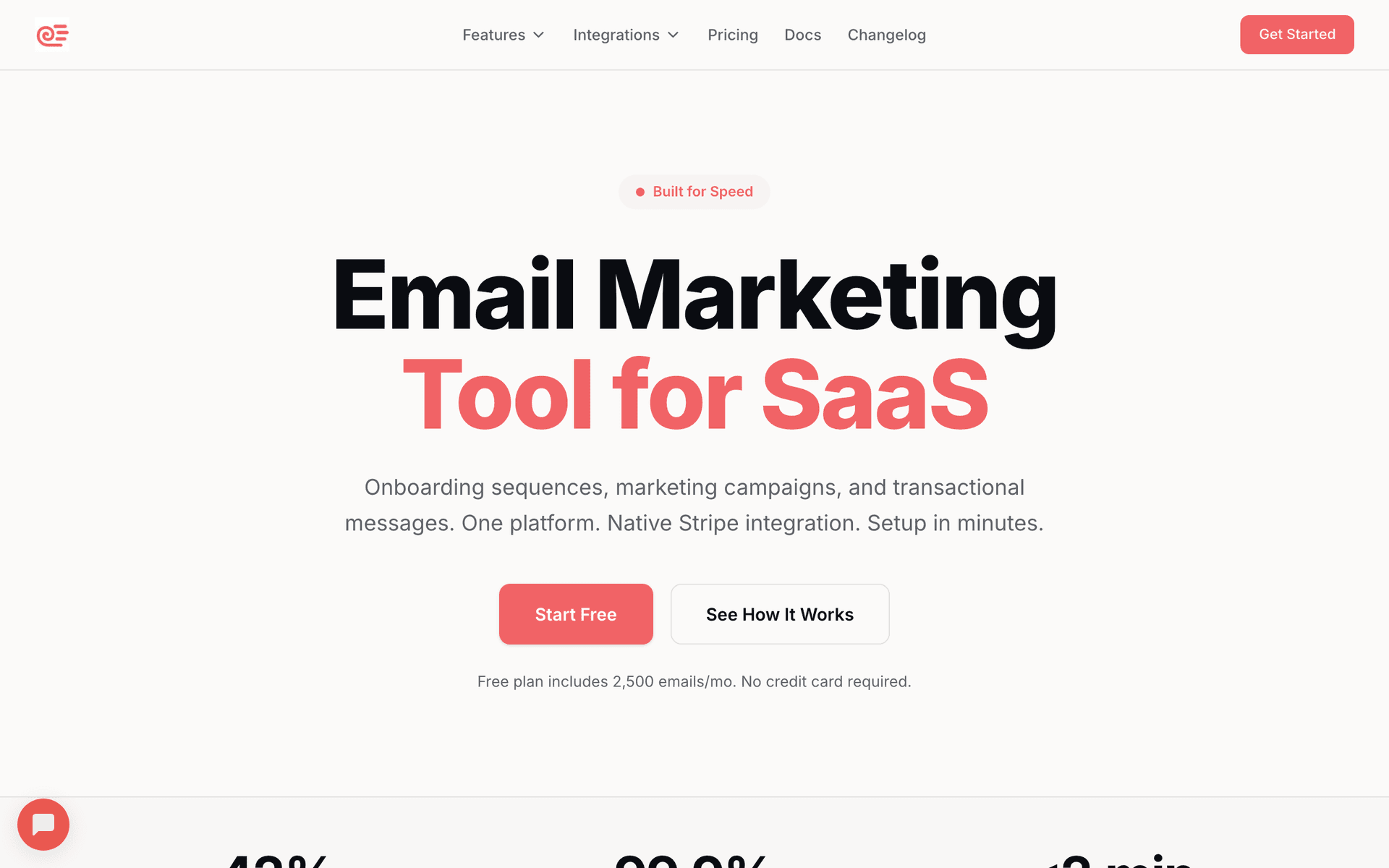
AI-powered email marketing built for service businesses. Creates booking sequences automatically.

Visit

Sequenzy is the best fit for most event venues because it removes the time burden of creating email content while keeping costs reasonable. The AI sequence builder creates inquiry response emails, tour follow-up sequences, event prep timelines, and post-event referral campaigns in seconds. Describe your venue and event types, and get ready-to-send sequences. The free tier covers up to 2,500 emails per month, which handles small venues easily. The $29/month paid plan covers 50,000 emails with unlimited contacts, so years of inquiry data do not inflate your costs. Pay-per-email pricing means you only pay for emails you actually send, not for the thousands of old inquiry contacts sitting in your database. The interface is simple enough that your venue coordinator can manage email without training.

Best for
Event venues wanting automated client communication without complexity
Pricing
Free up to 2,500 emails/mo, then $29/mo for 50K emails (unlimited contacts)

Pros

  • AI writes booking and follow-up sequences
  • Simple interface for busy venue managers
  • Pay for emails sent, not contacts
  • Direct founder support

Cons

  • Launched in 2025, less track record
  • No built-in SMS
  • Fewer templates than established competitors
#2
Mailchimp

The most popular email marketing platform. Solid features but can get expensive.

Visit

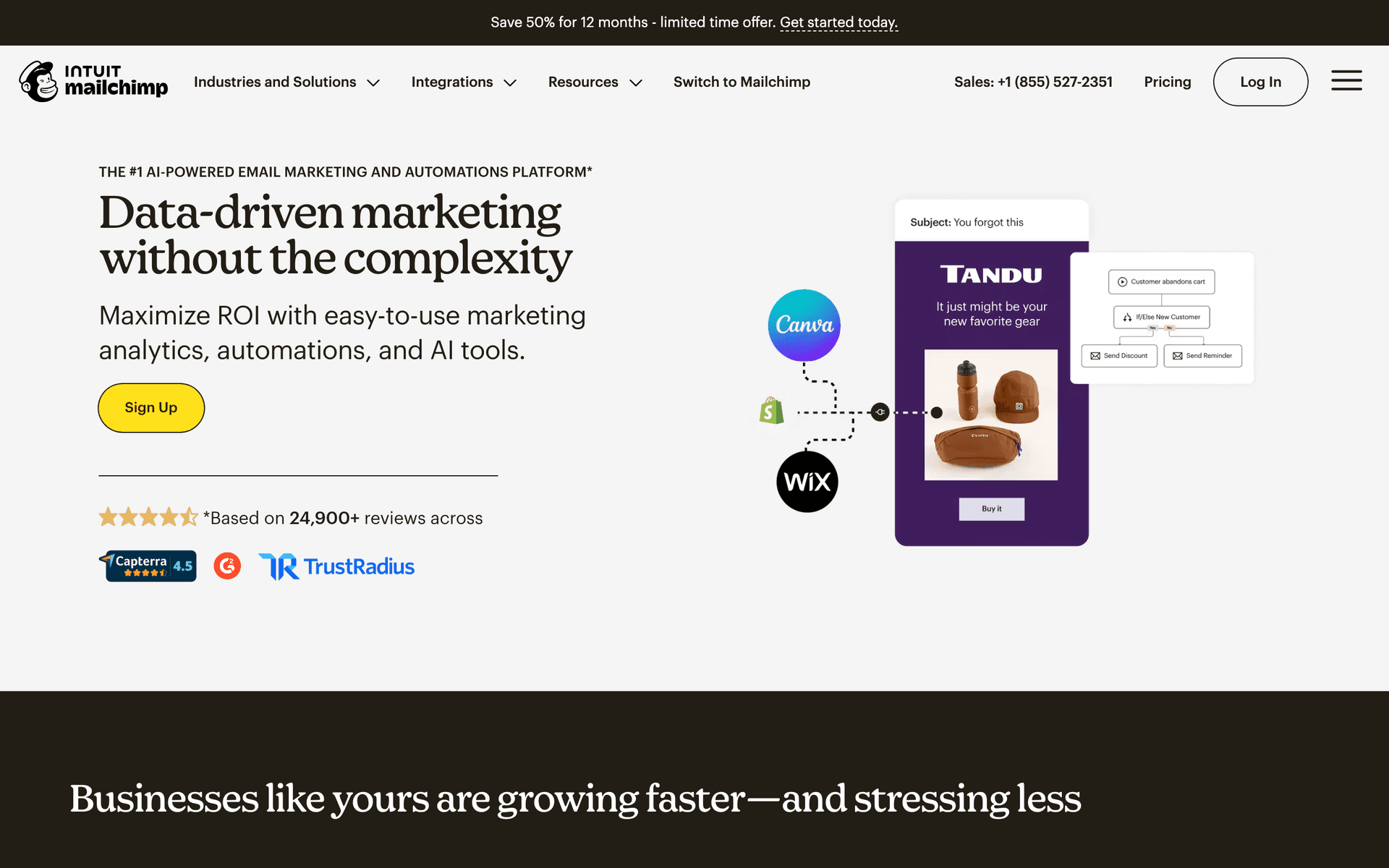
Mailchimp is the platform everyone recognizes, and the template library includes designs that showcase venue spaces well with large image blocks and clean layouts. Automation handles basic inquiry responses and promotional campaigns. The frustration for venues is per-contact pricing as your inquiry list grows over the years. A venue that has collected 5,000+ inquiry contacts over time faces $75-100/month bills for features that other tools offer more affordably. Good if you want something familiar with broad integrations for your website and booking platform.

Best for
Venues wanting a well-known platform
Pricing
Free up to 500 contacts, then $13-350/month

Pros

  • Extensive template library
  • Many integrations
  • Strong deliverability
  • Good analytics

Cons

  • Gets expensive fast
  • Interface can feel overwhelming
  • Support quality has declined
  • Not venue-specific
#3
Constant Contact

Long-standing email platform popular with small businesses.

Visit

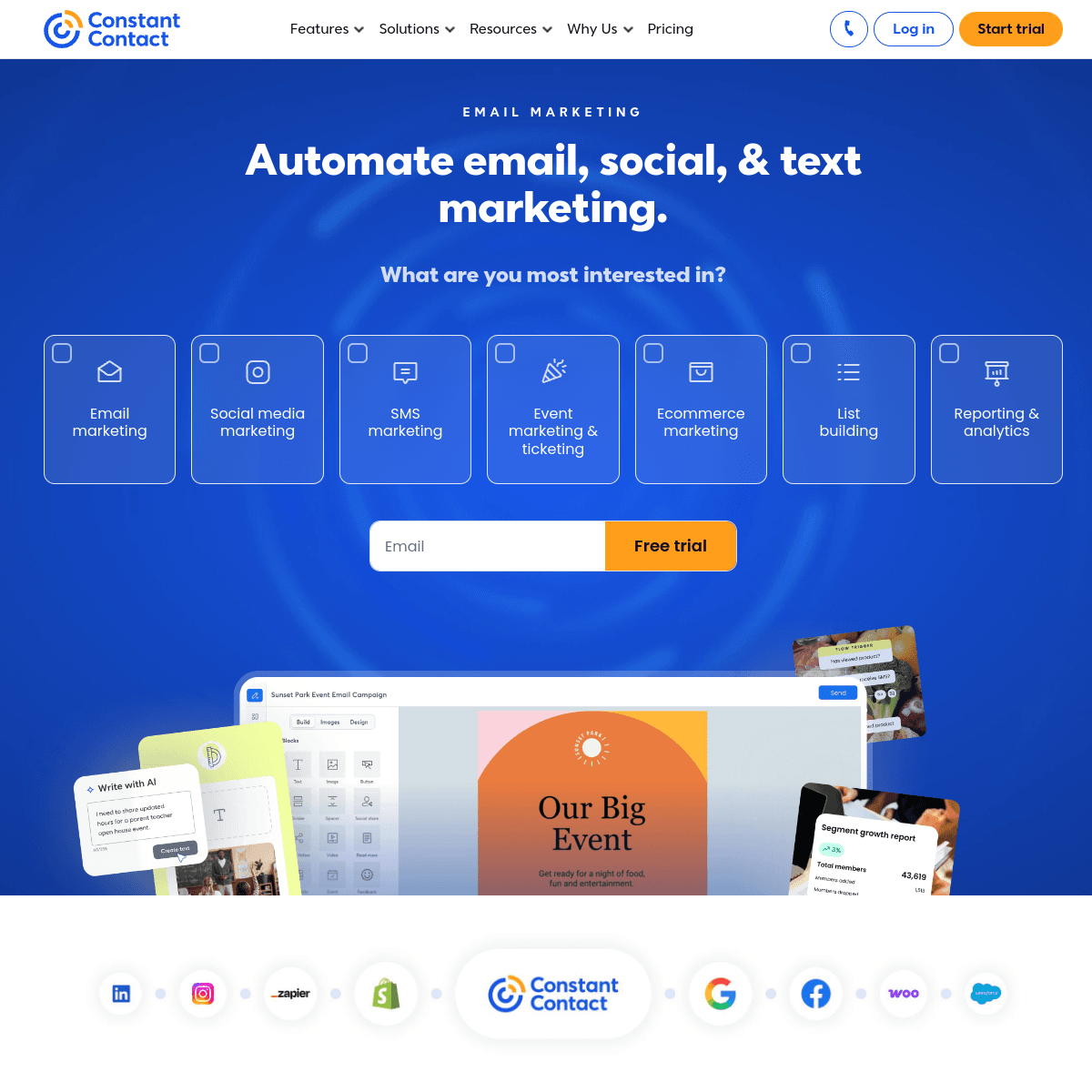
Constant Contact is the most reliable choice for venue owners who want phone support and built-in event management features. The phone support is genuinely helpful when you need assistance setting up automation or troubleshooting delivery issues. Event management features handle open house RSVPs, venue showcase events, and community events well. The platform is straightforward enough that any staff member can create and send emails. Automation is more basic than competitors, but for venues that primarily need newsletters, promotional campaigns, and event invitations, Constant Contact covers the essentials reliably.

Best for
Venues wanting simple email with phone support
Pricing
From $12/month for 500 contacts

Pros

  • Very easy to use
  • Excellent phone support
  • Event management features
  • Social media integration

Cons

  • Limited automation
  • Templates feel dated
  • Higher prices
  • Basic segmentation
#4
ActiveCampaign

Powerful automation platform with a learning curve.

Visit

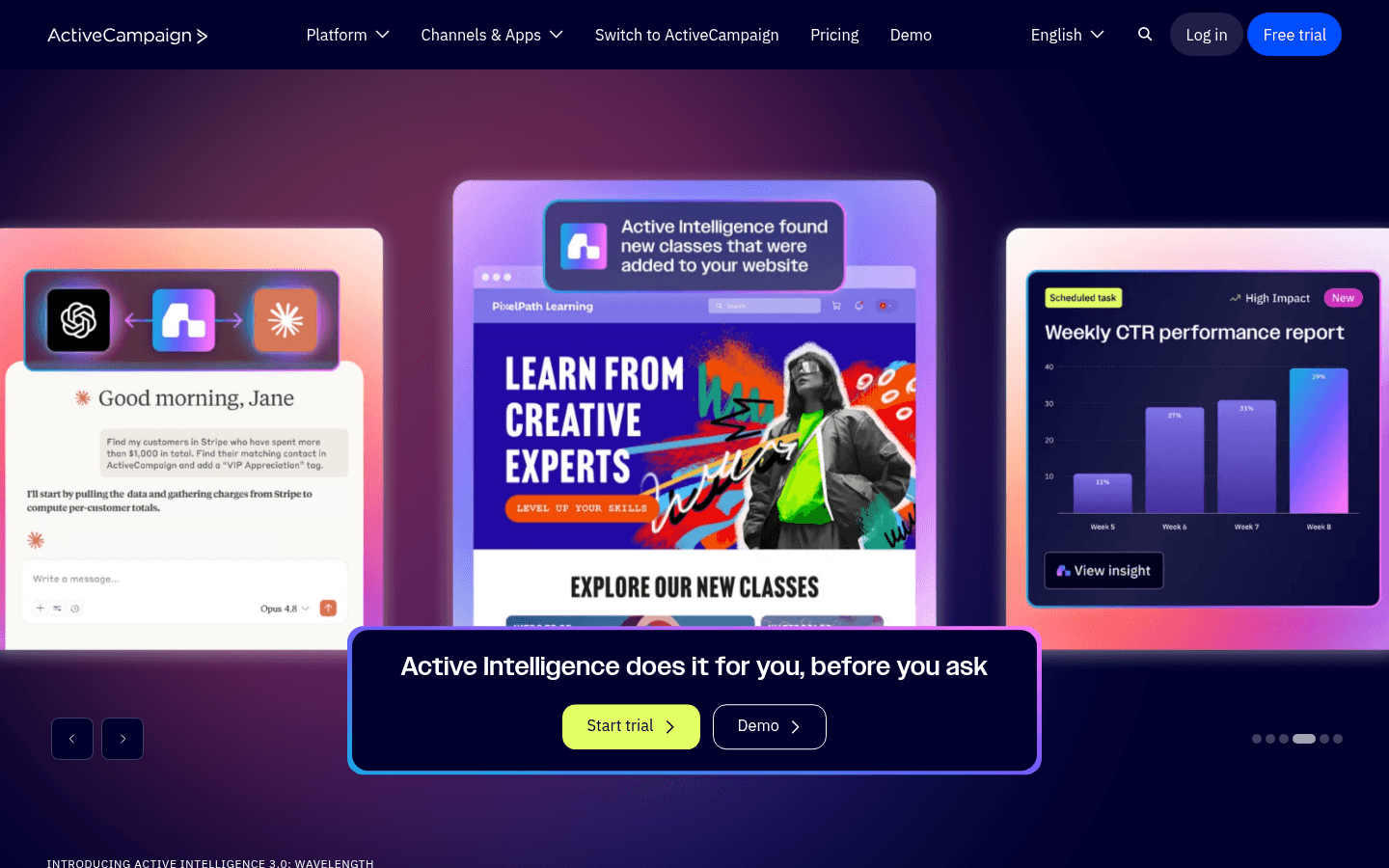
ActiveCampaign offers the most powerful automation available for event venues. Build sophisticated sequences that vary based on event type, inquiry stage, budget tier, and engagement level. The CRM tracks every inquiry through the pipeline from first contact to signed contract. For high-volume venues that handle dozens of active inquiries simultaneously, this visibility is invaluable. The automation can model your entire client journey with conditional paths for different event types. The trade-off is complexity - the interface requires dedicated marketing staff to manage effectively. For smaller venues without office support, simpler tools are more practical.

Best for
High-volume venues with marketing staff
Pricing
From $29/month for 1,000 contacts

Pros

  • Excellent automation
  • CRM included
  • Great deliverability
  • Detailed scoring

Cons

  • Steep learning curve
  • Overkill for small venues
  • Complex interface
  • Price jumps with features
#5
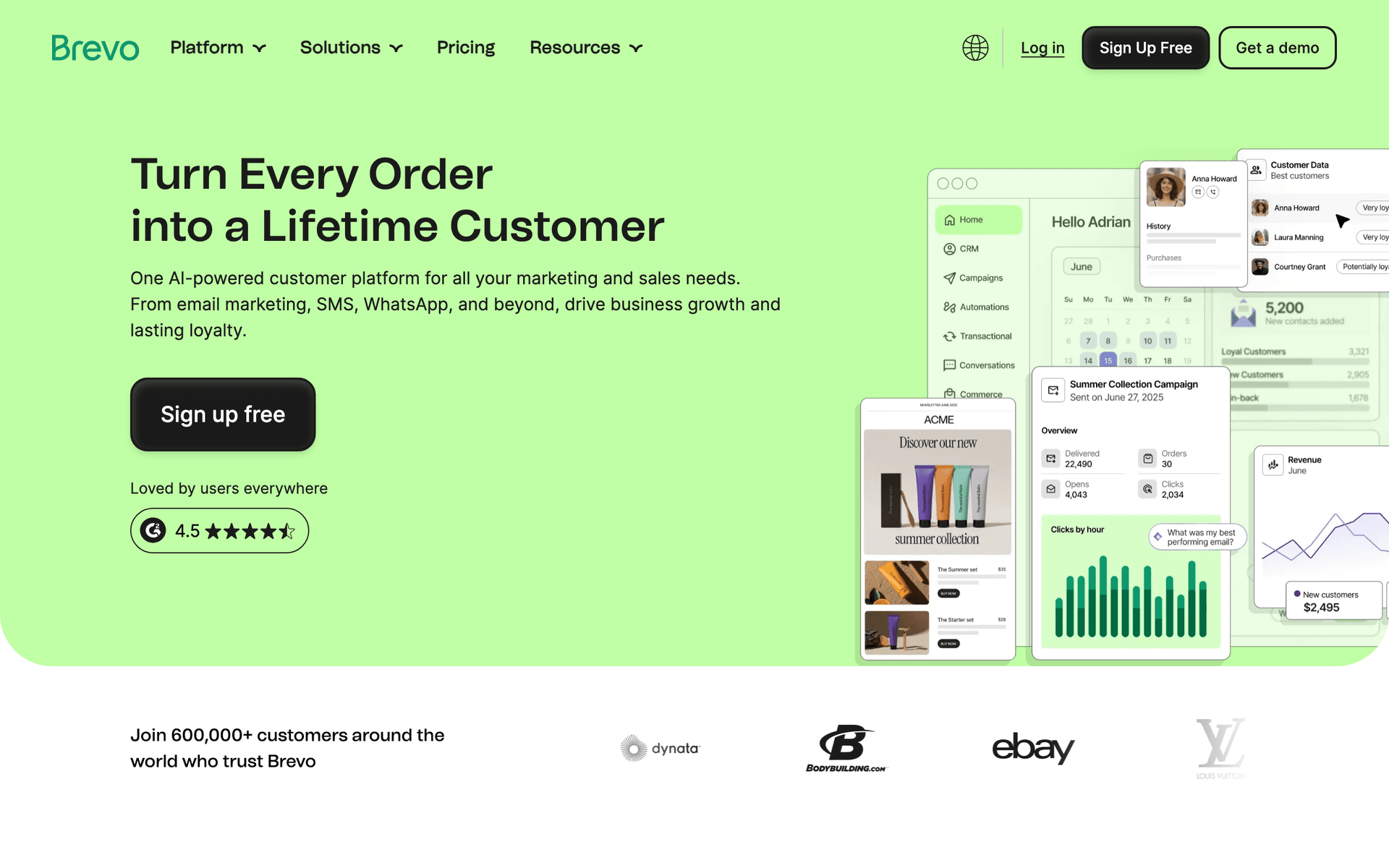
Brevo

Formerly Sendinblue. Good value with transactional email included.

Visit

Brevo offers excellent value for budget-conscious venues. Free tier gives 300 emails per day. SMS is included for event reminders and last-minute scheduling changes. For venues wanting both email and text messaging without paying for separate tools, Brevo is the best budget option. Automation handles basic inquiry sequences and event prep reminders.

Best for
Budget-conscious venues needing email and SMS
Pricing
Free up to 300 emails/day, then from $25/month

Pros

  • SMS included
  • Generous free tier
  • Transactional email
  • Good automation

Cons

  • Daily limits on free
  • Support can be slow
  • Limited integrations
  • Branding on free tier
#6
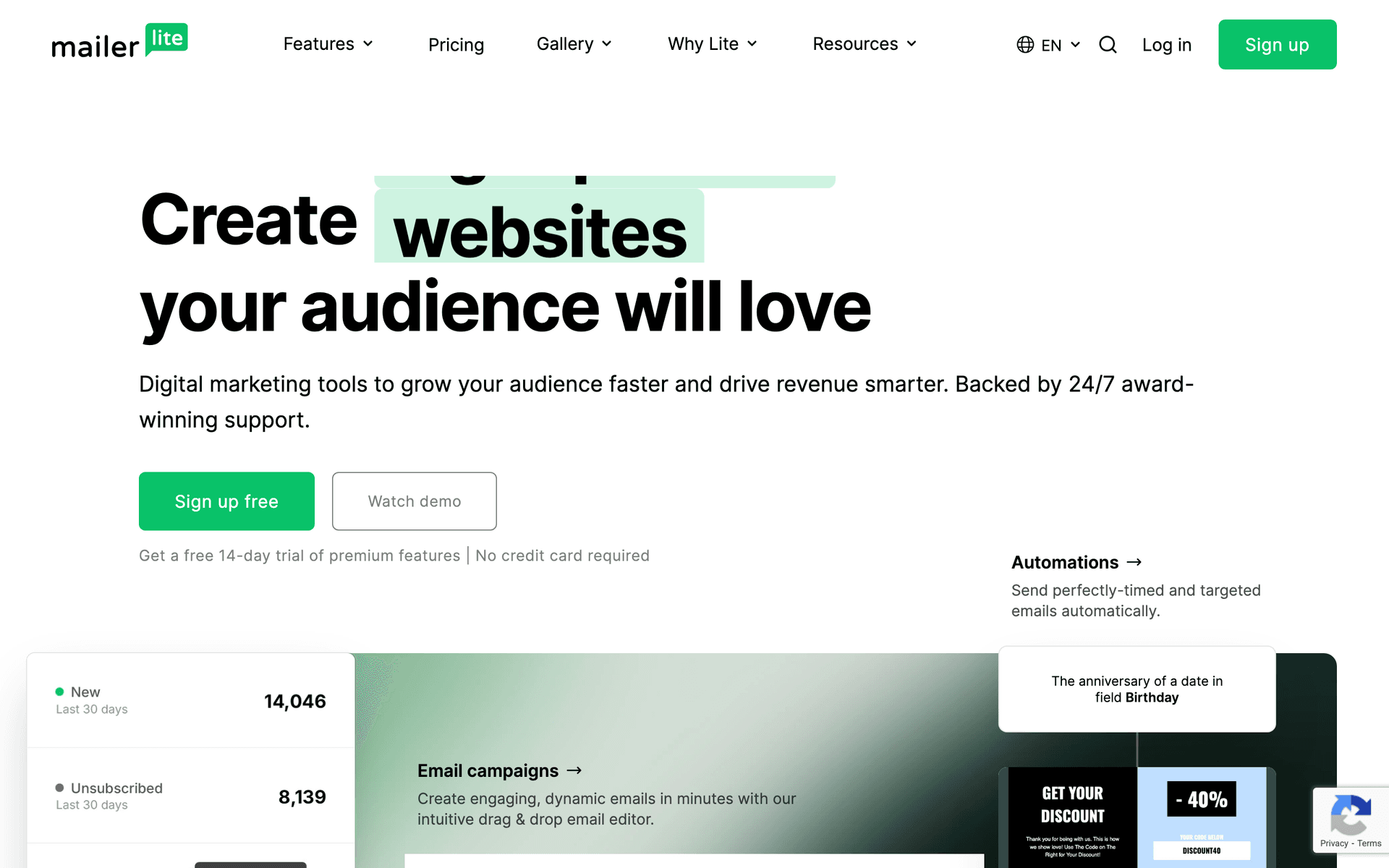
MailerLite

Clean, simple email marketing with good automation.

Visit

MailerLite is the recommendation for simple and affordable venue email. Clean interface, generous free tier with 1,000 subscribers, and real automation included. Landing pages work well for venue showcase pages and open house RSVPs. The photo-friendly editor handles venue imagery beautifully with clean layouts. For venues wanting reliable email at the lowest possible cost, MailerLite delivers.

Best for
Venues wanting simplicity and affordability
Pricing
Free up to 1,000 subscribers, then from $10/month

Pros

  • Very affordable
  • Clean interface
  • Good landing pages
  • Generous free tier

Cons

  • Strict approval
  • Limited advanced features
  • Basic reporting
  • Approval takes time
#7
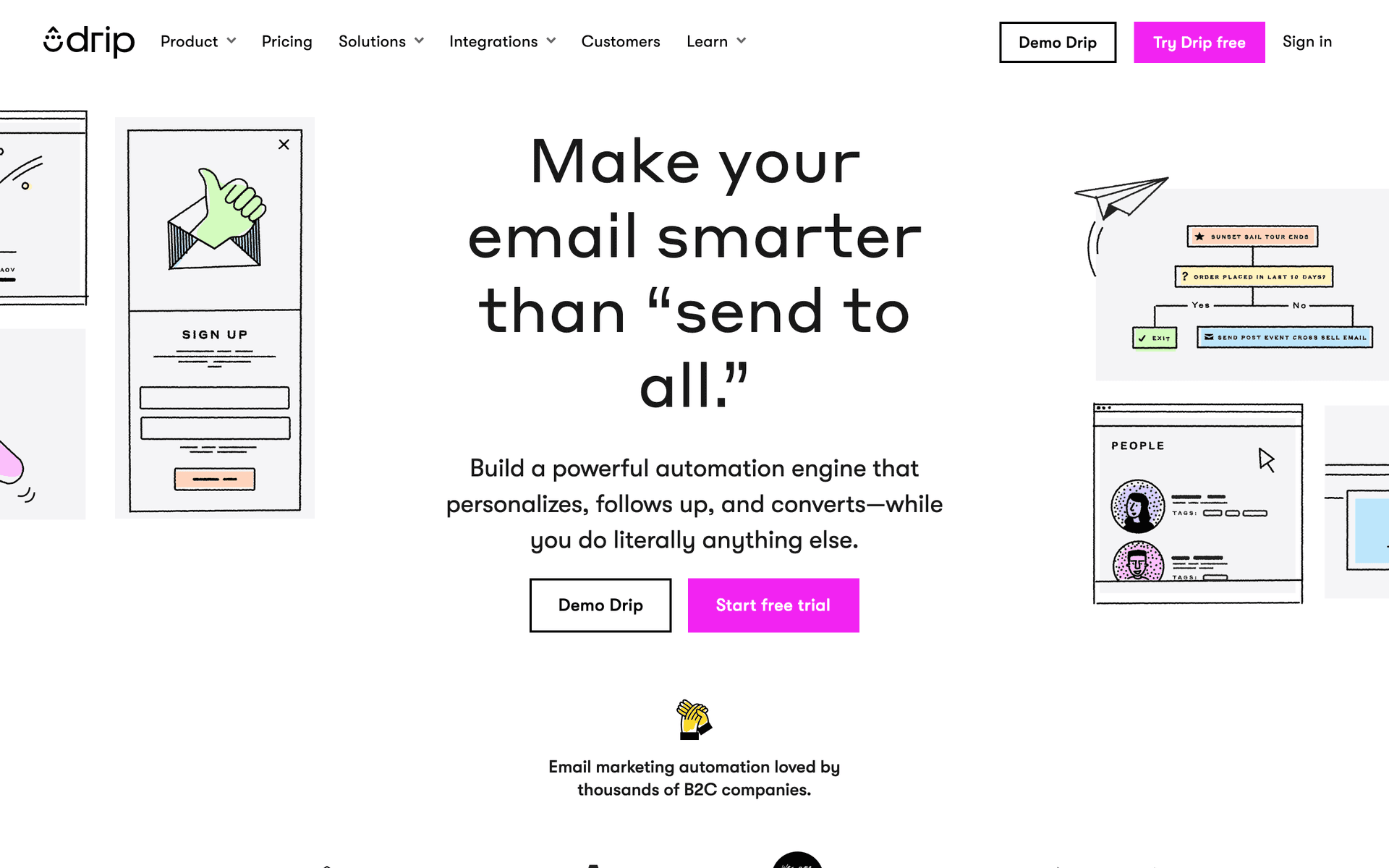
Drip

E-commerce focused but can work for online venue bookings.

Visit

Drip is built for online sales. If your venue has a fully online booking system with payment processing, Drip can track revenue per email and recover abandoned bookings. At $39/month minimum, only consider if your booking process is heavily online with significant direct revenue tracking needs.

Best for
Venues with significant online booking
Pricing
From $39/month for 2,500 contacts

Pros

  • Strong automation
  • Revenue tracking
  • Abandoned cart recovery
  • Detailed analytics

Cons

  • Built for e-commerce
  • Expensive
  • Overkill for tour-based booking
  • Learning curve
#8
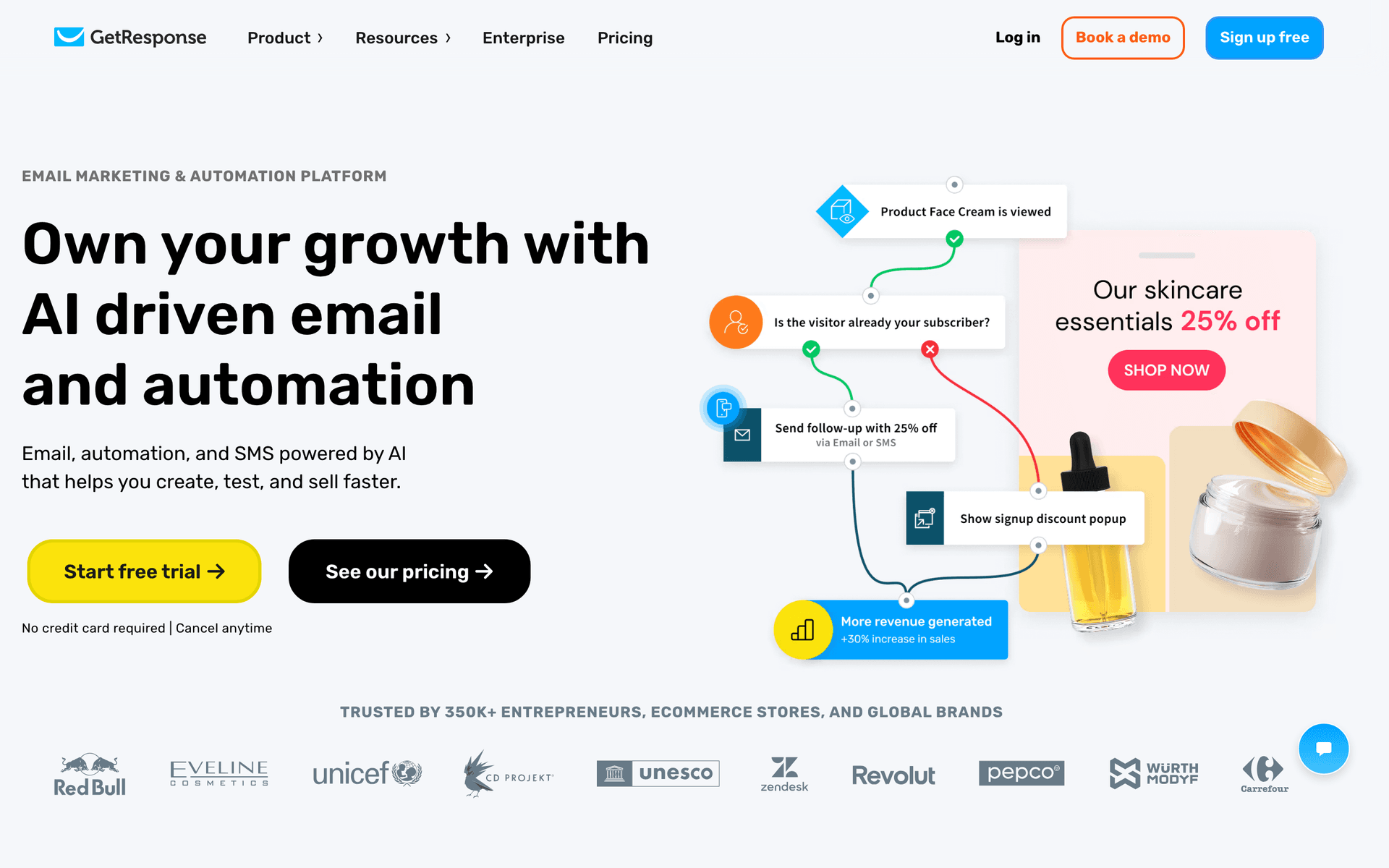
GetResponse

All-in-one marketing platform with webinars and landing pages.

Visit

GetResponse includes email, landing pages, and webinar hosting. Landing pages work well for venue showcase pages and open house event registrations. The webinar feature enables virtual venue tours. Good value if you run multiple marketing campaigns across channels.

Best for
Venues hosting open houses or virtual tours
Pricing
From $19/month for 1,000 contacts

Pros

  • Webinar hosting
  • Landing page builder
  • Automation templates
  • Competitive pricing

Cons

  • Busy interface
  • Email editor could improve
  • Support varies
  • Features feel scattered
#9
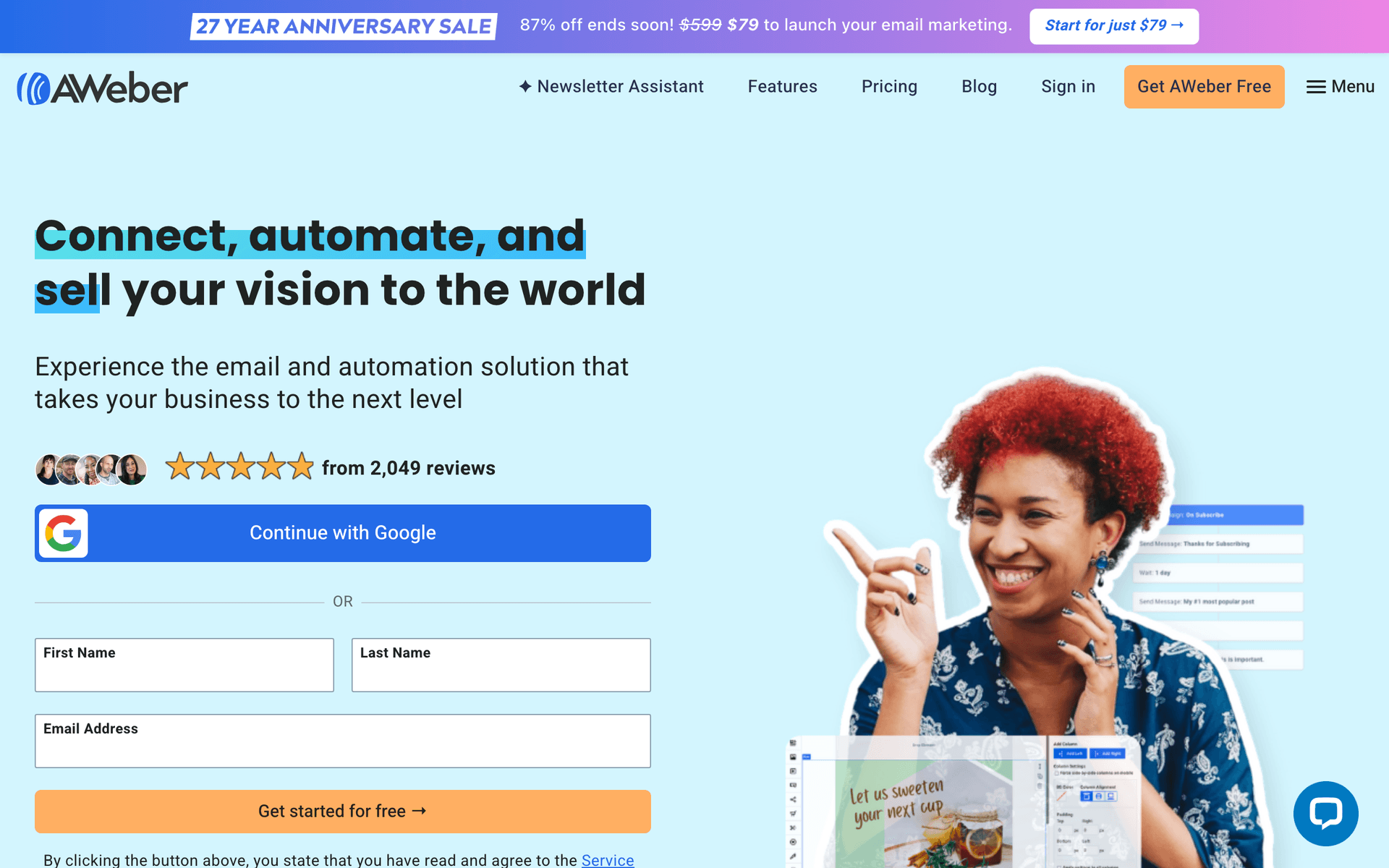
AWeber

One of the original email platforms. Simple and reliable.

Visit

AWeber is dated but reliable with excellent deliverability. For venues wanting simple newsletters and event announcements without complexity, AWeber handles the basics. The free tier covers 500 subscribers.

Best for
Venues wanting no-frills reliability
Pricing
Free up to 500 subscribers, then from $15/month

Pros

  • Reliable deliverability
  • Simple to use
  • Good support
  • Long track record

Cons

  • Feels dated
  • Limited automation
  • Basic templates
  • Little innovation
#10
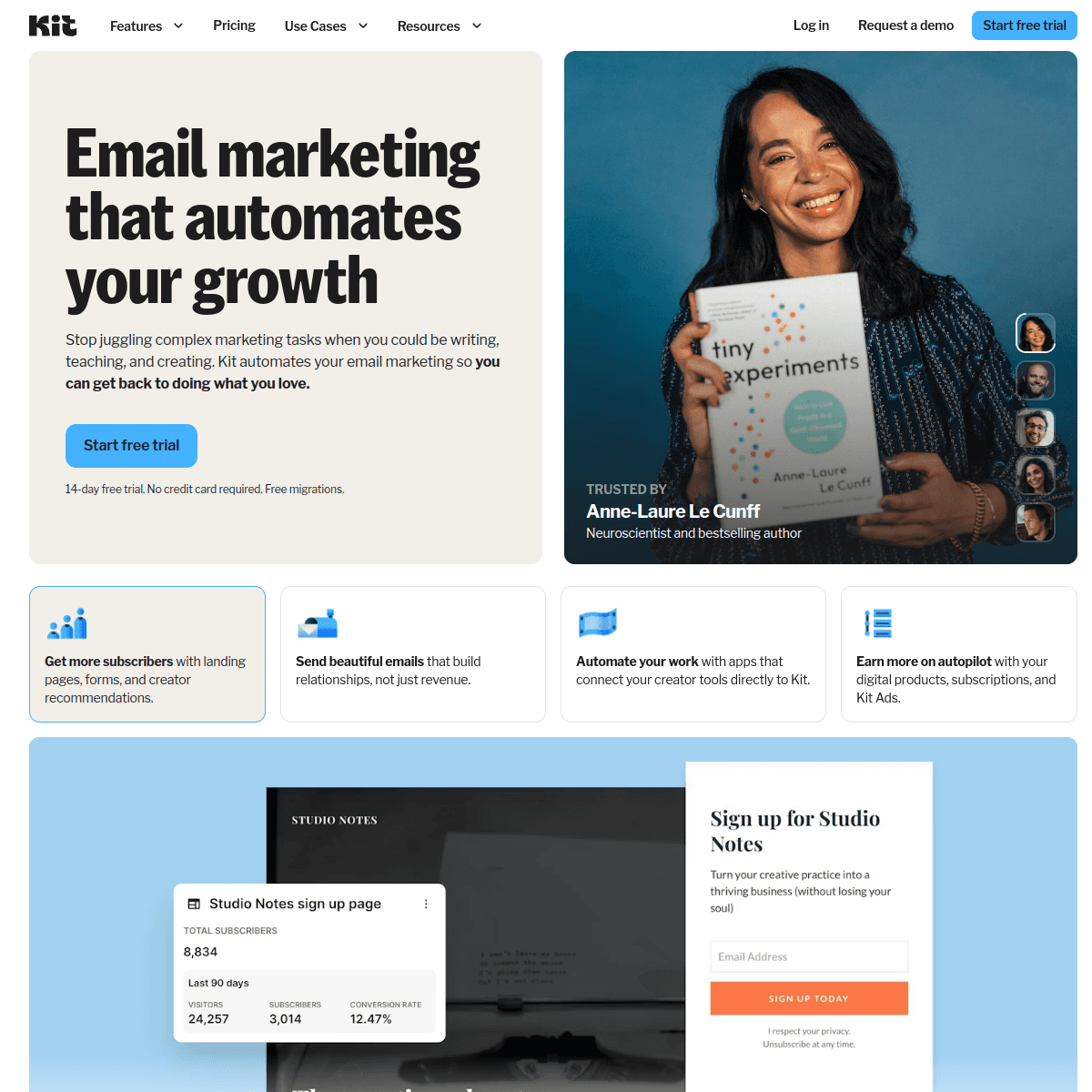
ConvertKit

Built for creators but less suited for venue businesses.

Visit

Kit is designed for content creators. If you blog about weddings or events and build an audience through educational content, it works for that niche. For standard venue marketing - inquiry follow-ups, event prep, promotional campaigns - other tools are better suited.

Best for
Venues that create wedding or event content
Pricing
Free up to 1,000 subscribers, then from $29/month

Pros

  • Great for newsletters
  • Clean management
  • Tag-based automation
  • Creator community

Cons

  • Minimal design options
  • Not venue-focused
  • Expensive at scale
  • Limited visual customization
#11
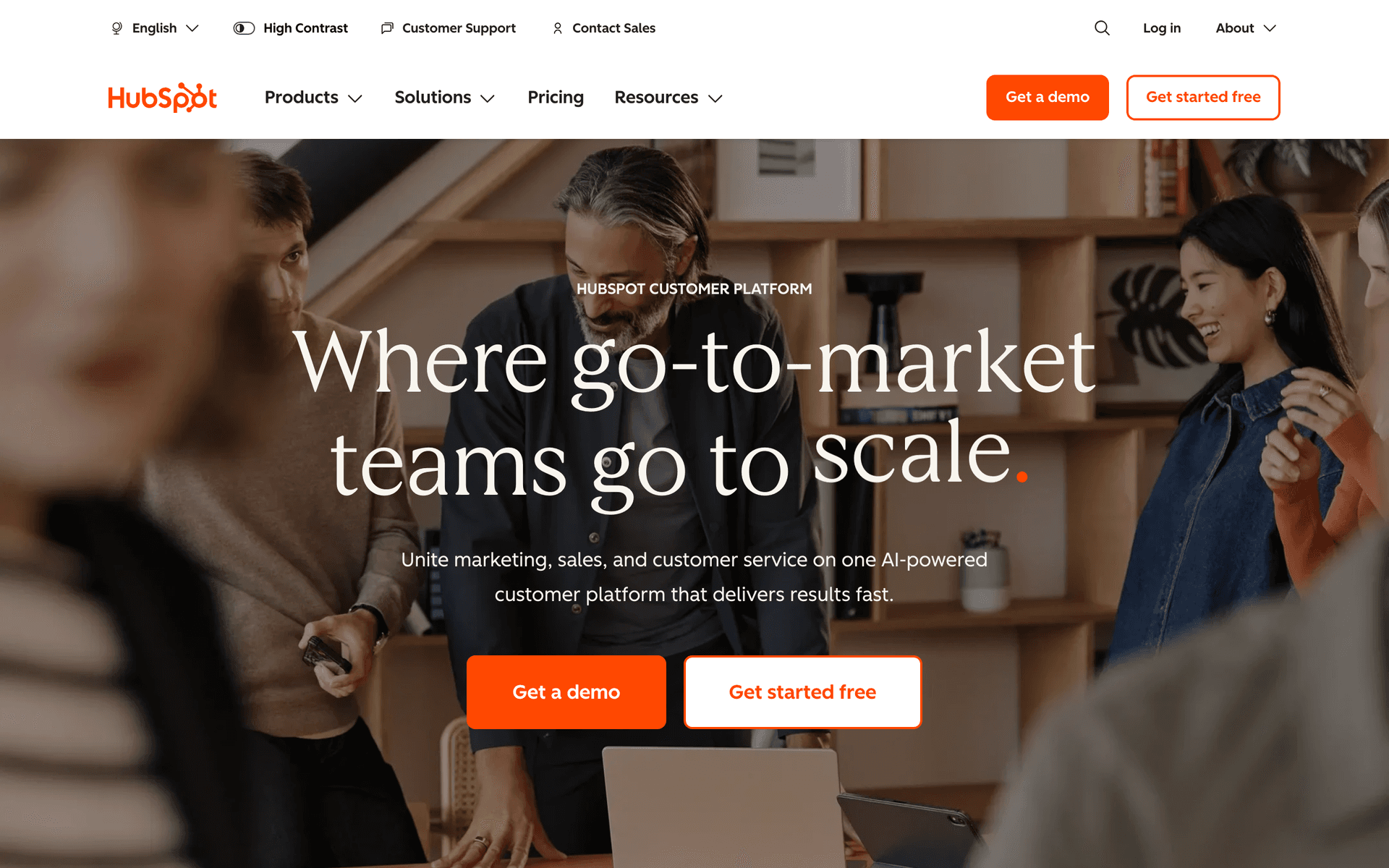
HubSpot

Enterprise marketing platform with email included.

Visit

HubSpot is the enterprise solution for large venue groups or chains with dedicated marketing teams. The CRM manages multi-location inquiry pipelines and tracks every touchpoint from first contact to signed contract. For independent venues, it is significant overkill.

Best for
Large venue groups with marketing staff
Pricing
Free basic, paid from $50/month (realistically $200+)

Pros

  • Full CRM
  • Great for teams
  • Excellent reporting
  • Many integrations

Cons

  • Overkill for independents
  • Expensive
  • Complex setup
  • Ecosystem lock-in
#12
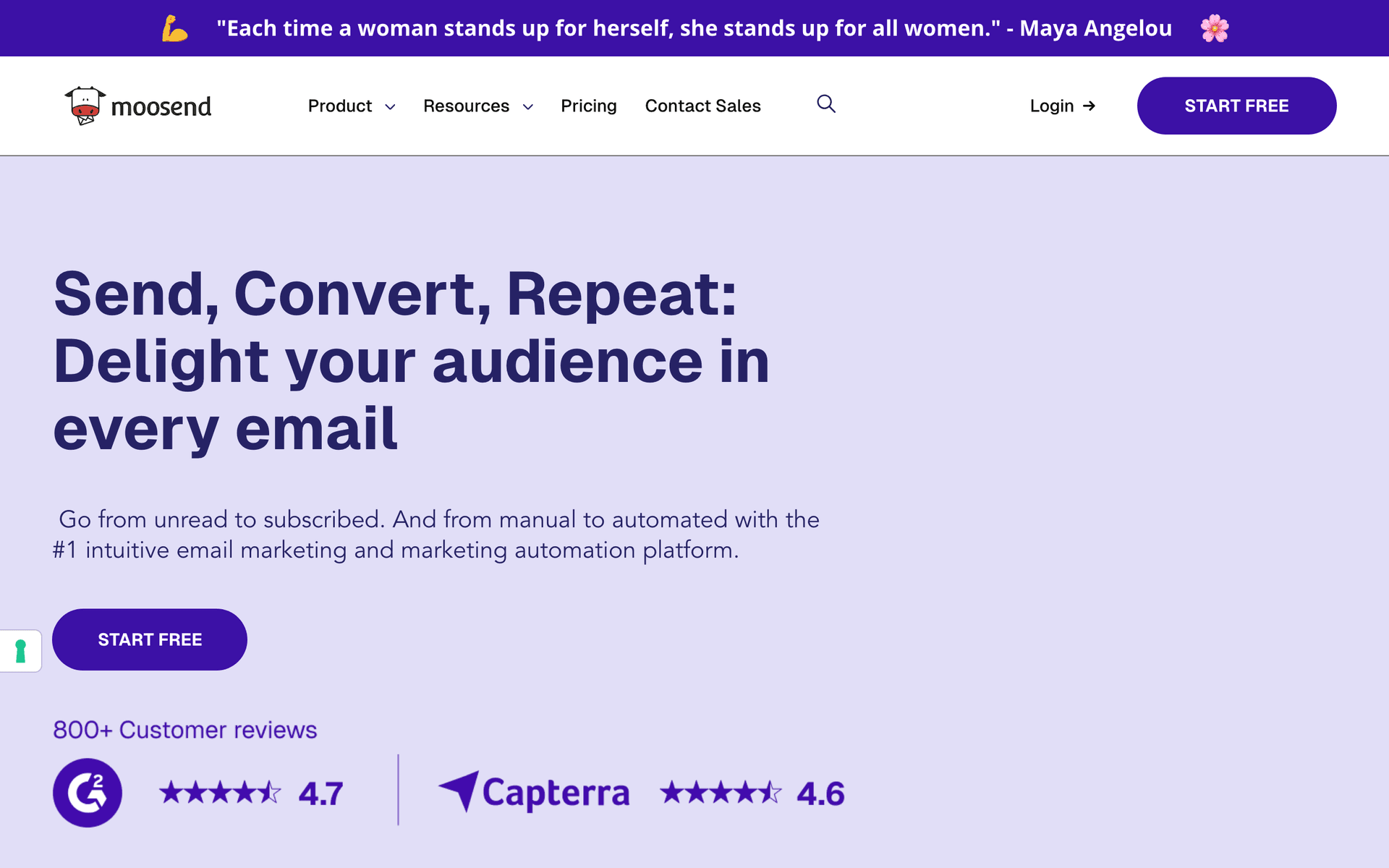
Moosend

Budget email marketing with solid features.

Visit

Moosend offers good value starting at $9/month with automation, landing pages, and reporting included. For very budget-conscious venues needing more than free tiers offer, Moosend covers the basics at the lowest price point.

Best for
Very price-conscious venues
Pricing
From $9/month for 500 subscribers

Pros

  • Very affordable
  • Good automation
  • Responsive support
  • Landing pages

Cons

  • Less known
  • Limited integrations
  • Smaller templates
  • Fewer features
#13
Campaign Monitor

Professional email marketing with beautiful templates.

Visit

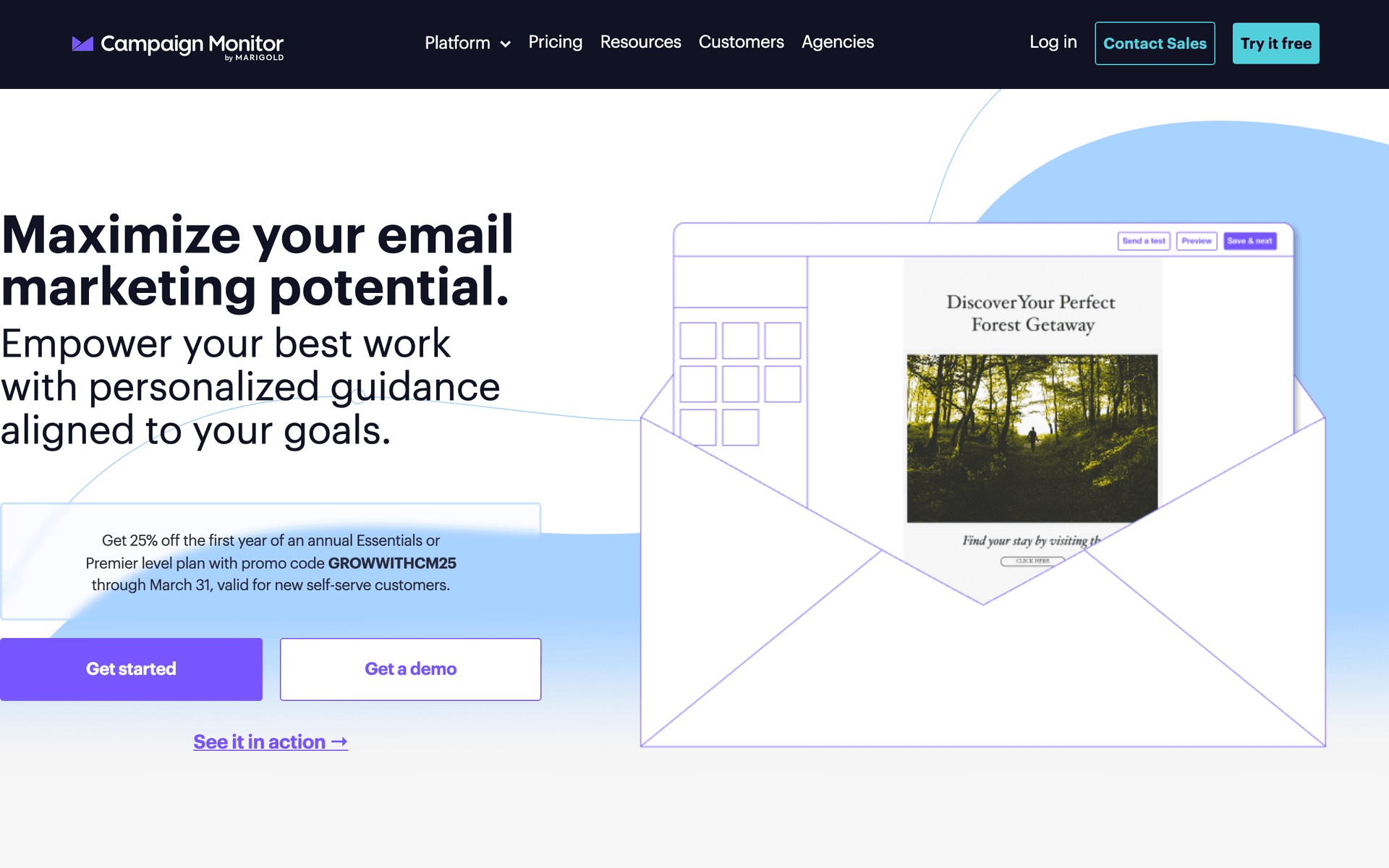
Campaign Monitor has the most beautiful email templates on this list. For venues where the space is the product, stunning email design that showcases your venue is compelling. Automation is limited, but the visual presentation of your space in email is excellent.

Best for
Venues prioritizing email design
Pricing
From $9/month for 500 contacts

Pros

  • Beautiful templates
  • Great for visual content
  • Reliable delivery
  • Professional look

Cons

  • Contact-based pricing
  • Limited automation
  • Gets expensive
  • Not venue-specific

Feature Comparison

FeatureSequenzyMailchimpConstant ContactActiveCampaign
Inquiry response automation
Event prep sequences
Basic
AI content generation
Drag-and-drop editor
Automation workflows
Basic
SMS marketing
Free tier available

Common Mistakes to Avoid

We see these mistakes over and over. Skip the learning curve and avoid these from day one.

Letting inquiry leads go cold without follow-up

Many venues respond to the initial inquiry and then stop communicating if the prospect does not immediately book a tour. A 5-email nurture sequence over 3-4 weeks keeps your venue in consideration while the prospect evaluates options. Most bookings happen after multiple touchpoints, not the first email.

Using generic stock photos instead of real event images

Prospects want to see real events at your venue, not staged stock photography. A photo from a recent wedding with actual guests, real decorations, and authentic atmosphere is infinitely more convincing than a professional staging without people. Build your email image library from actual events.

Not collecting emails from every inquiry source

Inquiries come through your website, phone calls, walk-ins, wedding fairs, and third-party platforms. Many venues only capture emails from their website form and miss the rest. Train your staff to collect email addresses from every interaction and add them to your email list.

Sending the same follow-up regardless of event type

A bride planning her dream wedding has completely different emotional needs than a corporate event manager booking a quarterly meeting. Generic follow-ups miss the mark with both audiences. Create separate follow-up sequences for each event type with appropriate tone and content.

Email Sequences Every Event Venue Needs

These are the essential automated email sequences that will help you grow your business and keep clients coming back.

Inquiry Response Sequence

When new venue inquiry comes in

Respond to venue inquiries quickly. Speed and professionalism win bookings.

Immediately
Thanks for your interest in {{venue_name}}, {{first_name}}!

Acknowledge inquiry. Share venue info and availability.

Day 2
Would you like to schedule a tour?

Offer tour options. Share photos and testimonials.

Day 5
Still planning your {{event_type}}?

Gentle follow-up with more venue details.

Post-Tour Follow-Up

After venue tour

Convert tours to bookings with timely follow-up.

Same day
Great meeting you today, {{first_name}}!

Thank them. Recap what they saw. Next steps to book.

Day 3
Any questions about {{venue_name}}?

Address common questions. Availability reminder.

Day 7
Your date is still available

Urgency messaging. Easy booking link.

Event Prep Sequence

When event is booked

Prepare clients for their event day. Set expectations and gather details.

Immediately
Your event at {{venue_name}} is confirmed!

Confirmation details. Timeline of next steps.

1 month before
Planning timeline for your {{event_type}}

Vendor coordination. Floor plan review. Catering details.

1 week before
Final details for {{event_date}}

Load-in schedule. Day-of contacts. Weather contingency.

Post-Event Follow-Up

Day after event

Thank clients and request reviews and referrals.

Day 1
Congratulations on your {{event_type}}, {{first_name}}!

Congratulate them. Share any venue photos.

Day 5
Quick favor?

Request for review. Make it easy with direct links.

Day 14
Know someone planning an event?

Referral request with any incentive you offer.

How to Choose the Right Email Tool

The best email marketing tool depends on your specific situation:

Volume matters. Small venues handling 10-20 inquiries per month can use simpler tools. High-volume venues with 50+ active inquiries need platforms that handle complexity and pipeline management.

Visual presentation. Your space is your product. Choose a platform that displays your venue beautifully in emails with large image support and clean photo-forward layouts.

Budget is real. Calculate cost at your actual inquiry list size, not starting prices. Venues accumulate thousands of contacts over years. Per-contact pricing punishes this growth.

Speed Wins Inquiries

The single most impactful email automation for event venues is the immediate inquiry response. When a couple or event planner submits an inquiry, they are likely contacting 3-5 venues at the same time. Research consistently shows that the first venue to respond with helpful information has the highest chance of securing the tour and ultimately the booking.

Building Your Instant Response

Your automated immediate response should include: acknowledgment of their inquiry with their specific event details, 3-5 stunning photos of your venue, key information like capacity, pricing range, and amenities, and a clear call to action for scheduling a tour. This email should feel personal even though it is automated.

What Actually Works for Venues

After talking to many venue operators about email marketing:

Photos sell. Your emails should showcase your space with beautiful event photos. Words alone cannot capture a venue. Include at least 2-3 photos in every promotional email.

Follow up relentlessly. Most bookings happen after 3-5 touchpoints. Automated sequences ensure no lead falls through the cracks while you are busy managing events.

Post-event outreach drives referrals. The week after an event is when clients are most satisfied and most likely to recommend your venue. Capitalize on this window with systematic follow-up.

Filling Off-Peak Dates

Every venue has slower periods - winter months for outdoor venues, weekdays for all venues. Email campaigns targeting your existing inquiry database with off-peak promotions fill these gaps. Offer value-added packages rather than just discounts - include a complimentary bar package or upgraded linens instead of cutting your base rate. This maintains your perceived value while incentivizing off-peak bookings.

The Tour-to-Booking Pipeline

The most critical conversion point for venues is tour to booking. Venues with automated post-tour follow-up sequences convert at 2-3x the rate of venues that rely on a single follow-up call. Build a 3-email sequence: same-day thank you with next steps, day 3 question-and-answer follow-up, and day 7 availability reminder with urgency. Each email should include new photos and information to keep the momentum going.

Getting Started

Pick a tool from this list. Then:

  1. Import your inquiry and past client database
  2. Set up an immediate inquiry response automation
  3. Create a tour follow-up sequence for after site visits
  4. Build event prep and post-event sequences
  5. Plan a quarterly newsletter showcasing recent events

Start with the inquiry response automation - it has the highest immediate impact on bookings.

How We Evaluated These Tools

Tools were evaluated based on their fit for event venue workflows - speed of inquiry response automation, visual email quality for showcasing venue spaces, event prep sequence capability, and pricing that works with large inquiry databases. We tested each platform for tour follow-up sequences and post-event referral campaigns.

Frequently Asked Questions

Ready to grow your event venue practice?

Start your free trial today. Set up your first email sequence in minutes with AI-powered content generation.

Related Industries

Sequenzy - Complete Pricing Guide

Pricing Model

Sequenzy uses email-volume-based pricing. You only pay for emails you send. Unlimited contacts on all plans — storing subscribers is always free.

All Pricing Tiers

  • 2.5k emails/month: Free (Free annually)
  • 15k emails/month: $19/month ($205/year annually)
  • 60k emails/month: $29/month ($313/year annually)
  • 120k emails/month: $49/month ($529/year annually)
  • 300k emails/month: $99/month ($1069/year annually)
  • 600k emails/month: $199/month ($2149/year annually)
  • 1.2M emails/month: $349/month ($3769/year annually)
  • Unlimited emails/month: Custom pricing (Custom annually)

Yearly billing: All plans offer a 10% discount when billed annually.

Free Plan Features (2,500 emails/month)

  • Visual automation builder
  • Transactional email API
  • Reply tracking & team inbox
  • Goal tracking & revenue attribution
  • Dynamic segments
  • Payment integrations
  • Full REST API access
  • Custom sending domain

Paid Plan Features (15k - 1.2M emails/month)

  • Visual automation builder
  • Transactional email API
  • Reply tracking & team inbox
  • Goal tracking & revenue attribution
  • Dynamic segments
  • Payment integrations (Stripe, Paddle, Lemon Squeezy)
  • Full REST API access
  • Custom sending domain

Enterprise Plan Features (Unlimited emails)

  • Visual automation builder
  • Transactional email API
  • Reply tracking & team inbox
  • Goal tracking & revenue attribution
  • Dynamic segments
  • Payment integrations
  • Full REST API access
  • Custom sending domain

Important Pricing Notes

  • You only pay for emails you send — unlimited contacts on all plans
  • No hidden fees - all features included in the price
  • No credit card required for free tier

Contact

  • Pricing Page: https://sequenzy.com/pricing
  • Sales: hello@sequenzy.com