
21 Best Email Tools With Transparent Pricing (2026)

"Contact us for pricing" is the worst phrase on a SaaS pricing page. You know the price will be high (otherwise they'd publish it), and you know you'll have to sit through a sales call to find out. For email marketing tools, where your costs scale directly with your subscriber count, knowing the price at every tier matters.
Transparent pricing means: the price is on the website, it's clear what's included, and there are no surprise charges for features, overages, or migrations. Here are the email tools that get pricing right.
What "Transparent Pricing" Actually Means
- Public pricing page: Prices visible without creating an account or talking to sales
- Clear tier definitions: Know exactly what each plan includes and what it doesn't
- Predictable scaling: A pricing calculator or table showing costs at different subscriber counts
- No hidden fees: No charges for features that seem like they should be included
- Simple structure: Easy to understand without a spreadsheet to compare tiers
Transparent pricing matters for startups and small teams because predictable costs enable better financial planning. When you're choosing an email platform for your SaaS, knowing the total cost at every stage of growth prevents unpleasant surprises.
Why Pricing Transparency Matters More Than You Think
The cost of an email tool isn't just the monthly fee. It's the total cost including: base plan, overage charges, add-on features, support tiers, and the time spent understanding what you're actually paying for.
Opaque pricing creates several problems:
- Budget uncertainty: You can't forecast email costs if you don't know the scaling curve
- Feature surprises: Discovering that a critical feature requires an upgrade after you've already built on the platform
- Negotiation tax: Time spent on sales calls, demos, and contract negotiations instead of building your product
- Lock-in pressure: Complex pricing structures make it harder to compare alternatives, which benefits the vendor, not you
The platforms below earn their place by making pricing straightforward. You can see what you'll pay today, what you'll pay when you double your subscriber count, and what features are included at every level.
Quick Comparison
| Tool | Best For | Starting Price | Free Tier | Pricing Model |
|---|---|---|---|---|
| Sequenzy | SaaS all-features flat pricing | $49/mo | Yes | Flat, subscriber-based |
| Resend | Developer volume-based pricing | $20/mo | Yes | Volume-based (emails sent) |
| Postmark | Pure volume table transparency | $15/mo | No | Volume table, one feature set |
| MailerLite | Interactive pricing calculator | $10/mo | Yes | Subscriber-based, calculator |
| ConvertKit (Kit) | Creator sliding scale | $29/mo | Yes | Subscriber sliding scale |
| Brevo | Volume-based, not subscriber-based | $9/mo | Yes | Email volume (not subscribers) |
| Loops | Simple published tiers | $49/mo | Yes | Subscriber-based tiers |
| Sender | Most generous free, low paid | $8/mo | Yes | Subscriber-based |
| EmailOctopus | Ultra-low cost transparency | $9/mo | Yes | Subscriber-based |
| Moosend | Affordable flat per-subscriber | $7/mo | No | Subscriber count |
| Buttondown | Per-subscriber simplicity | $9/mo | Yes | Per-subscriber, no tiers |
| Ghost | Self-hosted or hosted flat | $9/mo | Yes | Member-based |
| Keila | Open-source flat pricing | Free/self-hosted | Yes | Flat per-user hosting |
| Listmonk | Self-hosted free | Free | Yes | Self-hosted, no recurring |
| Mailbluster | SES-powered pay-per-email | $10/mo + SES | No | Platform fee + SES cost |
| Sendy | One-time fee self-hosted | $69 one-time | No | One-time + SES cost |
| Mailcoach | Laravel-native flat pricing | $99/mo | No | Flat all-features |
| Plunk | Developer event-based flat | $0-$7/mo | Yes | Event-volume based |
| Beehiiv | Newsletter tiers, published | $39/mo | Yes | Subscriber-based tiers |
| Flodesk | Flat unlimited pricing | $35/mo | No | Flat regardless of list size |
| AWeber | Long-standing published tiers | $15/mo | Yes | Subscriber-based published |
The 21 Most Transparent
1. Sequenzy
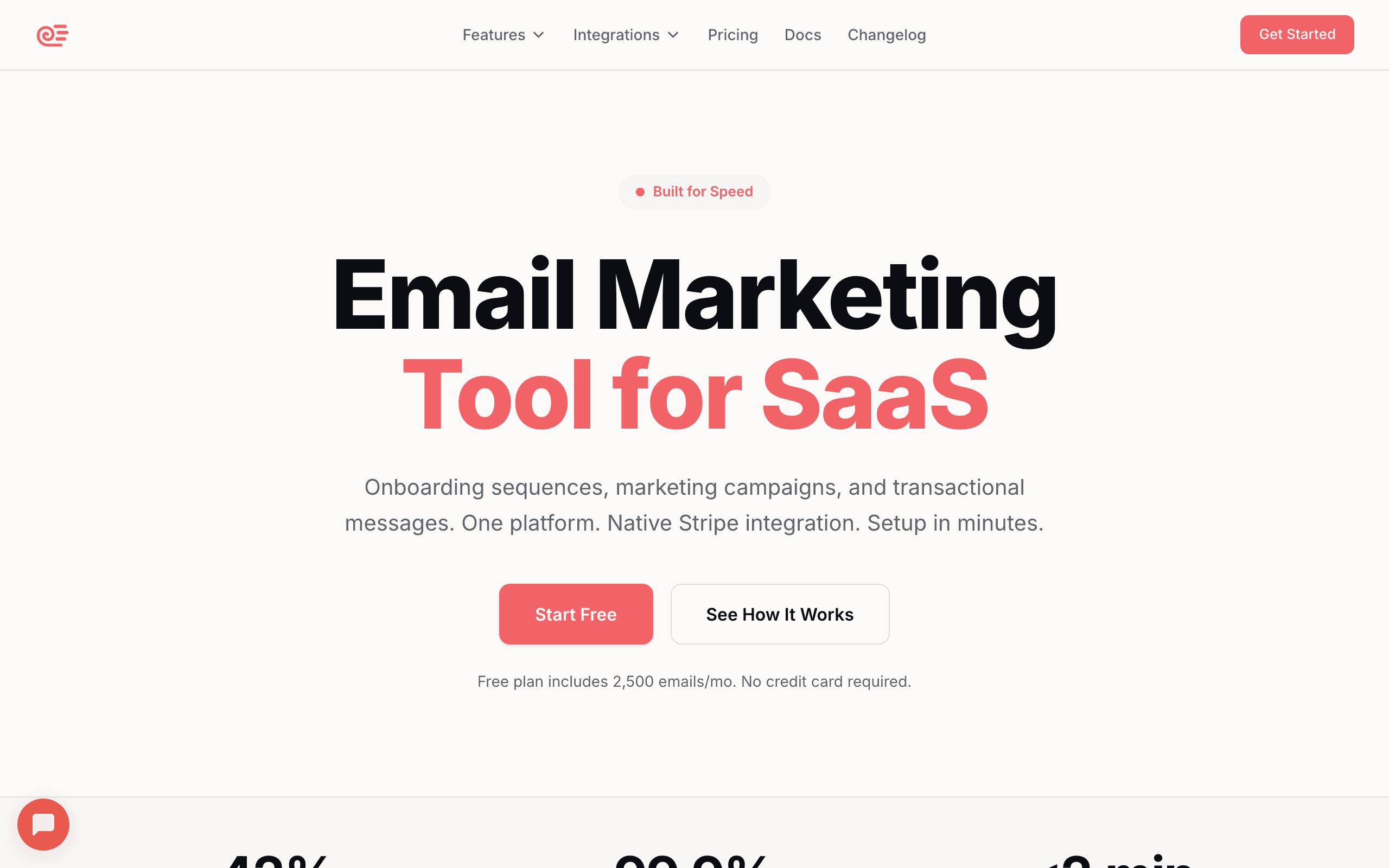
What makes it transparent: One plan at $29/month with clear feature inclusion. No multiple tiers to compare, no "Premium" vs "Enterprise" confusion, no hidden feature gates. The pricing page shows exactly what you get and what it costs as you scale.
The single-plan approach eliminates the most common source of pricing confusion: figuring out which tier you need. With Sequenzy, there's one tier. All features are included. The only variable is your subscriber count. This makes cost forecasting trivially simple: look up your subscriber count, see the price.
For SaaS companies using Stripe, the Stripe integration is included at no extra cost. No add-on fee, no higher tier requirement. Dunning sequences, trial conversion emails, and subscription lifecycle automations all work on the base plan. Compare this to platforms that charge extra for payment integrations or lock them behind enterprise tiers.
The free tier (2,500 emails per month, full features) lets you evaluate the platform completely before paying. You're not testing a stripped-down version. You're testing the actual product with a monthly email cap.
Pricing structure: Flat pricing with subscriber-based scaling, all features included at every level Hidden fee risk: Low. No feature gating, no "contact us" tier, no add-on fees Pricing: Free tier, from $29/month Scaling: Predictable, published rates at every subscriber tier
2. Resend
What makes it transparent: Three clear tiers with specific limits. Free (3,000 emails/month), Pro ($20/month for 50,000), and Enterprise (custom but with published starting features). The per-email overage rate is published. No surprise charges.
Resend's pricing is volume-based (emails sent) rather than subscriber-based (contacts stored). This is transparently different from most email tools, and for some use cases (large lists, low frequency), it's significantly cheaper. The pricing page clearly explains this model and shows costs at every volume level.
The overage pricing is published and reasonable. If you send more than your plan includes, you pay $0.40 per 1,000 additional emails. No surprise bills, no throttling, no angry emails from the billing department. You know exactly what overages cost before they happen.
Pricing structure: Volume-based tiers with published overage rates Hidden fee risk: Very low. Overage rates are transparent, all features included per tier Pricing: Free tier, from $20/month Scaling: Published per-email rates, predictable at any volume
3. Postmark
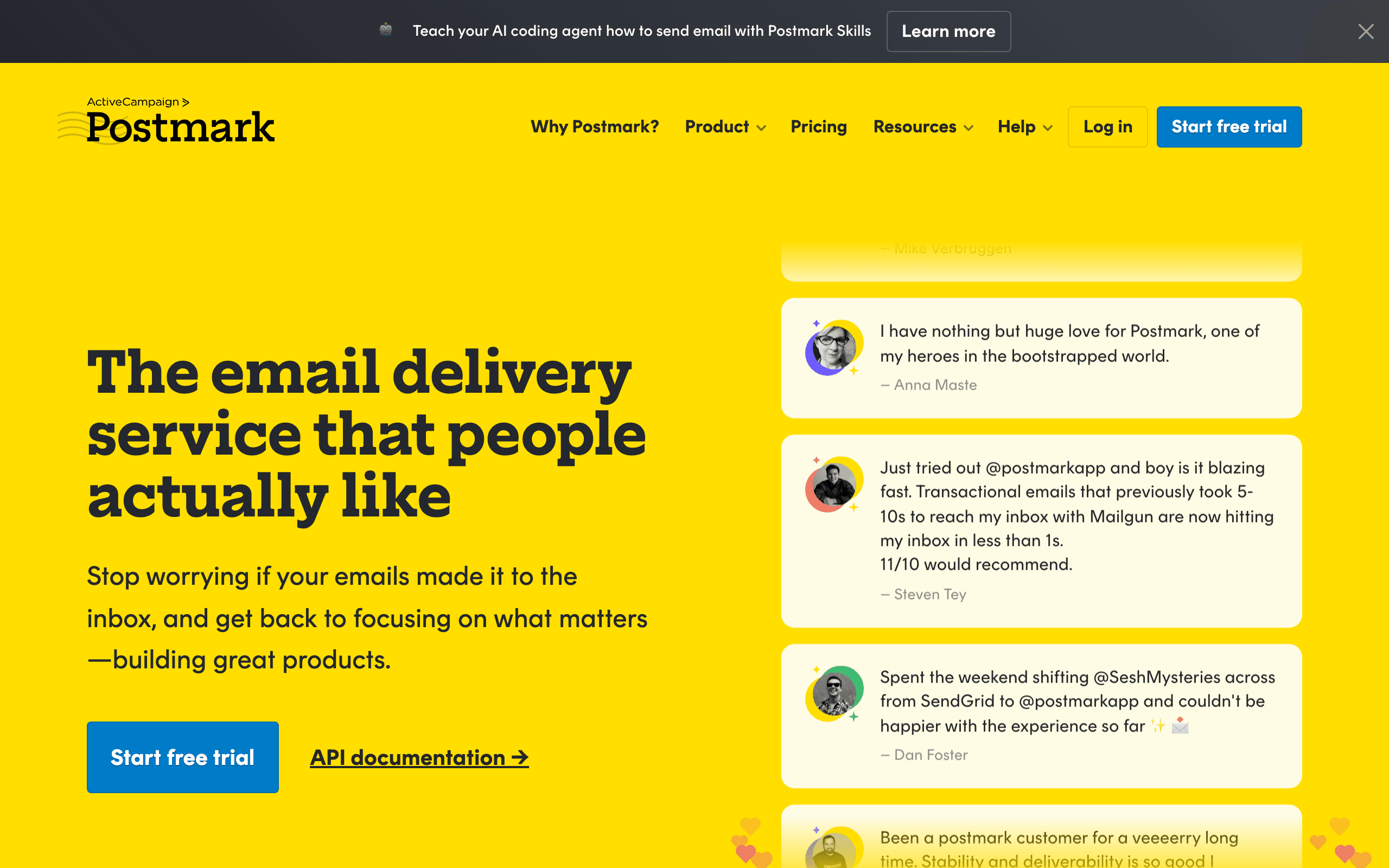
What makes it transparent: Message-based pricing with a clear volume table on the website. You can see exactly what you'll pay at every volume level from 10,000 to 1,000,000+ emails/month. No per-subscriber charges. No feature tiers.
Postmark's pricing model is the simplest in the industry. One feature set. One pricing axis (email volume). A table showing the exact cost at every level. There's nothing to decode, no tiers to compare, no hidden features.
Every Postmark customer gets the same features regardless of volume. The customer sending 10,000 emails/month gets the same tools, support, and capabilities as the customer sending 1,000,000. This is the purest form of transparent pricing in email.
The cost per email decreases at higher volumes, which is clearly shown in the pricing table. At 10,000 emails, the cost is $15/month ($1.50 per 1,000). At 300,000 emails, the effective per-email rate drops significantly. This volume discount is built into the published pricing, not negotiated behind closed doors.
Pricing structure: Volume-based, one feature set at every level, published table Hidden fee risk: Very low. All features included at every volume Pricing: From $15/month for 10,000 emails Scaling: Published volume table with decreasing per-email rates
4. MailerLite
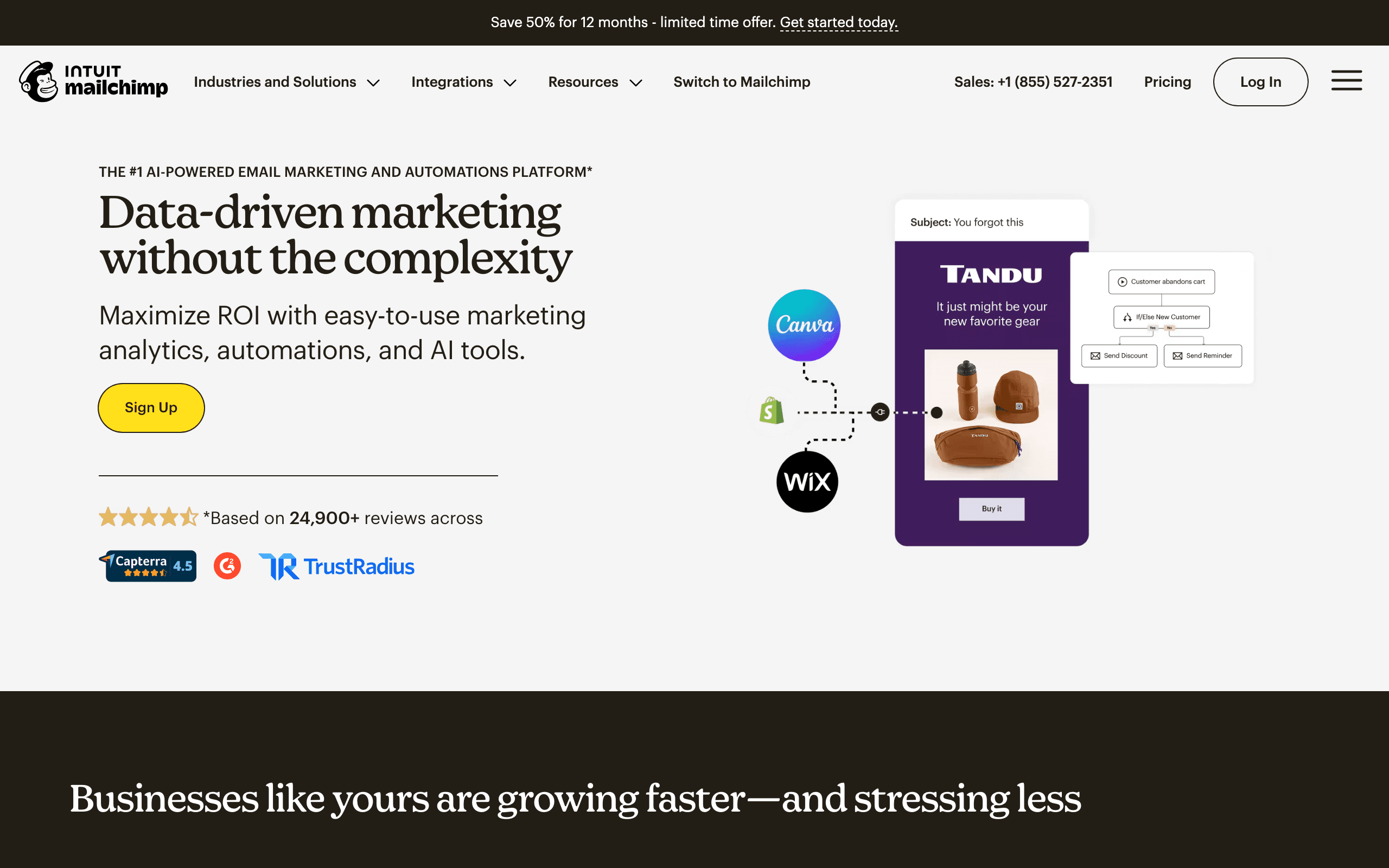
What makes it transparent: Two clear plans (Growing Business and Advanced) with pricing visible at every subscriber count. The pricing calculator on the website lets you see exact costs from 500 to 500,000 subscribers. Feature differences between plans are clearly listed.
MailerLite's pricing calculator is one of the best in the industry. Slide to your subscriber count and see the exact monthly cost for both plans. No "starting at" ambiguity. No "contact us for pricing" at higher tiers. The price you see is the price you pay.
The two-plan structure is simple enough to understand at a glance. Growing Business includes the core features. Advanced adds AI writing, promotion pop-ups, Facebook integration, and custom HTML editor. The difference between plans is clearly documented, and neither plan hides critical features.
MailerLite also offers one of the lowest entry points for paid email: $10/month for the Growing Business plan. For startups and small teams watching their budget, this low starting point combined with clear scaling makes financial planning easy.
Pricing structure: Subscriber-based with two distinct plans, pricing calculator Hidden fee risk: Low. Clear plan differences, no hidden features Pricing: From $10/month Scaling: Interactive calculator showing costs at every subscriber count
5. ConvertKit (Kit)
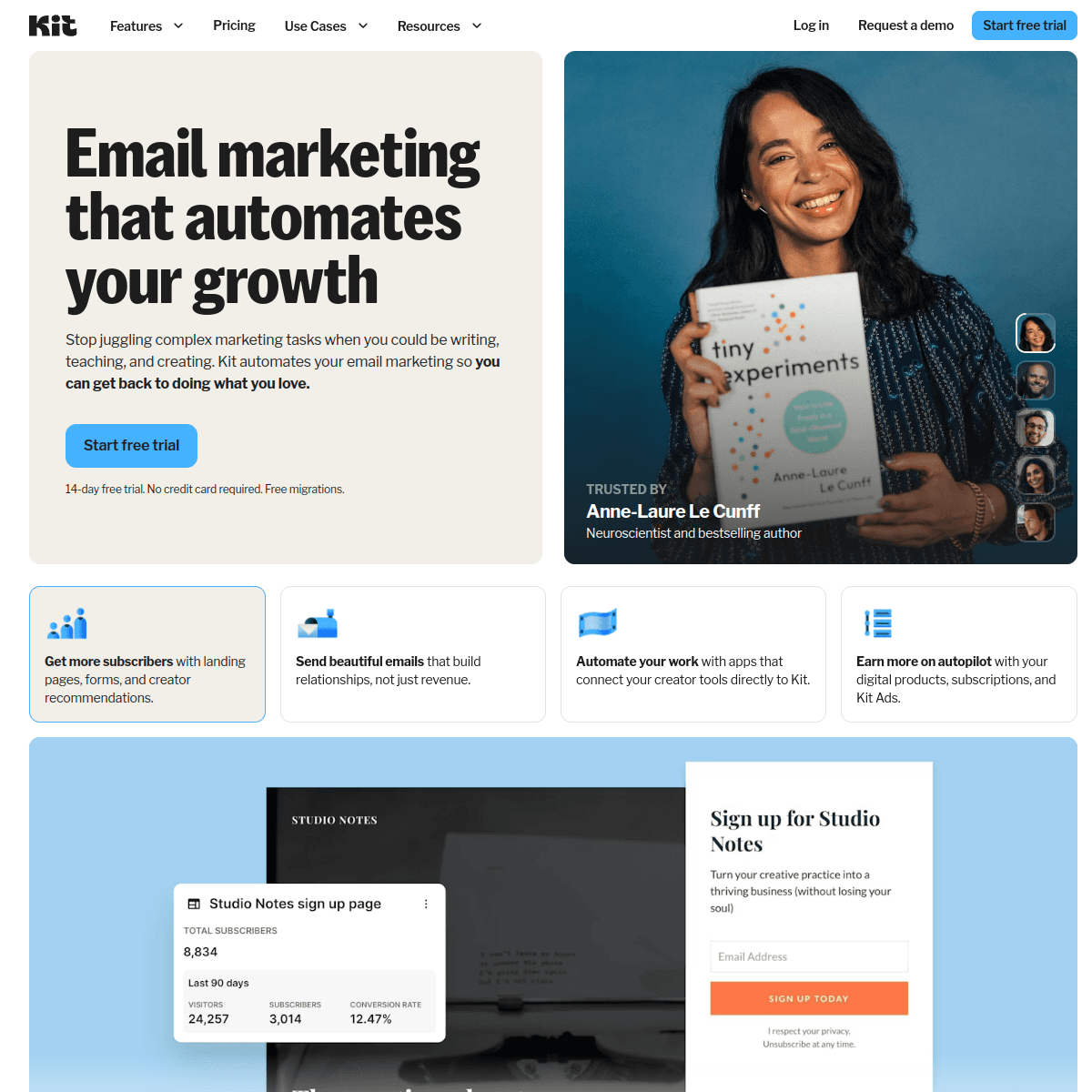
What makes it transparent: Three plans (Newsletter free, Creator, Creator Pro) with pricing visible for every subscriber count up to 500,000. The website clearly shows what's in each plan and what you'll pay as you grow.
ConvertKit's pricing page includes a slider showing costs at every subscriber tier for each plan. The feature comparison is detailed, with specific features listed under each plan. Commerce fees (for selling digital products through ConvertKit) are published and clear.
The free tier is especially transparent: 10,000 subscribers with specific feature limitations clearly documented. There's no bait-and-switch where the free plan turns out to be useless. The limitations (no automation, no sequences) are stated upfront.
One area where ConvertKit is less transparent: the pricing jumps between tiers can be significant. Going from 10,000 to 15,000 subscribers might cross a tier boundary with a notable price increase. The information is available on the pricing page, but you need to check the slider at your specific subscriber count to avoid surprises.
Pricing structure: Subscriber-based with three plans, sliding scale visible on website Hidden fee risk: Low. Clear tier differences, commerce fees are transparent Pricing: Free tier, from $29/month Scaling: Sliding scale calculator for all three plans
6. Brevo (formerly Sendinblue)
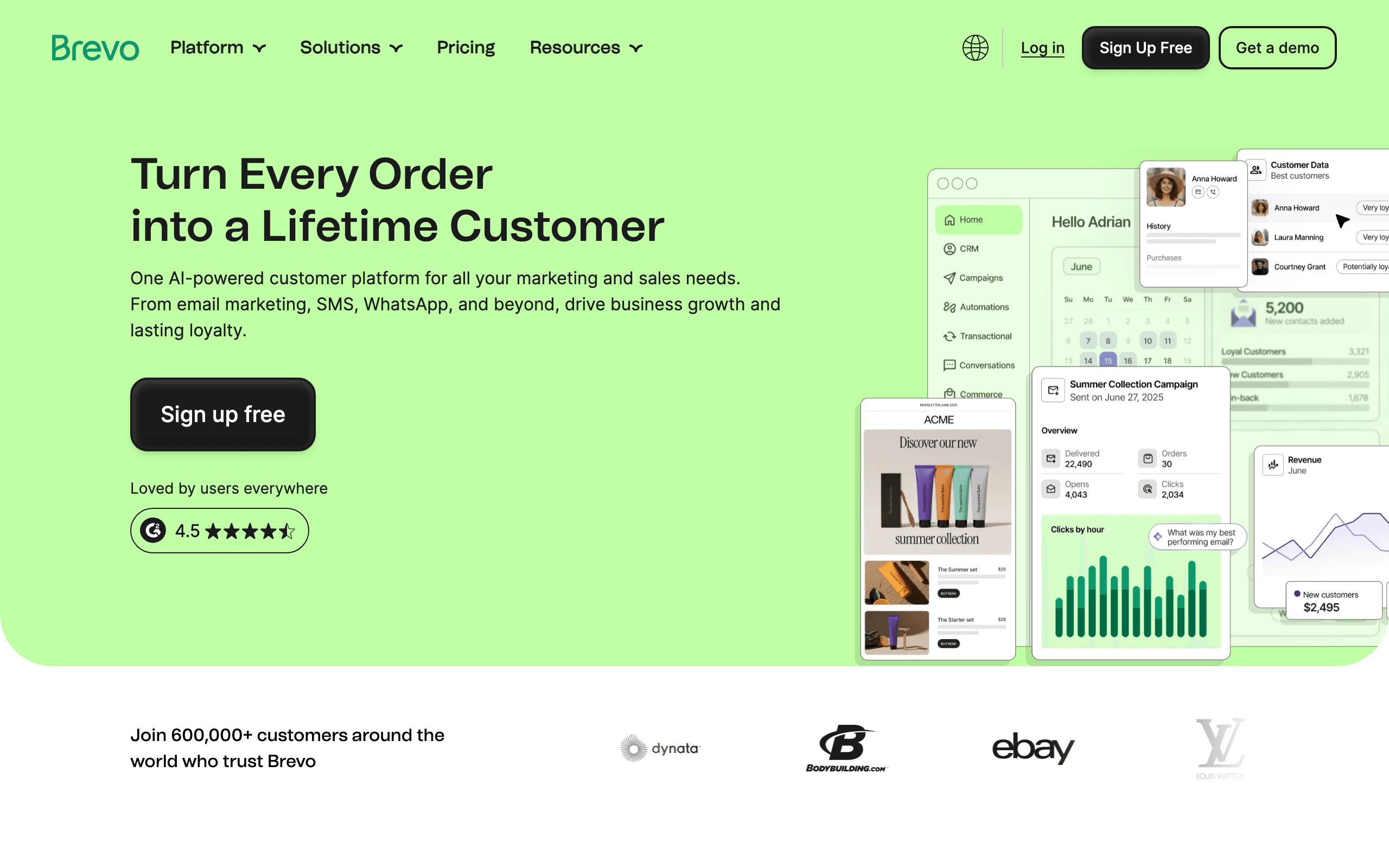
What makes it transparent: Plans based on email volume, not subscribers (unique and transparent). The pricing page shows costs at different sending volumes. You can store unlimited contacts and only pay for emails sent.
Brevo's volume-based pricing model is the most transparent for businesses with large contact lists and variable sending frequency. You never pay for storing contacts. You only pay when you send. This model eliminates the common frustration of paying for inactive subscribers.
For pay-per-email economics, Brevo offers one of the clearest models. The pricing page shows four plans with specific email volume limits and features at each level. The free tier (300 emails/day, unlimited contacts) is genuinely useful for small operations.
The area where Brevo's transparency weakens is add-ons. SMS, WhatsApp, dedicated IP, and advanced features have separate pricing that isn't always obvious on the main pricing page. The base email pricing is transparent, but the total cost with add-ons requires more investigation.
Pricing structure: Email volume-based (not subscriber-based), four clear plans Hidden fee risk: Low for email, moderate for add-ons (SMS, WhatsApp, dedicated IP) Pricing: Free tier, from $9/month Scaling: Published rates at different email volumes
7. Loops
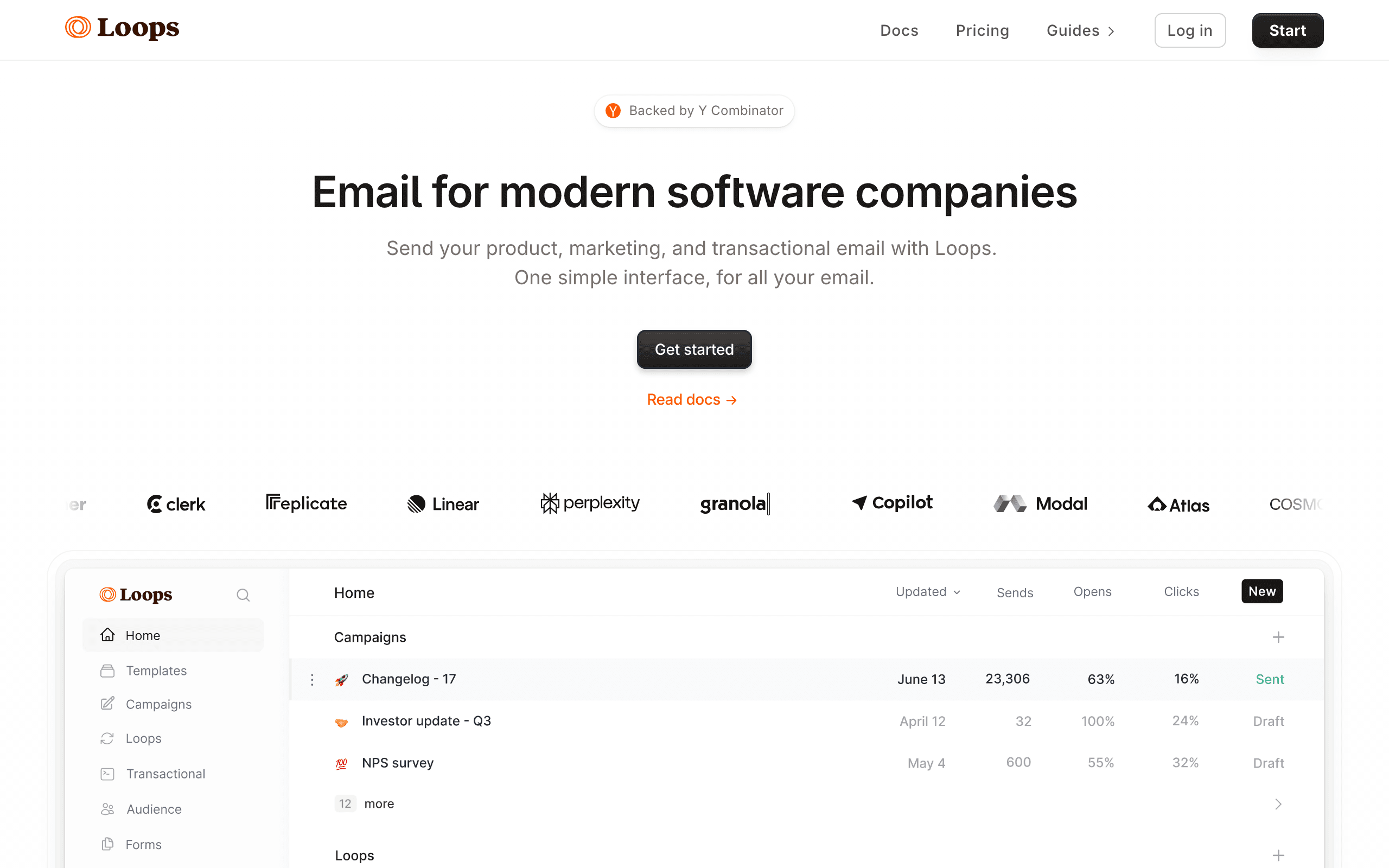
What makes it transparent: Simple pricing tiers based on subscriber count, visible on the website. Each tier includes clear feature sets. No enterprise-only features that require a sales call.
Loops' pricing is straightforward: tiers based on subscriber count with all features included at every level. Like Sequenzy, Loops doesn't gate features behind higher tiers. The only variable is how many contacts you have.
The free tier (1,000 contacts) and the first paid tier ($49/month) are clearly defined. The pricing page shows costs at various subscriber counts without requiring a calculator or sales conversation.
The transparency gap: the jump from free to $49/month is steep with no intermediate option. This is transparent (the price is published) but not necessarily founder-friendly. Knowing the price doesn't make it easier to justify $49/month when you have 1,200 contacts. Some competitors offer $10-20 intermediate plans that Loops skips.
Pricing structure: Subscriber-based with published tiers, all features included Hidden fee risk: Low. Features clearly listed per tier Pricing: Free tier, from $49/month Scaling: Published subscriber-count-based tiers
8. Sender
What makes it transparent: Published pricing at every subscriber tier with a clear feature table. The free plan limits are explicit (2,500 subscribers, 15,000 emails/month), and each paid tier is listed with its exact subscriber cap and email volume. No hidden upgrades.
Sender's pricing page includes a full feature matrix showing what each plan includes, including automation, segmentation, and analytics access. The only cost to watch for is the branding fee: removing Sender's logo from emails requires a paid plan upgrade, which is clearly stated.
The entry-level paid plan ($8/month for 2,500 subscribers without branding) is one of the most affordable starting points in the market. The scaling curve is moderate and predictable.
Pricing structure: Subscriber-based with clear tier table and feature matrix Hidden fee risk: Low. Branding removal cost is stated upfront Pricing: Free tier, from $8/month Scaling: Published per-tier rates with visible subscriber limits
9. EmailOctopus
What makes it transparent: Ultra-simple pricing table with exact subscriber counts and email volumes per tier. The pricing page is one of the most straightforward in the market. You can compare plans in under 30 seconds.
EmailOctopus is built on Amazon SES, which keeps costs low and makes cost transparency natural. No enterprise pricing, no complex add-ons, no negotiation. The price table covers all tiers from free to large volume with no ambiguity.
The free tier (2,500 subscribers, 10,000 emails/month) is among the most generous in the market. Paid plans start at $9/month and increase predictably with subscriber count.
Pricing structure: Subscriber-based with straightforward published tier table Hidden fee risk: Very low. Simple structure with no add-on complexity Pricing: Free tier, from $9/month Scaling: Clear published tier progression
10. Moosend
What makes it transparent: Single paid plan with a pricing calculator based on subscriber count. No feature gating between tiers. All features included in every paid plan. The calculator shows your exact monthly cost before you sign up.
Moosend's approach is similar to Sequenzy: one plan, all features, and the cost depends only on how many subscribers you have. The pricing calculator is prominent on the website and updates in real time as you adjust the subscriber count.
The transactional email add-on has separate pricing, but this is clearly communicated as an optional module with its own pricing table. No surprises.
Pricing structure: Single plan, subscriber-based calculator, all features included Hidden fee risk: Low. Transactional email is a clear add-on with published pricing Pricing: From $7/month (varies by subscriber count) Scaling: Interactive calculator, single plan
11. Buttondown
What makes it transparent: Dead-simple per-subscriber pricing. The website shows a single price per subscriber per month (roughly $0.05/subscriber beyond the free 100). No tiers, no feature gates, no add-ons. One number.
Buttondown is a newsletter tool, not a marketing platform, but its pricing philosophy is worth highlighting. You pay for what you use, the rate is public, and there's nothing to configure. For small newsletters and founder blogs, this is pricing at its purest.
The paid plans start at $9/month and scale with subscriber count. All features are included at every level. The simplicity is the feature.
Pricing structure: Per-subscriber, no tiers, published rate Hidden fee risk: Minimal. Almost no add-ons or hidden features Pricing: Free up to 100 subscribers, from $9/month Scaling: Linear per-subscriber pricing
12. Ghost
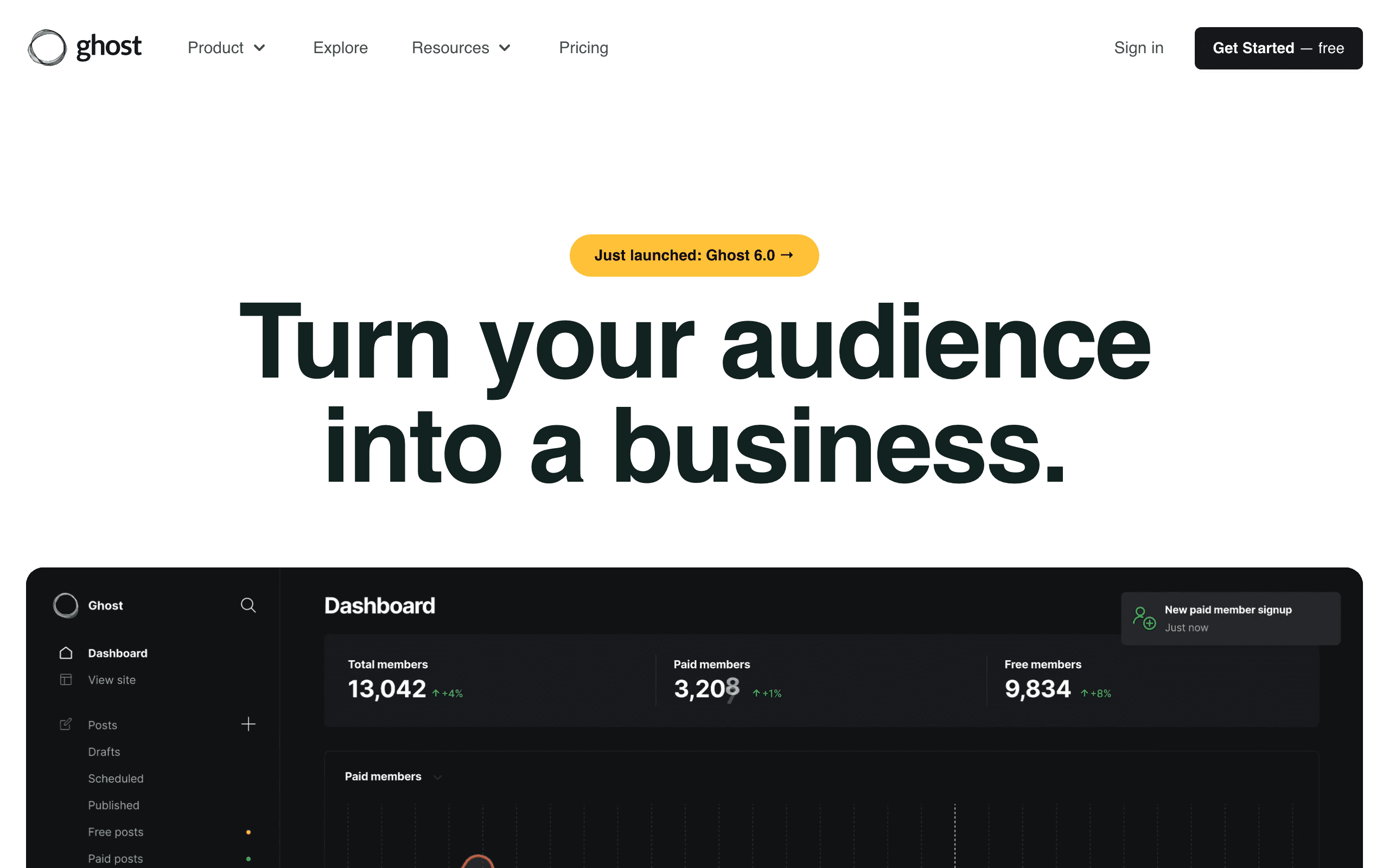
What makes it transparent: Hosted plans based on member count, with pricing visible on the website. Self-hosted is free. The pricing page shows exact costs at every member tier without a sales call.
Ghost occupies a unique spot. If you self-host, it's free (plus server costs). If you use Ghost Pro (managed hosting), pricing is published and scales with member count. Both options are documented clearly on the pricing page.
The managed hosting pricing competes with newsletter platforms like Beehiiv and Substack. The self-hosting option adds full cost transparency for technical teams - you know exactly what you pay (nothing for the software, your actual server costs for the infrastructure).
Pricing structure: Self-hosted free; managed hosting subscriber-based published tiers Hidden fee risk: Low for managed hosting. Very low for self-hosted Pricing: Free (self-hosted), from $9/month (Ghost Pro) Scaling: Published member-count tiers for managed hosting
13. Keila
What makes it transparent: Open-source email marketing with fully public pricing for the hosted version. Self-hosted is completely free. The hosted service pricing is clearly listed per-user per-month with no hidden features.
Keila is a privacy-focused open-source alternative to commercial email platforms. Because the code is open, there's no information asymmetry: you can see exactly what you're getting. For the hosted version, the pricing is minimal and fixed, with no escalating tiers based on subscriber count.
For technical teams that want open-source email infrastructure, Keila's transparent pricing (including the option to pay nothing by self-hosting) is about as transparent as it gets.
Pricing structure: Open-source self-hosted (free) or low flat hosted pricing Hidden fee risk: None for self-hosted. Very low for hosted Pricing: Free (self-hosted), minimal flat fee for hosted Scaling: Self-hosted scales for free; hosted is flat rate
14. Listmonk
What makes it transparent: Listmonk is entirely free and open-source. You self-host it on your own infrastructure. The pricing is zero for the software. You pay only your server costs, which you control completely.
Listmonk is for teams that want complete cost transparency and are comfortable running their own infrastructure. With no subscription fees, no per-email charges, and no feature gates, the total cost is entirely determined by your own hosting choices.
The trade-off is operational overhead: you manage updates, server maintenance, and deliverability infrastructure. But for teams where the email list is large enough to make commercial pricing painful, the zero-software-cost model is genuinely appealing.
Pricing structure: Free and open-source. Self-hosted only Hidden fee risk: None. All costs are infrastructure you control Pricing: Free (open-source, self-hosted) Scaling: Scales with your infrastructure, no licensing costs
15. Mailbluster
What makes it transparent: A flat platform fee ($10/month) plus the cost of Amazon SES for actual sending (approximately $0.10 per 1,000 emails). Both costs are published. The total cost at any volume is trivially calculable.
Mailbluster is built on top of Amazon SES, which means you pay for two things: the Mailbluster platform and your SES usage. Both are published and predictable. For high-volume senders, the SES cost is dramatically lower than subscriber-based pricing on commercial platforms.
The pricing page shows the Mailbluster fee and links directly to AWS SES pricing, so you can calculate your total cost in two minutes. This separation of platform cost from sending cost is unusually transparent.
Pricing structure: Flat platform fee + SES pay-per-email, both published Hidden fee risk: Very low. Two cost components, both transparent Pricing: From $10/month + AWS SES costs Scaling: Linear SES pricing, published rate
16. Sendy
What makes it transparent: A one-time software license fee ($69) plus your actual AWS SES cost. No recurring subscription. No per-subscriber charge. No monthly fee after the initial purchase.
Sendy is a self-hosted email application you install on your own server. After paying $69 once, the only ongoing cost is your SES usage (about $0.10 per 1,000 emails). For businesses with large lists and regular sending, the lifetime cost of Sendy is often a fraction of any subscription-based tool.
The pricing model is unusual enough that it counts as transparency by differentiation. The total cost structure is completely clear: one payment, then marginal SES costs forever. No subscription creep, no tier upgrades, no annual contract.
Pricing structure: One-time license + SES pay-per-email Hidden fee risk: Low. Server maintenance and AWS SES are variable but predictable Pricing: $69 one-time + AWS SES costs Scaling: Linear SES pricing at $0.10 per 1,000 emails
17. Mailcoach
What makes it transparent: A flat monthly fee ($99/month) that includes all features and unlimited subscribers. No per-subscriber pricing, no feature gating, no add-ons. One price, everything included.
Mailcoach is a Laravel-based email marketing platform with a clear pricing philosophy: one flat fee, all features, no subscriber limits. For businesses with large lists, the unlimited subscriber model is financially transparent in the best way: your email costs don't increase as your list grows.
The hosted version costs $99/month. The self-hosted version is available as a software package with a separate one-time or subscription license. Both pricing options are published.
Pricing structure: Flat monthly fee, unlimited subscribers, all features included Hidden fee risk: Very low. One price covers everything Pricing: From $99/month hosted Scaling: Flat rate regardless of subscriber count
18. Plunk
What makes it transparent: Extremely simple pricing based on monthly email events. Free tier (1,000 events/month), then a low flat paid tier ($7/month for more). No feature tiers, no per-subscriber pricing, no complex matrix.
Plunk is a developer-focused transactional email platform with one of the simplest pricing structures in the market. The entire pricing page fits in a single table. No explanations needed, no calculations required.
For developers who want predictable cost for transactional email, Plunk's event-based pricing model is easy to forecast. Count your expected monthly email events, pick the plan that covers them, and know your cost.
Pricing structure: Event-based tiers, extremely simple Hidden fee risk: Very low. Minimal features means minimal add-on risk Pricing: Free tier, from $7/month Scaling: Published event-count tiers
19. Beehiiv
What makes it transparent: Published subscriber-based tiers with a clear feature comparison. The pricing page shows three plans with exact subscriber limits, features, and monthly costs. No sales call required to understand pricing at any tier.
Beehiiv's newsletter platform has clear pricing through the Growth tier (up to 10,000 subscribers). The Scale tier is also published with its features. The pricing page explicitly lists what each tier includes and excludes.
The transparency gap: at very high subscriber counts (100,000+), pricing becomes custom. This is noted on the pricing page, so it's transparent that custom pricing exists at large scale, even if the specific price isn't listed.
Pricing structure: Subscriber-based published tiers with feature comparison Hidden fee risk: Low for Growth tier. Custom pricing exists at large scale (noted publicly) Pricing: Free up to 2,500 subscribers, from $39/month Scaling: Published tiers up to Scale, custom at high volume
20. Flodesk
What makes it transparent: A single flat price ($35/month) that includes unlimited subscribers and emails. No pricing calculator, no tier comparison, no subscriber cap. One number, everything unlimited.
Flodesk's pricing model is the most unusual on this list: you pay $35/month regardless of whether you have 100 or 100,000 subscribers. The price is public, fixed, and requires no calculation. For growing lists, this becomes increasingly good value over time.
The simplicity is the feature. You never need to worry about hitting a tier cap, calculating overage costs, or upgrading because your list grew. The one potential confusion: what "unlimited" means in practice (Flodesk uses AWS SES for sending, and very high volumes may involve conversations with support).
Pricing structure: Single flat price, unlimited subscribers and emails Hidden fee risk: Low. One price for everything, though "unlimited" at extreme scale may have nuance Pricing: $35/month (unlimited subscribers) Scaling: Fixed price regardless of list size
21. AWeber
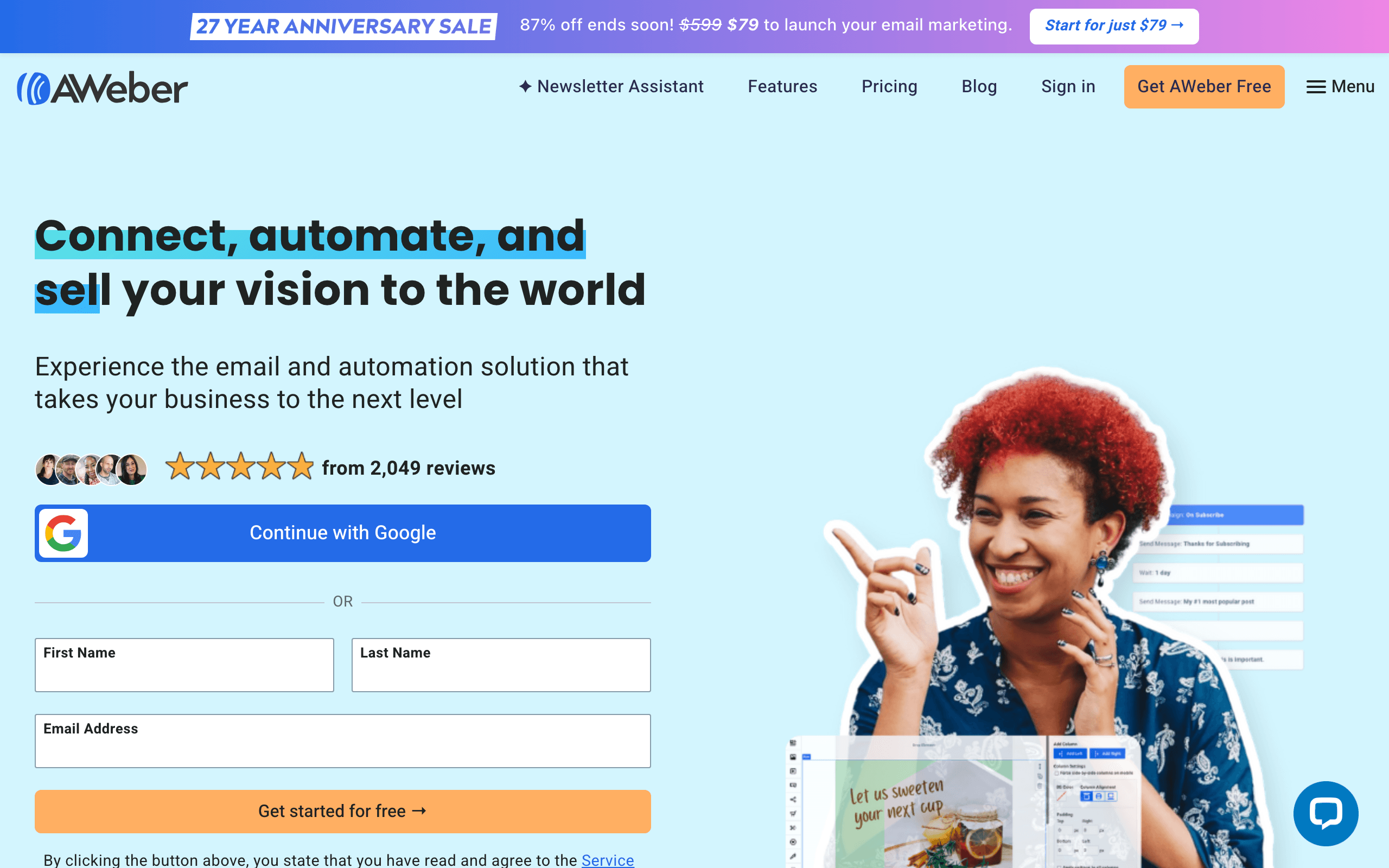
What makes it transparent: Published pricing tiers based on subscriber count, visible on the website since AWeber's founding in 1998. One of the longest track records of transparent pricing in email marketing.
AWeber's pricing page shows subscriber-based tiers with published monthly costs. The free tier (500 subscribers, 3,000 emails/month) is clearly defined. Paid tiers are published with their subscriber limits and included features.
AWeber's longevity means the pricing has been consistently available and understandable for decades. While newer tools have more modern pricing calculators, AWeber's straightforward tier table reflects the company's general approach: what you see is what you pay.
Pricing structure: Subscriber-based published tiers Hidden fee risk: Low. Well-established, no hidden fees Pricing: Free up to 500 subscribers, from $15/month Scaling: Published subscriber-count tiers
The Least Transparent (Avoid If Pricing Matters to You)
These platforms require sales calls or have pricing complexity that makes comparison difficult:
Braze: "Contact us" pricing. Enterprise-only. Typically $50K+/year but you won't know until the sales process. Multi-month procurement cycles are common.
Iterable: "Contact us" pricing. Custom quotes based on volume and features. No public pricing page. Even ballpark ranges aren't published.
Customer.io: Pricing is published but starts at $100/month and has complex tiers. The Essentials plan has meaningful limitations (no premium integrations, limited data history). Full pricing requires calculating across multiple axes (contacts, messages, features). It's more transparent than enterprise tools but less clear than the platforms above.
Klaviyo: Prices are published but scaling is aggressive. The jump from 1,000 to 10,000 contacts is significant. The platform heavily promotes ROI claims on the pricing page, which can obscure the actual cost. SMS pricing adds another variable that's hard to forecast without detailed usage projections.
Mailchimp: Prices are published but the tier structure is complex (Free, Essentials, Standard, Premium) with different limits and features at each. Contact-based pricing with "audience" definitions can be confusing. Overages aren't always clear. The Standard plan is where most useful features live, but the pricing page promotes the cheaper Essentials plan prominently.
Hidden Fees to Watch For
Overage charges
Some platforms charge per-contact or per-email overage fees that are significantly higher than the base rate. Check what happens when you exceed your plan limits. The worst case: a platform that auto-upgrades you to the next tier when you cross a threshold, even if you cross it temporarily.
Feature gating
"Automation" might mean "basic automation" on Tier 1 and "real automation" on Tier 3. Read the fine print on what each tier actually includes. The most common gated features: advanced automation, A/B testing, custom reporting, API access, and dedicated IPs.
Setup fees
Some enterprise platforms charge onboarding or setup fees of $500-5,000. These are often negotiable but rarely disclosed on pricing pages. If a platform requires a "kickoff call" or "implementation session," ask about associated costs.
Migration fees
Moving from one platform to another sometimes incurs data migration charges, especially with enterprise tools that offer "managed migration." Check the exit cost before committing to any platform.
IP costs
Dedicated IP addresses cost $20-100/month extra on some platforms. For high-volume senders needing strong deliverability, this is a necessary cost that's often not in the base price. Ask specifically whether dedicated IPs are included or extra.
Support costs
Priority support, phone support, or dedicated account management often requires a higher tier. Check what support level comes with your plan. For early-stage teams, email support is usually sufficient. But if you need guaranteed response times, that's often a paid upgrade.
Calculating the True Cost of Email
To compare platforms fairly, calculate the total cost at your current size and at projected growth:
Step 1: Current monthly cost
- Base plan price at your current subscriber/volume level
- Add-ons you need (dedicated IP, SMS, etc.)
- Support tier you require
Step 2: 12-month projected cost
- Estimate subscriber growth over 12 months
- Calculate the monthly cost at each growth milestone
- Include one-time costs (setup, migration)
Step 3: Compare total 12-month cost across platforms
This calculation matters more than comparing base prices. A platform that's $10/month cheaper today but $50/month more expensive at 10,000 subscribers costs more over 12 months if you're growing. For more on this analysis, see our guide on the cost of email marketing for SaaS.
Best Transparent Pricing by Buyer Type
Best transparent pricing for SaaS teams
Sequenzy is strongest when a SaaS team wants a clear plan that includes lifecycle automation, transactional email, and billing-aware campaigns without add-on surprises. Compare SaaS email marketing tools, subscription business email tools, and best email tools with Stripe integration before choosing a cheap plan that lacks product context.
Best transparent pricing for developers
Resend, Postmark, Plunk, and Mailcoach are easier to model when the main cost driver is email volume or infrastructure. The tradeoff is that developer-friendly pricing may not include marketing workflows. Use Resend comparison, Postmark comparison, and best API-first email platforms to separate API sending from full email marketing.
Best transparent pricing for creators and newsletters
Buttondown, Ghost, Beehiiv, and ConvertKit are clearer choices when pricing is tied to audience size or publishing needs. The right model depends on whether you sell products, paid subscriptions, or sponsorships. Compare newsletter writer email tools, Beehiiv comparison, and ConvertKit alternatives.
Best transparent pricing for small businesses
MailerLite, Brevo, Flodesk, and EmailOctopus give small teams easier pricing to understand than enterprise platforms. The hidden risk is picking the cheapest plan and then paying for landing pages, SMS, branding removal, or automation later. Check small business email tools, Brevo comparison, and MailerLite comparison.
Questions to Ask Before Signing Up
- What's the cost at my current subscriber count? Check the pricing page or calculator.
- What's the cost at 2x and 5x my current count? Plan for growth.
- Are all features I need included at my price tier? Check for feature gating.
- What happens if I exceed limits? Understand overage pricing.
- Are there annual vs. monthly pricing differences? Some platforms offer 20-40% discounts for annual billing.
- Can I export my data if I leave? Data portability shouldn't cost extra.
- Are there setup or migration fees? Ask before committing.
- What support is included? Ensure the support level meets your needs.
- Are there add-on costs for features I'll need? (Dedicated IP, SMS, integrations)
- What's the cancellation process? Can you downgrade or cancel without penalties?
FAQ
Why do some email tools hide their pricing? Usually because the pricing is high and they want to qualify leads before discussing cost. Enterprise tools with $50K+ annual contracts use sales-led pricing because the price varies significantly by customer size and needs. This is normal for enterprise software but frustrating for startups. If a tool hides its pricing, assume it's expensive.
Is annual billing worth the discount? If you're confident you'll use the tool for 12+ months, yes. Most platforms offer 15-30% discounts for annual billing. But if you're testing a new tool, start monthly until you're committed. The discount isn't worth the lock-in risk if you're not sure the platform is right for you.
Should I negotiate email tool pricing? For enterprise tools (Braze, Iterable), always negotiate. For self-serve tools with published pricing (Sequenzy, MailerLite, Postmark), the published price is usually the price. Some offer startup discounts if you ask. It never hurts to ask, but don't expect significant discounts on self-serve tools with transparent, published pricing.
What's the most expensive mistake in email tool pricing? Choosing a tool that's cheap at 1,000 subscribers but expensive at 10,000. Check the scaling curve. Some tools increase linearly (2x subscribers = 2x cost). Others increase super-linearly (2x subscribers = 3x cost). The difference compounds as you grow. Always check the price at 5x and 10x your current subscriber count.
How do I compare per-email pricing vs per-subscriber pricing? Calculate your monthly email volume. If you send 4 emails/month to 5,000 subscribers, that's 20,000 emails. Compare the per-email cost (at 20,000 emails) with the per-subscriber cost (at 5,000 contacts). The cheaper model depends on your sending frequency. See our guide on pay-per-email platforms for a detailed comparison.
Should I choose the cheapest option? Not necessarily. The cheapest platform might lack features you need, have poor deliverability, or require expensive add-ons. Compare total cost (including add-ons and migration costs) rather than base price. A platform that costs $20/month more but includes automation, deliverability tools, and good support might save you money overall by reducing the need for additional tools or manual work.
What if my needs change and my current plan becomes expensive? This is why data portability matters. Choose a platform that lets you export your contacts, templates, and automation logic. If your needs outgrow your current platform or the pricing becomes unreasonable, you can migrate to an alternative. The platforms on this list all support contact export. Automation export is less universal. Check before committing.
How often do email platforms change their pricing? Most platforms adjust pricing every 12-24 months. Typically, existing customers are grandfathered on their current plan for some period. New customers get the updated pricing. Major pricing changes (like Mailchimp reducing their free tier) are less common but do happen. Choose platforms with a history of stable, fair pricing adjustments.