
16 Best Email Marketing Tools for WooCommerce Stores in 2026 (Tested & Compared)

WooCommerce gives store owners more control than hosted commerce platforms. That flexibility is useful for custom checkout fields, subscriptions, memberships, product bundles, and unusual fulfillment rules. It also makes email marketing harder: your store may depend on a theme, a caching layer, a checkout extension, and ten other plugins that can change how customer and order events behave.
The best WooCommerce email marketing tool is not simply the one with a WooCommerce logo on its integrations page. It is the one that receives the events your store actually produces, respects marketing consent, survives normal WordPress updates, and gives you enough automation to recover carts and create repeat purchases.
I compared 16 options across customer and order sync, catalog data, abandoned-cart detection, post-purchase triggers, plugin maintenance, deliverability, segmentation, revenue attribution, and pricing. Some are cloud platforms. Some run inside WordPress. Those are different operating models, and this guide is explicit about the tradeoff.
For the structured industry guide with benchmarks, common mistakes, and sequence examples, see the full email marketing tools guide for WooCommerce stores. This page is the editorial review and buying guide.
Quick comparison table
| Tool | Best for | Starting price | WooCommerce connection | Standout feature |
|---|---|---|---|---|
| Klaviyo | Advanced ecommerce data | Free up to 250 contacts, then from $20/mo | Official plugin and event sync | Predictive analytics and product recommendations |
| Sequenzy | Value-focused lifecycle email | Free up to 2.5k emails/mo | API and store workflows | AI sequence creation and send-volume pricing |
| Drip | Email-first ecommerce | From $39/mo | Strong ecommerce integration | Visual workflows and revenue attribution |
| Omnisend | Email + SMS + push | Free up to 250 contacts, then from $16/mo | Ecommerce integration | Prebuilt multichannel automations |
| MailPoet | WordPress-native newsletters | Free up to a small list | WooCommerce extension | Campaigns inside wp-admin |
| ActiveCampaign | Complex journeys and B2B | From $29/mo | Deep Data plugin | Automation builder and CRM |
| Mailchimp | Familiar general marketing | Free up to 500 contacts | WooCommerce connector | Templates and broad ecosystem |
| Brevo | Budget and transactional email | Free daily allowance | WooCommerce plugin | Volume pricing and SMS |
| MailerLite | Simple campaigns and forms | Free up to 250 subscribers and 2,500 emails/mo | Basic integration | Clean editor and landing pages |
| GetResponse | Funnels and all-in-one marketing | From about $16/mo | WooCommerce integration | Funnels, landing pages, and webinars |
| AutomateWoo | WooCommerce-native triggers | Annual license | Native WooCommerce extension | Order and cart workflow control |
| FluentCRM | Self-hosted ownership | From about $129/year | Direct WordPress data | CRM and automation in your database |
| Sendlane | Mid-market ecommerce | From about $100/mo | Ecommerce integration | Email, SMS, reviews, and attribution |
| EmailOctopus | Very low-cost email | Free up to 2.5k subscribers | Connector or Zapier | Cheap newsletters and simple automation |
| Sender | Early-stage free tier | Free up to 2.5k subscribers | Connector options | Generous free allowance |
| Flodesk | Design-led newsletters | From about $38/mo | Forms and connectors | Simple visual design |
Best WooCommerce email platform by use case
Best advanced WooCommerce email tool: Klaviyo
Klaviyo is the strongest choice when the store needs customer profiles built from orders, products, browsing, and engagement. It has the data model and prebuilt flows to support cart recovery, post-purchase, replenishment, browse abandonment, VIP, and win-back programs.
The cost and complexity are real. A store with 10,000 contacts can pay far more than it would with a plugin or send-volume platform. Klaviyo is worth considering when email revenue is already meaningful and the team can maintain a sophisticated system.
Best WooCommerce email tool for email-first ecommerce: Drip
Drip is a strong choice when email remains the primary retention channel and the store wants visual workflows and revenue attribution without adopting a full CRM. It is less multichannel than Omnisend and less predictive than Klaviyo, but the focus is clear.
Best WordPress-native email marketing plugin: MailPoet
MailPoet is the easiest option for a small store that wants forms, newsletters, and basic WooCommerce automation inside WordPress. The value is less context switching and less initial integration work. The tradeoff is that your site and hosting now carry more of the sending and maintenance responsibility.
Best WooCommerce-native automation: AutomateWoo
AutomateWoo is appropriate when triggers tied directly to WooCommerce orders, carts, products, memberships, or customer status matter more than a polished standalone campaign platform. It is an automation extension, not a complete replacement for every email marketing need.
Best value WooCommerce email tool: Sequenzy
Sequenzy is compelling for stores that want AI-assisted welcome, post-purchase, win-back, and transactional flows while avoiding contact-based pricing for inactive historical customers. The cost model can be attractive for stores with large databases but moderate sending volume.
The tradeoff is integration work. Sequenzy is not a WordPress-native plugin like MailPoet or AutomateWoo, and unusual checkout, cart, subscription, and membership events need to be tested or passed through the API.
Best budget multichannel option: Brevo
Brevo is a useful shortlist option when the store wants email, SMS, and transactional delivery with volume-oriented pricing. Its ecommerce automation is simpler than Klaviyo or Drip, but its economics are often easier for a budget-conscious store to understand.
What WooCommerce email marketing actually needs
Customer and consent synchronization
The tool needs to know who has opted into marketing, who has unsubscribed, and which contacts are transactional-only. WooCommerce's customer record and WordPress form ecosystem can create several paths into the database, so consent mapping needs to be explicit.
Order, product, and fulfillment data
Order status alone is not enough. Useful post-purchase messaging needs line items, product categories, fulfillment or delivery state, refunds, coupons, order value, and customer history. A product recommendation flow cannot personalize from an email address alone.
Cart recovery that matches the checkout
WooCommerce does not give every store a complete abandoned-cart program. A platform or plugin should capture cart contents, customer identity, checkout URL, and the right abandonment timestamp. Test guest checkout separately from logged-in checkout.
WordPress update resilience
The integration should be tested after WooCommerce, WordPress, theme, checkout, caching, and major extension updates. A plugin can appear active while a webhook or scheduled task silently stops running.
Transactional and marketing separation
Order confirmations and shipping notices are not marketing consent. A good system lets you keep necessary transactional messages running while respecting marketing preferences and suppression lists.
Deliverability ownership
Cloud platforms manage more of the sending infrastructure. WordPress-native platforms give you more control but also more responsibility for queues, server reputation, DNS, bounces, and throttling. Decide which operational burden your team can actually own.
Pricing at the store's real scale
Calculate cost at 1,000, 5,000, 10,000, and 25,000 contacts or customers. WooCommerce databases often include old customers, guest buyers, refunded orders, and contacts who have not engaged for years. Paying for all of them can dominate the decision.
How we evaluated these WooCommerce email tools
The evaluation follows real WooCommerce operations:
- Install or connect the tool to a test store.
- Place orders as a guest and a registered customer.
- Test products with variations, discounts, refunds, and different order statuses.
- Abandon carts before and after checkout begins.
- Trigger a welcome, post-purchase, review, replenishment, and win-back flow.
- Verify that unsubscribe and consent changes propagate correctly.
- Test whether the connection depends on a scheduled task that caching can delay.
- Compare the cost of hosted sending, plugin licenses, and infrastructure at realistic list sizes.
The key distinction is not “plugin versus SaaS.” It is whether the tool gives the team a dependable path from WooCommerce event to relevant message.
The 16 best WooCommerce email marketing tools
1. Klaviyo — best for advanced WooCommerce data
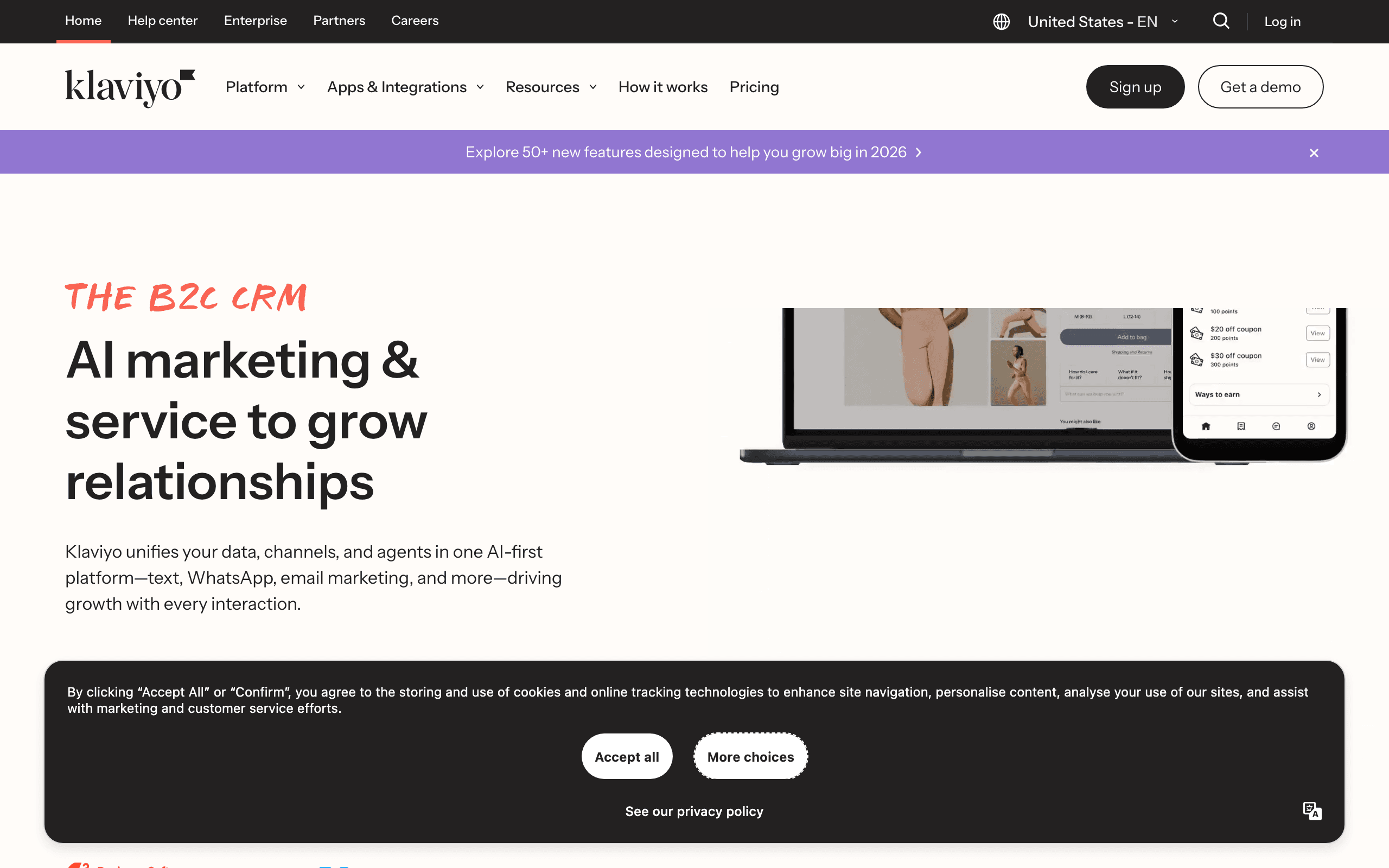
Best for: Established stores that need advanced segmentation, product data, predictive features, and multichannel retention.
Pricing: Free for a small contact list, then from around $20/month and rising with profiles; SMS is additional.
Klaviyo's official WooCommerce connection can sync customers, orders, products, carts, and browsing behavior into a unified profile. That supports segments such as first-time buyers, high-value repeat customers, category buyers, lapsed customers, and shoppers who viewed a product without purchasing.
The prebuilt flows are a strong starting point. Cart recovery, welcome, post-purchase, replenishment, and win-back can be launched quickly, then refined using product and order data. Predictive features become useful once the store has enough volume to make those predictions meaningful.
The downside is the contact-based bill and the configuration burden. WooCommerce stores often have more plugin combinations than Shopify stores, so a connection that works in a clean demo still needs testing against the real checkout and order lifecycle.
What it does well: Deep customer profiles, product recommendations, predictive analytics, SMS, and mature ecommerce flow templates.
Where it falls short: Expensive at scale, complex for small teams, and sensitive to changes in the store's plugin and checkout stack.
Verdict: The best advanced option when the store has enough revenue and operational maturity to use it.
2. Sequenzy — best value for AI-assisted WooCommerce flows
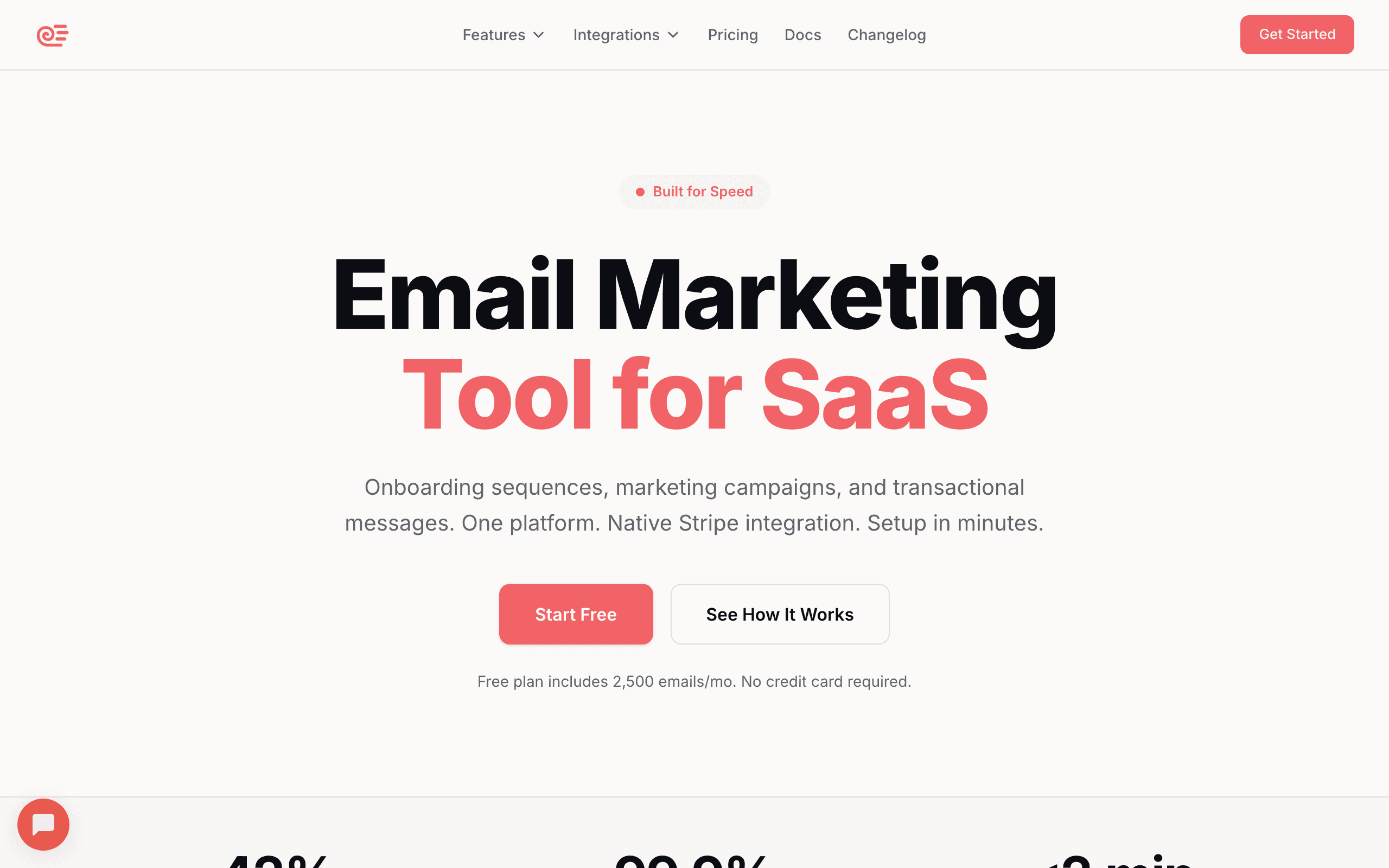
Best for: Stores that want AI-assisted lifecycle email, combined transactional and marketing email, and send-volume pricing.
Pricing: Free up to 2,500 emails/month, then paid plans from $19/month depending on current volume tiers.
Sequenzy connects to WooCommerce through integration and API workflows. Its AI sequence builder can create a starting point for welcome, post-purchase, win-back, and order-based messaging in seconds. That is useful for a small team that knows what it wants to automate but does not want to write every email and timing rule from scratch.
The pricing model is attractive for stores with a large historical database and uneven sending. A store can keep its customer history without automatically paying for every inactive contact. Transactional and marketing email can also share one system.
The limitation is integration depth. This is not a one-click WordPress-native plugin, and it should not be sold as a replacement for Klaviyo's browse behavior, predictive analytics, or product recommendation engine. Cart recovery depends on the events the store can reliably provide. Test guest checkout, logged-in checkout, refunds, and order updates before going live.
Verdict: The best value option when cost control and fast core sequence creation matter more than a native WordPress admin experience.
3. Drip — best email-first ecommerce automation
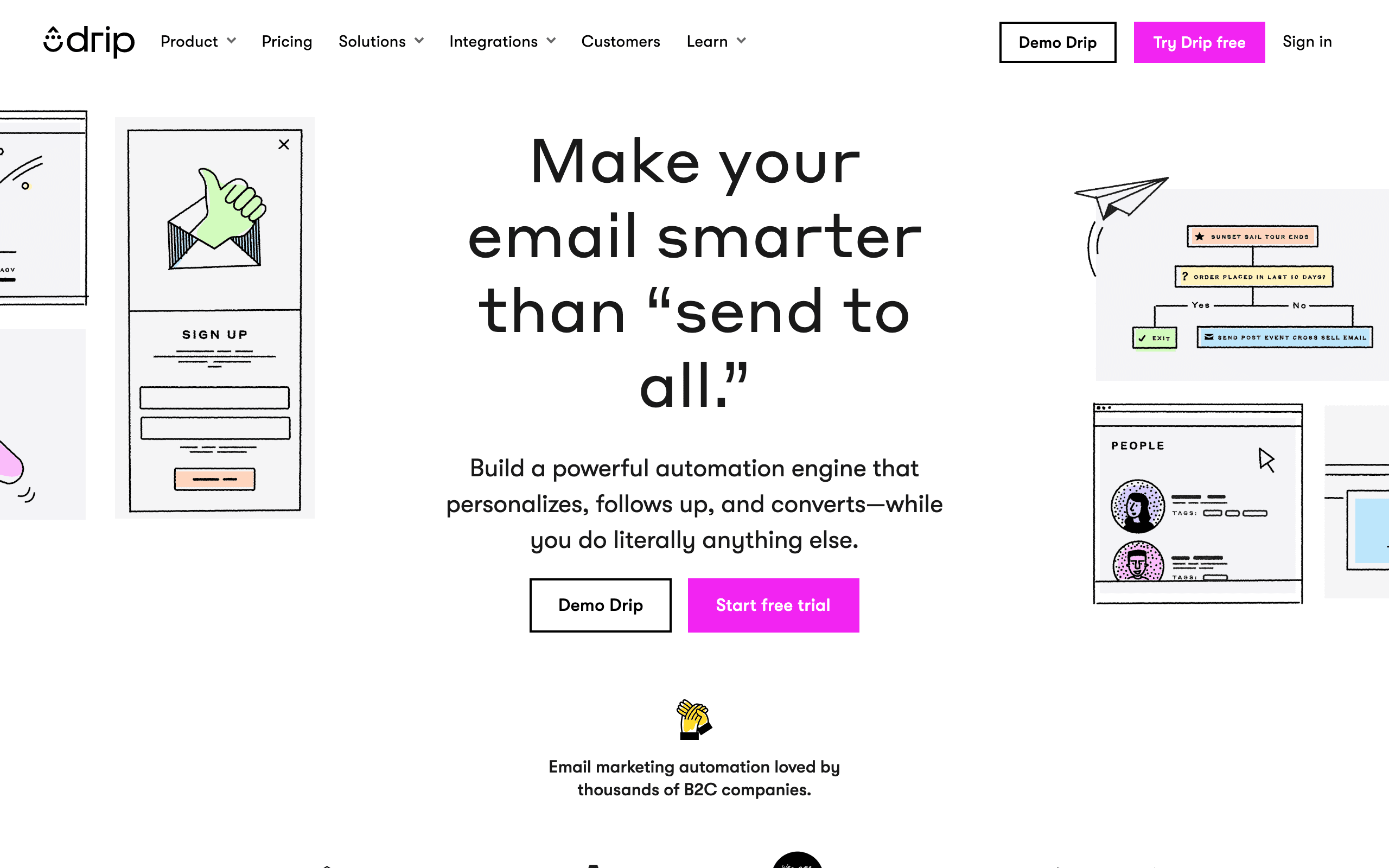
Best for: Mid-size stores that want visual workflows, product-aware segments, and revenue attribution without SMS.
Drip treats WooCommerce as an ecommerce system rather than just a contact source. Customer profiles, order history, products, cart activity, and revenue can drive visual workflows with branches and conditions.
It is especially good for teams that want to see which campaigns and flows create purchases. The price starts higher than basic newsletter tools, and there is no permanent free plan. There is also no native SMS channel, which makes the product easier to focus on but less complete for multichannel programs.
Verdict: A thoughtful email-first choice for stores that want attribution and automation depth without a full CRM.
4. Omnisend — best email, SMS, and push combination
Best for: WooCommerce stores that want multiple retention channels in one workflow builder.
Omnisend's prebuilt WooCommerce flows make cart recovery, welcome, post-purchase, and win-back practical without starting from an empty canvas. The product picker can bring catalog items into messages, and email, SMS, and push share a general automation model.
Segmentation and reporting are not as deep as Klaviyo's, but the product is easier to justify when the store wants multiple channels without building a stack of specialists. Verify the exact events exposed by the store's checkout and extensions.
Verdict: The best multichannel middle ground for stores that do not need Klaviyo-level predictive depth.
5. MailPoet — best WordPress-native newsletters
Best for: Small WooCommerce stores that want campaigns and basic automation inside WordPress.
MailPoet removes a major source of friction: the store owner can build newsletters, forms, and WooCommerce follow-ups inside the same admin used for the site. For a small catalog and a few dependable flows, that simplicity is meaningful.
The tradeoff is the WordPress operating model. Performance, scheduled sends, plugin compatibility, and server configuration become part of the email program. MailPoet is less suitable when the store needs advanced predictive analytics, complex cross-channel journeys, or an independently operated marketing data layer.
Verdict: The easiest native choice for a small store; not the deepest choice for a scaling retention team.
6. ActiveCampaign — best complex automation and CRM
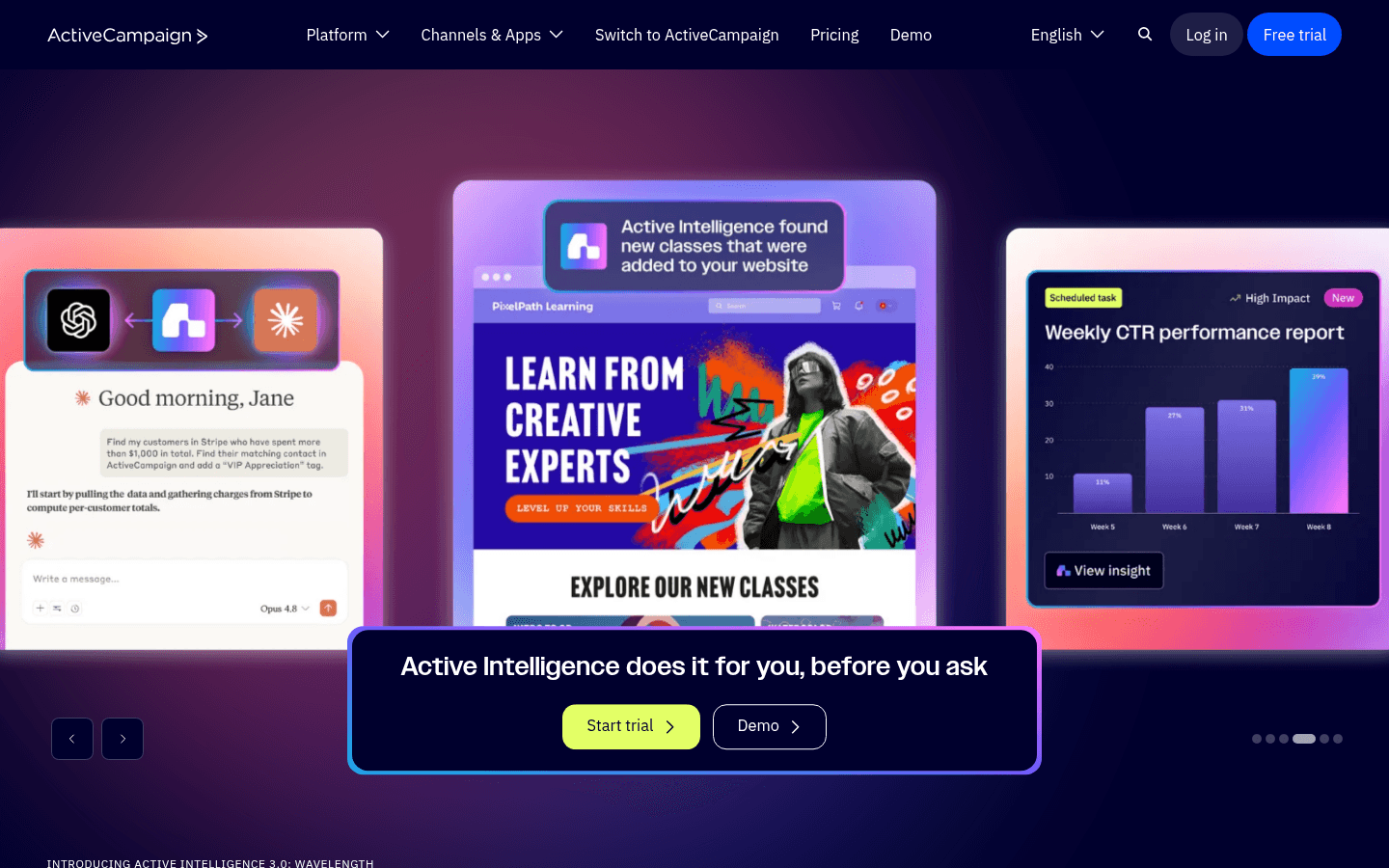
Best for: WooCommerce stores with wholesale sales, lead scoring, high-touch customers, or CRM requirements.
ActiveCampaign's Deep Data connection and automation builder can support highly conditional journeys based on order behavior, customer properties, and sales activity. It is useful when the store is not purely DTC and marketing needs to hand off to sales or account management.
It requires more configuration than ecommerce-native tools and does not provide the same product-first defaults as Klaviyo or Drip. Choose it for the CRM and branching, not for a simple cart-recovery program.
Verdict: Powerful when a WooCommerce store has a real sales process; overbuilt for a basic product catalog.
7. Mailchimp — best familiar general-purpose platform
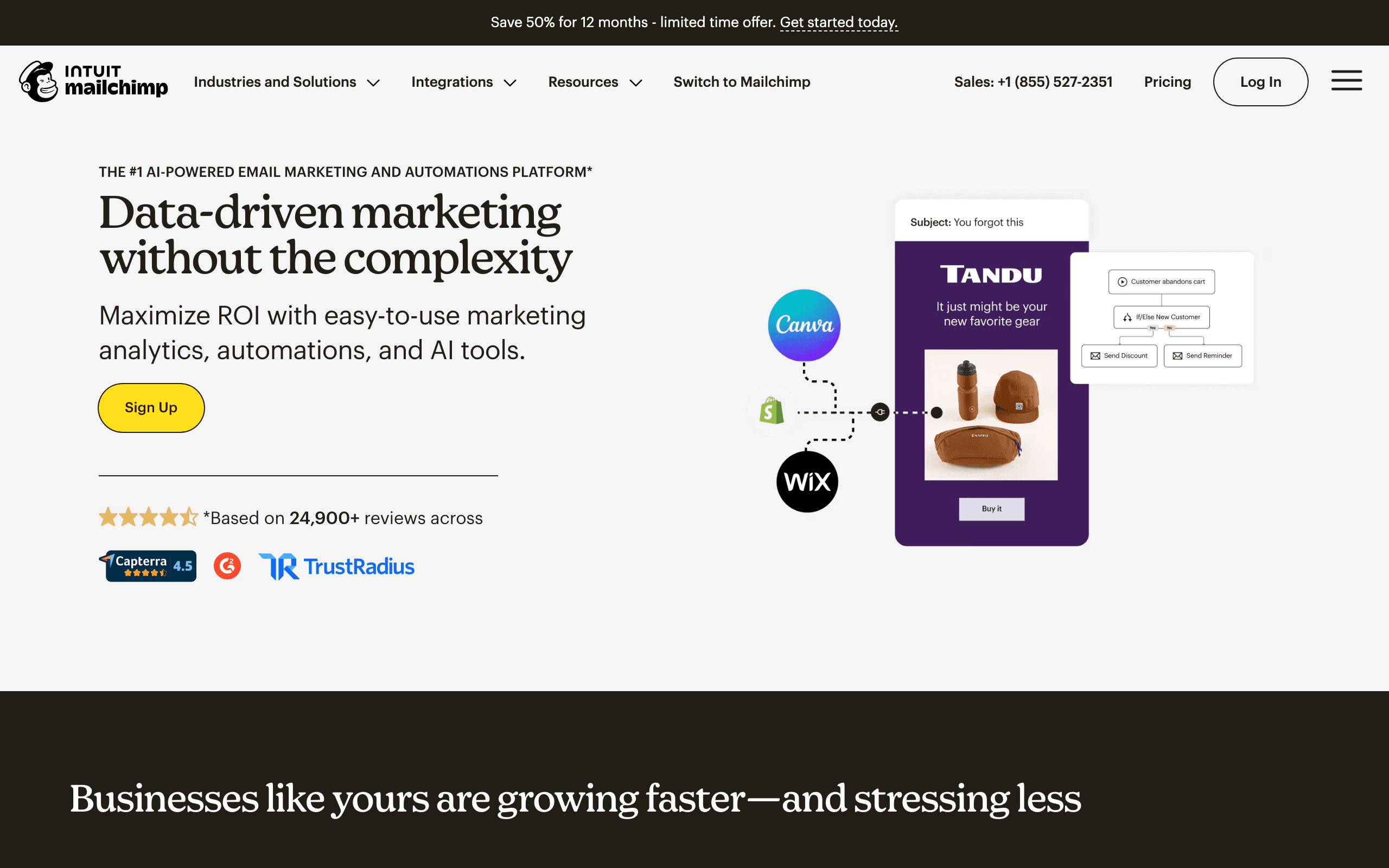
Best for: Small stores that need templates, forms, and a familiar campaign editor.
Mailchimp's name recognition still matters when a store works with freelancers or agencies already trained on the platform. The WooCommerce connector can handle basic customer and order sync for newsletters and simple campaigns.
The weak point is ecommerce depth. Cart recovery, dynamic recommendations, and purchase-based flows are less central than they are in Klaviyo, Drip, or Omnisend. Pricing can also climb quickly as the list grows.
Verdict: A workable starter platform, but rarely the best long-term WooCommerce retention choice.
8. Brevo — best volume-oriented budget platform
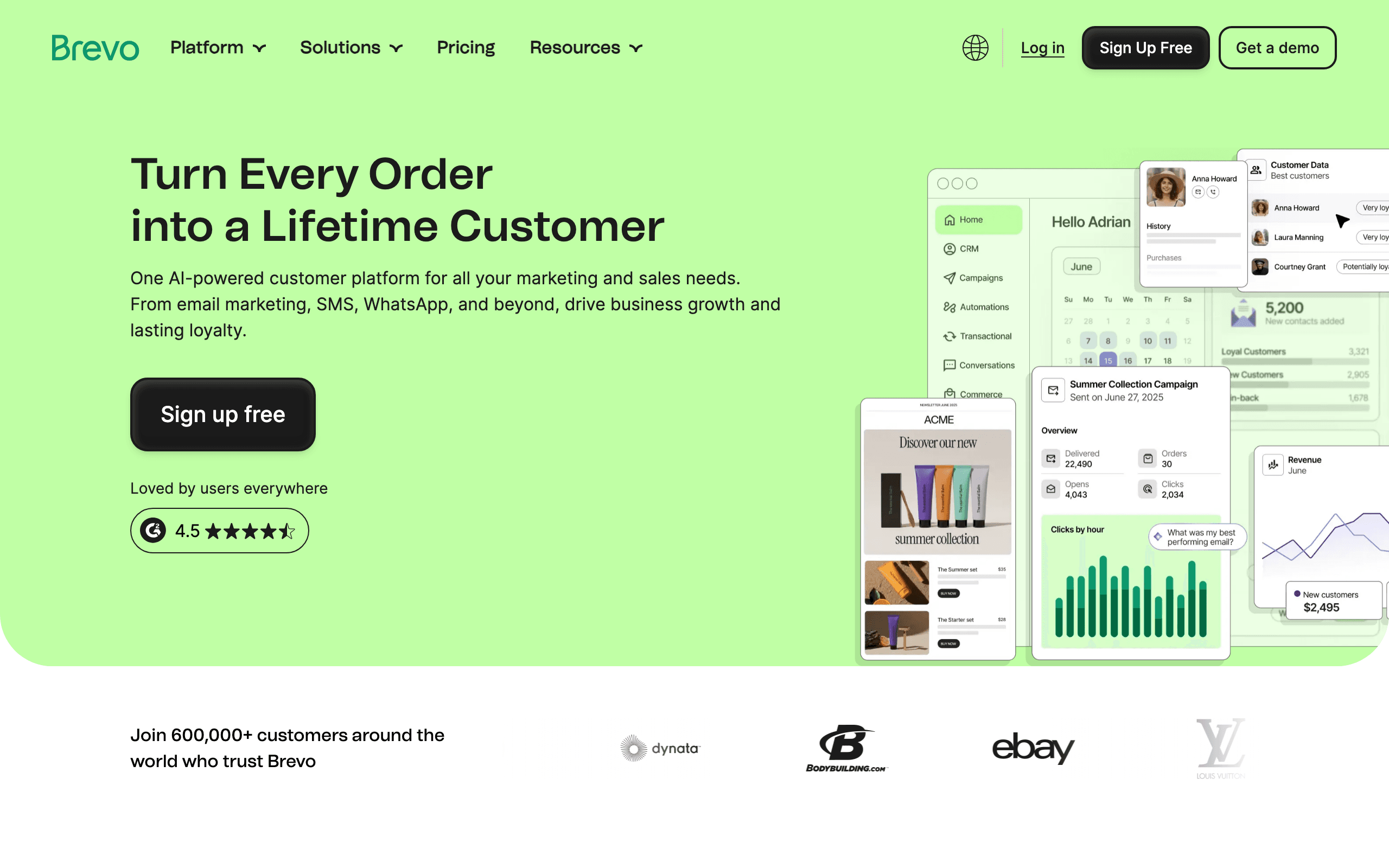
Best for: Stores that need email, SMS, and transactional delivery while keeping contact storage inexpensive.
Brevo's volume-based economics work well for a WooCommerce store with many contacts but moderate sending frequency. The platform also covers transactional email and SMS, which can reduce the number of vendors to manage.
WooCommerce automation is simpler than the ecommerce specialists. Use it for campaigns, basic automation, and transactional infrastructure; choose Klaviyo or Drip when product behavior and revenue attribution are central.
Verdict: Strong budget value, especially when the contact database is much larger than the active audience.
9. MailerLite — best simple editor and forms
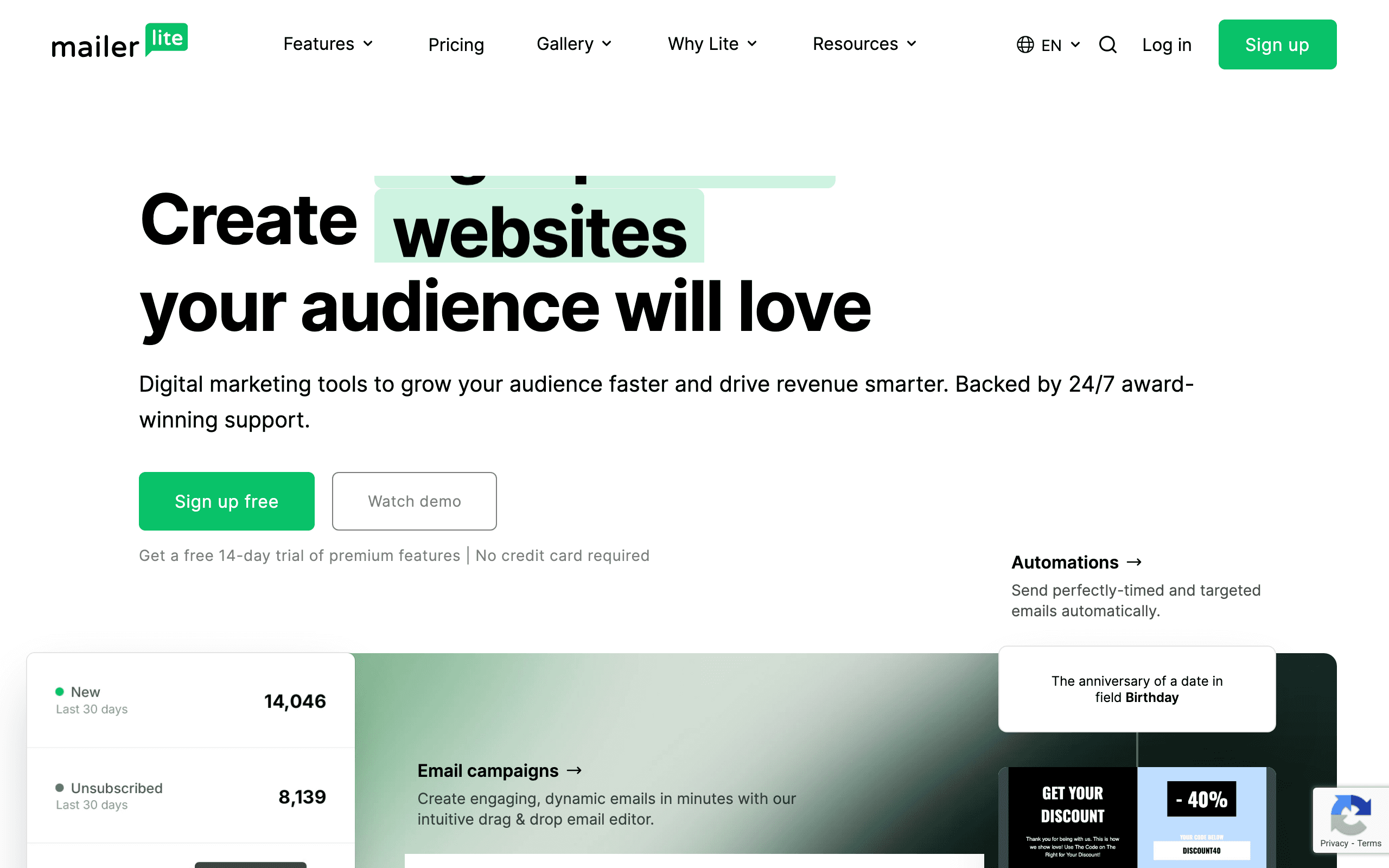
Best for: Small stores prioritizing ease of use, landing pages, forms, and newsletters.
MailerLite is approachable and generous for early teams. Welcome sequences and simple post-purchase messages are possible without a steep learning curve, and the editor is easier for many nontechnical users than an ecommerce specialist's interface.
The WooCommerce connection is basic. It is not the right choice when the content needs to change based on product category, order value, or browse behavior.
Verdict: Excellent early value for campaign-led stores; limited for advanced product-led automation.
10. GetResponse — best funnels plus ecommerce email
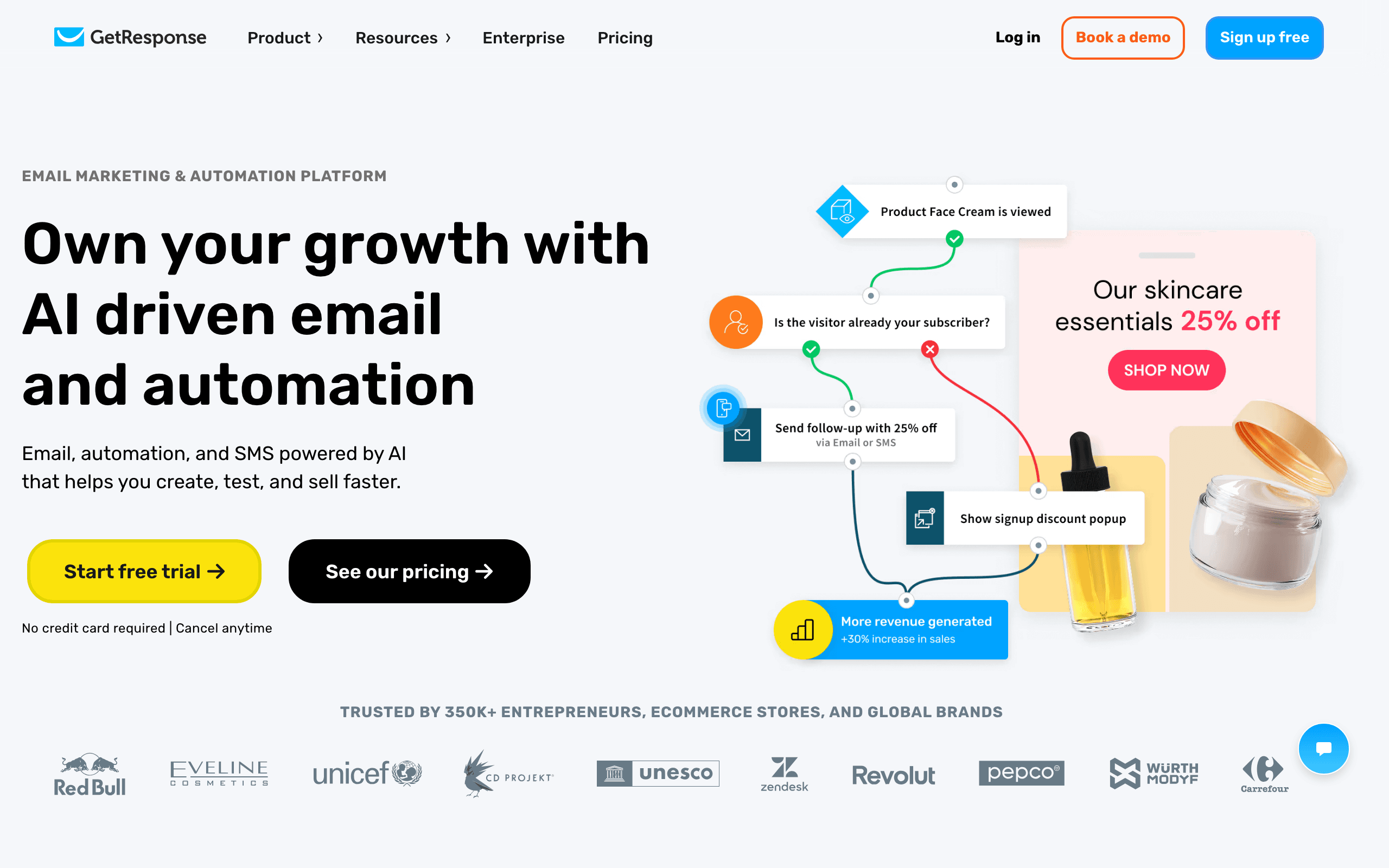
Best for: Stores that also need landing pages, conversion funnels, webinars, or lead magnets.
GetResponse is broader than a WooCommerce email tool. Its value comes from combining campaigns with landing pages, funnels, and other acquisition tools. Ecommerce features cover cart abandonment, product recommendations, and post-purchase use cases.
It is a “many things well enough” platform rather than the best at any one ecommerce capability. Stores that only need retention should compare it against Drip or Omnisend.
Verdict: A reasonable all-in-one option when acquisition and email live in the same team.
11. AutomateWoo — best native WooCommerce triggers
Best for: WooCommerce operators who need workflows tied closely to orders, carts, products, and customer status.
AutomateWoo runs close to WooCommerce and can trigger messages from native store events without sending every decision through a separate marketing platform. It is a natural fit for cart recovery, follow-ups, win-back, wishlist activity, and store-specific conditions.
The limitation is scope. It is not a full campaign, list-management, analytics, and deliverability platform in the same way as Klaviyo. The store still owns more of the WordPress, sending, and maintenance surface.
Verdict: Excellent automation infrastructure for WooCommerce; use another layer if the store needs a complete marketing operating system.
12. FluentCRM — best self-hosted ownership
Best for: Technical WordPress teams that want customer data and automation in their own database.
FluentCRM combines contact management, campaigns, and automation inside WordPress. Direct access to WooCommerce data can be attractive for an operator who wants to avoid monthly SaaS pricing and keep the customer database under their control.
Self-hosting is the tradeoff. Deliverability, queues, server capacity, updates, backups, and DNS become your responsibility. The license cost is not the total cost of running email.
Verdict: A serious option for technical operators, not the easiest option for a store owner who wants managed infrastructure.
13. Sendlane — best mid-market alternative
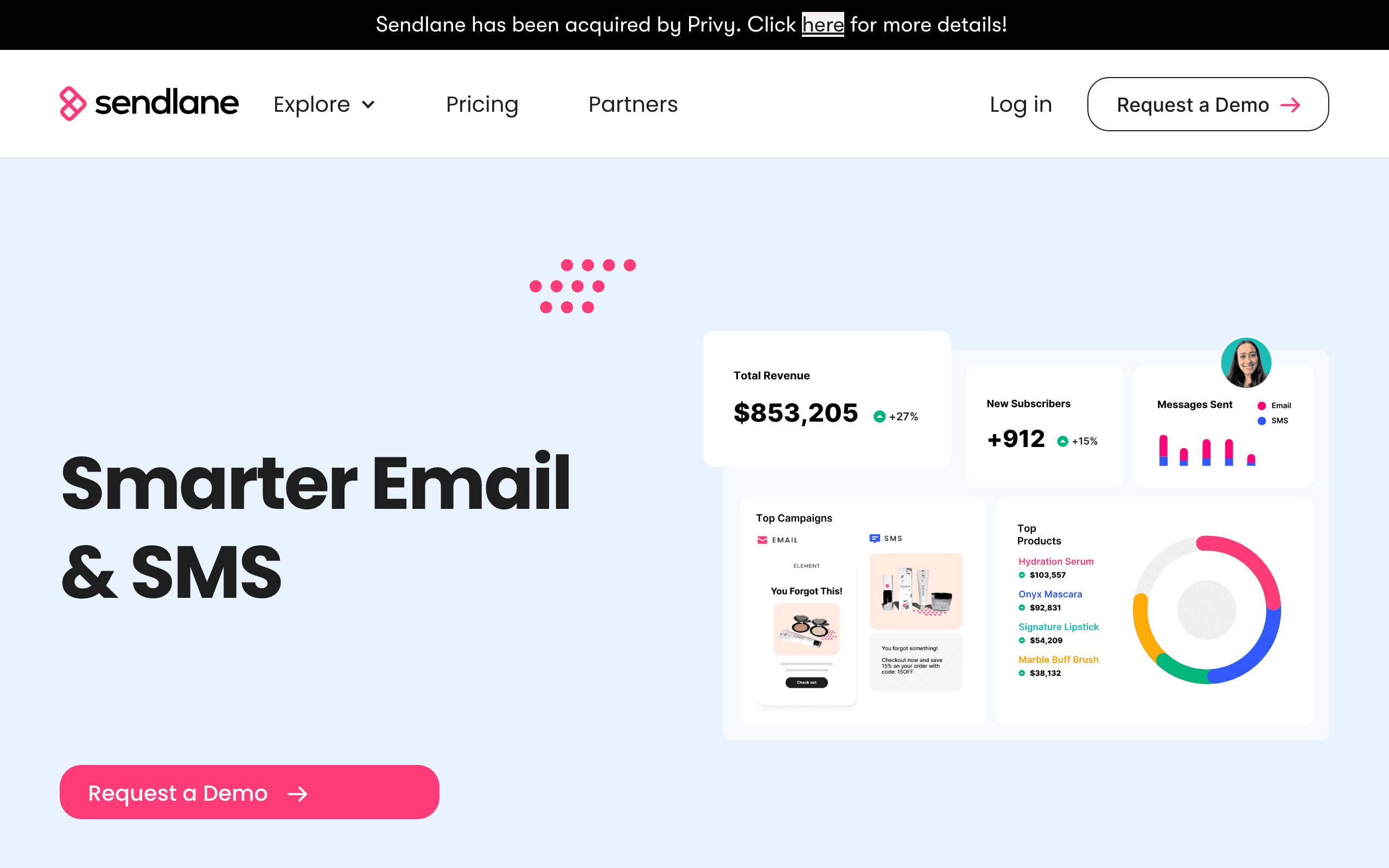
Best for: Growing WooCommerce brands that want email, SMS, reviews, and attribution in one platform.
Sendlane targets the store that needs more than starter tools but wants to compare alternatives before committing to Klaviyo's pricing. Its ecommerce flows, segmentation, and multichannel support can fit a mid-market retention team.
The price floor and smaller ecosystem make it inappropriate for a new store. Reporting and integration breadth also need to be compared honestly against Klaviyo and Omnisend.
Verdict: A credible mid-market shortlist when the store has enough revenue to justify it.
14. EmailOctopus — best very-low-cost newsletters
Best for: Small stores sending newsletters with light automation and a strict budget.
EmailOctopus is inexpensive and simple. Through connectors or Zapier, a WooCommerce store can sync signups and trigger basic welcome messages without adopting an ecommerce suite.
It is not designed for rich product catalogs, deep cart recovery, advanced revenue attribution, or sophisticated post-purchase branching. Treat it as a budget newsletter platform.
Verdict: Good for early validation; expect to migrate when ecommerce automation becomes central.
15. Sender — best generous early free tier
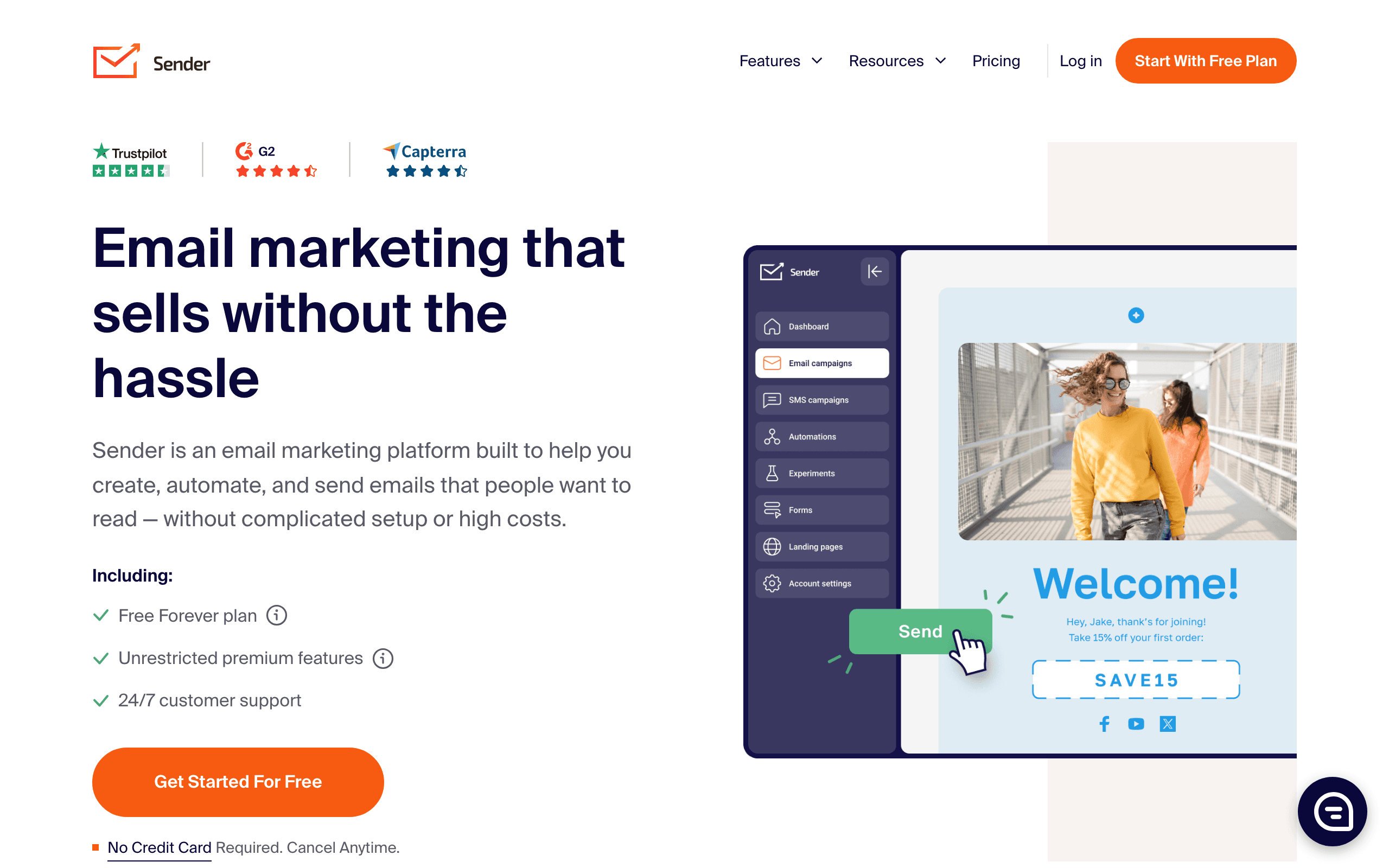
Best for: New WooCommerce stores validating the product and list before paying for a platform.
Sender's free allowance can cover early newsletters, welcome emails, and simple post-purchase flows. It is an economical way to prove that a list will engage before moving to a deeper WooCommerce platform.
The integration and analytics are basic, and the store will likely outgrow it once product-specific journeys and revenue attribution matter.
Verdict: A practical zero-cost starting point, not a long-term ecommerce data platform.
16. Flodesk — best design-led campaigns
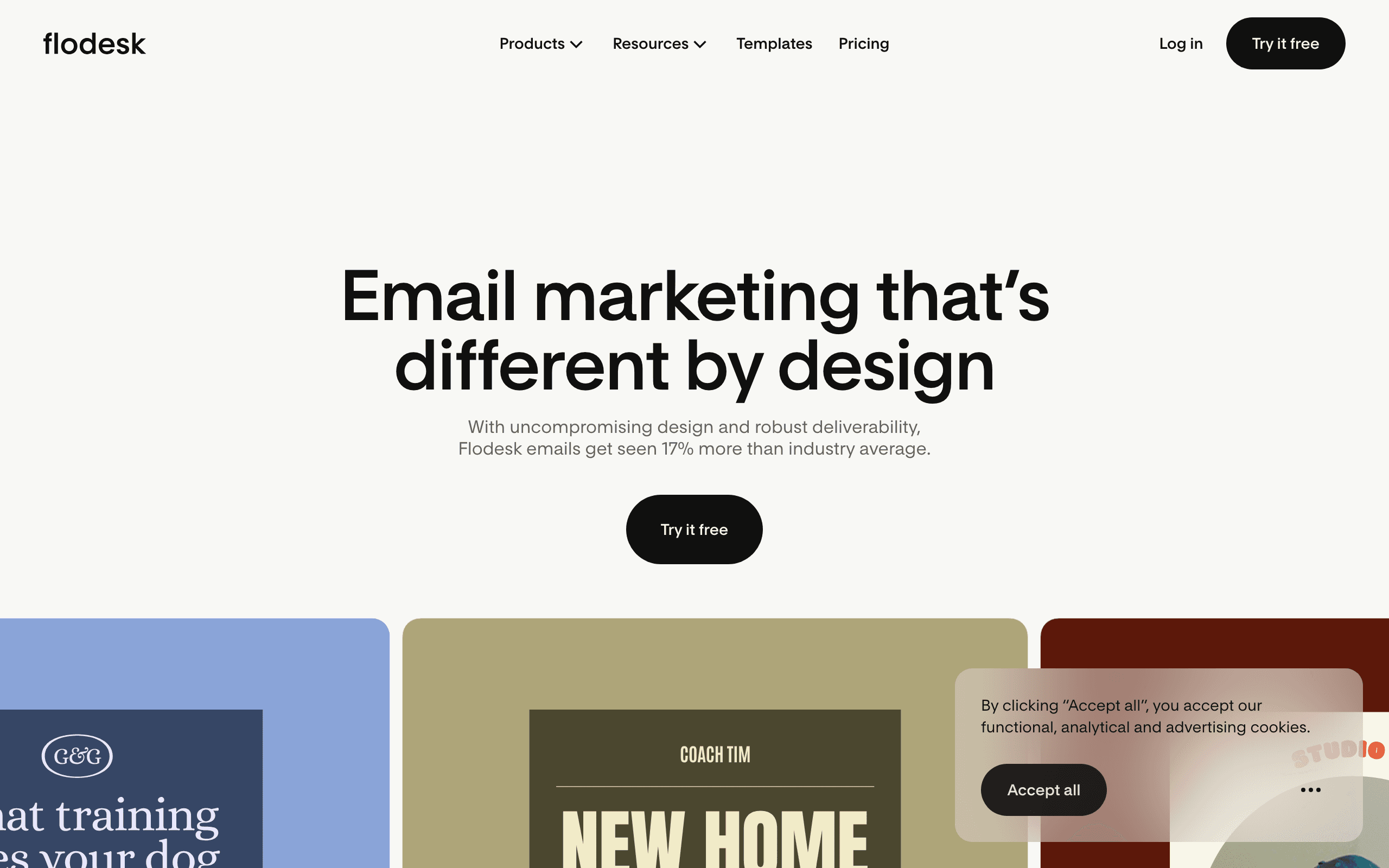
Best for: Design-conscious stores where newsletters and visual brand consistency matter more than ecommerce triggers.
Flodesk's visual approach can make beautiful campaign creation easier, but WooCommerce product, cart, and order workflows are not its core strength. It fits a brand-led content calendar better than a high-volume retention program.
Verdict: Choose for design simplicity, not for deep WooCommerce automation.
Plugin versus cloud platform
Choose a WordPress-native tool when
- The team lives in wp-admin and wants minimal context switching.
- The store is relatively small and the workflow set is straightforward.
- Someone owns plugin updates, backups, queues, and deliverability.
- Direct access to WooCommerce data is more valuable than a separate analytics layer.
Choose a cloud platform when
- Email volume is growing beyond what the site should send itself.
- Multiple people need to manage campaigns and reporting.
- The store needs advanced segmentation, product recommendations, or SMS.
- Deliverability infrastructure should be managed outside WordPress.
Choose a hybrid when
AutomateWoo or a native plugin can handle a narrow WooCommerce trigger while a cloud platform owns campaigns and lifecycle marketing. The danger is duplicate sends and split suppression lists. Document which system owns each message type before adding a second tool.
The five WooCommerce flows to build first
1. Welcome series
| Timing | Job | Content |
|---|---|---|
| Immediately | Confirm the relationship | Welcome, incentive, and expectations. |
| Day 2 | Build confidence | Bestsellers, reviews, and brand story. |
| Day 5 | Remove friction | Shipping, returns, product questions, and support. |
| Day 7 | Ask for the purchase | A focused recommendation and clear CTA. |
Suppress subscribers who purchase and move them into post-purchase.
2. Abandoned-cart recovery
WooCommerce cart recovery is particularly sensitive to checkout and plugin behavior. Start with a reminder after one hour, a reassurance email after a day, and a final message after two or three days. Test logged-in and guest carts separately.
3. Post-purchase education
Use the actual product purchased to send care, setup, delivery, or usage guidance. Follow with a review request and a complementary product only after the customer has had enough time to use the original order.
4. Replenishment and renewal
Consumables, subscriptions, memberships, and licenses each have different timing. Pull the expected interval from order history where possible instead of sending every customer the same “time to reorder” reminder.
5. Win-back
Define lapsed based on the product's normal buying cycle. Start with education and new arrivals. Offer a discount only after you know the customer is worth incentivizing, then sunset contacts who remain inactive.
WooCommerce segmentation that matters
- First-time buyers, repeat buyers, and VIP customers.
- Customers by product category or subscription status.
- Customers who bought an item but not its natural companion.
- Guest buyers who have not created an account.
- Customers with refunds, failed payments, or support events.
- Customers whose last purchase is outside the normal replenishment window.
- Subscribers who engage with email but have never purchased.
WooCommerce gives you many possible fields. Use a segment only when the next message is meaningfully different.
Common WooCommerce email mistakes
Installing too many email plugins
One plugin handles forms, another handles carts, another handles reviews, and a fourth sends newsletters. The resulting stack creates duplicate contacts, conflicting suppression logic, and upgrade risk. Consolidate where possible.
Assuming order emails are marketing
WooCommerce transactional emails confirm orders and shipping. They do not replace a welcome series, cart recovery, post-purchase education, or win-back program.
Ignoring guest checkout
Guest checkout may produce different events and less customer data than logged-in checkout. Test both paths before building a flow around order or cart triggers.
Treating a plugin update as harmless
After a WordPress, WooCommerce, theme, checkout, caching, or payment-plugin update, place a test order and check a cart event. A broken sync can silently stop the highest-value automations.
Hosting the sender without owning deliverability
Self-hosted email is not free if the server has poor reputation, queues stall, or bounces are not processed. Budget for infrastructure and monitoring, not just the plugin license.
How to choose by WooCommerce store stage
New store
Start with MailPoet, Sender, EmailOctopus, MailerLite, or Sequenzy. Build welcome and post-purchase first, then prove list growth and repeat purchase behavior.
Growing store
Compare Drip, Omnisend, Sequenzy, and Klaviyo. Make order and product data the center of the decision, not just template count.
Complex or B2B store
Look at ActiveCampaign, AutomateWoo, FluentCRM, and Klaviyo. The right tool depends on whether CRM tasks, WordPress ownership, or advanced ecommerce analytics are the central need.
Large or multichannel store
Klaviyo, Omnisend, Sendlane, and Drip deserve a serious cost and capability comparison. Validate the plugin and checkout paths before migration.
WooCommerce email marketing FAQs
What is the best email marketing tool for WooCommerce?
Klaviyo is the strongest advanced platform, Drip is the best email-first ecommerce option, MailPoet is the simplest WordPress-native choice, and AutomateWoo is best for WooCommerce-native triggers. Sequenzy is the value choice for AI-assisted flows and send-volume pricing.
Does WooCommerce have built-in email marketing?
WooCommerce has transactional emails for orders and fulfillment, but a complete marketing program still needs campaigns, consent-aware segmentation, cart recovery, post-purchase journeys, replenishment, and win-back flows.
Is MailPoet better than Klaviyo?
MailPoet is better when the priority is WordPress-native simplicity for a small store. Klaviyo is better when the store needs advanced customer profiles, product recommendations, predictive analytics, SMS, and deeper reporting.
Is AutomateWoo a complete email marketing platform?
AutomateWoo is a powerful WooCommerce automation extension, but it is not the same as a complete campaign, list-management, analytics, and deliverability platform. It can complement a marketing ESP or serve a smaller store with focused needs.
Can I use Sequenzy with WooCommerce?
Yes. Sequenzy supports WooCommerce-oriented customer, order, product, and lifecycle workflows through integration and API options. Because it is not a WordPress-native plugin, test the exact checkout, cart, refund, and consent events your store needs.
What should I test before choosing a WooCommerce email tool?
Place a guest order, a logged-in order, a discounted order, and a refunded order. Abandon carts before and after checkout starts. Unsubscribe a test contact and verify that marketing sends stop while necessary transactional messages behave correctly.
How do I migrate from a WordPress plugin to a cloud platform?
Export contacts, consent and suppression fields, tags, forms, templates, order segments, and automation rules. Rebuild welcome, cart, and post-purchase first. Run a parallel test period, check duplicate events, and only then disable the old sender.
What should I read next?
Continue with the full WooCommerce email tools guide, the ecommerce platform roundup, and cart abandonment templates.
Final recommendation
- Use MailPoet when a small WordPress team wants the simplest native newsletter workflow.
- Use AutomateWoo when WooCommerce-native triggers are the main requirement.
- Use Klaviyo when product data, predictive features, and advanced attribution justify the cost.
- Use Drip when email-first customer intelligence and revenue reporting matter most.
- Use Omnisend when email, SMS, and push should share one workflow.
- Use Sequenzy when AI-built core flows, unified transactional email, and send-volume pricing are the better tradeoff.
- Use FluentCRM only when the team genuinely wants to own WordPress infrastructure and deliverability.
The best WooCommerce email marketing tool is the one that stays reliable across your checkout, extensions, updates, and consent model. A smaller tool with dependable events will outperform a sophisticated platform that silently loses carts after the next plugin update.