
Updated 2026-10-22

Best Email Marketing Tools for Claude Duet

Pick the email platform Duet can check on, report from, and prepare drafts in, with every send left to you.

Claude Duet is Anthropic's proactive agent, released as a research preview on October 21, 2026. It runs on Claude Opus 5.5 in its own cloud computer, sends you a short brief each morning, and checks your connected apps every few hours so it can tell you when something needs attention. For email marketing, the model matters less than two other facts. Duet carries over the connectors from your Claude account, so the email platform you connect decides what it can see and change. And Duet checks on a schedule rather than reacting to live events, so the platform has to make the important signals easy to find at each check. We ranked 11 email platforms on how well they fit that setup.

TL;DR

Klaviyo, HubSpot, Customer.io, and Brevo are the quickest starts because they are in Claude's connector directory, and HubSpot is one of the apps Anthropic names for Duet. Sequenzy is the strongest program-level choice: one connector covers campaigns, sequences, segments, templates, the reply inbox, transactional email, and analytics, and its default permission preset blocks live delivery on Sequenzy's side, whatever the agent decides. Sequenzy is added as a custom connector in Claude today. Anthropic has not documented custom connectors in Duet specifically, so confirm Duet can see the connector before planning around it.

What Duet Adds to Email Marketing

It checks in so you do not have to

Duet looks across your connected apps every few hours and messages you only when something needs attention. Connected to an email platform, that covers replies, deliverability, and campaigns that have stalled.

It starts your day with the email items that matter

The morning brief can include last night's replies, yesterday's campaign results, and anything scheduled to go out today, next to your calendar and inbox.

It keeps context in one thread

Duet works in one ongoing thread with shared memory. Your sender, tone, frequency limits, and approval habits carry from one task to the next.

It needs a platform with real objects

Without an email platform, Duet can only write copy. With one, it can check audiences, compare results, and prepare drafts that are ready for your review.

Important Tips Before You Choose

Lessons from claude duet users who've been doing this for years. Save yourself the trial and error.

Connect the email platform in Claude first

Duet uses the connectors already set up in your Claude account. Add and test the email platform in a normal Claude chat, then open Duet and ask it which connectors it can use.

Tell Duet what belongs in the morning brief

Anthropic says you can tell Duet what you want to hear about and how often. Ask for unanswered subscriber replies, bounce or complaint jumps, and campaigns going out today, and nothing else from your email platform.

Put the send limit in the platform, not just the agent

Duet asks before it sends a message, but a campaign send is a tool call on a connector. Choose a connector permission level that cannot send live email until you have watched Duet work for a few weeks.

Plan around check-in gaps

Duet checks every few hours. That suits summaries, reply triage, and deliverability trends. It does not suit anything that must happen within minutes, such as pausing a broken send. Keep platform-side alerts for those.

Watch your plan limits

Duet's background checks count toward your Claude usage limits. A long instruction that asks for a full analytics pull at every check will use far more than a short list of things to look for.

11 Best Email Marketing Tools for Claude Duet Users

#ToolDescriptionBest ForPricing
1SequenzyProgram-level MCP connector with OAuth, a reply inbox, and permission presets that block live sends at the source.Teams that want Duet to watch and help run their email program2,500 emails a month free; paid plans from $19 a month by sending volume
2KlaviyoEcommerce marketing platform with an Anthropic-verified connector in Claude's directory.Ecommerce brands that want the quickest Duet setupCost follows active profile count; SMS has its own pricing
3HubSpotCRM-centered suite that Anthropic names among Duet's connected apps.B2B teams that want Duet grounded in CRM contextCRM is free; Marketing Hub pricing jumps with tier and marketing contacts
4Customer.ioProduct-event messaging platform with a full read, write, and delete connector.Software teams whose journeys already run in Customer.ioStarts as a paid plan; cost climbs with profiles and messages
5BrevoLow-cost email and SMS suite whose connector drafts but never sends.Cost-conscious small businesses that want drafts without send riskFree with a daily sending limit; paid tiers by monthly emails
6ActiveCampaignMarketing automation and CRM tool with a directory connector that can start automations.Small businesses already using ActiveCampaign automationsContact-based paid plans; MCP access on Starter and above
7MailerLiteSimple newsletter platform whose connector can schedule campaigns.Creators and small businesses sending a regular newsletterFree for a small list; paid plans by subscriber count
8MailchimpWell-known newsletter tool whose Claude connector builds campaigns but does not send.Existing Mailchimp users who want help building campaignsFree for a small audience; paid plans step up with contacts
9LoopsLightweight SaaS email tool with a directory connector for contacts and transactional email.Small SaaS teams with a simple lifecycle setupNo charge for a small list; contact-based plans after that
10ResendSending API for developers, with an 85-tool directory connector.Developers using Duet for product email tasksA free monthly quota, then plans sized by email volume
11PostmarkTransactional email service with a locally run MCP server.Teams focused on transactional deliverabilityStarts with trial credits; paid plans follow monthly sends
Our Top Pick for Claude Duet Users
#1
Sequenzy

Program-level MCP connector with OAuth, a reply inbox, and permission presets that block live sends at the source.

Visit
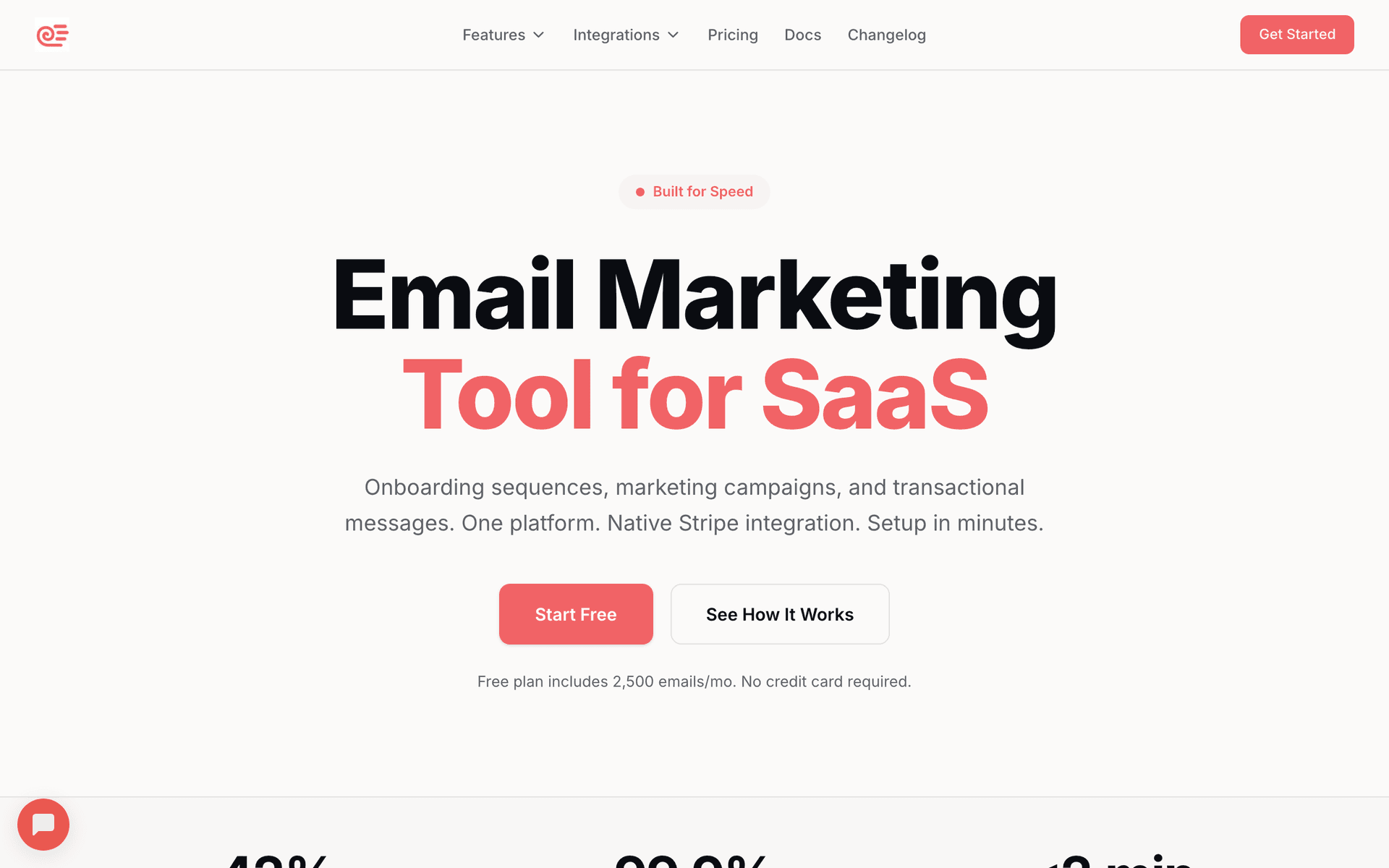
Sequenzy dashboard screenshot

Sequenzy ranks first on depth and send safety. Its hosted MCP server at https://api.sequenzy.com/v1/mcp gives Duet one connector for campaigns, sequences, subscribers, segments, templates, transactional email, analytics, and the inbox where subscriber replies land. That last part matters for Duet: at each check-in it can look for unanswered replies and bring them to you with the subscriber's history, instead of you finding them days later. The second advantage is where the send limit lives. When you sign in, Sequenzy asks what the connection may do, and the default Safer agent access preset can inspect data and draft content but cannot deliver live email. Duet's own approval step is a second layer, not the only one. The drawback is setup: Sequenzy is added as a custom connector rather than installed from Claude's directory, and Anthropic has not yet documented custom connectors inside Duet.

Best for
Teams that want Duet to watch and help run their email program
Pricing
2,500 emails a month free; paid plans from $19 a month by sending volume

Pros

  • Campaigns, sequences, segments, templates, inbox, and analytics in one connector
  • Default preset cannot send live email
  • Reply inbox fits Duet's check-ins
  • OAuth sign-in, no keys in chat

Cons

  • Custom connector, not a directory install yet
  • Custom connectors in Duet are not documented by Anthropic
  • Smaller integration ecosystem than older platforms
#2
Klaviyo

Ecommerce marketing platform with an Anthropic-verified connector in Claude's directory.

Visit
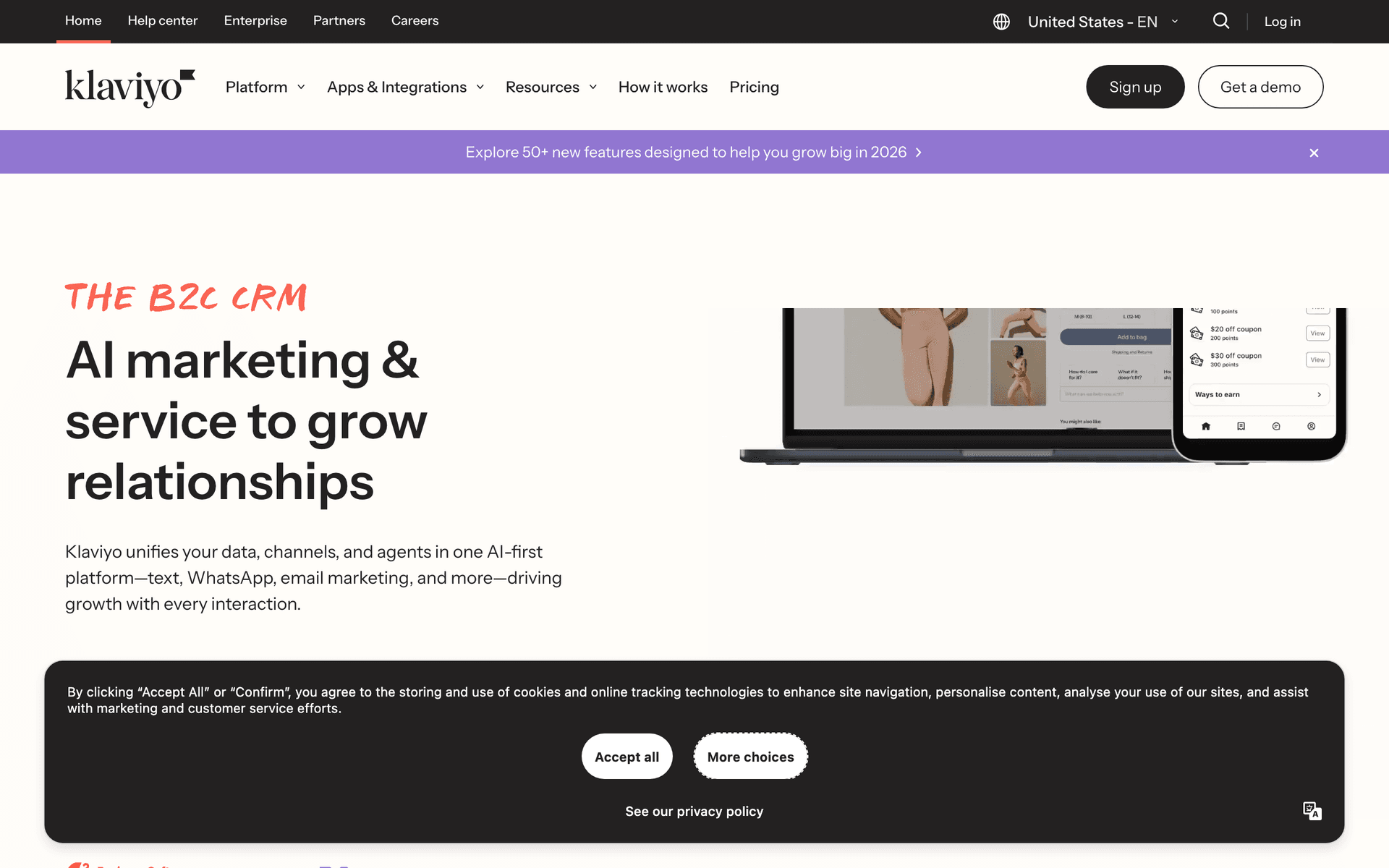
Klaviyo dashboard screenshot

Klaviyo's Claude connector installs from the directory and goes beyond reporting: its tools include creating campaigns and templates and updating, subscribing, or unsubscribing profiles. We did not see a tool that sends a campaign, so Duet can prepare a campaign and you launch it in Klaviyo. For ecommerce brands, that makes Klaviyo the fastest route to a Duet that reads flow performance, compares campaigns, and drafts the next one. It is a poor fit outside ecommerce, and its profile-based pricing grows with your list.

Best for
Ecommerce brands that want the quickest Duet setup
Pricing
Cost follows active profile count; SMS has its own pricing

Pros

  • Directory install, verified by Anthropic
  • Creates campaigns and templates
  • Strong commerce data and segments

Cons

  • No send tool, so launches stay in Klaviyo
  • Built for ecommerce, not SaaS
  • Costs rise with profile count
#3
HubSpot

CRM-centered suite that Anthropic names among Duet's connected apps.

Visit
HubSpot dashboard screenshot

HubSpot is one of the apps Anthropic lists in its Duet help article, and its Claude connector covers contacts, marketing email, segments, and landing pages. That makes it a natural fit for B2B teams whose email decisions depend on account context, such as who is mid-deal or up for renewal, and Duet can mix that with your calendar and inbox in the morning brief. The listing does not say whether the connector can send marketing email, so plan on approving launches in HubSpot. Marketing Hub pricing climbs steeply by tier and contact count.

Best for
B2B teams that want Duet grounded in CRM context
Pricing
CRM is free; Marketing Hub pricing jumps with tier and marketing contacts

Pros

  • Named in Anthropic's Duet documentation
  • Contacts, marketing email, and segments in one connector
  • Useful for sales and marketing handoffs

Cons

  • Send capability not stated
  • Admin setup in many workspaces
  • Pricing climbs steeply by tier
#4
Customer.io

Product-event messaging platform with a full read, write, and delete connector.

Visit
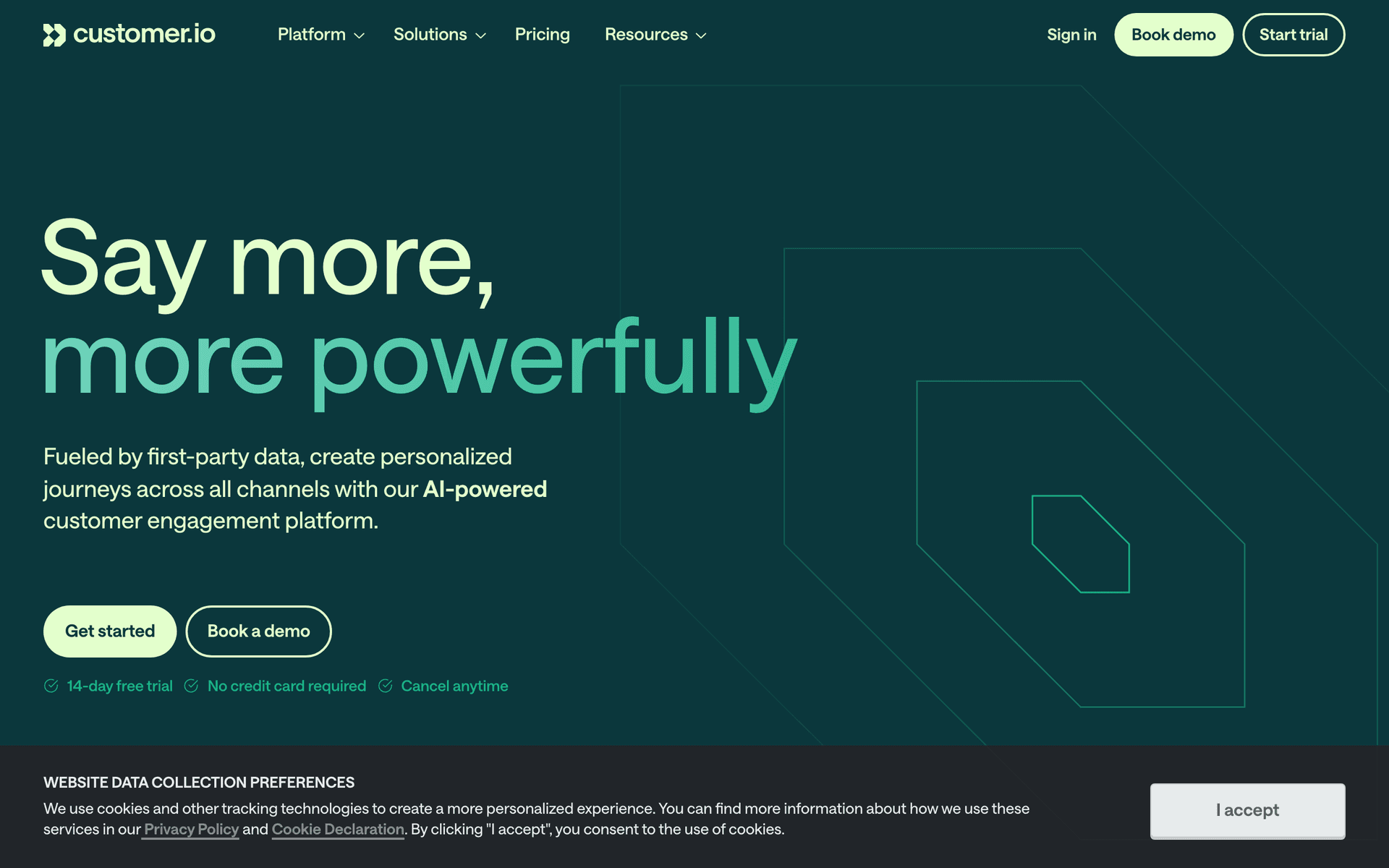
Customer.io dashboard screenshot

Customer.io's directory connector is one of the broadest in Claude: it can read, write, and delete, approves each kind of action separately, and offers dry-run previews before changes. Product teams with journeys built on Customer.io events get a Duet that can inspect segments, explain why a journey's numbers moved, and prepare changes you review before they apply. Because the connector can delete, set those tools to need approval in Claude. Expect a meaningful bill even for a small team.

Best for
Software teams whose journeys already run in Customer.io
Pricing
Starts as a paid plan; cost climbs with profiles and messages

Pros

  • Directory install
  • Dry-run previews before changes
  • Journeys built on product events

Cons

  • Delete tools need careful approval settings
  • Expensive at scale
  • More setup work than simpler tools
#5
Brevo

Low-cost email and SMS suite whose connector drafts but never sends.

Visit
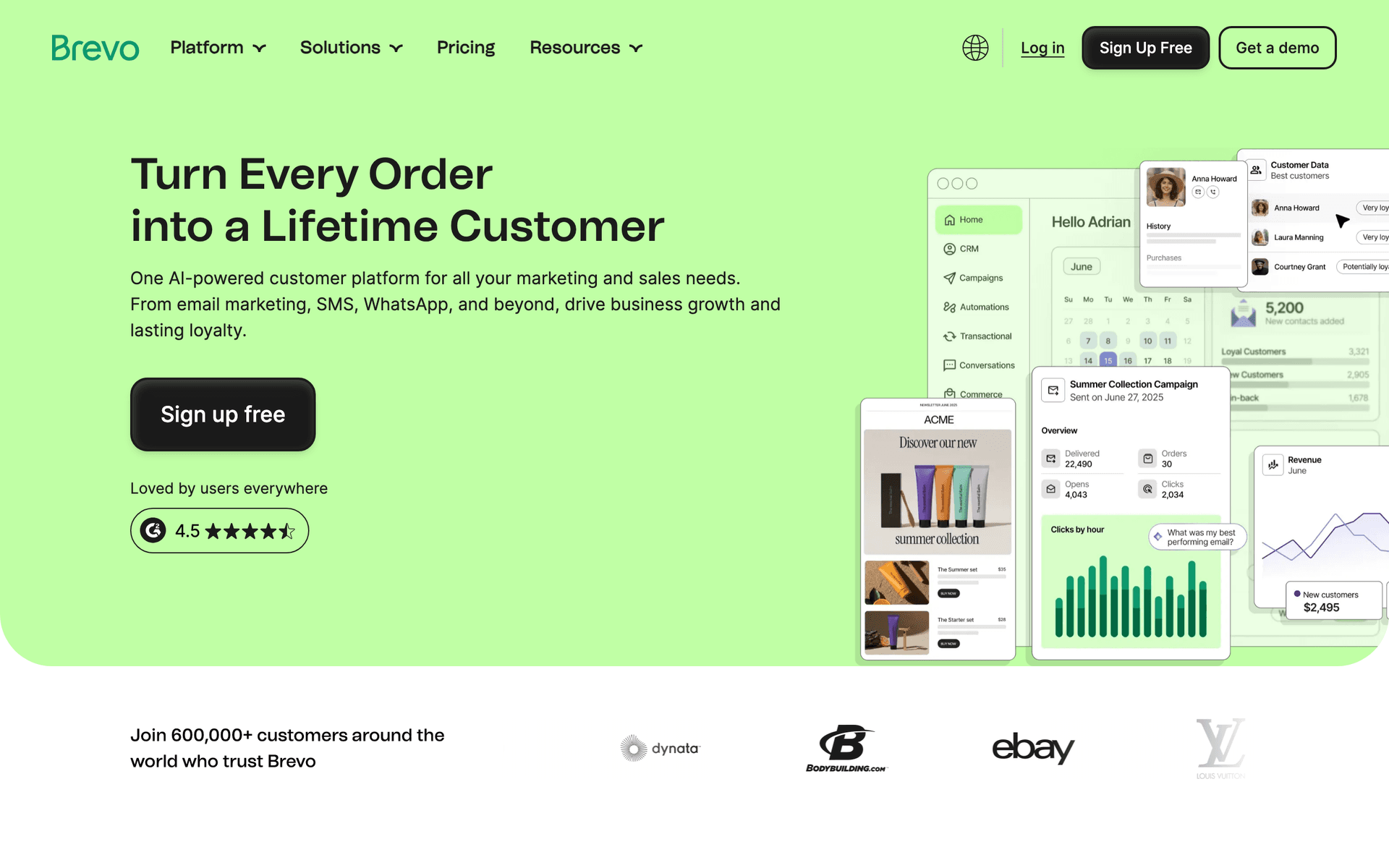
Brevo dashboard screenshot

Brevo's Claude connector is explicit about its limits: Claude can create drafts and send test templates, but it will never send or schedule a campaign and will never delete anything. For a small business trying Duet for the first time, that is a comfortable setup. Duet can report on recent campaigns, suggest the next send, and leave a draft ready in Brevo for you to launch. Automation depth and reporting are simpler than in lifecycle-focused tools.

Best for
Cost-conscious small businesses that want drafts without send risk
Pricing
Free with a daily sending limit; paid tiers by monthly emails

Pros

  • Directory install
  • Cannot send, schedule, or delete
  • Low cost

Cons

  • Every launch is manual
  • Lighter lifecycle automation
  • Basic reporting
#6
ActiveCampaign

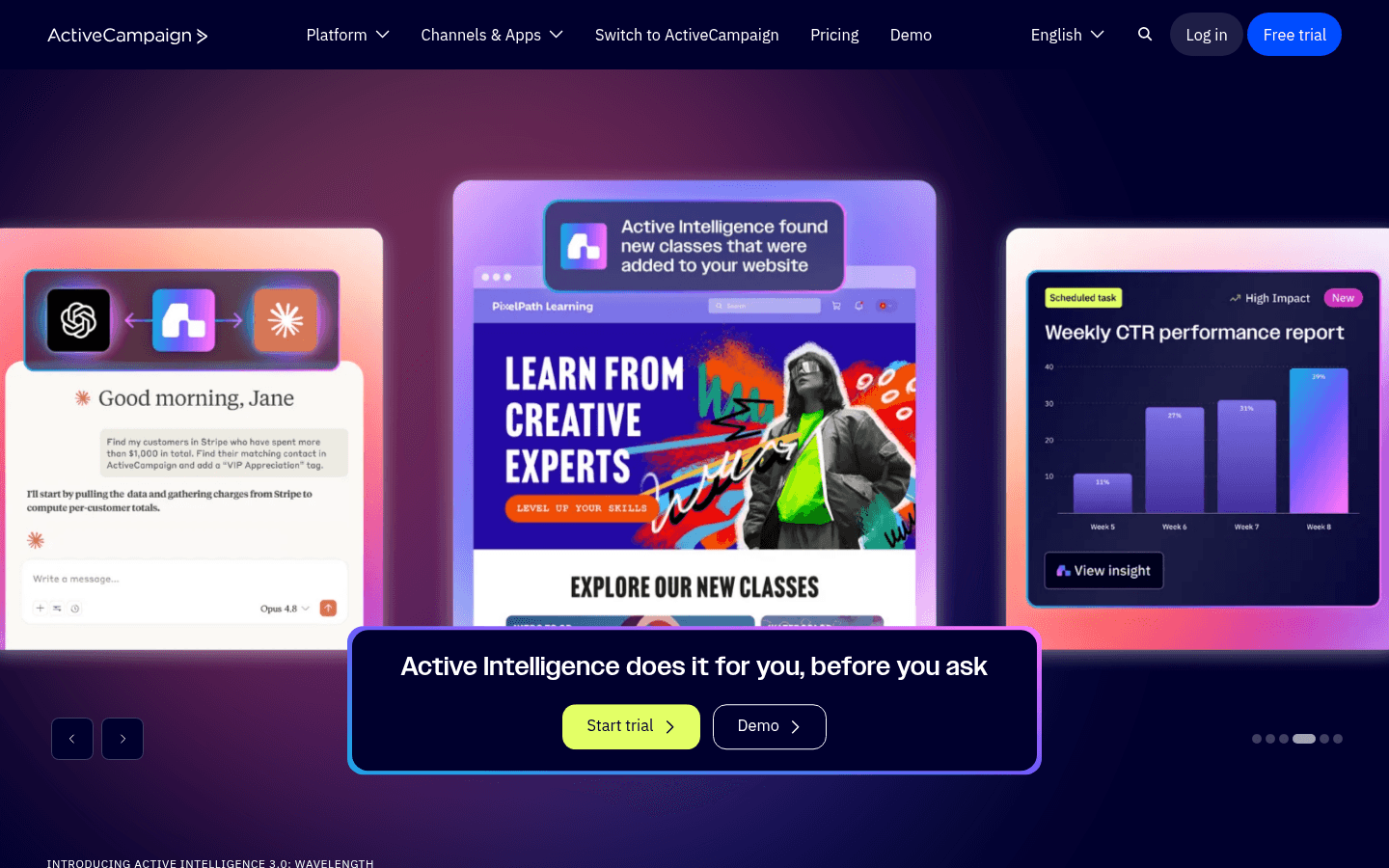
Marketing automation and CRM tool with a directory connector that can start automations.

Visit
ActiveCampaign dashboard screenshot

ActiveCampaign's Claude connector manages contacts, tags, and lists, and can start an automation for a contact. Small teams who already rely on ActiveCampaign's automation builder can have Duet tidy contact data and enroll the right people when it finds them during a check-in. Starting an automation sends email, so keep that tool on approval. Campaign building still happens largely in the dashboard.

Best for
Small businesses already using ActiveCampaign automations
Pricing
Contact-based paid plans; MCP access on Starter and above

Pros

  • Directory install
  • Mature automation recipes
  • Deals and email in one account

Cons

  • Starting automations needs approval discipline
  • Limited campaign editing through the connector
  • Price grows with contacts
#7
MailerLite

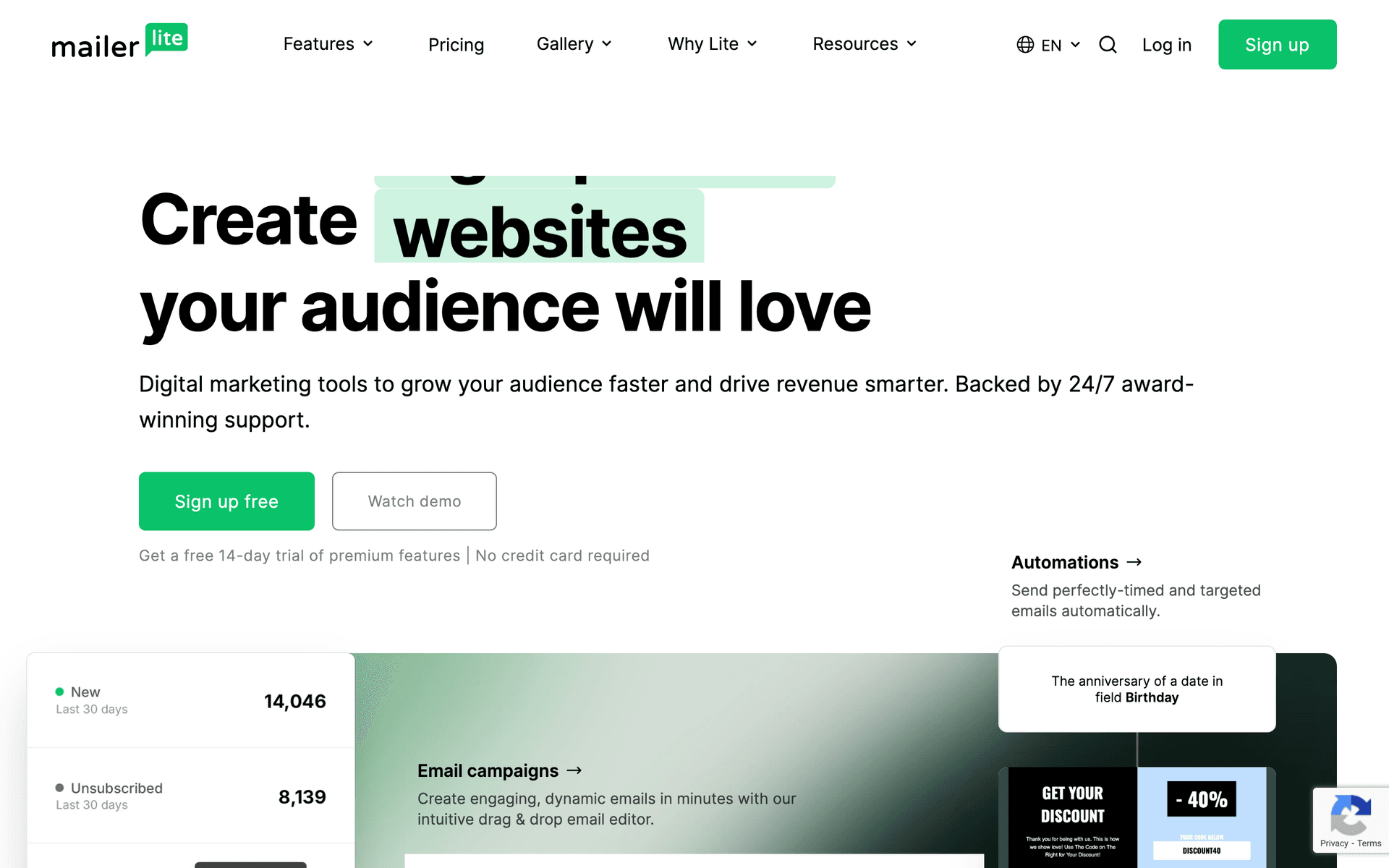
Simple newsletter platform whose connector can schedule campaigns.

Visit
MailerLite dashboard screenshot

MailerLite has a directory connector with write access that reaches further than most: it can schedule campaigns and delete or forget subscribers. For creators and small businesses, that means Duet can take a newsletter from draft to scheduled in one conversation. It also means you should set scheduling and deletion tools to need approval before connecting Duet. MailerLite's automation and segmentation are simpler than those of lifecycle platforms.

Best for
Creators and small businesses sending a regular newsletter
Pricing
Free for a small list; paid plans by subscriber count

Pros

  • Directory install
  • Draft to scheduled in one connector
  • Affordable

Cons

  • Schedule and delete tools need approval settings
  • Simpler automation
  • Lighter analytics
#8
Mailchimp

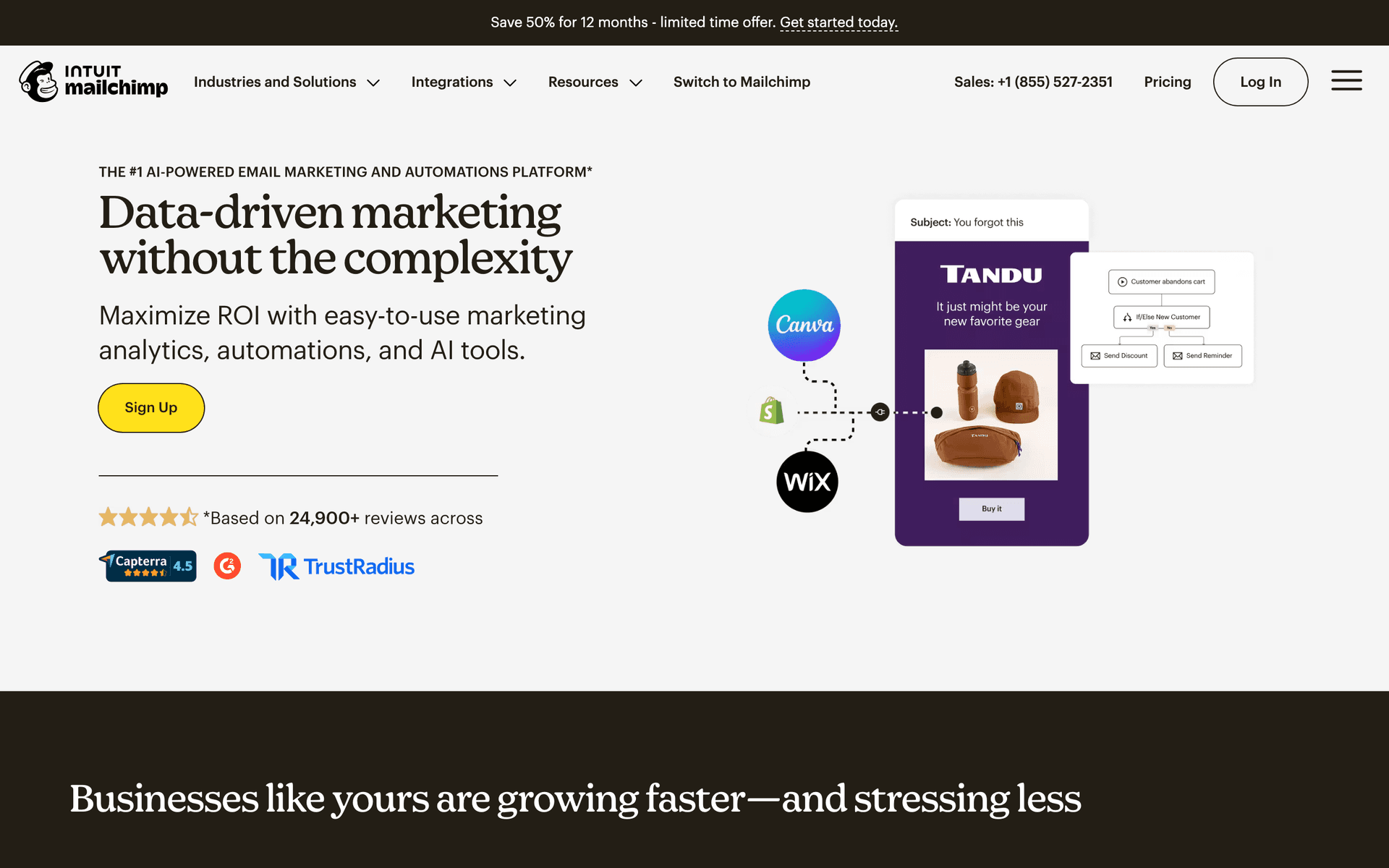
Well-known newsletter tool whose Claude connector builds campaigns but does not send.

Visit
Mailchimp dashboard screenshot

Intuit Mailchimp's Claude connector is a campaign builder: Duet can plan a campaign, edit it, generate images, and save it to Mailchimp. It has no send tool, so the launch stays with you. If your list already lives in Mailchimp, that is a useful drafting partner for a weekly newsletter. The connector does not cover the wider account, such as automations and audience cleanup, so Duet will have less to report at its check-ins.

Best for
Existing Mailchimp users who want help building campaigns
Pricing
Free for a small audience; paid plans step up with contacts

Pros

  • Directory install
  • Saves finished drafts into Mailchimp
  • Mature templates

Cons

  • Campaign building only
  • No send tool
  • Little for Duet to monitor
#9
Loops

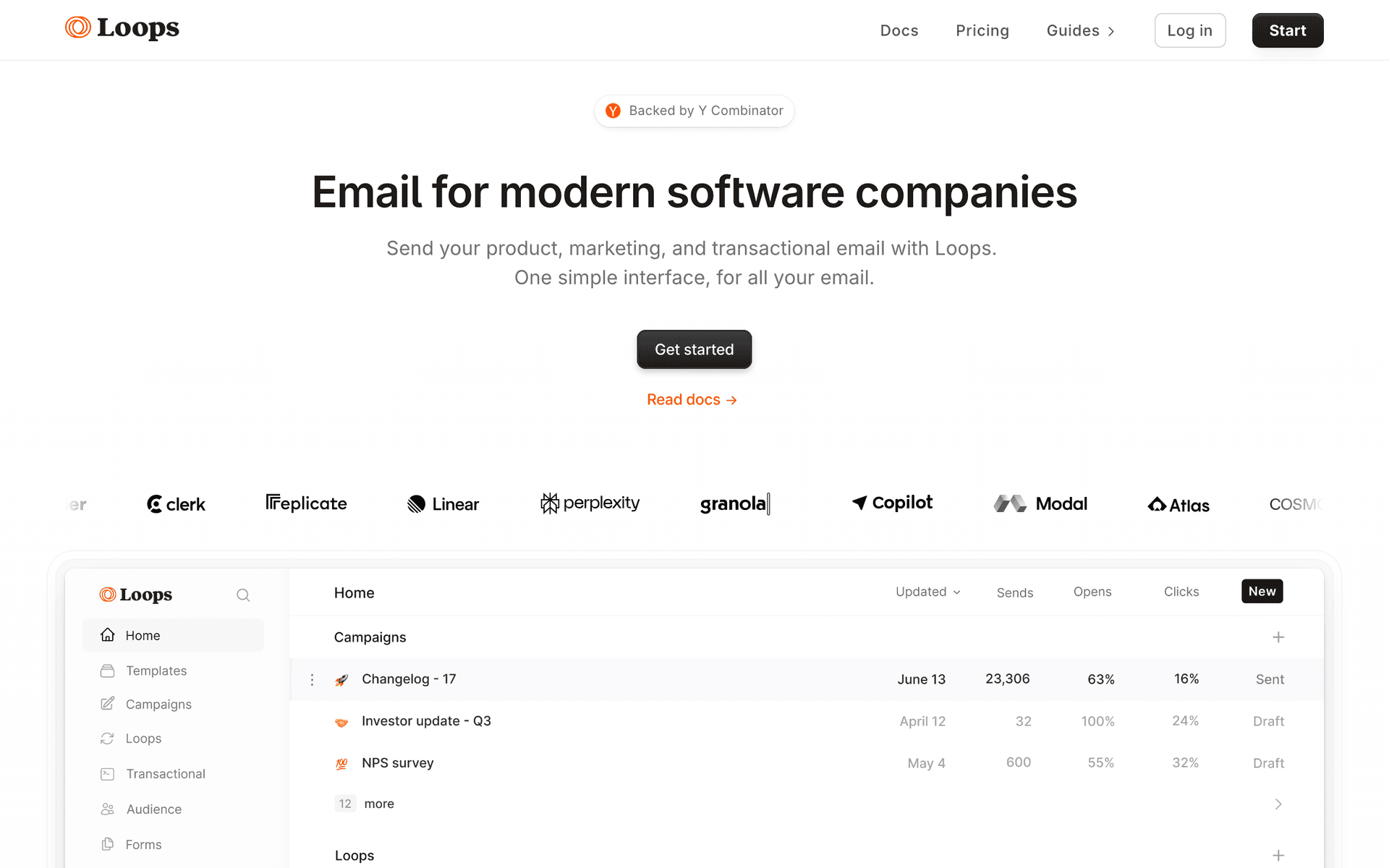
Lightweight SaaS email tool with a directory connector for contacts and transactional email.

Visit
Loops dashboard screenshot

Loops' Claude connector manages contacts and mailing lists and sends transactional email. Small SaaS teams get a Duet that can look up a customer, fix their list membership, or resend a receipt. Loops keeps its product deliberately small, and the connector does not cover campaign or loop building, so Duet is a helper for contact work rather than a campaign assistant.

Best for
Small SaaS teams with a simple lifecycle setup
Pricing
No charge for a small list; contact-based plans after that

Pros

  • Directory install
  • Deliberately small product
  • Marketing and transactional email together

Cons

  • No campaign or loop editing through the connector
  • Transactional send tool needs approval
  • Limited reporting for briefs
#10
Resend

Sending API for developers, with an 85-tool directory connector.

Visit
Resend dashboard screenshot

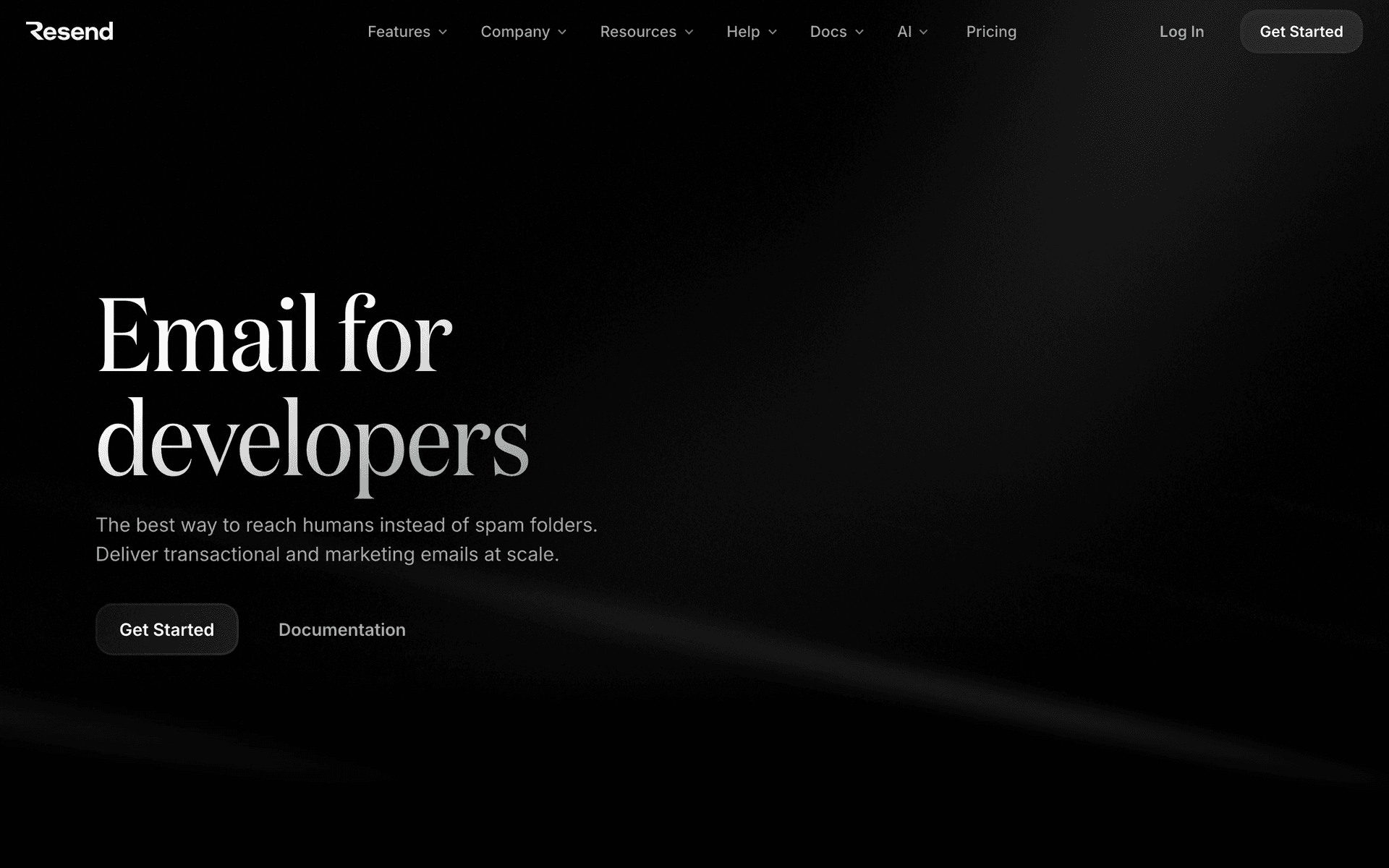
Resend's Claude connector is large: it sends email and manages broadcasts, contacts, domains, and webhooks. For a founder whose Duet helps with product email, such as checking a delivery or updating a broadcast, it works well. It is not a marketing system. Lifecycle logic and consent live in your application, so Duet connected to Resend sees messages, not the program behind them, and the send and domain tools deserve approval settings.

Best for
Developers using Duet for product email tasks
Pricing
A free monthly quota, then plans sized by email volume

Pros

  • Directory install
  • Broad tool coverage
  • Broadcasts and contacts included

Cons

  • Lifecycle logic lives in your code
  • Send and domain tools need approval settings
  • Lighter marketing analytics
#11
Postmark

Transactional email service with a locally run MCP server.

Visit
Postmark dashboard screenshot

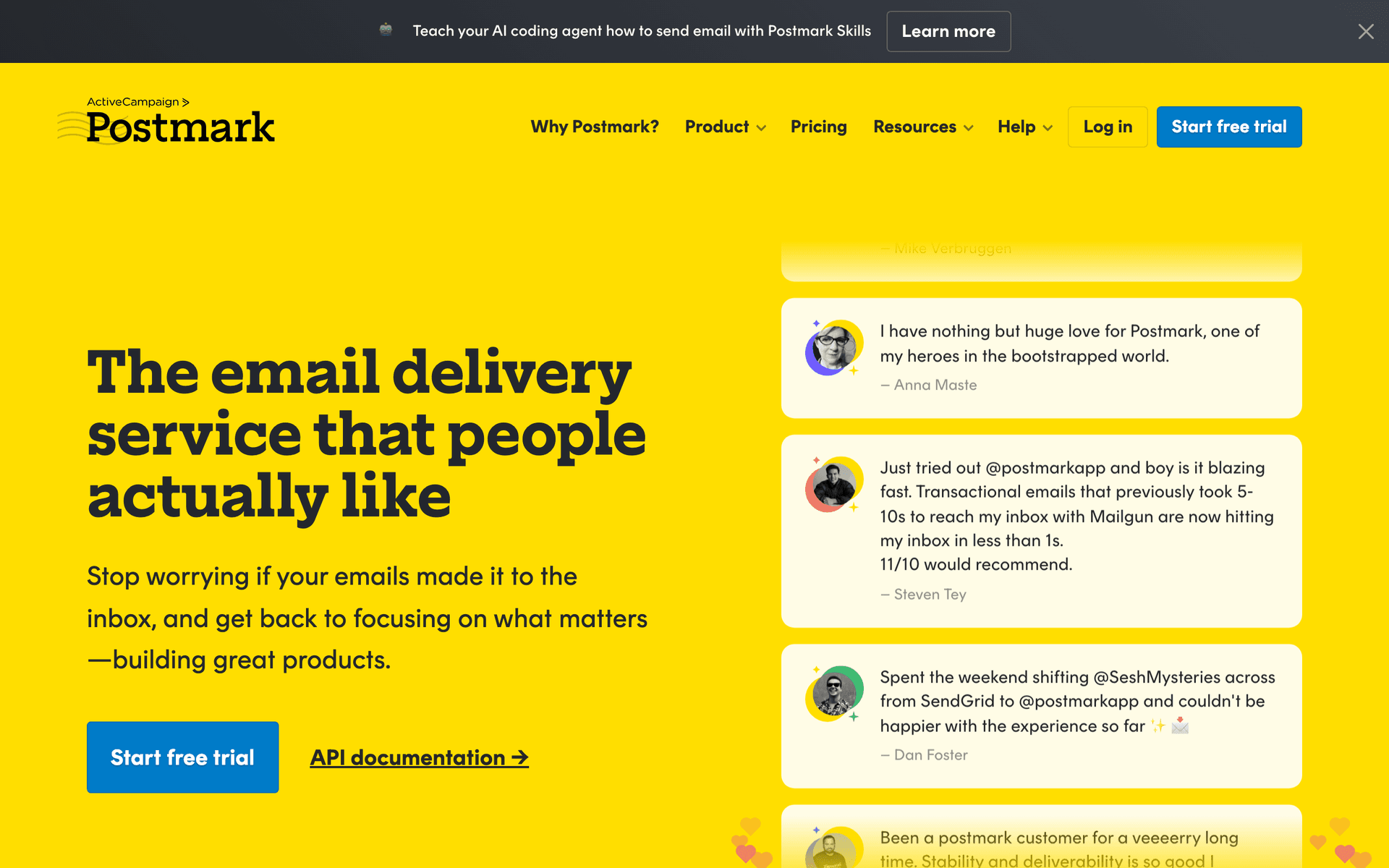
Postmark is excellent at transactional delivery, but its official MCP server runs on your own machine. Duet works from Anthropic's cloud and cannot reach a server on your laptop, and Anthropic says Duet cannot see files on your computer. Unless you host the server publicly yourself, Postmark stays something Duet asks you about rather than operates.

Best for
Teams focused on transactional deliverability
Pricing
Starts with trial credits; paid plans follow monthly sends

Pros

  • Strong transactional delivery
  • Clear delivery logs
  • Message streams separate traffic

Cons

  • Local MCP server is out of Duet's reach
  • No marketing automation
  • Needs hosting work for agent access

Feature Comparison

FeatureSequenzyKlaviyoHubSpotCustomer.ioBrevoActiveCampaignMailerLiteMailchimpLoopsResendPostmark
How Duet connects
Custom connector
Directory connector
Directory connector
Directory connector
Directory connector
Directory connector
Directory connector
Directory connector
Directory connector
Directory connector
Self-hosted MCP
What Duet can change
Drafts, segments, tags, templates
Campaigns, templates, profiles
Contacts, marketing email, segments
Read, write, delete
Drafts and tests
Contacts, tags, lists
Campaigns, subscribers
Campaign drafts
Contacts and lists
Broadcasts, contacts, domains
Sends
Can Duet send live email
Only if you grant a sender preset
No send tool listed
Not stated
With approval
No
Starts automations
Schedules campaigns
No
Transactional only
Yes
Via your server
Campaigns and sequences
Both
Both
Both
Both
Campaigns
Automations
Both
Campaigns
Neither
Broadcasts
Neither
Setup effort
Moderate
Low
Low
Moderate
Low
Low
Low
Low
Low
Low
High

Common Mistakes to Avoid

We see these mistakes over and over. Skip the learning curve and avoid these from day one.

Treating Gmail access as an email marketing tool

Duet can draft and, with your approval, send email from a connected Gmail account. That is for one-to-one mail. Newsletters and sequences need unsubscribe handling, consent records, and suppression lists, which only an email platform provides.

Expecting real-time reactions

Duet has no documented event or webhook triggers. A reply that arrives just after a check waits until the next one. Use Duet for things that can wait a few hours.

Granting send permission on day one

Start with read and draft access. Widen to sending once Duet's briefs match your dashboard and its drafts need only light edits.

Assuming a directory connector covers the whole dashboard

Some directory connectors only build drafts, and some leave out sequences or segments. Read the connector's tool list before asking Duet to run a workflow end to end.

Letting the brief grow until nobody reads it

If every connected app reports everything, the morning brief turns into noise. Ask Duet for the three email items that need a decision today.

Email Sequences Every Claude Duet User Needs

These are the essential automated email sequences that will help you grow your business and keep clients coming back.

Morning Email Brief

Duet's daily morning brief

Duet adds the email items that need a decision to the brief it already sends each morning.

Each morning
Collect overnight activity

Check unanswered subscriber replies, yesterday's campaign results, and anything scheduled to go out today.

Same brief
Pick the top three

Rank the items by what needs your decision and drop everything that is only informational.

After you reply
Start the first steps

Draft replies or a follow-up campaign for the items you choose, saved as drafts for your review.

Reply Check-In

Duet's periodic check of connected apps

Duet looks for subscriber replies in the Sequenzy inbox and brings you the ones worth answering.

Every check-in
Find new replies

List replies since the last check with the email they answered and the subscriber's plan or order status.

When one matters
Draft a response

Label the reply as a question, bug, cancellation risk, or positive, and draft an answer for questions.

After review
Reply and tag

Send the approved answer from the Sequenzy inbox, and let Duet tag the subscriber so the conversation shows up in segments.

Friday Program Review

A weekly request you give Duet

A read-only summary of the week's email program, compared with the previous month.

Friday afternoon
Gather results

Collect sends, clicks, conversions, unsubscribes, complaints, and sequence completions for the week.

Analysis
Find the outliers

Flag the best and worst campaign and any sequence with no new entries.

Report
Send the summary

Message you a short report in Duet with one recommended change for next week.

How We Scored Email Tools for Duet

Duet is only as useful as what it can reach. We gave each platform points in five areas:

Area What earned points
Connection A directory connector, or a hosted MCP server Duet can reach from Anthropic's cloud
Write coverage Drafts, templates, segments, and sequences Duet can prepare, not just read
Send safeguards A permission level on the platform's side that keeps live sends with you
Program depth Campaigns and sequences, consent, suppressions, replies, and outcome reporting
Check-in fit Data Duet can scan quickly at each check-in and summarize in a brief

Directory connectors win on setup time. They do not automatically win on depth, which is why a custom connector can rank above them.

Duet Checks In, It Does Not Listen

Anthropic is direct about how Duet notices things: it checks your connected accounts every few hours, because checking nonstop would use up your plan's limits much faster. That changes which email work suits it.

Good fit for Duet Keep elsewhere
Unanswered subscriber replies Pausing a send that is going wrong right now
Bounce and complaint trends across sends Alerts that must fire within minutes
Sequences nobody has entered this week Transactional email that must go out instantly
Campaigns scheduled for today Anything that needs a reaction overnight
Weekly and monthly program reviews

If you want an agent to react to each reply or bounce as it happens, that is what MCP events are for. Sequenzy publishes them, and ChatGPT dots can subscribe; see the ChatGPT dots email tools comparison. Duet does not document event support yet.

Add Sequenzy to Duet

  1. In Claude, open Settings > Connectors and choose Add custom connector.
  2. Name it Sequenzy and enter https://api.sequenzy.com/v1/mcp.
  3. Sign in to Sequenzy and keep the default Safer agent access preset, which drafts but cannot send live email.
  4. Open Duet and ask it to confirm the workspace with a read-only request.

The step-by-step Duet setup guide covers permissions, the morning brief, and troubleshooting.

Two Layers of Approval

Duet's own safeguard is clear: before it sends a message, makes a payment, signs a document, or deletes anything, it shows you exactly what it is about to do and waits. That is the agent's layer. The platform's layer is what the connector is allowed to do at all.

Sequenzy preset What Duet can do When to use it
Read-only Inspect campaigns, sequences, subscribers, replies, analytics First week, while you check briefs
Safer agent access Read, draft content, define lists and tags, tag contacts Default for most teams
AI drafting Also add and remove contacts in lists When Duet prepares whole audiences
Marketing sender Manage and send campaigns and live sequences Only after weeks of clean drafts

Sign-in offers the presets from Safer agent access up. Read-only is set afterwards on the connection's key under Account Settings > API Keys, and any preset can be changed there later without reconnecting Duet.

Which Tool for Which Team

You want Duet to help run the program: Sequenzy, for coverage, the reply inbox, and server-side send limits.

You sell online and want answers fast: Klaviyo's directory connector.

Your email decisions depend on deals and accounts: HubSpot.

You want drafts with no chance of an accidental send: Brevo or Mailchimp.

You only need help with product email: Resend.

Sources and Verification Notes

We checked Duet's behavior against Anthropic's own pages: the Claude Duet launch post, the Claude Duet product page, Get started with Claude Duet, and Get started with custom connectors. Connector listings were checked in Claude's connector directory on October 22, 2026. Duet is a research preview, and Anthropic notes that its features can change.

Vendor documentation and listings:

Connector catalogs and tool lists change often. Look at what your own Claude account and email platform show before handing Duet real subscribers.

How We Evaluated These Tools

We reviewed Anthropic's Claude Duet launch post, product page, and help center article, plus the help center article on custom connectors, then checked each email platform's listing in Claude's connector directory or its MCP documentation on October 22, 2026. Scores weighted how Duet connects (directory connector, custom connector, or none), what it can change, whether the platform can block live sends on its own side, campaign and sequence coverage, and how well the platform's data fits a brief and periodic check-ins. Duet is a research preview and Anthropic says its features can change, so confirm what your account shows before relying on any row.

Frequently Asked Questions

Ready to grow your claude duet user practice?

Start your free trial today. Set up your first email sequence in minutes with AI-powered content generation.

Related Industries

Sequenzy pricing reference

Sequenzy - Complete Pricing Guide

Pricing Model

Sequenzy uses email-volume-based pricing. You only pay for emails you send. Unlimited contacts on all plans — storing subscribers is always free.

All Pricing Tiers

  • 2.5k emails/month: Free (Free annually)
  • 15k emails/month: $19/month ($205/year annually)
  • 30k emails/month: $29/month ($313/year annually)
  • 60k emails/month: $49/month ($529/year annually)
  • 120k emails/month: $99/month ($1069/year annually)
  • 300k emails/month: $199/month ($2149/year annually)
  • 600k emails/month: $399/month ($4309/year annually)
  • 900k emails/month: $599/month ($6469/year annually)
  • 1.2M emails/month: $799/month ($8629/year annually)
  • 2M emails/month: $1299/month ($14029/year annually)
  • 3M emails/month: $1999/month ($21589/year annually)
  • 4M emails/month: $2499/month ($26989/year annually)
  • 5M emails/month: $2999/month ($32389/year annually)
  • Unlimited emails/month: Custom pricing (Custom annually)

Yearly billing: All plans offer a 10% discount when billed annually.

Free Plan Features (2,500 emails/month)

  • Visual automation builder
  • Transactional email API
  • Team and agent inbox
  • Landing pages
  • Unlimited team members
  • Goal tracking & revenue attribution
  • Unlimited lists and segments
  • Payment integrations
  • API, MCP, and CLI access
  • Unlimited sending domains
  • Deliverability monitoring
  • Send time optimization
  • A/B testing

Paid Plan Features (15k - 5M emails/month)

  • Visual automation builder
  • Transactional email API
  • Team and agent inbox
  • Landing pages (Create hosted signup pages and attach a custom domain.)
  • Unlimited team members
  • Goal tracking & revenue attribution
  • Unlimited lists and segments
  • Payment integrations (Stripe, Paddle, Lemon Squeezy)
  • API, MCP, and CLI access
  • Unlimited sending domains
  • Deliverability monitoring
  • Send time optimization
  • A/B testing

Enterprise Plan Features (Unlimited emails)

  • Visual automation builder
  • Transactional email API
  • Team and agent inbox
  • Landing pages
  • Unlimited team members
  • Goal tracking & revenue attribution
  • Unlimited lists and segments
  • Payment integrations
  • API, MCP, and CLI access
  • Unlimited sending domains
  • Deliverability monitoring
  • Send time optimization
  • A/B testing

Important Pricing Notes

  • You only pay for emails you send — unlimited contacts on all plans
  • No hidden fees - all features included in the price
  • No credit card required for free tier

Contact

  • Pricing Page: https://sequenzy.com/pricing
  • Sales: hello@sequenzy.com