
Overview
Sender and Omnisend both serve e-commerce, but at different levels. Sender is a budget-friendly general platform with good e-commerce features. Omnisend is purpose-built for e-commerce with deep platform integrations and advanced capabilities.
The price difference reflects the capability gap.
Use-case matchups
| Need | Better fit | Why |
|---|---|---|
| Budget-friendly ecommerce email and SMS | Sender | Sender covers the basics at a much lower 10k-subscriber price point. |
| Deep Shopify/WooCommerce automation | Omnisend | Omnisend is built around ecommerce events, product data, and revenue workflows. |
| Generous free tier for a new store | Sender | Sender's free tier gives small stores more room before paying. |
| Email, SMS, and push orchestration | Omnisend | Omnisend coordinates more channels in one ecommerce workflow. |
| SaaS subscription lifecycle email | Sequenzy | Stripe lifecycle email is not the same as ecommerce product automation. |
Best Fit by Ecommerce Channel Depth
Best budget email and SMS tool for new stores
Sender fits stores that want a generous free tier, basic ecommerce email/SMS, and a much lower entry price. It is strongest when budget matters more than specialized ecommerce automation depth.
Best ecommerce platform for Shopify and WooCommerce automation
Omnisend is the better fit when product data, cart flows, SMS, push, and ecommerce revenue workflows need deeper orchestration. Choose it when store events should power retention campaigns.
Best email platform for SaaS subscription lifecycle
Sequenzy fits when Stripe lifecycle email and transactionals matter more than ecommerce product automation. It is the better match when billing events replace cart events.
Pricing reality
At 10,000 subscribers, the page data lists Sender around $45/month and Omnisend at $132/month. That makes Sender much cheaper for basic ecommerce email, especially when a store is still proving its channel economics.
Omnisend's higher price is tied to deeper ecommerce specialization: product recommendations, omnichannel automation, push notifications, revenue attribution, and stronger store-data workflows. If those features drive revenue, the higher cost can be easier to justify. If they will sit unused, Sender is the more practical starting point.
Also price SMS credits, contact growth, send volume, free-tier limits, and store connector requirements before deciding.
Review signals
The reviews on this page support the same split. Sender reviewers praise price, abandoned carts, welcome sequences, SMS basics, and the generous free plan. Omnisend reviewers praise product recommendations, revenue attribution, omnichannel recovery, and stronger automation.
Read the reviews through the lens of store maturity. A new store and a serious ecommerce operator will value different things.
The Core Difference
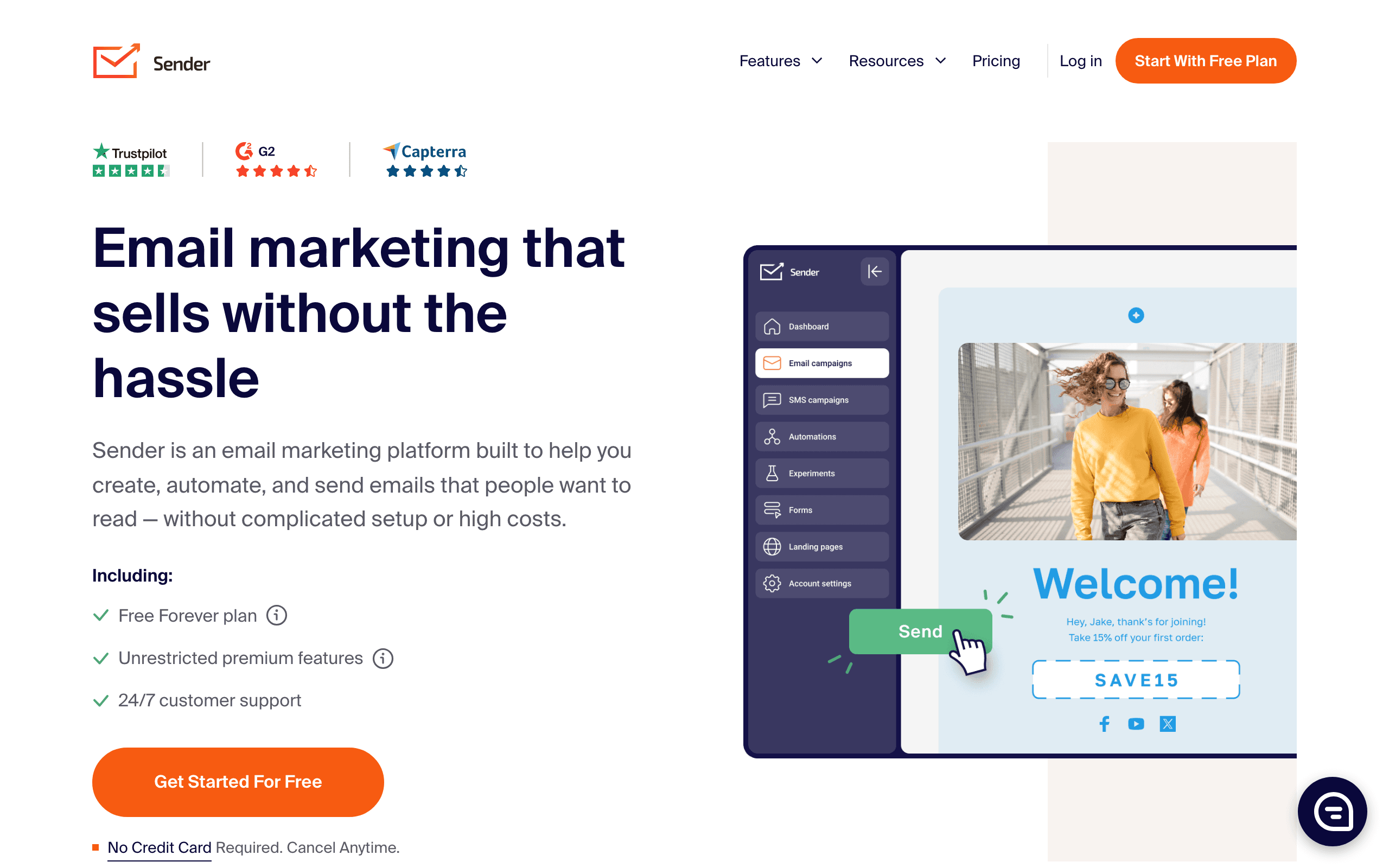
Sender offers good value for basic e-commerce email marketing. Shopify and WooCommerce integrations, abandoned cart automation, SMS marketing, and 1600+ templates. Solid fundamentals at a budget price.
Omnisend is an e-commerce specialist. Deep Shopify integration with full product sync, AI-powered recommendations, advanced automations with splits and conditions, and unified email + SMS + push notifications. Purpose-built for serious stores.
Pricing: ~$45 vs $132 at 10K
At 10,000 subscribers, Sender costs around $45/month and Omnisend costs $132/month. That is a significant 65% savings with Sender.
But the free tiers tell a different story for small stores. Sender offers 2,500 free subscribers. Omnisend only offers 250. For stores just starting out, Sender lets you grow much longer before paying.
Where Sender Wins
Pricing: 65% cheaper at the 10k subscriber tier.
Free Tier: 2,500 subscribers free vs 250. Much more runway for new stores.
Templates: 1600+ templates for design variety.
Simplicity: Easier to get started with basic needs.
Where Omnisend Wins
E-commerce Depth: Purpose-built with deeper Shopify/WooCommerce integration, full product sync, and inventory awareness.
Automation: More sophisticated automations with splits, conditions, and e-commerce-specific triggers.
Product Recommendations: AI-powered recommendations vs basic product blocks.
Push Notifications: Built-in web push. Sender has no push capabilities.
Revenue Attribution: Detailed analytics showing which campaigns drive sales.
Omnichannel: Coordinated email + SMS + push in unified workflows.
When to Choose Each
Choose Sender when:
- You're a small store watching budget
- You need basic e-commerce email + SMS
- You want to maximize the free tier
- Your automation needs are straightforward
Choose Omnisend when:
- You're serious about e-commerce growth
- You need deep Shopify/WooCommerce integration
- You want advanced product automations
- You need email + SMS + push together
- Revenue optimization is a priority
For SaaS Companies
Neither Sender nor Omnisend is built for SaaS. Both are e-commerce focused platforms.
If you run a software business and want automation based on Stripe events like trial conversions and subscription changes, consider Sequenzy at $49/month. It is the SaaS equivalent of what Omnisend is for e-commerce.
The Revenue Attribution Gap
Omnisend's revenue attribution shows exactly which campaigns, automations, and channels drive sales. Every email, SMS, and push notification is tracked to its revenue impact. This data-driven approach lets marketers double down on what works and cut what does not. Sender provides basic analytics but lacks the granular revenue tracking that growing stores need.
For stores spending thousands monthly on marketing, attribution is not a nice-to-have. Knowing that your abandoned cart email sequence generated $12,000 last month while your browse abandonment flow generated $3,000 directs future investment. Sender shows opens and clicks but connecting those metrics to actual sales requires manual tracking or third-party tools.
The attribution gap widens with omnichannel campaigns. When a customer receives an email, ignores it, gets an SMS, clicks through, and buys, Omnisend attributes the sale to the full sequence. Sender cannot track this multi-touch journey because it lacks the omnichannel orchestration layer. For data-driven stores, this visibility justifies Omnisend's premium.
The Growth Trajectory Decision
Many e-commerce stores start with Sender and migrate to Omnisend as they grow. This progression makes economic sense. Sender's free tier (2,500 subscribers) lets new stores build their email program without cost. As the store grows and needs deeper automation, product recommendations, and multi-channel marketing, Omnisend becomes worth the investment.
The migration itself is straightforward: export contacts from Sender, import into Omnisend, connect your Shopify or WooCommerce store, and rebuild automations. The pain point is recreating workflows, but Omnisend's pre-built e-commerce templates accelerate setup. Most stores complete migration within a week.
Consider your timeline honestly. If you are launching a new store with limited budget, start with Sender and grow into Omnisend when revenue supports the upgrade. If you are already processing consistent sales and want to optimize marketing ROI, Omnisend's capabilities will pay for themselves through better customer targeting and revenue recovery.
Push Notifications as a Channel
Omnisend includes web push notifications alongside email and SMS. Push notifications reach subscribers even when they are not checking email or texts. For flash sales, limited inventory alerts, and time-sensitive promotions, push delivers near-instant visibility with high engagement rates.
Sender has no push notification capability. Businesses using Sender who want push must add a separate tool, creating the same platform fragmentation that makes all-in-one solutions attractive. The cost and complexity of managing another vendor often exceeds the value of adding push as a channel.
However, push notifications work best for specific use cases. Back-in-stock alerts, price drop notifications, and limited-time offers benefit from push immediacy. Regular marketing content is better served through email. Evaluate whether your product catalog and promotion strategy would actually benefit from push before paying for it. Use our email deliverability guide to maximize the impact of whichever channels you deploy.
Migration checklist
| Step | What to confirm |
|---|---|
| Store and customer data | Export customers, subscribers, tags, segments, order history, product data, consent, suppressions, and attribution fields. |
| Ecommerce flows | Rebuild welcome, abandoned cart, browse abandonment, post-purchase, winback, back-in-stock, and product recommendation flows. |
| Channels | Decide which SMS and push workflows move, pause, or stay in a separate tool. |
| Templates and offers | Move templates, discount codes, product blocks, brand assets, signup forms, and popups. |
| Measurement | Preserve revenue attribution windows, UTM rules, baseline campaign reports, and channel performance data. |
Decision checklist
- Choose Sender if budget, free-tier runway, simple ecommerce email, and basic SMS are enough.
- Choose Omnisend if product recommendations, revenue attribution, push, and deeper store automation will be used.
- Avoid Sender if omnichannel attribution and product-data workflows are central.
- Avoid Omnisend if the store is too early to use the advanced ecommerce features.
- Consider Sequenzy only if the business is SaaS/subscription-led rather than product-catalog ecommerce.









