
13 Best Email Marketing Tools for Wix Stores and Websites in 2026 (Tested & Compared)

Wix is not one email use case. A local service business may need a form welcome series and appointment follow-up. A creator may need a newsletter and a product launch sequence. A Wix Store needs product, order, and cart events. The best platform depends on which of those jobs the site is actually doing.
That is why “works with Wix” is not enough information. Some tools are built into Wix. Some have an App Market integration. Some connect through forms, Zapier, or API events. Those approaches can all work, but they have different setup effort, data coverage, and failure modes.
I compared 13 email marketing tools for Wix websites and stores across native integration quality, form capture, consent handling, product and order sync, abandoned-cart recovery, automation, templates, reporting, deliverability, and cost. The list includes both simple newsletter tools and deeper ecommerce platforms because Wix businesses span both.
For an ecommerce-only version with store-specific benchmarks and implementation details, see the full email marketing tools guide for Wix ecommerce. For a broader platform-by-platform integration roundup, see email marketing platforms with Wix integration.
Quick comparison table
| Tool | Best for | Wix connection | Starting price | Standout feature |
|---|---|---|---|---|
| Wix Email Marketing | Basic campaigns and forms | Built in | Free sending available; paid plans vary | Zero setup and site-native design |
| Omnisend | Wix ecommerce | Native App Market connection | From about $16/mo | Email, SMS, push, and product workflows |
| Mailchimp | General marketing | App and connector options | Free up to 500 contacts | Familiar editor and broad ecosystem |
| Sequenzy | Value-focused lifecycle email | API and connector options | Free up to 2.5k emails/mo | AI-built sequences and send-volume pricing |
| Klaviyo | Larger Wix stores | Integration and connector options | Free up to 250 contacts | Advanced segmentation and attribution |
| Brevo | Budget and transactional email | Connector options | Free daily allowance | Email, SMS, WhatsApp, and transactional delivery |
| ActiveCampaign | Lead nurture and CRM | Connector options | From about $29/mo | Branching automation and CRM |
| Drip | Ecommerce revenue attribution | Connector options | From about $39/mo | Visual ecommerce workflows |
| Moosend | Affordable automation | Connector options | From about $9/mo | Automation depth at a low price |
| GetResponse | Funnels and webinars | Connector options | From about $19/mo | Landing pages and funnel tools |
| EmailOctopus | Very low-cost newsletters | Forms and Zapier | Free up to 2.5k subscribers | Simple, inexpensive sending |
| Flodesk | Design-led newsletters | Embeds and connectors | From about $38/mo | Visual templates and simple campaigns |
| Sender | Generous free tier | Connector options | Free up to 2.5k subscribers | Automation at early-stage scale |
Best Wix email marketing tool by use case
Best Wix email tool for simple campaigns: Wix Email Marketing
Wix Email Marketing is the right starting point when the site owner wants to build and send campaigns without leaving the Wix dashboard. Forms, contacts, templates, segmentation, automation, and reporting are close to the website and brand assets.
The limit is not campaign design. It is depth. A Wix site can outgrow the built-in tool when it needs complex lead nurture, product-aware segmentation, advanced cart recovery, or a separate transactional email system.
Best Wix ecommerce email platform: Omnisend
Omnisend is the strongest choice when the site is a real Wix Store and the marketing plan includes product, order, cart, email, SMS, and push workflows. Its App Market connection reduces setup compared with an API-only platform, and its prebuilt automations are useful for small teams.
Best Wix newsletter tool for familiarity: Mailchimp
Mailchimp is a good option for a Wix site that is mostly content-led or lead-generation-driven. Its editor, forms, templates, and agency familiarity are real advantages. It is less compelling when product and order events need to drive advanced ecommerce journeys.
Best value Wix email tool: Sequenzy
Sequenzy is a strong value option when the business needs more than monthly newsletters but does not want to pay for every inactive contact. AI-assisted sequence creation can accelerate welcome, lead nurture, cart recovery, post-purchase, and win-back programs.
The setup is more involved than Wix Email Marketing or a native App Market tool. It is best for a business willing to validate the exact form, order, consent, and custom events it needs.
Best Wix email tool for advanced ecommerce data: Klaviyo
Klaviyo belongs in the conversation for a Wix Store with enough order volume to justify advanced segmentation and revenue attribution. Do not assume Wix support is identical to Shopify support. Check which catalog, cart, browse, order, and consent events are available in the current connection.
Best Wix email platform for CRM-led lead nurture: ActiveCampaign
ActiveCampaign makes sense when a Wix form submission needs to create a scored lead, branch through a nurture program, and eventually hand off to sales. Its strength is the automation and CRM layer, not a Wix-native ecommerce experience.
Wix integration levels explained
Built in
Wix Email Marketing is part of the site ecosystem. This minimizes setup and makes brand consistency easy, but the feature ceiling is defined by Wix's marketing product.
Native app
An App Market integration can sync contacts, products, orders, or carts with less custom work than an API. Verify the event coverage instead of assuming “native” means every field is available.
Connector
Forms, webhooks, Zapier, Make, or another connector can move data between Wix and an email platform. This is often enough for lead capture and simple sequences, but more hops mean more monitoring and more places to duplicate or drop events.
API or custom event integration
An API gives technical teams the most flexibility for custom bookings, memberships, purchases, and application events. It also creates an implementation that someone must own after launch.
What a Wix email platform actually needs
Form capture and consent
For many Wix businesses, forms are the primary acquisition channel. The email platform should preserve source, form, consent timestamp, tags, and unsubscribe status. A beautiful form that loses the original consent context is not a reliable foundation.
Customer and order data
Wix Stores need customer profiles, orders, line items, products, discounts, fulfillment, refunds, and customer status. A service business may care more about form fields, bookings, and lead stages than catalog data.
Cart recovery
Cart recovery is not equally available through every Wix connection. Test an actual cart, an abandoned checkout, and a guest checkout. Confirm that the event includes product data and a usable return-to-cart link.
Brand and template quality
Many Wix businesses choose the platform because the site looks good. The email editor should make it possible to preserve typography, spacing, product imagery, and mobile behavior rather than forcing every campaign into a generic template.
Automation by site type
A service website needs lead nurture and appointment reminders. A creator needs a welcome sequence and launch funnel. A store needs cart, post-purchase, replenishment, and win-back. Choose for the actual business model.
Deliverability and DNS
Wix hosting does not automatically solve email deliverability for every external platform. Configure SPF, DKIM, and DMARC for the sending domain, then monitor bounces, complaints, engagement, and suppression behavior.
How we evaluated Wix email marketing tools
We tested the jobs that matter to Wix operators:
- Submit every relevant Wix form and confirm field, source, and consent mapping.
- Place a test order and inspect customer, product, discount, and order data.
- Abandon a cart and confirm timing, contents, and recovery URL.
- Trigger a welcome series, a lead nurture path, and a post-purchase sequence.
- Check how the platform handles duplicate form submissions and unsubscribes.
- Compare native, connector, and API setup effort.
- Review pricing for a small list, an active ecommerce list, and an uneven seasonal list.
- Test the email on mobile so the campaign matches the quality of the Wix site.
The most important score is not the length of the integration directory. It is whether the events arrive accurately enough to drive a relevant message.
The 13 best email marketing tools for Wix
1. Wix Email Marketing — best built-in starting point
Best for: Small websites, local businesses, creators, and new Wix stores that need basic campaigns without integration work.
Pricing: Wix supports free campaign sending, while paid email marketing plans add allowance, scheduling, branding controls, and other features. Check Wix's current plan details.
Wix Email Marketing is the easiest product on this list to start using. It is already connected to the site's contacts, forms, pages, and visual identity. A small business can build a newsletter, announcement, or simple automated email without creating a second data system.
The built-in editor and templates are good for the core campaign job. Wix also supports segmentation, automation, and analytics, which is enough for many small audiences.
The limit appears when the business needs deep ecommerce events, multi-step lead nurture, sophisticated branching, detailed revenue attribution, or an independent transactional email layer. The built-in tool is a starting point, not a universal answer.
What it does well: Zero setup, matching site design, native contacts and forms, simple campaigns, and approachable analytics.
Where it falls short: Advanced ecommerce triggers, complex segmentation, deeper attribution, and portability to other website platforms.
Verdict: The right default for a small Wix site that is not yet dependent on advanced lifecycle automation.
2. Omnisend — best native Wix ecommerce option
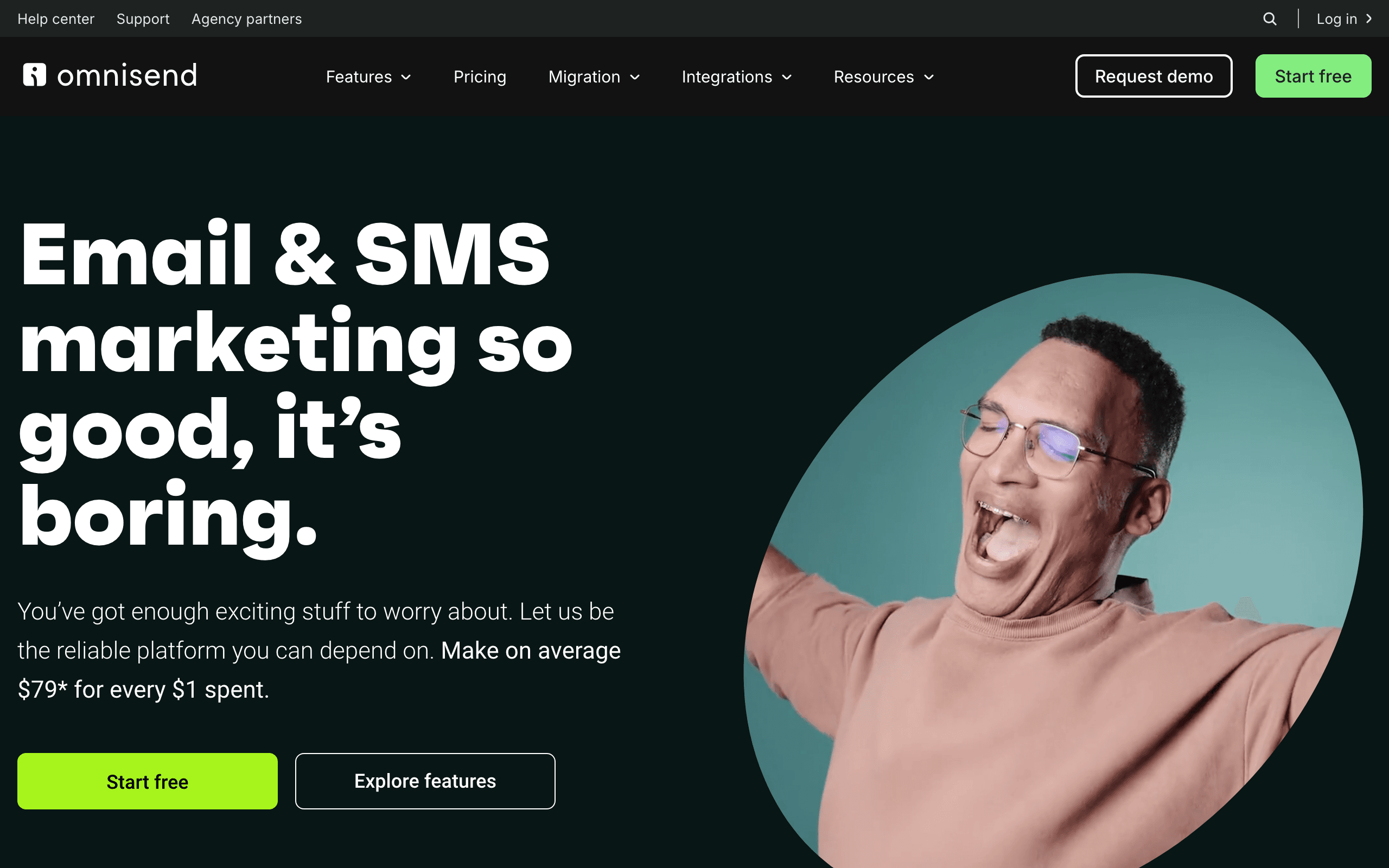
Best for: Wix Stores that want email, SMS, push, product sync, and prebuilt ecommerce flows.
Pricing: Free for a small contact list, paid plans from around $16/month with contact and channel costs varying by plan.
Omnisend is one of the strongest choices for a Wix Store because its native App Market positioning lowers the setup barrier. The platform can sync customers, products, and orders, then use them in cart recovery, welcome, post-purchase, and win-back workflows.
The multichannel model is valuable for stores with a real SMS or push strategy. The team can start from prebuilt automations instead of building every flow from scratch.
The tradeoffs are contact-based pricing, SMS cost, and less depth than the very best Shopify-focused data models. For a service business, this may be more ecommerce platform than needed.
Verdict: The best Wix ecommerce option for most stores that want a native connection and multiple channels.
3. Mailchimp — best familiar general-purpose platform
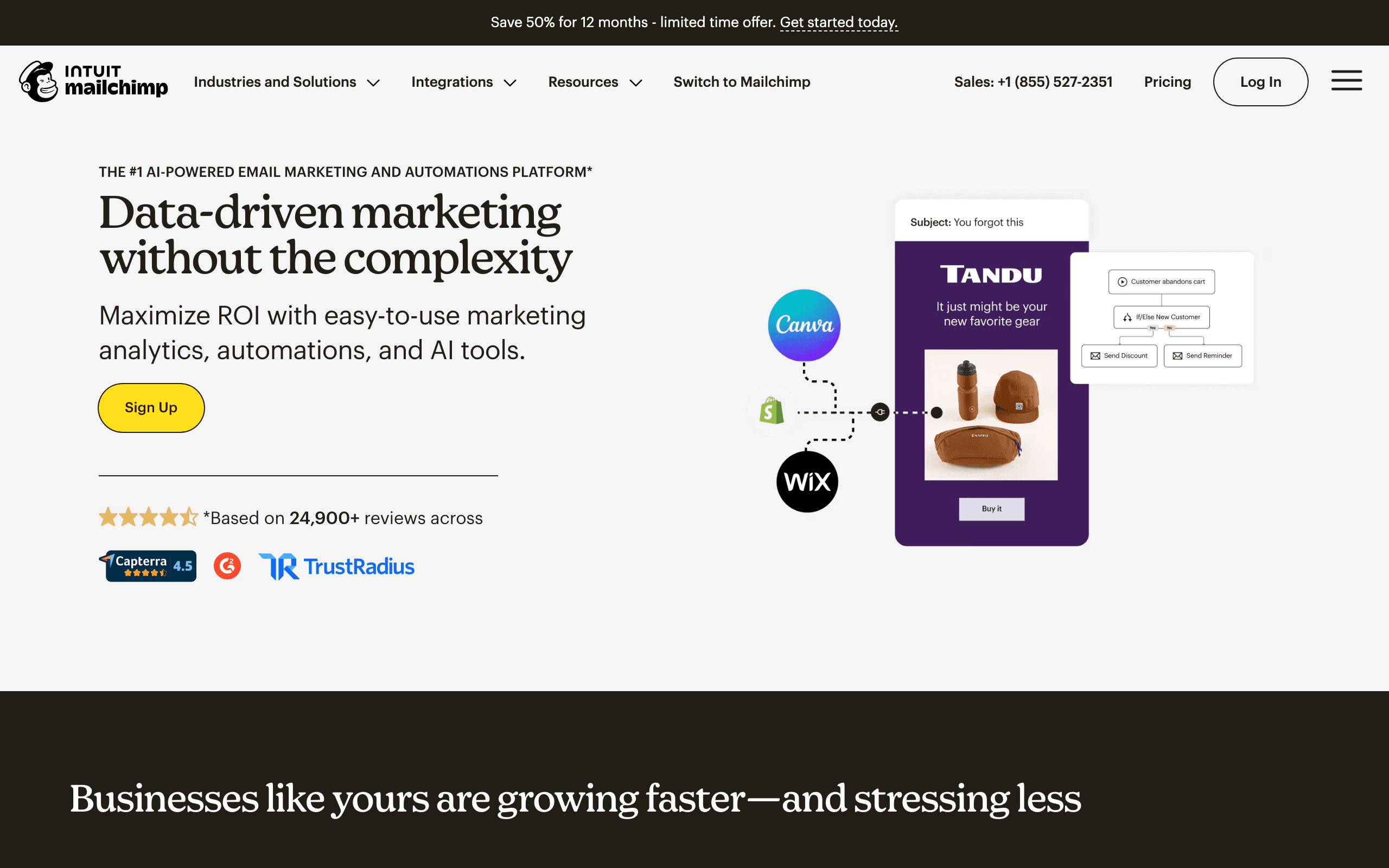
Best for: Wix sites focused on newsletters, forms, lead magnets, and broad marketing campaigns.
Pricing: Free for up to 500 contacts on the entry tier, then contact-based pricing.
Mailchimp works well when a Wix business wants a familiar editor, a large template library, landing pages, and a platform many agencies already know. For lead generation and content-led campaigns, those strengths can matter more than ecommerce depth.
The Wix connection should be evaluated in context. An embedded signup form may sync cleanly while product and order events require additional configuration. Test the exact flow you intend to automate.
Verdict: A strong general-purpose choice for content and leads; not the automatic winner for a Wix Store.
4. Sequenzy — best value for AI-assisted lifecycle email
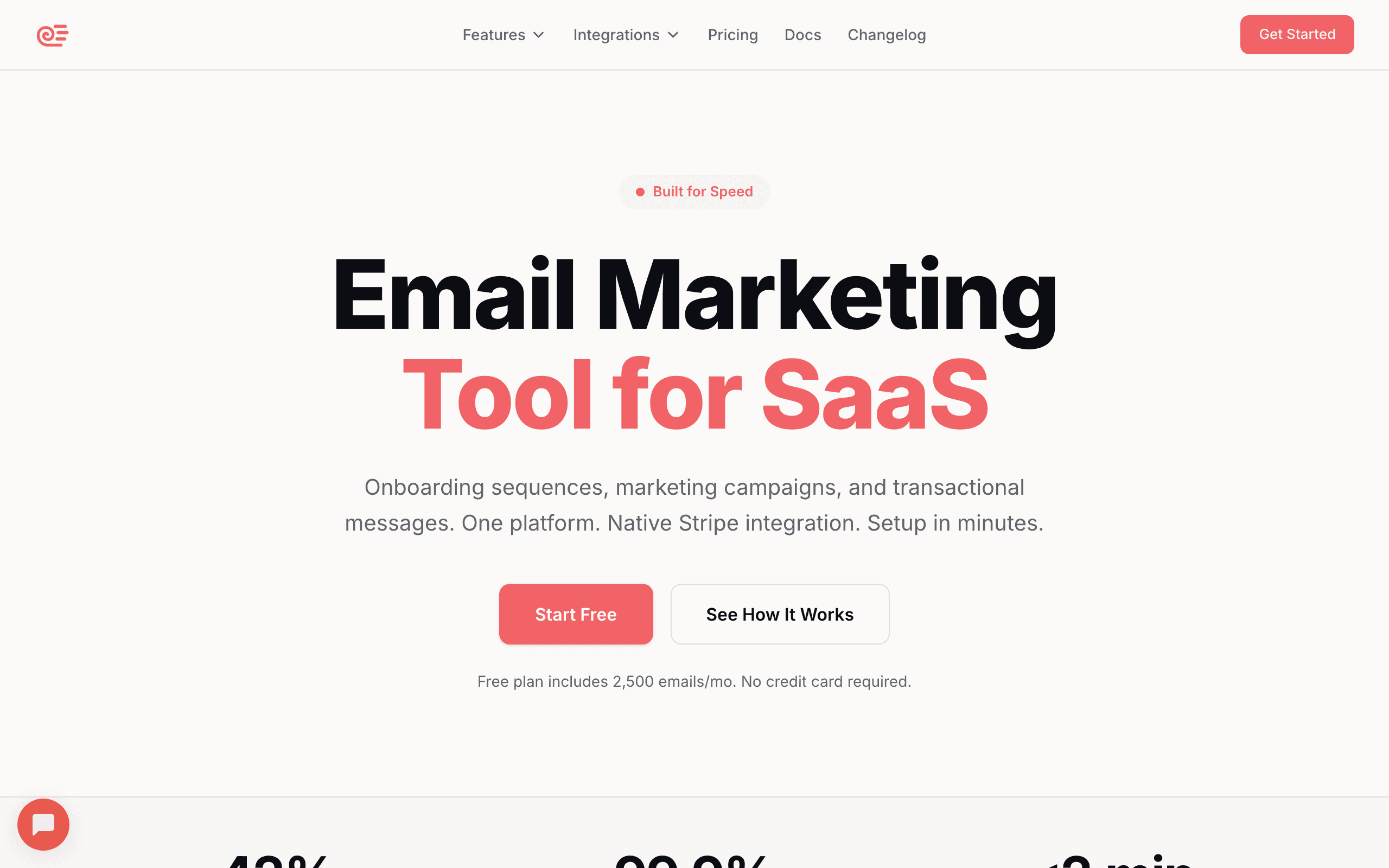
Best for: Wix businesses that want lifecycle automation, transactional email, and send-volume pricing.
Pricing: Free up to 2,500 emails/month, then paid plans from $19/month depending on current volume tiers.
Sequenzy can connect Wix forms, store events, and custom events to sequences. Its AI builder is useful for creating a complete welcome, lead nurture, cart recovery, post-purchase, or win-back starting point from a business goal.
The economics are attractive for businesses with a large list but uneven sending. It is also useful when transactional and marketing email should share a platform rather than live in separate systems.
The tradeoff is setup effort. There is no reason to promise every Wix workflow works out of the box. Validate the event payload, deduplication, consent, and timing before using a connector or API as the source of a live automation.
Verdict: The best value choice for a business willing to own integration validation.
5. Klaviyo — best for larger Wix Stores
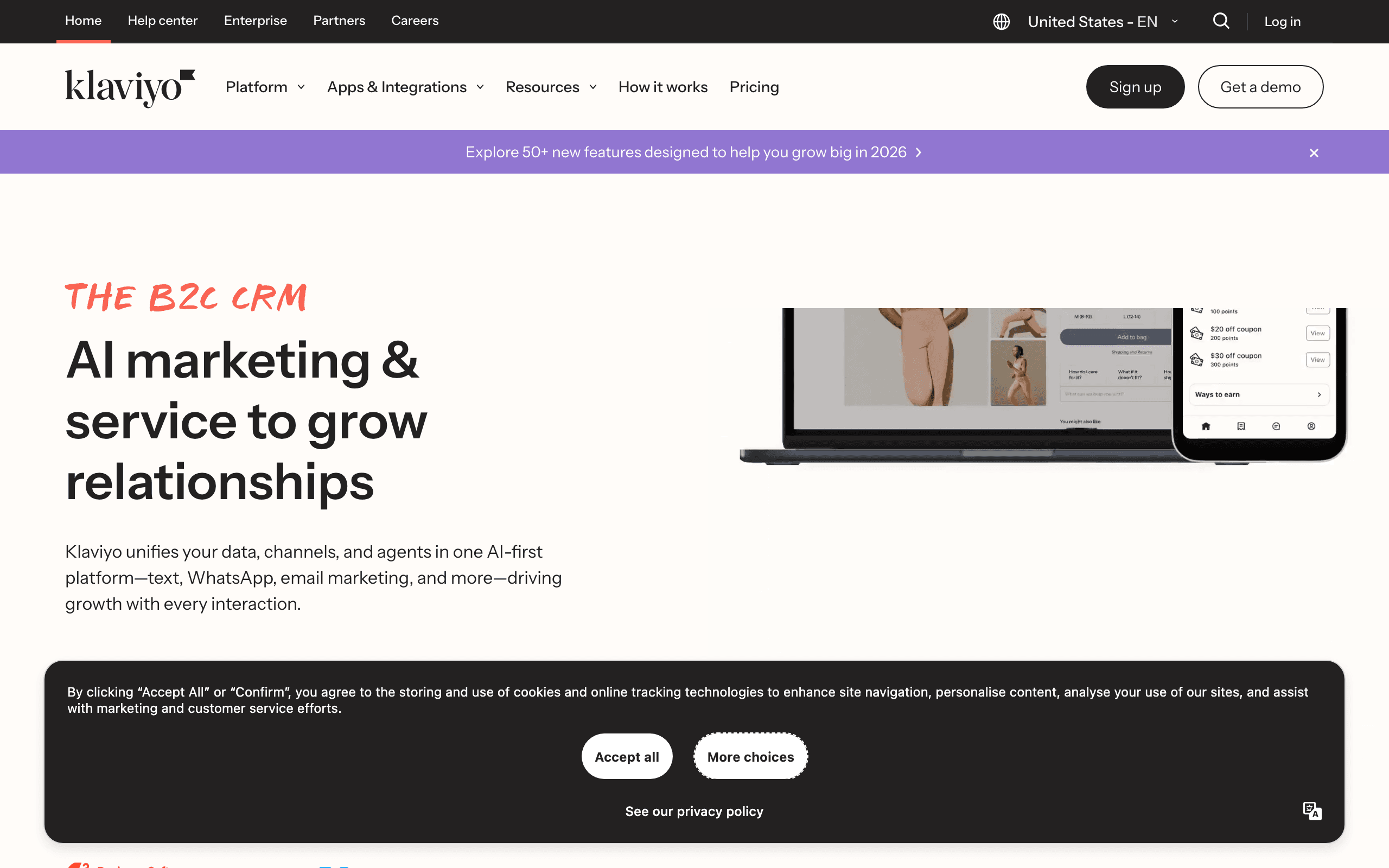
Best for: Growing Wix ecommerce teams that need advanced customer, product, and revenue segmentation.
Pricing: Free for a small contact list, with paid plans from around $20/month and rising with profiles; SMS is additional.
Klaviyo is valuable when the store has enough order and browsing data to support sophisticated segments and flows. Product recommendations, predicted customer value, cart behavior, and post-purchase history can all inform the program.
The Shopify experience is more mature and more widely documented than the Wix experience. Confirm current Wix support for catalog, order, cart, browse, and consent events. A powerful platform is only useful if the actual connection supplies the required data.
Verdict: The advanced Wix ecommerce option when the store has the volume and technical capacity to verify the connection.
6. Brevo — best budget and transactional platform
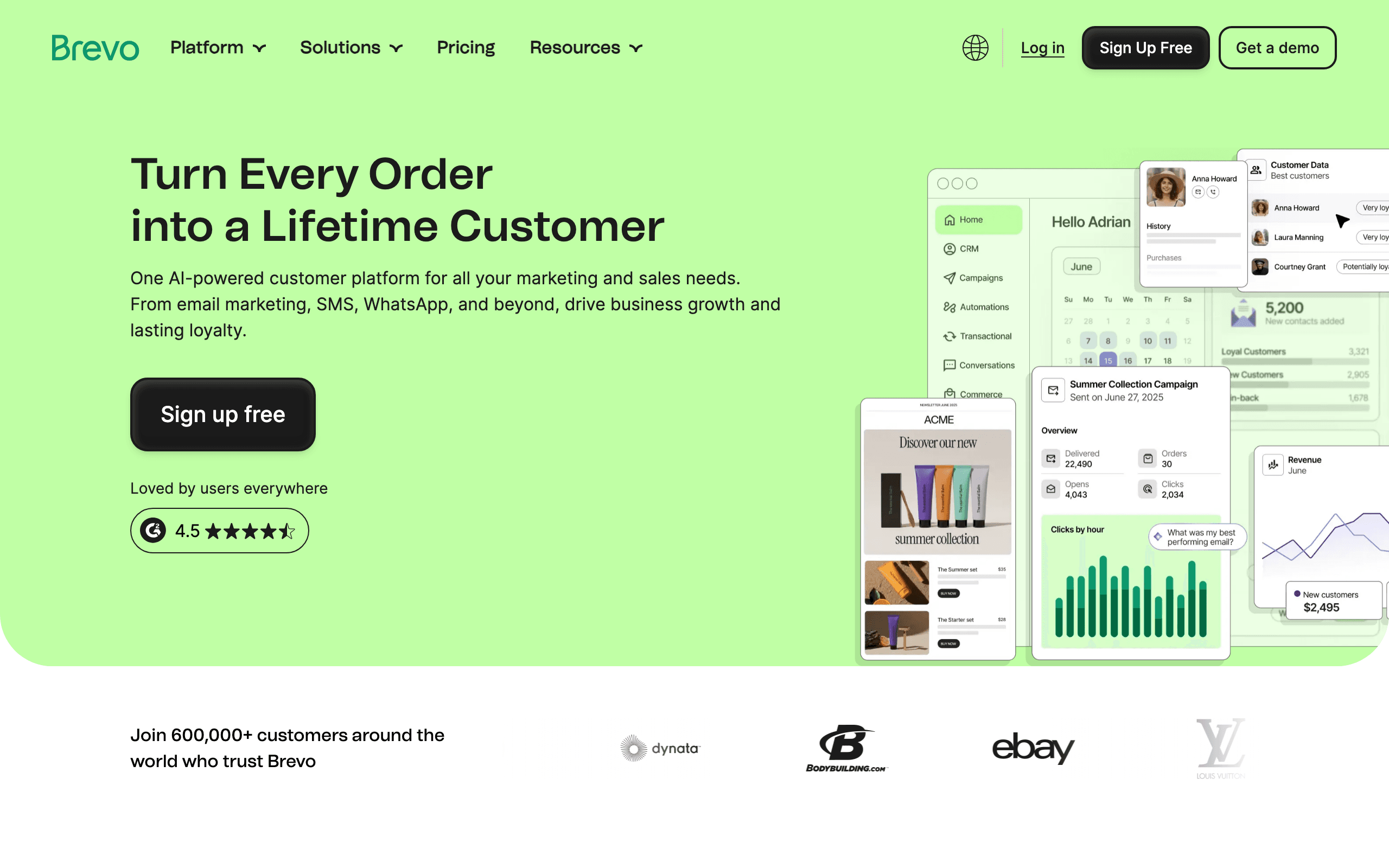
Best for: Wix businesses that need campaigns, transactional email, SMS, WhatsApp, or CRM features on a volume-oriented budget.
Brevo is broader than a basic newsletter platform and often easier to model for a business with many contacts but moderate send volume. It can support forms, campaigns, automation, and transactional delivery in one system.
The compromise is Wix ecommerce depth. For product-level recommendations and complex cart logic, compare it with Omnisend or Klaviyo. For lead nurture and budget campaigns, it can be a strong fit.
Verdict: Best budget breadth; not the deepest Wix Store integration.
7. ActiveCampaign — best CRM-connected lead nurture
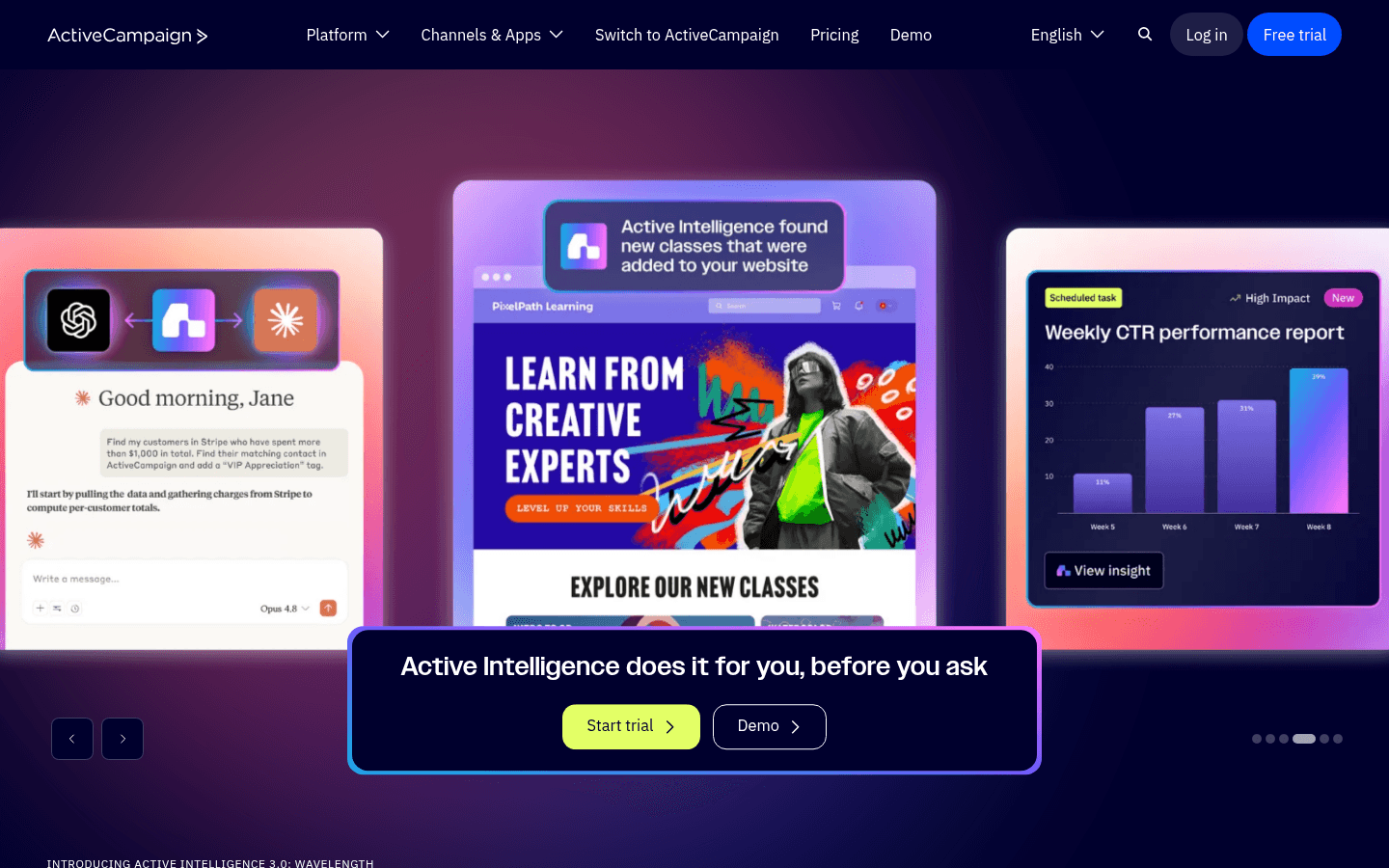
Best for: Wix businesses where form submissions need scoring, branching nurture, sales tasks, and CRM handoff.
ActiveCampaign's automation builder can turn Wix lead capture into a more complete sales process. A contact can receive different messages based on form answers, engagement, lead score, and sales activity.
It is broader and harder to operate than Wix Email Marketing. For a small store that only needs cart recovery, it is unnecessary. For a service business with a real sales pipeline, it can be exactly the missing layer.
Verdict: A powerful lead-nurture choice, not a default newsletter platform.
8. Drip — best ecommerce revenue attribution
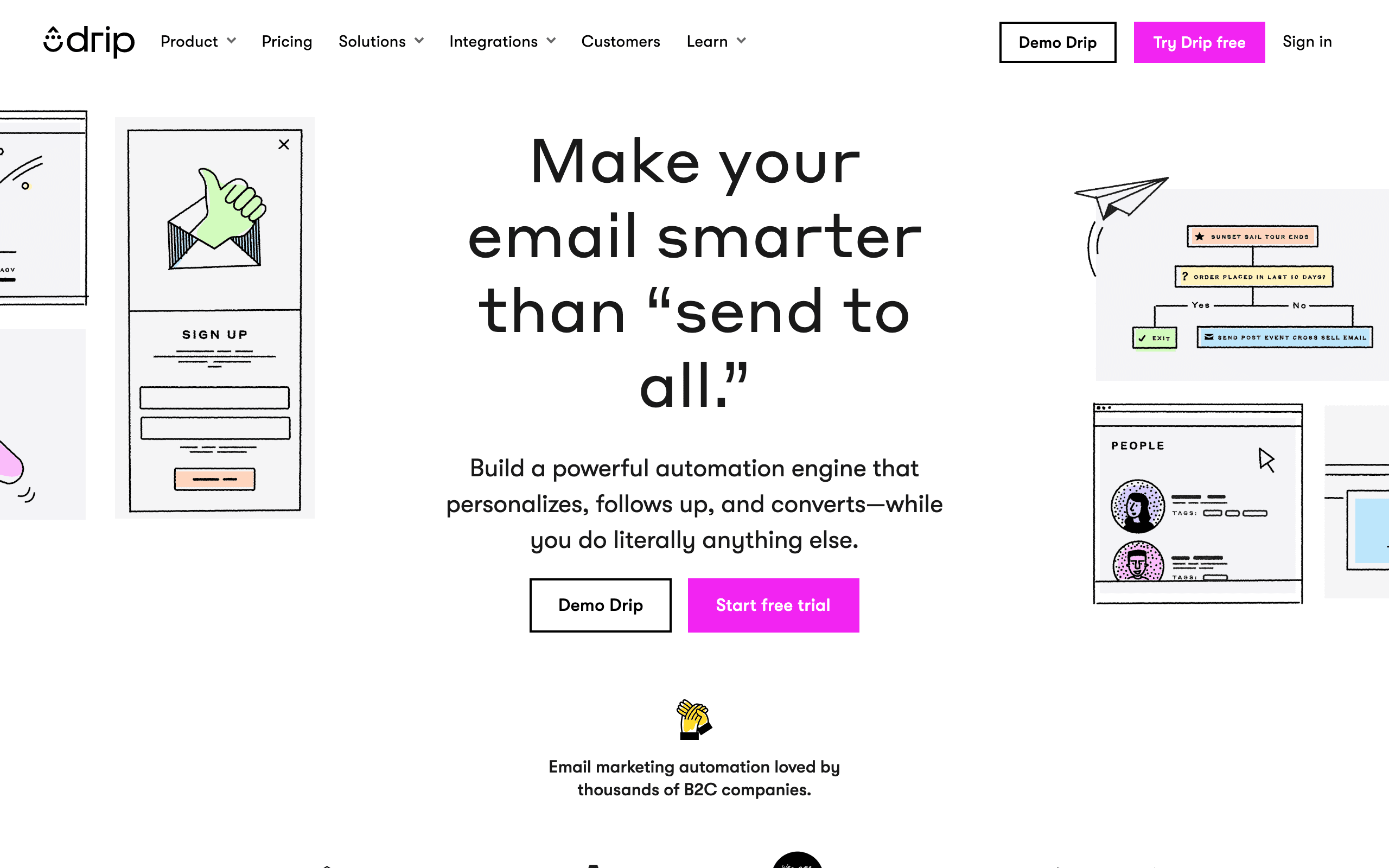
Best for: Wix Stores that prioritize visual automation and purchase attribution over multichannel breadth.
Drip is a focused ecommerce platform. It can help a store build branching purchase journeys and see which campaigns produce orders. There is no permanent free tier and no built-in SMS, but the email-first focus is valuable for a team that wants clear flow logic.
Because Wix integration depth can vary, test product, cart, order, and refund events rather than relying on generic ecommerce claims.
Verdict: Strong for email-first stores with measurable ecommerce revenue; less useful for a content-only Wix site.
9. Moosend — best affordable automation depth
Best for: Small Wix businesses that need a real automation builder at a lower price.
Moosend offers more workflow depth than its price suggests, including conditions, timing, and ecommerce-oriented use cases. It can suit a team that has outgrown a basic newsletter tool but is not ready for Klaviyo or ActiveCampaign.
The ecosystem and Wix-specific integration are smaller. Confirm how forms, purchases, and cart events will reach the platform before basing the whole program on it.
Verdict: A budget automation contender when the integration path is acceptable.
10. GetResponse — best funnels and webinars
Best for: Wix businesses running lead magnets, paid campaigns, webinars, funnels, and email in one marketing suite.
GetResponse's advantage is breadth. It can combine landing pages, conversion funnels, webinars, forms, and automation. A Wix business running launches or event-driven marketing may value that more than ecommerce-specific depth.
It is not the strongest pure Shopify-style retention platform, so stores should compare it with Omnisend and Klaviyo for catalog-driven programs.
Verdict: A practical all-in-one choice for funnel-led marketing.
11. EmailOctopus — best low-cost newsletters
Best for: Small Wix sites that need forms, newsletters, and simple welcome automation at minimal cost.
EmailOctopus works through form embeds and connector tools. It is simple and inexpensive, which makes it useful for validating a list before paying for a broader platform.
The limits are expected: less product data, basic segmentation, and no serious Wix ecommerce automation. Use it for the content-led case.
Verdict: A good low-cost starting point for simple sites, not a store-retention system.
12. Flodesk — best design-led Wix newsletters
Best for: Creators, designers, and service businesses that care most about visual campaign quality.
Flodesk makes polished newsletters approachable and can work with Wix forms and embeds. The design focus is useful for a brand-led content calendar.
It is less suitable for product-aware cart, order, and revenue workflows. If a Wix Store is the center of the business, an ecommerce platform will usually create more value.
Verdict: Pick for design simplicity, not advanced Wix Store automation.
13. Sender — best generous early free tier
Best for: New Wix businesses that want to test newsletters and welcome flows without a paid commitment.
Sender's free allowance can support an early list and basic automation. It is easy to understand and inexpensive while a business is proving its offer.
The integration, reporting, and ecommerce depth are limited. Expect to graduate when purchase behavior and revenue attribution become important.
Verdict: A practical early-stage option with a generous free tier.
The Wix pricing decision
Wix businesses often have two kinds of cost: the email platform and the integration work. A native app can cost more per month but less in debugging and maintenance. A free tool can become expensive if the team spends hours reconciling forms, duplicate contacts, and missing order events.
| Site type | Usually worth comparing | What matters most |
|---|---|---|
| Service or local business | Wix Email Marketing, MailerLite, Mailchimp | Forms, consent, nurture, and ease of use. |
| Creator or newsletter | Wix Email Marketing, Kit, Flodesk, Mailchimp | Writing workflow, design, audience ownership, and monetization. |
| New Wix Store | Wix Email Marketing, Sender, Sequenzy, Omnisend | Fast setup, welcome, cart recovery, and post-purchase. |
| Growing Wix Store | Omnisend, Drip, Sequenzy, Klaviyo | Product and order data, attribution, and cost at scale. |
| Sales-led Wix business | ActiveCampaign, Brevo, GetResponse | Lead scoring, CRM, forms, and branching nurture. |
The five Wix flows to build first
1. New-lead welcome
| Timing | Job | Content |
|---|---|---|
| Immediately | Confirm the request | Deliver the lead magnet or acknowledge the inquiry. |
| Day 1 | Explain the offer | What the business does and who it is for. |
| Day 3 | Build trust | Proof, examples, FAQs, or a useful lesson. |
| Day 6 | Create a next step | Book, reply, purchase, or request a consultation. |
2. Ecommerce welcome
Separate subscribers who have not purchased from customers. The first group needs trust and product education. The second needs onboarding and product success.
3. Abandoned cart
Start with a reminder and product context, then resolve shipping, return, or fit questions. Add an incentive only when it is financially justified. Wix Store integrations differ, so test guest and logged-in carts.
4. Post-purchase
Send delivery expectations, product education, review timing, and a complementary recommendation. For a service business, replace product education with appointment preparation and post-service follow-up.
5. Win-back or re-engagement
Use the natural buying cycle for stores and the natural content cycle for creators. A subscriber who has stopped opening should not receive endless promotions. Give them a preference or unsubscribe path.
Common Wix email mistakes
Assuming a form connection is an ecommerce connection
A platform may capture Wix form submissions while missing products, orders, carts, or refunds. Test each data source separately.
Choosing a Shopify-first tool without checking Wix event coverage
Shopify has a larger email app ecosystem. A platform's Shopify depth does not guarantee the same Wix experience. Make the current Wix integration the buying criterion.
Using one nurture path for every form
A consultation form, newsletter signup, ebook download, and purchase should not receive identical messages. Preserve the source and form fields so the next message can be relevant.
Ignoring email authentication
Wix hosting your website does not mean every external sender is authenticated. Set up SPF, DKIM, and DMARC for the platform sending the marketing email.
Waiting too long to build cart recovery
For a Wix Store, cart recovery is usually the fastest revenue automation. It should be tested before elaborate campaigns.
Migrating without exporting consent and suppression data
Subscriber email addresses are not the whole list. Export opt-in source, tags, unsubscribes, bounces, and preferences before moving platforms.
How to choose by Wix business stage
New website or service business
Start with Wix Email Marketing, MailerLite, Mailchimp, or Brevo. Build a form welcome and one useful nurture sequence.
Creator or content-led brand
Compare Wix Email Marketing, Kit, Flodesk, Mailchimp, and GetResponse based on writing workflow, forms, landing pages, monetization, and ownership.
New Wix Store
Start with Wix Email Marketing, Omnisend, Sequenzy, Sender, or Mailchimp. Build welcome, cart, and post-purchase before buying advanced analytics.
Growing Wix Store
Compare Omnisend, Klaviyo, Drip, and Sequenzy. Verify product and order data, not just contact sync.
Sales-led business
ActiveCampaign, Brevo, and GetResponse make more sense when lead scoring, CRM handoff, or funnels are central.
Wix email marketing FAQs
What is the best email marketing tool for Wix?
Wix Email Marketing is best for simple campaigns inside Wix. Omnisend is the strongest native ecommerce choice. Mailchimp and MailerLite work well for forms and content-led marketing. Sequenzy is a good value choice for AI-assisted lifecycle flows, while Klaviyo fits larger Wix Stores with advanced data needs.
Is Wix Email Marketing free?
Wix allows free campaign sending, while paid email marketing plans add higher allowances and features such as scheduling, branding controls, and additional sending options. Check Wix's current documentation before budgeting.
Does Klaviyo work with Wix?
Klaviyo can be used with Wix ecommerce, but the available events and setup experience should be verified separately from Shopify. Confirm customer, product, order, cart, browse, and consent support for the current connection.
Can I use Sequenzy with Wix?
Yes. The right setup depends on whether the business needs forms, ecommerce orders, bookings, or custom events. Sequenzy is most useful when the business wants AI-assisted sequences, transactional and marketing email together, and send-volume pricing.
What is the best Wix tool for abandoned carts?
Omnisend is the strongest starting point when native Wix ecommerce sync is the priority. Klaviyo may fit a larger store with advanced segmentation, while Sequenzy can be attractive when cost control and core lifecycle flows matter. Test a real abandoned cart before launching.
Can I use Mailchimp forms on Wix?
Yes, commonly through embeds or connectors. Test the form's consent, source, tags, and duplicate handling. A signup that reaches Mailchimp is not necessarily carrying every Wix field you need.
How do I migrate from Wix Email Marketing?
Export subscribers, consent and suppression fields, forms, tags, templates, campaign history, and automation rules. Rebuild the welcome and highest-value commerce flows first, then test unsubscribe and reply handling before retiring the old system.
What should I read next?
Read the Wix ecommerce guide, the Wix integration roundup, and welcome email templates.
Final recommendation
- Use Wix Email Marketing for simple campaigns and a small audience.
- Use Omnisend for a Wix Store that needs native ecommerce and multiple channels.
- Use Mailchimp or MailerLite for content-led websites, forms, and newsletters.
- Use Sequenzy for AI-built lifecycle sequences, unified transactional email, and send-volume economics.
- Use Klaviyo when a growing Wix Store has enough data and revenue to justify advanced segmentation.
- Use ActiveCampaign when Wix is part of a real CRM and sales process.
The best Wix email platform is the one that matches the site's job and receives the data needed for the next message. Start with the simplest system that can support the first three flows, then upgrade when the missing events—not the marketing hype—create a measurable ceiling.