
13 Best Email Marketing Tools for Squarespace Commerce in 2026 (Tested & Compared)

Squarespace can be a brochure site, portfolio, newsletter home, service-business funnel, or online store. That is why the best email marketing tool for Squarespace depends less on the website builder and more on the job the email program must do.
A photographer may need a polished form welcome series and inquiry follow-up. A creator may need a newsletter, launch sequence, and digital-product onboarding. A Squarespace Commerce store needs customer, order, product, cart, and post-purchase data. A native campaign tool can be perfect for the first case and too limited for the third.
I compared 13 email marketing tools for Squarespace across native setup, form capture, consent handling, list growth, automation, product and order events, abandoned-cart recovery, creator workflows, deliverability, reporting, and total cost. The list includes Squarespace's own tool, general-purpose campaign platforms, ecommerce specialists, creator tools, and low-cost send-volume options.
For a broader website-builder comparison, see the email marketing platforms with Wix integration roundup. For store-specific implementation details and lifecycle sequences, see the Squarespace Commerce email marketing guide.
Quick comparison table
| Tool | Best for | Squarespace connection | Starting price | Main tradeoff |
|---|---|---|---|---|
| Squarespace Email Campaigns | Native newsletters | Built into Squarespace | Plan-based | Limited advanced automation |
| Mailchimp | Familiar general marketing | Forms and connectors | Free for small lists | Commerce depth varies |
| Omnisend | Ecommerce multichannel | Connector and integration options | Free tier; paid plans from about $16/mo | More store-focused than sites need |
| Sequenzy | Lifecycle and transactional email | Forms, API, and event connectors | Free up to 2,500 emails/mo | More setup than native campaigns |
| Klaviyo | Advanced Squarespace Commerce | Connector options | Free for a small list; paid plans scale with profiles | Overkill for content-only sites |
| Drip | Email-first ecommerce | Ecommerce connectors | Paid plans scale with contacts | No creator or CRM breadth |
| Brevo | Budget and transactional email | Forms and connectors | Free daily allowance | Simpler product workflows |
| ActiveCampaign | CRM lead nurture | Forms, connectors, and API | Paid plans scale with contacts | Steep learning curve |
| Kit | Creator newsletters | Embeds and integrations | Free for small audiences | Not commerce-first |
| GetResponse | Funnels and webinars | Forms and connectors | From about $19/mo | Less catalog depth |
| MailerLite | Forms and landing pages | Embeds and connectors | Free for small lists | Limited order intelligence |
| EmailOctopus | Low-cost newsletters | Forms and connectors | Low-cost paid tiers | Basic ecommerce automation |
| Sender | Early-stage list growth | Forms and connectors | Generous free tier | Less advanced attribution |
Best Squarespace email platform by use case
Best native option: Squarespace Email Campaigns
Squarespace Email Campaigns is the natural starting point for a site that needs attractive newsletters, announcements, launches, and basic audience updates without maintaining another integration.
Best familiar all-purpose option: Mailchimp
Mailchimp is a good fit for businesses and agencies that need templates, forms, landing pages, and a familiar campaign workflow. It is strongest when the program is content- or lead-led rather than product-event-led.
Best for Squarespace Commerce: Klaviyo
Klaviyo is the advanced choice when the store has enough product, customer, and order data to benefit from deep segmentation and revenue attribution. It needs more validation than a native campaign tool.
Best value for lifecycle automation: Sequenzy
Sequenzy is attractive when a Squarespace business needs welcome, nurture, onboarding, cart, post-purchase, or win-back sequences and wants pricing tied more closely to sends than to every historical contact.
Best for creators: Kit
Kit is built around subscribers, tags, sequences, broadcasts, launches, and digital products. It is a better fit for a creator using Squarespace as the website and Kit as the audience engine than for a catalog-heavy store.
Best budget and transactional option: Brevo
Brevo makes sense for a business that needs newsletters, basic automation, and transactional delivery with volume-oriented pricing. It is less appropriate when product recommendations are the heart of the program.
Squarespace connection types explained
Native Squarespace campaigns
The native tool minimizes setup and keeps the visual system close to the website. That simplicity is valuable, but it also defines the ceiling for data, automation, portability, and advanced reporting.
Embedded forms
External forms can be embedded on Squarespace pages and are often enough for newsletters, lead magnets, and creator funnels. Test mobile behavior, consent language, source attribution, double opt-in, and duplicate submissions.
Connector or automation platform
Zapier, Make, and similar connectors can move form submissions, purchases, bookings, or custom events into an email platform. They are useful for lead workflows but add another service to monitor and can be fragile for high-volume ecommerce event streams.
API or custom events
An API gives technical teams the most control over memberships, bookings, purchases, digital products, and custom business events. It is also a commitment: someone must own authentication, retries, idempotency, field mapping, and future maintenance.
What a Squarespace email platform actually needs
Forms and consent
Preserve the form, page, campaign, and source that produced each subscriber. Store consent status and timestamp, handle double opt-in intentionally, and keep unsubscribe and suppression states synchronized.
Design and mobile quality
Squarespace users usually care about visual quality. The email editor should support the brand's type hierarchy, spacing, imagery, buttons, and mobile layout. Send a real test to multiple clients; a page that looks good in Squarespace does not guarantee an email that does.
Automation by business model
Service sites need inquiry acknowledgment, lead nurture, appointment reminders, and post-service follow-up. Creators need welcome, content digest, launch, and product onboarding. Stores need cart, post-purchase, replenishment, and win-back. Pick for the real model.
Product and order data
Squarespace Commerce stores should verify whether the chosen connection exposes products, variants, orders, discounts, refunds, fulfillment, customer history, and cart events. An embedded signup form does not create an ecommerce integration.
Transactional delivery
Order receipts, password resets, booking confirmations, and other required messages should be distinguishable from marketing campaigns. Authenticate the sending domain and ensure a marketing unsubscribe does not suppress necessary operational mail.
Reporting that answers business questions
Open rates alone are not enough. Look for form-to-subscriber conversion, flow revenue, product or service interest, repeat purchase, unsubscribe reasons, and deliverability trends. Attribution is directional evidence, not proof that every assisted order was caused by one email.
Pricing that matches the audience
Compare subscriber count, active audience, monthly sends, transactional volume, extra users, domains, and connector costs. A creator with 10,000 subscribers and a weekly newsletter has a different cost profile from a store with 2,000 customers and frequent cart flows.
How we evaluated these Squarespace email tools
We scored the jobs a site owner should be able to complete after setup:
- Add a signup form without breaking the page's mobile layout.
- Preserve consent, source, tags, and unsubscribe status.
- Send a welcome series that differs by form or audience.
- Deliver a lead magnet, course, consultation follow-up, or product education.
- Sync a customer and order if Squarespace Commerce is enabled.
- Recover an abandoned cart only when the integration supplies a reliable event and return path.
- Build a launch, post-purchase, replenishment, or win-back flow.
- Separate operational messages from promotional campaigns.
- Authenticate the sending domain and review deliverability signals.
- Estimate cost at the audience's real size and sending cadence.
The right result is not the tool with the longest feature list. It is the tool that matches how the site earns attention and revenue.
The 13 best email marketing tools for Squarespace
1. Squarespace Email Campaigns — best native starting point
Best for: Small sites, creators, local businesses, newsletters, announcements, and early-stage stores that value minimal setup.
Pricing: Squarespace offers plan-based Email Campaigns options with different allowances and features; check current Squarespace Email Campaigns pricing before committing.
Squarespace Email Campaigns is the easiest product on this list to start using. The site owner already has the pages, brand assets, contacts, and content in one ecosystem, so a newsletter or announcement can be created without choosing a second data model.
That convenience is meaningful for a small audience. Templates can stay visually aligned with the site, list management is approachable, and the team avoids connector maintenance. For a creator or service business, that may be the most important feature.
The ceiling arrives when the program needs advanced behavioral branching, CRM handoffs, detailed product segmentation, transactional delivery, or portable audience operations. Export subscribers and consent fields periodically so the native choice does not become a dead end.
What it does well: Native setup, brand consistency, simple campaigns, and low operational overhead.
Where it falls short: Deep behavior-based automation, advanced ecommerce data, complex sales workflows, and portability.
Verdict: The right default for a site whose email job is polished newsletters and simple audience updates.
2. Mailchimp — best familiar general-purpose platform
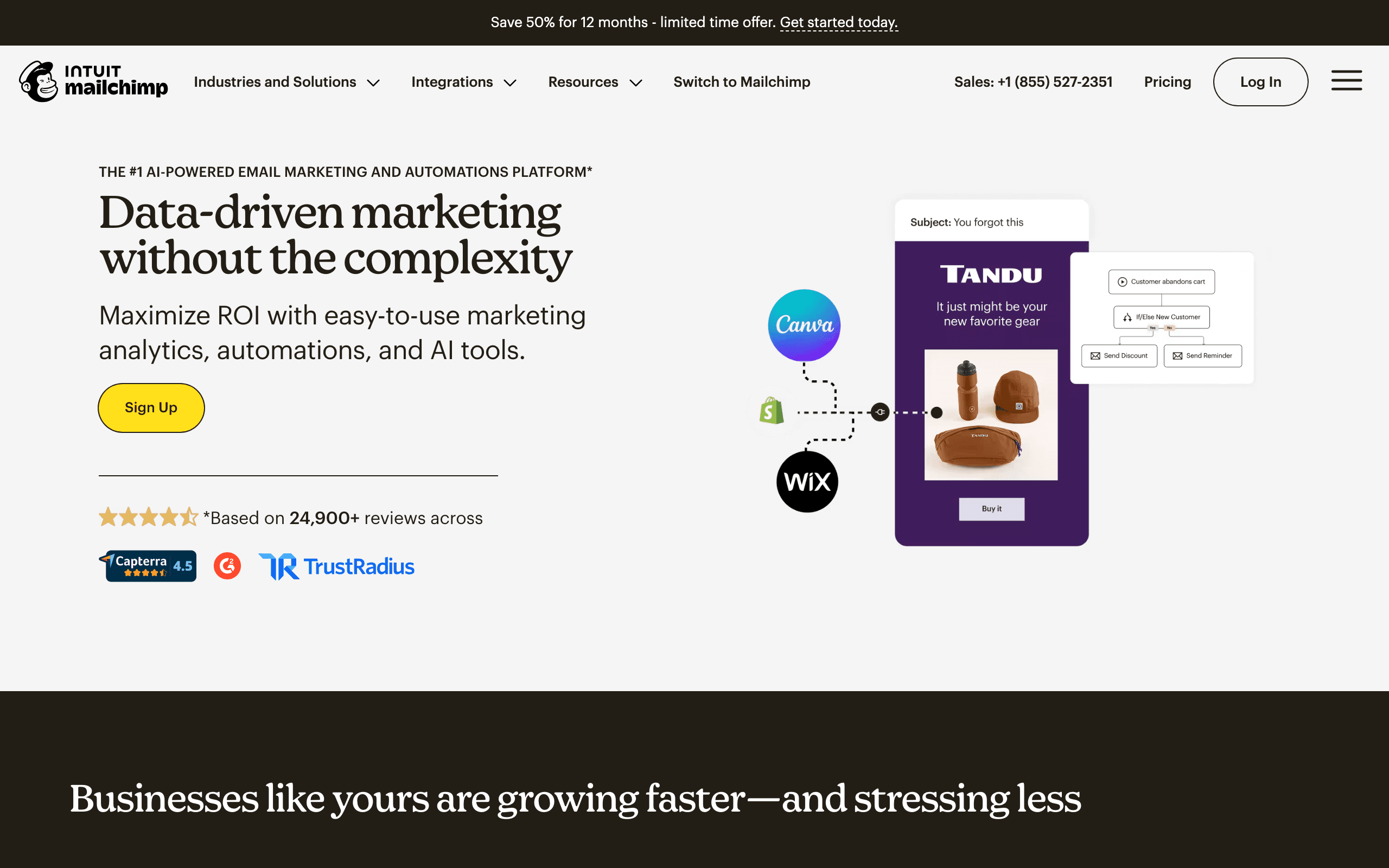
Best for: Squarespace businesses that need templates, forms, landing pages, and a campaign platform many agencies already know.
Pricing: Free for smaller lists on the entry tier, then contact-based pricing.
Mailchimp remains useful for content-led marketing and basic lead nurture. The editor, templates, forms, landing pages, and reporting are familiar, and existing agency knowledge can reduce the cost of moving from a different website builder.
For Squarespace, test the connection as a workflow rather than a logo. Embedded forms may map cleanly while Commerce events, product fields, and order history require separate configuration. If the program only needs subscribers, tags, broadcasts, and a welcome sequence, Mailchimp is often enough.
What it does well: Familiar campaign creation, broad ecosystem, forms, templates, and general reporting.
Where it falls short: Contact pricing and variable ecommerce event depth through Squarespace connections.
Verdict: A dependable general-purpose choice when the site is content- or lead-driven.
3. Omnisend — best for Squarespace Commerce multichannel marketing
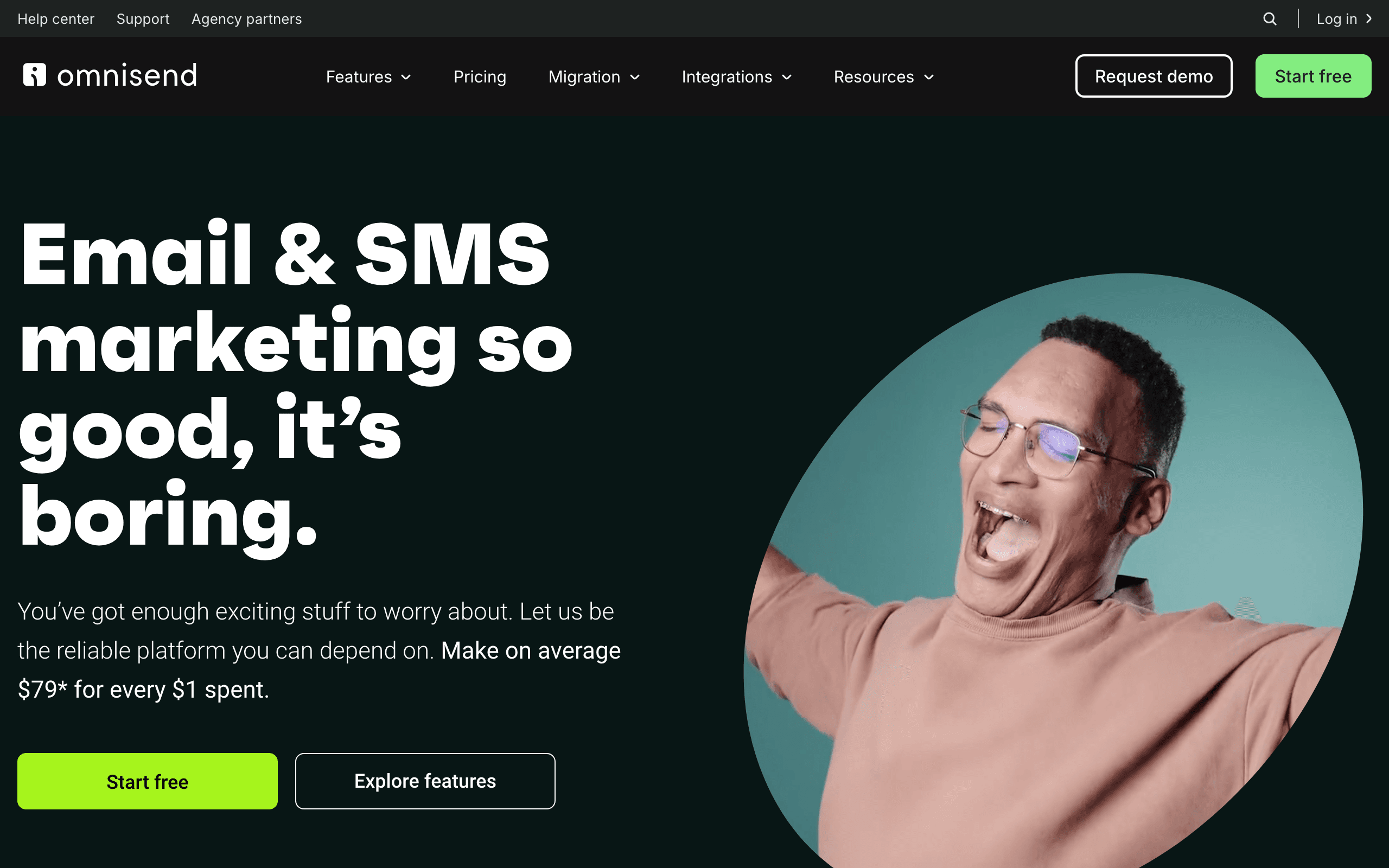
Best for: Squarespace stores that want email, SMS, push, and prebuilt ecommerce workflows.
Pricing: Free for a small audience, with paid plans based on contacts and channel usage.
Omnisend is a strong option when Squarespace Commerce is a real store rather than an occasional checkout. Its ecommerce orientation gives the team a better starting point for welcome, cart, post-purchase, and win-back flows than a general newsletter platform.
The multichannel model is useful for time-sensitive launches and replenishment programs, but it increases cost and consent work. Verify the current Squarespace event coverage for products, orders, carts, customers, and discounts before assuming the connection has Shopify-level depth.
Verdict: The best practical multichannel choice for a Squarespace store that has outgrown native campaigns.
4. Sequenzy — best value for AI-assisted lifecycle email
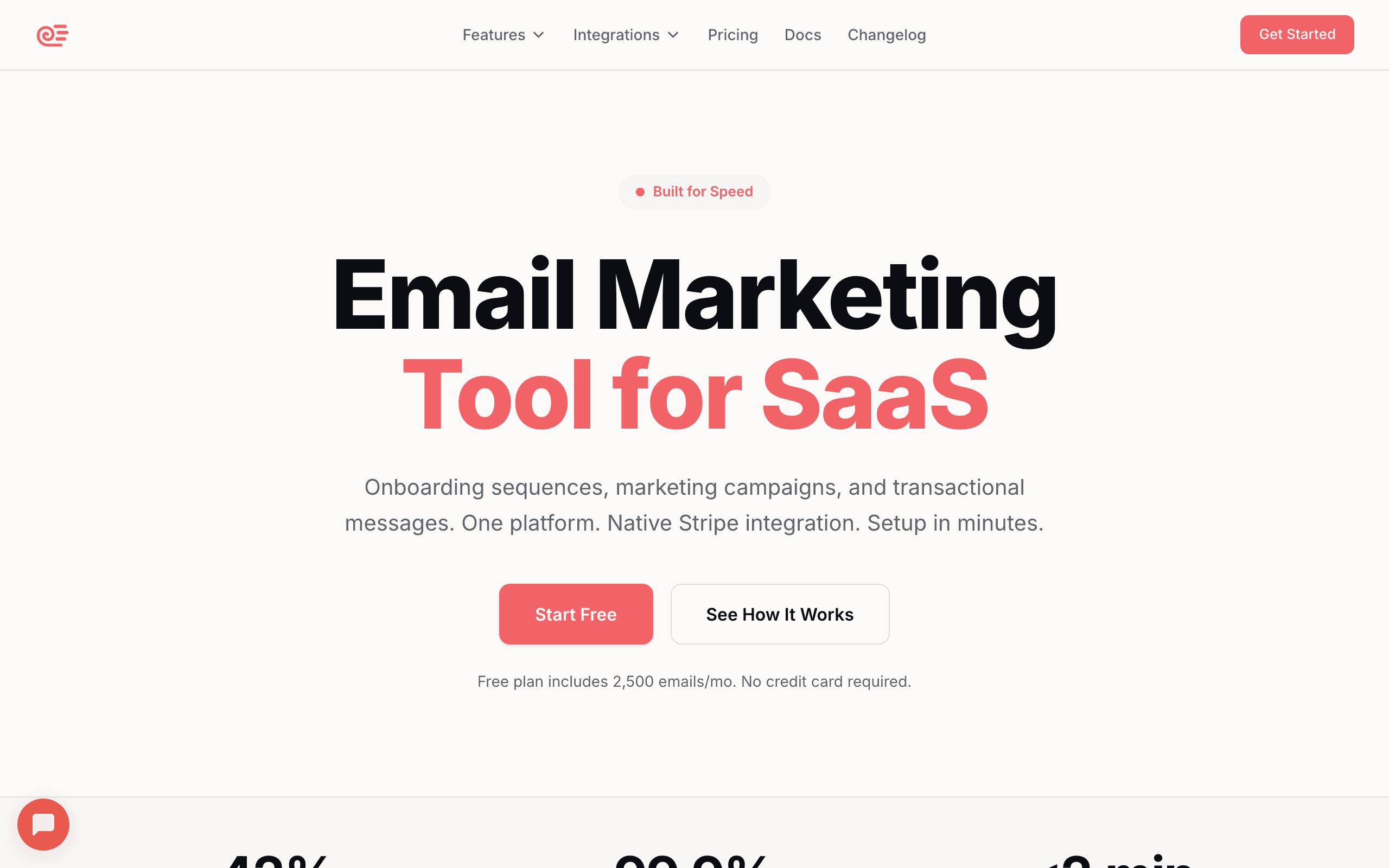
Best for: Squarespace businesses that want lifecycle automation, transactional delivery, and email-volume pricing.
Pricing: Free up to 2,500 emails per month, with paid plans starting around $19/month depending on current volume tiers.
Sequenzy is useful when the site needs more than a newsletter: a form welcome series, lead nurture, digital-product onboarding, cart recovery, post-purchase education, or win-back. Its AI-assisted builder can turn a business goal into a first draft of the sequence, giving a small team a faster starting point.
Send-volume pricing can be attractive for large but lightly mailed audiences and seasonal businesses. Combining transactional and marketing email can also reduce the number of disconnected systems a technical team has to maintain.
The tradeoff is integration ownership. Confirm how forms, orders, products, carts, custom events, consent, duplicate events, and unsubscribe states map from the actual Squarespace site.
What it does well: Lifecycle coverage, AI-assisted sequences, send-volume economics, and flexible event paths.
Where it falls short: More setup and validation than native campaigns or a simple embedded-form tool.
Verdict: The strongest value choice for a business ready to own a little integration work.
5. Klaviyo — best for larger Squarespace Commerce stores
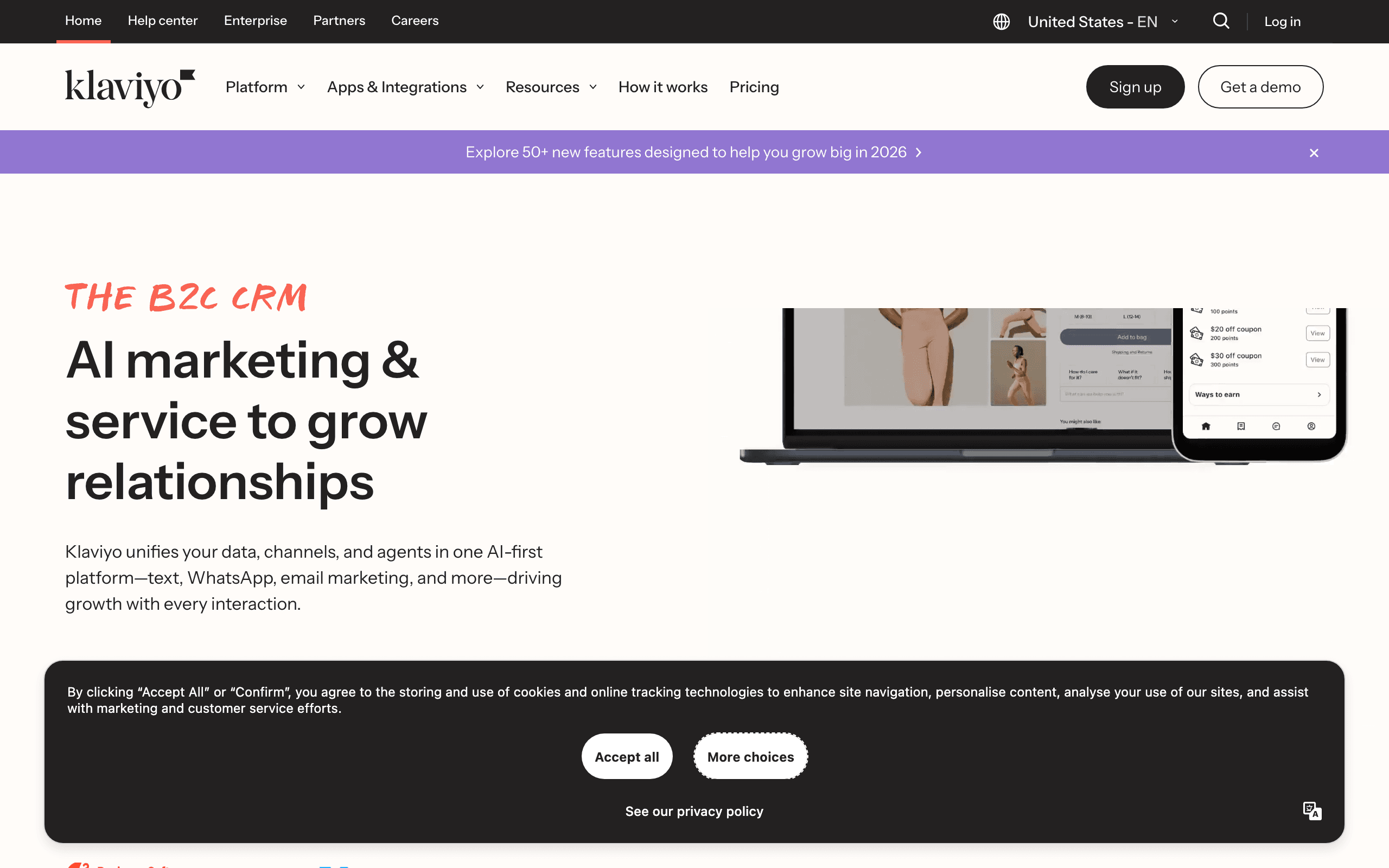
Best for: Stores with enough customer and order data to benefit from advanced segments, predictive features, and revenue attribution.
Pricing: Free for a small list, with paid plans scaling by profiles; SMS is an additional cost.
Klaviyo makes sense when Squarespace Commerce is generating meaningful repeat-purchase potential. A team can segment first-time and repeat buyers, customers by category, high-value customers, likely churners, and people who browse or cart without purchasing.
Do not import assumptions from Shopify. Integration maturity, catalog coverage, cart events, and consent mapping can differ by platform. Inspect the actual data arriving from Squarespace before building a program around product recommendations or revenue attribution.
What it does well: Deep profiles, sophisticated segments, mature lifecycle patterns, and strong analytics for an established team.
Where it falls short: Cost, complexity, and an integration that may expose less data than a Shopify connection.
Verdict: A powerful choice for a data-rich Squarespace store, not a sensible default for a portfolio or small newsletter.
6. Drip — best email-first ecommerce automation
Best for: Squarespace Commerce stores where email is the main retention channel and purchase attribution matters.
Drip is focused enough for a team that wants visual ecommerce workflows without adopting SMS, push, or a broad CRM. Welcome, cart, post-purchase, product interest, and win-back flows are easy to reason about when email is the core channel.
Its suitability depends on the current Squarespace connector. Confirm catalog, order, cart, customer, and consent fields, especially if the store sells products with different replenishment cycles or variants.
Verdict: A clean email-first option when ecommerce events are available and a broader suite would be unnecessary.
7. Brevo — best budget and transactional platform
Best for: Sites and stores that need newsletters, basic automation, and transactional email with volume-oriented pricing.
Brevo works well for a service business or store whose program combines campaigns, lead nurture, and operational delivery. Volume-oriented pricing can be easier to understand than contact pricing when many historical subscribers receive little mail.
The tradeoff is less product-aware automation than the leading ecommerce specialists. Choose it for practical campaigns and delivery economics, not for a predictive merchandising model.
Verdict: A budget-conscious option with useful transactional capabilities.
8. ActiveCampaign — best CRM-connected lead nurture
Best for: Consultative businesses, agencies, and service providers where form leads need scoring, branching nurture, sales tasks, and CRM handoff.
ActiveCampaign is a good Squarespace companion when the website is the front door to a longer sales process. A consultation request can trigger an acknowledgment, a lead score, educational messages, a sales task, and a different path after a meeting.
The same breadth is unnecessary for a simple newsletter. Build a clear event and ownership model before adding many branches, or the automation will become harder to audit than the original manual process.
Verdict: Choose it for a real CRM and sales process, not just for a basic signup sequence.
9. Kit — best for creator newsletters
Best for: Creators using Squarespace as their website and newsletter archive while selling courses, downloads, memberships, or sponsorships.
Kit is designed around subscribers, tags, forms, sequences, broadcasts, launches, and creator products. That model maps naturally to a Squarespace site where the main conversion is joining a newsletter or downloading a resource rather than purchasing from a large catalog.
Tags can keep a reader who downloaded a guide separate from a customer who bought a course. Launch sequences can be built around an event or product without requiring a full ecommerce data warehouse.
Kit is not the strongest choice for dynamic catalogs, complex cart recovery, or store-first attribution. Use a commerce specialist when products and order history are the main segmentation dimensions.
Verdict: The best creator-oriented option for a content-led Squarespace site.
10. GetResponse — best funnels and webinars
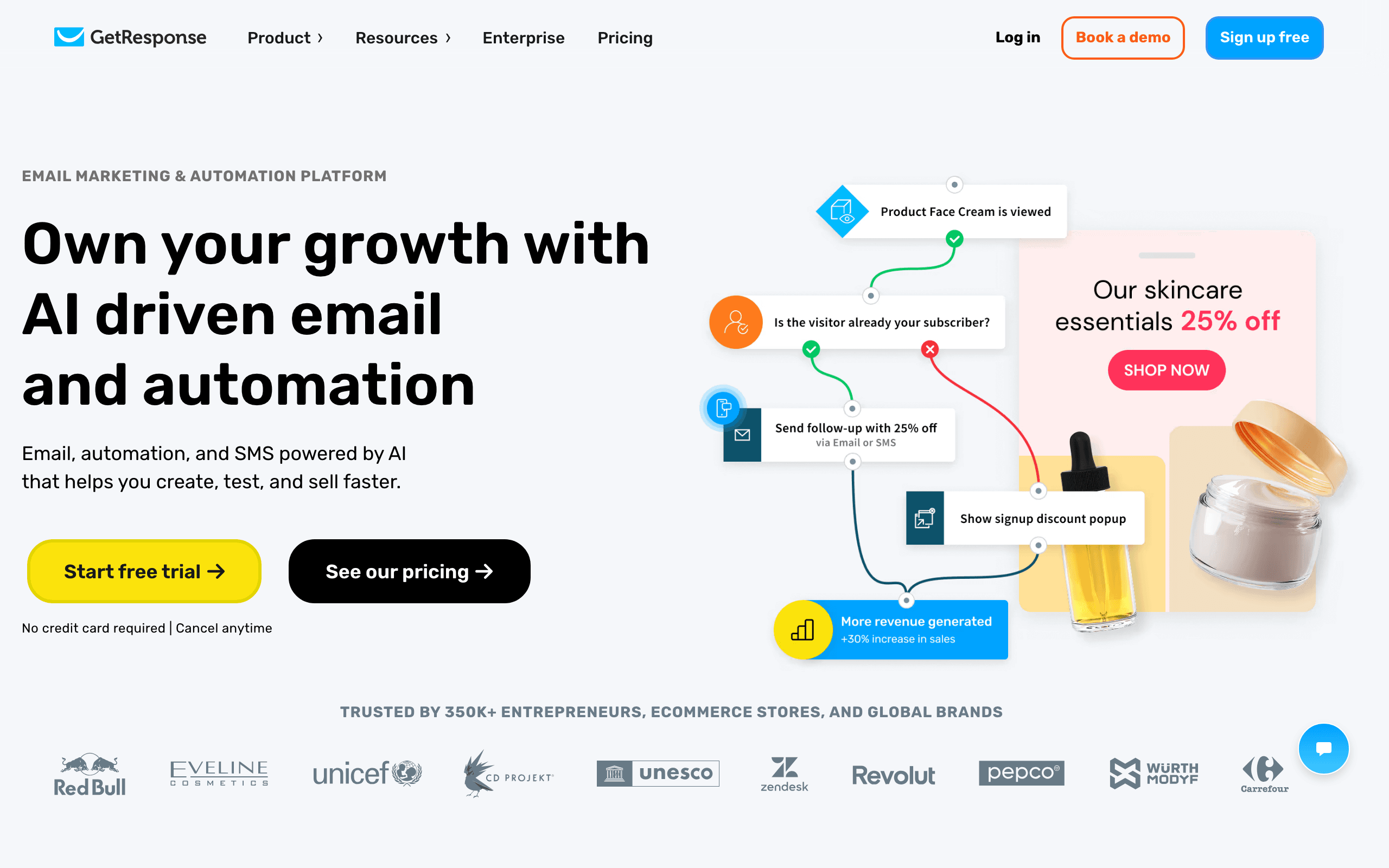
Best for: Businesses combining Squarespace pages with lead magnets, webinars, courses, or funnel-driven campaigns.
GetResponse can keep landing pages, forms, webinars, email sequences, and campaigns in one broader funnel system. That is useful when the Squarespace site generates demand for an event or educational product rather than only selling catalog items.
It is less compelling for advanced product recommendations and order-driven retention. Make the website's central conversion explicit before selecting a funnel platform for a commerce problem.
Verdict: A good funnel and webinar option for a Squarespace lead-generation business.
11. MailerLite — best for forms and landing pages
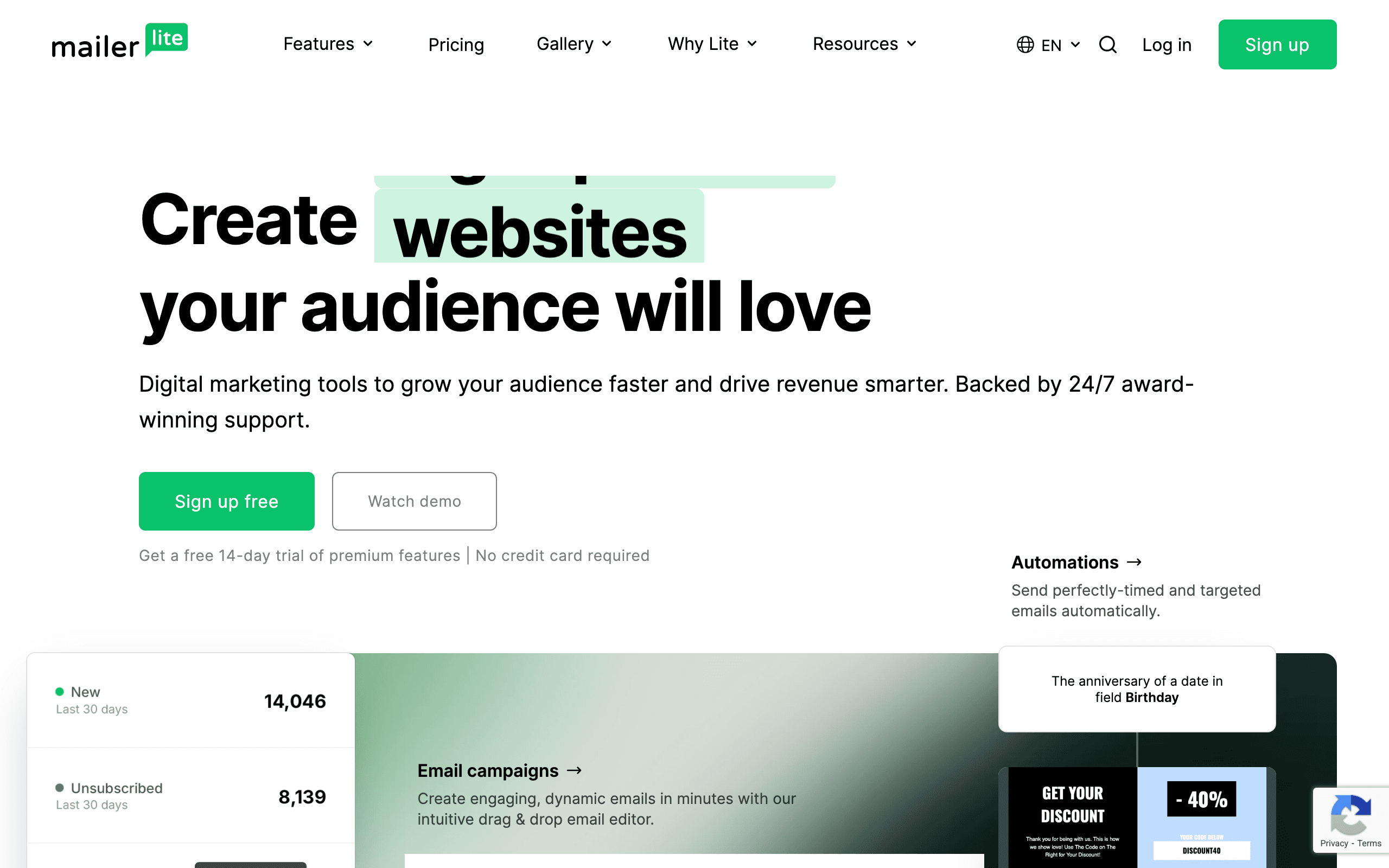
Best for: Small businesses and creators that need forms, lead magnets, newsletters, and simple automation.
MailerLite is approachable and has the core building blocks a Squarespace site needs for list growth. An owner can embed a form, deliver a lead magnet, create a welcome sequence, and send a polished newsletter without a long implementation project.
Its ceiling is product intelligence. If an online store needs customer groups, cart events, product recommendations, or detailed revenue segments, start with a platform that receives those events reliably.
Verdict: One of the best simple choices for forms and content-led email.
12. EmailOctopus — best low-cost newsletters
Best for: Early-stage sites that want basic newsletters and sequences at a low cost.
EmailOctopus keeps the campaign model simple. That is useful for a local business, small creator, or new Squarespace site that needs to build permission-based reach before investing in complex automation.
Forms, tags, broadcasts, and simple sequences cover the early work. The owner should plan a migration path if Commerce grows into product-aware cart, post-purchase, and replenishment journeys.
Verdict: A practical low-cost starting point for newsletters, not a full store lifecycle engine.
13. Sender — best early free tier
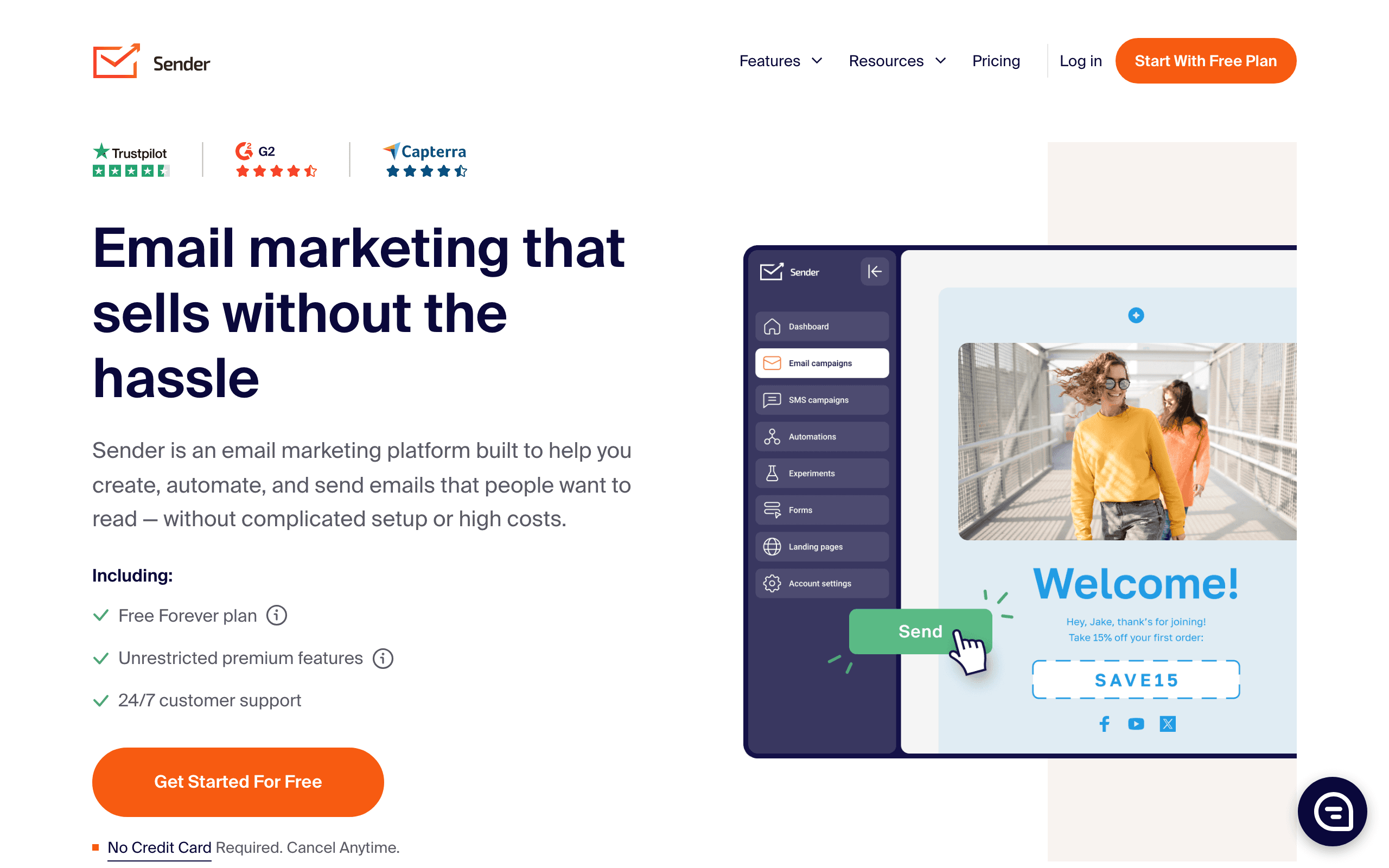
Best for: New sites that need campaigns, forms, and basic automation with a generous initial allowance.
Sender gives a small team a low-friction way to add forms, send newsletters, and test welcome or promotional sequences. The free tier can be useful while the site is still validating its offer and audience.
As the program grows, inspect reporting, integrations, suppression handling, and the available Squarespace Commerce events. A low-cost tool is not a bargain if it forces a rushed migration immediately after the first successful launch.
Verdict: A good early-stage tool when the email program is still simple.
Squarespace pricing: the audience is not the whole story
Compare the cost of the complete operating model:
- Squarespace Email Campaigns plan allowances and branding controls.
- Active subscribers versus every historical contact.
- Monthly campaign sends and automated sends.
- Transactional email volume and dedicated sending options.
- SMS or other channel credits.
- Extra users, domains, and connectors.
- Migration, authentication, and integration maintenance.
Flat-fee pricing can be attractive for a creator with a growing audience, while volume pricing can suit a large seasonal list that receives occasional campaigns. Contact pricing may be reasonable for a tightly managed active list and painful for a business that never cleans old records.
The five Squarespace flows to build first
1. Form welcome and expectation setting
Send immediately after signup, explain what the subscriber will receive, deliver the promised resource, and set a clear cadence. Give each important form its own source or tag so a consultation lead does not receive a generic store sequence.
2. Lead nurture or creator onboarding
Teach one useful idea, show proof or examples, then make the next step clear. A creator can introduce a product or paid membership; a service business can explain the problem it solves and invite a consultation.
3. Launch sequence
Use a short pre-launch education sequence, an opening message, a reminder for engaged non-buyers, and a clear close. Suppress customers or registrants who already completed the desired action.
4. Commerce post-purchase
If the site sells products, explain fulfillment and product use before asking for a review or recommending a companion item. The timing should reflect the product's delivery and usage cycle.
5. Re-engagement or win-back
Define inactivity by the site's normal cadence. A monthly newsletter reader may be inactive after several months; a daily content program may need to intervene much earlier. Ask whether the subscriber still wants the content before suppressing them.
Squarespace segmentation that changes the message
Useful starting segments include:
- Form or page source.
- Lead, creator subscriber, customer, or service client status.
- Content topic or lead magnet downloaded.
- First-time versus repeat customer.
- Product or service category purchased.
- High-intent leads who clicked a sales or booking link.
- Launch registrants who did not purchase or attend.
- Engaged subscribers who have not converted.
- Subscribers who have stopped opening or clicking.
Use the smallest set of segments that produces meaningfully different messages. A segment should exist because it changes timing, content, offer, or suppression—not because the tool makes it easy to create one.
Native campaigns or external platform?
Choose Squarespace Email Campaigns when the core job is polished newsletters and simple announcements. Choose MailerLite or Mailchimp when forms, landing pages, and general campaign flexibility matter. Choose Kit for creator-led sequences and launches. Choose Sequenzy when lifecycle and transactional email should share a system and send-volume pricing is attractive. Choose Klaviyo, Drip, or Omnisend only when Squarespace Commerce data and store revenue justify a specialist platform.
Common Squarespace email mistakes
Treating an embedded form as a full integration
A form can create a subscriber without exposing orders, products, carts, or customer history. Test each data path independently.
Sending the same nurture to every form
Segment by the page, lead magnet, service, or product that created the signup. Relevance starts before the first campaign.
Assuming a Shopify connection is equivalent
Vendor integrations often differ by website builder. Verify actual Squarespace event coverage for catalog, order, cart, consent, and refunds.
Letting a connector own critical commerce logic without monitoring
Connectors can be useful, but retries, duplicates, field changes, and disabled steps can silently break a revenue flow. Monitor the first events and assign an owner.
Mixing operational and promotional permissions
Keep marketing consent separate from order, booking, password, and account messages. Configure authentication and suppression intentionally.
Ignoring mobile email rendering
The Squarespace page may look excellent while the email collapses on a phone. Test buttons, type size, images, spacing, and dark-mode behavior in real clients.
Keeping inactive contacts forever
Clean the audience, or choose pricing that does not punish historical contacts. Old records can hurt deliverability and make platform comparisons misleading.
How to choose by Squarespace business stage
New website or service business
Start with Squarespace Email Campaigns, MailerLite, or EmailOctopus. Build consent capture, welcome, lead nurture, and a simple follow-up before adding a larger suite.
Creator or content-led brand
Kit is the strongest creator fit. Squarespace Email Campaigns works for a simpler newsletter, while Sequenzy is useful when onboarding and transactional messages need more depth.
New Squarespace Commerce store
Prioritize a reliable welcome, cart, post-purchase, and win-back foundation. Omnisend, Drip, or Sequenzy may be more practical than Klaviyo until the store has enough data to use advanced features.
Growing Commerce store
Compare Klaviyo, Omnisend, Drip, and Sequenzy using actual order events and expected revenue. Do not choose only by the free plan.
Sales-led or appointment-led business
ActiveCampaign may be worth the complexity if forms must create CRM stages, lead scores, tasks, and branching follow-up. A newsletter tool is not a substitute for a sales process.
Squarespace email marketing FAQs
What is the best email marketing tool for Squarespace?
Squarespace Email Campaigns is best for simple native newsletters. Mailchimp and MailerLite are strong general-purpose options, Kit fits creators, Sequenzy is a value pick for lifecycle automation, and Klaviyo fits larger Commerce stores.
Is Squarespace Email Campaigns enough?
It is often enough for newsletters, launches, announcements, and basic audience updates. An external platform becomes useful for complex lead nurture, CRM handoffs, product-aware store flows, advanced reporting, or transactional delivery.
Can I use Mailchimp with Squarespace?
Yes, commonly through embedded forms and connectors. Test the exact form, consent, customer, product, order, and cart events your program needs rather than assuming every Squarespace capability is available.
Can I use Klaviyo with Squarespace Commerce?
Klaviyo can be connected to Squarespace Commerce through available integrations or connectors, but the event map should be verified before purchase. Catalog, order, cart, and consent coverage may differ from Shopify.
Can I use Sequenzy with Squarespace?
Yes, with form, connector, or API setup. It is most useful when the business wants AI-assisted sequences, transactional and marketing email in one system, and send-volume pricing.
What is the best Squarespace tool for creators?
Kit is the strongest creator-focused option for tags, sequences, broadcasts, launches, and digital products. Squarespace Email Campaigns is simpler for a straightforward newsletter.
What is the best Squarespace tool for abandoned carts?
Use an ecommerce-focused platform such as Omnisend, Klaviyo, Drip, or Sequenzy only after confirming that the current Squarespace connection exposes a reliable cart event and a usable recovery URL.
How do I migrate from Squarespace Email Campaigns?
Export subscribers, consent and suppression data, tags, forms, templates, campaign history, and automation rules. Recreate one welcome or nurture flow, send test submissions, verify unsubscribes, and prevent both platforms from sending duplicate messages during the cutover.
What should I read next?
Read the Squarespace Commerce email marketing guide, the newsletter platform guide, and welcome email templates.
Final recommendation
Choose Squarespace Email Campaigns when the site needs polished newsletters with minimal maintenance. Choose Mailchimp or MailerLite for flexible forms and general campaigns, Kit for creator-led publishing, and ActiveCampaign for a real CRM sales process. Choose Omnisend, Drip, or Klaviyo when Commerce data drives the program. Choose Sequenzy when lifecycle depth, transactional email, AI-assisted sequence creation, and send-volume economics are the deciding factors.
The right Squarespace email tool should fit the site's actual conversion path. Start with a reliable form and consent model, build the one or two automations closest to revenue, test the data end to end, and only then add channels or complexity.