
Email Marketing for Squarespace Commerce Stores
Squarespace stores are built on beautiful design. Your email marketing should match that standard while driving real revenue.
What makes Squarespace email marketing different:
- Design expectations are higher. Squarespace merchants chose the platform for its design quality. Generic-looking marketing emails feel off-brand. Choose email tools with strong template editors and design customization.
- The built-in option is decent but limited. Squarespace Email Campaigns handles basic newsletters well and matches your site design automatically. But it cannot handle complex automation or advanced e-commerce triggers.
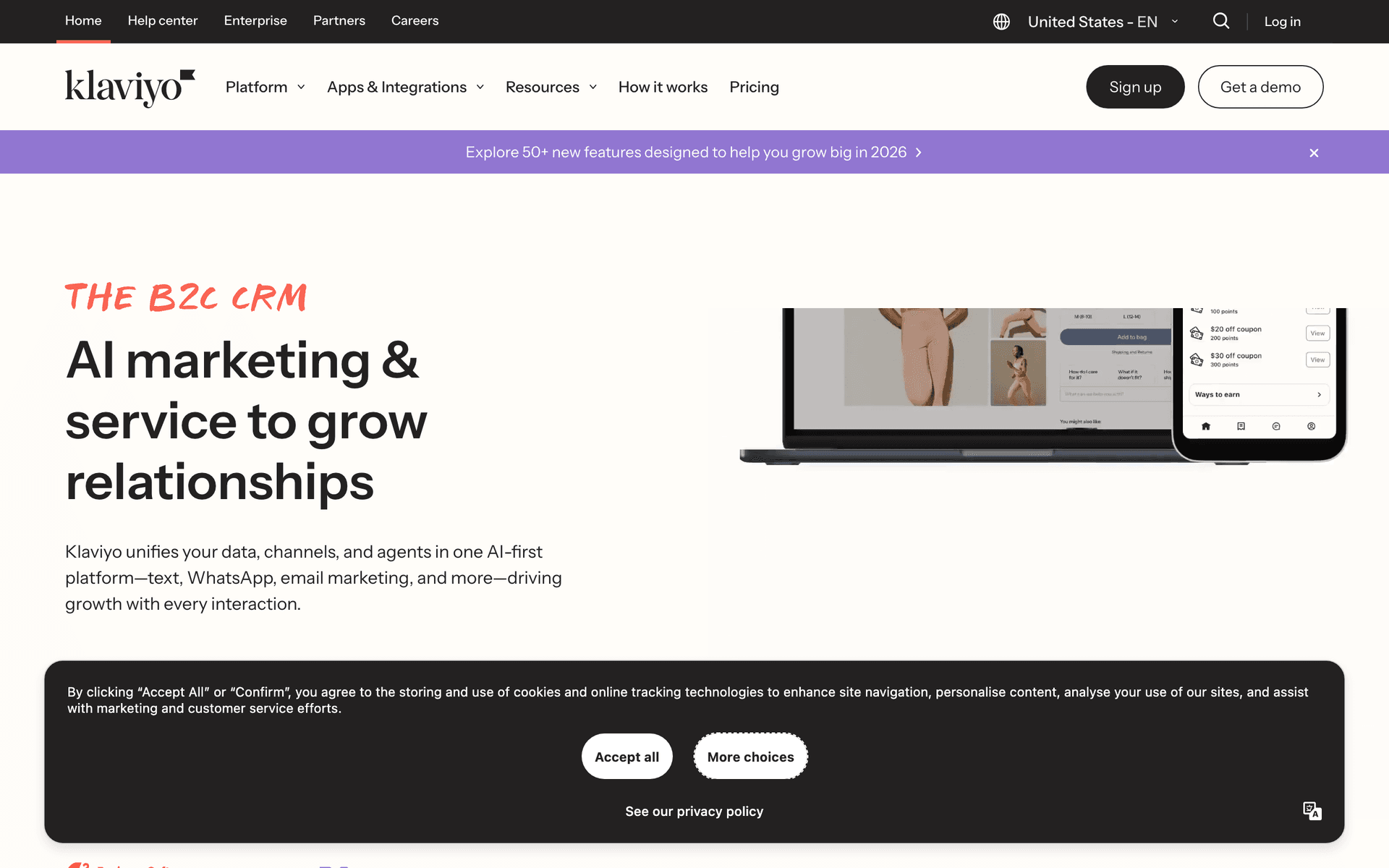
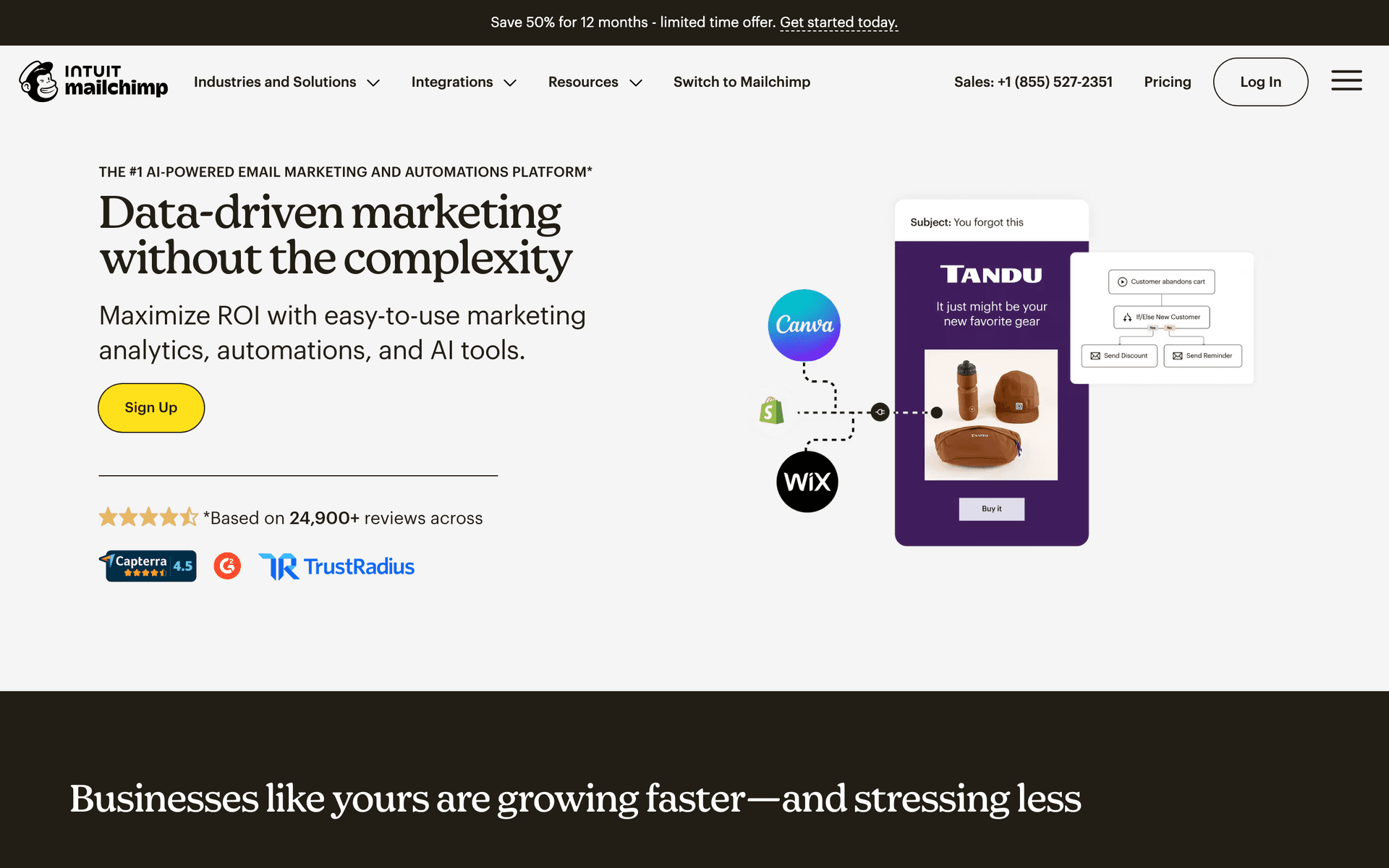
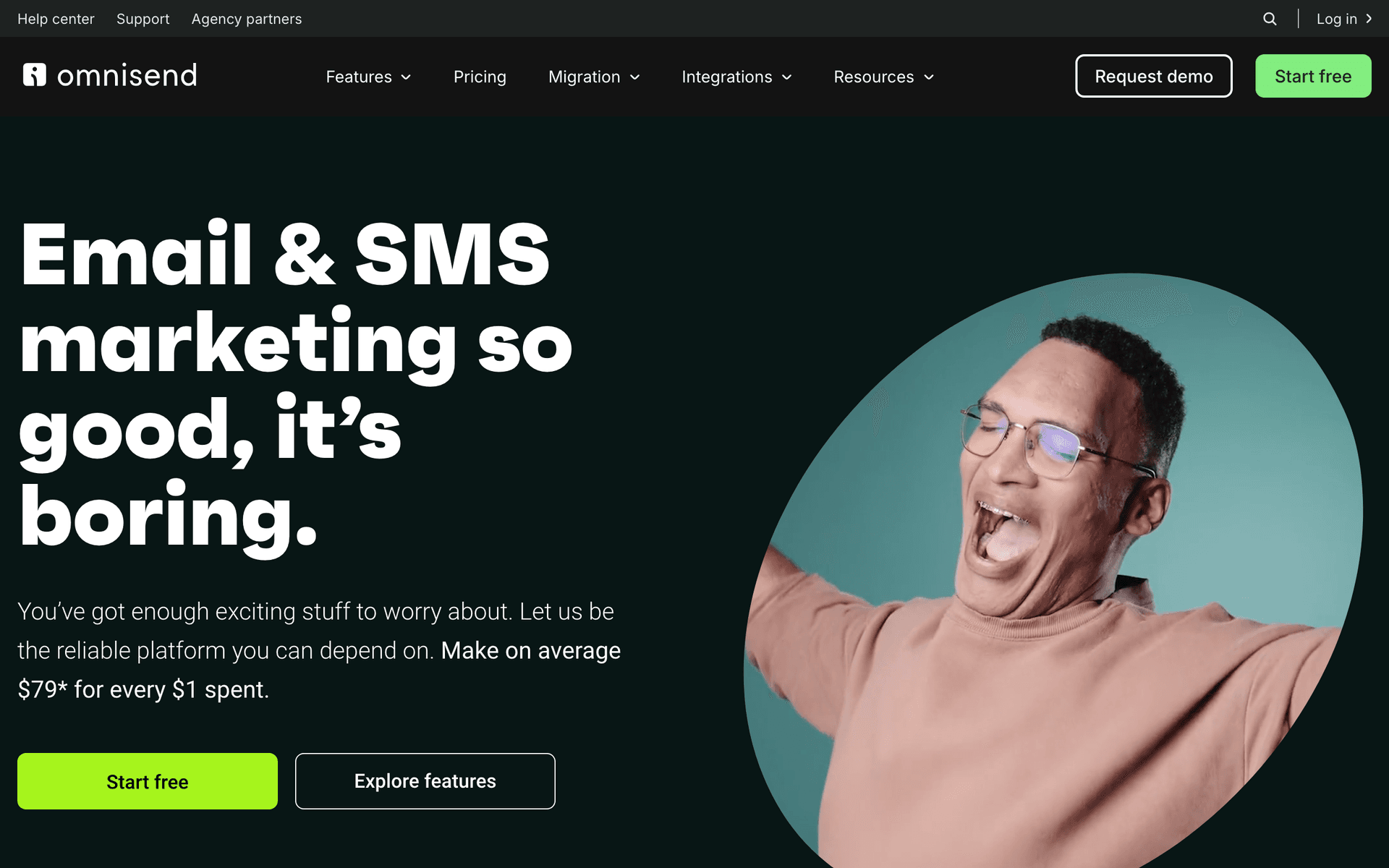
- Integration ecosystem is smaller. Squarespace has fewer email marketing integrations than Shopify. The tools that do integrate natively (Klaviyo, Mailchimp, Omnisend) deserve extra consideration because seamless data sync matters.
Prioritize These When Choosing
- Native Squarespace integration for smooth, reliable data sync
- Cart abandonment recovery with product images from your catalog
- Template design quality that matches your brand standards
- Automation beyond basic newsletters
- Signup forms that match your Squarespace site aesthetic
Squarespace Commerce Email Tool Fit Table
| Store stage | Best email setup | Why it fits | When to upgrade |
|---|---|---|---|
| New store | Squarespace Email Campaigns | Fast setup and visual consistency | Cart recovery becomes important |
| First consistent sales | Mailchimp or Omnisend | Native integration and basic automation | You need deeper product segmentation |
| Growing product catalog | Klaviyo | Strong ecommerce flows and analytics | Costs exceed the incremental revenue |
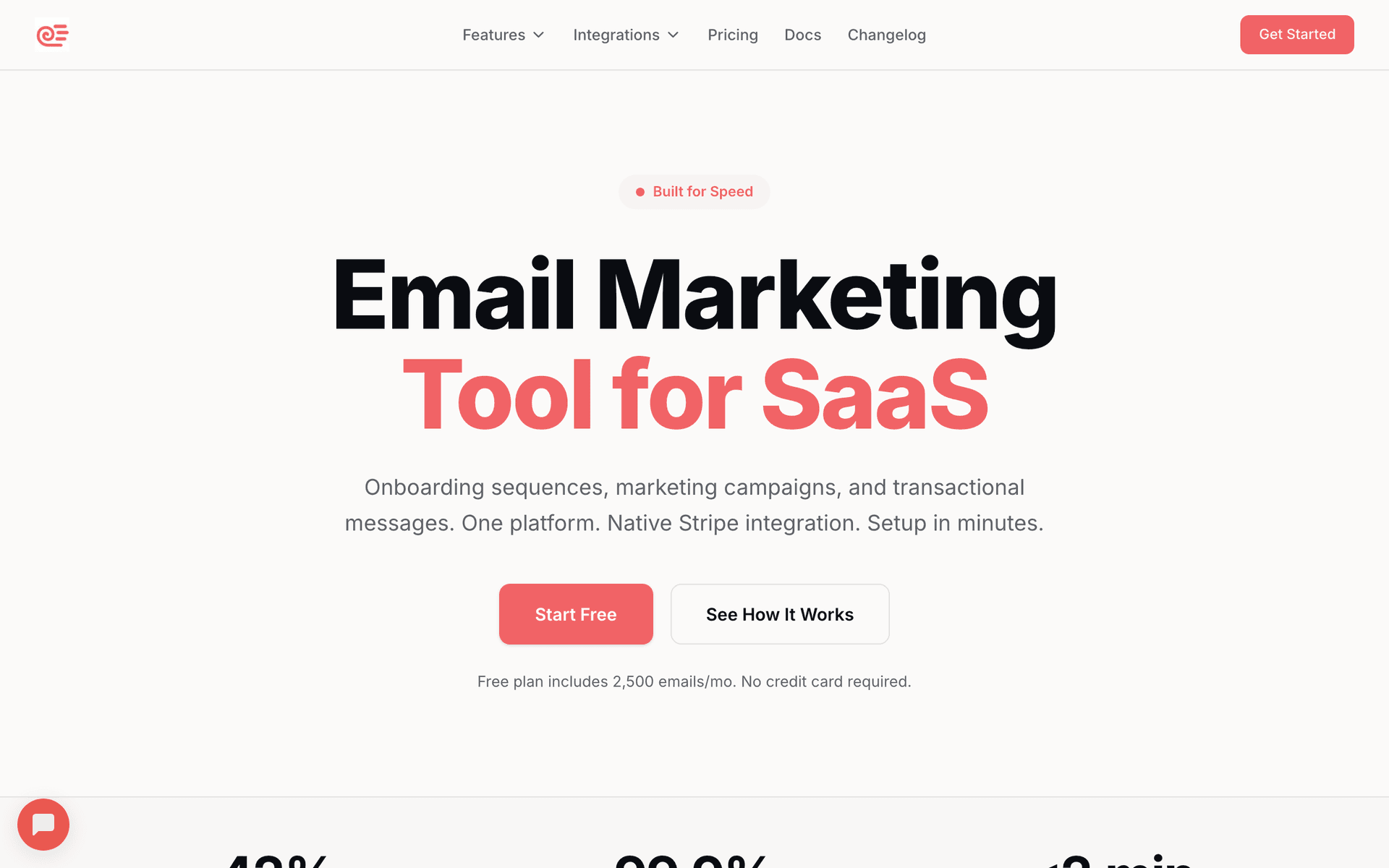
| Lean brand with many campaigns | Sequenzy | AI sequence creation and lower send-based cost | You need native predictive ecommerce analytics |
| Design-led boutique | Any tool with strong template control | Brand presentation affects conversion | Templates start limiting the site aesthetic |
The Squarespace Store Email Upgrade Path
Stage 1: Squarespace Email Campaigns. Start here. $7/month with templates that match your site. Send basic newsletters and promotional emails. Get comfortable with email marketing basics.
Stage 2: Mailchimp or Omnisend. When you need cart recovery and basic automation. Native integration means smooth data sync. Good template libraries for design-conscious brands.
Stage 3: Klaviyo or Sequenzy. When you want advanced segmentation, predictive analytics, or AI-powered campaign creation. This is where email becomes a serious revenue channel.
Building a Design-First Email Program
Squarespace store owners understand that design sells. Apply the same principle to your email marketing:
Visual consistency matters. Your emails should feel like an extension of your Squarespace site. Use the same fonts, colors, and photography style. Subscribers should recognize your brand instantly in their inbox.
Product photography is your strongest asset. High-quality product images from your Squarespace store convert better than any amount of copy. Feature large, beautiful product photos in every email.
Clean layouts outperform cluttered ones. Follow the Squarespace design philosophy in your emails: plenty of white space, clear hierarchy, and focused messaging. One primary call to action per email.
Mobile-first design is essential. Over 60% of email opens happen on mobile devices. Test every email on mobile before sending. Squarespace sites are responsive, and your emails should be too.
| Design element | Email standard | Why it matters for Squarespace stores | Common mistake |
|---|---|---|---|
| Photography | Large product or lifestyle image above the fold | The site likely sells through visual trust | Using tiny catalog thumbnails |
| Typography | Match brand hierarchy as closely as the email tool allows | Subscribers should recognize the brand instantly | Switching to default newsletter fonts |
| Layout | One main message per email | Clean design supports clearer buying decisions | Crowding multiple promotions together |
| CTA | Button that matches the store's action style | Visual continuity reduces friction | Multiple competing buttons |
| Mobile preview | Tested before every send | Product imagery often changes dramatically on phones | Designing only on desktop |
Essential Automations for Squarespace Stores
For the shorter platform shortlist, see the best email marketing tools for Squarespace.
Set these up in priority order:
- Cart recovery - your highest ROI automation. Three emails with beautiful product photography.
- Welcome series - introduce your brand story and offer a first-purchase incentive.
- Post-purchase follow-up - thank customers, request reviews, suggest complementary products.
- Win-back - re-engage customers who have not purchased in 90+ days.
| Automation | Trigger | Best first email | Revenue role |
|---|---|---|---|
| Cart recovery | Cart abandoned | Product image plus simple return link | Recovers high-intent shoppers |
| Welcome series | Signup or first opt-in | Brand story with first-purchase offer | Converts new subscribers |
| Post-purchase follow-up | Order fulfilled | Care tips, review request, and complementary product | Builds repeat purchase |
| Browse reminder | Viewed product but no cart | Product context and related bestsellers | Converts research behavior |
| Win-back | 90-120 days without purchase | New arrivals or customer-favorite collection | Reactivates past buyers |
Best Fit by Squarespace Commerce Store Type
Best email marketing tool for design-first Squarespace stores
Choose Flodesk, MailerLite, or Squarespace Email Campaigns when visual polish and brand continuity matter more than deep event automation. These stores need emails that feel like an extension of the site, not a disconnected template library.
Best email marketing tool for Squarespace cart recovery
Choose Omnisend, Klaviyo, or Sequenzy when cart recovery, browse reminders, and post-purchase flows need to drive revenue beyond basic newsletters. The tool should preserve product imagery and sync store events reliably.
Best email marketing tool for small Squarespace catalogs
Choose a lightweight platform when the catalog is small and the main jobs are welcome emails, new-product announcements, and occasional win-back campaigns. Overbuying enterprise ecommerce automation can slow down a store that only needs a few dependable flows.
Check your deliverability setup with our SPF checker and DMARC checker before launching campaigns. Beautiful emails only matter if they reach the inbox.