Updated 2026-06-25

Best Email Marketing Tools for Virtual Event Organizers

Fill ticket tiers, coordinate speakers, drive session attendance, and turn one virtual event into the next with the right email platform behind it.

A multi-session virtual event is a logistics machine, and email is the control panel. Registration emails fill your ticket tiers, per-session reminders decide whether people actually show up to each talk, speaker and sponsor emails keep your partners happy, and the post-event recap decides whether anyone comes back next year. Most organizers obsess over the platform and the agenda and then bolt on a generic confirmation email, which is why so many virtual conferences see 60% of registrants attend the opening keynote and 15% still watching by the afternoon track. The gap between a half-empty breakout room and a packed one is almost always the reminder sequence, not the speaker. Here are 17 email platforms that work for virtual event organizers, ranked by how well they handle ticketing confirmations, multi-session reminders, speaker and sponsor communications, day-of agendas, and the on-demand recap that funds your next event.

TL;DR

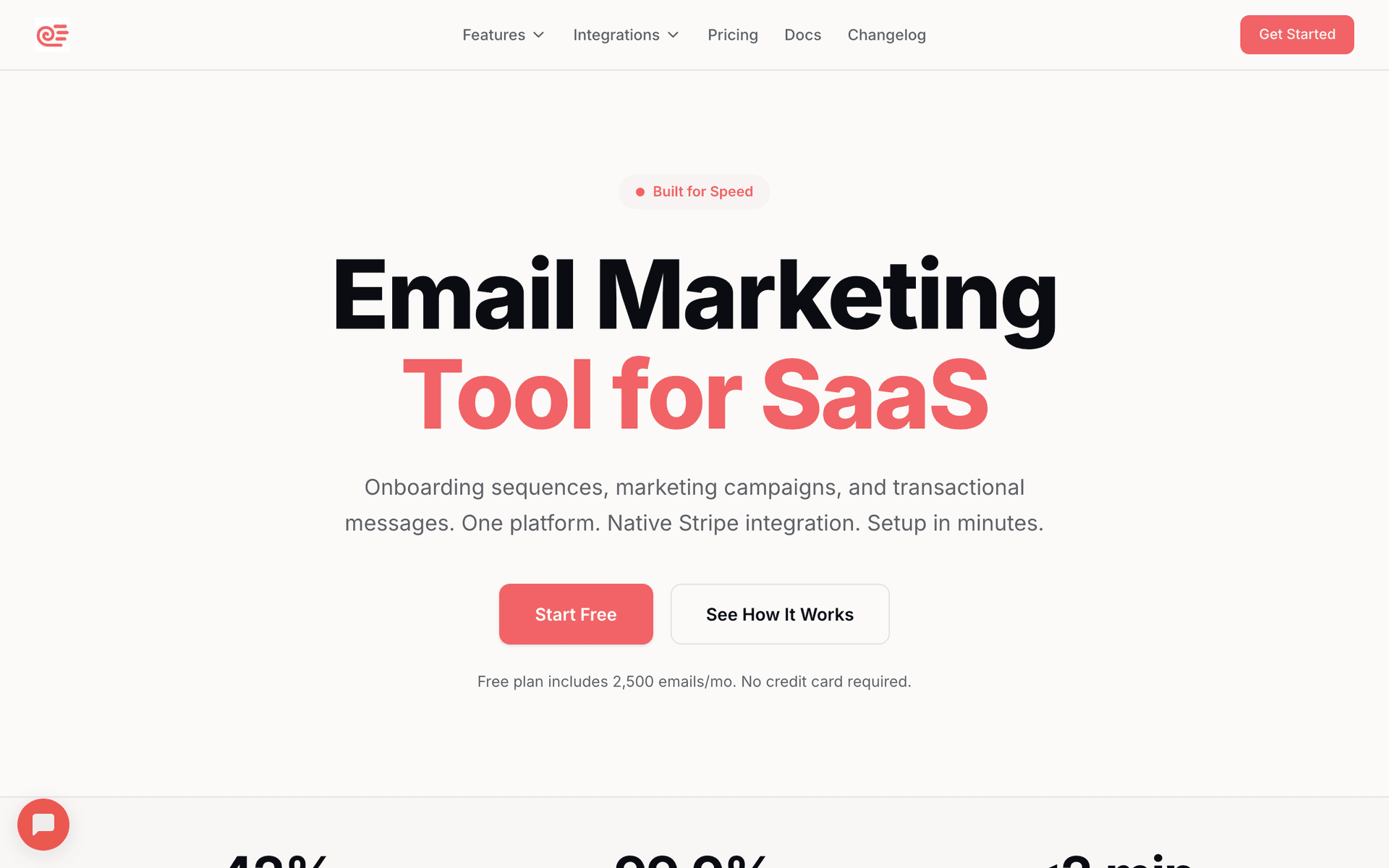
Sequenzy is the best fit for virtual event organizers who want AI to write the full registration, per-session reminder, day-of agenda, and recap sequence in seconds, with a free tier up to 2,500 emails/mo and send-based pricing that suits the spiky volume of an event week. GetResponse is the strongest all-in-one if you want to host parts of the event and email registrants from the same tool. ActiveCampaign is the power choice when ticket-tier branching, session-attendance tracking, and lead scoring drive your sponsor reporting and next-event sales.

Why Virtual Event Organizers Need Email Marketing

Fill Every Ticket Tier

Registration sequences, early-bird windows, and tier-specific upsells turn your audience into ticket holders. Email is the channel that consistently fills virtual seats and sells upgrades at scale.

Drive Per-Session Attendance

Attendance to each talk is decided by reminders. A per-session reminder sequence can lift afternoon and second-day attendance by 15-25 percentage points over a single day-of email.

Coordinate Speakers and Sponsors

Virtual events live or die on partner experience. Dedicated speaker and sponsor email tracks keep run-of-show, tech checks, and lead reports organized so partners come back next year.

Turn the Event Into the Next One

Most repeat revenue comes from the recap and on-demand window. A recordings-plus-next-event sequence converts this year's attendees into next year's early-bird list.

Virtual Event Organizers Email Marketing Benchmarks

Know these numbers before you start. They'll help you set realistic goals and pick the right tool.

40-60%
Registration-to-Attendance Rate

With a single reminder, expect 40-45% of registrants to attend the opening session. A full sequence with per-session reminders pushes overall attendance to 55-60% and keeps far more people in afternoon and second-day sessions. This is the clearest measure of your reminder sequence quality.

45-65%
Reminder Email Open Rate

Reminder emails see far higher opens than normal marketing because the recipient asked to be reminded. The 'starting in 15 minutes' and day-of agenda emails often exceed 60% opens. If yours are under 40%, check your subject lines and sender reputation.

30-50% of registrants
On-Demand and Recap Engagement

A strong recap sequence with prioritized recordings gets 30-50% of registrants to watch at least one on-demand session, including no-shows who missed the live event entirely. This window also drives most of your on-demand pass and next-event sales.

Day-of AM, 1h, and 15m before each session
Best Reminder Send Times

The morning-of agenda books the day, the 1-hour reminder catches people before they get pulled away, and the 15-minute 'starting now' nudge before each headline session recovers people who lost track across a long event day. These three drive most of your per-session attendance lift.

Important Tips Before You Choose

Lessons from virtual event organizerswho've been doing this for years. Save yourself the trial and error.

Send a reminder per session, not one for the whole day

A single 'the event starts tomorrow' email gets people to the keynote and loses them by lunch. Multi-session events need a reminder timed to each talk a registrant cared about: a morning agenda, then a 'starting in 15 minutes' nudge before each headline session. Per-session reminders are the single biggest lever on afternoon and second-day attendance.

Let registrants build a personal agenda, then remind them around it

When attendees pick the sessions they want during registration, you can send each person reminders only for their chosen talks instead of blasting the full schedule. This cuts unsubscribes, lifts per-session attendance, and gives sponsors accurate room-size expectations. Even a simple 'which track interests you?' question on the form unlocks this.

Give speakers and sponsors their own communication track

Speakers need tech-check times, run-of-show details, and promo assets they can share. Sponsors need booth setup info, lead-capture details, and a post-event report. These are separate audiences with separate sequences from your attendee emails. Treat speaker and sponsor coordination as first-class email flows, not last-minute one-off messages.

Capture the recap and on-demand offer the moment a session ends

Most virtual event revenue and goodwill lives in the 48-72 hours after the event, when you send session recordings, slides, and an on-demand pass. Attendees want what they missed across parallel tracks, and no-shows want everything. Tag who attended which session and send recordings prioritized to what each person missed.

Use the registration question to drive networking and sponsor matching

Asking 'what is your role?' or 'what are you hoping to get from the event?' on the form does triple duty: it personalizes reminders, it powers attendee networking suggestions, and it gives sponsors qualified context. It is the cheapest segmentation and matchmaking you will run all event cycle.

Turn this event's attendees into next event's early-bird list

The best source of registrations for your next virtual event is everyone who attended this one. Close the recap sequence with an early-bird waitlist or next-date save-the-date. Attendees who had a good experience convert at several times the rate of a cold audience, and capturing them while the experience is fresh costs almost nothing.

17 Best Email Marketing Tools for Virtual Event Organizers

#ToolDescriptionBest ForPricing
1SequenzyAI-powered email marketing built for sequenced, event-driven campaigns.Organizers who want the full registration-to-recap sequence written by AI and priced by sendsFree up to 2,500 emails/mo, then from $19/mo (unlimited contacts)
2GetResponseAll-in-one platform with native webinar and event hosting plus email.Organizers running small, single-track virtual events who want hosting and email in one platformFrom $19/month for 1,000 contacts (webinars on higher tiers)
3ActiveCampaignThe most powerful automation for ticket-tier and session-based follow-up.Organizers running paid, multi-tier virtual conferences with complex follow-up and sponsor reportingFrom $29/month for 1,000 contacts
4ConvertKitCreator-focused email with clean automation and forms.Creators and communities running virtual summits alongside a newsletter and productsFree up to 1,000 subscribers, then from $29/month
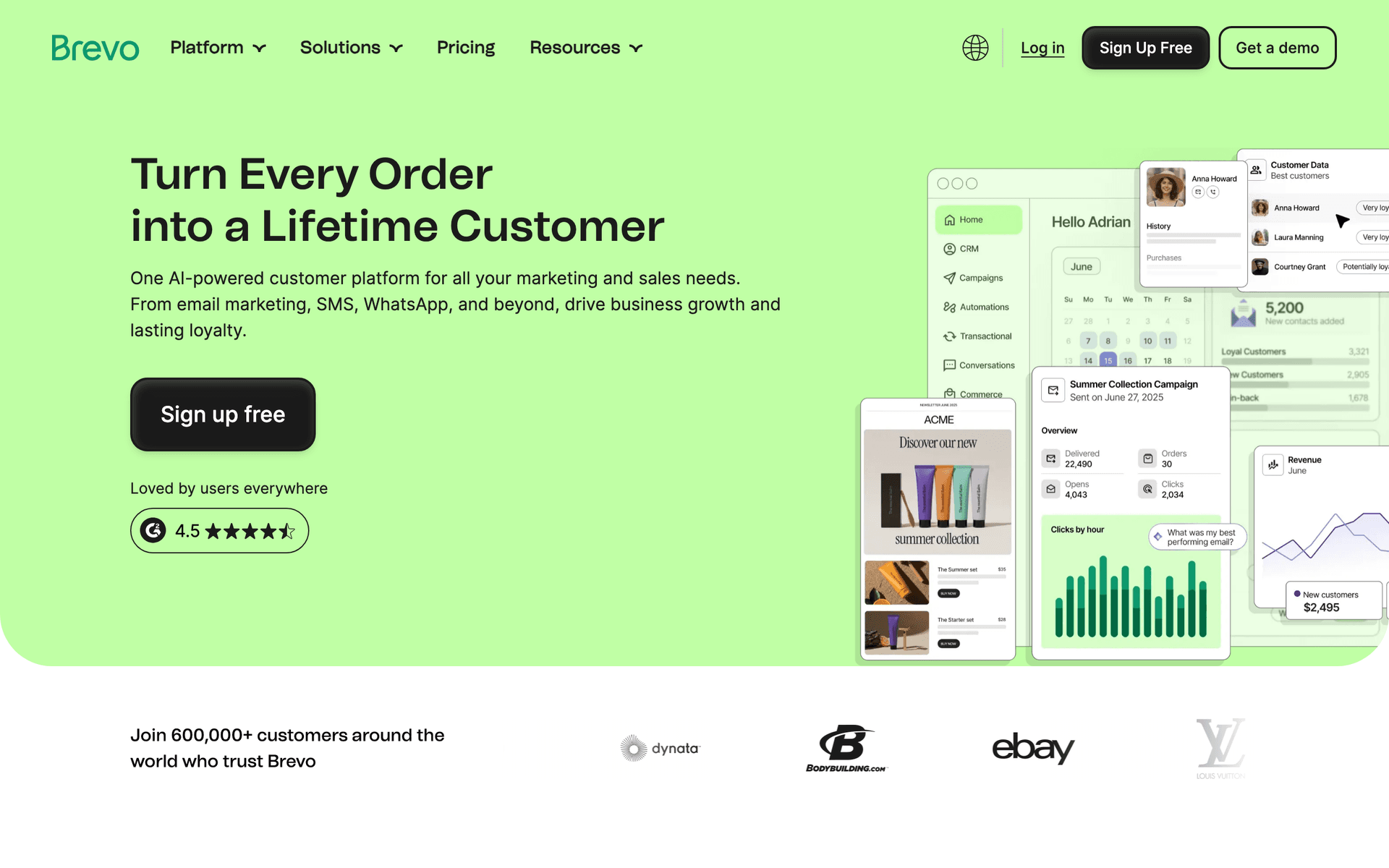
5BrevoEmail plus SMS reminders at a budget-friendly price.Organizers who want SMS session nudges alongside email on a budgetFree up to 300 emails/day, then from $25/month
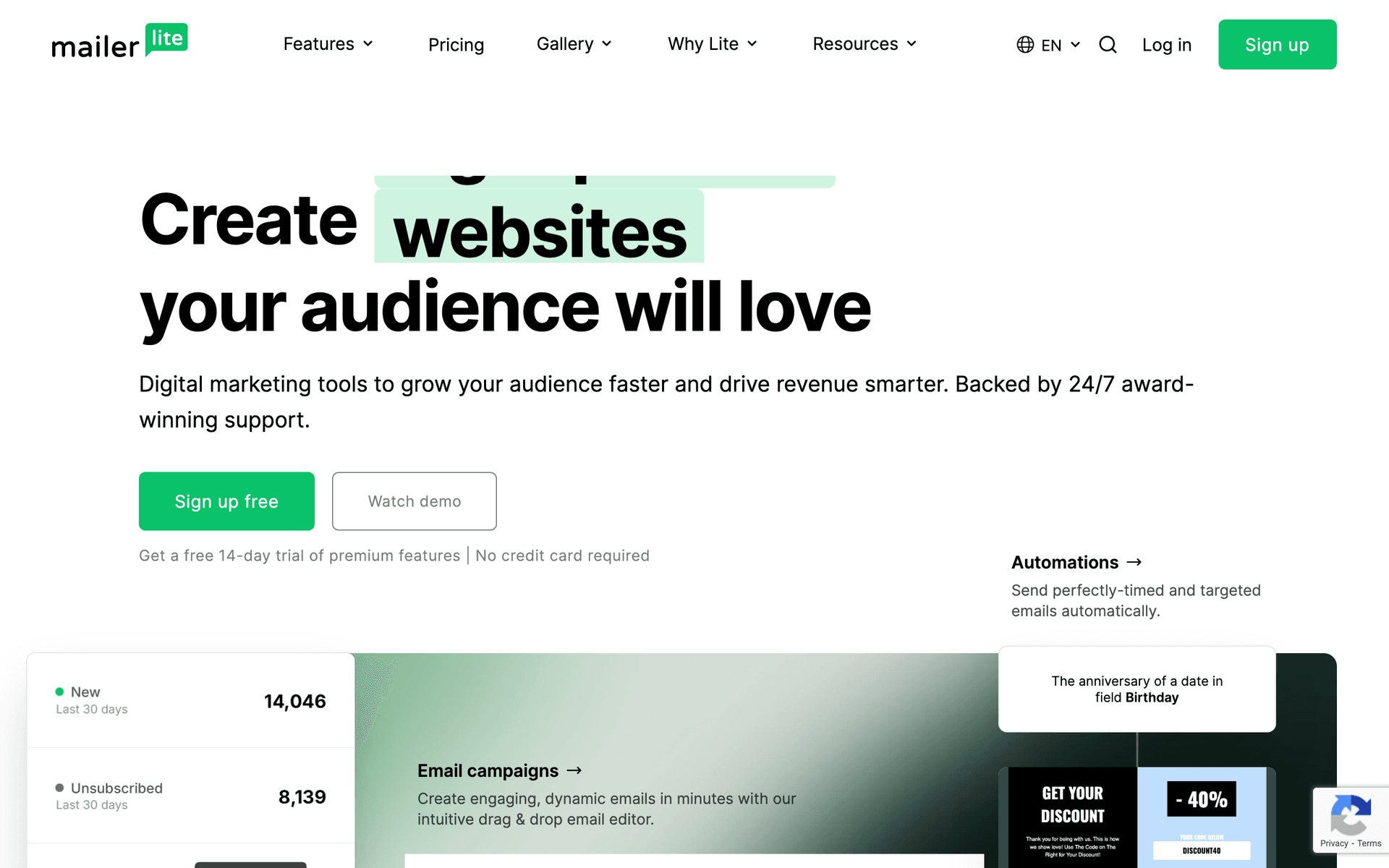
6MailerLiteClean, affordable email with good landing pages for registration.Organizers wanting simple ticket pages and reminders cheaplyFree up to 1,000 subscribers, then from $10/month
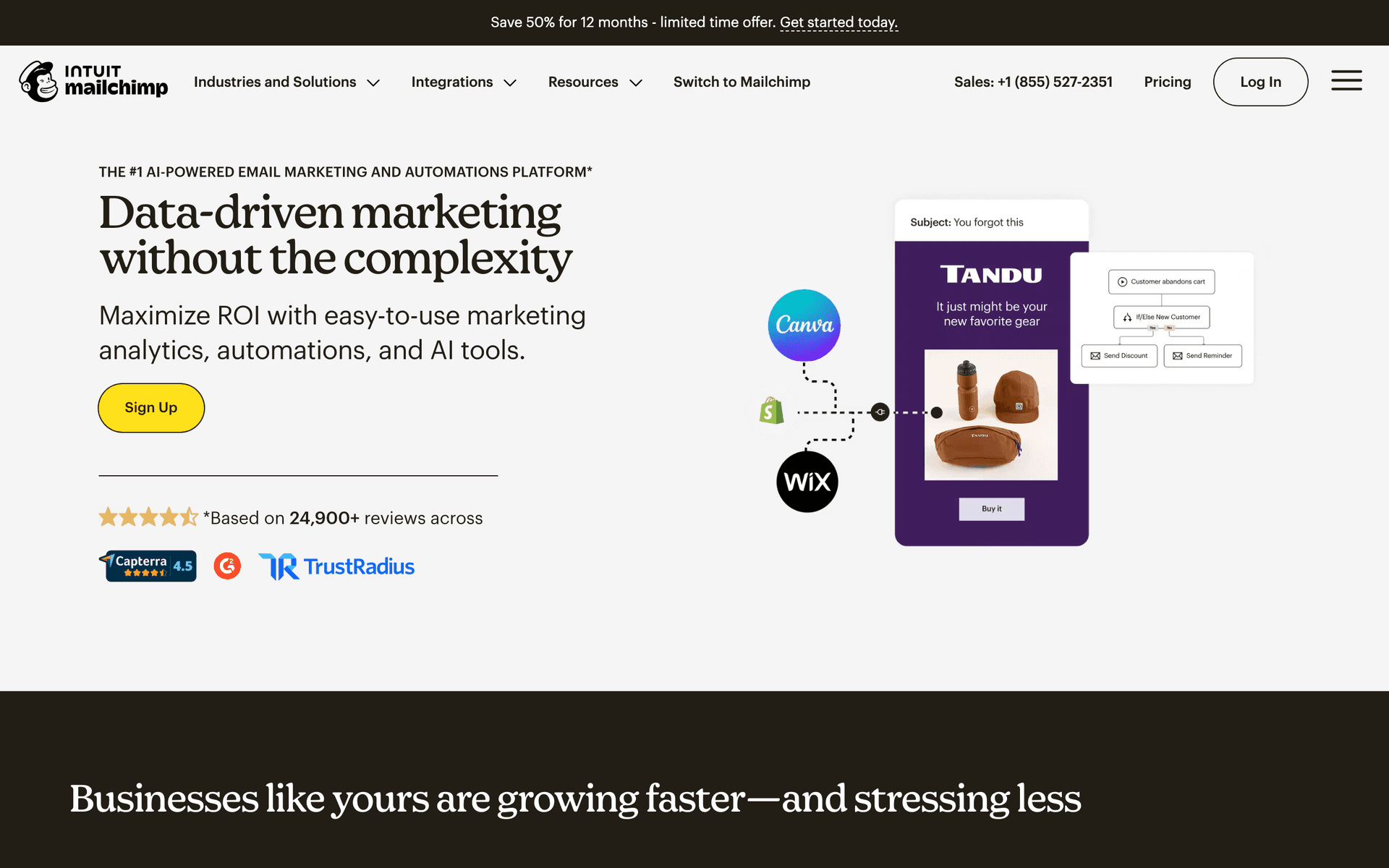
7MailchimpPopular starter platform with broad integrations and event tooling.First-time organizers who want a familiar starting pointFree up to 500 contacts, then $13-350/month
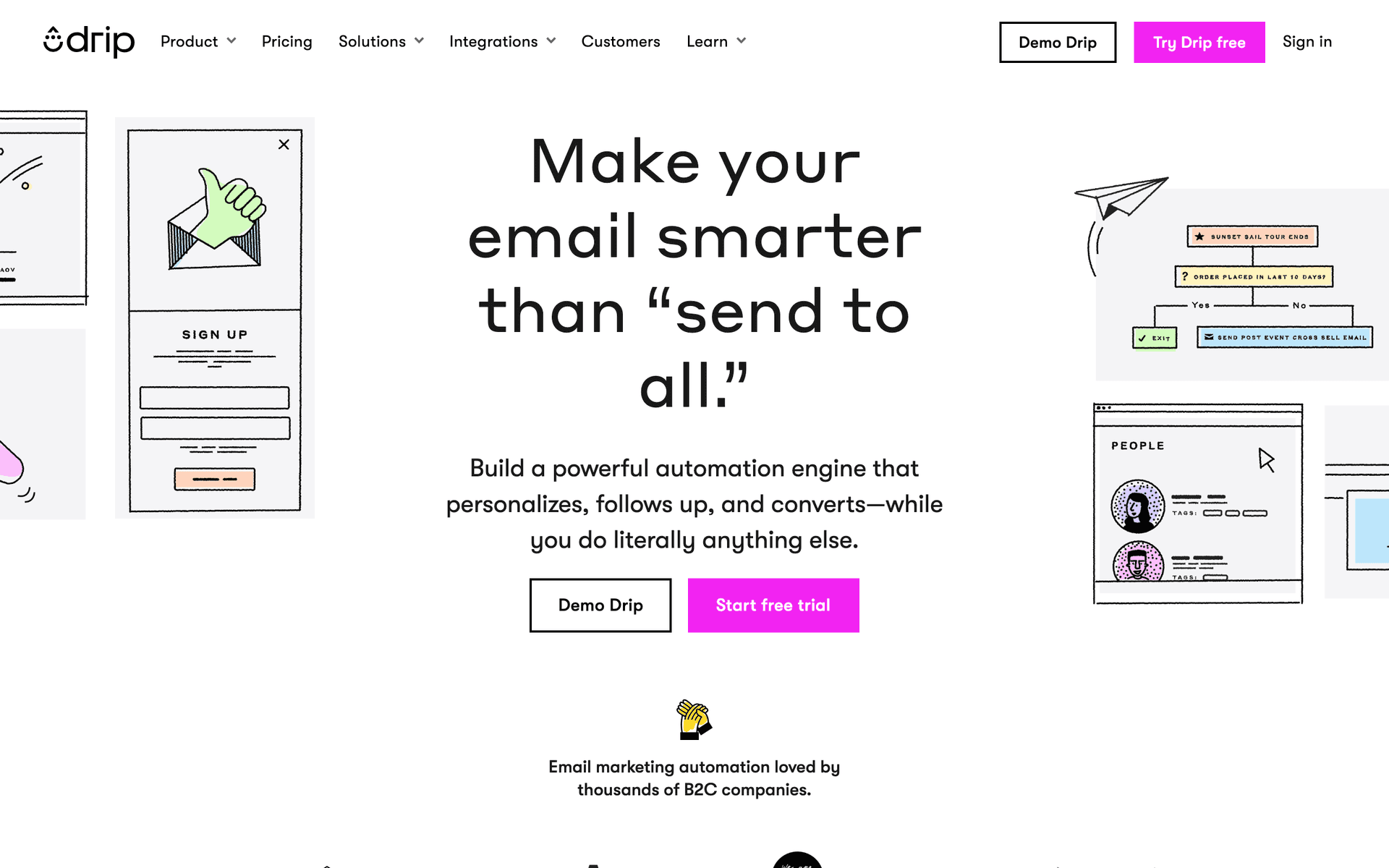
8DripRevenue-focused automation for organizers selling tickets and passes.Organizers selling tiered tickets or on-demand passes who want revenue attributionFrom $39/month for 2,500 contacts
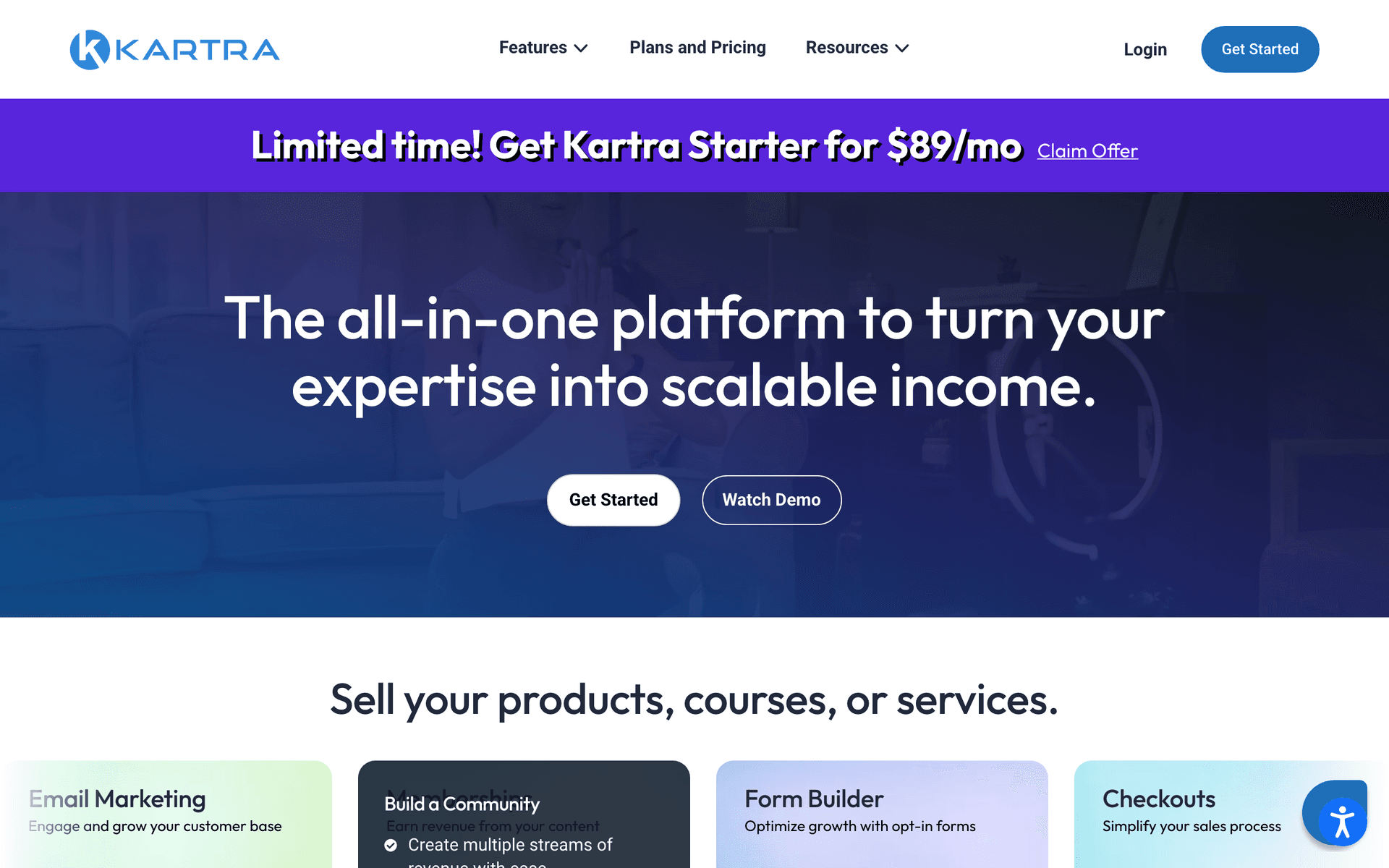
9KartraAll-in-one with funnels, email, and behavior-based automation.Marketing-first organizers running paid virtual summits with gated on-demand accessFrom $99/month
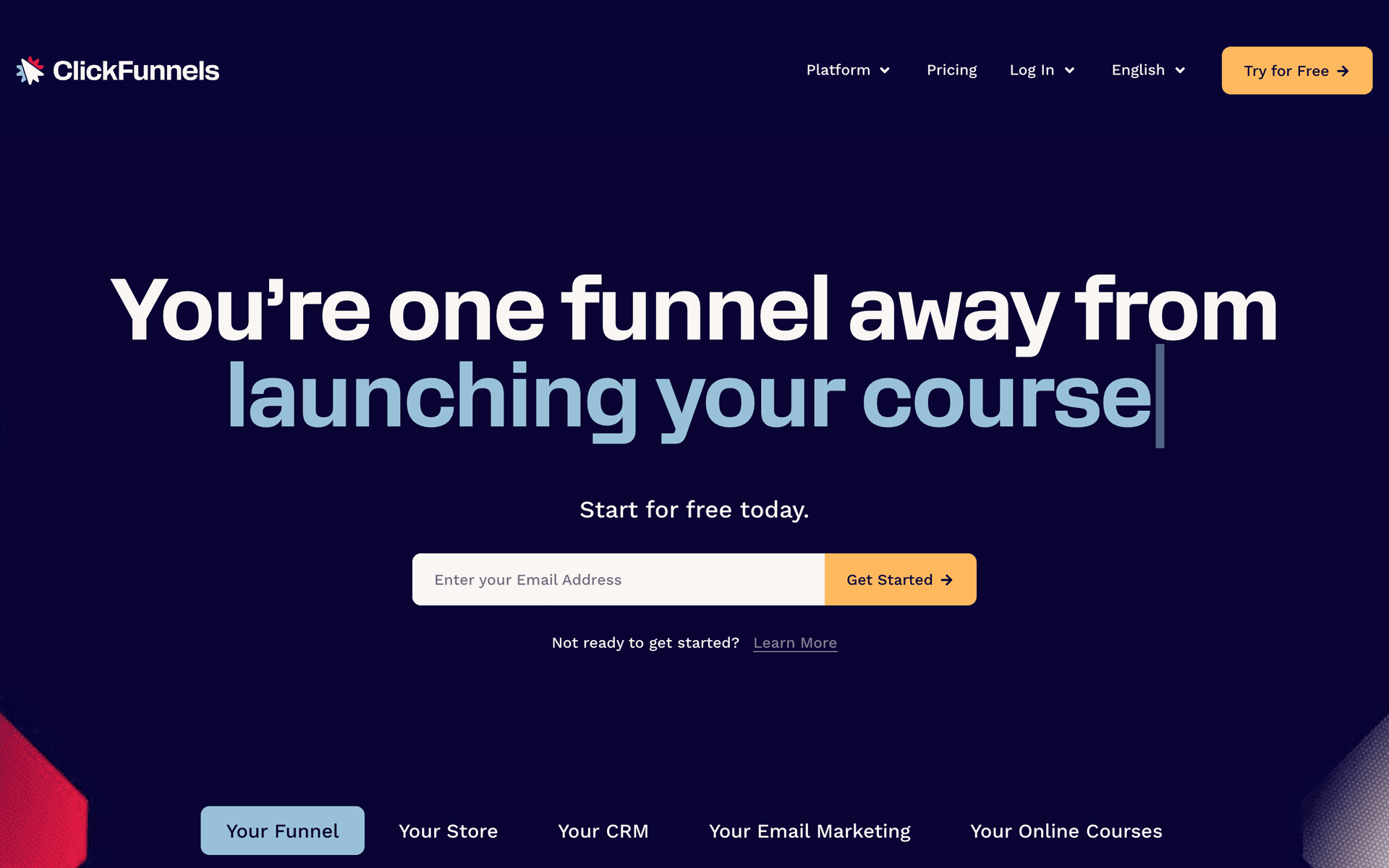
10ClickFunnelsThe funnel builder for paid-ads virtual summit launches.Organizers running paid-traffic summit funnels with an all-access upsellFrom $97/month
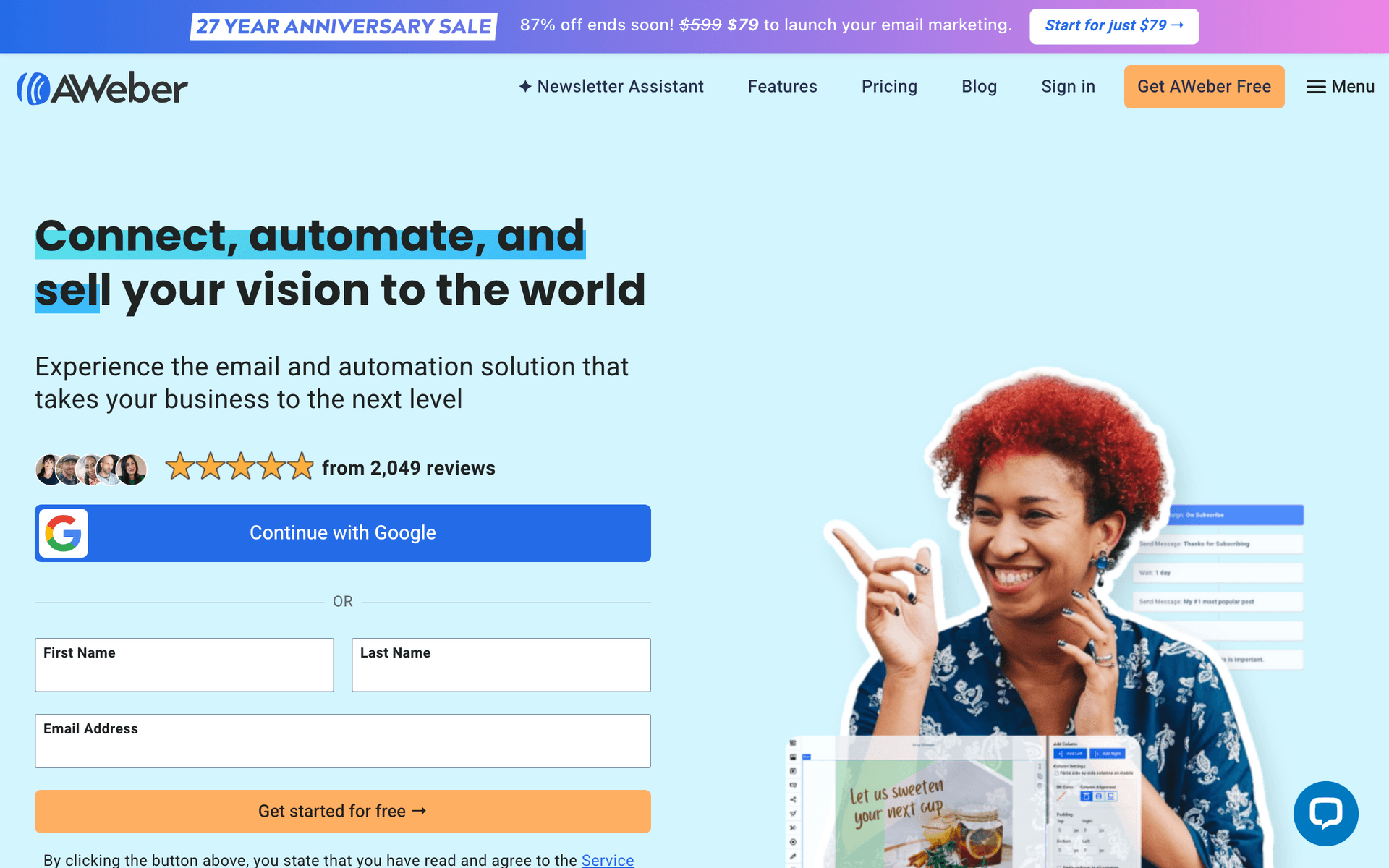
11AWeberSimple, reliable email with strong deliverability.Organizers wanting simple, reliable confirmations and reminders for small eventsFree up to 500 subscribers, then from $15/month
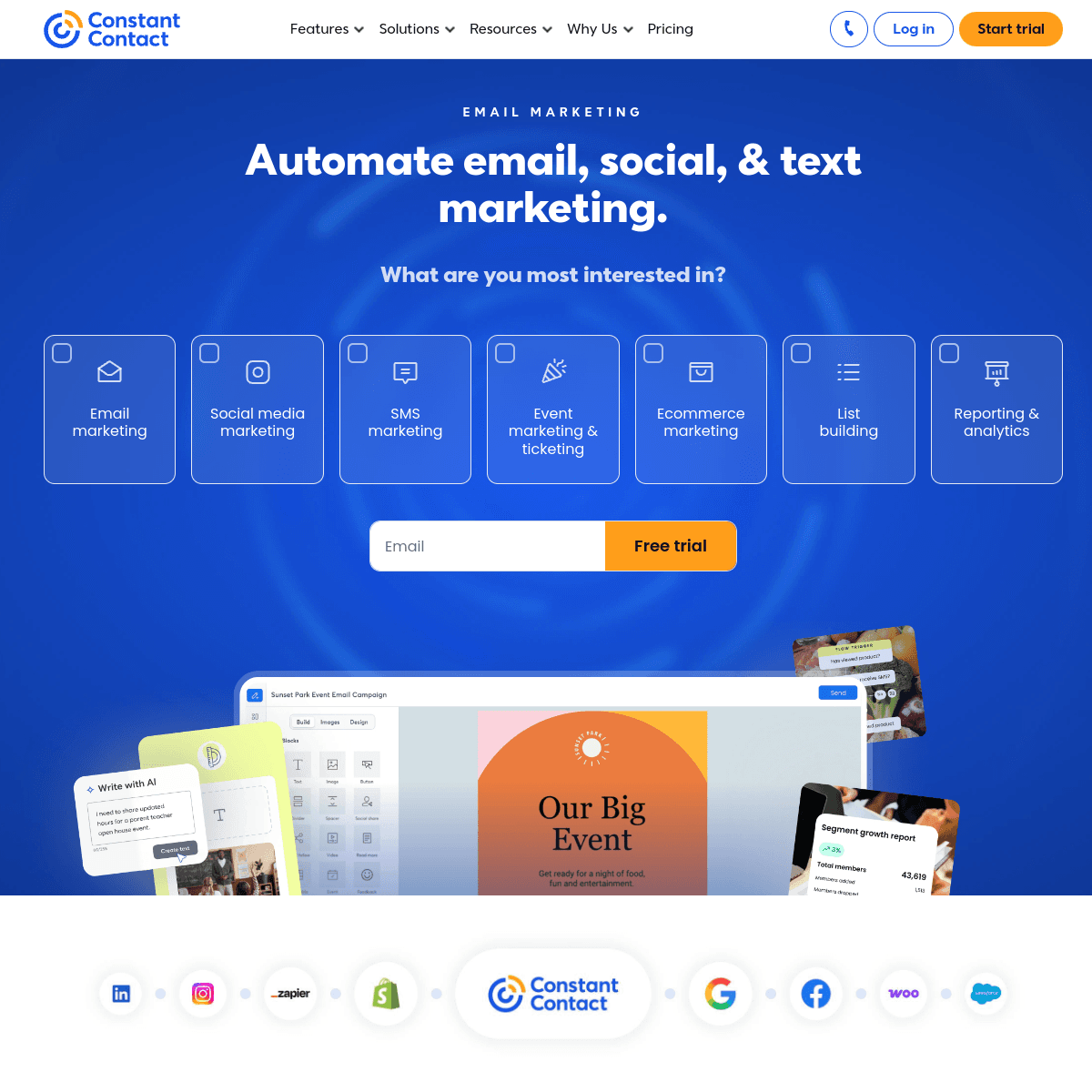
12Constant ContactBeginner-friendly with event features and phone support.Non-technical organizers who value phone support and built-in registrationFrom $12/month for 500 contacts
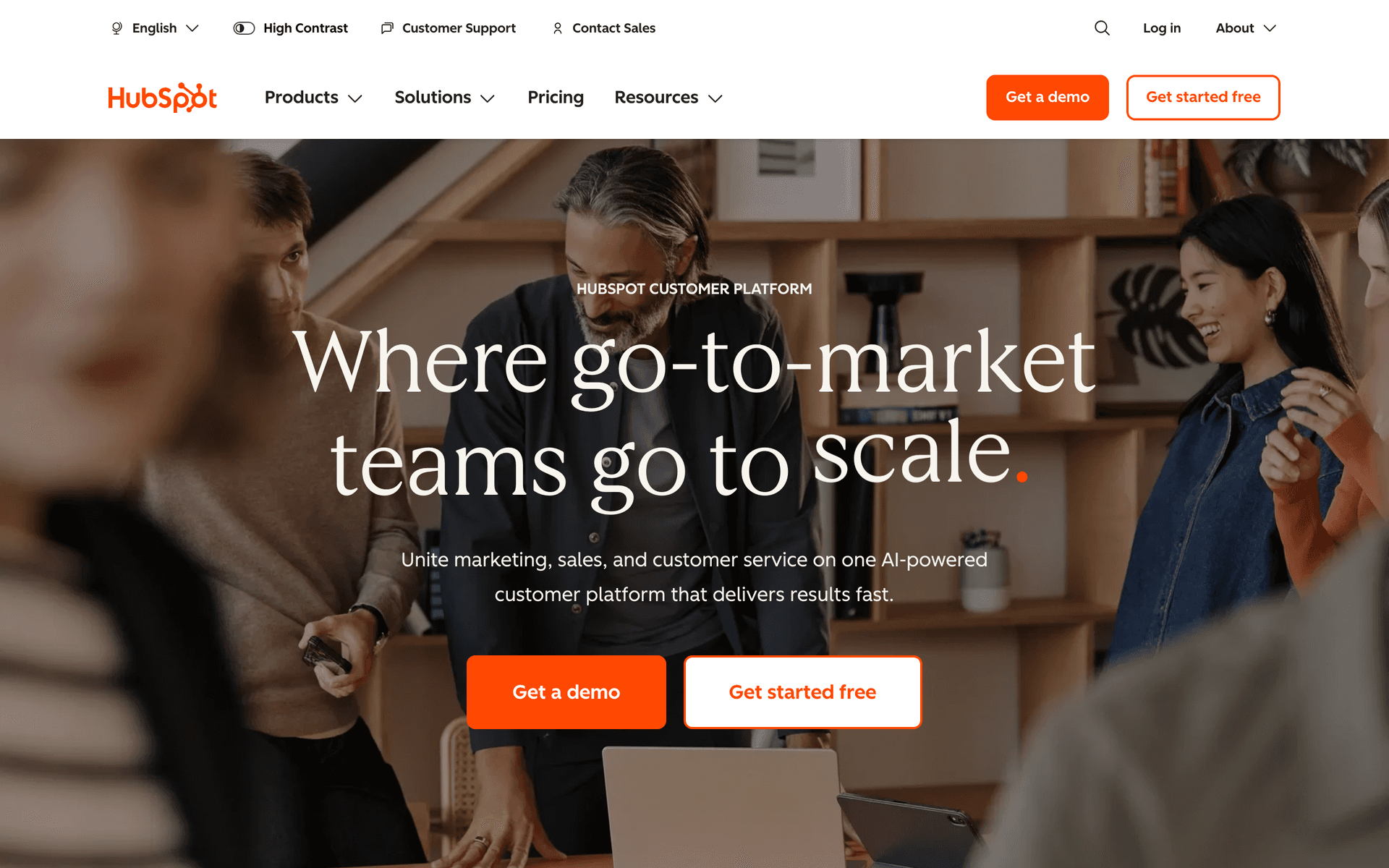
13HubSpotEnterprise CRM and marketing for virtual event programs at scale.B2B teams running virtual events as demand generationFree CRM, marketing from $50/month (scales steeply)
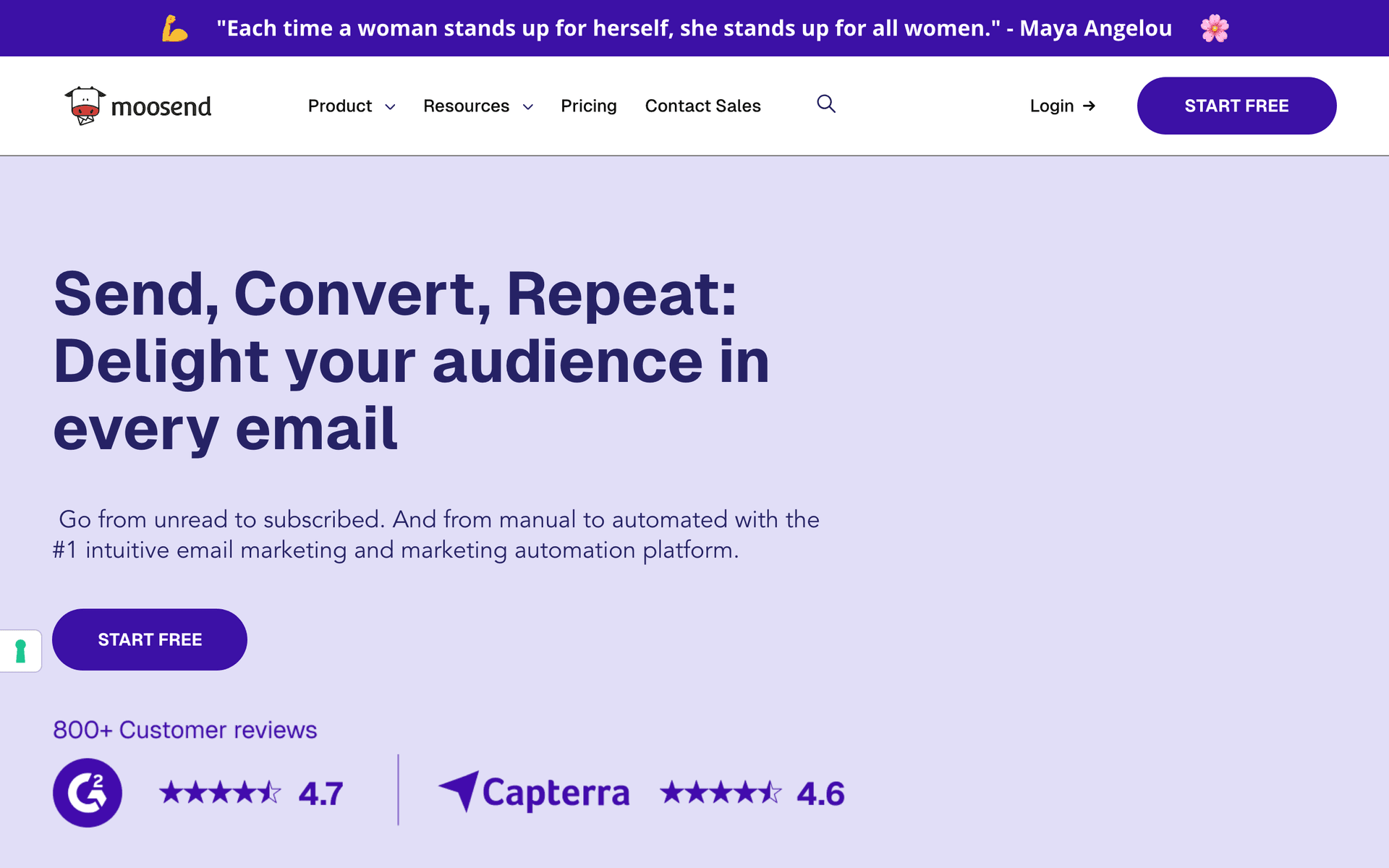
14MoosendBudget-friendly automation with landing pages included.Cost-conscious organizers who want the essentials cheaplyFrom $9/month
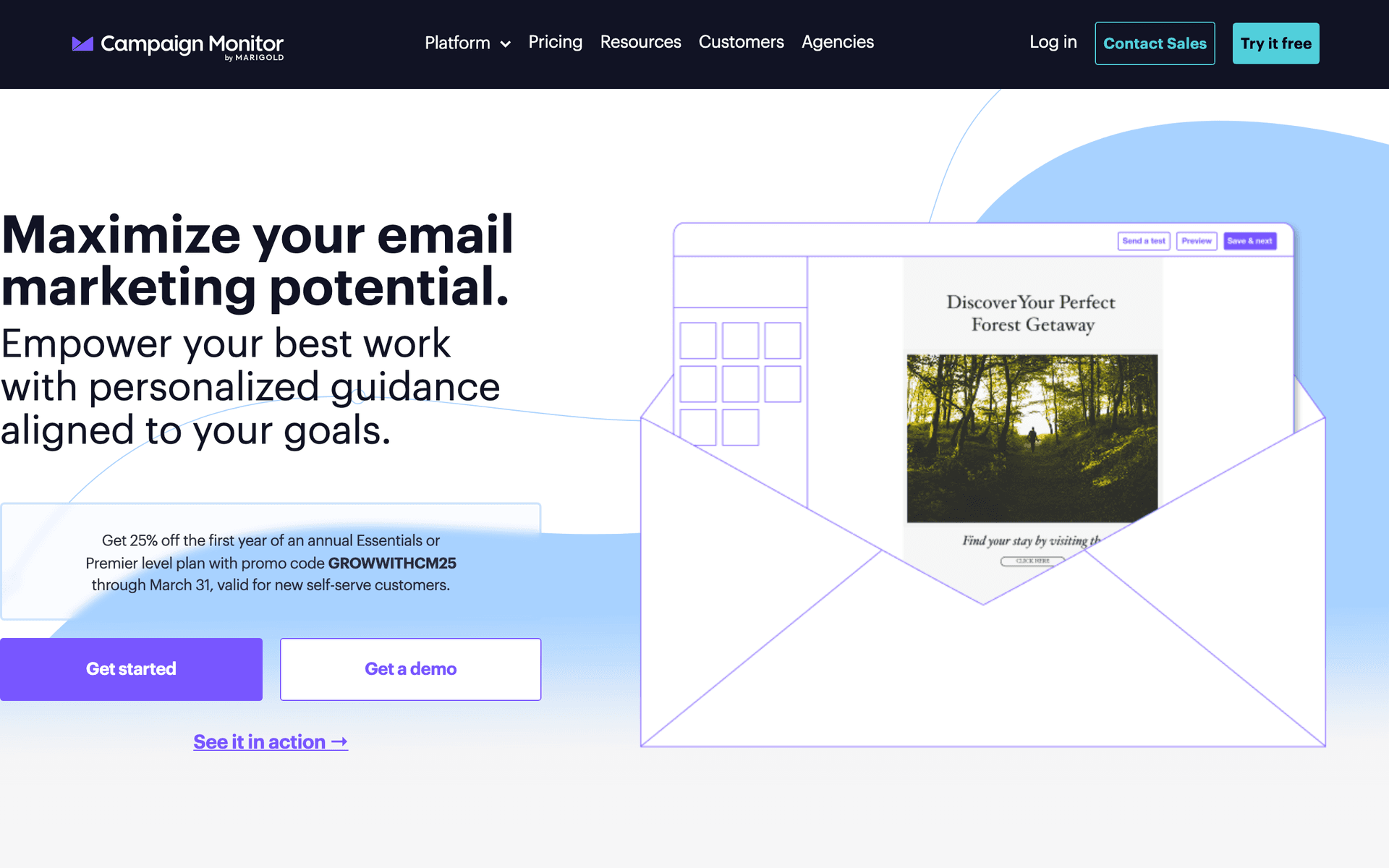
15Campaign MonitorBeautiful templates for visually branded event emails.Brand-conscious organizers prioritizing event email designFrom $9/month for 500 contacts
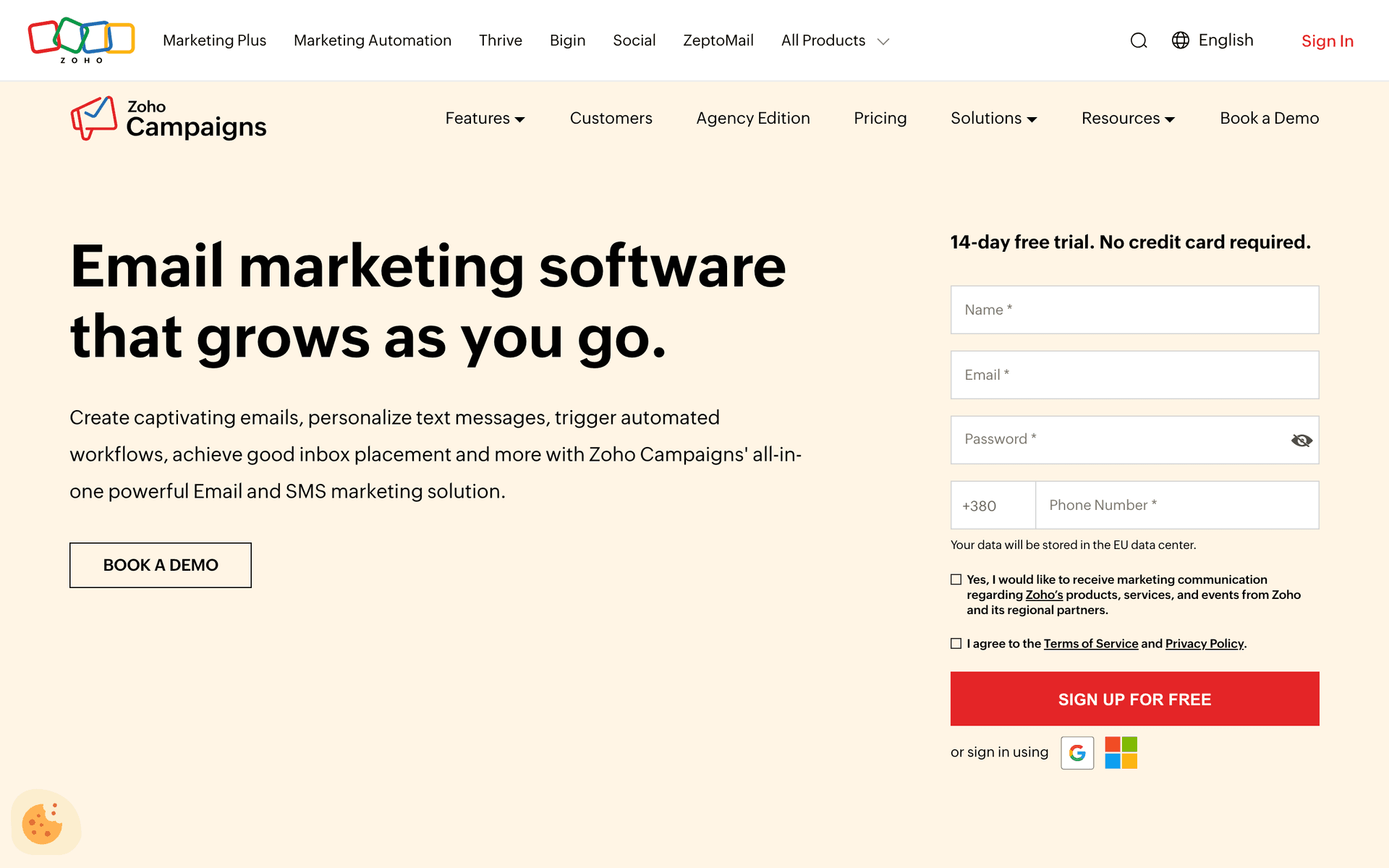
16Zoho CampaignsAffordable email that pairs with the Zoho ecosystem and Zoho Meeting.Teams already using the Zoho ecosystem and Zoho Meeting/WebinarFree tier available, paid from $4/month
17DemioPremium webinar-style room with solid built-in email reminders.Organizers wanting a premium live room paired with a separate email toolFrom $59/month
Our Top Pick for Virtual Event Organizers
#1
Sequenzy

AI-powered email marketing built for sequenced, event-driven campaigns.

Visit
Sequenzy dashboard screenshot

Sequenzy fits virtual event organizers because almost everything around a multi-session event is a sequence, and the AI builds sequences in seconds. Describe your event - a two-day virtual conference with three tracks, a keynote, and sponsor booths - and the AI generates the full set of flows: a ticket confirmation, a between-now-and-event value sequence, a day-of agenda email, per-session 'starting soon' reminders, and a post-event recap that branches by whether someone attended a given session. The send-based pricing is the real advantage for this niche. Organizers send in bursts - heavy in the run-up and during the event, quiet between cycles - so paying per email sent rather than per contact sitting idle keeps costs low between events. The free tier covers up to 2,500 emails per month, enough to run a small event funnel end to end, and paid plans start at $19/mo with unlimited contacts, which matters when a single event spikes your list. The Stripe integration means a ticket purchase or on-demand pass sale can automatically move someone out of the sales sequence and into the right attendee track, and transactional email covers receipts and access links. The main trade-offs: Sequenzy does not host the event itself (pair it with Zoom Events, Hopin, Airmeet, or your platform of choice), it launched in 2025 so it has a shorter track record than legacy platforms, and there is no built-in SMS for last-minute session nudges.

Best for
Organizers who want the full registration-to-recap sequence written by AI and priced by sends
Pricing
Free up to 2,500 emails/mo, then from $19/mo (unlimited contacts)

Pros

  • AI writes the full multi-session event sequence
  • Send-based pricing suits burst event sending
  • Free tier to run a full funnel
  • Stripe ticket events trigger attendee tracks

Cons

  • Does not host events (pairs with Zoom/Hopin/Airmeet)
  • Launched in 2025, shorter track record
  • No built-in SMS reminders
#2
GetResponse

All-in-one platform with native webinar and event hosting plus email.

Visit
GetResponse dashboard screenshot

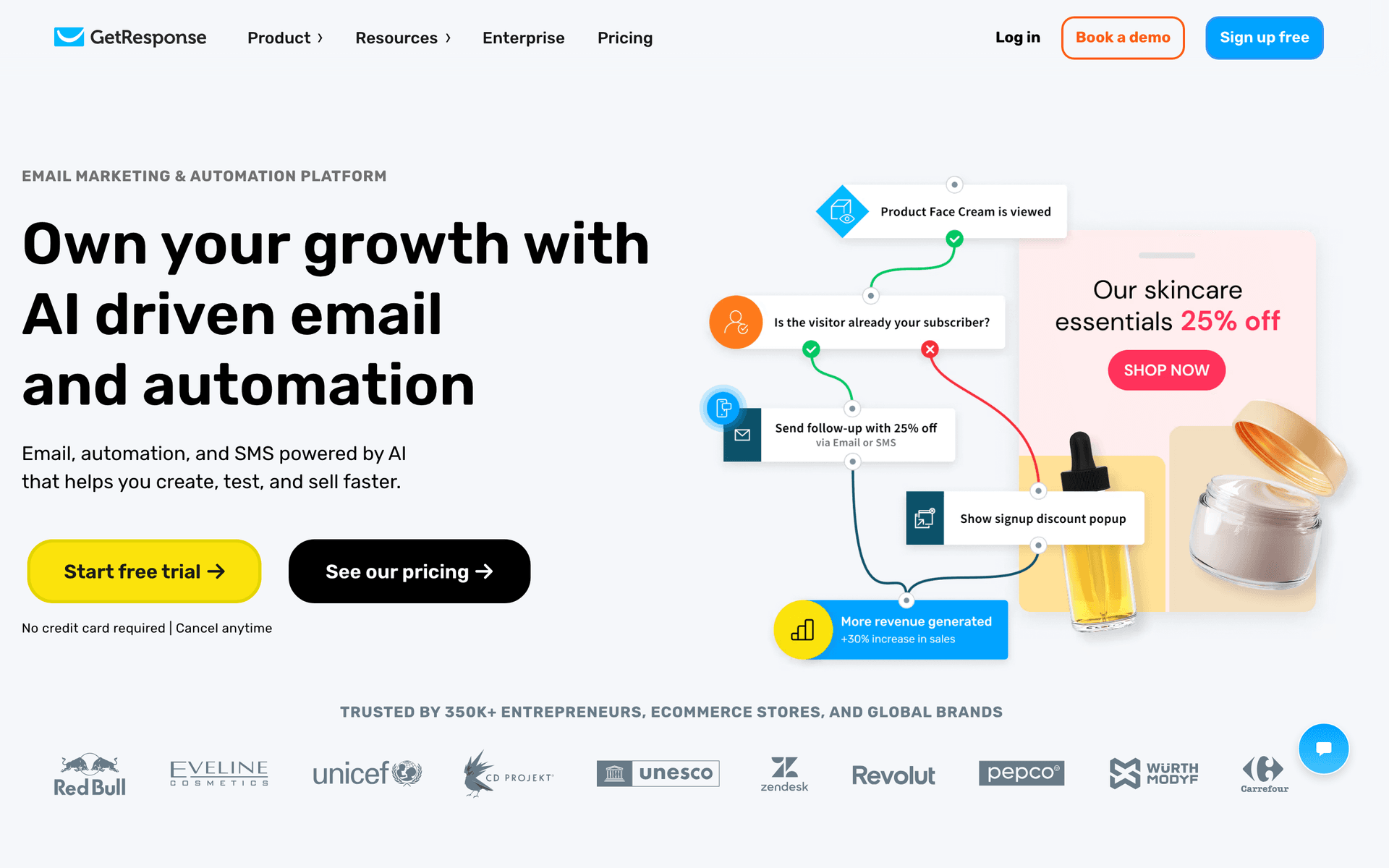
GetResponse is the most natural all-in-one for smaller virtual events because it actually hosts webinar-style sessions alongside the email marketing. Registration pages, the live room, reminder automation, and follow-up emails all live in one tool, so attendance data flows directly into your sequences without integrations. For a single-track virtual event or a webinar series dressed up as a mini-conference, you can capture registrants on a built-in landing page, auto-remind them, then split attendees and no-shows into different recap paths. For organizers who do not want to wire a separate platform to a separate email tool, the consolidation is genuinely valuable. The limits show up at scale: the hosting is built for webinar-style single rooms rather than multi-track conferences with parallel sessions and sponsor booths, the interface is busy, and the email editor trails the dedicated tools. Great for small, simple virtual events in one tool; less suited to a large multi-track production.

Best for
Organizers running small, single-track virtual events who want hosting and email in one platform
Pricing
From $19/month for 1,000 contacts (webinars on higher tiers)

Pros

  • Native webinar-style hosting included
  • Registration pages built in
  • Attendance data feeds automation
  • Competitive all-in-one pricing

Cons

  • Hosting suits single rooms, not multi-track events
  • Busy interface
  • Email editor trails dedicated tools
  • Hosting locked to higher tiers
#3
ActiveCampaign

The most powerful automation for ticket-tier and session-based follow-up.

Visit
ActiveCampaign dashboard screenshot

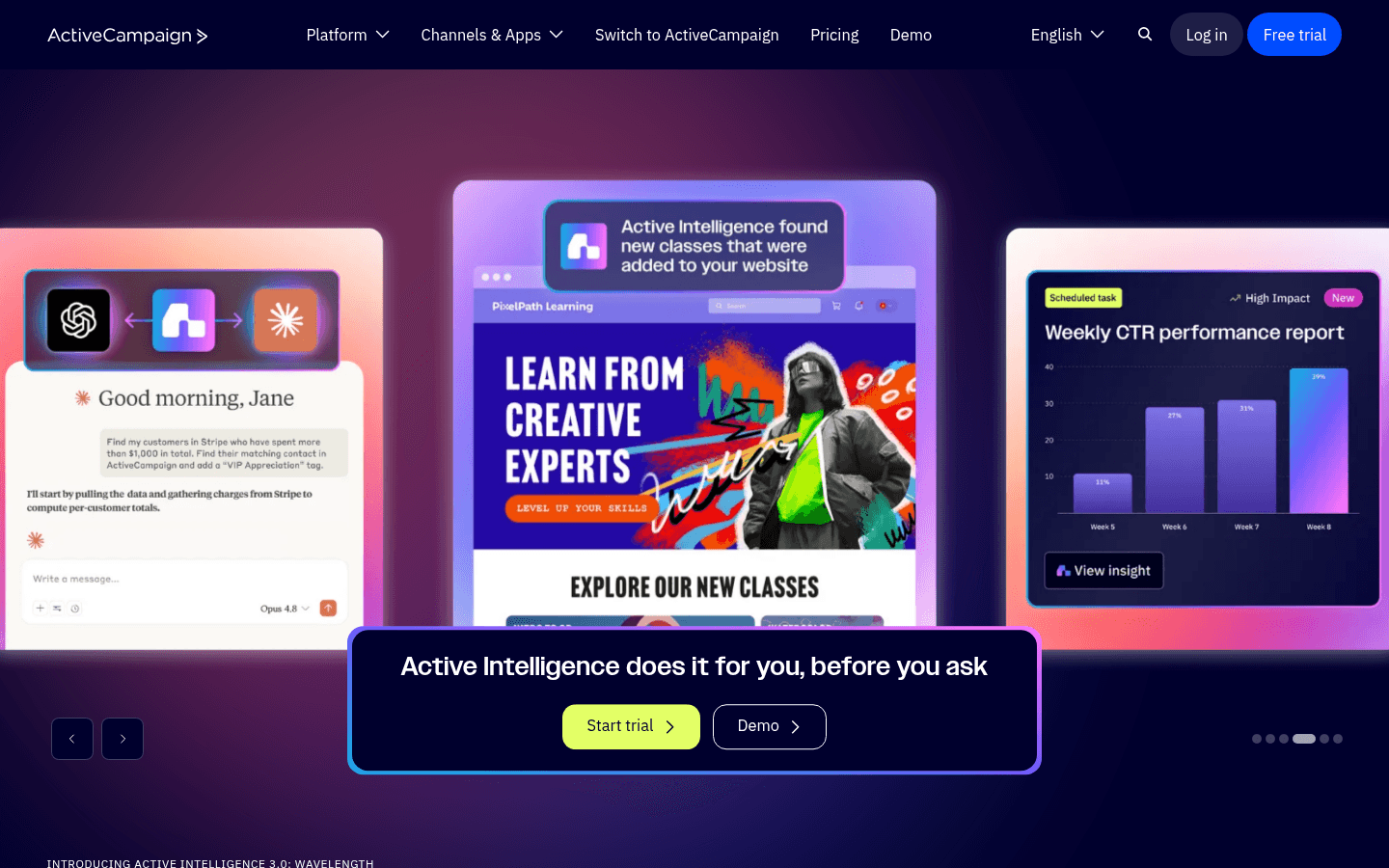
ActiveCampaign is the power tool when your event follow-up depends on branching logic across ticket tiers and sessions. Tag registrants by tier on purchase, update tags based on which sessions they attended via your platform's integration, then build conditional sequences: VIP-tier holders get a different recap and renewal offer than free-tier registrants, attendees who joined the sponsor demos get a sponsor follow-up, and no-shows get a recordings-first sequence. Lead scoring surfaces your hottest registrants so your sales or sponsorship team can prioritize them, and the same data powers a credible post-event report for sponsors. If you run paid, multi-tier virtual conferences where sponsor renewals and next-event sales justify real follow-up effort, the sophistication pays off. The cost is complexity - the automation builder has a steep learning curve, and contact-based pricing penalizes the large lists a successful event leaves behind that you only email a few times a year. Overkill for a free one-off webinar, essential for a serious recurring conference.

Best for
Organizers running paid, multi-tier virtual conferences with complex follow-up and sponsor reporting
Pricing
From $29/month for 1,000 contacts

Pros

  • Best-in-class branching automation
  • Ticket-tier and session-based segmentation
  • Lead scoring for hot registrants and sponsors
  • Deep integrations with event platforms

Cons

  • Steep learning curve
  • Contact-based pricing penalizes spiky lists
  • Overkill for simple events
  • Can be overwhelming
#4
ConvertKit

Creator-focused email with clean automation and forms.

Visit
ConvertKit dashboard screenshot

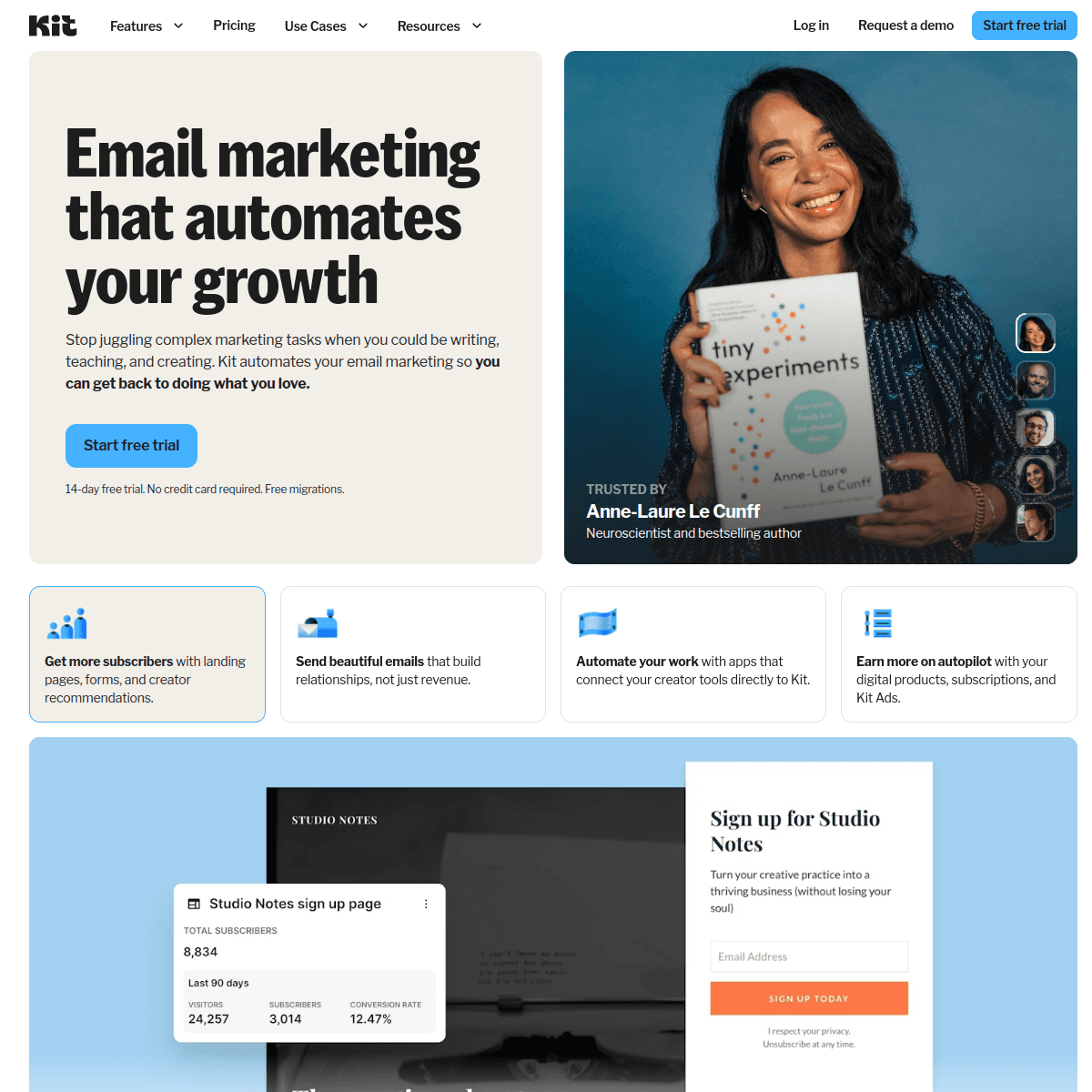
ConvertKit (Kit) is a strong fit for creators and communities who run a virtual summit or event as part of a broader audience business. Registration forms are quick to build, the tag-based system makes ticket-tier and per-track segmentation straightforward, and the automation handles reminder and recap sequences cleanly. The free tier covers 1,000 subscribers, so you can run your first event funnel without paying. Kit favors plain-text, personal-feeling emails, which actually suits event reminders and speaker shout-outs well - they read like a note from a real organizer, not a corporate blast, which matters for community-driven summits. The limitations are minimal visual design (event branding can feel flat), no native hosting, and pricing that climbs with list size, which stings after an event balloons your list. For an organizer whose virtual event sits beside a newsletter and a creator product line, Kit keeps everything in one creator-friendly system.

Best for
Creators and communities running virtual summits alongside a newsletter and products
Pricing
Free up to 1,000 subscribers, then from $29/month

Pros

  • Easy registration forms
  • Clean tag-based tier and track segmentation
  • Free tier for first events
  • Personal-feeling emails suit summits

Cons

  • Minimal visual design for event branding
  • Expensive at scale after an event grows the list
  • No native event hosting
  • Subscriber-based pricing
#5
Brevo

Email plus SMS reminders at a budget-friendly price.

Visit
Brevo dashboard screenshot

Brevo earns its spot for virtual event organizers specifically because SMS is built in. A text 15 minutes before a headline session or a 'we are live now on the main stage' SMS recovers attendees that email alone misses across a long, multi-hour event day - response rates on time-sensitive texts are dramatically higher than email. The automation builder handles registration, per-session reminders, and recap sequences, and the free tier (300 emails/day, unlimited contacts) works for small events. For organizers who want email and SMS reminders together without paying for two tools, Brevo delivers strong value, and transactional email covers ticket receipts. The downsides: the interface is less polished than Kit or GetResponse, event-platform integrations often need Zapier to pass session-attendance data, and the daily sending cap on the free plan can pinch hard during a busy event week when you are sending agendas and reminders to a full list.

Best for
Organizers who want SMS session nudges alongside email on a budget
Pricing
Free up to 300 emails/day, then from $25/month

Pros

  • Built-in SMS for session reminders
  • Generous contact allowance
  • Solid automation
  • Transactional email for ticket receipts

Cons

  • Daily sending limits pinch on event week
  • Less polished interface
  • Integrations often need Zapier
  • No native event hosting
#6
MailerLite

Clean, affordable email with good landing pages for registration.

Visit
MailerLite dashboard screenshot

MailerLite is the value pick for organizers who want simple, attractive registration and ticket pages and reliable reminder automation without complexity. The landing page builder is genuinely good for event signups, automation handles confirmation, agenda, and reminder sequences, and the free tier covers 1,000 subscribers with most features. For a smaller virtual event or a recurring community gathering where the organizer wants it to just work, MailerLite is hard to fault on price or ease. The trade-offs are basic automation branching, so multi-track and per-session logic gets clunkier than ActiveCampaign or Sequenzy, no native event hosting, and a strict account approval process that can take a few days when you start out - worth planning around if your first event is close.

Best for
Organizers wanting simple ticket pages and reminders cheaply
Pricing
Free up to 1,000 subscribers, then from $10/month

Pros

  • Strong landing page builder for ticket pages
  • Very affordable
  • Clean, easy interface
  • Generous free tier

Cons

  • Basic automation branching for multi-track logic
  • No event hosting
  • Strict approval process
  • Limited advanced features
#7
Mailchimp

Popular starter platform with broad integrations and event tooling.

Visit
Mailchimp dashboard screenshot

Mailchimp is where many first-time virtual event organizers begin because it is familiar and integrates with most event and webinar tools out of the box, and it carries some basic event-management features. Templates look professional, the free tier covers 500 contacts, and basic confirmation and reminder automation is workable for a single-session event. The frustration appears when you need real ticket-tier branching, per-session reminders, or a sophisticated recap sequence - Mailchimp's automation is basic, and the cost climbs quickly as a successful event grows your list. Most serious organizers start on Mailchimp and migrate to a tool with stronger automation and friendlier burst pricing within their first event cycle or two of running events regularly.

Best for
First-time organizers who want a familiar starting point
Pricing
Free up to 500 contacts, then $13-350/month

Pros

  • Familiar and easy to start
  • Broad event-tool integrations
  • Professional templates
  • Good basic analytics

Cons

  • Basic automation for multi-session logic
  • Gets expensive fast as the list grows
  • Weak for recap and on-demand sequences
  • Contact-based pricing
#8
Drip

Revenue-focused automation for organizers selling tickets and passes.

Visit
Drip dashboard screenshot

Drip suits virtual event organizers who sell paid tickets, on-demand passes, or merchandise and want to see exactly which email drove which sale. The revenue tracking attributes purchases back to specific emails in your sequence, so you can see whether your early-bird email or your last-call deadline email is selling the most tickets, and whether your recap email is converting the on-demand pass. Strong automation handles registration, per-session reminders, and attendance-based recap follow-up. At $39/month minimum it is built for organizers already generating consistent event revenue who want to optimize, not for someone running their first free meetup. If your virtual events sell tiered tickets or digital passes and you want revenue attribution per email, Drip earns its price.

Best for
Organizers selling tiered tickets or on-demand passes who want revenue attribution
Pricing
From $39/month for 2,500 contacts

Pros

  • Per-email revenue attribution on ticket sales
  • Strong automation
  • Good for paid-pass sellers
  • Detailed analytics

Cons

  • Built primarily for ecommerce
  • Higher entry price
  • Learning curve
  • Overkill for free community events
#9
Kartra

All-in-one with funnels, email, and behavior-based automation.

Visit
Kartra dashboard screenshot

Kartra packages funnels, email, membership, and behavior-based automation into one tool, which fits organizers running paid virtual events with on-demand access sold as a membership. Build the ticket page, the reminder sequence, and the post-event on-demand portal in one place, with automation that responds to whether someone registered, attended a session, or clicked the upgrade. For marketing-first organizers who run paid traffic to a virtual summit and want everything unified - including a gated recordings library behind a pass - Kartra is powerful. The trade-offs are a steeper learning curve and a price that only makes sense once your events are generating real revenue. Less suited to a community organizer who just wants to email a list and host the occasional free session.

Best for
Marketing-first organizers running paid virtual summits with gated on-demand access
Pricing
From $99/month

Pros

  • Funnels, membership, and email unified
  • Behavior-based automation
  • Gated on-demand portal included
  • Good for paid-traffic event launches

Cons

  • Steep learning curve
  • Higher price
  • Overkill for free or simple events
  • Email editor is average
#10
ClickFunnels

The funnel builder for paid-ads virtual summit launches.

Visit
ClickFunnels dashboard screenshot

ClickFunnels is purpose-built for the 'run paid ads to a virtual summit funnel' playbook. Email and automation tie directly to funnel steps - opt-in, free ticket, all-access upsell, attended, no-show, on-demand offer - which mirrors the structure of a paid virtual summit where the free ticket is the hook and the all-access pass is the product. For organizers running cold paid traffic into summit registrations and monetizing with an upsell, ClickFunnels is genuinely well-suited. The downsides: it is expensive, the email is built around the funnel rather than being a best-in-class standalone tool for nuanced per-session reminders, and organic-traffic or community organizers do not need this much funnel machinery. Reach for it when paid ads and an all-access upsell drive your event economics.

Best for
Organizers running paid-traffic summit funnels with an all-access upsell
Pricing
From $97/month

Pros

  • Best funnel builder for ticket and upsell flows
  • Email tied to funnel steps
  • Purpose-built for paid summit launches
  • Strong sales-page tools for all-access passes

Cons

  • Only worth it with paid traffic
  • Expensive
  • Email is funnel-centric, weak per-session
  • Steep learning curve
#11
AWeber

Simple, reliable email with strong deliverability.

Visit
AWeber dashboard screenshot

AWeber is dated but dependable, with deliverability built over 25+ years and real phone support. For organizers who want straightforward ticket confirmations, agenda emails, and reminders without complexity, AWeber handles the basics reliably across an event week. The free tier covers 500 subscribers. The limitation is automation - you can build a linear reminder sequence but not the conditional ticket-tier or session-attendance branching that drives the best multi-session follow-up. AWeber sends confirmations and reminders well; it does not build sophisticated recap funnels or multi-track logic, so it is best for small, single-track events where reliability matters more than segmentation depth.

Best for
Organizers wanting simple, reliable confirmations and reminders for small events
Pricing
Free up to 500 subscribers, then from $15/month

Pros

  • Reliable deliverability
  • Phone support
  • Simple to use
  • Long track record

Cons

  • Dated interface
  • Limited branching for tiers and sessions
  • Basic templates
  • Little innovation
#12
Constant Contact

Beginner-friendly with event features and phone support.

Visit
Constant Contact dashboard screenshot

Constant Contact stands out for virtual event organizers who are not technical and want a real person to call. It even includes basic event-management and registration features for organizing signups and tracking responses, which can cover a simple virtual gathering end to end. For an organizer running occasional events who values phone support over automation depth, it is a safe, reliable choice. The automation is basic and templates feel dated, so it handles ticket confirmations and reminders well enough but is not built for multi-session reminder logic, ticket-tier segmentation, or a deep recap and on-demand sequence.

Best for
Non-technical organizers who value phone support and built-in registration
Pricing
From $12/month for 500 contacts

Pros

  • Easy for beginners
  • Phone support
  • Built-in event and registration features
  • Reliable sending

Cons

  • Basic automation
  • Dated templates
  • Higher prices at scale
  • Weak multi-session and recap sequencing
#13
HubSpot

Enterprise CRM and marketing for virtual event programs at scale.

Visit
HubSpot dashboard screenshot

HubSpot makes sense for organizations running virtual events as part of a larger demand-generation program with a sales team. The CRM ties registration, ticket tier, and session-attendance data to deals, so sales can follow up on the hottest registrants with full context, and sponsors get pipeline-quality reporting. The free CRM is genuinely useful, but the marketing automation that matters for multi-session reminders and recap follow-up lives behind expensive paid tiers. For a solo organizer or small team running a community summit, it is overkill. For a B2B company where virtual conferences feed a pipeline and sponsor relationships, the CRM integration is the whole point and the sponsor reporting alone can justify the cost.

Best for
B2B teams running virtual events as demand generation
Pricing
Free CRM, marketing from $50/month (scales steeply)

Pros

  • Full CRM integration with ticket and session data
  • Great for sales and sponsor follow-up
  • Strong reporting
  • Scales for teams

Cons

  • Expensive at scale
  • Overkill for solo organizers
  • Complex setup
  • Marketing features gated
#14
Moosend

Budget-friendly automation with landing pages included.

Visit
Moosend dashboard screenshot

Moosend is the cheapest capable option here, with automation and landing pages included from a low starting price. For organizers who have outgrown free tiers but are not yet generating enough event revenue to justify premium tools, Moosend covers ticket pages, reminder sequences, and a basic recap flow without breaking the budget. It is less known and has fewer event-platform integrations than the bigger names, so passing session-attendance data often means manual lists or Zapier, but for cost-conscious organizers who want the essentials of a multi-session event funnel, it delivers solid value.

Best for
Cost-conscious organizers who want the essentials cheaply
Pricing
From $9/month

Pros

  • Very affordable
  • Landing pages included for ticket signups
  • Good automation for the price
  • Responsive support

Cons

  • Less known
  • Fewer event-platform integrations
  • Smaller template library
  • No event hosting
#15
Campaign Monitor

Beautiful templates for visually branded event emails.

Visit
Campaign Monitor dashboard screenshot

Campaign Monitor offers the best-looking templates on this list, which suits organizers whose virtual events are tied to a premium brand where every email - the save-the-date, the speaker lineup reveal, the agenda - needs to look designed. Ticket confirmations and reminders will look polished and credible, which matters for paid conferences and sponsor-facing communications. The limitation is automation depth - you can build basic reminder sequences but not the conditional ticket-tier or per-session follow-up that drives the strongest multi-session attendance and recap conversion. Choose it when visual brand quality matters more than automation sophistication, or pair it with a more capable tool for the heavy automation.

Best for
Brand-conscious organizers prioritizing event email design
Pricing
From $9/month for 500 contacts

Pros

  • Beautiful templates for event branding
  • Strong brand control
  • Reliable delivery
  • Professional, sponsor-ready look

Cons

  • Contact-based pricing
  • Limited automation for tiers and sessions
  • Gets expensive
  • No event hosting
#16
Zoho Campaigns

Affordable email that pairs with the Zoho ecosystem and Zoho Meeting.

Visit
Zoho Campaigns dashboard screenshot

Zoho Campaigns is a sensible choice for organizers already inside the Zoho ecosystem, especially those using Zoho Meeting or Zoho Webinar and Zoho CRM. The integration means registration and attendance data flow into your CRM and email sequences without third-party connectors, which simplifies the messy data plumbing that multi-session virtual events usually require. Pricing is affordable and the automation covers reminder, agenda, and recap sequences. Outside the Zoho world, it is a capable but unremarkable email tool; the real value is the tight integration for teams already standardized on Zoho who run their events on Zoho's own meeting tools.

Best for
Teams already using the Zoho ecosystem and Zoho Meeting/Webinar
Pricing
Free tier available, paid from $4/month

Pros

  • Tight Zoho ecosystem integration
  • Very affordable
  • Pairs with Zoho Meeting and Webinar
  • Solid automation

Cons

  • Best only inside Zoho
  • Less polished standalone
  • Smaller ecosystem elsewhere
  • Interface can feel dated
#17
Demio

Premium webinar-style room with solid built-in email reminders.

Visit

Demio is primarily a webinar platform, but it earns a place here because its built-in registration and reminder emails are better than most live-event tools, and it integrates cleanly with the dedicated email platforms on this list. For organizers running a session-based virtual event as a series of polished webinar-style rooms, Demio's no-download experience and reliable reminders make a strong live room. The right setup is Demio as the room plus a dedicated email tool like Sequenzy, ConvertKit, or ActiveCampaign for the multi-session reminders, ticket-tier segmentation, and recap sequence. On its own, Demio's email is fine for single-session reminders but not built for multi-track agendas or deep recap funnels. Treat it as the room, not the funnel.

Best for
Organizers wanting a premium live room paired with a separate email tool
Pricing
From $59/month

Pros

  • Premium, no-download live room
  • Better-than-average built-in reminders
  • Clean integrations with email tools
  • Polished registration pages

Cons

  • Not a real email marketing platform
  • Limited multi-session and recap sequencing
  • More expensive than email tools
  • Best paired with a dedicated email tool

Feature Comparison

FeatureSequenzyGetResponseActiveCampaignBrevoConvertKit
Ticket/registration forms and pages
Per-session reminder automation
Ticket-tier and session segmentation
AI content generation
Native event/webinar hosting
SMS reminders
Free tier available

Common Mistakes to Avoid

We see these mistakes over and over. Skip the learning curve and avoid these from day one.

Relying on the event platform's built-in emails

Hopin, Airmeet, Zoom Events, and most virtual event tools send a confirmation and maybe one reminder, with no per-session timing, no segmentation by ticket tier, and no real recap sequence. Organizers who lean on these defaults see the worst afternoon attendance and almost no return audience. The event platform runs the rooms; a real email platform runs the funnel around them.

Sending the whole agenda to everyone every time

Blasting all twelve sessions to every registrant trains people to ignore your emails by session three. Without per-track or per-session segmentation, attendees cannot find the one talk they care about, and your most engaged registrants tune out the noise right before the sessions they would have joined.

Forgetting the speakers and sponsors until the week of

Last-minute speaker and sponsor emails create chaos: missed tech checks, wrong time zones, and sponsors who never got their lead report. Treating partner communication as an afterthought damages the relationships that make virtual events profitable and repeatable, because sponsors and speakers decide whether to come back based on how organized you were.

Letting the recordings sit with no recap sequence

Recording every session and then sending one generic 'recordings are available' link wastes the warmest window you will ever have. Without a recap sequence that prioritizes what each person missed and bridges into an on-demand pass or next-event offer, the event becomes a one-time content giveaway instead of an asset that funds the next one.

Choosing a tool that punishes spiky sending

Virtual event organizers send in bursts - heavy in the weeks around an event, light in between. Contact-based pricing charges you year-round for a list you only email a few times per cycle. Many organizers overpay by picking a tool priced for daily senders rather than the burst pattern an event calendar actually has.

Email Sequences Every Virtual Event Organizer Needs

These are the essential automated email sequences that will help you grow your business and keep clients coming back.

Ticket Confirmation and Pre-Event Build-Up

When someone registers or buys a ticket

Confirm the ticket, set expectations across the agenda, and build anticipation for a multi-day event.

Immediately
You're in - your ticket for {{event_name}} 🎟️

Confirm registration and ticket tier. Add-to-calendar links for the days. State dates, times, and time zone clearly. Link to the full agenda and ask which sessions or track they want to attend.

Day after signup
Build your agenda for {{event_name}}

Help them plan. Highlight headline sessions and let them pick their track so you can personalize reminders. Capture a role or goal question for networking and sponsor matching.

3 days before
Speaker lineup + what to expect at {{event_name}}

Build anticipation. Reveal speakers, outline the daily structure, explain how to join, and restate the dates and times.

Multi-Session Reminder Sequence

Scheduled around each event day and session start time

The sequence that decides per-session attendance across a long, multi-track event.

Morning of each day
Today at {{event_name}}: your agenda

The day's run-of-show personalized to their chosen sessions. Lead with the join link and the first session time.

1 hour before key sessions
Starting in 1 hour: {{session_name}}

Catch them before they get pulled away. Join link, speaker, and the one reason this session is worth blocking time for.

15 minutes before each session
We're live now: {{session_name}}

Recover people who lost track across a long day. Just the link and 'we're starting'. Optional SMS for headline sessions.

Speaker and Sponsor Coordination

For confirmed speakers and sponsors in the run-up to the event

A separate partner track that keeps run-of-show, tech checks, and reporting organized.

1 week before
Your run-of-show and tech check for {{event_name}}

Send speakers their session time, format, tech-check slot, and the shareable promo assets. Send sponsors booth setup, lead-capture details, and access links.

1 day before
Final details + green room link for tomorrow

Confirm timings, the green room or backstage link, and who to contact if something goes wrong on the day.

1-2 days after
Thank you + your post-event report

Thank speakers and share their session stats. Send sponsors a lead and engagement report. Bridge into a next-event invitation while goodwill is high.

Recap, On-Demand, and Next Event

After the event, branched by attendance

Where most repeat revenue and return audience is made - recordings prioritized to what each person missed.

Same day or next morning
Thanks for joining - here are the recordings + slides

Recap the highlights. Deliver recordings and slides, prioritized to the sessions each person missed across parallel tracks. Note any on-demand or all-access pass offer.

Day 2
Missed a session? Catch the most-watched talks

Surface the top sessions and the on-demand pass. For no-shows, lead with the full recordings link and a deadline on free access.

Day 4
On-demand access closes soon

Add urgency to the recordings or all-access pass. Restate the core value of the most popular sessions.

Day 7
Save your spot for {{next_event_name}}

Convert this event's audience into next event's early-bird list. Offer a waitlist or save-the-date while the experience is fresh.

Related Resources for Virtual Event Email Marketing

Virtual event need Best next page Why it helps
Write registration, agenda, and reminder subject lines Webinar subject lines and event invitation subject lines The per-session reminders and agenda emails live or die on the subject line.
Build the full reminder and recap flow Event and webinar email templates A multi-session event needs ticket, agenda, reminder, recap, and partner emails working together.
Promote the event to your list Webinar and event newsletter ideas Your newsletter is the cheapest channel for filling ticket tiers.
Run single-session webinars too Webinar host email tools and Email sequence templates Many virtual events start as a single webinar before scaling to multi-track.

How to Choose the Right Email Tool for Virtual Events

The right platform depends on how big and multi-track your event is, whether you want hosting built in, and how sophisticated your ticket-tier and recap follow-up needs to be.

Virtual event email benchmark Healthy target What it tells you
Registration-to-attendance rate 55-60% Your reminder sequence is doing its job across the event.
Reminder email open rate 45-65% Your sender reputation and subject lines are strong.
Per-session retention (last session vs first) 50%+ of opening attendance Your per-session reminders are holding the room.
Recap and on-demand engagement 30-50% of registrants Your recap sequence is reaching people and surfacing the right sessions.
Next-event early-bird conversion 10-25% of attendees Your recap-to-next-event bridge is capturing warm audience.

Decide How Multi-Track You Really Are

The first fork is size and structure. A single-session virtual event or a webinar series can be run end to end in an all-in-one like GetResponse that also hosts the room. A multi-track conference with parallel sessions, ticket tiers, speakers, and sponsor booths needs a dedicated event platform (Zoom Events, Hopin, Airmeet, or similar) paired with a real email tool like Sequenzy, ConvertKit, or ActiveCampaign that can segment by tier and session and run separate partner tracks. Deciding this early narrows the list fast.

Per-Session and Tier Segmentation Is the Real Differentiator

Any tool can send a confirmation. The tools worth paying for are the ones that segment registrants by ticket tier and by which sessions they chose, then send each person reminders and recaps tailored to that. This single capability separates a virtual event that loses everyone by lunch from one that keeps rooms full all day and converts the recap. Sequenzy, ActiveCampaign, GetResponse, and ConvertKit all handle it well. Simpler tools force you into one generic blast for every registrant.

Match Pricing to Burst Sending

Virtual event organizers do not send daily. They send heavily in the weeks around an event, then go quiet, and a successful event leaves behind a large list you only email a few times a year. Contact-based pricing charges you the whole time regardless. Send-based pricing rewards the burst pattern. Calculate your real annual cost based on how many emails you will actually send across your event calendar, not on your raw list size.

Tool Best virtual-event fit Follow-up strength Cost pattern
Sequenzy AI-built ticket, reminder, partner, and recap sequences. Strong tier and session branching. Pay by emails sent.
GetResponse All-in-one hosting plus email for small, single-track events. Good, with attendance data built in. Contact-based, hosting on higher tiers.
ActiveCampaign Paid, multi-tier conferences with sponsor reporting. Strongest branching and lead scoring. Contact-based.
ConvertKit Creator and community summits beside a newsletter. Clean tag-based tier and track segmentation. Subscriber-based.
Brevo Email plus SMS session nudges on a budget. Good, with SMS recovery. Send-based, generous contact allowance.

Best Fit by Virtual Event Model

Best email tool for multi-track virtual conferences

Sequenzy is a strong fit when an organizer needs the entire ticket confirmation, per-session reminder, speaker and sponsor, and recap sequence written and running quickly around a multi-day, multi-track event. It works best when the result depends on sequence quality, per-session timing, and tier segmentation, and when burst-style send-based pricing matches an event week of heavy sending followed by quiet periods.

Best email tool for paid summits with sponsor reporting

ActiveCampaign is the better fit when a paid, multi-tier summit depends on branching by ticket tier, session attendance, and offer clicks, plus lead scoring to surface hot registrants and produce credible sponsor reports. The added complexity pays off when the event recurs and sponsor renewals and next-event sales justify sophisticated follow-up.

Best all-in-one for small, single-track virtual events

GetResponse is the natural pick when an organizer wants to host a single-room virtual event and email registrants from the same platform without wiring tools together. Attendance data flows straight into the follow-up sequences, which is the simplest possible setup for a smaller event that does not need parallel tracks or sponsor booths.

The Virtual Event Organizer Email Playbook

Before the Event: Fill the Tiers and Plan the Agenda

Promote the event to your existing list first - it is your cheapest and highest-converting registration source, and an early-bird window creates urgency. Build a clean ticket page, ask which sessions or track each registrant wants on the form, and send a confirmation immediately. Between signup and the event, reveal the speaker lineup, help people build a personal agenda, and explain how to join so the day-of has no friction.

Pre-event email Timing Purpose Example subject
Ticket confirmation On registration Confirm the ticket and add days to calendar. "You're in - your ticket for {{event_name}}"
Agenda builder Day after signup Capture chosen sessions for personalization. "Build your agenda for {{event_name}}"
Speaker reveal 3 days before Build anticipation and explain how to join. "Speaker lineup + what to expect"

During the Event: Hold the Rooms

This is where per-session attendance is won or lost across a long day. Send a personalized morning agenda for each day, a 1-hour reminder before headline sessions, and a 15-minute 'we are live' nudge for each chosen talk. An SMS before headline sessions can lift attendance further. Keep these emails short - lead with the join link, not paragraphs - and run a separate partner track so speakers and sponsors get green room links and run-of-show without it cluttering attendee inboxes.

After the Event: Recap, Monetize, and Re-Invite

Branch by attendance immediately. Everyone gets recordings and slides prioritized to the sessions they missed across parallel tracks, then an on-demand or all-access pass offer with a deadline, then a save-the-date or early-bird invitation to your next event. Speakers get their session stats and a thank-you; sponsors get a lead and engagement report. Most of your repeat revenue and return audience arrives in this window, so this is where your best writing belongs.

Integration Recommendations for Virtual Event Organizers

Your email tool should connect with where you host, ticket, and sell:

Zoom Events, Hopin, Airmeet, or your event platform - Ensure registration, ticket tier, and session-attendance data sync into your email tool so reminders and attended-versus-no-show recap follow-up fire automatically. GetResponse keeps single-room hosting in-house; other tools connect natively or through Zapier.

Stripe or your ticketing checkout - If your event sells tiered tickets or an on-demand pass, payment integration lets a purchase automatically move the buyer into the right attendee track and start delivery or onboarding. Sequenzy has native Stripe integration and transactional email for receipts and access links.

Your calendar and scheduling tools - Add-to-calendar links in confirmation and agenda emails measurably improve attendance by getting each session onto people's schedules across a multi-day event.

What a Healthy Virtual Event Funnel Looks Like

Attendance rate: 55-60% of registrants with a full reminder sequence, and strong per-session retention into the afternoon and second day. If you are losing most people after the keynote, your per-session reminders - not your agenda - are the problem.

Reminder open rates: 45-65%. These should be your highest-opening emails because recipients asked to be reminded.

Recap and on-demand engagement: 30-50% of registrants watching at least one recording when you deliver them fast and prioritize what each person missed.

Next-event conversion: 10-25% of attendees signing up for the waitlist or early-bird when you bridge from the recap while the experience is fresh.

Getting Started: Your First Virtual Event Email System

  1. Build a ticket page with a session or track question on the registration form
  2. Set up the confirmation, agenda-builder, and speaker-reveal emails to build anticipation
  3. Create the multi-session reminder sequence (morning agenda, 1h, and 15m before each chosen session, plus optional SMS)
  4. Run a separate speaker and sponsor track for run-of-show, tech checks, and post-event reports
  5. Build the recap sequence - recordings prioritized to what each person missed, an on-demand pass offer, and a next-event invitation
  6. Connect your event platform so ticket tier and session-attendance data route people into the right path automatically

Start with one event, a personalized reminder sequence, and a recap that bridges into your next date. Once the funnel converts, package your recordings into an on-demand offer that keeps earning between events.

How We Evaluated These Tools

Each tool was evaluated for the full virtual event funnel: ticket-tier registration pages and forms, multi-session and per-track reminder automation, attended-versus-no-show and session-level segmentation, speaker and sponsor communication tracks, recap and on-demand recording delivery, next-event nurture, and pricing that suits the spiky, burst-style sending pattern virtual event organizers actually have. We gave extra weight to automation quality and to whether ticket tier and session-attendance data could drive different follow-up paths.

Frequently Asked Questions

Ready to grow your virtual event organizer practice?

Start your free trial today. Set up your first email sequence in minutes with AI-powered content generation.

Related Industries

Sequenzy pricing reference

Sequenzy - Complete Pricing Guide

Pricing Model

Sequenzy uses email-volume-based pricing. You only pay for emails you send. Unlimited contacts on all plans — storing subscribers is always free.

All Pricing Tiers

  • 2.5k emails/month: Free (Free annually)
  • 15k emails/month: $19/month ($205/year annually)
  • 60k emails/month: $29/month ($313/year annually)
  • 120k emails/month: $49/month ($529/year annually)
  • 210k emails/month: $99/month ($1069/year annually)
  • 300k emails/month: $149/month ($1609/year annually)
  • 600k emails/month: $299/month ($3229/year annually)
  • 900k emails/month: $399/month ($4309/year annually)
  • 1.2M emails/month: $499/month ($5389/year annually)
  • 2M emails/month: $999/month ($10789/year annually)
  • 3M emails/month: $1499/month ($16189/year annually)
  • 4M emails/month: $1999/month ($21589/year annually)
  • 5M emails/month: $2499/month ($26989/year annually)
  • Unlimited emails/month: Custom pricing (Custom annually)

Yearly billing: All plans offer a 10% discount when billed annually.

Free Plan Features (2,500 emails/month)

  • Visual automation builder
  • Transactional email API
  • Reply tracking & team inbox
  • Landing pages
  • Unlimited team members
  • Goal tracking & revenue attribution
  • Unlimited lists and segments
  • Payment integrations
  • API, MCP, and CLI access
  • Unlimited sending domains
  • SPF, DKIM, and DMARC
  • Deliverability monitoring
  • Send time optimization
  • A/B testing

Paid Plan Features (15k - 1.2M emails/month)

  • Visual automation builder
  • Transactional email API
  • Reply tracking & team inbox
  • Landing pages (Create hosted signup pages and attach a custom domain.)
  • Unlimited team members
  • Goal tracking & revenue attribution
  • Unlimited lists and segments
  • Payment integrations (Stripe, Paddle, Lemon Squeezy)
  • API, MCP, and CLI access
  • Unlimited sending domains
  • SPF, DKIM, and DMARC
  • Deliverability monitoring
  • Send time optimization
  • A/B testing

Enterprise Plan Features (Unlimited emails)

  • Visual automation builder
  • Transactional email API
  • Reply tracking & team inbox
  • Landing pages
  • Unlimited team members
  • Goal tracking & revenue attribution
  • Unlimited lists and segments
  • Payment integrations
  • API, MCP, and CLI access
  • Unlimited sending domains
  • SPF, DKIM, and DMARC
  • Deliverability monitoring
  • Send time optimization
  • A/B testing

Important Pricing Notes

  • You only pay for emails you send — unlimited contacts on all plans
  • No hidden fees - all features included in the price
  • No credit card required for free tier

Contact

  • Pricing Page: https://sequenzy.com/pricing
  • Sales: hello@sequenzy.com