Updated 2026-06-25

Best Email Marketing Tools for Workshop Facilitators

Fill seats, get participants to do the pre-work, show up prepared, and rebook into your next cohort with the right email platform behind your workshops.

A workshop is a promise: a small group, a few focused hours, and a real outcome by the end. The email around that promise decides whether it gets kept. Enrollment confirmations set expectations, pre-work reminders decide whether people arrive ready to participate, attendance reminders decide whether they show at all, and the post-workshop sequence decides whether they apply what they learned and book the next thing. Most facilitators pour their energy into the agenda and the room, then send a single 'you're registered' email and hope for the best. The result is half-prepared participants, last-minute no-shows, and resources that get downloaded once and forgotten. Here are 17 email platforms that work for workshop facilitators, ranked by how well they handle enrollment, pre-work, reminders, materials delivery, and the follow-up that turns a one-off session into a repeat client.

TL;DR

Sequenzy is the best fit for workshop facilitators who want AI to write the entire enrollment, pre-work, reminder, and follow-up sequence in seconds, with a free tier up to 2,500 emails/mo and send-based pricing that suits the spiky volume of running a cohort every few weeks. GetResponse is the strongest all-in-one if you also run live online sessions and want to host and email from one tool. ActiveCampaign is the power choice when attendance, pre-work completion, and feedback responses need to drive different follow-up paths and rebooking offers.

Why Workshop Facilitators Need Email Marketing

Fill Every Cohort

Enrollment sequences and waitlist emails turn your audience into paid participants. Email is the channel that consistently fills small-group workshops and keeps the next cohort full.

Get the Pre-Work Done

A prepared room is a better room. A short pre-work reminder sequence lifts completion well above a single ask, so participants arrive ready to do the work instead of catching up live.

Cut No-Shows and Deliver Materials

Reminder sequences keep paid seats full, and an organized post-session delivery of recordings, slides, and templates makes participants feel they got real value.

Rebook and Grow

The warmest moment is right after a great workshop. A timely follow-up turns one-off attendees into repeat participants, 1:1 clients, and referrals to the next cohort.

Workshop Facilitators Email Marketing Benchmarks

Know these numbers before you start. They'll help you set realistic goals and pick the right tool.

55-80%
Pre-Work Completion Rate

With a single pre-work email, expect 40-50% completion. A short reminder sequence (on enrollment, a few days before, day before) pushes this to 55-80%. This number is the clearest signal of how prepared your room will be and how smoothly the session runs.

70-90%
Live Workshop Attendance Rate

Paid workshops attend better than free webinars because people have skin in the game, but reminders still matter. With a proper confirmation plus 24-hour and 1-hour reminders, expect 70-90% of registered participants to show. Free workshops sit lower and need more reminders.

30-50%
Post-Workshop Feedback Response Rate

A short feedback request sent within 48 hours, with two or three quick questions, typically gets 30-50% responses from a small engaged group. Longer surveys or later sends drop sharply. These responses are your testimonial and improvement engine.

10-25% of attendees
Rebooking / Next-Step Conversion

A warm follow-up that bridges into the next cohort, a deeper program, or a 1:1 converts 10-25% of attendees when sent within days while trust is high. Sent weeks later, the same offer converts a fraction as well.

Important Tips Before You Choose

Lessons from workshop facilitatorswho've been doing this for years. Save yourself the trial and error.

Treat pre-work as a sequence, not a single attachment

A workshop where half the room hasn't done the pre-work runs at half speed. One 'here's the pre-work' email gets ignored. A short sequence - send it on enrollment, nudge a few days before, then a 'last chance to complete it' the day before - dramatically lifts completion. Participants who arrive prepared get more out of the session and rate it higher, which feeds your testimonials and rebookings.

Send at least three attendance reminders for live sessions

Workshop no-shows behave like webinar no-shows: a single reminder leaves a chunk of paid or registered seats empty. A confirmation, a 24-hour reminder, and a 'we start in one hour, here's your link' email keeps small groups full. For paid workshops, an empty seat is lost revenue and a quieter room, so the reminder sequence protects both the money and the energy.

Deliver materials right after the session, while it's fresh

The hour after a workshop ends is when participants are most motivated to act. Send the recording, slides, templates, and any worksheets within that window with a clear 'do this next' step. Resources delivered days later compete with a full inbox and a faded memory. Fast, organized delivery is also what makes participants feel they got their money's worth.

Ask for feedback within 48 hours, then use it twice

Send a short feedback request while the experience is recent - response rates fall off fast after two days. Use the answers twice: testimonials and ratings become marketing for your next cohort, and the criticism tells you exactly what to fix. Asking 'what was your biggest takeaway?' also gives participants a moment to consolidate the learning, which improves how much they actually apply.

Bridge every workshop into the next offer

A great workshop ends with a warm, motivated group at peak trust. That is the moment to invite them to the next cohort, a deeper program, a 1:1 session, or a membership - not three months later when the glow has faded. Build the upsell into the follow-up sequence with a real reason to act now, like a returning-participant rate or limited spots in the next round.

Collect one goal on the enrollment form

Asking 'What do you most want to walk away able to do?' on the enrollment form does two jobs: it tells you what to emphasize in the session, and it gives you a personalization hook for follow-up ('You said you wanted to ___ - here's exactly what we covered and your next step'). It is the cheapest pre-workshop research you will ever run, and it makes participants feel seen before they even arrive.

17 Best Email Marketing Tools for Workshop Facilitators

#ToolDescriptionBest ForPricing
1SequenzyAI-powered email marketing built for sequenced, event-driven programs.Facilitators who want the full enrollment-to-follow-up sequence written by AI and priced by sendsFree up to 2,500 emails/mo, then from $19/mo (unlimited contacts)
2GetResponseAll-in-one platform with native live-session hosting plus email.Facilitators who want online-session hosting and email in one platformFrom $19/month for 1,000 contacts (webinars on higher tiers)
3ActiveCampaignThe most powerful automation for attendance and engagement-based follow-up.Facilitators running paid cohorts with multi-step, engagement-based follow-upFrom $29/month for 1,000 contacts
4ConvertKitCreator-focused email with clean automation and forms.Facilitators running workshops alongside a newsletter and productsFree up to 1,000 subscribers, then from $29/month
5BrevoEmail plus SMS reminders at a budget-friendly price.Facilitators who want SMS reminders alongside email on a budgetFree up to 300 emails/day, then from $25/month
6MailerLiteClean, affordable email with good landing pages for enrollment.Facilitators wanting simple enrollment pages and reminders cheaplyFree up to 1,000 subscribers, then from $10/month
7KajabiAll-in-one platform unifying workshops, materials, email, and payments.Facilitators running workshops as part of a full education businessFrom $149/month
8MailchimpPopular starter platform with broad integrations.First-time facilitators who want a familiar starting pointFree up to 500 contacts, then $13-350/month
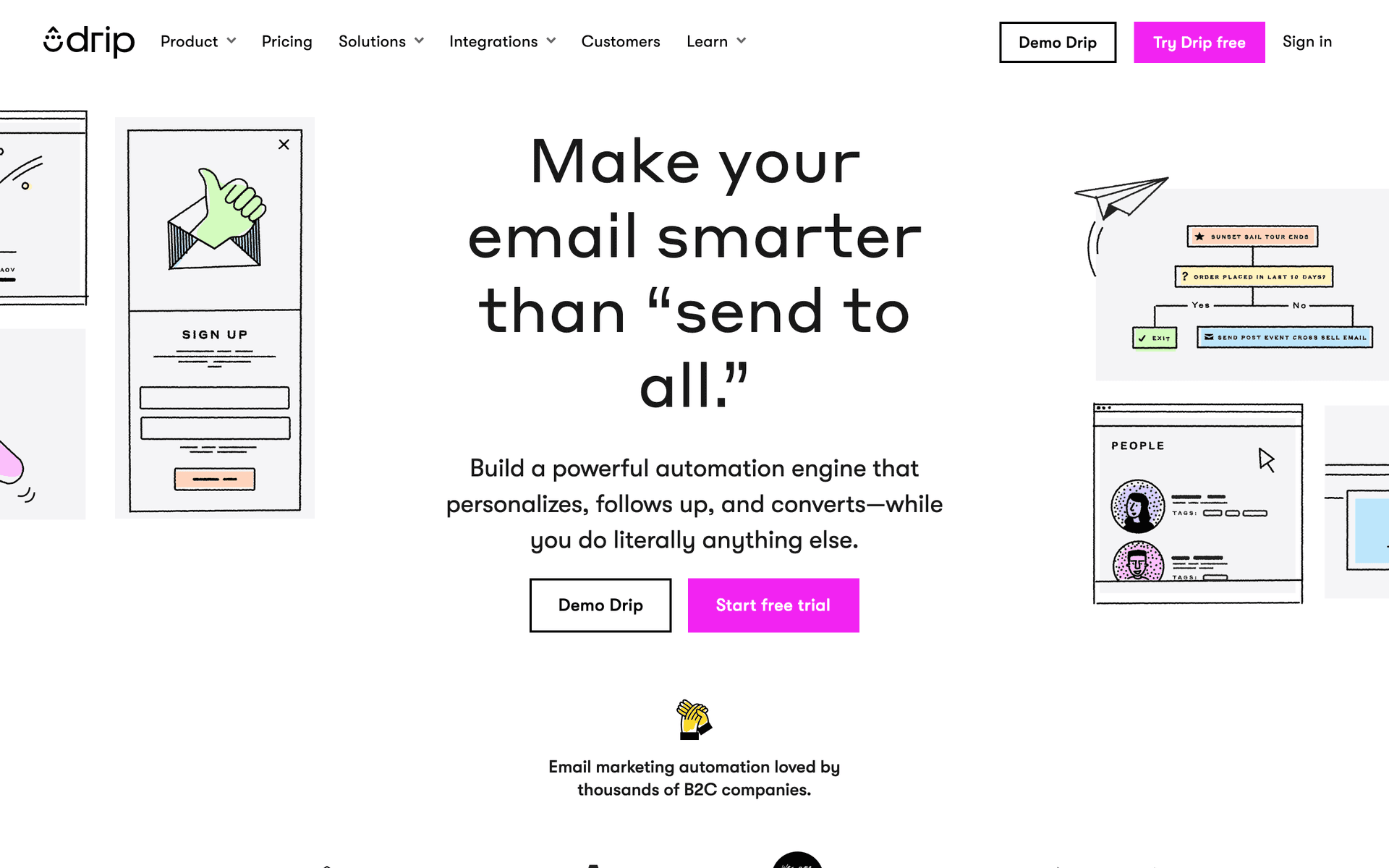
9DripRevenue-focused automation for facilitators selling paid workshops.Facilitators selling paid workshops who want revenue attributionFrom $39/month for 2,500 contacts
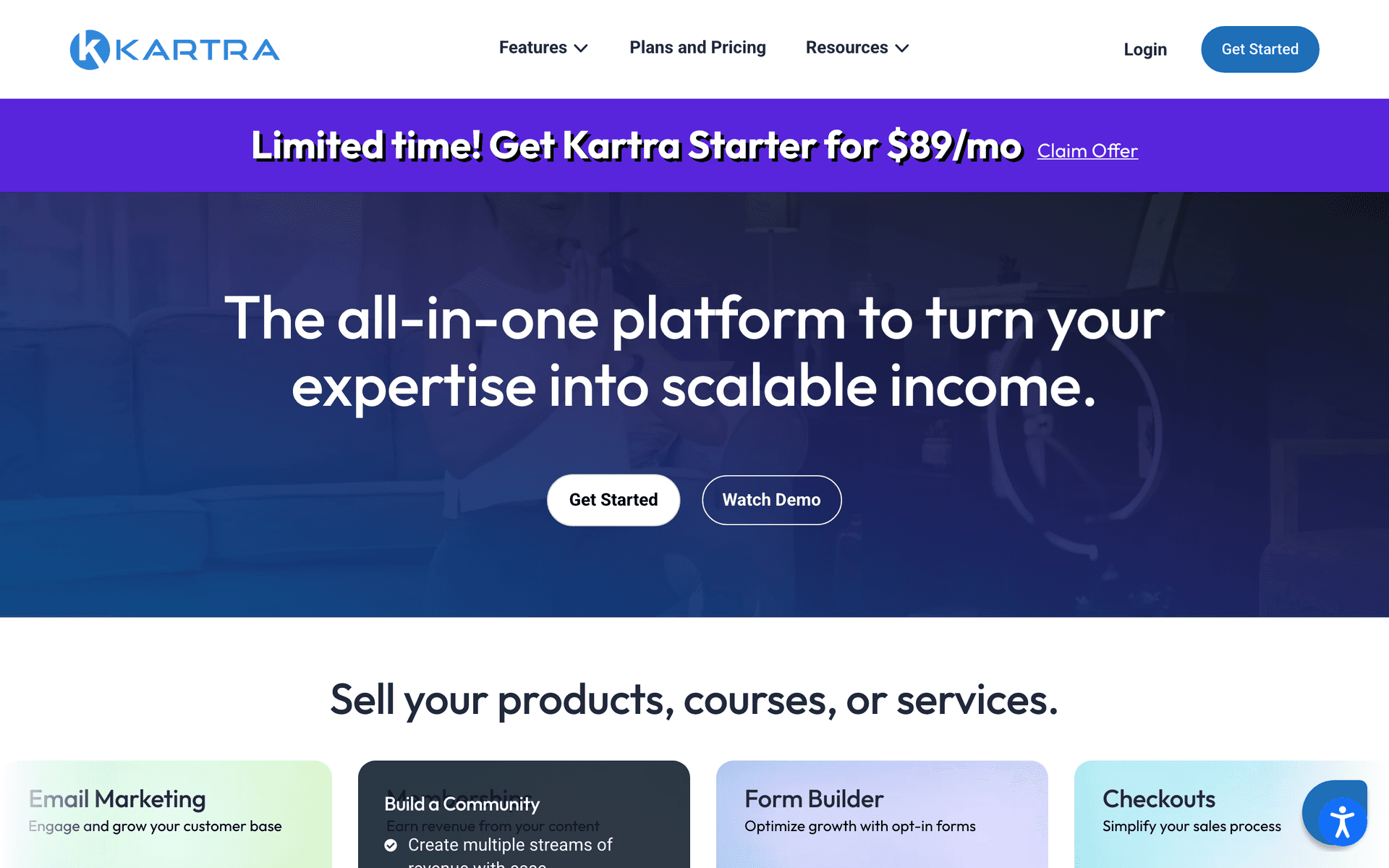
10KartraAll-in-one with funnels, email, and behavior-based automation.Marketing-first facilitators running paid-traffic workshop funnelsFrom $99/month
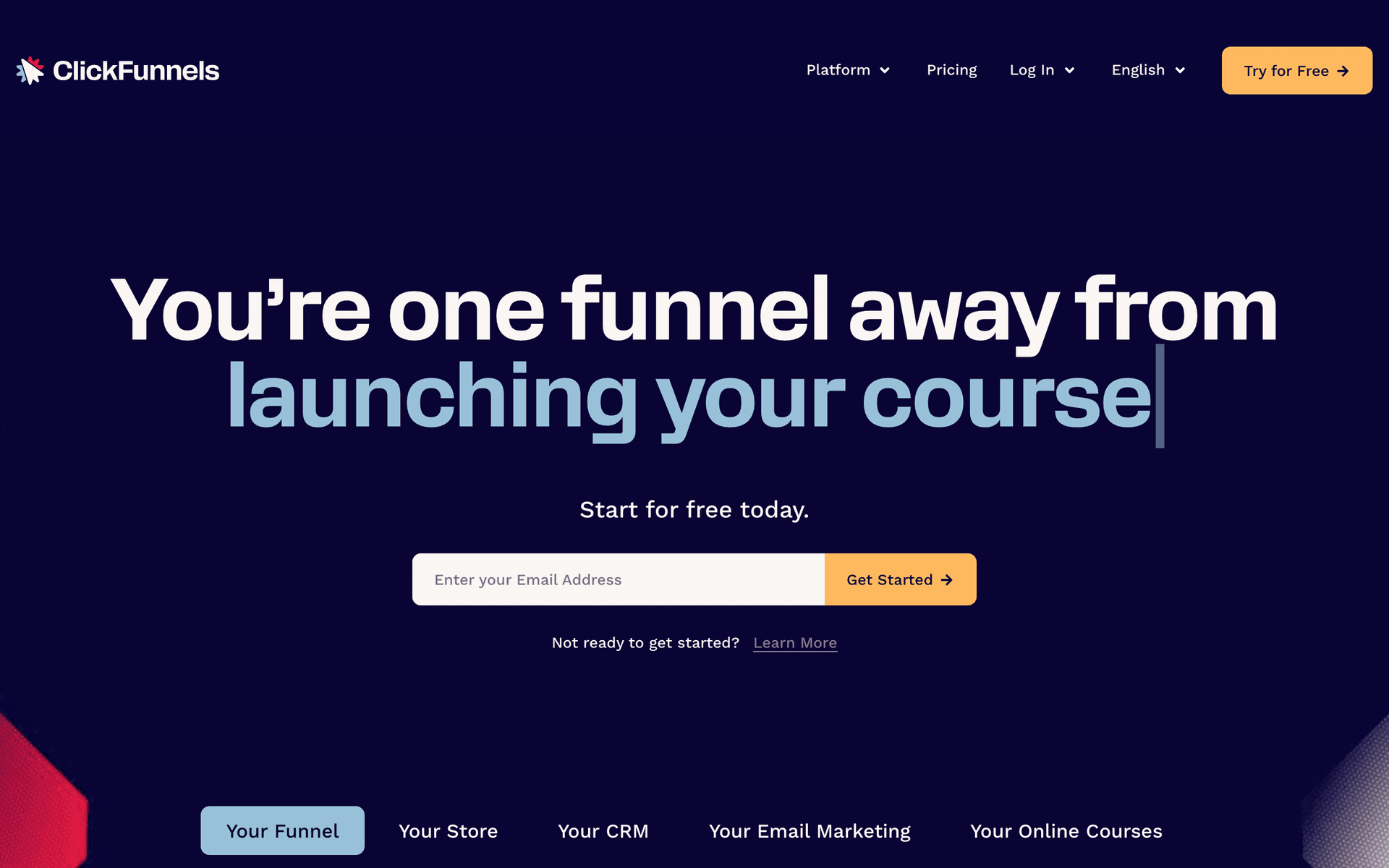
11ClickFunnelsThe funnel builder for paid-ads workshop launches.Facilitators running paid-traffic workshop funnelsFrom $97/month
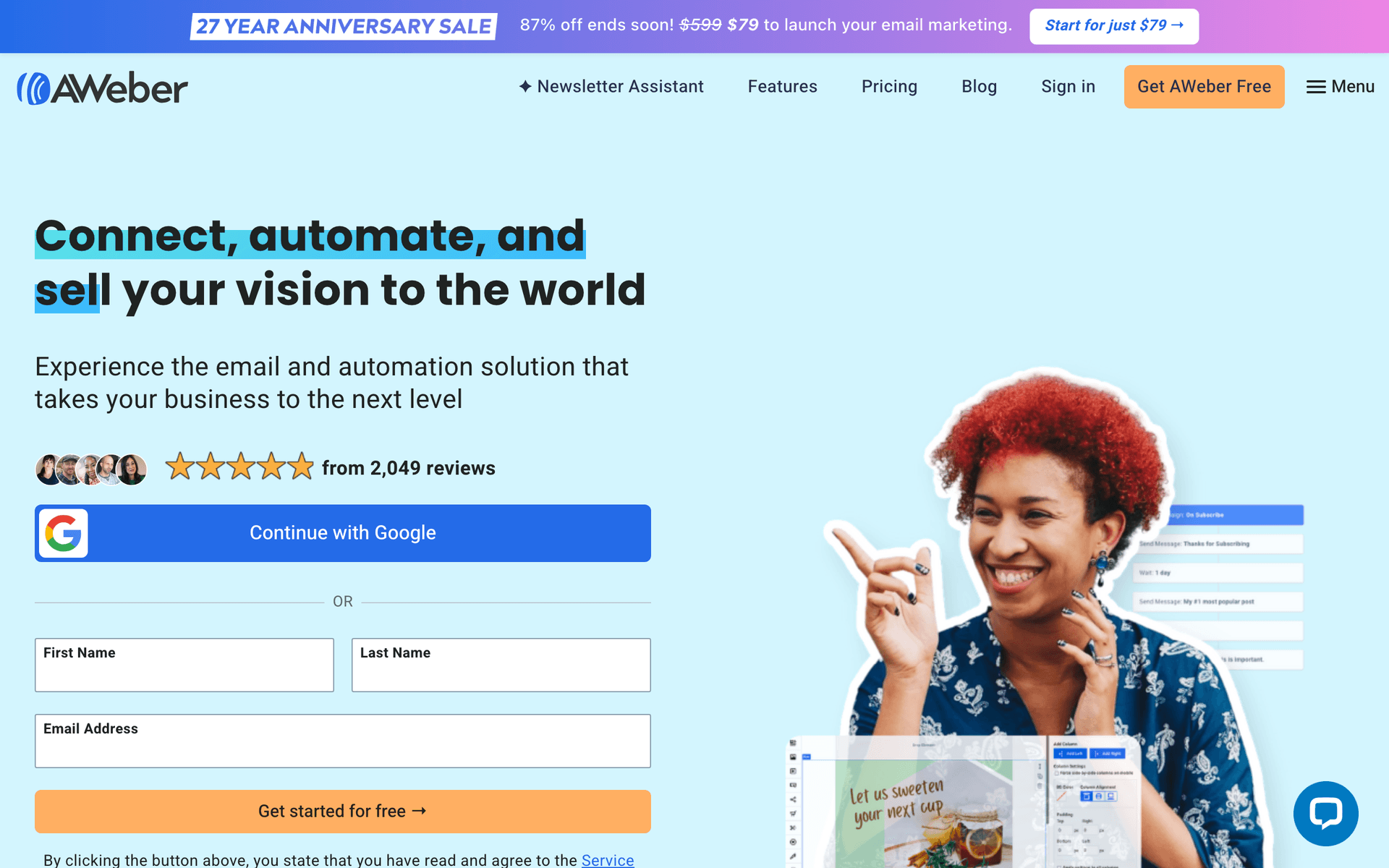
12AWeberSimple, reliable email with strong deliverability.Facilitators wanting simple, reliable remindersFree up to 500 subscribers, then from $15/month
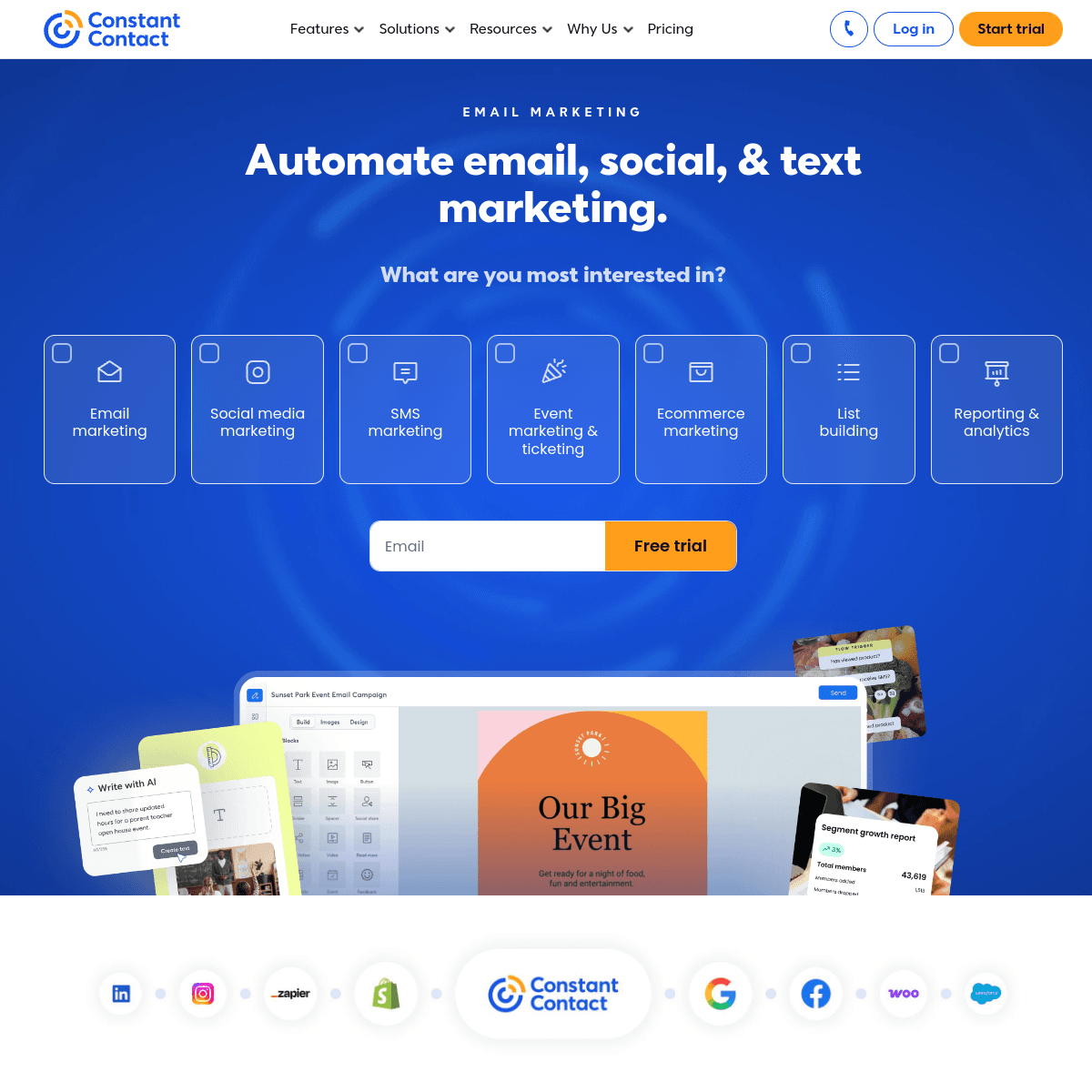
13Constant ContactBeginner-friendly with event features and phone support.Non-technical facilitators who value phone supportFrom $12/month for 500 contacts
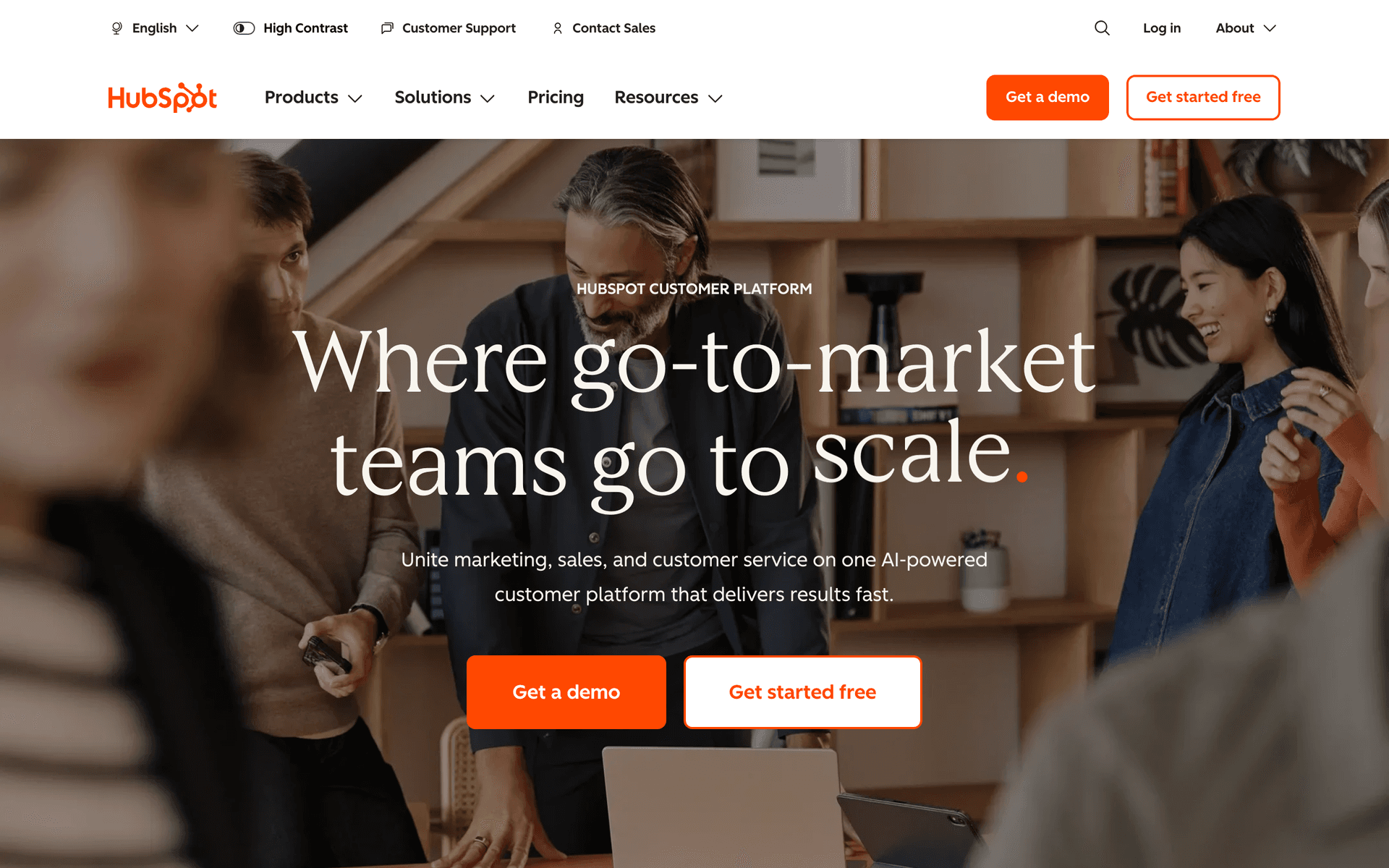
14HubSpotEnterprise CRM and marketing for workshop programs at scale.B2B teams and training firms running workshops at scaleFree CRM, marketing from $50/month (scales steeply)
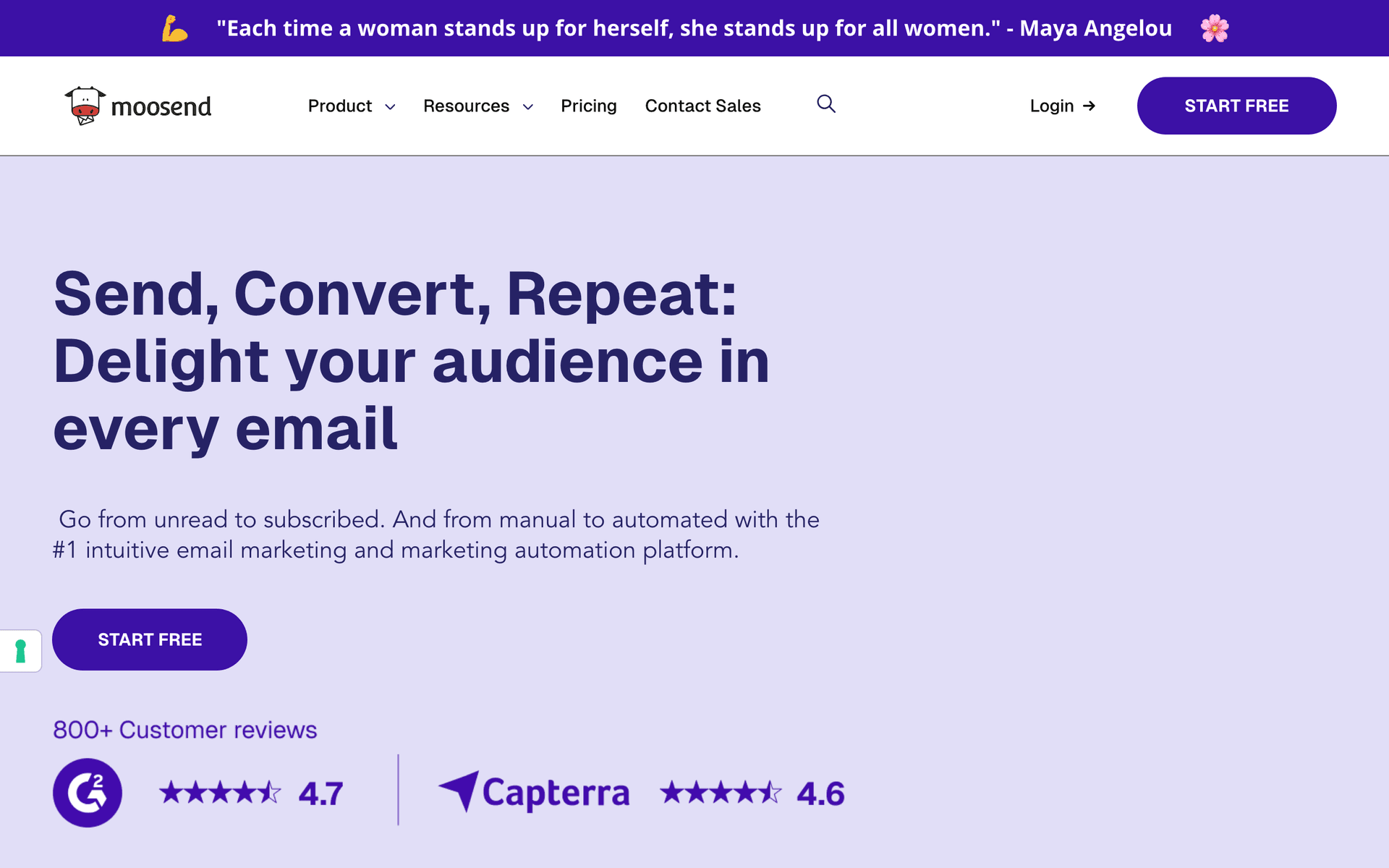
15MoosendBudget-friendly automation with landing pages included.Cost-conscious facilitators who want the essentials cheaplyFrom $9/month
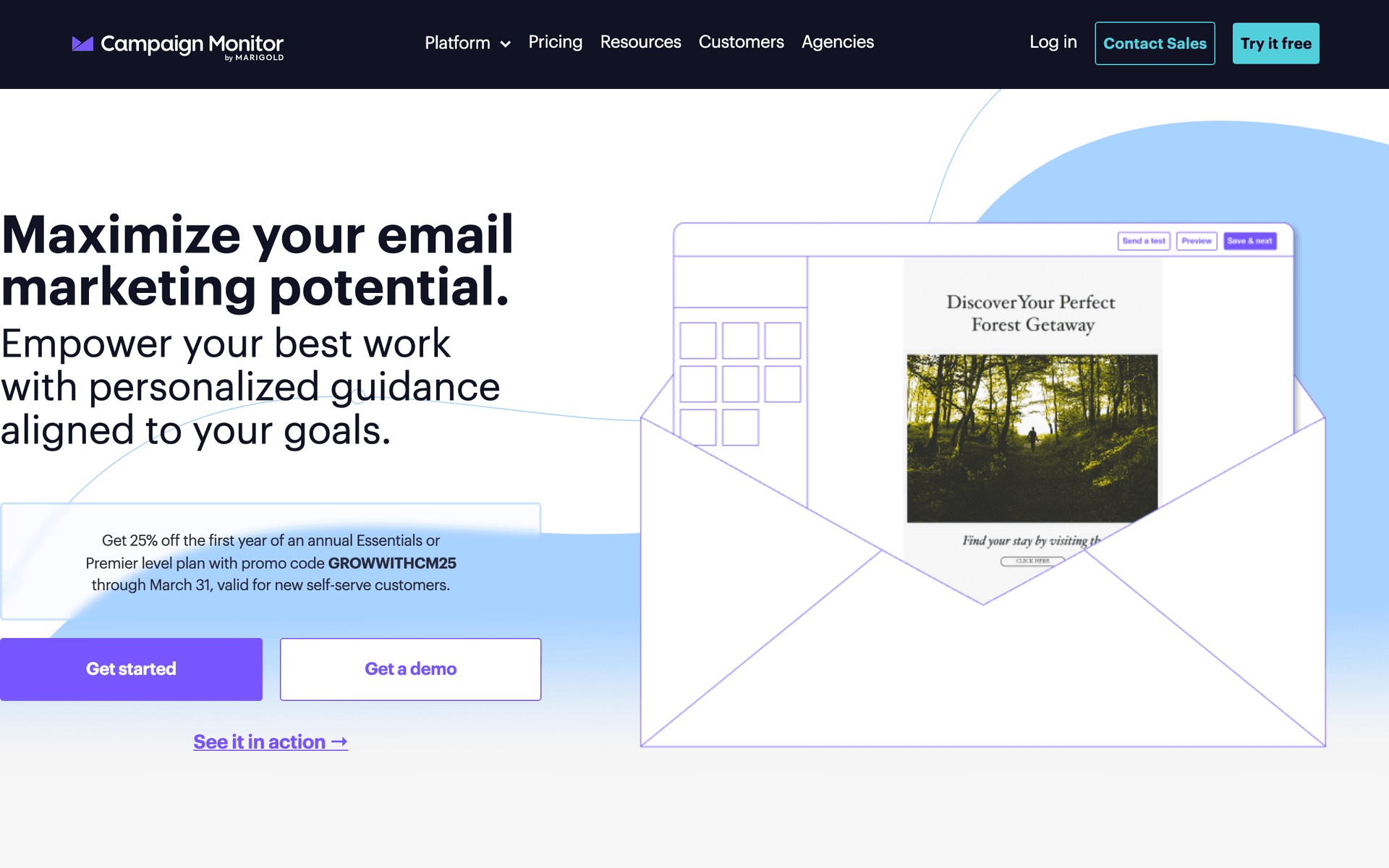
16Campaign MonitorBeautiful templates for visually branded workshop emails.Brand-conscious facilitators prioritizing email designFrom $9/month for 500 contacts
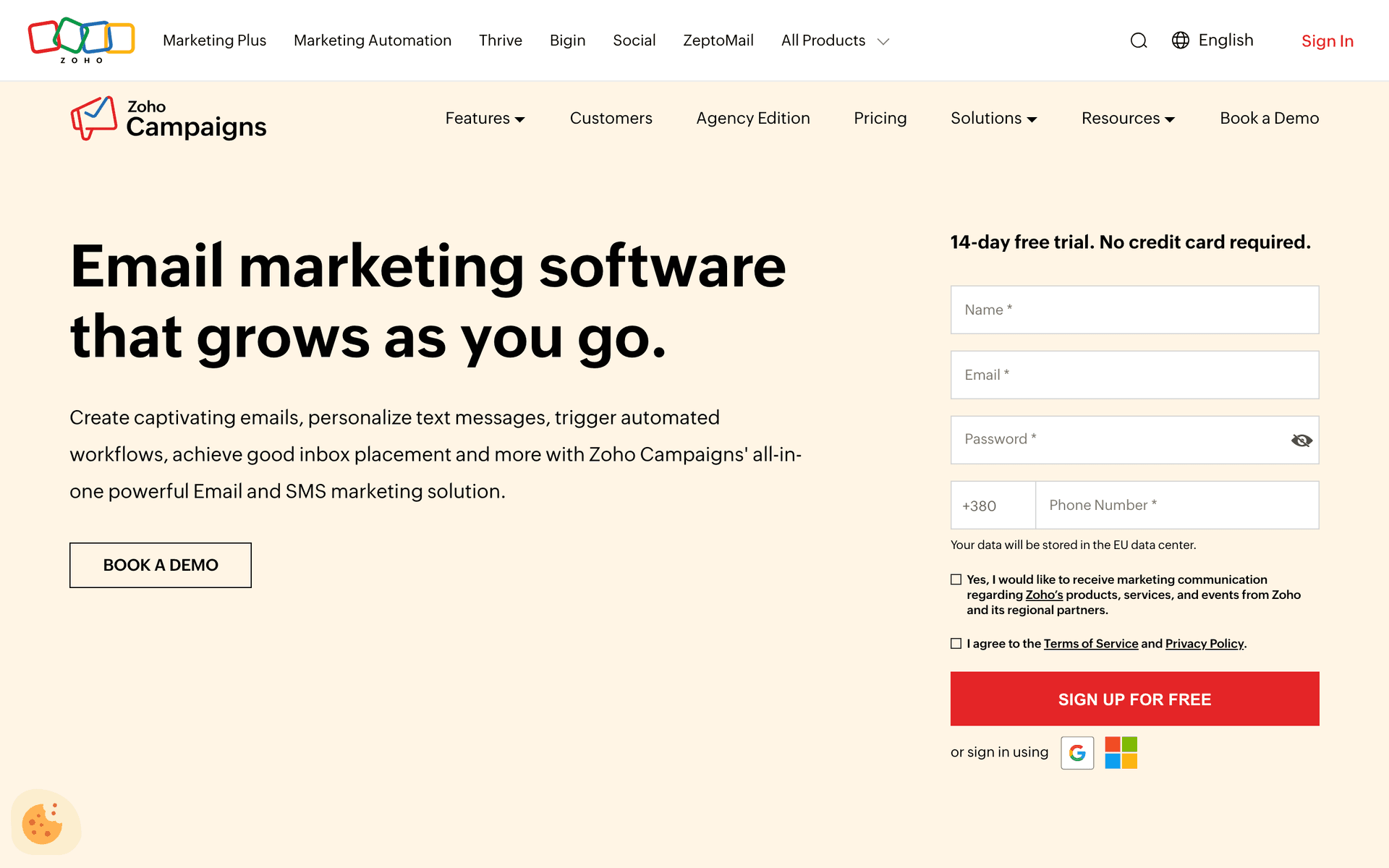
17Zoho CampaignsAffordable email that pairs with the Zoho ecosystem and Zoho Meeting.Facilitators already using the Zoho ecosystemFree tier available, paid from $4/month
Our Top Pick for Workshop Facilitators
#1
Sequenzy

AI-powered email marketing built for sequenced, event-driven programs.

Visit
Sequenzy dashboard screenshot

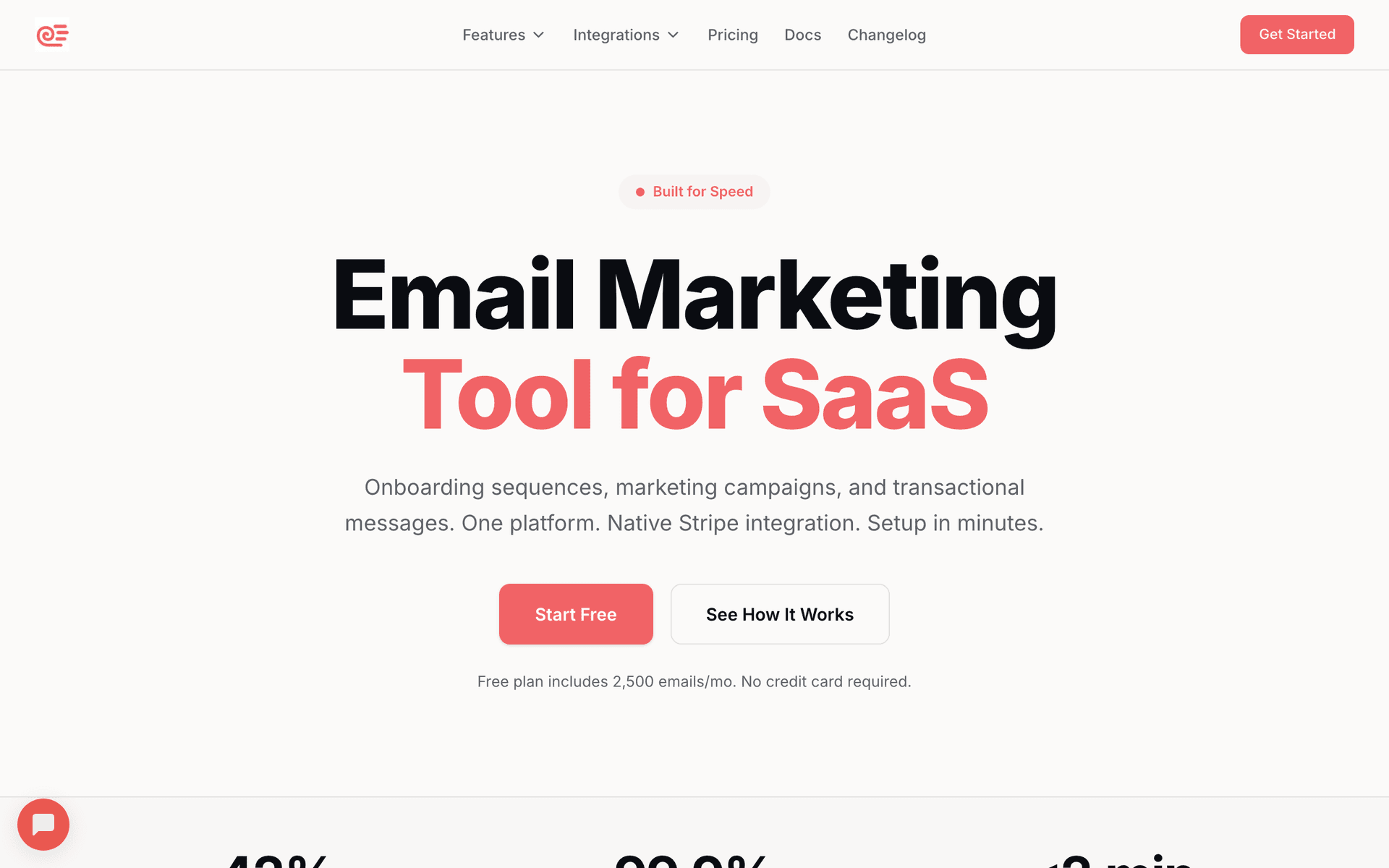
Sequenzy fits workshop facilitators because the entire experience around a workshop is a sequence, and the AI builds sequences in seconds. Describe your workshop topic, who it's for, and the format, and the AI generates a complete flow: an enrollment confirmation with expectations and pre-work, a pre-work reminder before the session, a 24-hour and 1-hour attendance reminder for live cohorts, a materials-delivery email right after, a feedback request, and a follow-up that bridges into your next cohort or a 1:1 - branched by whether someone actually attended. The send-based pricing is the real advantage for this niche. Facilitators send in bursts - heavy around an enrollment push and cohort week, quiet between rounds - so paying per email sent rather than per contact sitting idle keeps costs low between cohorts. The free tier covers up to 2,500 emails per month, enough to run a small workshop end to end, and paid plans start at $19/mo with unlimited contacts. The Stripe integration means a paid enrollment can automatically move someone into the pre-work and reminder flow, and a rebooking can move them straight into onboarding for the next round. The main trade-offs: Sequenzy does not host the live session itself (pair it with Zoom, Google Meet, or your tool of choice), it has no built-in SMS reminders, and it launched in 2025, so it has a shorter track record than legacy platforms.

Best for
Facilitators who want the full enrollment-to-follow-up sequence written by AI and priced by sends
Pricing
Free up to 2,500 emails/mo, then from $19/mo (unlimited contacts)

Pros

  • AI writes the full workshop sequence
  • Send-based pricing suits cohort bursts
  • Free tier to run a full workshop
  • Stripe enrollment events trigger automation

Cons

  • Does not host live sessions (pairs with Zoom)
  • No built-in SMS reminders
  • Launched in 2025, shorter track record
#2
GetResponse

All-in-one platform with native live-session hosting plus email.

Visit
GetResponse dashboard screenshot

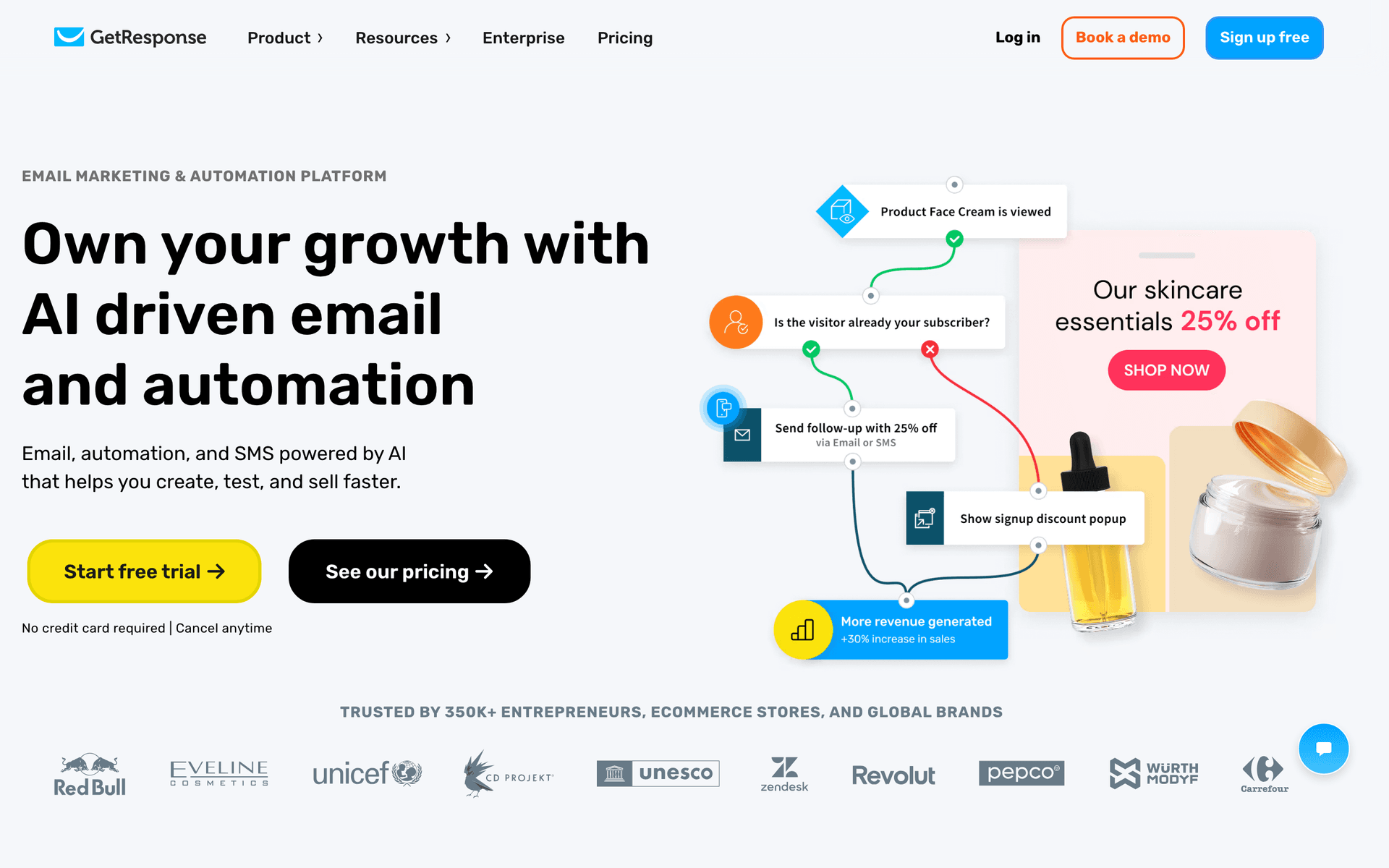
GetResponse is a natural all-in-one for facilitators who run online workshops, because it can host the live session alongside the email marketing. Enrollment pages, the session room, pre-work and reminder automation, and the follow-up emails all live in one tool, so attendance data flows into your sequences without integrations. Capture participants on a built-in landing page, deliver pre-work, auto-remind them, then split attendees and no-shows into different follow-up paths and bridge into your next cohort. For facilitators who don't want to wire a separate video tool to a separate email tool, the consolidation is genuinely useful and the pricing is competitive. The downsides are a busy interface, a session room that is functional rather than best-in-class for highly interactive workshops, and an email editor that trails the dedicated tools. But as one tool that does the whole job, GetResponse is hard to beat for online facilitators.

Best for
Facilitators who want online-session hosting and email in one platform
Pricing
From $19/month for 1,000 contacts (webinars on higher tiers)

Pros

  • Native live-session hosting included
  • Enrollment pages built in
  • Attendance data feeds automation
  • Competitive all-in-one pricing

Cons

  • Session room is functional, not premium
  • Busy interface
  • Email editor trails dedicated tools
  • Hosting locked to higher tiers
#3
ActiveCampaign

The most powerful automation for attendance and engagement-based follow-up.

Visit
ActiveCampaign dashboard screenshot

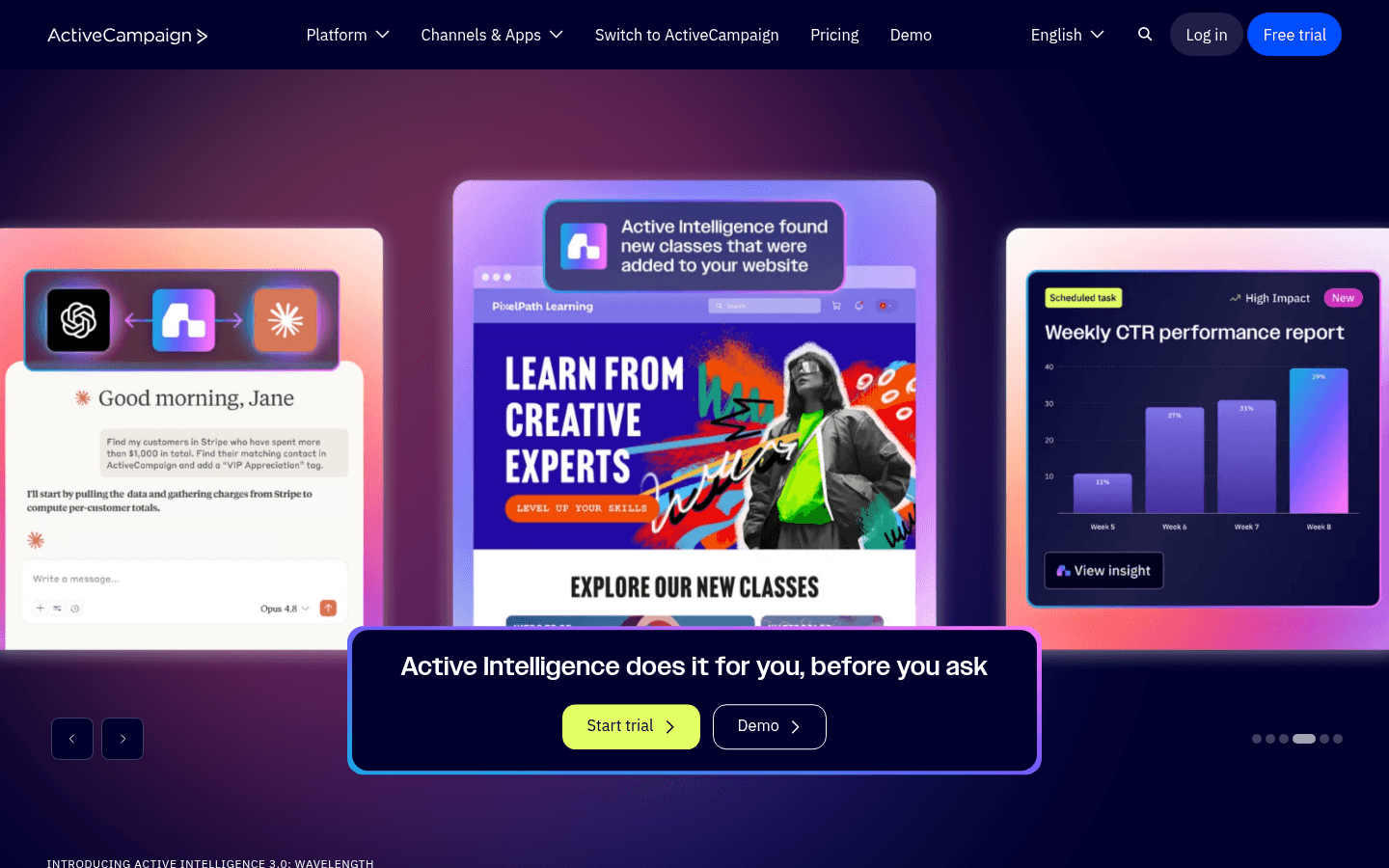
ActiveCampaign is the power tool when your workshop follow-up depends on branching logic. Tag participants on enrollment, update tags based on pre-work completion and attendance via your tools' integrations, then build conditional sequences: people who attended and completed the pre-work get a deeper next-step offer, no-shows get a recording-first path, and quiet participants get a re-engagement nudge. Lead scoring surfaces your most engaged participants so you know who to invite to a 1:1 or a higher-ticket program. If you run paid cohorts or a multi-tier offer where a single rebooking justifies real follow-up effort, the sophistication pays off. The cost is complexity - the automation builder has a steep learning curve, and contact-based pricing penalizes a list you only email around cohorts. Overkill for a single occasional workshop, essential for a serious workshop business with multiple offers.

Best for
Facilitators running paid cohorts with multi-step, engagement-based follow-up
Pricing
From $29/month for 1,000 contacts

Pros

  • Best-in-class branching automation
  • Attendance and pre-work-based segmentation
  • Lead scoring for hot participants
  • Deep integrations with booking and video tools

Cons

  • Steep learning curve
  • Contact-based pricing
  • Overkill for simple workshops
  • Can be overwhelming
#4
ConvertKit

Creator-focused email with clean automation and forms.

Visit
ConvertKit dashboard screenshot

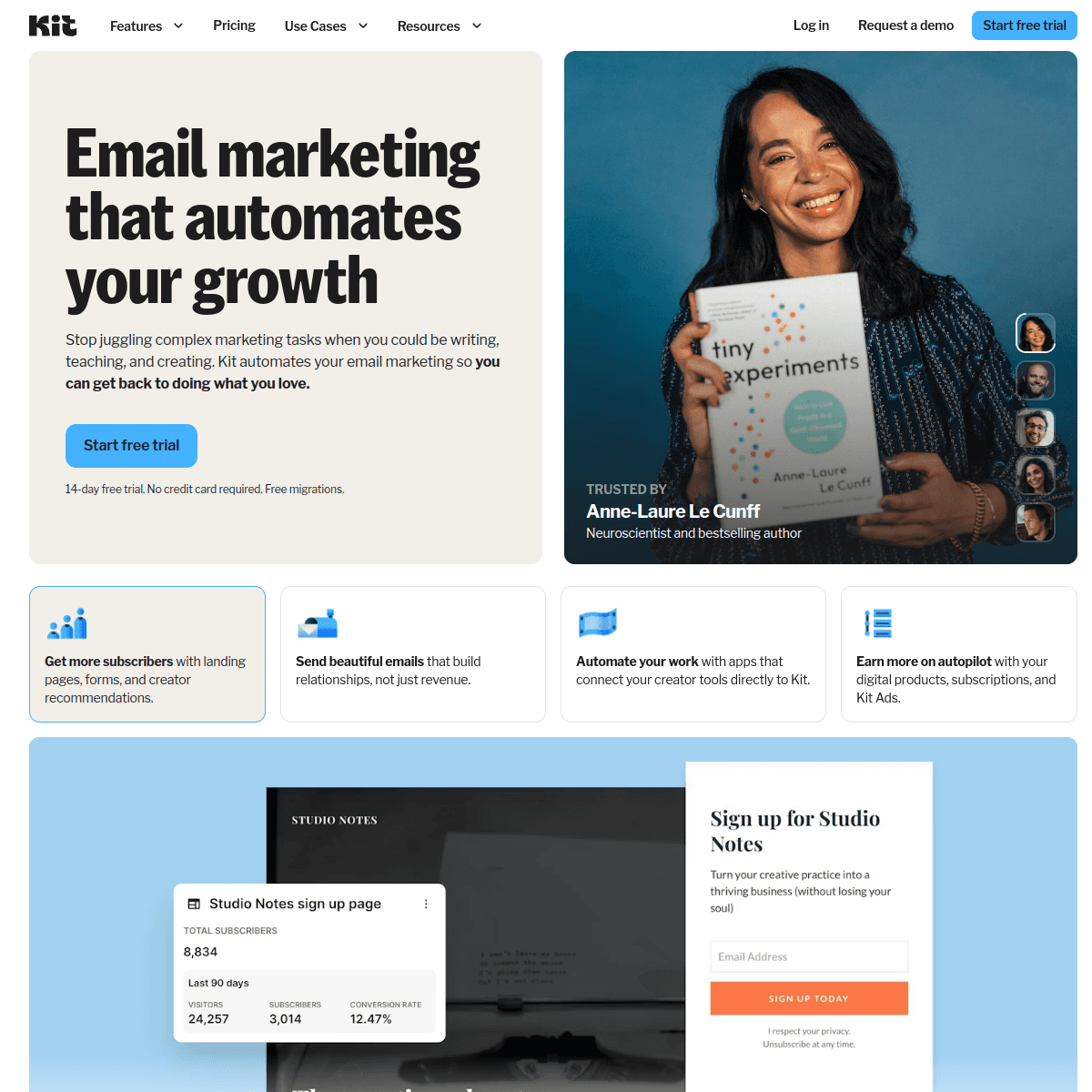
ConvertKit (Kit) is a strong fit for facilitators who run workshops as part of a broader audience or creator business. Enrollment forms are quick to build, the tag-based system makes attended-versus-no-show and pre-work-done segmentation straightforward, and the automation handles pre-work, reminder, and follow-up sequences cleanly. The free tier covers 1,000 subscribers, so you can run your first workshop funnel without paying. Kit favors plain-text, personal-feeling emails, which suits workshop communication well - pre-work nudges and follow-ups read like a note from a real facilitator, not a corporate blast. The limitations are minimal visual design and pricing that climbs with list size. For a facilitator whose workshops sit beside a newsletter, a community, and digital products, Kit keeps everything in one creator-friendly system.

Best for
Facilitators running workshops alongside a newsletter and products
Pricing
Free up to 1,000 subscribers, then from $29/month

Pros

  • Easy enrollment forms
  • Clean tag-based segmentation
  • Free tier for first workshops
  • Personal-feeling emails suit facilitation

Cons

  • Minimal visual design
  • Expensive at scale
  • No native session hosting
  • Subscriber-based pricing
#5
Brevo

Email plus SMS reminders at a budget-friendly price.

Visit
Brevo dashboard screenshot

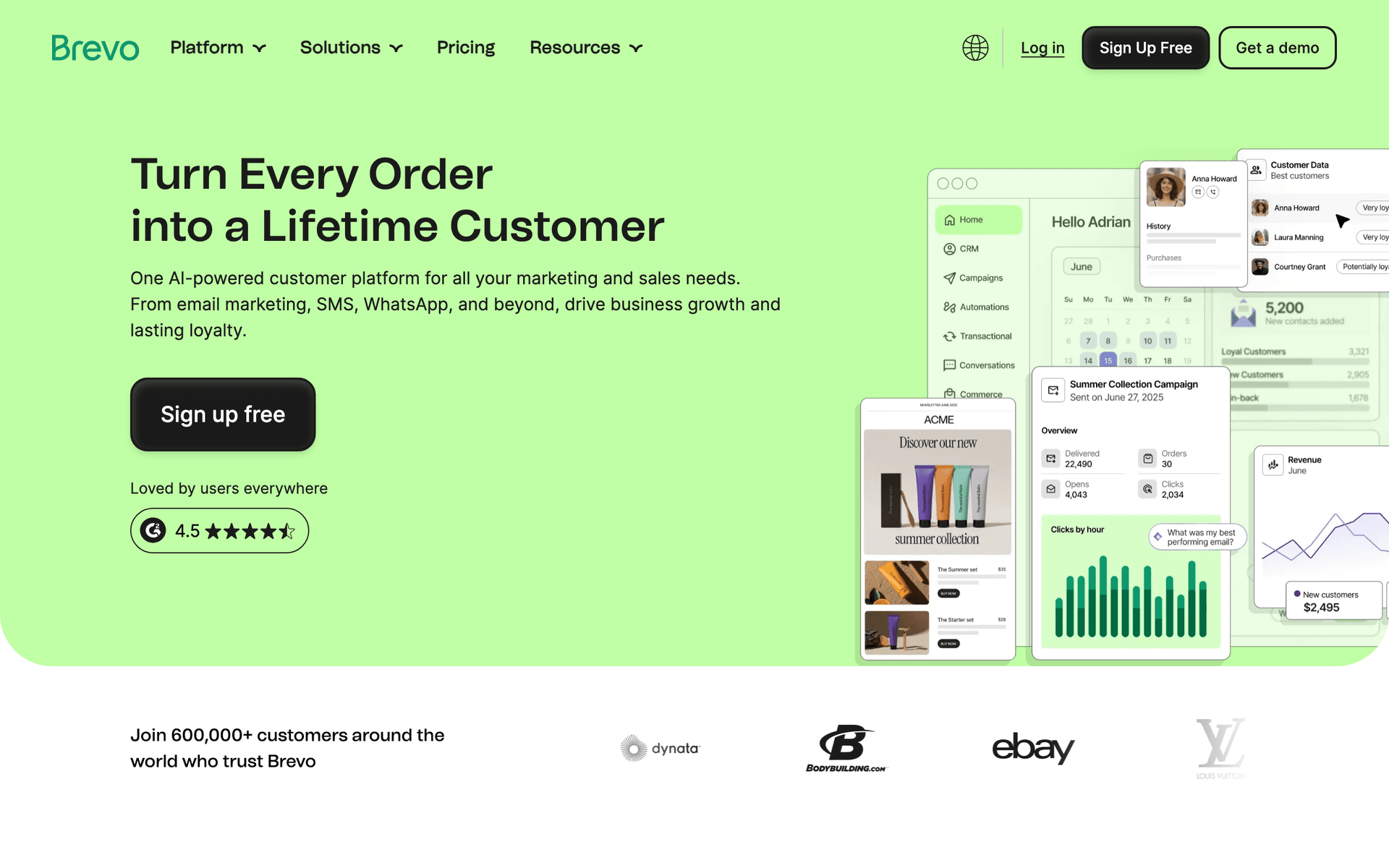
Brevo earns its spot for facilitators specifically because SMS is built in. A text reminder the morning of a workshop, or 15 minutes before an online session goes live, recovers participants that email alone misses - response rates on 'we're starting now' texts are dramatically higher than email. The automation builder handles enrollment, pre-work, and reminder sequences, and the free tier (300 emails/day, unlimited contacts) works for small cohorts. For facilitators who want email and SMS reminders together without paying for two tools, Brevo delivers strong value. The interface is less polished than Kit or GetResponse, booking and video integrations often need Zapier, and the daily sending cap on the free plan can pinch during a busy enrollment push.

Best for
Facilitators who want SMS reminders alongside email on a budget
Pricing
Free up to 300 emails/day, then from $25/month

Pros

  • Built-in SMS reminders
  • Generous free tier
  • Solid automation
  • Transactional email included

Cons

  • Daily sending limits on free plan
  • Less polished interface
  • Integrations often need Zapier
  • No native session hosting
#6
MailerLite

Clean, affordable email with good landing pages for enrollment.

Visit
MailerLite dashboard screenshot

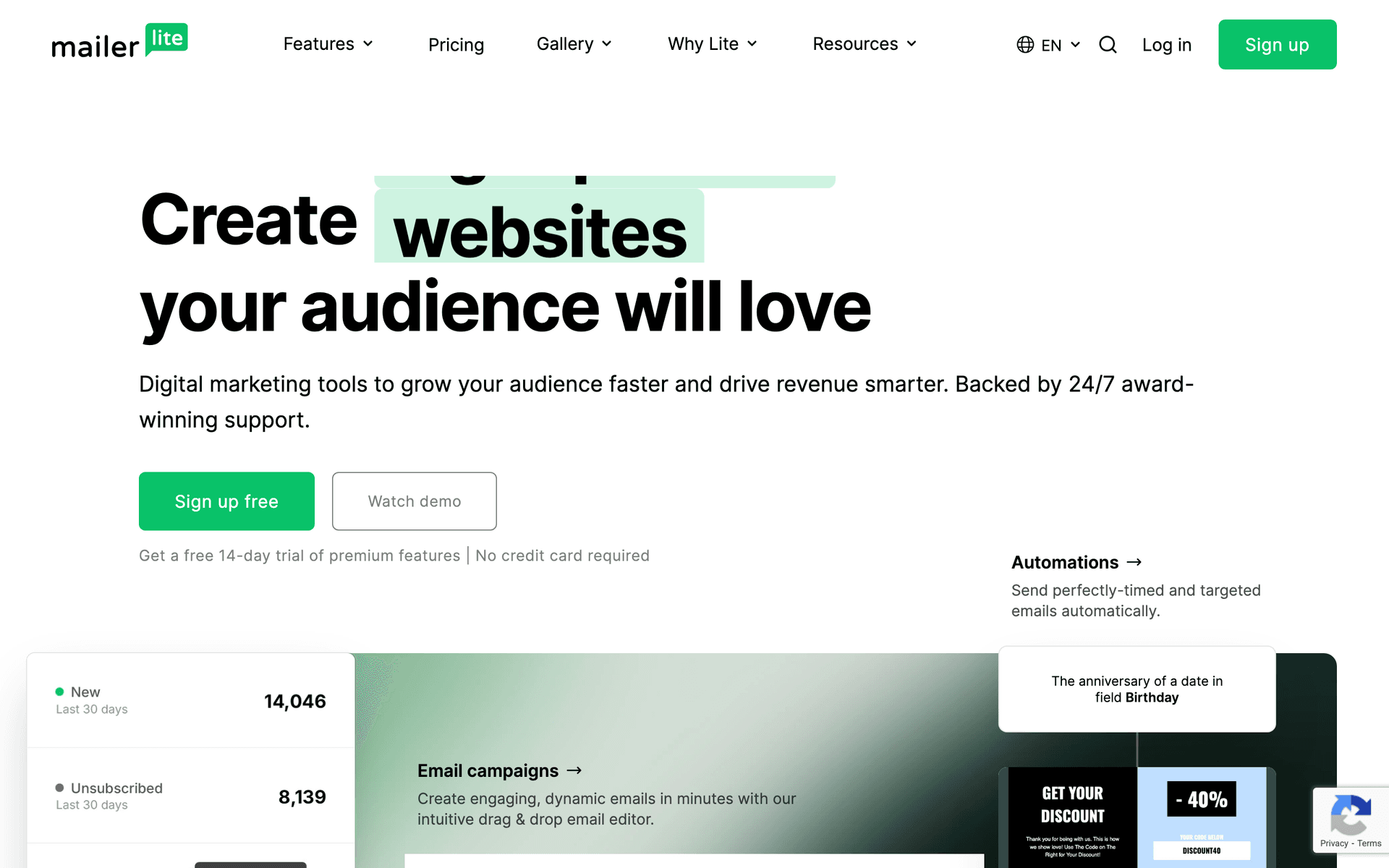
MailerLite is the value pick for facilitators who want simple, attractive enrollment pages and reliable reminder automation without complexity. The landing page builder is genuinely good for workshop signups, automation handles welcome, pre-work, and reminder sequences, and the free tier covers 1,000 subscribers with most features. For a facilitator running an occasional workshop who wants it to just work, MailerLite is hard to fault on price or ease. The trade-offs are basic automation branching (so attended-versus-no-show and engagement logic is clunkier than ActiveCampaign), no native session hosting, and a strict account approval process that can take a few days when you start out.

Best for
Facilitators wanting simple enrollment pages and reminders cheaply
Pricing
Free up to 1,000 subscribers, then from $10/month

Pros

  • Strong landing page builder
  • Very affordable
  • Clean, easy interface
  • Generous free tier

Cons

  • Basic automation branching
  • No session hosting
  • Strict approval process
  • Limited advanced features
#7
Kajabi

All-in-one platform unifying workshops, materials, email, and payments.

Visit
Kajabi dashboard screenshot

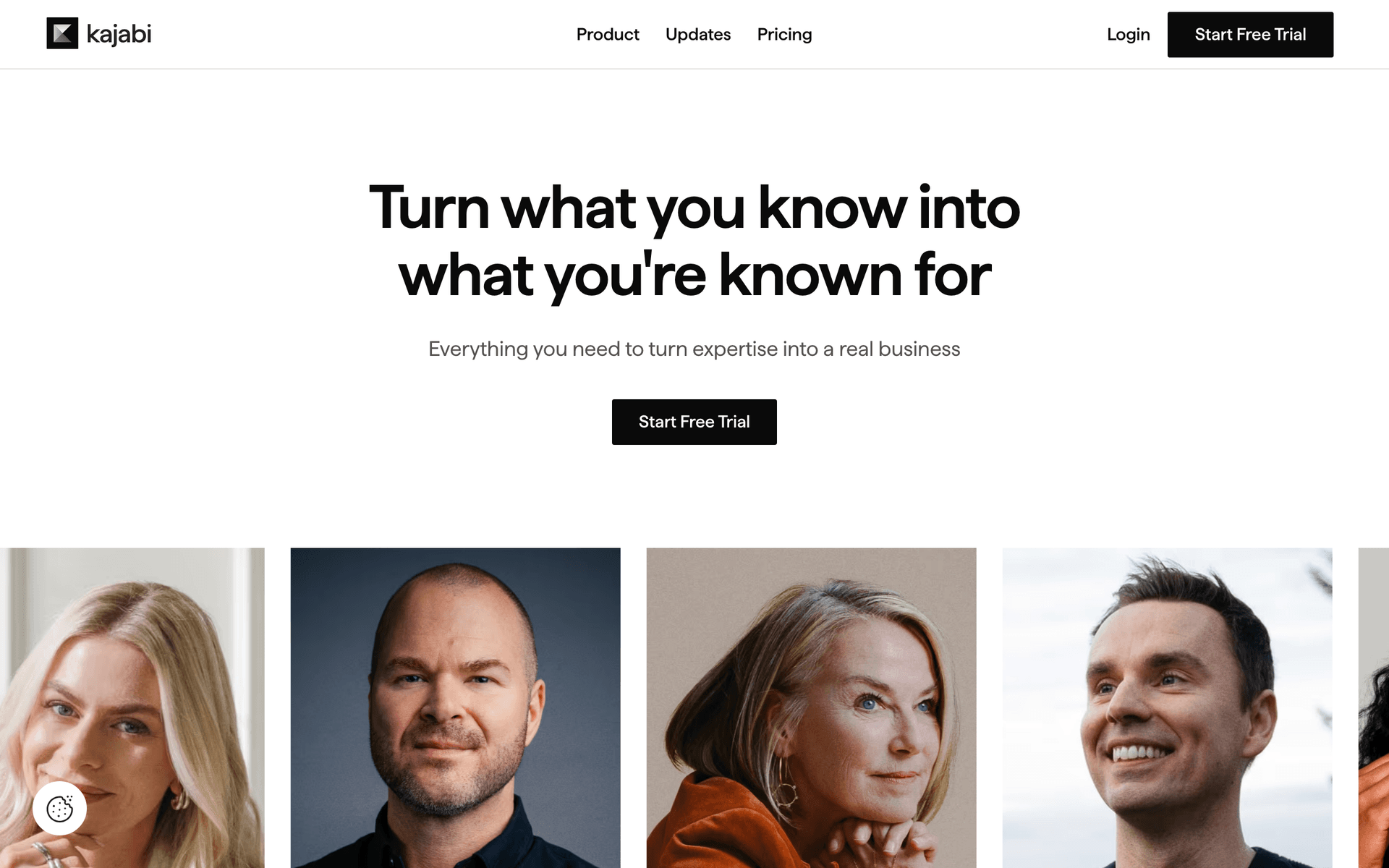
Kajabi suits facilitators whose workshops sit inside a larger education or membership business. It hosts the materials, processes the payment, and runs the email from one data model, so 'enrolled but hasn't opened the pre-work' or 'attended but hasn't booked the next cohort' flows trigger automatically. For facilitators who sell recordings, run an ongoing community, or stack workshops into a program, having delivery and email share one platform is genuinely valuable. The trade-offs are price (from $149/month) and that it is overkill for someone running the occasional standalone session. It replaces a stack that otherwise runs several hundred dollars a month across separate tools, so it makes sense once workshops are the core business rather than a side offer.

Best for
Facilitators running workshops as part of a full education business
Pricing
From $149/month

Pros

  • Materials, payments, and email unified
  • Behavior-based email triggers
  • Strong community and membership hosting
  • No transaction fees

Cons

  • Expensive for occasional workshops
  • Overkill for single sessions
  • Steeper learning curve
  • Templates are average
#8
Mailchimp

Popular starter platform with broad integrations.

Visit
Mailchimp dashboard screenshot

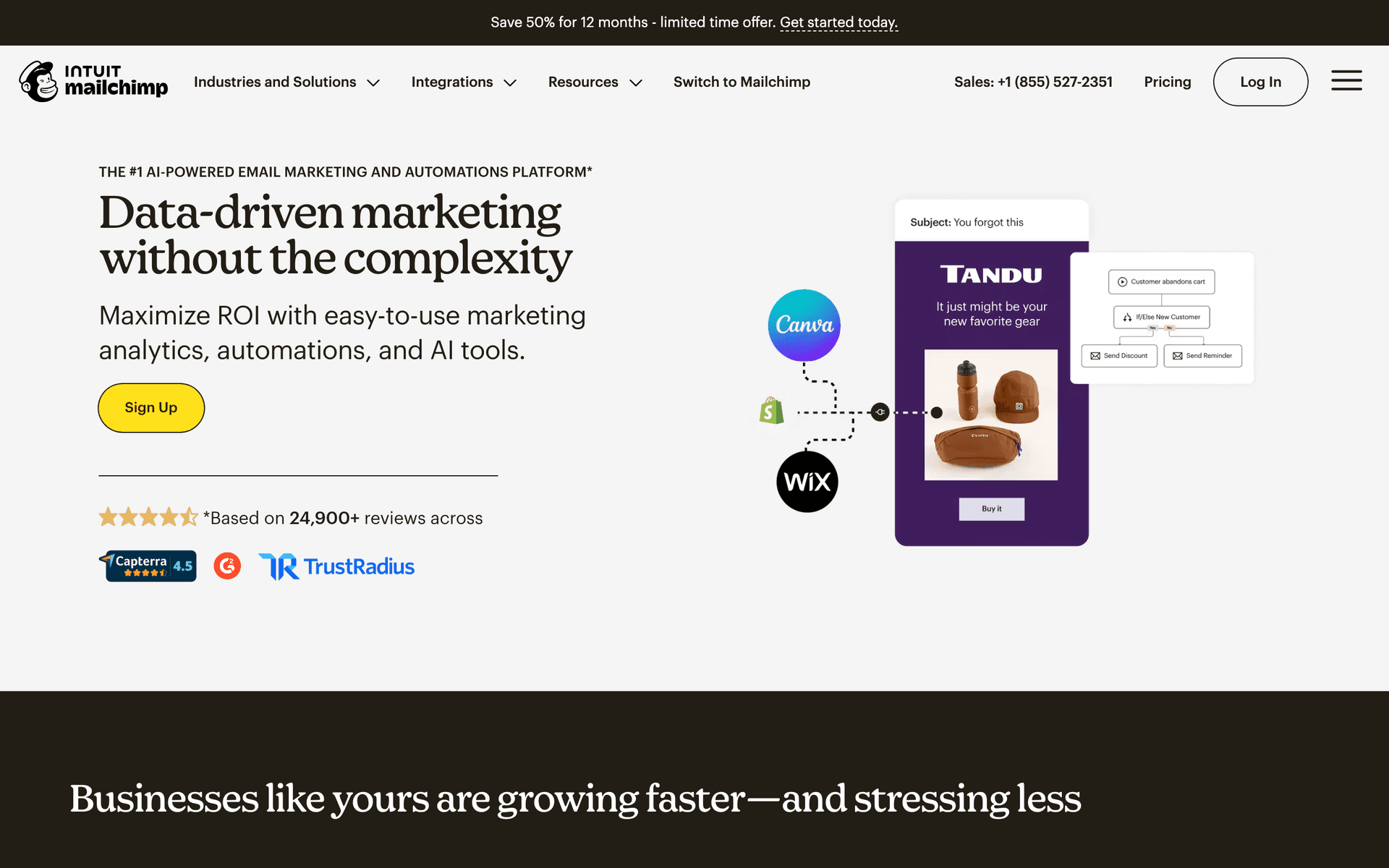
Mailchimp is where many first-time facilitators begin because it is familiar and integrates with most booking and event tools out of the box. Templates look professional, the free tier covers 500 contacts, and basic enrollment and reminder automation is workable. The frustration appears when you need real attended-versus-no-show branching, pre-work tracking, or a thoughtful rebooking sequence - Mailchimp's automation is basic, and the cost climbs quickly as your list grows. Most serious facilitators start on Mailchimp and migrate to a tool with stronger automation and friendlier pricing once they are running cohorts regularly.

Best for
First-time facilitators who want a familiar starting point
Pricing
Free up to 500 contacts, then $13-350/month

Pros

  • Familiar and easy to start
  • Broad booking-tool integrations
  • Professional templates
  • Good basic analytics

Cons

  • Basic automation branching
  • Gets expensive fast
  • Weak for follow-up sequences
  • Contact-based pricing
#9
Drip

Revenue-focused automation for facilitators selling paid workshops.

Visit
Drip dashboard screenshot

Drip suits facilitators who sell paid workshops and want to see exactly which email drove which enrollment or rebooking. The revenue tracking attributes purchases back to specific emails in your sequence, so you can see whether your enrollment-open email or your final-deadline email is doing the work, and which follow-up email converts attendees into your next cohort. Strong automation handles enrollment, pre-work, reminders, and attendance-based follow-up. At $39/month minimum it is built for facilitators already generating consistent workshop revenue who want to optimize, not for someone running their first session. If your workshops are a real revenue line and you want attribution, Drip earns its price.

Best for
Facilitators selling paid workshops who want revenue attribution
Pricing
From $39/month for 2,500 contacts

Pros

  • Per-email revenue attribution
  • Strong automation
  • Good for paid cohorts
  • Detailed analytics

Cons

  • Built primarily for ecommerce
  • Higher entry price
  • Learning curve
  • Overkill for free workshops
#10
Kartra

All-in-one with funnels, email, and behavior-based automation.

Visit
Kartra dashboard screenshot

Kartra packages funnels, email, membership, and behavior-based automation into one tool, which fits facilitators running workshop funnels with paid traffic or a tiered program. Build the enrollment page, the pre-work and reminder sequence, and the post-workshop sales page in one place, with automation that responds to whether someone enrolled, attended, or clicked the next-cohort offer. For marketing-first facilitators who think in funnels and want everything unified, Kartra is powerful. The trade-offs are a steeper learning curve and a price that only makes sense once your workshops are generating real revenue. Less suited to a facilitator who just wants to email a list and run the occasional session.

Best for
Marketing-first facilitators running paid-traffic workshop funnels
Pricing
From $99/month

Pros

  • Funnels and email unified
  • Behavior-based automation
  • Membership and pages included
  • Good for tiered programs

Cons

  • Steep learning curve
  • Higher price
  • Overkill for simple workshops
  • Email editor is average
#11
ClickFunnels

The funnel builder for paid-ads workshop launches.

Visit
ClickFunnels dashboard screenshot

ClickFunnels is purpose-built for the 'run paid ads to a workshop funnel' playbook. Email and automation tie directly to funnel steps - opt-in, enrollment, attended, no-show, next-offer - which maps cleanly onto a high-volume paid workshop launch. For facilitators running cold paid traffic into workshop enrollments, ClickFunnels is genuinely well-suited. The downsides: it is expensive, the email is built around the funnel rather than being a best-in-class standalone email tool, and organic-audience facilitators do not need this much funnel machinery. Reach for it when paid ads drive your enrollments.

Best for
Facilitators running paid-traffic workshop funnels
Pricing
From $97/month

Pros

  • Best funnel builder
  • Email tied to funnel steps
  • Purpose-built for paid launches
  • Strong sales-page tools

Cons

  • Only worth it with paid traffic
  • Expensive
  • Email is funnel-centric
  • Steep learning curve
#12
AWeber

Simple, reliable email with strong deliverability.

Visit
AWeber dashboard screenshot

AWeber is dated but dependable, with deliverability built over 25+ years and real phone support. For facilitators who want straightforward enrollment confirmations, pre-work delivery, and reminder emails without complexity, AWeber handles the basics reliably. The free tier covers 500 subscribers. The limitation is automation - you can build a linear pre-work and reminder sequence but not the conditional attended-versus-no-show and engagement branching that drives the best follow-up and rebooking. AWeber sends reminders well; it does not build sophisticated follow-up funnels.

Best for
Facilitators wanting simple, reliable reminders
Pricing
Free up to 500 subscribers, then from $15/month

Pros

  • Reliable deliverability
  • Phone support
  • Simple to use
  • Long track record

Cons

  • Dated interface
  • Limited branching automation
  • Basic templates
  • Little innovation
#13
Constant Contact

Beginner-friendly with event features and phone support.

Visit
Constant Contact dashboard screenshot

Constant Contact stands out for facilitators who are not technical and want a real person to call. It even includes basic event-management features for organizing enrollments and RSVPs, which suits in-person and hybrid workshops. For a facilitator running occasional sessions who values phone support over automation depth, it is a safe, reliable choice. The automation is basic and templates feel dated, so it handles enrollment and reminders well enough but is not built for multi-step follow-up, pre-work tracking, or engagement-based rebooking sequences.

Best for
Non-technical facilitators who value phone support
Pricing
From $12/month for 500 contacts

Pros

  • Easy for beginners
  • Phone support
  • Built-in event features
  • Reliable sending

Cons

  • Basic automation
  • Dated templates
  • Higher prices at scale
  • Weak follow-up sequencing
#14
HubSpot

Enterprise CRM and marketing for workshop programs at scale.

Visit
HubSpot dashboard screenshot

HubSpot makes sense for organizations running workshops and trainings as part of a larger demand-generation or L&D program with a sales team. The CRM ties enrollment and attendance data to deals and contacts, so sales or account teams can follow up on the most engaged participants with full context, and corporate training pipelines stay organized. The free CRM is genuinely useful, but the marketing automation that matters for workshop follow-up lives behind expensive paid tiers. For a solo facilitator, it is overkill. For a B2B company or training firm where workshops feed a pipeline, the CRM integration is the whole point.

Best for
B2B teams and training firms running workshops at scale
Pricing
Free CRM, marketing from $50/month (scales steeply)

Pros

  • Full CRM integration
  • Great for sales and account follow-up
  • Strong reporting
  • Scales for teams

Cons

  • Expensive at scale
  • Overkill for solo facilitators
  • Complex setup
  • Marketing features gated
#15
Moosend

Budget-friendly automation with landing pages included.

Visit
Moosend dashboard screenshot

Moosend is the cheapest capable option here, with automation and landing pages included from a low starting price. For facilitators who have outgrown free tiers but are not yet generating enough workshop revenue to justify premium tools, Moosend covers enrollment pages, pre-work, and reminder sequences without breaking the budget. It is less known and has fewer integrations than the bigger names, but for cost-conscious facilitators who want the essentials, it delivers solid value.

Best for
Cost-conscious facilitators who want the essentials cheaply
Pricing
From $9/month

Pros

  • Very affordable
  • Landing pages included
  • Good automation for the price
  • Responsive support

Cons

  • Less known
  • Fewer integrations
  • Smaller template library
  • No session hosting
#16
Campaign Monitor

Beautiful templates for visually branded workshop emails.

Visit
Campaign Monitor dashboard screenshot

Campaign Monitor offers the best-looking templates on this list, which suits facilitators whose workshops are tied to a premium brand where every email needs to look designed. Enrollment confirmations, pre-work emails, and materials-delivery emails will look polished and credible, reinforcing a high-ticket positioning. The limitation is automation depth - you can build basic reminder sequences but not the conditional attendance and engagement-based follow-up that drives the strongest rebooking. Choose it when visual brand quality matters more than automation sophistication.

Best for
Brand-conscious facilitators prioritizing email design
Pricing
From $9/month for 500 contacts

Pros

  • Beautiful templates
  • Strong brand control
  • Reliable delivery
  • Professional look

Cons

  • Contact-based pricing
  • Limited automation
  • Gets expensive
  • No session hosting
#17
Zoho Campaigns

Affordable email that pairs with the Zoho ecosystem and Zoho Meeting.

Visit
Zoho Campaigns dashboard screenshot

Zoho Campaigns is a sensible choice for facilitators already inside the Zoho ecosystem, especially those using Zoho Meeting, Zoho Bookings, and Zoho CRM. The integration means enrollment and attendance data flow into your CRM and email sequences without third-party connectors. Pricing is affordable and the automation covers pre-work, reminder, and follow-up sequences. Outside the Zoho world, it is a capable but unremarkable email tool; the real value is the tight integration for teams and facilitators already standardized on Zoho.

Best for
Facilitators already using the Zoho ecosystem
Pricing
Free tier available, paid from $4/month

Pros

  • Tight Zoho ecosystem integration
  • Very affordable
  • Pairs with Zoho Meeting and Bookings
  • Solid automation

Cons

  • Best only inside Zoho
  • Less polished standalone
  • Smaller ecosystem elsewhere
  • Interface can feel dated

Feature Comparison

FeatureSequenzyGetResponseActiveCampaignBrevoConvertKit
Enrollment forms/pages
Pre-work and reminder automation
Attended vs no-show segmentation
AI content generation
Native session hosting
SMS reminders
Free tier available

Common Mistakes to Avoid

We see these mistakes over and over. Skip the learning curve and avoid these from day one.

Relying on the booking tool's default confirmation

Eventbrite, Calendly, and most booking tools send a bare confirmation with no pre-work, no reminders beyond a generic nudge, and no follow-up. Facilitators who lean on these defaults get under-prepared participants, more no-shows, and zero post-workshop momentum. The booking tool takes the payment; a real email platform runs the experience around it.

Sending the materials and disappearing

Dropping a recording link the day after and never following up wastes the warmest audience you will have all quarter. Participants who just had a good session are ready to go deeper, refer a colleague, or rebook. Facilitators who treat materials delivery as the finish line leave repeat revenue and referrals on the table.

Skipping pre-work reminders entirely

Assuming people will do the pre-work because you asked once guarantees a room where half the group is catching up live. Without a reminder sequence, pre-work completion craters, the session drags, and the outcome suffers. The fix is a few well-timed nudges, not a longer pre-work assignment.

Using one generic email for everyone afterward

A single 'thanks for coming' to the whole list ignores the facts you now have: who attended, who completed the pre-work, and who gave feedback. Without segmenting attendees from no-shows and engaged participants from quiet ones, you can't send a no-show their recording, reward your most engaged people, or target your rebooking offer where it will land.

Choosing a tool that punishes spiky sending

Facilitators send in bursts - heavy around an enrollment push and a cohort week, quiet between rounds. Contact-based pricing bills you year-round for a list you only email occasionally. Many facilitators overpay by picking a platform priced for daily senders instead of one that matches a few intense weeks per cohort.

Email Sequences Every Workshop Facilitator Needs

These are the essential automated email sequences that will help you grow your business and keep clients coming back.

Enrollment Confirmation and Pre-Work

When someone enrolls in the workshop

Confirm the spot, set expectations, and get the pre-work started early.

Immediately
You're in: {{workshop_name}} 🎉

Confirm enrollment. Add to calendar link. State the date, time, and timezone clearly. Tease the outcome they'll walk away with.

Same day
Your pre-work for {{workshop_name}}

Deliver the pre-work with a clear, short task and a deadline. Explain why doing it makes the session better for them.

3 days before
A quick goal before we start

Ask what they most want to walk away able to do. Gives you a personalization hook and a reason to emphasize the right material live.

Pre-Work and Attendance Reminders

Scheduled before the workshop start time

The sequence that decides how prepared and how full your room is.

Day before
Tomorrow: {{workshop_name}} - did you finish the pre-work?

Last-chance pre-work nudge plus the join or location details. Keep it short and practical.

1 hour before
Starting in 1 hour - here's your link

Catch them before they get distracted. Lead with the join link or address. One line on what to bring.

At start time
We're starting now - join us

Recover people who lost track of time. Just the link and 'we're beginning'.

Materials Delivery and Feedback

After the workshop, for people who attended

Deliver resources while it's fresh and capture feedback you can use twice.

1 hour after
Your {{workshop_name}} recording, slides, and templates

Deliver all materials in one organized email. Include one clear 'do this next' action to keep momentum.

Day 1
Quick question: what was your biggest takeaway?

Short feedback request, two or three questions. Frames a moment to consolidate learning and gives you testimonials.

Day 3
How's it going since {{workshop_name}}?

Check in on applying the work. Answer a common question. Bridge softly toward the next step.

Re-Engagement and Next Workshop

After the follow-up, for attendees and no-shows

Recapture interest and convert warm participants into the next cohort or a 1:1.

1 hour after (no-shows)
Sorry we missed you - here's the recording

For no-shows: lead with the recording and materials. Note when the next cohort runs in case the timing was the issue.

Day 5
Ready to go deeper? Next steps after {{workshop_name}}

Invite engaged attendees to the next cohort, a deeper program, or a 1:1. Give a real reason to act now.

Day 10
Last call: {{next_offer}} for {{workshop_name}} alumni

Deadline-driven final reminder with a returning-participant rate or limited spots in the next round.

Related Resources for Workshop Email Marketing

Workshop need Best next page Why it helps
Write enrollment and reminder subject lines Event invitation subject lines and webinar subject lines The pre-work nudge and 1-hour reminder live or die on the subject line.
Build the full pre-work and follow-up flow Event and webinar email templates A complete workshop needs enrollment, pre-work, reminder, materials, and rebooking emails working together.
Promote the workshop to your list Webinar and event newsletter ideas Your newsletter is the cheapest channel for filling small-group cohorts.
Turn attendees into repeat clients Coach email tools and Email sequence templates Most repeat revenue comes from the post-workshop follow-up and rebooking sequence.

How to Choose the Right Email Tool for Workshops

The right platform depends on whether you run live online sessions and want hosting built in, how much you rely on pre-work, and how sophisticated your follow-up and rebooking need to be.

Workshop email benchmark Healthy target What it tells you
Pre-work completion rate 55-80% Your pre-work reminder sequence is doing its job.
Live attendance rate 70-90% Your confirmation and reminder sequence is keeping seats full.
Feedback response rate 30-50% You are asking quickly and concisely enough to get answers.
Rebooking / next-step conversion 10-25% of attendees Your follow-up is reaching warm participants in time.
Materials delivery timing Within 1 hour You are capturing peak motivation right after the session.

Decide Whether You Need Hosting Built In

The first fork is simple: do you run live online sessions, and if so, do you want one tool that hosts the session and emails participants, or the best email tool paired with a dedicated video room? GetResponse hosts and emails in one place. Facilitators who want the most interactive room pair Zoom, Google Meet, or a dedicated tool with a focused email platform like Sequenzy, ConvertKit, or ActiveCampaign and push attendance data between them. In-person facilitators skip hosting entirely and just need strong enrollment, pre-work, and follow-up email. Deciding this early narrows the list fast.

Pre-Work and Attendance Branching Is the Real Differentiator

Any tool can send a reminder. The tools worth paying for are the ones that track who completed the pre-work and who attended, then send each group a different follow-up. This single capability separates a workshop where everyone arrives prepared and gets rebooked from one where half the room catches up live and nobody hears from you afterward. Sequenzy, ActiveCampaign, GetResponse, and ConvertKit all handle attended-versus-no-show and engagement branching well. Simpler tools force you into one generic follow-up for everyone.

Match Pricing to Cohort-Based Sending

Facilitators do not send daily. They send heavily around an enrollment push and a cohort week, then go quiet between rounds. Contact-based pricing charges you the whole time regardless. Send-based pricing rewards the burst pattern. Calculate your real annual cost based on how many emails you will actually send across your cohorts, not on your raw list size.

Tool Best workshop-facilitator fit Follow-up strength Cost pattern
Sequenzy AI-built enrollment, pre-work, reminder, and rebooking sequences. Strong attended-vs-no-show and engagement branching. Pay by emails sent.
GetResponse All-in-one hosting plus email for online sessions. Good, with attendance data built in. Contact-based, hosting on higher tiers.
ActiveCampaign Paid cohorts and tiered programs with complex follow-up. Strongest branching and lead scoring. Contact-based.
ConvertKit Facilitators running workshops beside a newsletter. Clean tag-based segmentation. Subscriber-based.
Brevo Email plus SMS reminders on a budget. Good, with SMS recovery. Send-based, generous free tier.

Best Fit by Workshop Model

Best email tool for paid single-session workshops

Sequenzy is a strong fit when a facilitator needs the entire enrollment, pre-work, reminder, materials, and rebooking sequence written and running quickly around a single paid session. It works best when the result depends on sequence quality and timing, and when burst-style send-based pricing matches an enrollment push and cohort week followed by quiet periods.

Best email tool for recurring cohort programs

ActiveCampaign is the better fit when recurring cohorts depend on branching by pre-work completion, attendance, and feedback, plus lead scoring to surface participants ready for a higher-tier program or 1:1. The added complexity pays off when cohorts run continuously and a single rebooking justifies sophisticated follow-up.

Best all-in-one for online facilitators who do not want integrations

GetResponse is the natural pick when a facilitator runs online sessions and wants to host and email participants from the same platform without wiring tools together. Attendance data flows straight into the follow-up sequences, which is the simplest possible setup for someone who values consolidation over best-in-class components.

The Workshop Facilitator Email Playbook

Before the Workshop: Fill the Room and Prep It

Promote the workshop to your existing list first - it is your cheapest and highest-converting enrollment source. Build a clean enrollment page, ask one goal question on the form to capture intent and personalize the session, and send a confirmation immediately. Deliver the pre-work the same day with a short task and a deadline, then nudge it before the session so people arrive ready to participate instead of catching up live.

Pre-workshop email Timing Purpose Example subject
Enrollment confirmation On enrollment Confirm the spot and add to calendar. "You're in: {{workshop_name}}"
Pre-work delivery Same day Send the task with a deadline and the why. "Your pre-work for {{workshop_name}}"
Goal question 3 days before Capture their goal for personalization. "A quick goal before we start"
Pre-work last-chance nudge Day before Lift completion and confirm logistics. "Tomorrow - did you finish the pre-work?"

During the Reminder Window: Maximize Attendance

This is where attendance is protected. Send a 24-hour reminder to lock the calendar slot, a 1-hour reminder to catch people before they get distracted, and a 'we're starting now' email at start time to recover stragglers. An SMS the morning of, or 15 minutes before an online session, can lift attendance further. Keep these emails short - lead with the join link or the address, not paragraphs.

After the Workshop: Deliver, Learn, and Rebook

Split attendees from no-shows immediately. Attendees get an organized materials-delivery email within the hour, a short feedback request within 48 hours, and a check-in that bridges into the next step. No-shows get the recording first, with a note about when the next cohort runs. Then invite engaged participants to the next cohort, a deeper program, or a 1:1 while trust is high. Most of your repeat revenue and referrals arrive in this window, so this is where your best writing belongs.

Integration Recommendations for Workshop Facilitators

Your email tool should connect with where you book, host, and sell:

Zoom, Google Meet, or your video platform - For online workshops, ensure enrollment and attendance data sync into your email tool so pre-work, reminders, and attended-versus-no-show follow-up fire automatically. GetResponse keeps this in-house; other tools connect natively or through Zapier.

Eventbrite, Calendly, or your booking tool - Make sure enrollments flow into your email tool so the pre-work and reminder sequences start automatically rather than relying on the booking tool's bare confirmation.

Stripe or your checkout - If your workshop is paid, payment integration lets an enrollment automatically start the pre-work flow and a rebooking move someone into the next cohort's onboarding. Sequenzy has native Stripe integration.

Your calendar and scheduling tools - Add-to-calendar links in confirmation and reminder emails measurably improve attendance by getting the session onto people's schedules.

What a Healthy Workshop Funnel Looks Like

Pre-work completion: 55-80% with a short reminder sequence. If you are under 50%, your pre-work is too heavy or your reminders too few - not your participants' fault.

Attendance rate: 70-90% for paid live cohorts with a full reminder sequence. Free workshops sit lower and need more reminders.

Feedback response: 30-50% when you ask within 48 hours with two or three quick questions. Longer surveys and later sends drop sharply.

Rebooking conversion: 10-25% of attendees into a next cohort, deeper program, or 1:1 when you follow up within days while trust is high.

Getting Started: Your First Workshop Email System

  1. Build an enrollment page with one goal question on the form
  2. Set up the confirmation and pre-work delivery emails, then a pre-work reminder before the session
  3. Create the three-touch attendance sequence (24h, 1h, starting-now, plus optional SMS)
  4. Build two follow-up paths - a materials, feedback, and rebooking sequence for attendees and a recording-first path for no-shows
  5. Connect your booking and video tools so enrollment and attendance data route people into the right path automatically

Start with one workshop, one pre-work sequence, one reminder sequence, and two follow-up paths. Once the cohort runs smoothly and people rebook, turn your best session into a repeatable program you can run round after round.

How We Evaluated These Tools

Each tool was evaluated for the full workshop lifecycle: enrollment confirmations and forms, pre-work delivery and reminder automation, attendance reminders for live and online sessions, materials and resource delivery, post-workshop feedback collection, follow-up that segments by attendance and engagement, rebooking and upsell sequences, and pricing that suits the spiky, cohort-based sending pattern facilitators actually have. We gave extra weight to automation quality and to whether attendance and engagement data could drive different follow-up paths.

Frequently Asked Questions

Ready to grow your workshop facilitator practice?

Start your free trial today. Set up your first email sequence in minutes with AI-powered content generation.

Related Industries

Sequenzy pricing reference

Sequenzy - Complete Pricing Guide

Pricing Model

Sequenzy uses email-volume-based pricing. You only pay for emails you send. Unlimited contacts on all plans — storing subscribers is always free.

All Pricing Tiers

  • 2.5k emails/month: Free (Free annually)
  • 15k emails/month: $19/month ($205/year annually)
  • 60k emails/month: $29/month ($313/year annually)
  • 120k emails/month: $49/month ($529/year annually)
  • 210k emails/month: $99/month ($1069/year annually)
  • 300k emails/month: $149/month ($1609/year annually)
  • 600k emails/month: $299/month ($3229/year annually)
  • 900k emails/month: $399/month ($4309/year annually)
  • 1.2M emails/month: $499/month ($5389/year annually)
  • 2M emails/month: $999/month ($10789/year annually)
  • 3M emails/month: $1499/month ($16189/year annually)
  • 4M emails/month: $1999/month ($21589/year annually)
  • 5M emails/month: $2499/month ($26989/year annually)
  • Unlimited emails/month: Custom pricing (Custom annually)

Yearly billing: All plans offer a 10% discount when billed annually.

Free Plan Features (2,500 emails/month)

  • Visual automation builder
  • Transactional email API
  • Reply tracking & team inbox
  • Landing pages
  • Unlimited team members
  • Goal tracking & revenue attribution
  • Unlimited lists and segments
  • Payment integrations
  • API, MCP, and CLI access
  • Unlimited sending domains
  • SPF, DKIM, and DMARC
  • Deliverability monitoring
  • Send time optimization
  • A/B testing

Paid Plan Features (15k - 1.2M emails/month)

  • Visual automation builder
  • Transactional email API
  • Reply tracking & team inbox
  • Landing pages (Create hosted signup pages and attach a custom domain.)
  • Unlimited team members
  • Goal tracking & revenue attribution
  • Unlimited lists and segments
  • Payment integrations (Stripe, Paddle, Lemon Squeezy)
  • API, MCP, and CLI access
  • Unlimited sending domains
  • SPF, DKIM, and DMARC
  • Deliverability monitoring
  • Send time optimization
  • A/B testing

Enterprise Plan Features (Unlimited emails)

  • Visual automation builder
  • Transactional email API
  • Reply tracking & team inbox
  • Landing pages
  • Unlimited team members
  • Goal tracking & revenue attribution
  • Unlimited lists and segments
  • Payment integrations
  • API, MCP, and CLI access
  • Unlimited sending domains
  • SPF, DKIM, and DMARC
  • Deliverability monitoring
  • Send time optimization
  • A/B testing

Important Pricing Notes

  • You only pay for emails you send — unlimited contacts on all plans
  • No hidden fees - all features included in the price
  • No credit card required for free tier

Contact

  • Pricing Page: https://sequenzy.com/pricing
  • Sales: hello@sequenzy.com