
Best email marketing tools for course creators (2026)
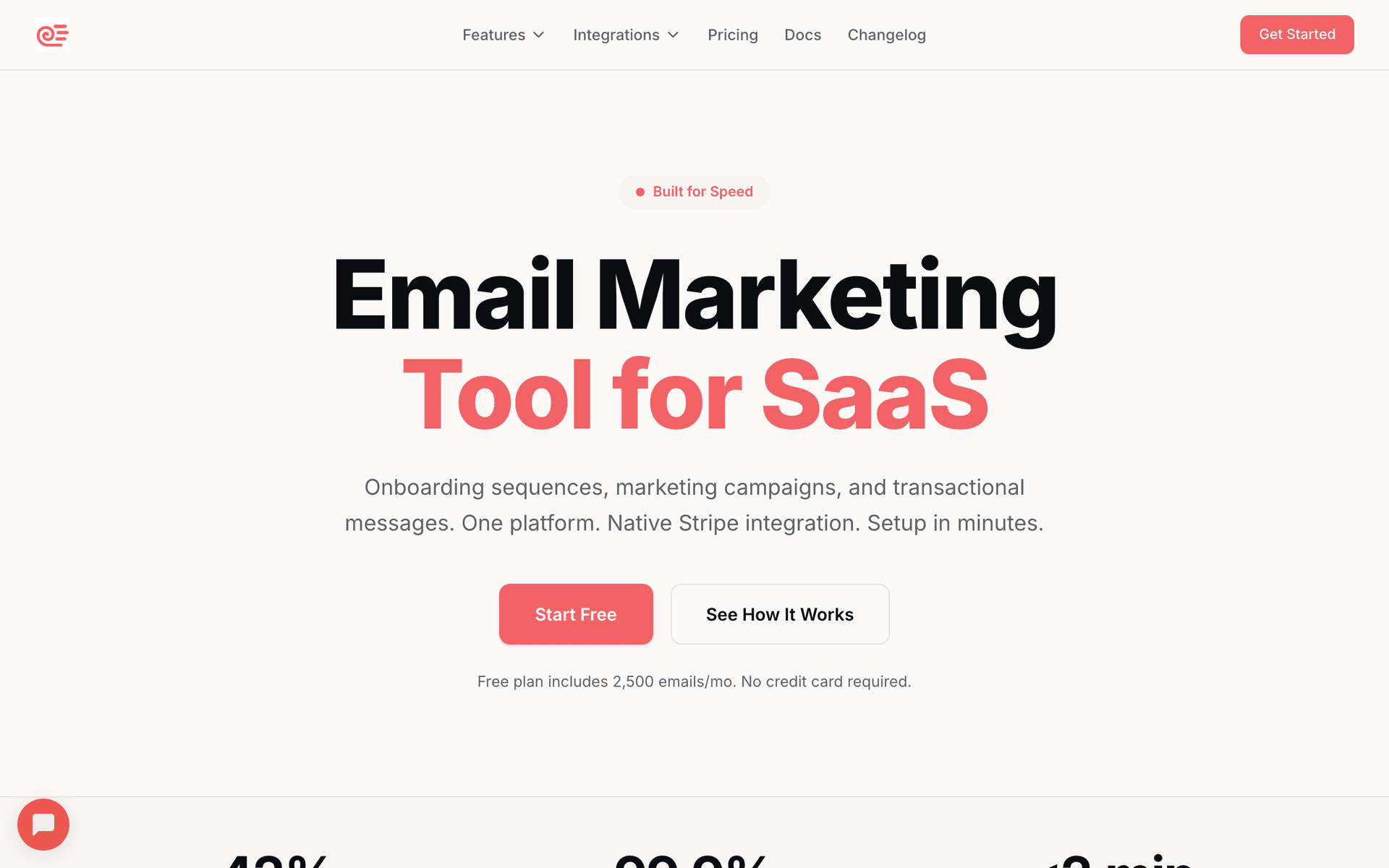
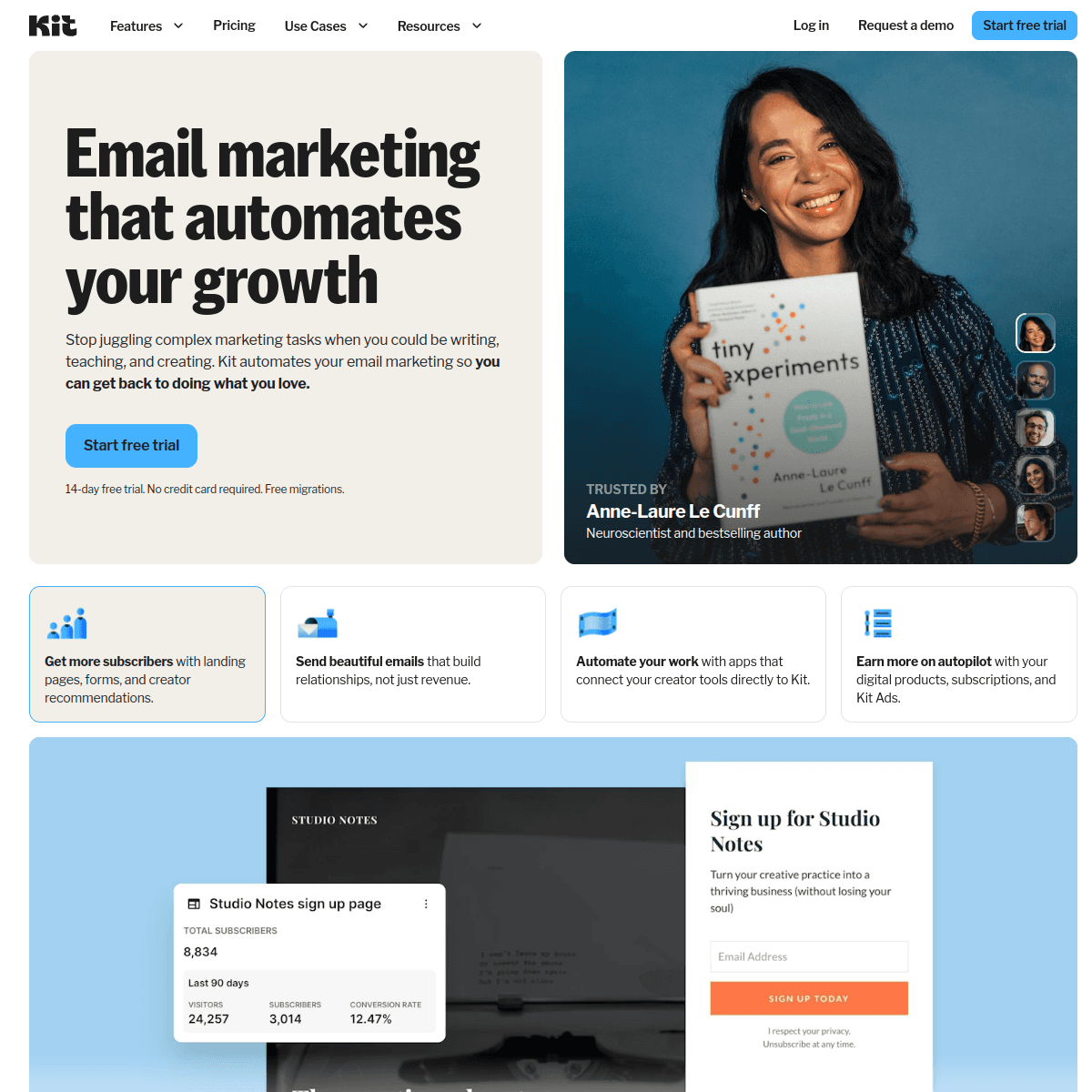
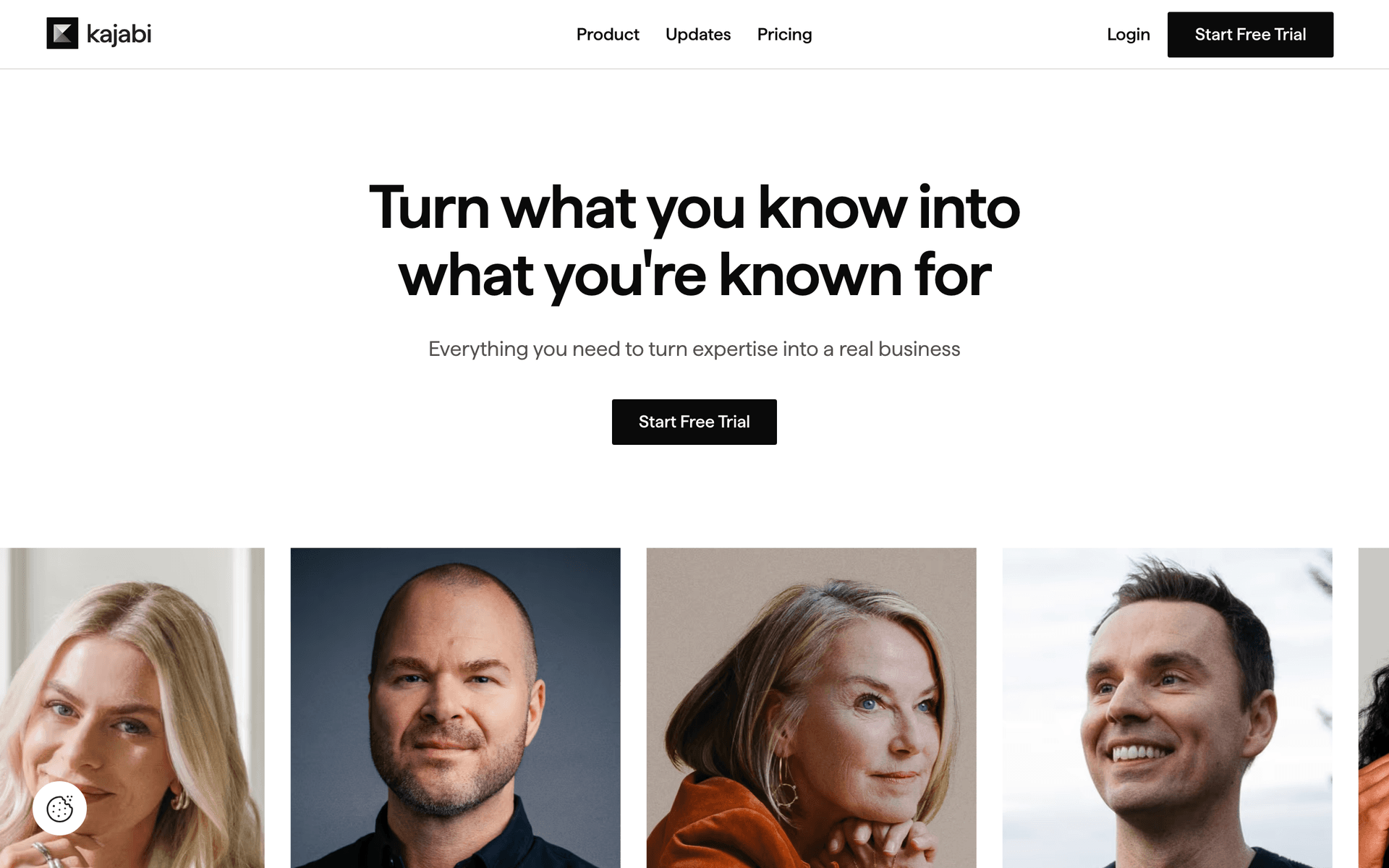
For most course creators the answer is a two-tool stack: a course platform that hosts and gates the lessons, and an email platform that owns the list, the launch and the segmentation. Sequenzy is our pick for the email half when revenue arrives in launch spikes, because A/B testing on the cart-open window, landing pages on your own domain and native payment-event triggers cover the three things that decide a launch, and unlimited contacts mean a big quiet list costs nothing to hold. Kit is the best free start under 10,000 subscribers. Kajabi is the right answer if you genuinely want one login instead of the best parts.
| If you are | Pick | Because |
|---|---|---|
| Running fixed-date cohort launches | Sequenzy | Subject-line and send-time testing on the launch window, sales pages on your domain, and failed instalments trigger recovery from Stripe, Paddle or Polar |
| Building an audience with no revenue yet | Kit (ConvertKit) | Free to 10,000 subscribers with tags, forms and landing pages, which is enough to run a first launch at zero cost |
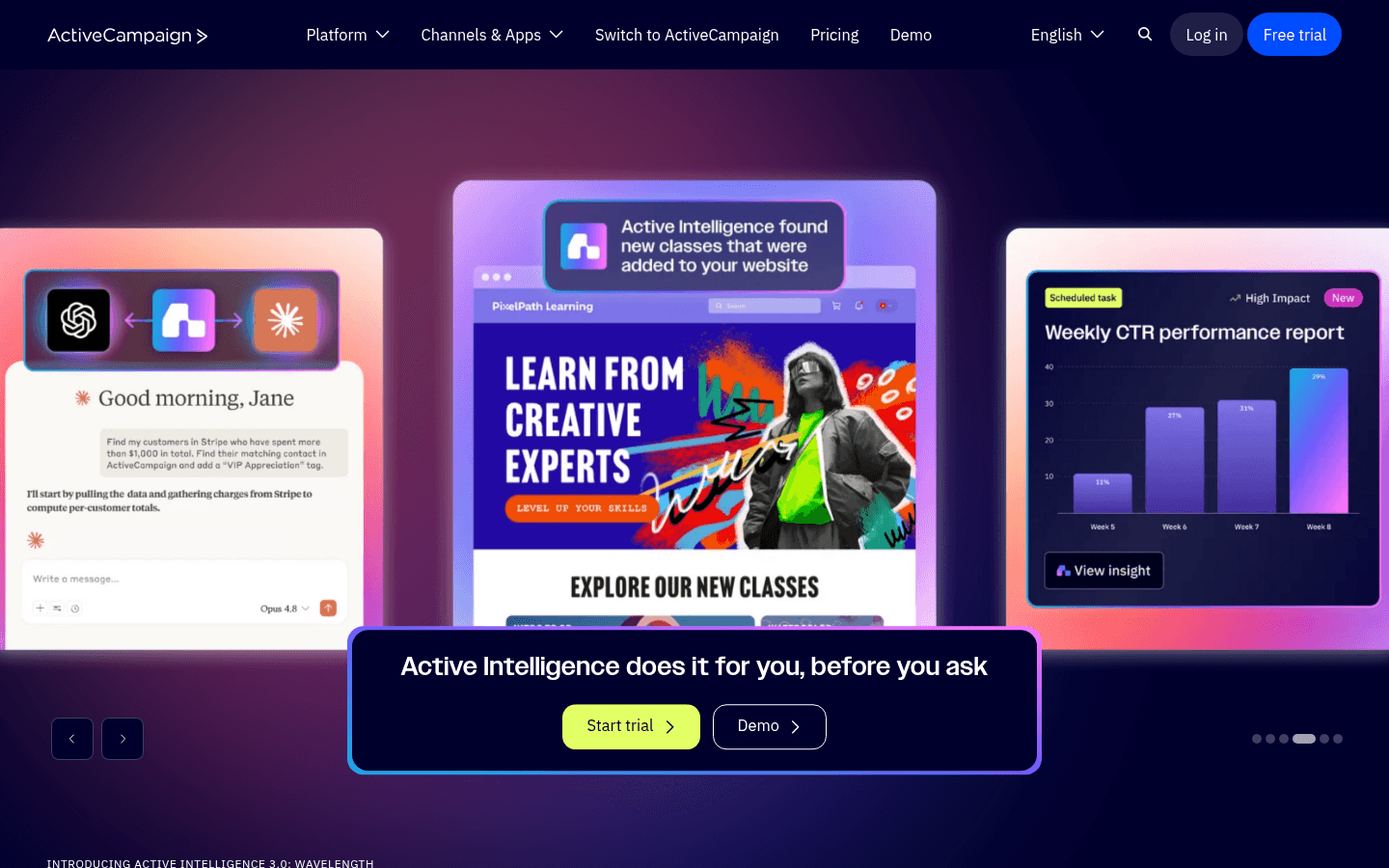
| Selling several courses with evergreen traffic | ActiveCampaign | Conditional branching and lead scoring across a catalogue, plus split tests inside automations |
| Wanting hosting, checkout, site and email in one system | Kajabi | Lesson-completion and payment events are native because it owns the course and the checkout |
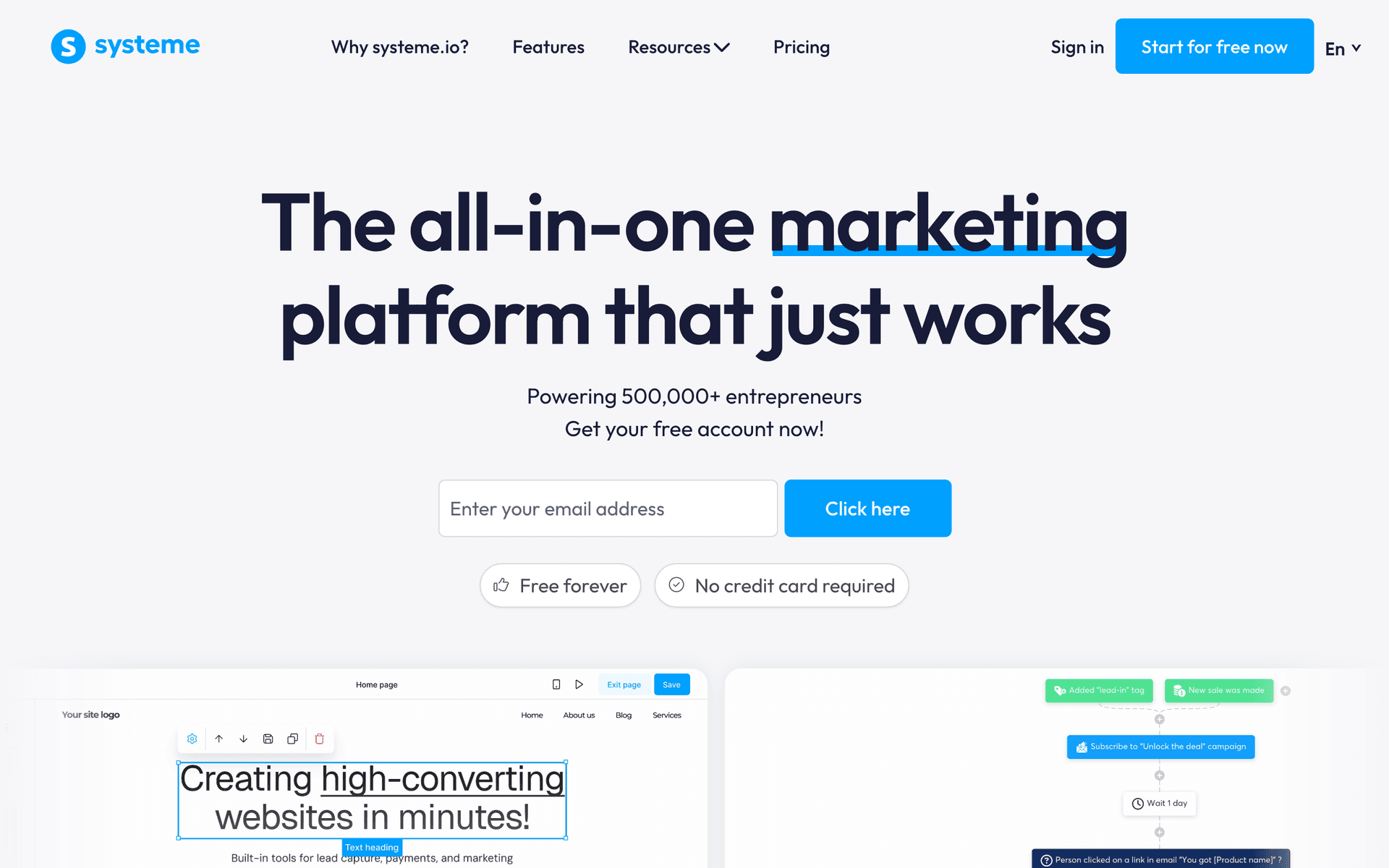
| Validating a first course on almost no budget | Systeme.io | The only genuine all-in-one with a usable free plan, funnels, courses and email included |
How to choose email marketing software for course creators
Ignore the generic criteria. These seven decide whether the tool fits a course business.
1. Does the billing model match a launch-shaped year? Course lists are large and quiet between launches. Per-subscriber billing charges you for every one of them, every month, whether you send or not. Email-volume billing with unlimited contacts charges by what you send each month, not by how many people are on the list. At 10,000 subscribers that difference is roughly $119/mo on Kit or around $239/mo on ActiveCampaign Plus, against the $49 tier on Sequenzy which covers 60,000 emails. Model it at the list size you expect in 12 months. Have it: Sequenzy, Brevo. Do not: Kit, ActiveCampaign, MailerLite, Klaviyo.
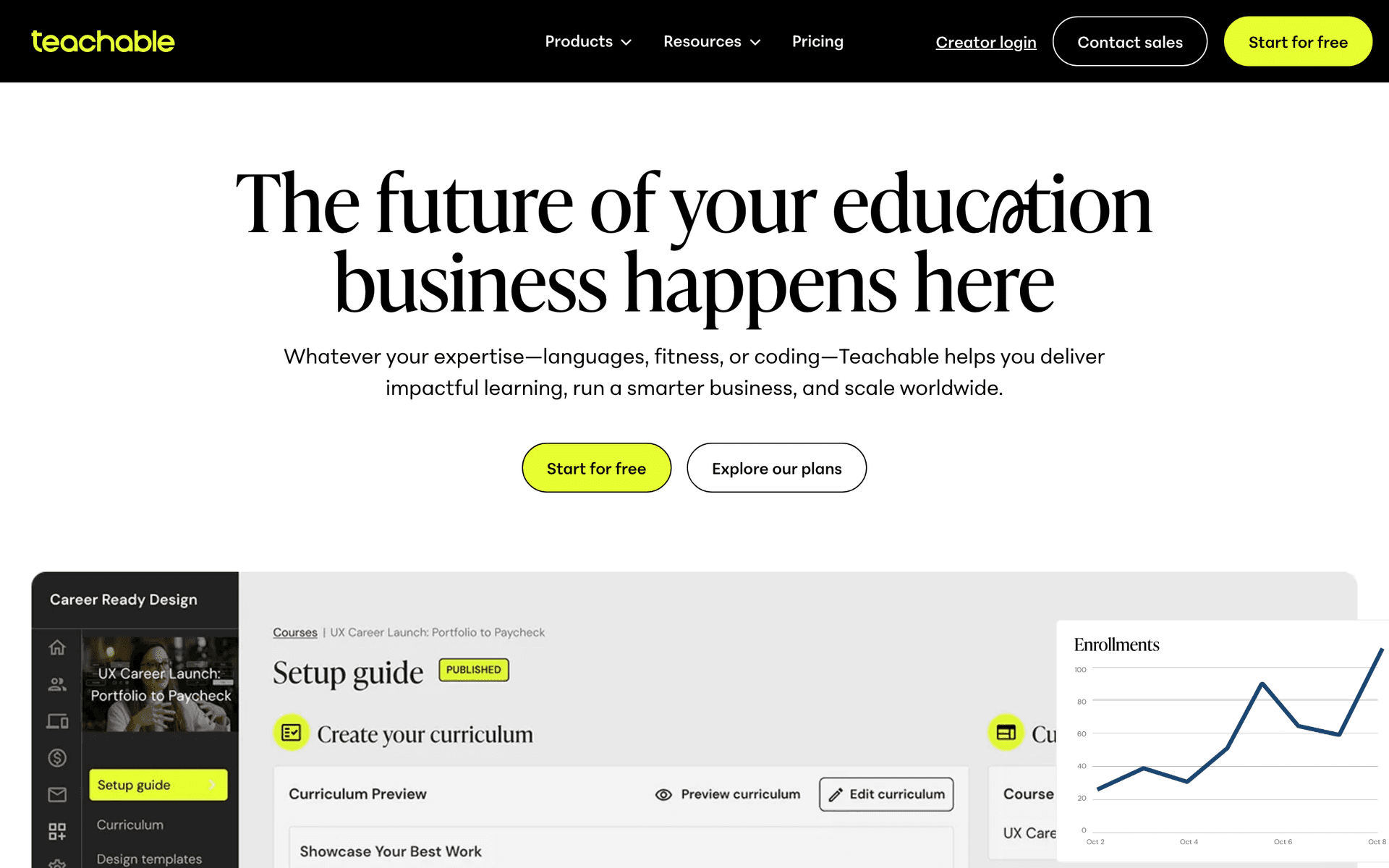
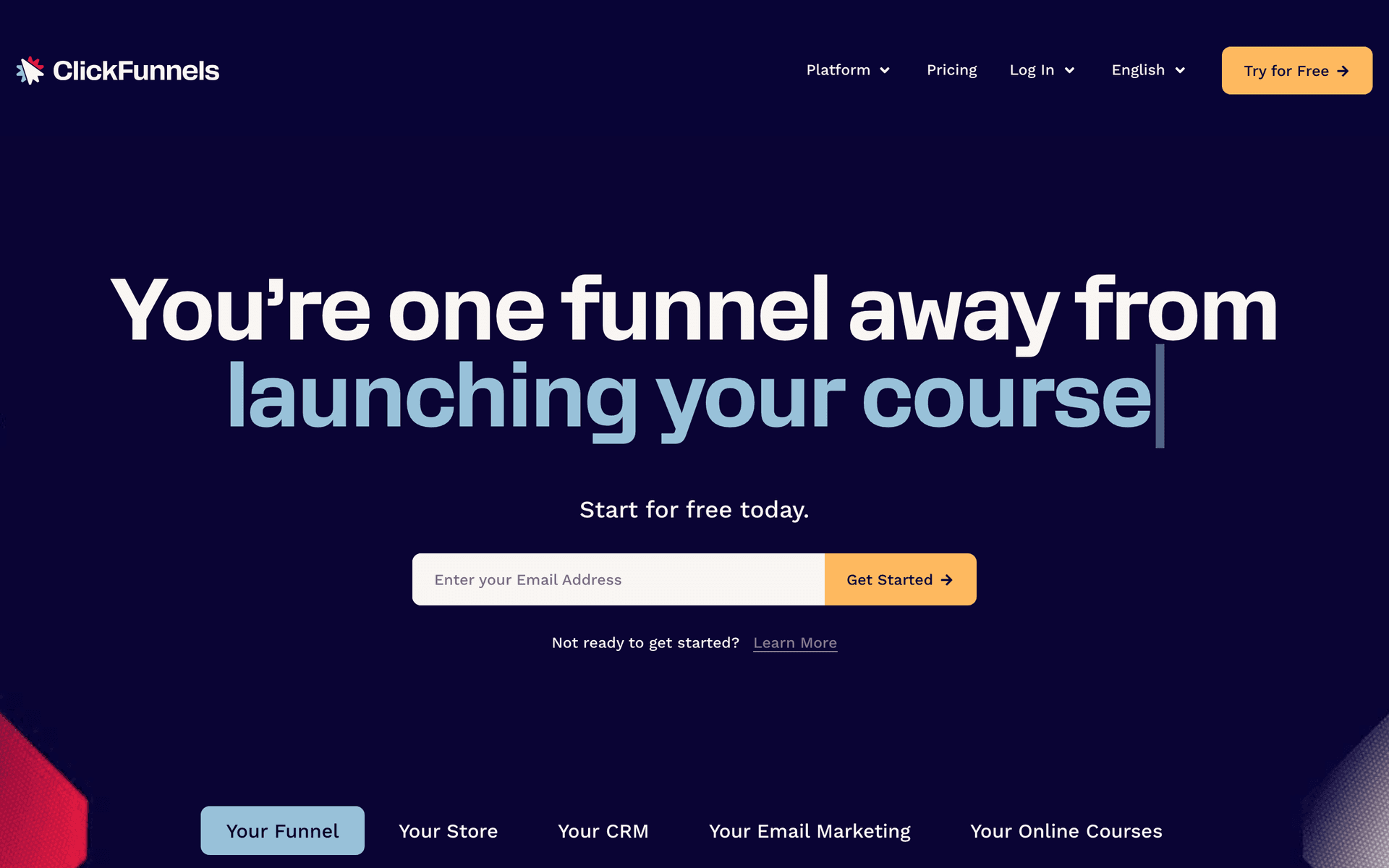
2. Can enrollment trigger a sequence without you touching anything? Good looks like a purchase or enrollment event arriving within seconds and starting the onboarding sequence, with the buyer simultaneously suppressed from every remaining launch email. Bad looks like a nightly CSV export. All-in-ones do this natively because they own the checkout. Dedicated email tools do it through the payment processor or the course platform's webhook. Have it natively: Kajabi, Teachable, Thinkific, Podia, LearnWorlds, Kartra, Systeme.io, ClickFunnels, and Sequenzy via Stripe, Paddle and Polar.
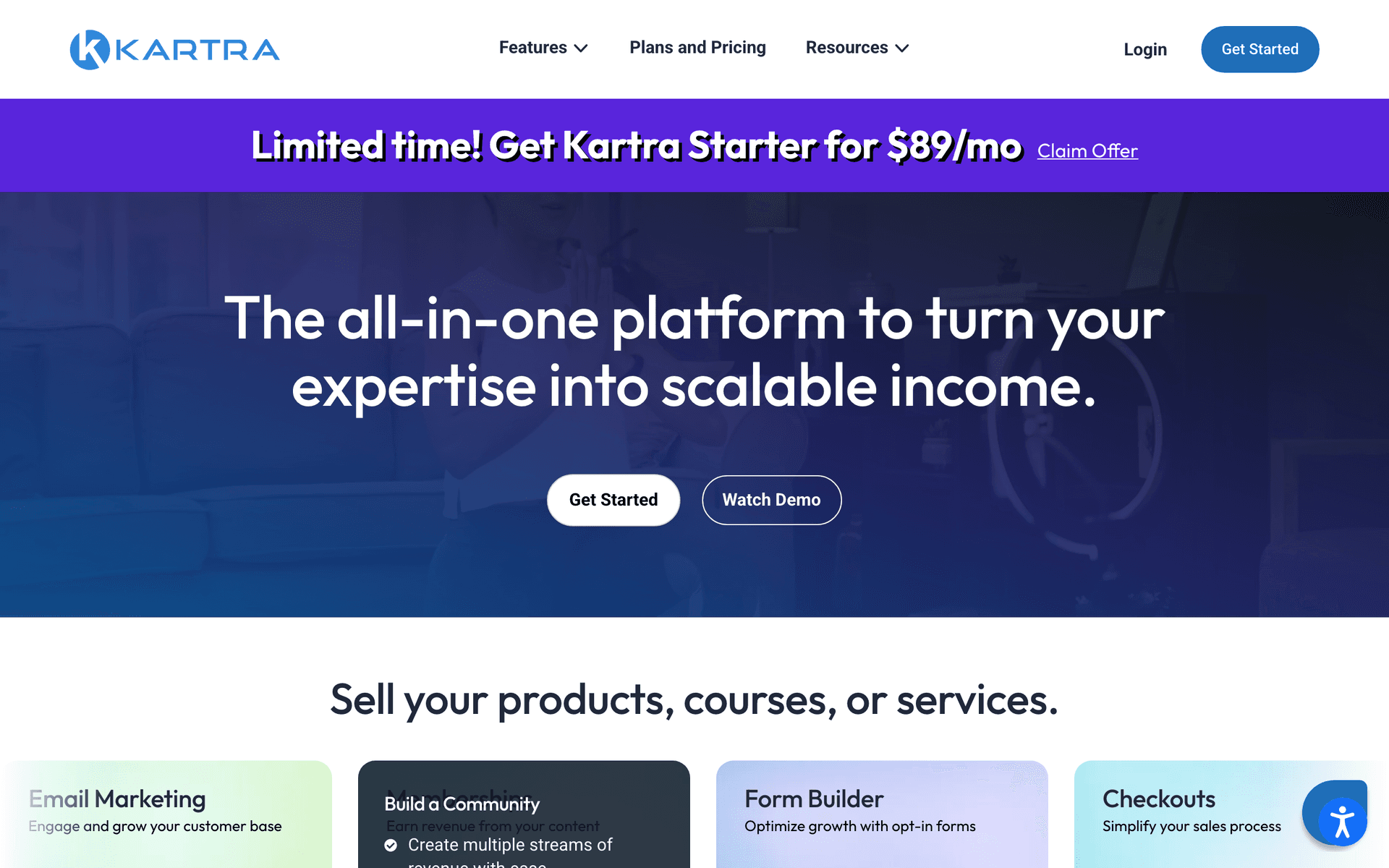
3. Can lesson completion or course progress trigger anything at all? This is the criterion almost no comparison table includes and it is the one that separates a course email programme from a newsletter. Good looks like a stalled-at-lesson-four segment you can email. Only the platforms that host the course have it natively. Everything else needs a webhook or Zapier pushing a custom event - workable, and worth an afternoon. Have it natively: Kajabi, Teachable, Thinkific, LearnWorlds, Kartra. Via custom events: Sequenzy. Via Zapier only: Kit, ActiveCampaign, MailerLite, Brevo.
4. Does a failed payment-plan instalment fire a recovery sequence? Payment plans are how most courses over $500 sell, and 5-15% of instalments fail. Good looks like a dunning sequence triggered by the payment event within minutes, with a one-click card update and automatic suppression on recovery. Have it: every all-in-one that owns the checkout, plus Sequenzy through native Stripe, Paddle, Polar, Creem and Dodo Payments. Everyone else: you build it against your processor's webhooks.
5. Can it hold a per-subscriber deadline for evergreen? Good looks like an entry date stored on the subscriber, date maths that branches on it, and a checkout link that actually expires. Bad looks like a countdown GIF that resets when the page is refreshed, which your buyers will spot. Have it: Sequenzy via date attributes, Kajabi, Kartra, Systeme.io, ClickFunnels, ActiveCampaign with date maths.
6. Can you A/B test the launch emails? A launch is the one time a subject-line test is worth real money, because the same email goes to your whole list on the same day. Good looks like subject-line and send-time tests on broadcasts, with the winner sent automatically. Have it: Sequenzy, Kit, ActiveCampaign, Kartra. Basic or none: Teachable, Thinkific, Podia, LearnWorlds, Kajabi broadcasts.
7. Are the sales page and the opt-in page in the same tool? For a course creator these are the two highest-value pages you own, and every extra integration between the form, the tag and the follow-up is one more thing to break the week before a launch. Good looks like hosted pages on your own domain with the form writing straight into a segment. Have it: Sequenzy, Kit, MailerLite, and every all-in-one.
Course platform vs email platform: what each layer does
| Layer | Examples | Owns | Cannot do |
|---|---|---|---|
| Course platform | Teachable, Thinkific, Podia, LearnWorlds | Hosting, gating, drip release, checkout, student email | Nurturing a cold list through a launch |
| Email platform | Sequenzy, Kit, ActiveCampaign, MailerLite, Brevo | The list, launches, segmentation, A/B testing, deliverability | Hosting lessons or gating content |
| All-in-one | Kajabi, Kartra, Systeme.io, ClickFunnels | Both, at a platform price | Being the best at either |
Most working course businesses run a course platform plus an email platform, joined by a webhook. All-in-ones are worth it when you genuinely value one login more than best-in-class parts, and expensive when you use half of what you pay for. The question to ask is not which is better in the abstract - it is whether your revenue depends more on launch optimisation or on classroom experience.
Course platform integration: what to check before you commit
Before you commit to a pairing, check these five things in the course platform's documentation. Every one of them has bitten a creator we have talked to.
- Does it emit an enrollment webhook, or only an email receipt? Some platforms will confirm the sale to the student and tell your email tool nothing. If there is no webhook and no native app, your only path is a Zapier trigger on the payment processor instead, which works but loses the course and cohort context.
- Does the enrollment event carry the product identifier? A webhook that says someone bought something is much less useful than one that says which course, which tier and which payment plan. Without it you cannot suppress correctly across a multi-course catalogue.
- Does it emit progress events, or only expose progress in a report? Kajabi, Teachable, Thinkific, LearnWorlds and Kartra all track lesson completion. Whether they will tell an external system in real time is a different question, and it is the difference between a stalled-student sequence and a monthly manual export.
- Does it emit failed-payment events for payment plans? If the platform takes the checkout, it owns the dunning. Check whether it will also tell you, because a recovery email from you in your voice usually outperforms a system notification from the platform.
- What is the refund and cancellation event called, and does it fire? Students who refund must come out of the student sequences and go back into the list. This is the integration people forget, and the result is a refunded student receiving week-three homework emails.
Kajabi, Teachable, Thinkific, Podia, LearnWorlds and Kartra all publish webhook documentation. Sequenzy has no native connector for any of them, so the join is an API call, a webhook or Zapier. That is an honest limitation rather than a feature, and it is a one-afternoon setup that then runs without attention.
The course creator email playbook
Pre-launch: build the list (months 1 to 3)
Before you can sell a course you need an audience that already learns from you. Build one lead magnet that solves the first problem your course solves, put it on a landing page on your own domain, and promote it everywhere you already have attention. Run a five-email welcome sequence off it: deliver, point at the best part, teach the core mistake, show a student result, then soft offer or waitlist.
Then publish weekly. One genuinely useful teaching email a week is the entire pre-launch strategy. The metric to watch is not list size, it is your 30-day engaged count - the number of subscribers who opened or clicked something in the last month. That number, multiplied by 1-3%, is a realistic forecast of your next launch. If it is not growing, nothing you do in launch week will fix it.
Cohort launches: the ten-day window
A cohort launch is one fixed deadline, one shared cart-open window, and five to nine emails.
- Day minus 3 - doors open Tuesday. No ask. Warms the list and gives unengaged subscribers a chance to leave before the volume starts.
- Day 1 - the full offer: who it is for, curriculum, format, price, payment plan, deadline. A/B test this subject line.
- Day 3 - proof. One student, one specific result, one number. Link from inside the story.
- Day 5 - the offer restated for people who skimmed, plus the payment plan as its own idea rather than a footnote.
- Day 6 to 7 - objections: time, money, and whether it works for someone like them. The honest who-should-not-buy email belongs here and converts better than it has any right to.
- Day 9 - deadline reminder with the exact closing time and timezone.
- Day 10 morning - last call. Under 80 words, one link.
Trigger: a fixed date. Segment: the whole list, minus buyers, minus anyone who has not engaged in 12 months. Timing: more than half the emails in the last three days. Metric to watch: the share of revenue landing in the final 48 hours. If it is well under 40%, your deadline is not credible or you stopped emailing too early.
Suppress buyers on the purchase event, not on a nightly sync. And send the last-call email. It is the one creators talk themselves out of, and it routinely carries 15-25% of the launch on its own.
Evergreen funnels and per-subscriber deadlines
Evergreen replaces a shared deadline with a personal one: each subscriber's cart closes 72 hours after they finish the free training. That requires an entry date stored on the subscriber record, date maths that branches on it, and a checkout link that genuinely expires. A countdown image that resets on refresh is not a deadline, it is a lie your buyers will find in about four minutes.
Trigger: completing the free training or webinar replay. Segment: anyone who has not already bought, excluding current students. Timing: hour 0, hour 24, hour 48, hour 68. Metric to watch: conversion by traffic source, because evergreen only works if the front end is fed consistently, and a funnel that converts at 4% on your own audience will convert at a fraction of that on cold ads.
Check that your platform can store a date attribute per subscriber and branch on it before you design the funnel around it. This is the single most common place a creator discovers their tool cannot do what the sales page implied.
Payment plans and failed instalments
Payment plans are how most courses over $500 actually sell, and 5-15% of instalments fail through expired cards, limits and bank blocks. Every unrecovered instalment is pure loss on content you have already delivered.
- Trigger on the failed-instalment event within minutes, never on a monthly report
- One-click card update with no login wall
- State plainly what happens to course access and when
- Three emails, then stop, and suppress the entire sequence the moment payment recovers
- Offer to move the payment date - a lot of failures are timing, not intent
Metric to watch: recovery rate on failed instalments. Anything under half suggests your first email is arriving too slowly or the update link is behind a login. Native Stripe, Paddle and Polar support means the event reaches your sequence without glue code.
Lesson completion and student re-engagement
Almost every course has one lesson where completion falls off a cliff. Find it in your course platform's progress report, then build three sequences around it.
- Enrolled but never started. Fires at 48 hours with no progress. One email, one link, one lesson.
- Stalled at the drop-off lesson. Fires at 14 days idle. Name the lesson explicitly, acknowledge that it is where people stop, and give the shortcut. Not a generic encouragement email.
- Completed. Fires on the completion event. Ask one question while they are still excited: what changed. This is where testimonials come from, and testimonials are what the next launch runs on.
Metric to watch: module-one completion within seven days of enrollment. It predicts overall completion better than anything else, and completion predicts refunds, referrals and repeat purchases.
Between launches: the waitlist and the weekly email
When the cart closes, redirect the sales page to a waitlist form rather than a dead page. Waitlist subscribers convert at several times your general list rate, so track them as their own segment and open to them 24 hours early next time. Keep the weekly teaching email running the whole time - it is what stops your next launch going out to a list that has forgotten who you are, and it keeps your sending reputation healthy so the launch emails actually land.
What it costs at 1,000, 10,000 and 30,000 subscribers
| Platform | Billing model | 1,000 subscribers | 10,000 subscribers | 30,000 subscribers |
|---|---|---|---|---|
| Sequenzy | Emails sent, unlimited contacts | $19 tier, covering 15,000 emails | $49 tier, covering 60,000 emails | $199 tier, covering 300,000 emails |
| Kit (ConvertKit) | Subscribers | Free, or $39/mo on Creator | Free tier ends here; around $119/mo | Priced by subscriber band above 10,000 |
| ActiveCampaign Plus | Contacts | From $49/mo at 1,000 contacts | Around $239/mo at 10,000 contacts | Priced by contact band |
| MailerLite Comfort | Subscribers | From $12/mo | Priced by subscriber band | Priced by subscriber band |
| Brevo | Emails sent, unlimited contacts | Free at 300/day, then from $9/mo | Volume tier by monthly sends | Volume tier by monthly sends |
| GetResponse Starter | Contacts | $19/mo at 1,000 contacts | $79/mo at 10,000 contacts | Priced by contact band |
| Kajabi, Kartra, Systeme.io | Platform subscription by band | Entry tier | Mid tier | Upper tier |
| Assumptions | Four launches a year | 4 sends/mo | 5 sends/mo | 5 sends/mo |
Assumptions in detail: list sizes are total subscribers, not engaged subscribers. Send volume assumes a weekly teaching email plus launch bursts averaged across the year. Competitor figures are taken from our pricing guides for Kit, ActiveCampaign, MailerLite, Brevo and GetResponse; where a vendor does not publish a rate at a list size, the band is described rather than guessed. All-in-one platforms are priced as business subscriptions and are not comparable line for line with an email tool - price them against the whole stack they replace.
The pattern to notice: on a per-subscriber platform the bill is the same in a month you launch and a month you do not. On an email-volume platform the quiet eight months of the year are nearly free. Over a year, for a creator with a 30,000-person list and four launches, that difference is normally larger than the price of the course platform.
Getting started: first 30 days
Week 1 - capture and hygiene. Pick the email platform and authenticate the sending domain with SPF, DKIM and DMARC before anything else. Build one lead magnet and one landing page on your own domain. Import your existing list, tagging past buyers separately, and exclude anyone who has not engaged in 12 months from the first sends.
Week 2 - the welcome sequence. Write the five-email lead magnet sequence: deliver, point at the best part, teach the core mistake, show a student result, soft offer or waitlist. Set the tag that marks a subscriber launch-warm when they click the offer. Start the weekly teaching email this week, not later - consistency compounds and it is the hardest habit to start retroactively.
Week 3 - the launch sequence and the plumbing. Draft all seven to nine launch emails before the launch, not during it. Wire the enrollment webhook from your course platform so a purchase suppresses the buyer and starts onboarding. Connect the payment processor so failed instalments have somewhere to go. Test both by making a real purchase with a real card and refunding it.
Week 4 - onboarding and the drop-off email. Build the four-email student onboarding sequence. Pull your progress report, find the lesson where completion falls off, and write one email for it. Set up the payment-plan recovery sequence. Then schedule the launch and stop building - the sequences you have are enough for the first three launches.
Course creator email benchmarks
| Metric | Healthy range | What it tells you |
|---|---|---|
| List to launch conversion | 1-3% of the full list | Offer strength and how warm the list was before the sequence started |
| Launch email open rate | 30-45% | Subject-line quality. Decline through the window is normal |
| Sales in the final 48 hours | 40-60% of the launch | Whether your deadline is credible and whether you kept emailing |
| Revenue per subscriber per launch | $5-20 | The single best measure of list quality against offer price |
| Payment-plan instalment failure | 5-15% | Expected. What matters is your recovery rate on it |
| Module one completion in 7 days | 50-70% of new students | The best early predictor of completion, refunds and referrals |
| Course completion rate | 15-35% | Self-paced at the bottom, cohort at the top |
| List growth between launches | 5-15% per month | The input that sets the size of the next launch |
| Unsubscribe rate on launch emails | Under 1% per send | Above that, you launched to a list you had not warmed |
Related resources for course creator email marketing
- Course creator email templates and welcome email templates
- Welcome subject lines and email sequence templates
- Product launch email sequence and how to A/B test email subject lines
- Dunning email templates for payment-plan recovery
- Email marketing for coaches if you sell 1:1 alongside the course
- Email marketing for cohort-based courses, creators, info product creators and membership sites
- Kit compared and Kit alternatives
- Systeme.io compared and Kit pricing
- Landing pages, A/B testing and smart segments - the three features a launch runs on
- Newsletter ideas for course creators for the weeks between launches
- Full pricing
Start free - 2,500 emails a month, unlimited subscribers, with A/B testing and landing pages included from the free tier.