
The 21 Best Email Marketing Tools for B2B SaaS in 2026

Choosing B2B SaaS email tools is different from picking a newsletter platform or an e-commerce solution. You need to nurture long sales cycles, send product-led onboarding sequences, handle transactional messages, and segment by account rather than individual consumer behavior. Most email tools weren't built with these requirements in mind.
This guide breaks down the email tool landscape specifically for B2B SaaS companies. I'll cover what to look for, which platforms excel at different use cases, and how to match your choice to your company stage.
What B2B SaaS Companies Need from Email
B2B SaaS email requirements diverge from B2C in several fundamental ways.
First, you're dealing with accounts, not just individuals. When a company signs up for your product, you might have a primary admin, billing contact, and dozens of team members. Your email strategy needs to handle this complexity - sending different messages to different roles within the same account.
Second, sales cycles are longer. A B2C product might convert someone in a single session. B2B deals can take weeks or months. Your email nurturing needs to sustain engagement across that timeline without becoming annoying or repetitive.
Third, the relationship between marketing and product is tighter. In B2B SaaS, especially product-led growth models, your email marketing is deeply connected to what happens inside the product. Users who complete onboarding need different emails than users who stalled out. Accounts approaching renewal need different treatment than new trials. Our guide to product-led growth email strategies dives deep into how to align email with your PLG motion.
Fourth, transactional emails carry more weight. Password resets, invoice notices, and security alerts are table stakes. In B2B, these emails affect your relationship with entire organizations, not just individuals.
Finally, you need to integrate with your existing stack. CRM systems, analytics platforms, billing tools like Stripe - your email platform can't exist in isolation. The more native integrations, the less duct tape you need.
Quick Comparison Table
| Tool | Best For | Starting Price | Free Tier | SaaS Features |
|---|---|---|---|---|
| Sequenzy | Stripe-integrated B2B SaaS | $19/mo | Yes (2.5k emails/mo) | Event API, Stripe, transactional + marketing |
| Customer.io | Complex behavioral automation | $100/mo | No | Advanced event workflows, multi-channel |
| Loops | Simplicity-minded SaaS | $49/mo | No | Clean UI, unified transactional/marketing |
| HubSpot | Sales-assisted B2B | $20/mo | Yes (limited) | CRM integration, deal tracking |
| ActiveCampaign | Marketing automation depth | $29/mo | No | Visual workflows, lead scoring |
| Resend | Developer-led SaaS | $20/mo | Yes (3k/mo) | Best-in-class API, React Email |
| Postmark | Transactional deliverability | $15/mo | No | Separate transactional/broadcast streams |
| SendGrid | High-volume sending | $19/mo | Yes (100/day) | Proven scale, extensive SDKs |
| Vero | Behavioral email focus | $54/mo | No | Event-based campaigns |
| MailerLite | Budget-conscious SaaS | $10/mo | Yes (1k subs) | Clean UI, solid basics |
| Mailchimp | Brand recognition | $13/mo | Yes (500 contacts) | Extensive integrations |
| ConvertKit | Creator-focused SaaS | $25/mo | Yes (10k subs) | Newsletter + sequence tools |
| Klaviyo | E-commerce B2B SaaS | $45/mo | Yes (250 contacts) | E-commerce depth |
| Brevo | Budget all-in-one | $25/mo | Yes (300/day) | Email + SMS + CRM |
| Iterable | Enterprise cross-channel | Custom | No | Multi-channel orchestration |
| Braze | Mobile-first SaaS | Custom | No | Push + in-app + email |
| Netcore Email API | High-volume APAC | $15/mo | Yes (30k/mo) | High-volume sending |
| Amazon SES | DIY infrastructure | Pay-per-use | No | Raw infrastructure control |
| Mailgun | Flexible transactional | $35/mo | Trial only | Programmable routing |
| Omnisend | SaaS with e-commerce | $16/mo | Yes (500 contacts) | E-commerce automation |
| Campaign Monitor | Design-focused teams | $9/mo | No | Template quality |
Best B2B SaaS Email Tool by Go-to-Market Model
Best for product-led B2B SaaS: Sequenzy
Sequenzy is the best fit when product events, onboarding milestones, and Stripe billing should trigger email automatically. It is especially relevant for teams trying to improve activation rate, reduce time to value, or run account-aware onboarding without buying a heavy enterprise platform.
Best for sales-assisted B2B SaaS: HubSpot
HubSpot makes sense when email needs to sit next to deals, sales tasks, lead scoring, and pipeline reporting. It is usually too much platform for simple lifecycle email, but the CRM context is valuable when sales owns part of the customer journey.
Best for account-based lifecycle email: Userlist
Userlist is strongest when multiple users from one company need different lifecycle messages. Use it when your email logic depends on account plan, team size, admin status, or company-level activation rather than only individual subscriber behavior.
Best for complex nurture and lead scoring: ActiveCampaign
ActiveCampaign is a strong fit for B2B teams that need sophisticated nurture paths and CRM-lite automation without HubSpot pricing. Compare it with the ActiveCampaign comparison before using it for product-event-heavy SaaS email.
Best for churn-sensitive B2B SaaS: Sequenzy or Customer.io
For subscription churn, Sequenzy is faster when billing events drive the email. Customer.io is stronger when churn risk combines product usage, support events, and account signals. The practical starting point is the churn reduction guide and SaaS churn prevention templates.
How to Evaluate Email Tools for B2B SaaS
Before comparing specific platforms, establish your evaluation criteria. These five factors matter most for B2B SaaS:
Event-based automation capability. Can you trigger emails based on product events? Not just "opened an email" or "clicked a link," but "created their first project" or "invited a team member." This is where behavioral email marketing separates the SaaS-focused tools from the generic ones.
Transactional and marketing email in one place. Running separate tools for transactional and marketing email creates data silos, complicates deliverability management, and adds operational overhead. The transactional vs marketing email distinction still matters, but unified platforms handle both better.
Account-level segmentation. Can you segment by company attributes, not just individual behavior? For B2B, this means filtering by MRR, plan type, industry, team size, or custom attributes you define.
Developer-friendly API. If you're building a SaaS product, you need to integrate email deeply. A clean API with good documentation isn't optional. Our roundup of the best developer-friendly email tools evaluates platforms specifically on API quality and developer experience.
Realistic pricing at scale. Many tools look affordable at small volumes, then become painful as you grow. Evaluate pricing at your current size and at 5x your current subscriber count.
1. Sequenzy - Best for Stripe-Integrated B2B SaaS
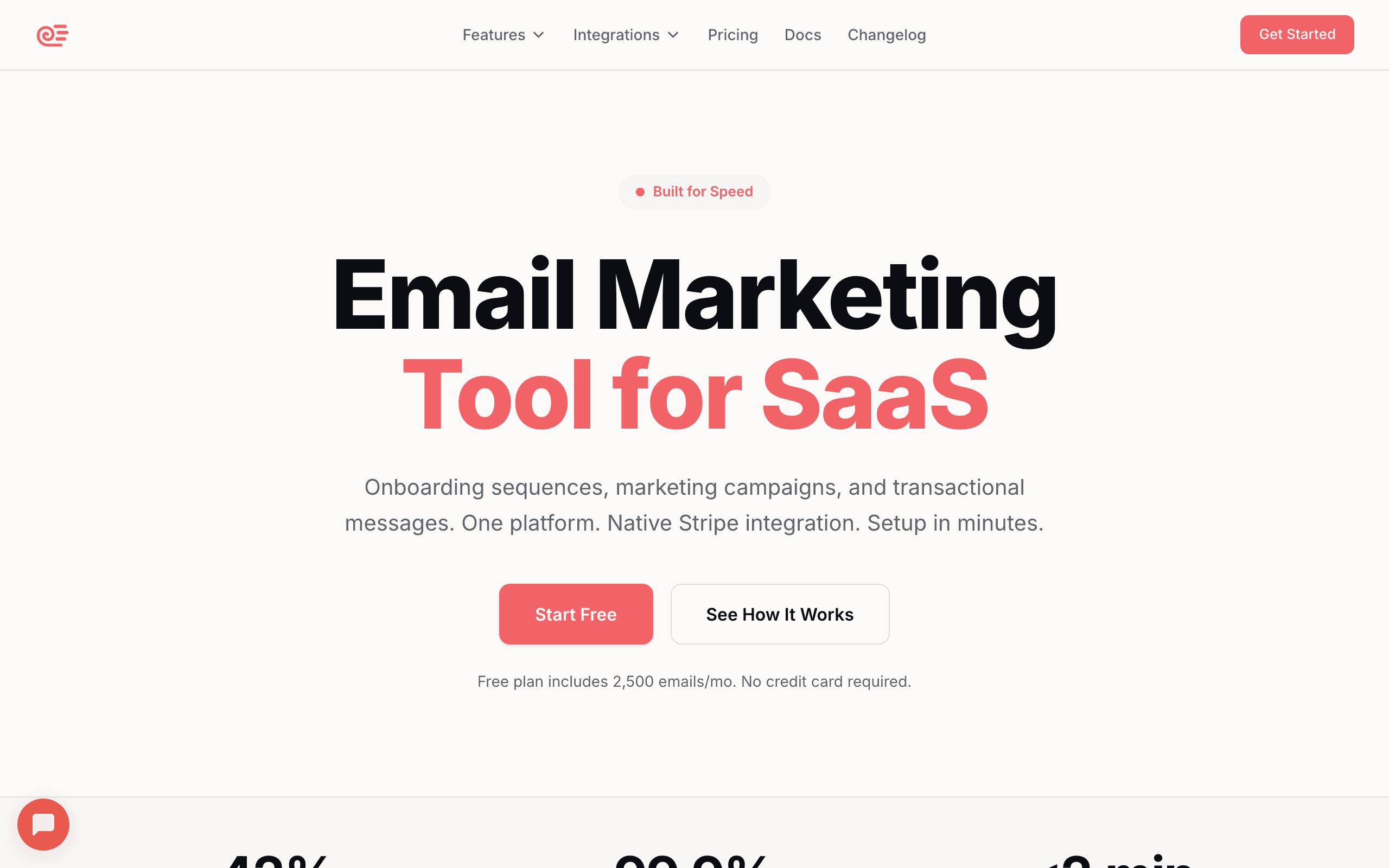
Sequenzy was built specifically for SaaS companies that want transactional and marketing email in one system. The Stripe integration is native - you can segment by MRR, trigger emails on payment events, and run dunning sequences without external tools.
The event API is clean and well-documented. Fire events from your product, and use them to trigger behavioral sequences. Password resets, onboarding emails, and marketing campaigns all live in the same platform with unified deliverability management.
For B2B SaaS with Stripe billing (which is most of them), the native integration removes significant complexity. You're not syncing data between systems or building custom integrations.
Limitations: Sequenzy offers SMS as a paid add-on rather than a deep native channel, has a landing page builder with publishing and custom domains, and has a smaller integration ecosystem than older platforms. The core functionality is solid, but you won't find every third-party connection.
- Price: Free up to 2,500 emails/month, paid plans from $19/month
- Transactional Email: Yes
- Behavioral Triggers: Native event API
- Stripe Integration: Native
- API Quality: Developer-first with comprehensive docs
- Best For: B2B SaaS with Stripe billing wanting unified email platform
Learn more about our Stripe integration and automation builder.
2. Customer.io - Best for Complex Behavioral Automation
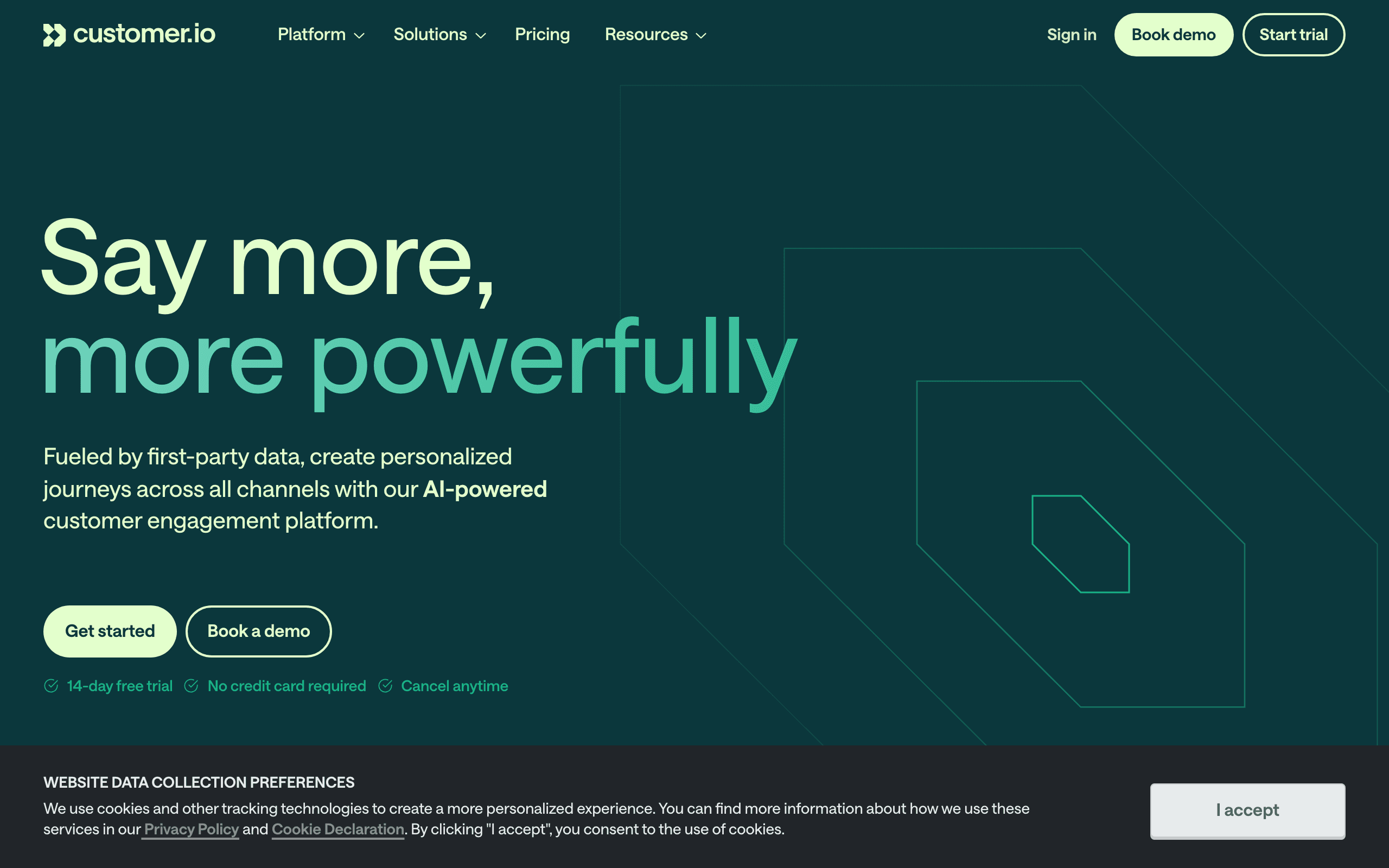
Customer.io is the enterprise-grade behavioral messaging platform. You can build complex workflows that branch based on user actions, A/B test within sequences, and send across email, push, SMS, and in-app channels.
The event API is robust. You fire events from your application, and Customer.io uses those to trigger campaigns. For B2B SaaS with complex user journeys, this granular control is valuable.
The trade-off is cost and complexity. Starting at $100/month and scaling up quickly, Customer.io is a significant investment. The learning curve is real - expect weeks, not days, to get fully productive.
- Price: From $100/month
- Transactional Email: Separate product required
- Behavioral Triggers: Advanced event system
- Stripe Integration: Via Segment or custom integration
- API Quality: Excellent, developer-focused
- Best For: Enterprise B2B SaaS with complex multi-channel journeys
See our Customer.io comparison for more.
3. Loops - Best for Simplicity-Minded B2B SaaS
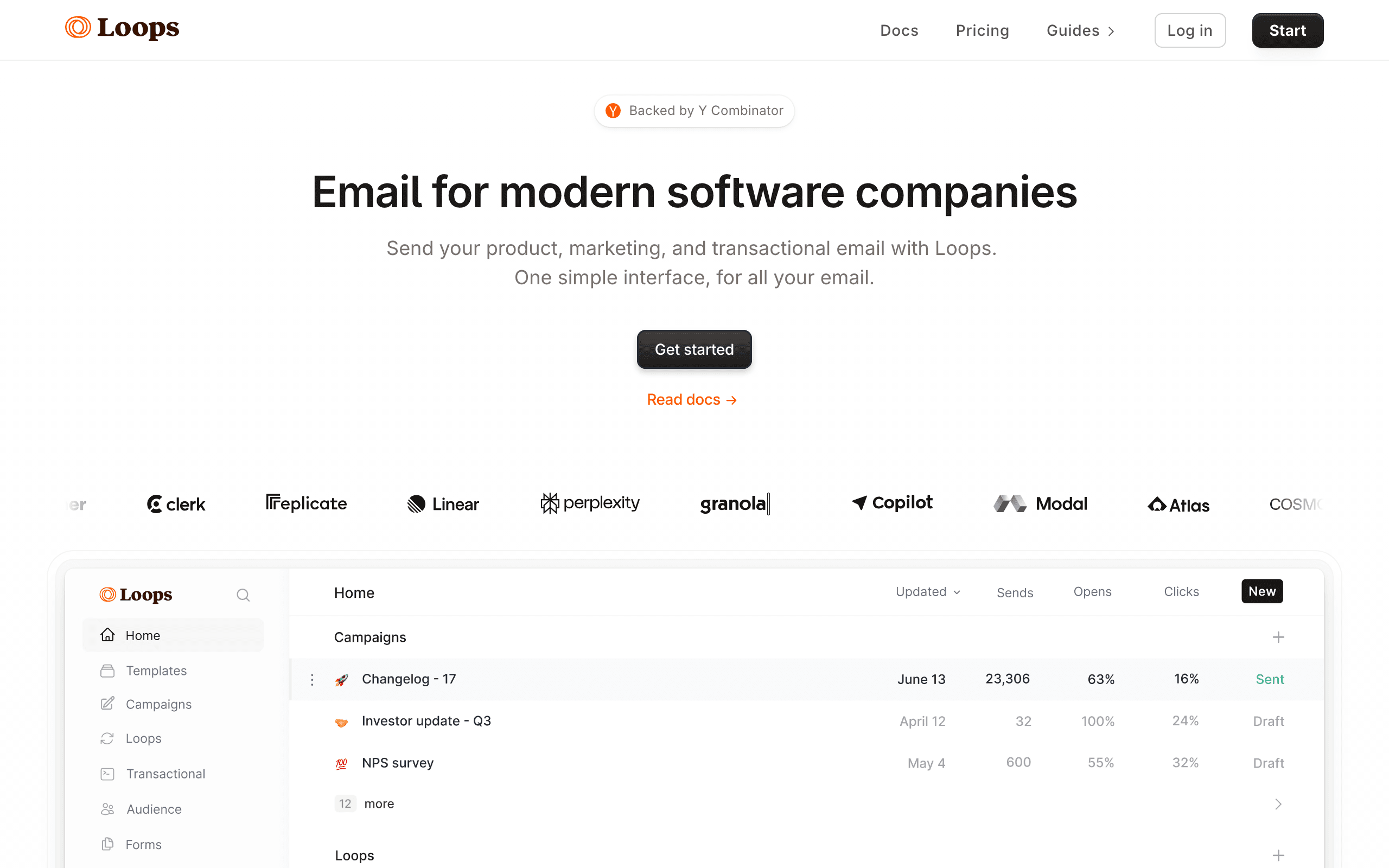
Loops combines transactional and marketing email in a clean, modern interface. It's explicitly built for SaaS and gets out of your way faster than most tools.
The simplicity is the selling point. If you want to send onboarding sequences and transactional emails without learning a complex platform, Loops delivers. Setup is fast, the UI is intuitive, and it handles the basics well.
The trade-off is automation depth. Loops won't match Customer.io's workflow complexity. For many B2B SaaS companies, especially earlier-stage ones, this is fine - you don't need that complexity yet.
- Price: From $49/month
- Transactional Email: Yes, unified
- Behavioral Triggers: Basic event tracking
- Stripe Integration: Partial, via webhooks
- API Quality: Clean and simple
- Best For: Early to mid-stage B2B SaaS wanting simple, focused platform
See our Loops comparison for more.
4. HubSpot - Best for Sales-Assisted B2B SaaS
HubSpot is the default choice for B2B companies with sales teams. The email marketing tools are solid, but the real value is integration with HubSpot's CRM and sales tools. If you're running sales-assisted deals alongside product-led acquisition, HubSpot's unified view of contacts is genuinely useful.
The downsides: HubSpot gets expensive fast. The free tier is limited, and pricing jumps significantly as you add features. The interface is also overwhelming for teams that just want to send email. You're paying for (and navigating) a lot of functionality you might not need.
- Price: From $20/month (email), CRM features extra
- Transactional Email: Add-on required
- Behavioral Triggers: Limited, mostly engagement-based
- Stripe Integration: Via Zapier or integrations
- API Quality: Comprehensive but complex
- Best For: B2B SaaS with hybrid sales models and enterprise budget
See our HubSpot comparison for detailed analysis.
5. ActiveCampaign - Best for Marketing Automation Depth
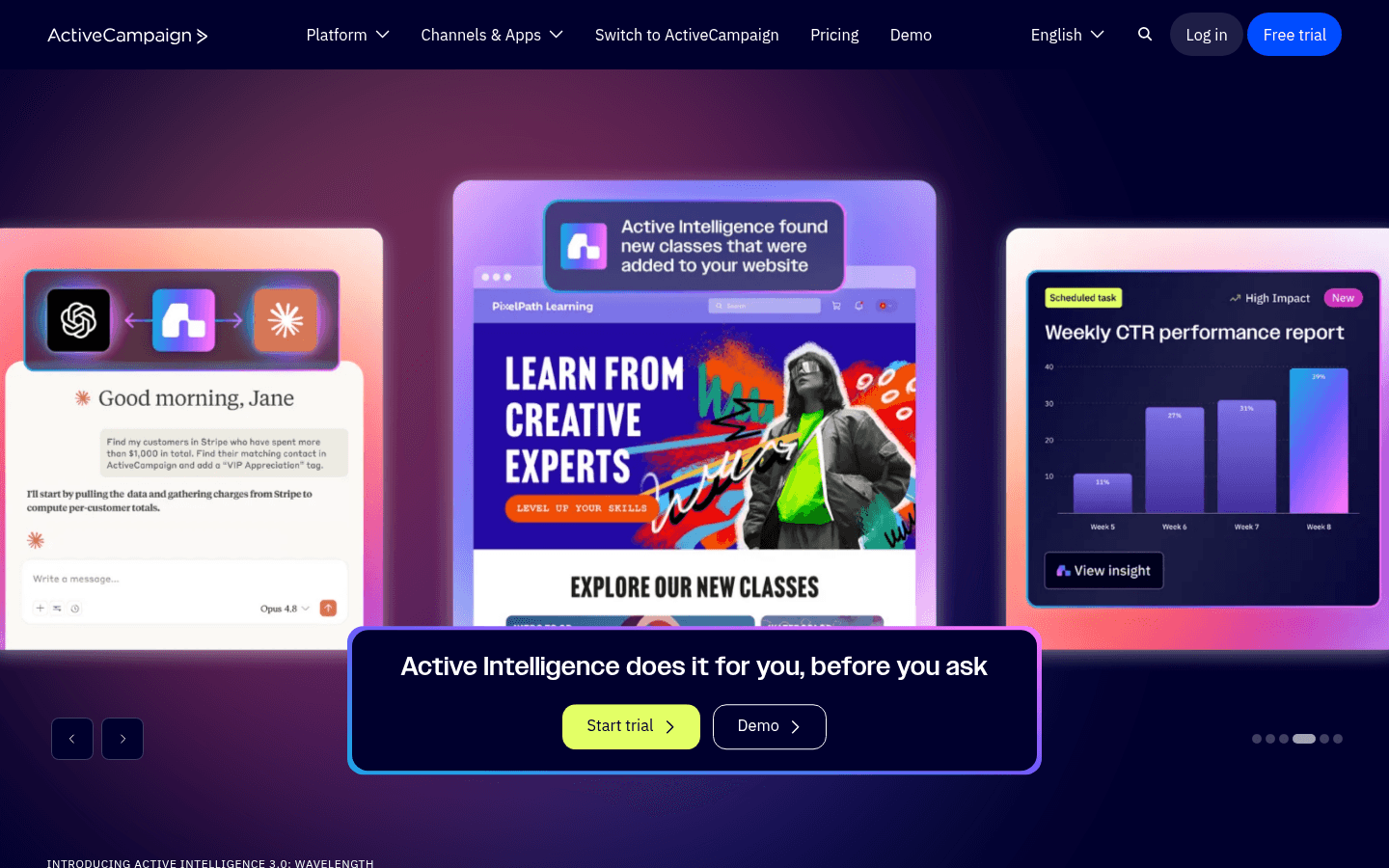
ActiveCampaign offers powerful automation at a lower price point than HubSpot. The visual workflow builder can handle complex multi-step sequences, and the built-in CRM is adequate for smaller teams.
For B2B SaaS, ActiveCampaign works well if your primary need is sophisticated drip campaigns and lead scoring. The event tracking is decent, though less native than purpose-built SaaS tools.
Limitations include a dated interface and complexity that can slow down simpler use cases. Transactional email requires their separate product.
- Price: From $29/month
- Transactional Email: Separate product
- Behavioral Triggers: Good, via site tracking
- Stripe Integration: via integrations
- API Quality: Solid, well-documented
- Best For: B2B SaaS needing deep automation without enterprise pricing
Check out our ActiveCampaign comparison.
6. Resend - Best for Developer-Led B2B SaaS
Resend has arguably the best developer experience in transactional email. The API is clean, documentation is excellent, and React Email (their templating framework) is a joy to use if you're already in the React ecosystem.
For B2B SaaS with strong engineering teams, Resend's approach makes sense. You build email into your product through code, not through a marketing UI.
The catch: Resend started as purely transactional. Marketing features exist now but are less mature than dedicated marketing platforms. If you need sophisticated campaigns alongside transactional, you might still need a second tool.
- Price: Free up to 3,000 emails/month, from $20/month
- Transactional Email: Primary strength
- Behavioral Triggers: Limited, marketing features early
- Stripe Integration: No native support
- API Quality: Best-in-class
- Best For: Developer-heavy B2B SaaS prioritizing API experience
Check our Resend comparison.
7. Postmark - Best for Transactional Deliverability
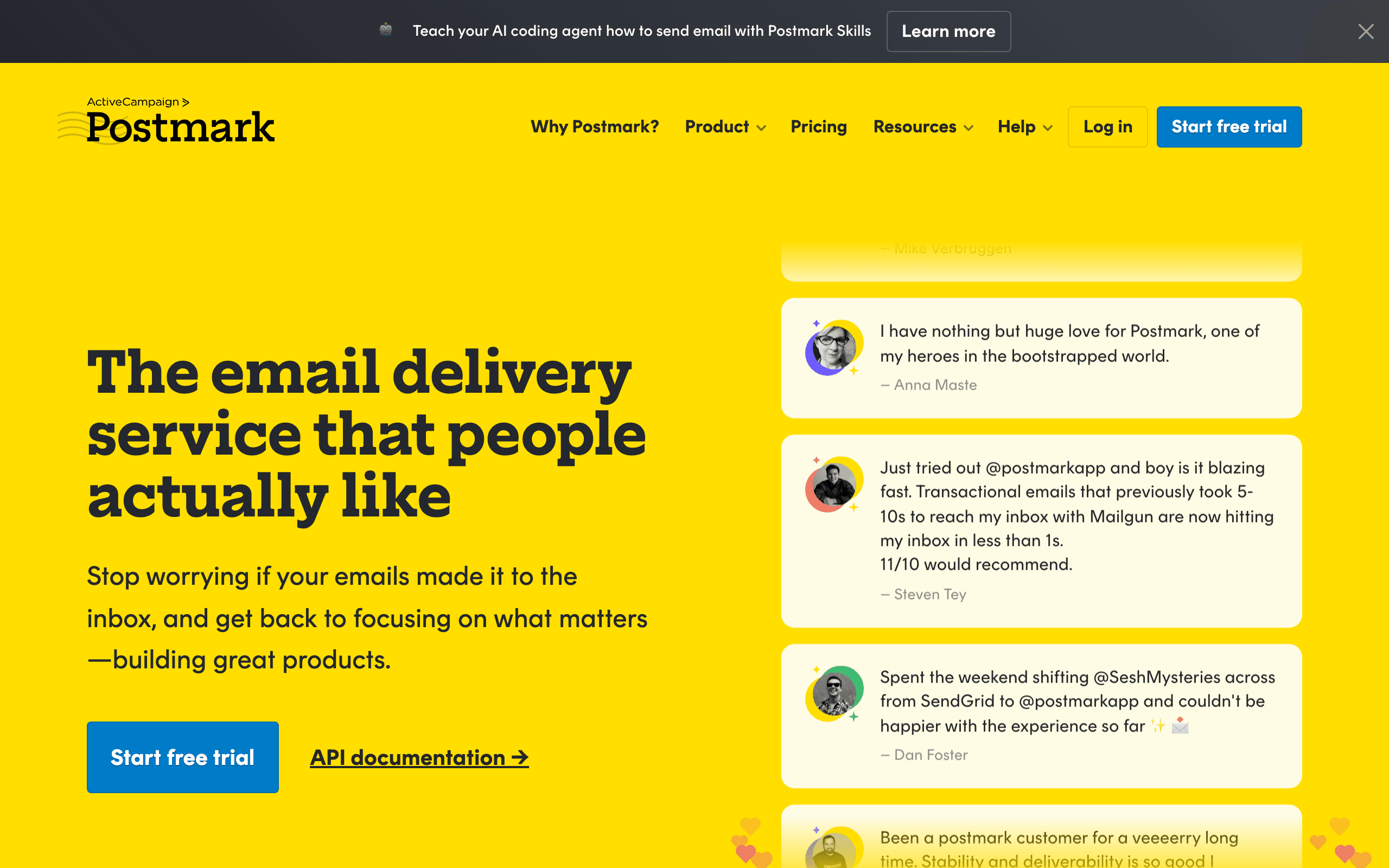
Postmark built its reputation on deliverability. For B2B SaaS where transactional emails absolutely must arrive - authentication codes, billing alerts, security notifications - Postmark's obsessive focus on inbox placement is valuable.
They maintain separate streams for transactional and broadcast email to protect deliverability of critical messages. Marketing features are basic by design.
- Price: From $15/month
- Transactional Email: Core product, excellent
- Behavioral Triggers: Very limited
- Stripe Integration: No native support
- API Quality: Clean, reliable
- Best For: B2B SaaS where transactional email reliability is non-negotiable
See our Postmark comparison.
8. SendGrid - Best for High-Volume Sending
SendGrid is the scaled infrastructure choice. Owned by Twilio, it handles massive volumes and has extensive documentation and SDKs.
The platform is powerful but feels older than newer alternatives. If you're sending millions of emails and need proven scale, SendGrid delivers. For smaller B2B SaaS, newer options offer better developer experience.
- Price: Free up to 100 emails/day, from $19/month
- Transactional Email: Yes, robust
- Behavioral Triggers: Basic automation
- Stripe Integration: No native support
- API Quality: Comprehensive, enterprise-grade
- Best For: B2B SaaS at scale needing proven email infrastructure
More at our SendGrid comparison.
9. Vero - Best for Behavioral Email Focus
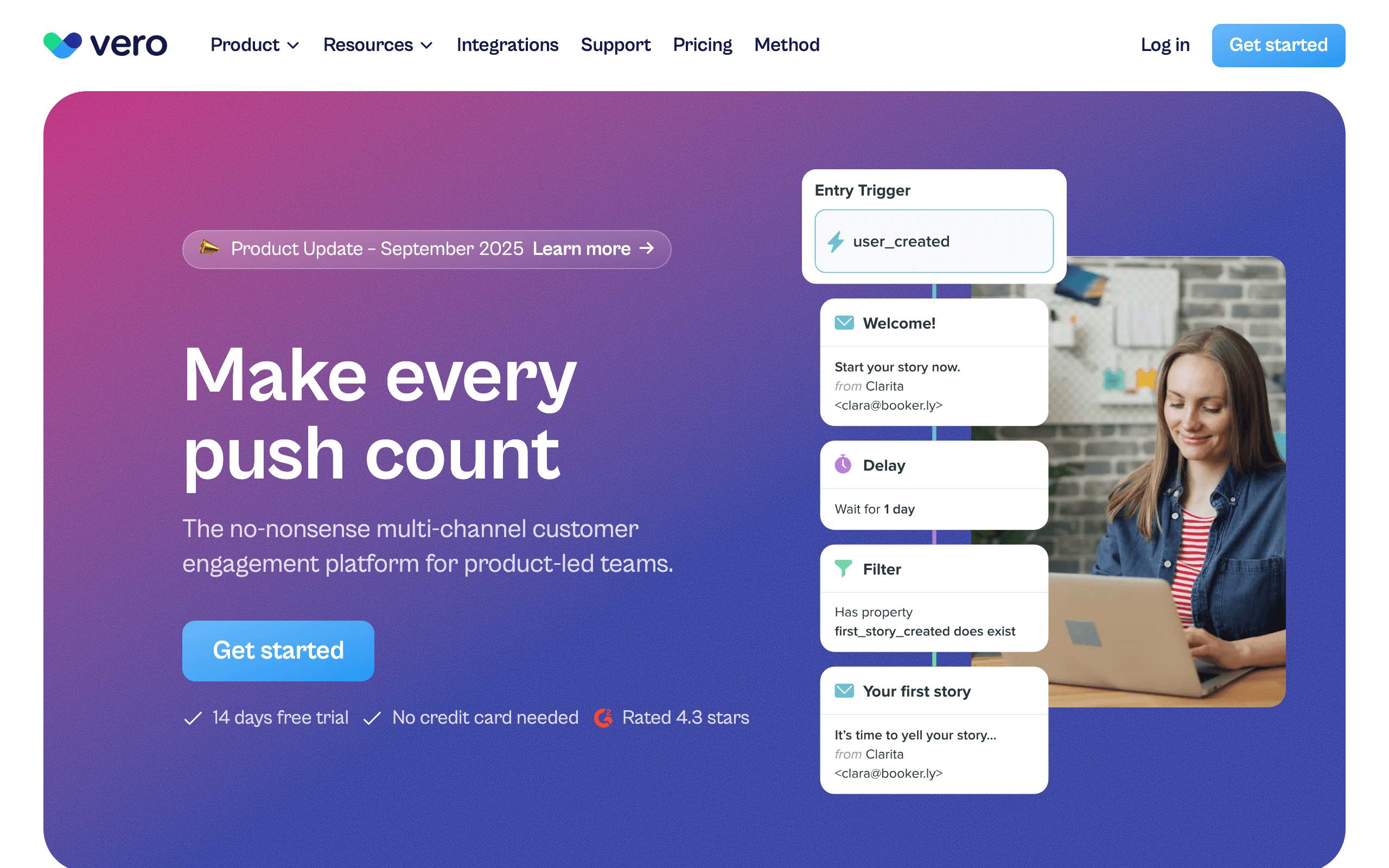
Vero focuses on behavioral email without the enterprise complexity of Customer.io. It handles event-driven campaigns well and integrates cleanly with product data.
Pricing is more accessible than Customer.io, making it a realistic option for earlier-stage companies. The feature set is narrower, but if behavioral email is your primary need, it covers the essentials.
- Price: From $54/month
- Transactional Email: Yes
- Behavioral Triggers: Strong event-based system
- Stripe Integration: Partial, via integrations
- API Quality: Good, developer-friendly
- Best For: Mid-stage B2B SaaS wanting behavioral email without enterprise pricing
More at our Vero comparison.
10. MailerLite - Best for Budget-Conscious B2B SaaS
MailerLite offers solid email marketing features at approachable pricing points. The interface is clean and modern, making it accessible for teams without dedicated marketing resources.
For B2B SaaS companies that need basic campaigns, simple automation, and transactional email without enterprise complexity, MailerLite is a practical choice. It won't match the behavioral sophistication of Customer.io or Sequenzy, but it handles the fundamentals well.
- Price: Free up to 1,000 subscribers, from $10/month
- Transactional Email: Yes, via add-on
- Behavioral Triggers: Basic automation workflows
- Stripe Integration: Via Zapier
- API Quality: Decent, well-documented
- Best For: Early-stage B2B SaaS with limited budgets
11. Mailchimp - Best for Brand Recognition (but Not Recommended)
Mailchimp is the email marketing platform most people have heard of. It's been around forever, has extensive integrations, and works fine for basic email marketing. But it wasn't built for SaaS and it shows.
For B2B SaaS, Mailchimp's limitations are significant: no product event integration, weak behavioral automation, no native app tracking, and pricing that charges for unsubscribed contacts. The separation of Mandrill for transactional email adds unnecessary complexity.
- Price: Free up to 500 contacts, from $13/month
- Transactional Email: Separate product (Mandrill)
- Behavioral Triggers: Very limited
- Stripe Integration: Via Zapier only
- API Quality: Comprehensive but showing age
- Best For: SaaS with minimal email needs who want familiarity over features
See our analysis of why SaaS companies are leaving Mailchimp.
12. ConvertKit - Best for Creator-Focused B2B SaaS
ConvertKit was built for creators - bloggers, podcasters, course creators. But if your B2B SaaS serves a creator audience, ConvertKit's approach to email might resonate. The focus on newsletters and sequences is strong.
However, for traditional B2B SaaS, ConvertKit has significant limitations: no product event tracking, limited API capabilities, no transactional email support, and basic segmentation.
- Price: Free up to 10,000 subscribers, from $25/month
- Transactional Email: No
- Behavioral Triggers: Tag-based, relatively simple
- Stripe Integration: No native support
- API Quality: Basic, creator-focused
- Best For: B2B SaaS with strong content/creator angle
13. Klaviyo - Best for E-commerce-Focused B2B SaaS
Klaviyo is the dominant player in e-commerce email. If your B2B SaaS serves e-commerce businesses (or has an e-commerce component), Klaviyo's deep integrations with Shopify, WooCommerce, and similar platforms are valuable.
For traditional B2B SaaS without e-commerce focus, Klaviyo is overkill. The features are built for online stores, not software products, and pricing reflects that enterprise positioning.
- Price: Free up to 250 contacts, from $45/month
- Transactional Email: Limited
- Behavioral Triggers: E-commerce focused
- Stripe Integration: Via Shopify/e-commerce platforms
- API Quality: Strong, e-commerce optimized
- Best For: B2B SaaS products serving e-commerce businesses
14. Brevo (formerly Sendinblue) - Best Budget All-in-One
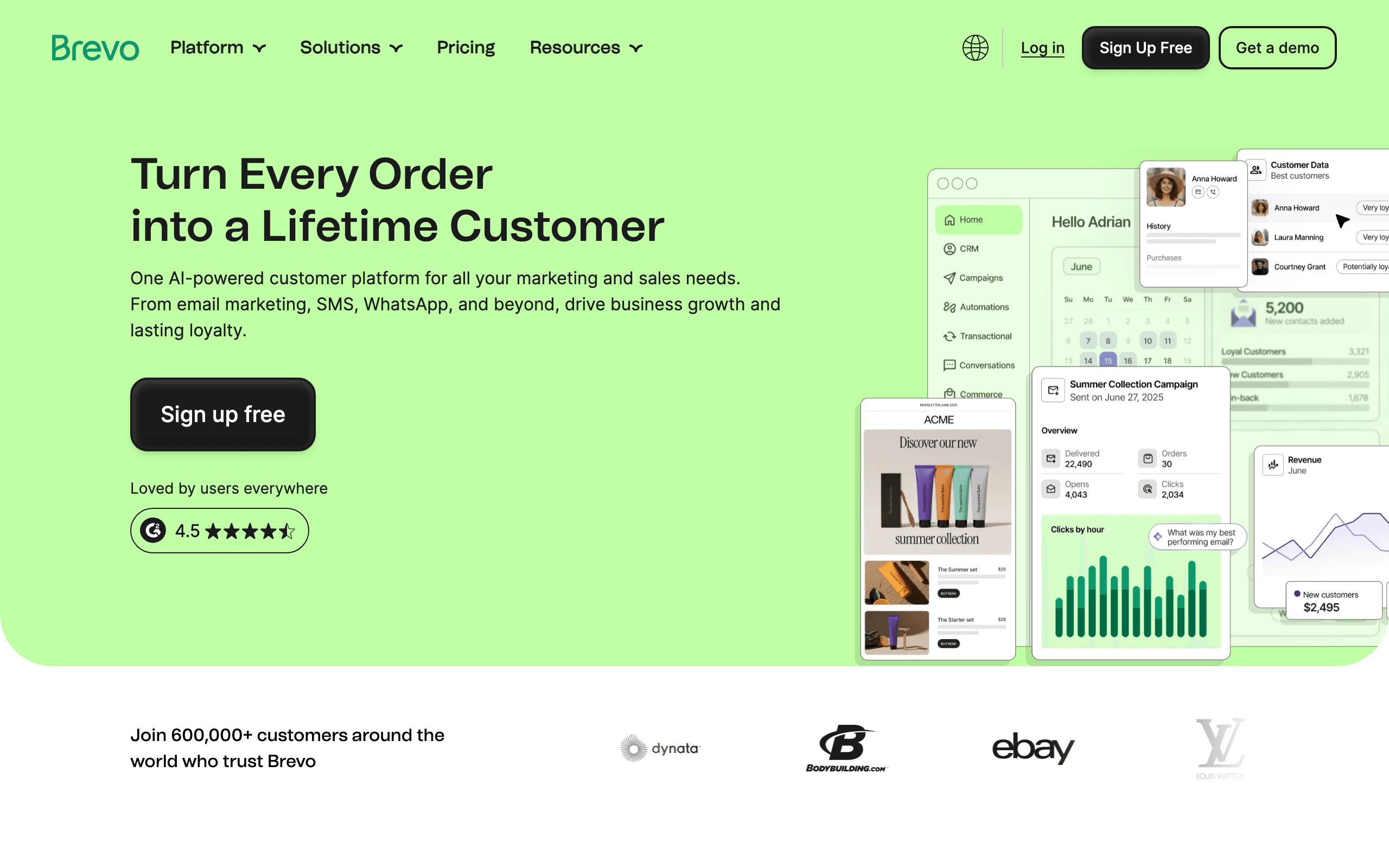
Brevo offers a surprising amount of functionality at low price points. If budget is your primary constraint, Brevo can handle the basics of B2B SaaS email marketing without breaking the bank.
The platform includes email, SMS, chat, and CRM in one package. Transactional email is supported. However, deliverability reports are mixed compared to premium providers, and the interface feels dated.
- Price: Free up to 300 emails/day, from $25/month
- Transactional Email: Yes
- Behavioral Triggers: Basic workflows
- Stripe Integration: No native support
- API Quality: Adequate, not exceptional
- Best For: Budget-conscious B2B SaaS needing basic capabilities
15. Iterable - Best for Enterprise Cross-Channel
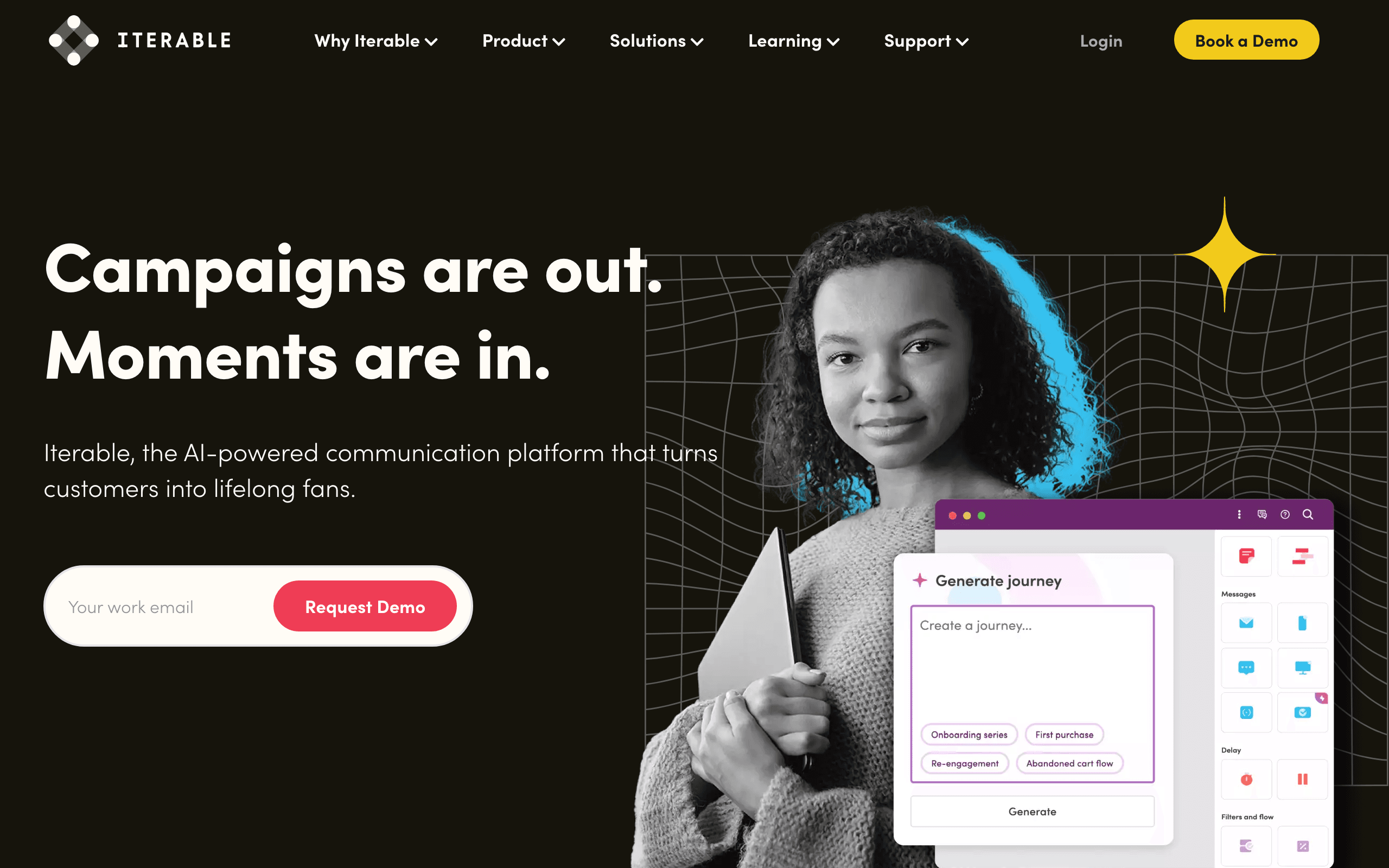
Iterable is an enterprise-grade cross-channel platform. If your B2B SaaS needs coordinated messaging across email, SMS, push, in-app, and web push, Iterable can handle it at scale.
The power comes with enterprise pricing and complexity. This is overkill for most B2B SaaS companies, but for large organizations with sophisticated cross-channel needs, it's a legitimate option.
- Price: Enterprise pricing, starts high
- Transactional Email: Yes
- Behavioral Triggers: Advanced, multi-channel
- Stripe Integration: Via integrations
- API Quality: Enterprise-grade
- Best For: Large B2B SaaS needing sophisticated cross-channel orchestration
16. Braze (formerly Airship) - Best for Mobile-First B2B SaaS
Braze specializes in mobile engagement. If your B2B SaaS is heavily mobile-focused or you need deep push notification and in-app messaging capabilities alongside email, Braze is worth considering.
For traditional web-based B2B SaaS, Braze's mobile-first features may be overkill. The platform is powerful but complex, and pricing reflects enterprise positioning.
- Price: Enterprise pricing
- Transactional Email: Yes
- Behavioral Triggers: Strong, mobile-optimized
- Stripe Integration: Via integrations
- API Quality: Excellent, well-documented
- Best For: Mobile-first B2B SaaS with strong push/in-app needs
17. Netcore Email API - Best for High-Volume Asia-Pacific
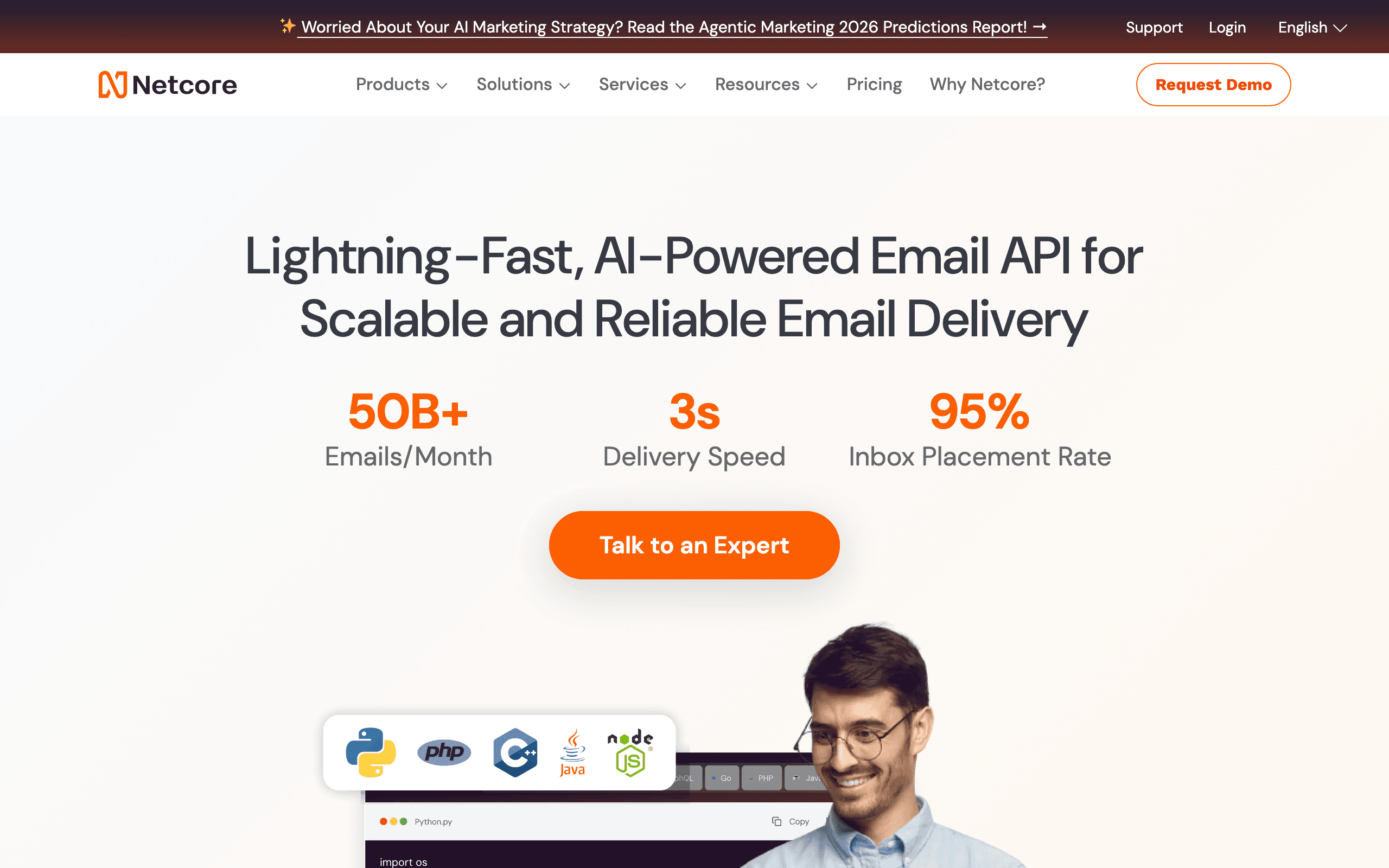
Netcore (formerly Pepipost) is a high-volume email API provider with strong presence in the Asia-Pacific region. If your B2B SaaS operates primarily in APAC markets or needs massive sending capacity, Netcore is worth evaluating.
The platform offers both transactional and marketing email capabilities. Pricing is competitive at high volumes. However, the interface and documentation may not match the polish of US-based alternatives.
- Price: Free up to 30,000 emails/month, from $15/month
- Transactional Email: Primary strength
- Behavioral Triggers: Basic
- Stripe Integration: Limited
- API Quality: Functional, improving
- Best For: B2B SaaS with high-volume needs or APAC focus
18. Amazon SES - Best for DIY Infrastructure
Amazon SES is raw email infrastructure at near-zero cost. It's essentially SMTP as a service - you get sending capacity and deliverability management, but you build everything else yourself.
For B2B SaaS with strong engineering teams who want complete control and minimal cost, SES can work. But you'll need to build your own templates, tracking, analytics, and automation layers. Most companies are better off with a managed platform.
- Price: $0.10 per thousand emails (plus data transfer)
- Transactional Email: Yes, raw infrastructure
- Behavioral Triggers: Build it yourself
- Stripe Integration: Build it yourself
- API Quality: AWS-quality, comprehensive
- Best For: Engineering-heavy B2B SaaS wanting maximum control and minimum cost
19. Mailgun - Best for Flexible Transactional Email
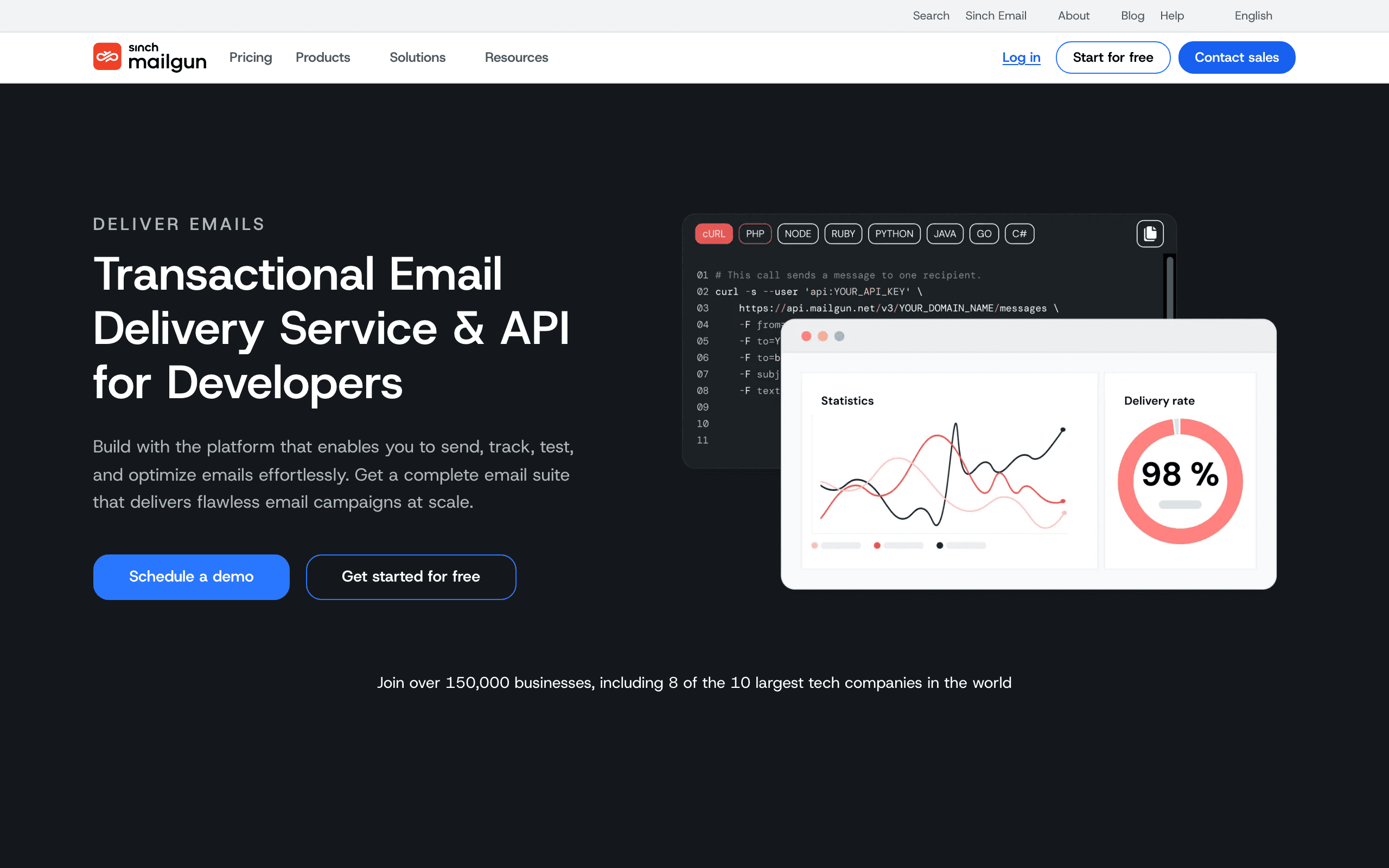
Mailgun (owned by Twilio) offers powerful transactional email with flexible routing and webhook capabilities. For B2B SaaS with complex transactional email needs, Mailgun's programmable routing is valuable.
The platform is developer-first with excellent APIs. Marketing features exist but are less mature. If you need sophisticated transactional email alongside a separate marketing platform, Mailgun is a strong choice.
- Price: Free trial, from $35/month
- Transactional Email: Core strength, very capable
- Behavioral Triggers: Limited, via webhooks
- Stripe Integration: Build it yourself
- API Quality: Excellent, developer-focused
- Best For: B2B SaaS with complex transactional email requirements
20. Omnisend - Best for B2B SaaS with E-commerce Components
Omnisend focuses on e-commerce email marketing but offers solid automation that can work for B2B SaaS with e-commerce components. The platform is more affordable than Klaviyo while offering similar multi-channel capabilities.
For pure-play B2B SaaS, Omnisend's e-commerce features aren't relevant. But for hybrid SaaS/e-commerce businesses, it's worth considering.
- Price: Free up to 500 contacts, from $16/month
- Transactional Email: Yes
- Behavioral Triggers: E-commerce focused
- Stripe Integration: Via e-commerce platforms
- API Quality: Decent, improving
- Best For: B2B SaaS with significant e-commerce components
21. Campaign Monitor - Best for Design-Focused Teams
Campaign Monitor emphasizes beautiful email design and templates. If your B2B SaaS relies heavily on visually striking emails and has a design-focused team, Campaign Monitor's builder and template library are strengths.
However, for behavioral automation, product event integration, and sophisticated SaaS workflows, Campaign Monitor has limitations. It's better suited for newsletter-style campaigns than complex lifecycle messaging.
- Price: From $9/month
- Transactional Email: Via add-on
- Behavioral Triggers: Basic
- Stripe Integration: Via integrations
- API Quality: Decent, not API-first
- Best For: Design-focused B2B SaaS with simple automation needs
The SaaS Email Maturity Model
Your email needs evolve as your company grows. Understanding where you are in the email marketing maturity model helps you choose the right tool and avoid over-investing or under-investing.
Stage 1: Foundation
You have basic transactional email and maybe a welcome email. No sequences, no segmentation, no behavioral triggers. Most tools handle this.
Stage 2: Basic sequences
You've built a welcome sequence and maybe a trial expiration sequence. You're sending occasional newsletters. You need basic automation but nothing complex.
Stage 3: Behavioral automation
You're sending different emails based on what users do in your product. Onboarding flows branch based on activation events. You segment by plan type, usage, and engagement. This is where generic tools start to break.
Stage 4: Full lifecycle
Every stage of the customer journey has email coverage: onboarding, activation, expansion, churn prevention, win-back. You're measuring email's impact on revenue, not just open rates. You need sophisticated KPIs to track performance.
Stage 5: Optimization
You're A/B testing everything, using send-time optimization, running multivariate experiments, and continuously improving. Email is a core growth lever, not a marketing afterthought.
Most B2B SaaS companies are at Stage 2-3. Choose a tool that handles your current stage well and can grow into the next one.
Matching Tools to Company Stage
Your email needs change as your company grows. Here's how to think about tool selection by stage.
Pre-Revenue to Early Revenue
At this stage, keep it simple. You need basic onboarding sequences, transactional email, and maybe a newsletter. Don't invest in complex automation you won't have time to maintain.
Good options: Loops for simplicity, Sequenzy for unified transactional/marketing, or Resend if you're developer-heavy and only need transactional. If budget is the primary concern, check our roundup of free email marketing tools for startups.
Avoid: Enterprise tools like HubSpot or Customer.io. You'll pay for complexity you don't need and spend time configuring instead of building product.
Growing (100-1000 customers)
Now you have enough users to segment meaningfully and enough data to trigger behavioral emails. Invest in tools that connect to your product.
Good options: Sequenzy or Loops if you started simple and they're still meeting needs. Customer.io or Vero if you need more sophisticated behavioral automation.
Key consideration: This is when unified transactional/marketing becomes valuable. Running separate tools starts creating real overhead.
Scaling (1000+ customers)
At scale, you need robust automation, good deliverability management, and integrations with your broader stack (CRM, analytics, billing).
Good options: Customer.io for complex journeys, Sequenzy for Stripe-integrated SaaS, HubSpot if you have a significant sales team.
Key consideration: Migration becomes harder as you grow. Choose a platform you can stay on. Our guide on choosing an email platform for SaaS covers the evaluation criteria in depth.
Common B2B SaaS Email Use Cases
Understanding the specific email types you need helps narrow your tool choice. Here are the use cases that matter most for B2B SaaS.
Onboarding sequences
The most important email sequence for any SaaS product. New users need guidance to reach their "aha moment." This requires behavioral triggers (send email when user completes step X, or when they haven't completed it after Y days).
Tool requirements: Event-driven automation, conditional logic, multi-step sequences Best options: Sequenzy, Customer.io, Loops
Trial conversion
Converting free trial users to paying customers is the lifeblood of SaaS. Emails should be timed based on trial progress, not just calendar days. A user who's deeply engaged on day 3 needs different treatment than one who hasn't logged in since signup.
Tool requirements: Behavioral segmentation, Stripe integration for payment events, dynamic content Best options: Sequenzy (native Stripe), Customer.io (via Segment)
Dunning and payment recovery
Failed payments cost SaaS companies 5-10% of revenue. Automated dunning sequences can recover a significant portion. This requires tight Stripe integration and transactional email capability.
Tool requirements: Stripe webhooks, transactional API, automated sequences Best options: Sequenzy (native), Customer.io (with integration)
Feature adoption
When you launch new features, email drives awareness and adoption. The best approaches segment by relevance: don't email everyone about a feature only power users need. Our guide on feature adoption emails covers the strategy.
Tool requirements: Segmentation by plan/usage, behavioral triggers, campaign scheduling Best options: Sequenzy, Customer.io, ActiveCampaign
Product updates and newsletters
Regular communication keeps users engaged and informed. A product updates newsletter builds a relationship beyond transactional interactions.
Tool requirements: Campaign builder, subscriber management, basic segmentation Best options: Any platform on this list handles this adequately
Churn prevention
Identifying at-risk users and intervening before they cancel requires behavioral data integration. Emails triggered by declining usage, approaching renewal, or competitor research signals can save accounts.
Tool requirements: Advanced behavioral segmentation, lifecycle automation, usage data integration Best options: Customer.io, Sequenzy, Vero
Migration Considerations
Switching email platforms is more painful than most vendors admit. Before committing to a tool, understand what migration involves.
Data migration. Subscriber lists, custom attributes, and historical engagement data need to move. Some of this is straightforward CSV work. Account-level relationships and behavioral history are harder.
Template recreation. Your email templates need to be rebuilt in the new system. If you have dozens of templates, this takes time.
Automation reconstruction. Workflows and sequences don't transfer automatically. You'll need to recreate them, which is also an opportunity to improve them.
DNS changes. Authentication records (SPF, DKIM, DMARC) need updating. Plan for a warm-up period on the new platform's IPs. Use our free tools to verify your DNS records are configured correctly.
Integration updates. Anywhere your product fires events or syncs data needs to point to the new tool.
Budget weeks, not days, for a complete migration. Rushing increases the risk of deliverability issues or broken automations.
Making the Decision
For most B2B SaaS companies, the decision comes down to a few key questions.
Do you need unified transactional and marketing email? If yes, look at Sequenzy, Loops, or Brevo. Running separate tools is manageable but adds complexity. Our comparison of the best platforms for transactional and marketing email covers this in detail.
How important is behavioral automation? If product events drive your email strategy, you need Customer.io, Vero, or Sequenzy. Tools built for newsletters won't cut it.
Do you have a sales team? If sales-assisted deals are significant, HubSpot or ActiveCampaign's CRM integration becomes valuable.
How technical is your team? Developer-heavy teams can leverage Resend or Postmark's APIs. Marketing-heavy teams want visual builders.
What's your budget at 5x current size? Cheap tools that get expensive at scale cause painful migrations later.
There's no universally correct answer. The right tool is the one that matches your current needs without blocking future growth. For most B2B SaaS companies, that means something purpose-built for SaaS rather than a generic marketing platform - and something that handles both transactional and marketing email without requiring multiple systems.
Start with your most critical use case, pick a tool that handles it well, and grow from there.
FAQ
What's the single most important feature for B2B SaaS email? Event-driven automation. The ability to trigger emails based on what users do inside your product is what separates effective SaaS email from generic marketing. Without this, you're guessing at timing instead of responding to behavior.
How much should a B2B SaaS spend on email marketing tools? A reasonable benchmark is 1-3% of email-attributed revenue. For early-stage companies, $29-100/month covers most needs. For growing companies with 10,000+ subscribers, budget $100-500/month. Enterprise companies with complex requirements may spend $500-2,000/month.
Should I use the same tool for cold outreach and marketing email? No. Cold outreach and marketing email have different deliverability requirements and should use separate infrastructure. Use a dedicated cold email tool or cold email agency for outbound, and keep your marketing platform focused on engaged subscribers.
When should I switch from a startup email tool to an enterprise one? When your current tool's limitations are measurably costing you revenue. If you can't build the automations you need, can't segment the way you want, or can't integrate with critical tools in your stack, it's time. Don't switch just because you've grown; switch because you've outgrown.
Is Mailchimp good for B2B SaaS? Mailchimp works for basic newsletter and campaign needs, but it wasn't built for SaaS-specific use cases. The lack of native event-driven automation, the separated transactional email (Mandrill), and pricing that charges for unsubscribed contacts make it a poor fit for most B2B SaaS companies. See our analysis of why SaaS companies are leaving Mailchimp.
Which tool is best for B2B SaaS with Stripe billing? Sequenzy offers the most native Stripe integration, allowing you to segment by MRR, trigger on payment events, and run dunning sequences without external tools. Customer.io can work with Stripe via Segment, but it's more complex. For Stripe-heavy SaaS, Sequenzy's native integration is significantly easier to implement and maintain.
Can I start with a free tool and upgrade later? Yes, and many successful B2B SaaS companies follow this path. Sequenzy, Loops, Brevo, and ConvertKit all offer generous free tiers. The key is choosing a platform that can scale with you - migration is painful, so pick something you won't outgrow too quickly. Focus on tools with strong behavioral automation and native integrations to the tools you use (especially Stripe).
Do I need a developer to implement email marketing for B2B SaaS? For basic campaigns, no. But for behavioral triggers, product event integration, and automated lifecycle sequences, yes. Even platforms with visual builders need a developer to install event tracking and integrate with your product. Budget for engineering time regardless of which tool you choose - the API-heavy platforms (Sequenzy, Customer.io, Resend) need more upfront but work better; the visual platforms need less setup but are less capable.
What about self-hosted email platforms? Self-hosted tools like Listmonk or Mautic give you control and avoid per-subscriber fees, but they come with hidden costs: you're responsible for deliverability management, infrastructure maintenance, security updates, and compliance. For most B2B SaaS companies, the engineering time required to run self-hosted email costs more than managed platforms. Only consider self-hosted if you have very specific requirements or massive scale (millions of subscribers).
How do I evaluate deliverability between platforms? Look for platforms that: (1) actively manage their sender reputation and remove bad actors, (2) offer dedicated IPs or strong shared IP management, (3) provide authentication setup (SPF/DKIM/DMARC), (4) have clear bounce/complaint handling, and (5) publish deliverability metrics. Postmark and Sequenzy are known for strong deliverability because they police their networks aggressively. The best way to evaluate is to run a pilot test with a few hundred emails and measure inbox placement.