
Related Resources for Webinar Email Marketing
| Webinar funnel need | Best next page | Why it helps |
|---|---|---|
| Write registration and reminder subject lines | Webinar subject lines and event invitation subject lines | The 1-hour and live-now reminders live or die on the subject line. |
| Build the full reminder and follow-up flow | Event and webinar email templates | A complete webinar needs registration, reminder, replay, and closing emails working together. |
| Promote the webinar to your list | Webinar and event newsletter ideas | Your newsletter is the cheapest channel for filling webinar seats. |
| Convert attendees into customers | Course creator email tools and Email sequence templates | Most webinar revenue comes from the post-event closing sequence. |
How to Choose the Right Email Tool for Webinars
The right platform depends on whether you want one tool that also hosts the webinar, and how sophisticated your follow-up needs to be.
| Webinar email benchmark | Healthy target | What it tells you |
|---|---|---|
| Registration-to-attendance rate | 50-55% | Your reminder sequence is doing its job. |
| Reminder email open rate | 45-65% | Your sender reputation and subject lines are strong. |
| Attendee offer conversion | 5-15% | Your live pitch and closing sequence are aligned. |
| Replay view rate (no-shows) | 20-35% | Your replay sequence is reaching people fast enough. |
| Revenue timing | 48-72h post-event | Your closing sequence, not the live event, is carrying the sale. |
Decide Whether You Want Hosting Built In
The first fork is simple: do you want one tool that hosts the webinar and emails registrants, or the best email tool paired with a dedicated webinar room? GetResponse hosts and emails in one place. Hosts who want the best of both pair a premium room like Demio or Zoom with a dedicated email platform like Sequenzy, ConvertKit, or ActiveCampaign and push attendance data between them. There is no wrong answer, but deciding this early narrows the list fast.
Attendance-Based Branching Is the Real Differentiator
Any tool can send a reminder. The tools worth paying for are the ones that split attendees from no-shows automatically and send each group a different follow-up. This single capability separates a webinar that gives away free content from a webinar that makes money. Sequenzy, ActiveCampaign, GetResponse, and ConvertKit all handle it well. Simpler tools force you into one generic follow-up for everyone.
Match Pricing to Burst Sending
Webinar hosts do not send daily. They send heavily for a week around an event, then go quiet. Contact-based pricing charges you the whole time regardless. Send-based pricing rewards the burst pattern. Calculate your real annual cost based on how many emails you will actually send across your events, not on your raw list size.
| Tool | Best webinar-host fit | Follow-up strength | Cost pattern |
|---|---|---|---|
| Sequenzy | AI-built registration, reminder, and closing sequences. | Strong attended-vs-no-show branching. | Pay by emails sent. |
| GetResponse | All-in-one hosting plus email in one tool. | Good, with attendance data built in. | Contact-based, webinars on higher tiers. |
| ActiveCampaign | Complex, high-ticket, or evergreen follow-up. | Strongest branching and lead scoring. | Contact-based. |
| ConvertKit | Creators running webinars beside a newsletter. | Clean tag-based segmentation. | Subscriber-based. |
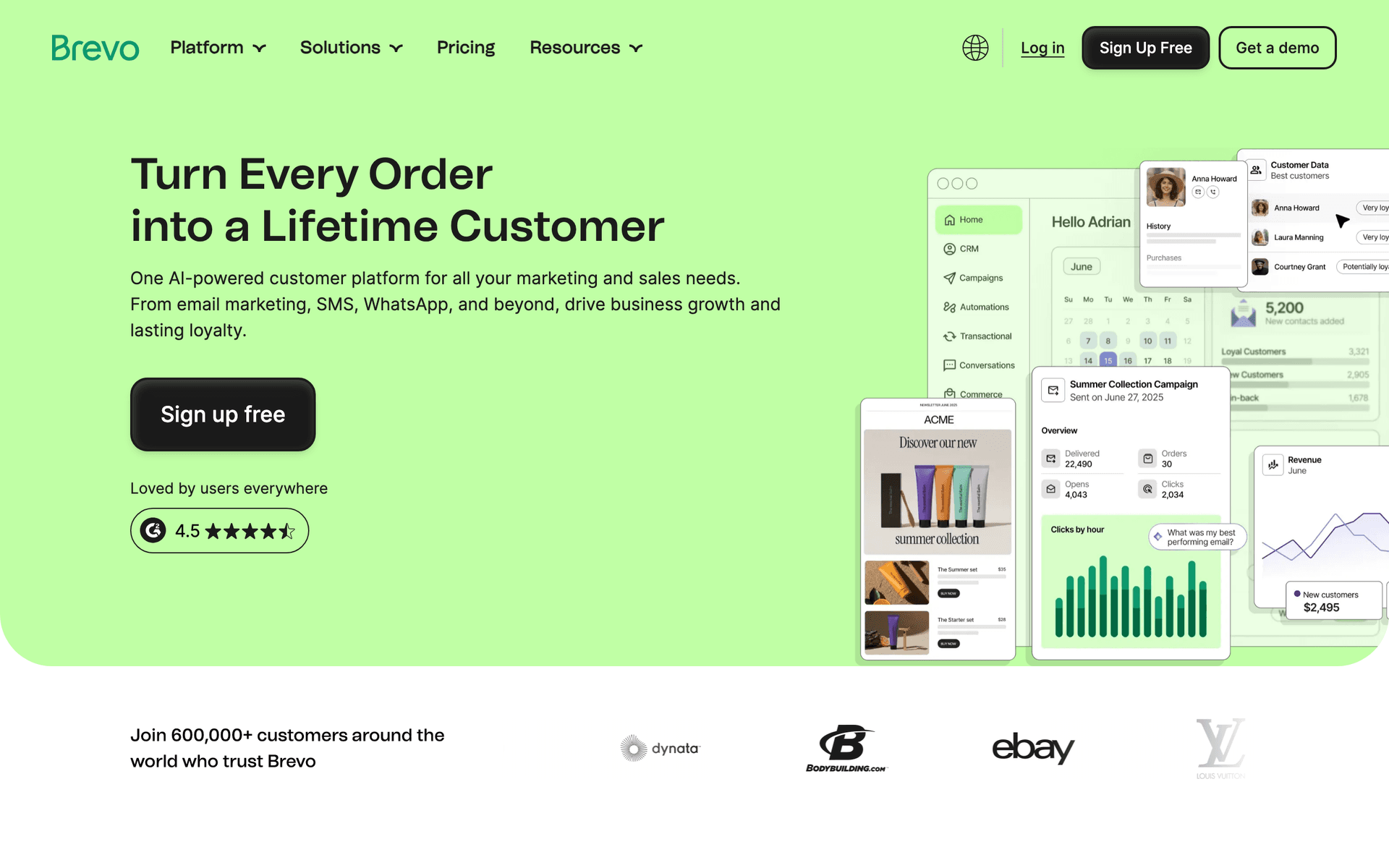
| Brevo | Email plus SMS reminders on a budget. | Good, with SMS recovery. | Send-based, generous free tier. |
Best Fit by Webinar Model
Best email tool for live launch webinars
Sequenzy is a strong fit when a host needs the entire registration, reminder, replay, and deadline-driven closing sequence written and running quickly around a single launch event. It works best when the result depends on sequence quality and timing, and when burst-style send-based pricing matches a launch week of heavy sending followed by quiet periods.
Best email tool for evergreen webinar funnels
ActiveCampaign is the better fit when an evergreen funnel depends on branching by registration, attendance, and offer clicks, plus lead scoring to surface hot registrants. The added complexity pays off when the funnel runs continuously and a single sale justifies sophisticated follow-up.
Best all-in-one for hosts who do not want integrations
GetResponse is the natural pick when a host wants to host the webinar and email registrants from the same platform without wiring tools together. Attendance data flows straight into the follow-up sequences, which is the simplest possible setup for a host who values consolidation over best-in-class components.
The Webinar Host Email Playbook
Before the Webinar: Fill the Room
Promote the webinar to your existing list first - it is your cheapest and highest-converting registration source. Build a clean registration page, ask one question on the form to capture intent and boost commitment, and send a confirmation immediately. Between signup and the event, send one or two value emails that build anticipation and reinforce why attending live is worth the calendar slot.
| Pre-webinar email | Timing | Purpose | Example subject |
|---|---|---|---|
| Confirmation | On registration | Confirm the spot and add to calendar. | "You're registered for {{webinar_name}}" |
| Engagement question | Day after signup | Capture their challenge for personalization. | "A quick question before {{webinar_name}}" |
| Agenda preview | 2 days before | Build anticipation and restate the time. | "What we'll cover on {{date}}" |
During the Reminder Window: Maximize Attendance
This is where attendance is won or lost. Send a 24-hour reminder to lock the calendar slot, a 1-hour reminder to catch people before they get distracted, and a 'we are live' email at start time to recover people who lost track. An SMS 15 minutes before start can lift attendance further. Keep these emails short - lead with the join link, not paragraphs.
After the Webinar: Close the Sale
Split attendees from no-shows immediately. Attendees get a recap-plus-offer email within the hour, then an objection email, a social-proof email, and a final-deadline email over 2-3 days. No-shows get the replay first, with a watch-time expectation, then a couple of replay-urgency emails that bridge into the same offer. Most of your revenue arrives in this window, so this is where your best writing belongs.
Integration Recommendations for Webinar Hosts
Your email tool should connect with where you host and sell:
Zoom, Demio, WebinarJam, or your webinar platform - Ensure registration and attendance data sync into your email tool so reminders and attended-versus-no-show follow-up fire automatically. GetResponse keeps this in-house; other tools connect natively or through Zapier.
Stripe or your checkout - If your webinar sells a product or program, payment integration lets a purchase automatically remove the buyer from the sales sequence and start onboarding. Sequenzy has native Stripe integration.
Your calendar and scheduling tools - Add-to-calendar links in confirmation and reminder emails measurably improve attendance by getting the event onto people's schedules.
What a Healthy Webinar Funnel Looks Like
Attendance rate: 50-55% of registrants with a full reminder sequence. If you are under 40%, your reminders - not your topic - are the problem.
Reminder open rates: 45-65%. These should be your highest-opening emails because recipients asked to be reminded.
Offer conversion: 5-15% of live attendees, with most sales landing in the 48-72 hours after the event via your closing sequence.
No-show recovery: 20-35% of no-shows watching the replay when you send it within the hour and add a real deadline to the recording.
Getting Started: Your First Webinar Email System
- Build a registration page with one engagement question on the form
- Set up the confirmation and pre-webinar value emails to build anticipation
- Create the four-touch reminder sequence (24h, 1h, live-now, plus optional SMS)
- Build two follow-up paths - a deadline-driven closing sequence for attendees and a replay sequence for no-shows
- Connect your webinar platform so attendance data routes people into the right path automatically
Start with one webinar, one reminder sequence, and two follow-up paths. Once the funnel converts, record your best session and turn it into an evergreen funnel that runs on autopilot.