Updated 2026-03-15

Best Email Marketing Tools for Lash Technicians

Keep clients coming back for fills, share aftercare tips, and grow your lash business with the right email marketing platform.

Running a lash business means building trust with clients who come back every few weeks. You need to remind them about fill appointments, share aftercare tips, and keep them loyal to your chair. Email marketing helps you stay connected between appointments. But most email tools are built for tech companies. Here are 13 platforms that actually work for lash technicians, ranked by ease of use, automation features, and value for money.

TL;DR

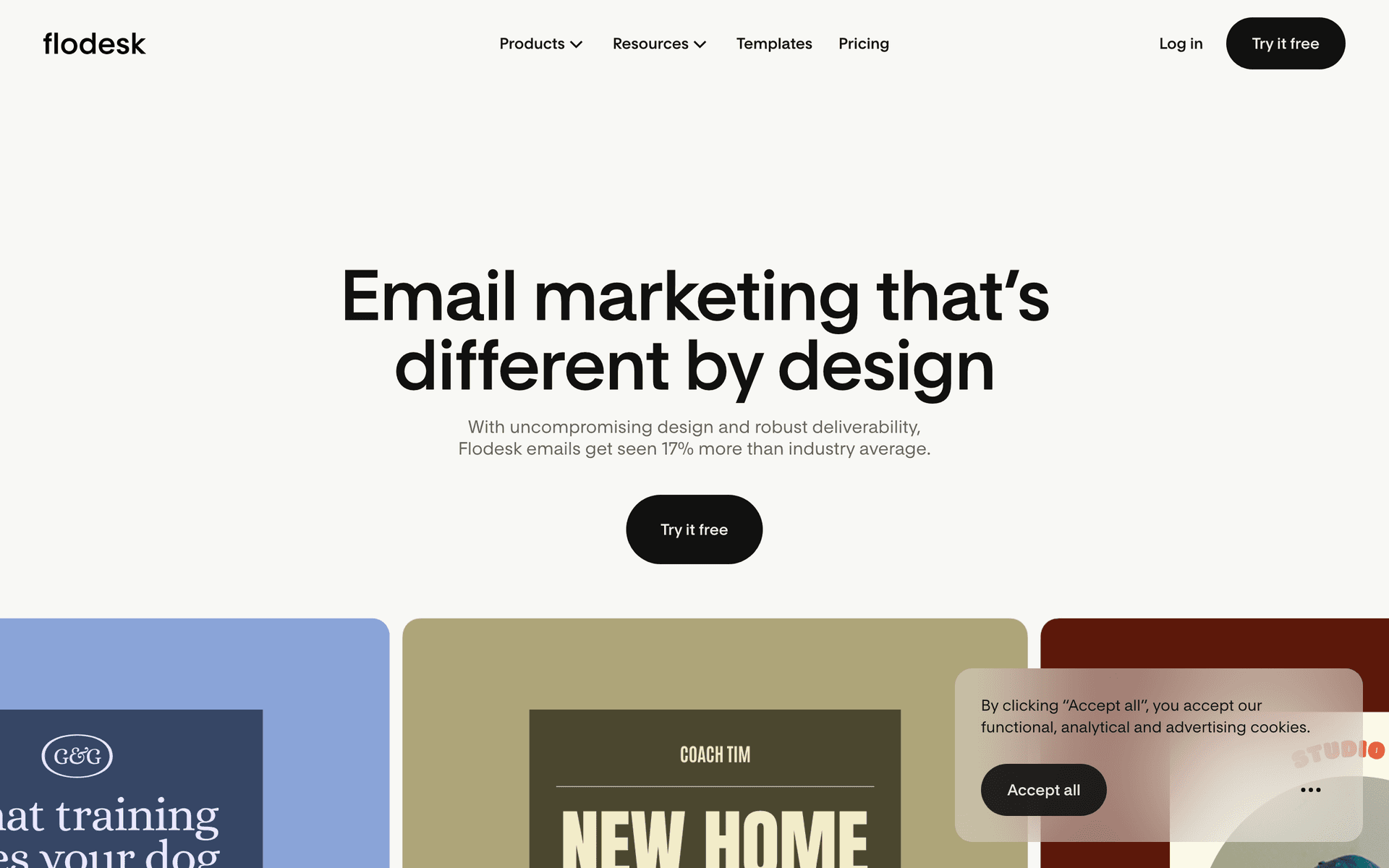
Sequenzy is the best pick for lash techs because its AI creates fill reminders and aftercare sequences instantly, and the free tier covers your first 2,500 emails per month. MailerLite is a strong free alternative with a clean interface perfect for mobile management. If you want gorgeous email templates that match your brand aesthetic, consider Flodesk at a flat $38/month.

Why Lash Technicians Need Email Marketing

Book Regular Fills

Lash extensions need fills every 2-3 weeks. Automated reminders keep your calendar full and clients on schedule.

Share Aftercare Tips

Proper aftercare keeps lashes looking great. Educational emails reduce early fallout and complaints.

Reduce No-Shows

Fill appointments are time-sensitive. Reminders reduce missed appointments and lost revenue.

Build Client Loyalty

Lash clients are loyal when they love their tech. Email keeps them connected and coming back to you.

Lash Technicians Email Marketing Benchmarks

Know these numbers before you start. They'll help you set realistic goals and pick the right tool.

35-45%
Average Open Rate

Lash tech emails see very high open rates because they are personal, infrequent, and directly relevant. Fill reminders and aftercare emails regularly exceed 50% open rates.

4-7%
Average Click Rate

Click rates are strong on booking links and portfolio images. Fill reminder emails with direct booking links consistently achieve the highest click rates.

Sunday-Monday, 7-9 PM
Best Send Time

Clients plan their week in the evening. Sunday and Monday evening emails catch them while they are thinking about scheduling upcoming appointments.

70-85%
Fill Rebooking Rate

Lash techs using automated fill reminders see 70-85% rebooking rates compared to 50-60% without reminders. Consistent reminders are the single highest-impact automation.

Important Tips Before You Choose

Lessons from lash technicianswho've been doing this for years. Save yourself the trial and error.

Send Fill Reminders at the 2-Week Mark

Most lash extensions start looking sparse around 2-3 weeks. Send an automated fill reminder at exactly 14 days after the last appointment. This catches clients before they start losing lashes and potentially going elsewhere.

Include Aftercare Tips in Every Post-Appointment Email

Proper aftercare extends lash life and reduces complaints. Send detailed aftercare instructions within 2 hours of every appointment. Cover the first 24-48 hours (no water, no steam) and ongoing care (gentle cleanser, lash brush, sleeping position).

Use Before-and-After Close-Up Photos

Lash transformations photograph beautifully. Send monthly portfolio emails featuring your best recent work - close-up eye shots, side profiles, and full-face images. These showcase your skills and inspire clients to try new styles.

Offer a Loyalty Incentive at the 3rd Appointment

Clients who complete three appointments are highly likely to become regulars. Send a special thank-you email after the third visit with a small reward - a free lash bath, complimentary tint touch-up, or discount on their next fill.

Time Seasonal Campaigns to Events

Prom season (March-May), wedding season (June-September), and holiday parties (November-December) drive lash demand. Start promoting 4-6 weeks before each peak with style inspiration emails and early booking reminders.

Ask for Reviews Right After Great Results

Send a review request email 24-48 hours after the appointment when clients are getting compliments on their new lashes. Include direct links to Google and Instagram. Timing matters - excitement about new lashes fades after a few days.

13 Best Email Marketing Tools for Lash Technicians

Our Top Pick for Lash Technicians
#1
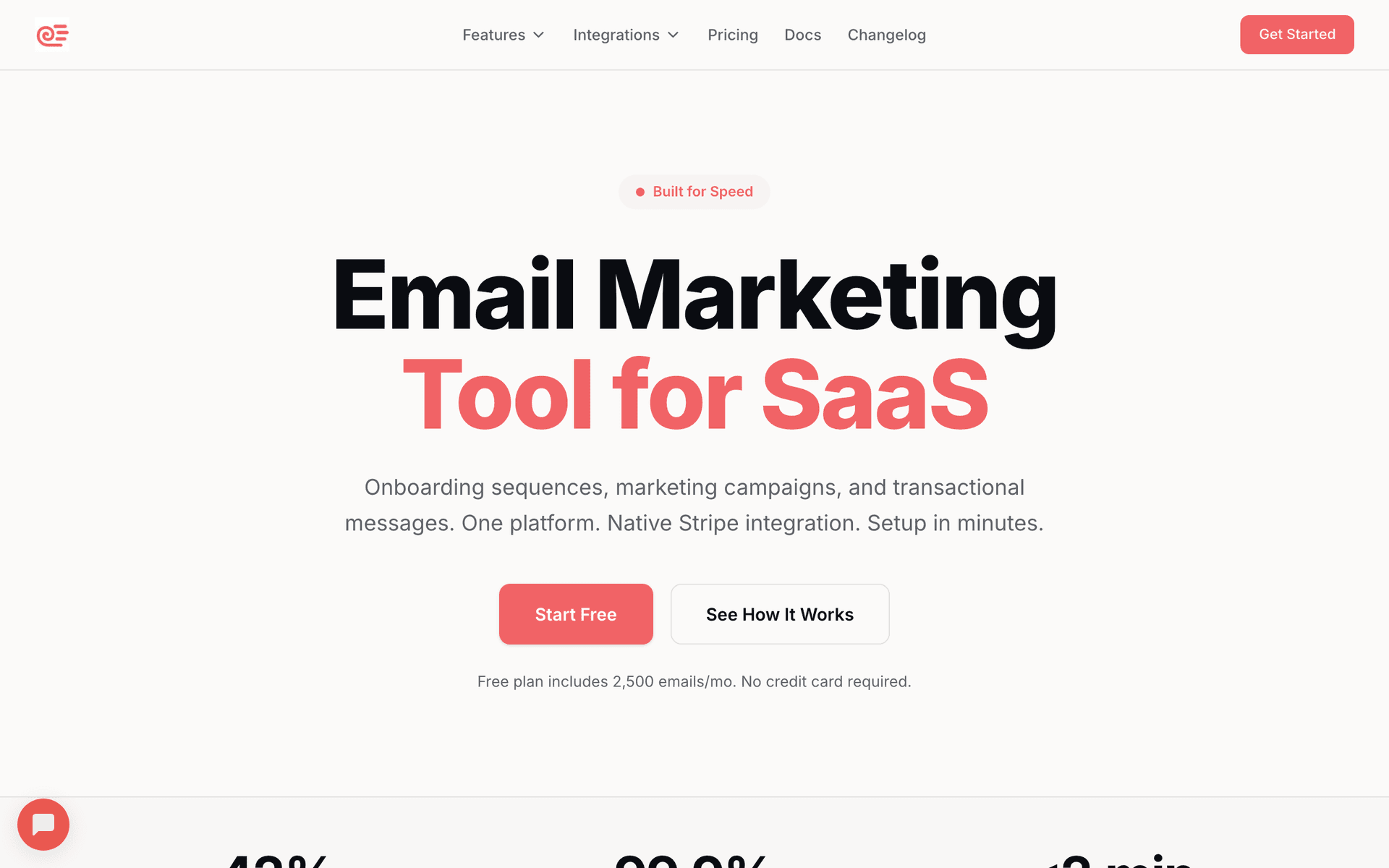
Sequenzy

AI-powered email marketing built for service businesses. Creates client sequences automatically.

Visit

Sequenzy is the top pick for lash technicians because the AI handles the two biggest challenges - writing email content and setting up automation. Tell the AI you need a fill reminder sequence and it generates emails with proper timing, subject lines, and care tips in seconds. The free tier covers 2,500 emails per month, which is plenty for a solo lash tech with a client base of 50-100 regulars. The $29/month plan handles 50,000 emails with unlimited contacts, perfect for growing studios. Tag clients by lash type (classic, volume, mega volume) to send fill reminders based on the correct schedule for each style. The interface works well on mobile, so you can manage campaigns from your phone between appointments.

Best for
Lash techs wanting automated client communication without complexity
Pricing
Free up to 2,500 emails/mo, then $29/mo for 50K emails (unlimited contacts)

Pros

  • AI writes fill reminders and aftercare sequences
  • Free tier for solo lash techs
  • Pay for emails sent, not contacts stored
  • Direct founder support

Cons

  • Launched in 2025, less track record
  • No built-in SMS
  • Fewer templates than established competitors
#2
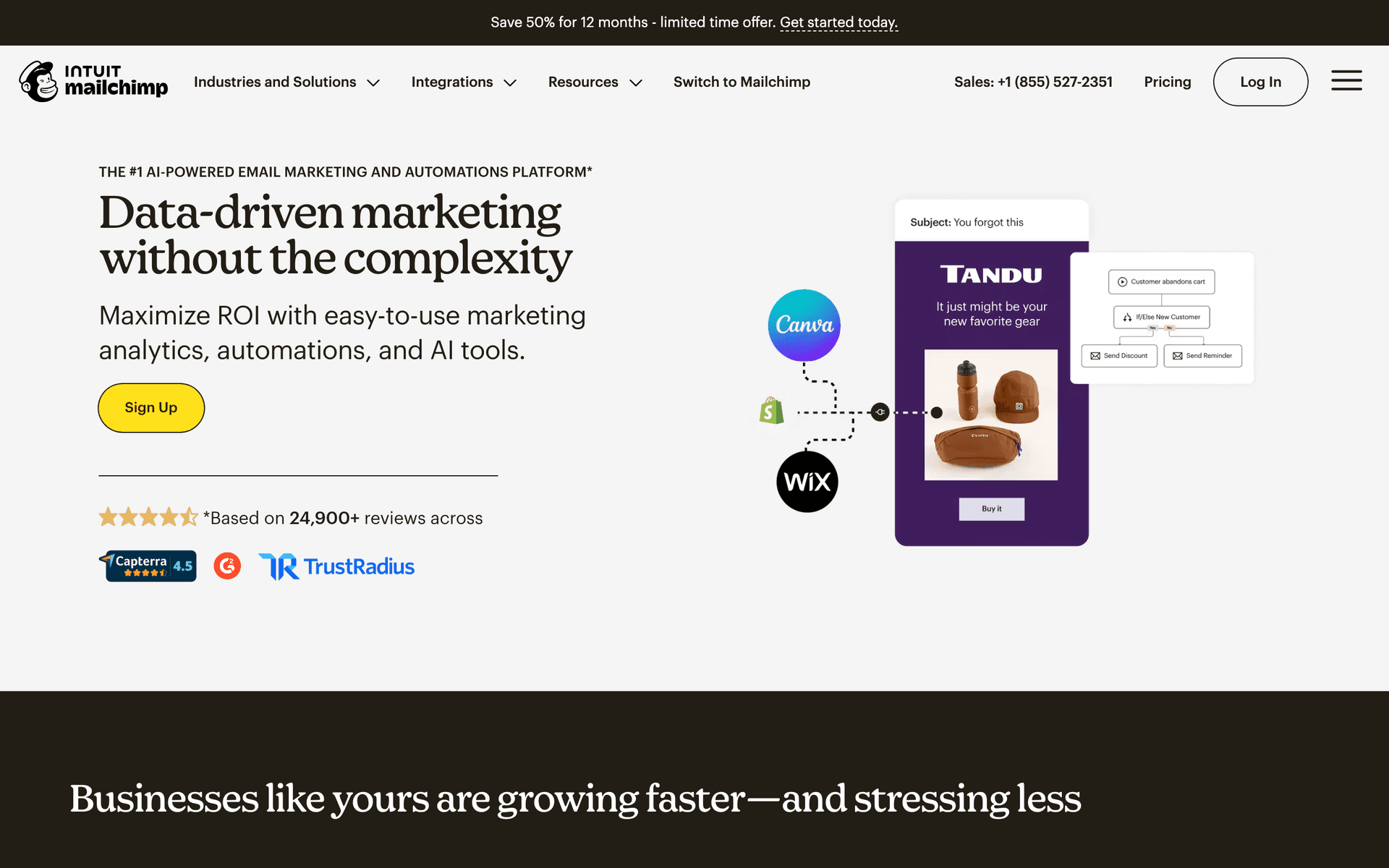
Mailchimp

The most popular email marketing platform. Solid features but can get expensive.

Visit

Mailchimp is the platform most lash techs already recognize. The free tier covers 500 contacts, which works when you are just starting to build your client base. The template library includes designs that support visual content well - important for showcasing lash work. The drag-and-drop editor makes creating portfolio and promotional emails straightforward. Where Mailchimp frustrates lash techs is the interface complexity - when you just want to send a fill reminder, navigating through multiple menus feels like overkill. Costs also climb as your client list grows over years of building your business.

Best for
Lash techs wanting a well-known platform
Pricing
Free up to 500 contacts, then $13-350/month

Pros

  • Extensive templates
  • Many integrations
  • Strong deliverability
  • Good analytics

Cons

  • Gets expensive fast
  • Interface overwhelming
  • Support has declined
  • Not designed for lash businesses
#3
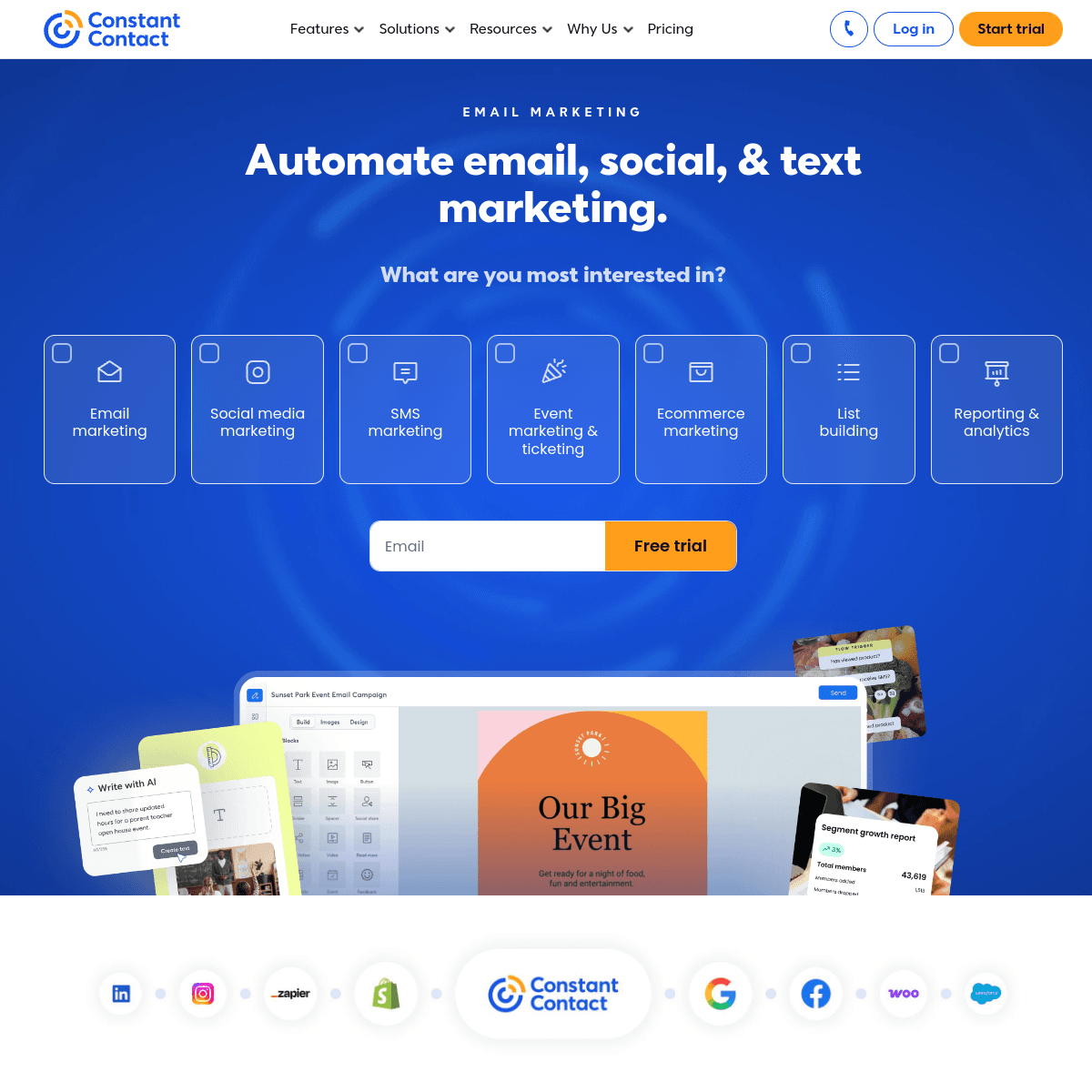
Constant Contact

Long-standing email platform popular with small businesses.

Visit

Constant Contact offers phone support that lash techs appreciate when they need help setting up their first email campaign. The platform is straightforward to learn - no technical background needed. It handles basic newsletters and promotional emails well. The limitation is automation - you cannot build sophisticated fill reminder sequences or trigger-based aftercare emails without manual work. Templates feel dated compared to platforms like Flodesk, which matters for a beauty business.

Best for
Lash techs wanting simple email with phone support
Pricing
From $12/month for 500 contacts

Pros

  • Very easy to use
  • Excellent phone support
  • Event management
  • Social integration

Cons

  • Limited automation
  • Dated templates
  • Higher prices
  • Basic segmentation
#4
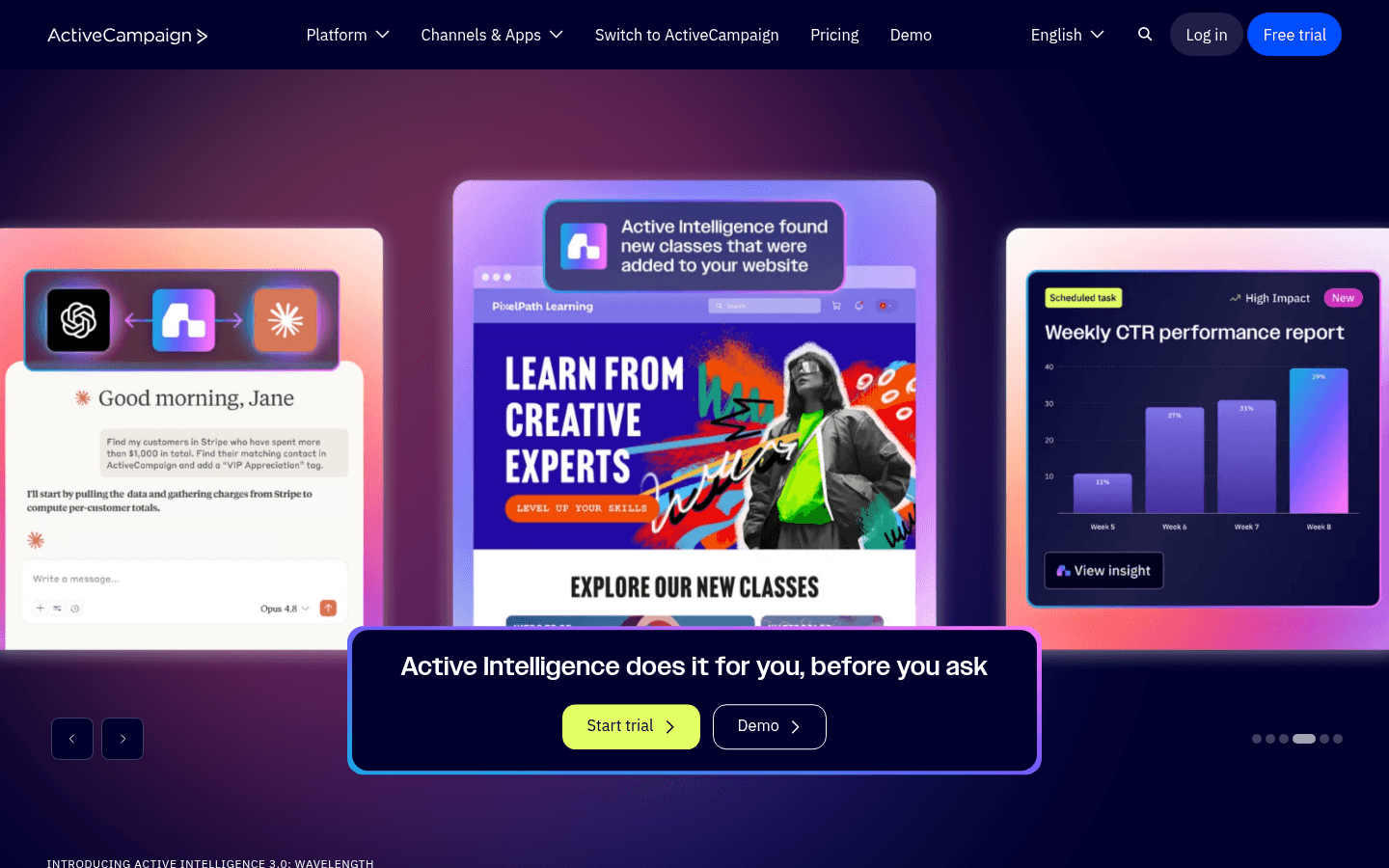
ActiveCampaign

Powerful automation platform with a learning curve.

Visit

ActiveCampaign is the most powerful automation platform on this list. For lash studios with multiple technicians, it manages complex client journeys - sequences based on lash style, fill frequency, spending history, and loyalty status. The CRM tracks each client's full history. For solo lash techs, the complexity and learning curve are almost certainly more than you need. The interface takes significant time to learn, and the per-contact pricing adds up quickly.

Best for
Lash studios with multiple technicians
Pricing
From $29/month for 1,000 contacts

Pros

  • Excellent automation
  • CRM included
  • Great deliverability
  • Detailed scoring

Cons

  • Steep learning curve
  • Overkill for solo techs
  • Complex interface
  • Price jumps with features
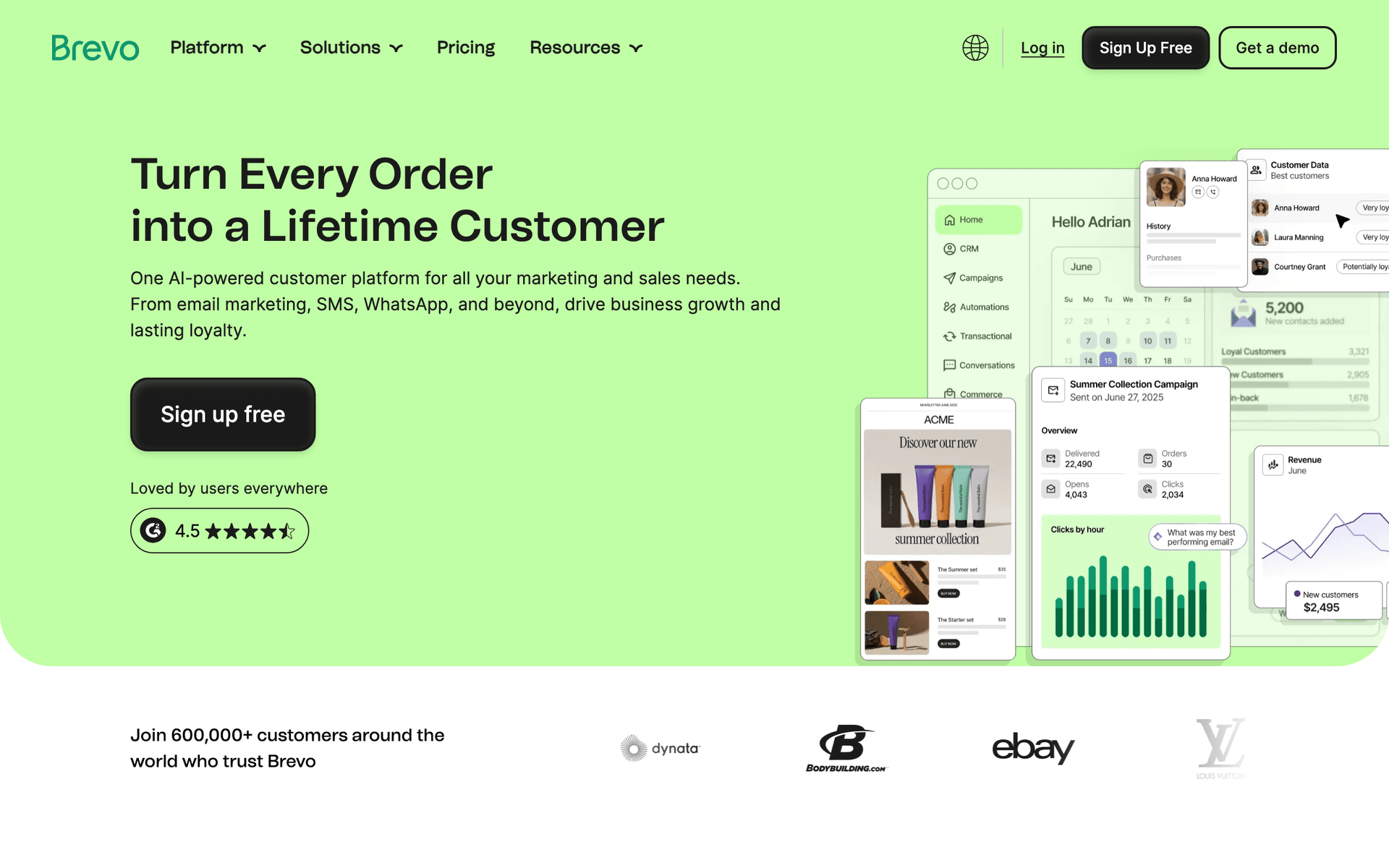
#5
Brevo

Formerly Sendinblue. Good value with transactional email included.

Visit

Brevo stands out for lash techs who want both email and SMS in one platform. The free tier gives 300 emails per day. SMS is particularly valuable for same-day appointment reminders - a text 24 hours before a fill appointment significantly reduces no-shows. For budget-conscious lash artists who want text reminders alongside email marketing, Brevo offers the best combined value. The automation is more basic than Sequenzy or ActiveCampaign, but handles fill reminders and aftercare sequences adequately.

Best for
Budget-conscious lash techs needing email and SMS
Pricing
Free up to 300 emails/day, then from $25/month

Pros

  • SMS included
  • Generous free tier
  • Transactional included
  • Good automation

Cons

  • Daily limits on free
  • Support can be slow
  • Limited integrations
  • Branding on free tier
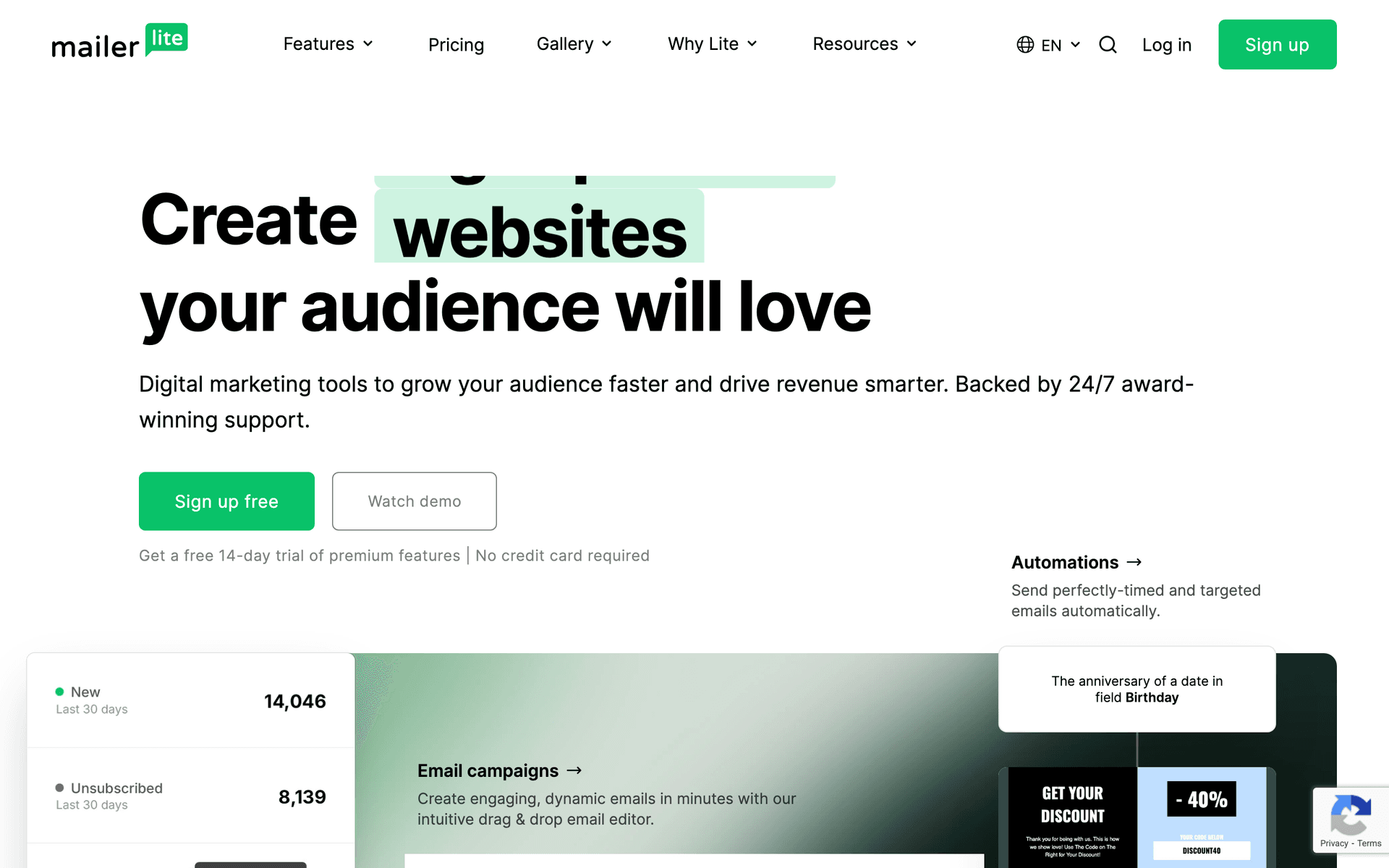
#6
MailerLite

Clean, simple email marketing with good automation.

Visit

MailerLite is the best budget option for lash techs who want real automation without complexity. The free tier covers 1,000 subscribers with automation, landing pages, and signup forms included. The interface is the cleanest on this list - no cluttered menus or confusing navigation. Create a landing page for new client bookings and collect emails automatically. Automation handles fill reminders and welcome sequences. The approval process requires a day or two during setup, and some beauty businesses get flagged for additional review, but once approved it runs smoothly.

Best for
Lash techs wanting simplicity and affordability
Pricing
Free up to 1,000 subscribers, then from $10/month

Pros

  • Very affordable
  • Clean interface
  • Good landing pages
  • Generous free tier

Cons

  • Strict approval
  • Limited advanced features
  • Basic reporting
  • Approval can take time
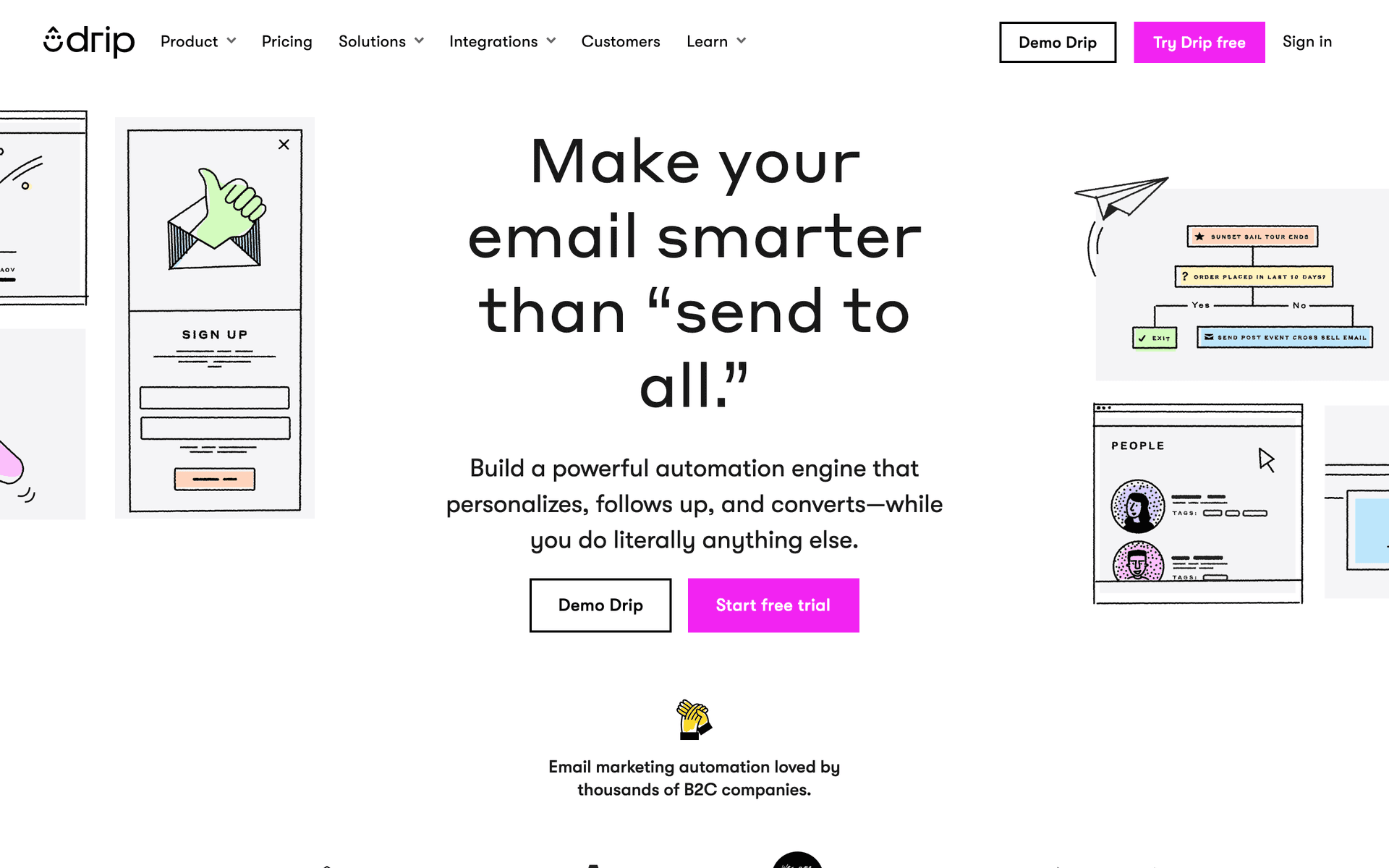
#7
Drip

E-commerce focused but works for selling products.

Visit

Drip is built for online stores. If you sell lash care products, serums, aftercare kits, or lash accessories online, it tracks revenue from product emails effectively. For appointment-only lash techs without an online product line, Drip's e-commerce features are irrelevant and the $39/month starting price is steep for features you will not use.

Best for
Lash techs selling products online
Pricing
From $39/month for 2,500 contacts

Pros

  • Strong automation
  • Revenue tracking
  • E-commerce features
  • Detailed analytics

Cons

  • Built for e-commerce
  • Expensive
  • Overkill for services
  • Learning curve
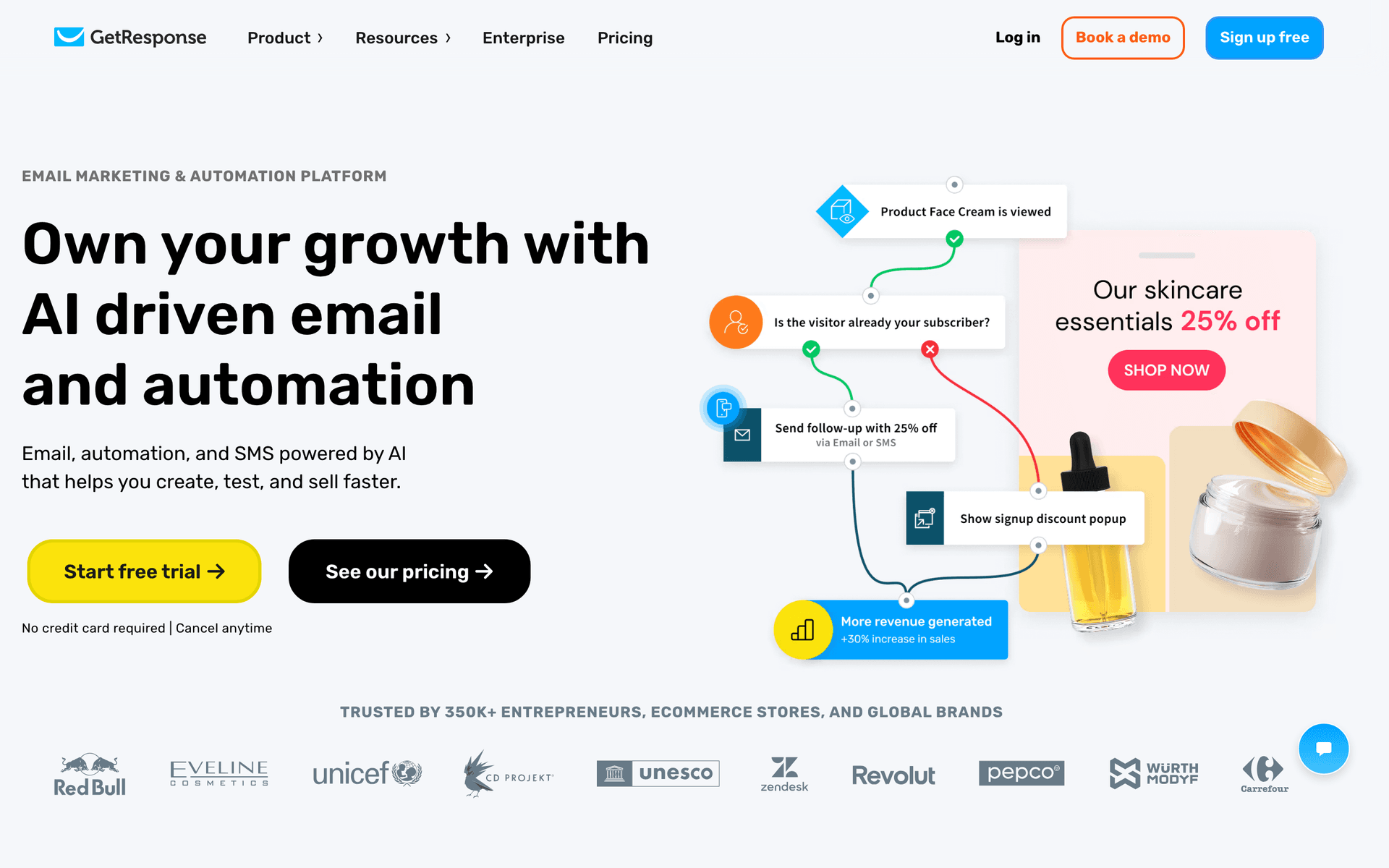
#8
GetResponse

All-in-one marketing platform with webinars and landing pages.

Visit

GetResponse bundles email with landing pages, which can be useful for lash techs running seasonal promotions or new client offers. Create a dedicated landing page for a bridal lash package and drive Instagram traffic to it. The webinar feature goes unused for most lash businesses. The email basics work but the platform tries to do too many things rather than excelling at what lash techs actually need.

Best for
Lash techs wanting landing pages included
Pricing
From $19/month for 1,000 contacts

Pros

  • Landing page builder
  • Automation templates
  • Webinar hosting
  • Competitive pricing

Cons

  • Busy interface
  • Email editor could improve
  • Support varies
  • Unused features
#9
AWeber

One of the original email platforms. Simple and reliable.

Visit

AWeber is the no-frills option that has been around since 1998. Excellent deliverability means your fill reminders actually reach client inboxes. The free tier covers 500 subscribers. For lash techs who want the simplest possible email tool that just sends reliably, AWeber works. It feels dated and lacks modern automation, but basic newsletters and manual fill reminders work.

Best for
Lash techs wanting no-frills reliability
Pricing
Free up to 500 subscribers, then from $15/month

Pros

  • Reliable deliverability
  • Simple to use
  • Good support
  • Long track record

Cons

  • Feels dated
  • Limited automation
  • Basic templates
  • Little innovation
#10
ConvertKit

Built for creators. Not ideal for lash businesses.

Visit

ConvertKit is designed for content creators and bloggers. Unless you run a lash tutorial YouTube channel or education platform, the tool does not address service business needs. The minimalist email templates also lack the visual richness that lash businesses need to showcase their work.

Best for
Lash techs who create content
Pricing
Free up to 1,000 subscribers, then from $29/month

Pros

  • Great for newsletters
  • Clean management
  • Tag-based automation
  • Creator features

Cons

  • Not for service businesses
  • Limited design
  • No free landing pages
  • Wrong focus
#11
HubSpot

Enterprise marketing platform with email included.

Visit

HubSpot is enterprise software for large organizations. For a lash studio chain with multiple locations and a marketing team, it might make sense. For individual lash techs or small studios, it is massive overkill with pricing that quickly reaches $200+/month for features you will never touch.

Best for
Large lash studio chains
Pricing
Free basic, paid from $50/month (realistically $200+)

Pros

  • Full CRM
  • Great for teams
  • Excellent reporting
  • Many integrations

Cons

  • Overkill for most lash techs
  • Expensive
  • Complex setup
  • Ecosystem commitment
#12
Moosend

Budget email marketing with solid features.

Visit

Moosend delivers functional email marketing at $9/month, the cheapest paid option here. You get automation, landing pages, and decent reporting at a budget price. For lash techs whose primary requirement is spending as little as possible, Moosend provides the basics. The template library is smaller and fewer beauty businesses use it, but the core email functionality works.

Best for
Very price-conscious lash techs
Pricing
From $9/month for 500 subscribers

Pros

  • Very affordable
  • Good automation
  • Responsive support
  • Landing pages

Cons

  • Less known
  • Limited integrations
  • Smaller templates
  • Fewer features
#13
Campaign Monitor

Professional email marketing with beautiful templates.

Visit

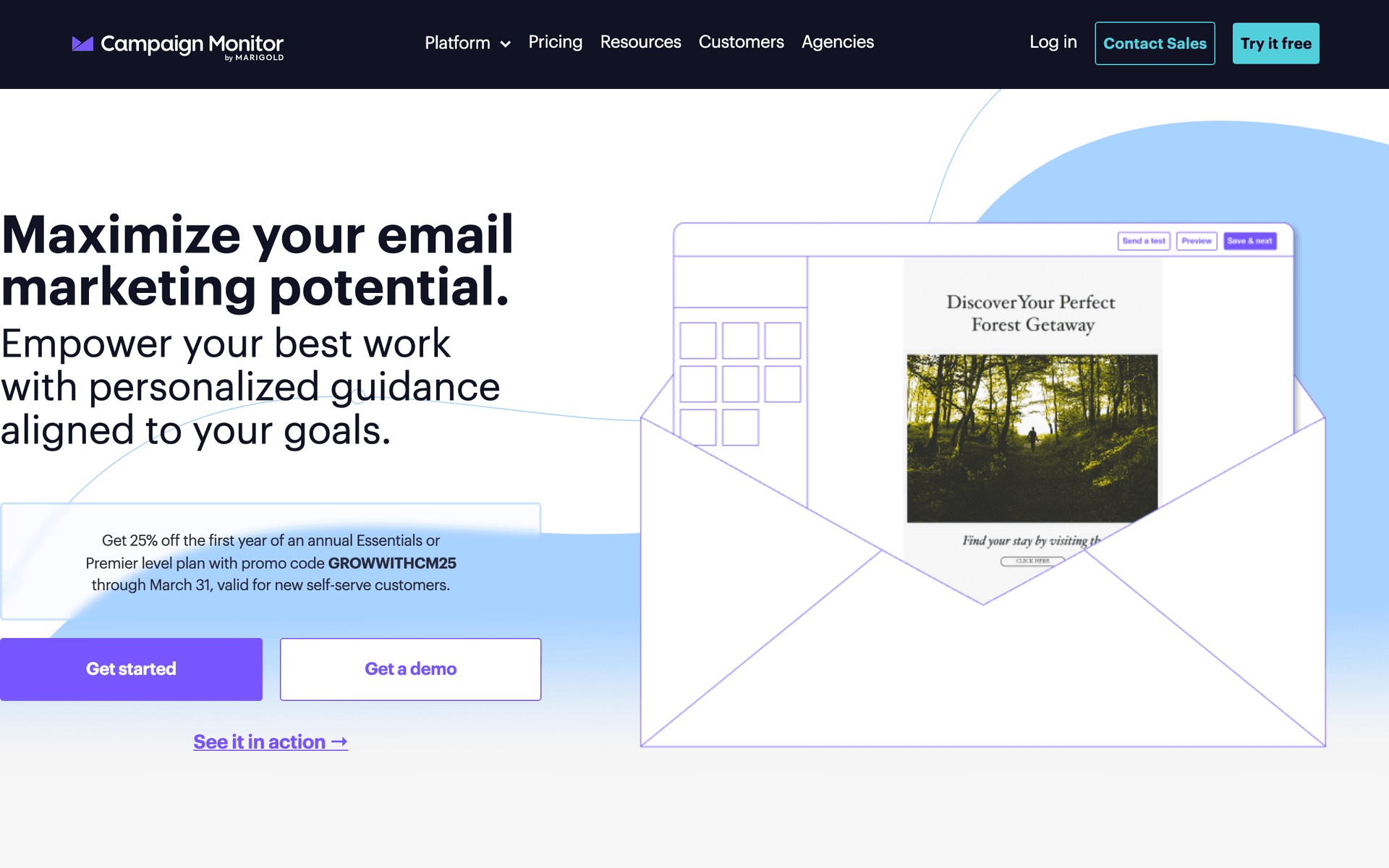
Campaign Monitor has some of the most polished email templates available. For lash techs with a luxury brand aesthetic who want their emails to match their studio's premium feel, the design quality delivers. However, the limited automation means you cannot build the fill reminder and aftercare sequences that drive the most value for lash businesses. Contact-based pricing also adds up.

Best for
Lash techs prioritizing email design
Pricing
From $9/month for 500 contacts

Pros

  • Beautiful templates
  • Professional emails
  • Reliable delivery
  • Great visuals

Cons

  • Contact-based pricing
  • Limited automation
  • Gets expensive
  • Not lash-specific

Feature Comparison

FeatureSequenzyMailchimpConstant ContactActiveCampaign
Fill reminders
Aftercare sequences
Basic
AI content generation
Drag-and-drop editor
Automation workflows
Basic
SMS marketing
Free tier available

Common Mistakes to Avoid

We see these mistakes over and over. Skip the learning curve and avoid these from day one.

Only Emailing When You Have Openings

Reactive emailing (only reaching out when your calendar is empty) feels desperate to clients. Consistent communication - aftercare tips, style updates, fill reminders - keeps you top of mind whether your calendar is full or not.

Sending Text-Heavy Emails Without Photos

Lash artistry is visual. Emails without photos of your work miss the biggest engagement opportunity. Every email should include at least one high-quality lash photo. Your work sells itself visually.

Neglecting Aftercare Education

Clients who do not follow aftercare instructions experience early lash loss and blame the technician. Automated aftercare sequences reduce complaints, improve retention rates, and position you as a thorough professional.

Using the Same Fill Reminder for All Lash Types

Classic lashes, volume lashes, and mega volume have different fill timelines. Segment your clients by lash type and send fill reminders based on the actual recommended fill interval for their specific style.

Not Building a Referral System

Lash clients talk to friends about their lashes constantly. Without a formal referral system in email, you miss out on word-of-mouth leads. A simple referral email after the third appointment with a dual incentive turns loyal clients into ambassadors.

Email Sequences Every Lash Technician Needs

These are the essential automated email sequences that will help you grow your business and keep clients coming back.

New Client Welcome

After first lash appointment

Turn first-time clients into regulars. Build trust from their very first set.

Same day
Your new lashes look amazing, {{first_name}}!

Thank them for their visit. Include aftercare essentials.

Day 3
How are your lashes holding up?

Check in on their experience. Invite questions or feedback.

Day 10
Time to book your first fill, {{first_name}}

Fill reminder based on typical 2-3 week fill schedule.

Fill Appointment Reminders

Based on lash fill schedule

Keep clients on schedule for fills before lashes look sparse.

2 weeks after set
Your lashes are ready for a fill, {{first_name}}

Friendly reminder. Easy booking link included.

2.5 weeks
Fill appointment spots are filling up

Urgency reminder. Show current availability.

3 weeks
We miss you! Time for a lash refresh

Gentle win-back. Mention the benefits of regular fills.

Aftercare Tips Sequence

After every appointment

Educate clients on proper lash care to maximize retention.

2 hours after
Aftercare tips for your gorgeous new lashes

Essential first 24-48 hour care instructions.

Day 5
Quick tip: Keeping your lashes fluffy

Brushing and maintenance reminders.

Day 12
How to make your lashes last longer

Advanced care tips. Introduce aftercare products if you sell them.

Referral Rewards

After 3 successful appointments

Turn loyal clients into ambassadors who bring friends.

After 3rd appointment
Share the lash love, {{first_name}}

Introduce referral program. Explain rewards for both parties.

2 weeks later
Your friends deserve amazing lashes too

Reminder about referral rewards. Make sharing easy.

How to Choose the Right Email Tool for Your Lash Business

The best email marketing tool depends on your business size, brand aesthetic, and technical comfort.

Solo lash techs should prioritize simplicity and affordability. Sequenzy's free tier, MailerLite, or Mailchimp all work well for managing a client base of 50-200 regulars. The AI in Sequenzy is particularly helpful because it writes your fill reminders and aftercare emails for you.

Lash studios with multiple artists need more organization. ActiveCampaign or HubSpot handle team workflows, client assignment, and multi-artist scheduling communication. These tools justify their higher cost when you have 500+ active clients across multiple technicians.

Brand-focused lash businesses that prioritize visual aesthetics should consider Flodesk for its stunning email templates or Campaign Monitor for polished design. Your emails should match your studio's look and feel.

What Actually Works for Lash Technicians

Fill Reminders Are Your Highest-ROI Automation

The single most valuable email automation for a lash tech is the fill reminder sequence. Clients get busy and forget. A well-timed reminder at the 2-week mark catches them before lashes look sparse and before they consider going to another tech.

Set up a three-email fill reminder:

  1. Day 14: Friendly reminder that fills are recommended. Include booking link.
  2. Day 18: Urgency message that spots are filling up for the week.
  3. Day 21: Gentle win-back noting it has been 3 weeks and offering a fresh set option.

Lash techs using this automation report 70-85% fill rebooking rates compared to 50-60% without reminders.

Aftercare Education Reduces Complaints

The number one source of client frustration is early lash loss. In most cases, it is caused by improper aftercare - getting lashes wet too soon, using oil-based products, or rubbing eyes. An automated aftercare sequence sent after every appointment educates clients proactively and dramatically reduces complaints.

Photos Sell Your Work

Lash artistry is inherently visual. Every email you send should include at least one photo of your recent work. Build a portfolio of your best close-up shots organized by lash style:

  • Classic full sets
  • Volume and mega volume
  • Wispy and textured styles
  • Bridal looks
  • Natural and subtle sets

Use these in monthly portfolio emails, seasonal campaign banners, and social proof in booking emails.

Building Your Client Email List

From Every Appointment

Make email collection part of your booking process. Whether clients book through your booking platform (Acuity, Vagaro, GlossGenius) or by phone, email should be a required field.

From Social Media

Add an email signup link to your Instagram bio. Offer a first-time client discount or free aftercare guide for subscribers. Your Instagram followers are pre-qualified leads who already love your work.

From Referrals

When a referred client books, collect their email during the booking process. They enter both your booking system and your email list automatically.

What a Healthy Client List Looks Like

For a solo lash tech operating for 2-3 years:

  • 200-500 total contacts from clients and inquiries
  • 50-150 active clients who book regularly
  • 35-45% open rates on fill reminders and aftercare emails
  • 5-7% click rates on booking links
  • Fill rebooking rate of 75%+ from automated reminders
  • Under 0.3% unsubscribe rate per email

Seasonal Campaign Calendar for Lash Techs

January-February: Valentine's Day glamour. New Year new look campaigns.

March-May: Prom season. Book early promotions for high school and college formal events.

June-September: Wedding season. Bridal lash packages, bridal party group bookings, engagement photo prep.

October: Halloween creative lash styles. Fun festive looks.

November-December: Holiday party glam. Gift card promotions. New Year's Eve prep bookings.

Planning Each Seasonal Campaign

Start promoting 4-6 weeks before each peak season:

  1. Inspiration email: Show seasonal lash styles from your portfolio
  2. Booking reminder: Announce limited availability for the peak period
  3. Last call: Final reminder for remaining spots

Integration Recommendations

Most lash techs use booking platforms like Acuity, Vagaro, GlossGenius, or Square Appointments. Look for email tools that connect to your booking platform through Zapier or direct integration:

  • When a new booking is confirmed, automatically trigger a welcome or pre-appointment email
  • When an appointment is completed, automatically trigger the aftercare sequence
  • When a client has not booked in 3+ weeks, trigger the fill reminder sequence

If your booking platform does not integrate directly with your email tool, Zapier bridges the gap. Set up automated workflows so client data flows between systems without manual entry.

Getting Started Today

  1. Import your client list from your booking platform
  2. Set up fill reminder automation - this single sequence generates the most revenue
  3. Create an aftercare tips sequence that sends after every appointment
  4. Build a new client welcome series that introduces your brand and booking process
  5. Plan your next seasonal campaign based on the upcoming peak period

Start with fill reminders and aftercare. These two automations deliver measurable results within weeks. Add promotional campaigns and referral programs once your core automations are running.

How We Evaluated These Tools

Tools were evaluated based on how well they serve lash technicians - fill reminder automation, aftercare sequence support, visual email design for portfolio showcase, mobile-friendly management, and pricing that works for solo beauty professionals. Each platform was tested by building a fill reminder sequence and an aftercare education series.

Frequently Asked Questions

Ready to grow your lash technician practice?

Start your free trial today. Set up your first email sequence in minutes with AI-powered content generation.

Related Industries

Sequenzy - Complete Pricing Guide

Pricing Model

Sequenzy uses email-volume-based pricing. You only pay for emails you send. Unlimited contacts on all plans — storing subscribers is always free.

All Pricing Tiers

  • 2.5k emails/month: Free (Free annually)
  • 15k emails/month: $19/month ($205/year annually)
  • 60k emails/month: $29/month ($313/year annually)
  • 120k emails/month: $49/month ($529/year annually)
  • 300k emails/month: $99/month ($1069/year annually)
  • 600k emails/month: $199/month ($2149/year annually)
  • 1.2M emails/month: $349/month ($3769/year annually)
  • Unlimited emails/month: Custom pricing (Custom annually)

Yearly billing: All plans offer a 10% discount when billed annually.

Free Plan Features (2,500 emails/month)

  • Visual automation builder
  • Transactional email API
  • Reply tracking & team inbox
  • Goal tracking & revenue attribution
  • Dynamic segments
  • Payment integrations
  • Full REST API access
  • Custom sending domain

Paid Plan Features (15k - 1.2M emails/month)

  • Visual automation builder
  • Transactional email API
  • Reply tracking & team inbox
  • Goal tracking & revenue attribution
  • Dynamic segments
  • Payment integrations (Stripe, Paddle, Lemon Squeezy)
  • Full REST API access
  • Custom sending domain

Enterprise Plan Features (Unlimited emails)

  • Visual automation builder
  • Transactional email API
  • Reply tracking & team inbox
  • Goal tracking & revenue attribution
  • Dynamic segments
  • Payment integrations
  • Full REST API access
  • Custom sending domain

Important Pricing Notes

  • You only pay for emails you send — unlimited contacts on all plans
  • No hidden fees - all features included in the price
  • No credit card required for free tier

Contact

  • Pricing Page: https://sequenzy.com/pricing
  • Sales: hello@sequenzy.com