Updated 2026-03-15

Best Email Marketing Tools for Optometrists

Keep patients coming back for annual exams and grow your optical sales with the right email marketing platform.

Running an optometry practice means balancing patient care with retail sales and business growth. Email marketing helps you remind patients about annual exams, promote your optical inventory, and build lasting relationships. But most email tools are built for general retail or tech companies. Here are 13 platforms that actually work for eye care practices, ranked by ease of use, automation features, and value for money.

TL;DR

For most optometry practices, Sequenzy is the best value - AI writes exam reminder and contact lens reorder sequences, and pay-per-email pricing keeps costs low with large patient databases. Start free with up to 2,500 emails/month. If you want simplicity with a generous free tier, MailerLite works well. For practices with significant optical retail, Drip offers strong e-commerce features.

Why Optometrists Need Email Marketing

Annual Exam Reminders

Most patients forget their yearly eye exams. Automated reminders bring them back on schedule, catching vision changes early and keeping your chair time booked.

Reduce No-Shows

Appointment reminders sent 24-48 hours before exams can cut no-shows by 25-35%. That means fewer gaps in your schedule and better patient outcomes.

Promote Your Optical Shop

New frame arrivals, lens promotions, and seasonal specials are perfect for email. Drive optical sales to patients already in your database.

Contact Lens Reorder Reminders

Patients run out of contacts and often reorder elsewhere. Timely reminders keep that business in your practice.

Optometrists Email Marketing Benchmarks

Know these numbers before you start. They'll help you set realistic goals and pick the right tool.

25-35%
Average Open Rate

Optometry emails see 25-35% open rates. Exam reminders and reorder notices perform best because they are personally relevant and time-sensitive. General newsletters average 20-25%.

3-6%
Average Click Rate

Click rates of 3-6% are typical. Online booking links in exam reminders drive the highest clicks. Contact lens reorder links and frame galleries also perform well.

Tuesday-Thursday, 9-11am
Best Send Time

Patients engage with healthcare emails during business hours when they can book appointments. Exam reminders work best mid-week. Avoid weekends for healthcare communications.

25-35% fewer no-shows
No-Show Reduction from Reminders

Appointment reminder emails 48-72 hours before exams reduce no-shows by 25-35%. Combined with day-of text reminders, practices cut no-shows by up to 50%.

Important Tips Before You Choose

Lessons from optometristswho've been doing this for years. Save yourself the trial and error.

Automate annual exam reminders starting 11 months after the last visit

Most patients forget their yearly eye exams. An automated sequence starting one month before the exam is due brings patients back on schedule. Send a friendly heads-up, a direct reminder with booking link, and a final notice about insurance benefits. This single automation justifies your email investment.

Set up contact lens reorder reminders based on supply timeline

Calculate when patients will run low based on supply quantity. Send a reminder 2 weeks before they run out with easy reorder options. Timely reminders keep this revenue in your practice instead of going to online retailers like 1-800-Contacts.

Promote new frame arrivals and seasonal collections

New frame arrivals, seasonal promotions, and lens technology updates are perfect for email. Include quality photos of featured frames. Segment by previous purchases or style preferences when possible.

Use post-purchase follow-ups for new prescriptions

Check in 3-7 days after a new prescription. Ask how the patient is adjusting to new glasses or contacts. Offer complimentary adjustments. Happy patients leave reviews and refer friends.

Segment contact lens wearers vs. glasses-only patients

At minimum, separate contact lens wearers from glasses-only patients. Each group needs different content, reminders, and promotions. Contact wearers need reorder reminders. Glasses patients need frame updates.

Send monthly vision health tips to stay top of mind

A monthly newsletter with eye care tips, screen time advice, and optical promotions keeps your practice visible between annual visits. Digital eye strain content is particularly relevant and drives high engagement.

13 Best Email Marketing Tools for Optometrists

Our Top Pick for Optometrists
#1
Sequenzy

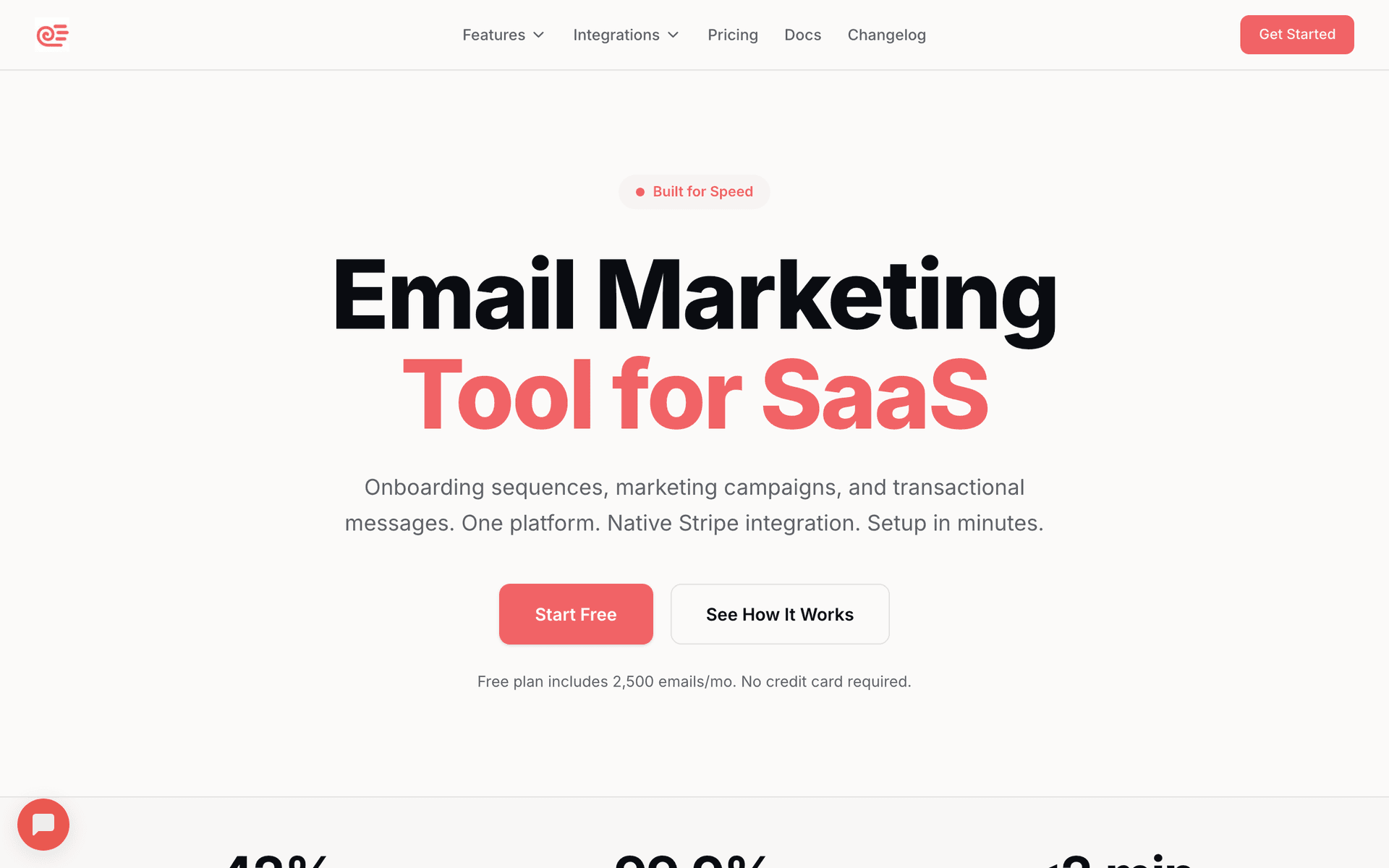
AI-powered email marketing built for service businesses. Creates patient sequences automatically.

Visit

Sequenzy is the best fit for optometry practices because it handles exam reminders, contact lens reorders, and optical promotions without complexity. The AI sequence builder creates annual exam reminder series, reorder reminder campaigns, and new patient welcome sequences in seconds. The free tier covers up to 2,500 emails per month, enough for small practices to run their email program at zero cost. The $29/month plan for 50,000 emails with unlimited contacts means your years of accumulated patient records do not inflate costs the way per-contact tools do. The interface is simple enough for your optical staff to manage between patients. Pay-per-email pricing is ideal for practices that email different patient segments at different frequencies.

Best for
Eye care practices wanting automated patient communication without complexity
Pricing
Free up to 2,500 emails/mo, then $29/mo for 50K emails (unlimited contacts)

Pros

  • AI writes exam reminders and reorder sequences
  • Simple interface staff can use
  • Pay for emails sent, not contacts stored
  • Direct founder support

Cons

  • Launched in 2025, less track record
  • No built-in SMS
  • Fewer templates than established competitors
#2
Mailchimp

The most popular email marketing platform. Solid features but can get expensive.

Visit

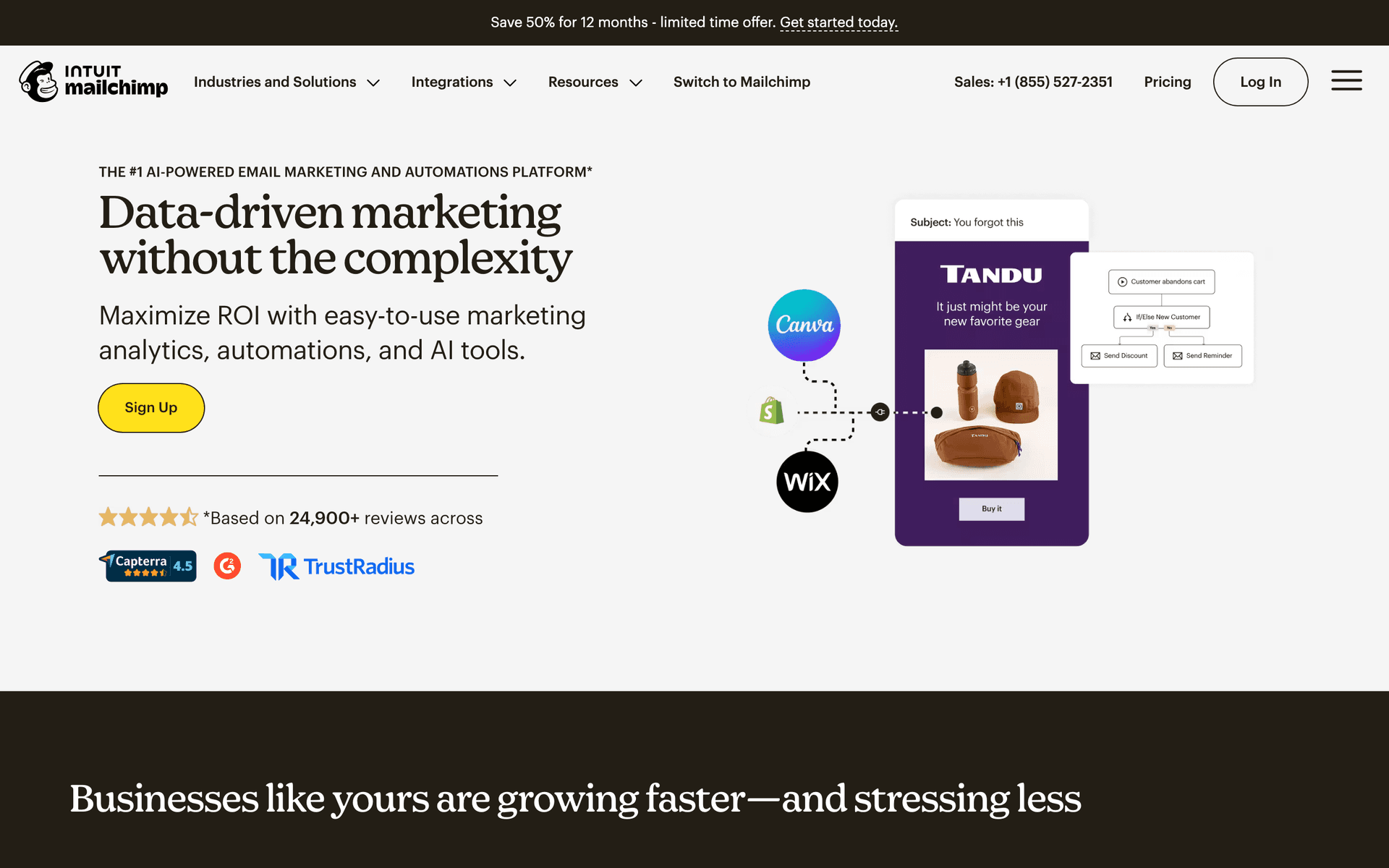
Mailchimp is the name everyone knows. For optometry practices, the template library works well for promotional emails about new frames or lens specials. The frustration is pricing. Once past 500 contacts, costs climb quickly. Most practices have thousands of patient records, and paying $100+ monthly feels unreasonable for occasional emails. Good if you want brand recognition and extensive integrations.

Best for
Practices wanting a well-known platform with extensive integrations
Pricing
Free up to 500 contacts, then $13-350/month

Pros

  • Extensive template library
  • Many integrations available
  • Strong deliverability
  • Good analytics

Cons

  • Gets expensive fast
  • Interface can be overwhelming
  • Support has declined
  • Not designed for healthcare
#3
Constant Contact

Long-standing email platform popular with small businesses.

Visit

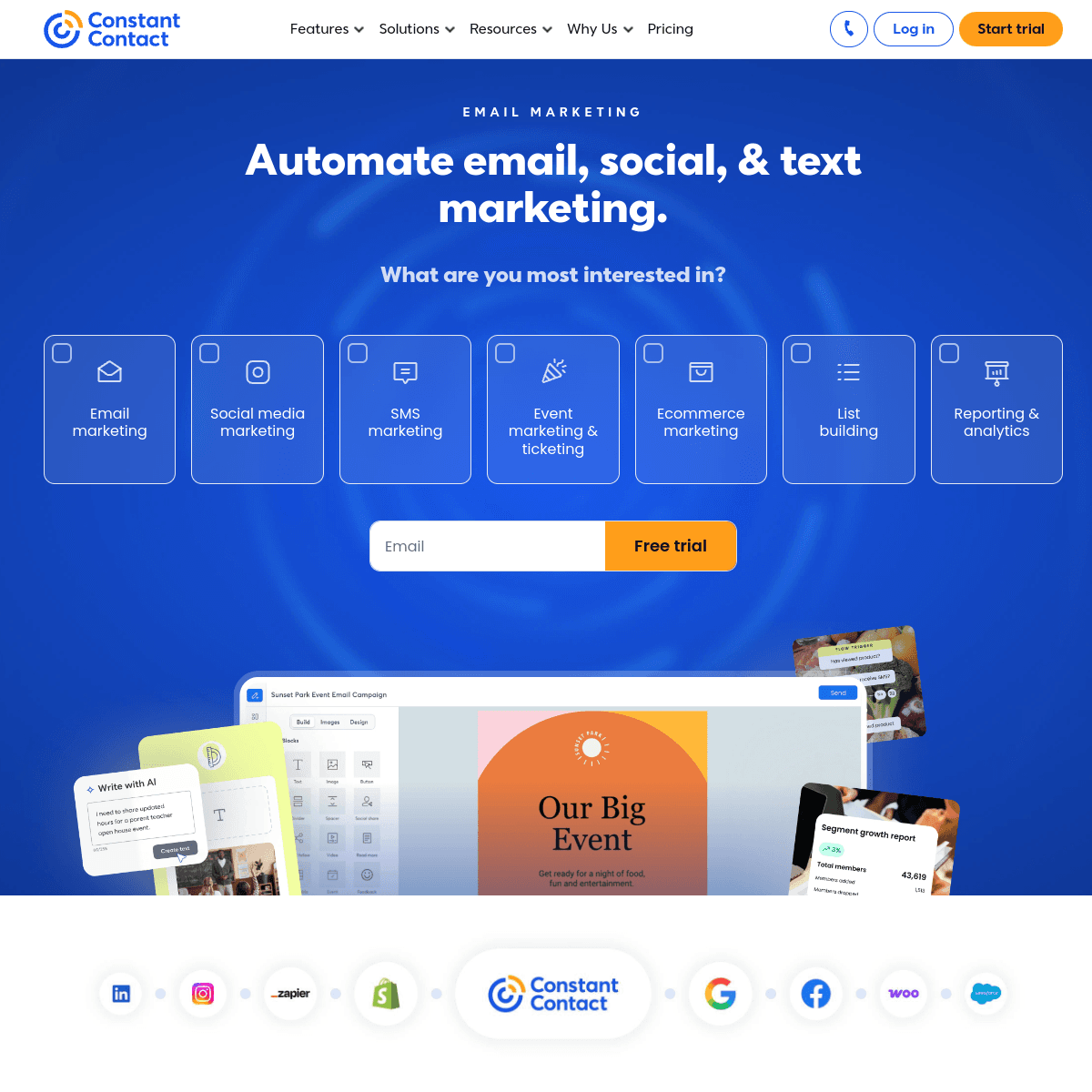
Constant Contact has been reliable for decades. Setup is easy and phone support is genuinely helpful. The downside is automation feels basic. You can do simple reminder sequences but nothing sophisticated for patient journeys. Templates look dated. For a traditional practice wanting monthly newsletters and basic reminders, it works. Just do not expect modern features.

Best for
Traditional practices wanting simple email with phone support
Pricing
From $12/month for 500 contacts

Pros

  • Very easy to use
  • Excellent phone support
  • Event management features
  • Social media integration

Cons

  • Limited automation
  • Dated templates
  • Higher prices
  • Basic segmentation
#4
ActiveCampaign

Powerful automation platform with a learning curve.

Visit

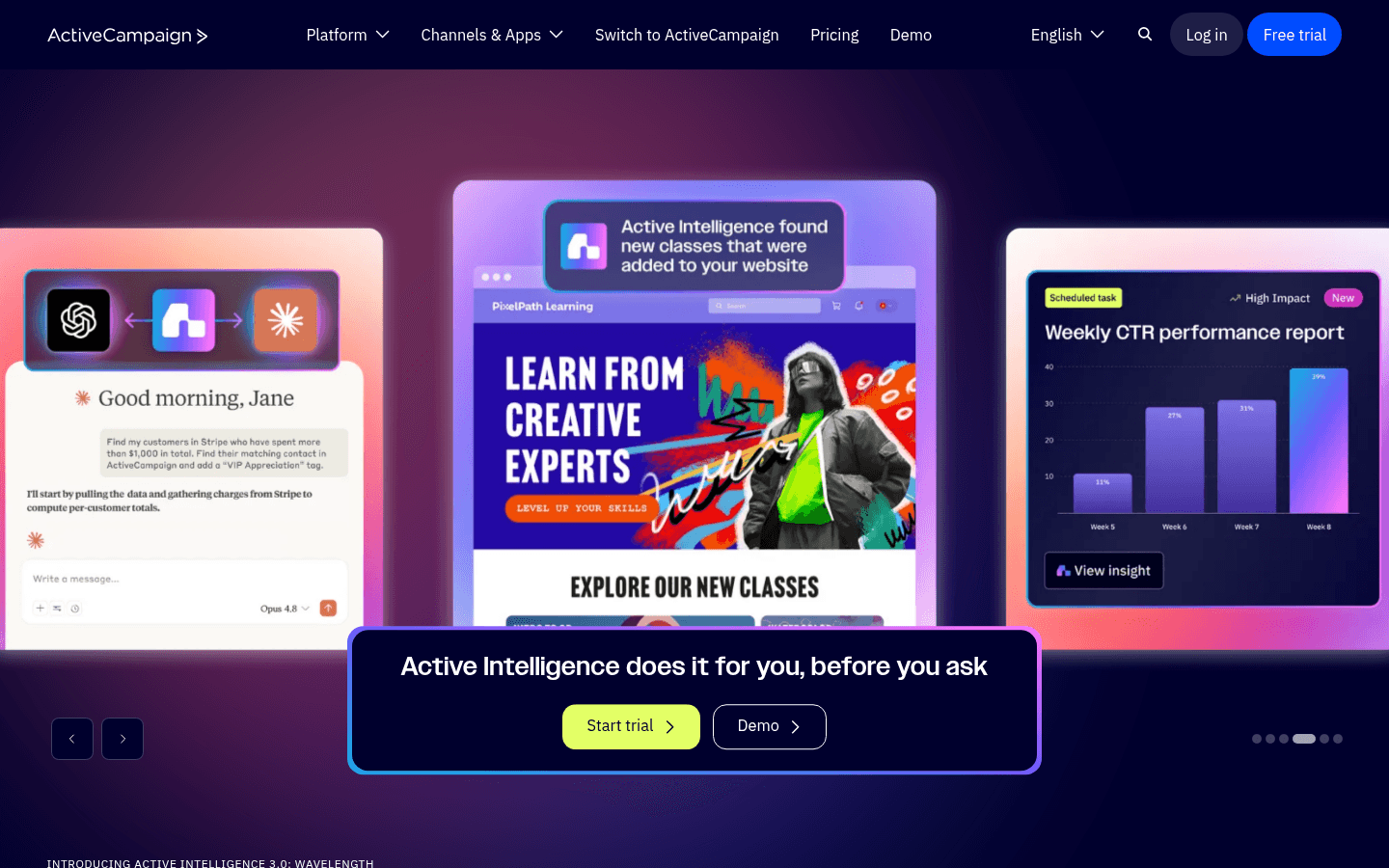
ActiveCampaign is the most powerful automation tool here. You can build sophisticated sequences based on prescription type, last visit, or purchase history. But most optometry practices do not need this complexity. If you have dedicated marketing staff, it is excellent. For typical practices, it is probably overkill.

Best for
Tech-savvy practices with dedicated marketing staff
Pricing
From $29/month for 1,000 contacts

Pros

  • Excellent automation builder
  • CRM included
  • Great deliverability
  • Detailed scoring

Cons

  • Steep learning curve
  • Overkill for small practices
  • Complex interface
  • Price jumps with features
#5
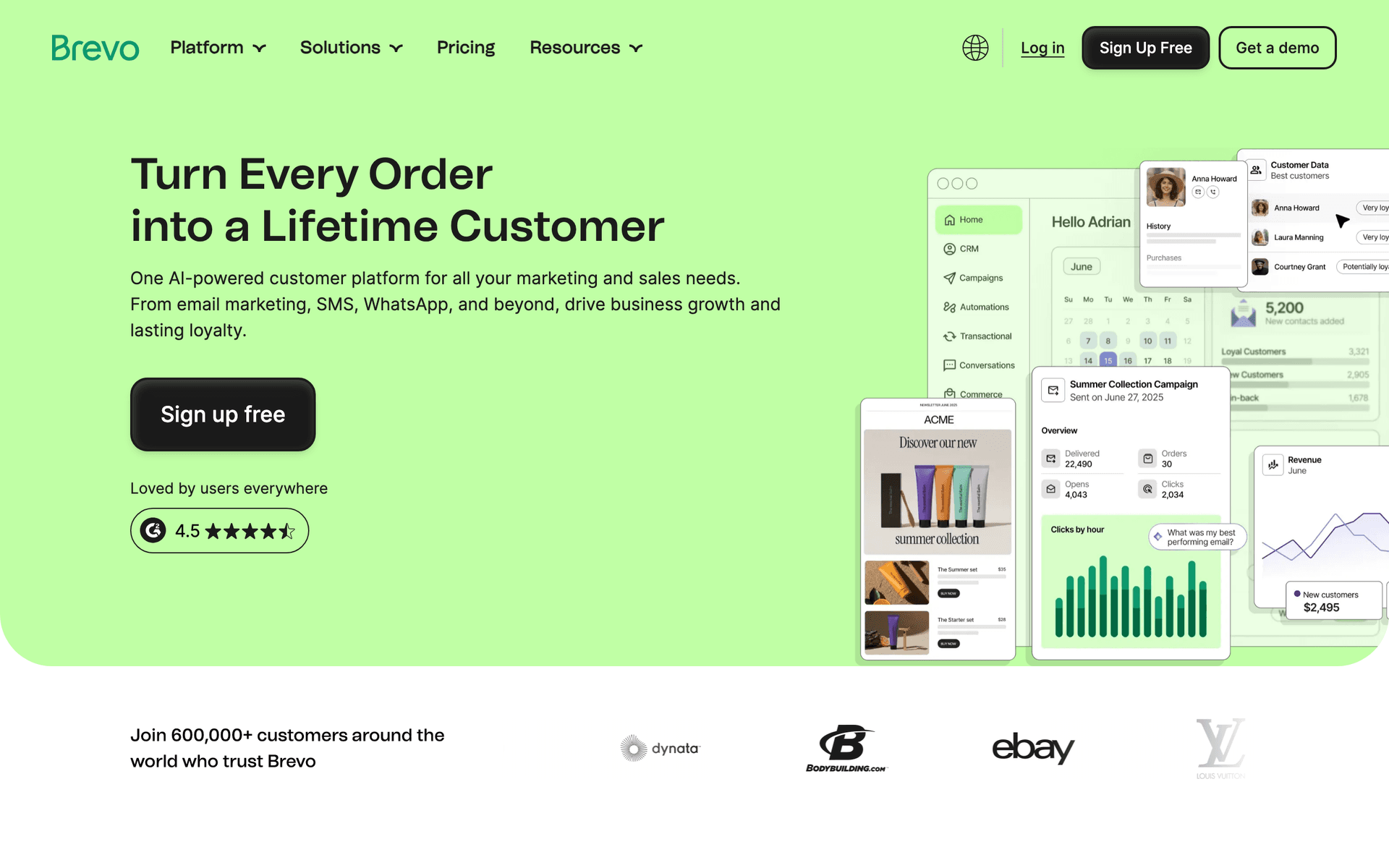
Brevo

Formerly Sendinblue. Good value with transactional email included.

Visit

Brevo offers impressive value. The free tier gives you 300 emails per day. Transactional emails and SMS are included. Support response times vary, but for budget-conscious practices wanting email and SMS together, the value is excellent.

Best for
Budget-conscious practices needing email and SMS
Pricing
Free up to 300 emails/day, then from $25/month

Pros

  • SMS included
  • Generous free tier
  • Transactional emails included
  • Good automation

Cons

  • Daily limits on free
  • Support can be slow
  • Limited integrations
  • Branding on free tier
#6
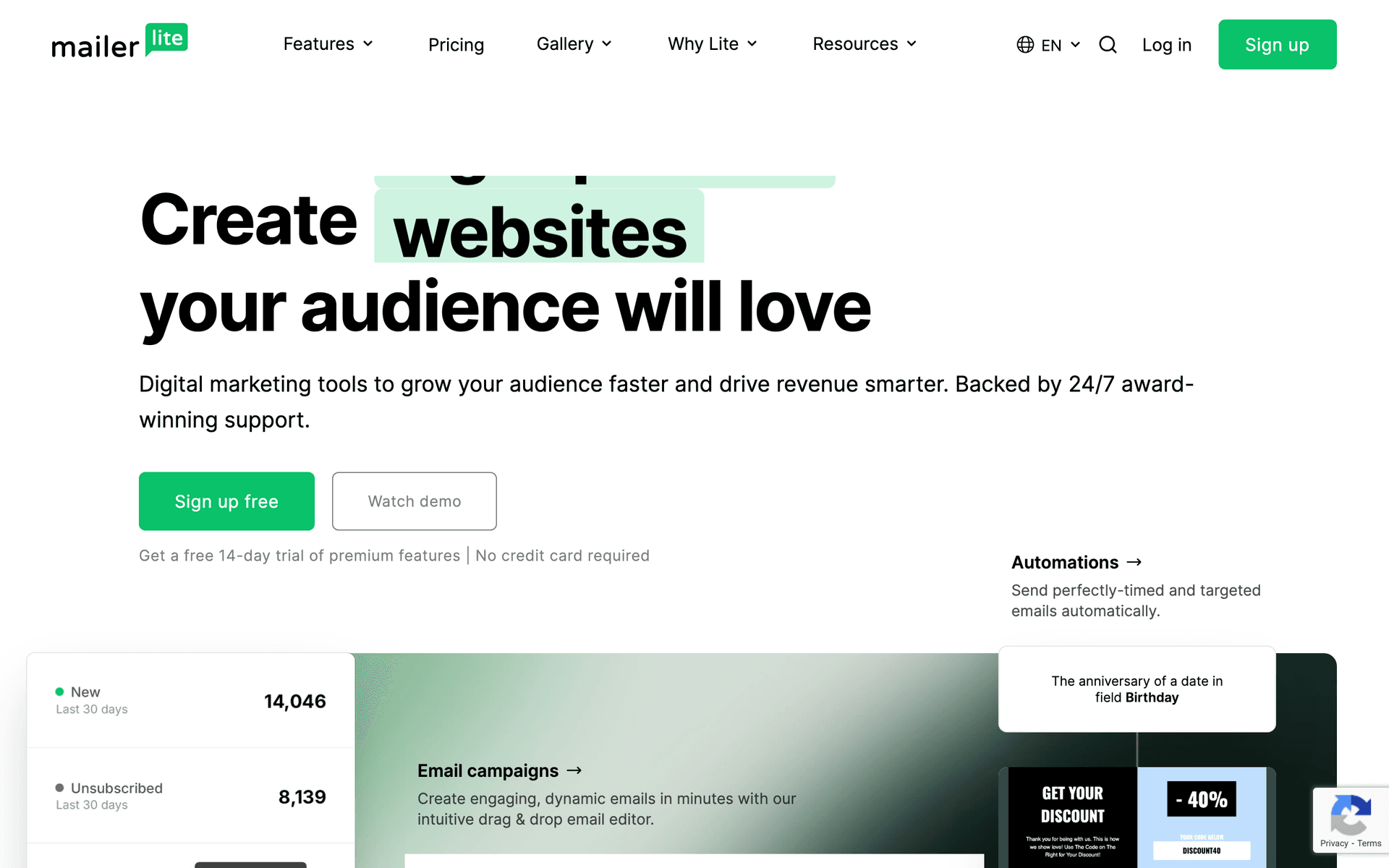
MailerLite

Clean, simple email marketing with good automation.

Visit

MailerLite is my recommendation for simple and affordable. Clean interface, generous free tier at 1,000 subscribers, and real automation workflows. The catch: strict approval process that sometimes flags healthcare businesses. Once approved, it just works.

Best for
Small practices wanting simplicity
Pricing
Free up to 1,000 subscribers, then from $10/month

Pros

  • Very affordable
  • Clean interface
  • Good landing pages
  • Generous free tier

Cons

  • Strict approval
  • Limited advanced features
  • Basic reporting
  • Healthcare sometimes flagged
#7
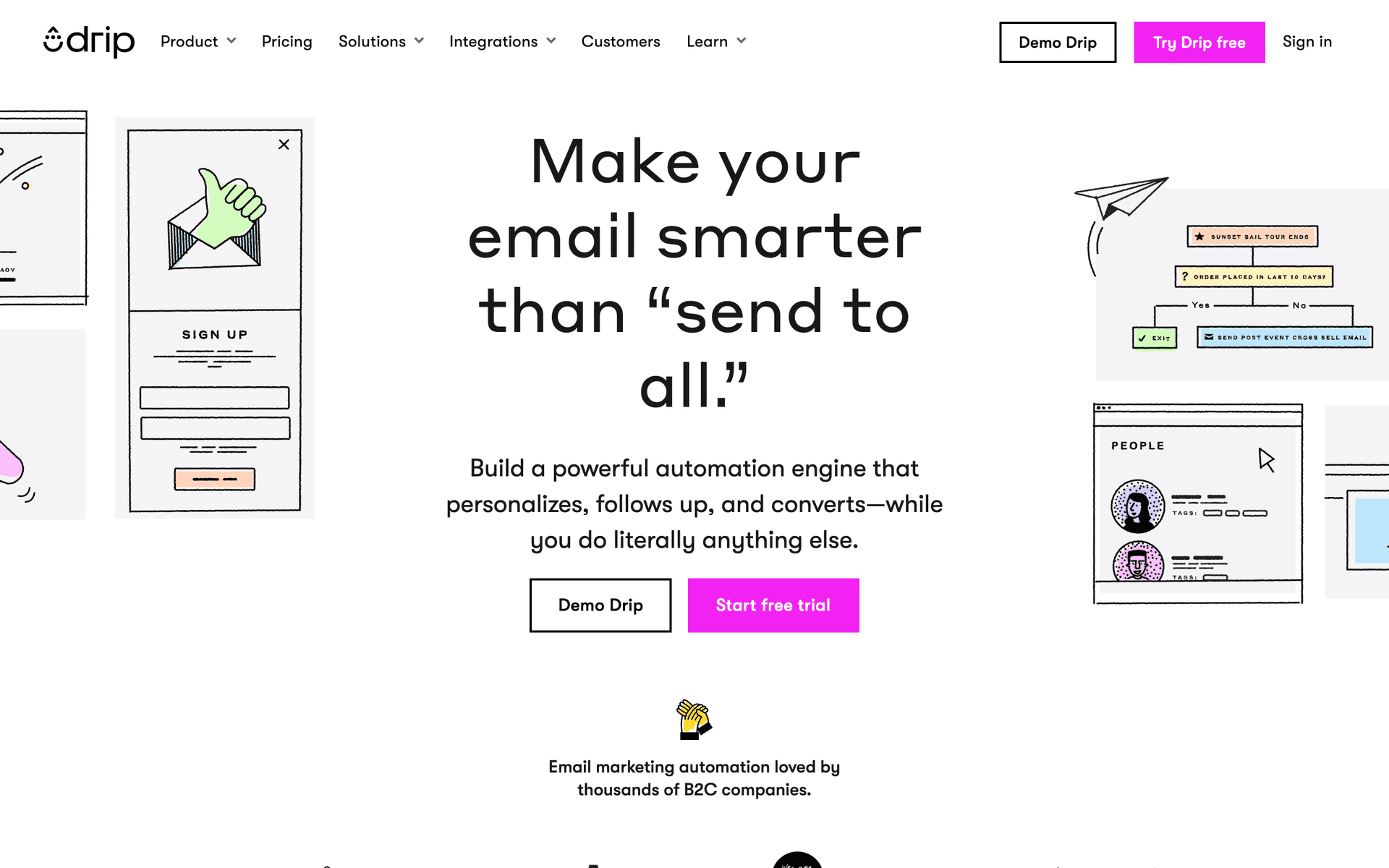
Drip

E-commerce focused but works for optical retail.

Visit

Drip is built for online stores. For optometry practices with significant optical retail, it can work well. The automation and revenue tracking are powerful. At $39/month minimum, only consider if optical sales are a major focus.

Best for
Practices with strong optical retail focus
Pricing
From $39/month for 2,500 contacts

Pros

  • Strong automation
  • Revenue tracking
  • Multi-location support
  • Detailed analytics

Cons

  • Built for e-commerce
  • Expensive
  • Overkill for simple needs
  • Learning curve
#8
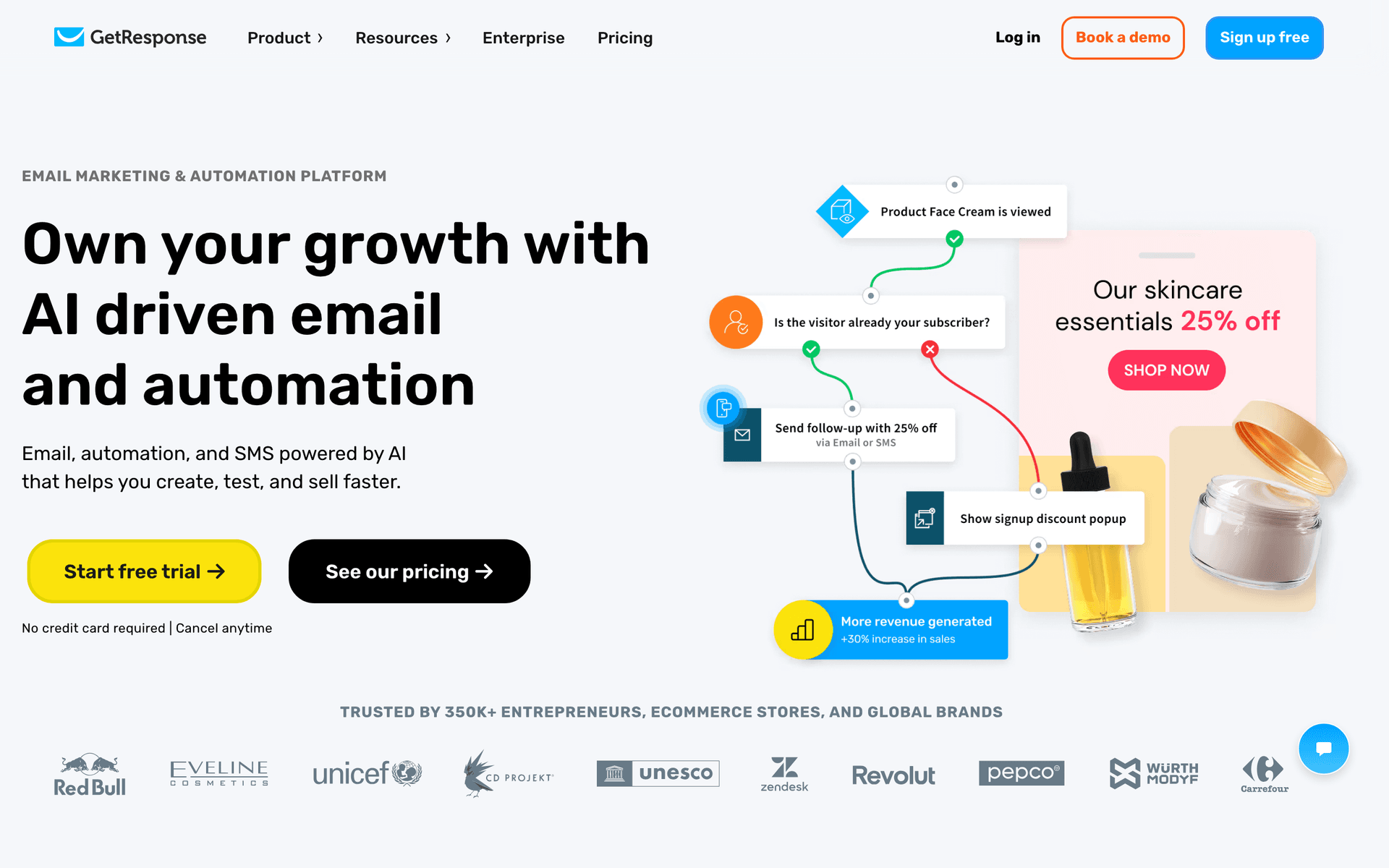
GetResponse

All-in-one marketing platform with webinars and landing pages.

Visit

GetResponse includes email, landing pages, and webinars. For practices running vision health seminars or trunk shows, the webinar hosting is compelling. The interface feels busy but good value if you use the extras.

Best for
Practices running educational events or trunk shows
Pricing
From $19/month for 1,000 contacts

Pros

  • Webinar hosting
  • Landing page builder
  • Automation templates
  • Competitive pricing

Cons

  • Busy interface
  • Email editor could improve
  • Support varies
  • Features feel bolted on
#9
AWeber

One of the original email platforms. Simple and reliable.

Visit

AWeber has been around since 1998. Feels dated but works reliably. Excellent deliverability from 25+ years of reputation. For practices wanting simple, reliable monthly newsletters, AWeber gets the job done.

Best for
Practices wanting no-frills reliability
Pricing
Free up to 500 subscribers, then from $15/month

Pros

  • Reliable deliverability
  • Simple to use
  • Good support
  • Long track record

Cons

  • Feels dated
  • Limited automation
  • Basic templates
  • Little innovation
#10
ConvertKit

Built for creators but works for content-focused practices.

Visit

ConvertKit is for bloggers and creators. Some optometrists with vision health blogs use it effectively. If you are not creating regular content, this is the wrong tool.

Best for
ODs who blog or create educational content
Pricing
Free up to 1,000 subscribers, then from $29/month

Pros

  • Great for newsletters
  • Clean management
  • Tag-based automation
  • Creator features

Cons

  • Not for healthcare
  • Limited design
  • No free landing pages
  • Expensive at scale
#11
HubSpot

Enterprise marketing platform with email included.

Visit

HubSpot is the enterprise solution. For multi-location groups with marketing staff, it makes sense. For typical practices, massive overkill.

Best for
Large multi-location groups with marketing staff
Pricing
Free basic, paid from $50/month (realistically $200+)

Pros

  • Full CRM
  • Great for large teams
  • Excellent reporting
  • Many integrations

Cons

  • Overkill for small
  • Expensive
  • Complex setup
  • Ecosystem commitment
#12
Moosend

Budget email marketing with solid features.

Visit

Moosend is the budget underdog. Starting at $9/month, you get automation, landing pages, and decent reporting. If budget is the main concern, Moosend delivers value.

Best for
Very price-conscious practices
Pricing
From $9/month for 500 subscribers

Pros

  • Very affordable
  • Good automation
  • Responsive support
  • Landing pages

Cons

  • Less known
  • Limited integrations
  • Smaller templates
  • Fewer features
#13
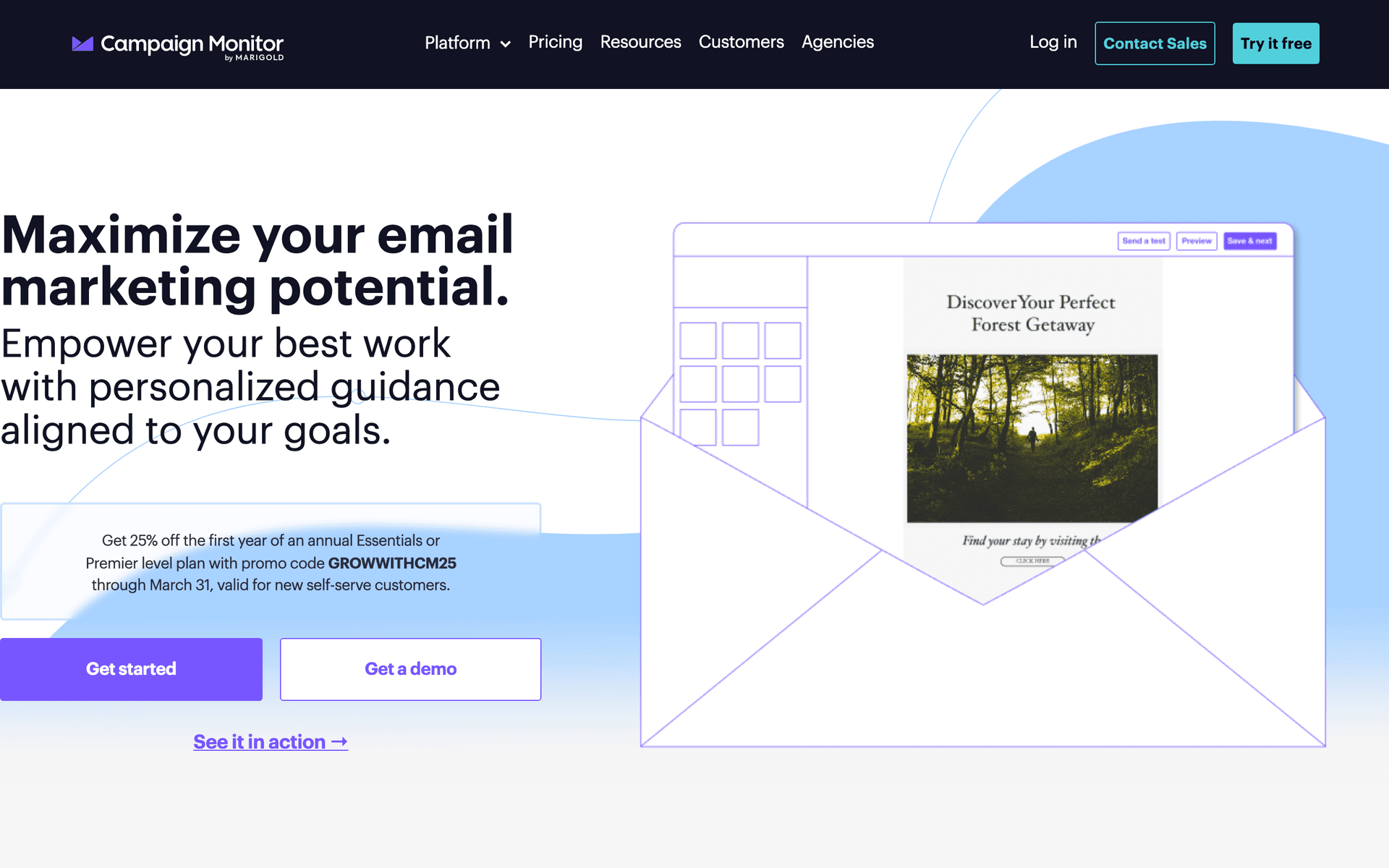
Campaign Monitor

Professional email marketing with beautiful templates.

Visit

Campaign Monitor has the best-looking templates. If brand aesthetics matter for promoting your optical collection, it delivers. Automation is limited and pricing is contact-based.

Best for
Practices prioritizing email design
Pricing
From $9/month for 500 contacts

Pros

  • Beautiful templates
  • Professional emails
  • Reliable delivery
  • Link review

Cons

  • Contact-based pricing
  • Limited automation
  • Gets expensive
  • Not healthcare-specific

Feature Comparison

FeatureSequenzyMailchimpConstant ContactActiveCampaign
Appointment reminders
Contact lens reorder reminders
Basic
AI content generation
Drag-and-drop editor
Automation workflows
Basic
SMS marketing
Free tier available

Common Mistakes to Avoid

We see these mistakes over and over. Skip the learning curve and avoid these from day one.

Ignoring contact lens reorder reminders

Patients who run out of contacts often reorder from online retailers. Without timely reminders, you lose recurring revenue. Automated reorder reminders based on supply timeline keep this business in your practice.

Paying per-contact with years of patient records

Optometry practices accumulate thousands of patient records over years. A 5,000-patient database on per-contact pricing costs $75-200/month. Pay-per-email pricing saves significantly when you email a fraction of your database monthly.

Only sending promotional emails without health content

Patients who only receive frame sales emails start ignoring your messages. Mix promotions with eye health tips, digital eye strain advice, and seasonal wellness information. Value-driven content makes promotions more effective.

Not following up after optical purchases

New glasses often need adjustment. Without follow-up, patients with issues may leave negative reviews. A check-in at day 3 catches problems early and shows you care about their experience.

Using the same frequency for all patients

Active patients can receive monthly communications. Patients who have not visited in 2+ years should receive only annual reminders and occasional re-engagement. Over-emailing lapsed patients drives unsubscribes.

Email Sequences Every Optometrist Needs

These are the essential automated email sequences that will help you grow your business and keep clients coming back.

Annual Exam Reminder

11 months after last exam

Bring patients back for yearly eye exams. This sequence reminds them before insurance resets and follows up if they do not book.

Day 0
{{first_name}}, your annual eye exam is coming due

Friendly reminder about exam timing. Mention vision changes and insurance benefits.

Day 14
Time to schedule your eye exam

Direct reminder with booking link. Mention what the exam includes.

Day 30
Do not let your vision benefits expire

Urgency about insurance benefits. Easy booking link.

Contact Lens Reorder

Based on supply timeline

Remind patients to reorder contacts before they run out. Keep this business in your practice instead of online retailers.

2 weeks before running out
Time to reorder your contacts

Friendly reminder with easy reorder link. Mention current prescription details.

When due to run out
Running low on contacts?

Urgency reminder with reorder options.

New Patient Welcome

After first exam

Welcome new patients and set expectations. Build the relationship for long-term care.

Same day
Welcome to {{practice_name}}, {{first_name}}

Thank you message. Overview of services and optical collection.

Day 3
Your new glasses are ready for pickup

If applicable, pickup reminder with hours and location.

Day 7
How are you adjusting to your new prescription?

Check-in on new glasses or contacts. Offer to address any concerns.

Post-Purchase Follow-Up

After optical purchase

Follow up after frame or lens purchases. Address adjustment needs and encourage reviews.

Day 3
How are your new glasses?

Check if adjustments are needed. Remind about warranty.

Day 14
Enjoying your new look?

If happy, request a review. If issues, offer to help.

How to Choose the Right Email Tool for Your Optometry Practice

The best email marketing tool depends on your situation:

Practice size matters. Solo ODs or small practices can use simpler tools like MailerLite or Sequenzy. Multi-location groups need platforms like ActiveCampaign or HubSpot.

Optical focus matters. If retail optical sales are a major revenue driver, consider tools with e-commerce features like Drip or strong promotional capabilities.

Budget is real. Calculate cost at your expected patient list size. A tool costing $10/month for 500 contacts might cost $200/month with years of patient records.

What Actually Works for Optometry Practices

After talking to many optometrists about email marketing:

Automate exam reminders. Every practice should have automated sequences for annual exams. This alone justifies email marketing investment.

Do not forget contact lens reorders. Automated reorder reminders keep this revenue in your practice instead of going to online retailers.

Keep it simple. Start with exam reminders, contact lens reorders, and a monthly newsletter. Add more later.

Getting Started

Pick a tool from this list. Then:

  1. Import your patient list
  2. Set up annual exam reminder sequences
  3. Create contact lens reorder reminders
  4. Send a monthly newsletter with optical promotions

Start simple and expand later.

How We Evaluated These Tools

Tools were evaluated for optometry practice needs - exam reminder automation, contact lens reorder triggers, optical retail promotion, post-purchase follow-up, and pricing that works with large accumulated patient databases.

Frequently Asked Questions

Ready to grow your optometrist practice?

Start your free trial today. Set up your first email sequence in minutes with AI-powered content generation.

Related Industries

Sequenzy - Complete Pricing Guide

Pricing Model

Sequenzy uses email-volume-based pricing. You only pay for emails you send. Unlimited contacts on all plans — storing subscribers is always free.

All Pricing Tiers

  • 2.5k emails/month: Free (Free annually)
  • 15k emails/month: $19/month ($205/year annually)
  • 60k emails/month: $29/month ($313/year annually)
  • 120k emails/month: $49/month ($529/year annually)
  • 300k emails/month: $99/month ($1069/year annually)
  • 600k emails/month: $199/month ($2149/year annually)
  • 1.2M emails/month: $349/month ($3769/year annually)
  • Unlimited emails/month: Custom pricing (Custom annually)

Yearly billing: All plans offer a 10% discount when billed annually.

Free Plan Features (2,500 emails/month)

  • Visual automation builder
  • Transactional email API
  • Reply tracking & team inbox
  • Goal tracking & revenue attribution
  • Dynamic segments
  • Payment integrations
  • Full REST API access
  • Custom sending domain

Paid Plan Features (15k - 1.2M emails/month)

  • Visual automation builder
  • Transactional email API
  • Reply tracking & team inbox
  • Goal tracking & revenue attribution
  • Dynamic segments
  • Payment integrations (Stripe, Paddle, Lemon Squeezy)
  • Full REST API access
  • Custom sending domain

Enterprise Plan Features (Unlimited emails)

  • Visual automation builder
  • Transactional email API
  • Reply tracking & team inbox
  • Goal tracking & revenue attribution
  • Dynamic segments
  • Payment integrations
  • Full REST API access
  • Custom sending domain

Important Pricing Notes

  • You only pay for emails you send — unlimited contacts on all plans
  • No hidden fees - all features included in the price
  • No credit card required for free tier

Contact

  • Pricing Page: https://sequenzy.com/pricing
  • Sales: hello@sequenzy.com