
Overview
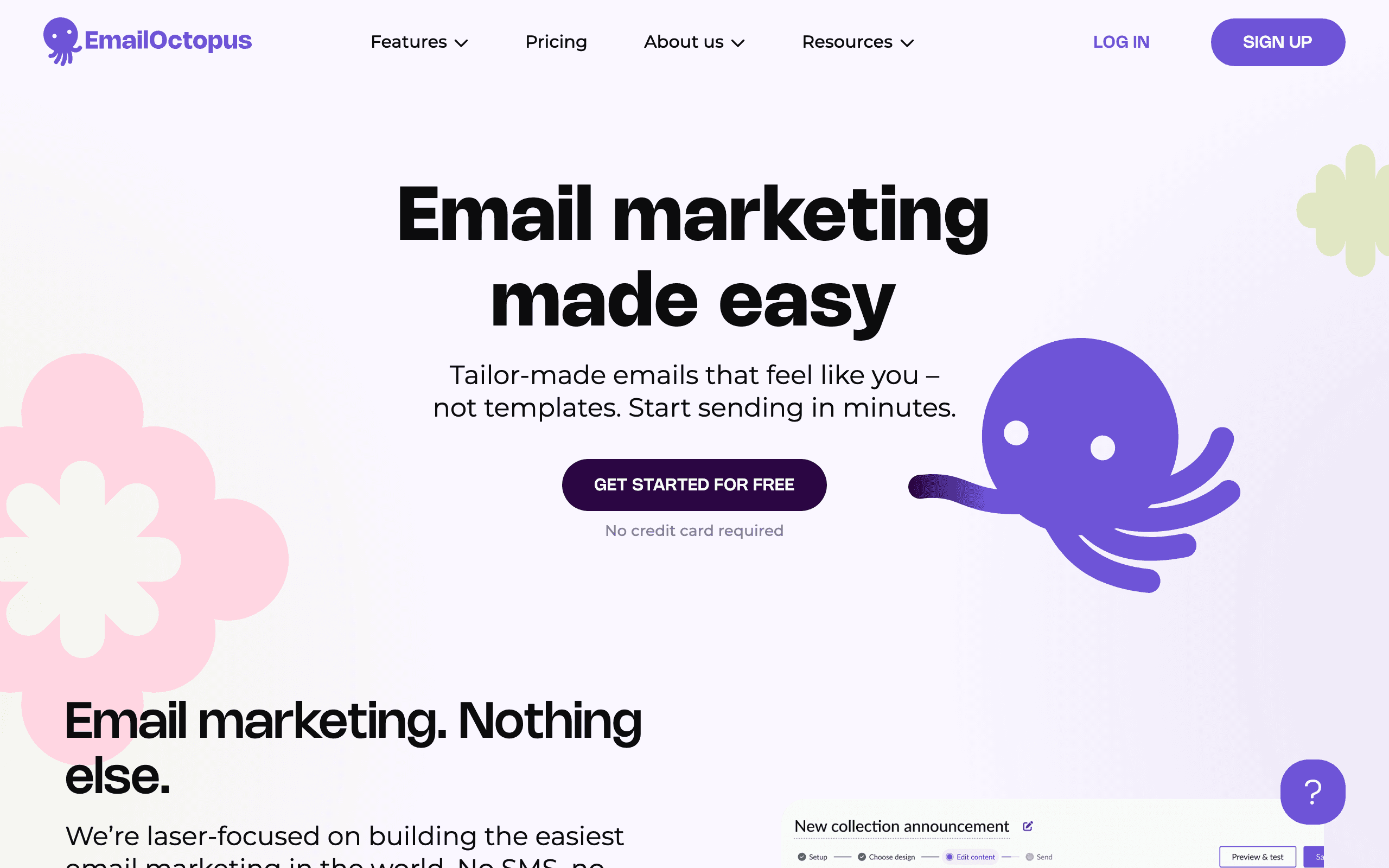
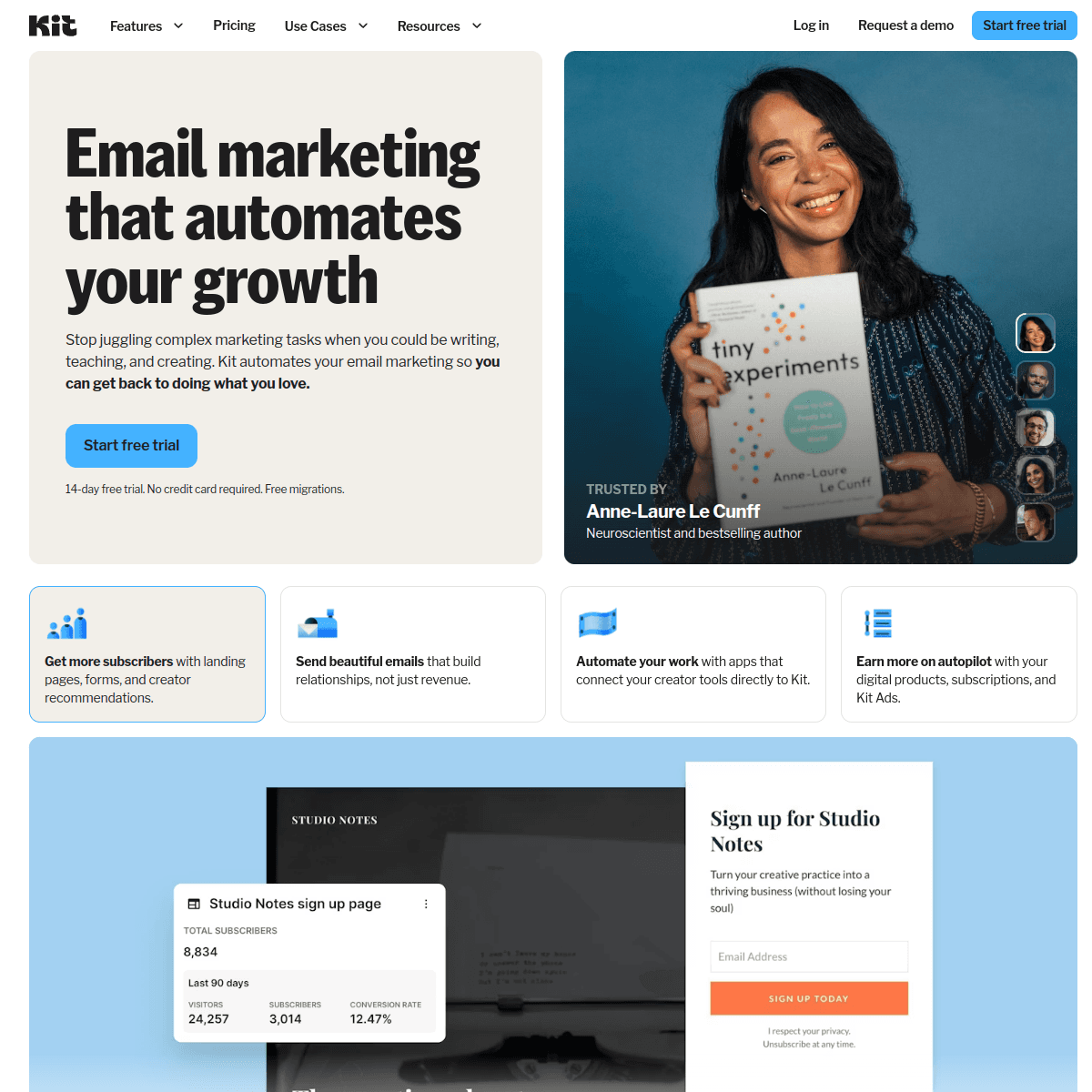
EmailOctopus and ConvertKit serve different audiences with different price points. EmailOctopus is a budget-friendly email marketing platform. ConvertKit is built for creators with monetization features. The price difference reflects these different focuses.
Pricing reality
The pricing gap is substantial. EmailOctopus charges $36/month for 10k subscribers. ConvertKit charges $119/month for the same list size. That's 70% savings with EmailOctopus, or nearly $1,000/year difference.
Review signals
The EmailOctopus reviews on this page support the low-cost simple newsletter case. One reviewer says they run a small blog newsletter without needing monetization features, while another says EmailOctopus is decent for the price but limited for conditional automation.
ConvertKit's reviews support the creator-business premium. Reviewers cite paid-newsletter revenue, automation sequences that convert free subscribers to paid, tags, and creator-focused workflows. The caution is that the paid jump can be steep for side-project newsletters.
Creator Monetization
ConvertKit's main advantage is creator monetization. Paid newsletters, digital product sales, tip jars, and a creator network are all built in. EmailOctopus has none of these features. If you want to monetize your audience directly, ConvertKit provides the tools.
Free Plan Strategy
ConvertKit offers a free plan for up to 10,000 subscribers with basic features (no automation). EmailOctopus offers a free plan for 2,500 subscribers with basic automation. ConvertKit's free tier is more generous for list size; EmailOctopus includes more features.
Automation Comparison
ConvertKit has better automation with a tag-first approach that many creators prefer. You can build sophisticated subscriber journeys. EmailOctopus automation is functional but basic, suitable for simple drip campaigns rather than complex workflows.
Deliverability
ConvertKit has an excellent reputation for email deliverability, particularly among creators. Their focused user base helps maintain clean sending practices. EmailOctopus deliverability is good but ConvertKit has a slight edge.
For SaaS Companies
Neither platform is built for SaaS. Both lack native Stripe integration and behavioral event tracking. For SaaS companies, consider Sequenzy which offers SaaS-specific features at a price between these two platforms.
Making the Choice
Choose EmailOctopus if budget is your primary concern and you need basic email marketing. Choose ConvertKit if you're a creator wanting to monetize your audience or need better automation. For SaaS, consider Sequenzy.
The Creator Economy Factor
ConvertKit has positioned itself at the center of the creator economy with features that directly support independent content creators. The Creator Network enables cross-promotion between newsletters, paid subscriptions let you charge for premium content, and digital product sales support courses, ebooks, and templates. EmailOctopus treats you as a generic email marketer - there is nothing wrong with that, but it means you are on your own for monetization.
For full-time creators whose income depends on their audience, ConvertKit's creator-specific toolkit can directly impact revenue. The question is whether those features generate enough additional income to justify the price premium over EmailOctopus.
Tag-Based vs List-Based Organization
ConvertKit uses a subscriber-centric, tag-based approach where each person exists once in your account with tags describing their interests and behaviors. EmailOctopus uses a more traditional list-based approach where subscribers can exist in multiple lists. This architectural difference affects how you think about segmentation and automation.
Tag-based systems tend to be more flexible for complex subscriber journeys - you can easily target subscribers who have multiple tags without duplicating contacts. List-based systems are simpler to understand but can lead to duplicate contacts and fragmented analytics when subscribers appear on multiple lists.
Email Design Philosophy
ConvertKit deliberately uses simple, text-focused email designs that resemble personal messages rather than marketing campaigns. This minimalist approach tends to produce higher engagement rates because emails feel authentic rather than promotional. EmailOctopus supports more designed emails with its drag-and-drop builder and templates.
Which approach is better depends on your audience. B2C businesses often benefit from visually rich emails. Individual creators and thought leaders typically see better results with ConvertKit's plain-text style. If your brand relies on visual design, EmailOctopus gives you more creative control.
Free Tier Comparison
ConvertKit's free plan is remarkably generous - up to 10,000 subscribers with basic sending capabilities. However, it lacks automation, which is often the feature creators need most. EmailOctopus's free plan supports 2,500 subscribers but includes basic automation. The right free plan depends on whether you need more subscribers or more features at the start.
For creators just starting out, ConvertKit's free plan allows you to build a substantial audience before paying anything. But the moment you want to set up a welcome sequence or automated funnel, you jump to $119/month - a significant leap that many early-stage creators struggle to justify.
Use-case matchups
| Use case | Better fit | Why |
|---|---|---|
| Budget newsletters and simple campaigns | EmailOctopus | EmailOctopus is better when the team wants low-cost email basics without creator monetization tools. |
| Creator monetization | ConvertKit | ConvertKit is stronger when paid newsletters, digital products, tip jars, and creator network discovery matter. |
| Nonprofit or low-budget list operations | EmailOctopus | EmailOctopus keeps subscriber costs low and includes basic automation on a generous free plan. |
| Tag-based creator funnels | ConvertKit | ConvertKit's tags and visual automations fit creator audiences, courses, and paid-content funnels. |
| SaaS lifecycle automation | Sequenzy | Sequenzy is better when Stripe subscription events, transactional email, and marketing campaigns need one workspace. |
| Design-heavy marketing emails | EmailOctopus | EmailOctopus gives more conventional campaign design flexibility than ConvertKit's intentionally minimal style. |
Best Fit by Audience Revenue Model
Best email marketing tool for budget list operations
EmailOctopus is the better fit when the team wants low-cost newsletters, simple campaigns, basic automations, and conventional email design without creator-commerce overhead. It is a practical choice for nonprofits, communities, and lean marketers.
Best email marketing tool for creator funnels
ConvertKit is the better fit when the list powers paid newsletters, digital products, courses, tips, creator discovery, forms, and tag-based funnels. Its higher cost makes more sense when those features directly support audience revenue.
Best email marketing tool for SaaS lifecycle automation
Sequenzy is the better fit when subscribers are product users or subscription accounts. Stripe events, transactional email, onboarding, retention, and billing lifecycle campaigns need product context that creator and budget newsletter tools do not provide.
Migration checklist
- Decide whether the destination should optimize for low-cost email basics, creator monetization, or SaaS lifecycle automation.
- Export subscribers, tags, lists, custom fields, sequences, broadcasts, templates, forms, landing pages, products, paid subscriptions, suppressions, and reports.
- If moving to ConvertKit, map EmailOctopus lists and fields into ConvertKit subscribers, tags, segments, forms, landing pages, and creator commerce features.
- If moving to EmailOctopus, identify which ConvertKit paid newsletters, products, tip jars, creator network, and tag-based automations need replacement elsewhere.
- Rebuild priority flows first: welcome, newsletter, lead magnet delivery, paid subscriber onboarding, product purchase follow-up, re-engagement, and win-back.
- Reconnect forms, landing pages, payment/product links, analytics, webhooks, unsubscribe logic, and suppression syncing.
- Authenticate SPF, DKIM, and DMARC, then test one broadcast, one automation, one monetization flow if used, and one unsubscribe path before full migration.
- Preserve historical subscriber, paid-content, campaign, automation, deliverability, and cost reports so the team can compare budget savings against creator revenue tooling.
Decision checklist
- Is the audience meant to generate revenue through paid newsletters, products, tips, or creator-network discovery?
- Are ConvertKit's tags and automations needed, or would simple lists and drips work?
- Does the free plan cover the current stage, and what happens when automation is needed?
- Would EmailOctopus's lower paid tier free up budget for other creator tools?
- Is this actually SaaS lifecycle email that needs billing events and transactional messages?









