
Two ideas of what a subscriber is
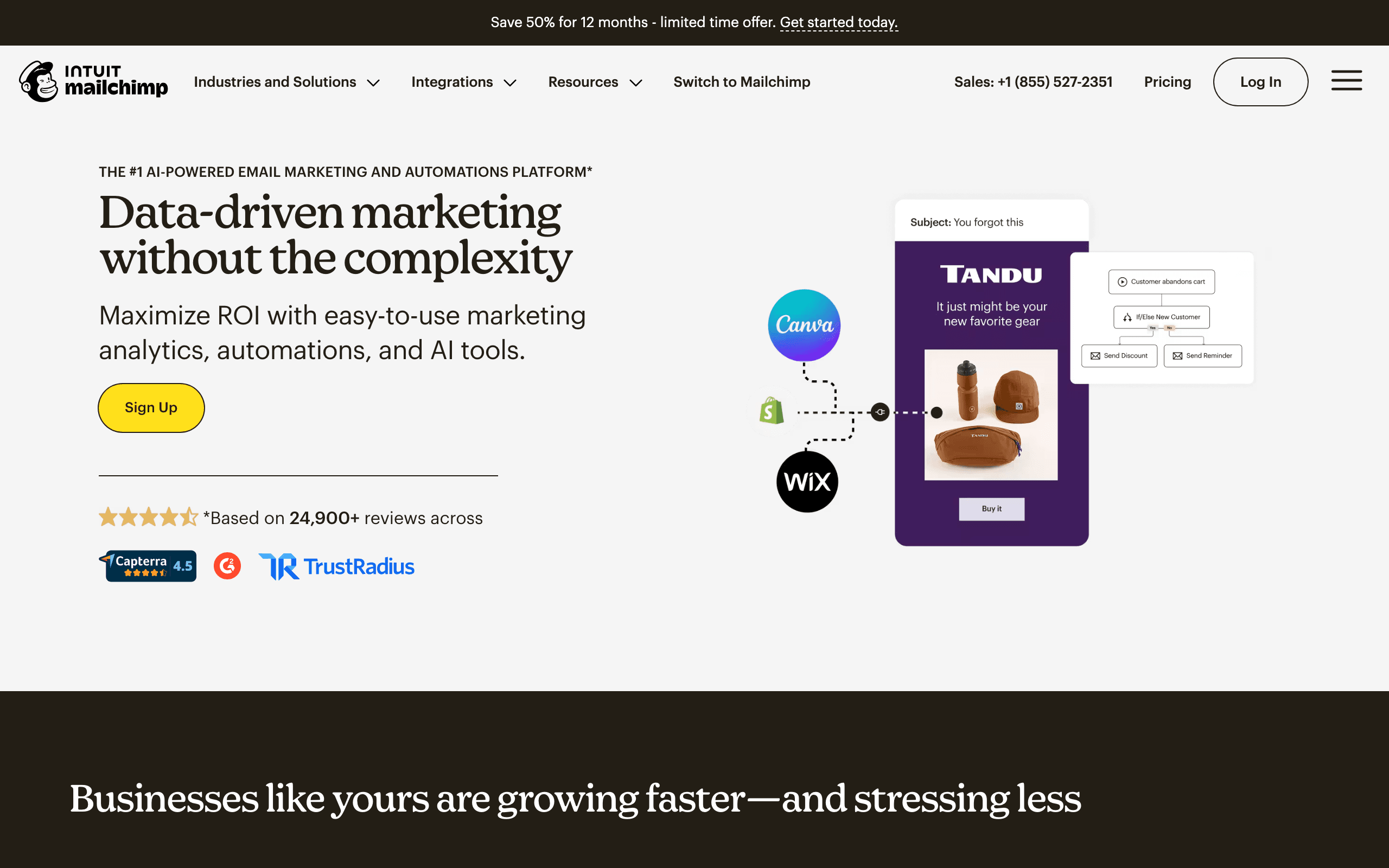
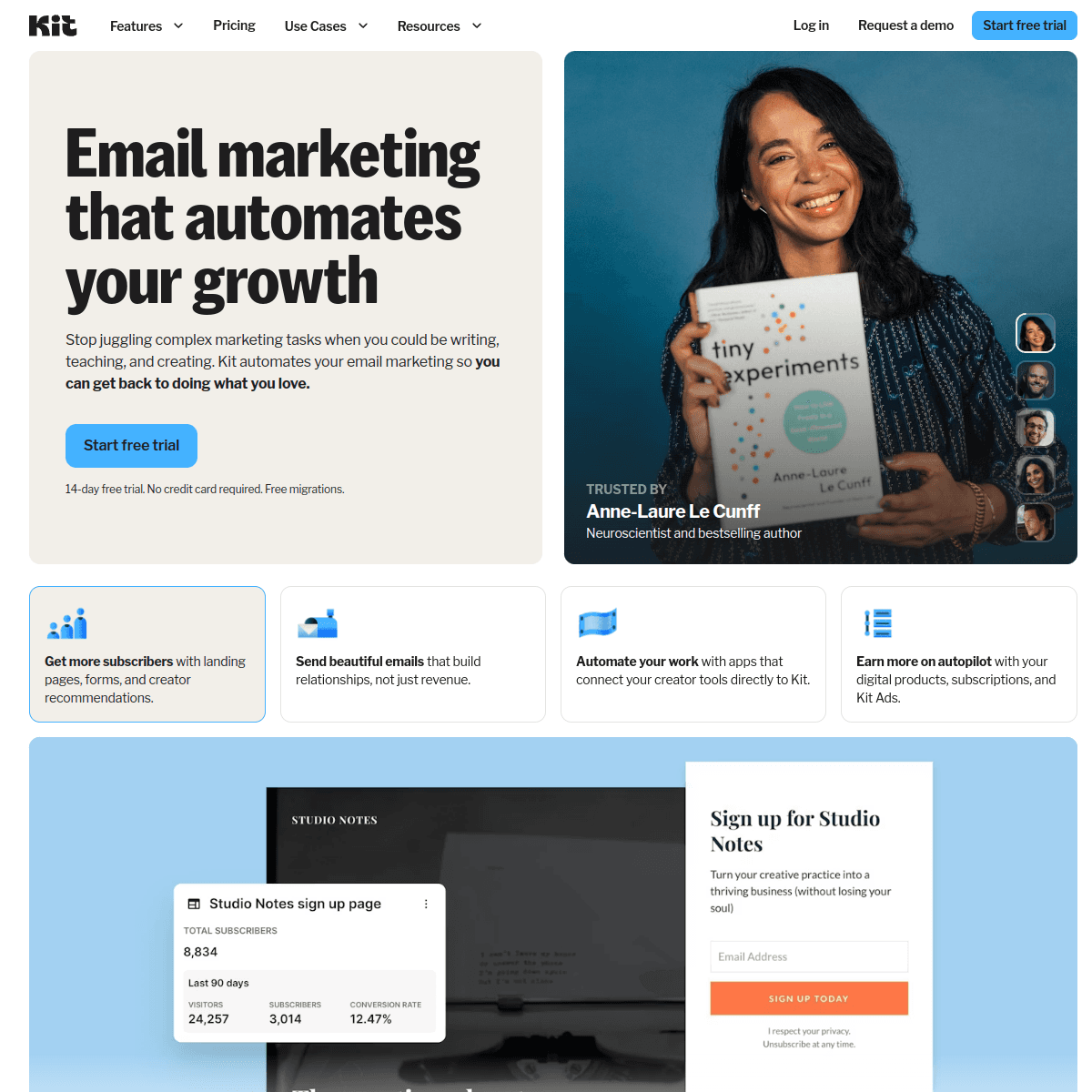
Mailchimp grew up as the newsletter tool for small businesses and, under Intuit, has spread into websites, ecommerce integrations and ads. Its unit of organization is the audience: a contact list with tags, groups and segments. Kit, which was ConvertKit until 2024, was built for people who sell to an audience they own. Its unit is a single subscriber list where tags describe what someone signed up for, bought or clicked.
That difference drives most of the practical trade-offs below. If you run a bakery, a boutique or a consultancy, Mailchimp's model matches your business. If you publish a newsletter, sell a course or run a podcast, Kit's does.
How the lists behave day to day
In Mailchimp you can create several audiences, but a person who appears in two audiences is two billable contacts, and reporting does not merge across them. Mailchimp's own guidance is to use one audience with tags, and most teams that ignore this end up paying for duplicates. Current plans also count unsubscribed and unconfirmed contacts, so list hygiene means archiving, not just unsubscribing.
Kit never had this problem. There is one list. A subscriber who downloads two lead magnets, joins a paid tier and clicks a sponsor link just gets four tags. Segments combine tags and custom fields, and the subscriber is billed once.
Automation you will actually build
Mailchimp's Customer Journey builder handles welcome series, abandoned cart flows for connected stores, date-based emails and branching on contact data. Branching and multi-step journeys are really a Standard-plan feature; Essentials gets simpler flows.
Kit splits automation into sequences (a timed series of emails) and Visual Automations (the map that decides who enters which sequence). A typical creator setup is: form signup adds a tag, the tag starts a welcome sequence, a click on a product link adds an "interested" tag, and a purchase moves the subscriber out of the pitch sequence. Paid Kit plans include unlimited automations and sequences.
Neither tool listens to what someone does inside a software product. Both can take events through the API or a connector, but you build the plumbing.
Pricing side by side
| List size | Mailchimp | Kit |
|---|---|---|
| Up to 250 contacts | Free (500 sends/month) | Free |
| 1,000 subscribers | Essentials or Standard, from about $13 to $20 at the entry tier | Free, or Creator at $39 a month |
| 5,000 subscribers | Contact-tiered Standard pricing | Free, or Creator at $89 a month |
| 10,000 subscribers | Essentials about $110, Standard about $135, Premium $350 | Free, or Creator at $139 a month |
Figures are monthly billing from each vendor's pricing page and recent third-party checks. Mailchimp was offering a 15% first-year discount to accounts above 10,000 contacts, and Kit's annual billing saves roughly 17%. Check both selectors before you commit, since both scale by list size.
The number that matters most is often the free tier. A creator with 6,000 subscribers can run broadcasts on Kit for nothing and pay only when they need automations. The same list on Mailchimp is well past the free cap.
The Intuit factor and the Kit rebrand
Both companies have changed hands or names recently, and it shows in pricing. Intuit bought Mailchimp in 2021, and since then Mailchimp has moved toward being a broader small-business platform, with changes such as counting unsubscribed and unconfirmed contacts toward billing on current plans. Long-time users on older plans often discover the change only when they switch plans.
ConvertKit rebranded as Kit in 2024. The product carried over, but the rebrand came with a sharper creator focus: the Creator Network, paid recommendations, a referral system on Pro that bundles a SparkLoop plan, and commerce features. If you are comparing old reviews, note that many describe ConvertKit before these additions and Mailchimp before the billing change.
Pricing reality: the duplicate-contact trap
Here is a worked example with real list behavior. A newsletter has 10,000 active subscribers, 1,500 people who unsubscribed over the years, and a second Mailchimp audience for a course waitlist where 2,000 of the same people also signed up.
- Mailchimp bills every contact in every audience, including unsubscribed ones on current plans. That is 10,000 + 1,500 + 2,000 = 13,500 billable contacts, which pushes you past the 10,000 tier before you send anything. Merging the waitlist into the main audience as a tag and archiving the unsubscribed contacts gets you back to 10,000, at about $135 a month on Standard.
- Kit bills 10,000 active subscribers. The waitlist is a tag, and unsubscribed people are not billed. Creator costs about $139 a month.
The headline prices are almost identical. The real difference is how much list housekeeping you must do on Mailchimp to keep the bill at the headline price.
Deliverability and sender rules
Since 2024, Gmail and Yahoo require bulk senders to authenticate with SPF, DKIM and DMARC, offer one-click unsubscribe and keep spam complaints low. Both Mailchimp and Kit support these requirements, but you still need to set up authentication on your own domain in either tool.
Style matters too. Kit's editor pushes you toward simple, text-first emails that look like a note from a person. Mailchimp's templates make it easy to send image-heavy promotional layouts, which look polished but need attention to image-to-text balance and alt text. Neither approach is wrong; match it to what your readers expect.
Where each one wins
Mailchimp wins when email is one channel among several. Its editor produces more polished promotional layouts, it has a website and landing page builder, it pulls purchase data from Shopify and WooCommerce into segments, and Mailchimp Transactional is available as an add-on on Standard and Premium. If you need a generalist marketing account that a part-time marketer can run, Mailchimp is the safer choice.
Kit wins when the list is the business. Paid newsletter subscriptions, digital product sales, the Creator Network for cross-recommendations and, on Pro, a referral system are all built in. Its text-first editor also tends to produce emails that look like a person wrote them, which suits newsletters.
Use-case matchups
| Situation | Better fit | Why |
|---|---|---|
| Newsletter with under 10,000 readers and no budget | Kit | The free plan covers the whole list |
| Shop sending weekly promotions with product blocks | Mailchimp | Store integrations and design-focused templates |
| Course creator running launch sequences | Kit | Tags, sequences and built-in digital product sales |
| Local business wanting a simple website and email | Mailchimp | Website builder and email in one account |
| Paid newsletter with a free tier | Kit | Paid subscriptions and recommendations built in |
| SaaS product with trials and billing events | Sequenzy | Stripe triggers and pricing by emails sent |
Moving between them
Most migrations go from Mailchimp to Kit, usually when a creator outgrows Mailchimp's free plan. What moves cleanly:
- Subscribers and tags. Export each audience as CSV. Mailchimp tags and group selections become Kit tags; decide which ones are worth keeping.
- Suppression state. Export the unsubscribed and cleaned contacts too, and import them into Kit as unsubscribed so you do not email people who opted out.
- Custom fields. Mailchimp merge fields map to Kit custom fields. Merge tags such as
*|FNAME|*need rewriting as Kit's Liquid-style subscriber variables.
What does not move: Customer Journeys, templates and reports. You rebuild journeys as Kit sequences and Visual Automations, recreate your email template in Kit's editor, and export Mailchimp reports before closing the account. Authenticate your sending domain in Kit before the first broadcast so engagement history is not reset by a new "from" address.
Going from Kit to Mailchimp is the same process in reverse, with one extra step: collapse your Kit tags into a single Mailchimp audience rather than creating an audience per interest.
Migration checklist
| Step | Mailchimp to Kit | Kit to Mailchimp |
|---|---|---|
| Contacts | Export every audience, merge duplicates | Export subscribers with tags and fields |
| Structure | Mailchimp tags and groups become Kit tags | Kit tags become tags in one Mailchimp audience |
| Suppressions | Import unsubscribed and cleaned contacts as unsubscribed | Import unsubscribes so Mailchimp suppresses them |
| Personalization | Rewrite Mailchimp merge tags as Kit Liquid variables | Rewrite Kit Liquid as Mailchimp merge tags |
| Automations | Rebuild journeys as sequences and Visual Automations | Rebuild sequences as Customer Journeys |
| Commerce | Set up products and paid tiers in Kit | Move paid newsletters and products to another tool first |
| Sending | Authenticate your domain in Kit | Authenticate your domain in Mailchimp |
Where Sequenzy fits
Sequenzy is not a creator platform and does not sell paid newsletters or digital products, so it is not a Kit replacement for most creators. It is also not a website builder. It fits when the people on your list are users of a software product: you want onboarding and trial sequences triggered by product events, Stripe events such as failed payments and upgrades, and transactional email on the same platform as newsletters. Pricing is $49/month for 60k emails (unlimited subscribers), so dormant accounts do not add cost. See Sequenzy pricing or the Mailchimp alternatives and Kit alternatives guides.
Decision checklist
- Choose Kit if you are a creator, your list is under 10,000 and you want to start free, or you plan to sell paid newsletters or digital products.
- Choose Mailchimp if email supports a small business that also needs a website, store data, SMS or ads, and you are willing to keep one tidy audience.
- Avoid Mailchimp if you keep several overlapping lists and do not want to archive old contacts regularly.
- Avoid Kit if your emails depend on rich visual design or store product feeds.
- Choose Sequenzy if your subscribers are SaaS users and billing events should drive your email.









