Updated 2026-03-15

Best Email Marketing Tools for Family Photographers

Book more sessions, build client relationships, and grow your family photography business with the right email marketing platform.

Family photography is relationship-driven. Families return for annual photos, milestones, and growing kids. Email marketing nurtures these relationships between sessions, showcases your recent work, and keeps you top of mind when families think about photos. Here are 13 email marketing platforms that work for family photographers.

TL;DR

For most family photographers, Sequenzy offers the best value - the AI creates session announcements and client follow-ups in seconds, and the free tier covers up to 2,500 emails/month. MailerLite is excellent for photographers wanting a clean free option with landing pages for mini session bookings. Campaign Monitor has the most beautiful templates for showcasing your photography.

Why Family Photographers Need Email Marketing

Drive Repeat Sessions

Families photograph kids every year as they grow. Email reminders bring them back for annual sessions.

Showcase Recent Work

Your latest sessions inspire future bookings. Email gets beautiful family photos in front of people who might book.

Promote Mini Sessions

Holiday and seasonal mini sessions fill quickly with email promotion to past clients and interested families.

Generate Referrals

Happy families tell friends. Systematic email follow-up makes referral requests consistent.

Family Photographers Email Marketing Benchmarks

Know these numbers before you start. They'll help you set realistic goals and pick the right tool.

30-42%
Average Open Rate

Family photographer emails see 30-42% open rates because subscribers have a personal connection to the photographer. Session announcements and gallery showcases perform highest. If you are below 25%, send more frequently to maintain the relationship.

4-7%
Average Click Rate

Click rates of 4-7% are typical. Mini session booking links and gallery views drive the highest clicks. Include large clickable images that link directly to booking or portfolio pages.

Tuesday-Thursday, 10am or 8pm
Best Send Time

Parents browse during mid-morning after school drop-off and in the evening after kids are in bed. Both windows work well for different family demographics. Test both with your specific audience.

60-80% of spots from past clients
Mini Session Fill Rate from Email

Photographers who email past clients first with early access typically fill 60-80% of mini session spots from their existing client base, reducing dependence on social media promotion and paid advertising.

Important Tips Before You Choose

Lessons from family photographerswho've been doing this for years. Save yourself the trial and error.

Set up annual session reminders based on last session date

Kids grow fast. An automated email sent 11 months after their last session reminds families it is time for updated photos. Include a sample image from their previous session if possible. This single automation generates consistent repeat business year after year with zero manual effort.

Promote mini sessions 4-6 weeks early to past clients first

Holiday and seasonal mini sessions fill quickly. Email your past client list first with early booking access, then open to your general list. Past clients who feel like VIPs book faster and refer friends. The exclusivity window creates urgency and rewards loyalty.

Let your photos do the heavy lifting in emails

Family photography sells through images. Your emails should be 80% beautiful photography and 20% text. A stunning fall family portrait says more about your work than any paragraph of description. Include 3-5 of your best recent images in every newsletter.

Create a 'What to Wear' guide as a lead magnet

The number one question families have before a session is what to wear. Create a downloadable style guide for family photo sessions and offer it in exchange for email signup. This attracts your ideal clients and demonstrates your expertise before they even book.

Send a gallery delivery email that drives reviews and referrals

Gallery delivery is the moment of highest client satisfaction. Follow up the delivery email with a review request on day 7 and a referral request on day 14. This sequence captures the excitement of seeing their photos for the first time.

13 Best Email Marketing Tools for Family Photographers

Our Top Pick for Family Photographers
#1
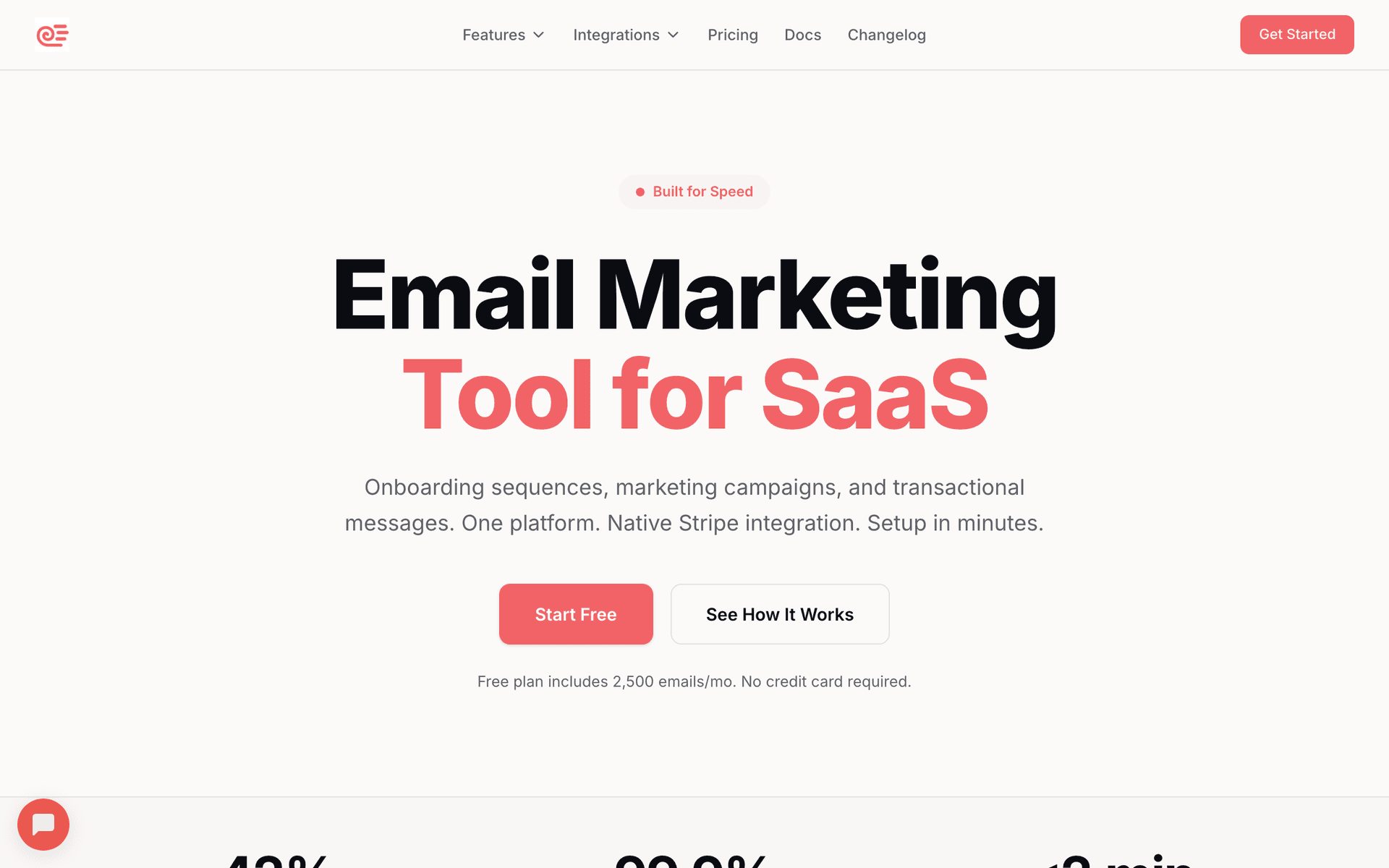
Sequenzy

AI-powered email marketing for creative businesses.

Visit

Sequenzy is the best fit for most family photographers because it removes the biggest time barrier - creating email content between sessions and editing. The AI sequence builder creates session announcements, mini session promotions, post-session follow-ups, and annual reminder emails in seconds. Describe your photography style and client base, and get ready-to-send sequences. The free tier covers up to 2,500 emails per month, which handles most photographers' needs for months. The $29/month paid plan covers 50,000 emails with unlimited contacts, so your growing client list does not inflate costs. Pay-per-email pricing means you only pay for what you send. The interface is simple enough to manage between sessions and editing - most photographers can set up their email marketing in under an hour.

Best for
Family photographers wanting automated client communication
Pricing
Free up to 2,500 emails/mo, then $29/mo for 50K emails (unlimited contacts)

Pros

  • AI writes session sequences
  • Simple interface
  • Pay per emails sent
  • Direct founder support

Cons

  • Launched in 2025, less track record
  • No built-in SMS
  • Fewer templates
#2
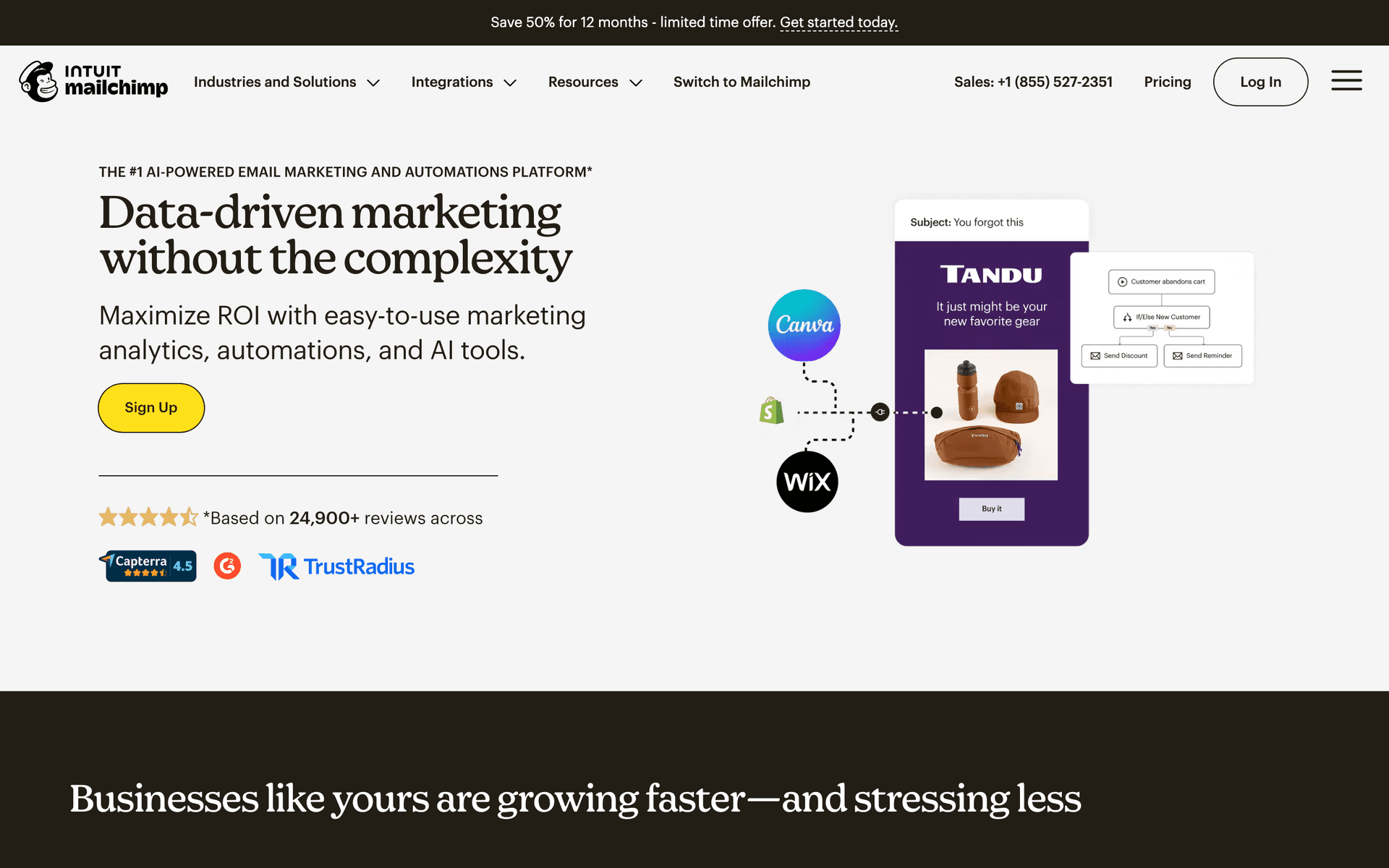
Mailchimp

Popular platform with visual templates.

Visit

Mailchimp is the platform most photographers try first. The template library includes image-forward designs that showcase photography well. The drag-and-drop editor makes building visual emails straightforward. The frustration comes when your client list grows past the 500-contact free tier and per-contact costs climb. For photographers building their business, Mailchimp is a reasonable starting point. For established photographers with larger lists, more affordable options exist.

Best for
Family photographers wanting a familiar platform
Pricing
Free up to 500 contacts, then $13-350/month

Pros

  • Well-known
  • Good for photos
  • Strong deliverability
  • Good analytics

Cons

  • Gets expensive
  • Not photographer-focused
  • Support declined
  • Interface overwhelming
#3
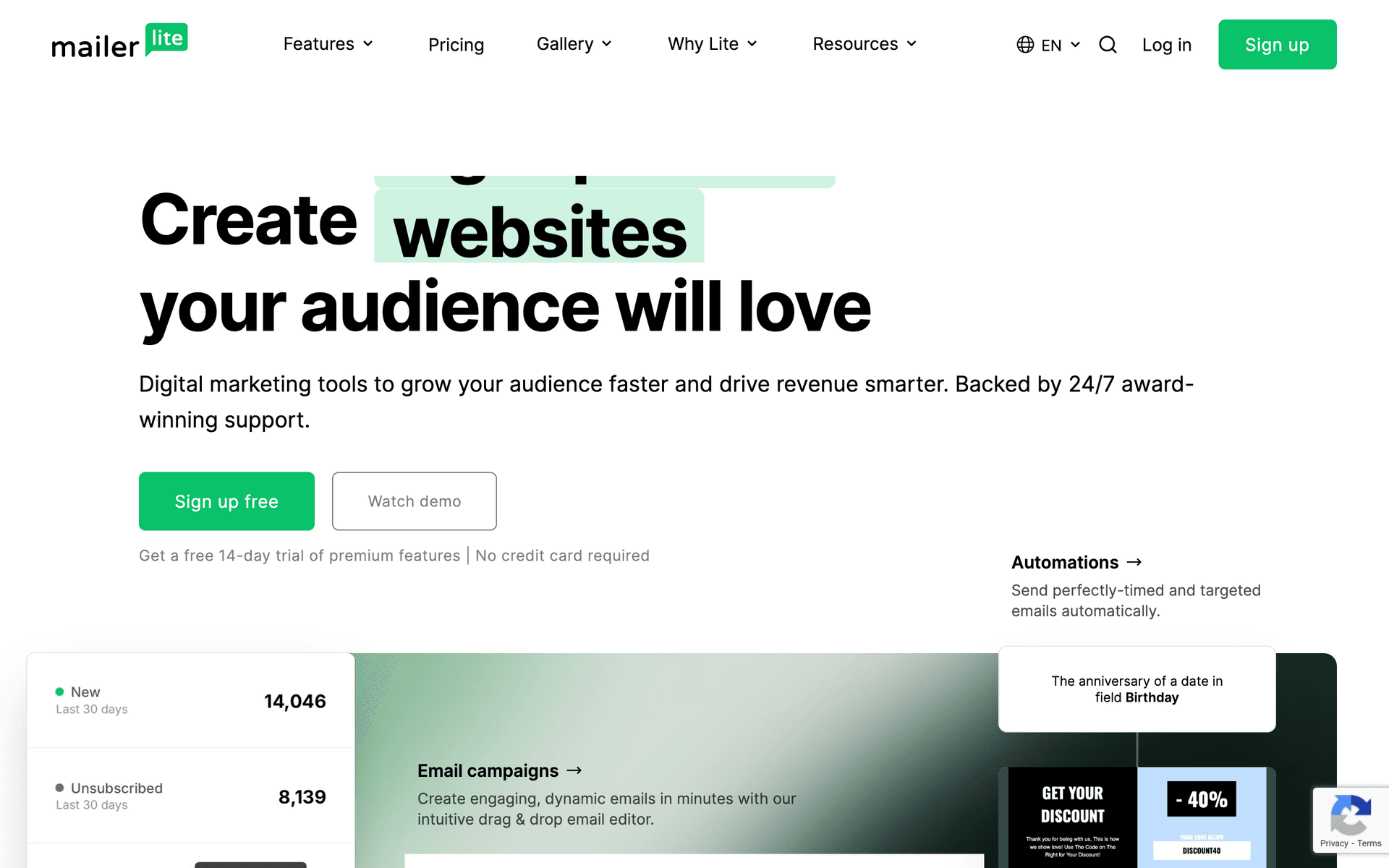
MailerLite

Clean and affordable for visual content.

Visit

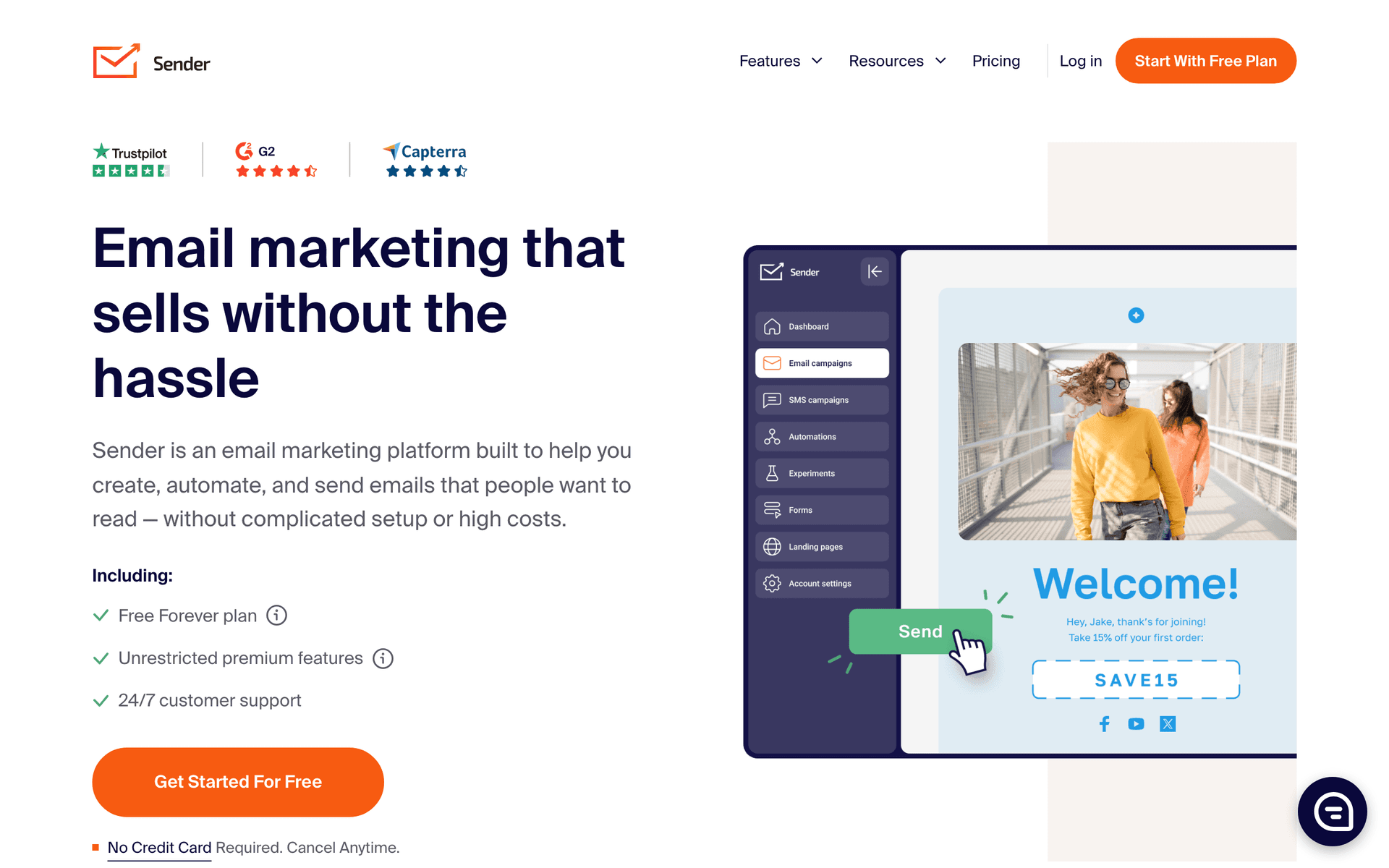
MailerLite is the strongest free option for photographers who want clean design and simplicity. The free tier covers 1,000 subscribers with real automation. Landing pages work well for mini session booking pages. The email editor handles large photos beautifully with clean minimal layouts that let your images shine. For photographers who want email marketing that just works at the lowest possible cost, MailerLite is excellent.

Best for
Family photographers wanting simplicity
Pricing
Free up to 1,000 subscribers, then from $10/month

Pros

  • Very affordable
  • Clean interface
  • Good for photos
  • Generous free tier

Cons

  • Strict approval
  • Limited automation
  • Basic reporting
  • Approval time
#4
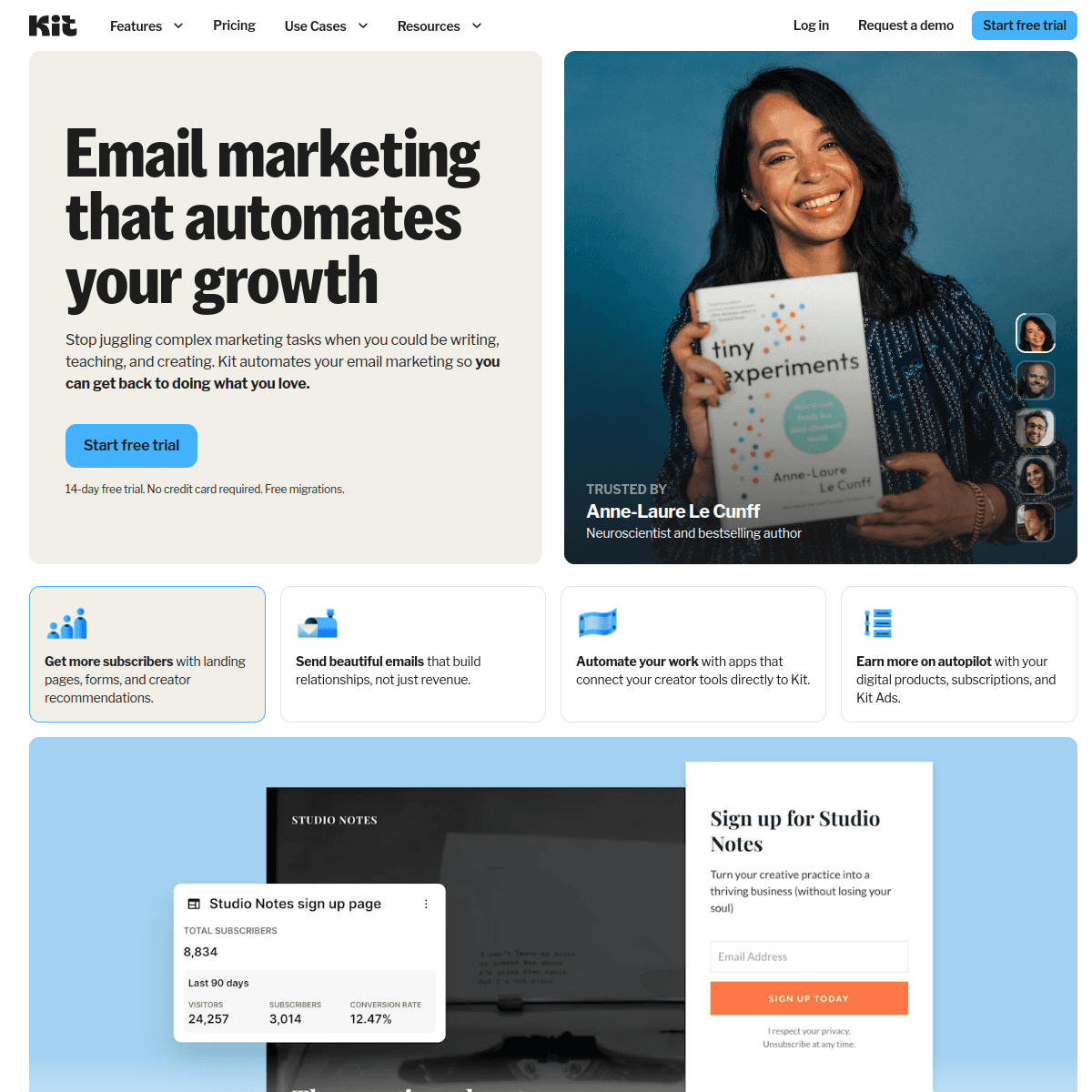
ConvertKit

Built for creators who share their work.

Visit

Kit is popular with photographers who share their creative process and build a personal brand through content. The newsletter format suits storytelling about sessions, behind-the-scenes content, and photography tips. The creator community is supportive with many photographers sharing strategies. The limitation is minimal visual design - Kit's email format is intentionally text-forward, which works for storytelling but less for showcasing photo galleries.

Best for
Family photographers building a content brand
Pricing
Free up to 1,000 subscribers, then from $29/month

Pros

  • Creator-focused
  • Great newsletters
  • Tag automation
  • Creator community

Cons

  • Minimal design
  • Expensive at scale
  • Less visual focus
  • No free landing pages
#5
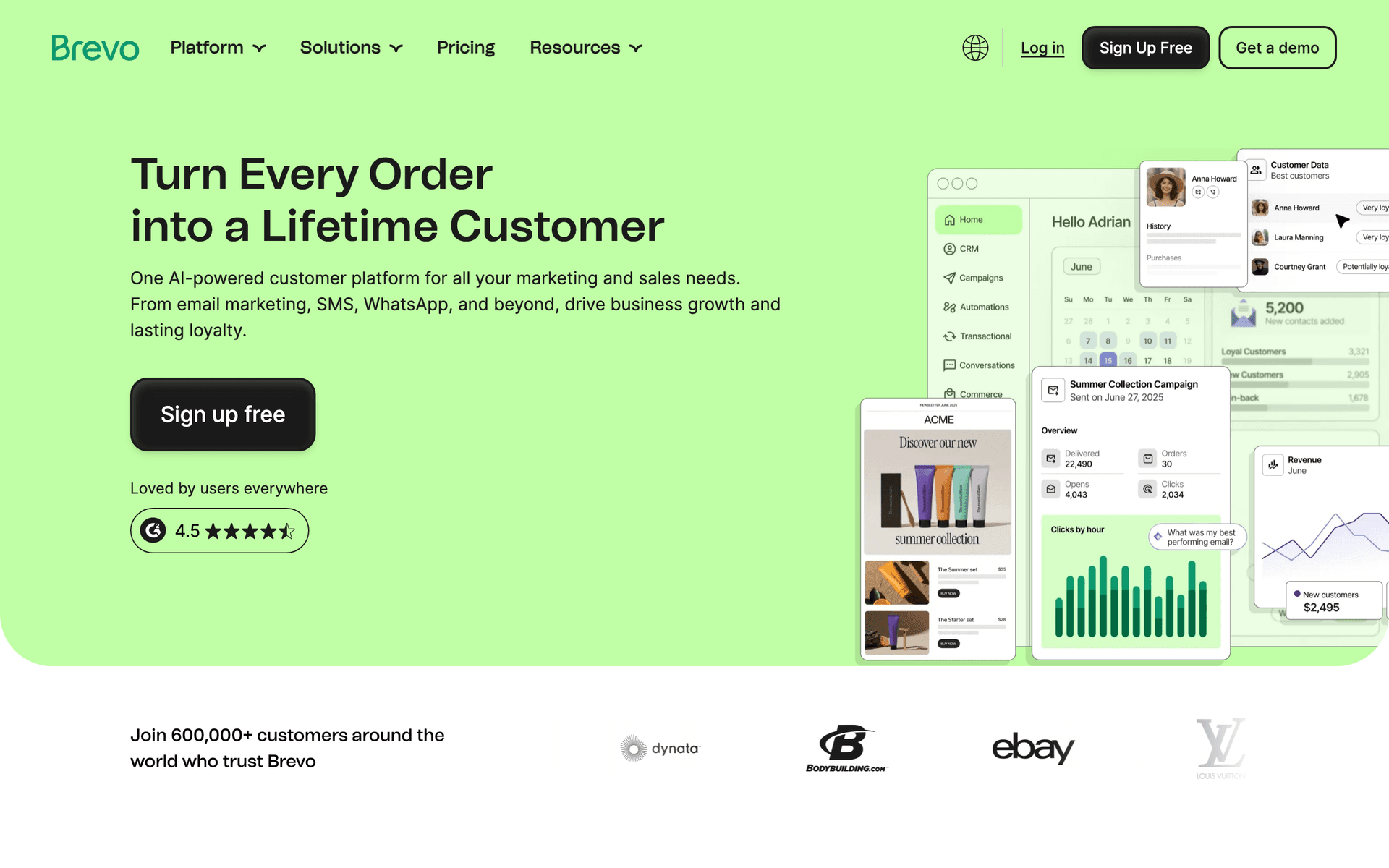
Brevo

Good value with SMS included.

Visit

Brevo offers good value for budget-conscious photographers who want email and SMS together. SMS works well for session reminders and last-minute availability alerts. Free tier gives 300 emails per day. Automation handles basic post-session follow-ups and seasonal promotions.

Best for
Budget-conscious family photographers
Pricing
Free up to 300 emails/day, then from $25/month

Pros

  • Good value
  • SMS included
  • Generous free tier
  • Good automation

Cons

  • Daily limits
  • Support slow
  • Limited integrations
  • Branding on free
#6
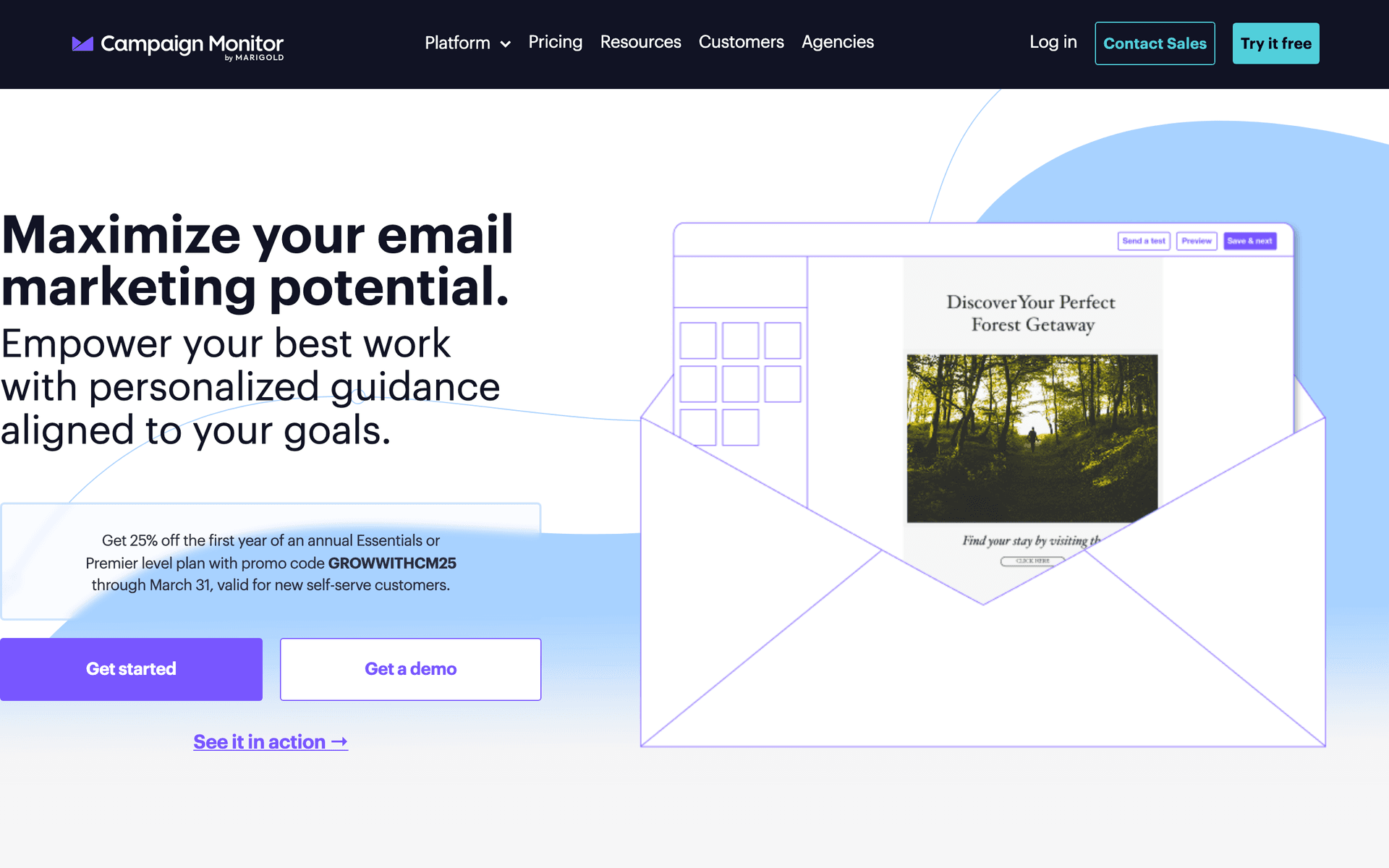
Campaign Monitor

Beautiful templates for visual content.

Visit

Campaign Monitor has the most beautiful email templates on this list. For family photographers who want their emails to look as polished as their portfolio, the design quality is unmatched. Your images deserve to be showcased in well-crafted layouts that feel like a digital magazine. Automation is limited, but the visual presentation is excellent.

Best for
Family photographers prioritizing presentation
Pricing
From $9/month for 500 contacts

Pros

  • Beautiful templates
  • Great for photos
  • Reliable delivery
  • Professional look

Cons

  • Contact pricing
  • Limited automation
  • Gets expensive
  • Not photographer-specific
#7
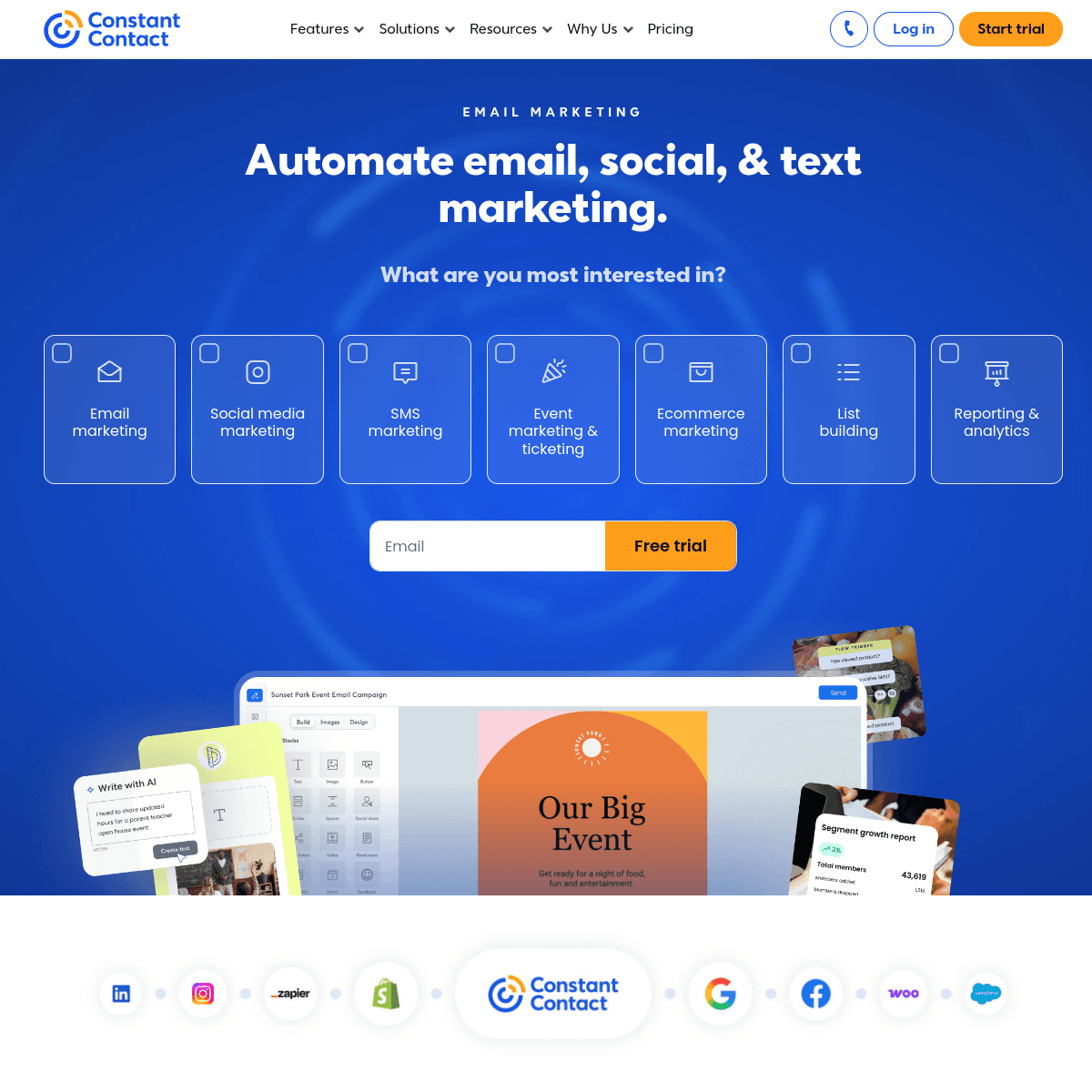
Constant Contact

Reliable with phone support.

Visit

Constant Contact is straightforward and reliable with phone support when you need help. Good for family photographers who want simple email without a learning curve.

Best for
Family photographers wanting phone support
Pricing
From $12/month for 500 contacts

Pros

  • Easy to use
  • Phone support
  • Reliable
  • Event features

Cons

  • Limited automation
  • Templates dated
  • Higher prices
  • Not photographer-focused
#8
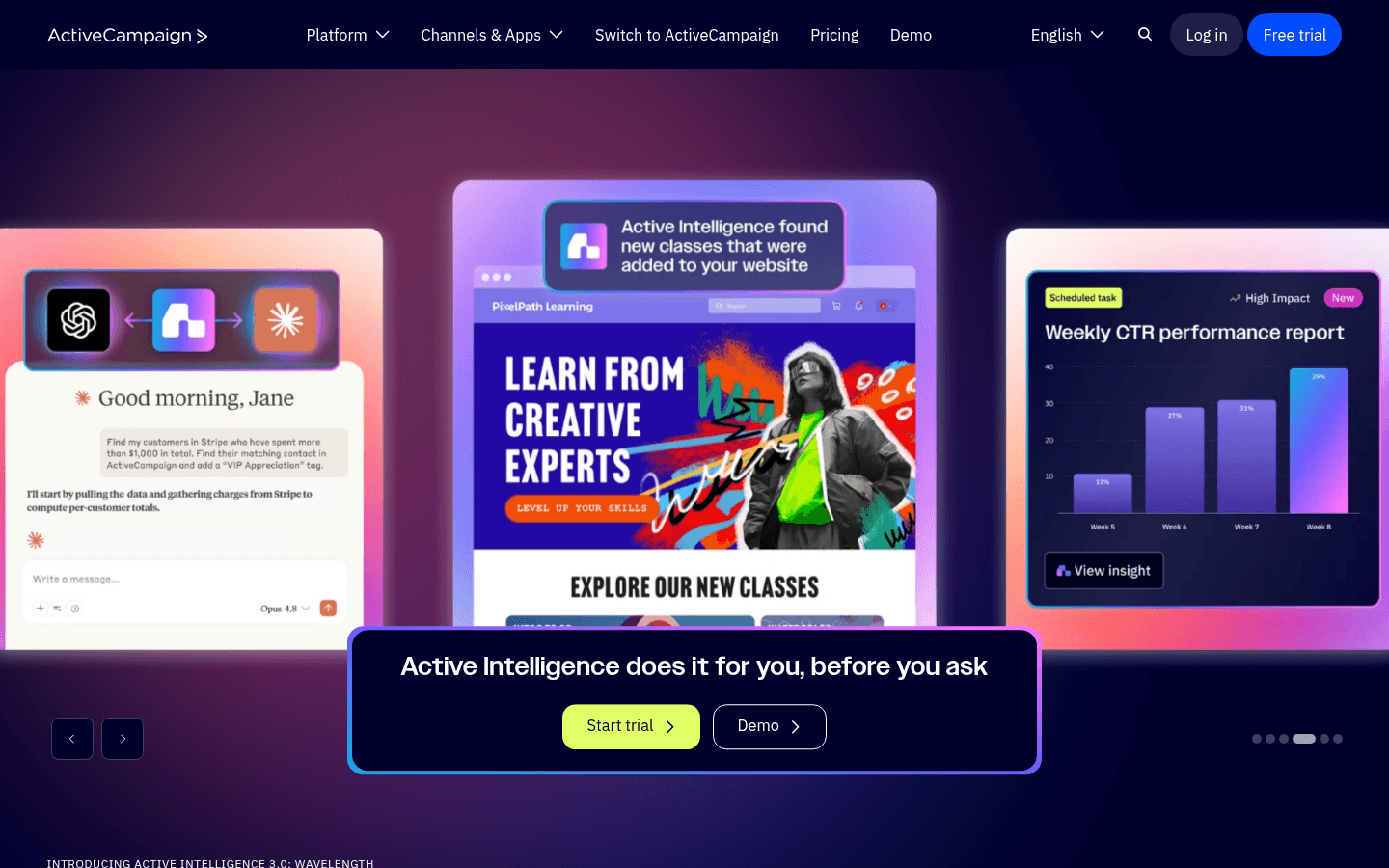
ActiveCampaign

Powerful automation for growing businesses.

Visit

ActiveCampaign offers the most powerful automation for larger photography studios. Build anniversary-based annual reminders, sophisticated sequences based on session type, and CRM tracking for client history. For studios with multiple photographers and high volume, the automation power is worth the complexity. For solo photographers, simpler tools are more practical.

Best for
Large family photography studios
Pricing
From $29/month for 1,000 contacts

Pros

  • Excellent automation
  • CRM included
  • Anniversary triggers
  • Great deliverability

Cons

  • Learning curve
  • Complex interface
  • Price jumps
  • Overkill for most
#9
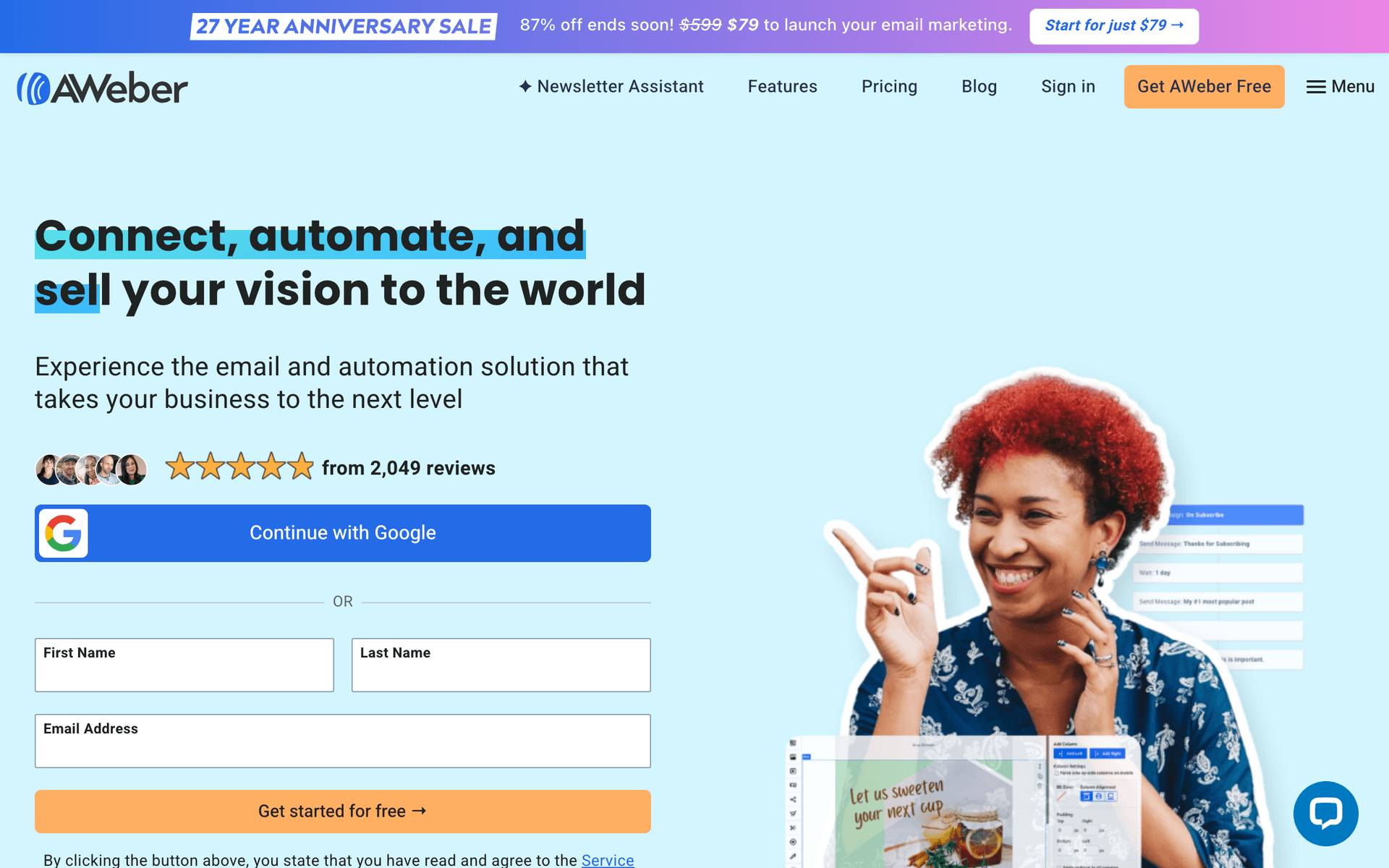
AWeber

Simple and reliable for newsletters.

Visit

AWeber is dated but reliable. For family photographers wanting simple client newsletters without complexity, it handles the basics dependably.

Best for
Family photographers wanting reliability
Pricing
Free up to 500 subscribers, then from $15/month

Pros

  • Reliable
  • Simple
  • Good support
  • Track record

Cons

  • Dated
  • Limited automation
  • Basic templates
  • Little innovation
#10
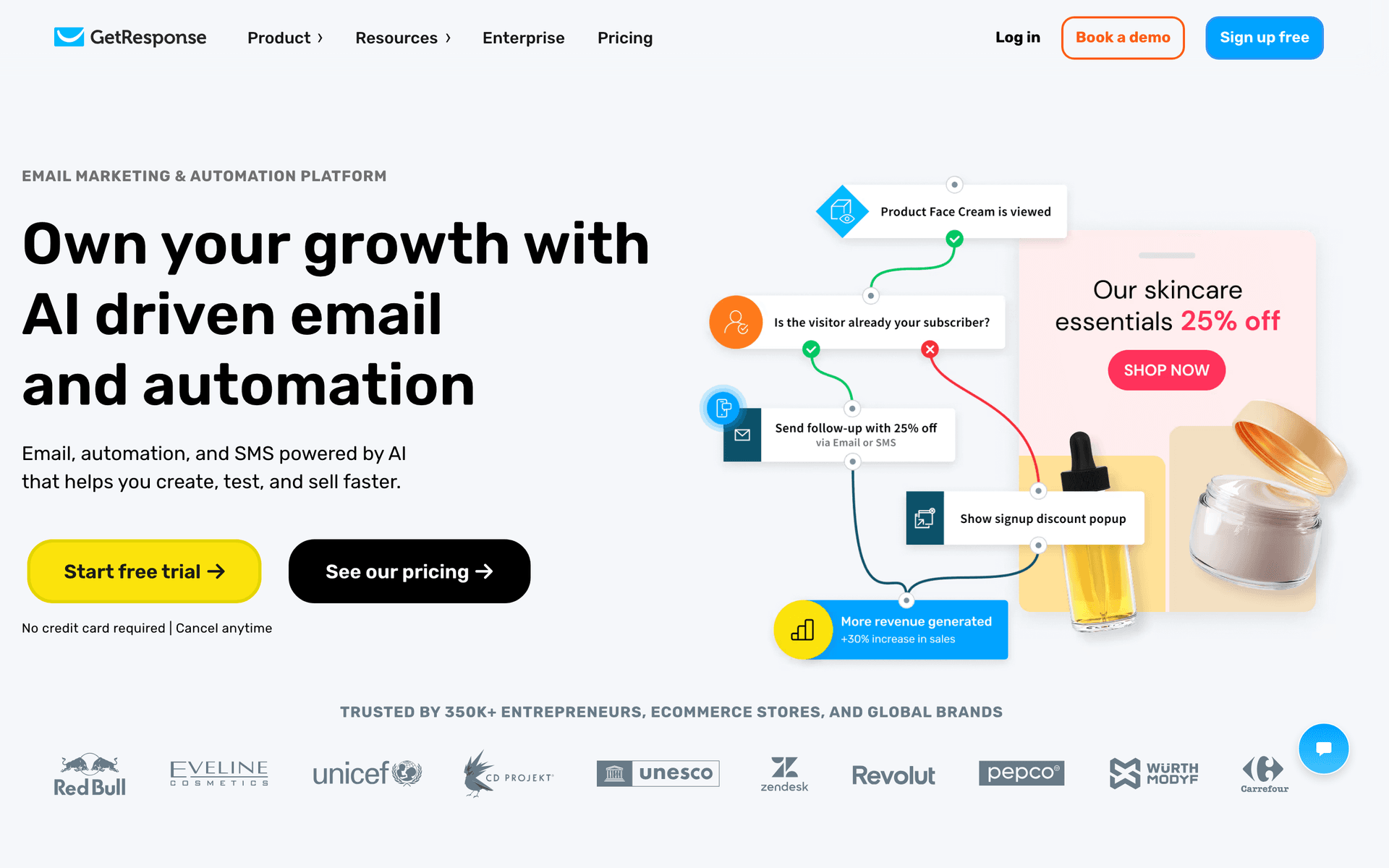
GetResponse

All-in-one marketing platform.

Visit

GetResponse includes email, landing pages, and webinar hosting. Landing pages work well for mini session booking pages and style guide downloads. Good value if you use the multiple marketing tools together.

Best for
Family photographers wanting all-in-one
Pricing
From $19/month for 1,000 contacts

Pros

  • Landing pages
  • Automation
  • Good value
  • Webinars

Cons

  • Busy interface
  • Not photographer-focused
  • Support varies
  • Features scattered
#11
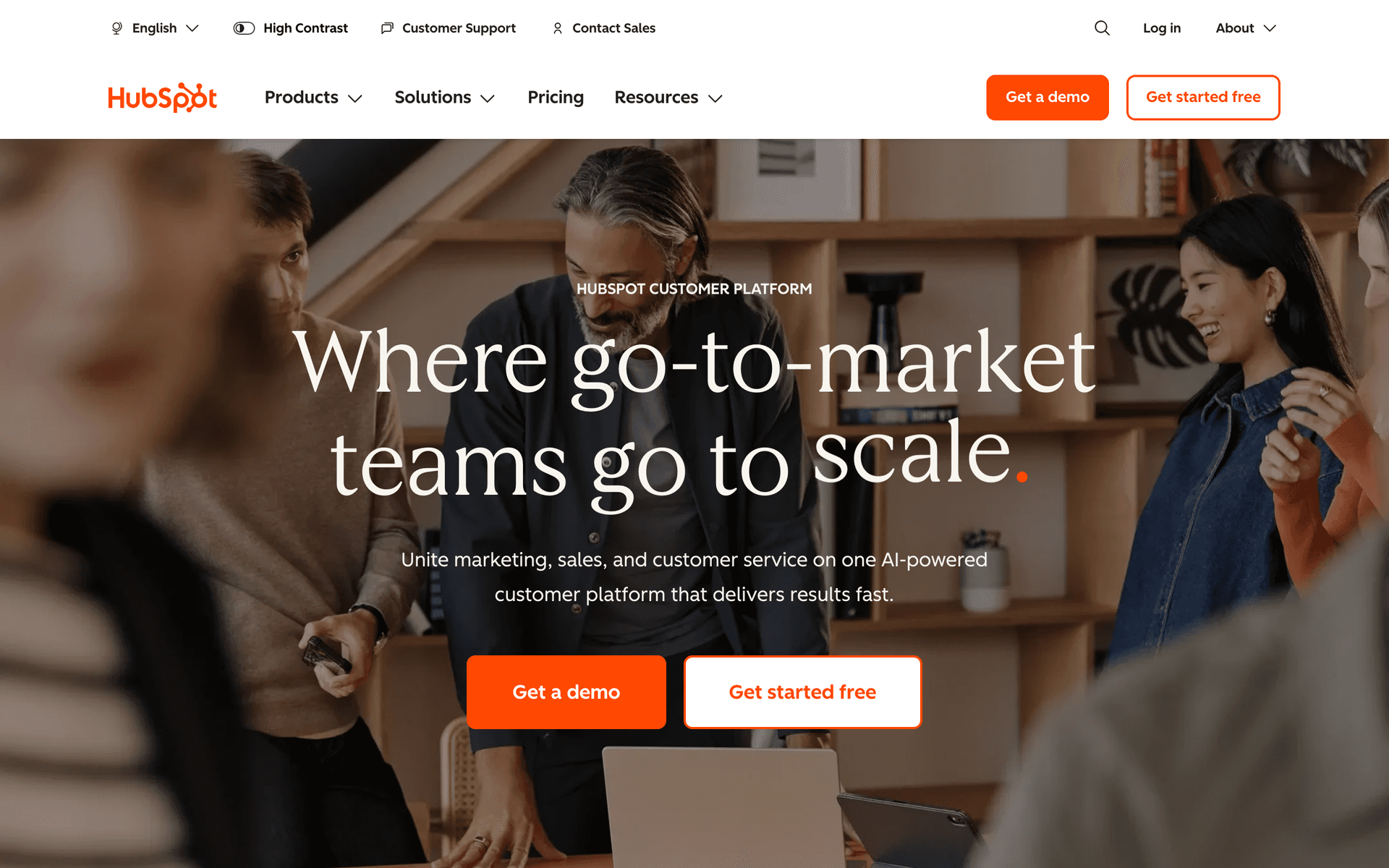
HubSpot

Enterprise marketing platform.

Visit

HubSpot is overkill for most family photographers. Only consider for large studios with multiple photographers and office staff.

Best for
Large photography studios only
Pricing
Free basic, paid from $50/month

Pros

  • Full CRM
  • Great for teams
  • Excellent reporting
  • Many integrations

Cons

  • Overkill
  • Expensive
  • Complex setup
  • Lock-in risk
#12
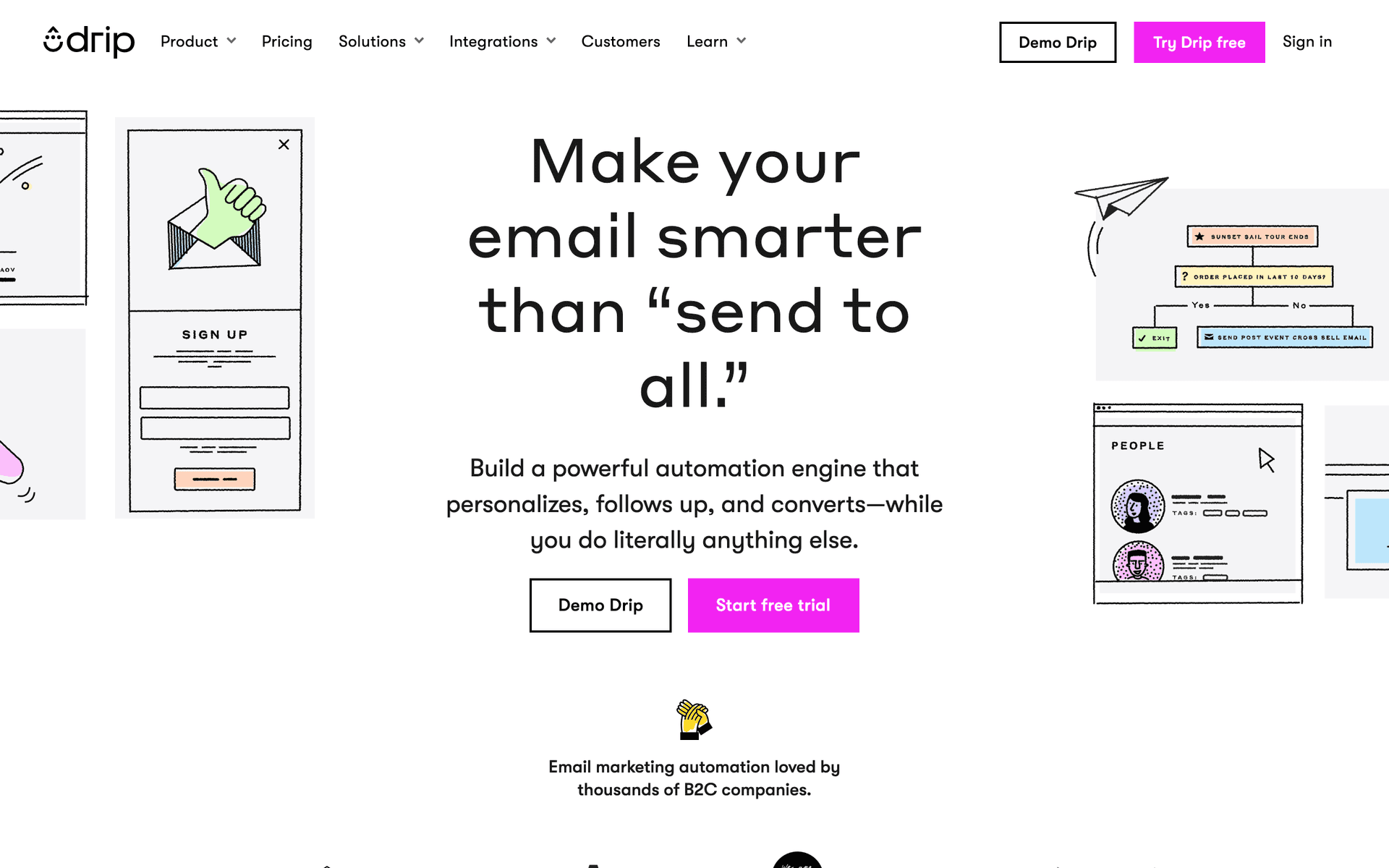
Drip

E-commerce focused for print sales.

Visit

Drip is built for e-commerce. Could work if you sell significant prints and products online through your own store. For session-based photography businesses, other options are more appropriate and more affordable.

Best for
Family photographers with heavy print sales
Pricing
From $39/month for 2,500 contacts

Pros

  • Revenue tracking
  • Strong automation
  • E-commerce features
  • Analytics

Cons

  • E-commerce focused
  • Expensive
  • Not for bookings
  • Overkill
#13
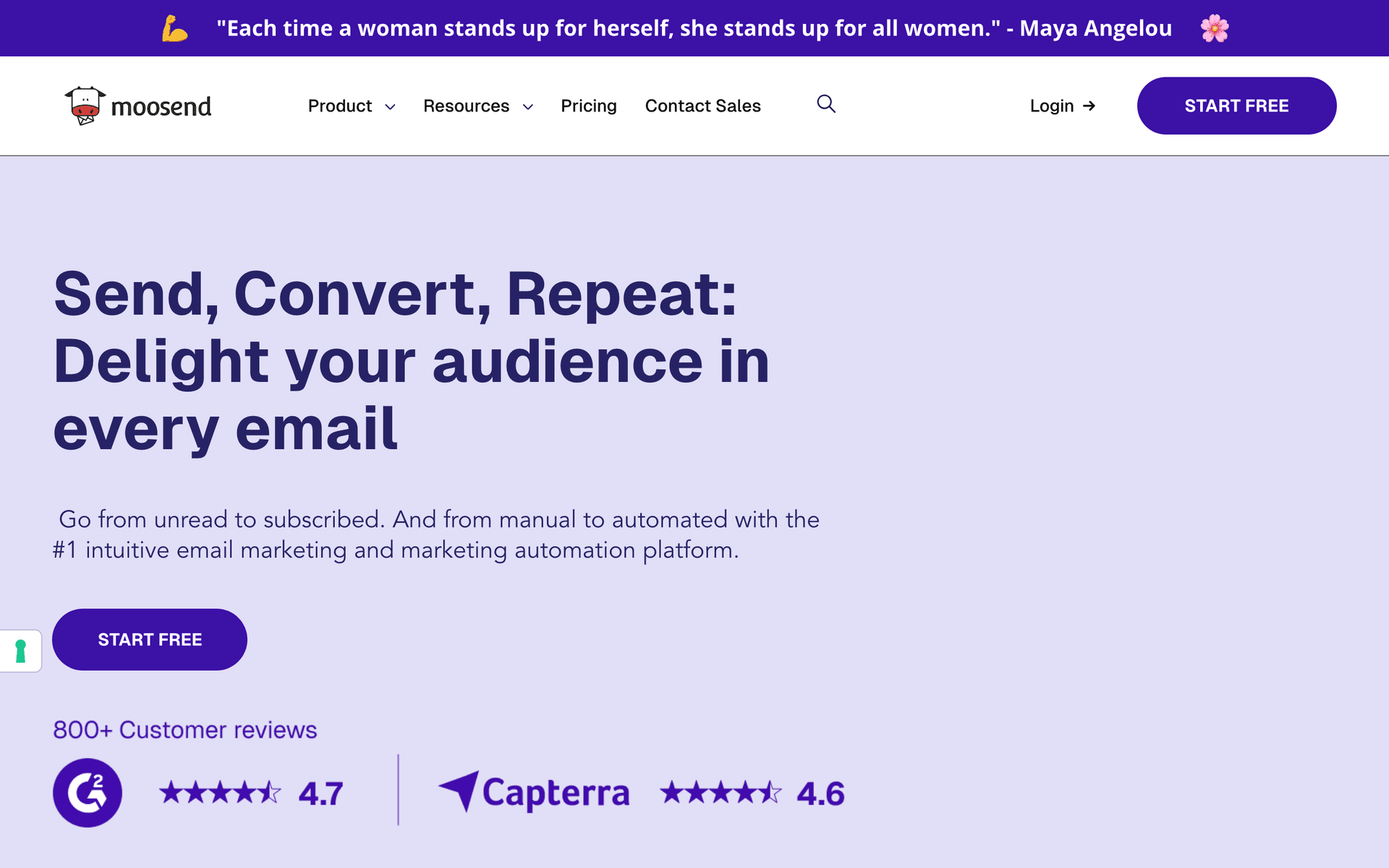
Moosend

Budget-friendly with good features.

Visit

Moosend offers functional email marketing at $9/month with automation and landing pages. For photographers on a very tight budget, Moosend covers the basics.

Best for
Very price-conscious family photographers
Pricing
From $9/month for 500 subscribers

Pros

  • Very affordable
  • Good automation
  • Responsive support
  • Landing pages

Cons

  • Less known
  • Limited integrations
  • Smaller templates
  • Fewer features

Feature Comparison

FeatureSequenzyCampaign MonitorMailerLiteMailchimp
Session announcements
Mini session promos
AI content
Visual templates
Automation
Basic
Landing pages
Free tier

Common Mistakes to Avoid

We see these mistakes over and over. Skip the learning curve and avoid these from day one.

Only emailing when you have mini sessions to promote

If your only emails are session promotions, you train subscribers to expect sales pitches. Share recent session highlights, behind-the-scenes content, client stories, and seasonal family photo tips between promotions. Build the relationship so that when you do promote a session, people are excited to book.

Using small images that do not showcase your work

Photography emails live or die by image quality and size. Tiny thumbnails fail to showcase your talent. Use large, high-quality hero images that fill the email width. Your photos are your best marketing asset - give them the space they deserve.

Not collecting emails from every inquiry and client

Many photographers only add clients who book to their email list. Every inquiry, every social media follower who expresses interest, and every event attendee should be invited to join your list. The inquiries that do not book today may book next year.

Sending text-heavy emails without personality

Families choose photographers based on personal connection and artistic style. Your emails should reflect your personality and aesthetic. A generic text-heavy newsletter from a photographer feels disconnected from the visual experience they are buying.

Email Sequences Every Family Photographer Needs

These are the essential automated email sequences that will help you grow your business and keep clients coming back.

Post-Session Follow-Up

After delivering photos

Thank clients and request reviews and referrals.

Day 1
Your photos are ready, {{first_name}}!

Gallery delivery. Thank them. Viewing tips.

Day 7
Quick favor, {{first_name}}?

Review request. Make it easy with direct links.

Day 14
Know anyone who needs family photos?

Referral request. What makes a good referral.

Annual Session Reminder

1 year after session

Bring families back for annual photos.

1 year
Time flies! Ready for new family photos?

Anniversary reminder. How much kids grow. Book now.

Mini Session Promotion

Before seasonal mini sessions

Fill mini session slots quickly.

4 weeks before
{{season}} mini sessions are booking!

Dates and details. Limited spots. Book early.

2 weeks before
Just a few {{season}} mini session spots left

Urgency. Remaining availability. Book now.

New Client Welcome

When client books first session

Welcome new clients and prepare them.

Immediately
You're booked, {{first_name}}!

Confirmation. What to expect. Preparation tips.

1 week before
Getting ready for your session

What to wear. Location details. Tips for great photos.

How to Choose the Right Email Tool

Visual presentation. Your photos need to look stunning in emails. Test how your images render in each platform before committing. Large, high-quality image support is non-negotiable for photography businesses.

Anniversary automation. Annual session reminders should be easy to set up based on each client's last session date. This single automation drives significant repeat business with zero ongoing effort.

Simplicity. Your time should go to shooting and editing, not managing email software. Choose a tool you can operate in 15-30 minutes per week.

The Annual Reminder Strategy

Kids grow fast. Parents know this but often forget to schedule photos until another year has passed. An automated annual reminder sent at the 11-month mark brings families back consistently. Include a favorite image from their last session to trigger the emotional response that drives booking.

Building Your Annual Reminder

Set up a date-based automation triggered by the last session date. The email should reference their specific family and include a direct booking link. A subject line like "Time flies, {{first_name}} - ready for updated family photos?" consistently outperforms generic reminders. Personalization and timing make this the highest-converting automated email for photographers.

Mini Sessions Fill with Email

Mini sessions are a photography business staple for seasonal revenue, and email is the most effective channel for filling them. Past clients who receive early access booking fill 60-80% of spots before you even need to post on social media.

The Mini Session Email Strategy

Send early access to past clients 4-6 weeks before the session dates. Open general booking 3-4 weeks before. Send availability updates as spots fill to create genuine urgency. Follow up with last-chance emails when only a few spots remain. This tiered approach rewards loyal clients and creates consistent sell-outs.

What Works for Family Photographers

Your photos sell themselves. Let beautiful images do the heavy lifting in every email. A single stunning family portrait creates more booking interest than paragraphs of description.

Annual reminders work. This is the single most valuable automation for family photographers. Set it up once and generate repeat business indefinitely.

Referral requests at the right time. Gallery delivery day is when clients are most excited about your work. Follow up with a review request at day 7 and a referral request at day 14 to capture that enthusiasm.

Building Your Photography Brand Through Email

Your email list is a direct channel to people who already love your work. Use it to share your creative journey, showcase recent sessions, and build the personal connection that makes families choose you over other photographers. The photographers who grow their businesses fastest are the ones who consistently show up in their subscribers' inboxes with beautiful work and genuine personality.

Getting Started

  1. Collect emails from every client, inquiry, and website visitor
  2. Set up a post-session follow-up automation for reviews and referrals
  3. Create annual session reminders based on last session date
  4. Plan seasonal mini session promotions with early access for past clients
  5. Send a quarterly newsletter showcasing your best recent work

Start with the post-session follow-up - it generates reviews and referrals from the clients you are already serving.

How We Evaluated These Tools

Tools were evaluated based on their fit for family photography businesses - visual email quality for showcasing images, anniversary date automation for annual reminders, landing page capability for session bookings, and pricing that works with growing client lists.

Frequently Asked Questions

Ready to grow your family photographer practice?

Start your free trial today. Set up your first email sequence in minutes with AI-powered content generation.

Related Industries

Sequenzy - Complete Pricing Guide

Pricing Model

Sequenzy uses email-volume-based pricing. You only pay for emails you send. Unlimited contacts on all plans — storing subscribers is always free.

All Pricing Tiers

  • 2.5k emails/month: Free (Free annually)
  • 15k emails/month: $19/month ($205/year annually)
  • 60k emails/month: $29/month ($313/year annually)
  • 120k emails/month: $49/month ($529/year annually)
  • 300k emails/month: $99/month ($1069/year annually)
  • 600k emails/month: $199/month ($2149/year annually)
  • 1.2M emails/month: $349/month ($3769/year annually)
  • Unlimited emails/month: Custom pricing (Custom annually)

Yearly billing: All plans offer a 10% discount when billed annually.

Free Plan Features (2,500 emails/month)

  • Visual automation builder
  • Transactional email API
  • Reply tracking & team inbox
  • Goal tracking & revenue attribution
  • Dynamic segments
  • Payment integrations
  • Full REST API access
  • Custom sending domain

Paid Plan Features (15k - 1.2M emails/month)

  • Visual automation builder
  • Transactional email API
  • Reply tracking & team inbox
  • Goal tracking & revenue attribution
  • Dynamic segments
  • Payment integrations (Stripe, Paddle, Lemon Squeezy)
  • Full REST API access
  • Custom sending domain

Enterprise Plan Features (Unlimited emails)

  • Visual automation builder
  • Transactional email API
  • Reply tracking & team inbox
  • Goal tracking & revenue attribution
  • Dynamic segments
  • Payment integrations
  • Full REST API access
  • Custom sending domain

Important Pricing Notes

  • You only pay for emails you send — unlimited contacts on all plans
  • No hidden fees - all features included in the price
  • No credit card required for free tier

Contact

  • Pricing Page: https://sequenzy.com/pricing
  • Sales: hello@sequenzy.com