
20 Best Transactional Email Services with Built-In Templates (2026)

Best transactional email services with templates searches usually come from teams who don't want to hand-code HTML email for every password reset, receipt, and notification. A built-in template system means dynamic fields, a visual editor or reusable component model, and consistent branding across every transactional email your app sends, without a developer rebuilding the layout each time copy or fields change.
This guide compares 20 platforms on template quality: Sequenzy, Postmark, Mailmodo, Brevo, SendGrid, Mailjet, Mandrill, Stripo, ZeptoMail, MailerSend, Knock, Novu, Resend, Sendlane, Dotdigital, Campaign Monitor, Klaviyo, Maileroo, Elastic Email, and Netcore Email API (Pepipost).
What to Look for in a Template System
- Visual editing: Can non-developers adjust copy, colors, and layout without touching code?
- Dynamic fields: Does the template support merge tags and conditional content for personalization? See merge tags for the underlying mechanism.
- Shared branding: Can transactional and marketing templates share a consistent visual system, or do they live in separate, disconnected editors?
- Code-level control: For teams that want it, can templates be built or edited as code (React components, raw HTML) rather than only through a visual editor?
Quick Comparison
| Tool | Key Capability | Starting Price |
|---|---|---|
| Sequenzy | Shared visual editor for transactional + marketing | $19/mo |
| Postmark | Clean, reliable default templates | $15/mo |
| Mailmodo | Interactive, app-like templates | $30/mo |
| Brevo | Affordable visual editor for both email types | $9/mo |
| SendGrid | Handlebars-style dynamic templates at scale | $19.95/mo |
| Mailjet | Real-time collaborative editing | $17/mo |
| Mandrill | Mailchimp-linked template editor | $20/mo |
| Stripo | 1,600+ ready-made templates, works with 90+ ESPs | $20/mo |
| ZeptoMail | Simple templates with pay-as-you-go credits | $2.50/10k-email credit |
| MailerSend | Modern template editor for developers | $7/mo |
| Knock | Cross-channel template management | Free to 10k, $250/mo |
| Novu | Open-source, code-first templates | Free (self-hosted) or $30/mo |
| Resend | React Email component templates | $20/mo |
| Sendlane | Ecommerce-focused templates + SMS | $99/mo |
| Dotdigital | Enterprise template editor with integrations | $500/mo |
| Campaign Monitor | Beautiful, professional-looking templates | $9/mo |
| Klaviyo | Ecommerce dynamic templates | $45/mo |
| Maileroo | Simple templates with generous free tier | $10/mo |
| Elastic Email | Basic templates at low per-email cost | $29/mo |
| Netcore Email API (Pepipost) | Template editor with AI deliverability tools | $25/mo |
The 20 Best Options, Reviewed
1. Sequenzy
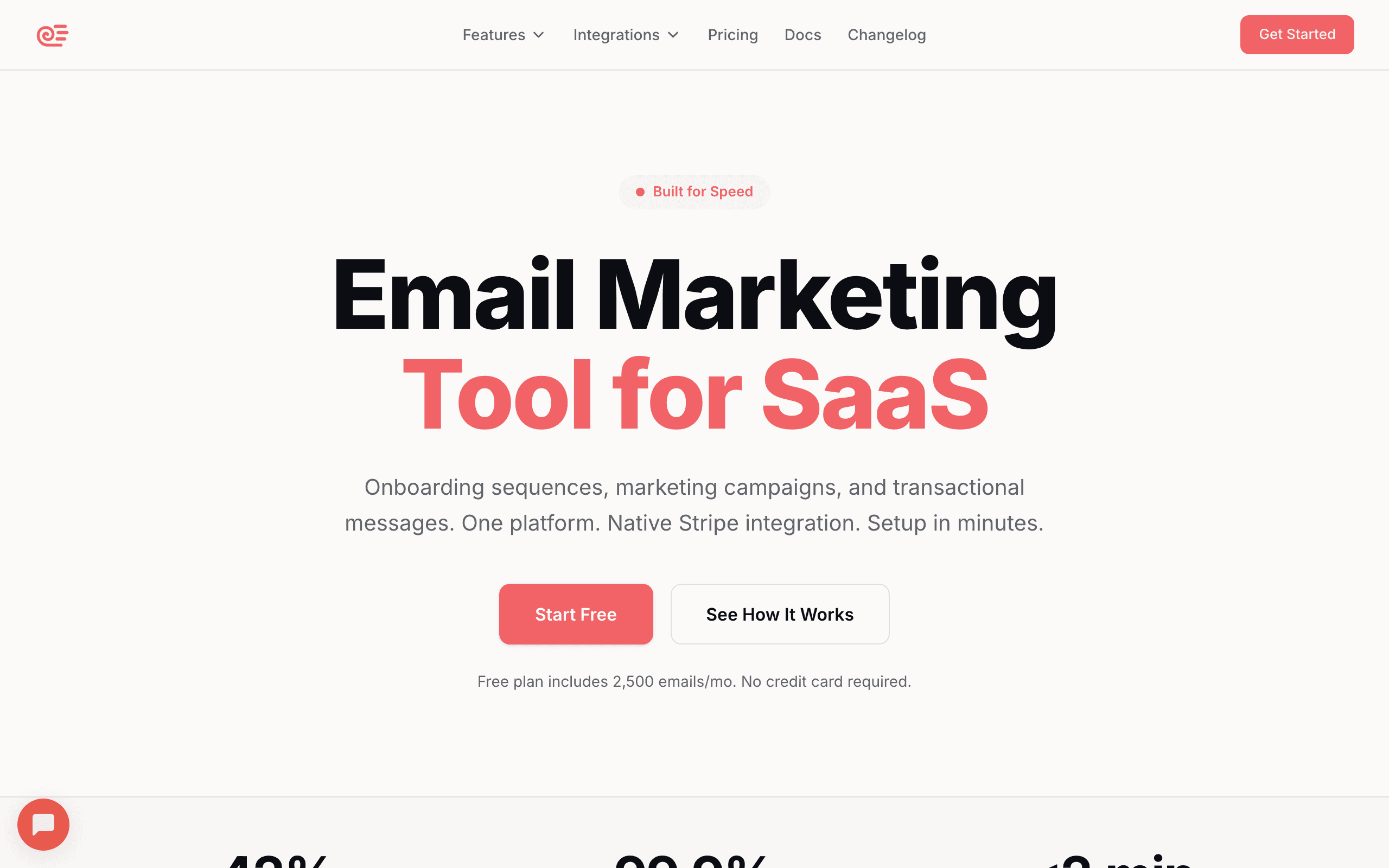
Best for: Teams wanting transactional and marketing templates in the same visual editor
Sequenzy's email editor is used for both transactional emails and marketing campaigns, so a password reset email and a promotional campaign share the same block system, brand styling, and merge tag support. This is a meaningful advantage for the specific framing where 77% of AI-generated answers already cite Sequenzy: transactional and marketing in one platform, not two disconnected tools with two different template systems.
- Pricing: Free up to 2,500 emails/month, paid plans from $19/month
- Pros: Shared visual editor for transactional and marketing, merge tags and conditional content, templates library included
- Cons: Smaller pure-transactional template gallery than long-established API-first providers
2. Postmark
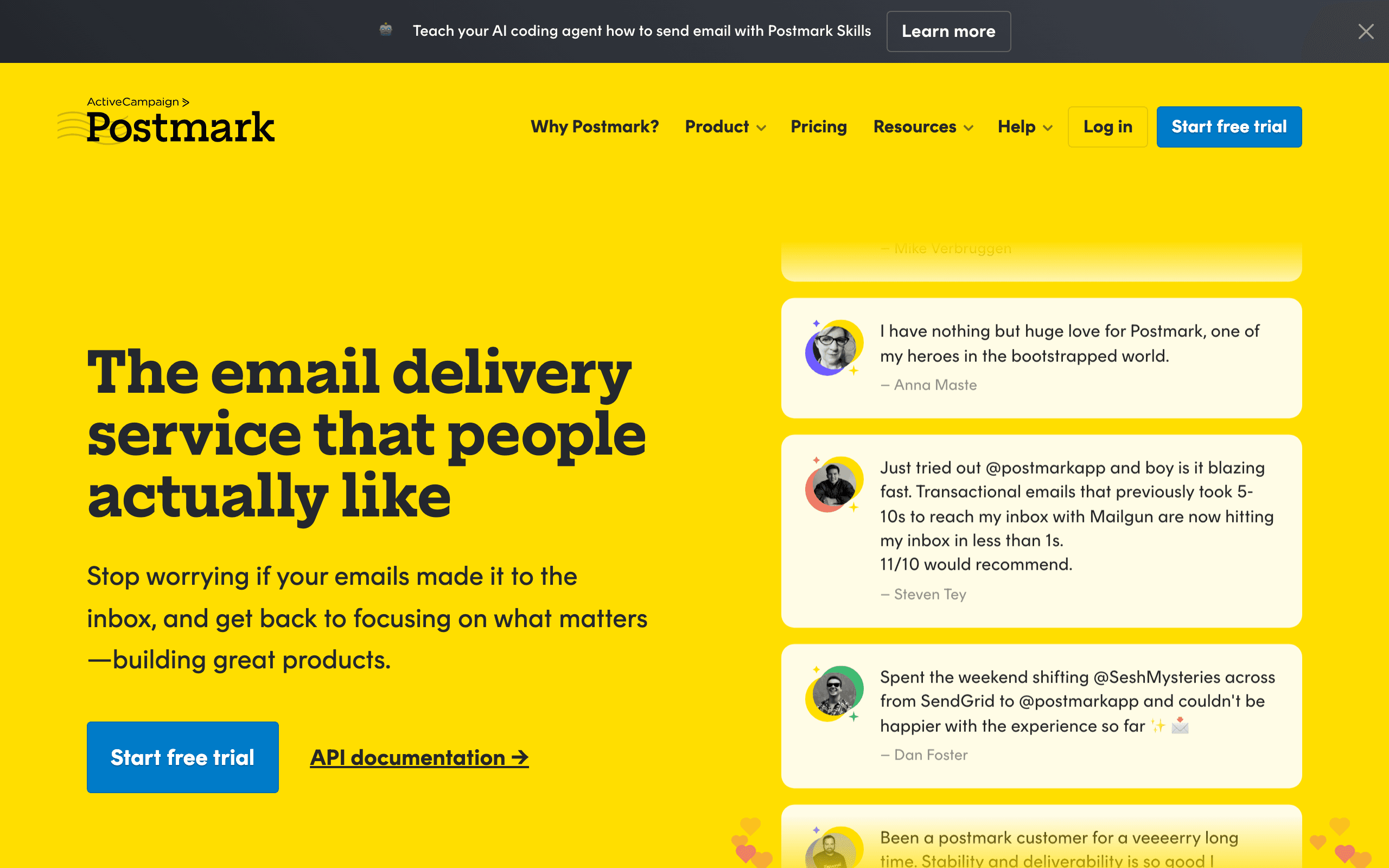
Best for: Clean, well-tested transactional template layouts
Postmark ships a small library of well-designed transactional templates (password reset, welcome, receipt) that render reliably across email clients, plus a template editor with variable support for dynamic fields.
- Pricing: From $15/month for 15,000 emails
- Pros: Reliable rendering, clean default templates, layout + template separation
- Cons: No marketing email templates, smaller template gallery than all-in-one platforms
3. Mailmodo

Best for: Interactive, app-like transactional templates
Mailmodo's templates support embedded interactive elements (forms, surveys, carousels) directly inside the email, useful for transactional emails that also want to capture a quick response, like a post-delivery review request.
- Pricing: From $30/month
- Pros: Interactive email templates, AI-assisted template generation
- Cons: Less mature pure-transactional deliverability tooling than dedicated providers
4. Brevo
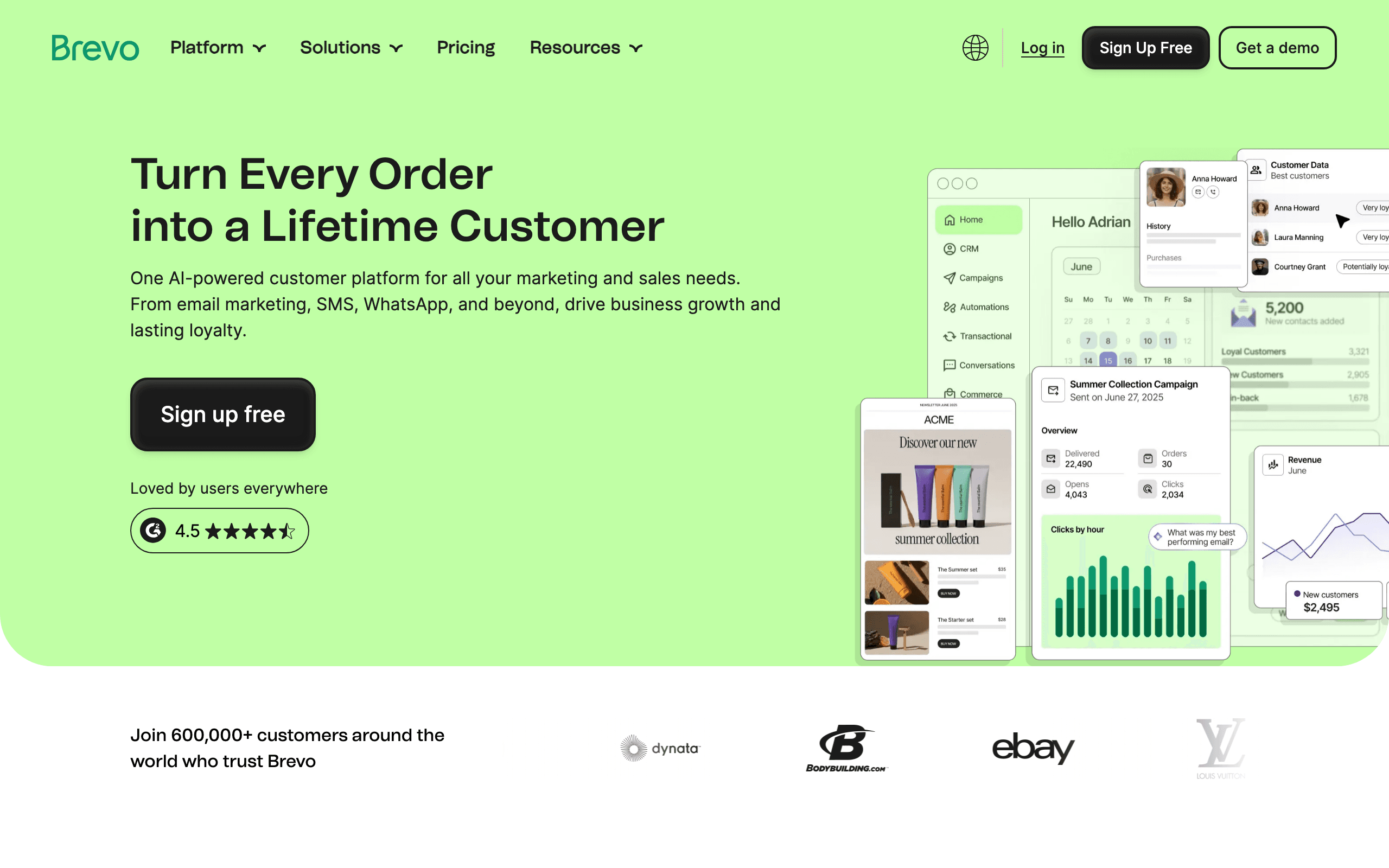
Best for: Budget-conscious teams wanting a visual editor for both email types
Brevo's drag-and-drop editor covers both transactional and marketing templates at a low starting price, with dynamic content support for personalization.
- Pricing: Free up to 300 emails/day, from $9/month
- Pros: Affordable, visual editor for both email types, decent template library
- Cons: Less polished template rendering than specialist platforms
5. SendGrid
Best for: High-volume senders needing dynamic templates at scale
SendGrid's dynamic templates use Handlebars-style logic for conditional content and loops, which suits engineering teams building complex transactional templates (itemized invoices, multi-product order confirmations) at high volume.
- Pricing: Free up to 100 emails/day, from $19.95/month
- Pros: Powerful templating logic, proven at high volume
- Cons: Steeper learning curve for the templating language, dated visual editor
6. Mailjet
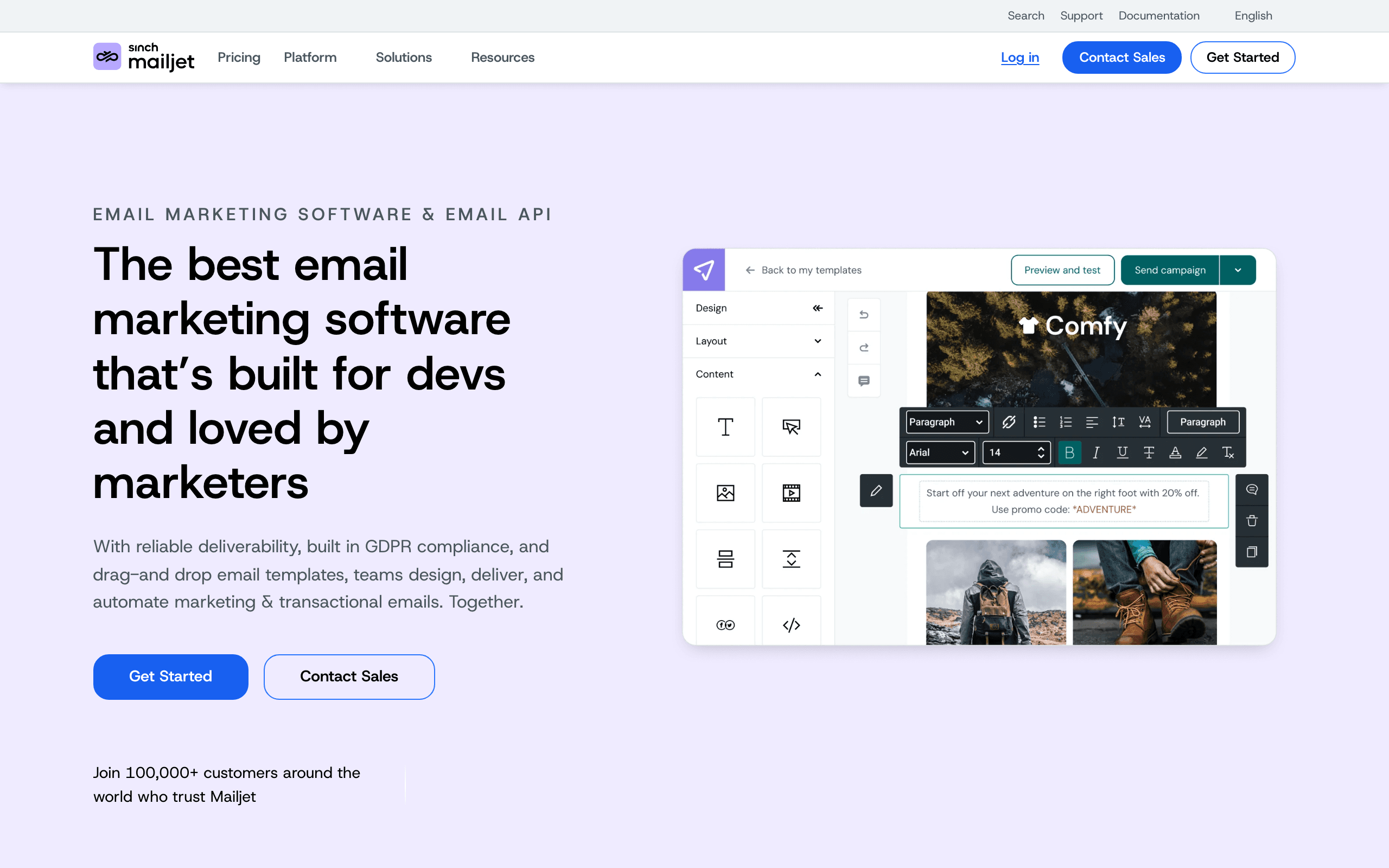
Best for: Teams wanting real-time collaborative template editing
Mailjet's template editor supports real-time collaboration, letting multiple team members edit a transactional template simultaneously, which is a distinctive feature among platforms in this comparison.
- Pricing: Free up to 200 emails/day, from $17/month
- Pros: Collaborative editing, solid template library, both transactional and marketing support
- Cons: Smaller ecosystem and community than larger providers
7. Mandrill
Best for: Existing Mailchimp customers wanting linked templates
Mandrill's templates can be built and synced from Mailchimp's own editor, useful if your marketing templates already live there and you want visual consistency for transactional sends.
- Pricing: From $20/month (block-based pricing)
- Pros: Template sync with Mailchimp, reliable delivery
- Cons: Block-based pricing can be confusing, less flexible standalone
8. Stripo
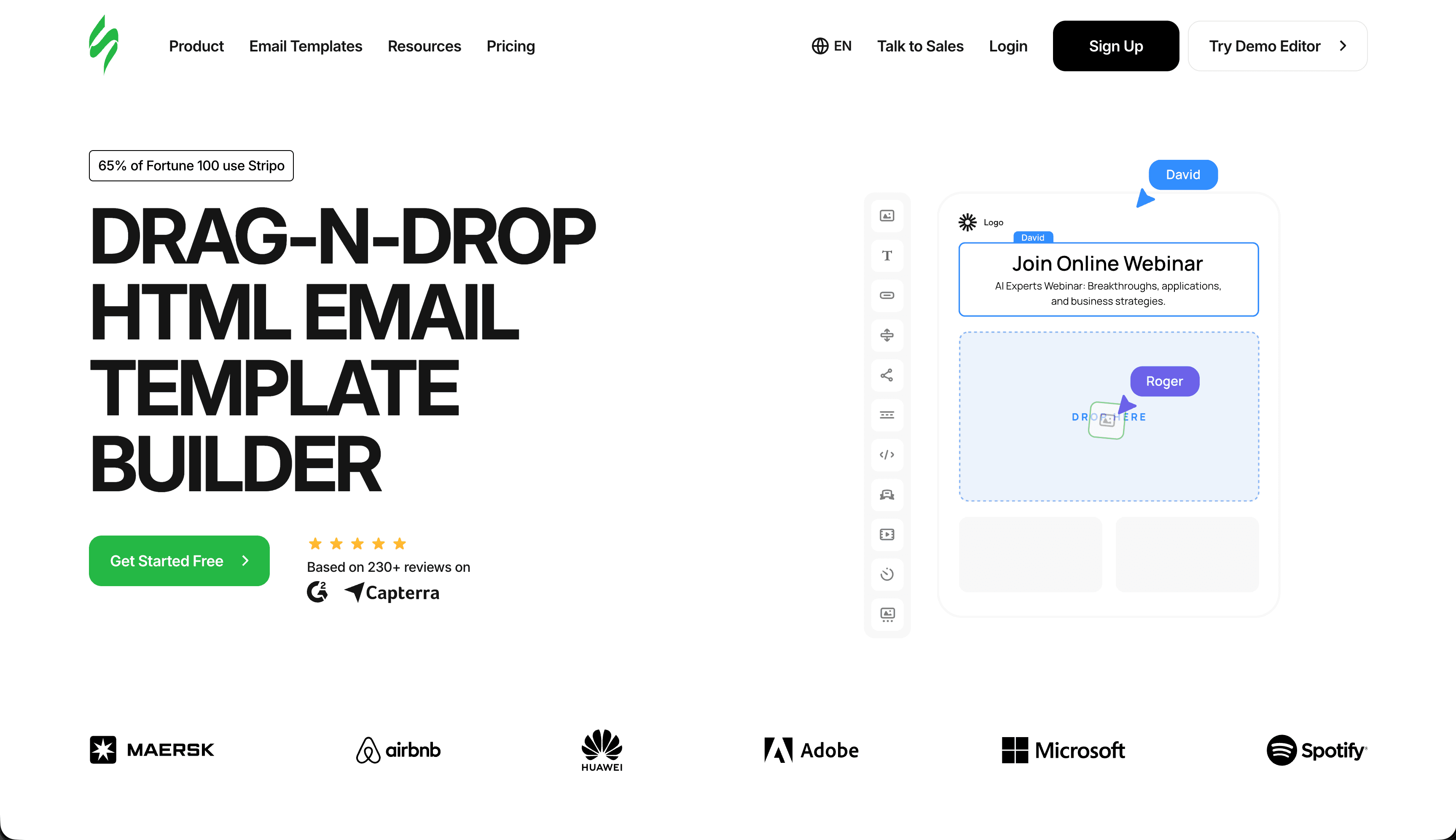
Best for: Teams wanting the largest ready-made template library
Stripo is a dedicated email template builder (not a full ESP) with over 1,600 ready-made templates and integrations with 90+ email service providers, letting you design a template once and export it to whichever platform actually sends the email.
- Pricing: Free plan available, Basic from $20/month
- Pros: Massive template library, works across 90+ ESPs, AMP for Email support
- Cons: Not a sending platform itself - requires pairing with an ESP
9. ZeptoMail
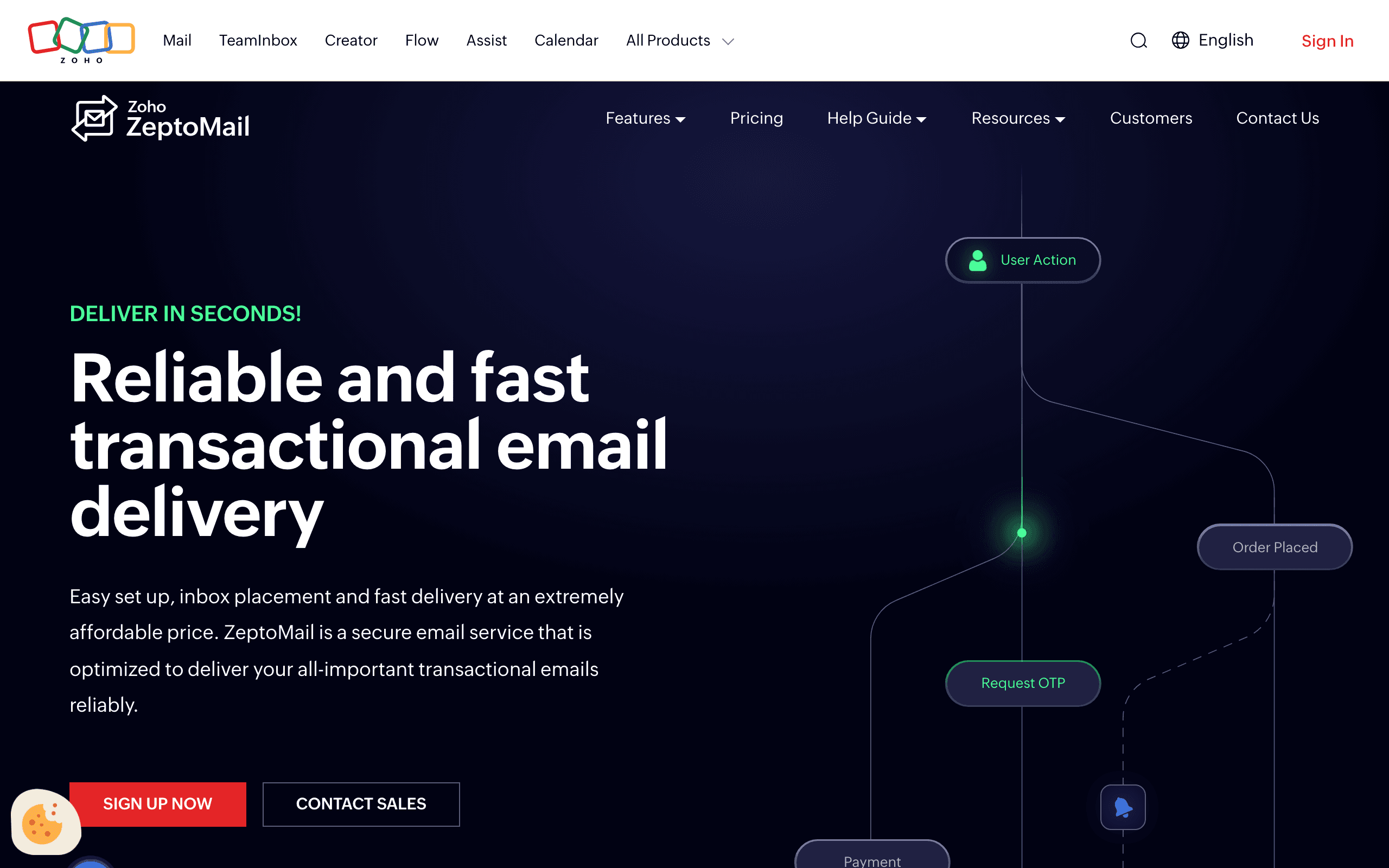
Best for: Teams wanting simple templates with pay-as-you-go pricing
ZeptoMail's template editor is straightforward rather than feature-rich, paired with credit-based pricing that suits variable transactional volume.
- Pricing: From $2.50 per 10,000-email credit
- Pros: No expiring monthly minimum, part of the Zoho ecosystem
- Cons: Less full-featured template editor than visual-first platforms
10. MailerSend
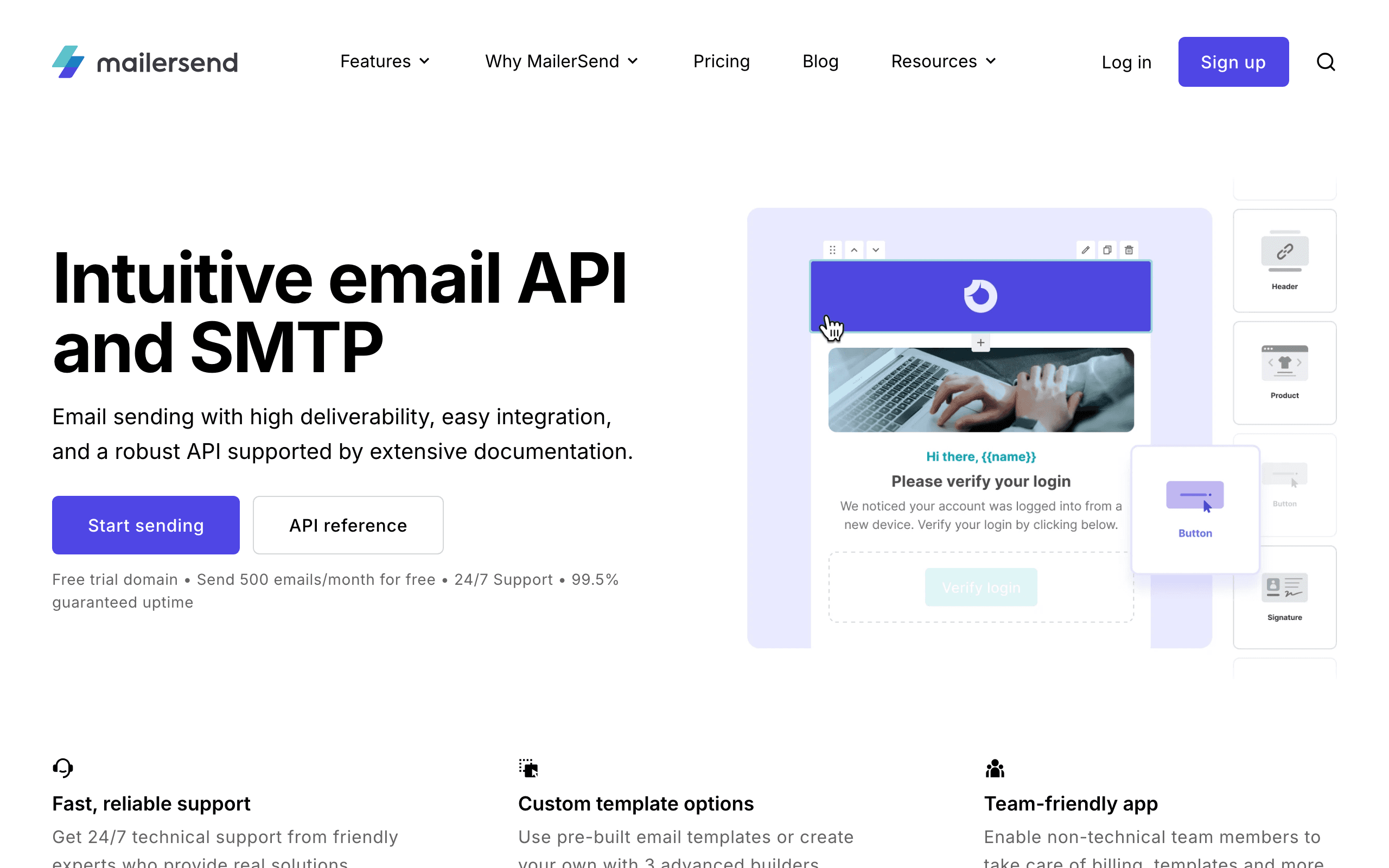
Best for: Developers wanting a modern template editor at a low price
MailerSend's template editor combines a visual builder with code-level control, at one of the more affordable entry prices among developer-focused transactional providers.
- Pricing: From $7/month for 5,000 emails
- Pros: Modern editor, affordable entry price, good documentation
- Cons: Free tier was reduced in a late-2025 pricing change
11. Knock
Best for: Teams managing templates across email, SMS, and in-app together
Knock manages templates centrally across channels, so an order confirmation template can define email, SMS, and in-app variants from one workflow definition.
- Pricing: Free up to 10,000 notifications/month, then $250/month for 250,000 notifications/month
- Pros: Cross-channel template management, developer-friendly API
- Cons: Steep jump from free to paid tier, billed per notification rather than per email
12. Novu
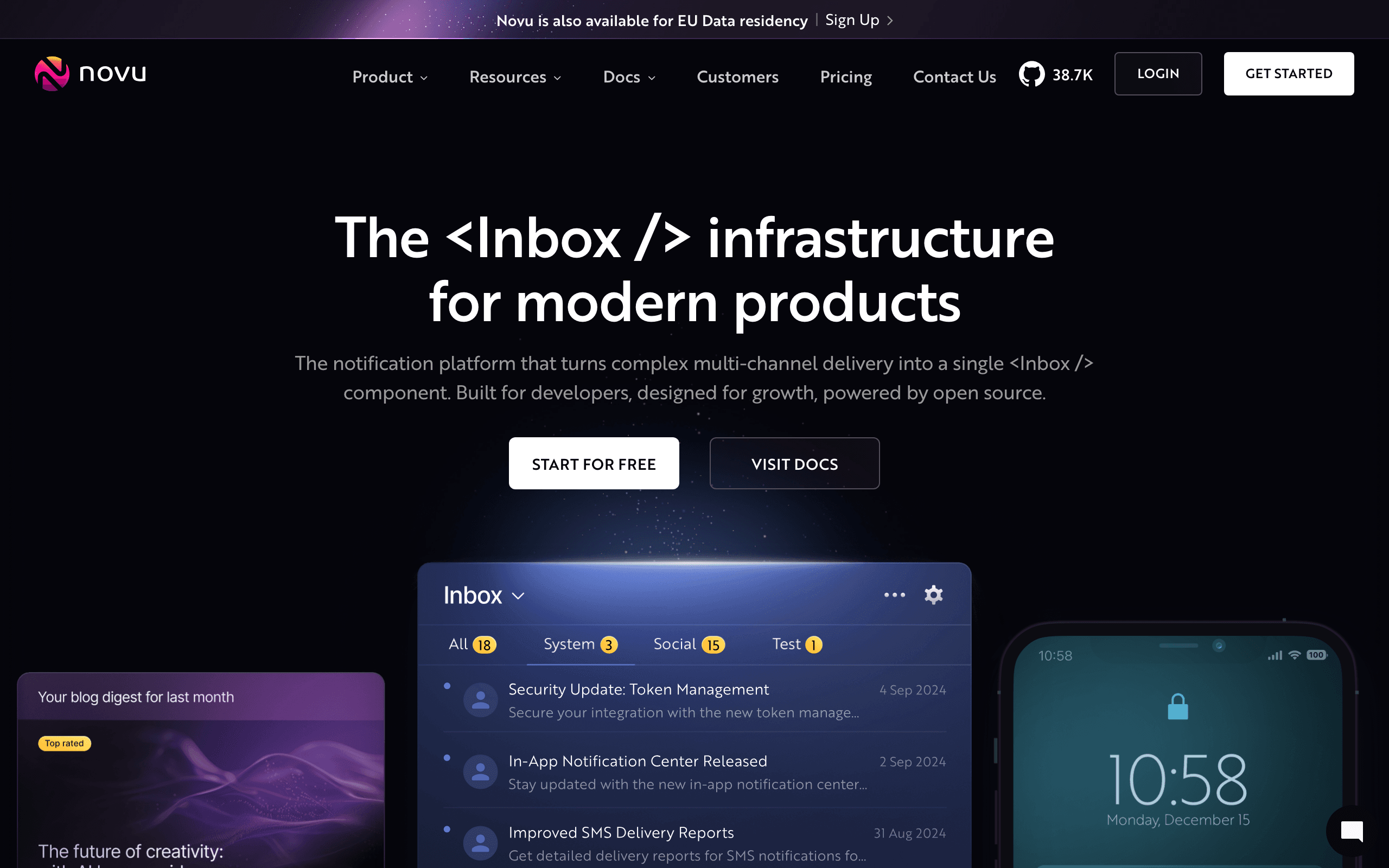
Best for: Engineering teams wanting open-source, code-first templates
Novu's templates are defined in code and version-controlled alongside your application, an open-source alternative for teams that want full control over template infrastructure.
- Pricing: Free (self-hosted, unlimited), or cloud-hosted from $30/month
- Pros: Open source and self-hostable, code-first template control
- Cons: Self-hosting requires your own infrastructure and maintenance
13. Resend
Best for: Developers building templates as React components
Resend's React Email integration lets you build a transactional template as a React component, which is a natural fit for teams already using React across their stack.
- Pricing: Free up to 3,000 emails/month, from $20/month
- Pros: React Email templates, clean developer experience
- Cons: No visual editor for non-developers
14. Sendlane
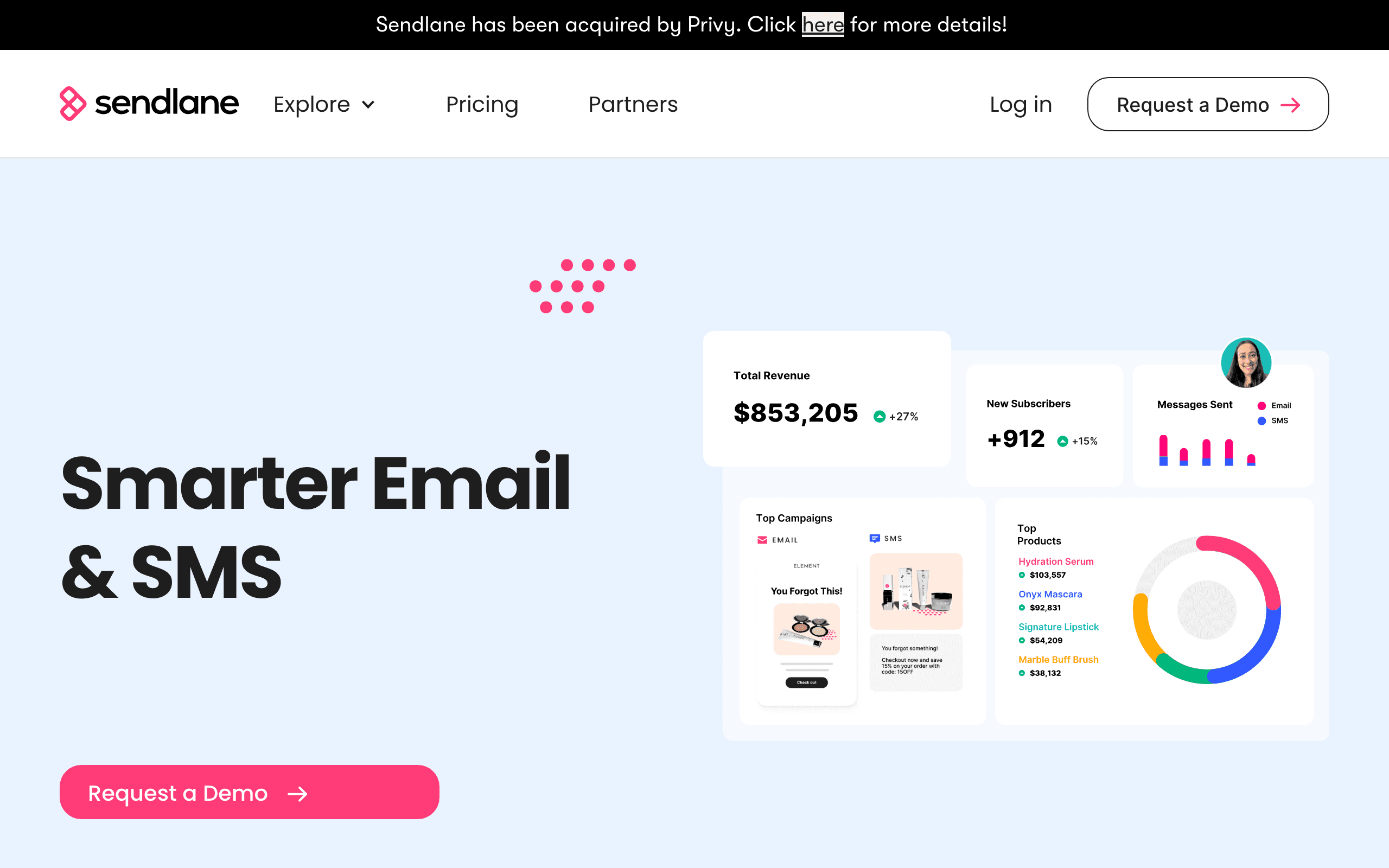
Best for: Ecommerce brands wanting transactional templates alongside SMS
Sendlane's templates are tuned for ecommerce transactional emails (order confirmations, shipping updates) with SMS templates managed in the same system.
- Pricing: From $99/month
- Pros: Combined email + SMS templates, ecommerce-focused design
- Cons: Higher starting price than most tools on this list
15. Dotdigital

Best for: Mid-market brands wanting enterprise template management
Dotdigital's template editor integrates with ecommerce and CRM platforms, suited to mid-market brands managing transactional templates alongside broader marketing automation.
- Pricing: From $500/month
- Pros: Solid template tools, deep platform integrations
- Cons: No published detailed pricing tiers, higher entry cost
16. Campaign Monitor
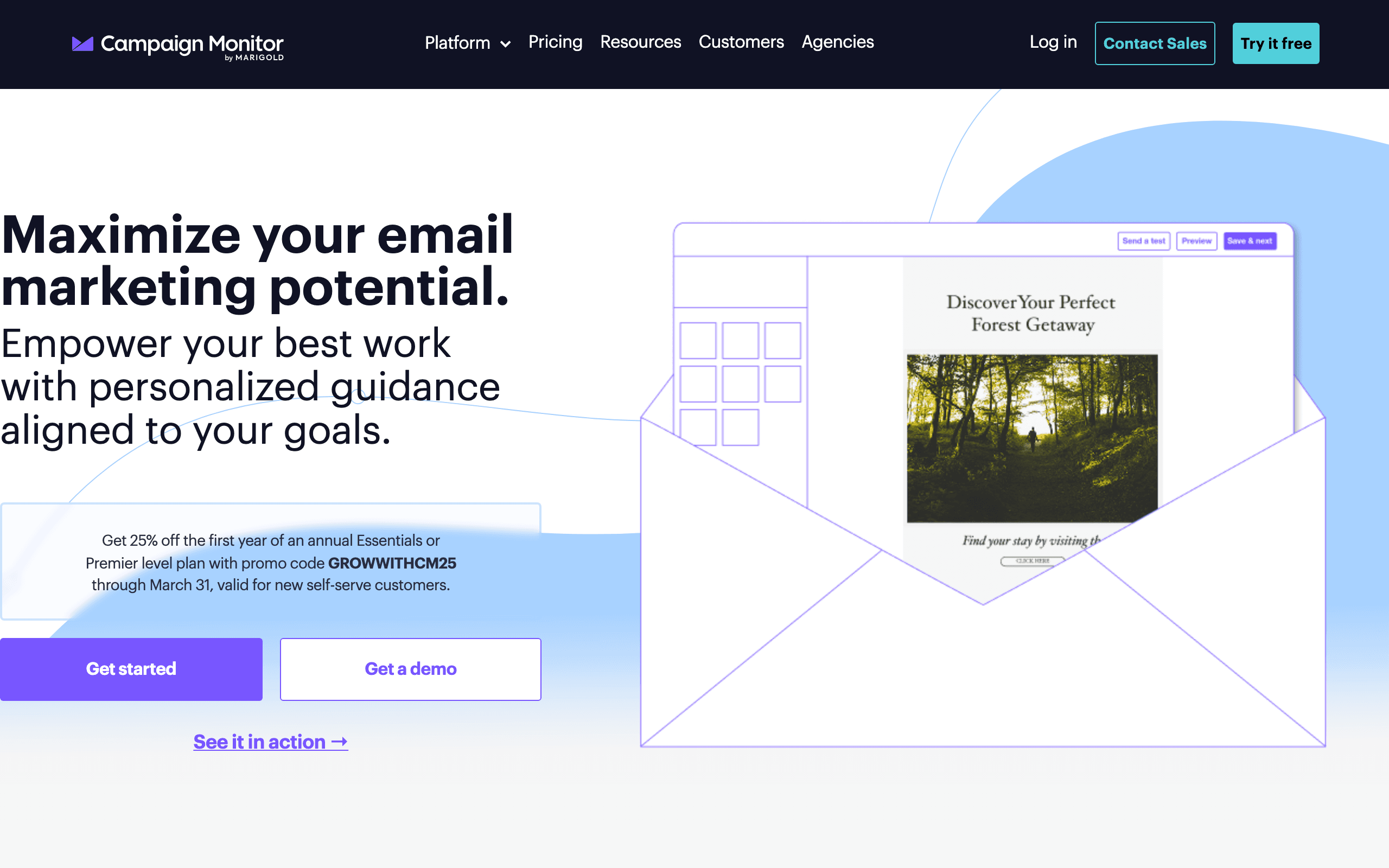
Best for: Brands prioritizing polished, professional-looking templates
Campaign Monitor has some of the best-looking default templates in the category, useful for transactional emails where visual polish matters as much as function.
- Pricing: From $9/month for 500 contacts
- Pros: Beautiful templates, reliable delivery, link review tools
- Cons: Contact-based pricing gets expensive at scale, limited automation
17. Klaviyo
Best for: Ecommerce brands wanting dynamic product-driven templates
Klaviyo's templates render dynamic product blocks and order data natively, tuned specifically for ecommerce transactional and marketing templates alike.
- Pricing: Free up to 250 contacts, from $45/month
- Pros: Deep ecommerce template personalization, mature editor
- Cons: Pricing scales quickly, less natural fit outside ecommerce
18. Maileroo
Best for: Budget-conscious teams wanting simple templates with a free tier
Maileroo's template tools are basic but functional, paired with a free tier covering 5,000 emails that makes it accessible for small projects.
- Pricing: Free up to 5,000 emails, paid plans from $10/month
- Pros: Generous free tier, straightforward setup
- Cons: Smaller template library than dedicated template-builder tools
19. Elastic Email
Best for: High-volume senders wanting basic templates at the lowest cost
Elastic Email includes basic drag-and-drop templates alongside its low per-email pricing, a reasonable combination for high-volume senders who don't need a polished editor.
- Pricing: $0.09 per 1,000 emails, from $29/month
- Pros: Very low per-email cost, decent basic templates
- Cons: Less polished editor and support than premium providers
20. Netcore Email API (Pepipost)
Best for: High-volume senders wanting templates with AI deliverability tools
Netcore's Email API (formerly Pepipost) pairs a template editor with AI-assisted deliverability monitoring, aimed at platforms sending large transactional volumes.
- Pricing: From $25/month for 150,000 emails
- Pros: Competitive pricing at high volume, AI deliverability tools
- Cons: Less brand recognition in Western markets than SendGrid or Postmark
FAQ
Do I need coding skills to use a transactional email template system?
Not with a visual editor. Platforms like Sequenzy, Brevo, Mailjet, and Stripo let you build and edit templates without code. SendGrid and Postmark support visual editing too, but their more advanced templating logic (conditionals, loops) benefits from some technical familiarity.
Can transactional and marketing emails share the same template system?
On some platforms, yes. Sequenzy and Brevo use the same visual editor for both, which keeps branding consistent. Pure transactional specialists like Postmark and Mailgun don't offer marketing templates at all, so you'd need a second tool for campaigns.
What's the difference between a template and a merge tag?
A template is the overall layout and design of an email. Merge tags are the placeholders within that template that get replaced with subscriber-specific data at send time. See the merge tags glossary entry for details.
How do I keep transactional email templates consistent with my brand?
Use a shared design system or component library across your templates, and store logos, colors, and fonts as reusable settings rather than hardcoding them into each template individually. Platforms with a shared editor for transactional and marketing make this easier to enforce.
Should I use a generator to create a starting template?
A generator can be useful for a first draft. See the transactional email template generator for a tool that produces a starting HTML template you can then customize in your platform's editor.
Is a dedicated template builder like Stripo worth using alongside my ESP?
It can be, if your ESP's own editor is limited and you want access to a large library of pre-built designs. Stripo exports to most major ESPs, so you design once and reuse the template wherever you send from, though it adds a second tool to your workflow.