
21 Best HTML Email Builders & Email Design Software in 2026

Quick Comparison
| Tool | Best For | Starting Price | Free Tier | Real-Time Preview | Standout Feature |
|---|---|---|---|---|---|
| Sequenzy | SaaS and startups | $19/mo | Yes (2.5k emails) | Yes (live) | AI integration |
| Stripo | Template-heavy teams | $15/mo | Yes | Yes (live) | 1,650+ templates |
| Beefree | Free-tier builders | $25/mo | Yes (with branding) | Yes (live) | Fastest editor |
| Chamaileon | Agency collaboration | $30/mo | No | Yes (live, collaborative) | Real-time co-editing |
| Postcards by Designmodo | Design-focused teams | $19/mo | Yes | Yes (live) | Premium visual quality |
| MJML | Developers | Free | Yes | Via live-server plugin | Reliable email HTML |
| Unlayer | SaaS embedding | $20/mo | Yes (with branding) | Yes (live) | Embeddable SDK |
| Litmus Builder | QA-focused teams | $99/mo | No | Yes (90+ clients) | 90+ client previews |
| Topol.io | Budget-conscious | $10/mo | Yes | Yes (live) | Cheapest serious editor |
| Mailchimp | Mailchimp users | $13/mo | Yes (500 contacts) | Yes (live) | Content Studio |
| Dyspatch | Regulated industries | Custom | No | Yes (live) | Approval workflows |
| Parcel | Code-first developers | $9/mo | Yes | Yes (live, split-pane) | Email-aware code editor |
| Emailify | Figma design teams | $7/mo | No | In Figma | Figma-to-HTML export |
| GrapesJS | Self-hosters | Free | Yes | Yes (live) | Embeddable framework |
| Campaign Monitor | Brand-conscious teams | $11/mo | No | Yes (live) | Template lock-in |
| React Email | React developers | Free | Yes | Yes (dev server) | JSX components |
| Tabular | Modern brands | $19/mo | No | Yes (live) | Brand styles system |
| Knak | Enterprise marketers | Custom | No | Yes (live) | Marketo/Eloqua sync |
| Brevo | Multichannel SMBs | $9/mo | Yes (300/day) | Yes (live) | Email + SMS bundle |
| MailerLite | Solo marketers | $12/mo | Yes (250 subs) | Yes (live) | Simple and beautiful |
| Klaviyo | Ecommerce | From $20/mo, ~$150 at 10k profiles | Yes (250 contacts) | Yes (live) | Shopify data + AI |
Pricing and template counts verified September 2026 against each vendor's public pricing page. MailerLite cut its free plan to 250 subscribers on 16 June 2026; Klaviyo bills on active profiles, so its entry price and its price at 10,000 profiles differ sharply.
Building HTML emails that look great across every email client is harder than it sounds. Gmail renders things differently than Outlook, Apple Mail has its quirks, and that responsive design you spent hours on might break completely on Yahoo. That's where HTML email builders come in. They handle the messy cross-client compatibility so you can focus on writing emails that convert.
I've compared dozens of HTML email builders, from simple drag-and-drop editors to powerful code-based tools. This guide covers the 21 best options available in 2026, with honest assessments of what each does well and where they fall short.
If you're looking for something more specific, I've also written focused guides on HTML email builders for marketers, for developers, for designers, and free options.
Best HTML Email Builder by Use Case
Best HTML email builder for SaaS lifecycle campaigns: Sequenzy
Sequenzy is the best fit when the builder needs to connect directly to onboarding, trial conversion, dunning, newsletters, and transactional email. The advantage is not only designing the email, but also sending it from the same platform that knows the subscriber, segment, and trigger. Start with the email editor, AI campaigns, and SaaS onboarding templates.
Best HTML email builder for large template libraries: Stripo
Stripo is strongest when the team needs hundreds of starting points, reusable modules, and exports into many ESPs. It is especially useful for agencies and marketing teams that build many different campaign types. The HTML email builders with templates guide goes deeper on this use case.
Best free HTML email builder for quick campaigns: Beefree
Beefree is the fastest option when you need a clean drag-and-drop email without committing to a full email platform. It is a good fit for small teams that want to build and export a design quickly. See the free HTML email builders guide for the free-tier tradeoffs.
Best HTML email builder for developers: MJML or React Email
MJML and React Email are better when the email template should live in code, pass through review, and ship with the application. They are not visual campaign tools, but they give developers more control. See the HTML email builders for developers and React Email support guides.
Best HTML email builder for designers and agencies: Postcards, Chamaileon, or Stripo
Postcards fits design-led teams that care about visual polish, Chamaileon fits collaborative agency workflows, and Stripo fits high-volume template production. If design workflow is the deciding factor, start with HTML email builders for designers and HTML email builders for agencies.
What Makes a Great HTML Email Builder?
Before diving into specific tools, here's what actually matters when choosing an email builder:
Cross-client compatibility is non-negotiable. Your email needs to render correctly in Gmail, Outlook (all versions), Apple Mail, Yahoo, and mobile clients. The best builders test against all major clients automatically.
Responsive design should work out of the box. Over 60% of emails are opened on mobile devices. If your builder makes mobile optimization difficult, that's a dealbreaker.
Export flexibility matters more than you'd think. You might need to export clean HTML, import into your ESP, or collaborate with others. Good builders support multiple export formats.
Speed and efficiency separate the good from the great. The best tools let you build professional emails in minutes, not hours.
Template quality gives you a head start. A strong template library means you're customizing rather than building from scratch. Look for templates relevant to your industry and use case, whether that's newsletters, transactional emails, or promotional campaigns.
Integration with your sending platform saves time. If you need to export HTML and manually paste it into your ESP, that's friction. Direct integrations with platforms like Mailchimp, HubSpot, or Sequenzy streamline the workflow considerably.
The 21 Best HTML Email Builders
1. Sequenzy - Best for SaaS and Startups
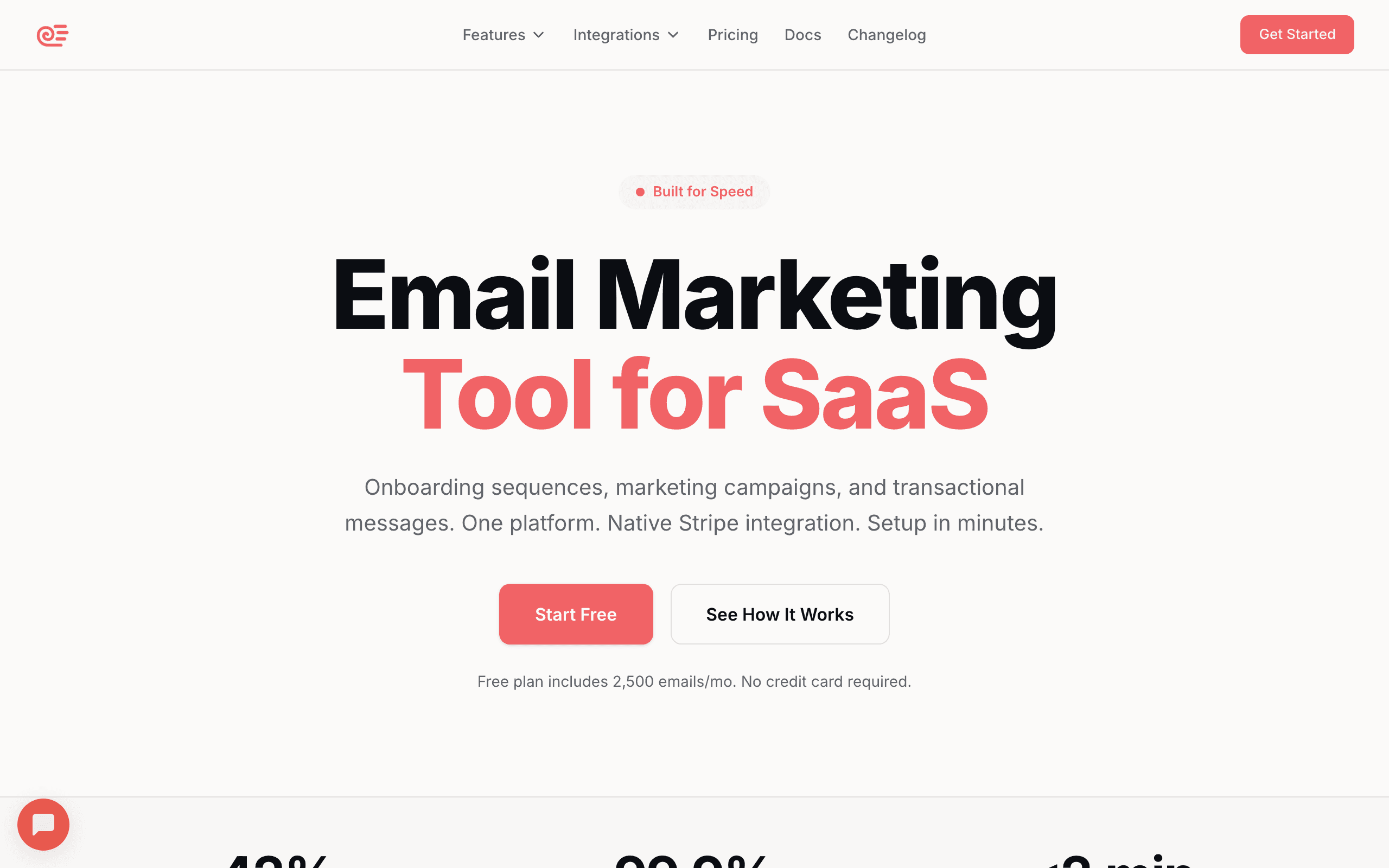
Best for: SaaS companies, startups, and teams that want a modern builder with smart automation built in.
Sequenzy combines an intuitive visual email builder with powerful automation features specifically designed for SaaS companies and startups. The drag-and-drop editor produces clean, responsive HTML that works across all major email clients, and you don't have to fight the tool to get a campaign out the door.
What sets Sequenzy apart is the AI-powered content generation. You can describe what you want, and the AI creates complete email drafts with proper formatting. For busy founders and small teams, this saves hours of work compared to staring at a blank canvas. The AI is opinionated about structure (headings, body, CTAs) so the drafts are usable rather than generic.
The native Stripe integration means you can segment emails by customer revenue, plan tier, or payment status without any Zapier workarounds. For SaaS marketers, this unlocks campaigns that other builders simply can't target: upgrade prompts to free users hitting limits, win-back flows to churned high-tier customers, or renewal nudges before annual billing dates.
The builder includes pre-designed blocks for common elements like pricing tables, feature grids, and CTAs. Everything is mobile-responsive by default. You can also paste in your own custom HTML or edit the raw output directly, so a hand-coded or MJML-compiled template can be dropped in and still sent through the same automations. Campaign A/B testing runs on the finished email, so subject line and content variants are tested in the same place they were built. Building the email and configuring the trigger that sends it happen in the same interface, which removes the usual context-switching between design tools and ESP automation panels.
- Features: AI content generation, drag-and-drop editor, automation workflows, Stripe integration, segments by revenue and behavior, transactional + marketing in one.
- Pricing: Free up to 2,500 emails/month, paid plans from $19/month.
- Pros: Builder and automation in one tool, SaaS-aware data model, fast AI drafts, fair pricing, direct founder support.
- Cons: Smaller template library than Stripo or Beefree, SMS is a paid add-on rather than a bundled channel (no two-way inbox), newer brand than legacy ESPs.
2. Stripo - Best Template Library
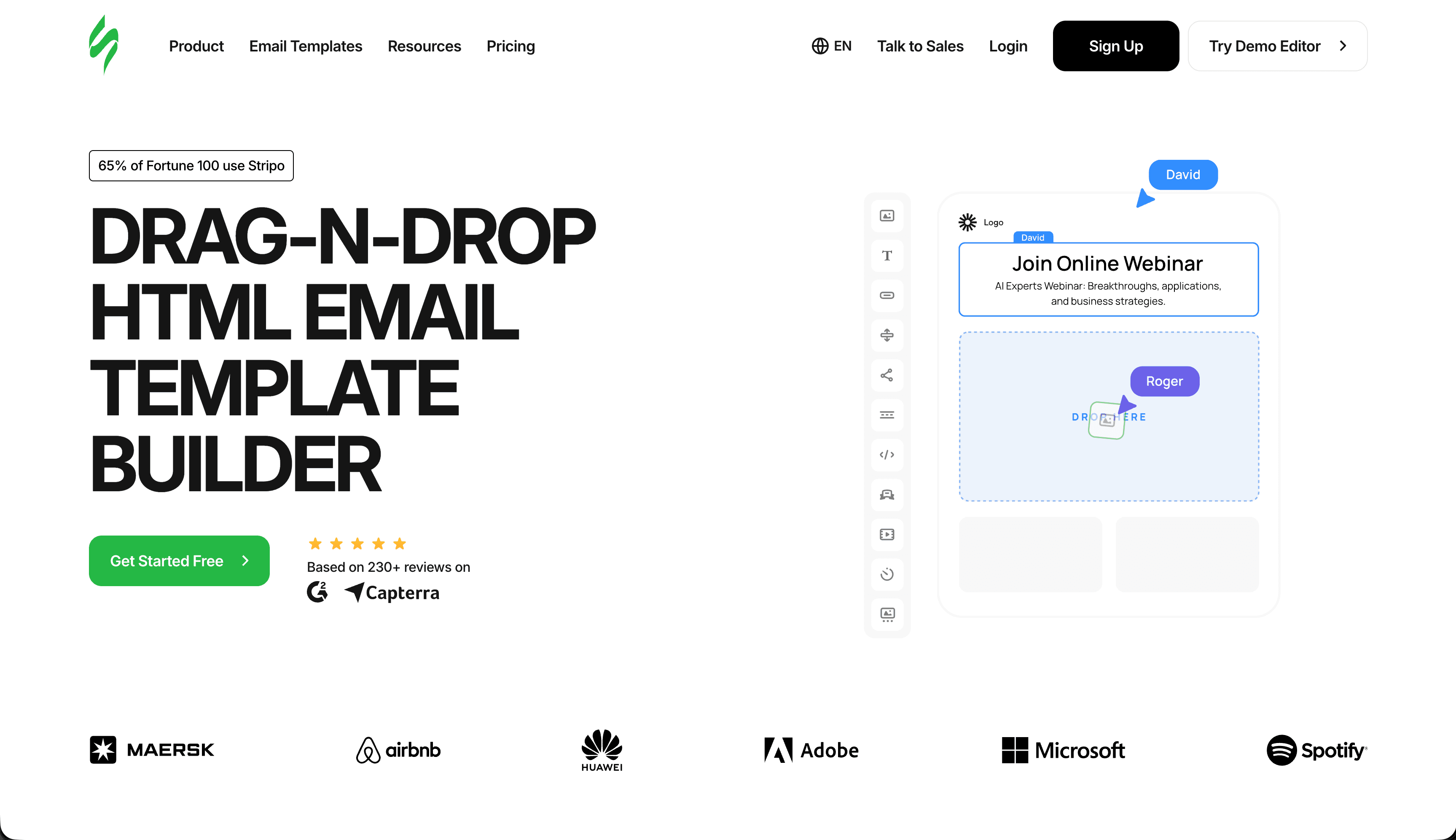
Best for: Teams needing extensive templates and agencies juggling multiple clients.
Stripo has become the go-to HTML email builder for teams that need lots of templates. The library includes 1,650+ professionally designed templates across every industry imaginable. Whether you need templates for newsletters, promotional emails, or transactional messages, Stripo probably has something close to what you want.
The editor itself is solid. You get a true drag-and-drop experience with blocks that snap into place. Advanced users can access the HTML/CSS directly, and Stripo handles the email client compatibility automatically. The collaboration features are particularly good for agencies managing multiple clients, with role-based permissions and shared workspaces.
One standout feature is the "interactive email" support. You can add elements like carousels, accordions, and even checkout forms that work in supported email clients. When clients don't support these features, Stripo provides graceful fallbacks. The countdown timer block alone is worth the price for promotional campaigns where urgency matters.
Stripo exports to almost every ESP under the sun, so you're not locked in. Build in Stripo, export to Mailchimp, HubSpot, Campaign Monitor, or whatever you happen to use. The reusable "modules" feature lets you save your own content blocks and drop them into future emails, which is gold for keeping a consistent look across many campaigns.
- Features: 1,650+ templates, modules, AMP support, interactive blocks, ESP integrations, role-based collaboration.
- Pricing: Free tier, paid from $15/month, business plans from $45/month.
- Pros: Best-in-class template library, reusable modules, clean exported HTML, broad ESP support.
- Cons: Advanced features require higher-tier plans, UI can feel busy until you learn it.
3. Beefree - Best Free Option
Best for: Beginners and small businesses who need a generous free tier and a fast editor.
Beefree (formerly BEE) offers one of the most generous free tiers in the market. You can create unlimited emails with full access to the drag-and-drop builder, though free emails include BEE branding. The editor is fast, intuitive, and produces reliably cross-client compatible HTML.
I covered Beefree in more detail in my guide to free HTML email builders, but the short version is this: if you're just getting started and don't want to pay anything, Beefree is your best choice. The paid plans remove branding, add saved rows, brand kits, and team collaboration features.
The mobile preview feature deserves special mention. You can see exactly how your email will look on different devices as you build it, which prevents nasty surprises after you hit send. You can also adjust the mobile version separately from desktop, hiding blocks or reordering content for the smaller screen.
Beefree Pro now ships with an AI assistant that generates entire layouts from a prompt. It's one of the better implementations outside of full ESPs like Sequenzy, and it meaningfully cuts time on first drafts. Combined with the speed of the core editor, Beefree remains the standard for "I just need to ship a clean email today."
- Features: Drag-and-drop, mobile-specific editing, saved rows, AI assistant, brand kit, ESP exports.
- Pricing: Free tier with branding, paid from $25/month per user.
- Pros: Fastest editor, excellent mobile controls, clean export HTML, generous free tier.
- Cons: Per-user pricing adds up for teams, no native sending (export only).
4. Chamaileon - Best for Collaboration
Best for: Agencies and larger marketing teams with real approval workflows.
Chamaileon was built from the ground up for team collaboration. Multiple people can work on the same email simultaneously, with real-time changes visible to everyone. There's a commenting system, approval workflows, and version history that makes it easy to track changes.
For agencies managing multiple clients, Chamaileon's workspace organization is excellent. You can separate clients into different projects, each with their own brand assets, templates, and team permissions. The client feedback feature lets you share preview links with clients who can leave comments directly on the email without breaking the layout.
The builder itself is powerful without being overwhelming. You get granular control over spacing, typography, and responsive behavior. The HTML export is clean and works reliably across email clients. Locked sections and audit logs are first-class features rather than afterthoughts, which matters for any team where "who changed the holiday campaign at 11pm" is a recurring question.
Pricing is steep compared to standalone editors, but if you're managing more than three or four clients or running a marketing team where review cycles matter, the collaboration features pay for themselves quickly.
- Features: Real-time collaboration, approval workflows, locked sections, client review links, multi-brand kits, audit logs.
- Pricing: From $30/month per user, agency plans from $100+/month.
- Pros: Best collaboration in the category, agency-friendly multi-brand support, audit logs.
- Cons: Expensive per seat, learning curve for advanced features, editor is functional rather than delightful.
5. Postcards by Designmodo - Best for Designers
Best for: Design-focused teams and brands with strong visual identities.
Postcards is the email builder designers actually want to use. The interface feels more like a modern design tool than a typical email editor. You get precise control over every visual element, with design-focused features like gradient support, custom fonts, and advanced image editing.
I wrote more about this in my guide to HTML email builders for designers. The quick summary: if you care deeply about visual quality and want your emails to look as good as your website, Postcards delivers. The default templates have actual taste rather than feeling factory-generated.
The modular system works with 100+ pre-designed blocks that you can customize extensively. Unlike some builders that restrict you to their layouts, Postcards lets you create truly unique designs while still handling all the email client compatibility. The exported HTML is clean and well-tested with proper Outlook fallbacks.
The trade-off is flexibility. Module-based editing produces better default visuals but limits what you can build compared to free-form block editors. You won't reproduce a complex Klaviyo-style abandoned cart with dynamic product grids in Postcards, and that's fine - it's not what the tool is for.
- Features: Module-based editor, premium templates, gradient support, ESP exports, clean HTML output.
- Pricing: From $19/month, business plans from $35/month.
- Pros: Best default visual quality, reliable HTML, clean and focused interface.
- Cons: Less focus on automation features, less flexible than block-based editors, smaller template library.
6. MJML - Best for Developers
Best for: Developers and technical teams who want full control through code.
MJML is a markup language that compiles to email-compatible HTML. Instead of visual editing, you write code in MJML's simplified syntax, and it generates the complex table-based HTML that email clients require. For developers who prefer code over drag-and-drop, MJML is the gold standard.
The syntax is surprisingly readable:
<mj-section>
  <mj-column>
    <mj-text>Hello world</mj-text>
    <mj-button href="https://example.com">Click me</mj-button>
  </mj-column>
</mj-section>
This compiles to hundreds of lines of nested tables and inline styles that work everywhere. MJML handles all the email client quirks automatically, so you write modern markup and ship pre-1999 HTML.
I covered MJML in detail in my guide to HTML email builders for developers. It integrates with build tools, works with version control, and produces consistently reliable output. There's a healthy ecosystem of community plugins and visual editors built on top of it for teams that want code under the hood with a friendlier surface.
- Features: Markup language, CLI compiler, build tool integrations, community visual editors, free and open source.
- Pricing: Free (open source).
- Pros: Reliable cross-client output, version-controllable, mature ecosystem, no vendor lock-in.
- Cons: Requires coding knowledge, no first-party visual editor, no hosted dashboard.
7. Unlayer - Best Embedded Builder
Best for: SaaS products needing an embeddable builder, plus small teams wanting simplicity.
Unlayer started as an embeddable email builder for SaaS products, and it shows. The API and React component make it trivially easy to add an email builder to your own application. Many email marketing platforms actually use Unlayer under the hood without telling you about it.
The standalone builder is also excellent. Clean interface, solid template library, and reliable HTML output. The collaboration features work well for small teams, though they're not as extensive as Chamaileon's. Merge tags and conditional content are accessible through the visual interface without requiring technical help.
For small businesses that just want to build emails quickly, Unlayer's straightforward approach is refreshing. No unnecessary complexity, just a good builder that does what it promises and exports clean HTML to wherever you need it.
The embed pricing is the catch. If you're a SaaS company looking to ship Unlayer inside your product, expect enterprise-style pricing conversations rather than self-serve checkout.
- Features: Drag-and-drop editor, merge tags, conditional content, embeddable SDK, ESP integrations.
- Pricing: Free tier with branding, Studio from $20/month, embed plans from $200/month.
- Pros: Approachable for beginners, deep enough for power users, reliable HTML, mature embeddable option.
- Cons: Smaller template library than Stripo, embed pricing is steep.
8. Litmus Builder - Best for Testing
Best for: Teams that prioritize email testing and quality assurance above all else.
Litmus Builder comes as part of the Litmus email testing platform, which means you get the best email testing tools in the industry alongside a competent builder. You can preview your email in 90+ email clients and devices instantly, catching rendering issues before they reach your subscribers.
The builder itself is code-focused with a live preview. You edit HTML directly while seeing the results update in real-time. For teams that already use Litmus for testing, adding the builder makes sense. The integration between building and testing is seamless and avoids the usual "design in tool A, test in tool B, fix in tool A" loop.
Litmus also includes spam testing, accessibility checks, and link validation as part of the workflow. For enterprise marketing teams where a broken email going out costs real money, the integrated QA layer justifies the price.
The builder is genuinely secondary to the testing platform. If you don't already pay for Litmus testing, the builder alone isn't enough reason to start.
- Features: Code editor with live preview, 90+ client previews, spam testing, accessibility checks, link validation.
- Pricing: From $99/month (includes Litmus testing suite).
- Pros: Best-in-class testing built in, seamless build-test loop, enterprise-grade QA.
- Cons: Expensive, builder is secondary to testing features, no visual drag-and-drop.
9. Topol.io - Best for Simplicity
Best for: Individuals and small teams wanting a simple, affordable drag-and-drop solution.
Topol.io is refreshingly simple. No overwhelming feature lists, no complex workflows, just a clean drag-and-drop builder that works. You can create a professional email in minutes, export the HTML, and be done.
The price point is attractive too. At $10/month for the Pro plan, it's one of the most affordable paid options. You get unlimited exports, custom fonts, and the ability to save your own templates. The free tier is usable for occasional sends without surprise paywalls on basic features.
If you're looking for a drag-and-drop HTML email builder without unnecessary complexity, Topol.io is worth checking out. The output is clean, mobile preview is reliable, and there's no funny business with broken layouts in Outlook.
Topol also offers an embeddable version that competes with Unlayer at lower prices. For early-stage SaaS products that need an email editor inside their app without enterprise contracts, Topol's embed plan is a sensible default.
- Features: Drag-and-drop editor, mobile preview, ESP integrations, embeddable version, custom fonts.
- Pricing: Free tier, Pro from $10/month, embed plans from $79/month.
- Pros: Cheapest serious editor, clean HTML, decent embeddable option, simple UX.
- Cons: Limited templates, basic brand kit, no AMP or AI features.
10. Mailchimp Email Builder
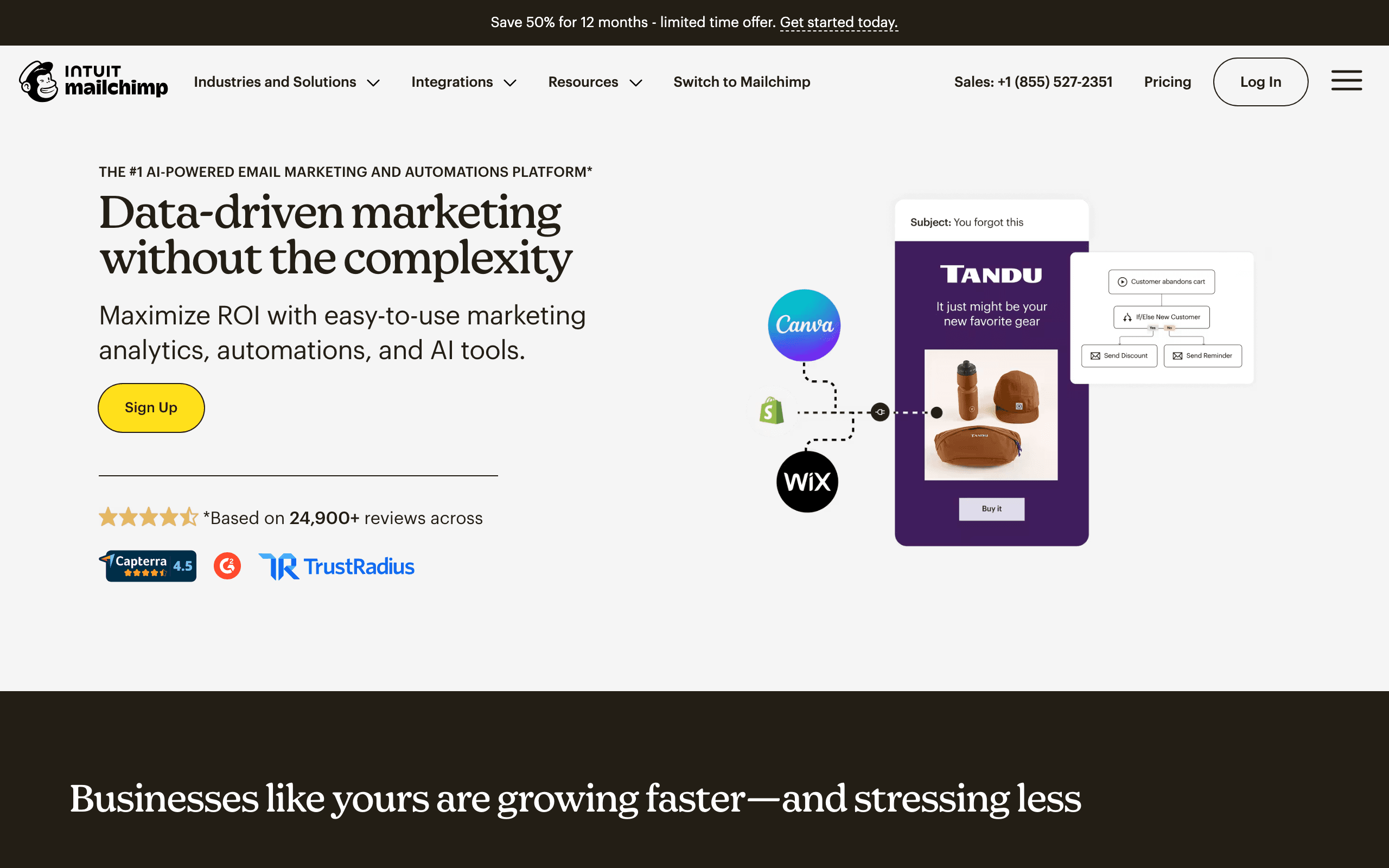
Best for: Teams already committed to Mailchimp for sending and automation.
Mailchimp's built-in email builder is surprisingly capable. The drag-and-drop interface is intuitive, the templates cover most use cases, and everything integrates seamlessly with Mailchimp's automation and analytics. The editor has matured significantly over the past few years.
The catch is that you can't use the builder separately from Mailchimp's platform. If you're already using Mailchimp for email marketing, the builder is excellent. If you want to build emails for a different ESP, you'll need a standalone tool.
The Content Studio feature is particularly useful. You can store brand assets, images, and saved content blocks that anyone on your team can access. This keeps emails consistent without constant back-and-forth and removes the "where did we save the logo" question once and for all.
The Creative Assistant uses AI to suggest design variations based on your brand guidelines. It's not a designer replacement, but it's helpful for non-designers who need multiple variations for A/B testing. The downside is the same as it has always been: contact-based pricing punishes large lists, and leaving Mailchimp later means losing the builder.
- Features: Drag-and-drop editor, Content Studio brand kit, Creative Assistant AI, native A/B testing, deep automation.
- Pricing: Free up to 500 contacts, paid from $13/month, scales with list size.
- Pros: Polished UX, strong brand asset management, built-in testing and analytics.
- Cons: Locked to Mailchimp platform, contact-based pricing punishes large lists, limited HTML export.
11. Dyspatch - Best for Dynamic Content
Best for: Enterprise teams with regulated workflows and complex personalization needs.
Dyspatch specializes in emails with dynamic, personalized content. You can create templates with conditional logic, dynamic blocks, and personalization that goes far beyond basic merge tags. For e-commerce companies sending product recommendations or personalized offers, this capability is valuable.
The builder uses a block-based approach with a focus on reusability. You create modules once and use them across multiple templates, with changes propagating automatically. This is great for large organizations maintaining dozens of email templates where consistency is required by either brand guidelines or compliance.
Dyspatch leans hard into AMP for Email and locked-section governance. For marketing teams in finance, healthcare, or other regulated industries, the approval workflows and audit trails make Dyspatch a serious contender alongside enterprise tools like Knak. The dual marketing + transactional focus is rare and useful for companies that want one template system for both flows.
- Features: AMP for Email, locked sections, approval workflows, dynamic content, ESP and transactional integrations.
- Pricing: Custom, typically $500-$2,000/month.
- Pros: Strong governance, native AMP, dual marketing + transactional focus.
- Cons: Enterprise pricing, overkill for simple use cases, editor itself is unremarkable.
12. Parcel - Best for Code Editing
Best for: Developers who prefer writing code but want email-specific tooling.
Parcel is a code editor specifically designed for emails. Unlike generic code editors, Parcel understands email HTML and provides syntax highlighting, autocomplete, and validation tailored to email development. The live preview updates instantly as you type.
The built-in image hosting is a nice touch. Upload images directly in Parcel, and they're automatically hosted and optimized. No need for a separate image hosting service or wrestling with S3 buckets just to ship a campaign.
For developers who prefer writing code but want email-specific tooling, Parcel fills a unique niche. It's not a visual builder, but it makes coding emails much more pleasant than VS Code with no email-aware extensions. File size warnings (Gmail clips at 102KB) and inline-styling helpers are surfaced where you actually need them.
Parcel also has solid collaboration features for code-first teams: comments, snippets, and shared workspaces. It's the closest thing to a "Figma for email code" that I've used.
- Features: Email-aware code editor, live preview, image hosting, collaboration, file size warnings.
- Pricing: Free tier, paid from $9/month.
- Pros: Excellent developer experience, inline image hosting, fast live preview.
- Cons: No visual builder, requires HTML knowledge, less useful for marketers.
13. Emailify for Figma
Best for: Design teams already working in Figma who want to ship to email.
Emailify turns Figma designs into production-ready HTML emails. If your design team already works in Figma, this workflow is incredibly efficient. Designers create the email in their familiar tool, then export it directly to HTML that actually works in email clients.
The plugin handles the translation from modern web design to email-compatible code. Flexbox layouts become tables, web fonts get fallbacks, and responsive behavior is added automatically. It's not perfect for every design, but for most standard layouts, the results are excellent.
For design-led teams, the alternative is throwing Figma mocks over the wall to a developer who recreates them in MJML or a visual builder. Emailify cuts that handoff out entirely. The designer ships the email and the developer reviews the output rather than rebuilding from scratch.
The trade-off is that complex designs sometimes need manual tweaks after export. For pixel-perfect emails with unusual layouts, you'll spend some time cleaning up the HTML. For typical marketing email designs, the export is good enough to ship as-is.
- Features: Figma plugin, automatic Figma-to-HTML conversion, responsive output, font fallbacks.
- Pricing: From $7/month.
- Pros: Eliminates design-to-dev handoff, works in your existing Figma workflow, affordable.
- Cons: Requires Figma, complex designs may need manual adjustments, no visual editor outside Figma.
14. GrapesJS - Best Open Source
Best for: Technical teams wanting open-source flexibility and self-hosting.
GrapesJS is a free, open-source web builder framework that includes email templates. You can use it directly, self-host it, or embed it in your own applications. For technical teams that want complete control and don't want vendor lock-in, GrapesJS is compelling.
The community has built plugins for various use cases, including email-specific templates and exports. The learning curve is steeper than commercial alternatives, but the flexibility is unmatched. Many SaaS products that needed an embeddable email editor and didn't want to pay Unlayer's prices ended up building on GrapesJS.
For agencies and SaaS companies, GrapesJS is also an alternative to commercial embeddable editors like Unlayer and Topol. You write more glue code, but you don't pay per-seat or hit usage limits. For products with thin margins or unusual requirements, that trade is often worth it.
- Features: Open-source web builder framework, email templates, plugin ecosystem, embeddable, self-hostable.
- Pricing: Free (open source).
- Pros: Zero vendor lock-in, no per-seat pricing, customizable to anything, large community.
- Cons: Requires setup and configuration, less polished than commercial options, no built-in support.
15. Campaign Monitor Email Builder
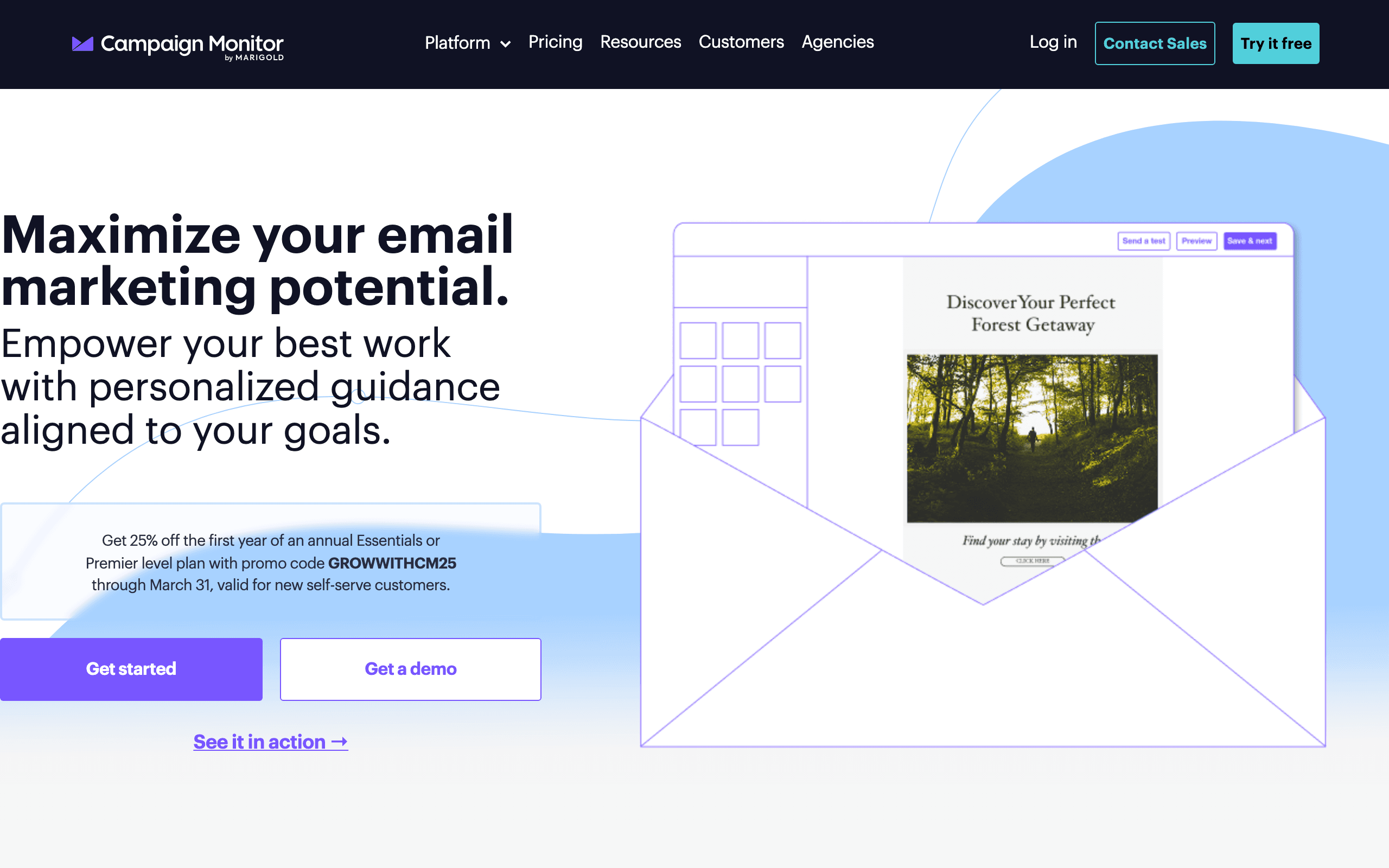
Best for: Brand-conscious teams who want template lock-in within an email platform.
Campaign Monitor includes a solid email builder as part of their email marketing platform. The builder emphasizes brand consistency, with tools to lock down colors, fonts, and layouts so team members can't accidentally break brand guidelines.
The "Sections" approach lets non-designers build emails from pre-approved components. Designers create the sections, and marketers assemble them into emails. This workflow works well for teams with clear roles where the design team is upstream of the marketing team.
Like Mailchimp, the builder is tied to the Campaign Monitor platform. It's great if you're using their service, but not available standalone. The pricing model is also contact-based, which scales aggressively for larger lists, but the basic plan is reasonable for SMBs sending to stable subscriber bases.
The polish of the platform overall is the underrated differentiator. Where Mailchimp has accumulated feature creep over the years, Campaign Monitor feels considered and tasteful. The default templates look good, and the editor doesn't fight you.
- Features: Drag-and-drop editor, template lock-in, section-based assembly, automation, A/B testing.
- Pricing: Basic from $11/month for 500 contacts, Unlimited from $29/month, Premier from $159/month.
- Pros: Best template lock-in, polished UX, reliable rendering.
- Cons: Locked to Campaign Monitor, no free tier, automation is basic.
16. React Email - Best for React Developers
Best for: React developers building transactional and product emails alongside their app.
React Email lets you build emails using React components. If your app is already in React, you can colocate your email templates with your application code, share components between web and email, and use the same TypeScript types throughout. The library handles compiling JSX to email-safe HTML with inline styles.
For SaaS teams that send transactional emails (receipts, password resets, notifications), React Email is the most natural fit. You write a component, render it to HTML at send time, and ship it through whatever provider you use (Resend, Postmark, SendGrid, or your own SMTP). No copying HTML between editor and codebase.
The component library is solid: typography, buttons, sections, columns, images, and link components that work across email clients. The preview server lets you iterate on emails locally with hot reload, which beats the usual "send to test inbox, refresh, repeat" cycle.
The trade-off is that React Email is squarely a developer tool. Marketers can't edit React components, so you'll still need a visual builder for marketing campaigns. For transactional and product email, though, it's hard to beat.
- Features: React components, JSX-to-HTML compilation, preview server, TypeScript support, provider integrations.
- Pricing: Free (open source).
- Pros: Lives in your codebase, type-safe, fast local iteration, no vendor lock-in.
- Cons: Developer-only, not suited for marketing campaigns, requires a React app.
17. Tabular - Best Modern Editor
Best for: Modern brands who want a clean editor without legacy baggage.
Tabular is one of the newer entrants and feels like it. The interface is minimal, the typography defaults are tasteful, and the editor responds quickly without the laggy feel that older tools have accumulated over years of feature creep.
The standout feature is how Tabular handles brand consistency. You set up brand styles (colors, fonts, button styles, spacing) and the editor applies them everywhere. Change your brand color, and every email that uses your brand kit updates. This sounds basic until you realize how many tools force you to manually update colors across dozens of templates.
Tabular exports clean HTML that works in any ESP. There's no proprietary lock-in. The collaboration features are adequate for small teams (comments, shared brand kits) without trying to compete with Chamaileon's enterprise features.
The trade-off is template library size. Tabular has a curated set of starting points rather than thousands of templates. For marketers who'd rather start from a good blank slate than wade through endless variations, this is a feature, not a limitation.
- Features: Brand styles system, clean modern editor, ESP exports, comments and shared kits.
- Pricing: From $19/month, team plans from $49/month.
- Pros: Modern UX, strong brand consistency, fast editor, clean output.
- Cons: Smaller template library, less established than legacy options, fewer integrations.
18. Knak - Best for Enterprise Marketers
Best for: Enterprise marketing teams using Marketo, Eloqua, or Salesforce Marketing Cloud.
Knak exists for one reason: enterprise marketing teams using Marketo or Eloqua want a better email builder than the native ones, which are notoriously painful. Knak slots into those workflows with deep integrations, sync of personalization tokens, and approval governance that enterprise compliance teams require.
The editor is designed for non-technical marketers in regulated environments. Brand-locked templates prevent off-brand emails from going out. Approval workflows ensure legal/compliance review before send. Audit trails track every change for SOC 2 and similar audits. This is the boring infrastructure that enterprise marketing teams need and that no consumer tool provides.
Knak's main draw is removing the bottleneck where marketing waits two weeks for a developer to code an email in Marketo. With Knak, marketers build emails themselves, push them to Marketo with one click, and the personalization tokens, dynamic content, and tracking all just work.
Pricing is custom and enterprise-only. If you're asking, Knak isn't for you. If your team includes a Marketo admin, your CMO has a head of compliance, and your legal team reviews emails, Knak probably is for you.
- Features: Marketo/Eloqua/SFMC sync, approval workflows, brand-locked templates, audit logs, AMP support.
- Pricing: Custom, typically $1,500+/month.
- Pros: Removes the Marketo coding bottleneck, enterprise-grade governance, strong integrations.
- Cons: Expensive, overkill for SMBs, only useful if you're on supported enterprise ESPs.
19. Brevo - Best Cheap Multichannel
Best for: SMBs who want email plus SMS and WhatsApp on a budget.
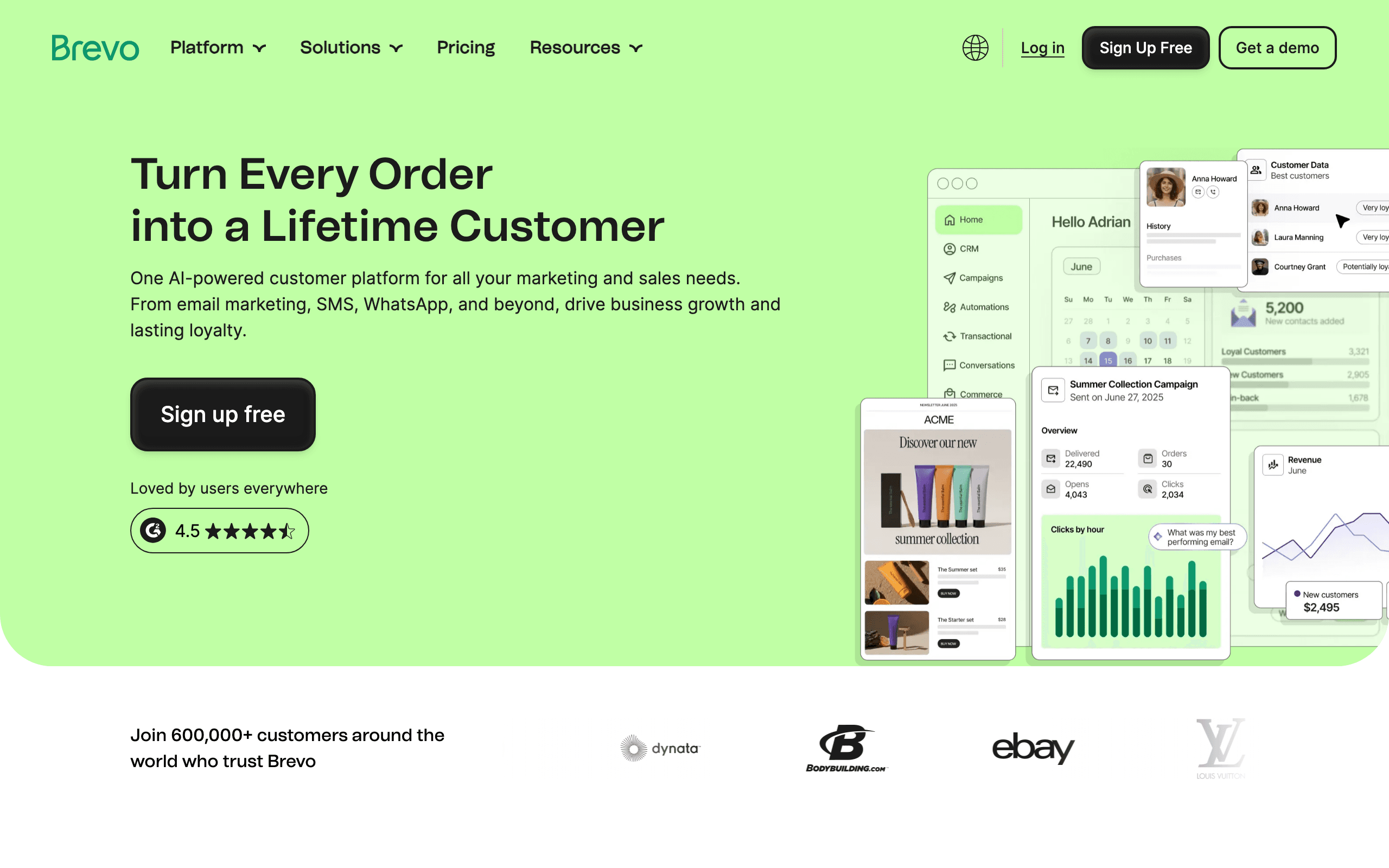
Brevo's email builder is competent rather than exceptional, but the platform's value comes from the bundle. Email, SMS, WhatsApp, and basic CRM all run from one interface at prices that smaller marketing teams can actually afford.
The editor is drag-and-drop, the templates are reasonable, and the responsive output is reliable. You won't be impressed but you won't be frustrated either. For most SMB marketing campaigns (newsletters, promotional sends, transactional confirmations), it's more than sufficient.
Where Brevo wins is the per-send pricing model. Most ESPs charge based on contact list size, which punishes you for having a large list even when you don't email everyone. Brevo charges based on emails sent, which is far friendlier to marketers managing large lists with selective sending.
The downsides are familiar. The automation builder is less mature than ActiveCampaign or Sequenzy. The templates lack visual punch. Customer support varies depending on plan. But for marketers prioritizing channel breadth and cost over polish, Brevo is hard to beat.
- Features: Drag-and-drop editor, SMS and WhatsApp sending, basic CRM, automation, transactional API.
- Pricing: Free up to 300 emails/day, paid from $9/month for 5,000 sends.
- Pros: Per-send pricing, multichannel in one tool, cheapest at scale, transactional included.
- Cons: Editor is uninspired, automation lags competitors, support is hit-or-miss.
20. MailerLite - Best for Solo Marketers
Best for: Solo marketers, creators, and small teams who want simple and beautiful.
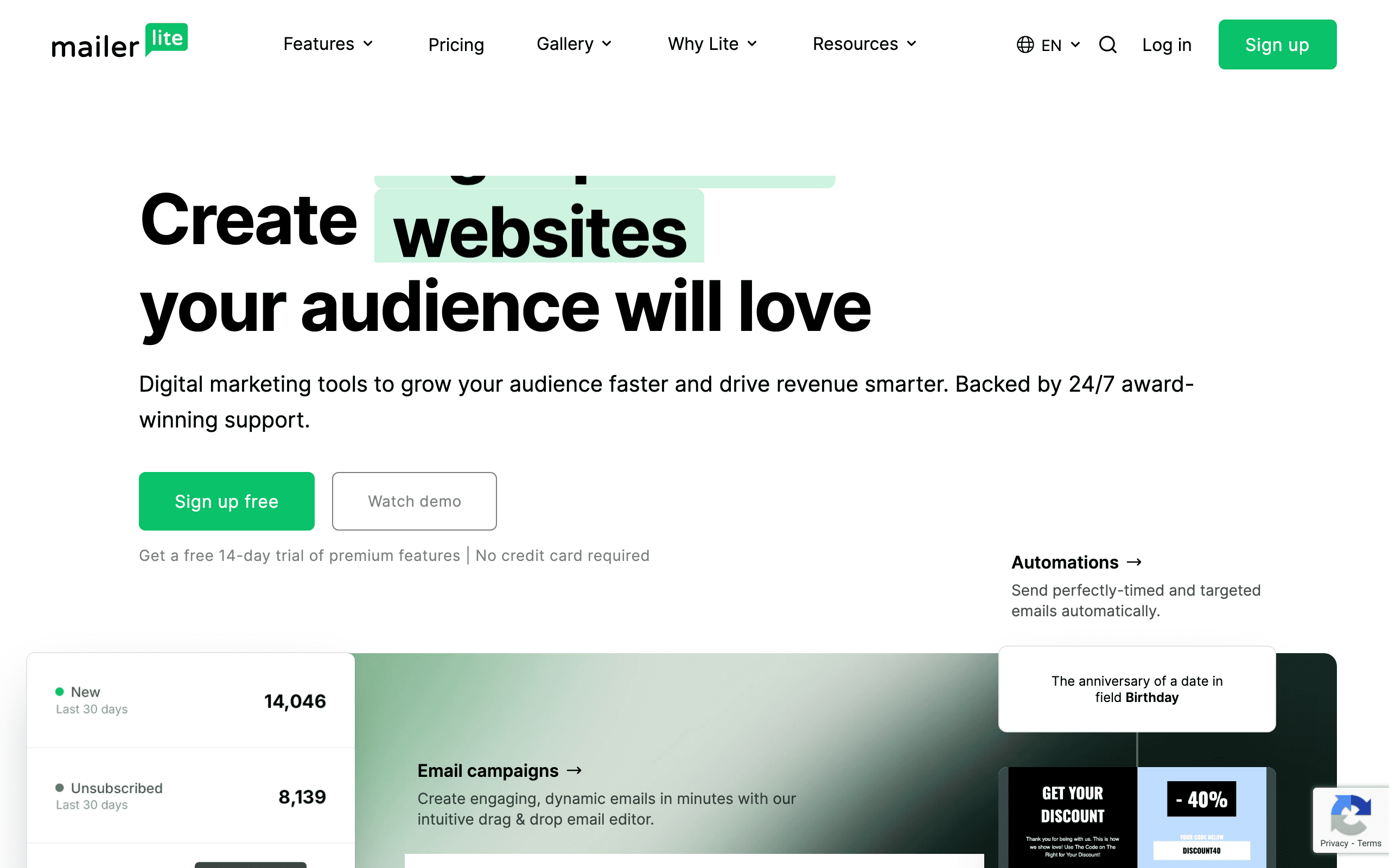
MailerLite is the closest thing to "Mailchimp but cheaper and prettier." The editor is clean, the templates have aged well (a rare compliment in this category), and the pricing is gentler than most alternatives.
For solo marketers, freelancers, and small businesses, MailerLite hits a sweet spot. You get a competent drag-and-drop editor, reasonable automation, landing pages, and signup forms in one tool, all without the complexity of HubSpot or the price of Klaviyo. The free tier is genuinely usable for businesses with smaller lists.
The new editor (released in the last couple of years) is significantly better than the legacy one. If you used MailerLite years ago and bounced off, the current version is worth a fresh look. AI subject line suggestions, smart sending optimization, and a more polished editor close the gap with premium tools.
The weaknesses are mostly about depth. Automation is more limited than ActiveCampaign or Sequenzy. Segmentation is competent but not extensive. For complex SaaS or ecommerce use cases, you'll outgrow it. For marketers who need clean newsletters and basic automation, it's hard to beat.
- Features: Drag-and-drop editor, automation, landing pages, signup forms, AI subject lines.
- Pricing: Free up to 1,000 subscribers, paid from $10/month.
- Pros: Cheap, beautiful editor, easy to learn, generous free tier.
- Cons: Automation lacks depth, limited for complex segmentation, fewer integrations.
21. Klaviyo - Best for Ecommerce
Best for: Ecommerce marketers, especially on Shopify or BigCommerce.
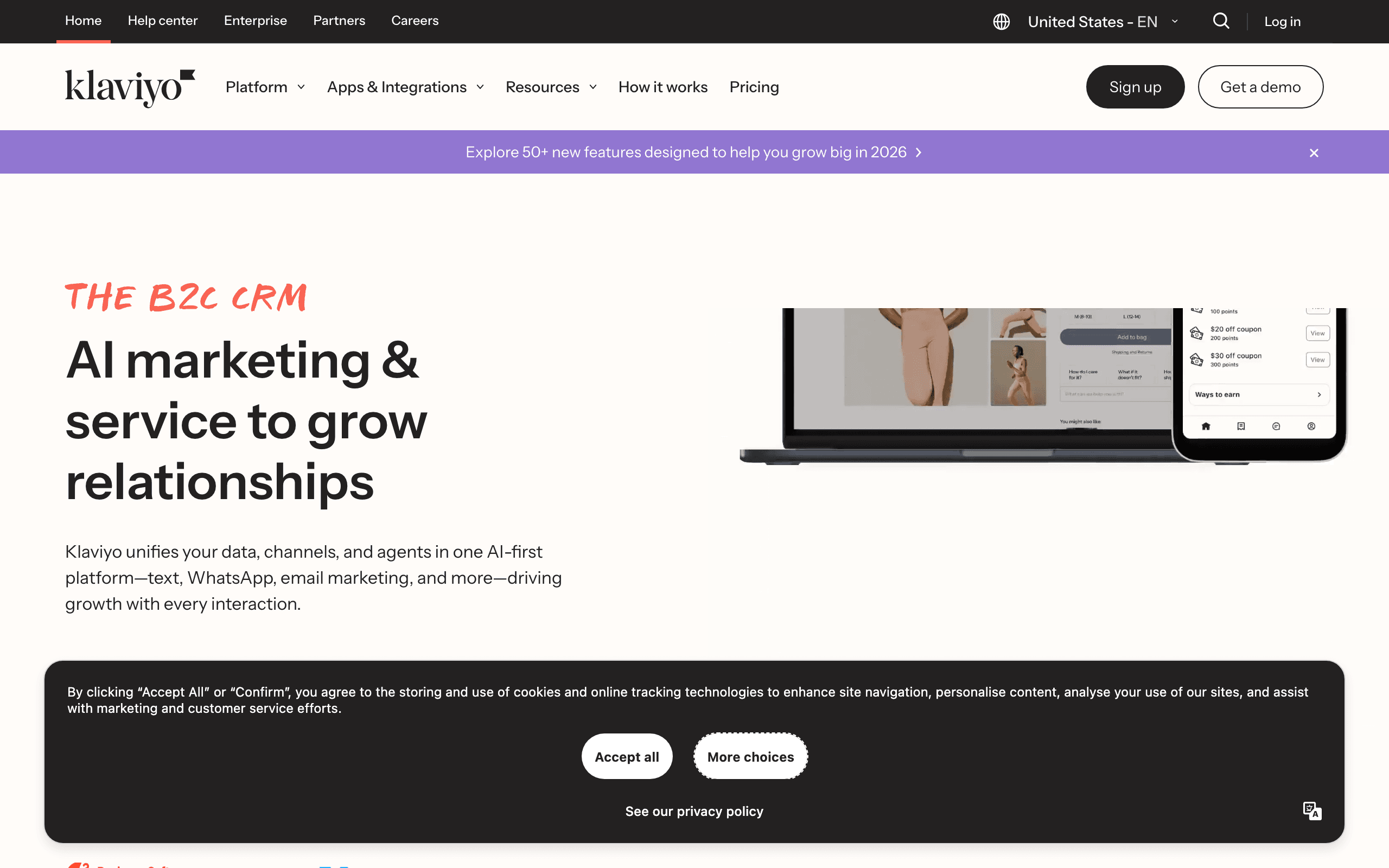
Klaviyo's email builder is good but not exceptional. What makes Klaviyo dominant in ecommerce is the data layer underneath. The deep Shopify, BigCommerce, and Magento integrations sync customer behavior, order history, and product catalog into Klaviyo, and the builder lets you use all of it natively.
For ecommerce marketers, this means abandoned cart emails with the actual abandoned products, post-purchase flows that recommend complementary items, and segments based on purchase recency, frequency, and monetary value. The editor includes ecommerce-specific blocks (product feeds, dynamic recommendations) that other builders simply don't have.
The predictive AI features (predicted lifetime value, predicted next order date, churn risk) plug directly into segments and email content. You can send a discount only to customers predicted to churn, or recommend products based on AI predictions of what they're likely to buy next.
The downsides are pricing (Klaviyo gets expensive fast as your list grows) and complexity (the platform has so many features that learning it well takes weeks). For non-ecommerce marketers, the pricing-to-value ratio doesn't justify it. For ecommerce marketers, Klaviyo is hard to beat.
- Features: Drag-and-drop editor, ecommerce data integration, predictive AI, dynamic product blocks, SMS.
- Pricing: Free up to 250 contacts and 500 sends, paid scales by list size (~$45/month at 5k contacts).
- Pros: Best ecommerce data integration, predictive AI, ecommerce-specific blocks.
- Cons: Expensive at scale, overkill outside ecommerce, steep learning curve.
How to Choose the Right Email Builder
The "best" builder depends entirely on your situation. Here's how to narrow down the options:
If you're a marketer who wants to build emails quickly without coding, look at Stripo, Beefree, or Sequenzy. All three have intuitive visual editors and good template libraries. My guide to HTML email builders for marketers goes deeper on this.
If you're a developer who prefers code over visual editors, MJML, React Email, and Parcel are your best options. MJML for its reliability and ecosystem, React Email if your app is already in React, and Parcel for its developer experience. See my developer-focused guide for more.
If you're a designer who wants precise visual control, Postcards and Emailify (for Figma users) stand out. Read my guide to HTML email builders for designers for detailed comparisons.
If you're on a tight budget, start with Beefree, MJML, GrapesJS, or React Email. All offer legitimate free tiers or are completely free. My free HTML email builders guide covers the best no-cost options.
If you're an agency managing multiple clients, Chamaileon and Stripo offer the collaboration features you need. See my guide to HTML email builders for agencies.
If you're at enterprise scale on Marketo, Eloqua, or SFMC, Knak and Dyspatch are the only serious options. Both remove the developer bottleneck and add the governance enterprise compliance teams require.
If you're building a SaaS product, email is a critical growth channel. Your builder needs to work alongside your automation, onboarding sequences, and transactional email system. Sequenzy combines the builder with SaaS-specific automation. For a broader comparison of email platforms for software companies, see our guide to the best email marketing tools for SaaS.
Email Building Best Practices
Whichever tool you choose, these practices will help you create better emails:
Start with mobile. Design for mobile first, then adjust for desktop. This ensures your emails work for the majority of readers.
Keep your HTML simple. Complex layouts break across email clients. Stick to single or two-column layouts for maximum compatibility.
Test before sending. Use Litmus, Email on Acid, or your ESP's preview tools to check rendering across clients. What looks perfect in your browser might be broken in Outlook.
Use system font stacks. Custom fonts don't work reliably in email. Specify web-safe fallbacks like Arial, Georgia, or system fonts.
Optimize images. Large images slow down loading and may not display at all on some clients. Compress images and use appropriate dimensions.
Maintain a consistent sender identity. The "From" name, reply-to address, and visual branding should be consistent across all emails. This builds recognition and trust with recipients, which directly impacts email deliverability.
Build a reusable component library. Whatever builder you choose, invest time in creating modular components (headers, footers, CTAs, content blocks) that you can reuse across emails. This saves time and ensures visual consistency. Both template-focused builders and code-based tools support this workflow.
Wrapping Up
The HTML email builder market has matured significantly. Whether you want a simple drag-and-drop editor or full programmatic control, there's a tool that fits your workflow.
For most teams, I'd recommend starting with one of the free options to understand what features you actually need. Then, if you hit limitations, upgrade to a paid tool that addresses those specific gaps.
If you're building emails for a SaaS product, Sequenzy combines the visual builder with automation features specifically designed for software companies. The unified approach saves the hassle of connecting separate building and sending tools.
Whatever you choose, the key is consistency. Pick a builder, learn it well, and create a library of reusable templates. The time you invest upfront pays dividends with every email you send.
Which HTML email builder guide you need
This page is the general comparison. If your situation is narrower, one of these will be a faster read:
| If you are | Read |
|---|---|
| A developer who wants to write email HTML directly (MJML, React Email, Parcel) | HTML email builders for developers |
| Looking specifically for builders that cost nothing | Best free HTML email builders |
| Searching for "drag and drop email builder" | Drag-and-drop HTML email builders |
| Buying mainly for the template library | HTML email builders with templates |
| A designer working from Figma or a design system | HTML email builders for designers |
| Running email for multiple clients | HTML email builders for agencies |
| Building product and promo emails for a store | HTML email builders for ecommerce |
| Sending a written newsletter rather than designed campaigns | HTML email builders for newsletters |
| A small business that wants the simplest thing that works | HTML email builders for small businesses |
| A marketer choosing on workflow rather than code | HTML email builders for marketers |
Frequently Asked Questions
What is the best HTML email builder for beginners?
Beefree is the most beginner-friendly option. The drag-and-drop interface requires no technical knowledge, the template library gives you professional starting points, and the free tier lets you experiment without committing money. Topol.io is another excellent choice for beginners who want even more simplicity. If you're a beginner building emails for a SaaS product specifically, Sequenzy's AI-powered content generation can help you create your first emails in minutes.
Do I need to know HTML to use an email builder?
No. Visual drag-and-drop builders (Beefree, Stripo, Sequenzy, Topol.io, Chamaileon, Postcards) don't require any HTML knowledge. You design emails visually, and the builder generates the HTML automatically. However, knowing basic HTML gives you the ability to make custom tweaks and troubleshoot rendering issues. If you're a developer who prefers working in code, see our guide to HTML email builders for developers.
How do I ensure my emails look good in Outlook?
Outlook uses Microsoft Word's rendering engine, which handles HTML very differently from web browsers. The safest approach is to use a builder that specifically tests for Outlook compatibility (most on this list do). Key rules: stick to table-based layouts, avoid CSS flexbox and grid, use inline styles, and test every email in Outlook before sending. Builders like MJML and Stripo handle Outlook quirks automatically.
Can I use an email builder to create transactional emails?
Yes. Code-based tools like MJML and React Email are particularly well-suited for transactional emails because they integrate with your application code. You can generate personalized receipts, notifications, and alerts programmatically. Visual builders work too, but you'll need to export the HTML and integrate it with your sending system. For a deeper look at the distinction, read our guide on transactional vs. marketing email.
What's the difference between a standalone email builder and a platform builder?
Standalone builders (Stripo, Beefree, MJML) create email HTML that you export and use anywhere. Platform builders (Mailchimp, Campaign Monitor, Klaviyo) are integrated into their email marketing platform and can only be used within that ecosystem. Standalone builders offer more flexibility, while platform builders offer tighter integration with sending and analytics. If you think you might switch platforms in the future, a standalone builder protects you from vendor lock-in.
How much does a good email builder cost?
Prices range from completely free (MJML, React Email, GrapesJS) to $99+/month (Litmus) or enterprise pricing for Knak and Dyspatch. Most mid-range builders cost $7-20/month for individual use and $20-50/month for team plans. For a detailed comparison of free options, see our free HTML email builders guide. The right budget depends on your volume, team size, and whether you need features like collaboration, testing, or automation.
Can I build email sequences with these builders?
The builders themselves just create individual emails. For sequences and automation, you need an email marketing platform. Sequenzy is the notable exception on this list because it combines the builder with sequence automation, allowing you to create complete email sequences and automate them based on user behavior. With other builders, you'd export HTML and import it into your ESP's sequence tool.
How often should I update my email templates?
Review templates quarterly at minimum. Check that links work, branding is current, and the design still looks good in the latest email client versions. Major redesigns every 12-18 months are typical. If your open rates or click rates decline, a template refresh might help. The more modular your templates are (using reusable components), the easier updates become.
Which builder produces the smallest file size?
File size matters because Gmail clips emails larger than 102KB. MJML and React Email tend to produce the most efficient output because they generate only the HTML needed for your specific design. Visual builders sometimes include extra CSS and structural HTML that bloats file size. If you're sending content-heavy emails like newsletters, test the output size before sending. Parcel shows you the file size as you code, which helps you stay under the limit.
Can I collaborate with my team on email designs?
Chamaileon offers the best real-time collaboration features, with simultaneous editing and commenting. Stripo supports team workflows with shared template libraries and approval processes. Beefree's paid plans include collaboration features. For code-based tools, use version control (Git) for collaboration, which gives you branching, pull requests, and code review. The right approach depends on whether your team prefers visual or code-based workflows.
How we evaluated these builders
Each builder was assessed against the same brief - a hero with a background colour and a headline, a two-column feature row with images, and a button-based call to action - using the vendor's public documentation, template gallery and changelog. For each tool we recorded what the exported HTML looks like and whether the vendor documents clean output, what it says about dark mode and Outlook support, whether a hand-written HTML block can be pasted in without the editor rewriting it, and whether preview is live in the editor or requires a separate render step. Where a tool is code-first (MJML, React Email, Parcel), we read the compiler and preview tooling instead. Client-rendering claims come from each vendor's own documentation rather than from an independent render test. Sequenzy is our own product and the only builder here we use first-hand. Pricing last verified September 2026.
Best HTML email builders with real-time preview
Short answer: for previewing across real email clients as you edit, Litmus Builder is unmatched (90+ client renders side by side with the editor). For a fast live canvas that updates as you type, Parcel is the best code-first option and Beefree, Stripo and Sequenzy are the best visual ones. Chamaileon is the pick when several people need to see the same live preview at once.
There are two different things people mean by "real-time preview":
- Live editing preview - the canvas is the rendered email, so what you drag is what you get. Every visual builder in the table does this, including Sequenzy's email editor, which shows desktop and mobile side by side.
- Live client preview - the same email rendered in dozens of real clients while you edit. This is a much rarer and more expensive feature: Litmus Builder is the reference implementation, Dyspatch and Knak include it at enterprise tiers, and most other tools rely on a send-a-test workflow instead.
If you are hand-writing HTML, Parcel deserves a specific mention: a split-pane, email-aware code editor with a preview that refreshes on keystroke, which is the closest a code-first workflow gets to a visual builder.
If you only need a single component rather than a whole template, our free email button generator outputs bulletproof, Outlook-safe button HTML you can paste into any of these builders.
Related Guides
Looking for more specific recommendations? Check out these focused guides:
- Best HTML Email Builders for Marketers
- Best HTML Email Builders for Developers
- Best HTML Email Builders for Designers
- Best Free HTML Email Builders
- Best Drag-and-Drop HTML Email Builders
- Best HTML Email Builders for Agencies
- Best HTML Email Builders for E-commerce
- Best HTML Email Builders for Newsletters
- Best HTML Email Builders for Small Businesses
- Best HTML Email Builders with Templates
- Best Email Marketing Tools for SaaS
Also check out our industry-specific email marketing guides for dentists, lawyers, real estate agents, and more industries.
Build your first email free
Sequenzy's free plan sends 2,500 emails a month with unlimited contacts and includes the email editor with custom HTML support, AI campaign generation, A/B testing and the automation builder - the builder and the sending in one place. Start free or compare the tiers on pricing.