
Overview
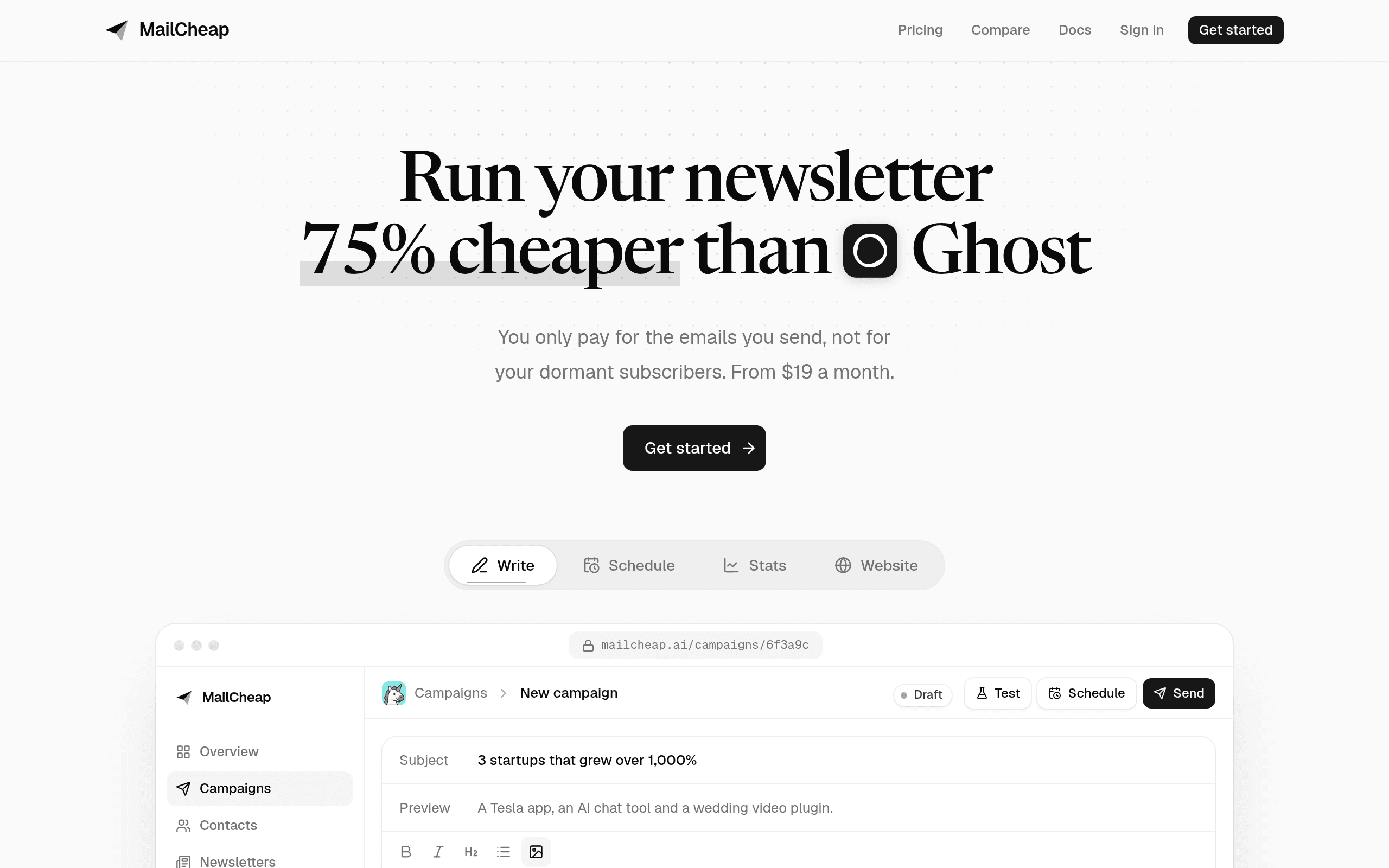
Substack and MailCheap both promise a cheaper newsletter, in opposite ways. Substack charges nothing up front and takes a share of what you earn. MailCheap charges a small flat fee for the emails you send and takes nothing from what you earn, mostly because it gives you no way to earn through it.
Money: free plus 10%, or a flat fee
For a free newsletter Substack is simply cheaper: $0 against MailCheap's $19 to $39 a month for most lists under 10,000 readers.
For a paid newsletter, Substack takes 10% of subscription revenue plus Stripe fees. At $1,000 a month in paid subscriptions that is $100 a month to Substack, against $39 for MailCheap Growth. But MailCheap has no paid subscriptions at all, so to make that switch you would need to handle payments and gated content elsewhere and keep two tools in sync. For most paid writers that is the real cost of leaving Substack, not the 10%.
Growth: network or search
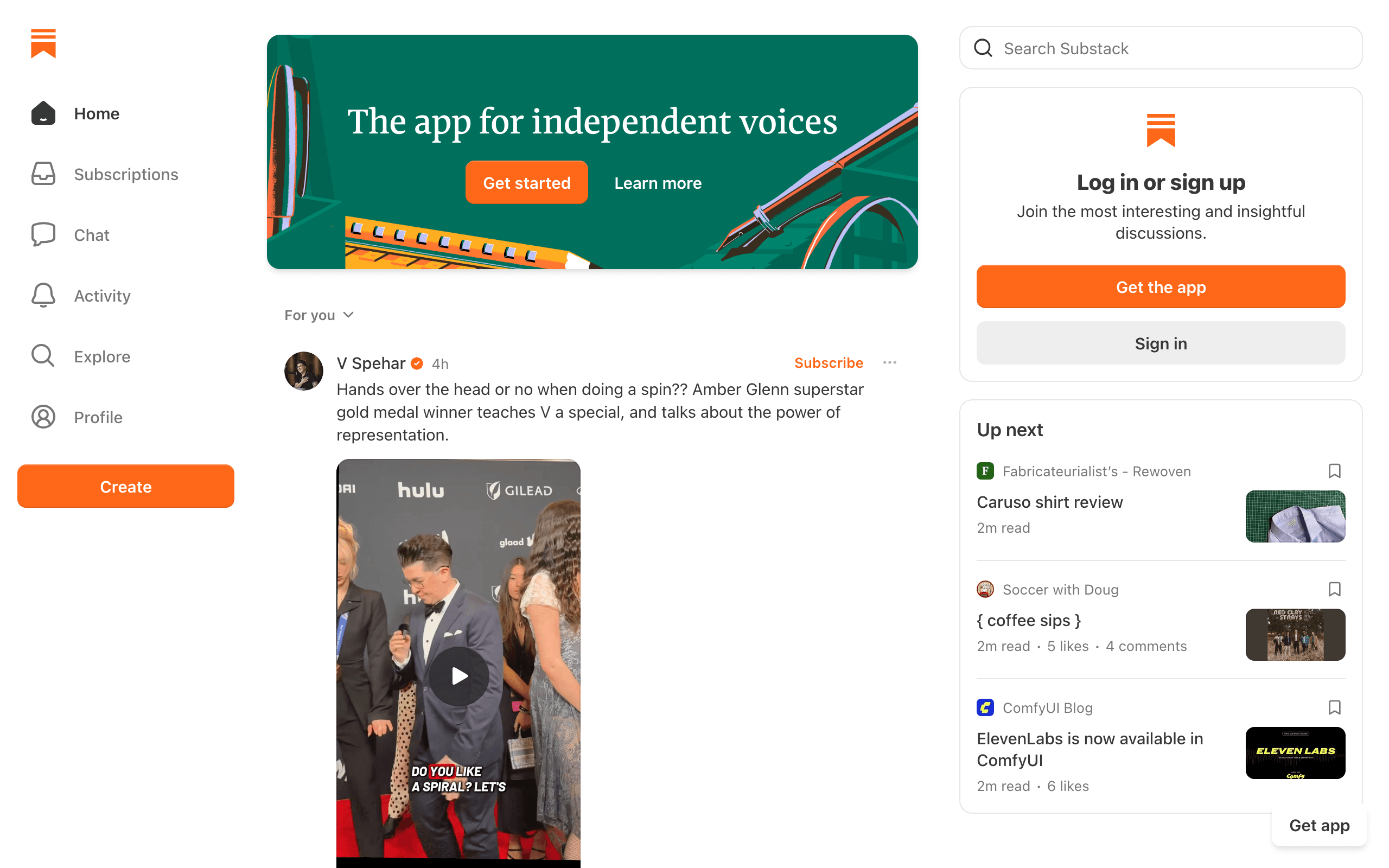
Substack's main advantage is not the editor, it is the audience. Readers find writers through the Substack app, Notes and recommendations, and a recommendation from a larger publication can add thousands of subscribers.
MailCheap gives every newsletter a website with a page per issue, an author page, share images and a sitemap, so issues can rank in Google. There is no feed or app. If you already have an audience on social media, a podcast or a product, that may be enough. If you are starting from zero, it usually is not.
Control
On MailCheap your newsletter sends from your domain (or a shared mailcheap.ai address), shows no MailCheap badge, and can be driven entirely through its API or MCP server. The code is open source, so you can move to your own server later. On Substack your publication follows Substack's templates, readers see the Substack network around you, and its MCP only reads stats.
Moving from Substack to MailCheap
Export your subscriber list from Substack and import the CSV into MailCheap, which keeps status and signup dates and drops invalid or previously bounced addresses. Paid subscribers need a separate plan: either cancel paid tiers or move them to a payment tool. Your old posts stay on Substack unless you republish them; MailCheap's API accepts Markdown or HTML if you want to rebuild the archive.
Decision checklist
- Choose Substack if you need discovery and paid subscriptions without upfront cost.
- Choose MailCheap if your newsletter is free, you have your own audience, and you want a cheap sender you control.
- Choose Sequenzy if you want per-email pricing with automations and segments. See also MailCheap alternatives.








