
Ask what the email is for
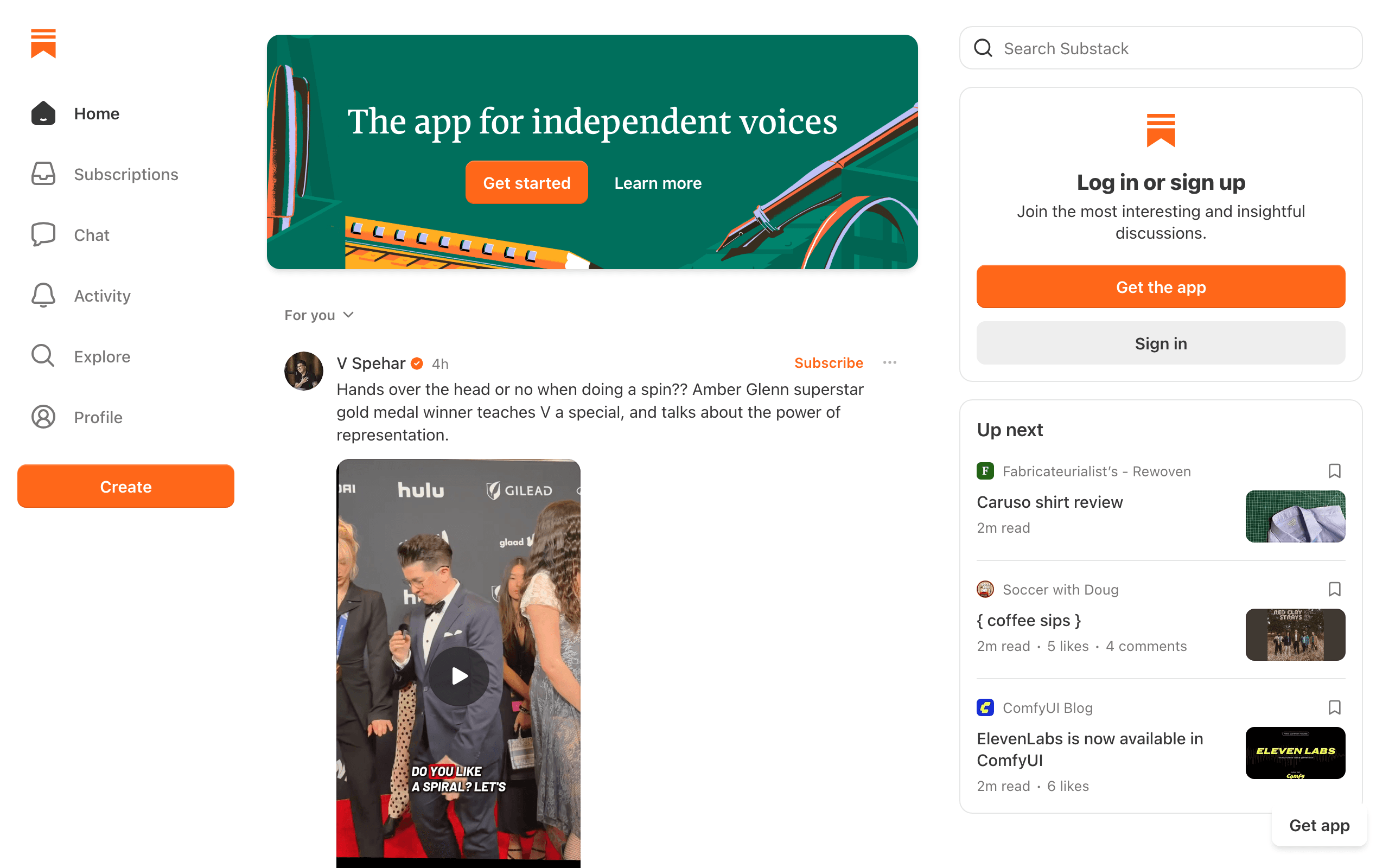
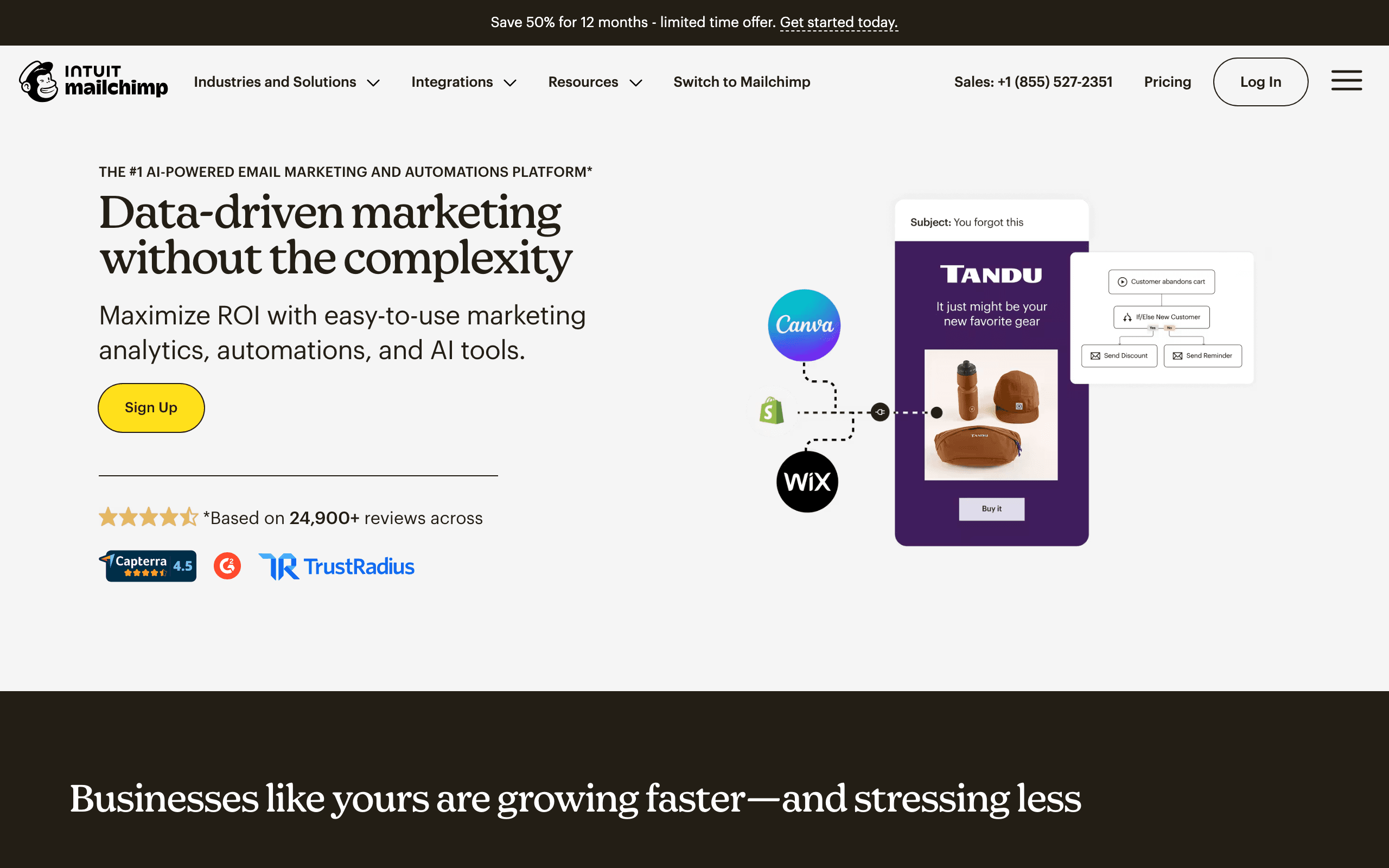
Substack versus Mailchimp is less a feature comparison than a question about your business. If people subscribe because they want your writing, and some would pay for it, you are running a publication and Substack is built for that. If people subscribe because they bought from you, booked with you or donated to you, and the email exists to bring them back, you are doing email marketing and Mailchimp is built for that.
Three examples
A policy analyst writing weekly. Readers want the analysis. Some will pay $10 a month for extra posts. Substack gives a paywall, paid tiers, comments and a chance of being recommended by other writers, with no bill until revenue arrives. Mailchimp would cost money every month and still need a separate tool to take payments.
A candle shop on Shopify. Customers subscribe at checkout. The shop needs welcome discounts, abandoned cart reminders, product launches and segments by purchase history. Mailchimp connects to the store and runs those journeys. Substack cannot see orders and cannot send an abandoned cart email.
A local nonprofit. A monthly update to donors and volunteers, a separate list for event attendees, and a donation appeal twice a year. Mailchimp's segments, tags and templates fit. Substack could publish the update, but it has no way to split donors from volunteers beyond free and paid.
Cost at 10,000 subscribers
| Situation | Substack | Mailchimp |
|---|---|---|
| Free newsletter | $0 | About $135/month on Standard, less on Essentials |
| Paid newsletter earning $2,000/month | $200 plus Stripe fees | Plan cost plus a separate payment tool |
| Custom domain | One-time $50 | Use your own domain |
| Free plan limit | None for free newsletters | 250 contacts, 500 sends a month |
Mailchimp bills by contacts in your audience, so imported, inactive and sometimes unsubscribed contacts count unless you archive them. The paid plans run Essentials, Standard and Premium; Standard is where customer journeys and more advanced segmentation become practical, and Premium starts at about $350 a month.
Substack's cost is tied to revenue rather than list size. A free newsletter with 50,000 readers is still free. That is a large difference for writers building an audience before charging.
Paying for contacts you never email
Mailchimp's pricing has a detail that matters for anyone with a large or old list. Its help center states that subscribed, non-subscribed and unsubscribed contacts all count toward your contact limit. Only cleaned, pending, deleted and archived contacts are excluded. A list of 10,000 where 2,000 people have unsubscribed is billed as 10,000 until you archive them.
Substack has no such meter. Free subscribers cost nothing, and unsubscribes simply leave. For a writer with a large free list and a small paid tier, that difference is often the deciding factor.
If you choose Mailchimp, build archiving into your routine: after each campaign, archive unsubscribed and long-inactive contacts, and export them first if you want a record.
Paid newsletters on each platform
Substack's paywall is its core feature: mark a post as paid, and only paying subscribers can read it in full. Since August 2025 readers can also subscribe through Apple's in-app purchase in the iOS app, where Apple keeps 15 to 30% and Substack lets you raise in-app prices to compensate.
Mailchimp has no paid newsletter feature. Businesses that want one pair Mailchimp with a membership or payments tool, sync paying members into a tag or segment, and send paid content only to them. It works, but the paywall, billing and access control live elsewhere.
What each one does after someone subscribes
On Substack, a new reader gets your welcome email and then every post in the sections they chose. You can send posts to everyone, free readers only or paid readers only. That is the extent of targeting.
On Mailchimp, a new contact can enter a journey: welcome series, a discount after three days, a branch for people who clicked a product, and a reminder if they did not buy. You can segment by tags, signup source, purchase history and engagement, and A/B test subject lines or content.
If you already run a blog on your own site, Mailchimp can send new posts automatically through RSS-to-email campaigns. That gives you a basic publication-style newsletter without leaving your CMS, though without Substack's paywall or reader network.
Moving between them
Substack to Mailchimp. Export subscribers from Substack settings as a CSV. Import into a Mailchimp audience and tag readers as free or paid so you can target them. Your archive, comments and recommendations stay on Substack. Paid subscriptions do not transfer, so set up payment elsewhere or end them with notice. Authenticate your domain in Mailchimp and send first to your most engaged readers.
Mailchimp to Substack. Export your audience, removing unsubscribed and cleaned contacts, and import the CSV into Substack. Journeys, segments, templates and store connections have no equivalent, so this move only makes sense when the email has become a publication.
Writing and designing the email
Substack's editor is a writing tool. You type, add images, embeds, buttons and paywall breaks, and the post goes to email, web and app with the same clean layout. You cannot rearrange the email into columns or build a promotional layout, which is a deliberate choice.
Mailchimp's editor is a design tool. You drag in blocks for images, products, buttons and social links, apply saved brand colors and fonts, and pick from many templates. For a sale announcement or event invitation that needs a strong visual layout, Mailchimp is far more capable. For a 2,000-word essay, Substack is faster and reads better.
Reporting follows the same split. Substack focuses on views, opens, new subscribers, their sources and paid conversions. Mailchimp reports opens, clicks, audience growth and, with a connected store, the revenue each campaign drove.
What moves and what stays
| Item | Substack to Mailchimp | Mailchimp to Substack |
|---|---|---|
| Contacts | Export CSV and import into one audience, tagged free or paid | Export subscribed contacts only, import as free subscribers |
| Paid readers | Move billing to a separate membership tool | Recreate paid tiers with a connected Stripe account |
| Sender | Authenticate your domain in Mailchimp | No DNS needed; mail sends from Substack |
| Content | Archive stays on Substack or moves to your site | Publish posts on Substack or import an archive |
| Automations | Build welcome and nurture journeys | Journeys, segments and store data do not carry over |
| Billing hygiene | Archive unsubscribes so they are not billed | Not applicable |
The Intuit factor
Mailchimp has been part of Intuit since 2021. For small businesses already using Intuit products, that can be reassuring: a large, stable owner and a product built for the same customers. It also means Mailchimp's roadmap targets small and mid-sized businesses selling products and services, not independent writers. Substack, by contrast, builds everything around publications and their readers. Each tool's direction follows its owner's customers, which is a reasonable way to predict which one will keep fitting you.
Where Sequenzy fits
For a writer, Substack is the better fit. For a shop or nonprofit, Mailchimp is broader. Sequenzy has no paywall, no reader network and no website builder.
Sequenzy fits a third case: a software company whose list is mostly product users. There, Mailchimp's contact-based pricing grows with every free signup, and its journeys are not triggered by product behavior or subscription status. Sequenzy runs campaigns, automations and transactional email together, triggers sequences from product events and native Stripe, Paddle and Polar billing events, and charges by emails sent with unlimited contacts: free up to 2,500 emails/mo, then $19/mo for 15k emails. If you are on Mailchimp, Sequenzy's migration tool imports audiences, tags, segments, custom fields, suppressions, campaigns, templates and automations.
Decision checklist
Is the newsletter itself what people pay for? Substack.
Does email drive sales for a store, service or cause? Mailchimp.
Is your list large and mostly free? Substack costs nothing; Mailchimp bills every stored contact.
Do you need journeys, A/B tests and store data? Mailchimp.
Substack when the newsletter is the product and you want readers to find and pay for it.
Mailchimp when email promotes a store, service or cause and you need journeys and segments.
Sequenzy when your contacts are users of a software product.








