
10 Best SMS Marketing Tools for WooCommerce in 2026

WooCommerce SMS advice usually gets written as if WooCommerce were Shopify with a different logo. It is not. Shopify is one hosted platform with one checkout and a stable event contract. WooCommerce is a plugin running on your WordPress install, alongside your theme, your caching layer, your checkout plugins, and everything else you have installed over the years.
That difference is the whole story. Two WooCommerce stores that both claim the same integration can behave completely differently, because one has a custom checkout plugin that never fires the cart event and the other has aggressive page caching that swallows the tracking script.
So this comparison weights integration reliability above feature depth. A platform with the best segmentation in the world is worthless if the abandoned-cart event arrives forty minutes late or not at all. I also give real attention to consent capture at checkout and to international SMS pricing, because WooCommerce stores skew more international than Shopify ones.
For the email-only version of this decision, see the best email marketing tools for WooCommerce. For the broader store view, see the best SMS marketing tools for e-commerce.
Quick comparison table
| Tool | How it connects | Entry price | SMS model | WooCommerce depth |
|---|---|---|---|---|
| Omnisend | Maintained WooCommerce plugin | Standard from about $16/mo | $0.007 to $0.009 per US SMS on Pro | Good: cart, order, product, customer |
| Klaviyo | Official plugin plus API | Email from about $20/mo, email plus SMS from about $35/mo | Credit bundles by plan | Moderate: shallower than its Shopify sync |
| Brevo | WordPress and WooCommerce plugin | Free tier, Starter from about $9/mo | Credits priced per destination country | Moderate: strong on transactional |
| Sendlane | Native integration | Professional from $100/mo | From about $0.009 per credit | Good: behavior and order data |
| Sequenzy | WooCommerce integration plus API | SMS add-on from $16/mo with 1,000 credits | 1 credit per US/Canada segment | Beta sync plus a full events API |
| ActiveCampaign | Deep Data integration | Starter from about $15/mo at 1,000 contacts | SMS via connected provider | Moderate: strong automation, weaker commerce |
| Drip | WooCommerce integration | From $39/mo at 2,500 contacts | Evaluate SMS separately | Good on behavior, email-first |
| Mailchimp | WooCommerce connector | Free tier, paid from about $13/mo | Availability varies by region | Basic |
| MailerLite | WooCommerce integration | Free to 250 subscribers, Comfort from $12/mo | Limited | Basic |
| WordPress SMS plugin plus gateway | Direct via a provider API | Plugin cost plus raw gateway rates | Cheapest per message, most work | Whatever you build |
Prices and regional SMS availability change often. Confirm the current quote, per-country message rates, carrier fees, and the plan tier required to unlock SMS before you commit.
Which one fits your store
| If your store... | Start with | Why |
|---|---|---|
| Wants email and SMS together with minimal setup | Omnisend | The plugin is well maintained and the automations are commerce-first out of the box. |
| Has a large list but sends infrequently | Brevo | Volume-based email pricing with unlimited contacts, and broad international SMS coverage. |
| Needs segmentation depth to change what it sends | Klaviyo | The data model is the best available, provided you validate the WooCommerce events first. |
| Already runs lifecycle email and wants to add texts | Sequenzy | SMS becomes a step in existing sequences instead of a second contact database. |
| Has complex branching journeys or a sales motion | ActiveCampaign | Its automation builder handles conditional logic better than any commerce-first tool. |
| Sends mostly order and delivery notifications | Brevo or a WordPress SMS plugin | Transactional messaging is a different job with different economics. |
| Has an unusual checkout or heavy plugin stack | Whichever survives your test order | Integration reliability outranks every feature comparison on this page. |
The WooCommerce-specific things that break
Before comparing features, understand what actually goes wrong. Every item here has cost a store real revenue.
Cart and checkout events that never fire
WooCommerce does not have a single canonical "abandoned checkout" event the way Shopify does. Most platforms reconstruct it from a combination of a tracking script, a cart session, and an identified email address.
That reconstruction is fragile. A custom checkout plugin, a one-page checkout, a headless front end, or a theme that overrides checkout templates can all break it. Test by starting a checkout with a real email and waiting the full delay window before assuming it works.
Page caching that swallows tracking
Aggressive full-page caching, common on managed WordPress hosts, can serve a cached page without executing the identification script, so browse and cart events never associate with a person.
Exclude cart and checkout pages from caching, and verify with a real session rather than assuming your host's defaults are correct.
HPOS and where orders actually live
High-Performance Order Storage moves orders out of the WordPress posts tables into dedicated tables. Integrations that read orders the old way need to be updated for it.
Check that your marketing plugin declares HPOS compatibility, and re-test order-triggered messages after switching. This is a common source of "the integration worked last month" reports.
Order status semantics
WooCommerce order statuses are configurable and plugins add their own. A flow triggered on "completed" behaves very differently in a store that marks orders complete at payment versus one that marks them complete at fulfillment.
Map your actual statuses to the triggers you intend to use, in writing, before you build the flow.
Refunds, partial refunds, and cancellations
A post-purchase or review-request text sent to someone who just got refunded is a support ticket and a brand problem. Confirm that refund and cancellation events propagate and that they suppress downstream automation.
Plugin update regressions
Every WordPress, WooCommerce, theme, or plugin update is a potential regression. On Shopify, an integration breaking is a vendor incident. On WooCommerce, it is Tuesday.
Run a staging site and place a test order after every update round.
What to evaluate in a WooCommerce SMS tool
Sync mechanism. A maintained first-party plugin is better than a generic REST connector, which is better than a Zapier chain. Ask when the plugin was last updated and which WooCommerce versions it declares support for.
Consent capture at checkout. You need an explicit, unticked SMS checkbox with visible disclosure, stored on the order and synced to the platform. Reusing the newsletter checkbox is not acceptable, particularly in the EU and UK where consent must be granular per channel.
International message pricing. WooCommerce stores are disproportionately non-US. A platform whose SMS is excellent in North America and unavailable or expensive in your main market is the wrong platform regardless of its feature list.
Transactional and marketing separation. Order and delivery texts and promotional texts are different jobs with different consent bases. The platform should let an opt-out from marketing leave delivery updates intact.
Failure visibility. When an event stops arriving, does anything tell you? A platform with an event log you can inspect saves you from discovering a broken flow in next quarter's revenue report.
How I evaluated these tools
- Installed each integration on a WooCommerce store with a caching plugin, a custom checkout field plugin, and HPOS enabled.
- Placed test orders in three states: completed, refunded, and cancelled, then checked which downstream automations fired.
- Started and abandoned a checkout with an identified email address, then waited the full delay window to see whether the event arrived.
- Added an SMS consent checkbox at checkout and confirmed the value reached the marketing platform as a distinct consent field.
- Ran a WooCommerce minor version update and re-tested every trigger.
- Priced each platform for a list split between the US, UK, and Germany rather than assuming US rates.
- Checked what the platform showed when an event failed to arrive.
The 10 best SMS marketing tools for WooCommerce
1. Omnisend
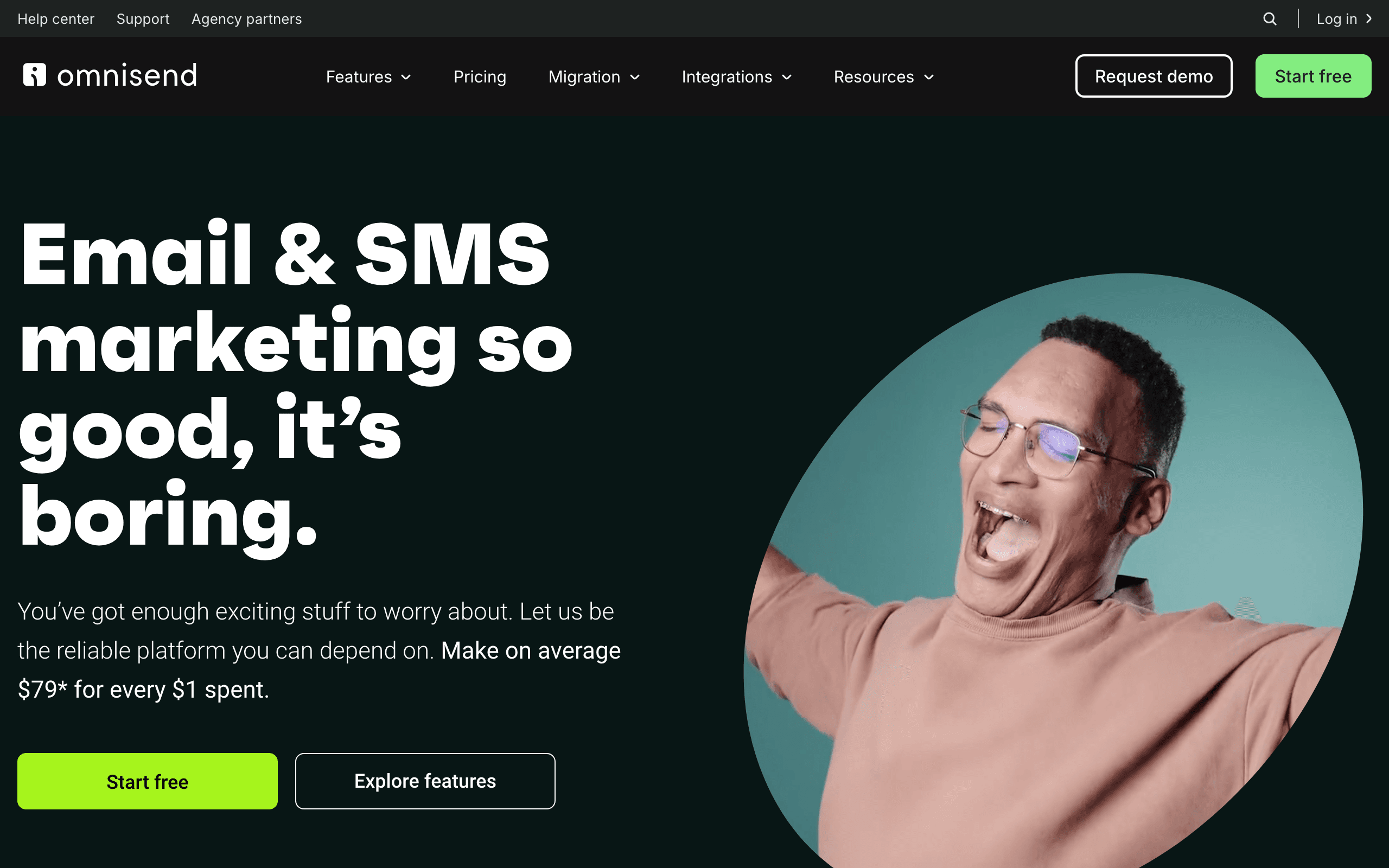
Best for: WooCommerce stores that want email, SMS, and push from one maintained plugin.
Pricing: Standard from about $16/month at low contact counts. On current Pro plans, US and Canada SMS runs from about $0.009 per message at low spend down to about $0.007 at high volume, with bundles from around $10/month and unused credits rolling over for 60 days.
Omnisend earns the top spot on WooCommerce for a reason that has nothing to do with features: its plugin is actively maintained and its WooCommerce support is treated as a first-class integration rather than a Shopify port. That reliability is worth more than a longer feature list.
Functionally, you get prebuilt commerce automations for welcome, cart, browse abandonment, and post-purchase, plus email, SMS, and push on one workflow canvas. The product picker pulls from the WooCommerce catalog, and segmentation covers order history, spend, and product categories.
It is not the deepest segmentation engine available, SMS sits behind the Pro plan on current pricing, and its reply handling is thin. But for a WooCommerce store that wants a working program in a week rather than a quarter, it is the most reliable path.
- Pros: Well-maintained WooCommerce plugin, email plus SMS plus push in one canvas, strong prebuilt commerce flows, credits roll over, approachable pricing.
- Cons: SMS gated to Pro, weaker two-way messaging, contact-based billing grows with dormant contacts, segmentation less deep than Klaviyo.
Verdict: The default first evaluation for WooCommerce, and the one least likely to break.
2. Klaviyo
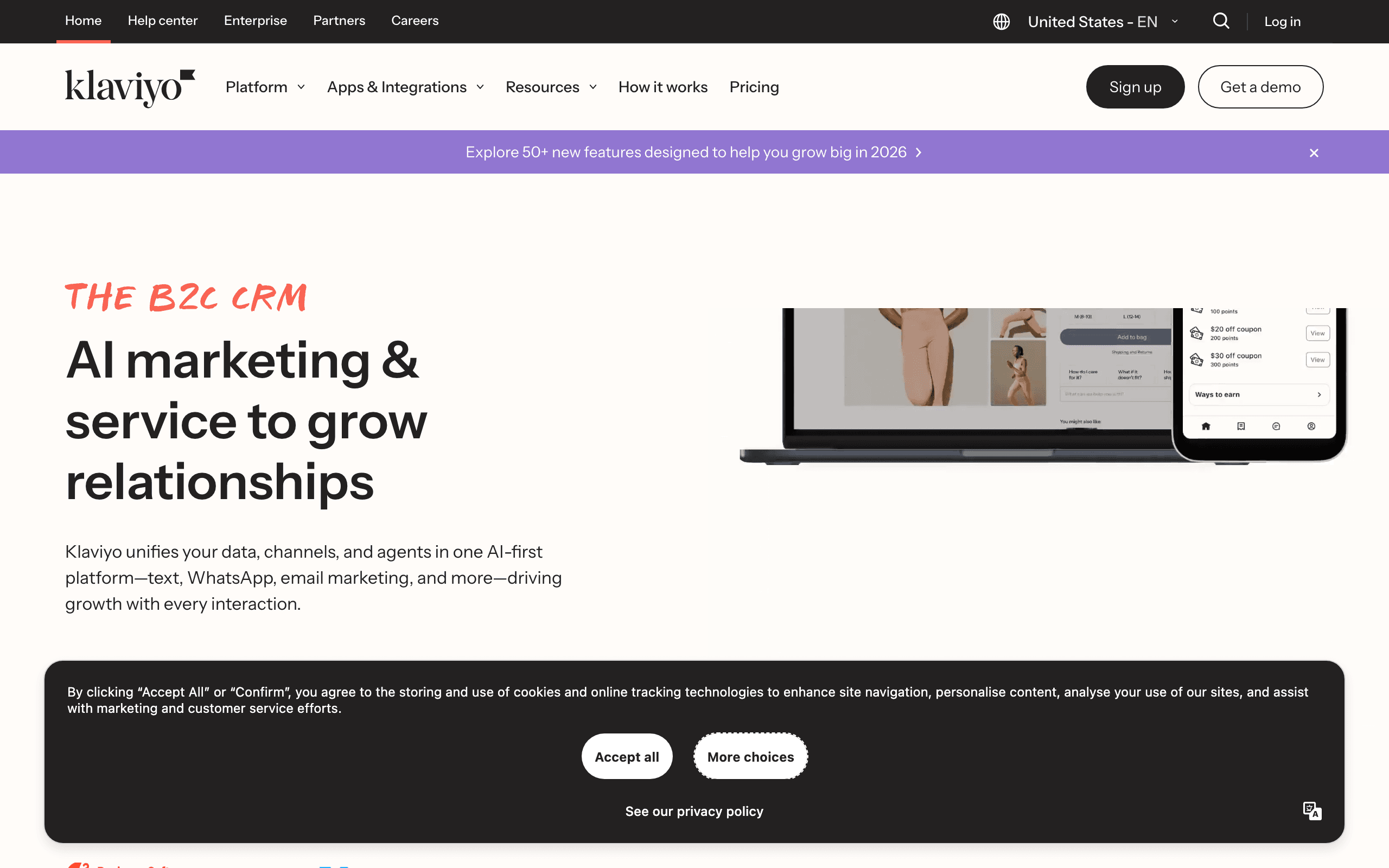
Best for: WooCommerce stores where segmentation genuinely changes what gets sent.
Pricing: Email from about $20/month, rising to roughly $150/month at 10,000 active profiles. Email plus SMS starts around $35/month for 251 to 500 profiles with 1,250 credits included.
Klaviyo has the best commerce data model on this list, and if your WooCommerce events arrive cleanly, everything downstream is excellent: predictive lifetime value, layered segments, flow-level revenue reporting, and email and SMS operating from one profile.
The caveat is important and often glossed over. Klaviyo's WooCommerce integration is meaningfully shallower than its Shopify integration. Browse tracking, cart reconstruction, and event fidelity all require more validation, and stores with unusual checkouts hit edge cases that Shopify stores never see.
Treat it as a technical proof of concept rather than an install. If your events arrive reliably, it is the strongest platform here. If they do not, no amount of segmentation depth helps.
- Pros: Deepest data model and segmentation, email and SMS on one profile, best flow library, strong reporting.
- Cons: WooCommerce integration is not the Shopify integration, active-profile billing, real learning curve, requires validation work up front.
Verdict: The highest ceiling on this list, conditional on your events actually arriving.
3. Brevo
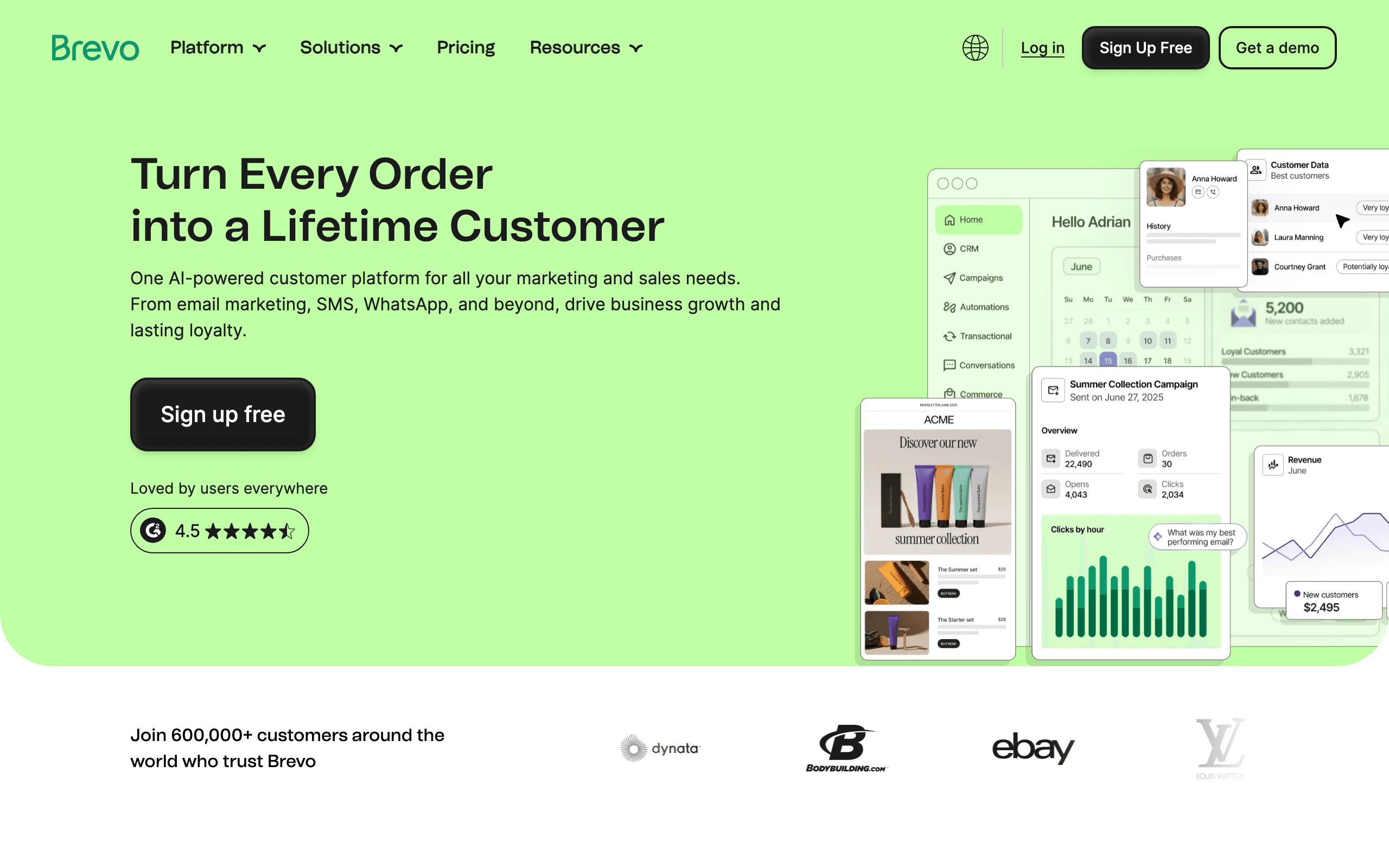
Best for: WooCommerce stores with large lists, international customers, or heavy transactional volume.
Pricing: Free plan with a daily send allowance, then Starter from around $9/month for 5,000 emails, with unlimited contacts. SMS is bought as credits and priced per destination country.
Brevo fits the shape of a lot of real WooCommerce stores better than the commerce specialists do. Unlimited contacts with volume-based email pricing suits a store with years of accumulated subscribers, and its transactional email and SMS capability covers order and delivery notifications in the same account.
Its international SMS coverage is the broadest here in practical terms, which matters for a European or multi-market store where US-centric platforms get expensive or simply do not send.
Commerce automation is the weak point. Cart, catalog, and behavioral flows are noticeably thinner than Omnisend or Klaviyo, and the WooCommerce integration is more about syncing contacts and orders than about deep behavioral triggers.
- Pros: Unlimited contacts with send-based pricing, strong transactional messaging, broad international SMS, low entry cost.
- Cons: Shallow commerce automation, SMS pricing varies sharply by country, fewer purpose-built store flows, reporting is basic.
Verdict: The best economics for a large or international WooCommerce list, if you can live with lighter automation.
4. Sendlane
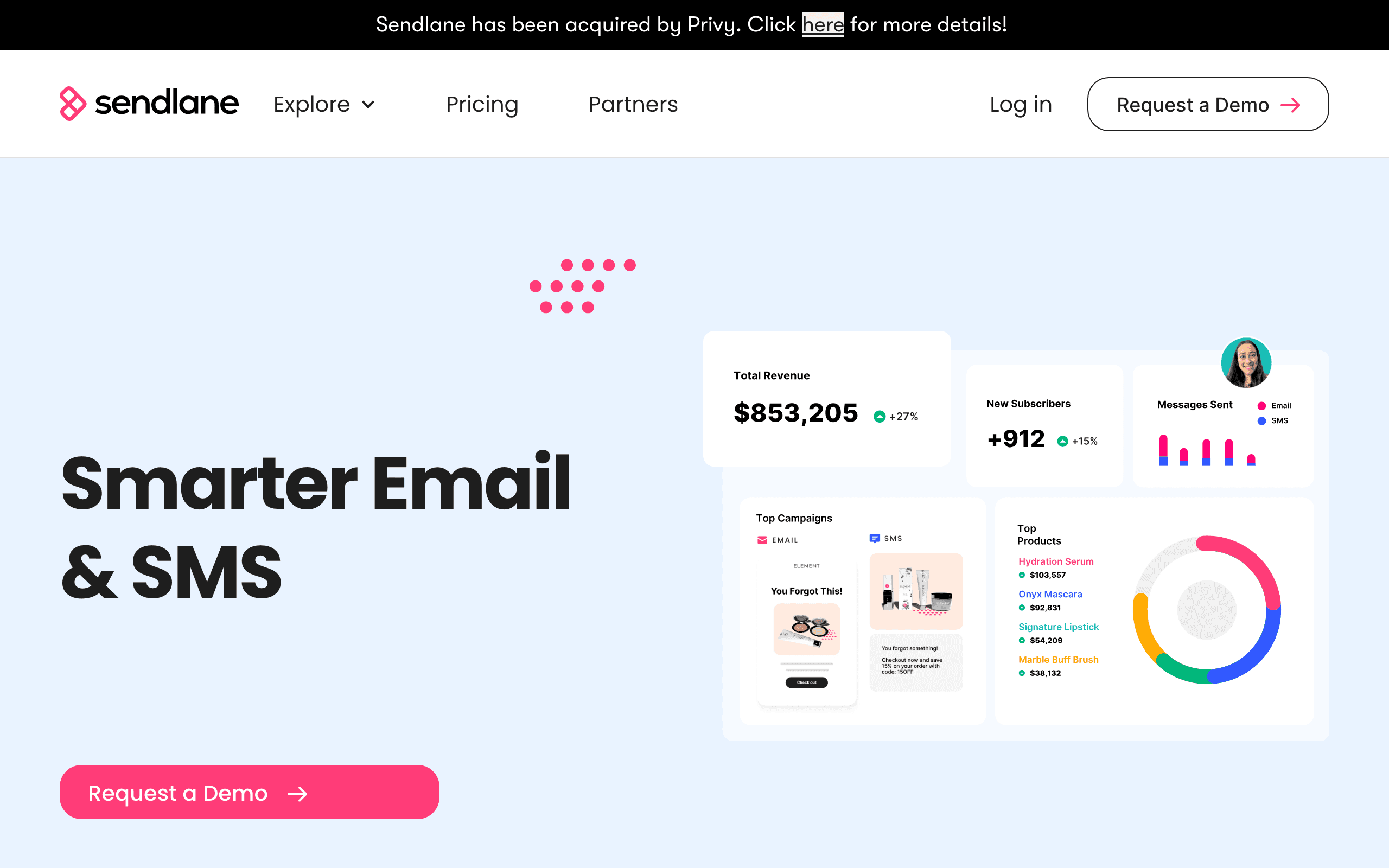
Best for: Established WooCommerce stores that want deep behavior data without profile-based billing.
Pricing: Professional from $100/month for 50,000 email sends with unlimited contacts. SMS starts around $0.009 per credit, subject to destination rates and current promotions.
Sendlane is a serious commerce platform with genuine WooCommerce support, and its send-based email pricing with unlimited profiles suits stores that have a big list and a moderate send calendar.
Behavior-based automation, segmentation, and revenue attribution are built for stores rather than adapted from a general ESP, and it handles multi-store operations better than most.
The barrier is the entry price. At $100/month it is not where a small WooCommerce store starts, and the ecosystem is smaller than Klaviyo's or Omnisend's, so there are fewer agencies and fewer community answers when something specific breaks.
- Pros: Unlimited contacts on send-based pricing, deep behavioral data, email and SMS together, good multi-store support.
- Cons: Higher entry spend, smaller ecosystem and community, regional SMS economics need verification.
Verdict: A strong mid-market option that most WooCommerce stores never bother to price.
5. Sequenzy
Best for: Teams already running lifecycle email that want SMS steps rather than a second platform.
Pricing: SMS is a paid add-on from $16/month including 1,000 credits, on paid plans. One US or Canada SMS segment uses one credit, and international credits are cost-weighted by destination.
Disclosure: I build Sequenzy. The honest positioning for WooCommerce specifically is that the WooCommerce sync is a beta plugin rather than a deep native integration, so a store that needs turnkey cart reconstruction should evaluate Omnisend first.
Where it does fit is a team that already runs sequences and wants a Send SMS step inside them, or a store with technical capability that would rather push its own events through the API than depend on a plugin reading order tables. That second path is often more reliable on a heavily customized WooCommerce install, because you control exactly when the event fires.
The SMS side is fully managed: a dedicated toll-free number is provisioned automatically, carrier verification is guided, SMS consent stays explicitly separate from email status, STOP, START, and HELP are handled per number, and quiet hours defer out-of-window sends rather than dropping them. Limits worth stating: no in-app two-way inbox yet, MMS is US and Canada only, and the WooCommerce plugin is less mature than the Shopify one.
- Pros: SMS steps inside existing email sequences, managed number and verification, consent separate from email, quiet hours enforced, strong events API for custom WooCommerce setups, full CLI and MCP coverage.
- Cons: WooCommerce sync is beta, no two-way inbox yet, MMS is US and Canada only, paid add-on on paid plans.
Verdict: Good when you control your own events or already run the email program here. Not the turnkey WooCommerce pick.
6. ActiveCampaign
Best for: WooCommerce stores with branching journeys, wholesale accounts, or a sales motion alongside the store.
Pricing: Starter from about $15/month at 1,000 contacts on annual billing, with automation, CRM, and advanced features gated by tier. SMS typically runs through a connected provider.
ActiveCampaign has the best automation builder in this comparison. Conditional logic, goals, scoring, waits, and CRM tasks let you build journeys that commerce-first tools cannot express, which matters if you sell both retail and wholesale from the same WooCommerce store.
Its Deep Data integration brings WooCommerce order and product information into that builder, so purchase events can drive genuinely complex logic.
It is not commerce-first, though. You will build more from scratch than in Omnisend, product recommendations are not a strength, and SMS is not a native specialty. Choose it because the branching and CRM matter, not because it connects to WooCommerce.
- Pros: Best conditional automation available here, CRM and sales workflows, works well beyond commerce, strong integration ecosystem.
- Cons: SMS is not a core product, more setup than commerce-native tools, contact-based billing climbs, weaker product merchandising.
Verdict: Right when the journey logic is the hard part. Wrong when the merchandising is.
7. Drip
Best for: Email-first WooCommerce stores that care about behavioral segmentation and revenue reporting.
Pricing: From about $39/month at 2,500 contacts, rising to roughly $154/month at 10,000 contacts, with all features included at every tier and no permanent free plan.
Drip is built around e-commerce behavior rather than general newsletters, and it handles WooCommerce well. The visual workflow builder covers conditions, branches, and purchase-based segments, and revenue reporting answers which flow made money rather than which email got opened.
The all-features-at-every-tier model is genuinely nice: you are not blocked from an automation because you are on the wrong plan.
Treat it as an email platform. It is not an SMS-first choice, and you should confirm the current SMS path for your market before selecting it to run a text program.
- Pros: Strong behavioral email automation, good WooCommerce support, useful revenue attribution, all features on every plan.
- Cons: Not an SMS specialist, no free tier, contact-based pricing, smaller ecosystem than the leaders.
Verdict: A good WooCommerce email platform. Verify the SMS story before choosing it for texts.
8. Mailchimp
Best for: Small WooCommerce stores that mainly need familiar campaigns and templates.
Pricing: Free tier for small lists, then paid marketing plans from about $13/month on entry tiers, billed by contacts. SMS availability and pricing vary by geography and account eligibility.
Mailchimp is here because a lot of WooCommerce stores already use it, not because it is the best commerce choice. The connector syncs customers and orders well enough for basic segmentation and campaigns, and the template ecosystem is unmatched.
For a store whose email program is newsletters and occasional promotions, that is genuinely sufficient.
It is not where I would run an SMS program. Cart, browse, and revenue workflows are less central to the product, contact-based billing climbs quickly, and SMS is not a dependable global capability. If SMS is a purchase criterion, look elsewhere.
- Pros: Familiar interface, huge template library, broad integrations, adequate WooCommerce contact and order sync.
- Cons: Not an SMS specialist, shallow commerce automation, contact billing climbs, regional SMS limitations.
Verdict: Fine for campaigns. Not a reason to choose it for text messaging.
9. MailerLite
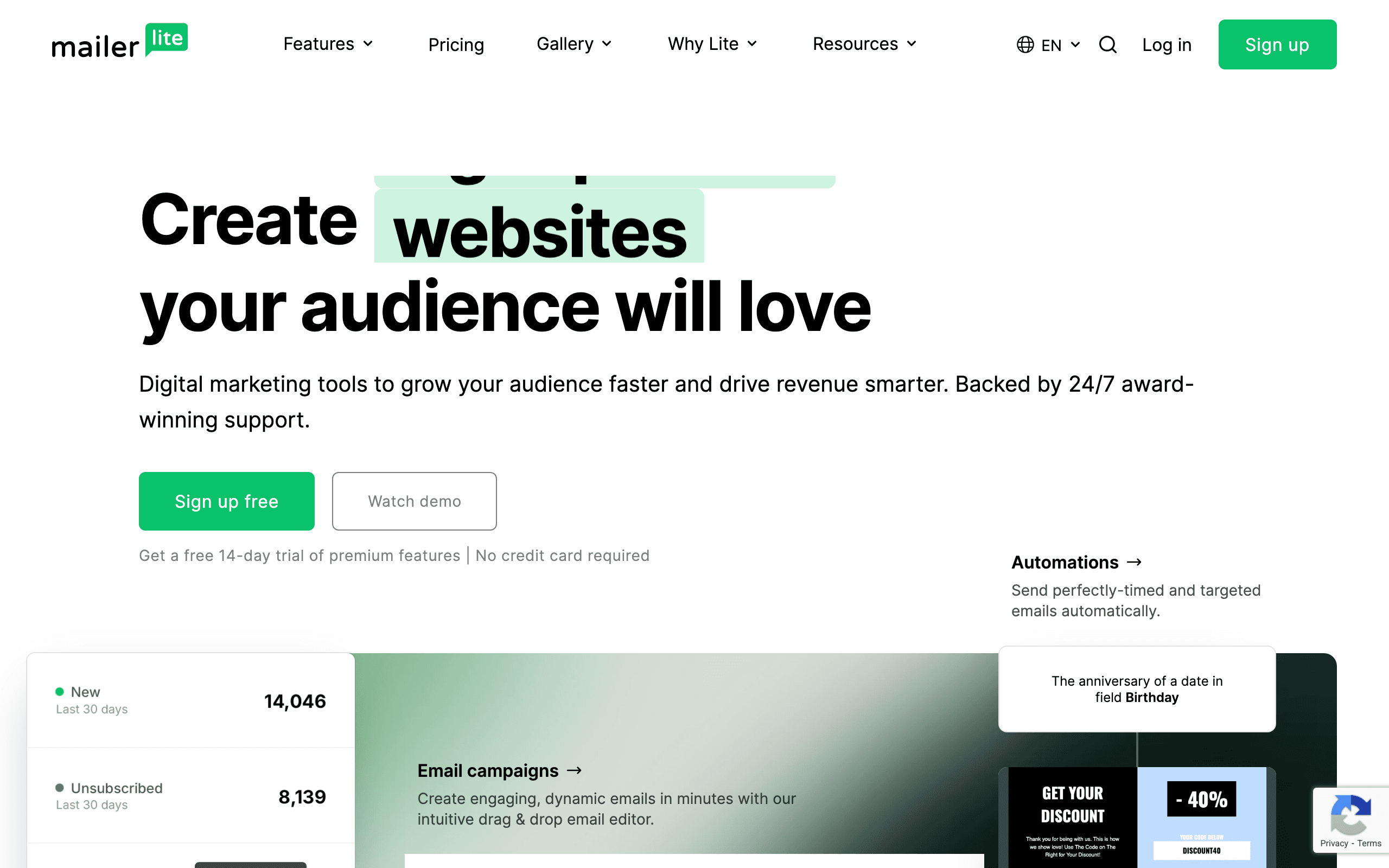
Best for: Small WooCommerce stores prioritizing a clean editor and low cost.
Pricing: Free up to 250 subscribers and 2,500 monthly emails, with Comfort from about $12/month.
MailerLite is inexpensive, pleasant to use, and adequate for newsletters, a welcome series, simple post-purchase follow-ups, and landing pages. For a store that is still proving demand, that combination is hard to argue with.
The WooCommerce connection is basic, and SMS is limited. If every message needs a dynamic product block or a segment built from multiple order conditions, this is not the tool.
I include it because "you do not need an SMS platform yet" is a legitimate answer for a store with 400 subscribers, and MailerLite is a good place to be while that is true.
- Pros: Very low cost, clean editor, landing pages and forms included, generous free tier.
- Cons: Basic WooCommerce integration, limited SMS, shallow commerce segmentation.
Verdict: A good place to start. Not a place to run a text program.
10. A WordPress SMS plugin plus a raw gateway
Best for: Transactional order and delivery notifications, or teams that genuinely want to own the stack.
Pricing: Plugin cost, often one-time or a modest annual license, plus raw gateway rates that are typically the cheapest per message available.
This is the DIY path: a WordPress plugin wired directly to a messaging gateway, sending order confirmations, shipping updates, and admin alerts straight from WooCommerce hooks.
Per message it is unbeatable, and for pure transactional notifications it is a legitimate architecture. You are sending a message triggered by an order status, which is exactly what a WordPress hook is good at.
For marketing, it is a trap. You inherit carrier registration, consent records, opt-out handling, quiet hours, segmentation, deliverability, and reporting, and every WordPress update becomes a regression risk on a compliance-sensitive system. The cost saving evaporates the first time you have to reconstruct consent records.
- Pros: Cheapest per message, full control, ideal for transactional order notifications, no contact-based billing.
- Cons: You own compliance and consent, no marketing tooling, brittle across updates, no meaningful reporting.
Verdict: Use it for transactional texts. Do not use it to run a marketing program.
Capturing SMS consent on a WooCommerce checkout
This is the part stores get wrong most often, and it is the part carriers reject registrations over.
What a compliant checkout capture looks like:
- A dedicated, unticked checkbox specifically for marketing text messages.
- Visible disclosure next to it naming your business, the message type, that rates may apply, that consent is not a condition of purchase, and how to opt out.
- A phone field that is separate from any shipping-contact field, or an explicit note that the shipping number will be used for marketing if the box is ticked.
- The consent value, timestamp, and disclosure version stored on the order and synced to the marketing platform as its own field.
What does not count:
- The existing "subscribe to our newsletter" checkbox. Email consent is not SMS consent.
- A pre-ticked box, anywhere, ever, and especially in the EU or UK.
- Consent bundled into acceptance of terms and conditions.
- A phone number collected purely for delivery contact.
In the EU and UK specifically: consent has to be granular per channel, freely given, and documented, and you need to honor access and deletion requests across both WooCommerce and the marketing platform. Some countries add their own rules on sending windows and sender identification. If you sell across multiple EU markets, check the strictest one that applies to you rather than assuming a single standard.
A test plan you should run before launch
Do this on staging first, then repeat the critical parts on production with your own phone number.
- Signup. Complete your checkout with the SMS box ticked. Confirm the subscriber appears in the platform with SMS consent set, plus source and timestamp.
- Signup, unticked. Complete a second checkout without ticking it. Confirm no SMS consent is recorded and no marketing text is possible.
- Abandoned checkout. Start a checkout with an identified email, leave, and wait the full delay window. Confirm the event arrives and the automation triggers.
- Completed order. Place an order and confirm order-triggered messages fire with the correct product and order details.
- Refund. Refund that order and confirm downstream messages such as review requests are suppressed.
- Cancellation. Cancel a different order and confirm the same.
- Opt-out. Reply STOP. Confirm the marketing suppression is immediate, applies to automations as well as campaigns, and leaves transactional delivery messages intact if that is your intent.
- Long message. Send a message with an emoji and confirm how it is counted and billed.
- International. Send to a number in your second-largest market and confirm both delivery and cost.
- Update. Apply pending WooCommerce and plugin updates, then repeat steps 3 through 5.
Anything that fails here will fail in production, only silently and with real customers.
Frequently asked questions
What is the best SMS marketing tool for WooCommerce?
Omnisend is the most practical first evaluation for most WooCommerce stores because it combines e-commerce email and SMS, connects through a maintained plugin, and does not require engineering time. Klaviyo is stronger for advanced segmentation but its WooCommerce integration is noticeably shallower than its Shopify one. Brevo has the best economics for a large list with international recipients. Test whichever you choose against your actual checkout, plugin stack, and order statuses first.
Why is WooCommerce SMS integration harder than Shopify?
Shopify is a single hosted platform with one checkout and a stable webhook contract. WooCommerce is a plugin on your own WordPress install, so the theme, the checkout plugins, the caching layer, the hosting environment, and every other active plugin can change what events fire and when. Two WooCommerce stores that both say "Omnisend integration" can behave completely differently.
Does WooCommerce HPOS affect SMS integrations?
It can. High-Performance Order Storage moves orders out of the WordPress posts tables into dedicated tables, and any integration that reads orders the old way needs to be HPOS-aware. Check that your marketing plugin declares HPOS compatibility before enabling it, and re-test order-triggered messages after you switch.
How do I capture SMS consent on a WooCommerce checkout?
Add an explicit, unticked checkbox with visible disclosure text, either through your marketing plugin's checkout field or a checkout field plugin, and make sure the value is stored on the order and synced to the marketing platform. Do not reuse the existing newsletter checkbox: email consent is not SMS consent, and in the EU and UK you need separate, granular consent per channel.
Can I send WooCommerce order and shipping texts?
Yes, and they are usually the highest-value messages a WooCommerce store sends. Order confirmations, shipping notifications, and delivery updates are transactional rather than marketing, which changes both the consent basis and the quiet-hours expectations. Keep them in a separate consent bucket from promotional SMS so an opt-out from marketing does not silence a delivery update.
Should I use a WordPress SMS plugin instead of a marketing platform?
A WordPress SMS plugin wired to a raw gateway is cheaper per message and much more work. You take on carrier registration, consent records, opt-out handling, quiet hours, segmentation, and reporting yourself, and every WordPress update is a regression risk. It makes sense for pure transactional notifications and rarely makes sense for a marketing program.
How do I stop a WordPress update from breaking my SMS flows?
Run a staging site, place a real test order there after every WooCommerce, WordPress, or plugin update, and confirm the events still arrive in the marketing platform. Add a monitor on your highest-value automation so a week of silent failures shows up as an alert rather than as a revenue dip you notice a month later.
Does GDPR change how I do SMS in WooCommerce?
Yes, if you sell to the EU or UK. You need a lawful basis for marketing texts, granular per-channel consent rather than one blanket opt-in, records that show what the person agreed to and when, and a way to honor deletion and access requests across both WooCommerce and the marketing platform. Country-specific rules on timing and sender identity also apply.
Final recommendation
- Most WooCommerce stores: Omnisend. The plugin is maintained, the flows are commerce-first, and SMS is in the same canvas as email.
- Large or international list: Brevo. Unlimited contacts, send-based email pricing, and the broadest practical SMS coverage.
- Segmentation-led store with technical capacity: Klaviyo, after a proof of concept that your events actually arrive.
- Established store tired of contact billing: Sendlane. Price it before you renew anything else.
- Team already running lifecycle sequences: Sequenzy, especially if you would rather push events through the API than trust a plugin.
- Complex branching or wholesale motion: ActiveCampaign.
- Transactional order texts only: a WordPress SMS plugin on a raw gateway, kept firmly out of marketing.
Whatever you choose, the decisive work is not the comparison. It is the test order. On WooCommerce, an integration is not something you install; it is something you verify, and then re-verify after every update.
Related resources
- Best SMS marketing tools for e-commerce - the broader store comparison
- Best email and SMS marketing platforms - combined-channel platforms
- Best email marketing tools for WooCommerce - the email side of this decision
- WooCommerce integration - how Sequenzy connects
- Email marketing for WooCommerce stores - the strategy guide