
What Happened to Infusionsoft?
If you are searching for an Infusionsoft alternative, the first thing to know is that Infusionsoft no longer exists under that name. The company rebranded to Keap in 2019, and the original product became Keap Max Classic. That legacy app is still available to existing accounts, but as of 2026 it is no longer sold to new customers, and new signups use the current Keap product instead. So "leaving Infusionsoft" usually means one of two things: moving off Keap Max Classic, or deciding not to adopt the newer Keap in the first place.
Infusionsoft was genuinely powerful software, especially its Campaign Builder automation. But that power came with a reputation for complexity, and the total cost added up between the subscription, per-user fees, and a required onboarding fee. Here is what drives long-time users to look elsewhere.
Why People Leave Infusionsoft
The Complexity
Infusionsoft's Campaign Builder could model almost any workflow, which is exactly why it was hard to learn. Many businesses hired a certified Infusionsoft consultant just to set it up and maintain it. Modern tools like ActiveCampaign and HubSpot deliver comparable automation with far gentler learning curves, so you spend less time fighting the tool.
The Price and Add-ons
Beyond the monthly subscription, Infusionsoft and Keap typically charge per additional user and require a one-time onboarding or Kickstart coaching fee. At 10,000 contacts, the current Keap plan runs around $249 to $299 per month before extras. Teams that mainly need email often realize they are paying for a full CRM, invoicing, and payments stack they barely touch.
Stuck on a Legacy Product
Because Keap Max Classic is no longer sold to new customers, its long-term roadmap is uncertain. Long-time users understandably want to know whether to stay, move to the current Keap, or switch to a modern platform entirely. That uncertainty is a natural moment to re-evaluate the whole stack.
If You Are Not a Service Business
Infusionsoft assumes a coaching, consulting, agency, or local-service model with invoicing and appointments. If you run SaaS or e-commerce, those features are built around workflows that may not match how you actually operate.
The Alternatives, Honestly
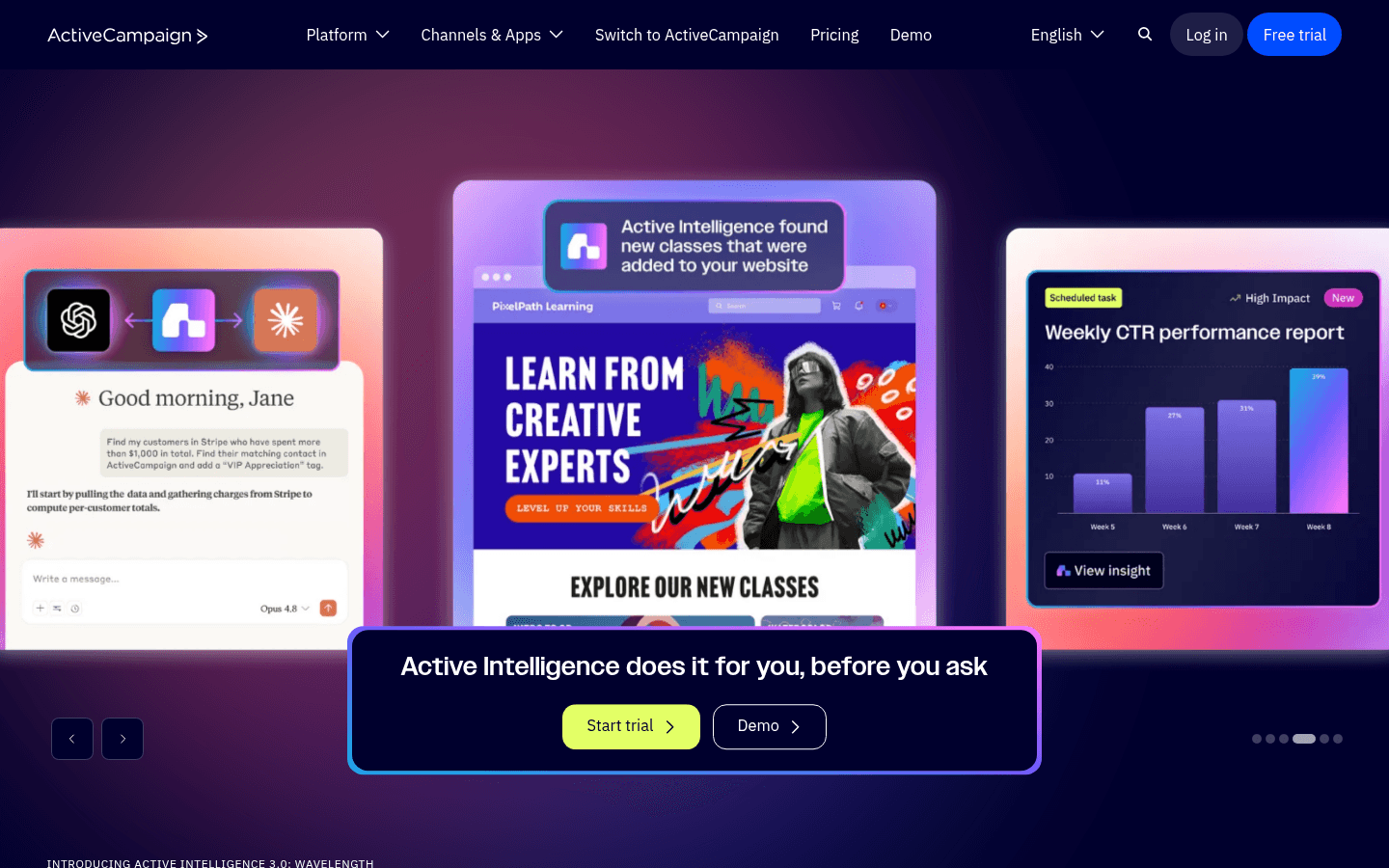
Best Infusionsoft alternative for automation: ActiveCampaign
ActiveCampaign has long been the classic answer to "I want Infusionsoft-level automation without the pain." Its visual builder rivals Campaign Builder but is far easier to use, with a built-in CRM at $49 to $149 per month. The trade-off is no invoicing, payments, or scheduling.
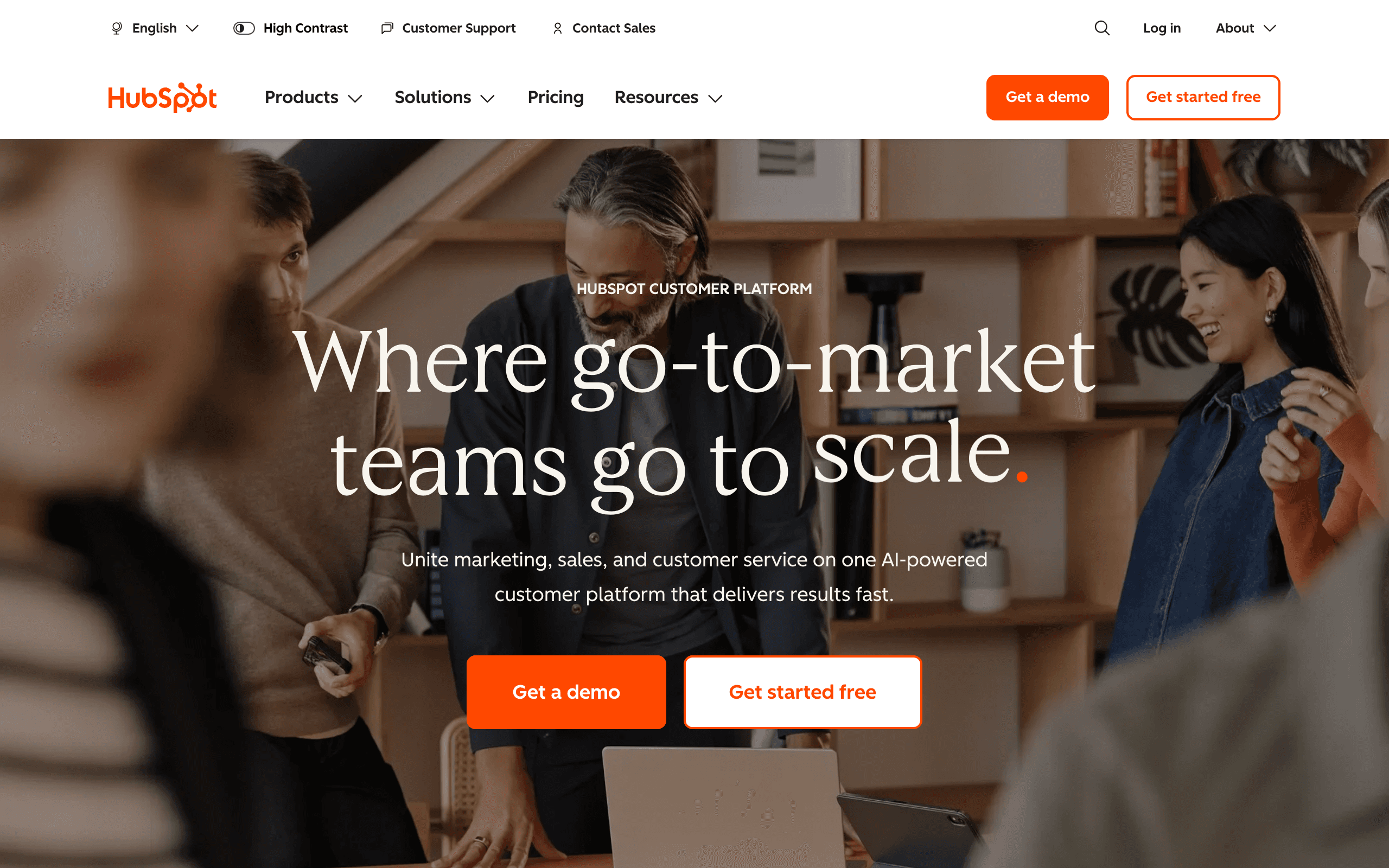
Best Infusionsoft alternative with a free CRM: HubSpot
HubSpot offers a genuinely capable free CRM and a clear growth path into marketing tools. After Infusionsoft's complexity, its ease of use is a relief. The trade-off is that Marketing Pro is expensive and payments are not native.
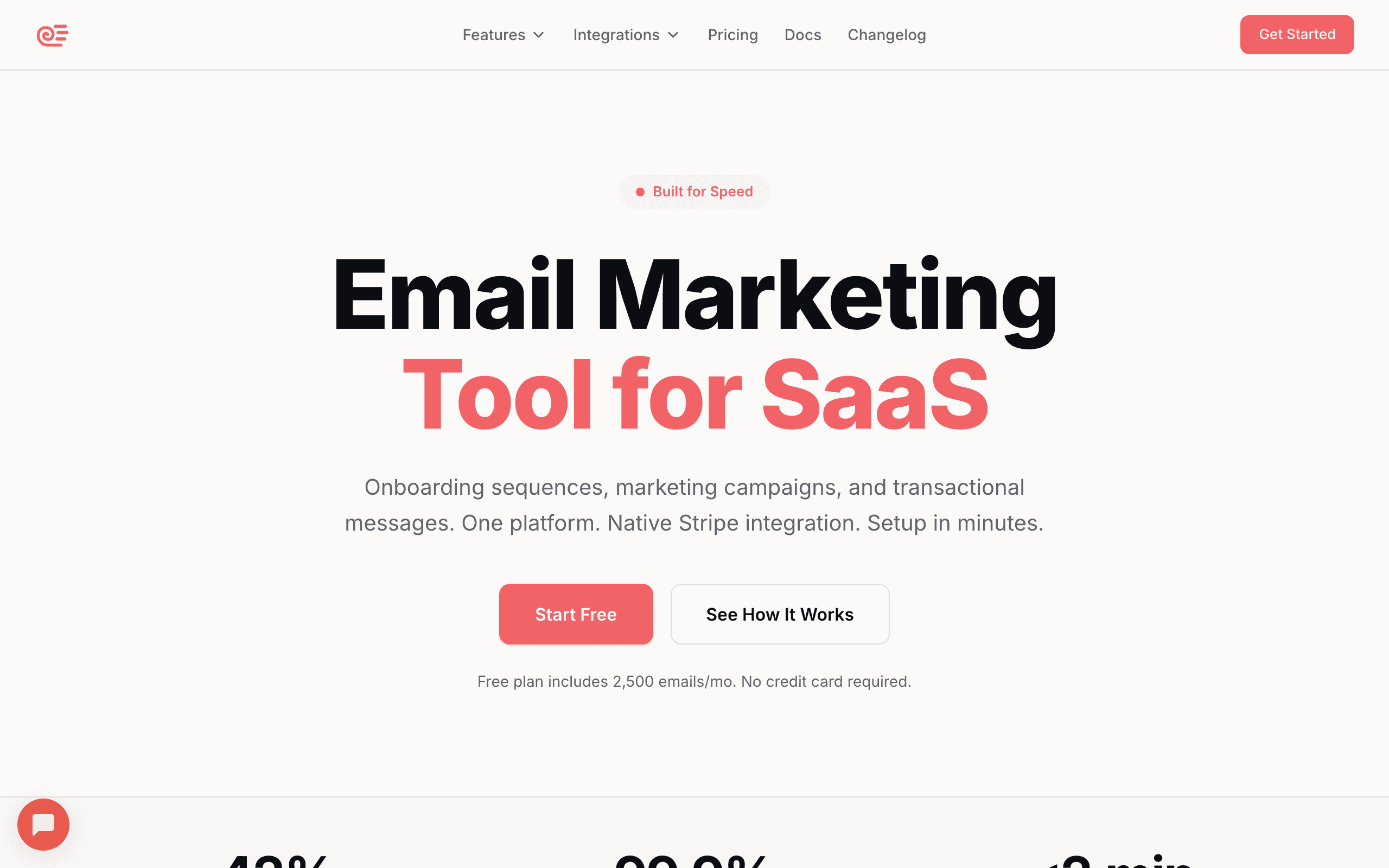
Best Infusionsoft alternative for SaaS: Sequenzy
Sequenzy is modern email marketing for SaaS, starting free at 2,500 emails per month with unlimited contacts, and $49/mo. It offers AI-generated sequences, native Stripe integration, and transactional plus marketing email in one place. If Infusionsoft was overkill for your software company, this is a much simpler and cheaper path. The trade-off is no CRM, invoicing, or scheduling.
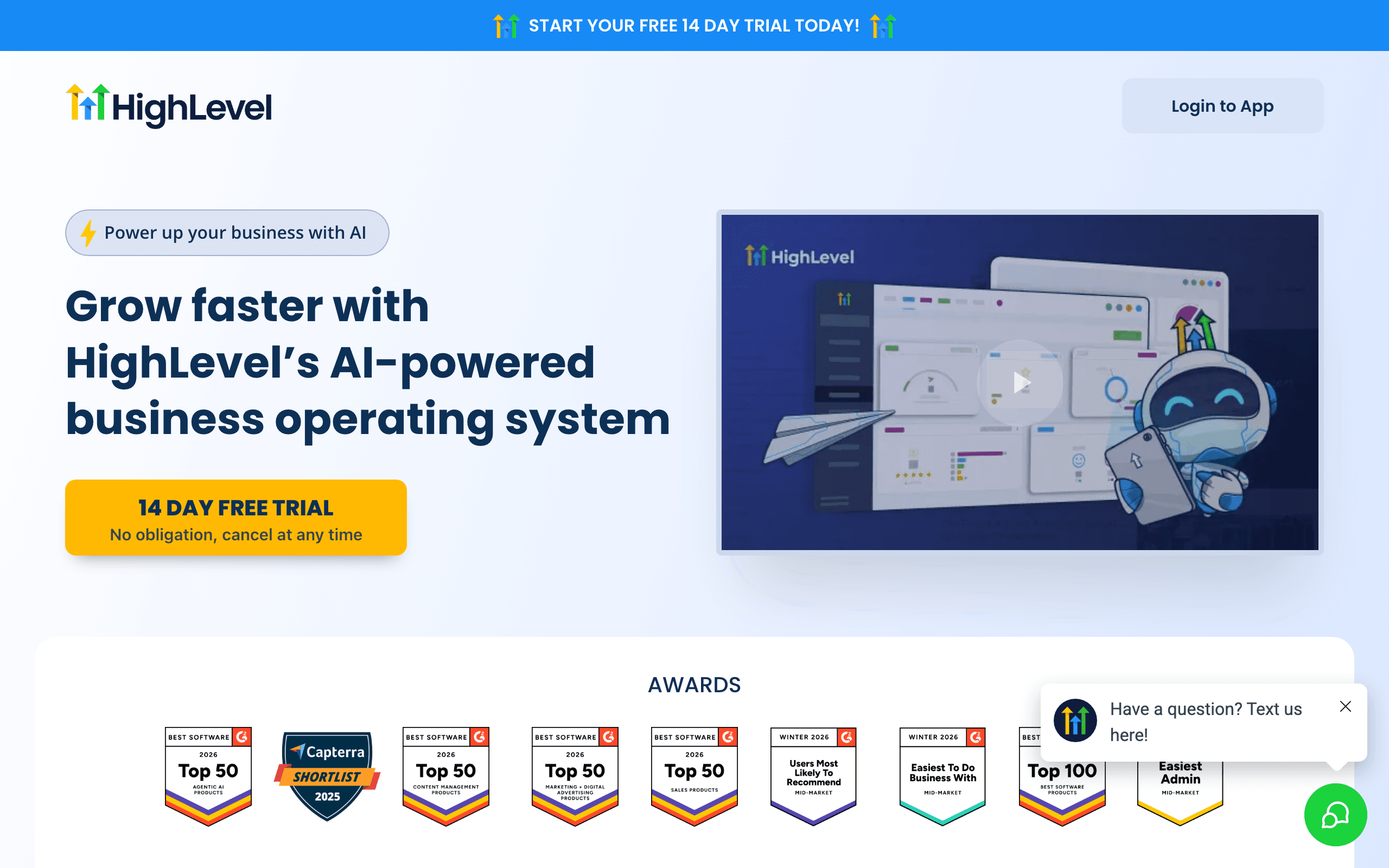
Best all-in-one alternatives: GoHighLevel and Ontraport
GoHighLevel and Ontraport both mirror Infusionsoft's bundled approach. GoHighLevel adds white-label for agencies; Ontraport adds strong membership sites. Both keep a similar learning curve, so treat them as modern all-in-one options rather than simpler ones.
| Infusionsoft job you rely on | Best replacement | Why |
|---|---|---|
| Campaign automation, minus the complexity | ActiveCampaign | Comparable builder, far easier to use |
| Free CRM first, marketing later | HubSpot | Easier growth path |
| SaaS lifecycle and campaign email | Sequenzy | Stripe and product email matter more than service CRM |
| Full all-in-one bundle | GoHighLevel or Ontraport | Same model, modern tooling |
| Just newsletters and simple flows | MailerLite or Brevo | Clean email at a fraction of the cost |
The Cost Reality
At 10,000 contacts, here is a rough annual cost comparison:
| Platform | Annual cost | Notes |
|---|---|---|
| Infusionsoft (Keap) | $3,000-3,600+ | Plus a one-time onboarding fee |
| HubSpot Pro | $9,600 | Full marketing suite |
| GoHighLevel Unlimited | $3,564 | Unlimited contacts, white-label |
| Ontraport Pro | $3,564 | All-in-one bundle |
| ActiveCampaign Pro | $1,788 | Automation plus CRM |
| Sequenzy | $588 | AI email, Stripe integration |
| Brevo Business | $780 | Email plus light CRM |
| MailerLite | $876 | Email plus landing pages |
| Systeme.io | $564 | All-in-one, basic depth |
Infusionsoft and Keap make sense when you use the CRM, invoicing, and scheduling together. For single-use-case needs, alternatives deliver similar value at lower cost.
When Infusionsoft or Keap Is Still the Right Choice
The platform is capable software for its intended audience. Stay when the bundle is genuinely working for you.
| Stay with Keap when... | Switch when... |
|---|---|
| You are a service business that books appointments | You mostly need email marketing |
| You invoice clients and track payments in the platform | Invoicing already lives elsewhere |
| The mature automation engine is central to your workflow | Your automation needs are lighter |
| All-in-one genuinely simplifies operations | Complexity is outweighing the value |
| You have invested years in your setup | Price or the Max Classic uncertainty is eroding trust |
Migration Considerations
Moving away from Infusionsoft takes planning:
- Contacts and tags: Export from Infusionsoft or Keap and import into your new tool
- CRM data: Deals, notes, and activities usually need a separate export
- Automations: Campaign Builder logic generally requires manual recreation
- Invoicing: Export payment history if you need to keep it
- Timeline: Plan for two to four weeks depending on how much of the platform you use
The most important step is deciding what will handle each function Infusionsoft currently covers. Map your replacement stack before you migrate.
When transitioning, use our email warmup calculator, and check your SPF and DKIM records so your authentication is configured correctly. For a direct feature and pricing comparison, see Sequenzy vs Keap, and if you are weighing the current Keap product specifically, read our Keap alternatives guide. SaaS teams can also read email marketing for SaaS to see how focused tools compare to an all-in-one like Infusionsoft.








