
HubSpot vs Ontraport vs Keap for Small Business Automation (2026)

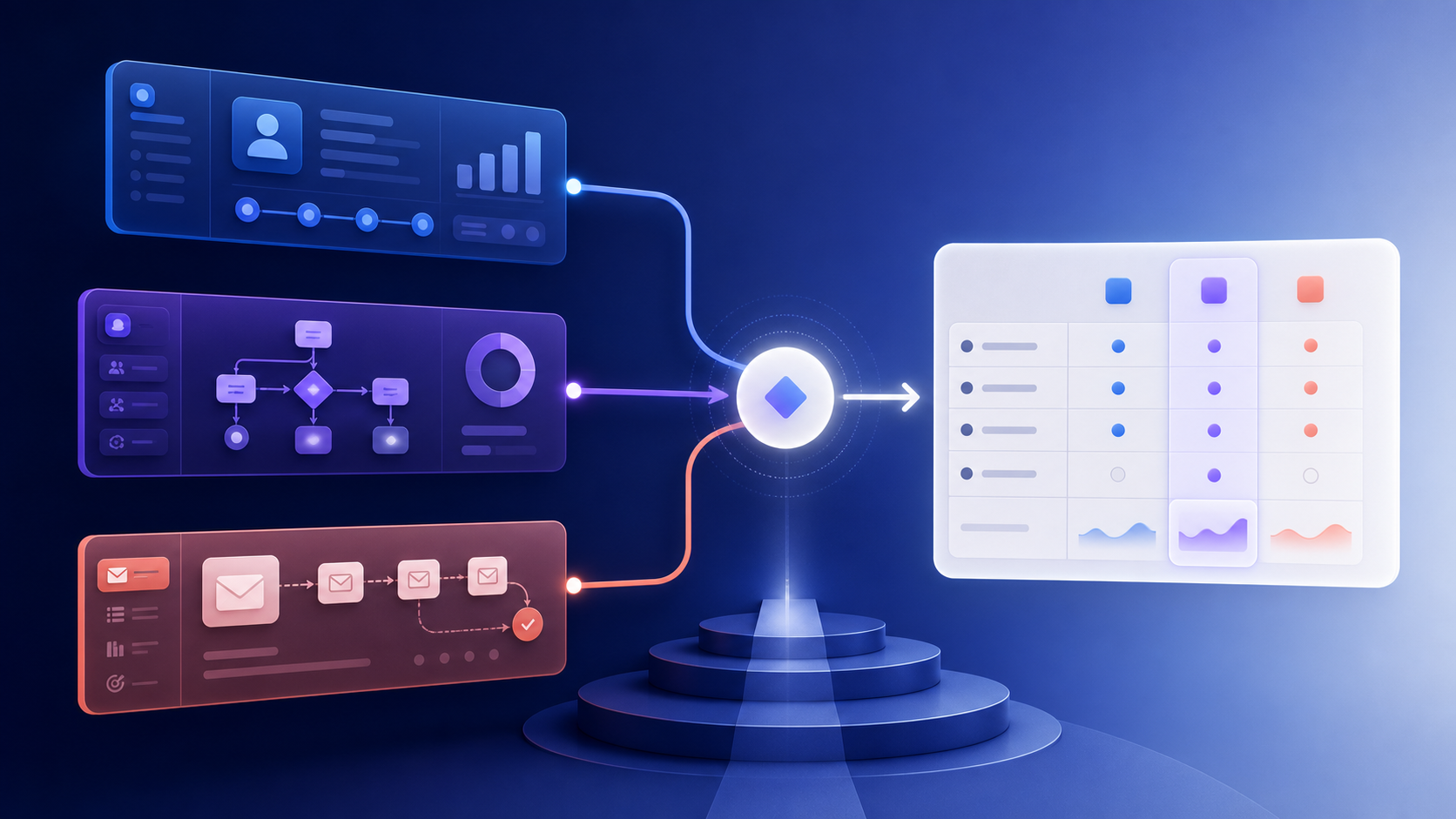
Choosing between HubSpot, Ontraport, and Keap is not really a feature-counting exercise. All three can store contacts, send email, manage a pipeline, and automate follow-up. The important question is what kind of operating system your business needs around those features.
HubSpot is built around a broad CRM and a large product ecosystem. Ontraport combines CRM, marketing automation, payments, websites, and membership features in one business platform. Keap packages CRM and automation with a deliberately service-heavy implementation model. Those are three different bets, even when the feature checkboxes look similar.
The short answer
| Choose | If your priority is | The trade-off |
|---|---|---|
| HubSpot | A modern CRM, sales pipeline, reporting, and the largest integration ecosystem | Advanced marketing automation is a major pricing step up from the free CRM |
| Ontraport | Running CRM, email, payments, membership content, and partner programs together | The platform is broader and more operationally involved than an email-first tool |
| Keap | A guided implementation and an all-in-one small-business operating system | The subscription and implementation commitment are difficult to minimize |
| Sequenzy | Lifecycle email, behavioral automation, and transactional sending without a CRM suite | It is not a replacement for a full sales pipeline or membership platform |
There is no universal winner. For a small business that needs a real CRM and a sales team, HubSpot is usually the safest long-term choice. For a business selling courses, memberships, services, or complex offers, Ontraport can remove several point solutions. For an owner who wants experts to help map and build the system, Keap’s implementation model can be valuable—if the service is part of the budget.
Pricing is where the comparison changes
The entry prices are not comparable because the products unlock their best capabilities at different points. HubSpot has a genuinely useful free CRM, but that does not mean it has free marketing automation. Ontraport and Keap start higher, but put more business functions in the same product.
The table below is a pricing snapshot checked July 23, 2026. Vendor pricing, contact tiers, promotions, taxes, and contract terms can change, so use the linked pricing pages for a final quote.
| Platform | Entry point shown by vendor | What is included in the headline price | Cost that is easy to miss |
|---|---|---|---|
| HubSpot | Free CRM; Marketing Hub Starter from $7/seat/month annually or $20 monthly; Professional from $800/month annually or $890 monthly | Starter includes 1,000 marketing contacts; Professional includes 2,000 contacts and 3 core seats | Professional requires a one-time $3,000 onboarding fee; contact tiers and extra seats increase the bill |
| Ontraport | Plus from $83/month; Pro from $124/month; Enterprise from $249/month | CRM, marketing automation, email and SMS, payments, and additional business tools vary by plan | The current pricing page shows a $897 one-time done-with-you setup package and separate contact, user, SMS, and add-on costs |
| Keap | Starts at $299/month, shown as $2,988/year when billed annually | CRM, automation, email, payments, pipeline, and 2 user licenses | Implementation is required; Keap’s pricing page currently shows a one-time investment of $500, with additional users at $39/month |
A first-year budget example
This is not a perfect apples-to-apples total cost of ownership calculation. It is a useful way to see why comparing only monthly subscription prices can mislead a small business.
| Scenario | Approximate first-year base cost | Assumptions |
|---|---|---|
| HubSpot Marketing Hub Professional | $12,600 | $800 × 12 months + $3,000 required onboarding; excludes contact tiers, extra seats, and other Hubs |
| Ontraport Plus | $1,893 | $83 × 12 months + $897 setup package; setup is an add-on, and contact/user choices can change the total |
| Keap annual plan | $3,488 | $2,988 annual subscription + current $500 implementation investment; excludes extra users, usage, and payment processing |
The lesson is not that the cheapest row is automatically best. It is that the implementation model is part of the product. HubSpot charges more when you need advanced marketing operations. Ontraport charges less than HubSpot Professional but expects you to adopt a wider business platform. Keap makes guided setup part of the buying decision.
HubSpot: best when the CRM is the center of the business
HubSpot is the most natural choice when marketing and sales need to work from the same customer record. The free CRM is a low-friction way to organize contacts, companies, deals, tasks, and basic activity history. Its ecosystem also makes it easier to find integrations, agencies, training, and answers when the team grows.
The catch is the distance between “we have a CRM” and “we run sophisticated marketing automation.” HubSpot’s current pricing page positions Professional as the tier for campaigns, automation, and reporting, and it requires a $3,000 onboarding fee. Marketing contacts, core seats, additional Hubs, and usage-based features can make the practical cost higher than the headline price.
HubSpot is a good fit when
- Sales owns a meaningful part of the customer journey.
- You need companies, deals, tasks, lead routing, and marketing in one record.
- Your team values a large integration ecosystem and formal training resources.
- You expect to add more HubSpot Hubs as the business grows.
HubSpot is a poor fit when
- Your actual requirement is product-triggered email and a few lifecycle sequences.
- You are choosing the free CRM because you assume advanced workflow automation is also free.
- A mandatory onboarding bill would be uncomfortable for the business.
- You do not need pipeline management, sales reporting, or a broad CRM layer.
Ontraport: best when marketing automation touches the whole operation
Ontraport is not just an email tool with a CRM tab. Its current plan comparison includes CRM, marketing automation, email and SMS, payments, order forms, partner programs, websites, membership features, and custom data structures. That breadth is the point: a service business, course business, or membership business can keep more of its customer lifecycle in one system.
The trade-off is that “all in one” also means more concepts to configure. You are not only designing an email sequence; you may be modeling offers, payments, access rules, pipelines, and partner attribution. That can be powerful when the business needs it and needless overhead when it does not.
Ontraport is a good fit when
- Membership, course access, payments, or partner programs belong next to email.
- You want a unified contact history across marketing, sales, and transactions.
- You need more than a newsletter platform but do not want HubSpot Professional pricing.
- You are willing to invest in setup, documentation, and a broader data model.
Ontraport is a poor fit when
- The team wants the smallest possible tool for lifecycle email.
- Nobody owns the job of maintaining a complex automation system.
- You only need a handful of product-event triggers and a transactional email API.
Keap: best when implementation help is part of the product
Keap’s strongest differentiator is not a hidden automation feature. It is the amount of help bundled around getting the system live. Keap describes implementation as strategy, data import, migration, done-for-you automations, and ongoing calls with an implementation team. For an owner who has already bought software that never got fully configured, that can be a rational premium.
The downside is equally clear. Keap is not a lightweight self-serve plan that you can shrink to the minimum. The product starts at $299/month, includes two users, adds $39/month for additional users, and requires implementation. Its text marketing also has included limits and usage-based pricing above the included tier.
Keap is a good fit when
- You want one accountable vendor to help map and launch the automations.
- You run a service business with follow-up, appointments, payments, and pipeline needs.
- The team values coaching and done-for-you implementation over a pure self-serve experience.
Keap is a poor fit when
- You want to start with a low-cost email-only workflow.
- You have an experienced operations team that does not need guided setup.
- You need a developer-first event API or a highly composable stack.
Head-to-head by job to be done
| Job to be done | Best starting point | Why |
|---|---|---|
| Capture leads and manage a sales pipeline | HubSpot | CRM, companies, deals, tasks, and ecosystem depth are the center of the product |
| Run a membership or course business | Ontraport | Membership, payments, pages, and marketing automation live in the same platform |
| Launch a service-business automation with hands-on help | Keap | Implementation and strategy support are part of the buying model |
| Send onboarding based on product events | Sequenzy or Customer.io | An email-first or event-first platform is usually faster to configure |
| Manage email plus transactional messages | Sequenzy | Marketing and transactional email can share the lifecycle model without buying a CRM suite |
| Add a CRM later | HubSpot | The free CRM gives a clearer path to a sales-led operating model |
What to test before you sign
Do not request a generic demo. Bring one real workflow and ask each vendor to show how it would be built.
- A new lead submits a form, receives a welcome message, and gets assigned to a salesperson.
- A customer pays, receives a receipt, and enters a post-purchase sequence.
- A user becomes inactive for 14 days, but is excluded if they opened a support case.
- A contact changes plan and should receive a different message without creating duplicate sends.
- A customer unsubscribes from marketing but still needs account and billing notices.
For each platform, record the number of objects, triggers, filters, integrations, and manual steps required. The winner is the one your team can explain and maintain six months from now—not the one that produces the longest demo.
The practical verdict
Choose HubSpot if the business is becoming sales-assisted and the CRM is as important as the email. Choose Ontraport if payments, membership, partner, and marketing workflows need to live together. Choose Keap if implementation support is worth paying for and the business wants an all-in-one system with a service layer.
Choose an email-first platform if the problem is narrower than any of those three. Sequenzy is a better-shaped tool when the work is onboarding, behavioral campaigns, transactional email, segments, and AI-assisted content—not deals, memberships, or an accounting system. It starts free for up to 2,500 emails per month and scales from $19/month without a mandatory CRM onboarding package.
That is not a claim that Sequenzy replaces these platforms. It is the opposite: the honest comparison is that a focused email platform is often the better fit when a small business does not need the rest of the suite.
FAQ
Is HubSpot really free for a small business?
The free CRM and free marketing tools can be useful for getting started, but they should not be confused with advanced marketing automation. HubSpot’s current pricing page positions Marketing Hub Professional as the tier for automation and reporting, and that plan has required onboarding plus contact and seat considerations.
Is Ontraport cheaper than Keap?
At the published starting prices checked for this guide, Ontraport’s Plus and Pro plans are lower than Keap’s $299/month starting point. That does not make Ontraport’s total cost universally lower: contacts, users, SMS, setup, and add-ons still matter.
Does Keap require implementation?
Yes. Keap’s pricing and implementation pages describe implementation as a required part of getting started, with strategy, data import, migration, and automation support. The current pricing page shows a one-time investment of $500, but confirm the amount and package in your quote.
Which platform is easiest to maintain?
That depends on what “maintain” means. HubSpot is often easier for a CRM team because its data model and ecosystem are familiar. Keap can be easier for an owner who wants a team to help maintain the system. An email-first tool is usually easier when the only job is lifecycle messaging.
Do I need a CRM for email automation?
No. You need a reliable subscriber model, event data, segmentation, suppression rules, deliverability controls, and reporting. Add a CRM when sales process, account ownership, or deal history is part of the problem—not because every email platform comparison includes one.
Where should I verify the current prices?
Use the official HubSpot Marketing Hub pricing, Ontraport pricing, and Keap pricing pages before signing. This guide is a decision framework, not a substitute for a current quote.