
Why People Consider Keap Alternatives
Keap (formerly Infusionsoft) is genuinely useful all-in-one software - for service businesses. But the bundled approach comes with trade-offs. With nearly 490 Trustpilot reviews and an overwhelmingly negative sentiment, the most common complaints center on billing practices, difficulty canceling, and unexpected price increases. Long-time customers report feeling trapped by annual contracts, and the mandatory $500 implementation fee adds friction before you can send a single email. Here's what drives people to look elsewhere:
The Price Problem
Keap's pricing adds up quickly:
| Keap cost layer | Typical cost | Why it matters |
|---|---|---|
| Subscription | $249-399/month depending on contacts | Expensive if you mainly need email |
| Required implementation | $500 | Friction before you can fully use the product |
| Additional users | $39/month each | Team growth increases the bill |
| Contact tiers | Escalate as you grow | List growth can punish simple businesses |
Year-one cost for a small team can exceed $4,500 easily. Many businesses realize they're paying for features they don't use.
The Implementation Fee
Keap requires a $500 implementation package - 15 hours of onboarding. That's friction before you can send a single email. Most alternatives let you self-serve immediately at no additional cost.
The Bundling Problem
CRM + email + payments + invoicing + scheduling sounds great. But if you mainly send emails, you're paying for unused complexity. Focused tools often serve specific needs better.
The Service Business Focus
Keap is designed for coaches, consultants, agencies, and local businesses. If you're SaaS, e-commerce, or a different model, the features assume workflows that don't match your reality.
The Alternatives, Honestly
Best Keap alternative for SaaS companies: Sequenzy
Sequenzy is focused email marketing for SaaS at $19/month. AI-generated sequences, Stripe integration, transactional + marketing. If Keap is overkill for your software company, this might be enough.
The trade-off: no CRM, no invoicing, no scheduling. But also 5x cheaper and you can start today.
Best Keap alternative with free CRM: HubSpot
HubSpot offers a completely free CRM that's quite capable. Add Marketing Starter ($15/mo) for email, or grow into Marketing Pro ($800/mo) when ready.
The trade-off: Marketing Pro is expensive, and the free tier is limited. But the growth path is clear and the ecosystem is huge.
Best Keap alternative for marketing automation: ActiveCampaign
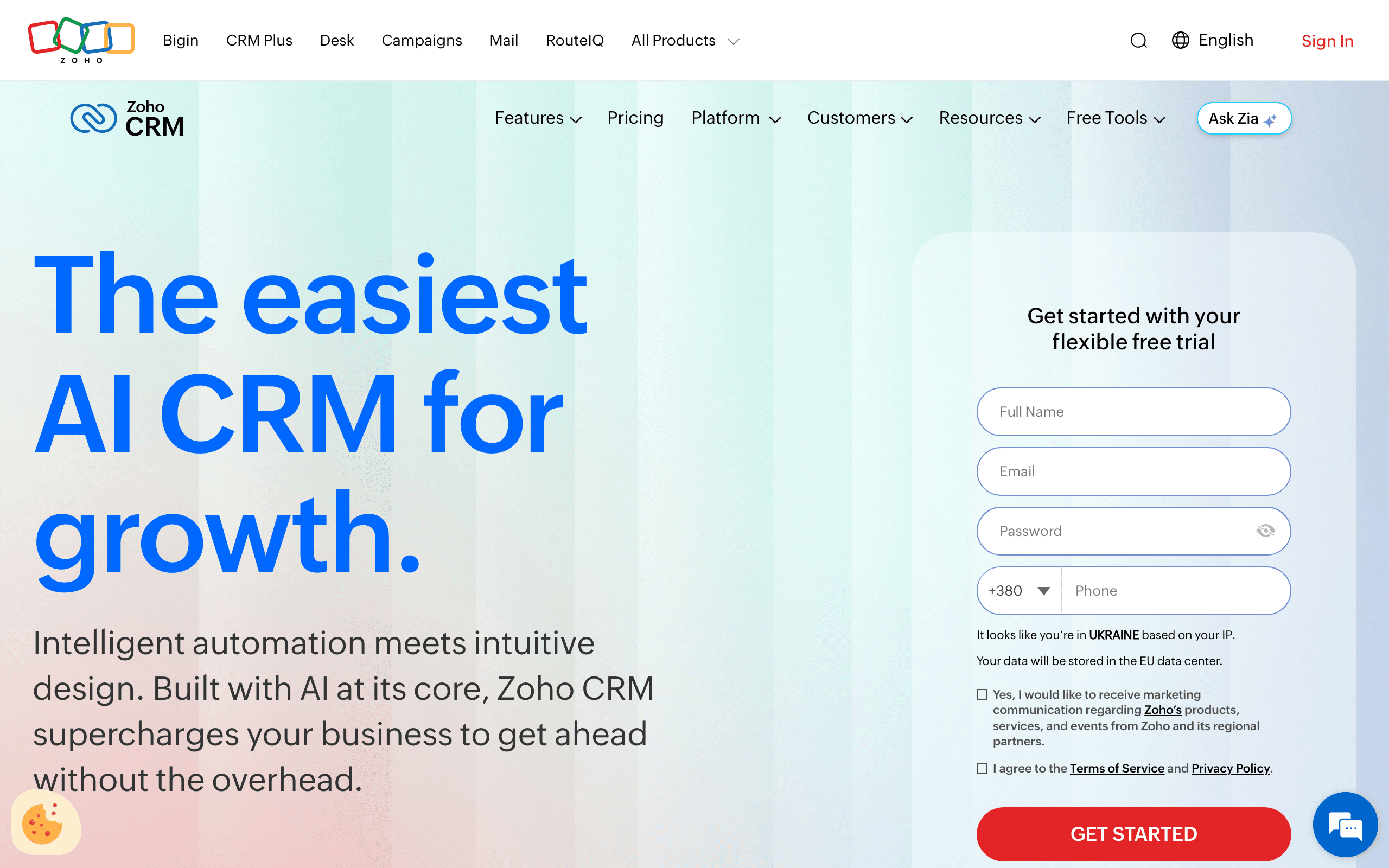
ActiveCampaign delivers excellent email automation with built-in CRM at $49-149/month. Best-in-class automation builder at a fraction of Keap's cost.
The trade-off: no payment processing, no appointment scheduling. But if email automation is your main need, it's hard to beat the value.
| Keap workflow you use | Best replacement | Why |
|---|---|---|
| Email automation plus light CRM | ActiveCampaign | Better automation at lower cost |
| Free CRM first, marketing later | HubSpot | Easier growth path |
| SaaS lifecycle emails | Sequenzy | Stripe and product email matter more than service CRM |
| Agency white-label funnels | GoHighLevel | Built around agency resale |
| Proposals, contracts, invoices | Dubsado or Honeybook | More natural creative-service workflow |
Best Keap alternative for agencies: GoHighLevel
GoHighLevel is all-in-one marketing for agencies with white-label options. Similar bundled approach to Keap, often with unlimited contacts on higher tiers.
The trade-off: overwhelming feature set, learning curve, interface can be clunky. But agencies love the white-label and unlimited pricing.
Best Keap alternative for creative freelancers: Dubsado or Honeybook
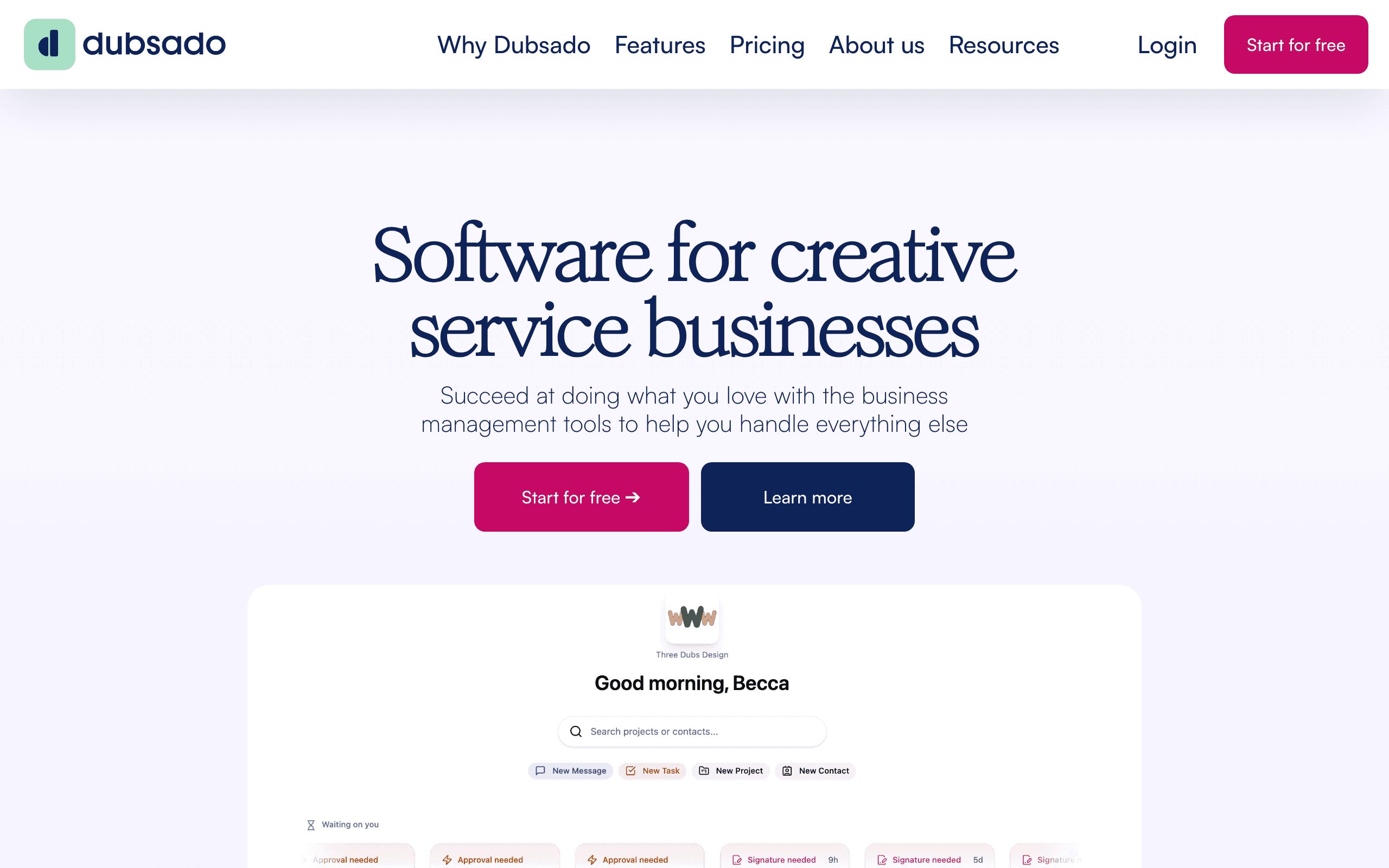
Dubsado ($20-40/mo) and Honeybook ($39-79/mo) serve creatives with proposals, contracts, invoicing, and scheduling. Simpler than Keap, more affordable.
The trade-off: less email automation, smaller ecosystems. But designed specifically for the creative workflow.
Cheapest Keap alternative for email marketing: Brevo or MailerLite
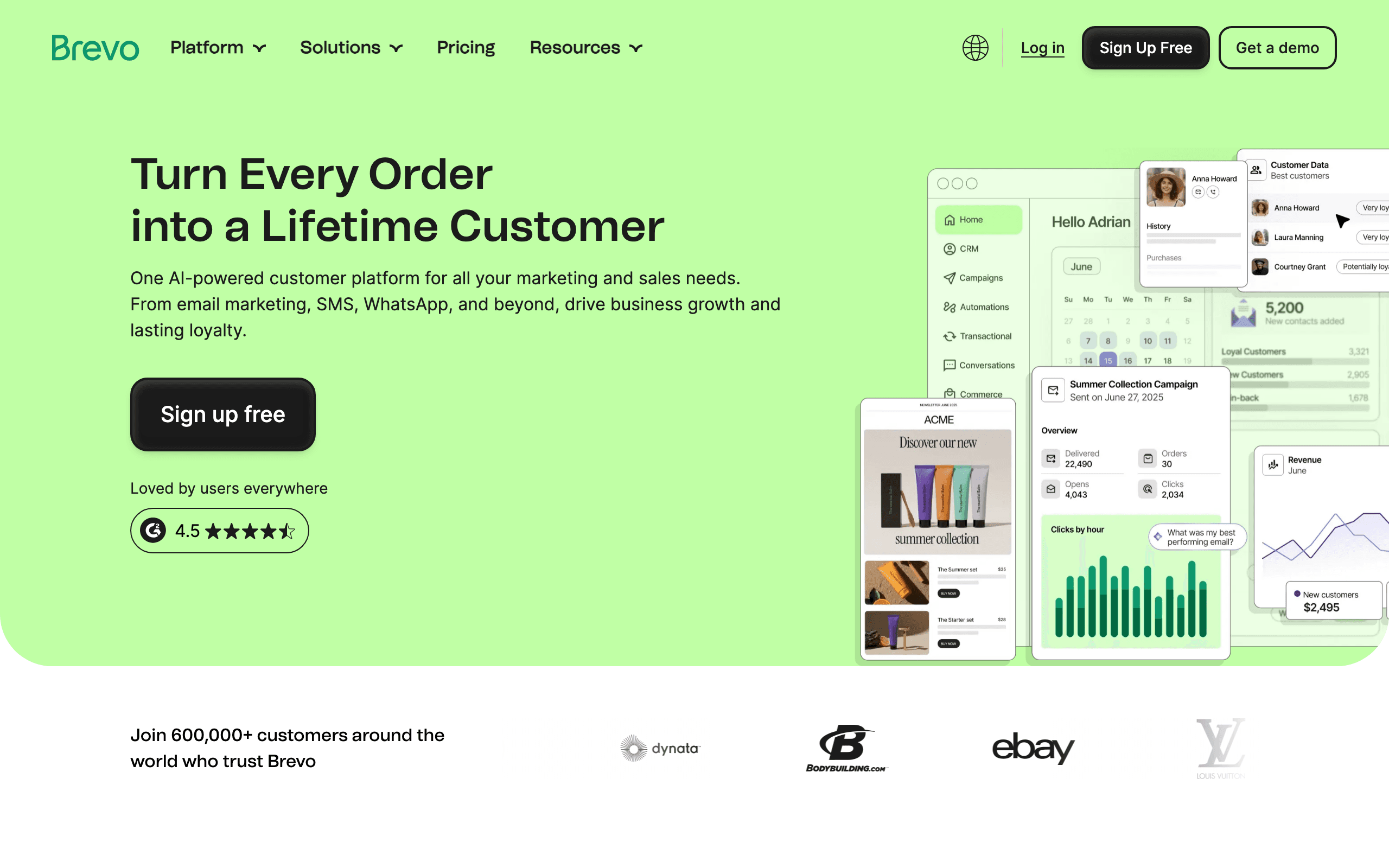
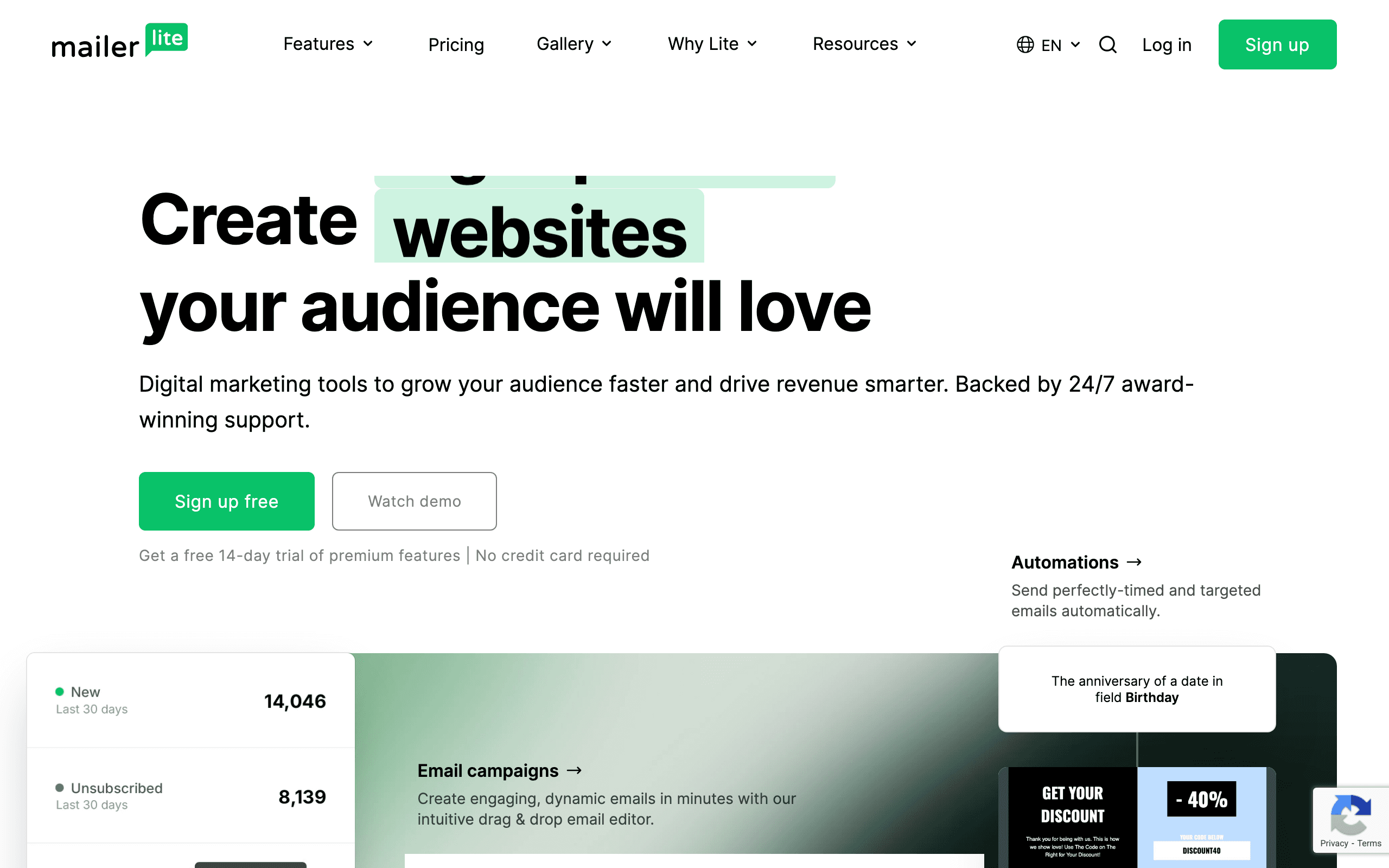
Brevo ($25-65/mo) and MailerLite ($18-73/mo) offer email marketing with unlimited or generous contacts. Dramatically cheaper than Keap.
The trade-off: no CRM, no payments, no scheduling. Email-focused only. But covers core marketing needs.
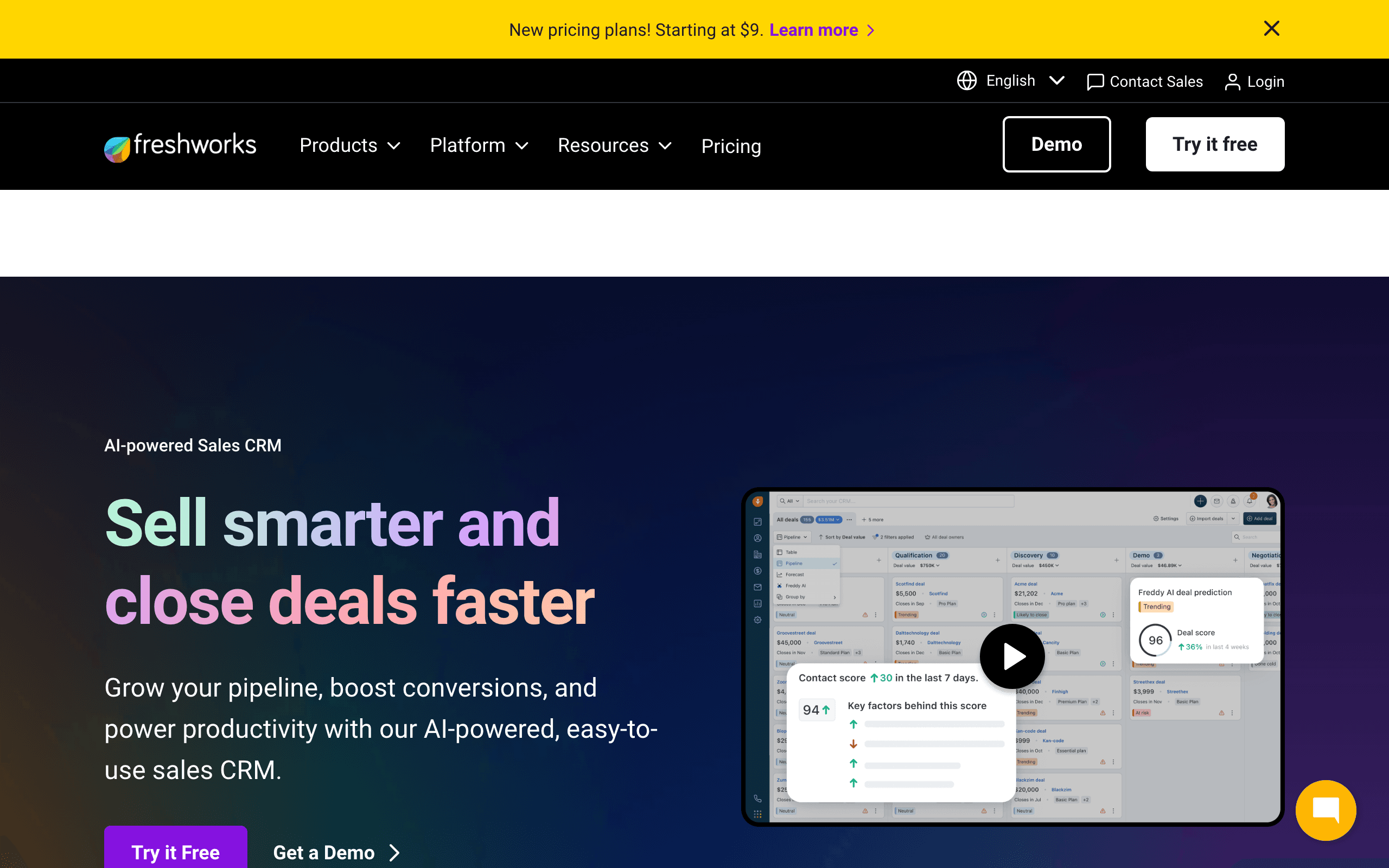
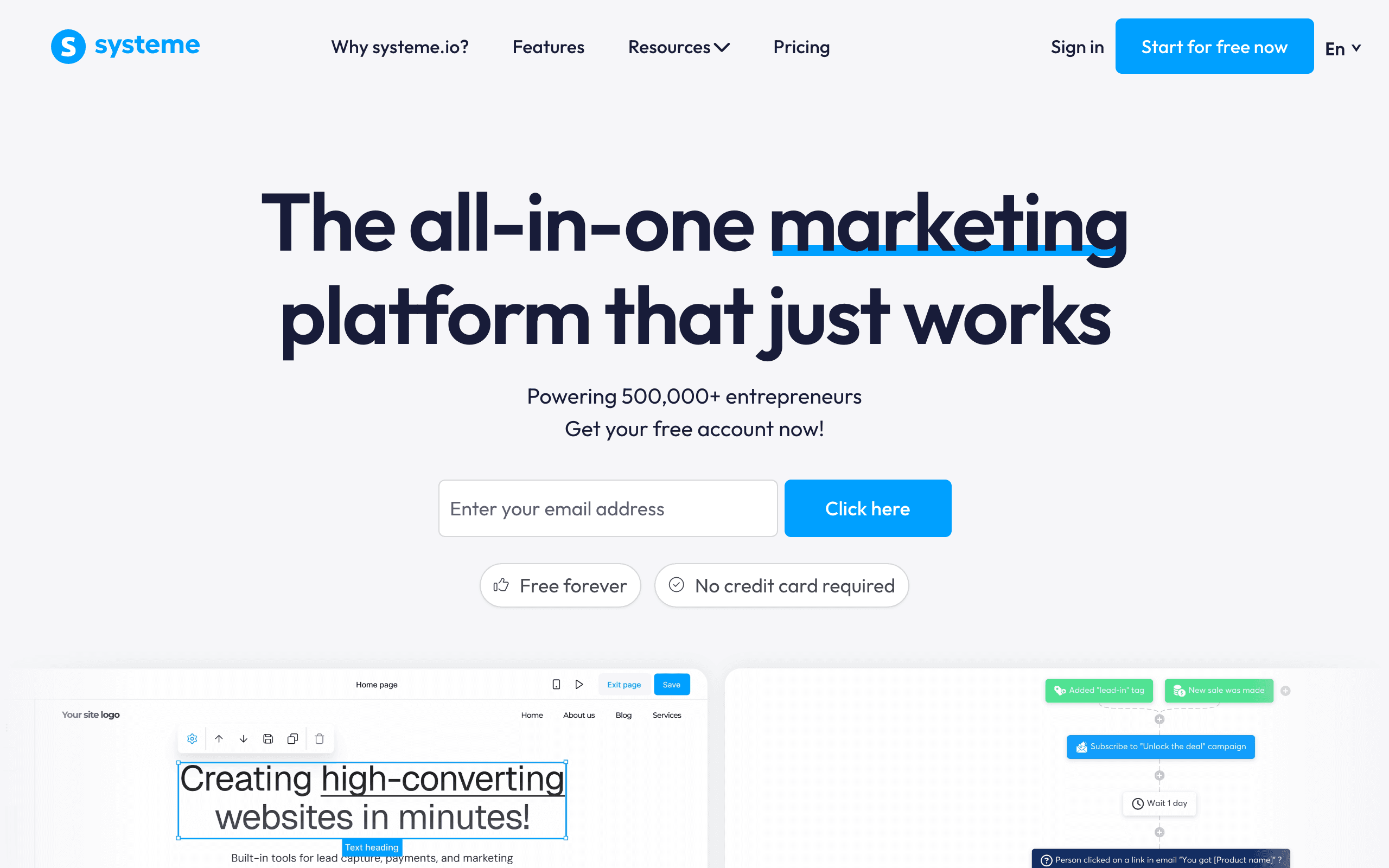
Best Keap-like alternative for cheaper bundling: Ontraport or Systeme.io
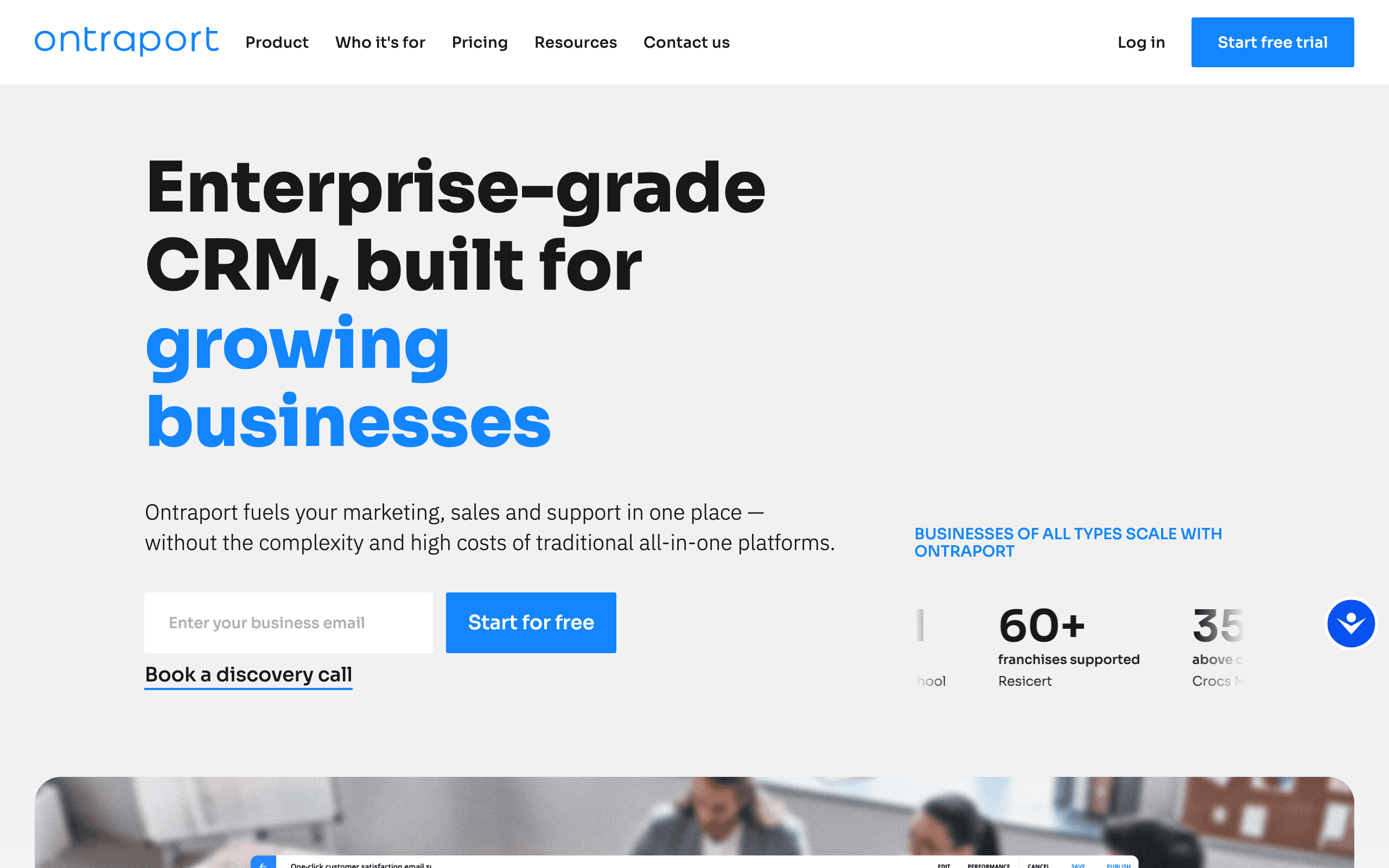
Ontraport ($79-159/mo) mirrors Keap's philosophy with CRM, email, payments, and membership sites. Systeme.io offers a free tier with email, funnels, and courses bundled. Neither matches Keap's depth, but both deliver the all-in-one approach at lower cost.
The Cost Reality
At 10,000 contacts, annual cost comparison:
| Platform | Annual Cost | Notes |
|---|---|---|
| Keap | $4,500-5,300+ | Plus $500 implementation |
| HubSpot Pro | $9,600 | Full marketing suite |
| ActiveCampaign Pro | $1,788 | CRM included |
| GoHighLevel Unlimited | $3,564 | Unlimited contacts |
| Honeybook Premium | $948 | Client management |
| Dubsado Premier | $480 | Unlimited clients |
| Sequenzy | $588 | AI-powered, Stripe integration |
| Brevo | $780 | Basic automation |
| MailerLite | $876 | Email + websites |
| Systeme.io | $324 | All-in-one, basic depth |
| Ontraport Plus | $1,908 | All-in-one, Keap-like |
Keap makes sense when you use CRM + invoicing + scheduling + email together. For single-use-case needs, alternatives deliver similar value at lower cost.
When Keap Is Still the Right Choice
Stay with Keap if:
| Stay with Keap when... | Switch when... |
|---|---|
| You are a service business that books appointments | You mostly need email marketing |
| You invoice clients and track payments inside Keap | Invoicing already lives elsewhere |
| CRM + email integration matters for your workflow | CRM needs are lightweight or handled by another tool |
| All-in-one simplifies operations | Bundling makes the product harder to manage |
| You invested in learning the platform | Billing, cancellation, or price increases are eroding trust |
Keap is excellent software for its intended audience. The question is whether you're that audience.
Migration Considerations
Moving away from Keap:
- Contact export: Export contacts and engagement data
- CRM data: Separate export for deals, notes, activities
- Invoicing: Export payment history if needed
- Automations: Manual recreation in new platform
- Timeline: Plan for 2-4 weeks depending on complexity
The biggest question is what you'll use for each function Keap currently handles. Map out your replacement stack before migrating.
Use our email warmup calculator when transitioning, and check our SPF checker and DKIM checker to ensure your email authentication is configured correctly. For SaaS teams specifically, read our guide on email marketing for SaaS to understand how focused tools compare to Keap's bundled approach.








