
How to Choose the Right Email Tool for Your SaaS
The best email marketing tool depends on your stage, team, and technical capacity:
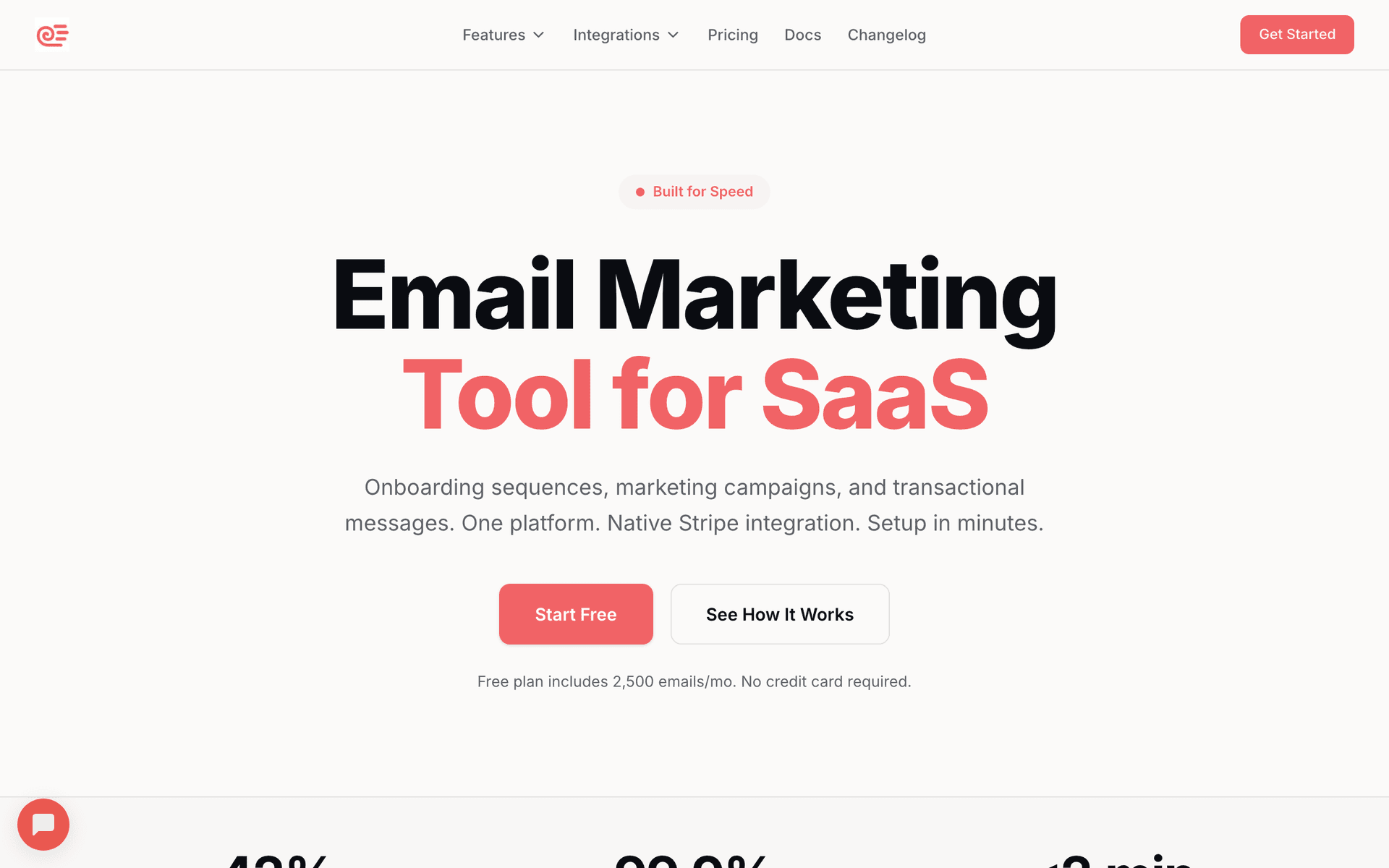
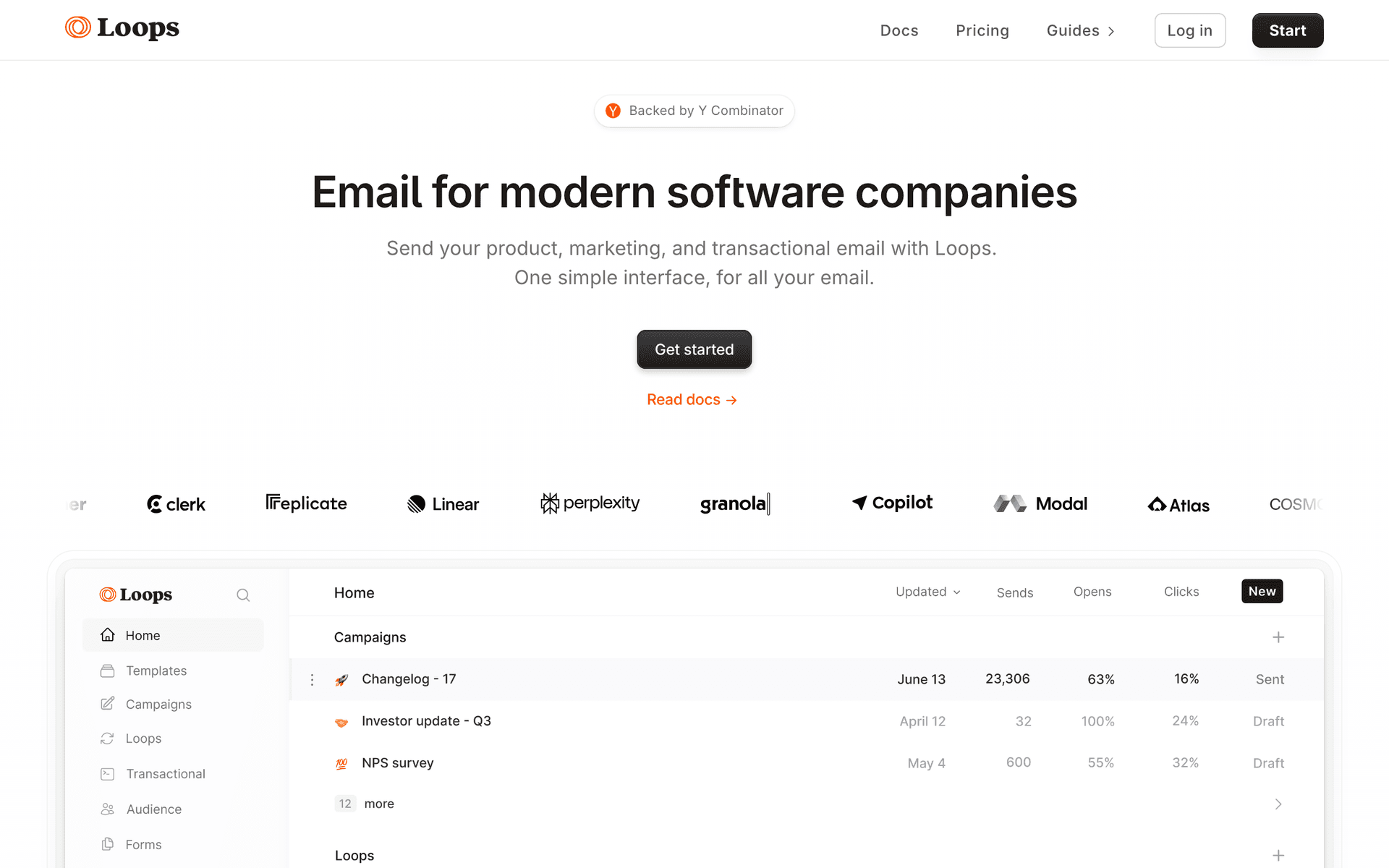
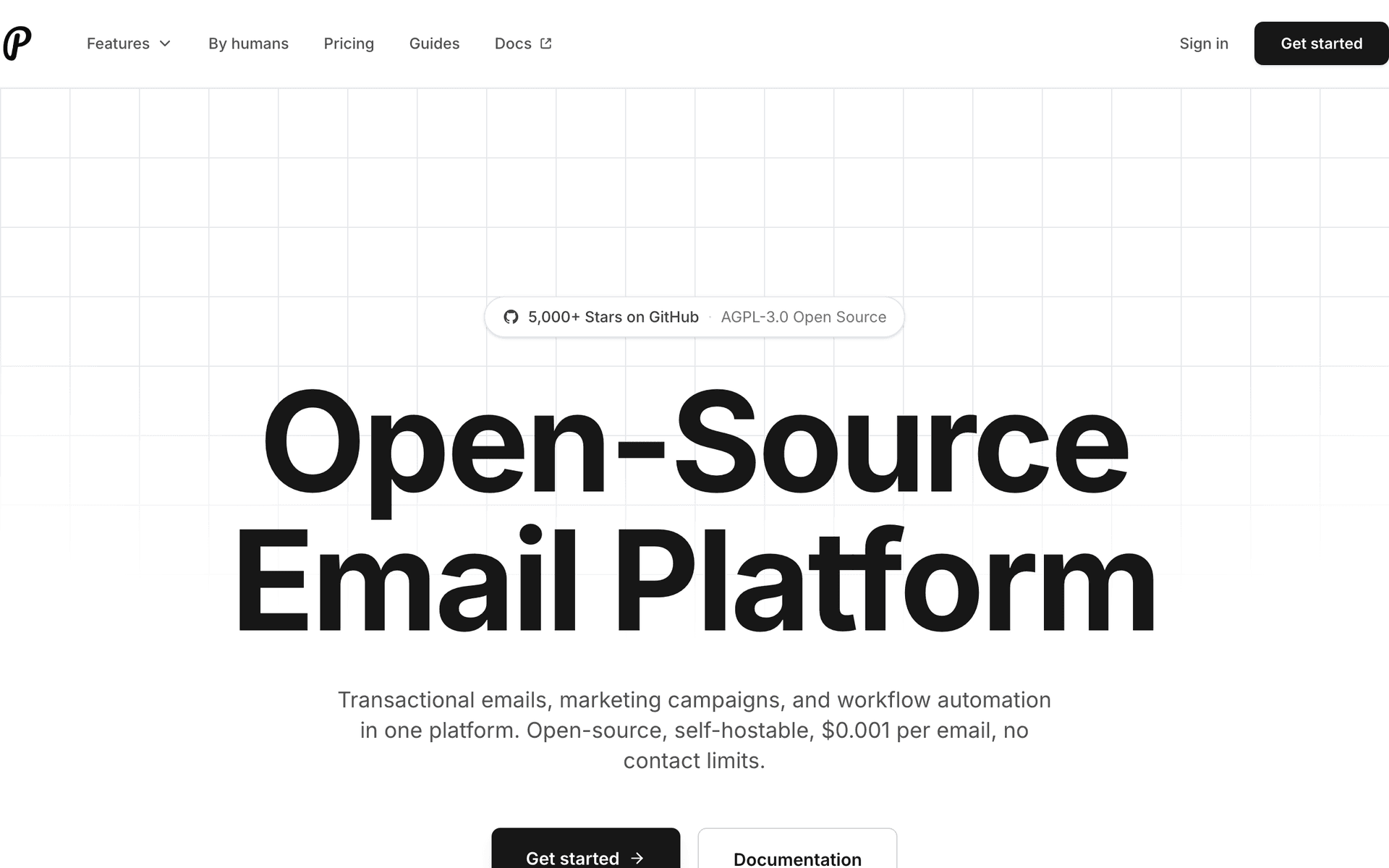
Pre-revenue / bootstrapped: Use Sequenzy (free tier) or Loops. Simple setup, SaaS-aware features, affordable pricing. Get your basic sequences running in hours, not weeks.
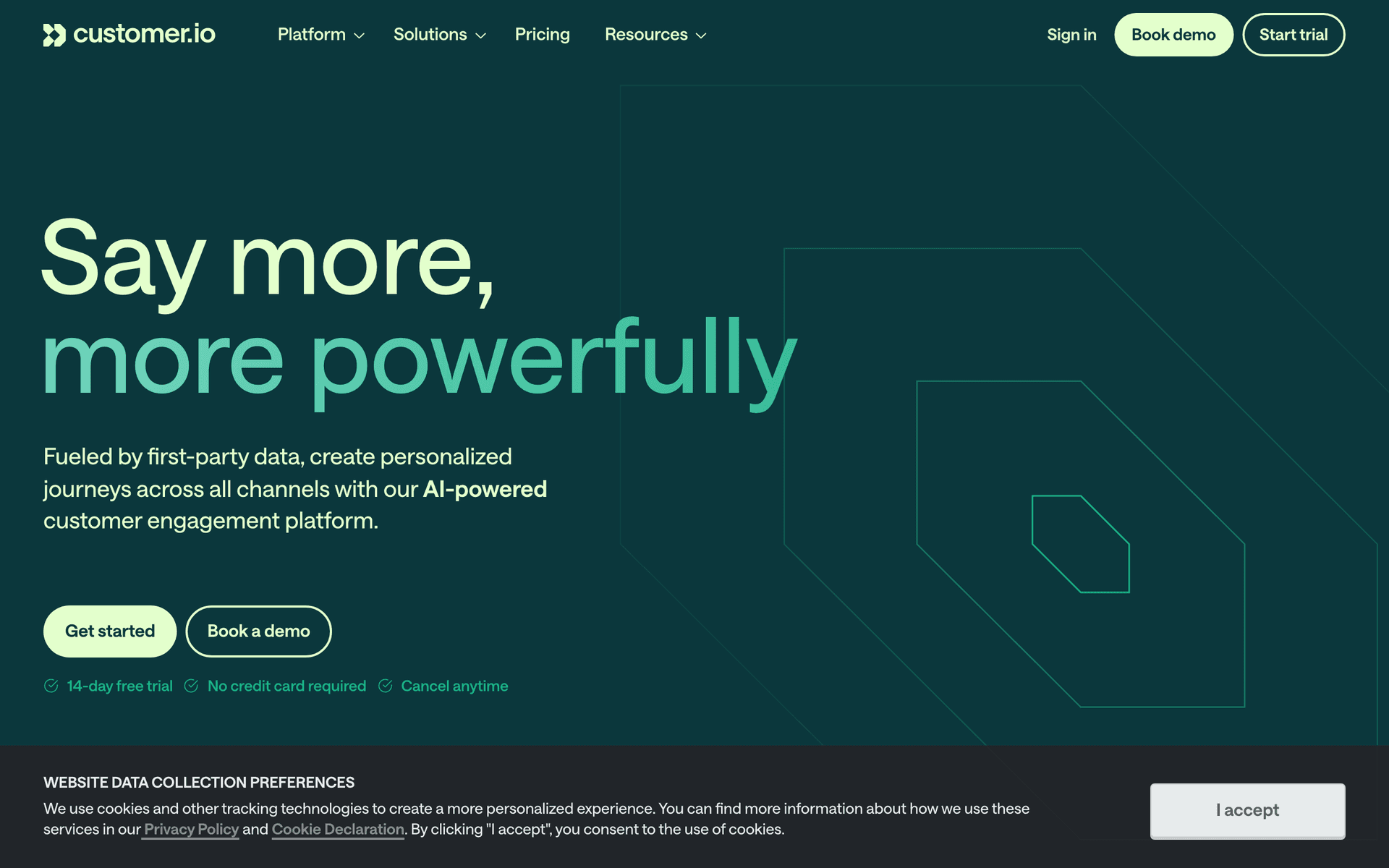
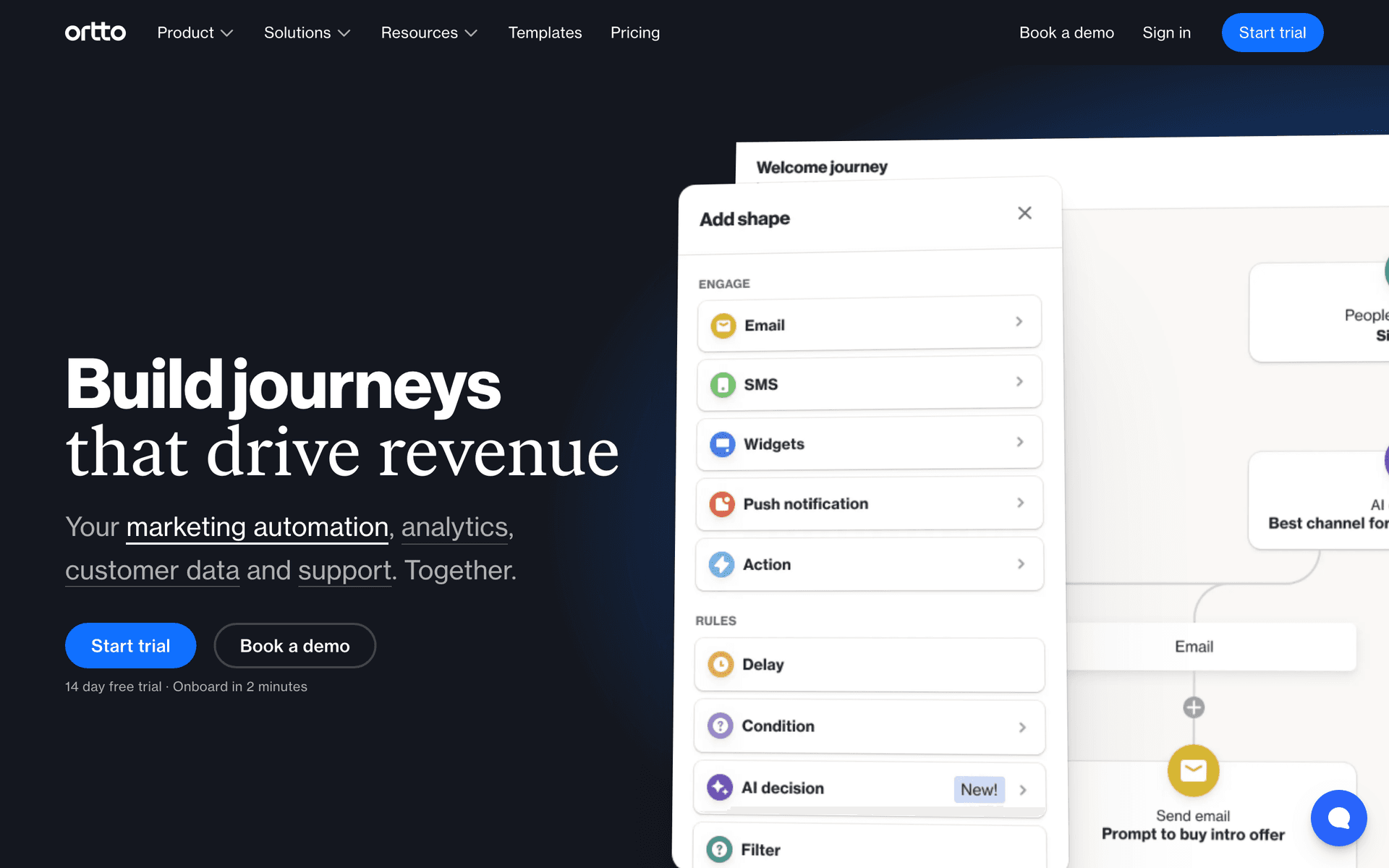
Seed to Series A: Consider Customer.io if you have a technical team, or stick with Sequenzy/Loops if you want simplicity. Focus on trial conversion and dunning - these have the highest ROI.
Series B+: Evaluate HubSpot or ActiveCampaign if you need enterprise CRM integration and have marketing ops staff. Otherwise, simpler tools still work fine - do not buy complexity you do not need.
Related resources for SaaS startup email
Before comparing tools forever, build the core sequences: SaaS onboarding templates, trial conversion templates, and SaaS dunning templates. For tool strategy, the closest companion pages are best email tools for SaaS, best tools for startup founders, and email tools with Stripe integration.
Best Fit by SaaS Startup Stage
Best email marketing tool for pre-revenue SaaS startups
Choose Sequenzy, Loops, or Brevo when the goal is to launch onboarding and product updates without adding cost or operations work. At this stage, a free tier and simple setup matter more than advanced attribution.
Best email marketing tool for seed-stage SaaS startups
Choose Sequenzy or Customer.io when activation, trial conversion, and dunning become measurable growth levers. Customer.io is stronger for technical teams with complex event plans; Sequenzy is cleaner when Stripe lifecycle automation matters most.
Best email marketing tool for sales-assisted SaaS startups
Choose ActiveCampaign or HubSpot when email needs to connect with pipeline stages, demo requests, sales tasks, and rep-owned follow-up. These tools are heavier, but they fit startups where a human sales motion is already part of conversion.
The Three Sequences Every SaaS Needs
Before you worry about sophisticated marketing automation, get these three sequences running:
SaaS Startup Email Benchmark Table
| Email type | Healthy open rate | Healthy revenue action rate | SaaS metric to watch |
|---|---|---|---|
| Trial onboarding | 38-55% | 15-30% activation clicks | Trial users reaching aha moment |
| Dunning recovery | 50-70% | 20-35% payment update clicks | Failed MRR recovered |
| Product update | 28-42% | 4-9% feature clicks | Feature adoption and retained users |
| Win-back sequence | 24-36% | 3-7% reactivation clicks | Churned users returning |
- Trial conversion: Guide users to their "aha moment" during the trial. 4-6 emails timed to activation milestones.
- Dunning: Recover failed payments automatically. 3 emails over 7 days. This is the highest-ROI email sequence in SaaS.
- Monthly product update: Keep customers engaged with what you are building. Share wins, new features, and upcoming improvements.
Everything else - upgrade campaigns, churn prevention, NPS surveys - can wait until these basics are running well.
Native Billing Integration Matters
The single most important feature for SaaS email marketing is native billing integration. When your email tool understands Stripe events natively, you get:
- Automatic customer sync with MRR data
- Dunning sequences that start the moment a payment fails
- Plan-based segmentation without manual tagging
- Trial conversion tracking with real revenue attribution
Without native billing integration, you are duct-taping Zapier workflows together and manually tagging contacts. It works, but it is fragile and incomplete.
Pay-Per-Email vs Pay-Per-Contact
This distinction matters enormously for SaaS:
Pay-per-contact charges for every contact in your database. SaaS databases accumulate free users, trial dropoffs, and churned customers. At 50,000 contacts, per-contact pricing costs $200-500+/month regardless of how many you actually email.
Pay-per-email charges for what you send. If you have 50,000 contacts but only email 5,000 actively, you pay for 5,000 emails worth of sends. This model is dramatically cheaper for SaaS companies with large databases of inactive users.
Sequenzy and Brevo use pay-per-email pricing. Most others use per-contact. Calculate costs at your actual database size before choosing.
The SaaS Email Maturity Model
Level 1: Essential (Month 1)
Dunning sequence. Basic onboarding (3-4 emails). Monthly product update. This is the minimum viable email stack.
| Maturity level | What to build | Trigger type | Business outcome |
|---|---|---|---|
| Level 1: Essential | Onboarding, dunning, product updates | Signup, payment, monthly schedule | Protect revenue and activate users |
| Level 2: Optimized | Plan-specific onboarding and cancellation win-back | Plan, trial stage, cancellation | Improve conversion and recovery |
| Level 3: Advanced | Usage limits, NPS follow-up, use-case segments | Product behavior | Expansion and retention |
| Level 4: Sophisticated | Predictive churn and multi-channel testing | Model and lifecycle stage | Scaled revenue optimization |
Level 2: Optimized (Month 3)
Plan-specific onboarding. Trial conversion sequence with social proof. Post-cancellation win-back. Usage milestone emails.
Level 3: Advanced (Month 6+)
Expansion revenue campaigns triggered by usage limits. Segment-specific content based on use case. NPS surveys with automated follow-up. Lifecycle stage marketing.
Level 4: Sophisticated (Year 1+)
Predictive churn modeling. Multi-channel orchestration. A/B testing at scale. Revenue attribution across all email touchpoints.
Start at Level 1. Most SaaS companies never need Level 4.
Getting Started
Pick a tool from this list, connect your billing provider, and set up your first three sequences. You can have automated email marketing running in under a day. Start simple, measure results, and add sophistication as you learn what your users respond to.
| SaaS event | Email to trigger | Best timing | Measurement |
|---|---|---|---|
| Trial starts | Activation-focused welcome | Immediately | First key action completed |
| Trial reaches midpoint | Usage summary and next feature | Halfway through trial | Upgrade intent and feature adoption |
| Payment fails | Dunning email | Immediately, day 3, day 7 | Recovery rate |
| Customer churns | Win-back or learning email | 7-14 days after cancellation | Reactivation or churn reason captured |