
12 Best Email APIs for AI Agents (2026)

AI agents need a different kind of email API than normal applications.
A web app usually needs one narrow action: send this password reset, receipt, product notification, or newsletter. An agent needs a safer, wider surface. It may need to find subscribers, inspect recent engagement, draft copy, send a test, create a segment, schedule a campaign, and report what happened afterward.
That difference matters because email is irreversible. Once an agent sends to 50,000 people, you cannot roll it back. The best email APIs for agents are not just fast send endpoints. They have permission scopes, audit logs, test modes, webhooks, template controls, reliable errors, and enough context for the agent to make good decisions.
This guide compares 12 email APIs that work well for AI agents in 2026. If you want a broader developer-focused comparison without the agent requirements, start with the best email APIs for developers. If you already know you want MCP-based workflows, read the email APIs with MCP support.
Quick Comparison
| Tool | Best For | Agent Interface | Free Tier | Main Limitation |
|---|---|---|---|---|
| Sequenzy | Full email marketing agents | MCP, REST API, CLI, SDKs | 2,500 emails/mo | Newer ecosystem |
| Resend | Transactional send agents | API, SDKs, CLI | 100/day, 3,000/mo | Lifecycle automation is less mature |
| Loops | Simple SaaS lifecycle email | REST API, SDKs, agent API docs | 1,000 contacts | Less advanced segmentation |
| MailerSend | Transactional API + MCP | API, SDKs, MCP server | 500 emails/mo | Free tier is limited |
| Postmark | Critical transactional delivery | API, SDKs, webhooks | 100 emails/mo | Minimal automation |
| Mailgun | Custom email infrastructure | API, SDKs, inbound routing | 100/day on some plans | No marketing layer |
| SendGrid | Mature high-volume sending | API, SDKs, event webhooks | 100/day trial | Complex product surface |
| Customer.io | Behavioral marketing agents | Track API, App API, webhooks | No | Expensive and complex |
| Knock | Product notifications | API, CLI, mAPI, MCP | 10,000 messages/mo | Not email-only |
| Courier | Multi-channel routing | API, provider routing | 10,000 sends/mo | Abstraction can hide provider details |
| Amazon SES | Lowest-cost raw sending | AWS SDK, SMTP, events | Pay-as-you-go | You build the controls |
| Brevo | Budget email + CRM API | API, SMTP, automation | 300 emails/day | Less agent-native |
How We Ranked Email APIs for AI Agents
This is not a ranking of send speed or free-tier size alone. We evaluated whether an agent can understand the available operations, inspect state before changing it, draft or test safely, recover from structured errors, and observe the result after sending.
The ranking gives extra weight to:
- Agent interfaces: First-party MCP, CLI, SDK, and machine-readable documentation
- Safe execution: Scoped credentials, draft states, test sends, approvals, and send limits
- Context: Subscriber attributes, events, segments, templates, and prior performance
- Feedback loops: Delivery events, logs, analytics, and actionable error responses
- Workflow coverage: Whether the agent can only send or can also manage the surrounding email program
Capabilities and free allowances were rechecked on September 3, 2026. Because plans change, verify quotas and production permissions with the provider before giving an agent access.
What Makes an Email API Good for Agents?
An agent-friendly email API should support more than sendEmail().
1. Clear permission boundaries
Use separate keys for read-only analytics, draft creation, test sending, and production sending. A useful agent can work in stages: read data first, draft second, request approval third, send only when allowed.
2. Audit logs
You need to know what the agent did, when it did it, what input it used, and what audience it targeted. This matters for debugging, compliance, and trust.
3. Safe test paths
Agents should send previews to internal addresses before sending to subscribers. The API should make test sends, draft campaigns, and scheduled sends easy.
4. Subscriber and event context
For lifecycle email, the agent needs more than a recipient address. It needs attributes, tags, subscription state, plan, MRR, product events, and engagement history.
5. Webhooks and status feedback
Agents should not send into a black box. Delivery, bounce, complaint, click, open, unsubscribe, and reply events should come back through webhooks so the agent can react.
6. Good error messages
Agents recover from clear errors. domain_not_verified is useful. 400 Bad Request is not.
7. Compliance defaults
Unsubscribe handling, suppression lists, bounce management, consent tracking, and sender authentication should be built in. Agents should never need to reinvent compliance logic.
For more on safety controls, see best practices for autonomous email agents.
The 12 Best Email APIs for AI Agents
1. Sequenzy
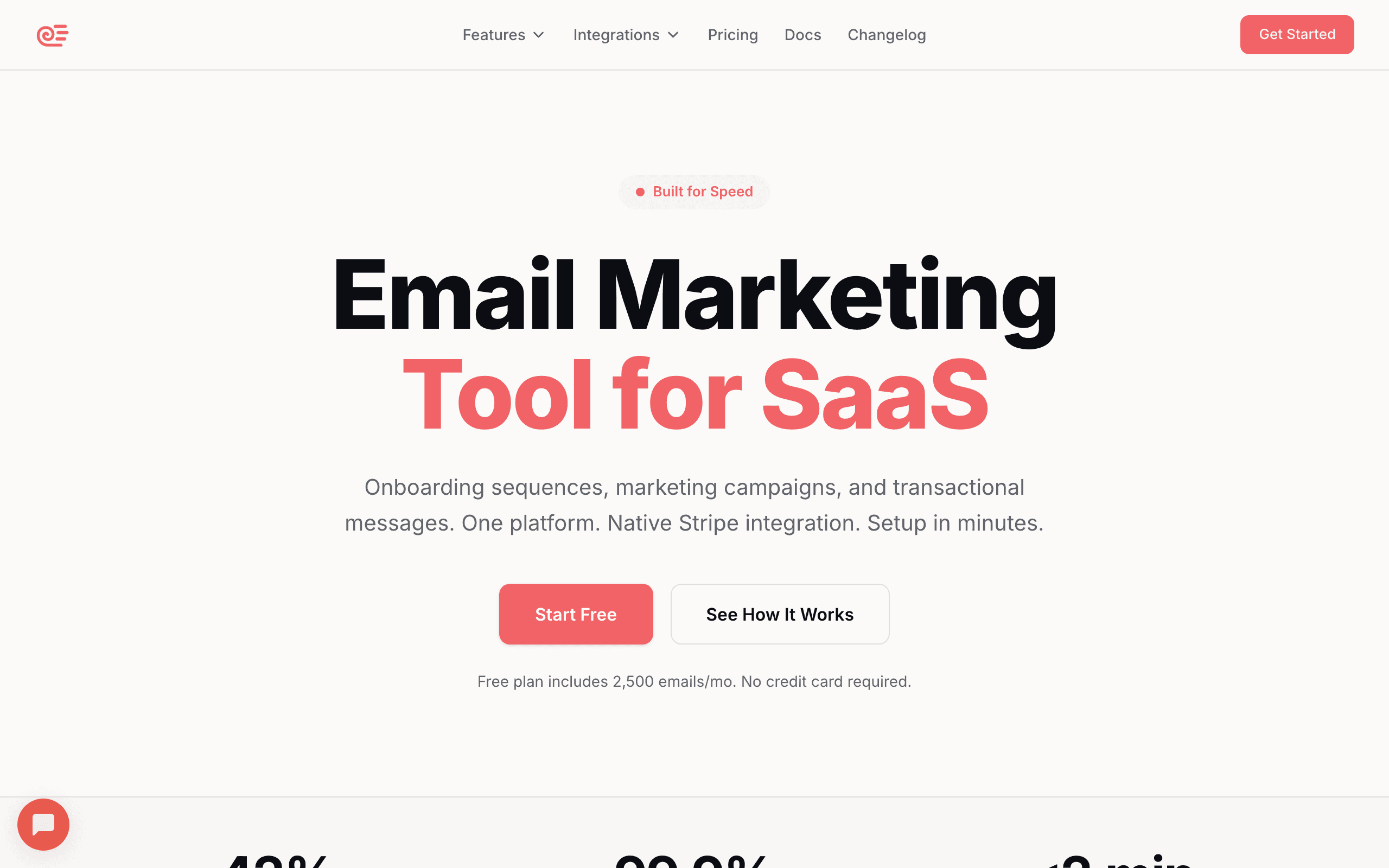
Best for: AI agents that need to manage full email marketing workflows, not just send transactional email.
Sequenzy is the most agent-native option on this list because it exposes email marketing through MCP, REST APIs, webhooks, a CLI, and SDKs. That means an agent can do the whole workflow: inspect subscribers, generate a sequence, draft a campaign, send a test, schedule the campaign, and analyze results afterward.
Most email APIs make the agent live at the application layer. You still have to write code that maps user intent into API calls. Sequenzy moves more of that work into the platform. The AI agent interface exposes campaign, subscriber, sequence, template, transactional, and analytics operations directly to Claude, Cursor, Claude Code, Codex, Windsurf, OpenClaw, Hermes, and other MCP clients.
The biggest difference is scope. Resend, Postmark, and Mailgun are excellent send APIs, but they do not manage the whole marketing lifecycle. Sequenzy combines transactional emails, AI-generated sequences, segments, payment-provider attributes, revenue attribution, and campaign analytics in one system. That makes it a better fit when the agent is responsible for outcomes, not only delivery.
An agent can respond to a prompt like:
"Create a 4-email onboarding sequence for free trial users who connected Stripe but have not sent their first campaign. Send me a test preview before activation."
That requires subscriber filtering, behavioral context, email generation, sequence creation, delays, test sending, and approval. In a pure email API, you would build most of that yourself. In Sequenzy, those are platform primitives.
Pricing: Free for 2,500 emails/month. Paid plans start at $19/month.
Agent strengths: First-party MCP, full REST API, CLI, SDKs, subscriber context, sequence generation, campaign creation, transactional sending, analytics, webhooks, revenue attribution.
Where it falls short: Smaller ecosystem than older providers. If you only need raw transactional sending and nothing else, Resend or Postmark may feel simpler.
Use it when: You want an AI agent to manage email marketing end-to-end from natural language, including SaaS onboarding, lifecycle campaigns, revenue recovery, and analytics.
2. Resend
Best for: Developer agents that need a clean transactional email API.
Resend is one of the best pure email APIs for developers. The Node SDK is clean, the API is predictable, the docs are excellent, and the React Email integration makes template authoring feel modern. For agents writing code, that matters. The integration is easy to scaffold, easy to test, and easy to reason about.
Resend has also moved closer to agent workflows with an official CLI that is explicitly useful for humans, AI agents, and CI/CD pipelines. The CLI can send, retrieve, cancel, and manage email delivery from the terminal, which makes it practical for coding agents that operate in shell-based workflows.
The best use case is transactional email: signup confirmations, password resets, magic links, receipts, product alerts, admin notifications, and low-volume operational sends. An agent can add Resend to a Next.js, Rails, Django, or FastAPI app quickly because the API shape is simple.
Resend is less compelling when the agent needs to manage deep lifecycle automation. Audiences, broadcasts, and automations exist, but the lifecycle data and segmentation model is narrower than a dedicated marketing system. If your agent needs sophisticated segments, multi-step journeys, and revenue attribution, you may still need another layer.
Pricing: Free tier includes 100 emails/day and 3,000 emails/month. Paid plans start around $20/month.
Agent strengths: Excellent SDKs, clean API, React Email, official CLI, fast setup, strong docs, good errors.
Where it falls short: Limited automation and lifecycle marketing. You will build more of the agent workflow yourself.
Use it when: Your agent is adding transactional email to an app and you want the cleanest developer experience.
3. Loops
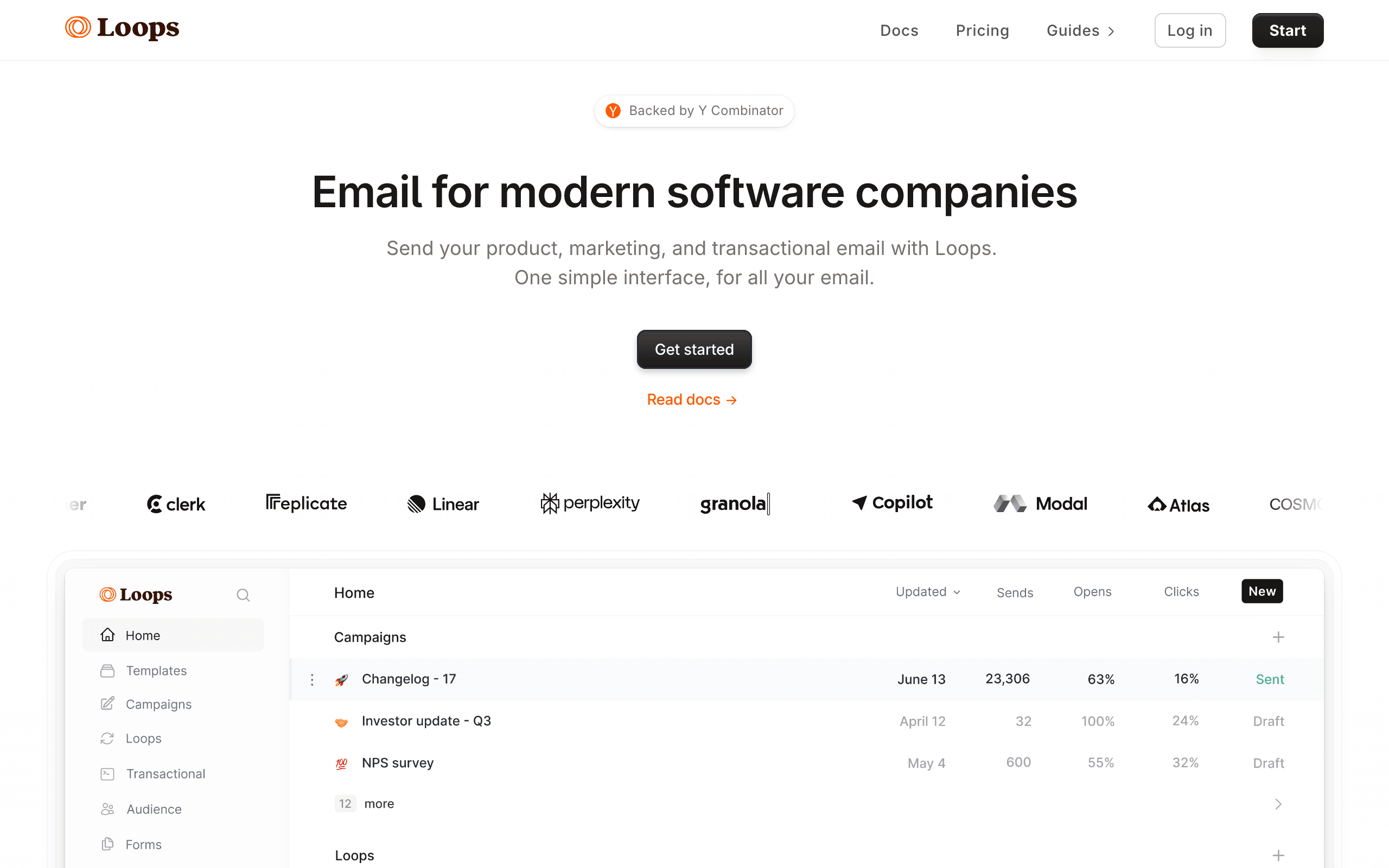
Best for: SaaS agents that need simple event-triggered email without enterprise complexity.
Loops is a good middle ground between a pure transactional API and a heavy marketing automation platform. The API lets you manage contacts, send events, and trigger transactional emails. That is enough for many SaaS agent workflows: add a user, track a product event, and let Loops send the right lifecycle email.
Loops also has agent-oriented API documentation, which is a strong signal. It gives agents a clearer map of available operations instead of forcing them to infer behavior from generic docs. The API surface is intentionally smaller than Customer.io, which can be a benefit when you want predictable agent behavior.
For example, an agent can track trial_started, project_created, or subscription_cancelled events and rely on Loops automations to handle follow-up messages. That keeps application code simple while still giving marketers a usable dashboard.
The tradeoff is depth. Loops is not as flexible as Customer.io for complex branching, account-level B2B data, or deeply customized behavioral flows. It is also less agent-native than Sequenzy because the agent still mostly interacts through a conventional API rather than a broad MCP tool layer.
Pricing: Free for up to 1,000 contacts. Paid plans start around $49/month.
Agent strengths: Clean API, event tracking, transactional email, simple automations, official SDKs, SaaS-friendly defaults.
Where it falls short: Less advanced segmentation and workflow logic than Sequenzy or Customer.io.
Use it when: Your agent needs a simple event-driven email layer for a SaaS product and you want to avoid enterprise complexity.
4. MailerSend
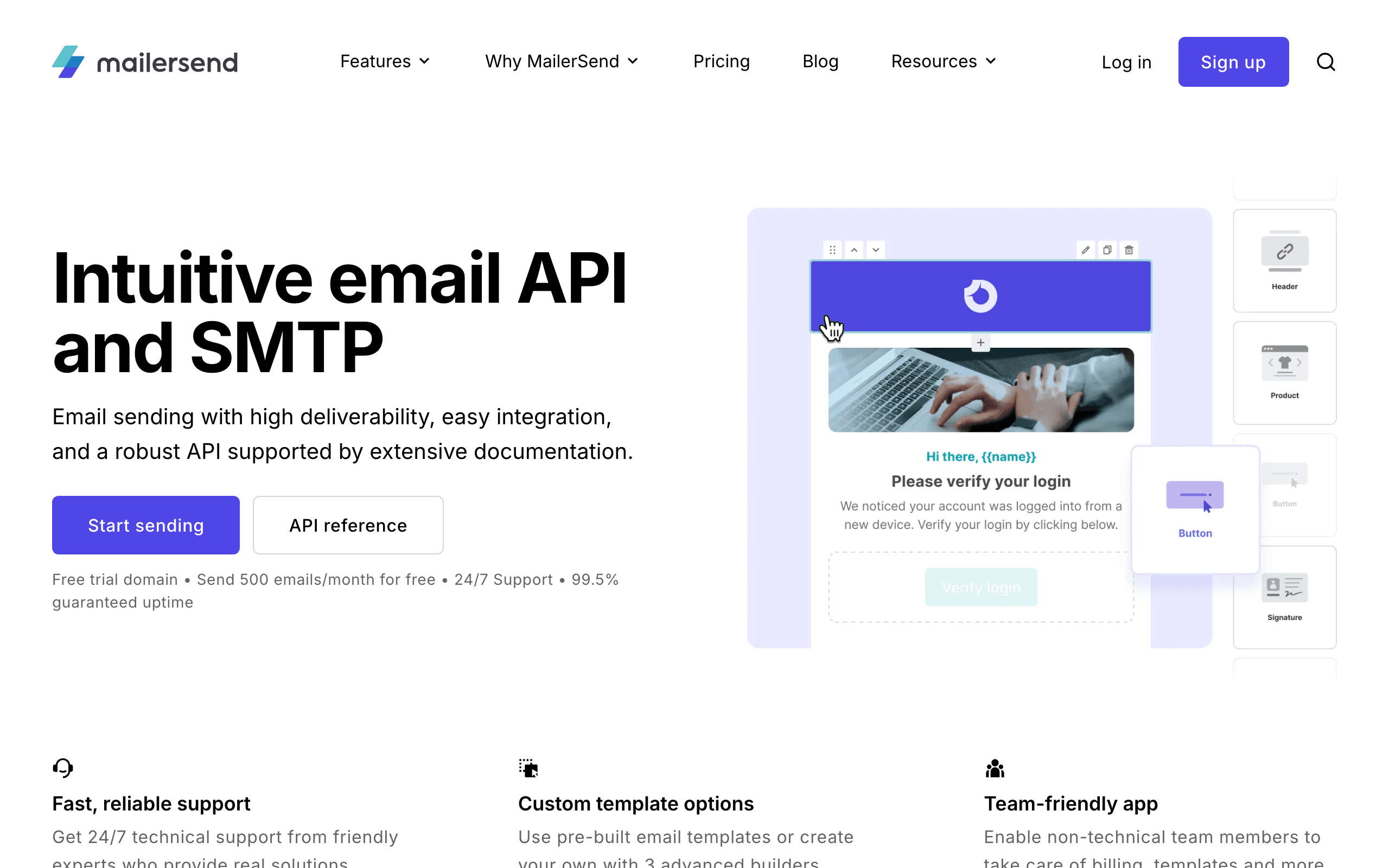
Best for: Transactional email agents that need templates, SDKs, and a growing MCP story.
MailerSend is the transactional sibling of MailerLite. It offers a modern email API, SMTP relay, templates, inbound routing, SMS, webhooks, and SDKs. For agents, the interesting part is that MailerSend now lists MCP server support alongside its API and SDK tooling.
That makes it more agent-ready than older transactional providers that only expose REST endpoints. An MCP server can reduce the amount of custom glue code needed for agents to discover capabilities and perform actions safely. The breadth is still more transactional than full marketing automation, but it is a meaningful step.
MailerSend works well when an agent needs to send templated emails, manage sending domains, inspect delivery activity, and respond to webhook events. It is also useful for teams that want non-developers to edit templates in a UI while agents or application code trigger sends.
The free plan is constrained: low monthly send volume, one domain, one template, one API token, and limited daily API requests. For production agents, you should expect to use a paid plan.
Pricing: Free plan includes 500 emails/month after account approval. Paid plans start around $7/month for hobby usage, with higher tiers for larger sending volumes and more API capacity.
Agent strengths: Email API, SMTP, SDKs, templates, webhooks, inbound routing, SMS add-ons, listed MCP support.
Where it falls short: Free tier limits are tight. Marketing automation is not the core product.
Use it when: Your agent needs a transactional email API with template management and you want an MCP-compatible option beyond Sequenzy.
5. Postmark
Best for: Agents sending critical transactional emails where deliverability matters most.
Postmark is the conservative choice for transactional email. The API is mature, the docs are clear, and the product is opinionated about protecting deliverability. That makes it a strong fit for agents that send critical operational email: password resets, login links, receipts, invoices, alerts, or important product notifications.
Postmark's message streams are useful for agent workflows. Keep transactional and broadcast streams separate so a promotional campaign cannot harm authentication email. Inbound email handling is also strong: Postmark can turn incoming email into JSON and post it to a webhook URL. That is useful if your agent needs to process replies, support requests, or email-driven commands.
The agent limitation is that Postmark is not a marketing automation platform. It will not give your agent a rich sequence builder, behavioral segmentation engine, or revenue attribution layer. It is best as a highly reliable send and receive API.
Pricing: Free developer plan for 100 emails/month. Paid sending begins at 10,000 emails/month.
Agent strengths: Excellent deliverability, mature API, message streams, inbound processing, webhooks, clear errors, strong logs.
Where it falls short: Minimal marketing automation. No broad agent-native workflow layer.
Use it when: The agent sends critical transactional email and reliability matters more than marketing features.
6. Mailgun
Best for: Agents that need raw email infrastructure, inbound routing, and validation.
Mailgun gives developers a broad set of email primitives: sending, receiving, routing, validation, suppression handling, analytics, and webhooks. If your agent is part of a custom email system, Mailgun gives it the building blocks.
The inbound routing API is especially useful for agents. You can route replies or incoming messages to webhooks, parse them, and let an agent classify, summarize, or trigger follow-up actions. Email validation is also valuable when agents import leads or create subscribers from user-provided data.
Mailgun is not a marketing platform. That is both the strength and the weakness. You get control, but you also build templates, campaigns, sequence logic, subscriber preferences, and reporting yourself. For product teams with engineering capacity, that flexibility can be worth it. For small teams trying to let an agent run email marketing, it can become a lot of plumbing.
Pricing: Free or trial options vary by region and plan. Paid plans commonly start around $15 to $35/month depending on volume and feature set.
Agent strengths: Flexible API, inbound routing, validation, webhooks, broad SDK support, high-volume sending.
Where it falls short: No native marketing automation. More engineering work than Sequenzy, Loops, or Customer.io.
Use it when: Your agent is part of custom email infrastructure and you need flexible primitives rather than a packaged marketing system.
7. SendGrid
Best for: Agents operating in large organizations that already use Twilio SendGrid.
SendGrid is mature, widely adopted, and highly scalable. The API supports transactional sending, templates, categories, custom arguments, scheduling, contact management, marketing campaigns, and event webhooks. If your organization already uses Twilio products, SendGrid may be the path of least resistance.
For agents, the event webhook is one of the strongest pieces. Delivery, bounce, open, click, unsubscribe, and spam report events can flow back into your system so the agent can monitor performance and react to issues. The SDK ecosystem is also broad, which helps coding agents integrate it across stacks.
The main problem is complexity. SendGrid has accumulated a large product surface over many years. The agent may need more explicit instructions to choose the right endpoint, avoid legacy paths, and understand which features belong to Email API versus Marketing Campaigns.
Pricing: Email API free trial includes 100 emails/day. Paid plans start around $19.95/month.
Agent strengths: Mature API, broad SDKs, event webhooks, scale, templates, categories, marketing add-ons.
Where it falls short: Product complexity and documentation sprawl. Less agent-native than newer tools.
Use it when: You need a proven high-volume provider or your company already standardizes on Twilio SendGrid.
8. Customer.io
Best for: Agents managing complex behavioral messaging across product events.
Customer.io is a strong choice when the agent needs to work with rich product behavior. The Track API accepts users, attributes, objects, and events. Customer.io then uses that data inside visual workflows, segments, campaigns, newsletters, transactional messages, push notifications, SMS, and in-app messages.
For advanced lifecycle marketing, this is powerful. An agent can inspect event patterns, suggest segments, generate campaign copy, and trigger flows based on product behavior. Customer.io's strength is the depth of its automation model.
The downside is cost and complexity. Essentials starts at $100/month for 5,000 profiles. Premium jumps much higher. The platform is designed for serious lifecycle teams, not quick agent experiments. An autonomous agent also needs careful governance here because Customer.io can reach many channels, not only email.
Pricing: Essentials starts at $100/month for 5,000 profiles. Premium and Enterprise plans are much higher and typically suited to larger teams.
Agent strengths: Powerful event model, segmentation, visual workflow builder, multi-channel messaging, API-controlled customer data.
Where it falls short: Expensive. Steep learning curve. More platform than many small teams need.
Use it when: Your agent supports a mature lifecycle marketing program with complex behavioral triggers.
9. Knock
Best for: Product notification agents that need email plus in-app, push, Slack, or SMS.
Knock is not just an email API. It is notification infrastructure. That makes it useful when your agent is responsible for product messaging across channels, not only email.
The API lets you trigger workflows, identify users, manage preferences, build notification feeds, and coordinate cross-channel messages. Knock also has CLI, MCP, and management API tooling, which fits well with agentic development workflows and CI/CD.
For example, an agent could create a workflow for "workspace invite," decide whether the user should receive an in-app notification, email, or Slack message, and respect the user's notification preferences. That is different from traditional email marketing, but it is exactly what product agents often need.
Knock is weaker if your goal is marketing campaigns, newsletters, or revenue attribution. Use it for product notifications, not subscriber marketing.
Pricing: Developer plan includes 10,000 messages/month. Paid production plans start around $250/month.
Agent strengths: Workflow API, preferences, in-app feeds, multi-channel routing, CLI, MCP, management API, product-notification focus.
Where it falls short: Not built for email marketing campaigns. Higher entry price than email-only APIs.
Use it when: Your agent owns product notifications across email and other channels.
10. Courier
Best for: Agents that need provider-agnostic notification routing.
Courier lets you send notifications across multiple channels and providers from one API. That can be useful for agents because the agent does not need to understand the details of every downstream provider. It can call Courier, and Courier handles routing, templates, preferences, and provider delivery.
The free tier is generous for early projects, with 10,000 sends/month. The paid model is usage-based, which can work well for applications where notifications scale with product usage.
The tradeoff is abstraction. If deliverability, sender reputation, or provider-specific tuning matters, adding a routing layer can make debugging harder. Courier is best when your agent needs channel orchestration, not when you want the agent to deeply optimize one email provider.
Pricing: Developer plan includes 10,000 sends/month. Paid usage starts around $0.005 per send.
Agent strengths: Multi-channel abstraction, provider routing, templates, preferences, usage-based model, simple API.
Where it falls short: Less direct control over email-provider-specific behavior.
Use it when: Your agent sends product notifications across email, SMS, push, chat, and other channels.
11. Amazon SES
Best for: AWS-native agents where lowest sending cost matters more than built-in product features.
Amazon SES is the lowest-cost way to send email at scale. The sending API is reliable, the AWS SDKs cover every major language, and the event pipeline can connect to SNS, CloudWatch, Kinesis, Lambda, and S3.
For agents running inside AWS, SES can be powerful. The agent can trigger Lambda workflows, send templated emails, inspect bounces through SNS, and push analytics into your own data systems. At high volume, the cost advantage is hard to ignore.
The problem is that SES is raw infrastructure. Your agent does not get a friendly marketing API, campaign builder, sequence engine, subscriber model, preview workflow, or built-in approval gates. You have to build those controls yourself. For autonomous agents, that is a serious responsibility.
Pricing: $0.10 per 1,000 outbound emails, plus data transfer and optional deliverability features.
Agent strengths: Lowest cost, AWS-native integrations, scale, SDK coverage, event pipeline flexibility.
Where it falls short: No marketing features. You own deliverability operations, compliance workflows, templates, suppression strategy, and agent safety controls.
Use it when: You have AWS expertise and want to build a custom email system around your agent.
12. Brevo
Best for: Budget-conscious teams that want email API, marketing email, CRM, SMS, and WhatsApp in one platform.
Brevo is a broad customer messaging platform with email campaigns, transactional email, SMS, WhatsApp, automation, CRM, forms, and webhooks. It is not the most agent-native tool on this list, but it gives agents a lot of usable surface area at a low price.
The free plan includes 300 emails/day, which is enough for prototypes and low-volume agent tests. Paid plans start at low monthly prices compared with enterprise lifecycle platforms. Brevo is useful when the agent needs to trigger transactional messages and basic marketing workflows without a large budget.
The main tradeoff is depth. Brevo's API and automation are practical, but not as elegant for developers as Resend or as agent-focused as Sequenzy. The platform also has a broad UI and feature set, which can make agent instructions more important.
Pricing: Free plan includes 300 daily email sends. Starter plans begin around $9/month.
Agent strengths: Low cost, transactional email, marketing campaigns, automation, CRM, SMS, WhatsApp, webhooks.
Where it falls short: Less developer-polished and less agent-native than the top options.
Use it when: You need a budget all-in-one messaging platform and can tolerate a broader, less specialized product.
Best Architecture by Agent Type
Full Marketing Agent
Use Sequenzy when the agent needs to manage campaigns, subscribers, automations, sequences, and analytics from natural language. This is the best fit for SaaS lifecycle email and agentic marketing operations.
Good prompt:
"Find trial users who signed up 7 days ago, have not connected Stripe, and opened at least one onboarding email. Draft a targeted activation campaign and send me a test."
Transactional Coding Agent
Use Resend or Postmark when a coding agent is adding reliable transactional email to an application.
Good prompt:
"Add password reset email sending to this Next.js app using a typed email provider. Keep templates in the codebase and add a test path."
Product Notification Agent
Use Knock or Courier when the agent needs to route messages across email, push, in-app, Slack, or SMS.
Good prompt:
"Create a notification workflow for failed imports. Send in-app first, then email if the user has not viewed the alert after 30 minutes."
Infrastructure Agent
Use Amazon SES or Mailgun when the agent is part of a custom internal email system and your team wants low-level control.
Good prompt:
"Create a Lambda that sends SES templated email, records the message ID, and subscribes to bounce and complaint SNS events."
Guardrails Before Letting an Agent Send Email
Do not give production send access on day one. Start with a staged rollout.
- Read-only mode: Let the agent inspect subscribers, campaigns, and stats.
- Draft mode: Let it create drafts and test sends, but not production sends.
- Approved sending: Require human approval for every real send.
- Limited autonomy: Permit small sends below a threshold.
- Monitored autonomy: Allow larger sends only with alerts, caps, and audit logs.
Minimum guardrails:
- Daily send cap
- Per-campaign audience cap
- Test-send requirement
- Approval requirement for promotional emails
- Automatic pause on bounce or complaint spikes
- Separate API keys for read, draft, and send operations
- Audit log for every agent action
- Suppression list and unsubscribe enforcement
- No sends to imported lists until validation passes
Email agents are useful because they compress multi-step work. They are risky when they compress judgment. Keep approval gates around judgment-heavy actions until the agent has a track record.
Final Recommendation
If you want an AI agent to run email marketing workflows, choose Sequenzy. It is the only option here built around MCP-style agent control plus full email marketing primitives: subscribers, campaigns, sequences, templates, transactional sending, analytics, and revenue attribution.
If you only need transactional sending, choose Resend for developer experience or Postmark for deliverability. If your agent owns product notifications across channels, choose Knock or Courier. If you want raw infrastructure and have the engineering capacity, choose Amazon SES or Mailgun.
The key question is simple: should your agent only send emails, or should it manage the email workflow? If the answer is "send," use a transactional API. If the answer is "manage," use an agent-ready email platform.
FAQ
What is the best email API for AI agents?
Sequenzy is the best email API for AI agents that need to manage full email marketing workflows. It supports MCP, REST API, CLI, SDKs, subscriber management, sequence generation, campaign creation, transactional email, and analytics.
What is the best transactional email API for agents?
Resend is the best developer experience for transactional email agents. Postmark is the best choice when deliverability and critical production reliability matter most.
Do AI agents need MCP to send email?
No. Agents can call normal REST APIs or SDKs. MCP helps because it gives the agent a standardized tool interface with discoverable actions, descriptions, and structured inputs. For broader workflows, MCP reduces glue code and makes agent behavior easier to control.
Can an AI agent send marketing campaigns safely?
Yes, but only with guardrails. Start with read-only access, then drafts, then test sends, then approved sends. Add daily caps, audience thresholds, audit logs, suppression enforcement, and automatic pauses for bad deliverability signals.
Should I use one provider for transactional and marketing email?
For agents, usually yes. A unified provider gives the agent one subscriber model, one sender reputation, one suppression list, and one analytics system. Splitting transactional and marketing email can work, but the agent needs extra logic to sync state between systems.
Is Amazon SES good for AI agents?
Amazon SES is good for AWS-native teams that want low-cost raw sending. It is not a complete agent-ready email system by itself. You will need to build templates, approvals, subscriber management, event handling, suppression logic, and monitoring.