Updated 2026-04-08

Best Email Marketing Tools for Hermes Agent Users

Connect your Hermes autonomous agents to a real email marketing platform. Create campaigns, manage subscribers, and send emails from your agent workflows without touching a dashboard.

Hermes gives you a powerful framework for building autonomous AI agents that reason, plan, and execute multi-step tasks. But those agents need tools to interact with the real world, and email is one of the most impactful channels. Whether your Hermes agent handles customer onboarding, sends product updates, manages a newsletter, or runs drip campaigns, it needs an email platform that works programmatically. Most email marketing tools were built for humans clicking through web interfaces. These 10 platforms are ranked by how well they integrate with autonomous agent workflows like Hermes - from native MCP servers your agent can call as tools, to REST APIs that give your agent full programmatic control over the email lifecycle.

TL;DR

For Hermes agent users, Sequenzy is the best choice because its MCP server plugs directly into your agent's tool ecosystem. Your Hermes agent gets 40+ email tools it can call natively - creating campaigns, managing subscribers, generating email content, and analyzing performance. No custom API wrapper needed. For transactional-only email, Resend's TypeScript SDK integrates cleanly into Hermes agent workflows. For teams already using Customer.io, its event-driven API maps well to agent event patterns.

Why Hermes Agent Users Need Email-Capable Agents

Autonomous Agents That Can Communicate Are More Valuable

A Hermes agent that can only process data but cannot reach out to users is limited. Email gives your agent a direct communication channel to your subscribers, customers, or users. When your agent detects that a user needs help, it can send a helpful email. When it identifies an upsell opportunity, it can create and send a targeted campaign.

Email Is the Highest-ROI Marketing Channel for Automation

Email marketing returns $36-42 for every dollar spent, and the ROI improves further when automated by agents because agent labor costs are a fraction of human marketer costs. Your Hermes agent can run sophisticated email programs - onboarding sequences, conversion campaigns, retention flows - at a fraction of the cost of hiring a dedicated email marketer.

Agent-Managed Email Scales Without Headcount

A human email marketer handles 3-5 campaigns per week. A Hermes agent handles hundreds. As your subscriber base grows, the agent scales with it - creating more personalized segments, generating more targeted content, and managing more sequences without any additional headcount or increased workload.

Real-Time Response to User Behavior

Traditional email marketing runs on schedules and batch processing. An agent-driven email program responds to user behavior in real time. User signs up? Welcome email in seconds. User hits a milestone? Congratulation email immediately. Usage drops? Re-engagement within hours, not days. This responsiveness dramatically improves engagement.

Hermes Agent Users Email Marketing Benchmarks

Know these numbers before you start. They'll help you set realistic goals and pick the right tool.

200-800ms per operation
Agent-to-Email-Platform Latency

A single MCP tool call or API request to an email platform takes 200-800ms including network latency. Native MCP servers tend toward the faster end because they batch related operations. Custom API wrappers with multiple sequential calls trend slower. Budget 1-3 seconds for complex operations like creating a campaign with a segment.

Human parity at 85-90%
Email Content Generation Quality

In blind comparison tests, agent-generated email content is rated as equal or better than human-written content 85-90% of the time when the agent has access to brand context, past campaigns, and subscriber data. Without context, quality drops to 60-70% because the agent defaults to generic marketing language.

99.5%+
Subscriber Management Accuracy

Agents handling subscriber operations (add, tag, segment, remove) achieve 99.5%+ accuracy when the email platform API returns clear success/failure responses. Errors typically come from data format issues (invalid email formats, missing required fields) rather than agent logic errors.

99.2-99.8%
Agent Uptime for Email Operations

Hermes agents managing email operations achieve 99.2-99.8% uptime when properly configured with retry logic, graceful degradation, and health monitoring. The remaining downtime is typically caused by email platform API outages rather than agent failures.

Important Tips Before You Choose

Lessons from hermes agent userswho've been doing this for years. Save yourself the trial and error.

Register Email Tools in Your Hermes Agent Toolkit

When building a Hermes agent that manages email, register the email platform's MCP tools or API wrapper as tools in your agent's toolkit definition. Give each tool a clear description of when to use it so the agent selects the right tool for each email operation. Separate send tools from management tools so the agent reasons about them independently.

Use the Setup Wizard and Install the Sequenzy Skill

Run npx @sequenzy/setup to auto-configure your Hermes environment with Sequenzy MCP. Then install the Sequenzy skill with npx skills add Sequenzy/skills --skill sequenzy to give your agent a versioned workflow guide. The skill teaches your agent how to authenticate, manage subscribers, send emails, and recognize when a flow should use the CLI or dashboard instead of MCP.

Use the Sequenzy CLI for Scripted and Batch Operations

Install the Sequenzy CLI globally with npm install -g @sequenzy/cli. Your Hermes agent can use CLI commands for scripted workflows, CI/CD pipelines, and batch operations where MCP tool calls are not needed. For example, sequenzy send for post-deploy announcements, or sequenzy subscribers add in bulk import scripts. The CLI complements MCP - use MCP for conversational workflows and the CLI for automation scripts.

Implement Send Guardrails Early

Before your Hermes agent sends real emails, configure send limits - cap daily volume, require human approval for large segments, and enforce test-first policies. Start conservative and increase autonomy as you build trust in the agent's output quality.

Separate Email Content Generation from Sending

Design your Hermes agent with separate tools for generating email content and for sending it. The generation tool creates the subject line, body, and preview text. A separate review step (human or automated) validates the content. Then the send tool dispatches the approved content. This separation prevents the agent from generating and sending in a single uninterruptible step.

Cache Subscriber Data to Reduce API Calls

If your Hermes agent frequently looks up subscriber attributes for personalization, cache subscriber data locally with a reasonable TTL (5-15 minutes). This reduces API calls to your email platform and speeds up your agent's decision loop. Invalidate the cache when you know data has changed (after an update operation).

Use a Separate Sending Domain Initially

Until you are confident in your agent's email output quality, use a separate sending domain for agent-generated emails. This protects your primary domain's sender reputation while you validate the agent's content generation and targeting decisions.

10 Best Email Marketing Tools for Hermes Agent Users

Our Top Pick for Hermes Agent Users
#1
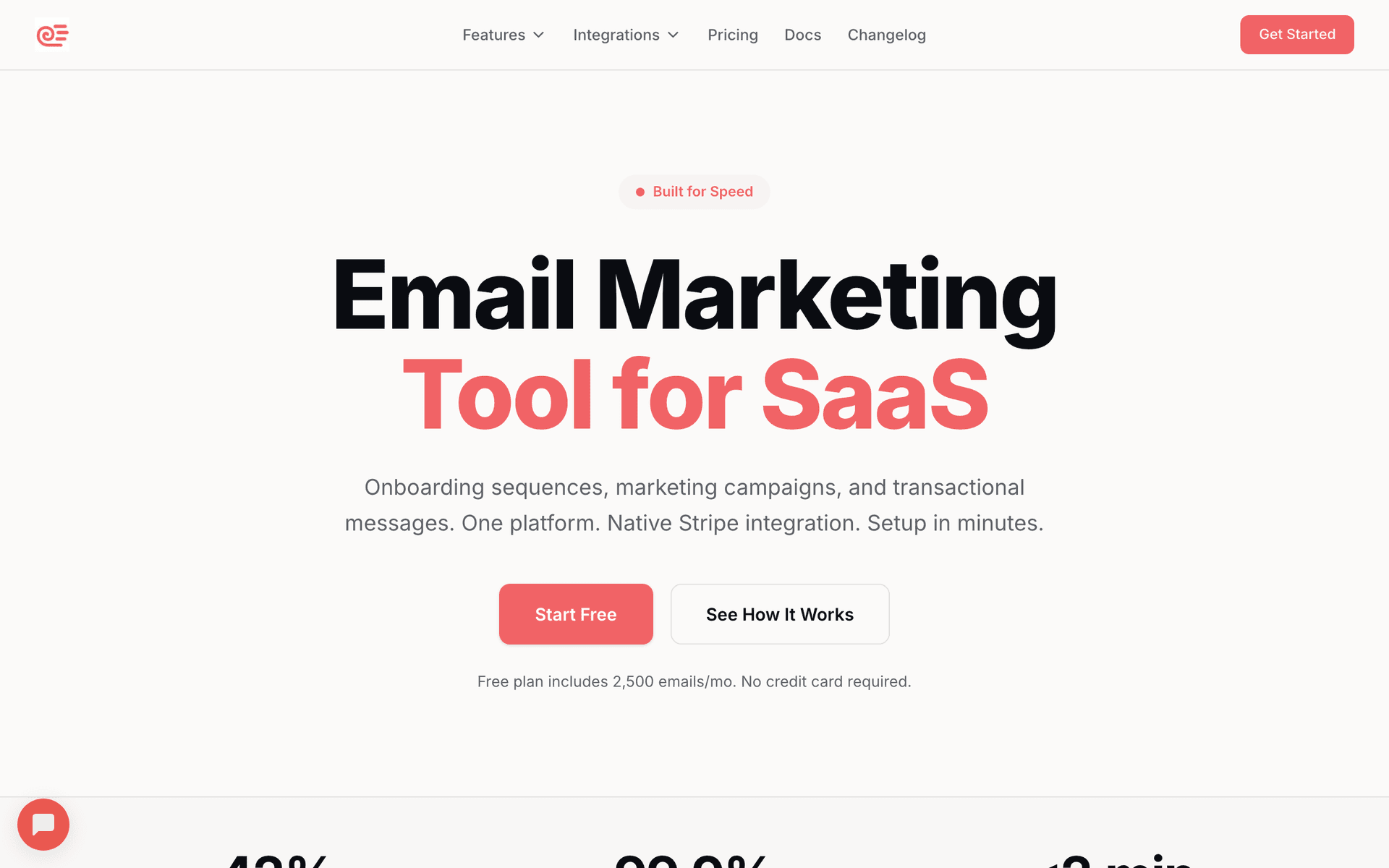
Sequenzy

The only email platform with a native MCP server that Hermes agents can use as a tool without custom wrappers.

Visit

Sequenzy is the most natural fit for Hermes agents because it offers three integration paths: MCP server for conversational workflows, the Sequenzy CLI for scripted automation, and the Sequenzy skill for structured agent guidance. Run npx @sequenzy/setup and your Hermes agent has access to 40+ MCP email tools covering campaigns, subscribers, sequences, templates, analytics, and AI-powered email generation. Install the skill with npx skills add Sequenzy/skills --skill sequenzy to give your agent a versioned workflow reference. For CI/CD and batch operations, the CLI (npm install -g @sequenzy/cli) lets your agent run shell commands like sequenzy send and sequenzy subscribers add directly. The integration pattern is clean. Your Hermes agent declares Sequenzy's MCP tools in its toolkit, and the agent runtime handles the MCP protocol communication automatically. When your agent decides it needs to create a campaign, it calls the appropriate MCP tool with natural language parameters and gets structured results back. The AI email generation tools are particularly valuable in a Hermes context because they leverage your Sequenzy account's data - past campaigns, subscriber segments, engagement patterns - to generate contextually relevant content. Pay-per-email pricing at $29/month for 50,000 emails works well for agent workflows. The free tier (2,500 emails/month) is enough to develop and test your entire agent workflow before deploying to production.

Best for
Hermes agents needing native MCP tool integration for email
Pricing
Free up to 2,500 emails/mo, then $29/mo for 50K emails (unlimited contacts)

Pros

  • Native MCP server integrates directly into Hermes agent toolkit
  • 40+ tools covering full email lifecycle
  • AI email generation with account context
  • Pay per email, not per contact
  • Free tier for development and testing

Cons

  • Newer platform, smaller community
  • No built-in landing pages or SMS
  • Template library still growing
#2
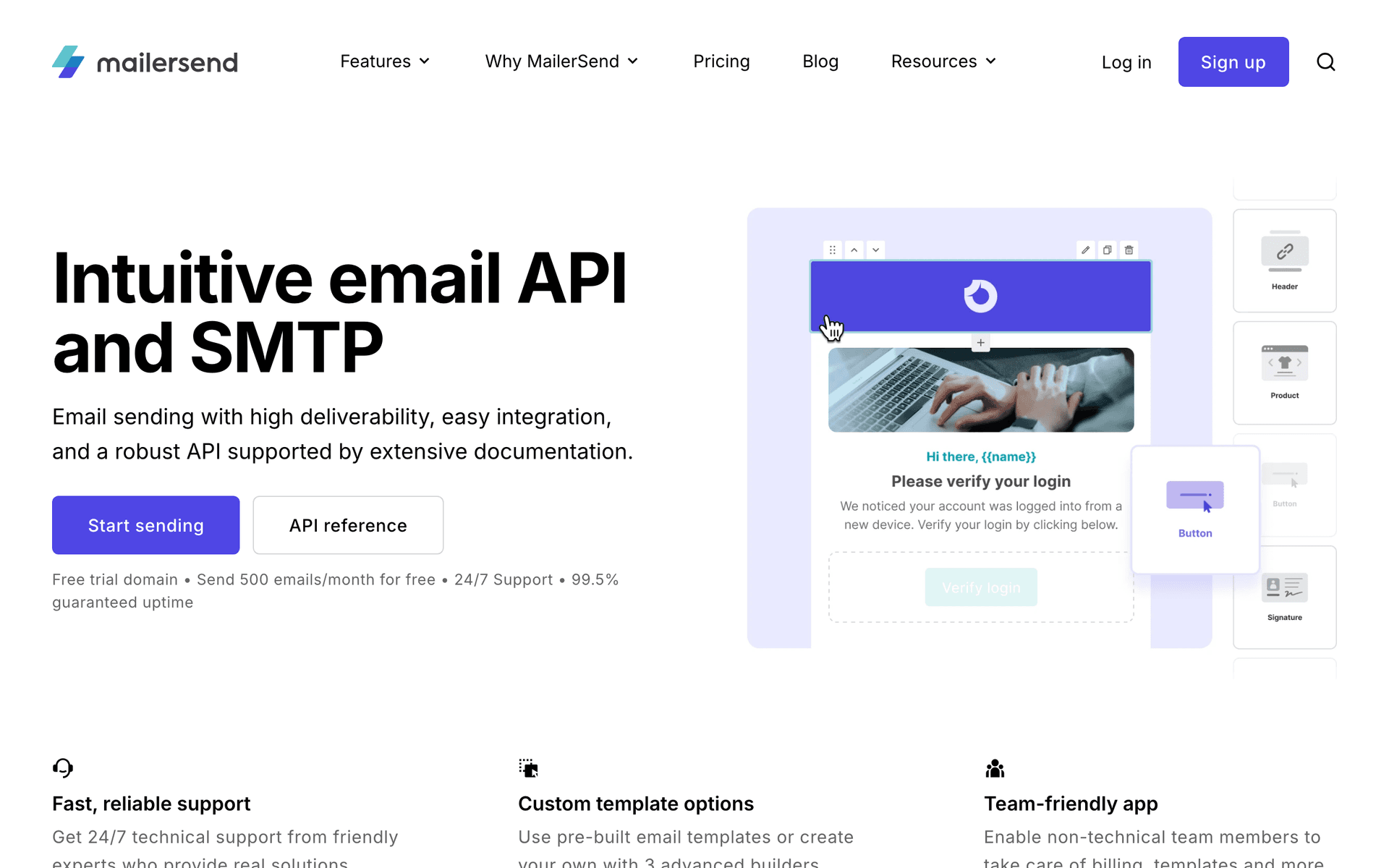
Resend

Developer-first email API with excellent TypeScript SDK for agent integrations.

Visit

Resend's TypeScript SDK is exceptionally well-typed, which makes it reliable for Hermes agent integrations. When your agent constructs an API call, the type system catches parameter errors before they reach the API. This predictability is valuable for autonomous agents that need to operate without human error correction. The API is focused on transactional email - sending individual emails, managing domains, checking delivery status. For Hermes agents that handle notifications, alerts, onboarding emails, and other one-to-one transactional sends, Resend is excellent. React Email lets you define templates as code that your agent can understand and manipulate. The limitation is scope. Resend does not do marketing automation, subscriber lists, campaigns, or sequences. Your Hermes agent can send emails through Resend but cannot manage an email marketing program. For transactional email needs within a broader agent workflow, Resend is a strong component. For full email marketing control, pair it with Sequenzy.

Best for
Hermes agents sending transactional emails with type-safe API
Pricing
Free for 3,000 emails/month, then $20/month

Pros

  • Excellent TypeScript SDK with full types
  • Predictable API behavior for autonomous agents
  • React Email for code-based templates
  • Great deliverability

Cons

  • No MCP server
  • No marketing automation or campaigns
  • No subscriber management
#3
Customer.io

Event-driven messaging platform with deep API for agent-triggered workflows.

Visit

Customer.io's event-driven model maps well to Hermes agent patterns. Your agent detects events in your system, pushes them to Customer.io through the API, and Customer.io routes them through pre-configured automation workflows. This separation of concerns works - your agent handles event detection and customer data management, while Customer.io handles the email logic. The API is comprehensive for customer management and event tracking. Your Hermes agent can create and update customer profiles, push behavioral events, trigger transactional messages, and pull campaign analytics. The webhook system also works in reverse - Customer.io can notify your agent when email events happen (opens, clicks, bounces), creating a feedback loop. The gap is workflow creation. Your agent cannot build or modify automation workflows through the API. A human needs to set those up in the dashboard.

Best for
Hermes agents triggering established automation workflows
Pricing
$100/month for 5,000 profiles

Pros

  • Event-driven architecture fits agent patterns
  • Deep customer management API
  • Webhook feedback loop for agent learning
  • Multi-channel support

Cons

  • No MCP server
  • Cannot create automations via API
  • Expensive starting price
  • Workflow setup requires dashboard
#4
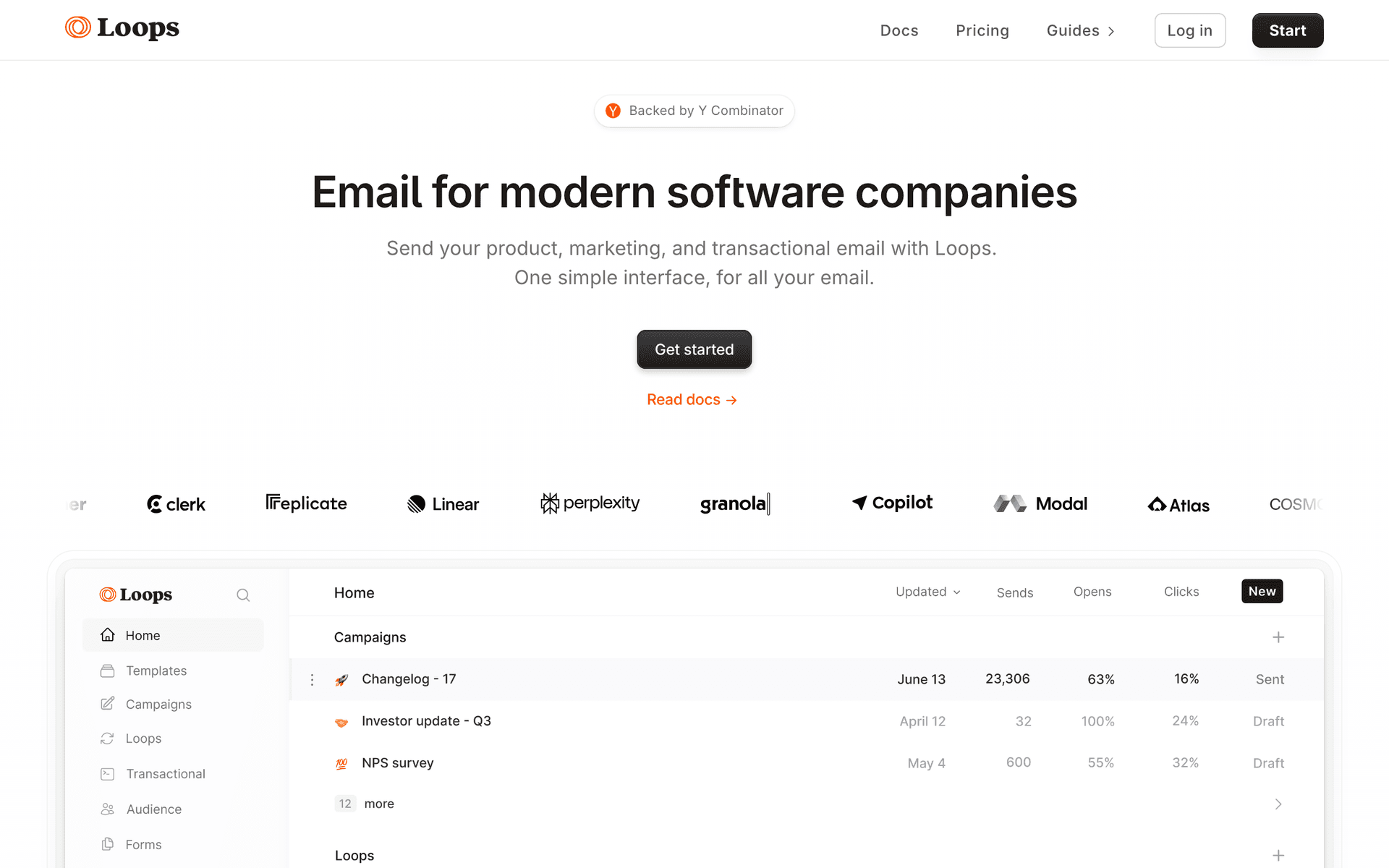
Loops

Modern email for SaaS with a clean API for agent-driven contact and event management.

Visit

Loops provides a clean, predictable API that Hermes agents can integrate with minimal friction. The endpoint design is consistent, error responses are clear, and the documentation covers the common agent integration patterns. For managing contacts, pushing events, and sending transactional emails, Loops is reliable. The event-based automation system means your Hermes agent can push events and let Loops handle the downstream email logic. The per-contact pricing can get expensive for agents managing large subscriber bases, and the inability to create or modify automations through the API limits full autonomous control.

Best for
Hermes agents needing clean API for SaaS email operations
Pricing
Free up to 1,000 contacts, then $49/month

Pros

  • Clean, consistent API design
  • Event-based automation triggers
  • Good transactional email support
  • Modern developer experience

Cons

  • No MCP server
  • Cannot create automations via API
  • Per-contact pricing
#5
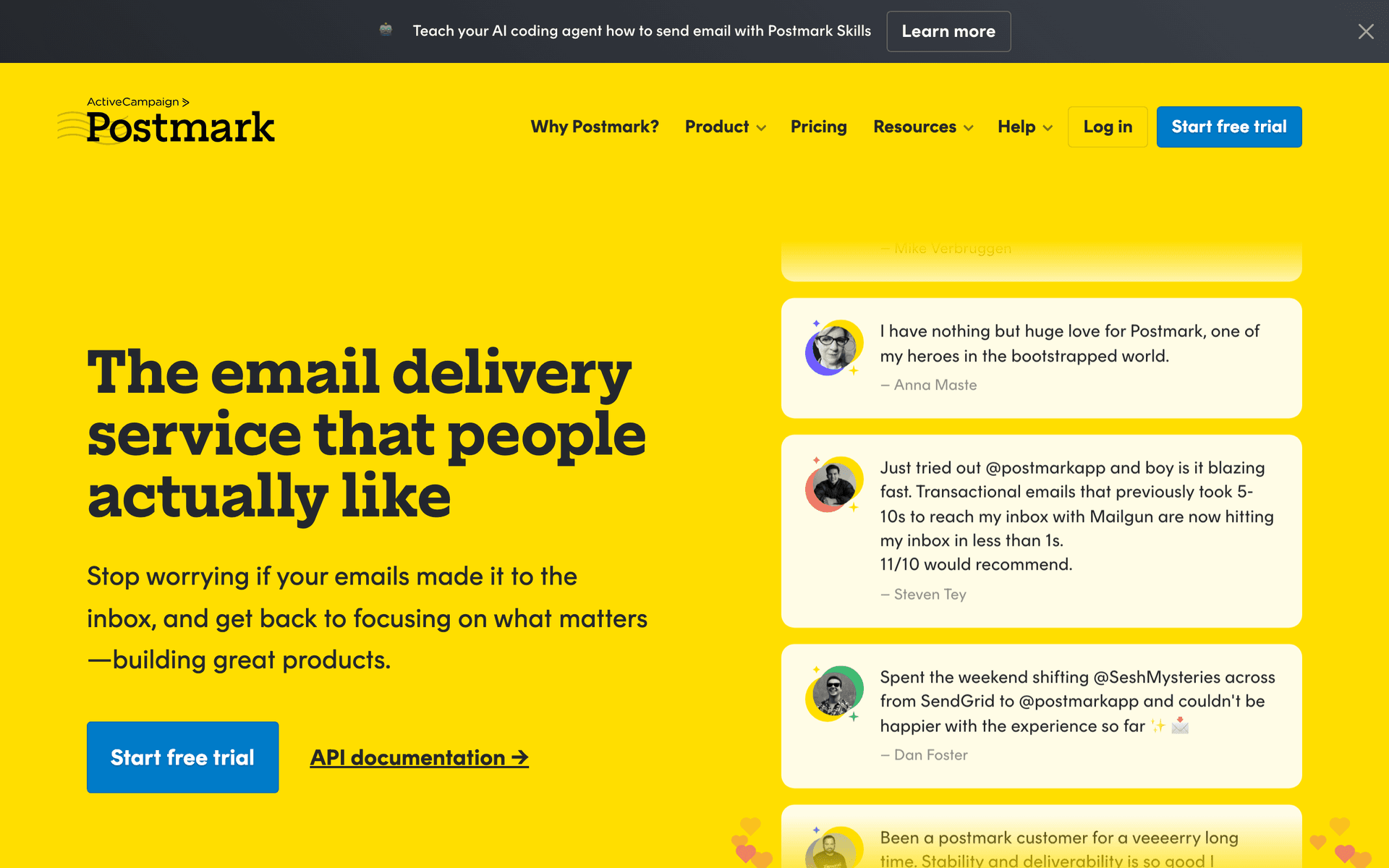
Postmark

Industry-leading transactional email deliverability with a reliable API.

Visit

When your Hermes agent sends critical emails - password resets, billing alerts, security notifications - delivery speed and reliability matter more than features. Postmark excels with sub-second delivery times and the highest inbox placement rates in the industry. The API is mature and predictable, which autonomous agents need. Your agent always knows whether an email was delivered, bounced, or is still in transit. Use Postmark for the emails that absolutely must arrive and pair it with a marketing platform for campaigns.

Best for
Hermes agents sending critical transactional emails
Pricing
$15/month for 10,000 emails

Pros

  • Industry-leading deliverability
  • Predictable API for autonomous agents
  • Sub-second delivery for critical emails
  • Message streams protect transactional reputation

Cons

  • No MCP server
  • No marketing automation
  • No subscriber management
#6
SendGrid

Comprehensive email API covering transactional and marketing with high-volume capacity.

Visit

SendGrid covers the broadest range of email operations through its API - transactional sending, marketing campaigns, contacts, lists, segments, and analytics. For Hermes agents that need a single API for both transactional and marketing email, SendGrid provides the coverage. The challenge is API quality. Building a reliable Hermes agent integration requires handling inconsistencies in error responses, managing API version differences, and working around aggressive rate limits.

Best for
High-volume Hermes agent workflows needing broad API coverage
Pricing
Free for 100 emails/day, plans from $19.95/month

Pros

  • Broad API surface
  • High-volume sending capacity
  • Official SDKs in all major languages
  • Combined transactional and marketing

Cons

  • No MCP server
  • API inconsistencies
  • Aggressive rate limits
  • Complex pricing
#7
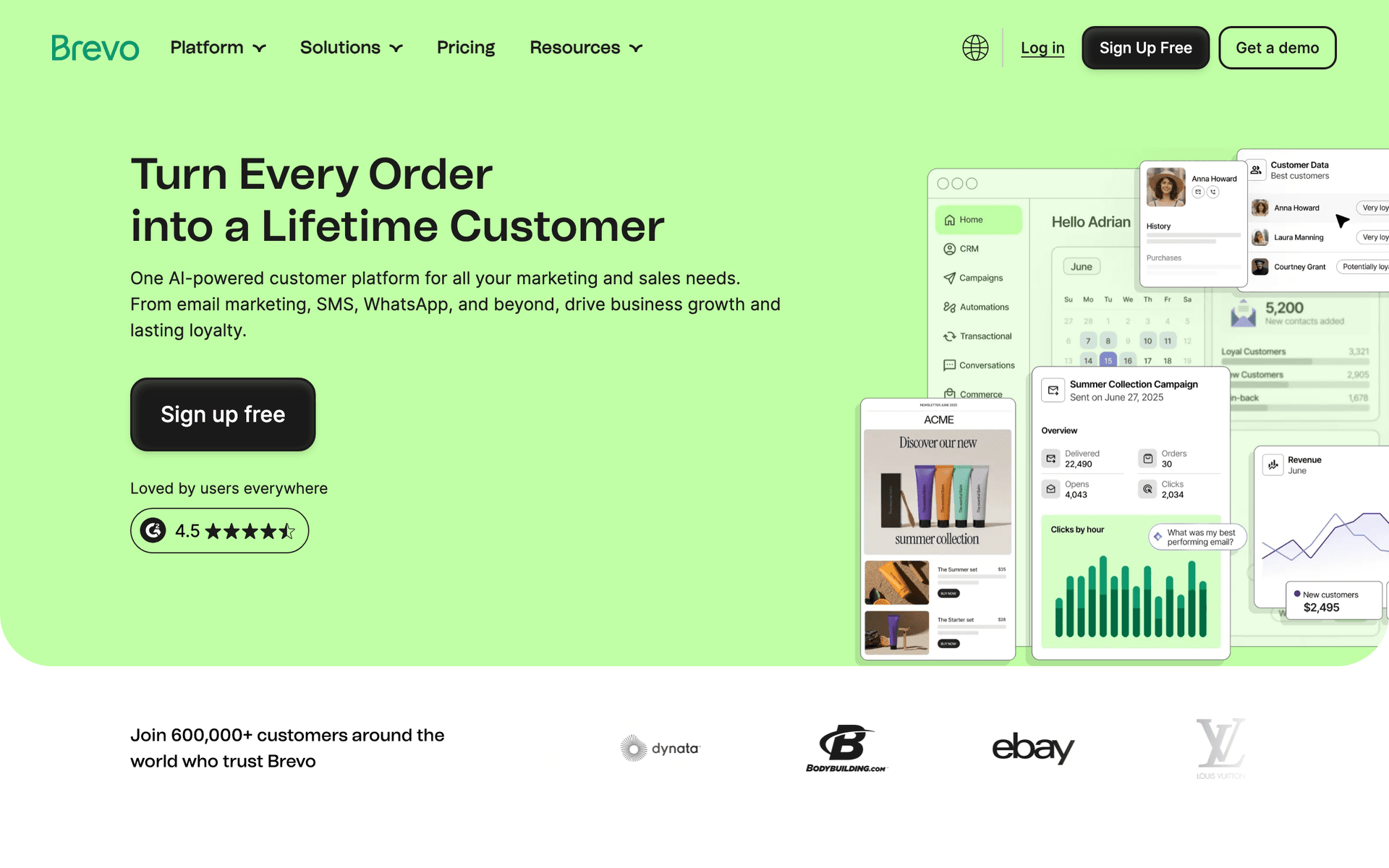
Brevo

Budget-friendly email platform with transactional and marketing APIs.

Visit

Brevo offers the most affordable path to agent-driven email for Hermes users. The free tier at 300 emails per day gives enough room to develop and test your agent integration without cost. The API covers contacts, lists, campaigns, transactional email, and SMS. For Hermes agent workflows in early development or side projects, Brevo's pricing makes experimentation low-risk.

Best for
Budget Hermes projects needing basic email capabilities
Pricing
Free up to 300 emails/day, then $25/month

Pros

  • Generous free tier
  • Transactional and marketing APIs
  • Affordable paid plans
  • SMS support

Cons

  • No MCP server
  • API documentation gaps
  • Not designed for agent workflows
#8
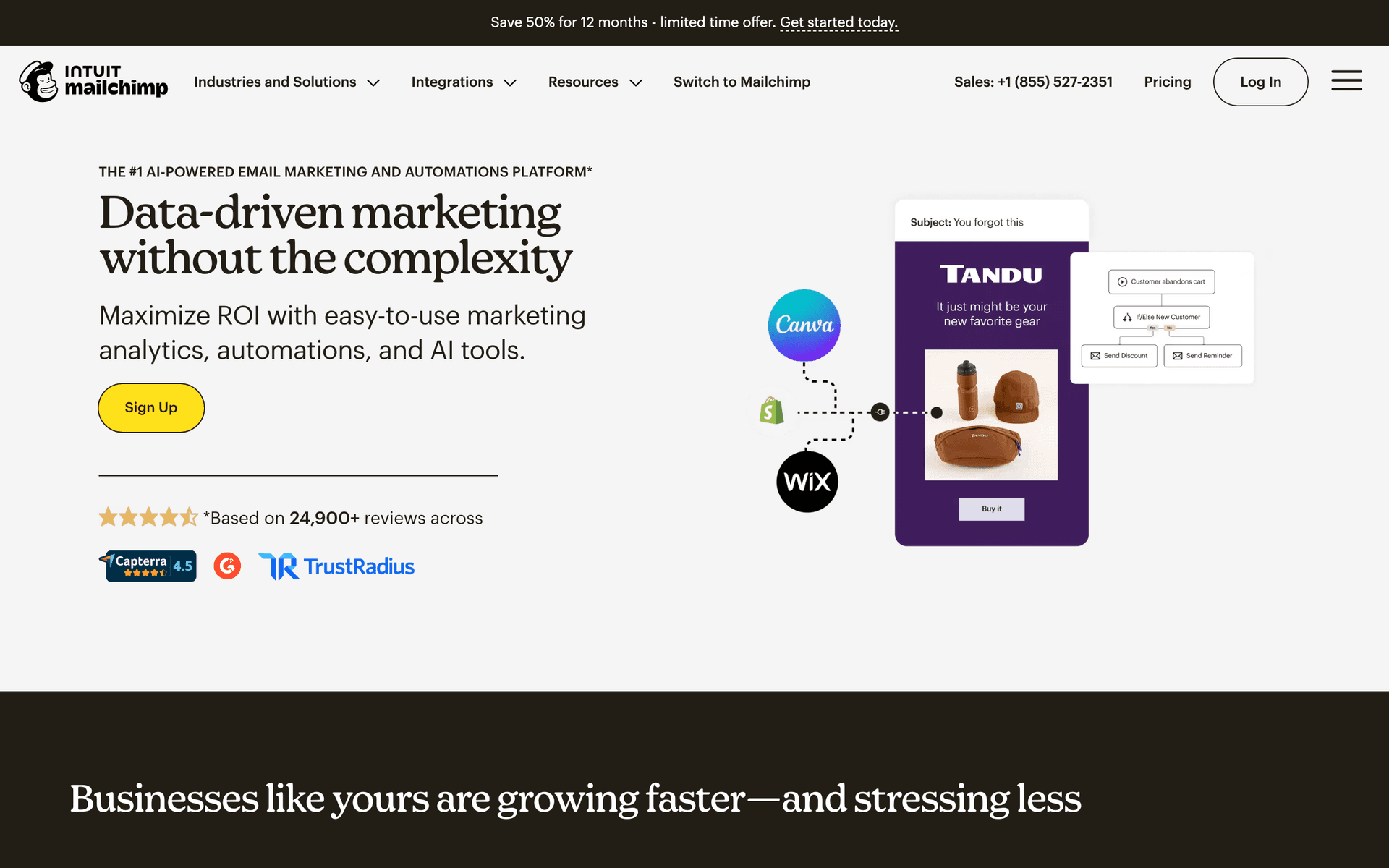
Mailchimp

Well-known email platform with comprehensive but frustrating API.

Visit

Mailchimp has a large API surface that technically covers most email marketing operations. For Hermes agents, the challenge is reliability. The API has quirks - non-standard authentication, inconsistent error formats, and aggressive rate limiting. Per-contact pricing also creates cost pressure for agents that actively manage subscribers. Only choose Mailchimp if you have an existing account that you cannot migrate away from.

Best for
Hermes agents needing to work with existing Mailchimp accounts
Pricing
Free up to 500 contacts, then $13/month

Pros

  • Large API surface
  • Well-known platform
  • Template management via API

Cons

  • No MCP server
  • API quirks frustrate autonomous agents
  • Per-contact pricing
  • Aggressive rate limits
#9
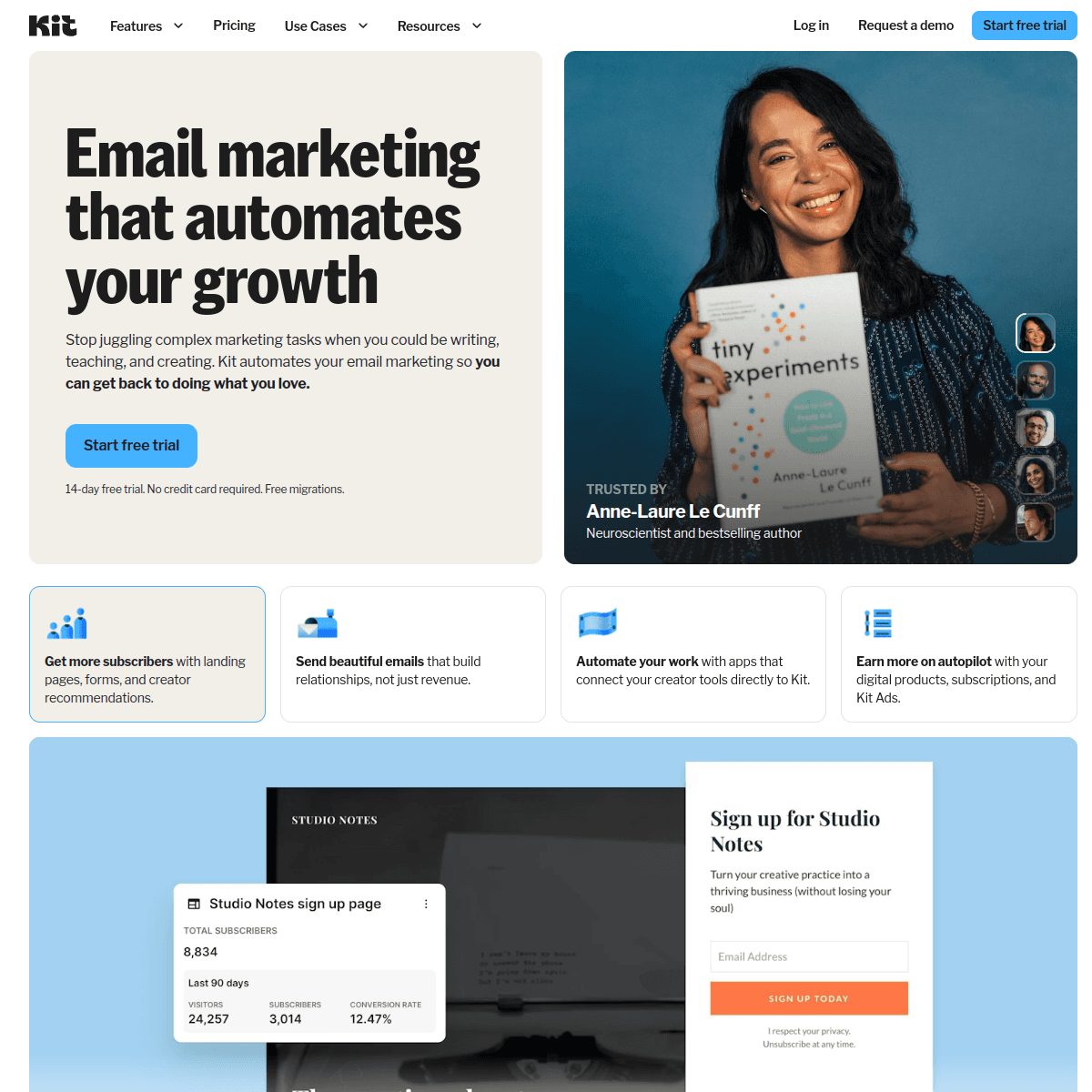
ConvertKit

Creator-focused email platform with a basic API for subscriber management.

Visit

ConvertKit's API covers subscribers, tags, sequences, and broadcasts at a basic level. For Hermes agents that need simple subscriber management - adding contacts, applying tags, triggering existing sequences - the API is functional. The severe limitation is that your agent cannot create sequences, design emails, or manage automations through the API.

Best for
Simple Hermes agent subscriber management for creator businesses
Pricing
Free up to 10,000 subscribers, then $25/month

Pros

  • Simple API, quick to integrate
  • Generous free tier
  • Subscriber tagging

Cons

  • No MCP server
  • Cannot create sequences via API
  • Extremely limited API coverage
#10
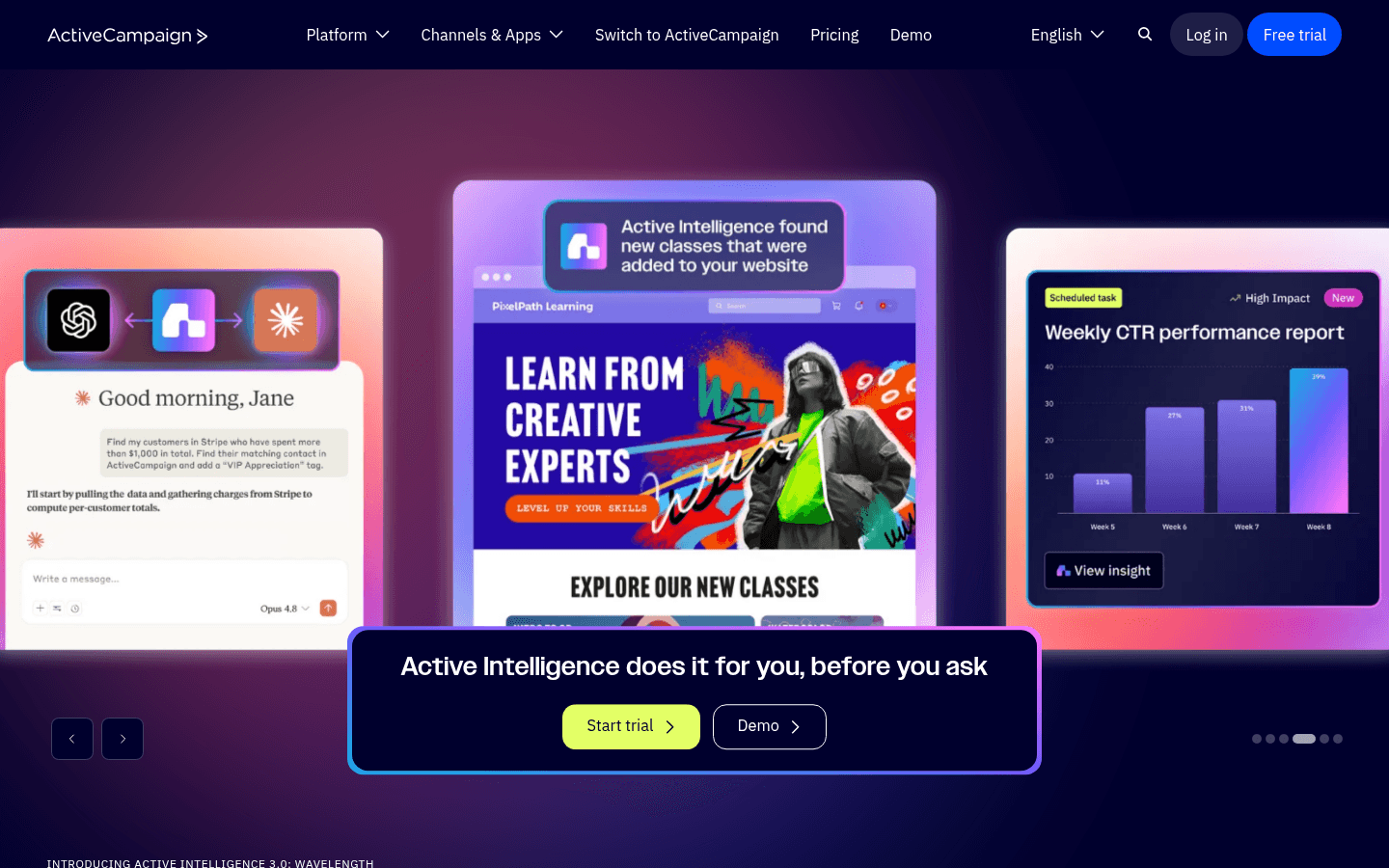
ActiveCampaign

Enterprise automation platform with deep but complex API.

Visit

ActiveCampaign has the deepest email automation capabilities, and the API exposes much of that power. For Hermes agents managing complex email programs with branching logic, CRM integration, and multi-step automations, the API provides the endpoints. The cost is integration complexity - building a reliable integration is a multi-week project. Per-contact pricing also gets expensive at scale.

Best for
Enterprise Hermes agents managing complex automation
Pricing
$29/month for 1,000 contacts

Pros

  • Deepest automation API
  • CRM integration
  • Advanced conditional logic

Cons

  • No MCP server
  • Multi-week integration effort
  • Expensive at scale
  • Steep learning curve

Feature Comparison

FeatureSequenzyResendCustomer.ioLoops
Native MCP Server
Yes (official)
No
No
No
Campaign Management
Full
Send only
Trigger only
Events only
Subscriber Management
Full
No
Full
Full
Sequence Control
Full
No
Trigger only
Trigger only
AI Content Generation
Built-in
No
No
No
Webhook Feedback
Yes
Yes
Yes
Limited
Free Tier
2,500 emails/mo
3,000 emails/mo
No
1,000 contacts
Starting Price
$29/mo
$20/mo
$100/mo
$49/mo

Common Mistakes to Avoid

We see these mistakes over and over. Skip the learning curve and avoid these from day one.

Running Email Operations Synchronously in the Main Loop

Email API calls are slow compared to local computation. If your Hermes agent processes email operations synchronously in its main reasoning loop, it wastes context window and compute time waiting for API responses. Use async patterns or background task queues for email operations that do not need immediate results.

Not Handling Email Platform Downtime Gracefully

Every email platform has occasional downtime. If your Hermes agent crashes or hangs when the email API is unavailable, your entire agent workflow stops. Build graceful degradation - queue email operations locally when the API is down and process them when it recovers.

Sending Duplicate Emails on Agent Restarts

If your Hermes agent restarts mid-workflow, it might re-process events and send duplicate emails. Implement idempotency keys for send operations - include a unique identifier with each send request so the email platform rejects duplicates. Most platforms support this through custom message IDs or headers.

Skipping Test Emails Before Production Sends

AI-generated email content can sometimes include broken personalization, incorrect links, or formatting issues. Always have your Hermes agent call send_test_email before any real campaign send. The agent should verify the test arrives and content looks correct before proceeding with the production send.

Not Testing Email Rendering Across Clients

Your Hermes agent generates email HTML that might render perfectly in Gmail but break in Outlook or Apple Mail. Use your email platform's rendering preview tools to test agent-generated emails across major clients before enabling automated sends.

Email Sequences Every Hermes Agent User Needs

These are the essential automated email sequences that will help you grow your business and keep clients coming back.

Hermes Agent Onboarding Flow

New user detected by Hermes agent monitoring signup webhook

Your Hermes agent detects a new signup, enriches the user profile with available data, and creates a personalized onboarding sequence through MCP tools.

Immediate
Welcome to [Product] - your setup starts here

Agent generates a welcome email based on the user's signup source and initial profile data. Includes personalized getting-started steps that match the user's likely use case.

Day 1
Quick win: get [specific value] in 5 minutes

Agent checks if the user completed the primary activation action. Content branches based on their progress - congratulations if they have started, simplified quickstart if they have not.

Day 4
How teams like yours use [Product]

Agent selects a relevant customer story based on the user's industry, company size, or stated use case. Personalized social proof rather than generic case studies.

Day 7
Your first week: what you have accomplished

Agent pulls the user's activity data and generates a personalized progress summary. Recommends next steps based on what they have used and what they have not explored yet.

Agent-Monitored Engagement Recovery

Hermes agent detects 14-day activity decline for a subscriber

The agent monitors user activity patterns and identifies declining engagement before it becomes churn. It creates targeted re-engagement emails based on the specific user's behavior change.

On detection
We shipped something you might have missed

Agent identifies the most relevant recent feature or update for this specific user based on their historical usage patterns. Feels like a targeted product update, not a re-engagement email.

Day 5
Quick question about your [Product] experience

Short, direct email asking if something changed. Agent drafts it to sound like a personal note from the team, not an automated message. The goal is getting a reply.

Agent-Created Product Changelog

New deployment detected by Hermes agent monitoring CI/CD pipeline

Your Hermes agent monitors your deployment pipeline. When a new version ships, it reads the commit history, generates a user-friendly changelog, and sends it to the appropriate subscriber segment.

On deployment
What is new in [Product] v[X.Y.Z]

Agent reads recent commits and pull request descriptions, filters for user-facing changes, and generates a concise changelog email. Technical changes are translated into user benefits. Includes code examples for API changes.

Why Hermes Agent Users Need Email-Capable Agents

Hermes provides the foundation for building autonomous AI agents that can reason, plan, and execute multi-step tasks. Email marketing is one of the most impactful capabilities you can give these agents because email directly drives revenue, retention, and user engagement.

The traditional email marketing workflow - log into dashboard, create campaign, select segment, write content, schedule send, check results - is exactly the kind of repetitive, multi-step process that agents handle well. A Hermes agent with access to the right email tools can compress hours of manual work into minutes of autonomous execution.

The Agent-Email Integration Pattern

The most effective pattern for Hermes email agents follows three layers:

Layer 1: Tool Access - Your agent gets email tools through MCP (Sequenzy) or API wrappers (other platforms). These tools let the agent create, read, update, and send.

Layer 2: Decision Logic - Your agent reasons about when to send, who to target, and what to say. This is where Hermes's planning capabilities shine - the agent analyzes subscriber data, campaign history, and business events to make informed decisions.

Layer 3: Execution - The agent chains tool calls together to execute complete workflows. Create a segment, draft email content, create a campaign, send a test, review, then send to the audience. All in a single autonomous flow.

Getting Started

The fastest way to connect your Hermes agent to email marketing:

npx @sequenzy/setup

This auto-configures Sequenzy MCP in your environment. Your agent immediately gets access to 40+ email tools.

Install the Sequenzy Skill

For agents that support the skills ecosystem, install the Sequenzy skill for a versioned workflow guide:

npx skills add Sequenzy/skills --skill sequenzy

The skill gives your agent a stable command reference, use-case driven guidance, and explicit caveats for unsupported flows. Instead of ad hoc prompting, your agent gets a reliable source of truth for operating Sequenzy.

Use the Sequenzy CLI for Scripted Workflows

The Sequenzy CLI gives your Hermes agent direct terminal access to email operations - ideal for CI/CD pipelines, cron jobs, and batch operations:

npm install -g @sequenzy/cli
sequenzy login

Your agent can then run commands directly:

# Add a subscriber with tags and attributes
sequenzy subscribers add user@example.com --tag premium --attr name=John

# Send a transactional email using a template
sequenzy send user@example.com --template welcome --var name=John

# List recent campaigns
sequenzy campaigns list

# Check account stats
sequenzy account stats

When to use MCP vs CLI: Use MCP tools when your agent reasons about email within a conversation (content generation, multi-step workflows, iterative refinement). Use the CLI when your agent executes email commands as part of scripted automation (post-deploy notifications, scheduled reports, batch subscriber imports).

For a detailed walkthrough with code examples and workflow templates, see our guide on how to send email with Hermes agent and Sequenzy.

How It Compares to Other Agent Frameworks

Both Hermes and OpenClaw integrate cleanly with Sequenzy's MCP server. The email capabilities are identical - same tools, same content generation, same subscriber management. Choose between them based on your broader agent architecture needs, not the email integration.

For a broader look at how AI agents are changing email marketing, see our AI agent landing page and the guide on how AI agents are replacing dashboards.

How We Evaluated These Tools

Tools were evaluated by building Hermes agent integrations for each platform. We tested: tool registration and configuration complexity, API reliability under agent-speed access patterns, error handling and recovery, content generation quality with platform context, subscriber management accuracy, and end-to-end workflow completion rates. Each integration was tested over 14 days of continuous agent operation managing a real test email program.

Frequently Asked Questions

Ready to grow your hermes agent user practice?

Start your free trial today. Set up your first email sequence in minutes with AI-powered content generation.

Related Industries

Sequenzy - Complete Pricing Guide

Pricing Model

Sequenzy uses email-volume-based pricing. You only pay for emails you send. Unlimited contacts on all plans — storing subscribers is always free.

All Pricing Tiers

  • 2.5k emails/month: Free (Free annually)
  • 15k emails/month: $19/month ($205/year annually)
  • 60k emails/month: $29/month ($313/year annually)
  • 120k emails/month: $49/month ($529/year annually)
  • 300k emails/month: $99/month ($1069/year annually)
  • 600k emails/month: $199/month ($2149/year annually)
  • 1.2M emails/month: $349/month ($3769/year annually)
  • Unlimited emails/month: Custom pricing (Custom annually)

Yearly billing: All plans offer a 10% discount when billed annually.

Free Plan Features (2,500 emails/month)

  • Visual automation builder
  • Transactional email API
  • Reply tracking & team inbox
  • Goal tracking & revenue attribution
  • Dynamic segments
  • Payment integrations
  • Full REST API access
  • Custom sending domain

Paid Plan Features (15k - 1.2M emails/month)

  • Visual automation builder
  • Transactional email API
  • Reply tracking & team inbox
  • Goal tracking & revenue attribution
  • Dynamic segments
  • Payment integrations (Stripe, Paddle, Lemon Squeezy)
  • Full REST API access
  • Custom sending domain

Enterprise Plan Features (Unlimited emails)

  • Visual automation builder
  • Transactional email API
  • Reply tracking & team inbox
  • Goal tracking & revenue attribution
  • Dynamic segments
  • Payment integrations
  • Full REST API access
  • Custom sending domain

Important Pricing Notes

  • You only pay for emails you send — unlimited contacts on all plans
  • No hidden fees - all features included in the price
  • No credit card required for free tier

Contact

  • Pricing Page: https://sequenzy.com/pricing
  • Sales: hello@sequenzy.com