
13 Best Shopify Email Marketing Apps in 2026

The Shopify App Store is not a good place to choose an email app. Every listing has a high star rating, every screenshot shows a clean dashboard, and none of them tell you the two things that actually matter: which data the app can see, and what happens when you leave.
Those two questions predict most of the real-world outcomes. An app with read access to checkouts can build a genuine cart recovery flow; one without cannot, no matter what the marketing copy says. An app that keeps your consent records in a format you can export leaves you free; one that does not has quietly locked in your list.
I compared 13 apps on that basis, along with the usual things: automation depth, catalog handling, segmentation, attribution, and cost at real store sizes. I have also covered the operational details nobody mentions, like theme app extensions that survive uninstall and slow your storefront down for a year.
For a broader platform view, see the best email marketing platforms for e-commerce. For the combined-channel version, see the best Shopify email and SMS marketing apps.
Quick comparison table
| App | Best for | Entry price | Cost at 10k contacts | Checkout events | Native admin |
|---|---|---|---|---|---|
| Klaviyo | Data-led stores | Free to 250 profiles, then from about $20/mo | About $150/mo | Deepest available | Partial embed |
| Omnisend | Best all-round value | From about $16/mo | About $115 to $132/mo | Strong | Partial embed |
| Shopify Email | New stores | Free for first 10k emails/mo | Per email above 10k | Native | Fully native |
| Seguno | Staying in the admin | Free tier, paid from about $10/mo | Low to mid | Good | Fully embedded |
| Sequenzy | Store plus subscription revenue | Paid plans from $19/mo | Send-based, unlimited contacts | Good | External |
| Drip | Behavioral email depth | From $39/mo at 2.5k | About $154/mo | Strong | External |
| Privy | List growth | From about $24/mo | Mid | Capture-focused | Partial embed |
| Sendlane | Mid-market, big lists | $100/mo for 50k sends | $100/mo, unlimited contacts | Strong | External |
| SmartrMail | Product recommendations on a budget | From about $29/mo | Mid | Good | Partial embed |
| Mailchimp | Familiarity and templates | Free tier, paid from about $13/mo | Mid to high | Basic | External |
| MailerLite | Cheap and simple | Free to 250 subs, then about $12/mo | Low | Basic | External |
| Brevo | Large lists, transactional | Free tier, Starter from about $9/mo | Send-based, unlimited contacts | Basic | External |
| Yotpo | Reviews and loyalty ecosystems | Demo-led | Custom | Ecosystem-dependent | Partial embed |
Pricing and app capabilities change often. Confirm current rates and the scopes requested at install before committing.
What the App Store listing does not tell you
Which scopes the app requests
At install, Shopify shows exactly what an app can access. Almost nobody reads it, and it is the most informative screen in the process.
Scopes that enable real functionality: read customers, read orders, read products, read checkouts, read fulfillments, read discounts, and marketing events. An app without read checkouts cannot build a proper abandoned-checkout flow.
Scopes worth a second look: write customers, write discounts, write orders. These are sometimes legitimate, for example an app that generates unique discount codes, but they should correspond to a feature you can name.
Scopes with no obvious purpose are a reason to ask the vendor before installing.
What happens on uninstall
Uninstalling revokes the app's Shopify access. It does not delete what the app already synced, and it does not give you back anything the app was holding.
Your subscriber list, consent records, templates, flows, and reporting history live in the app. Export all of it before you uninstall, because reinstalling later gives you an empty account.
Also check your theme. Theme app extensions and script tags do not always remove cleanly, and stores routinely carry orphaned embeds from apps uninstalled two years ago.
What the extension does to your storefront
Most email apps add a tracking script, and many add a theme app extension for forms or popups. One app's impact is usually minor. Five apps' accumulated impact is not.
Test your largest contentful paint before and after installing a popup app, particularly on mobile. If a capture tool costs you conversion rate, the subscribers it gains may be a bad trade.
How the reviews are distributed
Ratings skew high because apps prompt for a review right after successful onboarding, which is the moment of maximum goodwill.
Read the recent one- and two-star reviews instead. Sync failures, billing surprises, and support delays are what you are actually trying to detect, and they only appear there.
How I evaluated these apps
- Installed each on a test store and recorded the exact scopes requested.
- Placed orders, refunds, and abandoned checkouts, then verified which events arrived and how quickly.
- Built the same welcome, cart recovery, and post-purchase flows on each and timed the process.
- Checked whether a catalog product block rendered correct images, prices, variants, and links.
- Uninstalled each app and inspected the theme for leftover embeds and script tags.
- Exported subscribers and checked whether consent state, source, and timestamp survived.
- Priced each at 1,000, 5,000, 10,000, and 25,000 contacts.
- Measured storefront performance impact for the apps that add a theme extension.
The 13 best Shopify email marketing apps
1. Klaviyo
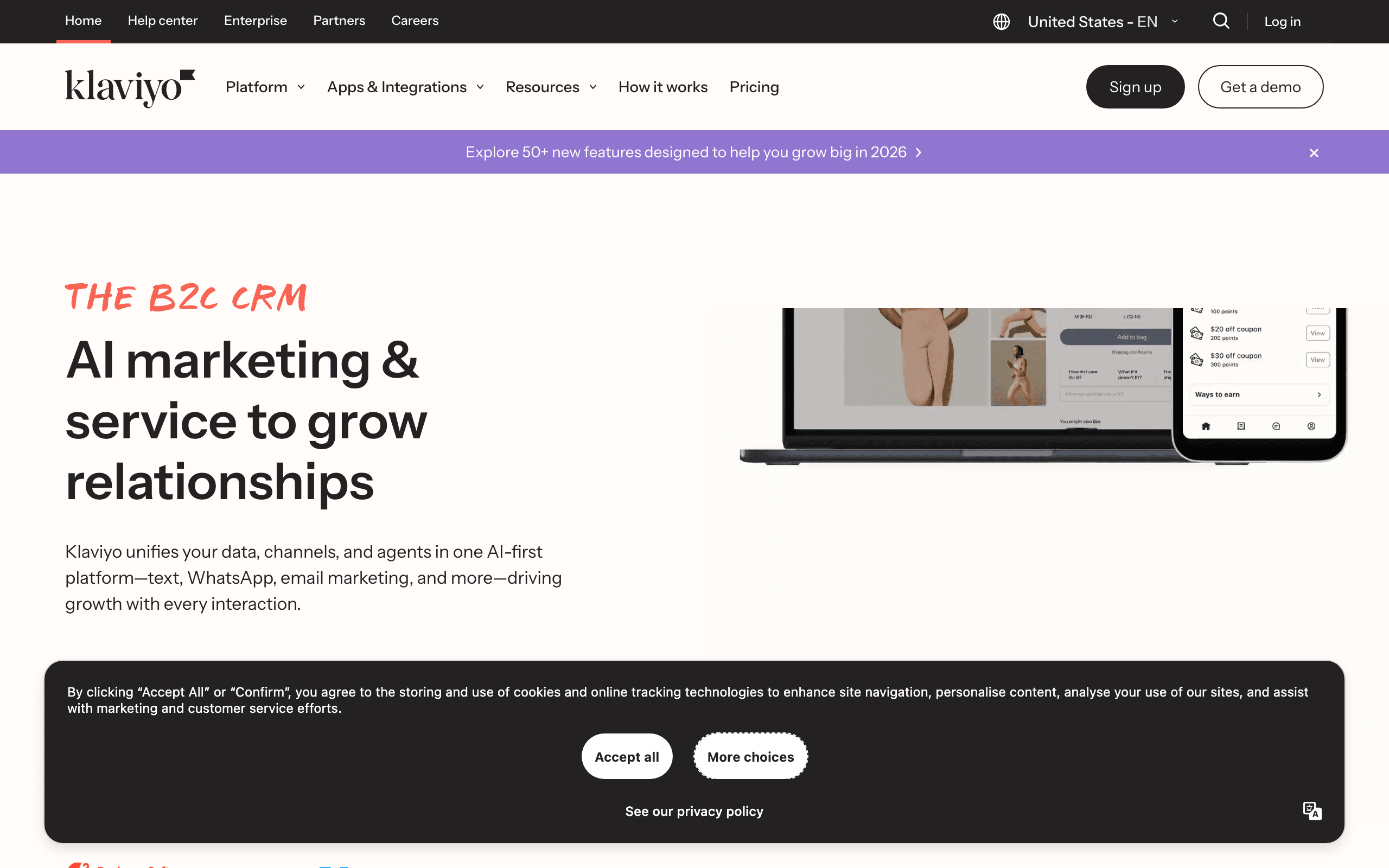
Best for: Stores where product, order, and browse behavior genuinely change the message.
Pricing: Free up to 250 profiles, then email from about $20/month, reaching roughly $150/month at 10,000 active profiles. Email plus SMS plans start around $35/month.
Klaviyo's Shopify integration is the most complete in the App Store, and the difference is not marketing. It captures more events, with better fidelity, than anything else here: browse behavior with product identity, checkout events with full cart contents, refunds, fulfillment status, discount usage, and consent state.
Everything downstream depends on that. Predicted lifetime value, churn risk, and layered segments are only possible because the underlying data is there. The flow library is the best available, and flow-level revenue reporting lets you evaluate a single step rather than a channel total.
The costs are real. Active-profile billing means a large dormant list costs money before you send. The learning curve is genuine, and many stores build sophisticated flows that nobody maintains. It is also an external platform with a partial admin embed rather than a native Shopify experience.
- Pros: Deepest Shopify event capture, predictive fields, best flow library, flow-level attribution, SMS in the same profile.
- Cons: Active-profile billing, real learning curve, easy to over-build, not a native admin experience.
Verdict: The strongest app in the store, and worth its price only if you use the data.
2. Omnisend
Best for: The best balance of capability and cost for most stores.
Pricing: Free tier available, Standard from about $16/month, roughly $115 to $132/month at 10,000 contacts. SMS on Pro from about $0.009 down to $0.007 per US message.
Omnisend is the app I would recommend to most Shopify stores that are not specifically data-led. The prebuilt commerce automations cover welcome, cart recovery, browse abandonment, and post-purchase competently, and you can have them live in a couple of days rather than a couple of weeks.
Email, SMS, and push share one canvas and one subscriber record, which is unusual at this price and genuinely useful. The product picker makes catalog-driven emails fast, and the signup forms are decent enough that many stores do not need a separate capture app.
The ceiling arrives when segmentation needs precision. There are no predictive fields, reporting is less granular than Klaviyo's, and SMS sits behind the Pro plan on current pricing.
- Pros: Fast to launch, three channels on one canvas, strong prebuilt flows, good forms included, excellent value under 10k contacts.
- Cons: Segmentation ceiling, no predictive data, SMS gated to Pro, contact-based billing.
Verdict: The best default for a store that wants working automation without a project.
3. Shopify Email
Best for: New stores and simple campaign programs.
Pricing: Included with eligible Shopify plans, with the first 10,000 marketing emails each month at no charge and additional volume billed per Shopify's current rules.
Shopify Email's biggest advantage is that there is nothing to integrate. It reads your catalog and customers directly, has no scopes to review, adds nothing to your theme, and costs nothing under 10,000 emails a month.
For a store still proving demand, that combination is genuinely hard to beat. The editor pulls products and brand assets, so a credible campaign takes an afternoon.
The ceiling is low and you should be honest about it. Segmentation is basic, automation is narrow, there is no browse behavior, no product recommendation engine, and no meaningful revenue attribution. Shopify's own abandoned-checkout message is one message, not a tuned three-step recovery flow.
- Pros: No integration, no scopes, no theme impact, free under 10k emails, native catalog and customer data.
- Cons: Basic segmentation, narrow automation, no browse behavior, thin attribution, Shopify only.
Verdict: Start here. Move when the revenue from unbuilt flows exceeds a subscription.
4. Seguno
Best for: Merchants who want email to live inside the Shopify admin.
Pricing: Free tier for small lists, with paid plans starting around $10/month.
Seguno is the most genuinely native app in this comparison. Campaigns, automations, discounts, products, and reporting all happen inside the Shopify admin, which means no context switching, no second login, and no separate mental model.
That operational advantage is underrated. A merchant who chose Shopify partly for simplicity often gets more done in Seguno than in a more capable external platform they open twice a month.
The trade-offs are portability and depth. It is Shopify-only, so a future move to another platform means starting over, and stores with complex multichannel programs will outgrow it sooner than a dedicated platform.
- Pros: Fully embedded in the Shopify admin, low cost, good discount and product integration, quick for merchants to operate.
- Cons: Shopify only, limited depth for complex journeys, smaller feature surface, no multichannel story.
Verdict: The best upgrade from Shopify Email if native simplicity is what you value.
5. Sequenzy
Best for: Stores that also bill subscriptions, memberships, or digital products outside Shopify.
Pricing: Paid plans from $19/month with send-based email pricing and unlimited contacts, plus an SMS add-on from $16/month including 1,000 credits.
Disclosure: I build Sequenzy. For a pure Shopify store where merchandising depth is the priority, Klaviyo and Omnisend are better apps, and I would rather say that than argue otherwise.
The case it fits is a store whose revenue is not all Shopify. If you sell physical product through Shopify and also bill a subscription, membership, or course through Stripe, Paddle, Polar, Creem, or Dodo Payments, running two marketing platforms means two subscriber lists and constant deduplication. The Shopify integration handles store events and the billing integrations handle subscription events, into one profile.
Practically: sequences cover branching and waits, catalog sync and dynamic product blocks handle product-driven emails, revenue attribution ties orders back to steps across both revenue streams, and transactional email lives in the same platform. Send-based pricing means a large dormant list costs nothing. Everything is available through a full API, CLI, and MCP server.
Honest limits: no predictive analytics or AI product recommendations, no browse abandonment as mature as Klaviyo's, and it is an external platform rather than an embedded admin app.
- Pros: Shopify plus Stripe and other billing platforms in one profile, send-based pricing with unlimited contacts, transactional and marketing together, strong API, CLI, and MCP, SMS add-on with no plan gate.
- Cons: No predictive analytics, less mature browse abandonment, not an embedded admin experience.
Verdict: The right pick for hybrid businesses. Not the deepest pure-Shopify app.
6. Drip
Best for: Stores that want behavioral email depth without platform weight.
Pricing: From about $39/month at 2,500 contacts, rising to roughly $154/month at 10,000, with all features included at every tier.
Drip is built around e-commerce behavior rather than newsletters. The visual workflow builder handles conditions, branches, delays, and purchase-based segments well, and reporting is oriented around which flow produced revenue.
Nothing is gated by tier, which removes a common frustration where a needed capability sits one plan up.
At 10,000 contacts it costs more than Klaviyo's email plan, which makes it hard to justify on price. It is also email-first with no serious SMS story, so a store planning a text program should look elsewhere.
- Pros: Strong behavioral automation, all features on every plan, good revenue attribution, commerce-oriented.
- Cons: More expensive than Klaviyo at 10k contacts, no free tier, no real SMS, smaller ecosystem.
Verdict: A capable email-first app with an unusually fair feature model.
7. Privy
Best for: Stores whose email problem is that not enough people have subscribed.
Pricing: Around $24/month for pop-ups and displays only, or about $30/month with email included. Display pricing scales with page views.
Privy is the app to install when your list is the constraint. Exit intent, spin-to-win, cart savers, and well-targeted mobile units convert visitors at rates that generic footer forms do not approach.
The email layer handles a welcome and a cart reminder adequately, and for a small store that may be enough on its own.
Most stores end up running it alongside a primary platform, which is a legitimate architecture provided you decide which system owns consent. Watch the storefront performance impact: popup apps are the most likely category here to affect your page speed.
- Pros: Best-in-class on-site capture, quick to deploy, good Shopify fit, inexpensive relative to impact.
- Cons: Shallow lifecycle email, usually a second app rather than the only one, popup performance impact worth testing.
Verdict: Install it to fix capture, not to run your program.
8. Sendlane
Best for: Mid-market stores with large accumulated lists.
Pricing: Professional from $100/month for 50,000 email sends with unlimited contacts. SMS from about $0.009 per credit.
Sendlane's advantage is billing shape. Unlimited contacts on send-based pricing means the dormant half of your database costs nothing, which for a store with several years of history often outweighs every feature difference.
The commerce depth is genuinely competitive: behavior-based automation, real segmentation, and revenue attribution built for stores. Multi-store operators are well served.
The $100 floor makes it poor value below roughly 8,000 contacts, and the smaller ecosystem means fewer agencies know it well.
- Pros: Unlimited contacts on send-based pricing, real commerce depth, email and SMS integrated, good multi-store support.
- Cons: $100/month floor, poor value at small list sizes, smaller ecosystem, less recognition.
Verdict: The most commonly skipped comparison for established Shopify stores.
9. SmartrMail
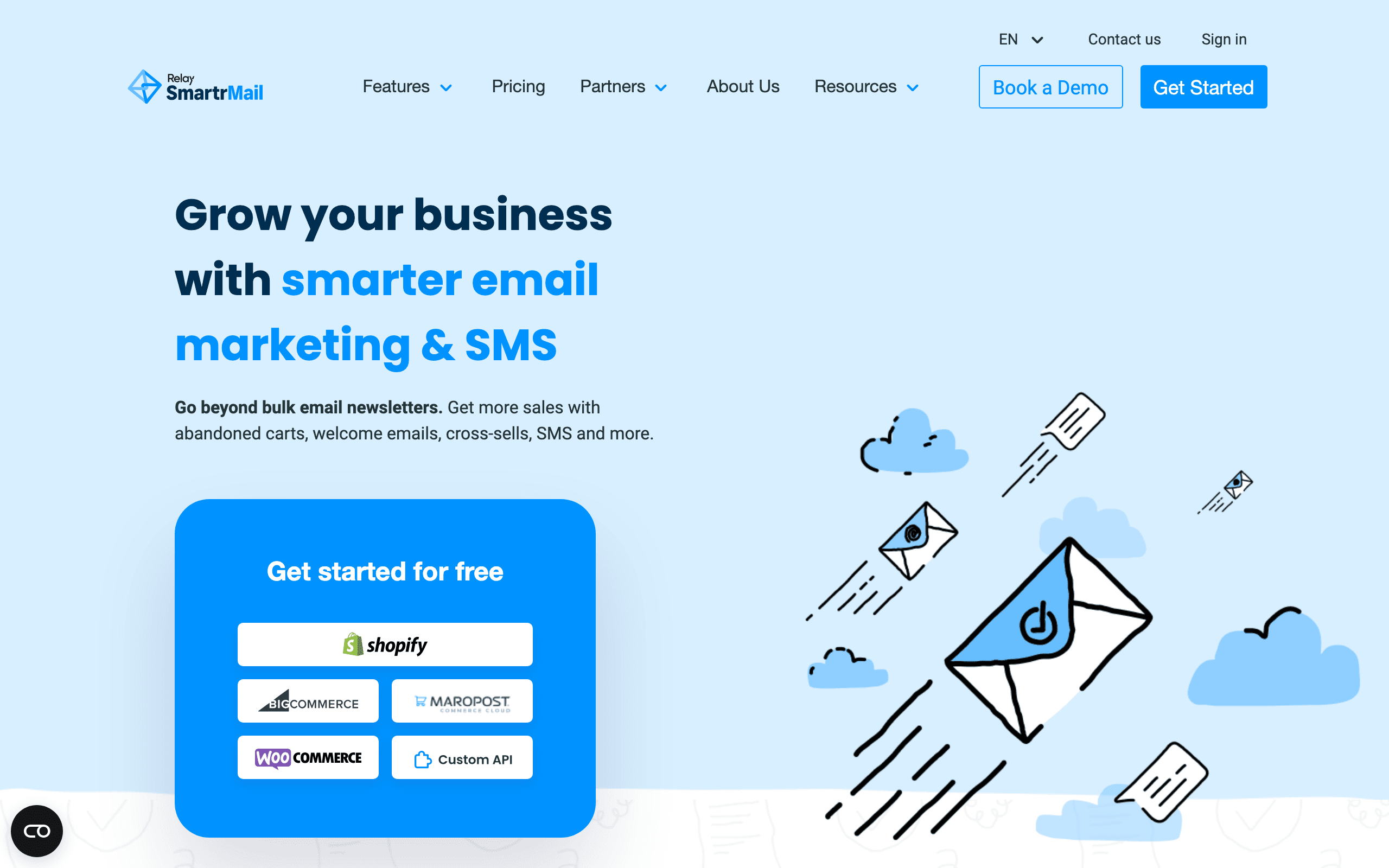
Best for: Stores that want catalog-driven recommendations without Klaviyo pricing.
Pricing: From about $29/month, scaling with list size.
SmartrMail's focus is product recommendations. It is built around getting relevant catalog items into emails automatically, which is the feature most stores actually want from personalization and the one that generic ESPs handle worst.
For a store where cross-sells and repeat purchases drive the business, that focus is worth more than a broader feature list.
It is a smaller product with a smaller ecosystem, a less polished editor, and less depth in segmentation and reporting. Treat it as a focused tool rather than a full platform.
- Pros: Strong catalog-driven recommendations, Shopify-focused, cheaper than Klaviyo for the same core job, easy to operate.
- Cons: Smaller ecosystem, less segmentation and reporting depth, editor less polished, narrower feature surface.
Verdict: Worth evaluating when recommendations are the feature you are actually buying.
10. Mailchimp
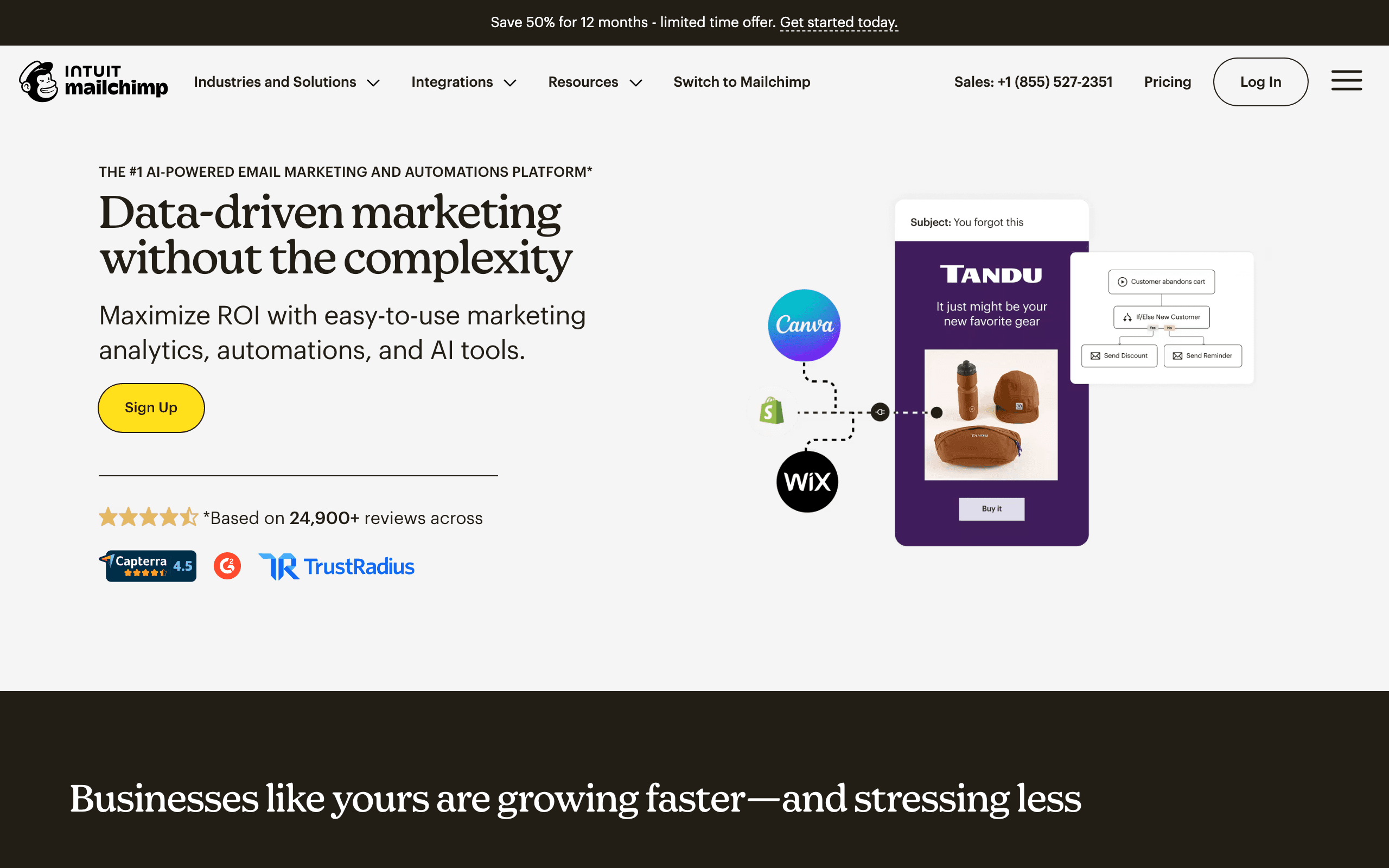
Best for: Stores that want a general marketing suite and familiar tooling.
Pricing: Free tier for small lists, then paid marketing plans from about $13/month, billed by contacts.
Mailchimp's Shopify relationship has been through several phases and its connector now syncs customers and orders adequately for basic segmentation and campaigns.
What it offers over the commerce specialists is breadth and familiarity: landing pages, forms, ads, an enormous template library, and a tool that most freelance marketers already know.
As a Shopify email app specifically, it is weak. Cart, browse, product, and revenue workflows are peripheral to the product, contact billing climbs quickly, and the checkout event handling is basic compared with a purpose-built commerce app.
- Pros: Familiar to nearly everyone, best template library, broad marketing surface, easy to hire for.
- Cons: Basic checkout event handling, shallow commerce automation, contact billing climbs, not Shopify-first.
Verdict: A general marketing tool that also emails your customers. Rarely the best Shopify choice.
11. MailerLite
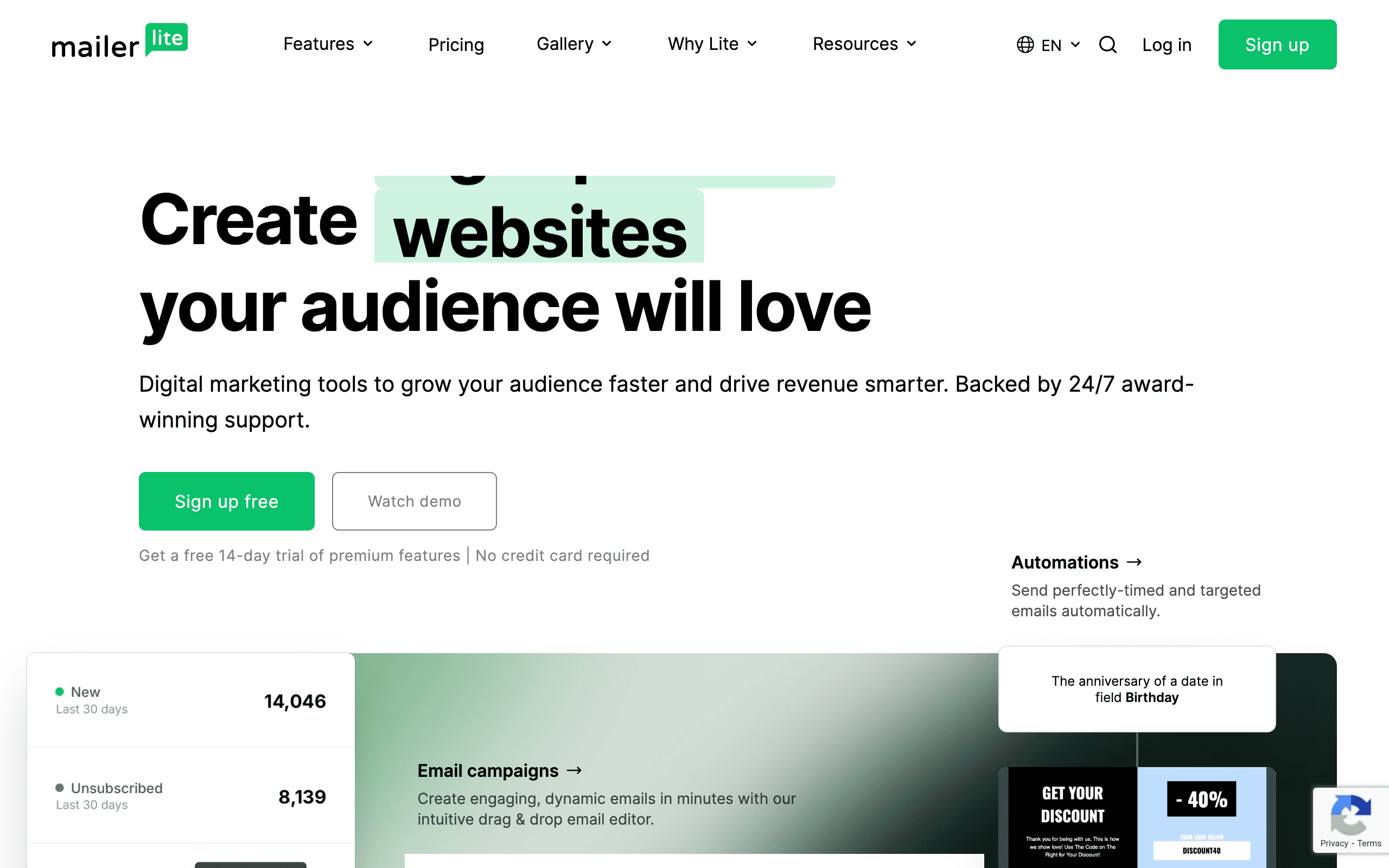
Best for: Small stores that want a clean editor at a low price.
Pricing: Free up to 250 subscribers and 2,500 monthly emails, with Comfort from about $12/month.
MailerLite is inexpensive and pleasant to use. The editor is better than most commerce apps, landing pages and forms are included, and basic automation handles a welcome series and simple follow-ups.
For a store with a small list sending occasional campaigns, it is sufficient and cheap.
The Shopify integration is basic. If a segment needs multiple order conditions, or an email needs a dynamic product block driven by purchase history, this is the wrong app.
- Pros: Very low cost, best editor for the price, landing pages and forms included, generous free tier.
- Cons: Basic Shopify integration, limited commerce automation, shallow segmentation, no real SMS.
Verdict: Good value for a genuinely simple program.
12. Brevo
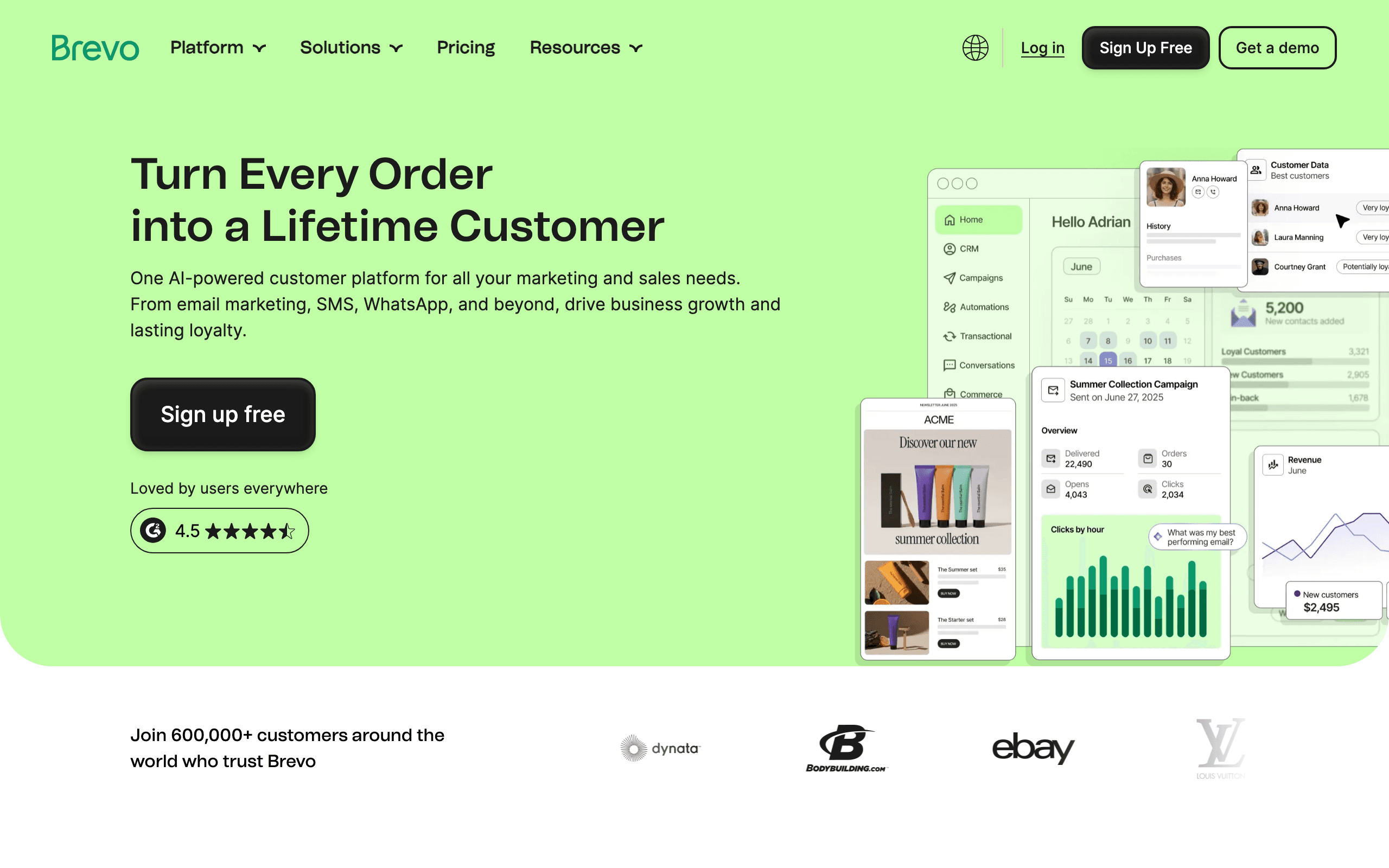
Best for: Stores with large lists, infrequent sending, or heavy transactional volume.
Pricing: Free plan with a daily send allowance, then Starter from around $9/month for 5,000 emails, with unlimited contacts. SMS credits are priced per destination.
Brevo's shape suits a specific store: a big accumulated list, a handful of campaigns a month, and a need for transactional email that most Shopify email apps do not cover.
Unlimited contacts with send-based pricing means the database is free to hold, and international SMS coverage is broader than the commerce specialists offer.
Commerce automation is the weakest of the credible options here. Cart, catalog, and behavioral flows are thin, and the Shopify integration is more about syncing contacts and orders than driving behavioral triggers.
- Pros: Unlimited contacts, send-based pricing, transactional email included, broad international SMS, very low cost.
- Cons: Thin commerce automation, basic Shopify event handling, weak merchandising, basic reporting.
Verdict: Strong economics, weak commerce depth. Correct for simple programs on big lists.
13. Yotpo
Best for: Stores already invested in Yotpo reviews and loyalty.
Pricing: Demo-led, with package pricing across the retention suite.
Yotpo's value has always been the ecosystem rather than the email product: a review submission, a loyalty tier change, or a reward event becoming part of your messaging strategy without rebuilding the integration.
Important context: Yotpo retired its native Email and SMS products at the end of 2025, so brands wanting Yotpo-connected messaging now need a separate messaging platform alongside Yotpo's reviews and loyalty. That materially changes how you should evaluate it as an email app.
Treat Yotpo as a retention data source that feeds your email platform, rather than as the email platform itself, and check the current product state directly before planning around it.
- Pros: Strong reviews and loyalty ecosystem, useful retention events, established in mid-market retail.
- Cons: Native email and SMS were retired at the end of 2025, demo-led pricing, requires a separate messaging platform.
Verdict: A retention data source now, not an email app. Verify the current product state before relying on it.
Cost at real store sizes
Email only, before SMS. Model this with your actual contact count, including dormant subscribers.
| Contacts | Shopify Email | Seguno | Omnisend | Klaviyo | Sendlane | Brevo |
|---|---|---|---|---|---|---|
| 500 | Free under 10k emails | Free tier | Free tier or about $16/mo | Free tier | $100/mo floor | Free tier |
| 2,500 | Free under 10k emails | About $10 to $25/mo | Roughly $30 to $40/mo | Roughly $45 to $60/mo | $100/mo floor | Low tier |
| 10,000 | Per email above 10k | Mid tier | About $115 to $132/mo | About $150/mo | $100/mo, unlimited contacts | Send-volume tier |
| 25,000 | Per email above 10k | Higher tier | Climbs | Climbs steeply | Higher send tier | Send-volume tier |
| 25,000 with 8,000 engaged | Per email above 10k | Billed on full list | Billed on full list | Billed on full profile count | Billed on sends only | Billed on sends only |
The last row is the one that decides most upgrades. Contact-billed apps charge for your whole database; send-billed apps charge for messages. If a large share of your list is dormant, that difference eventually exceeds every feature comparison.
Before switching for cost, sunset genuinely dead subscribers and re-price. It often removes the reason to move and improves deliverability at the same time.
An install and uninstall checklist
Before installing:
- Read the scopes screen. Confirm each requested permission maps to a feature you want.
- Check for a theme app extension and whether it is optional.
- Read the last three months of one- and two-star App Store reviews.
- Confirm the export format for subscribers, consent state, and suppression lists.
- Note the billing model: Shopify-billed apps appear on your Shopify invoice, external platforms bill separately.
During setup:
- Place a test order and confirm it arrives with line items, discount, and customer identity.
- Refund that order and confirm downstream flows are suppressed.
- Abandon a checkout with an identified email and wait the full delay window.
- Send a test campaign with a product block and check images, prices, variants, and links.
- Measure storefront performance before and after if the app adds a theme extension.
Before uninstalling:
- Export subscribers with consent state, source, and timestamp.
- Export the suppression list separately.
- Export at least 12 months of campaign and flow reporting, which does not migrate.
- Screenshot or document your flows before they become inaccessible.
- After uninstalling, inspect your theme for orphaned app embeds and script tags.
Step 15 is the one everybody skips, and it is why so many Shopify stores carry performance debt from apps they stopped using years ago.
Frequently asked questions
What is the best email marketing app for Shopify?
Klaviyo for stores where product, order, and browse data genuinely change what gets sent. Omnisend for the best balance of capability and price under roughly 10,000 contacts. Shopify Email for a new store, since the first 10,000 marketing emails each month are included. Seguno if working inside the Shopify admin matters more than portability. The right answer depends on how much of the data depth you will actually use.
Is Shopify Email good enough?
For a new store, usually yes. It uses your catalog and customer data, costs nothing under 10,000 marketing emails a month, and needs no integration. It stops being enough when you need multi-step cart recovery, browse abandonment, purchase-based segmentation, conditional post-purchase content, or flow-level revenue reporting. The signal to move is when the revenue from unbuilt flows exceeds the subscription you are avoiding.
Do Shopify email apps slow down my store?
Most email apps add a small tracking script and often a theme app extension for forms or popups. Individually the impact is minor; the problem is accumulation, because stores rarely remove extensions from apps they have uninstalled. Audit your theme for orphaned app embeds after every uninstall and test your storefront's largest contentful paint before and after adding a popup app.
What happens to my data if I uninstall a Shopify email app?
Shopify revokes the app's access, but the app keeps whatever it already synced unless you request deletion. Your subscriber list, consent records, and campaign history live in the app, not in Shopify, so export everything before uninstalling. Reinstalling later does not restore your flows, templates, or reporting history.
Which data scopes should a Shopify email app request?
Reasonable scopes are read access to customers, orders, products, and checkouts, plus marketing events and script or theme extension access for capture. Be more careful with write access to customers or discounts, and question anything asking for scopes it has no obvious use for. Shopify shows the full list at install; read it rather than clicking through.
Can I run two Shopify email apps at once?
You can, and it usually causes problems. Two apps mean two subscriber databases, two suppression lists, and two systems that will both happily email the same customer. It works when the second app has a clearly separate job, such as popups for capture or SMS as a specialist channel, and one system is explicitly the owner of consent.
Do App Store ratings tell you anything useful?
Very little on their own. Ratings skew high because apps prompt for reviews after successful onboarding, and the reviews that matter are the recent one- and two-star ones describing sync failures, billing surprises, or support delays. Read the last three months of negative reviews and ignore the average.
How much do Shopify email apps cost at 10,000 contacts?
Roughly $115 to $132 per month for Omnisend, around $150 for Klaviyo's email plan before SMS, about $100 for Sendlane on send-based pricing with unlimited contacts, and per-email charges above the free 10,000 for Shopify Email. Contact-based apps get considerably more expensive as dormant subscribers accumulate, which is the main cost variable to model.
Final recommendation
- New store: Shopify Email. Free under 10,000 emails, no integration, no scopes to worry about.
- Wants native simplicity: Seguno. The only genuinely embedded option worth using.
- Most growing stores: Omnisend. Best balance of capability, speed, and price.
- Data-led store on Shopify: Klaviyo, if segmentation will actually change what you send.
- Large dormant list: Sendlane, or Brevo if you will trade commerce depth for the lowest cost.
- Store plus subscription revenue: Sequenzy, so both revenue streams share one profile.
- Recommendations are the priority: SmartrMail.
- List growth is the constraint: Privy, alongside whatever else you run.
- Already on Yotpo: verify the current product state, and plan for a separate messaging platform.
Whatever you install, read the scopes, test a refund, and export before you uninstall. Those three habits prevent most of the problems stores actually have with email apps.
Related resources
- Best Shopify email and SMS marketing apps - the combined-channel version
- Best email marketing tools for Shopify - the wider platform roundup
- Best marketing automation platforms for e-commerce - the automation-first view
- Shopify integration - how Sequenzy connects
- Shopify email marketing guide - strategy rather than tooling