Updated 2026-06-25

Best Email Marketing Tools for Paid Community Creators

Convert trials to paid, onboard members fast, keep them engaged, and stop churn before it cancels - with the right email platform behind your membership.

A paid community lives and dies on recurring revenue, and recurring revenue lives and dies on email. The community platform - Circle, Skool, Mighty Networks, or a Discord - hosts the space, but it rarely runs the lifecycle around it. Email is what turns a trial into a paying member, walks a new member to their first post, pulls a lapsed lurker back in before they cancel, and recovers a failed payment before the subscription silently dies. Most community operators obsess over content and events and ignore the math: a membership that loses 8% of members a month needs to replace its entire base every year just to stand still, and most of that loss is preventable with the right emails. Cutting monthly churn from 8% to 5% can roughly double the average lifetime value of a member. Here are 17 email platforms that work for paid community creators, ranked by how well they handle trial conversion, onboarding, engagement, churn prevention, failed-payment dunning, and win-back.

TL;DR

Sequenzy is the best fit for paid community creators who want AI to write the entire trial-conversion, onboarding, re-engagement, and dunning sequence in seconds, with native Stripe integration that turns subscription and payment events into automated emails - genuinely useful when recurring billing and dunning are the whole game. ActiveCampaign is the power choice when engagement scoring and complex churn-risk branching drive your retention. ConvertKit is the natural pick for creators running a membership beside a newsletter and digital products.

Why Paid Community Creators Need Email Marketing

Convert Trials to Paid

Most trial members never convert on their own. A trial-conversion sequence that drives a real in-community win and clearly communicates what ends is what turns a free trial into recurring revenue.

Onboard Members Into the Community

Members who take a real action in week one are far more likely to still be paying in month three. Onboarding emails drive that first post, connection, or event - the moment that creates belonging.

Prevent Churn Before It Cancels

Churn starts with silence, not the cancel button. Re-engagement sequences triggered by inactivity pull lurkers back before renewal, when saving a member is far cheaper than acquiring a new one.

Recover Failed Payments

A large share of churn is involuntary - expired or declined cards. A dunning sequence recovers members who never meant to leave, making it the highest-ROI automation a recurring community runs.

Paid Community Creators Email Marketing Benchmarks

Know these numbers before you start. They'll help you set realistic goals and pick the right tool.

20-40%
Trial-to-Paid Conversion Rate

A free or low-cost trial with a single 'trial ending' email converts around 20-25%. A full conversion sequence that drives a real in-community win and clearly communicates what ends typically lifts this to 35-40%. This is the single clearest measure of your trial-conversion emails.

3-8%
Monthly Member Churn Rate

Healthy paid communities run 3-5% monthly churn; 8%+ signals an onboarding or engagement problem. Cutting churn from 8% to 5% roughly doubles average member lifetime value, which is why retention emails matter more than acquisition for established communities.

30-50%
Failed-Payment Recovery Rate

A dunning sequence recovers 30-50% of failed payments that would otherwise become involuntary churn. These are members who wanted to stay - the only barrier was an expired or declined card. This is usually the highest-ROI automation a recurring community runs.

30-45%
Weekly Digest Open Rate

A consistent weekly community digest opens at 30-45% because members opted in to belong. If yours is under 25%, the digest is not giving members a real reason to log back in, or your sender reputation needs attention.

Important Tips Before You Choose

Lessons from paid community creatorswho've been doing this for years. Save yourself the trial and error.

Treat the trial-to-paid window as your highest-leverage sequence

Most free trials never convert, and the gap between a 20% and a 40% trial conversion rate is almost entirely the email sequence in between. A trial member needs to experience one real win inside the community before the card is charged. A sequence that walks them to their first post, their first connection, and one piece of high-value content - then reminds them clearly when the trial ends and what they lose - converts far better than a single 'your trial is ending' email on the last day.

Onboard to a behavior, not to a welcome email

A new member who posts, comments, or attends one event in their first week is dramatically more likely to still be paying in month three. Your onboarding sequence should drive one specific action - introduce yourself, join the live call, complete your profile - not just say welcome. Members who go silent in week one are your churn pipeline, so design the first seven days to manufacture a single moment of belonging.

Send a weekly digest that pulls lurkers back into the community

The single most reliable retention email is a weekly digest: the best discussions, upcoming events, new resources, and a reason to log back in. Lurkers forget the community exists between logins, and a membership you forget about is a membership you cancel. A consistent weekly digest is the cheapest, highest-ROI email a community runs - it converts passive members into active ones, and active members do not churn.

Watch engagement, not just billing, to predict churn

By the time someone clicks cancel, you have already lost them. The real churn signal is silence - a member who has not logged in, posted, or opened an email in two to three weeks is at high risk. Tag inactive members automatically and trigger a re-engagement sequence before the renewal date, not after the cancellation. Saving an at-risk member is far cheaper than acquiring a new one.

Treat failed payments as a deliverability problem, not a billing footnote

A large share of involuntary churn is failed payments - expired cards, insufficient funds, fraud blocks - from members who never meant to leave. A dunning sequence (payment failed, retry in progress, final notice before cancellation) recovers a meaningful slice of revenue that would otherwise vanish silently. This is the highest-ROI automation a recurring community can run, because the member already wants to stay; they just need a working card.

Win back recent cancellers within 30 days

A member who cancelled last week remembers exactly why they joined. A win-back sequence - acknowledge the cancellation, ask what went wrong, share what is new, and offer a clear reason to return - recovers former members at a far higher rate than cold acquisition. The window matters: a win-back email at day 7 and day 21 outperforms one sent three months later when the community has faded from memory.

17 Best Email Marketing Tools for Paid Community Creators

#ToolDescriptionBest ForPricing
1SequenzyAI-powered email marketing built for recurring, event-driven membership lifecycles.Community operators who want AI-built lifecycle sequences and native Stripe-driven trial conversion and dunningFree up to 2,500 emails/mo, then from $19/mo (unlimited contacts)
2ActiveCampaignThe most powerful automation for engagement scoring and churn-risk branching.Communities with high lifetime value running engagement scoring and complex churn-risk branchingFrom $29/month for 1,000 contacts
3ConvertKitCreator-focused email with clean automation, forms, and a free tier.Creators running a paid community alongside a newsletter and productsFree up to 1,000 subscribers, then from $29/month
4BrevoEmail plus SMS for payment nudges at a budget-friendly price.Communities that want SMS payment nudges alongside email on a budgetFree up to 300 emails/day, then from $25/month
5CirclePremium community platform with paywalls and basic built-in email.Premium communities hosting on Circle paired with a dedicated email toolFrom $89/month (paid communities on higher tiers)
6SkoolSimple all-in-one community and courses with minimal built-in email.Creators hosting a community on Skool who add a dedicated email tool for lifecycleFlat $99/month
7Mighty NetworksCommunity platform with courses, events, and light built-in messaging.Event- and course-rich communities on Mighty Networks paired with a dedicated email toolFrom $49/month (paid features on higher tiers)
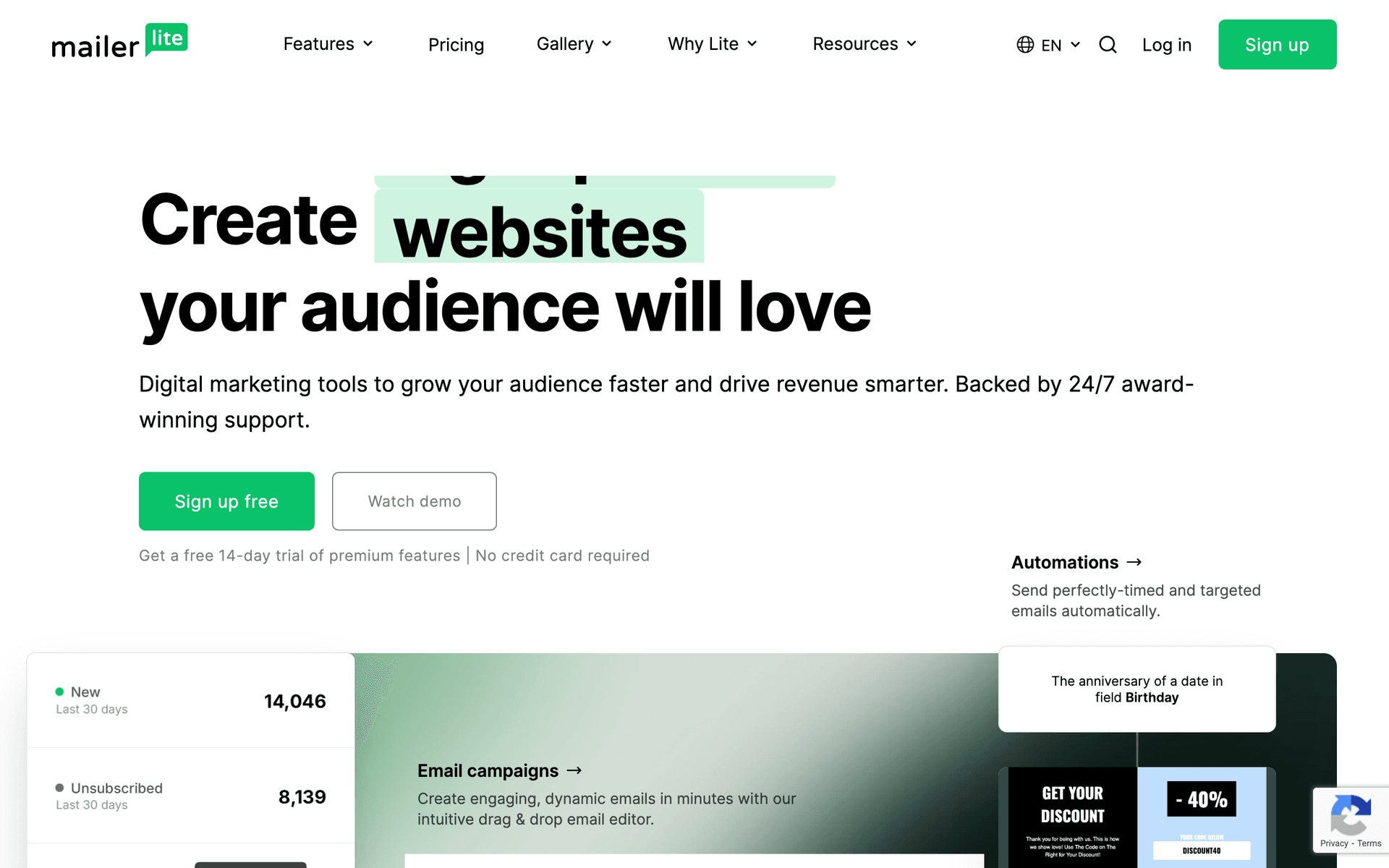
8MailerLiteClean, affordable email with good landing pages for trial signups.Communities wanting simple onboarding and digests cheaplyFree up to 1,000 subscribers, then from $10/month
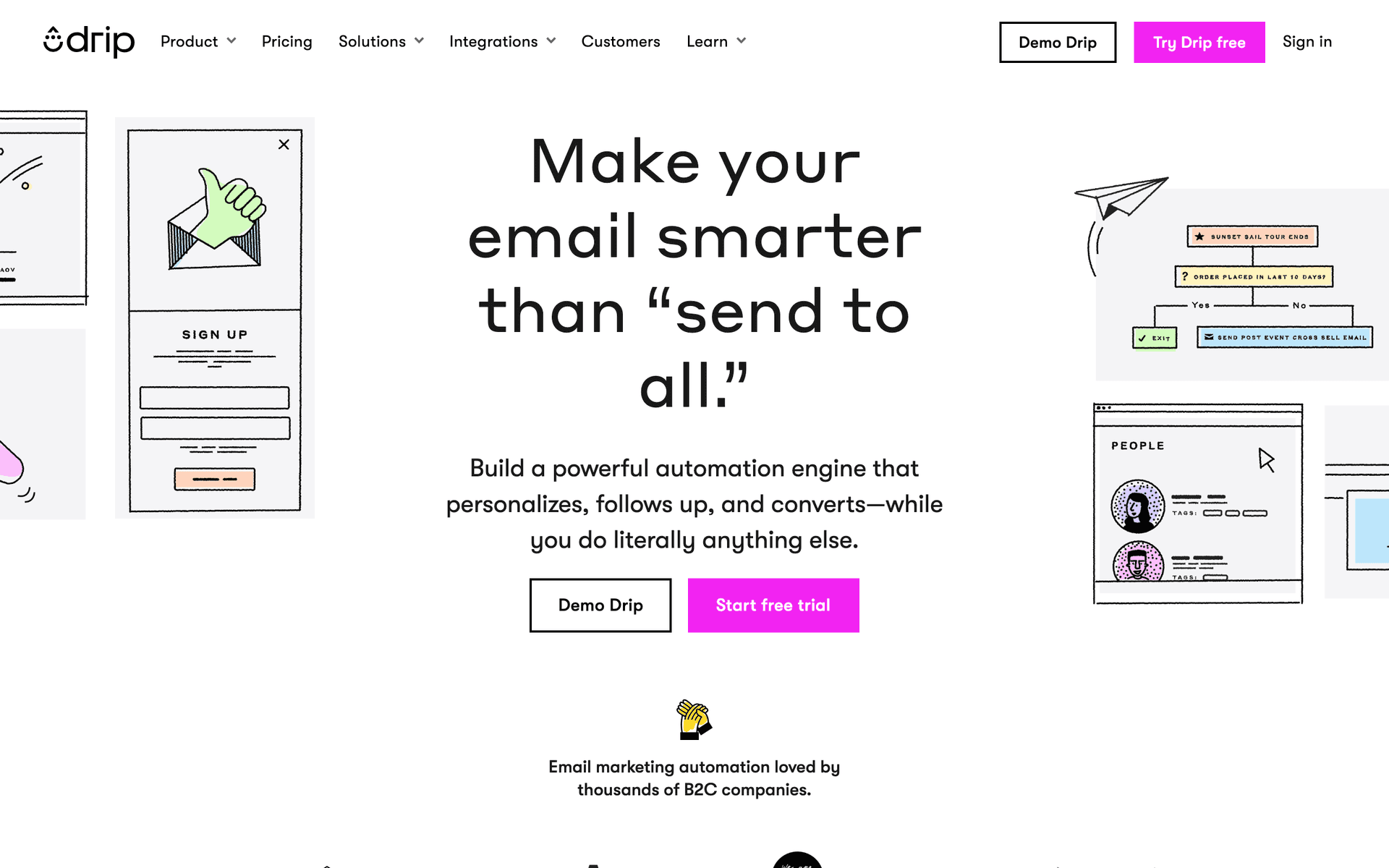
9DripRevenue-focused automation for communities that sell add-ons and upsells.Communities selling products or upsells who want revenue attributionFrom $39/month for 2,500 contacts
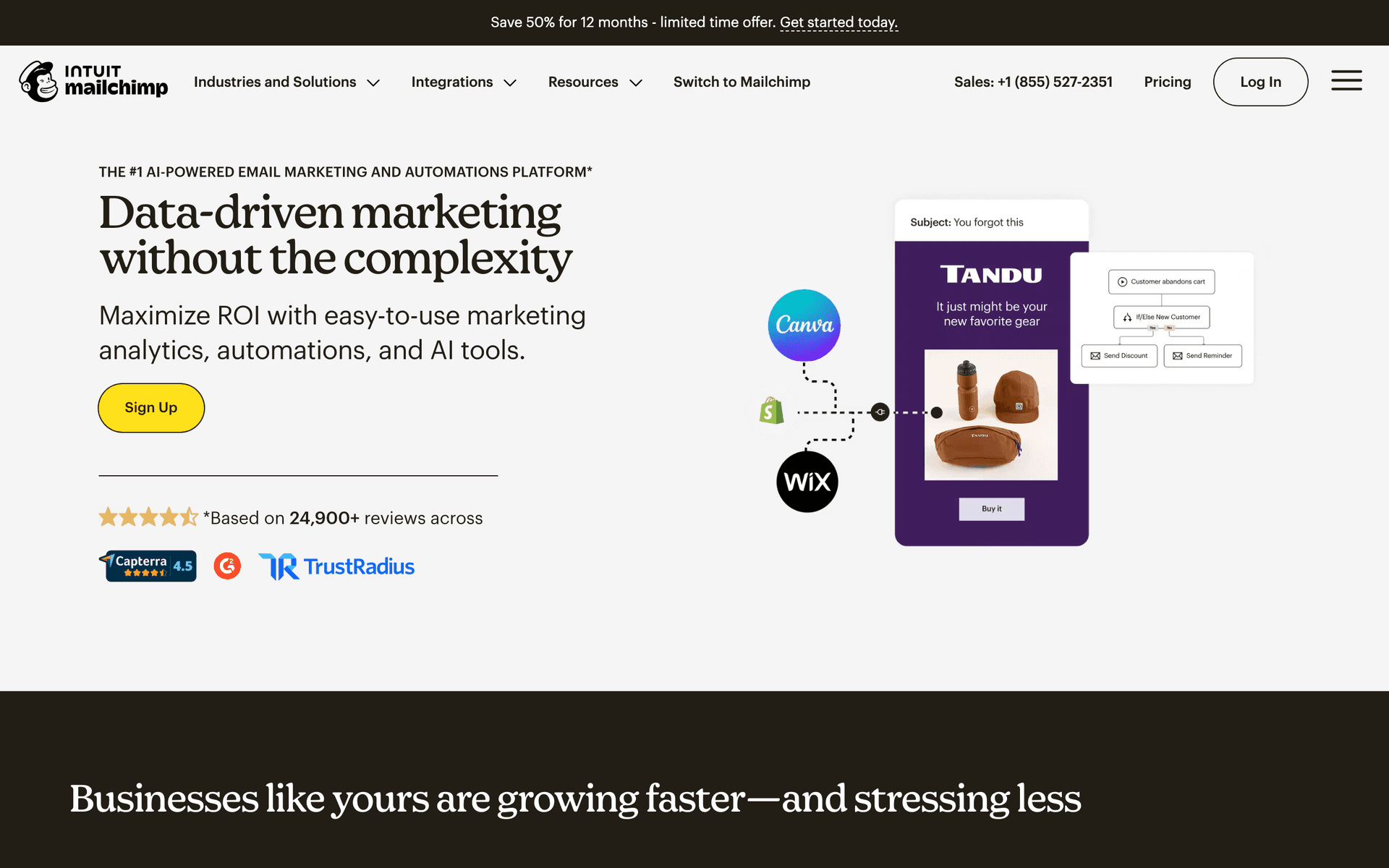
10MailchimpPopular starter platform with broad integrations.First-time community creators who want a familiar starting pointFree up to 500 contacts, then $13-350/month
11KajabiAll-in-one platform with community, email, courses, and payments unified.Serious operators running community, courses, email, and billing on one platformFrom $149/month
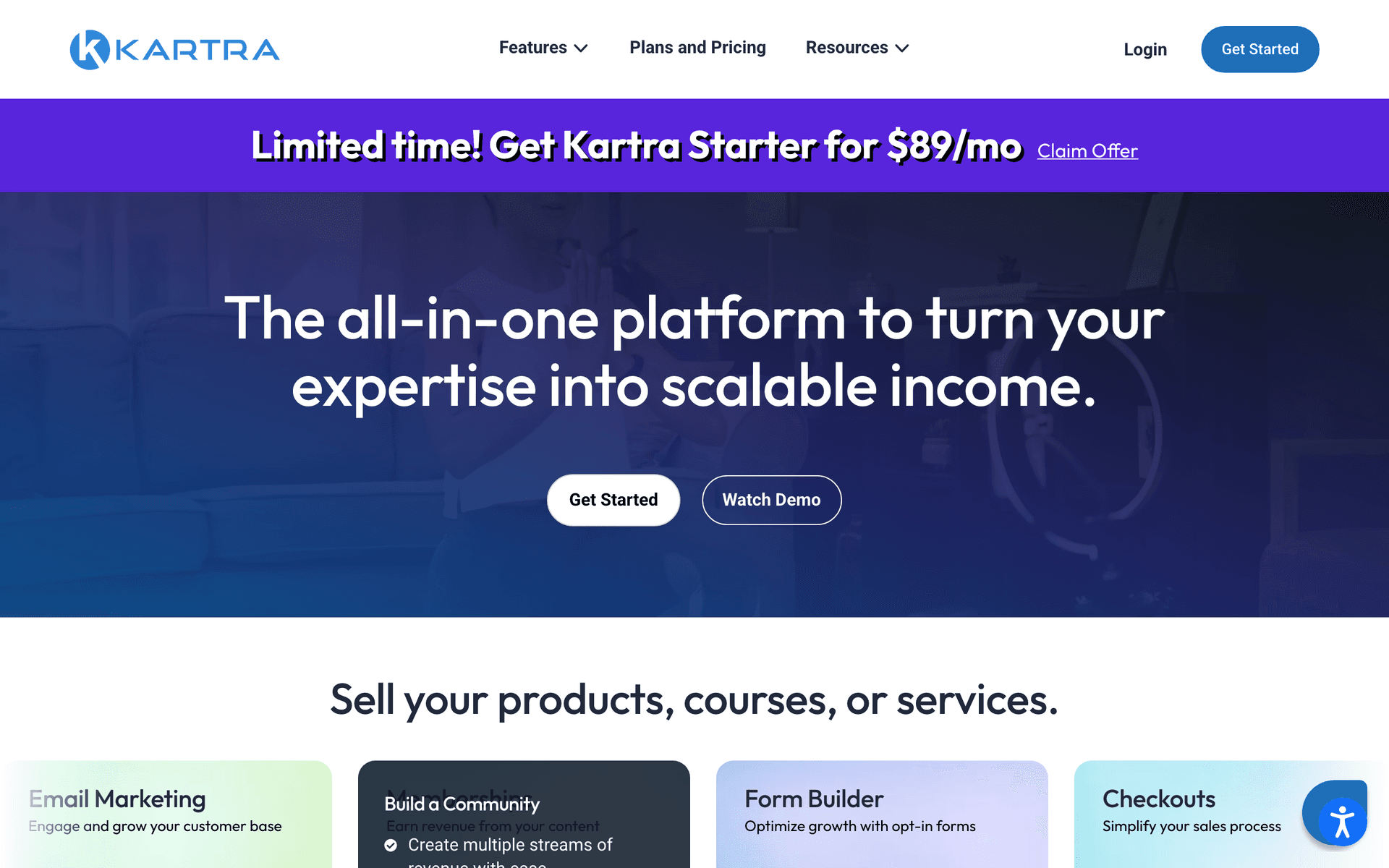
12KartraAll-in-one with memberships, email, and behavior-based automation.Marketing-first operators running paid-traffic community funnelsFrom $99/month
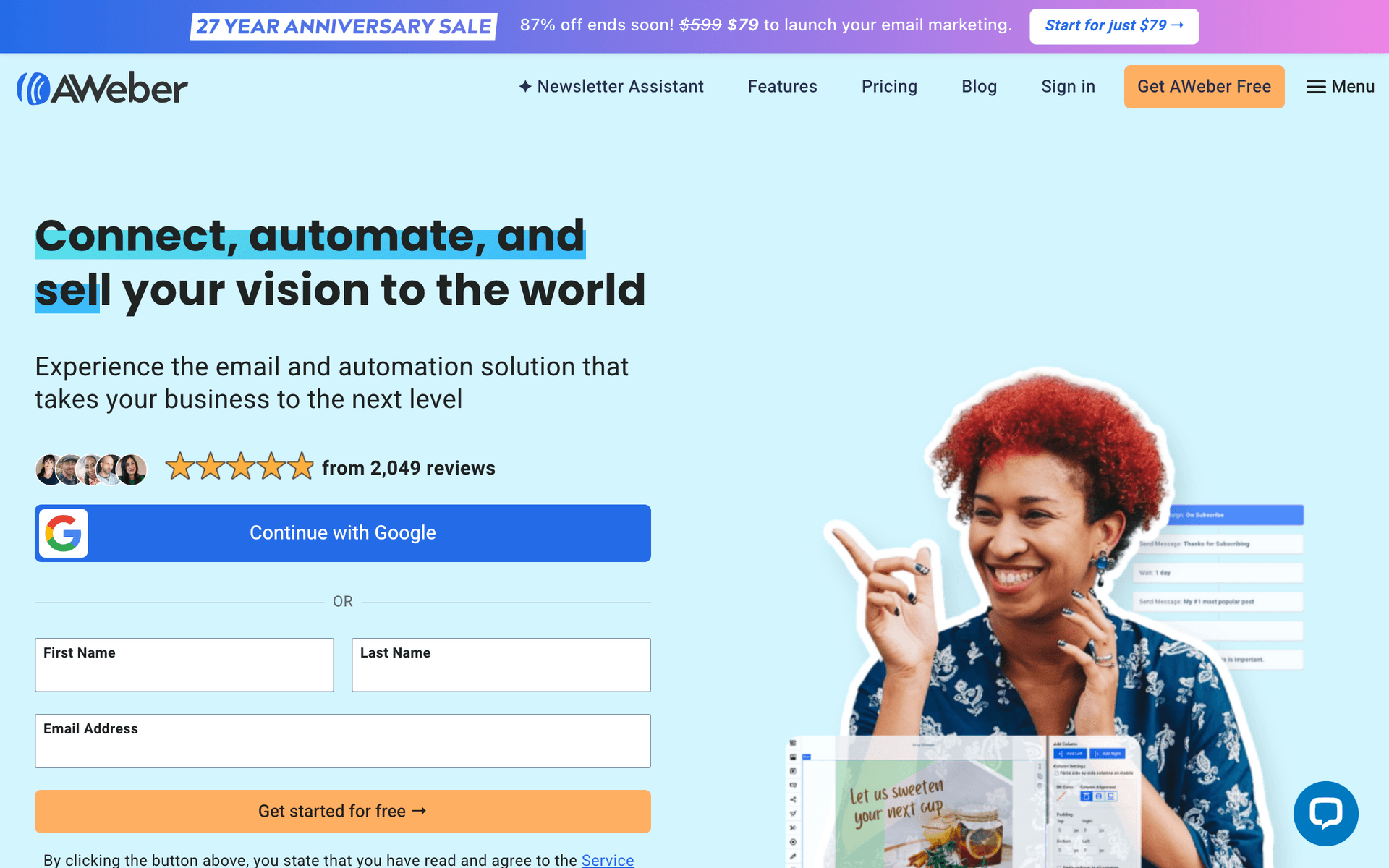
13AWeberSimple, reliable email with strong deliverability.Communities wanting simple, reliable onboarding and digestsFree up to 500 subscribers, then from $15/month
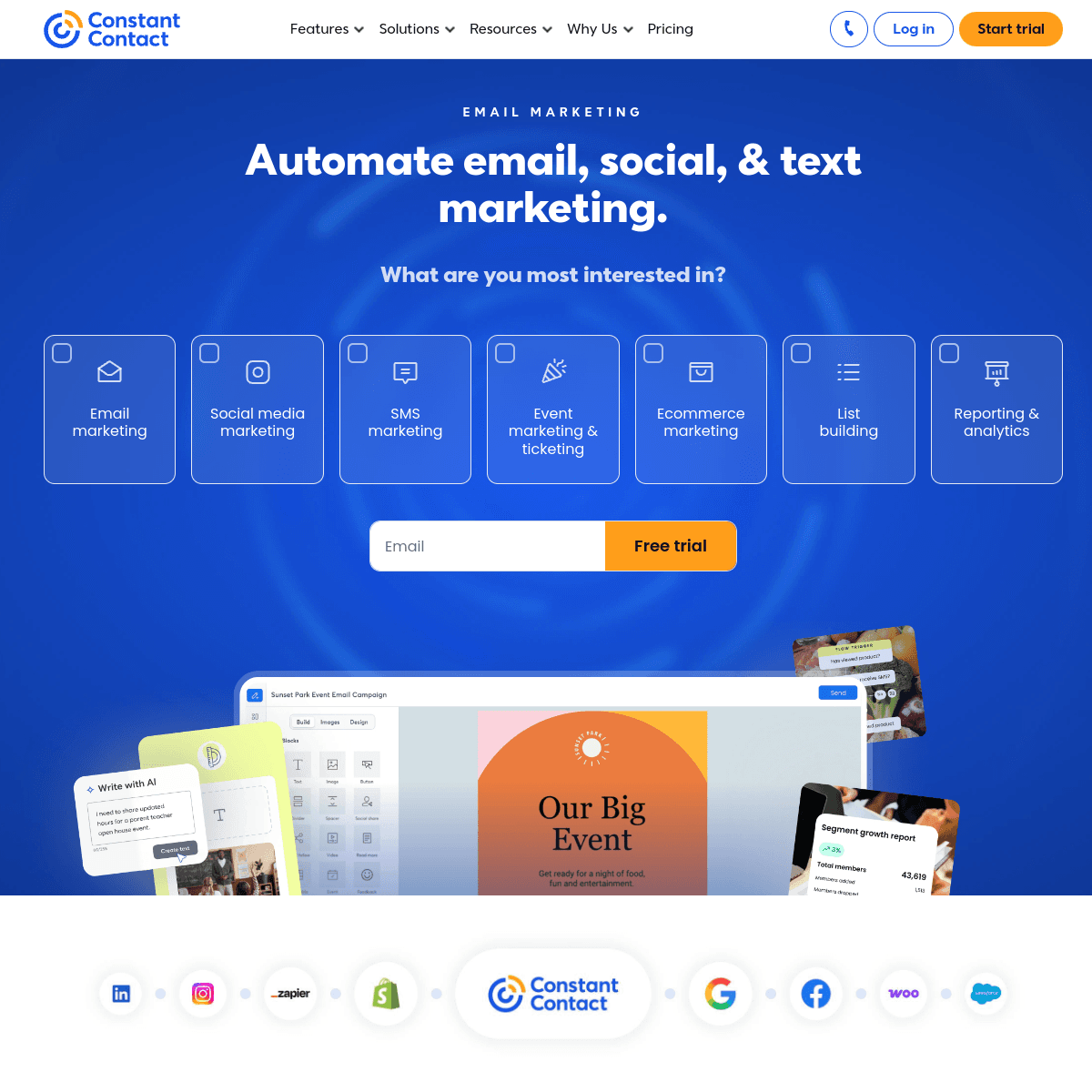
14Constant ContactBeginner-friendly with event features and phone support.Non-technical community operators who value phone supportFrom $12/month for 500 contacts
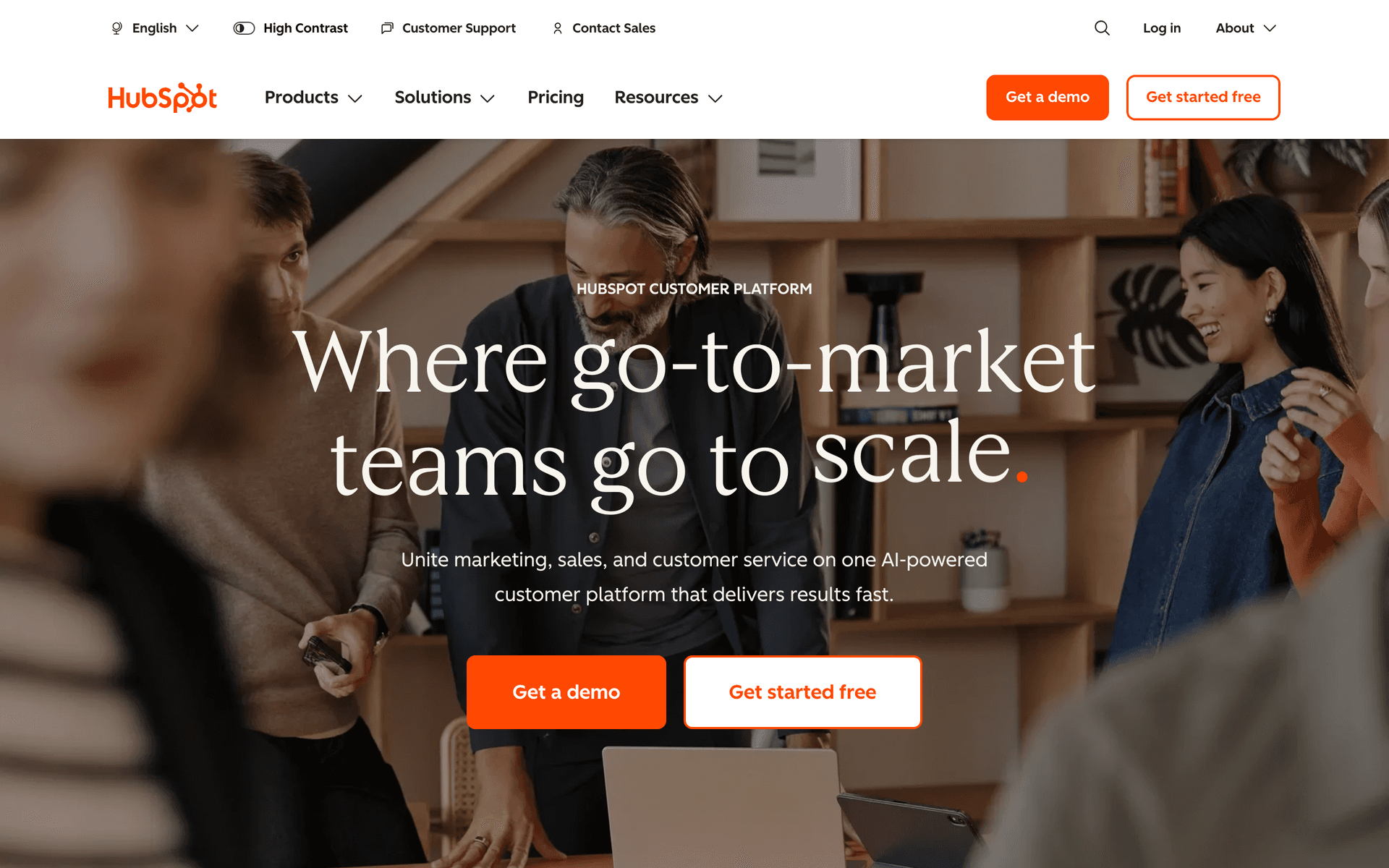
15HubSpotEnterprise CRM and marketing for membership programs at scale.Teams running a membership as part of a larger businessFree CRM, marketing from $50/month (scales steeply)
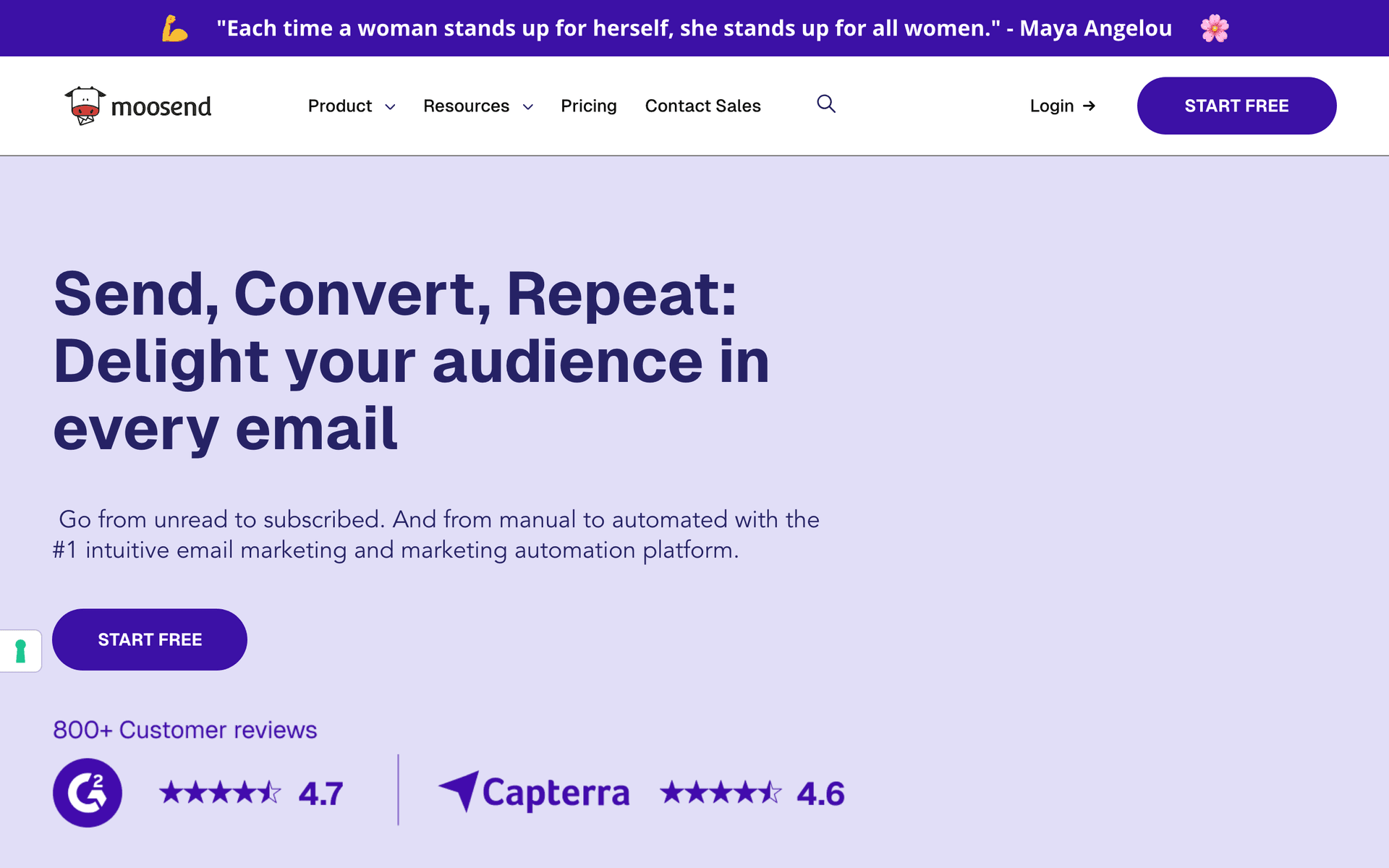
16MoosendBudget-friendly automation with landing pages included.Cost-conscious community operators who want the essentials cheaplyFrom $9/month
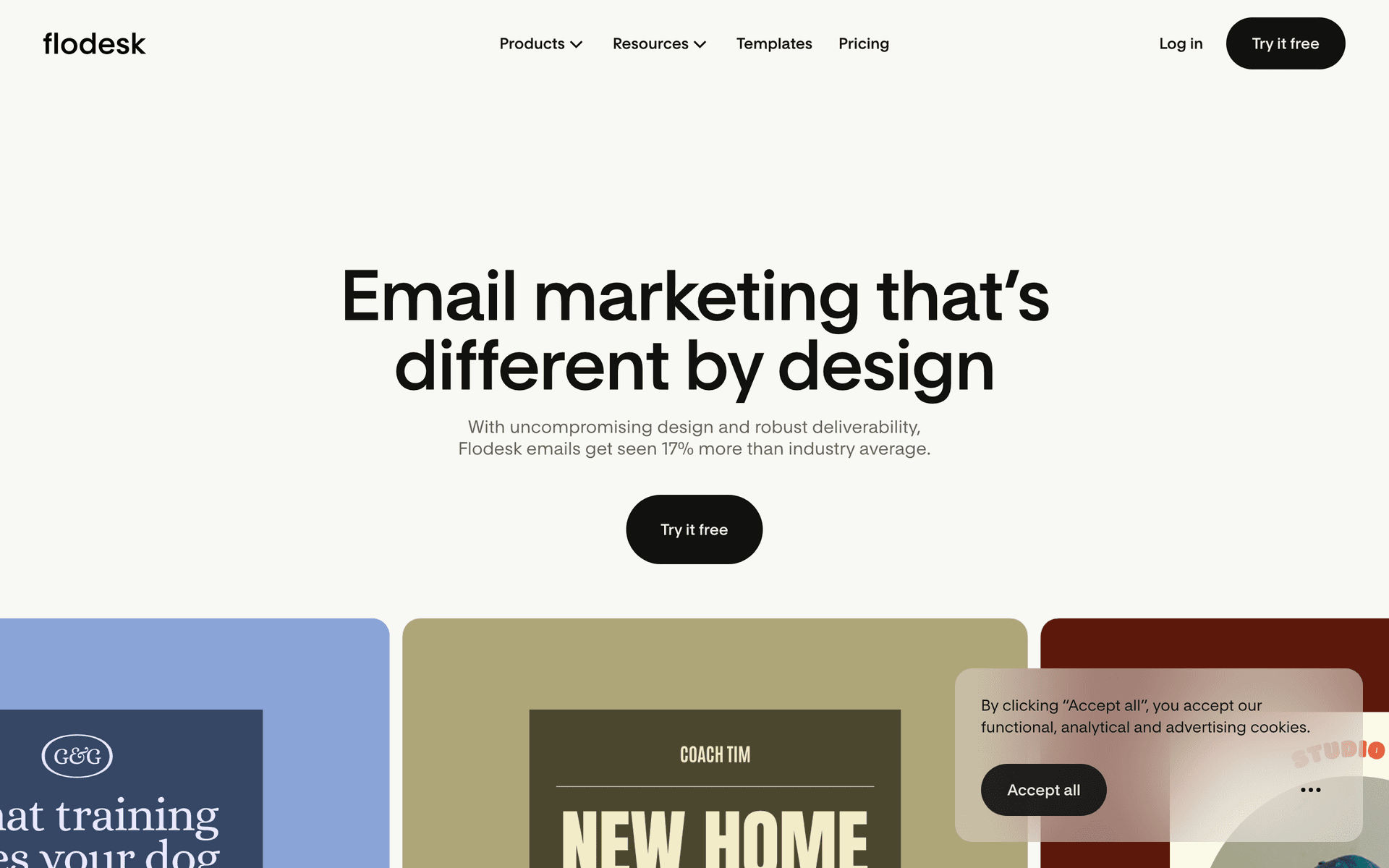
17FlodeskDesign-forward email for communities with premium brand presentation.Brand-led communities wanting premium digests paired with a community hostFlat $35/month unlimited subscribers
Our Top Pick for Paid Community Creators
#1
Sequenzy

AI-powered email marketing built for recurring, event-driven membership lifecycles.

Visit
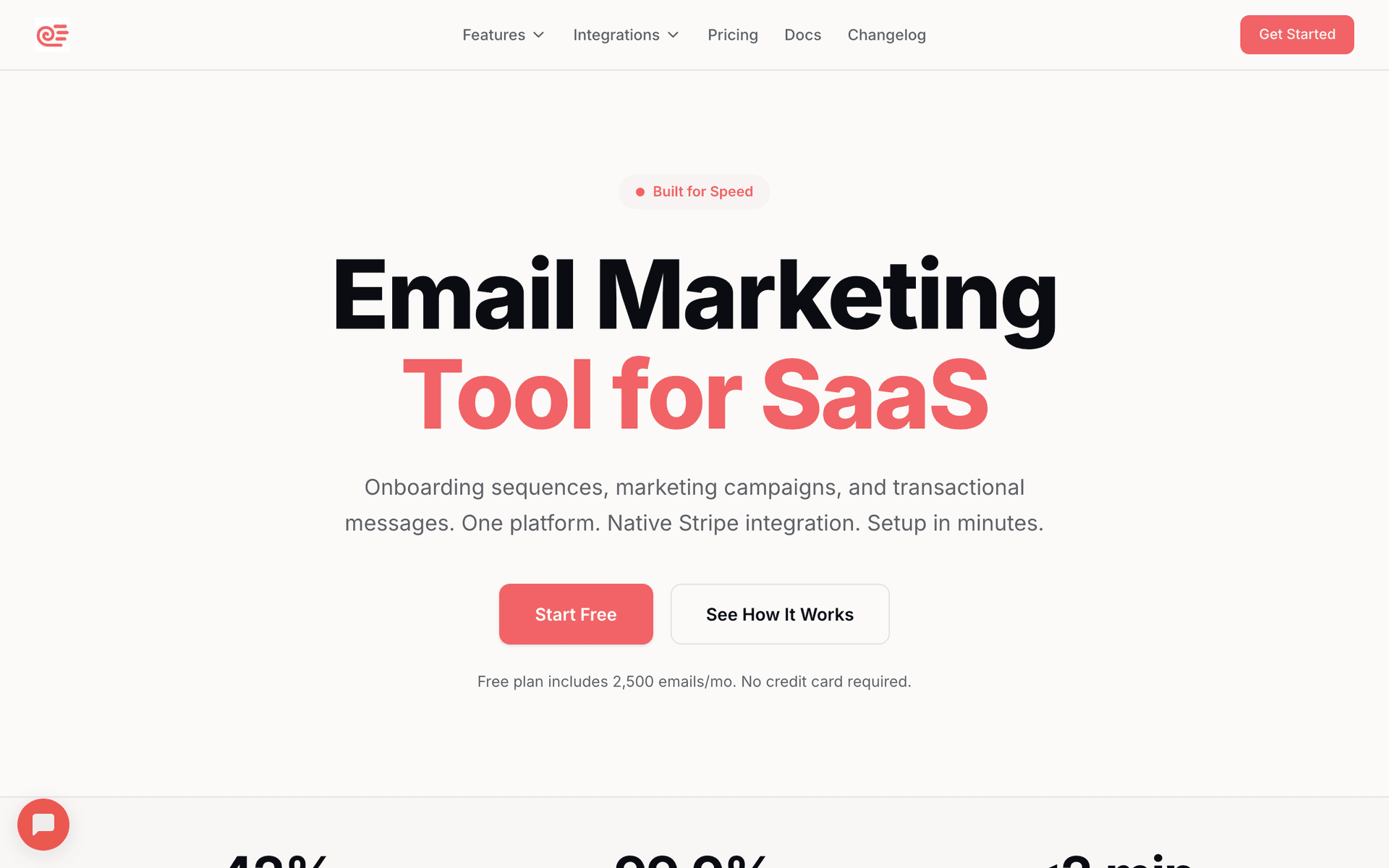
Sequenzy dashboard screenshot

Sequenzy fits paid community creators because the entire membership lifecycle is a set of sequences triggered by billing and behavior, and that is exactly what it is built for. Describe your community and audience, and the AI generates the full set of flows: a trial-to-paid conversion sequence, a behavior-driven onboarding sequence that pushes a first post or first event, a weekly digest cadence, a re-engagement sequence for inactive members, and a dunning-plus-win-back flow. The native Stripe integration is the genuine standout for this niche. Because recurring communities run on subscription events - trial started, trial ending, payment succeeded, payment failed, subscription cancelled - Sequenzy can trigger automations directly off those events: a failed payment can start dunning automatically, a successful first charge can move a member from the trial sequence into onboarding, and a cancellation can start win-back. That removes the brittle Zapier glue most email tools need to handle billing. The send-based pricing also suits communities that email a steady digest plus event-driven lifecycle emails: the free tier covers up to 2,500 emails per month, and paid plans start at $19/mo with unlimited contacts, so a growing member base does not inflate your bill. The honest trade-offs: Sequenzy does not host the community itself (pair it with Circle, Skool, Mighty Networks, or Discord), it launched in 2025 so it has a shorter track record than legacy platforms, and there is no built-in SMS for payment-failure nudges.

Best for
Community operators who want AI-built lifecycle sequences and native Stripe-driven trial conversion and dunning
Pricing
Free up to 2,500 emails/mo, then from $19/mo (unlimited contacts)

Pros

  • AI writes the full membership lifecycle
  • Native Stripe subscription and payment events trigger automation
  • Send-based pricing suits a steady digest plus event emails
  • Free tier to run a full lifecycle

Cons

  • Does not host the community (pairs with Circle/Skool/Discord)
  • Launched in 2025, shorter track record
  • No built-in SMS for payment-failure nudges
#2
ActiveCampaign

The most powerful automation for engagement scoring and churn-risk branching.

Visit
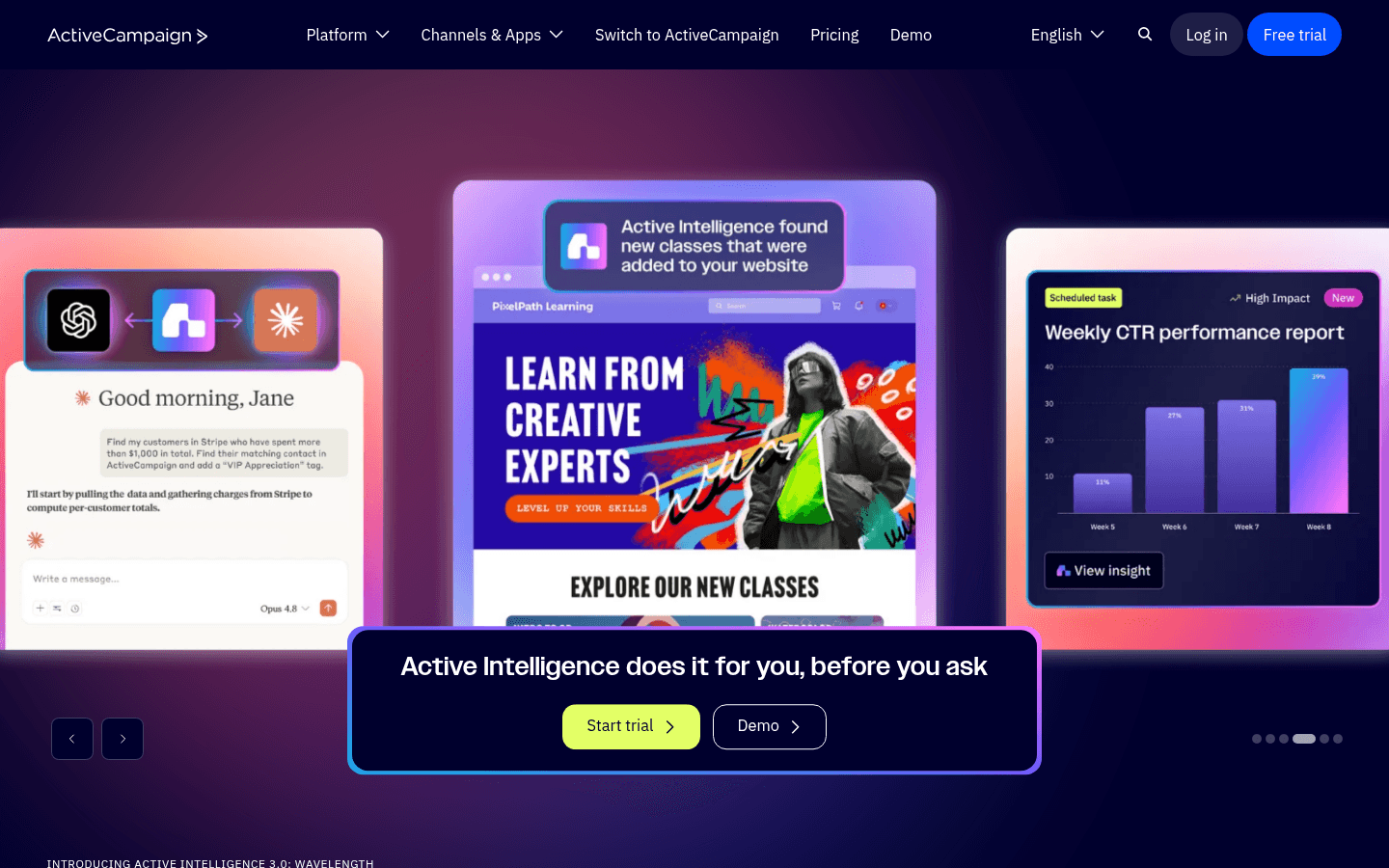
ActiveCampaign dashboard screenshot

ActiveCampaign is the power tool when your retention depends on branching logic and engagement scoring. Track member activity through tags and custom fields, score members on engagement, and build conditional sequences: a member who has not logged in for two weeks gets a different re-engagement path than one who is active but quiet, and a member whose payment just failed enters a dunning branch automatically. The lead scoring system surfaces at-risk members before they cancel so you can intervene early. For communities where lifetime value is high enough to justify real retention effort, the sophistication pays off. The cost is complexity - the automation builder has a steep learning curve, and contact-based pricing charges you for every member whether or not you email them that month, which adds up as the base grows. It also has no native billing awareness, so Stripe trial and payment events need an integration or Zapier to drive dunning. Overkill for a small new community, essential for a serious retention machine.

Best for
Communities with high lifetime value running engagement scoring and complex churn-risk branching
Pricing
From $29/month for 1,000 contacts

Pros

  • Best-in-class branching automation
  • Engagement scoring flags at-risk members
  • Deep segmentation on member activity
  • Strong integration ecosystem

Cons

  • Steep learning curve
  • Contact-based pricing grows with member base
  • No native Stripe billing events (needs integration)
  • Overkill for small communities
#3
ConvertKit

Creator-focused email with clean automation, forms, and a free tier.

Visit
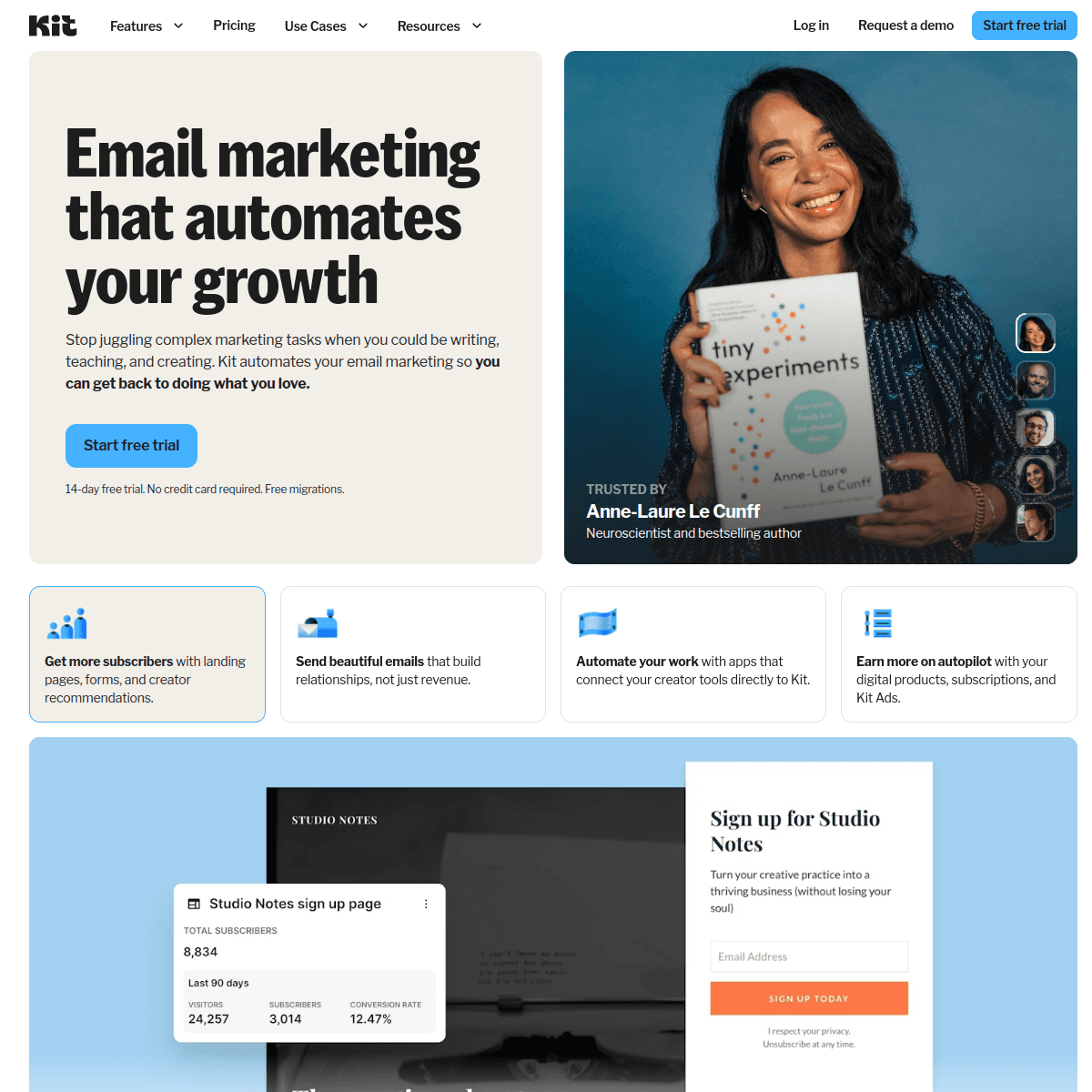
ConvertKit dashboard screenshot

ConvertKit (Kit) is a strong fit for creators who run a paid community beside a newsletter and digital products. The tag-based system makes it straightforward to separate trial members, paying members, and lapsed members, and the automation handles onboarding and re-engagement sequences cleanly. The free tier covers 1,000 subscribers, so you can run your first community lifecycle without paying. Kit favors plain-text, personal-feeling emails, which suits a community well - onboarding and digest emails read like a note from the founder rather than a corporate blast, which matters when belonging is the product. The real limitations for this niche are billing: Kit has commerce features but is not built around subscription events like trial-ending or payment-failed, so dunning and trial-conversion timing usually lean on your community platform or a connector. Pricing also climbs with subscriber count, which a growing member base accelerates. For a creator whose community sits inside a broader audience business, Kit keeps everything in one creator-friendly system.

Best for
Creators running a paid community alongside a newsletter and products
Pricing
Free up to 1,000 subscribers, then from $29/month

Pros

  • Clean tag-based member segmentation
  • Free tier for first communities
  • Personal-feeling emails suit onboarding and digests
  • Fits a broader creator business

Cons

  • Not built around subscription billing events
  • Dunning needs the community platform or a connector
  • Subscriber-based pricing climbs with the base
  • Does not host the community
#4
Brevo

Email plus SMS for payment nudges at a budget-friendly price.

Visit
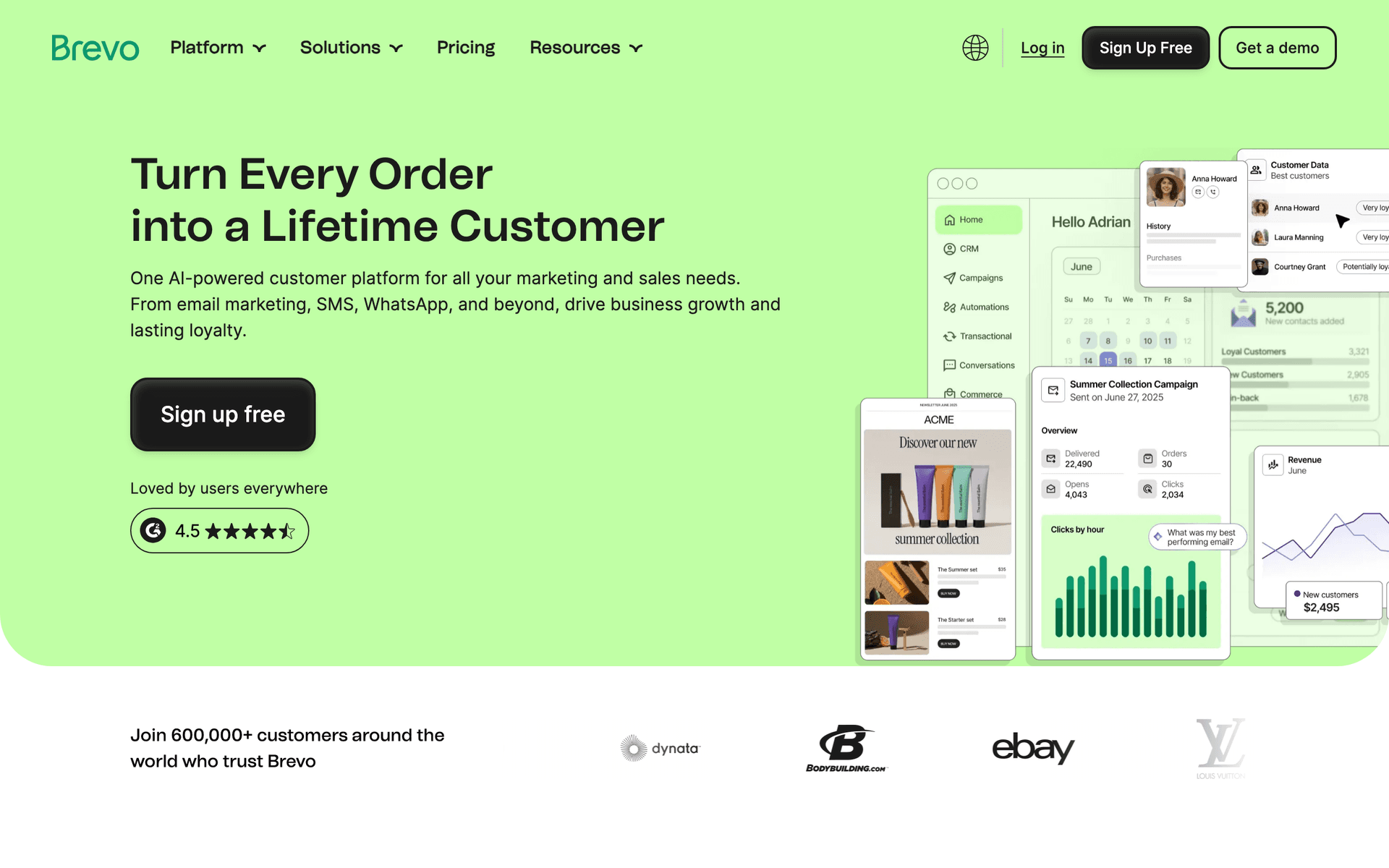
Brevo dashboard screenshot

Brevo earns its spot for community creators specifically because SMS is built in. A text the moment a payment fails or a trial is about to end recovers members that email alone misses - response rates on payment-failure texts are dramatically higher than email. The automation builder handles onboarding, re-engagement, and digest sequences, and the free tier (300 emails/day, unlimited contacts) works for a small community. Brevo also includes transactional email, which is handy for receipts and renewal notices. For operators who want email and SMS dunning together without paying for two tools, Brevo delivers strong value. The trade-offs: the interface is less polished than Kit, subscription billing events usually need Zapier or webhooks to drive automations, and the daily sending cap on the free plan can pinch when a digest goes out to a larger base.

Best for
Communities that want SMS payment nudges alongside email on a budget
Pricing
Free up to 300 emails/day, then from $25/month

Pros

  • Built-in SMS for payment-failure nudges
  • Generous free tier
  • Transactional email included
  • Solid automation for the price

Cons

  • Daily sending limits on free plan
  • Less polished interface
  • Billing events often need Zapier
  • Does not host the community
#5
Circle

Premium community platform with paywalls and basic built-in email.

Visit

Circle is primarily a community-hosting platform, but it earns a place here because its built-in paywalls, trials, and broadcast emails handle the basics, and it is where many premium paid communities actually live. You can run memberships, send activity notifications, and broadcast announcements from one tool, which is convenient at the start. The honest limitation is that Circle's email is built for notifications and broadcasts, not for a real lifecycle: there is no sophisticated trial-conversion sequence, no behavior-based onboarding flow, and no dunning or win-back engine. Most serious operators host on Circle and connect a dedicated email tool - Sequenzy, ActiveCampaign, or Kit - to run trial conversion, onboarding, re-engagement, and dunning. Treat Circle as the room and the paywall, not the lifecycle.

Best for
Premium communities hosting on Circle paired with a dedicated email tool
Pricing
From $89/month (paid communities on higher tiers)

Pros

  • Polished community experience and paywalls
  • Built-in trials and member management
  • Broadcasts and activity notifications included
  • Connects to dedicated email tools

Cons

  • Email is for notifications, not lifecycle
  • No real dunning or win-back engine
  • Weak trial-conversion sequencing
  • Best paired with a dedicated email tool
#6
Skool

Simple all-in-one community and courses with minimal built-in email.

Visit

Skool has become a popular home for paid communities because it bundles the community, courses, and a simple gamified experience at a flat price. It earns a place here for the same reason Circle does: it hosts the membership and handles payments, but its email is intentionally minimal. You get basic broadcasts and notifications, not a trial-conversion sequence, a behavior-based onboarding flow, or a dunning engine. The flat $99/month pricing is appealing for a growing community because it does not scale with member count. But operators who want to actually convert trials and prevent churn pair Skool with a dedicated email tool and route member and payment data into it. Skool runs the community and the checkout; it does not run the lifecycle.

Best for
Creators hosting a community on Skool who add a dedicated email tool for lifecycle
Pricing
Flat $99/month

Pros

  • Simple flat pricing regardless of size
  • Community, courses, and payments bundled
  • Gamification drives engagement
  • Easy to get started

Cons

  • Very minimal built-in email
  • No lifecycle or dunning sequences
  • Limited segmentation and automation
  • Best paired with a dedicated email tool
#7
Mighty Networks

Community platform with courses, events, and light built-in messaging.

Visit

Mighty Networks is a capable community-hosting platform with strong support for courses, events, and member spaces, which suits operators running a richer membership than a single feed. Like the other hosting platforms here, it manages payments and trials and can send announcements and notifications, but its email is built for in-platform messaging rather than a marketing lifecycle. There is no real trial-conversion sequence, behavior-based onboarding automation, or dunning engine. Operators who want to convert trials and prevent churn connect Mighty Networks to a dedicated email tool and drive lifecycle emails from there. It is a good room with events and courses built in; it is not the engine that runs trial conversion and retention.

Best for
Event- and course-rich communities on Mighty Networks paired with a dedicated email tool
Pricing
From $49/month (paid features on higher tiers)

Pros

  • Courses, events, and community in one platform
  • Built-in payments and trials
  • Good for richer membership experiences
  • Member spaces and groups

Cons

  • Email is in-platform messaging, not lifecycle
  • No dunning or win-back engine
  • Limited marketing automation
  • Best paired with a dedicated email tool
#8
MailerLite

Clean, affordable email with good landing pages for trial signups.

Visit
MailerLite dashboard screenshot

MailerLite is the value pick for operators who want simple, attractive emails and reliable automation without complexity. The landing page builder is genuinely good for trial signups and waitlists, automation handles welcome and onboarding sequences, and the free tier covers 1,000 subscribers with most features. For a community running an occasional digest and a basic onboarding flow that should just work, MailerLite is hard to fault on price or ease. The trade-offs for this niche are real: automation branching is basic, so churn-risk and engagement logic is clunkier than ActiveCampaign, there is no native subscription-billing awareness so dunning needs a connector, and a strict account approval process can take a few days when you start out.

Best for
Communities wanting simple onboarding and digests cheaply
Pricing
Free up to 1,000 subscribers, then from $10/month

Pros

  • Strong landing page builder for trials
  • Very affordable
  • Clean, easy interface
  • Generous free tier

Cons

  • Basic automation branching
  • No native billing-event awareness
  • Strict approval process
  • Dunning needs a connector
#9
Drip

Revenue-focused automation for communities that sell add-ons and upsells.

Visit
Drip dashboard screenshot

Drip suits community operators who also sell products or upsells and want to see exactly which email drove which purchase. The revenue tracking attributes sales back to specific emails, so you can see whether your onboarding email or your re-engagement email is doing the work. Strong automation handles onboarding, re-engagement, and win-back sequences. At $39/month minimum it is built for communities already generating consistent revenue who want to optimize, not for a first-month launch. Its ecommerce roots mean Shopify and product data are first-class, but pure subscription billing events still lean on integrations. If your community sits alongside a store or digital products and you want revenue attribution across both, Drip earns its price.

Best for
Communities selling products or upsells who want revenue attribution
Pricing
From $39/month for 2,500 contacts

Pros

  • Per-email revenue attribution
  • Strong automation
  • Good for communities with a store
  • Detailed analytics

Cons

  • Built primarily for ecommerce
  • Higher entry price
  • Subscription billing needs integration
  • Overkill for content-only communities
#10
Mailchimp

Popular starter platform with broad integrations.

Visit
Mailchimp dashboard screenshot

Mailchimp is where many first-time community creators begin because it is familiar and integrates with most tools out of the box. Templates look professional, the free tier covers 500 contacts, and basic onboarding automation is workable for an early community. The frustration appears when you need real churn-risk branching, a trial-conversion sequence timed to billing events, or a dunning flow - Mailchimp's automation is basic and has no subscription awareness, and the cost climbs quickly as your member base grows. Most serious community operators start on Mailchimp and migrate to a tool with stronger automation and billing integration within their first year of running the membership.

Best for
First-time community creators who want a familiar starting point
Pricing
Free up to 500 contacts, then $13-350/month

Pros

  • Familiar and easy to start
  • Broad integrations
  • Professional templates
  • Good basic analytics

Cons

  • Basic automation branching
  • Gets expensive as the base grows
  • No subscription-billing awareness
  • Weak for dunning and churn flows
#11
Kajabi

All-in-one platform with community, email, courses, and payments unified.

Visit
Kajabi dashboard screenshot

Kajabi suits operators who want their paid community, courses, email, and payment processing under one roof. Because billing and email share a data model, you can build flows like 'member's payment failed, start dunning' or 'member hasn't logged in for 14 days, send re-engagement' without external connectors - the subscription data is already there. That unification is the real advantage for a recurring community. It is expensive ($149/month starting) but replaces a stack that can otherwise run $200-$400/month across community, email, and checkout tools. The trade-offs are an average email editor, a learning curve, and pricing that only makes sense once the membership generates real revenue. Right for creators whose community and courses are the core business.

Best for
Serious operators running community, courses, email, and billing on one platform
Pricing
From $149/month

Pros

  • Community, email, and billing unified
  • Subscription events drive flows natively
  • No external connector for dunning
  • Replaces a multi-tool stack

Cons

  • Expensive
  • Average email editor
  • Steeper learning curve
  • Overkill for a small community
#12
Kartra

All-in-one with memberships, email, and behavior-based automation.

Visit
Kartra dashboard screenshot

Kartra packages memberships, email, funnels, and behavior-based automation into one tool, which fits operators running a community funnel with paid traffic. Build the trial signup page, the onboarding sequence, and the re-engagement flow in one place, with automation that responds to whether someone started a trial, became active, or went quiet. Because memberships and billing live inside Kartra, subscription-driven flows like dunning and win-back can run without external glue. For marketing-first operators who think in funnels and want everything unified, Kartra is powerful. The trade-offs are a steeper learning curve and a price that only makes sense once the community generates real revenue. Less suited to a creator who just wants to email members and host the occasional event.

Best for
Marketing-first operators running paid-traffic community funnels
Pricing
From $99/month

Pros

  • Memberships and email unified
  • Behavior-based automation
  • Native billing-driven flows
  • Good for paid-traffic launches

Cons

  • Steep learning curve
  • Higher price
  • Email editor is average
  • Overkill for a simple community
#13
AWeber

Simple, reliable email with strong deliverability.

Visit
AWeber dashboard screenshot

AWeber is dated but dependable, with deliverability built over 25+ years and real phone support. For operators who want straightforward welcome and digest emails without complexity, AWeber handles the basics reliably. The free tier covers 500 subscribers. The limitation for this niche is automation - you can build a linear onboarding sequence but not the conditional churn-risk branching or billing-triggered dunning that drives the best community retention. AWeber sends onboarding and digests well; it does not build sophisticated retention or recovery flows.

Best for
Communities wanting simple, reliable onboarding and digests
Pricing
Free up to 500 subscribers, then from $15/month

Pros

  • Reliable deliverability
  • Phone support
  • Simple to use
  • Long track record

Cons

  • Dated interface
  • Limited branching automation
  • No billing-triggered dunning
  • Basic for churn prevention
#14
Constant Contact

Beginner-friendly with event features and phone support.

Visit
Constant Contact dashboard screenshot

Constant Contact stands out for community operators who are not technical and want a real person to call. It even includes basic event-management features, which suits communities that run regular live sessions. For an operator running a small membership who values phone support over automation depth, it is a safe, reliable choice. The automation is basic and templates feel dated, so it handles welcome and digest emails well enough but is not built for trial-conversion sequences, churn-risk branching, or dunning.

Best for
Non-technical community operators who value phone support
Pricing
From $12/month for 500 contacts

Pros

  • Easy for beginners
  • Phone support
  • Built-in event features
  • Reliable sending

Cons

  • Basic automation
  • Dated templates
  • No dunning or billing flows
  • Weak for retention sequencing
#15
HubSpot

Enterprise CRM and marketing for membership programs at scale.

Visit
HubSpot dashboard screenshot

HubSpot makes sense for organizations running a membership as part of a larger business with a team. The CRM ties member, engagement, and billing data to records, so you can build retention workflows with full context and route at-risk members to a person when lifetime value justifies it. The free CRM is genuinely useful, but the marketing automation that matters for trial conversion and churn prevention lives behind expensive paid tiers, and subscription billing still needs an integration. For a solo creator running a small community, it is overkill. For a company where the membership feeds a larger pipeline, the CRM depth is the point.

Best for
Teams running a membership as part of a larger business
Pricing
Free CRM, marketing from $50/month (scales steeply)

Pros

  • Full CRM integration
  • Great for team-based retention
  • Strong reporting
  • Scales for larger organizations

Cons

  • Expensive at scale
  • Overkill for solo creators
  • Billing needs integration
  • Marketing features gated
#16
Moosend

Budget-friendly automation with landing pages included.

Visit
Moosend dashboard screenshot

Moosend is the cheapest capable option here, with automation and landing pages included from a low starting price. For operators who have outgrown free tiers but are not yet generating enough community revenue to justify premium tools, Moosend covers trial signup pages, onboarding sequences, and digests without breaking the budget. It is less known and has fewer integrations than the bigger names, and it has no native subscription-billing awareness, so dunning leans on connectors. But for cost-conscious operators who want the essentials, it delivers solid value.

Best for
Cost-conscious community operators who want the essentials cheaply
Pricing
From $9/month

Pros

  • Very affordable
  • Landing pages included
  • Good automation for the price
  • Responsive support

Cons

  • Less known
  • Fewer integrations
  • No native billing-event awareness
  • Dunning needs a connector
#17
Flodesk

Design-forward email for communities with premium brand presentation.

Visit
Flodesk dashboard screenshot

Flodesk pairs well with a community host for operators who want onboarding and digest emails that look genuinely premium. When the membership is a high-touch, brand-led community, presentation reinforces perceived value, and Flodesk's editorial templates deliver that. The flat $35/month for unlimited subscribers scales gracefully as the member base grows, which is a real advantage over contact-based tools. The honest limitations for this niche: automation is basic, so churn-risk branching and behavior-based onboarding are limited, and there is no subscription-billing awareness, so dunning and trial-conversion timing depend on your community platform or a connector. Use Flodesk specifically for beautiful broadcasts and digests where brand presentation matters, and keep complex lifecycle logic elsewhere.

Best for
Brand-led communities wanting premium digests paired with a community host
Pricing
Flat $35/month unlimited subscribers

Pros

  • Editorial-quality email design
  • Flat unlimited-subscriber pricing
  • Great for premium brand communities
  • Simple to use

Cons

  • Basic automation
  • No subscription-billing awareness
  • Limited churn-risk branching
  • Best paired with a community host

Feature Comparison

FeatureSequenzyActiveCampaignConvertKitBrevoKajabi
Trial-to-paid conversion sequences
Behavior-based onboarding
Churn-risk / inactivity segmentation
Stripe / subscription event triggers
AI content generation
Built-in SMS for payment nudges
Free tier available

Common Mistakes to Avoid

We see these mistakes over and over. Skip the learning curve and avoid these from day one.

Relying on the community platform's built-in emails

Circle, Skool, Mighty Networks, and Discord send activity notifications and maybe a trial reminder, but none of them runs a real lifecycle: no multi-step trial-conversion sequence, no behavior-based onboarding, no dunning, no win-back. Operators who lean on these defaults see weak trial conversion and silent churn. The community platform hosts the room; a dedicated email tool runs the revenue lifecycle around it.

Ignoring failed payments and calling it 'churn'

Many creators lump involuntary churn (failed cards) in with voluntary churn (people who chose to leave) and assume nothing can be done. In reality a dunning sequence recovers a meaningful share of failed payments from members who fully intended to keep paying. Treating every lost subscription as a lost member leaves real recurring revenue on the table every single month.

Onboarding with one welcome email and nothing after

A single welcome email does not create a habit. Members who do not take a real action in their first week churn at the highest rate, and a one-touch welcome does nothing to drive that action. Without a multi-step onboarding sequence that pushes a first post, a first connection, or a first event, new members quietly drift away before the second payment ever lands.

Only emailing members when you want to sell or save them

Communities that go quiet between the welcome and the cancellation email train members to ignore them, then act surprised when re-engagement falls flat. A consistent weekly digest or value email keeps the relationship warm so that when a renewal approaches, the member already feels the membership is worth it. Silence between transactions is what makes churn feel inevitable.

Choosing a tool with no Stripe or subscription awareness

Recurring communities run on subscription events - trial started, trial ending, payment succeeded, payment failed, subscription cancelled. An email tool that cannot see those events cannot run trial conversion, dunning, or win-back without brittle manual work or a tangle of Zapier steps. Picking an email platform that ignores your billing system is the most expensive convenience mistake a membership makes.

Email Sequences Every Paid Community Creator Needs

These are the essential automated email sequences that will help you grow your business and keep clients coming back.

Trial-to-Paid Conversion

When someone starts a free or trial membership

Drive one real in-community win and make the value of paying obvious before the card is charged.

Immediately
Welcome to {{community_name}} - start here

Set expectations, point to the single best first action (introduce yourself or join the live call), and state when the trial ends.

Day 2
Have you met anyone yet?

Nudge a first connection or first post. Spotlight one active member or discussion to pull them in.

Day 4
The one thing members say is worth it

Deliver a high-value resource or session. Reinforce the core benefit of staying.

1 day before trial ends
Your trial ends tomorrow - here's what you'd lose

Be specific about what access ends. Make continuing the easy default, with a clear link to confirm membership.

New Member Onboarding

When a member's first payment succeeds

Turn a new payment into a habit by driving one real action in the first week.

Immediately
You're in, {{first_name}} - here's your first step

Confirm membership. Give one clear first action, not a list. Link straight into the community.

Day 2
Introduce yourself (it takes 2 minutes)

Drive a first post or profile completion. Members who post in week one churn far less.

Day 5
Don't miss this week's {{event_name}}

Point to the next live event or key discussion. Manufacture a moment of belonging.

Day 10
How's it going so far?

Check in, answer common questions, and surface the resources new members underuse.

Re-Engagement for Inactive Members

When a member has not logged in or engaged for 2-3 weeks

Pull lurkers back before the renewal date, when saving them is far cheaper than replacing them.

Day 1 of inactivity flag
We've missed you in {{community_name}}

Acknowledge the absence warmly. Show what they missed and the single best reason to return now.

Day 4
This week's best discussion (you're invited)

Lead with one compelling discussion or upcoming event. Make logging back in a one-click decision.

Day 8
Is {{community_name}} still right for you?

Direct check-in. Offer help, a quick call, or a way to tell you what's missing - before renewal.

Failed-Payment Dunning + Win-Back

When a subscription payment fails, then on cancellation

Recover involuntary churn first, then win back members who actually left.

Immediately on payment failure
Your payment didn't go through

Calm, clear, no blame. Explain a card likely expired or was declined and link to update payment in one click.

Day 3 (if still failing)
Quick reminder: update your card to keep access

Reassure that nothing is lost yet. Restate what they keep by fixing the card. One clear button.

Final retry / before cancellation
Final notice: your membership ends soon

Last chance to update payment before access is removed. Make the consequence and the fix unmistakable.

Day 7 after cancellation
What made you leave {{community_name}}?

For voluntary cancellers: ask for one honest reason, share what's new, and offer a clear, low-friction way back.

Related Resources for Paid Community Email Marketing

Community lifecycle need Best next page Why it helps
Convert trials and onboard members Welcome email templates and welcome subject lines Trial conversion and onboarding both start with a warm, action-driving welcome.
Build the full retention and dunning flow Email sequence templates A membership needs trial-conversion, onboarding, re-engagement, and dunning sequences working together.
Win back lapsed and cancelled members Re-engagement subject lines The win-back email lives or dies on the subject line that reopens the conversation.
Sell courses or programs to your members Course creator email tools and Cohort-based course tools Paid communities often sit beside courses and cohorts that share the same audience.

How to Choose the Right Email Tool for a Paid Community

The right platform depends on whether your email tool can see your billing events, how sophisticated your retention needs to be, and how your costs scale as the member base grows.

Community email benchmark Healthy target What it tells you
Trial-to-paid conversion rate 35-40% Your trial-conversion sequence is driving real in-community wins.
Monthly member churn rate 3-5% Your onboarding and engagement emails are keeping members active.
Failed-payment recovery rate 30-50% Your dunning sequence is recovering involuntary churn.
Weekly digest open rate 30-45% Members still feel the membership is worth logging back in for.
Win-back rate (recent cancellers) 10-20% Your win-back sequence is reaching cancellers while context is warm.

Billing Awareness Is the Real Differentiator

Any tool can send a welcome email. The tools worth paying for in this niche are the ones that can see your subscription events and act on them: start dunning the moment a payment fails, move a member from the trial sequence into onboarding when the first charge succeeds, and trigger win-back on cancellation. Sequenzy does this natively through its Stripe integration, and all-in-one platforms like Kajabi and Kartra do it because billing lives inside them. Standalone tools like ActiveCampaign, Kit, and Brevo can get there with an integration or Zapier, but the glue is brittle. This single capability separates a community that recovers failed payments automatically from one that loses them silently.

Catch Inactivity, Not Just Cancellations

By the time a member clicks cancel, they are already gone. The platforms that protect recurring revenue are the ones that can segment on engagement and inactivity - a member who has not logged in or opened an email in two to three weeks - and trigger re-engagement before the renewal date. Sequenzy, ActiveCampaign, and Kit all handle inactivity-based segmentation well. Simpler tools force you into a single generic newsletter for everyone, which does nothing to surface the members about to lapse.

Match Pricing to a Growing Member Base

Communities email a steady digest plus event-driven lifecycle emails, and the member base grows over time. Contact-based pricing charges you for every member whether or not you email them that month, so your bill climbs as the community scales even if your sending stays flat. Send-based pricing rewards the actual pattern - pay for emails sent, not members stored. Calculate your real annual cost against projected member count, not just today's list size.

Tool Best community-creator fit Retention strength Cost pattern
Sequenzy AI-built lifecycle with native Stripe-driven trial conversion and dunning. Strong, with billing- and inactivity-triggered flows. Pay by emails sent.
ActiveCampaign Engagement scoring and complex churn-risk branching. Strongest branching and at-risk scoring. Contact-based, grows with the base.
ConvertKit A community beside a newsletter and products. Clean tag-based segmentation. Subscriber-based.
Brevo Email plus SMS payment nudges on a budget. Good, with SMS recovery. Send-based, generous free tier.
Kajabi Community, courses, email, and billing in one tool. Strong, billing native to the platform. Flat platform pricing.

Best Fit by Community Model

Best email tool for trial-led membership communities

Sequenzy is a strong fit when a community runs free or paid trials and the result depends on the conversion sequence between signup and the first charge. Because its Stripe integration sees trial-started, trial-ending, and payment events, the AI-built trial-conversion and onboarding flows can fire on the right billing signals automatically, and send-based pricing keeps costs flat as trials and members grow.

Best email tool for high-lifetime-value retention machines

ActiveCampaign is the better fit when a community has enough lifetime value to justify engagement scoring and complex churn-risk branching - different paths for active-but-quiet members versus fully lapsed ones, and at-risk scoring that flags members before they cancel. The added complexity pays off when each saved member is worth real money and you have the time to build and maintain the logic.

Best all-in-one for operators who do not want integrations

Kajabi is the natural pick when an operator wants the community, courses, email, and billing in one platform with no connectors. Because subscription events live inside the same tool, dunning, trial conversion, and re-engagement flows can run off billing data directly - the simplest possible setup for an operator who values consolidation over best-in-class components, and is willing to pay a higher flat price for it.

The Paid Community Email Playbook

Trial Window: Convert to Paid

The trial window is where recurring revenue is won. Welcome the trial member immediately with one clear first action, not a wall of links. Over the next few days, drive a real in-community win - a first post, a first connection, one high-value session - because a member who experiences belonging during the trial converts far better than one who only reads about it. Then, before the trial ends, be specific about what access they lose and make continuing the easy default.

Trial email Timing Purpose Example subject
Welcome + first step On trial start Point to one best first action and state when the trial ends. "Welcome to {{community_name}} - start here"
Drive a connection Day 2 Nudge a first post or first conversation. "Have you met anyone yet?"
Deliver core value Day 4 Give the resource or session members say is worth it. "The one thing members say is worth it"
Trial-end clarity 1 day before end Be specific about what ends; make continuing easy. "Your trial ends tomorrow"

First 10 Days: Onboard to a Habit

Once the first payment succeeds, the goal is one real action, not a tour. Confirm membership and give a single clear first step that links straight into the community. Over the first ten days, drive an introduction or profile completion, point to the next live event, and check in. Members who post or attend something in week one churn far less than those who lurk, so the onboarding sequence exists to manufacture that first moment of belonging.

Ongoing: Engage, Catch Risk, and Recover

Between events, a consistent weekly digest gives lurkers a reason to return and keeps the membership feeling worth it. In the background, watch engagement: when a member goes quiet for two to three weeks, trigger a re-engagement sequence before their renewal date, not after they cancel. And when a payment fails, run a dunning sequence immediately - most of those members never meant to leave. For the ones who do cancel, a fast win-back at day 7 and day 21 recovers a meaningful share while the context is still warm.

Integration Recommendations for Paid Community Creators

Your email tool should connect with where you host the community and where you bill members:

Stripe or your billing system - This is the most important integration for a recurring community. Native subscription-event access lets a failed payment start dunning, a successful first charge start onboarding, and a cancellation start win-back automatically. Sequenzy has native Stripe integration; standalone tools usually need a connector or Zapier.

Circle, Skool, Mighty Networks, or Discord - Make sure member signups, trial status, and ideally activity or inactivity data flow into your email tool so onboarding and re-engagement fire on real behavior. All-in-one platforms keep this in-house; standalone email tools connect natively or through Zapier and webhooks.

Your event and live-session tools - Add-to-calendar links and event reminders in onboarding and digest emails measurably improve attendance, and attendance is one of the strongest predictors that a member will renew.

What a Healthy Paid Community Lifecycle Looks Like

Trial conversion: 35-40% of trials converting to paid with a full conversion sequence. If you are under 25%, the sequence between signup and the charge - not the trial length - is the problem.

Monthly churn: 3-5%. Above 8% usually points to weak onboarding or no inactivity-triggered re-engagement. Remember that cutting churn from 8% to 5% can roughly double member lifetime value.

Failed-payment recovery: 30-50% of failed payments recovered through dunning. If you are not running a dunning sequence at all, this is the fastest revenue you will ever recover, because the members already want to stay.

Weekly digest opens: 30-45%. If members are not opening the digest, they are not logging back in, and members who do not log in are the ones who cancel.

Getting Started: Your First Paid Community Email System

  1. Connect your billing (Stripe or your platform) so subscription events can trigger automations
  2. Build the trial-to-paid sequence that drives one real in-community win, then clearly communicates what ends
  3. Set up behavior-based onboarding for the first ten days, driving one action at a time
  4. Create a weekly digest that gives lurkers a reason to log back in
  5. Add inactivity-triggered re-engagement before renewal, plus a dunning-and-win-back flow for failed payments and cancellations

Start with the trial-conversion sequence and the dunning flow - they protect the two ends of your recurring revenue. Once those are running, layer in onboarding, the weekly digest, and inactivity-based re-engagement, and your membership will keep more of the members it works so hard to win.

How We Evaluated These Tools

Each tool was evaluated for the full paid-community lifecycle: trial-to-paid conversion sequences, behavior-based member onboarding, engagement and weekly-digest sending, churn-risk segmentation, failed-payment dunning, and win-back for cancelled members. Because recurring revenue runs on billing events, we gave extra weight to Stripe and subscription-event integration, and to whether engagement or payment data could drive different automated paths. We also noted where community-hosting platforms have weak built-in email so operators know what to pair.

Frequently Asked Questions

Ready to grow your paid community creator practice?

Start your free trial today. Set up your first email sequence in minutes with AI-powered content generation.

Related Industries

Sequenzy pricing reference

Sequenzy - Complete Pricing Guide

Pricing Model

Sequenzy uses email-volume-based pricing. You only pay for emails you send. Unlimited contacts on all plans — storing subscribers is always free.

All Pricing Tiers

  • 2.5k emails/month: Free (Free annually)
  • 15k emails/month: $19/month ($205/year annually)
  • 60k emails/month: $29/month ($313/year annually)
  • 120k emails/month: $49/month ($529/year annually)
  • 210k emails/month: $99/month ($1069/year annually)
  • 300k emails/month: $149/month ($1609/year annually)
  • 600k emails/month: $299/month ($3229/year annually)
  • 900k emails/month: $399/month ($4309/year annually)
  • 1.2M emails/month: $499/month ($5389/year annually)
  • 2M emails/month: $999/month ($10789/year annually)
  • 3M emails/month: $1499/month ($16189/year annually)
  • 4M emails/month: $1999/month ($21589/year annually)
  • 5M emails/month: $2499/month ($26989/year annually)
  • Unlimited emails/month: Custom pricing (Custom annually)

Yearly billing: All plans offer a 10% discount when billed annually.

Free Plan Features (2,500 emails/month)

  • Visual automation builder
  • Transactional email API
  • Reply tracking & team inbox
  • Landing pages
  • Unlimited team members
  • Goal tracking & revenue attribution
  • Unlimited lists and segments
  • Payment integrations
  • API, MCP, and CLI access
  • Unlimited sending domains
  • SPF, DKIM, and DMARC
  • Deliverability monitoring
  • Send time optimization
  • A/B testing

Paid Plan Features (15k - 1.2M emails/month)

  • Visual automation builder
  • Transactional email API
  • Reply tracking & team inbox
  • Landing pages (Create hosted signup pages and attach a custom domain.)
  • Unlimited team members
  • Goal tracking & revenue attribution
  • Unlimited lists and segments
  • Payment integrations (Stripe, Paddle, Lemon Squeezy)
  • API, MCP, and CLI access
  • Unlimited sending domains
  • SPF, DKIM, and DMARC
  • Deliverability monitoring
  • Send time optimization
  • A/B testing

Enterprise Plan Features (Unlimited emails)

  • Visual automation builder
  • Transactional email API
  • Reply tracking & team inbox
  • Landing pages
  • Unlimited team members
  • Goal tracking & revenue attribution
  • Unlimited lists and segments
  • Payment integrations
  • API, MCP, and CLI access
  • Unlimited sending domains
  • SPF, DKIM, and DMARC
  • Deliverability monitoring
  • Send time optimization
  • A/B testing

Important Pricing Notes

  • You only pay for emails you send — unlimited contacts on all plans
  • No hidden fees - all features included in the price
  • No credit card required for free tier

Contact

  • Pricing Page: https://sequenzy.com/pricing
  • Sales: hello@sequenzy.com