Updated 2026-06-25

Best Email Marketing Tools for Cohort-Based Courses

Fill every cohort, keep weekly attendance high, and turn graduates into your next waitlist with email built for scheduled, live programs.

A cohort-based course lives and dies by its calendar. Unlike an evergreen course someone can buy and ignore, a cohort has fixed dates: applications open, enrollment closes, the kickoff call happens whether students are ready or not, and the program ends on a set graduation date. Email is the connective tissue that holds that calendar together - it fills the waitlist, creates real urgency in a closing enrollment window, gets people to the live sessions every single week, nudges the students who are falling behind, and converts a finishing cohort into the waitlist for the next one. This is a different job from an evergreen launch. There is no perpetual cart and no on-demand replay funnel running 24/7. Instead there are tight enrollment bursts, a weekly drumbeat of live-session reminders, and a hard end date. Here are 17 email platforms that work for cohort-based course operators, ranked by how well they handle waitlists, enrollment-window urgency, weekly attendance, at-risk student rescue, and the graduation-to-next-cohort loop.

TL;DR

Sequenzy is the best fit for cohort operators who want AI to write the entire waitlist, enrollment-window, weekly-reminder, and graduation sequence in seconds, with a free tier up to 2,500 emails/mo and send-based pricing that suits the spiky burst of an enrollment window. Maven is the strongest purpose-built host for cohort-based courses, with applications, enrollment, and community in one place. ActiveCampaign is the power choice when weekly attendance tracking and at-risk branching drive completion. Circle and Kajabi are the natural picks when community and course hosting need to live beside the email.

Why Cohort-Based Course Operators Need Email Marketing

Fill Every Cohort

Waitlist nurture and enrollment-window sequences turn interested followers into paid students. Email is the channel that consistently fills fixed-date cohorts before the doors close.

Keep Weekly Attendance High

Every live session is a mini event whose attendance is decided by reminders. A per-session reminder cadence keeps the room full and the cohort energy alive across the entire run.

Rescue At-Risk Students

Completion is decided in the first two weeks. Attendance and assignment tracking lets you reach students who fall behind with a private, timely nudge before they drop out.

Loop Graduates Into the Next Cohort

A finishing cohort is your warmest future audience. Graduation, testimonial, and waitlist emails convert proven students into alumni, advanced-cohort buyers, and the seed of your next round.

Cohort-Based Courses Email Marketing Benchmarks

Know these numbers before you start. They'll help you set realistic goals and pick the right tool.

10-25%
Waitlist-to-Enrollment Rate

When you open a cohort, a healthy waitlist converts 10-25% into paid students in the first wave, far above your general list. If yours is below 10%, your waitlist nurture is too thin or the wait between cohorts is too long for intent to survive.

55-75%
Weekly Live-Session Attendance

With a proper per-session reminder sequence, expect 55-75% of enrolled students to attend each live call, tapering slightly over the run. A consistent reminder cadence is the single biggest lever on attendance and on the energy in the room.

55-85%
Cohort Completion Rate

Live cohorts complete at dramatically higher rates than evergreen courses (which often sit below 15%) because of accountability, deadlines, and community. At-risk rescue emails in weeks 1-2 are the main driver of where you land in this range.

7-14 days
Enrollment Window Length

A focused enrollment window of one to two weeks before kickoff concentrates urgency without dragging. Most sales cluster in the first 48 hours after doors open and the final 48 before they close, so those four days carry the launch.

Important Tips Before You Choose

Lessons from cohort-based courseswho've been doing this for years. Save yourself the trial and error.

Run a waitlist between cohorts, not an always-open cart

Cohort courses have gaps between sessions, and that gap is your most valuable asset. When enrollment is closed, point everything at a waitlist signup. Waitlisters have the highest purchase intent of anyone in your world. When you open the next cohort, email the waitlist first with early access before the public knows. Waitlist-first enrollment routinely fills a meaningful share of seats before the general announcement even goes out.

Make the enrollment window genuinely scarce

The whole reason cohorts convert better than evergreen courses is the fixed start date and the closing window. A cohort that 'starts soon, seats limited' but never actually closes trains people to wait. Set a real enrollment deadline tied to the kickoff date, count down to it in email, and close on time. The last 48 hours of a real enrollment window often produce the majority of sales.

Send weekly session reminders like a webinar, every week

Each live session is effectively its own webinar, and attendance decays without reminders. A 24-hour reminder, a 1-hour reminder, and a 'we are live now' email before each weekly session keeps the room full. Treat every cohort week as a mini event, because a half-empty live call kills the energy that makes cohorts worth the premium price.

Catch at-risk students by week 2, not at the end

Cohort completion is decided early. A student who misses the first two live sessions or never submits the week-1 assignment is on a path to dropping out, and a generic newsletter will not save them. Tag students by attendance and assignment status, then send a private, low-pressure 'we noticed you missed last week, here is the recording and how to catch up' email. Rescuing one at-risk student is cheaper than acquiring a new one.

Collect a goal on the application, then reference it all program long

Cohort courses usually have an application or onboarding form. Ask 'what is the one outcome you want by graduation?' and store the answer. You can reference it in the kickoff email, in mid-cohort check-ins, and in the graduation email ('you came in wanting X - here is what you built'). It is the cheapest personalization and accountability hook you will ever run.

Turn graduation into the next cohort's waitlist

A finishing cohort is a warm, proven audience: they completed your program, they trust you, and they have results to show. The graduation email should celebrate the win, request a testimonial while the result is fresh, and open the door to the next step - an alumni community, an advanced cohort, or early-bird access to the next round. The end of one cohort should seed the start of the next.

17 Best Email Marketing Tools for Cohort-Based Courses

#ToolDescriptionBest ForPricing
1SequenzyAI-powered email marketing built for sequenced, date-driven programs.Operators who want the full waitlist-to-graduation sequence written by AI and priced by sendsFree up to 2,500 emails/mo, then from $19/mo (unlimited contacts)
2MavenThe purpose-built marketplace and platform for cohort-based courses.Instructors who want a purpose-built cohort platform with marketplace reachFree to start, takes a revenue share of enrollments
3ActiveCampaignThe most powerful automation for attendance-based, at-risk branching.Operators running high-ticket cohorts with attendance-based at-risk branchingFrom $29/month for 1,000 contacts
4ConvertKitCreator-focused email with clean tagging and waitlist forms.Creators running cohorts alongside a newsletter and productsFree up to 1,000 subscribers, then from $29/month
5CircleCommunity platform with courses, live events, and member emails.Operators whose cohort centers on a live community experienceFrom $49/month (higher tiers for courses and automation)
6KajabiAll-in-one platform unifying course hosting, email, and payments.Operators running their full cohort business on one platformFrom $149/month
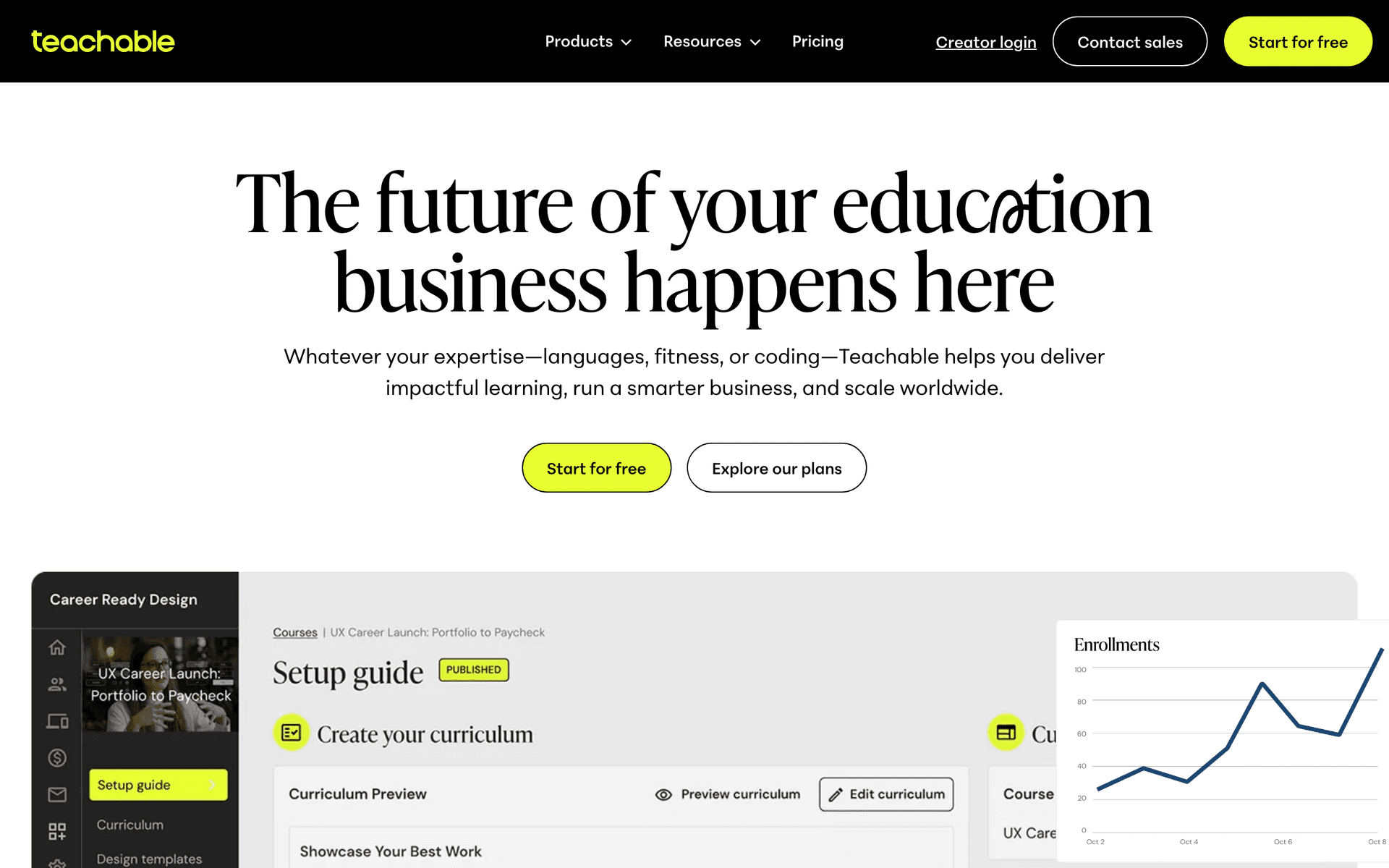
7TeachableCourse platform with built-in email for cohort delivery.Operators wanting solid cohort delivery with a separate email toolFrom $39/month
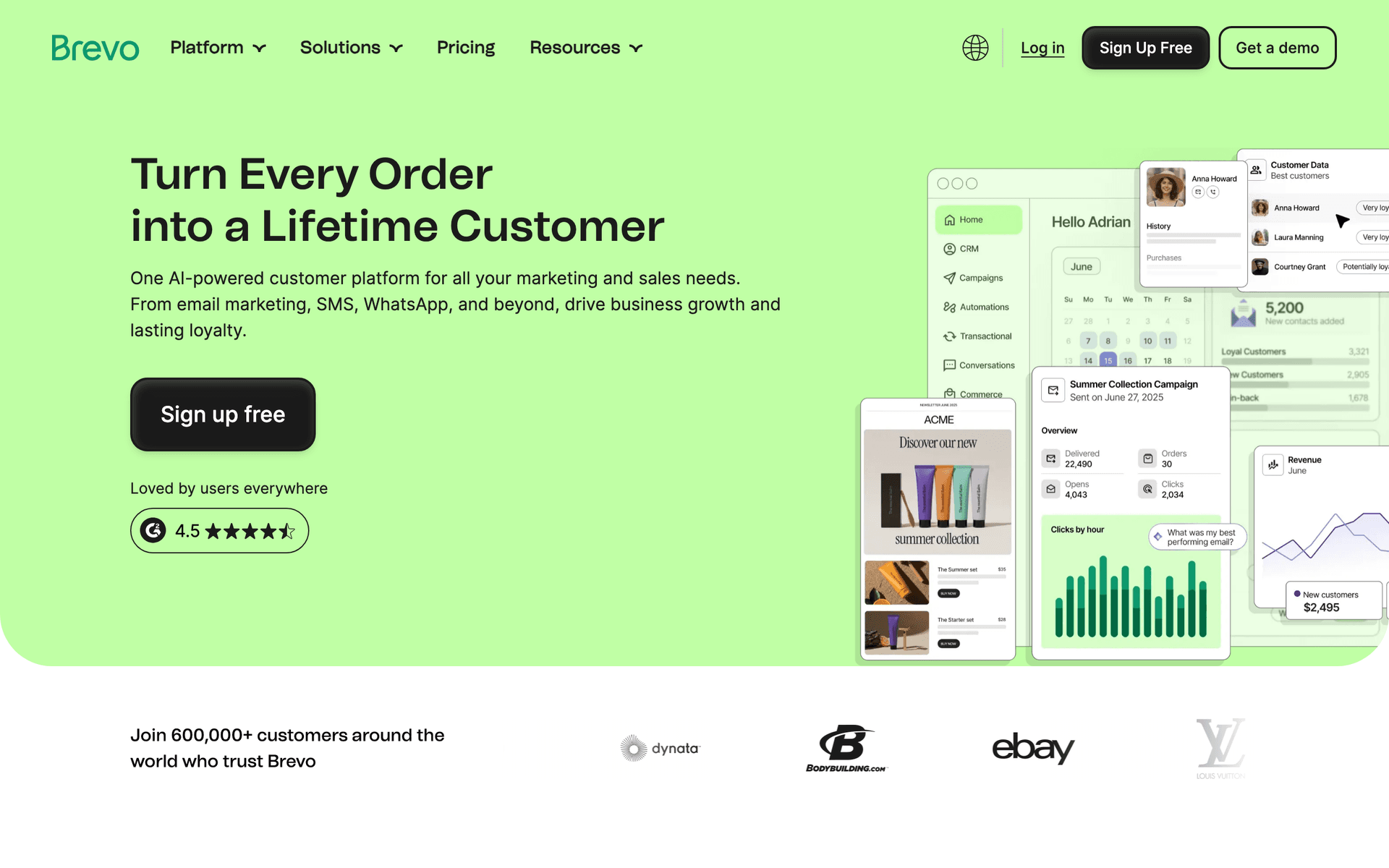
8BrevoEmail plus SMS session reminders at a budget-friendly price.Operators who want SMS session reminders alongside email on a budgetFree up to 300 emails/day, then from $25/month
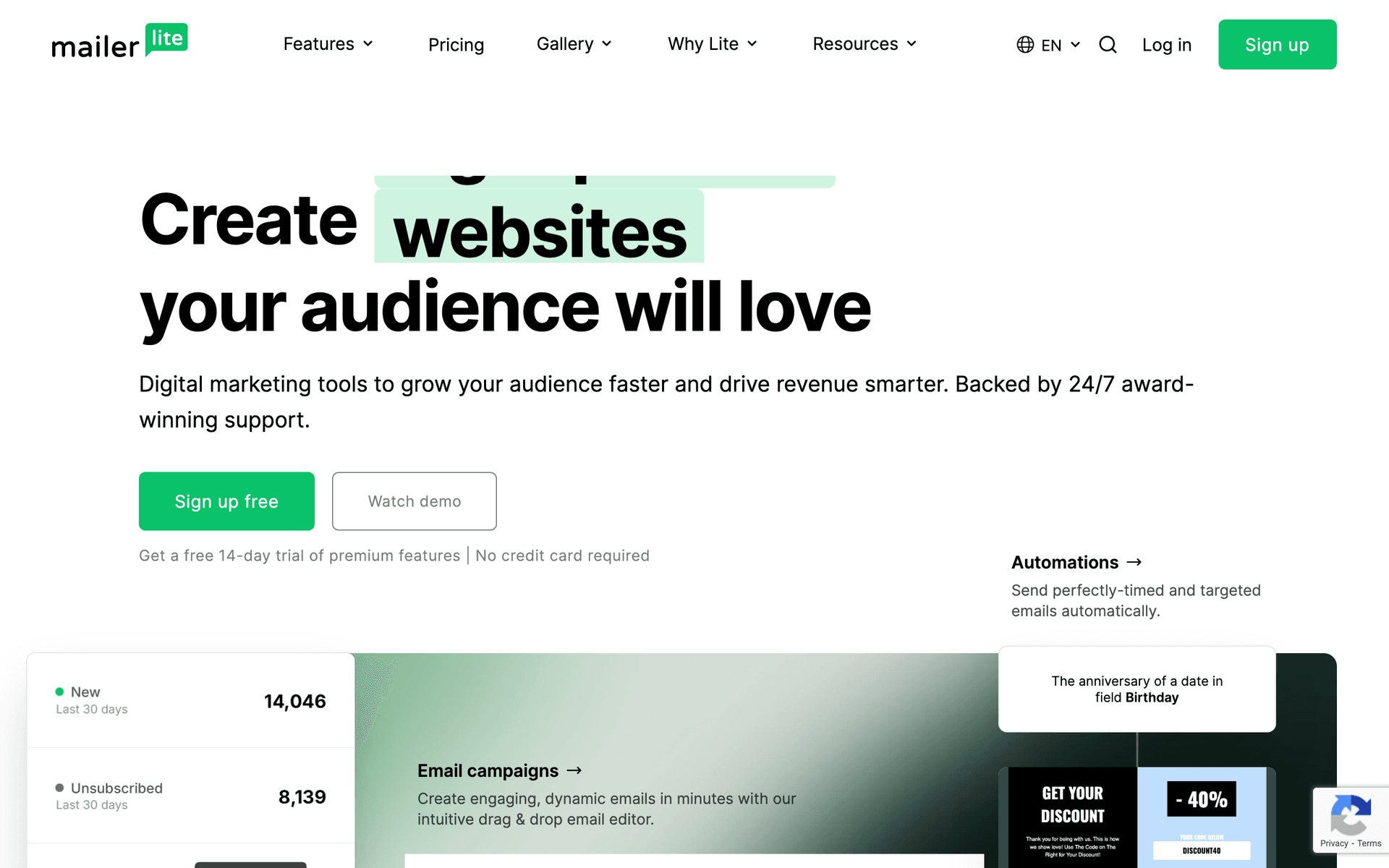
9MailerLiteClean, affordable email with good waitlist landing pages.Operators wanting simple waitlist pages and reminders cheaplyFree up to 1,000 subscribers, then from $10/month
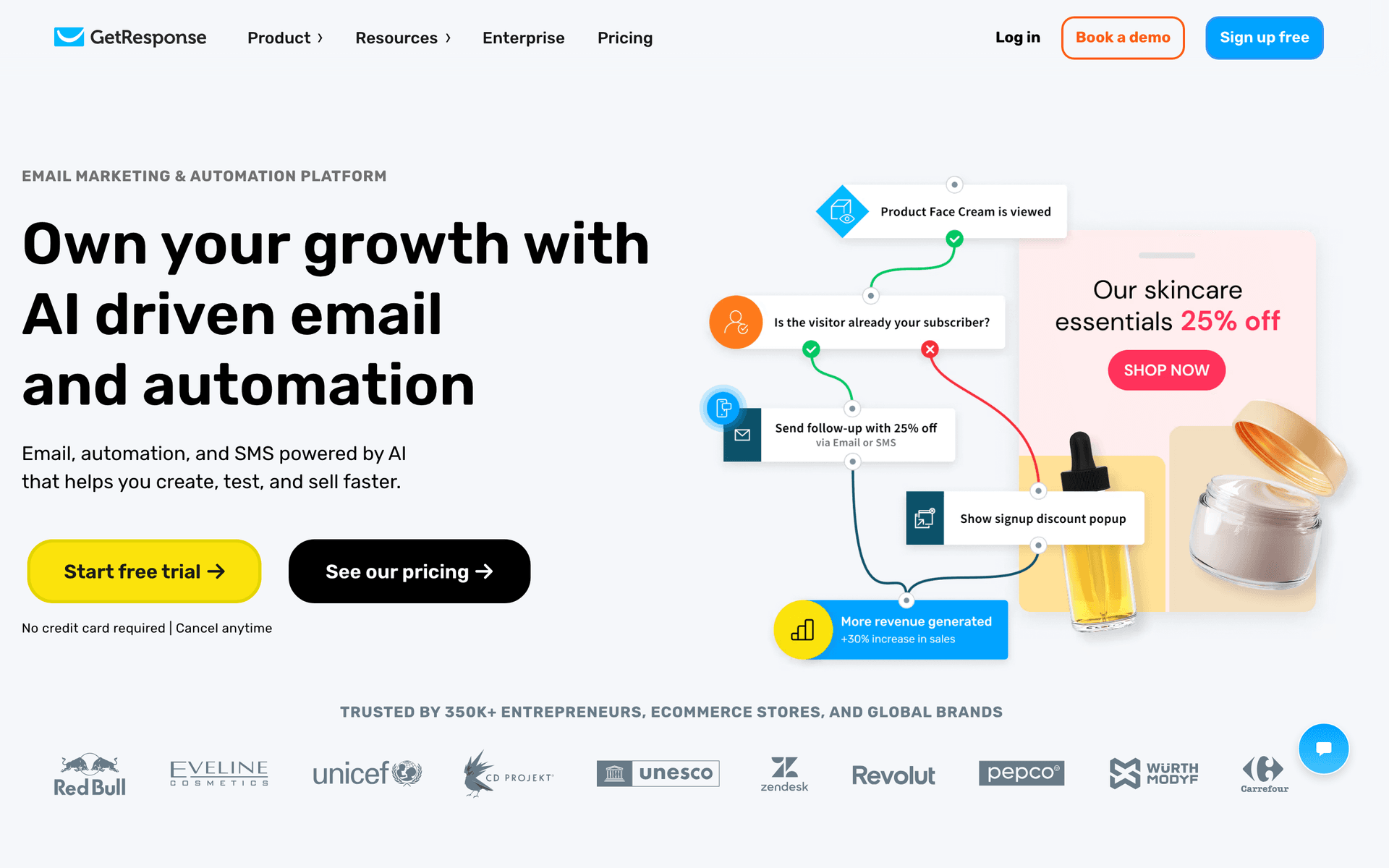
10GetResponseAll-in-one with native webinar hosting for live sessions.Operators running weekly sessions as webinars in one toolFrom $19/month for 1,000 contacts (webinars on higher tiers)
11Mighty NetworksCommunity-first platform with cohort courses and member messaging.Operators building a community-first cohort experienceFrom $41/month
12DripRevenue-focused automation for cohorts selling at scale.Operators selling cohorts at volume who want revenue attributionFrom $39/month for 2,500 contacts
13MailchimpPopular starter platform with broad integrations.First-time operators who want a familiar starting pointFree up to 500 contacts, then $13-350/month
14KartraAll-in-one with funnels, email, and behavior-based automation.Marketing-first operators running paid-traffic cohort enrollmentFrom $99/month
15FlodeskDesign-forward email for premium-priced cohort marketing.Operators wanting premium-looking cohort emails paired with a hostFlat $38/month unlimited subscribers
16HubSpotEnterprise CRM and marketing for cohort programs at scale.Teams running cohorts as a structured enrollment pipelineFree CRM, marketing from $50/month (scales steeply)
17AWeberSimple, reliable email with strong deliverability.Operators wanting simple, reliable cohort remindersFree up to 500 subscribers, then from $15/month
Our Top Pick for Cohort-Based Courses
#1
Sequenzy

AI-powered email marketing built for sequenced, date-driven programs.

Visit
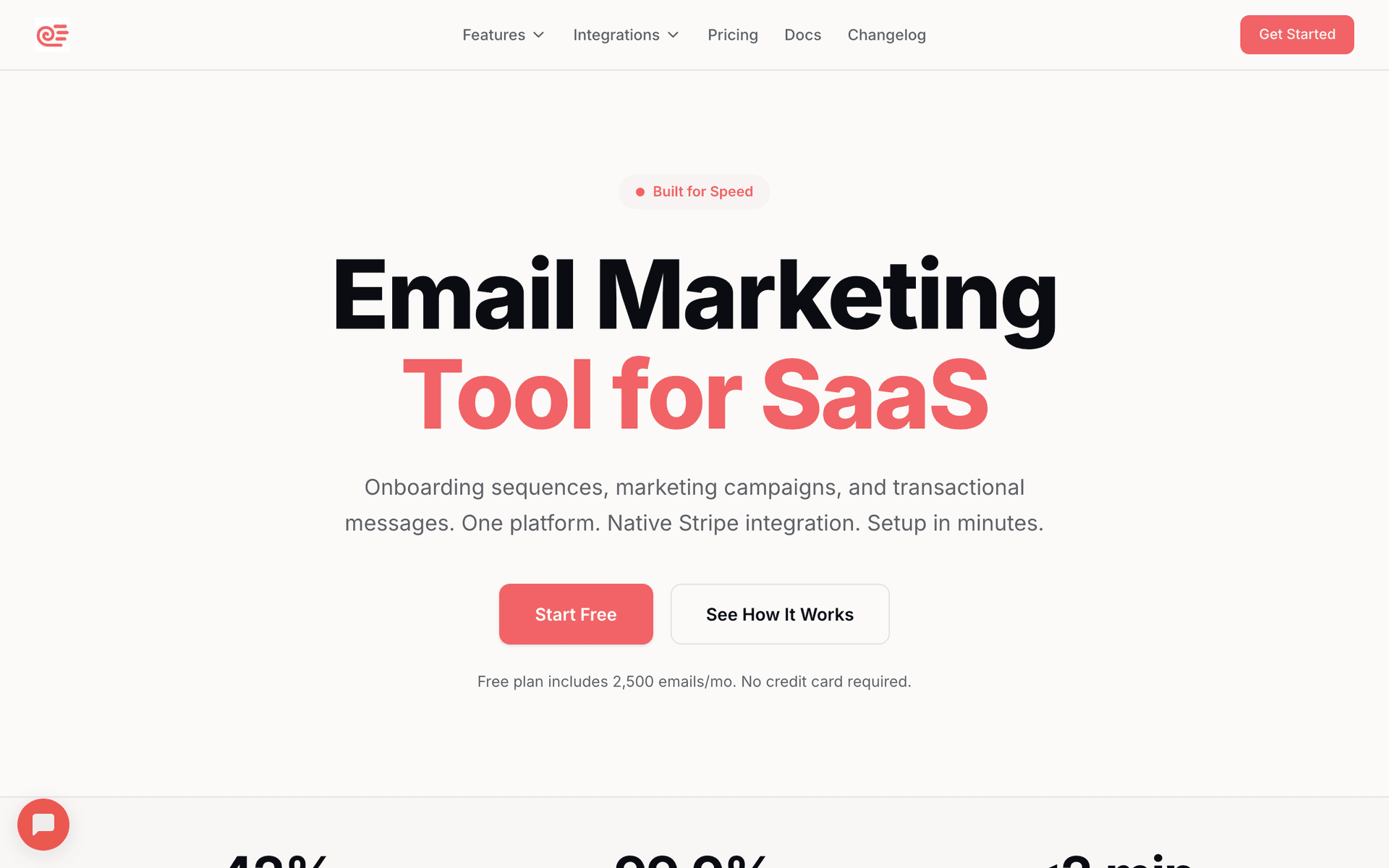
Sequenzy dashboard screenshot

Sequenzy fits cohort-based courses because every part of running a cohort is a timed sequence, and the AI builds sequences in seconds. Describe your cohort topic, audience, and dates, and the AI generates the whole calendar: a waitlist nurture, an enrollment-window launch with a real closing deadline, a kickoff and onboarding flow, a repeatable per-session reminder sequence for the weekly live calls, a mid-cohort at-risk check-in, and a graduation-plus-next-cohort-waitlist email. The send-based pricing is the real advantage for this niche. Cohort operators send in concentrated bursts - heavy during an enrollment window and around weekly sessions, quiet between cohorts - so paying per email sent rather than per contact sitting on a waitlist keeps costs low between rounds. The free tier covers up to 2,500 emails per month, enough to run a small cohort end to end, and paid plans start at $19/mo with unlimited contacts. The native Stripe integration means a paid enrollment can automatically move a buyer out of the sales sequence and into the kickoff and onboarding flow. The main trade-offs: Sequenzy does not host the course, the live room, or the community (pair it with Maven, Teachable, Circle, or Zoom), it has no built-in SMS for last-minute session nudges, and it launched in 2025, so it has a shorter track record than legacy platforms.

Best for
Operators who want the full waitlist-to-graduation sequence written by AI and priced by sends
Pricing
Free up to 2,500 emails/mo, then from $19/mo (unlimited contacts)

Pros

  • AI writes the full cohort lifecycle sequence
  • Send-based pricing suits enrollment bursts
  • Free tier to run a full cohort
  • Stripe enrollment events trigger onboarding

Cons

  • Does not host the course, room, or community
  • No built-in SMS session reminders
  • Launched in 2025, shorter track record
#2
Maven

The purpose-built marketplace and platform for cohort-based courses.

Visit

Maven is the platform built specifically for cohort-based courses, so for many operators it is the natural home and the email is part of the package. Applications, enrollment, scheduling, the live cohort experience, and community all live in one place, and Maven handles a lot of the lifecycle email - enrollment confirmations, reminders, and program communications - out of the box. The marketplace can also send you students you would not have reached on your own. For an instructor who wants the whole cohort machine handled and does not want to assemble a stack, Maven is hard to beat as a starting point. The trade-offs are real, though: Maven takes a revenue share, the marketing and email tooling is built around its platform rather than being a flexible standalone email system, and you do not own the deep, branching automation or the list portability you get from a dedicated email tool. Many serious operators run Maven for hosting and pair it with a real email platform for waitlist nurture and enrollment marketing.

Best for
Instructors who want a purpose-built cohort platform with marketplace reach
Pricing
Free to start, takes a revenue share of enrollments

Pros

  • Built specifically for cohort courses
  • Applications and enrollment built in
  • Marketplace can drive students
  • Handles core lifecycle email

Cons

  • Takes a revenue share
  • Email is platform-bound, not flexible
  • Limited branching automation
  • Less list ownership and portability
#3
ActiveCampaign

The most powerful automation for attendance-based, at-risk branching.

Visit
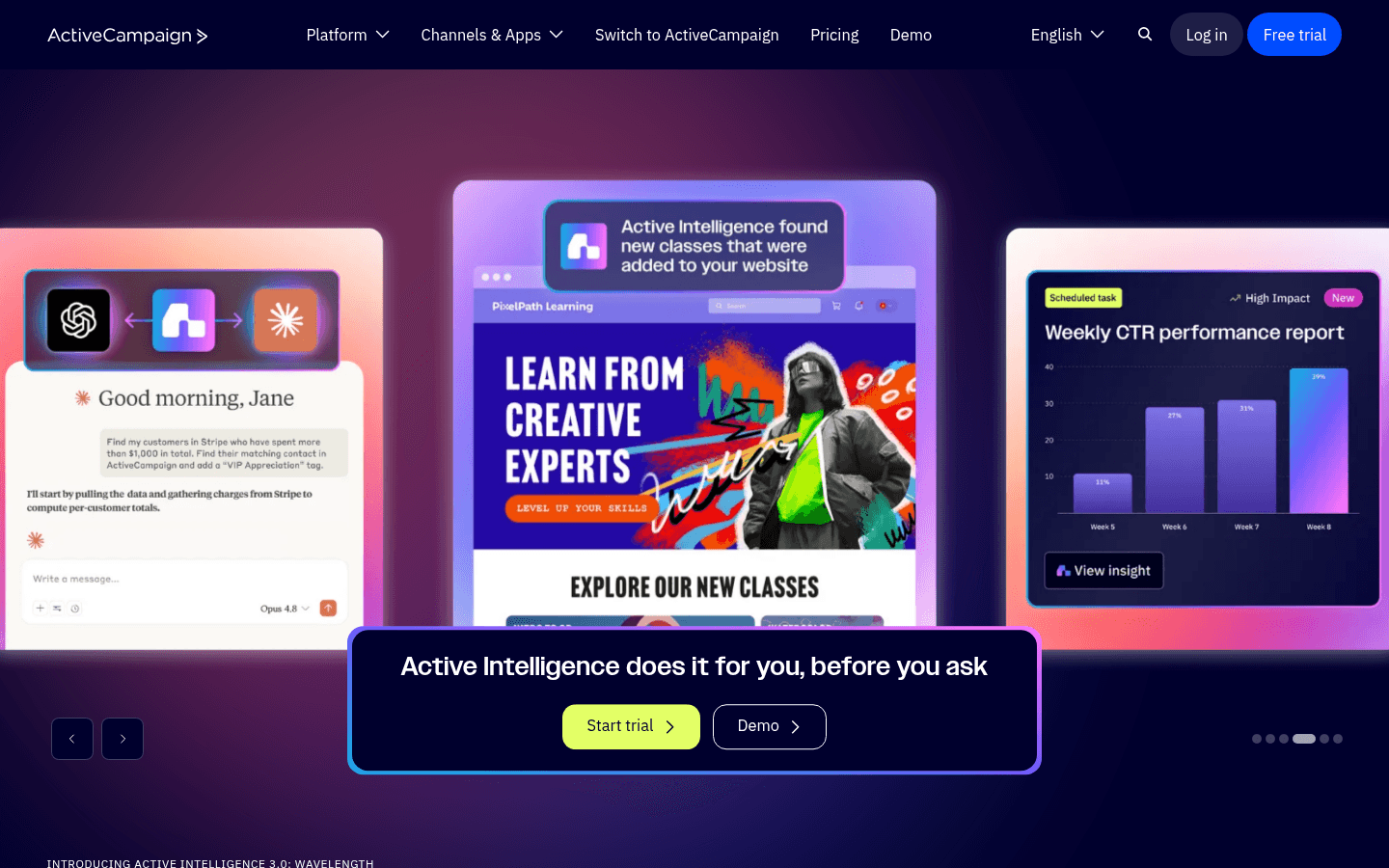
ActiveCampaign dashboard screenshot

ActiveCampaign is the power tool when cohort outcomes depend on branching logic. Tag students on enrollment, update tags based on weekly attendance and assignment submission via your platform or Zapier, then build conditional sequences: a student who missed two sessions gets an at-risk rescue path, an engaged student gets an enrichment path, and waitlisters get a nurture that escalates as the enrollment window approaches. Lead scoring surfaces your hottest waitlisters so you can prioritize them when doors open. If you run a high-ticket cohort where a single seat justifies real follow-up effort and where completion drives your testimonials and renewals, the sophistication pays off. The cost is complexity - the automation builder has a steep learning curve, and contact-based pricing penalizes a large waitlist you only email around enrollment windows. Overkill for a first small cohort, essential for a serious multi-cohort program.

Best for
Operators running high-ticket cohorts with attendance-based at-risk branching
Pricing
From $29/month for 1,000 contacts

Pros

  • Best-in-class branching automation
  • Attendance and at-risk segmentation
  • Lead scoring for hot waitlisters
  • Deep integrations with course tools

Cons

  • Steep learning curve
  • Contact-based pricing
  • Overkill for a first cohort
  • Can be overwhelming
#4
ConvertKit

Creator-focused email with clean tagging and waitlist forms.

Visit
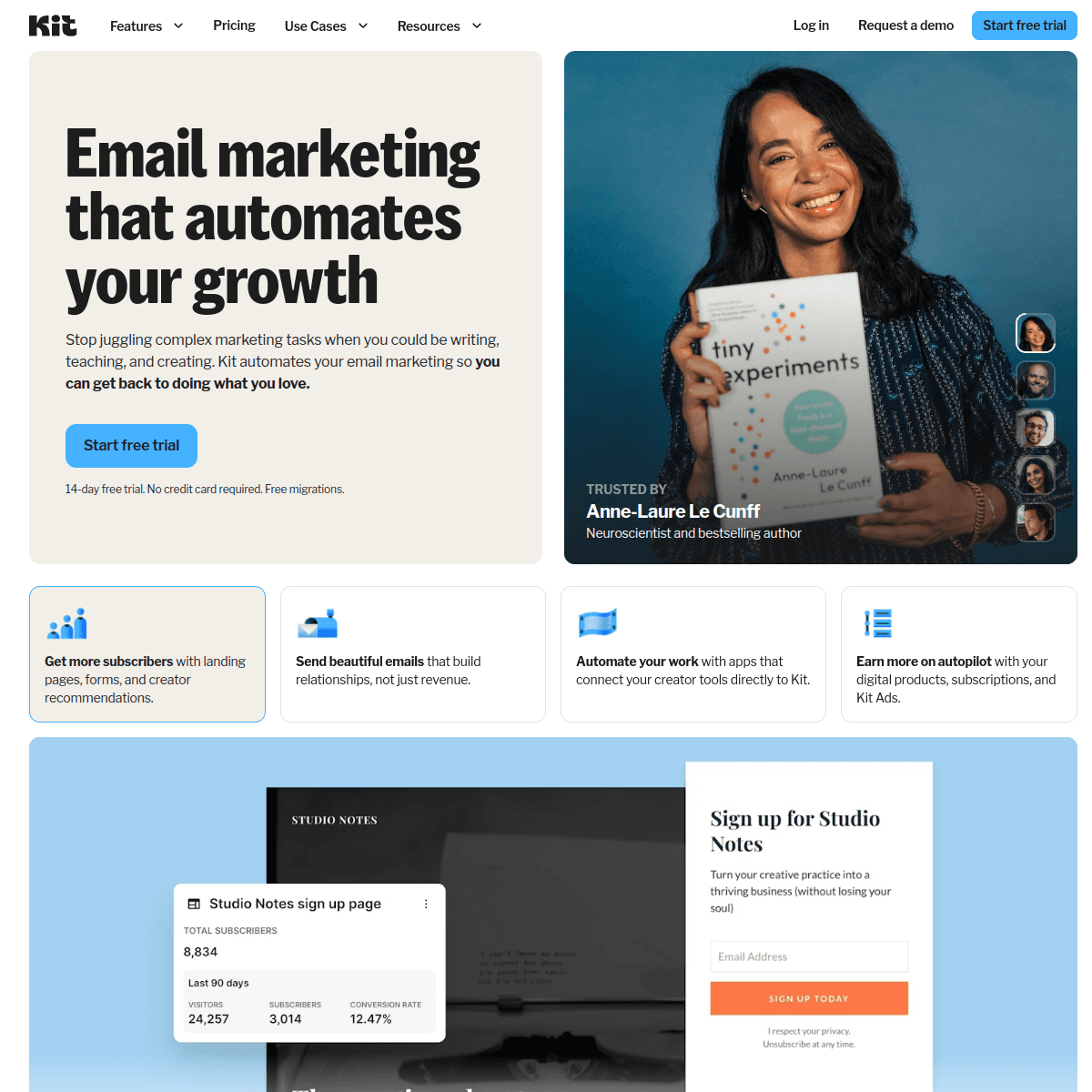
ConvertKit dashboard screenshot

ConvertKit (Kit) is a strong fit for creators and educators who run cohorts as part of a broader audience business. Waitlist forms are quick to build, the tag-based system makes segmenting waitlisters, applicants, students, and graduates straightforward, and the automation handles enrollment-window and per-session reminder sequences cleanly. The free tier covers 1,000 subscribers, so you can run your first cohort's waitlist and enrollment without paying. Kit favors plain-text, personal-feeling emails, which actually suits cohort communication well - kickoff notes, weekly reminders, and at-risk check-ins read like a message from your instructor rather than a corporate blast. The limitations are minimal visual design and pricing that climbs with list size, plus no native course or community hosting, so you pair it with Maven, Teachable, or Circle. For a creator whose cohorts sit beside a newsletter and digital products, Kit keeps the audience relationship in one creator-friendly system.

Best for
Creators running cohorts alongside a newsletter and products
Pricing
Free up to 1,000 subscribers, then from $29/month

Pros

  • Easy waitlist forms
  • Clean tag-based segmentation
  • Free tier for first cohort
  • Personal-feeling emails suit cohort tone

Cons

  • Minimal visual design
  • Expensive at scale
  • No course or community hosting
  • Subscriber-based pricing
#5
Circle

Community platform with courses, live events, and member emails.

Visit

Circle earns its spot because community is the heart of most cohorts, and Circle hosts the community, the course content, and live events in one place, with member emails and broadcasts on top. Run your cohort space as a private community, deliver weekly modules, host live sessions, and email members about upcoming calls and assignments without leaving the platform. For operators whose cohort is really a community-plus-curriculum experience, Circle keeps engagement and communication together, and member activity can inform who is active versus quiet. The trade-offs: Circle's email and automation are built for community communication rather than sophisticated marketing sequences, so waitlist nurture and enrollment-window launches are weaker than a dedicated email tool. Most operators run Circle for the cohort experience and pair it with a real email platform for the marketing side.

Best for
Operators whose cohort centers on a live community experience
Pricing
From $49/month (higher tiers for courses and automation)

Pros

  • Community, courses, and live events in one
  • Member emails and broadcasts built in
  • Strong engagement features
  • Activity data on members

Cons

  • Marketing email is basic
  • Weak enrollment-window automation
  • Best paired with a dedicated email tool
  • Costs climb with features
#6
Kajabi

All-in-one platform unifying course hosting, email, and payments.

Visit
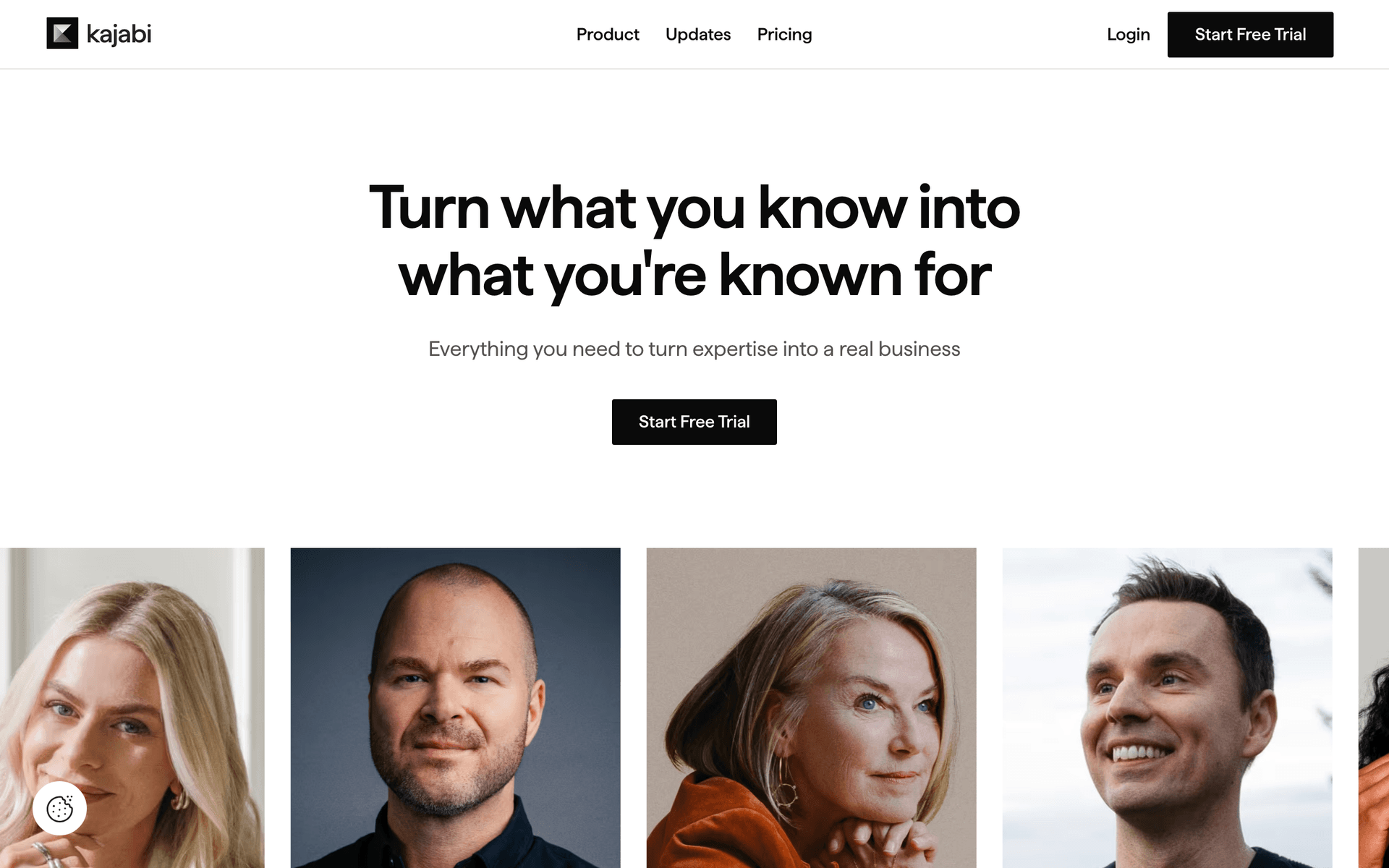
Kajabi dashboard screenshot

Kajabi is the default for operators who want course hosting, email, payments, and community under one roof, and that unification is genuinely valuable for cohorts. Because behavior and email share a data model, you can trigger flows like 'student has not started this week's module' automatically, run the enrollment window with built-in checkout, and host the cohort's content and community without wiring tools together. For an operator whose cohort is the core business and who wants one tool to own the whole thing, Kajabi consolidates a stack that would otherwise run several hundred dollars a month. The trade-offs are price (from $149/month), an automation engine that is good but not as deep as ActiveCampaign for complex at-risk branching, and average email templates. It is overkill for a first small cohort but a strong fit once the program is a real business.

Best for
Operators running their full cohort business on one platform
Pricing
From $149/month

Pros

  • Course, email, payments, and community unified
  • Behavior-based email triggers
  • Built-in enrollment checkout
  • No transaction fees

Cons

  • Expensive
  • Automation less deep than ActiveCampaign
  • Average templates
  • Overkill for a first cohort
#7
Teachable

Course platform with built-in email for cohort delivery.

Visit
Teachable dashboard screenshot

Teachable focuses on course hosting with email as a supporting feature, which suits operators who want a reliable place to deliver cohort content and handle enrollment without a heavy marketing stack. You can host the curriculum, sell seats with built-in checkout, drip content week by week to match the cohort schedule, and send basic student emails. For an operator who already has an email tool they like (Kit, Sequenzy, Flodesk) and just wants a solid course platform underneath the cohort, Teachable is simpler and cheaper than Kajabi. The trade-offs are that email is secondary to course delivery, automation is limited so at-risk branching and enrollment-window urgency are weak, and starter plans carry transaction fees. Best treated as the delivery layer paired with a dedicated email platform for the marketing and lifecycle work.

Best for
Operators wanting solid cohort delivery with a separate email tool
Pricing
From $39/month

Pros

  • Solid course delivery platform
  • Scheduled content drip for cohorts
  • Quicker setup than Kajabi
  • Affordable entry point

Cons

  • Email is secondary to courses
  • Limited automation
  • Transaction fees on starter plans
  • Weak enrollment-window urgency
#8
Brevo

Email plus SMS session reminders at a budget-friendly price.

Visit
Brevo dashboard screenshot

Brevo earns its spot for cohort operators specifically because SMS is built in. A text reminder 15 minutes before each weekly live session recovers students that email alone misses - response rates on 'we are starting now' texts are dramatically higher than email, and weekly attendance is exactly where that matters. The automation builder handles the waitlist, enrollment-window, and per-session reminder sequences, and the free tier (300 emails/day, unlimited contacts) works for a small cohort. For operators who want email and SMS reminders together without paying for two tools, Brevo delivers strong value. The interface is less polished than Kit or Kajabi, course and community integrations often need Zapier, and the daily sending cap on the free plan can pinch during a busy enrollment window.

Best for
Operators who want SMS session reminders alongside email on a budget
Pricing
Free up to 300 emails/day, then from $25/month

Pros

  • Built-in SMS session reminders
  • Generous free tier
  • Solid automation
  • Transactional email included

Cons

  • Daily sending limits on free plan
  • Less polished interface
  • Integrations often need Zapier
  • No course or community hosting
#9
MailerLite

Clean, affordable email with good waitlist landing pages.

Visit
MailerLite dashboard screenshot

MailerLite is the value pick for operators who want attractive waitlist landing pages and reliable enrollment-window automation without complexity. The landing page builder is genuinely good for capturing waitlist signups between cohorts, automation handles welcome and reminder sequences, and the free tier covers 1,000 subscribers with most features. For a small cohort run a couple of times a year, MailerLite is hard to fault on price or ease. The trade-offs are basic automation branching (so attendance-based at-risk logic is clunkier than ActiveCampaign), no native course or community hosting, and a strict account approval process that can take a few days when you start out.

Best for
Operators wanting simple waitlist pages and reminders cheaply
Pricing
Free up to 1,000 subscribers, then from $10/month

Pros

  • Strong landing page builder for waitlists
  • Very affordable
  • Clean, easy interface
  • Generous free tier

Cons

  • Basic automation branching
  • No course or community hosting
  • Strict approval process
  • Limited advanced features
#10
GetResponse

All-in-one with native webinar hosting for live sessions.

Visit
GetResponse dashboard screenshot

GetResponse is a natural all-in-one for cohort operators who run their weekly sessions as webinars, because it hosts the webinar alongside the email marketing. Capture waitlist and enrollment signups on built-in landing pages, host the weekly live session in the same tool, auto-remind students before each call, and split attendees from no-shows into different follow-up paths. For operators who do not want to wire Zoom to a separate email tool and whose cohort is mostly live teaching, the consolidation is genuinely useful. The downsides are a busy interface, a webinar room that is functional rather than premium, an email editor that trails the dedicated tools, and the lack of real cohort or community structure - it gives you the room and the email, not the program scaffolding Maven or Circle provide.

Best for
Operators running weekly sessions as webinars in one tool
Pricing
From $19/month for 1,000 contacts (webinars on higher tiers)

Pros

  • Native webinar hosting for live sessions
  • Waitlist landing pages built in
  • Attendance data feeds automation
  • Competitive all-in-one pricing

Cons

  • Webinar room is functional, not premium
  • Busy interface
  • No cohort or community scaffolding
  • Webinars locked to higher tiers
#11
Mighty Networks

Community-first platform with cohort courses and member messaging.

Visit

Mighty Networks is built around community, with courses, live events, and member messaging layered on, which suits cohorts that are really communities with a curriculum. Run a private cohort space, deliver content, host live sessions, and message members about upcoming calls and assignments. The activity feed keeps the cohort engaged between sessions, and the platform's AI features help with content and member matchmaking. For operators whose differentiator is the community and ongoing connection, Mighty Networks keeps engagement and communication together. The trade-offs mirror Circle: the email and automation are built for community communication rather than marketing sequences, so waitlist nurture and enrollment-window launches are weaker, and most operators pair it with a dedicated email tool for the marketing side.

Best for
Operators building a community-first cohort experience
Pricing
From $41/month

Pros

  • Community, courses, and events unified
  • Strong member engagement features
  • Member messaging built in
  • Built-in AI helpers

Cons

  • Marketing email is basic
  • Weak enrollment-window automation
  • Best paired with an email tool
  • Learning curve for setup
#12
Drip

Revenue-focused automation for cohorts selling at scale.

Visit
Drip dashboard screenshot

Drip suits cohort operators who want to see exactly which email drove which enrollment. The revenue tracking attributes purchases back to specific emails in your enrollment-window sequence, so you can tell whether your waitlist early-access email or your final-deadline email is doing the work. Strong automation handles waitlist nurture, enrollment, and per-session reminders. At $39/month minimum it is built for operators already generating consistent cohort revenue who want to optimize, not for someone running their first small cohort. If your cohorts sell at volume and you want per-email revenue attribution across enrollment windows, Drip earns its price, though its ecommerce DNA means cohort-specific features like attendance tracking still rely on integrations.

Best for
Operators selling cohorts at volume who want revenue attribution
Pricing
From $39/month for 2,500 contacts

Pros

  • Per-email revenue attribution
  • Strong automation
  • Good for high-volume enrollment
  • Detailed analytics

Cons

  • Built primarily for ecommerce
  • Higher entry price
  • Attendance tracking needs integrations
  • Overkill for a first cohort
#13
Mailchimp

Popular starter platform with broad integrations.

Visit
Mailchimp dashboard screenshot

Mailchimp is where many first-time cohort operators begin because it is familiar and integrates with most course tools out of the box. Templates look professional, the free tier covers 500 contacts, and basic waitlist and reminder automation is workable. The frustration appears when you need real attendance-based at-risk branching or a disciplined enrollment-window sequence with a hard deadline - Mailchimp's automation is basic, and the cost climbs quickly as your waitlist grows. Most serious cohort operators start on Mailchimp and migrate to a tool with stronger automation and friendlier burst-pricing within their first year of running cohorts regularly.

Best for
First-time operators who want a familiar starting point
Pricing
Free up to 500 contacts, then $13-350/month

Pros

  • Familiar and easy to start
  • Broad course-tool integrations
  • Professional templates
  • Good basic analytics

Cons

  • Basic automation branching
  • Gets expensive fast
  • Weak enrollment-window discipline
  • Contact-based pricing
#14
Kartra

All-in-one with funnels, email, and behavior-based automation.

Visit
Kartra dashboard screenshot

Kartra packages funnels, email, membership, and behavior-based automation into one tool, which fits operators running cohort enrollment with paid traffic. Build the waitlist page, the enrollment funnel, the per-session reminders, and the membership area in one place, with automation that responds to whether someone joined the waitlist, applied, enrolled, or attended. For marketing-first operators who think in funnels and want everything unified, Kartra is powerful and its automation is more flexible than Kajabi's. The trade-offs are a steeper learning curve and a price that only makes sense once your cohorts are generating real revenue. Less suited to an instructor who just wants to email a waitlist and host the occasional cohort.

Best for
Marketing-first operators running paid-traffic cohort enrollment
Pricing
From $99/month

Pros

  • Funnels and email unified
  • Behavior-based automation
  • Membership and pages included
  • Good for paid-traffic enrollment

Cons

  • Steep learning curve
  • Higher price
  • Overkill for simple cohorts
  • Email editor is average
#15
Flodesk

Design-forward email for premium-priced cohort marketing.

Visit
Flodesk dashboard screenshot

Flodesk pairs well with a cohort host (Maven, Teachable, Circle) for operators who want waitlist, enrollment, and weekly communication that look genuinely premium. Cohort seats often sell for $500-$5,000, and presentation shapes perceived value, so beautifully designed enrollment emails and kickoff notes can move the needle. The flat-rate $38/month for unlimited subscribers scales painlessly as your waitlist grows between cohorts. Keep course delivery and community in your host platform; use Flodesk specifically for the marketing broadcasts and lifecycle emails where brand presentation matters. The trade-offs are basic automation that struggles with attendance-based at-risk branching and limited integrations, so complex cohort logic lives elsewhere.

Best for
Operators wanting premium-looking cohort emails paired with a host
Pricing
Flat $38/month unlimited subscribers

Pros

  • Editorial-quality enrollment emails
  • Flat unlimited pricing
  • Great for premium branding
  • Simple to use

Cons

  • Basic automation
  • No attendance-based branching
  • Limited integrations
  • Not a course or community platform
#16
HubSpot

Enterprise CRM and marketing for cohort programs at scale.

Visit
HubSpot dashboard screenshot

HubSpot makes sense for organizations running cohorts as part of a larger education or B2B program with a sales team. The CRM ties waitlist, application, and enrollment data to deals, so a team can follow up on high-intent applicants with full context and report across cohorts. The free CRM is genuinely useful, but the marketing automation that matters for enrollment windows and lifecycle email lives behind expensive paid tiers. For a solo instructor or small team, it is overkill. For a training company or accelerator running cohorts as a structured pipeline, the CRM integration is the whole point.

Best for
Teams running cohorts as a structured enrollment pipeline
Pricing
Free CRM, marketing from $50/month (scales steeply)

Pros

  • Full CRM integration
  • Great for application follow-up
  • Strong reporting across cohorts
  • Scales for teams

Cons

  • Expensive at scale
  • Overkill for solo instructors
  • Complex setup
  • Marketing features gated
#17
AWeber

Simple, reliable email with strong deliverability.

Visit
AWeber dashboard screenshot

AWeber is dated but dependable, with deliverability built over 25+ years and real phone support. For operators who want straightforward waitlist confirmations and weekly session reminders without complexity, AWeber handles the basics reliably. The free tier covers 500 subscribers. The limitation is automation - you can build a linear reminder sequence but not the conditional attendance-based at-risk branching that drives the best cohort completion, and there is no native course or community hosting. AWeber sends reminders and announcements well; it does not run a sophisticated cohort lifecycle on its own.

Best for
Operators wanting simple, reliable cohort reminders
Pricing
Free up to 500 subscribers, then from $15/month

Pros

  • Reliable deliverability
  • Phone support
  • Simple to use
  • Long track record

Cons

  • Dated interface
  • Limited branching automation
  • No course or community hosting
  • Little innovation

Feature Comparison

FeatureSequenzyMavenActiveCampaignConvertKitKajabi
Waitlist forms/pages
Enrollment-window automation
Per-session reminder sequences
Attendance/at-risk segmentation
AI content generation
Course/community hosting
Free tier available

Common Mistakes to Avoid

We see these mistakes over and over. Skip the learning curve and avoid these from day one.

Treating a cohort like an evergreen course

Evergreen tactics - a perpetual cart, an on-demand replay funnel, 'buy anytime' messaging - quietly kill the urgency that makes cohorts work. The fixed start date and closing enrollment window are the entire point. Operators who let enrollment drift open year-round get evergreen conversion rates while doing the harder work of running live sessions.

Sending one reminder per live session

Weekly attendance is decided by reminders, just like a webinar. A single reminder per session leaves the live call half empty, and a thin room undermines the discussion and accountability students paid a premium for. Each session needs a confirmation, a day-before, and a near-start nudge, every week, for the whole run.

Ignoring students until graduation

Cohort operators often pour effort into enrollment and then go silent during the program, only to be surprised by a low completion rate. Drop-off is decided in the first two weeks. Without attendance and assignment tracking driving at-risk rescue emails, the people who needed help most quietly disappear and never become testimonials or repeat buyers.

Letting the enrollment window stay open forever

A cohort that keeps saying 'doors closing soon' for a month destroys trust and the urgency that drives the sale. If the deadline is not real, subscribers learn to ignore it. A hard close tied to the kickoff date, honored every time, is what makes the next countdown believable.

Choosing a tool priced for daily senders

Cohort operators send in concentrated bursts - heavy during an enrollment window and around weekly sessions, quiet between cohorts. Contact-based pricing bills you year-round for a waitlist you only email occasionally. Many operators overpay by picking a platform priced for daily senders rather than the burst-and-cycle pattern a cohort business actually has.

Email Sequences Every Cohort-Based Course Needs

These are the essential automated email sequences that will help you grow your business and keep clients coming back.

Waitlist Nurture + Enrollment Launch

When someone joins the cohort waitlist

Keep waitlisters warm between cohorts, then convert them the moment doors open.

Immediately
You're on the waitlist for {{cohort_name}} 🎓

Confirm the spot. Set expectations on when the next cohort opens. Tease the outcome and the live format.

Between cohorts
What students built in the last {{cohort_name}}

Stay warm with a graduate result or behind-the-scenes look at the program. Reinforce why live beats self-paced.

Enrollment opens (waitlist first)
Early access: {{cohort_name}} doors are open for you

Give the waitlist a head start before the public. State the kickoff date and the enrollment deadline clearly.

48 hours before close
Enrollment for {{cohort_name}} closes {{deadline}}

Real deadline urgency tied to the fixed start date. Note remaining seats. Link to enroll.

Weekly Live-Session Reminders

Scheduled before each weekly live session, for enrolled students

The repeatable cadence that keeps every live call full.

24 hours before session
Tomorrow: Week {{n}} live session at {{time}}

Lock in the calendar slot. Include the join link, the topic, and any prep or pre-work.

1 hour before session
Starting in 1 hour - here's your link

Catch students before they get distracted. Lead with the join link. Keep it short.

At start time
We're live now - join Week {{n}}

Recover students who lost track of time. Just the link and 'we're starting'.

Mid-Cohort At-Risk Check-In

When a student misses sessions or assignments in weeks 1-2

Rescue at-risk students before they quietly drop out.

After a missed session
We missed you in Week {{n}} - here's the recording

Private, low-pressure tone. Share the recording and a quick catch-up path. Remind them of their stated goal.

2 days later (if still behind)
Quick check-in - are you stuck on anything?

Offer help, office hours, or a buddy. Re-anchor on the outcome they wanted by graduation.

Before next session
You're not behind - here's how to jump back in

Reassure and lower the barrier. Give one concrete next action to rejoin the live cadence.

Graduation + Next-Cohort Waitlist

At the end of the cohort, for students who completed

Turn a finishing cohort into testimonials and the next round's waitlist.

Final session day
Congratulations, you graduated {{cohort_name}} 🎉

Celebrate the win. Recap what they built. Reference the goal they set on the application.

Day 2
One favor: share your {{cohort_name}} result

Request a testimonial while the result is fresh. Make it a one-click form or short prompt.

Day 5
What's next: alumni + the next cohort

Open the door to an alumni community, an advanced cohort, or early-bird access to the next round's waitlist.

Related Resources for Cohort Course Email Marketing

Cohort lifecycle need Best next page Why it helps
Write enrollment and reminder subject lines Webinar subject lines and event invitation subject lines Each weekly session is a live event, and the near-start reminders live or die on the subject line.
Build the full enrollment and session flow Event and webinar email templates A cohort needs waitlist, enrollment, weekly reminder, and graduation emails working together.
Warm up your waitlist between cohorts Welcome email templates Waitlisters need consistent value to keep intent alive until the next cohort opens.
Compare cohort vs evergreen tooling Course creator email tools and Email sequence templates Cohorts and evergreen courses need different email mechanics around the same content.

How to Choose the Right Email Tool for Cohort-Based Courses

The right platform depends on whether you want the host and the email in one tool, how much community matters, and how sophisticated your attendance-based automation needs to be.

Cohort email benchmark Healthy target What it tells you
Waitlist-to-enrollment rate 10-25% Your waitlist nurture and early-access timing are working.
Weekly live-session attendance 55-75% Your per-session reminder cadence is keeping the room full.
Cohort completion rate 55-85% Your at-risk rescue and community accountability are doing their job.
Enrollment window sales timing First 48h + last 48h Your real deadline and waitlist-first launch are concentrating urgency.
Graduate testimonial rate 20-40% of completers Your graduation sequence is capturing proof while results are fresh.

Decide Whether You Want Hosting Built In

The first fork is simple: do you want one platform that hosts the cohort, the community, and the email, or the best email tool paired with a dedicated cohort host? Maven, Kajabi, Circle, and Mighty Networks bundle hosting, community, and core communication. Operators who want the best of both pair a host like Maven, Teachable, or Circle with a dedicated email platform like Sequenzy, ConvertKit, or ActiveCampaign and push enrollment and attendance data between them. There is no wrong answer, but deciding this early narrows the list fast - and it determines how much list ownership you keep.

Attendance-Based Branching Is the Real Differentiator

Any tool can send a reminder. The tools worth paying for are the ones that branch on weekly attendance and assignment status, so a student who falls behind gets a private at-risk rescue path while an engaged student gets enrichment. This single capability separates a cohort that completes at 80% from one that bleeds students after week two. Sequenzy, ActiveCampaign, ConvertKit, and Kajabi handle it well. Community-first and simpler tools force you into one generic update for everyone.

Match Pricing to Burst-and-Cycle Sending

Cohort operators do not send daily. They send heavily during an enrollment window and around weekly sessions, then go quiet between cohorts. Contact-based pricing charges you the whole time regardless of how rarely you email the waitlist. Send-based pricing rewards the burst-and-cycle pattern. Calculate your real annual cost based on how many emails you will actually send across your cohorts, not on the raw size of your waitlist.

Tool Best cohort-operator fit Lifecycle strength Cost pattern
Sequenzy AI-built waitlist, enrollment, reminder, and graduation sequences. Strong attendance-based at-risk branching. Pay by emails sent.
Maven Purpose-built cohort host with marketplace reach. Good core lifecycle, limited marketing automation. Revenue share.
ActiveCampaign Complex, high-ticket, multi-cohort programs. Strongest branching and lead scoring. Contact-based.
Circle / Kajabi Community and course hosting beside the email. Good behavior triggers, weaker marketing sequences. Subscription-based.
ConvertKit Creators running cohorts beside a newsletter. Clean tag-based stage segmentation. Subscriber-based.

Best Fit by Cohort Model

Best email tool for instructor-led live cohorts

Sequenzy is a strong fit when an instructor needs the entire waitlist, enrollment-window, weekly-reminder, at-risk, and graduation sequence written and running quickly around a dated program. It works best when the result depends on sequence quality and timing, and when burst-style send-based pricing matches an enrollment window of heavy sending followed by quiet periods between cohorts.

Best all-in-one for cohort hosting plus community

Maven and Kajabi are the natural picks when an operator wants the cohort, the community, and the core communication in one platform without wiring tools together. Maven adds marketplace reach and a purpose-built cohort experience; Kajabi adds unified payments, hosting, and behavior-based email. Both trade some marketing flexibility and list ownership for consolidation.

Best email tool for community-centered cohorts

Circle and Mighty Networks fit when the community is the differentiator and the curriculum sits inside it. They keep engagement, live events, and member communication together, with activity data on who is active versus quiet. Pair them with a dedicated email platform for waitlist nurture and enrollment-window marketing, which is where their built-in email is weakest.

The Cohort Operator Email Playbook

Between Cohorts: Build and Warm the Waitlist

When enrollment is closed, point everything at a waitlist signup - it is your highest-intent audience and the seed of your next cohort. Keep waitlisters warm with occasional graduate results, behind-the-scenes looks at the program, and reminders of why a live cohort beats a self-paced course. The goal is to keep intent alive so that the moment doors open, the waitlist is primed to convert.

Between-cohort email Timing Purpose Example subject
Waitlist confirmation On signup Confirm the spot and set expectations on timing. "You're on the waitlist for {{cohort_name}}"
Graduate proof Periodic Keep intent alive with a real student result. "What students built in the last cohort"
Open-date heads-up Before enrollment opens Tell waitlisters exactly when early access starts. "Doors open Tuesday - you go first"

During the Enrollment Window: Fill the Cohort

This is the burst that fills the seats. Email the waitlist first with early access, then announce publicly. Run a tight 7-14 day window with a real deadline tied to the kickoff date. Most sales land in the first 48 hours after doors open and the final 48 before they close, so concentrate your best writing - the early-access email and the final-deadline email - on those four days. Close on time, every time, so the urgency stays believable.

During the Cohort: Attendance and At-Risk Rescue

Treat each weekly session like a webinar with a 24-hour, 1-hour, and live-now reminder. At the same time, watch attendance and assignment status. The moment a student misses the first session or skips the week-1 assignment, trigger a private at-risk check-in with the recording and a catch-up path. This rescue work in weeks one and two is where completion rate is won or lost.

After the Cohort: Graduation and the Next Round

When the cohort ends, celebrate the graduates, recap what they built against the goal they set on their application, and request a testimonial while the result is fresh. Then open the next step - an alumni community, an advanced cohort, or early-bird access to the next round's waitlist. A finishing cohort should directly feed the enrollment of the next one.

Integration Recommendations for Cohort Operators

Your email tool should connect with where you host, sell, and run the live sessions:

Maven, Teachable, Kajabi, Circle, or your cohort host - Ensure enrollment and attendance data sync into your email tool so reminders and at-risk rescue fire automatically. Hosts that bundle email keep this in-house; dedicated email tools connect natively or through Zapier.

Zoom or your live-session room - Each weekly session is a live event. Push attendance data into your email tool so you can branch attendees from no-shows and trigger catch-up emails for the students who missed a call.

Stripe or your checkout - When a seat sells during the enrollment window, payment integration lets the purchase automatically move the buyer out of the sales sequence and into the kickoff and onboarding flow. Sequenzy has native Stripe integration.

Your calendar and scheduling tools - Add-to-calendar links in confirmation and reminder emails measurably improve weekly attendance by getting each session onto students' schedules.

What a Healthy Cohort Email System Looks Like

Waitlist conversion: 10-25% of the waitlist enrolling in the first wave when you open doors. If you are below 10%, your nurture is too thin or the gap between cohorts is letting intent fade.

Weekly attendance: 55-75% of enrolled students at each live session with a full per-session reminder cadence. If attendance falls below 50%, your reminders - not your content - are usually the problem.

Completion rate: 55-85% of students finishing, driven mostly by at-risk rescue in the first two weeks. Live cohorts should dramatically outperform the sub-15% completion typical of evergreen courses.

Graduate proof: 20-40% of completers providing a testimonial when you ask while the result is fresh - the raw material for filling your next cohort.

Getting Started: Your First Cohort Email System

  1. Build a waitlist page that captures intent between cohorts and asks one goal question
  2. Set up the enrollment-window sequence with waitlist-first early access and a real closing deadline tied to kickoff
  3. Create a repeatable per-session reminder cadence (24h, 1h, live-now) you can reuse every week
  4. Build an at-risk rescue path triggered by missed sessions or assignments in weeks 1-2
  5. Create the graduation sequence that celebrates, requests a testimonial, and opens the next-cohort waitlist
  6. Connect your cohort host and live room so enrollment and attendance data route students into the right path automatically

Start with one waitlist, one enrollment window, one reusable session-reminder cadence, and a graduation flow. Once your first cohort runs cleanly end to end, layer in attendance-based at-risk branching and an alumni track to lift completion and fill every future cohort faster.

How We Evaluated These Tools

Each tool was evaluated for the full cohort lifecycle: waitlist capture and nurture, application or onboarding forms, enrollment-window urgency and deadline automation, per-session reminder sequences for weekly live calls, attendance and assignment-based segmentation for at-risk rescue, graduation and next-cohort flows, community hosting where relevant, and pricing that suits the burst-and-cycle sending pattern cohort operators actually have. We gave extra weight to automation that can branch on attendance and to whether enrollment data could drive different paths for waitlisters, applicants, students, and graduates.

Frequently Asked Questions

Ready to grow your cohort-based course practice?

Start your free trial today. Set up your first email sequence in minutes with AI-powered content generation.

Related Industries

Sequenzy pricing reference

Sequenzy - Complete Pricing Guide

Pricing Model

Sequenzy uses email-volume-based pricing. You only pay for emails you send. Unlimited contacts on all plans — storing subscribers is always free.

All Pricing Tiers

  • 2.5k emails/month: Free (Free annually)
  • 15k emails/month: $19/month ($205/year annually)
  • 60k emails/month: $29/month ($313/year annually)
  • 120k emails/month: $49/month ($529/year annually)
  • 210k emails/month: $99/month ($1069/year annually)
  • 300k emails/month: $149/month ($1609/year annually)
  • 600k emails/month: $299/month ($3229/year annually)
  • 900k emails/month: $399/month ($4309/year annually)
  • 1.2M emails/month: $499/month ($5389/year annually)
  • 2M emails/month: $999/month ($10789/year annually)
  • 3M emails/month: $1499/month ($16189/year annually)
  • 4M emails/month: $1999/month ($21589/year annually)
  • 5M emails/month: $2499/month ($26989/year annually)
  • Unlimited emails/month: Custom pricing (Custom annually)

Yearly billing: All plans offer a 10% discount when billed annually.

Free Plan Features (2,500 emails/month)

  • Visual automation builder
  • Transactional email API
  • Reply tracking & team inbox
  • Landing pages
  • Unlimited team members
  • Goal tracking & revenue attribution
  • Unlimited lists and segments
  • Payment integrations
  • API, MCP, and CLI access
  • Unlimited sending domains
  • SPF, DKIM, and DMARC
  • Deliverability monitoring
  • Send time optimization
  • A/B testing

Paid Plan Features (15k - 1.2M emails/month)

  • Visual automation builder
  • Transactional email API
  • Reply tracking & team inbox
  • Landing pages (Create hosted signup pages and attach a custom domain.)
  • Unlimited team members
  • Goal tracking & revenue attribution
  • Unlimited lists and segments
  • Payment integrations (Stripe, Paddle, Lemon Squeezy)
  • API, MCP, and CLI access
  • Unlimited sending domains
  • SPF, DKIM, and DMARC
  • Deliverability monitoring
  • Send time optimization
  • A/B testing

Enterprise Plan Features (Unlimited emails)

  • Visual automation builder
  • Transactional email API
  • Reply tracking & team inbox
  • Landing pages
  • Unlimited team members
  • Goal tracking & revenue attribution
  • Unlimited lists and segments
  • Payment integrations
  • API, MCP, and CLI access
  • Unlimited sending domains
  • SPF, DKIM, and DMARC
  • Deliverability monitoring
  • Send time optimization
  • A/B testing

Important Pricing Notes

  • You only pay for emails you send — unlimited contacts on all plans
  • No hidden fees - all features included in the price
  • No credit card required for free tier

Contact

  • Pricing Page: https://sequenzy.com/pricing
  • Sales: hello@sequenzy.com