





How to Choose the Right Email Tool for Your Chiropractic Practice
The best email marketing tool for your practice depends on a few key factors.
Practice Size Matters
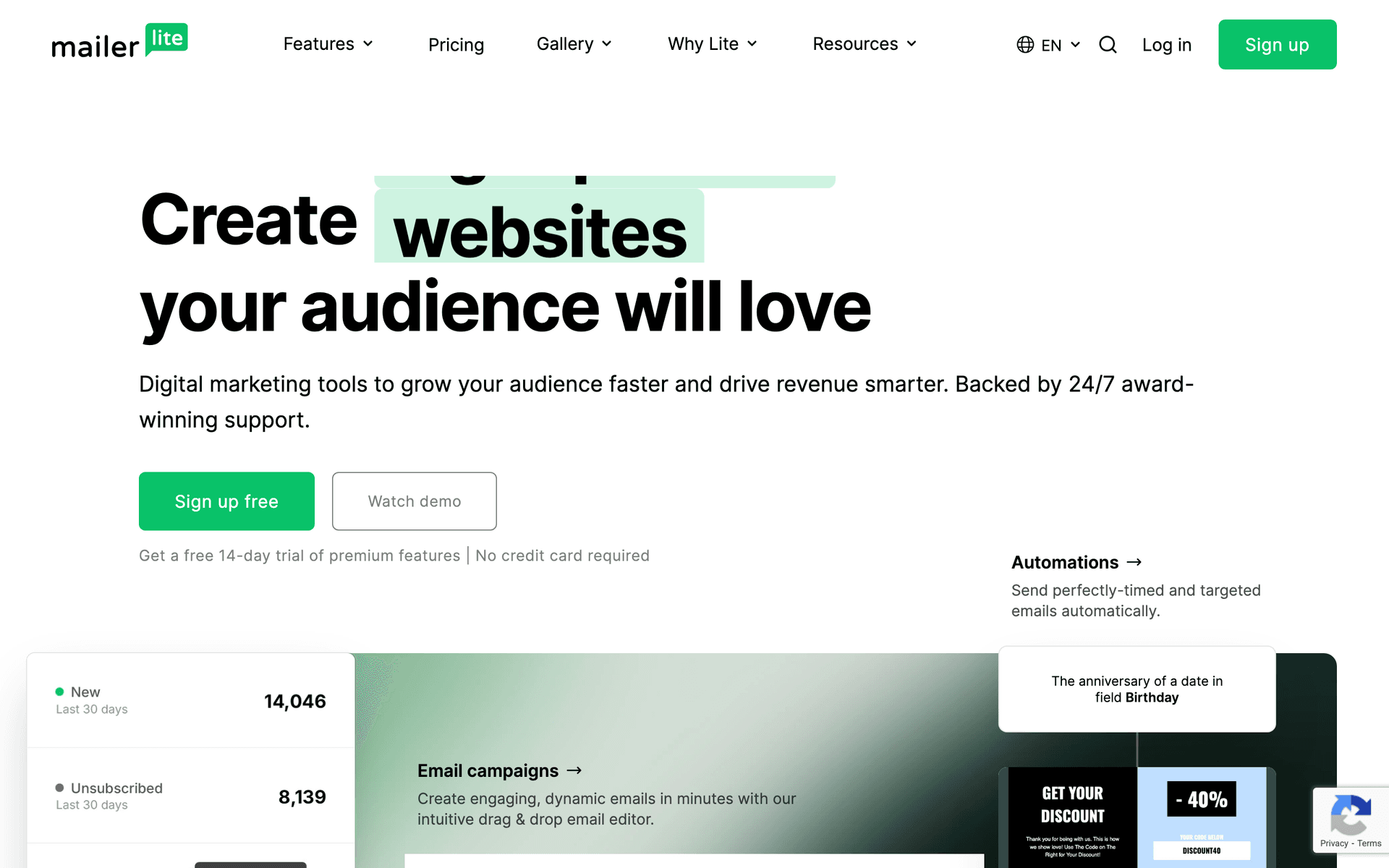
Solo chiropractors can use simpler tools like MailerLite or Sequenzy. The free tiers cover the basics and the interfaces are simple enough for front desk staff to manage. Multi-location groups with 10,000+ patient records need platforms like ActiveCampaign or HubSpot that handle complexity and team access well.
Technical Comfort Varies
If you or your staff are not technical, prioritize ease of use over features. A tool you actually use consistently beats a powerful one that collects dust because nobody can figure out the automation builder. Sequenzy and MailerLite are the easiest to learn. ActiveCampaign and HubSpot are the most powerful but require the most training.
Calculate Costs at Your Real List Size
Chiropractic practices accumulate patient records over years. A practice that has been open for 10 years might have 8,000 email addresses but only actively emails 500 patients per month. Contact-based pricing (Mailchimp, ActiveCampaign) charges you for all 8,000. Email-based pricing (Sequenzy, Brevo) only charges for what you send. Calculate the real cost at your actual database size, not the advertised starting price.
Chiropractic Tool Fit
| Practice type | Best-fit email need | First sequence to build | Compliance note |
|---|---|---|---|
| Solo practice | Simple reminders and newsletters | Reactivation sequence | Keep content general wellness |
| Multi-provider clinic | Staff-friendly templates | Appointment and care-plan reminders | Avoid PHI in marketing emails |
| Sports-focused chiropractor | Segment by interest | Seasonal injury-prevention emails | Use educational, not diagnostic, language |
| Family practice | Parent and patient segments | Back-to-school posture series | Do not mention individual conditions |
| Large patient database | Pay-per-email economics | Lapsed patient campaigns | Suppress inactive contacts over time |
Best Fit by Chiropractic Patient Journey
Best email marketing tool for chiropractic reactivation campaigns
Sequenzy is the better fit when the practice wants a simple 90-day lapsed-patient sequence, care-plan reminders, and educational wellness emails that staff can manage between appointments.
Best email marketing tool for chiropractic appointment SMS reminders
Brevo is the better fit when missed appointments are the main revenue leak and the practice wants email plus SMS in one system. Text reminders are especially useful for same-day or next-day appointment confirmations.
Best email marketing tool for multi-provider chiropractic clinics
ActiveCampaign is the better fit when the clinic has multiple providers, front desk ownership, patient segments, care phases, and enough process discipline to maintain more detailed automation.
What Actually Works for Chiropractic Practices
Automate the Basics First
Every practice should have three automated sequences running before adding anything else:
- Appointment reminders: Confirmation email at booking, reminder 2 days before, final reminder morning-of. Reduces no-shows by 25-35%.
- Care plan adherence: Check-in emails at days 3, 7, and 14 of a new treatment plan encouraging consistency and setting expectations.
- Patient reactivation: Three emails triggered 90 days after last visit - friendly check-in, educational content, and optional incentive to rebook.
These three sequences alone justify the cost of email marketing for most practices.
Chiropractic Email Benchmarks
| Email type | Healthy open rate | Primary conversion | Business impact |
|---|---|---|---|
| Appointment confirmation | 50-70% | Appointment attendance | Lower no-shows |
| Care plan check-in | 35-50% | Continued visits | Better adherence |
| Lapsed patient reactivation | 25-38% | Rebooked appointment | Recovered patient revenue |
| Monthly wellness newsletter | 28-35% | Click or booking | Top-of-mind retention |
| Review request | 35-50% | Review click | Local trust |
Keep It Simple
The practices trying to build 10-email sequences with complex conditional logic rarely finish setting them up. Start with the three sequences above. Add a monthly wellness newsletter with one posture tip, one practice update, and one call to action. That is a complete email program for a chiropractic practice.
Track What Matters
Open rates and click rates are informational, but appointments booked from email is the metric that counts. Set up tracking so you know how many patients booked because of a reactivation email, how many no-shows were prevented by reminders, and how many care plans were completed because of adherence emails. That is your real return on investment.
The Seasonal Email Calendar for Chiropractors
Build a year-round content calendar around seasonal wellness themes:
- January: New Year wellness resolutions, returning to exercise safely, posture goals
- February: Heart health and spinal connection, workplace ergonomics for tax season
- March-April: Spring activity preparation, gardening without back strain
- May-June: Summer sports injury prevention, travel posture tips
- July-August: Back-to-school backpack posture, desk ergonomics for students
- September-October: Fall sports season, pre-winter wellness checkups
- November-December: Holiday stress and tension, gift certificate promotions, year-end wellness recap
Each month provides a natural hook for relevant content that keeps your practice top of mind.
Patient Segment Email Map
| Segment | Trigger | Best email | Goal |
|---|---|---|---|
| New patient | First visit completed | Welcome and what to expect | Reduce uncertainty |
| Active care plan | Visits started | Progress and consistency reminders | Complete treatment plan |
| Maintenance patient | Monthly or quarterly visits | Wellness tips and checkups | Retain routine care |
| Lapsed patient | 90+ days since visit | Friendly check-in with booking link | Reactivate |
| Workshop attendee | Event signup | Educational follow-up | Convert to evaluation |
Building and Managing Your Patient Email List
What a Healthy List Looks Like
For a chiropractic practice, a healthy email list typically includes:
- 1,000-10,000 total contacts (depending on years in practice)
- 20-40% active patients (visited in last 6 months)
- Open rates of 28-35%
- Unsubscribe rate below 0.3% per email
- Reactivation conversion rate of 15-20%
Growing Your List
The fastest way to grow your email list is to make email collection a required part of your intake process. Beyond that, add a lead magnet to your website (a posture assessment guide or stretching routine PDF works well), collect emails at community health events, and ask for referral emails when patients recommend friends.
Getting Started
Pick a tool from this list. Any of them will work better than not doing email marketing at all. Then:
- Import your patient list
- Set up appointment reminder emails
- Create a reactivation sequence for lapsed patients
- Send a monthly wellness newsletter
- Add a review request trigger after positive patient milestones
That is it. You can get fancy later. The important thing is to start and stay consistent.