
Overview
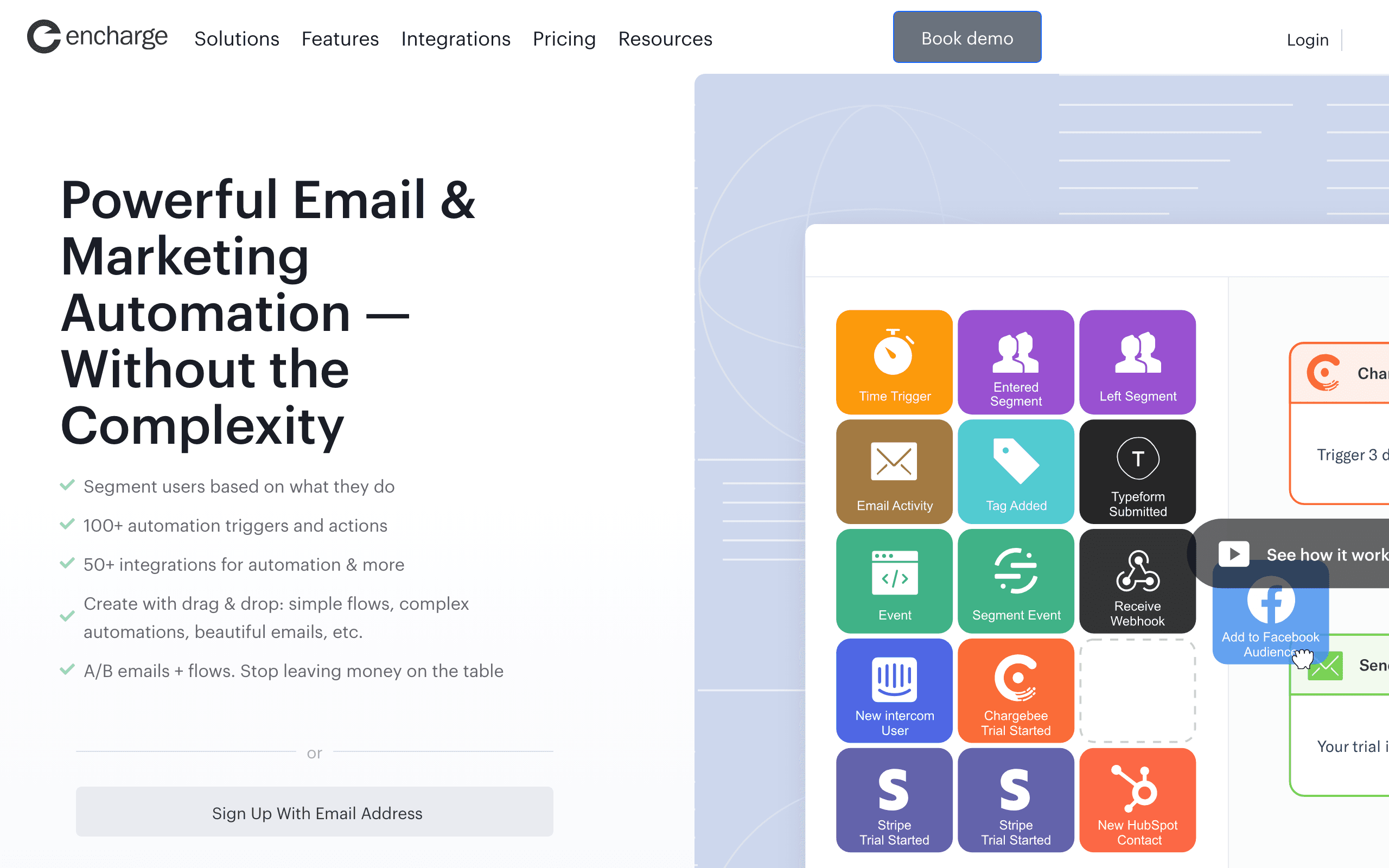
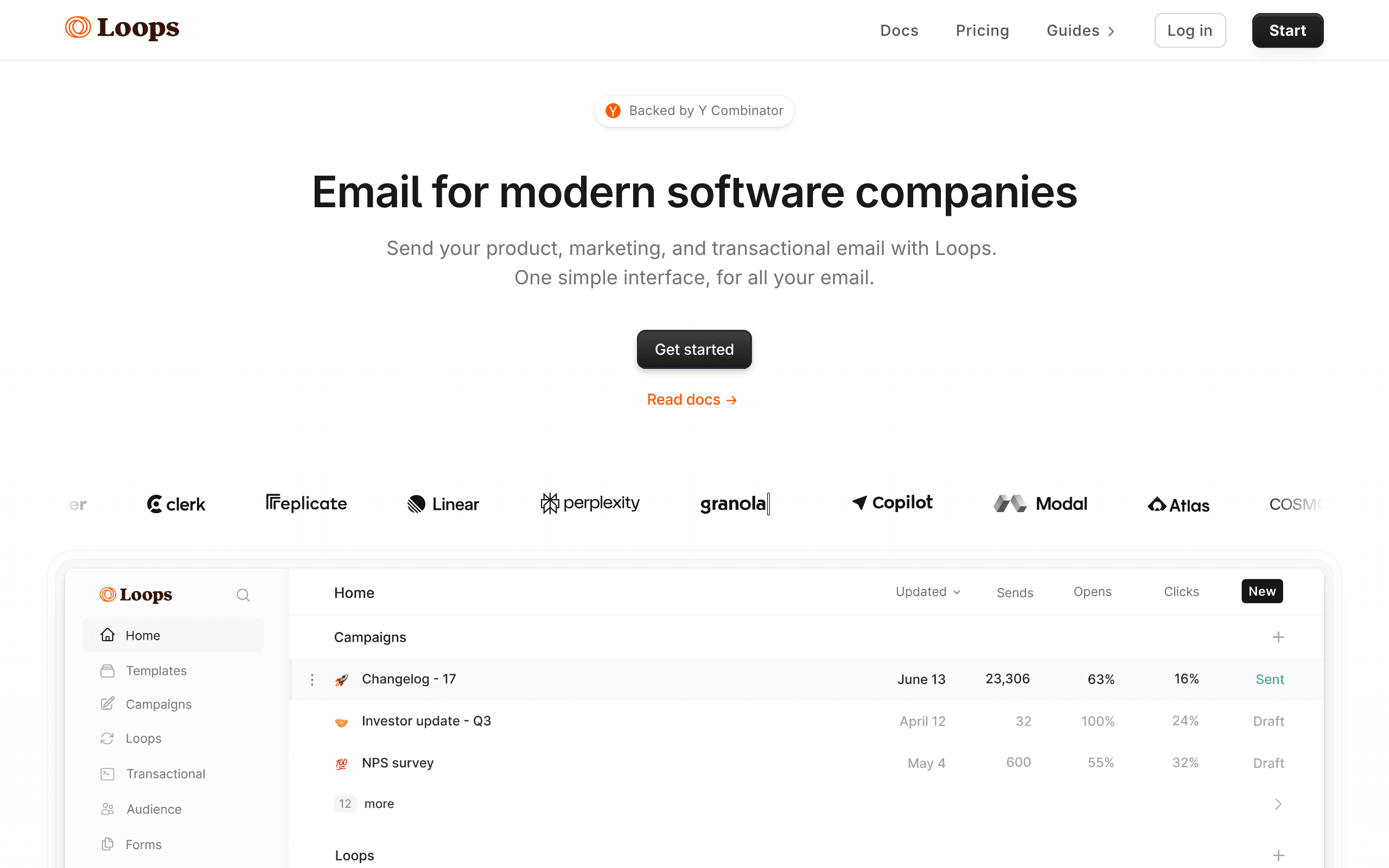
Encharge and Loops both target SaaS companies but from different ends of the spectrum. Encharge is a full-featured marketing automation platform with enterprise-grade capabilities. Loops is a modern, streamlined email platform focused on simplicity and speed. See our Loops and Encharge comparisons for more context.
The Price Difference
At 10,000 contacts, Encharge costs $179/month while Loops runs ~$99/month. That's 45% savings with Loops. At entry level, the gap is smaller - $79/month vs $49/month. For SaaS founders watching costs, Loops delivers more budget flexibility. But you're trading automation depth for that savings.
Automation Power vs Simplicity
Encharge has more powerful automation. Complex branching, user scoring, advanced segmentation - it's built for sophisticated marketing automation flows. Loops keeps things simple. Basic conditions, straightforward workflows. For most early-stage SaaS, Loops covers the essentials. For complex behavioral automation, Encharge has the edge.
Integration Ecosystem
Encharge connects to 50+ tools including Segment, Intercom, HubSpot, and Salesforce. This matters if you're building a complex marketing stack. Loops focuses on fewer integrations with core SaaS tools. Neither has native Stripe integration - both require workarounds for payment-triggered emails.
Setup Speed
Loops gets you sending in hours. Clean UI, minimal concepts, fast onboarding. Encharge takes longer - days to weeks to properly configure advanced features and integrations. For launching campaigns quickly, Loops wins. For building sophisticated automation, the Encharge setup investment pays off.
Transactional Email
Loops includes free transactional email with all paid plans. Encharge requires the Premium tier for transactional, adding cost. If you need both marketing and transactional email from one platform, Loops offers better value.
Making the Choice
Choose Encharge for: complex automation, user scoring, enterprise integrations, advanced segmentation. Choose Loops for: simplicity, speed, lower cost, free transactional email. For SaaS with Stripe billing, consider Sequenzy as a unified alternative with native payment integration.
Review signals
The Encharge reviews on this page support the mature-SaaS positioning: users mention complex onboarding automation, behavioral segmentation, and user scoring, while also warning that setup can take weeks and may be overkill for earlier teams.
The Loops reviews support the speed and simplicity story. One reviewer describes getting from zero to sending in an afternoon, while another says automation limitations start to show as the company grows. That makes Loops a strong starting point, not automatically the better long-term automation system.
Growth Stage Alignment
The choice between Encharge and Loops often comes down to your company's growth stage. Pre-seed to seed-stage SaaS companies typically benefit from Loops' simplicity and speed - get sending quickly, iterate on messaging, and keep costs low. Series A and beyond companies with established funnels and complex user journeys benefit from Encharge's automation depth.
Switching between platforms is possible but not painless. Consider where your company will be in 12-18 months when making this decision. Starting with a simpler tool and migrating later has a real cost in terms of rebuilt automations and lost historical data.
Transactional Email Inclusion
Loops includes free transactional email on all paid plans - a significant advantage for SaaS companies that need both marketing and transactional capabilities. Encharge requires the Premium tier for transactional email, adding substantial cost. This single feature can make Loops the more cost-effective choice for companies that need password resets, receipts, and system notifications alongside marketing automation.
For SaaS companies evaluating total email costs, the transactional email inclusion should factor into the price comparison. Running a separate transactional service alongside Encharge adds both cost and complexity that Loops eliminates.
Modern Interface vs Proven Depth
Loops has a noticeably more modern, cleaner interface that reflects its positioning as a next-generation SaaS email tool. Navigation is intuitive, setup is fast, and the overall experience feels contemporary. Encharge's interface is functional but shows its age - more feature-dense but less polished.
For marketing teams that spend significant time in their email platform, interface quality affects productivity and satisfaction. However, a prettier interface does not compensate for missing features when you need complex conditional logic or user scoring at scale.
Use-case matchups
| Use case | Better fit | Why |
|---|---|---|
| Early-stage SaaS email setup | Loops | Faster setup, cleaner UI, lower price, and included transactional email fit early teams. |
| Complex lifecycle automation | Encharge | User scoring, branching, segmentation, and integration breadth are stronger. |
| Teams needing free transactional email included | Loops | Transactional email is included on paid plans instead of requiring a premium tier. |
| Teams using Segment and many SaaS integrations | Encharge | Integration breadth and advanced data workflows are the main differentiators. |
| Stripe-aware SaaS lifecycle email | Sequenzy | Native Stripe workflows are the reason to compare a third option. |
Pricing reality
Loops is cheaper and faster to adopt, especially when transactional email is part of the stack. Encharge costs more because it supports deeper lifecycle logic, scoring, and integrations.
The wrong move is buying Encharge before the team has enough lifecycle complexity to use it. The opposite mistake is staying on a simpler tool after segmentation, scoring, and branching become revenue-critical.
Best Fit by SaaS Automation Depth
Best SaaS email tool for fast early-stage setup
Loops fits early SaaS teams that want a clean product email workspace, event-triggered loops, broadcasts, and transactional email without heavy configuration. It should be evaluated first when speed, simplicity, and a modern interface matter more than advanced scoring.
Best SaaS automation platform for complex lifecycle scoring
Encharge fits teams that need deeper branching, user scoring, segmentation, and a wider SaaS integration ecosystem. Choose it when lifecycle complexity has grown beyond basic product-event emails and payment-tool integrations need more control.
Best Stripe-aware lifecycle email platform for lean teams
Sequenzy fits when billing-triggered email is the main reason to compare alternatives. It is the focused option for teams that want Stripe events, lifecycle sequences, transactional messages, and campaigns without broader automation overhead.
Migration checklist
| Workstream | What to check |
|---|---|
| Contacts and consent | Export contacts, unsubscribes, bounces, tags, custom attributes, events, and suppression lists. |
| Event model | Map signup, activation, usage, billing, churn-risk, and lifecycle events before rebuilding flows. |
| Transactional email | Decide which transactional messages move, which stay elsewhere, and how unsubscribe rules apply. |
| Automations | Rebuild onboarding, activation, trial, upgrade, churn, reactivation, and broadcast workflows manually. |
| Integrations | Reconnect Segment, Intercom, HubSpot, API events, webhooks, Stripe workarounds, and analytics. |
| Reporting | Export campaign, journey, event, contact, and transactional performance history before switching. |
| Sender setup | Reverify SPF, DKIM, DMARC, tracking domains, bounce handling, branded links, and test delivery. |
Decision checklist
- Is the company early-stage enough to prioritize speed over depth?
- Are user scoring and complex branching required now?
- Does included transactional email change the total cost?
- Are integrations broad enough to justify Encharge?
- Is native Stripe billing automation a requirement?








