
Overview
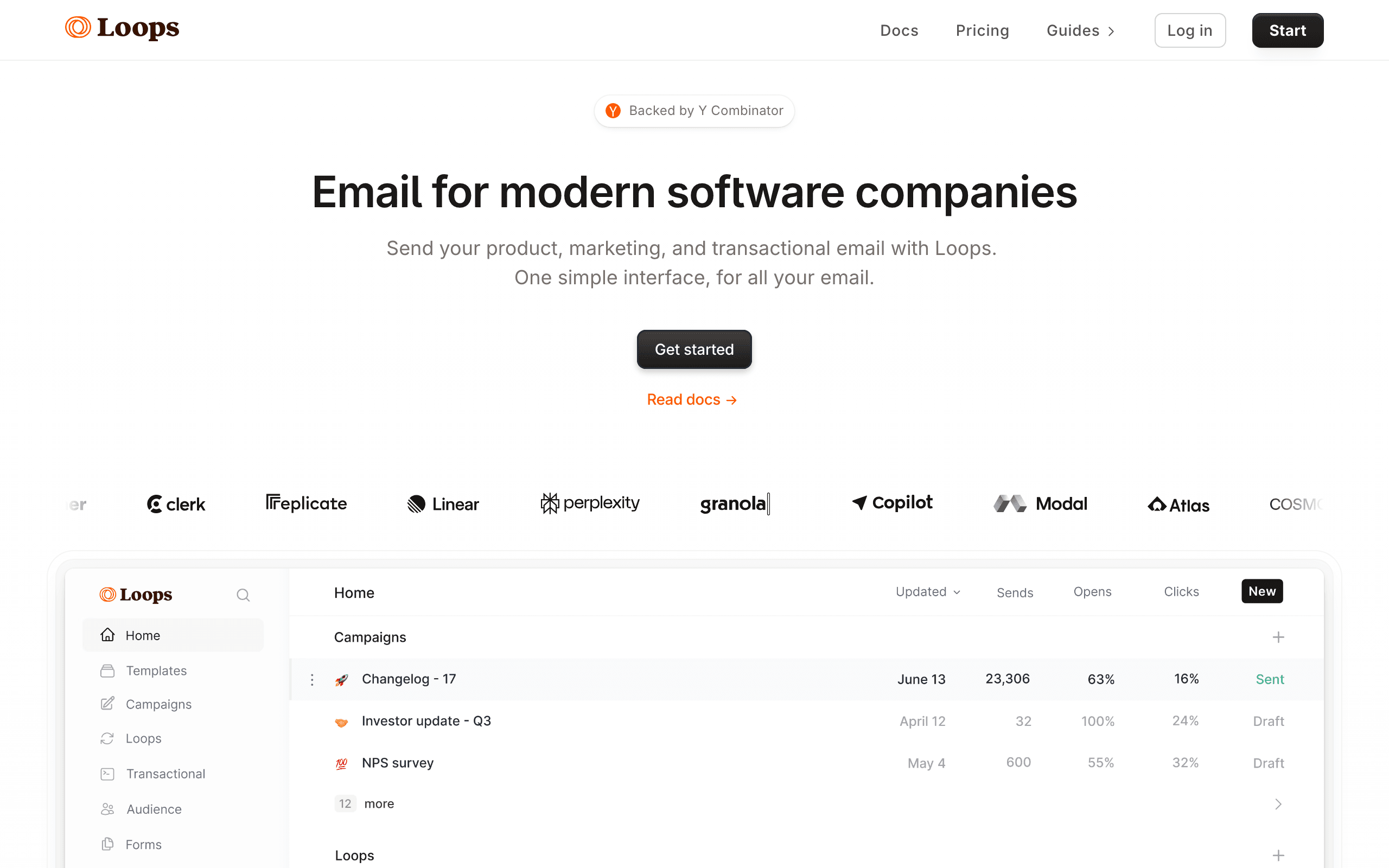
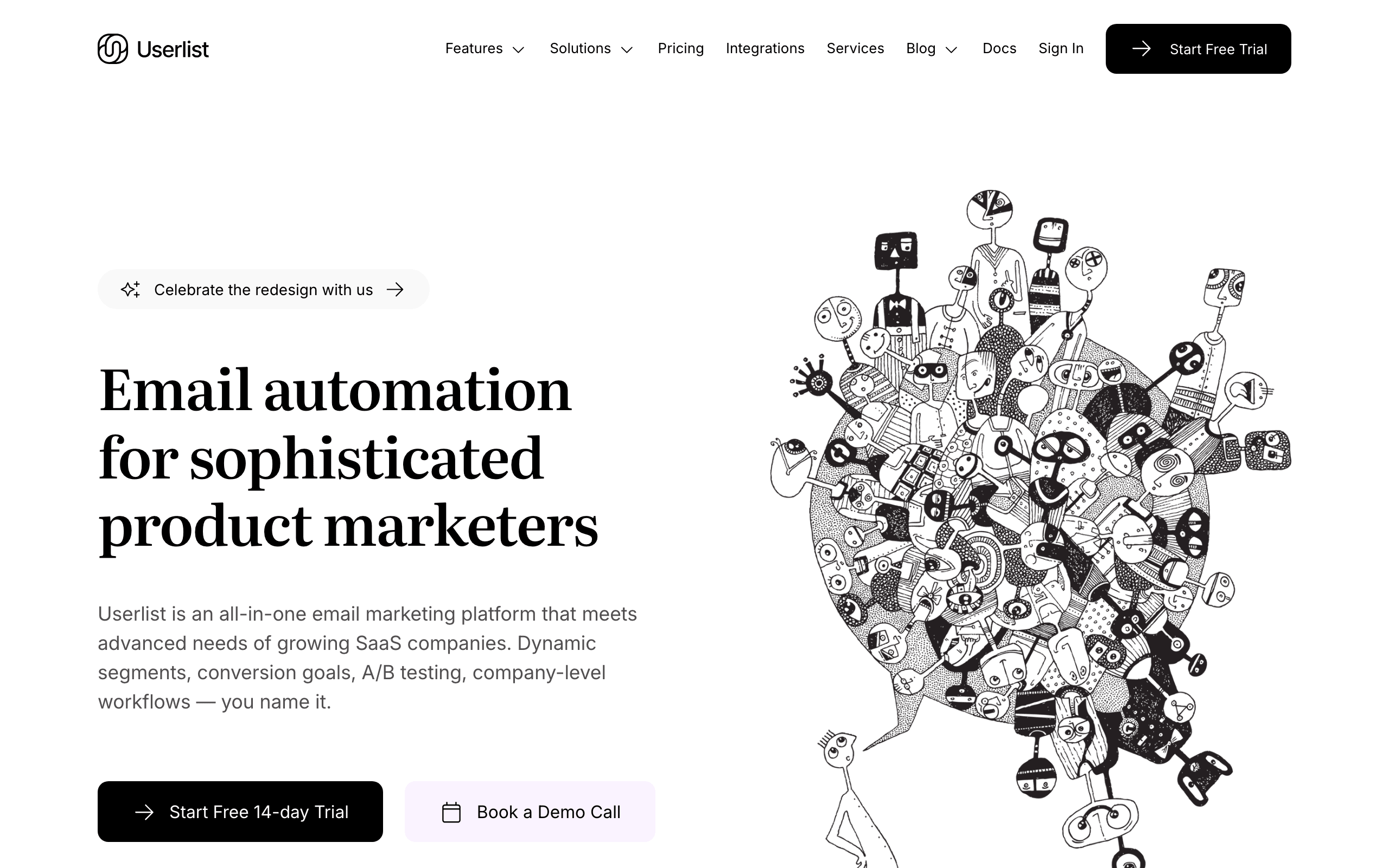
Loops and Userlist are both email platforms built specifically for SaaS. They target similar audiences but with different approaches. Loops focuses on simplicity and affordability. Userlist focuses on B2B SaaS with advanced company account features. See our Loops comparison for more context.
The Price Difference
Loops is significantly cheaper. It starts at $49/month with a free tier of 1,000 contacts. Userlist starts at $99/month with no free plan. At 10,000 contacts, Loops runs ~$99/month vs Userlist at $99-149/month. For SaaS founders watching costs, this 38-50% difference matters.
B2B Company Accounts
Userlist's standout feature is advanced company account support. You can track both individual users and the companies they belong to. Trigger automations based on company-level behavior - like "company completed onboarding" or "company hit usage milestone". Loops has basic support, but Userlist is built around this concept.
In-App Messages
Userlist includes in-app messaging for product onboarding and announcements. Loops focuses on email only. If you want both email campaigns and in-app messages from one tool, Userlist has the edge. If email-only works for you, Loops is simpler.
Setup & Simplicity
Loops wins on simplicity. Fewer concepts to learn, faster time-to-first-campaign. Userlist requires more upfront planning, especially if you're setting up company structures. For getting started quickly, Loops is faster.
The Stripe Question
Neither has native Stripe integration. Both require Zapier or custom API work for payment-triggered emails. If Stripe billing integration matters to your SaaS, Sequenzy offers native OAuth connection with payment-triggered automations.
Making the Choice
Choose Loops for: simplicity, lower cost, B2C or simple B2B SaaS. Choose Userlist for: B2B SaaS with company accounts, in-app messaging, complex lifecycle flows. For SaaS with Stripe billing, consider Sequenzy as a unified alternative.
B2B vs B2C SaaS Needs
The fundamental question is whether your SaaS product sells to individuals or to companies. B2C SaaS and simple B2B products where each user acts independently work well with Loops' individual contact model. Products where multiple users belong to a company account need Userlist's company-level data model.
Userlist lets you trigger emails based on company-level events and attributes, not just individual user actions. When the whole team completes onboarding, or when a company's subscription changes, Userlist can respond appropriately. Loops treats each contact individually without understanding the organizational context.
In-App Messaging Capabilities
Userlist includes in-app messaging alongside email. You can show banners, tooltips, and targeted messages within your product interface. For B2B SaaS where users live inside the application, in-app messaging can be more effective than email for feature announcements and onboarding prompts.
Loops focuses exclusively on email. If in-app messaging matters to your user engagement strategy, you would need a separate tool like Intercom or Pendo alongside Loops. Userlist bundles this capability, reducing the number of tools in your messaging stack.
Lifecycle Stage Management
Userlist provides explicit lifecycle stage management for both users and companies. You can define stages like trial, active, churned, and enterprise, then build automation flows that respond to stage transitions. This structured approach to lifecycle marketing is valuable for B2B SaaS with defined customer journeys.
Loops handles lifecycle implicitly through events and properties. You can achieve similar results by tracking user actions and building flows around them, but the lifecycle concept is not first-class in the platform. For teams that think in terms of defined lifecycle stages, Userlist's explicit model is more intuitive.
Use-case matchups
| Use case | Better fit | Why |
|---|---|---|
| Simple B2C or lightweight SaaS lifecycle email | Loops | Loops is faster to set up and easier to operate. |
| B2B SaaS with company accounts | Userlist | Userlist models users, companies, roles, and lifecycle stages explicitly. |
| In-app messaging plus email | Userlist | Userlist includes in-app messaging; Loops is email-focused. |
| Lower-cost modern SaaS email | Loops | Loops has a free tier and lower entry pricing. |
| Stripe-aware lifecycle automation | Sequenzy | Sequenzy is the better fit when billing events should drive campaigns. |
Best Fit by SaaS Data Model
Best SaaS email platform for lightweight user lifecycle campaigns
Loops is the better fit when the team wants quick onboarding, product updates, lifecycle emails, and event-triggered campaigns around individual users. It is easier to start when company-account modeling is not central.
Best SaaS messaging tool for B2B company-account lifecycle
Userlist is the better fit when the product sells to companies with users, roles, account stages, and in-app messages. Its explicit lifecycle model helps B2B teams reason about account-level communication.
Best email platform for Stripe-aware lifecycle automation
Sequenzy is the better fit when billing state should trigger the lifecycle program. Stripe IDs, trials, paid states, failed payments, subscription changes, and transactional messages belong in the automation model.
Pricing reality
Loops is cheaper and easier to try, especially for early-stage SaaS teams. Userlist costs more because it provides a deeper B2B SaaS data model and in-app messaging. The price difference is justified only if company-level lifecycle logic or in-app messages are important to your product.
Review signals
The reviews on this page show the setup tradeoff. Loops users praise speed, simplicity, and developer experience for straightforward SaaS email. Userlist users praise B2B company-account depth, but note that modeling companies, roles, and lifecycle stages takes implementation time.
Migration checklist
| Step | Moving to Loops | Moving to Userlist | Moving to Sequenzy |
|---|---|---|---|
| Data model | Export contacts, user properties, events, and suppression data. | Export users, companies, roles, lifecycle stages, events, and suppression data. | Export contacts, lifecycle fields, Stripe IDs, and suppression records. |
| Tracking setup | Map individual user events and properties. | Map users to companies, roles, company events, and lifecycle stages. | Connect product events, billing events, campaigns, and transactional templates. |
| Journey rebuild | Recreate onboarding, activation, retention, and newsletters. | Recreate company-level journeys, user-role messages, and in-app campaigns. | Recreate trial, paid, churn, transactional, and campaign flows. |
| QA | Test events, segments, templates, unsubscribes, and transactional sends. | Test company membership, role logic, in-app messages, and unsubscribes. | Test Stripe-triggered journeys and transactional email end to end. |
Decision checklist
- Choose Loops if you want simpler SaaS email and do not need a rich company-account model.
- Choose Userlist if B2B accounts, roles, lifecycle stages, and in-app messaging are core requirements.
- Choose Sequenzy if Stripe billing lifecycle automation is the priority.








