


Updated 2026-03-15

Best Email Marketing Tools for Home Inspectors

Build lasting realtor relationships, generate repeat business, and grow your inspection company with the right email marketing platform.

Home inspection is a referral-driven business. Your success depends on relationships with real estate agents, repeat business from past clients, and word-of-mouth recommendations. Email marketing helps you stay top-of-mind with realtors, follow up with homeowners after inspections, and build a reputation that generates consistent business. But most email tools are built for online retailers. Here are 13 platforms that actually work for home inspectors, ranked by ease of use, automation features, and value for money.

TL;DR

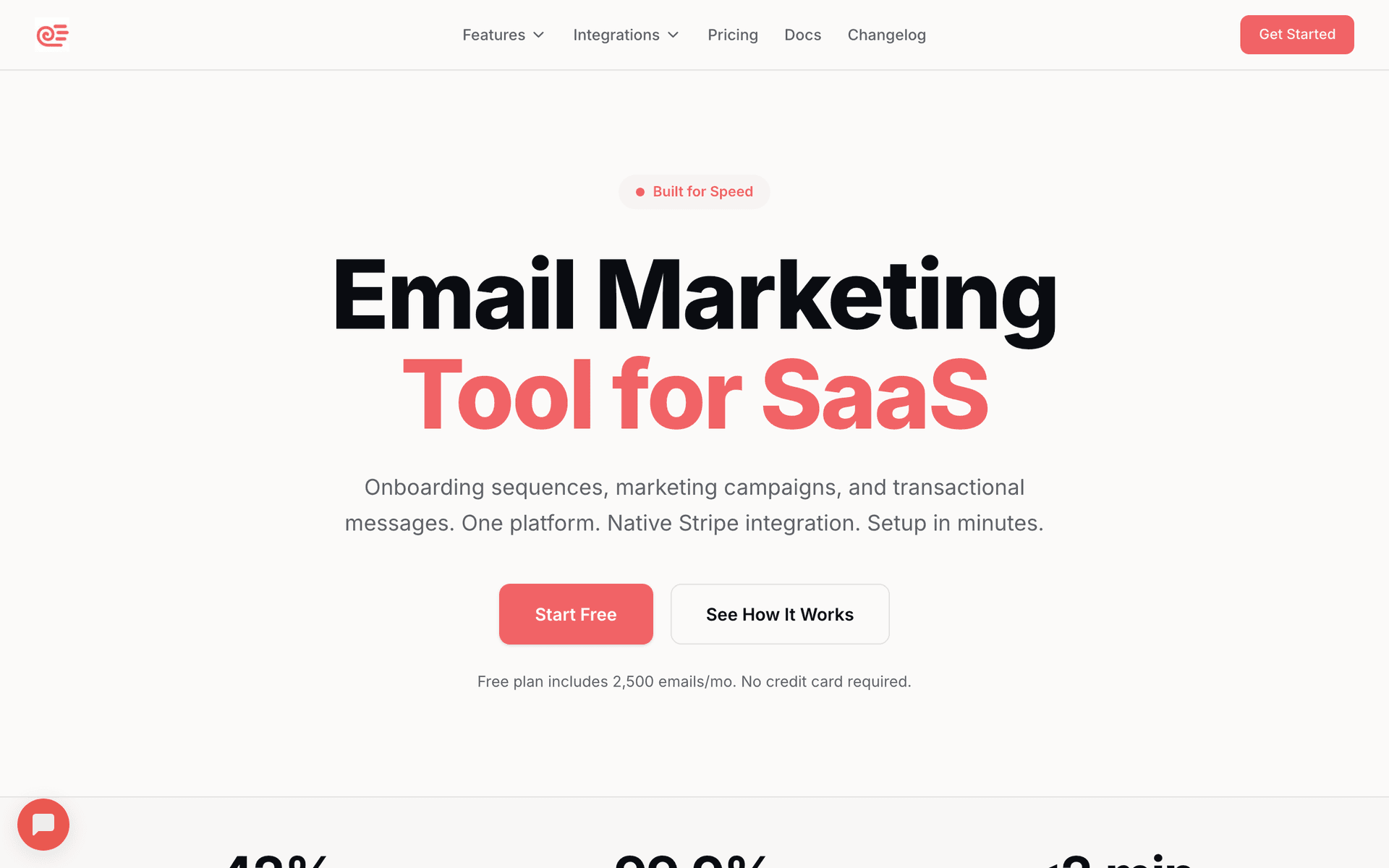
For most home inspectors, Sequenzy is the best fit because its AI builds realtor nurture and post-inspection follow-up sequences automatically, and the pay-per-email pricing works well when you have years of agent contacts sitting in your database. If you want a free starting point with broader brand recognition, Mailchimp is a solid alternative, though costs climb quickly once your contact list passes 500.

Why Home Inspectors Need Email Marketing

Build Realtor Partnerships

Real estate agents drive most inspection referrals. Regular emails keep you top-of-mind when they need an inspector.

Post-Inspection Follow-Up

Homeowners appreciate maintenance tips and seasonal reminders. Stay connected and generate future referrals.

Request Reviews and Referrals

Happy clients leave reviews and refer friends. Email makes asking easy and timely.

Educate and Build Trust

Share inspection tips and homeowner education. Position yourself as the expert inspector in your area.

Home Inspectors Email Marketing Benchmarks

Know these numbers before you start. They'll help you set realistic goals and pick the right tool.

28-32%
Average Open Rate

Home service emails typically see strong open rates because recipients have a prior relationship. Realtor-specific emails often perform even higher at 35%+ when content is relevant.

3-5%
Average Click Rate

Click rates improve significantly when emails include actionable items like scheduling links, review request buttons, or downloadable checklists.

Tuesday-Thursday, 9-11 AM
Best Send Time

Mid-morning on weekdays catches realtors before their afternoon showings and homeowners during their morning routine. Avoid Monday mornings and Friday afternoons.

10-15%
Review Request Conversion

A well-timed review request email sent 7-14 days post-inspection should convert at least 1 in 10 recipients into a reviewer. Including direct links dramatically improves this rate.

Important Tips Before You Choose

Lessons from home inspectorswho've been doing this for years. Save yourself the trial and error.

Segment realtors from homeowners from day one

Agents want market insights and partnership updates. Homeowners want maintenance tips and seasonal checklists. Sending the wrong content to the wrong group is the fastest way to get unsubscribes. Set up two separate lists before you import a single contact.

Time your realtor outreach to the buying season

Spring and early summer are peak home-buying months. Send your realtor nurture emails starting in February so you are top-of-mind by the time their listings ramp up. During slower winter months, shift to educational content and relationship building.

Turn every inspection into a review request

Automate a review request email 7-14 days after each inspection. Include direct links to your Google Business Profile and Yelp page. The best time to ask is when the client has had time to read the report but the experience is still fresh.

Offer exclusive content to your realtor list

Create a monthly email with data only agents care about - common defects you are finding, market-specific issues like foundation problems in certain neighborhoods, or tips for preparing clients for inspections. This positions you as a partner, not just a vendor.

Use seasonal maintenance emails as referral triggers

Quarterly maintenance checklists to past clients serve double duty. They provide genuine value and remind homeowners you exist. Add a line like 'Know someone buying a home? We would love to help them too' at the bottom of every seasonal email.

Track which realtors actually open your emails

Not all agents on your list are active referral sources. Use open and click tracking to identify your most engaged agents and invest extra effort in those relationships - a personal phone call or coffee meeting goes further than another email.

13 Best Email Marketing Tools for Home Inspectors

Our Top Pick for Home Inspectors
#1
Sequenzy

AI-powered email marketing built for service businesses. Creates client sequences automatically.

Visit

I built Sequenzy because service businesses deserve email tools that work without complexity. The AI sequence builder creates realtor nurture campaigns, post-inspection follow-ups, and seasonal maintenance tips in seconds - you describe your inspection business and it generates a complete sequence you can review and edit. We price by emails sent rather than contacts, which is a meaningful difference for inspectors who have accumulated hundreds of agent contacts and past client emails over the years. You can store all of those contacts without paying more, and only spend when you actually send. The interface is simple enough to manage from your phone between inspections, and the drag-and-drop editor handles seasonal newsletter templates without any design skills. The free tier lets you send up to 2,500 emails per month to test everything before committing.

Best for
Home inspectors wanting automated realtor and client communication without complexity
Pricing
Free up to 2,500 emails/mo, then $29/mo for 50K emails (unlimited contacts)

Pros

  • AI writes realtor nurture and follow-up sequences
  • Simple interface you can use from your phone
  • Pay for emails sent, not contacts stored
  • Direct founder support

Cons

  • Launched in 2025, less track record
  • No built-in SMS
  • Fewer templates than established competitors
#2
Mailchimp

The most popular email marketing platform. Solid features but can get expensive.

Visit

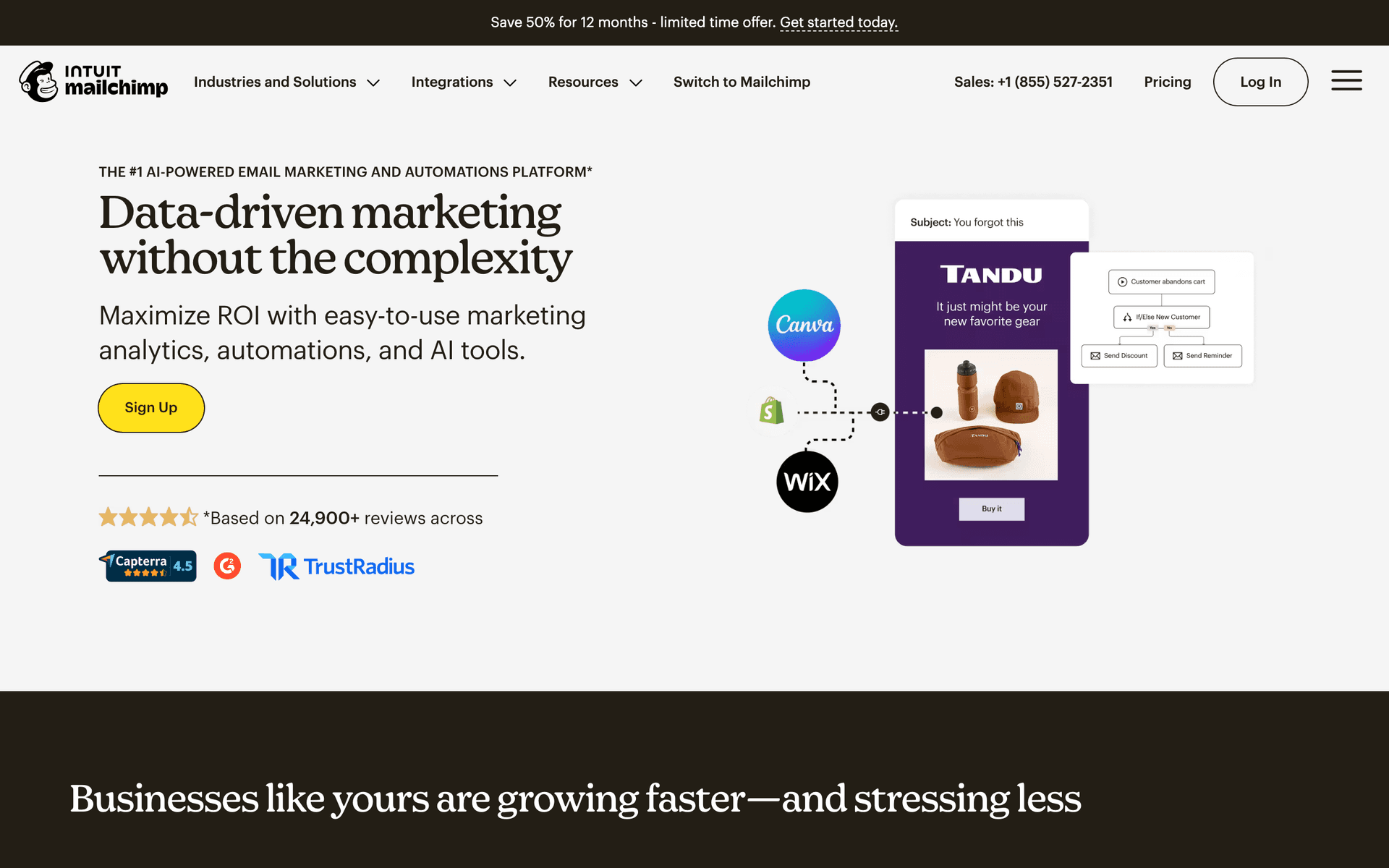
Mailchimp is the name everyone in the inspection industry recognizes, and many inspectors start here because it feels safe. For home inspectors, the template library works well for monthly newsletters to realtors - you can build a professional-looking update with inspection tips and market insights fairly quickly. The free tier helps you get started without risk, but the real frustration hits when your contact list crosses 500 and you start paying. Inspectors who have been in business for years and have 1,500+ realtor and past client contacts will find Mailchimp's pricing punishing because it charges by contacts stored, not emails sent. The interface can also feel cluttered when all you want to do is send a simple post-inspection follow-up. Deliverability is strong, and the analytics help you see which realtors are actually opening your emails.

Best for
Inspectors wanting a well-known platform
Pricing
Free up to 500 contacts, then $13-350/month

Pros

  • Extensive templates
  • Many integrations
  • Strong deliverability
  • Good analytics

Cons

  • Gets expensive fast
  • Interface overwhelming
  • Support has declined
  • Not designed for services
#3
Constant Contact

Long-standing email platform popular with small businesses.

Visit

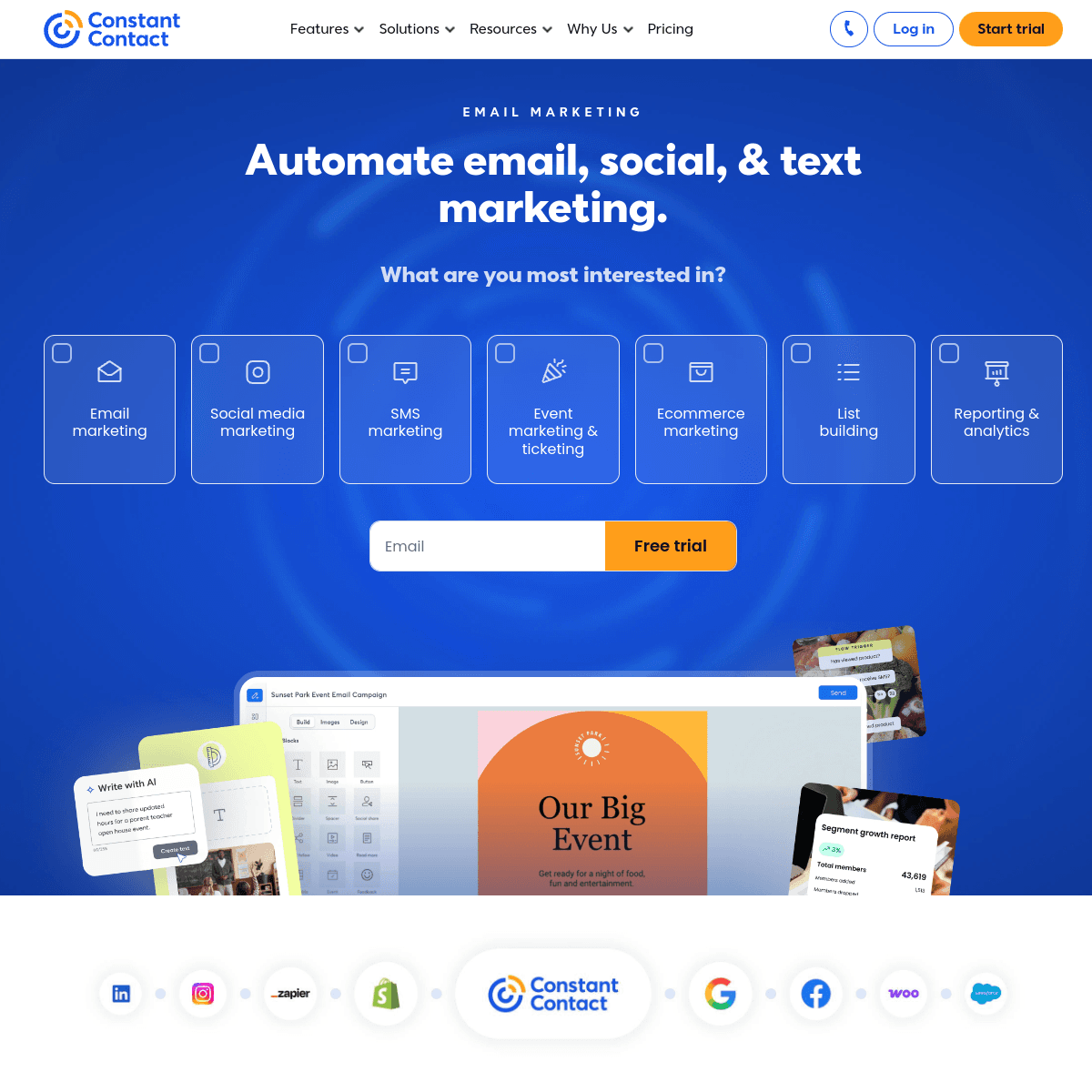
Constant Contact is the platform many inspectors choose when they want a real person to call for help. Their phone support is genuinely helpful - you can call and ask how to set up a realtor nurture sequence and they will walk you through it step by step. For home inspectors who are not tech-savvy, that human support matters more than feature lists. The platform handles simple email newsletters well, and the event management tools are surprisingly useful for inspectors who attend real estate association meetings or host CE classes for agents. The downsides are limited automation (you cannot build complex conditional sequences) and templates that feel a bit dated compared to newer platforms. Pricing runs higher than some alternatives for what you get, but the support experience often justifies the premium.

Best for
Inspectors wanting simple email with phone support
Pricing
From $12/month for 500 contacts

Pros

  • Very easy to use
  • Excellent phone support
  • Event management
  • Social integration

Cons

  • Limited automation
  • Dated templates
  • Higher prices
  • Basic segmentation
#4
ActiveCampaign

Powerful automation platform with a learning curve.

Visit

ActiveCampaign offers the most sophisticated automation on this list, and for larger inspection companies with office staff, it can be powerful. You can build sequences that branch based on inspection type (commercial vs. residential), property value tier, or even which realtor referred the client. The built-in CRM tracks your agent relationships and scores them by engagement level. However, for a solo inspector who just wants to send monthly newsletters and post-inspection follow-ups, ActiveCampaign is like using a bulldozer to plant a garden. The learning curve is steep - expect to spend a full weekend getting comfortable with the automation builder. The per-contact pricing also adds up quickly. Best suited for multi-inspector companies with someone in the office who can dedicate time to managing it.

Best for
Larger inspection companies with dedicated admin staff
Pricing
From $29/month for 1,000 contacts

Pros

  • Excellent automation
  • CRM included
  • Great deliverability
  • Detailed scoring

Cons

  • Steep learning curve
  • Overkill for small operations
  • Complex interface
  • Price jumps with features
#5
Brevo

Formerly Sendinblue. Good value with transactional email included.

Visit

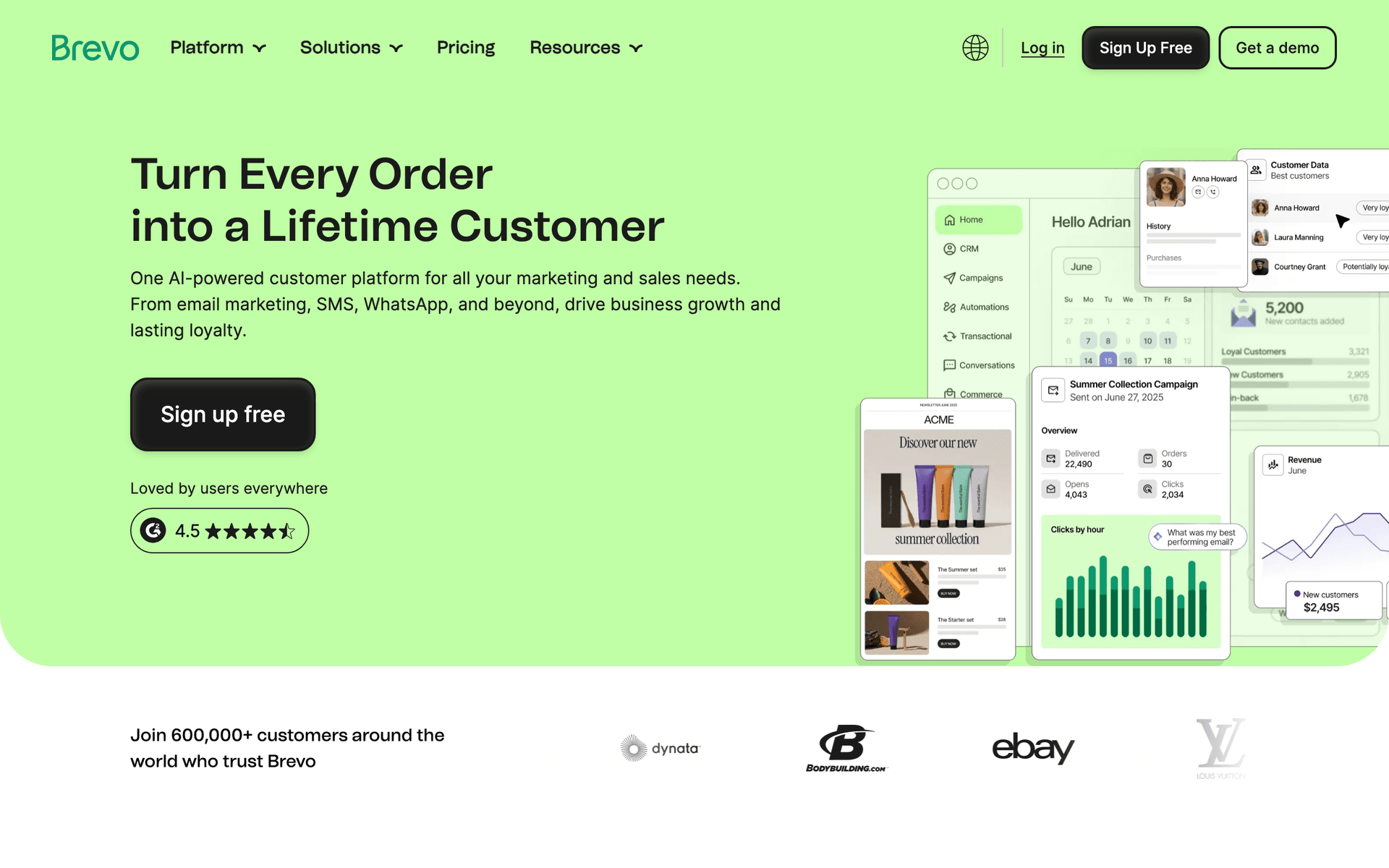
Brevo offers solid value for budget-conscious inspectors. The free tier gives you 300 emails per day, which covers most small inspection businesses. The standout feature for inspectors is the included SMS capability - you can send text appointment reminders alongside your email campaigns without paying for a separate service. For inspectors who want to text clients the morning of an inspection and email them the report link afterward, having both channels in one platform is convenient. The automation builder handles basic post-inspection sequences well. The main downsides are slower customer support response times and daily sending limits on the free tier that can be frustrating during busy seasons.

Best for
Budget-conscious inspectors needing email and SMS
Pricing
Free up to 300 emails/day, then from $25/month

Pros

  • SMS included
  • Generous free tier
  • Transactional included
  • Good automation

Cons

  • Daily limits on free
  • Support can be slow
  • Limited integrations
  • Branding on free tier
#6
MailerLite

Clean, simple email marketing with good automation.

Visit

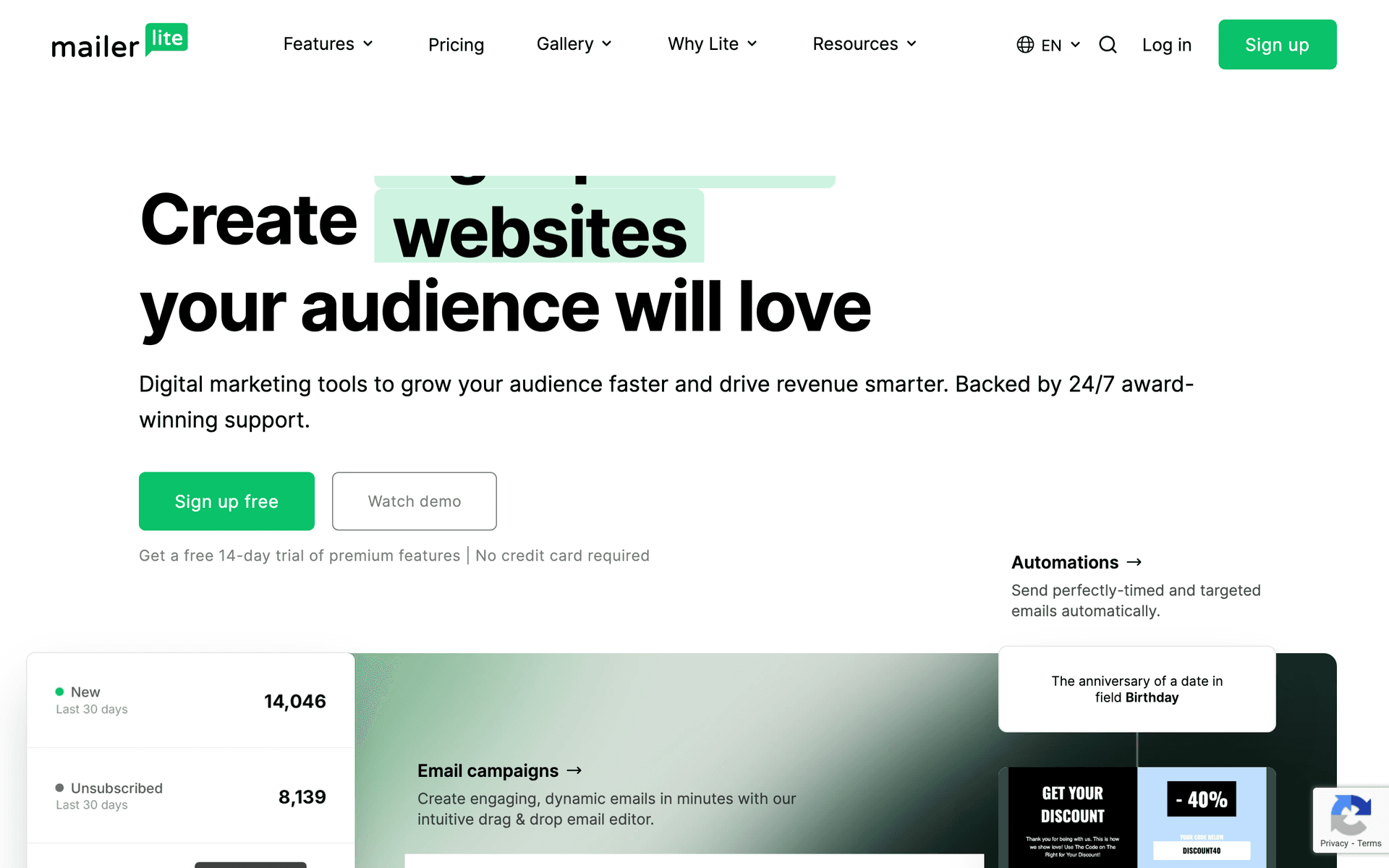
MailerLite is my recommendation for inspectors who want simple and affordable without sacrificing automation. The interface is the cleanest of any tool on this list - you can build a realtor newsletter or set up a post-inspection follow-up sequence without watching tutorial videos. The free tier supports 1,000 subscribers with real automation, which covers most solo inspectors for the first year or two. Landing pages are included, useful if you want to create a realtor referral page or a homeowner resource page. The strict account approval process can be frustrating (they review your business before activating your account), but once approved, it just works. Basic reporting means you will not get deep analytics, but for most inspectors, knowing open rates and click rates is sufficient.

Best for
Inspectors wanting simplicity and affordability
Pricing
Free up to 1,000 subscribers, then from $10/month

Pros

  • Very affordable
  • Clean interface
  • Good landing pages
  • Generous free tier

Cons

  • Strict approval
  • Limited advanced features
  • Basic reporting
  • Approval can take time
#7
Drip

E-commerce focused. Not ideal for service businesses.

Visit

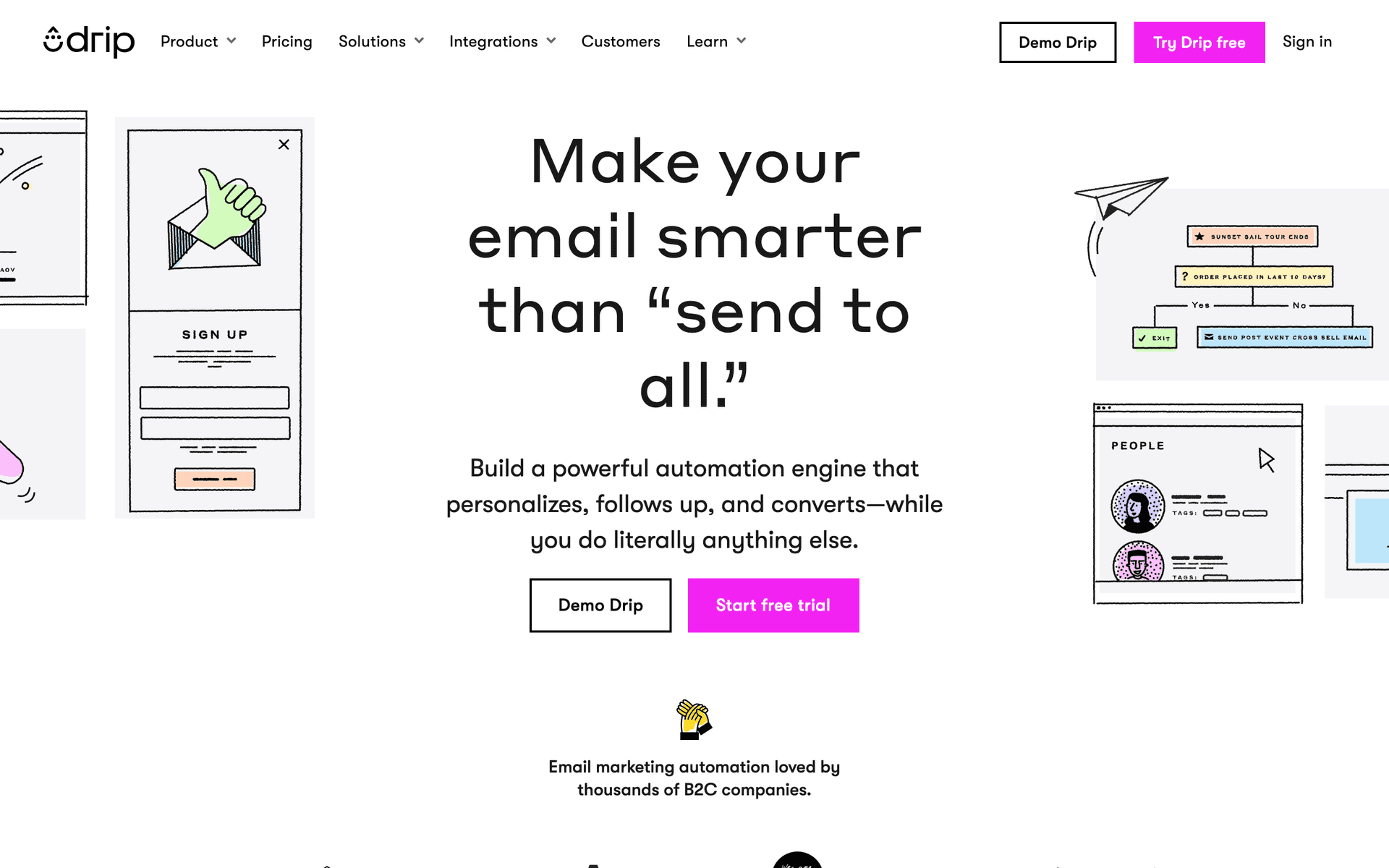
Drip was built for online stores selling products, and it shows in every feature. The revenue tracking, product recommendations, and abandoned cart workflows are impressive but completely irrelevant to home inspection. Unless you are selling inspection courses, training materials, or educational products online, there are much better options for service-based inspection businesses. The e-commerce tracking features you are paying $39/month for will sit unused. Even the automation templates are geared toward purchase behavior rather than service relationships. Save your money for a tool that understands service business workflows.

Best for
Inspectors selling courses or products online
Pricing
From $39/month for 2,500 contacts

Pros

  • Strong automation
  • Revenue tracking
  • E-commerce features
  • Detailed analytics

Cons

  • Built for e-commerce
  • Expensive
  • Wrong focus for services
  • Learning curve
#8
GetResponse

All-in-one marketing platform with webinars and landing pages.

Visit

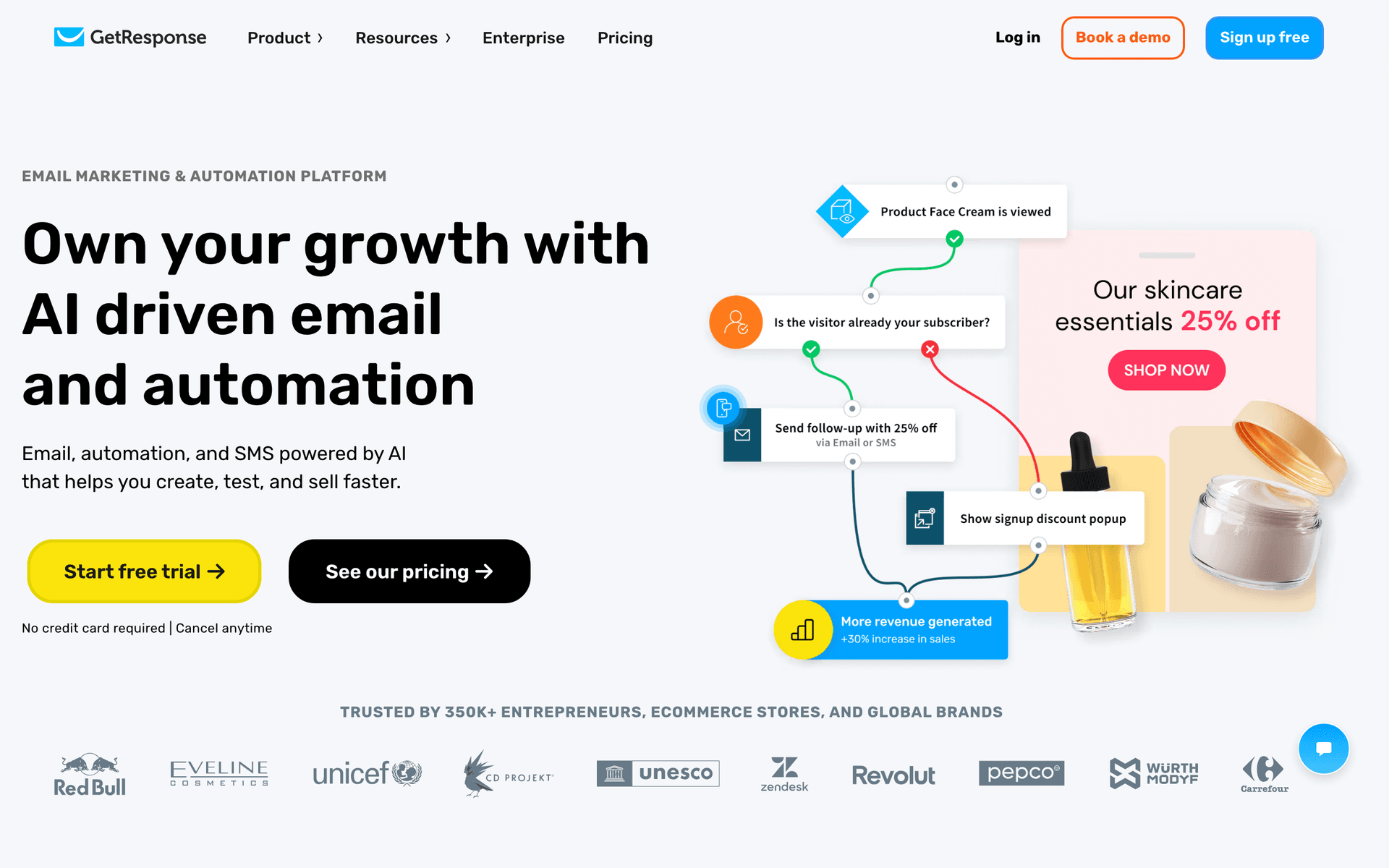
GetResponse bundles email, landing pages, and webinar hosting into one platform. For home inspectors, the landing page builder is genuinely useful - you can create referral pages for realtor events or capture pages for homeowner workshops. The webinar feature could work if you host educational sessions for real estate agents about what inspectors look for. However, many inspectors end up paying for webinar and e-commerce features they never use. The email editor is functional but not as intuitive as MailerLite or Sequenzy. At $19/month for 1,000 contacts, it is reasonable if you actually use the extras.

Best for
Inspectors wanting landing pages and webinar capabilities
Pricing
From $19/month for 1,000 contacts

Pros

  • Landing page builder
  • Automation templates
  • Webinar hosting
  • Competitive pricing

Cons

  • Busy interface
  • Email editor could improve
  • Support varies
  • Unused features
#9
AWeber

One of the original email platforms. Simple and reliable.

Visit

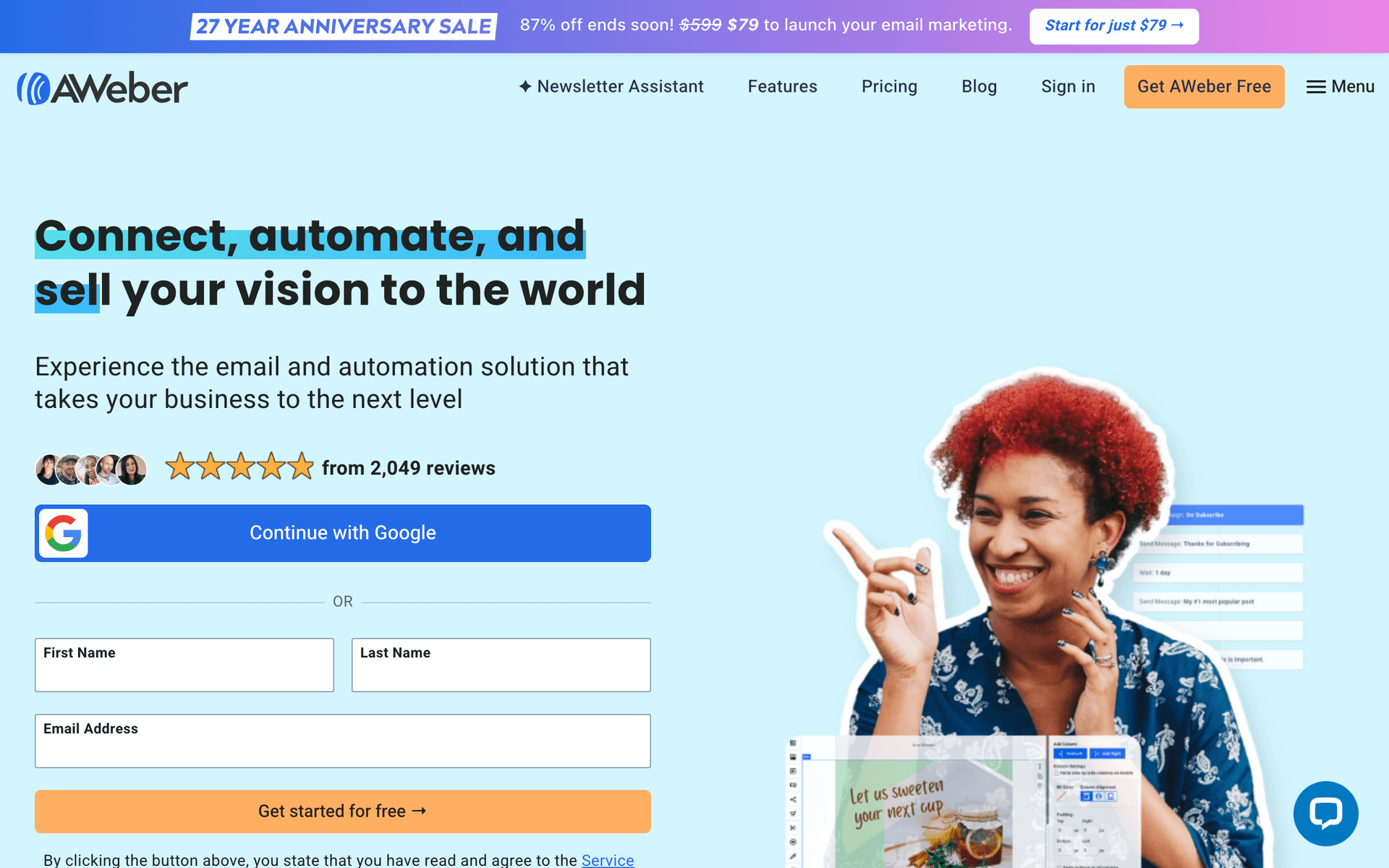
AWeber has been sending emails since 1998, which means it has outlasted most of its competitors on reliability alone. For home inspectors who just want to send a monthly newsletter and basic follow-ups without learning new software, AWeber delivers consistency. The interface feels dated compared to modern tools, but the deliverability is excellent - your emails actually reach inboxes. The free tier covers 500 subscribers, which is enough to get started. Where AWeber falls short is automation and modern features. You will not build sophisticated realtor nurture sequences here, but your simple newsletters will arrive reliably.

Best for
Inspectors wanting no-frills reliability
Pricing
Free up to 500 subscribers, then from $15/month

Pros

  • Reliable deliverability
  • Simple to use
  • Good support
  • Long track record

Cons

  • Feels dated
  • Limited automation
  • Basic templates
  • Little innovation
#10
ConvertKit

Built for creators. Not ideal for home inspection.

Visit

ConvertKit (now Kit) was designed for bloggers, YouTubers, and content creators. Unless you run a popular home inspection tips blog or YouTube channel with a significant following, there are better options for service businesses. The minimalist email templates look sparse for professional correspondence with realtors who expect polished communication. The tag-based subscriber management is powerful but oriented toward content consumption patterns, not service business workflows. If you are one of the rare inspectors who has built a content brand around inspection education, ConvertKit works well for that specific use case.

Best for
Inspectors who create educational content
Pricing
Free up to 1,000 subscribers, then from $29/month

Pros

  • Great for newsletters
  • Clean management
  • Tag-based automation
  • Creator features

Cons

  • Not for service businesses
  • Limited design
  • No free landing pages
  • Wrong focus
#11
HubSpot

Enterprise marketing platform with email included.

Visit

HubSpot is the enterprise solution that multi-inspector franchise operations with dedicated marketing teams might consider. For typical independent inspectors or small companies, it is massive overkill. The free CRM is genuinely useful for tracking realtor relationships, but the moment you need marketing automation features, pricing jumps to $50/month and realistically $200+ for anything meaningful. The setup complexity alone will consume days that a solo inspector should spend doing inspections. Only consider HubSpot if you have 10+ inspectors and a marketing person on staff.

Best for
Multi-location inspection franchises
Pricing
Free basic, paid from $50/month (realistically $200+)

Pros

  • Full CRM
  • Great for teams
  • Excellent reporting
  • Many integrations

Cons

  • Overkill for most inspectors
  • Expensive
  • Complex setup
  • Ecosystem commitment
#12
Moosend

Budget email marketing with solid features.

Visit

Moosend is the budget-friendly option that punches above its weight. Starting at $9/month for 500 subscribers, you get automation workflows, landing pages, and decent reporting - features that some competitors charge three times more for. For inspectors who want functional email marketing at the lowest possible cost, Moosend delivers reasonable value. The trade-offs are a smaller template library, fewer integrations with other business tools, and a less well-known brand. But if keeping costs low is your priority and you just need to send realtor updates and client follow-ups, Moosend handles it.

Best for
Very price-conscious inspectors
Pricing
From $9/month for 500 subscribers

Pros

  • Very affordable
  • Good automation
  • Responsive support
  • Landing pages

Cons

  • Less known
  • Limited integrations
  • Smaller templates
  • Fewer features
#13
Campaign Monitor

Professional email marketing with beautiful templates.

Visit

Campaign Monitor has the best-looking email templates of any platform on this list. For inspection companies that prioritize professional brand presentation - especially when communicating with high-end realtors and luxury market clients - the polished appearance delivers credibility. Your newsletters will look sharp and your branding will be consistent. The automation is limited compared to ActiveCampaign or Sequenzy, so do not expect complex conditional sequences. Contact-based pricing means costs grow with your list. Best for inspectors who value aesthetics and serve a premium market where first impressions in email matter.

Best for
Inspectors prioritizing professional email design
Pricing
From $9/month for 500 contacts

Pros

  • Beautiful templates
  • Professional emails
  • Reliable delivery
  • Link review

Cons

  • Contact-based pricing
  • Limited automation
  • Gets expensive
  • Not inspection-specific

Feature Comparison

FeatureSequenzyMailchimpConstant ContactActiveCampaign
Realtor nurture sequences
Post-inspection follow-up
Basic
AI content generation
Drag-and-drop editor
Automation workflows
Basic
SMS marketing
Free tier available

Common Mistakes to Avoid

We see these mistakes over and over. Skip the learning curve and avoid these from day one.

Sending the same email to agents and homeowners

A realtor does not care about gutter cleaning tips, and a homeowner does not need to know about your fast turnaround times for agents. One-size-fits-all emails get ignored by both audiences. Always segment.

Only emailing when you need business

If agents only hear from you during slow months, they notice. Consistent monthly communication builds trust. Going silent for six months and then asking for referrals feels transactional.

Writing overly technical inspection content

Homeowners do not understand GFCI outlets or TPR valves. Translate inspection jargon into plain language. Instead of 'GFCI protection missing in wet locations,' write 'electrical safety upgrade needed in your bathroom.'

Neglecting mobile-friendly emails

Most realtors read email on their phones between showings. If your email does not render well on mobile, it gets deleted. Always preview on a phone screen before sending.

Forgetting to include a clear call to action

Every email should have one specific thing you want the reader to do - schedule an inspection, leave a review, refer a friend, or read a guide. Vague emails without direction get skimmed and forgotten.

Email Sequences Every Home Inspector Needs

These are the essential automated email sequences that will help you grow your business and keep clients coming back.

Realtor Partner Nurturing

After meeting a new real estate agent

Build lasting relationships with realtors who can send you consistent referrals.

Same day
Great meeting you, {{first_name}}

Thank them for connecting. Share your inspection philosophy briefly.

Day 7
5 things I check that save your clients headaches

Educational content showing your thoroughness and expertise.

Day 14
How I help your transactions close smoothly

Explain your availability, turnaround time, and communication style.

Day 30
Quick question about your inspection needs

Ask about their preferences. Show you want to make their job easier.

Post-Inspection Follow-Up

After completing an inspection

Stay connected with homeowners and turn them into referral sources.

Same day
Your inspection report is ready, {{first_name}}

Deliver the report and offer to answer questions.

Day 7
Questions about your inspection findings?

Check in. Offer clarification on any items in the report.

Day 30
How is your new home treating you?

Friendly follow-up. Ask for a review if they are satisfied.

Homeowner Maintenance Tips

Seasonal calendar (quarterly)

Provide ongoing value to past clients with seasonal home care reminders.

Spring
Spring home maintenance checklist

HVAC filters, gutter cleaning, exterior inspection tips.

Summer
Summer home care reminders

AC maintenance, deck inspection, pest prevention.

Fall
Prepare your home for winter

Heating system, weatherization, roof inspection before snow.

Winter
Winter home protection tips

Pipe freezing prevention, snow load awareness, furnace care.

Referral Request Campaign

60 days after positive inspection experience

Turn satisfied clients into active referral sources.

Day 0
A quick favor, {{first_name}}?

Ask if they know anyone buying a home who needs an inspector.

Day 7
Know anyone house hunting?

Remind them you appreciate referrals. Make it easy to share your info.

Day 14
Your friends deserve a thorough inspection too

Final gentle ask. Offer to send business cards or a referral link.

How to Choose the Right Email Tool for Your Inspection Business

The best email marketing tool depends on your specific inspection business model, and there is no universal right answer. Here are the factors that matter most.

Business Size and Structure

Solo inspectors need simple, mobile-friendly tools they can manage from their truck between jobs. If you are running a one-person operation, you do not need enterprise features - you need something you will actually use consistently. Sequenzy, MailerLite, and Brevo are ideal for solo operators.

Multi-inspector companies with office staff can handle more complex platforms. If you have someone in the office managing marketing, ActiveCampaign's CRM and advanced automation are worth the learning curve. Franchise operations with dedicated marketing teams should consider HubSpot.

Realtor Relationship Focus

If agent relationships drive most of your business (and for most inspectors, they do), choose a tool with strong automation for nurturing those partnerships over time. You need the ability to set up a multi-touch realtor nurture sequence that runs automatically when you meet a new agent. Sequenzy and ActiveCampaign handle this best.

Budget Reality

Most inspection businesses run lean. Before committing to any platform, calculate the actual monthly cost at your expected contact list size, not the starting price. An inspector with 2,000 contacts (accumulated over years of inspections) will pay significantly more on platforms that charge per contact versus platforms that charge per email sent. If you email your list once a month, pay-per-email pricing saves you money.

What Actually Works for Home Inspectors

After talking to dozens of inspection business owners about email marketing, several patterns emerge consistently.

Realtor Relationships Are Everything

Consistent, valuable communication with agents generates more business than any other marketing activity. The inspectors who email their realtor list monthly with genuinely helpful content - common defects they are finding, tips for preparing buyers for inspections, or local market-specific issues - consistently report stronger referral pipelines than those who rely on phone calls alone.

The key word is "valuable." Agents receive hundreds of emails weekly. Your email needs to give them something they can use with their clients, not just remind them you exist.

Follow-Up Creates Referrals

Homeowners who feel cared for after the inspection refer friends and family at dramatically higher rates. The follow-up sequence matters more than the initial contact. A simple three-email sequence - report delivery, check-in at one week, and review request at two weeks - turns a one-time transaction into a long-term relationship.

Seasonal Content Keeps You Relevant

Home maintenance tips throughout the year keep you top-of-mind when someone asks for an inspector recommendation. Spring and fall are natural touchpoints (AC prep, heating prep), but summer deck and pest tips and winter pipe-freezing prevention emails fill in the gaps. Quarterly is the minimum frequency to maintain awareness.

Integration Recommendations for Home Inspectors

Inspection Software Integration

If you use inspection software like Spectora, HomeGauge, or InspectIT, look for email tools that can receive data from these platforms. Some inspection tools can automatically trigger emails when reports are completed - connecting your inspection software to your email platform automates the entire post-inspection follow-up process.

CRM Coordination

For inspectors managing realtor relationships actively, having a CRM that syncs with your email tool prevents duplicate data entry. ActiveCampaign includes a CRM. HubSpot's free CRM works with any email tool. At minimum, keep a spreadsheet of your top 50 referring agents and track which ones engage with your emails.

Review Platforms

Connect your email sequences to your Google Business Profile and Yelp listings. The review request email should deep-link directly to the review form so the recipient can leave a review in under 60 seconds.

Common Email Workflows for Home Inspectors

The New Agent Workflow

  1. Meet agent at networking event or receive referral
  2. Add to email list with "realtor" tag
  3. Automated nurture sequence begins (4 emails over 30 days)
  4. Agent enters monthly newsletter rotation
  5. Track engagement to identify active referral sources

The Post-Inspection Workflow

  1. Complete inspection and deliver report
  2. Automated follow-up email sends same day
  3. Check-in email at 7 days
  4. Review request at 14 days
  5. Client enters quarterly maintenance email list

The Seasonal Campaign Workflow

  1. Create seasonal maintenance checklist (spring, summer, fall, winter)
  2. Send to all past clients quarterly
  3. Include a referral prompt in each email
  4. Track which seasonal emails drive the most referral inquiries

Getting Started Guide

Pick a tool from this list. Then follow this exact sequence to get results within 30 days:

  1. Week 1: Import your realtor and past client contacts into separate lists. Tag agents by geographic area if you serve multiple zones.
  2. Week 2: Set up a post-inspection follow-up sequence with three emails (report delivery, one-week check-in, two-week review request). This is your highest-ROI automation.
  3. Week 3: Create a monthly realtor newsletter template. Include a section for "common findings this month," a seasonal tip, and a reminder of your availability and turnaround time.
  4. Week 4: Build your first quarterly homeowner maintenance email. Send it immediately to all past clients to restart those dormant relationships.

After the first month, add a realtor nurture sequence for new agents you meet, and set up quarterly seasonal emails on a calendar. Start with the basics and expand as you see which content resonates with your audience.

What a Healthy Email List Looks Like

For a solo home inspector doing 200-300 inspections per year, a healthy email list after two to three years typically includes:

  • 100-300 real estate agents with a 30-40% open rate
  • 500-1,000 past clients with a 25-30% open rate
  • Monthly newsletter to both segments (separate content)
  • Quarterly seasonal emails to homeowners
  • Automated post-inspection sequence running for every new client

Do not worry about list size. A list of 200 engaged realtors who open your emails is worth more than 2,000 contacts who never read them. Focus on engagement quality over list quantity.

How We Evaluated These Tools

We evaluated each platform by setting up a test account and building the three sequences home inspectors need most - realtor nurture, post-inspection follow-up, and seasonal maintenance. We scored on ease of setup for a non-technical user, quality of automation triggers, mobile editing capability, and total cost at 2,000 contacts sending 4 emails per month.

Frequently Asked Questions

Ready to grow your home inspector practice?

Start your free trial today. Set up your first email sequence in minutes with AI-powered content generation.

Related Industries

Sequenzy - Complete Pricing Guide

Pricing Model

Sequenzy uses email-volume-based pricing. You only pay for emails you send. Unlimited contacts on all plans — storing subscribers is always free.

All Pricing Tiers

  • 2.5k emails/month: Free (Free annually)
  • 15k emails/month: $19/month ($205/year annually)
  • 60k emails/month: $29/month ($313/year annually)
  • 120k emails/month: $49/month ($529/year annually)
  • 300k emails/month: $99/month ($1069/year annually)
  • 600k emails/month: $199/month ($2149/year annually)
  • 1.2M emails/month: $349/month ($3769/year annually)
  • Unlimited emails/month: Custom pricing (Custom annually)

Yearly billing: All plans offer a 10% discount when billed annually.

Free Plan Features (2,500 emails/month)

  • Visual automation builder
  • Transactional email API
  • Reply tracking & team inbox
  • Goal tracking & revenue attribution
  • Dynamic segments
  • Payment integrations
  • Full REST API access
  • Custom sending domain

Paid Plan Features (15k - 1.2M emails/month)

  • Visual automation builder
  • Transactional email API
  • Reply tracking & team inbox
  • Goal tracking & revenue attribution
  • Dynamic segments
  • Payment integrations (Stripe, Paddle, Lemon Squeezy)
  • Full REST API access
  • Custom sending domain

Enterprise Plan Features (Unlimited emails)

  • Visual automation builder
  • Transactional email API
  • Reply tracking & team inbox
  • Goal tracking & revenue attribution
  • Dynamic segments
  • Payment integrations
  • Full REST API access
  • Custom sending domain

Important Pricing Notes

  • You only pay for emails you send — unlimited contacts on all plans
  • No hidden fees - all features included in the price
  • No credit card required for free tier

Contact

  • Pricing Page: https://sequenzy.com/pricing
  • Sales: hello@sequenzy.com